Customer Ratings & Reviews

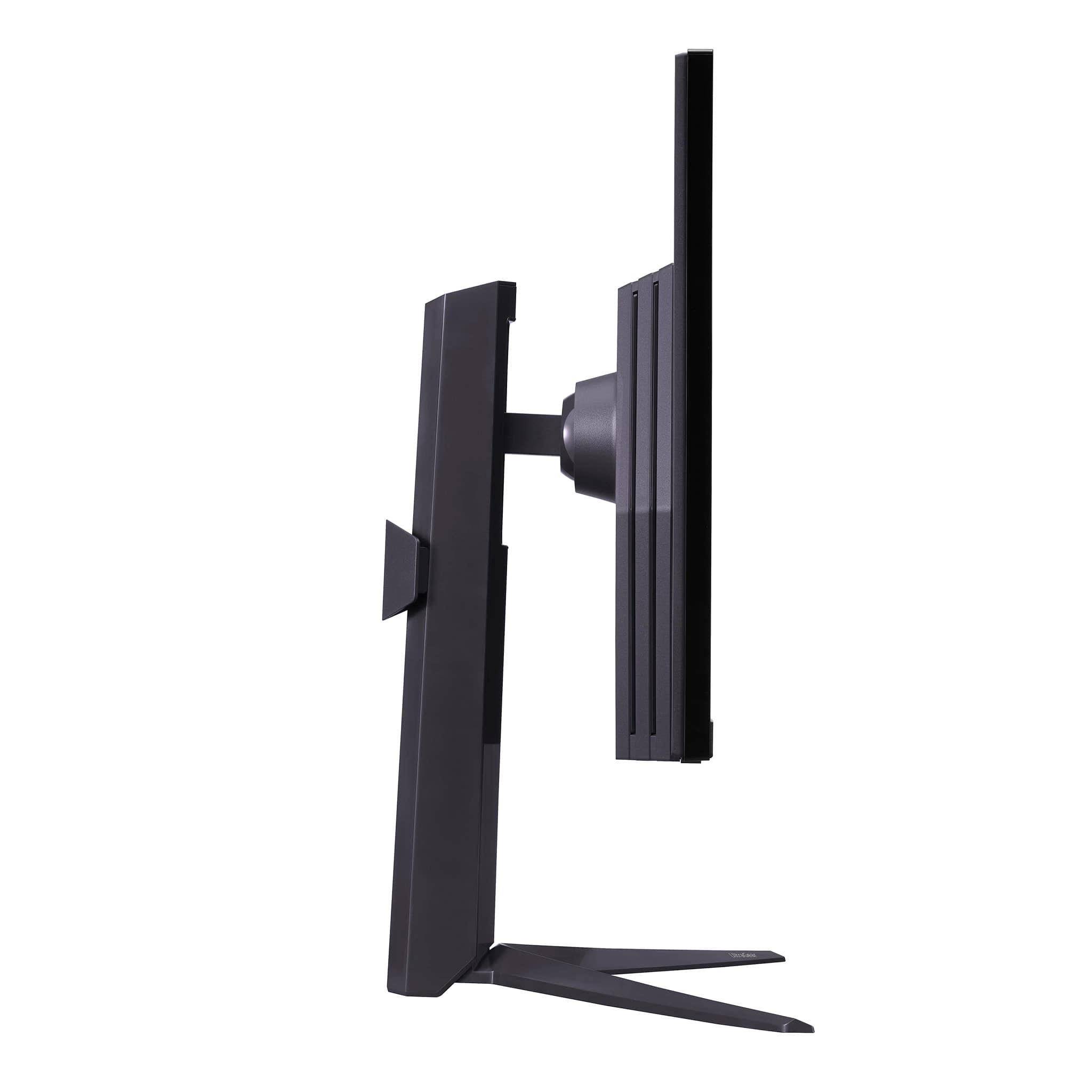
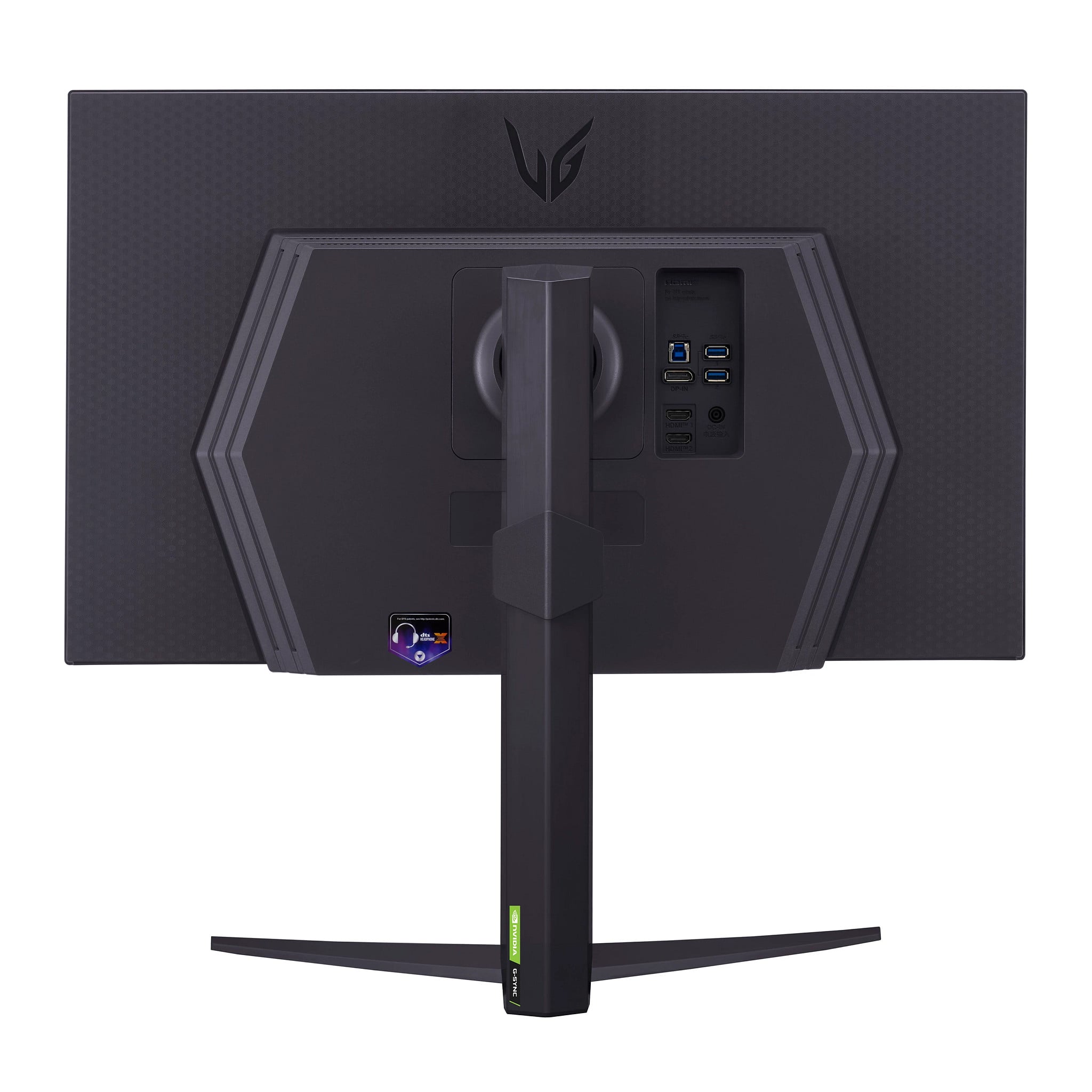
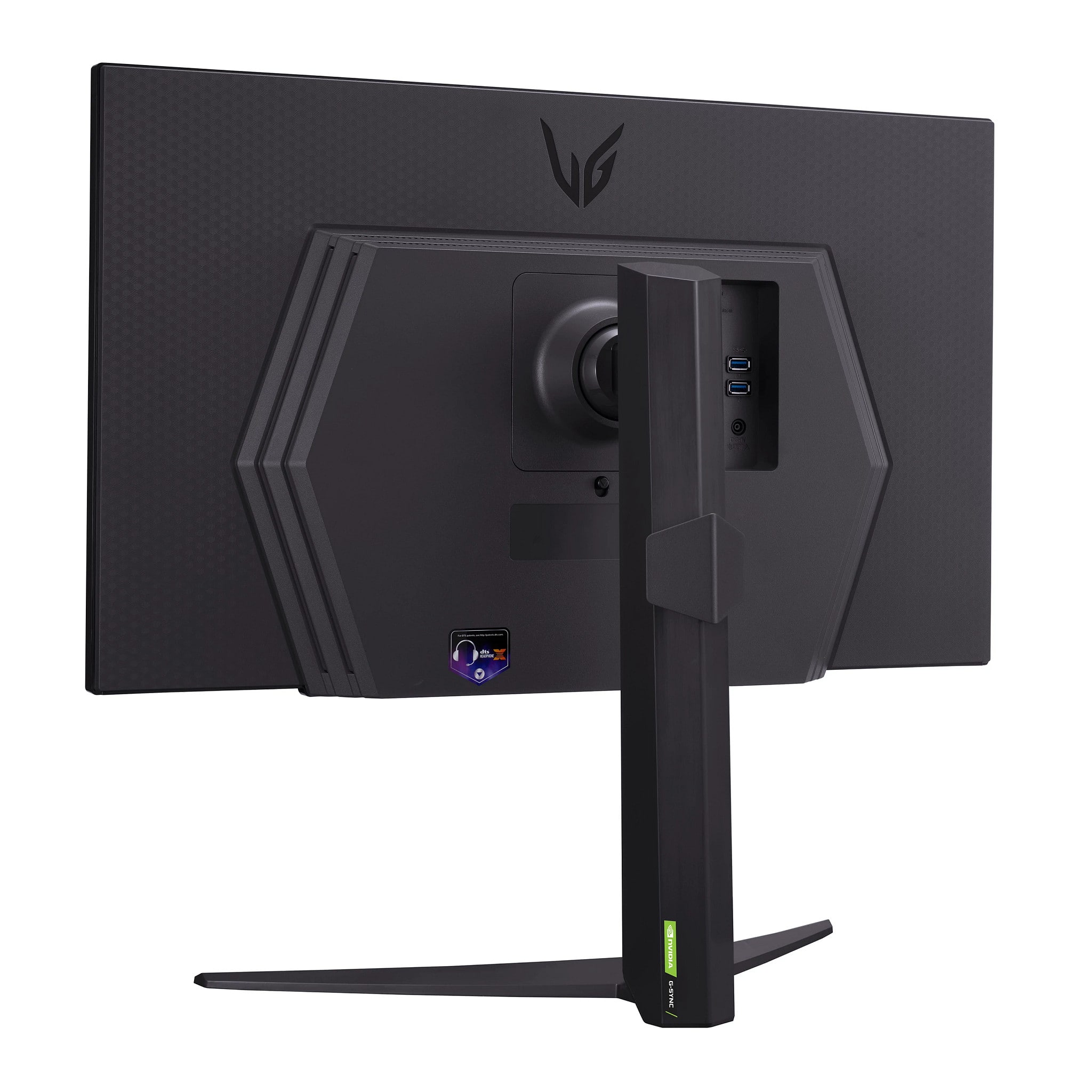
- Model:
- 27GR83Q-B
- SKU:
- 6555703
Rating by feature
- Display Quality
Rating 4.8 out of 5 stars
- Ease of Use
Rating 4.8 out of 5 stars
- Features
Rating 4.7 out of 5 stars
to a friend
Customers are saying
Customers are satisfied with the UltraGear 27" monitor's overall performance, high refresh rate, and good resolution, making it a great value for its price. Many also appreciate the screen size and HDMI options. Some customers have reported concerns about dead pixels and the panel quality, while others mention minimal ghosting. Overall, the monitor seems to be well-received for gaming and general use.
This summary was generated by AI based on customer reviews.
Monitor keeps up
||Posted . Owned for 1 week when reviewed.This reviewer received promo considerations or sweepstakes entry for writing a review.First monitor I’ve purchased but I’m definitely not disappointed in it!
I would recommend this to a friendGreat when it works
||Posted . Owned for 3 months when reviewed.This reviewer received promo considerations or sweepstakes entry for writing a review.I got this monitor for my pc but i currently use it for MLB the Show 25. The monitor screen constantly goes black when im playing and its very frustrating. Id like to know if anyone else has had this issue
No, I would not recommend this to a friendBrand response from LG Digital Customer Care
Posted .Hello there. Thank you for sharing your experience with the LG UltraGear 27" QHD 240Hz Monitor. We understand that the screen performance while gaming didn't meet your expectations. Your feedback is important, and we'd like to assist you further. We understand your inquiry regarding the screen going black. As a troubleshooting step, please try using a different high-quality HDMI or DisplayPort cable to ensure a stable connection.
https://www.bestbuy.com/product/lg-ultragear-27-qhd-240hz-1ms-nvidia-g-sync-and-amd-freesync-premium-with-displayhdr-400-hdmi-displayport-usb-black/JJ8VPZRS8X
For further assistance and any specific concerns you may have, please contact us on lgdigitalcare@lg.sprinklrsupport.com. We appreciate your patience. —Renzo
Good product, Slow Pickup
||Posted . Owned for 3 weeks when reviewed.This reviewer received promo considerations or sweepstakes entry for writing a review.Good price. Good product. Pickup was a littel slow and disorganized.
I would recommend this to a friendpogger
||Posted . Owned for 2 months when reviewed.This reviewer received promo considerations or sweepstakes entry for writing a review.very monitor. so good. many color. so FPS. super ultra
I would recommend this to a friendGreat gaming monitor
||Posted . Owned for 2 weeks when reviewed.This reviewer received promo considerations or sweepstakes entry for writing a review.Great monitor for gaming. Excellent visual quality.
I would recommend this to a friendNephew Christmas Gamer!
||Posted . Owned for 3 weeks when reviewed.This reviewer received promo considerations or sweepstakes entry for writing a review.Very good monitor. My Nephew was very happy Christmas morning!
I would recommend this to a friendLG Monitor Review
||Posted . Owned for 1 month when reviewed.This reviewer received promo considerations or sweepstakes entry for writing a review.Very good monitor overall but mine might be a little defective but it has a little bit of a screen flickering but it is very subtle
I would recommend this to a friendDied after 17 months of ownership.
||Posted . Owned for 1 year when reviewed.This reviewer received promo considerations or sweepstakes entry for writing a review.Display stopped working 17 months after I bought it and LG wants the same price I paid for originally to repair it. I also noticed dead pixels after about 1 year of ownership. Wouldn't recommend to anyone tbh and I'll be avoiding LG products in the future.
No, I would not recommend this to a friendBrand response from LG Digital Customer Care
Posted .Hi, Patrick. Thank you for taking the time to share your experience with the LG Monitor (27GR83Q-B) model. We understand your concern about the display issue and the dead pixels, especially after only 17 months of use. We strive to provide high-quality products that exceed our customers' needs and expectations.
Regarding the display, sometimes issues like this can be related to a malfunctioning component or a software setting. We recommend troubleshooting the connection cables and ensuring the monitor is connected to a stable power source. For more guidance, visit https://www.lg.com/us/support/help-library/lg-monitor-troubleshooting-a-blank-screen--20153188064348. If the problem persists, we’d be happy to explore further steps or even service options.
Please send us a private message on social media @LGUSSupport, and our team will gladly assist you with additional troubleshooting or explore other solutions to help resolve the situation. ^Juvy
Dead Pixels
||Posted . Owned for less than 1 week when reviewed.This reviewer received promo considerations or sweepstakes entry for writing a review.I purchased this monitor during the Black Friday sale and this is the second time I've gotten a dead pixel monitor. Although it's a nice monitor, it arrived with over four dead pixels which appear to be looking like dirt but aren't. Additionally, there is a strange shadow vignette that appears dimmer than the rest of the screen but I'm assuming it's just the ips panel. Unfortunately, this monitor is also up way to high and needs the option to be lowered further. I would recommend it but maybe buy it from LG directly as Best Buy's quality control with monitors seems awful these days
I would recommend this to a friendBrand response from LG Digital Customer Care
Posted .Hello, Beth. We apologize for the inconvenience you've encountered with your LG 27GR83Q-B
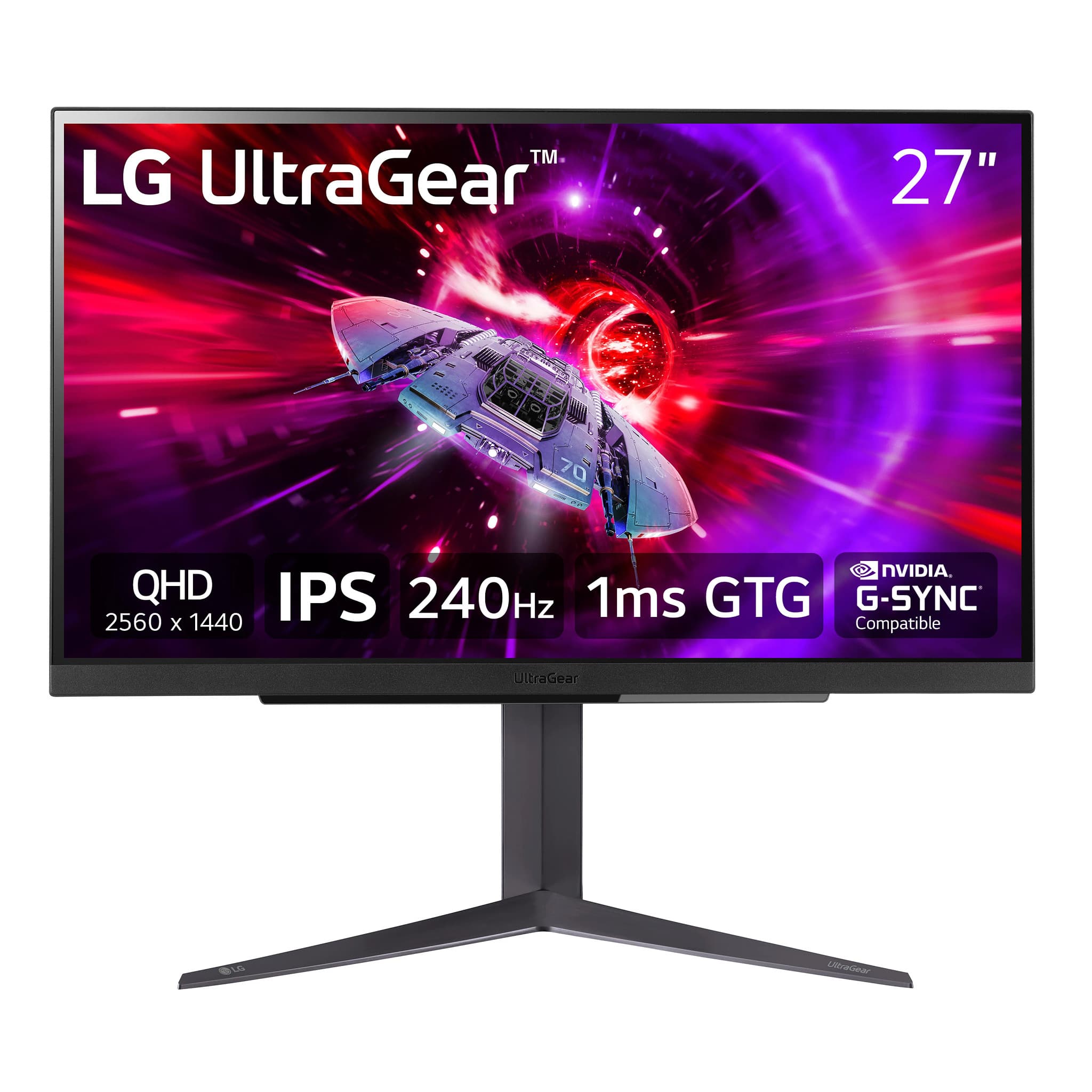
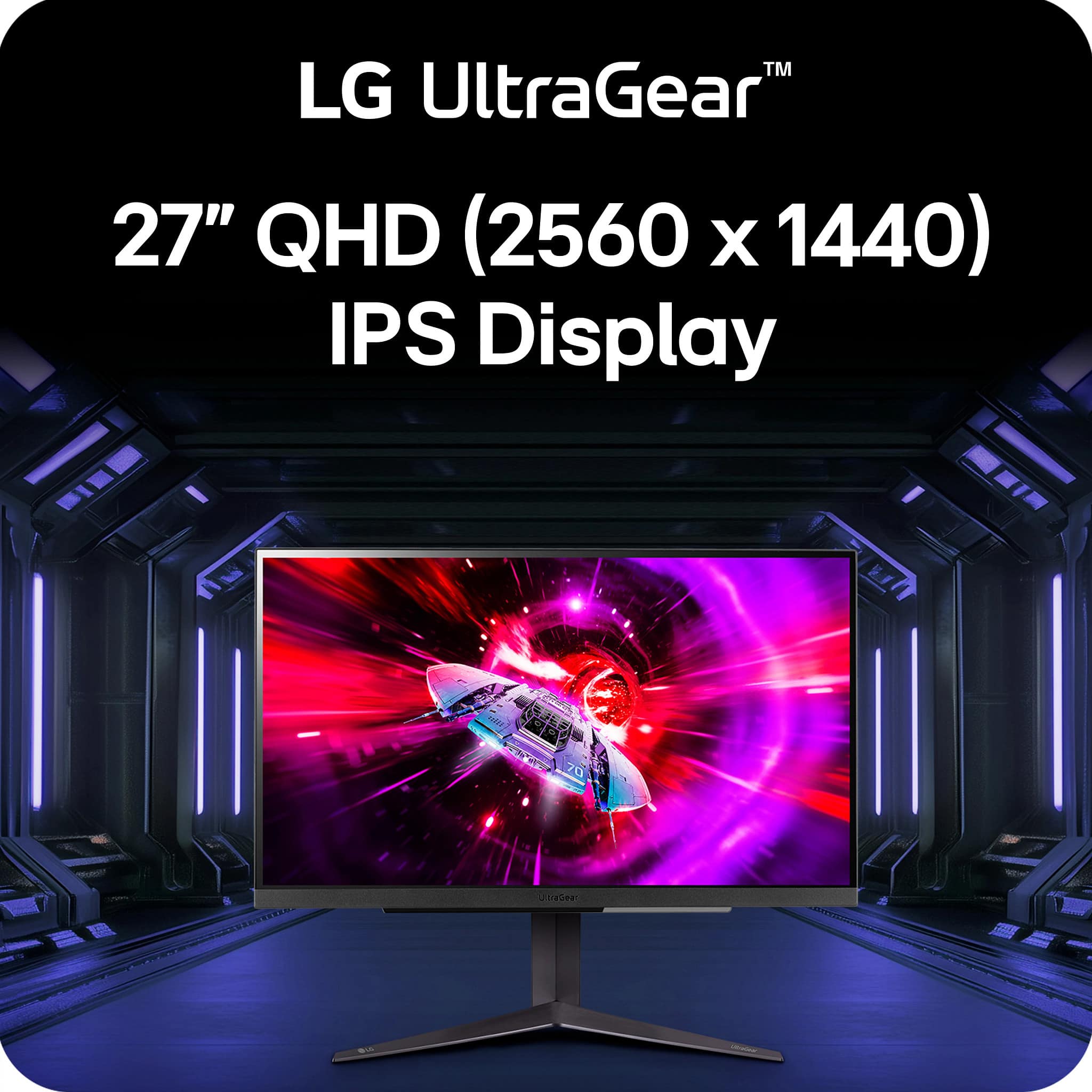
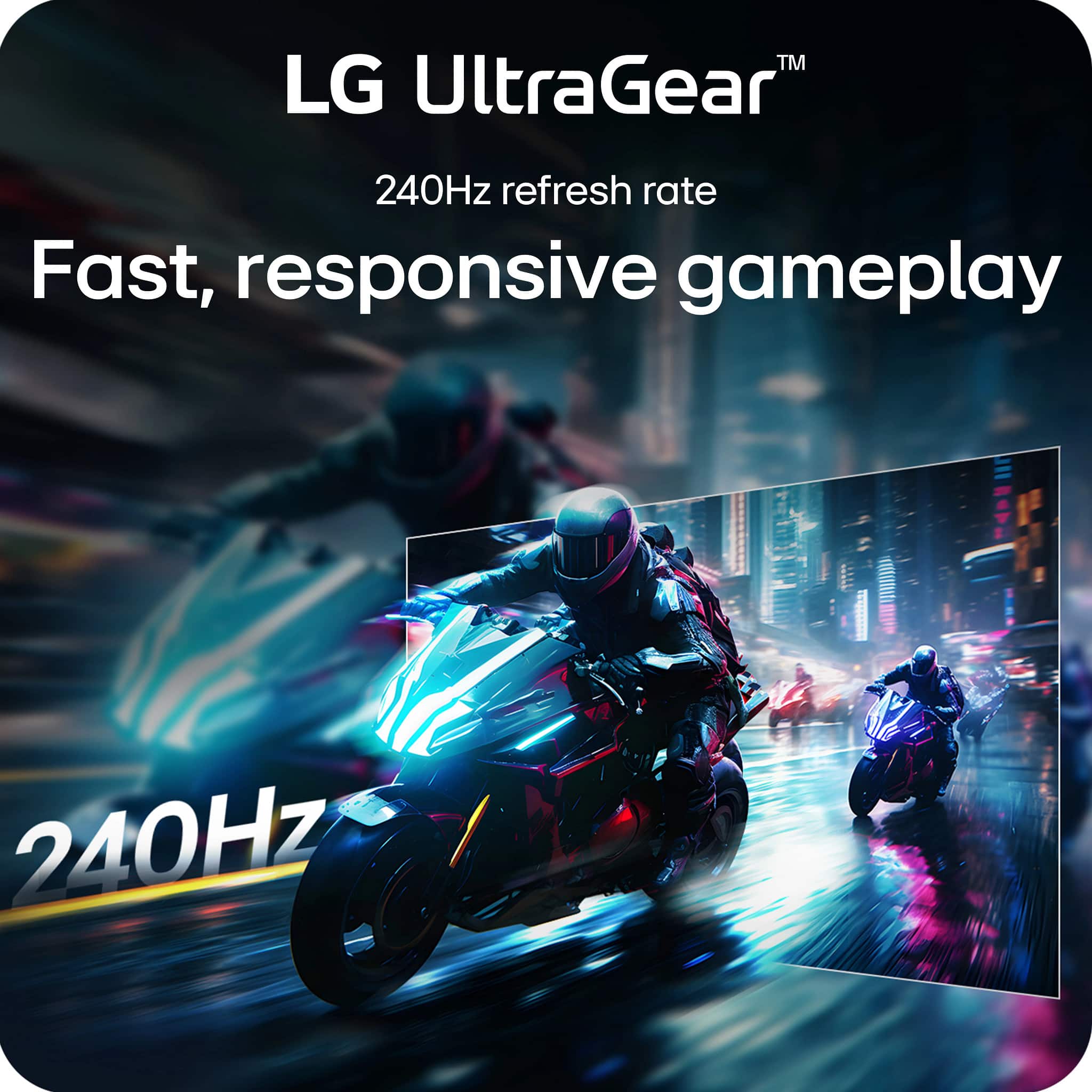
27" UltraGear™ QHD 1ms 240Hz Gaming Monitor with NVIDIA® G-SYNC® Compatible. Our aim is to provide high-quality products, and we regret to hear about the issues you've experienced.
We recommend reaching out to us directly on Facebook or Twitter at @LGUSSupport with your contact details and product information, so that we can assist you promptly. Regarding the dead pixels and the shadow vignette, we take product quality seriously and will work to address these issues for you.
In addition, we appreciate your feedback about the monitor height adjustment, and we will consider this as we continue to improve our product offerings.
Thank you for bringing this to our attention, and we look forward to assisting you further to ensure your satisfaction with our products. ^Luisa
Low contrast
||Posted . Owned for 1 month when reviewed.This reviewer received promo considerations or sweepstakes entry for writing a review.I purchased this in hopes of finally replacing my Acer Predator XB271HU but the contrast on these LG panels is so terrible I had to return this and another I tested.
No, I would not recommend this to a friendShipped with defect
||Posted . Owned for 1 month when reviewed.This reviewer received promo considerations or sweepstakes entry for writing a review.Monitor arrived with 5 large clumps of dust under the screen in very distracting locations. Not going to play the ips lottery with this panel so I returned it
No, I would not recommend this to a friendBrand response from LG Digital Customer Care
Posted .Hi, Timothy. Thank you for sharing your experience with the LG Monitor (27GR83Q-B) model. We appreciate your feedback and apologize for the inconvenience caused by the presence of dust particles under the screen. At LG, we strive to ensure the highest quality standards for our products, including their packaging and shipping. We regret that in this instance, our usual standards were not met. If there's anything else we can do to assist you or if you have further concerns, please reach out to us on social media @LGUSSupport so we can help you further. We are always eager to listen and improve our products and services to ensure your satisfaction. ^Juvy
Damaged item
||Posted . Owned for less than 1 week when reviewed.This reviewer received promo considerations or sweepstakes entry for writing a review.Went to pick up a new montior got home unbox and the screen was damaged took it back to the store the orderd me another one hope that one is ok
I would recommend this to a friendwas good until...
||Posted .This reviewer received promo considerations or sweepstakes entry for writing a review.10 months in, white lines just showed up, and already troubleshoot the hdmi, laptop, there was no issue.
No, I would not recommend this to a friendBrand response from LG Digital Customer Care
Posted .Hi, Ryan. Thank you for reaching out and sharing what’s happening with your LG Monitor (27GR83Q‑B) model. We understand the importance of having a monitor perform reliably, especially after only 10 months of use. A helpful step you can try is performing a power cycle by unplugging the monitor for about 60 seconds, then reconnecting it and testing with a different display port or HDMI cable to rule out signal inconsistencies. For more guidance, visit https://www.lg.com/us/support/product/lg-27GR83Q-B.AUS. If you’d like us to take a closer look or assist further, feel free to email us at lgdigitalcare@lg.sprinklrsupport.com. We're here to help. ^Juvy
Unnecessary
||Posted . Owned for 1 week when reviewed.This reviewer received promo considerations or sweepstakes entry for writing a review.Yeah do not get this monitor unless you got tons of money laying around.
No, I would not recommend this to a friendJust want what I paid for
||Posted . Owned for 2 weeks when reviewed.This reviewer received promo considerations or sweepstakes entry for writing a review.Still waiting on my monitor. Ordered Nov 22nd. Scheduled to be delivered Nov 26th. I've called Best Buy TODAY and I've been hung up on TWO TIMES. I just want my monitor or my money back. Oh, if you want to suggest checking with UPS.. IVE DONE THAT. SEVERAL TIMES. You can't track something that hasn't been given to UPS yet. The shipping label has been printed and that's it. What a joke. Send my monitor or my money back.
No, I would not recommend this to a friendBrand response from LG Digital Customer Care
Posted .Hi, there. Thank you for sharing your experience with us. We understand your concern about waiting on a product like your LG Monitor (27GR83Q-B) model, especially when you're eager to start using it. Since it appears the monitor hasn’t been handed off to UPS yet, we recommend continuing to work with Best Buy customer service at 888-237-8289 as the retailer responsible for fulfillment.
To escalate the situation, you can request to speak directly with a manager at Best Buy or check their online support channels for additional assistance. If you continue to encounter challenges, feel free to reach out to us privately on social media @LGUSSupport with your purchase details. While we can’t directly intervene in the shipping process, we’re happy to provide guidance or explore further options.
We appreciate your patience and hope you’ll receive your monitor soon to enjoy its performance. ^Juvy
Horrible
||Posted .This reviewer received promo considerations or sweepstakes entry for writing a review.Bought 2 years ago and no longer showing any display. Dont waste your time or money
No, I would not recommend this to a friendBrand response from LG Digital Customer Care
Posted .Hi, Drout. Thank you for sharing your experience with the LG Monitor (27GR83Q‑B) model. We understand when a display stops working, especially after only two years of use.
A helpful first step is to check that the monitor’s power cable and adapter are securely connected and that the outlet is functioning. If the power LED is on but the screen remains blank, try connecting the monitor to a different device or using another cable (HDMI/DisplayPort) to rule out signal issues. Performing a power reset—unplugging the monitor for 5 minutes and then reconnecting—can sometimes clear internal faults. More guidance here: https://www.lg.com/us/support/help-library/lg-monitor-troubleshooting-a-blank-screen--20153188064348. If the monitor continues to show no display after these checks, kindly send us an email at lgdigitalcare@lg.sprinklrsupport.com so we can assist you further. ^Juvy
Do not recommend
||Posted . Owned for 3 weeks when reviewed.This reviewer received promo considerations or sweepstakes entry for writing a review.One of two stopped working properly lg is a nightmare to deal with
No, I would not recommend this to a friendBrand response from LG Digital Customer Care
Posted .Hello, Christy. Thank you for sharing your experience with us regarding your LG monitor model 27GR83Q-B. We understand your frustration and appreciate your feedback. To address this issue effectively, please send us a private message on our social media platform via @LGUSSupport. Our team is dedicated to assisting you with resolving the issue promptly. Your satisfaction is important to us, and we're committed to ensuring you have a positive experience with our products. We look forward to working with you to resolve this matter. ^Sam
Horrible monitors! Cords are 4 feet long???
||Posted . Owned for less than 1 week when reviewed.This reviewer received promo considerations or sweepstakes entry for writing a review.What a joke! My 10 year old 23" Dell monitors SMOKE these pieces of garbage! LG is SOOO generous they actually give you a power cord that is 4 feet long? Good luck with that! These pieces of garbage are going RIGHT BACK. Picture quality is so ridiculously bad that 10 year old 60 HZ monitors are three times as crisp! Caveat Emptor!
No, I would not recommend this to a friendBrand response from LG Digital Customer Care
Posted .Hello there! Thank you for sharing your experience with us. We're concerned to hear that you're dissatisfied with the picture quality and power cord length of your 27GR83Q-B monitor. Your feedback is important, and we'd like to assist you further. Ensuring that the monitor settings are optimized and checking the connection cables might help improve the picture quality. Please send us a private message on social media @LGUSSupport, and our team will be more than happy to explore possible solutions. We appreciate your patience. —Junel
Poor customer service
||Posted . Owned for 3 weeks when reviewed.This reviewer received promo considerations or sweepstakes entry for writing a review.Pick up employee was extremely rude. Started to get me a attitude when I asked why I wasn't notified when it came in. Also not being able to call my local store is almost a deal breaker for me ... Very disappointed in service from employee
I would recommend this to a friendBrand response from LG Digital Customer Care
Posted .Hi, ChristopherD. Thank you for taking the time to share your feedback regarding your experience with our customer service on your LG Monitor (27GR83Q) model. We sincerely apologize for the rude behavior displayed by our pick-up employee and any inconvenience caused by the lack of communication. We understand your disappointment and frustration. Your feedback is valuable to us, and we will address this issue to ensure it doesn't happen again. If you have any further concerns or questions, please don't hesitate to reach out to us on Facebook or X (Twitter) using @LGUSSupport. We're here to assist you every step of the way. ^Juvy
Monitor
Posted .This reviewer received promo considerations or sweepstakes entry for writing a review.Great monitor at a good price, the display and responsiveness is great
I would recommend this to a friend