Customer Ratings & Reviews
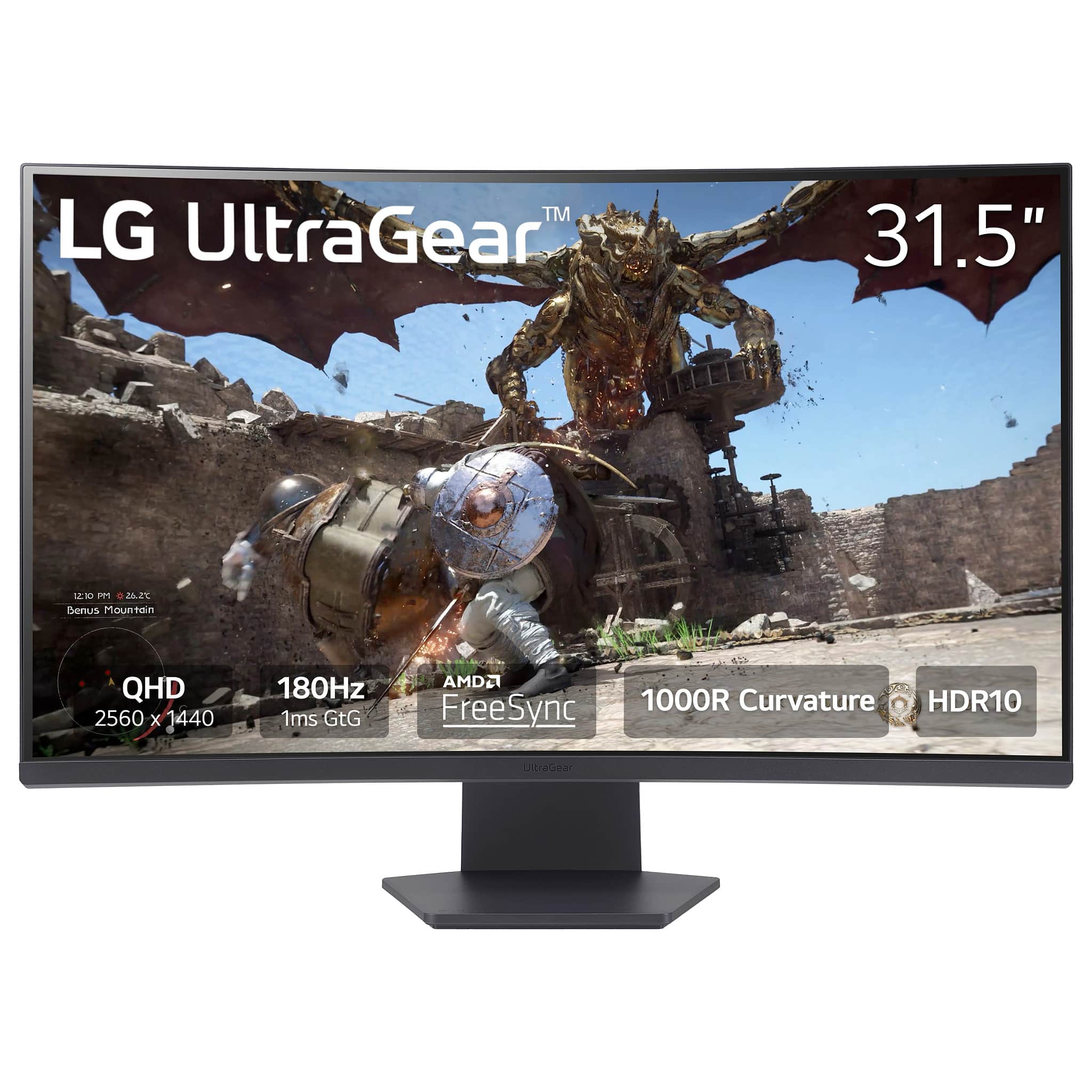

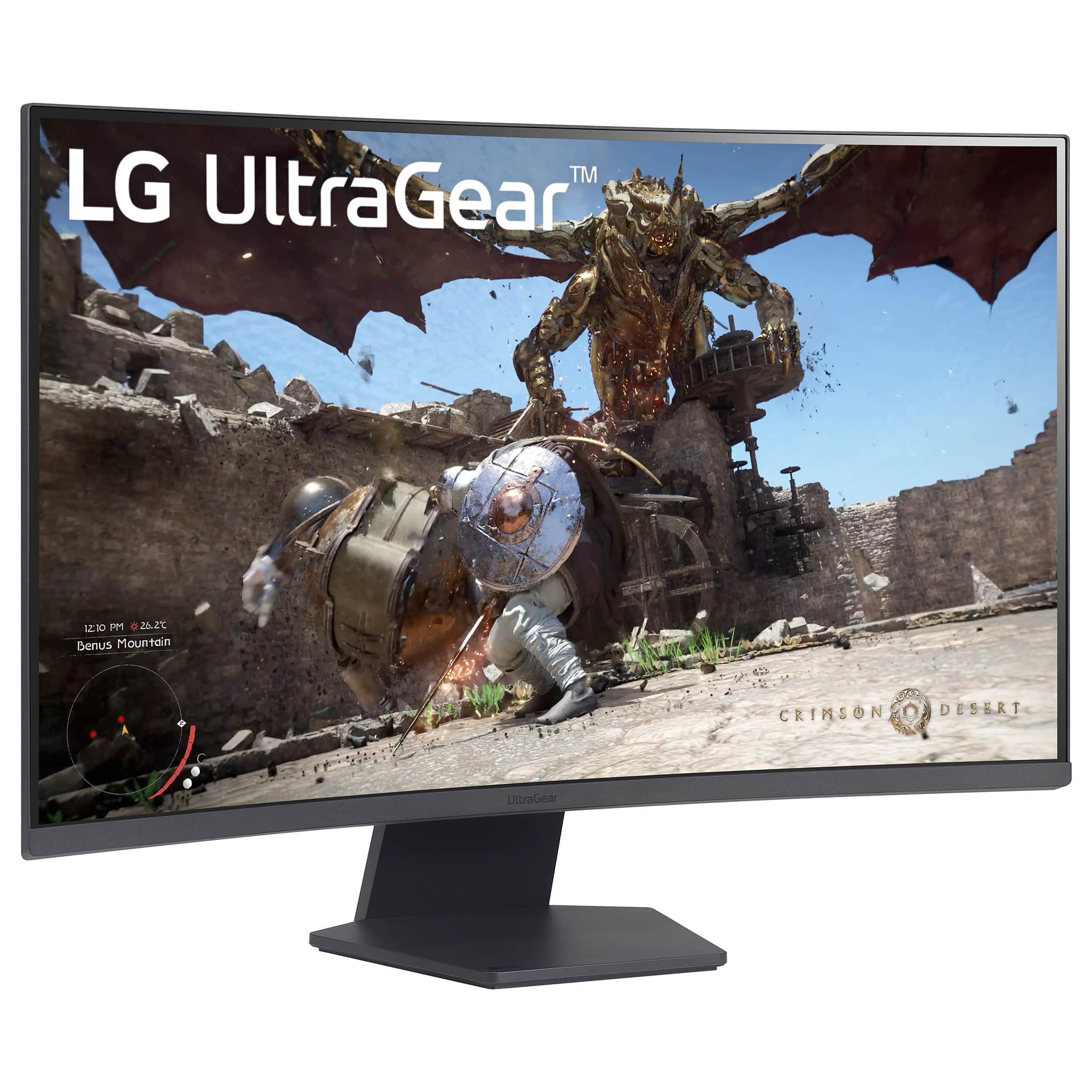
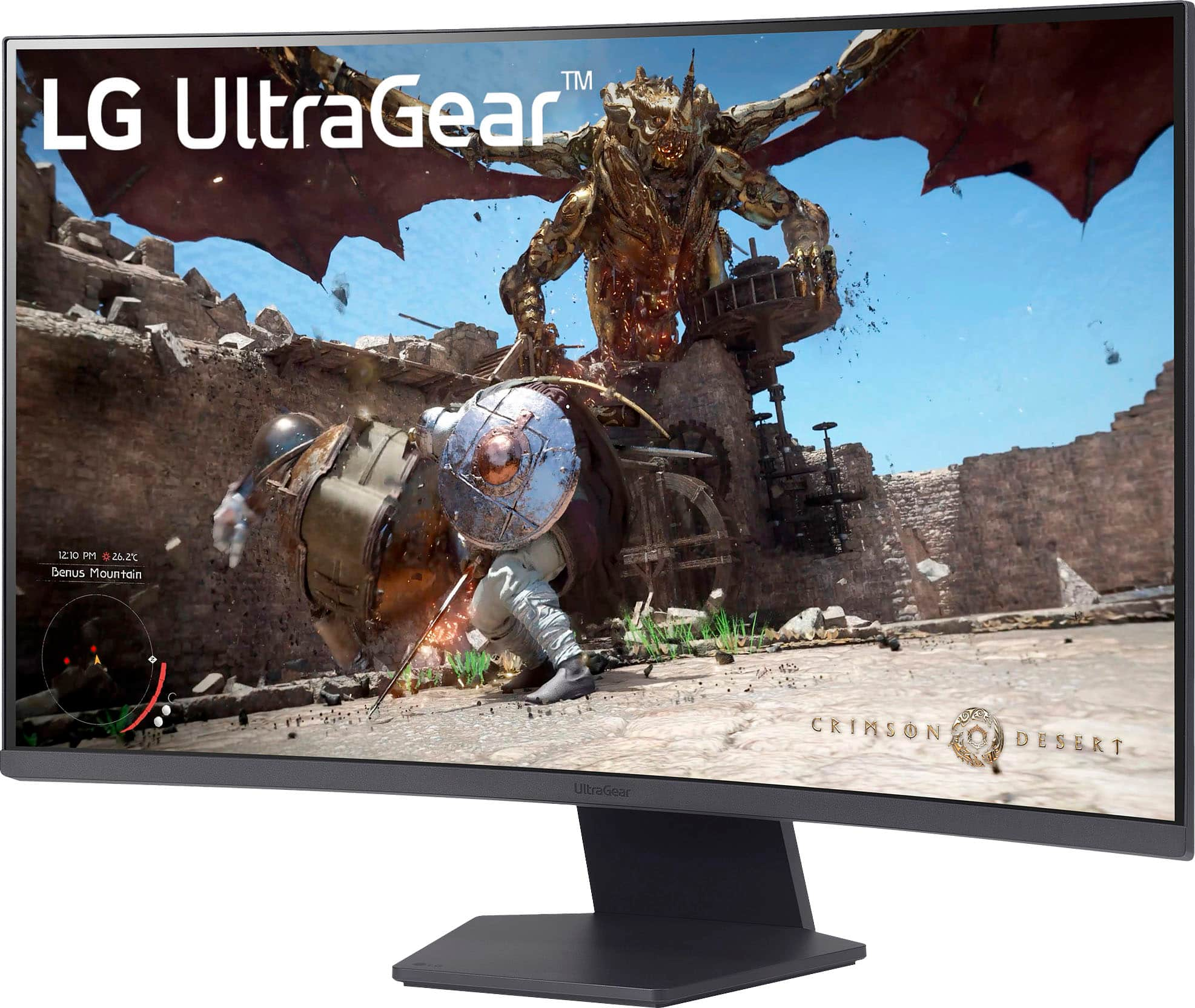
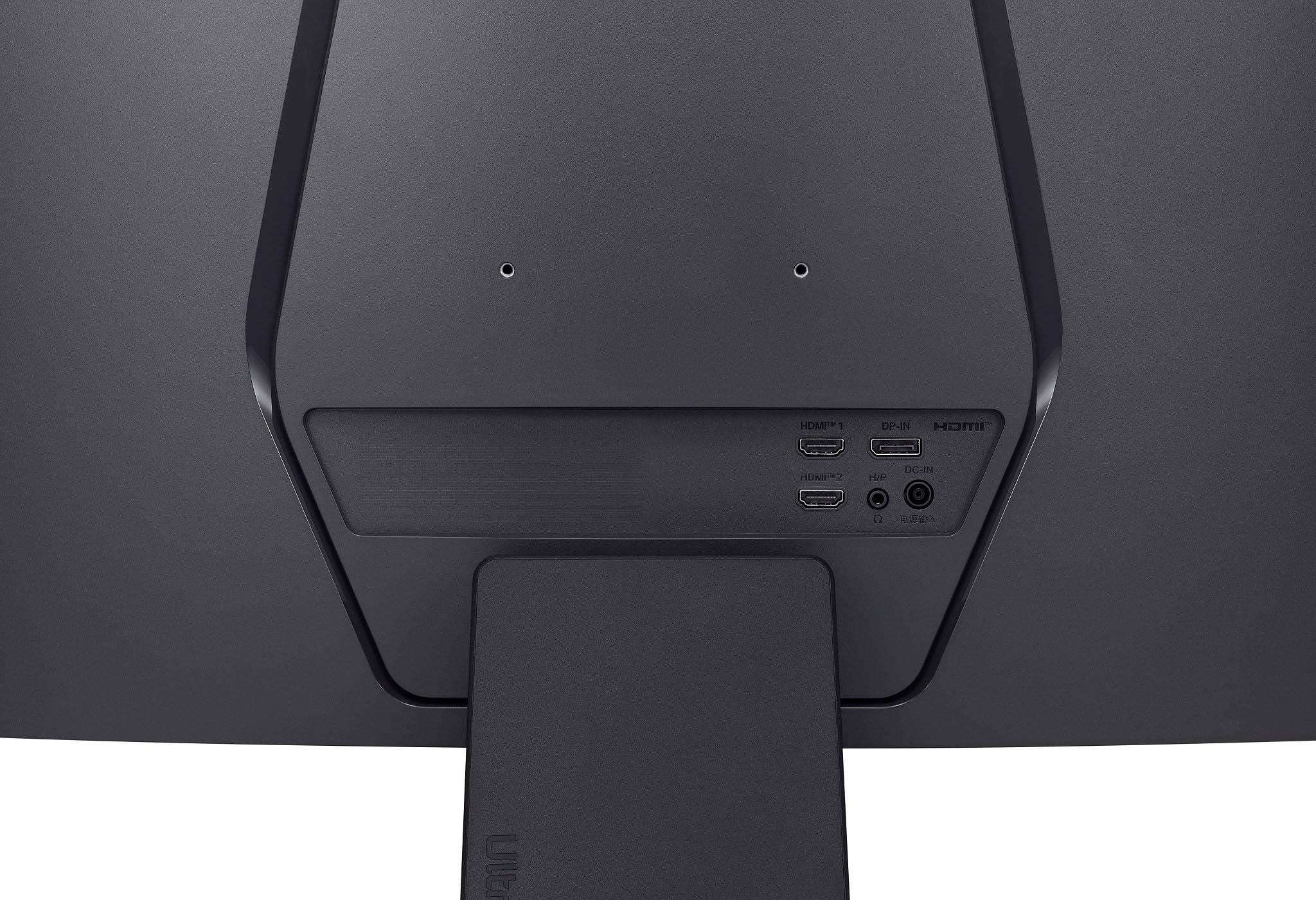
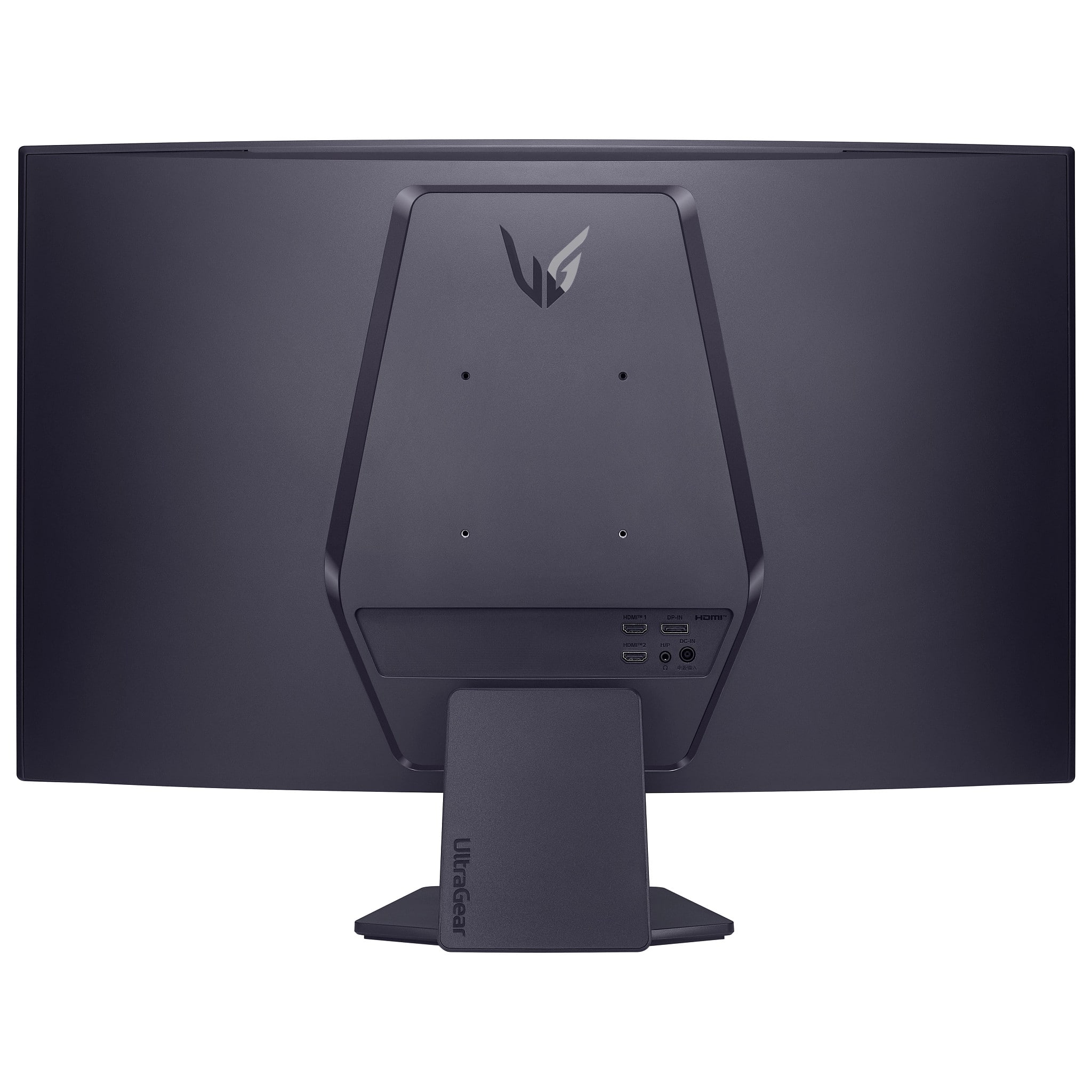
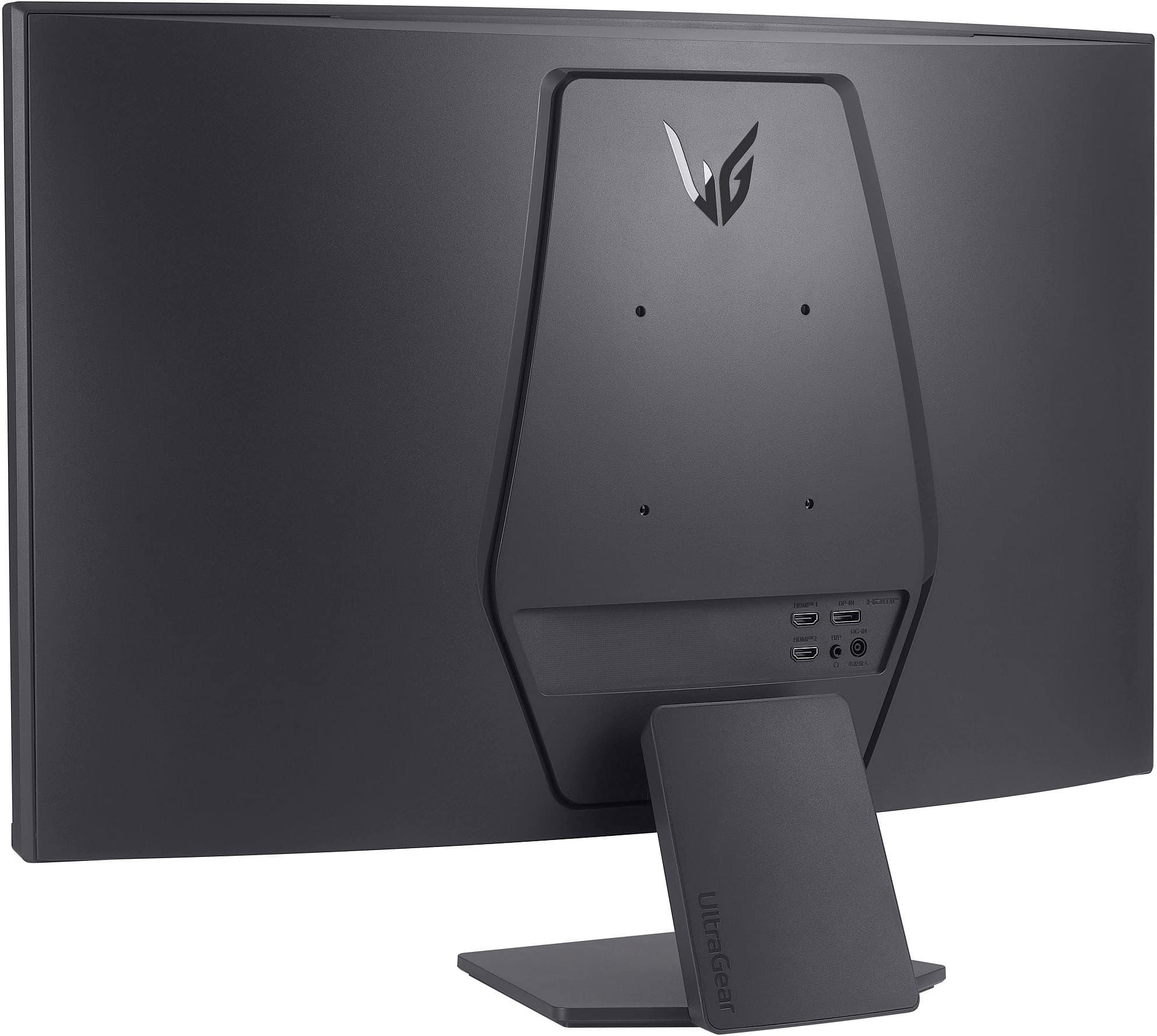
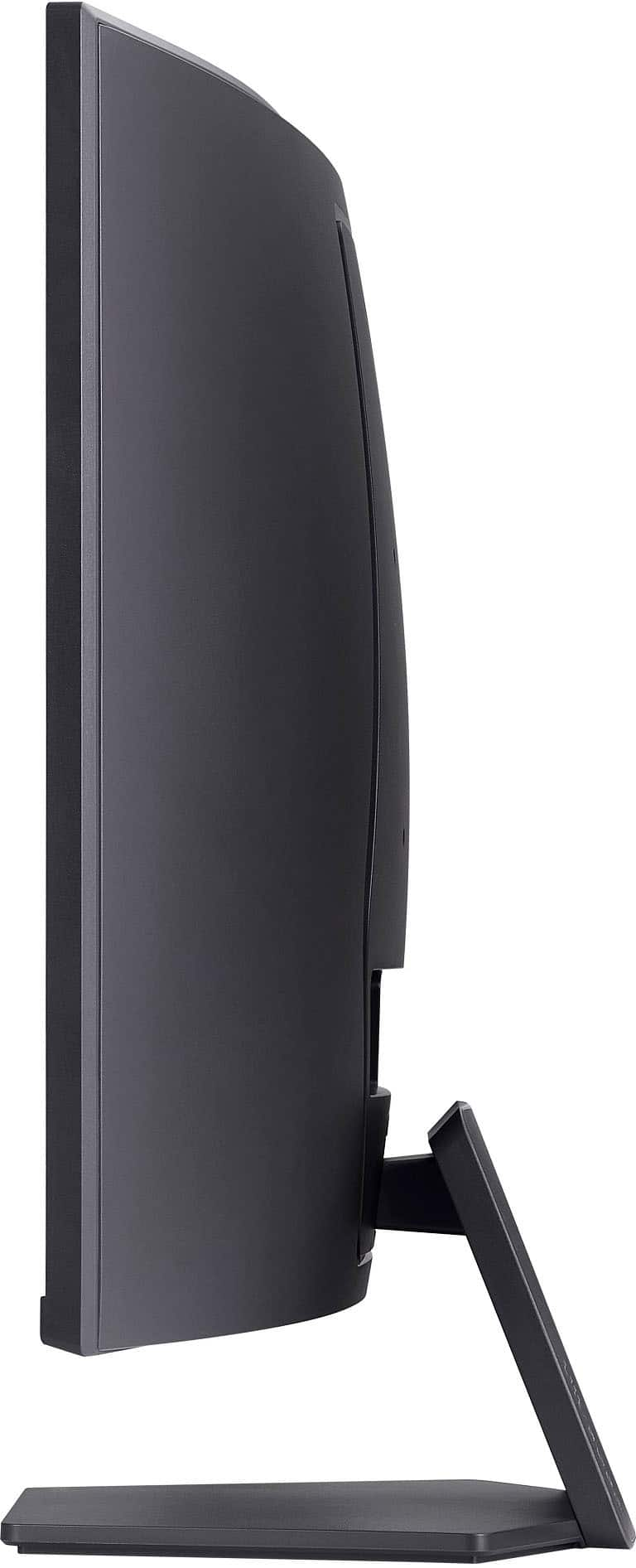
- Model:
- 32GS60QC-B.AUSQ
- SKU:
- 11065099
Rating by feature
- Display Quality
Rating 4.8 out of 5 stars
- Ease of Use
Rating 4.7 out of 5 stars
- Features
Rating 4.7 out of 5 stars
to a friend
stopped working
||Posted . Owned for 2 weeks when reviewed.This reviewer received promo considerations or sweepstakes entry for writing a review.The monitor stopped working after two weeks, it's a pity, I really liked it, the screen doesn't turn on
No, I would not recommend this to a friendBrand response from LG Digital Customer Care
Posted .Hi, YuliyaK. Thanks for sharing your feedback with us. We understand your concern about having your LG Monitor (32GS60QC-B) model stop working after just two weeks. We strive to provide reliable, high-quality products that exceed our customer's needs and expectations. Let's try a quick troubleshooting step—unplug the monitor from power, press and hold the power button for 10 seconds, then reconnect it and try a different power outlet. For more help, you may visit https://www.lg.com/us/support/help-library/lg-monitor-troubleshooting-no-power--20150893043202. If the issue persists, please send us a private message on social media @LGUSSupport, and our team will be happy to assist you with the next steps. We appreciate your patience and look forward to helping you. ^Juvy


A really nice monitor for gaming and videos
|Posted .This reviewer received promo considerations or sweepstakes entry for writing a review.The LG UltraGear QHD monitor is a really nice curved gaming monitor. While designed for gaming, I found the curved screen excellent for watching videos and even work. If you haven’t used a curved monitor before, it does take some adjustment. If you have used a curved screen, the 31.5” size of the LG will really accentuate this effect (versus a 24” or 27” screen). Starting with gaming, the UltraGear is designed for fast responses and crisp images. With FPS and other gaming modes, the integration with FreeSync technology found on most gaming computers makes for a seamless experience. The deep blacks of the display provide an excellent backdrop for all images, and the curved screen allows you to more readily see objects in your peripheral vision that you might otherwise not notice as quickly. Images are crisp, edges are sharp, and there is no display lag. The fact that the distance from your eye to the screen remains roughly the same from side to side means that your eyes do not need to readjust for distance as you scan the image. This allows for faster recognition of objects and faster response to movement. For movies, the wrap-around aspect is reminiscent of CinemaScope movies of old, with a more enveloping experience than a flat screen. Like with games, peripheral vision benefits the most, with details on the sides of the main action coming into view more easily. The same distance consistency means an improvement in the clarity of the image across the screen. Although subtle, I did find it noticeable. Using the monitor for daily work took the most adjustment, but I’ve it’s interesting to use. My eyes don’t seem to get as tired, likely because of the consistent distance. At the same time, things like PowerPoint take some getting used to on the curved screen. As far as this specific monitor for work, if you like a bright white background, this isn’t for you. It’s very much designed for a softer look; easier on the eyes, but a matter of personal preference. You may also want to turn off the energy saving feature, as it adjusts the screen brightness automatically – subtly, but still noticeable – too frequently. The only other complaint is the built-in speakers are not nearly loud enough. Overall, this has become my monitor of choice, for gaming, video playback and, yes, even for work.
I would recommend this to a friendCrystal clear and smooth for gaming.
|Posted .This reviewer received promo considerations or sweepstakes entry for writing a review.The LG UltraGear 32QS60QC is a great choice. The thin bezel and the sleek stand make it aesthetically pleasing. The 1440p resolution is absolutely crystal clear, and the 180Hz refresh rate has been wonderfully smooth for gaming/streaming. I haven't noticed ANY screen-tearing with the built-in VRR, and since it essentially replaces VSYNC, I haven't had to sacrifice any frame rate for it. Colors are beautiful. Aside from the very minor issues Windows 11 notoriously has with HDR, which is not the monitor's fault at all, I've had no issues. The curved screen feels completely natural after a few minutes of getting used to it, and it keeps this behemoth of a 31.6" monitor from taking up too much extra space on my desk. I've also noticed that it has been easier to spot things in my peripheral vision while gaming since swapping to a curved screen, which has helped a lot. Also, the 1ms response time is unnoticeable and incredibly smooth. I highly recommend this UltraGear monitor. It doesn't lack any features.
I would recommend this to a friend