Customer Ratings & Reviews
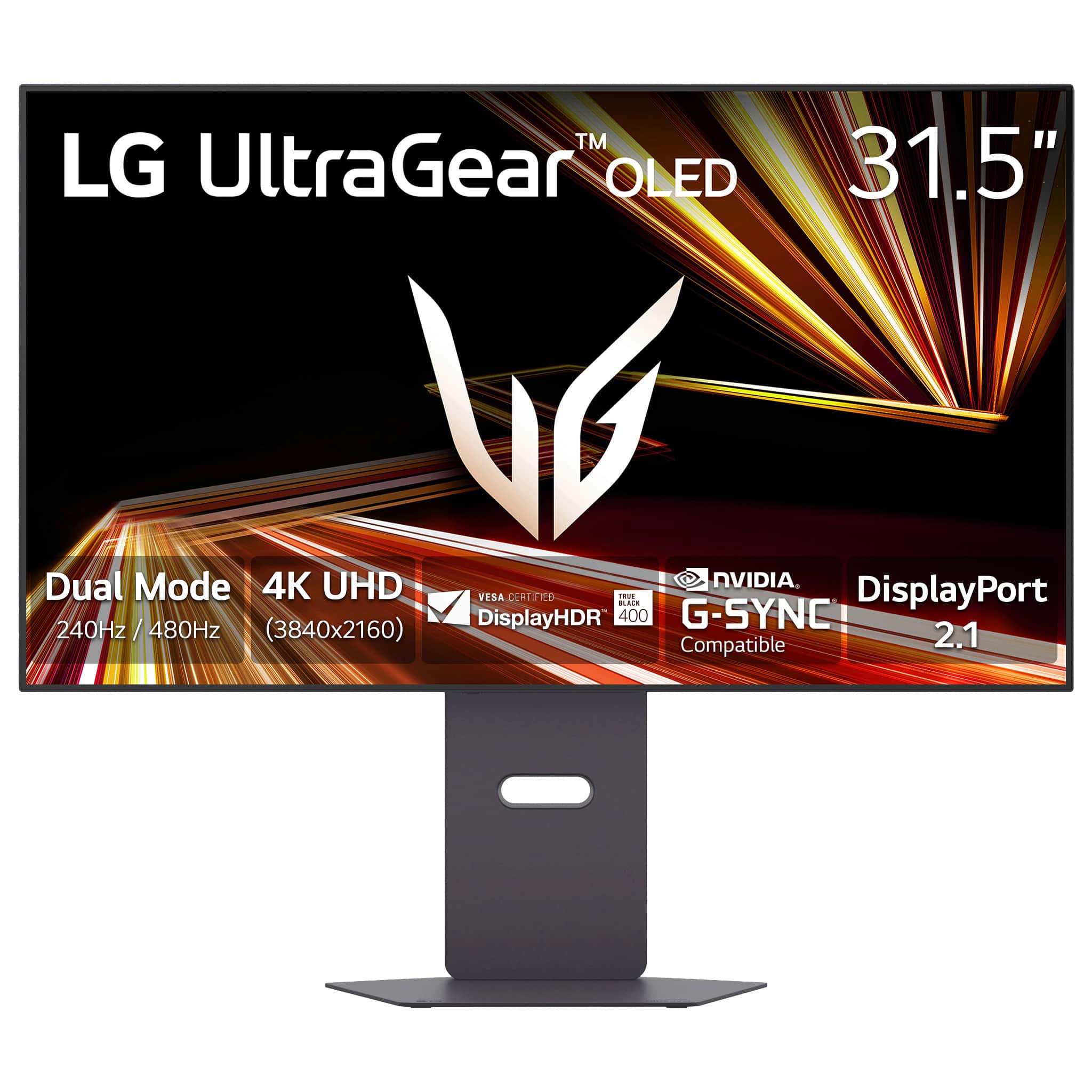
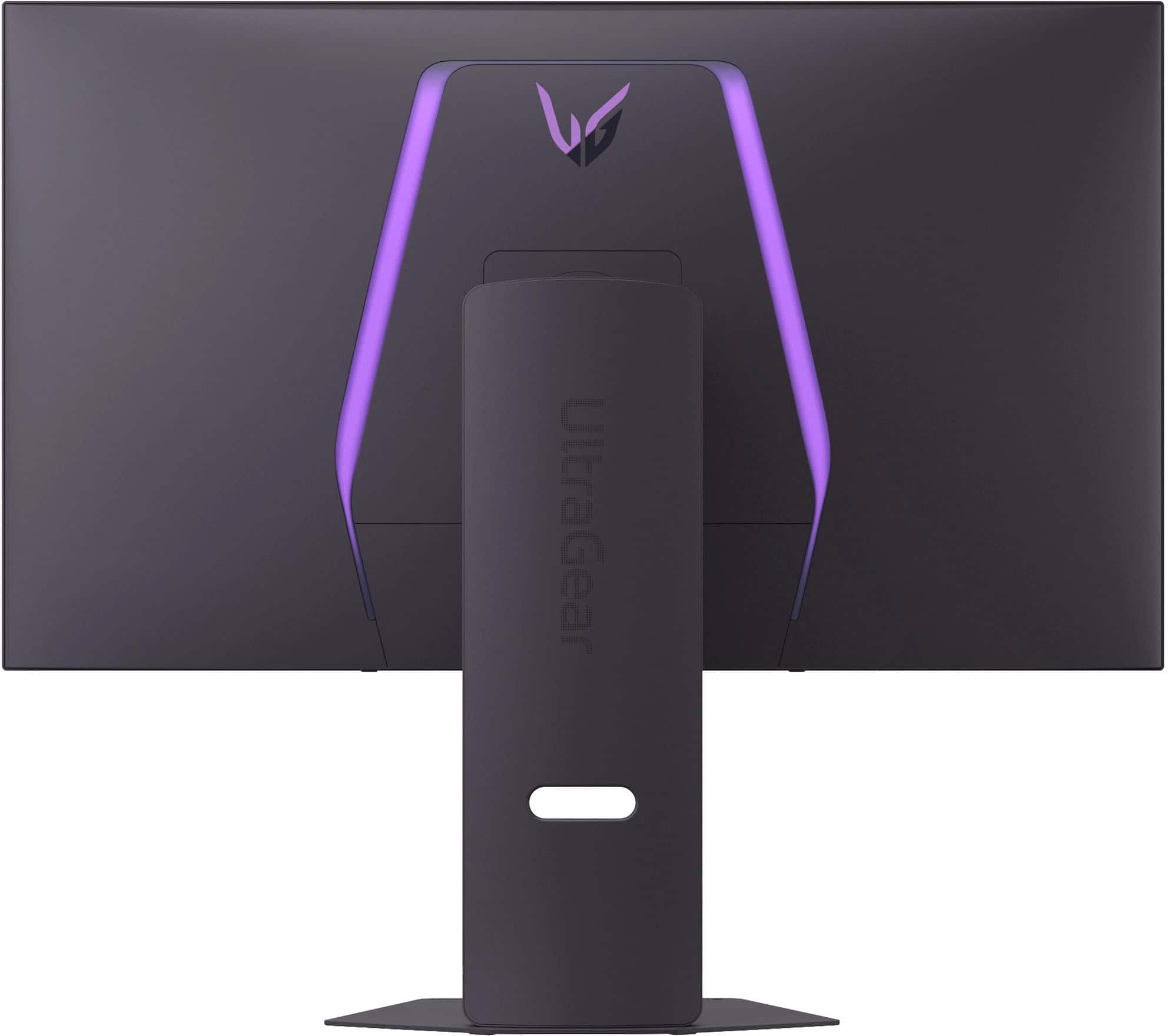
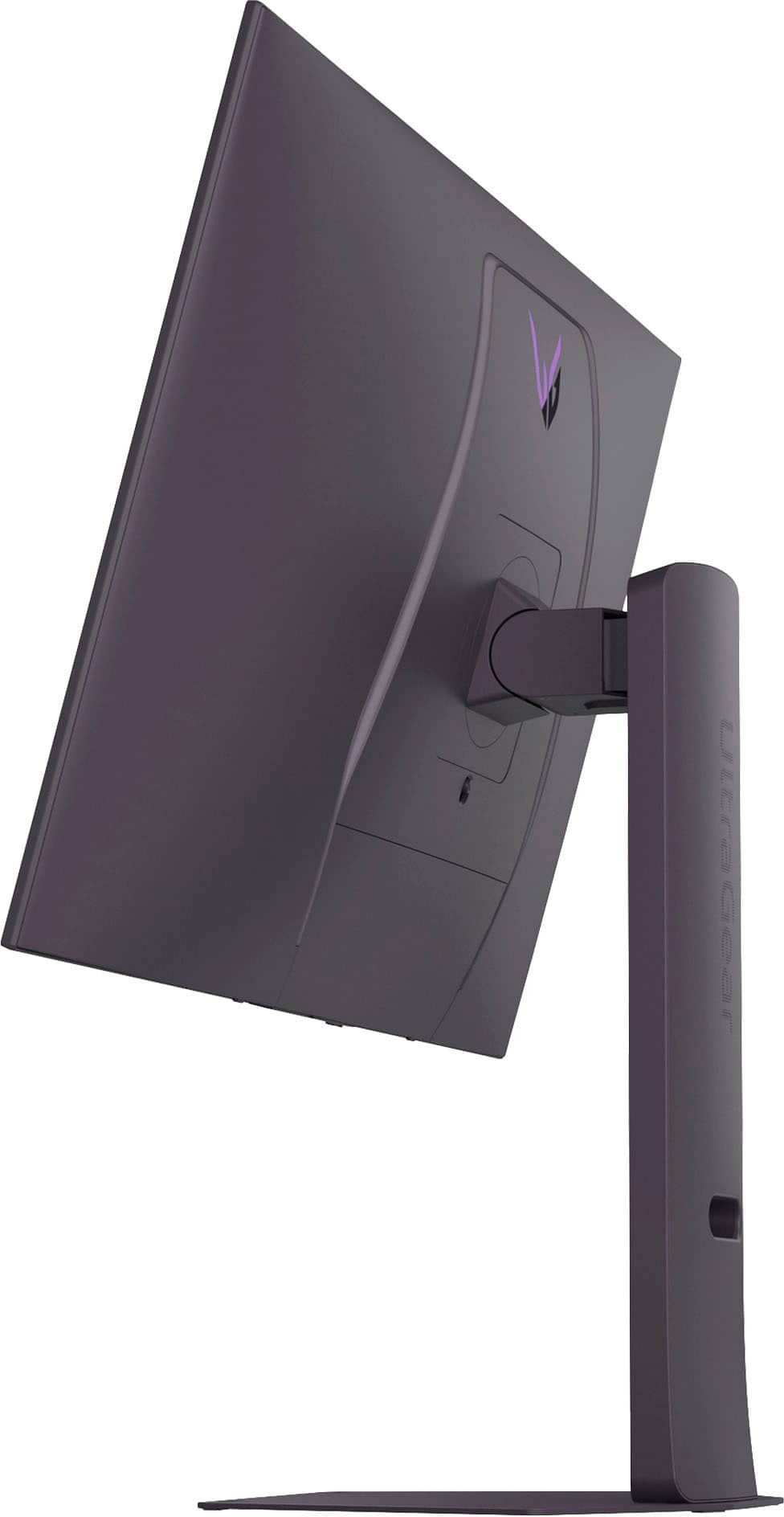
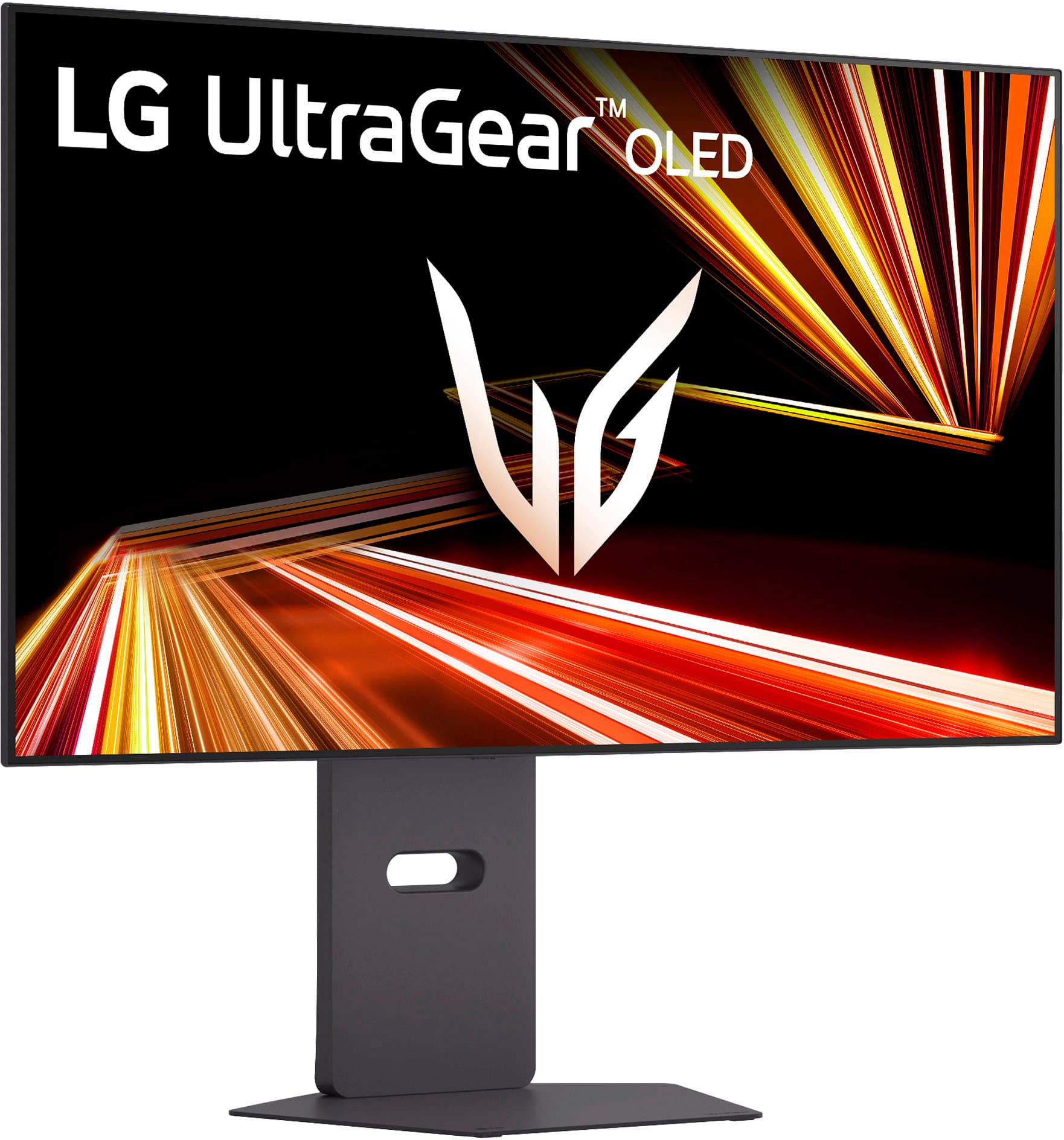
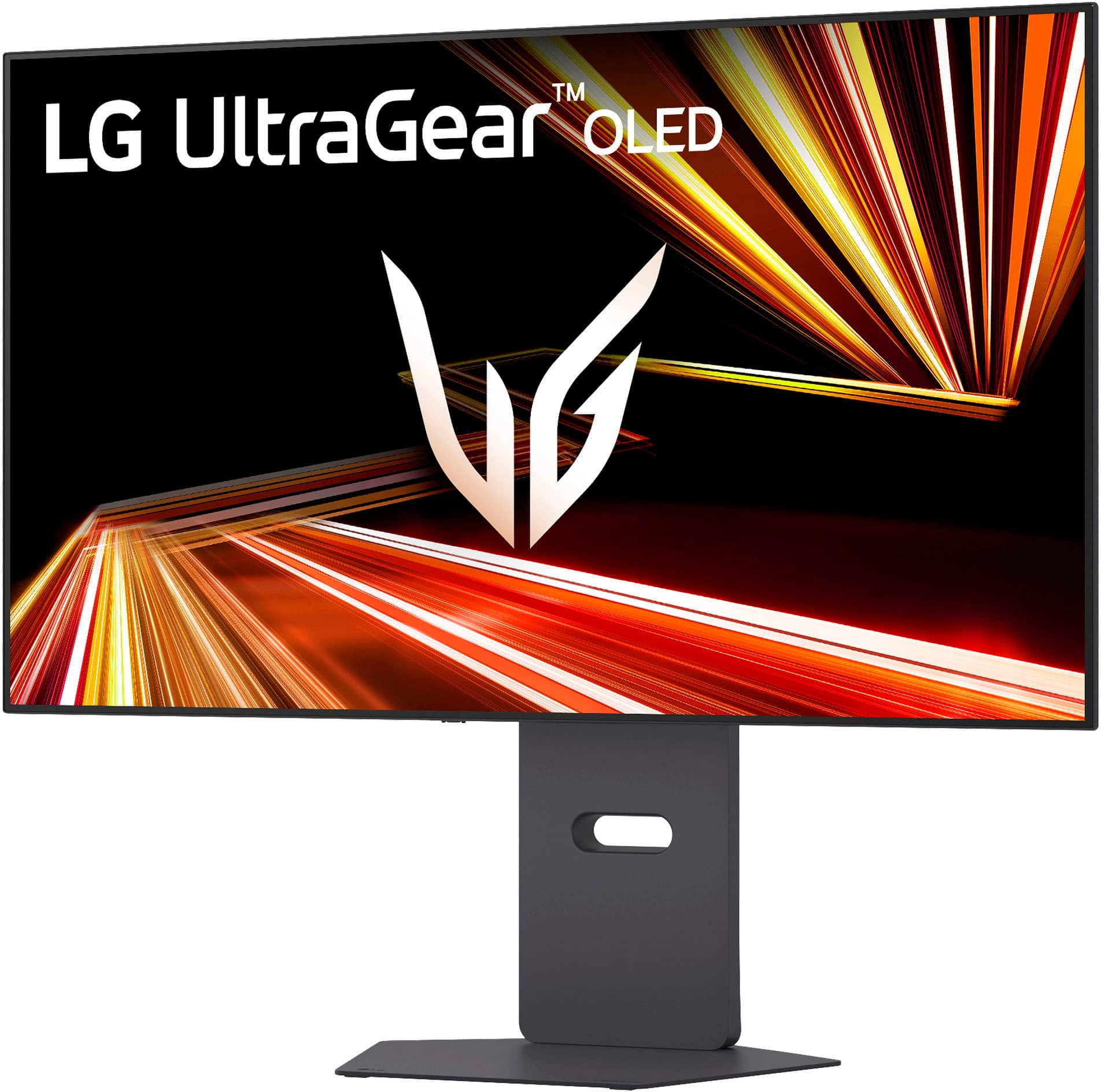
- Model:
- 32GX870A-B
- SKU:
- 12224678
Rating by feature
- Display Quality
Rating 4.9 out of 5 stars
- Ease of Use
Rating 4.7 out of 5 stars
- Features
Rating 4.8 out of 5 stars
Best monitor ever
||Posted . Owned for 3 weeks when reviewed.This reviewer received promo considerations or sweepstakes entry for writing a review.This is the best thing I’ve brought for my gaming setup in a while! The workers helped me find this literally in 5 minutes once I told them what I was looking for
I would recommend this to a friendPerfect monitor for gaming
||Posted .This reviewer received promo considerations or sweepstakes entry for writing a review.Great quality of screen, got huge experience boost with playing cyberpunk 2077, great screen response time. Also I’m using this monitor for work.
I would recommend this to a friendIt’s okay
||Posted . Owned for 2 weeks when reviewed.This reviewer received promo considerations or sweepstakes entry for writing a review.Great color, great sound, decent sized, it doesn’t flicker a lot and there’s no way to change the timer on the refresh so it doesn’t get burn in(does it every 10 minutes when not using)
I would recommend this to a friendBe Wary of Open Box
||Posted . Owned for 2 weeks when reviewed.This reviewer received promo considerations or sweepstakes entry for writing a review.Ordered open box - excellent. Was definitely in worse shape and didn’t include any of the accessories other than the stand. Best Buy’s grading system/effort is pitiful. The marks on the screen were permanent.
No, I would not recommend this to a friendBrand response from LG Digital Customer Care
Posted .Hi, Chase. Thank you for sharing what happened with your LG Monitor (32GX870A‑B) model. We understand the importance of receiving a product that matches the condition you were promised, especially when choosing an open‑box “excellent” listing. If you haven't done so yet, we recommend contacting Best Buy customer service at 888-237-8289 for potential solutions. For the screen marks you’re seeing, one helpful step you can try—if you still have the unit—is gently cleaning the panel with a microfiber cloth slightly dampened with distilled water. This can help determine whether the marks are surface‑level or part of the panel itself. For more guidance, visit https://www.lg.com/us/support/product/lg-32GX870A-B.AUS. We want to make sure you’re fully supported moving forward. Please send us an email at lgdigitalcare@lg.sprinklrsupport.com so our team can take a closer look and assist you directly. ^Juvy

- Pros mentioned:Oled quality, Overall performance

Great display with no blurring during gaming
|Posted .This reviewer received promo considerations or sweepstakes entry for writing a review.I was looking to add a gaming monitor for my laptop, and decided on OLED panels since OLED produces the best blacks and image quality. LG is the leader in OLED technology, so I was pretty excited to play some detailed games on this LG OLED 32” gaming display. Display The design of this display is pretty basic, but the technology inside is top notch. I have mostly used this monitor for playing GTA and am pretty happy with the picture quality. I understand this monitor can act as certified dual-mode monitor for faster refresh rates and FPS, but I could not find a reason to try this feature. As with other OLED panels, this one is amazing with perfect blacks and lifelike images. The picture is crystal clear and I have not noticed any blurring during gaming. Normally I try to fine-tune settings on my display, but found the default settings just about perfect. Built in speakers I like how the display has built in speakers, but I wished they were better. This is not much of a concern anyways since I was planning on using external speakers or a gaming headset. This monitor does have a DisplayPort 2.1, but I have found the HDMI 2.1 ports work just fine for my needs. I would recommend this monitor for anyone who wants a great gaming experience, but doesn’t mind adding additional speakers.
I would recommend this to a friend - Pros mentioned:Refresh rate
Absolutely GORGEOUS Screen With 'Meh' Speakers
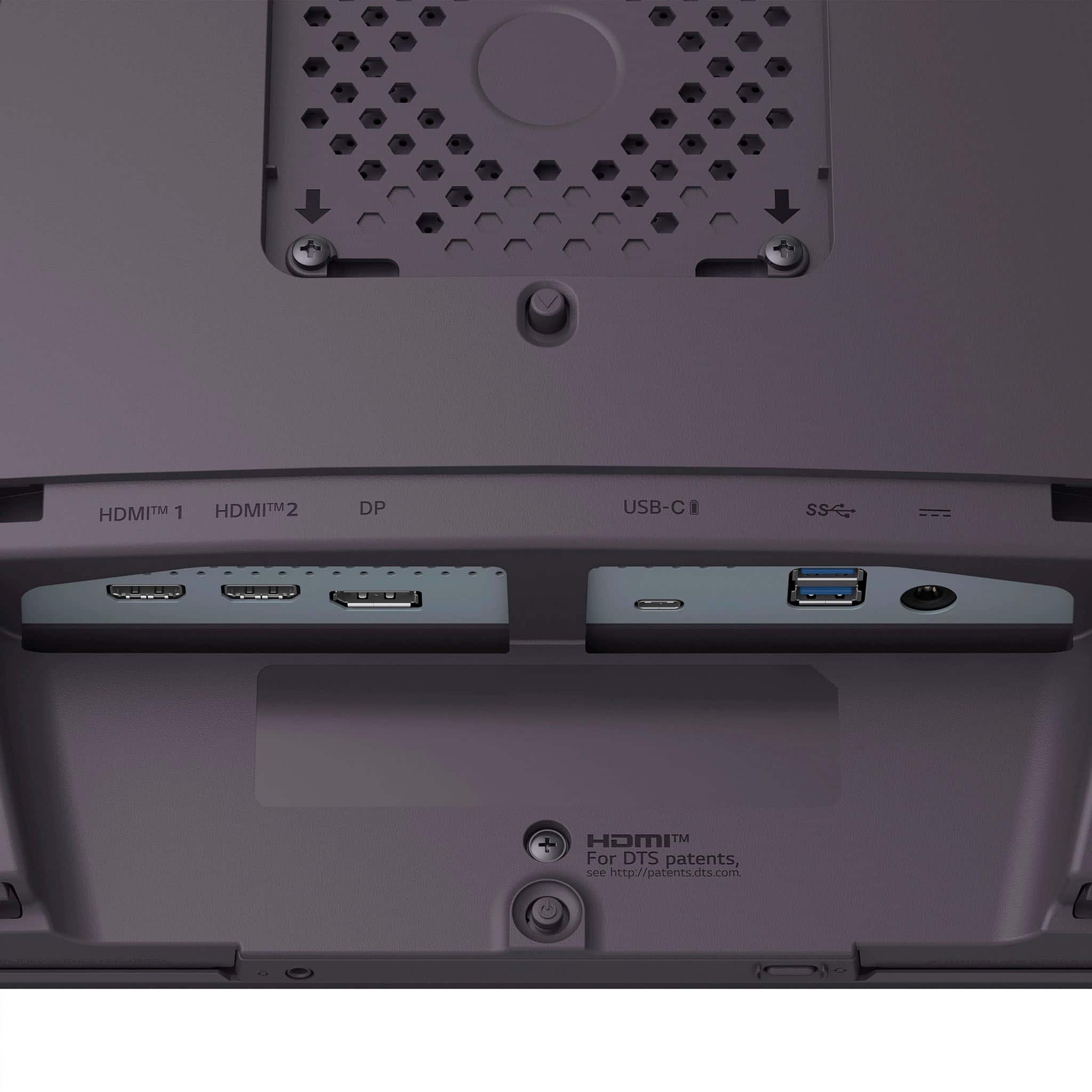
|Posted .This reviewer received promo considerations or sweepstakes entry for writing a review.This is the third OLED screen I've tried since I bought my first IPS HDMI 2.1 monitor several years ago, and it is the first one to dethrone that original screen, despite not having as good of sound. THAT is how good this screen is. So what is so great about this UltraGear GX8? Here are the highlights: 1. Screen Quality: Simply outstanding. Whether in HDR or standard mode, the screen is sharp, vibrant, and bright! All the previous OLEDs seemed 'weird' to my eyes for some reason or another. Whether it was the lower nits, or plasticy looking colors, or a distracting 'anti-ghosting' jump every so often that was jarring to see. This is hands-down the best-looking screen I've ever had on my desk for gaming or not. 2. Refresh Rate: I have run the gamut of games in my library from both my gaming laptop and my Xbox Series X, and neither has shown a single stutter or tear in ANY game I've tried. From MS Flight Simulator on max settings, to ElderScrolls Online with stuff blowing up all over the screen, I've yet to see a single hiccup! That being said, I DO have some issues with the 'Dual-Mode' system that I've highlighted below under the 'Meh' section. 3. Stand and Form-Factor: Love, love, love, the form factor of this monitor. It has the perfect stand that is super stable AND doesn't take up a ton of space like my previous monitor did. That was the only thing I didn't like about my previous monitor, the huge stand that prevented me from using a huge section of my desk. The LG GX8 has a nice flat base that lets me stash away my gaming controller, keyboard, and mouse away when I'm not playing. Gives me a lot of useful space back. I only have one wish and that is that it came down one more inch, so it would be in the exact same position that I've been used to all the years. Eh, I'll get used to it. Also, the GX8 is so much thinner than my IPS screen or other OLEDs I've tried. Even though it has the same screen size of 32", it looks bigger almost because there isn't a huge bezel around it. 4. Interface: So easy. My previous monitor even had a remote but this one is still easier to navigate with the control nub on the back of the screen. The UI is simple and easy to navigate. 5. Connections: One HDMI for my Xbox, one for my Windows gaming laptop, and a display port for my Mac Mini. Plus, I still have the USB-C open to use for power if I want! LG also gives you a slew of high-quality cables if you need them. What is only just 'Meh' about the LG Ultra-Gear GX8: 1. Sound: While perfectly fine for everyday application on your PC, the lack of bass put out by the integrated speakers really stinks. That being said, they get very loud. It would be pretty hard for any monitor to match the one I have been using for the last several years because it actually has a subwoofer built in, and I have NEVER found a monitor or even external speaker system that I liked as much as the sound on that monitor. But I like this monitor so much more for its visuals, that I have decided to go back to my hated headphones, that sound great but get uncomfortable pretty quickly. I think I may go get a set of open-ear Sennheisers that I know are super comfy from my audiophile days because the GX8 puts out a very good signal through the headphone port due to its built-in system. Oh, I do with the headphone port wasn't on the bottom bezel and was either higher up the back with the other plugs or on the side. The cable hanging there when I tested it (and if I do go to some wired Sennheisers), just looks bad and gets in the way of grabbing things under the monitor. But that is a nit-pick. 2. The Dual-Mode System: Turn this off unless you really, REALLY need 240hz speed for your games. I don't need that fast, and the resolution hit from the system, is a big no for me. It was on when I started the monitor up and I wondered what was wrong with the screen at first, but when I toggled off dual-mode, things went to the gorgeous view I've been enjoying ever since. 3. This really isn't even a 'Meh' but I wish LG were a little more transparent on what the monitor does for its 'screen refresh' after being on for more than 4 hours. I've dug and dug and can't seem to find out what it's doing. You have to leave your monitor on while it does this and it takes like 20 minutes of so. I've gotten into the habit of just letting the monitor go to sleep when it's done instead of turning it off like I've been used to my whole life. Conclusion: I know that the LG UltraGear GX8 is not a cheap monitor (though it IS cheaper than the IPS screen when I got it at launch), it is totally worth the investment. Gaming is my hobby and when I'm not gaming, I'm usually on my home computer doing other stuff and the GX8 has made all of that prettier and more useful. Love this monitor.
I would recommend this to a friend - Pros mentioned:Oled quality, Overall performance, Refresh rate
LG UltraGear 32" OLED 4k 480hz Dual Mode monitor
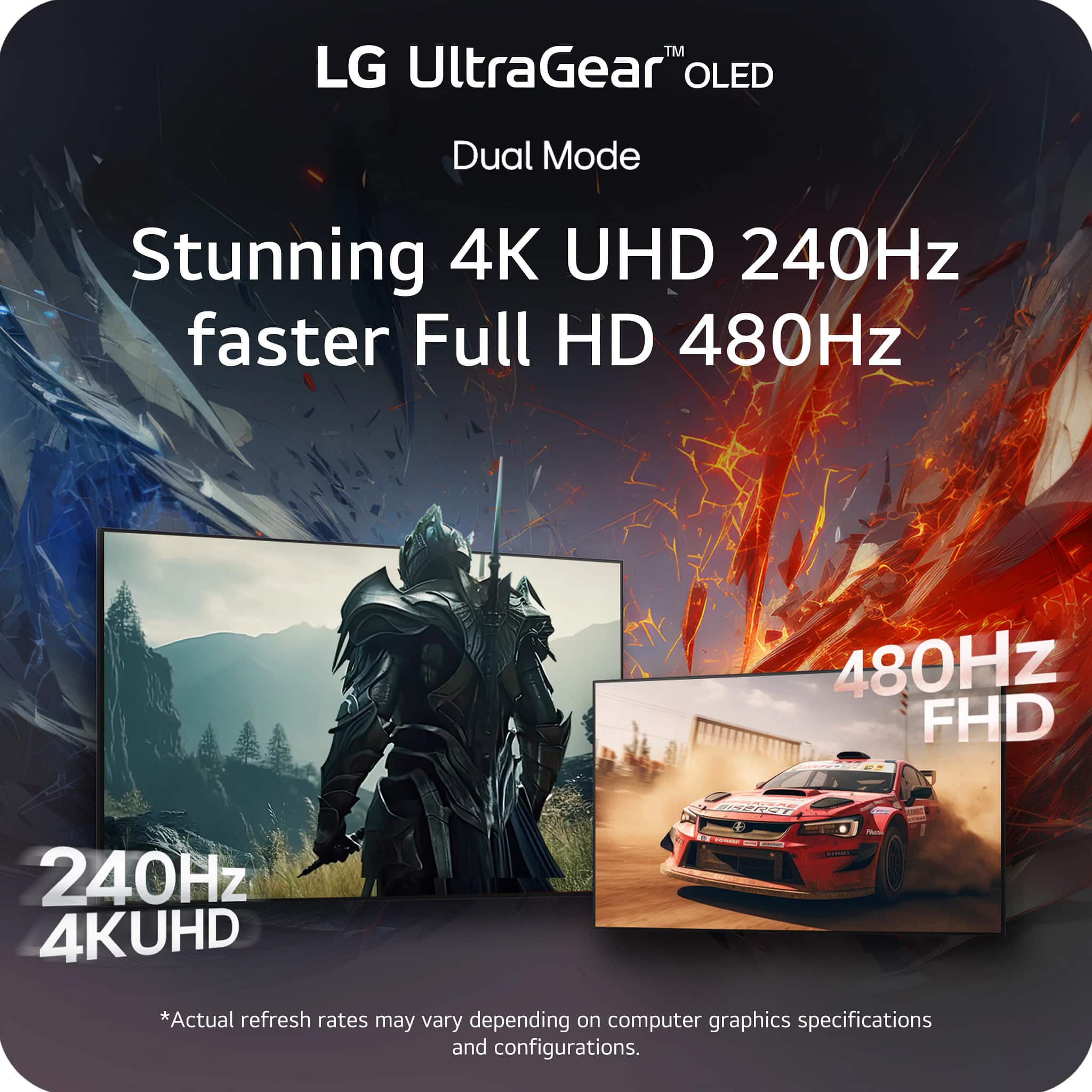
||Posted .This reviewer received promo considerations or sweepstakes entry for writing a review.I couldn’t be happier with the LG UltraGear 32" OLED Dual Mode monitor. Best Buy shipped it incredibly fast, and it arrived well-packaged and in perfect condition. The picture quality is absolutely stunning. OLED contrast makes games and movies look incredible, with deep blacks, vibrant colors, and no blooming. In 4K at 240Hz, gaming feels smooth and ultra-responsive, and switching to the 1080p 480Hz mode is amazing for fast-paced competitive games. Motion clarity is top-tier with virtually no blur. This monitor truly shines for both gaming and movies. HDR content looks fantastic, colors are rich and accurate, and the screen size is perfect for immersion without being overwhelming. Whether I’m gaming, watching movies, or just browsing, everything looks crisp and premium. Overall, this is one of the best monitors I’ve ever used. Fast shipping from Best Buy, flawless performance, and incredible picture quality make this an easy 5-star recommendation. If you’re looking for a high-end OLED gaming monitor that excels in every area, this is it.
I would recommend this to a friend - Pros mentioned:Oled quality, Overall performance
Well worth the price!
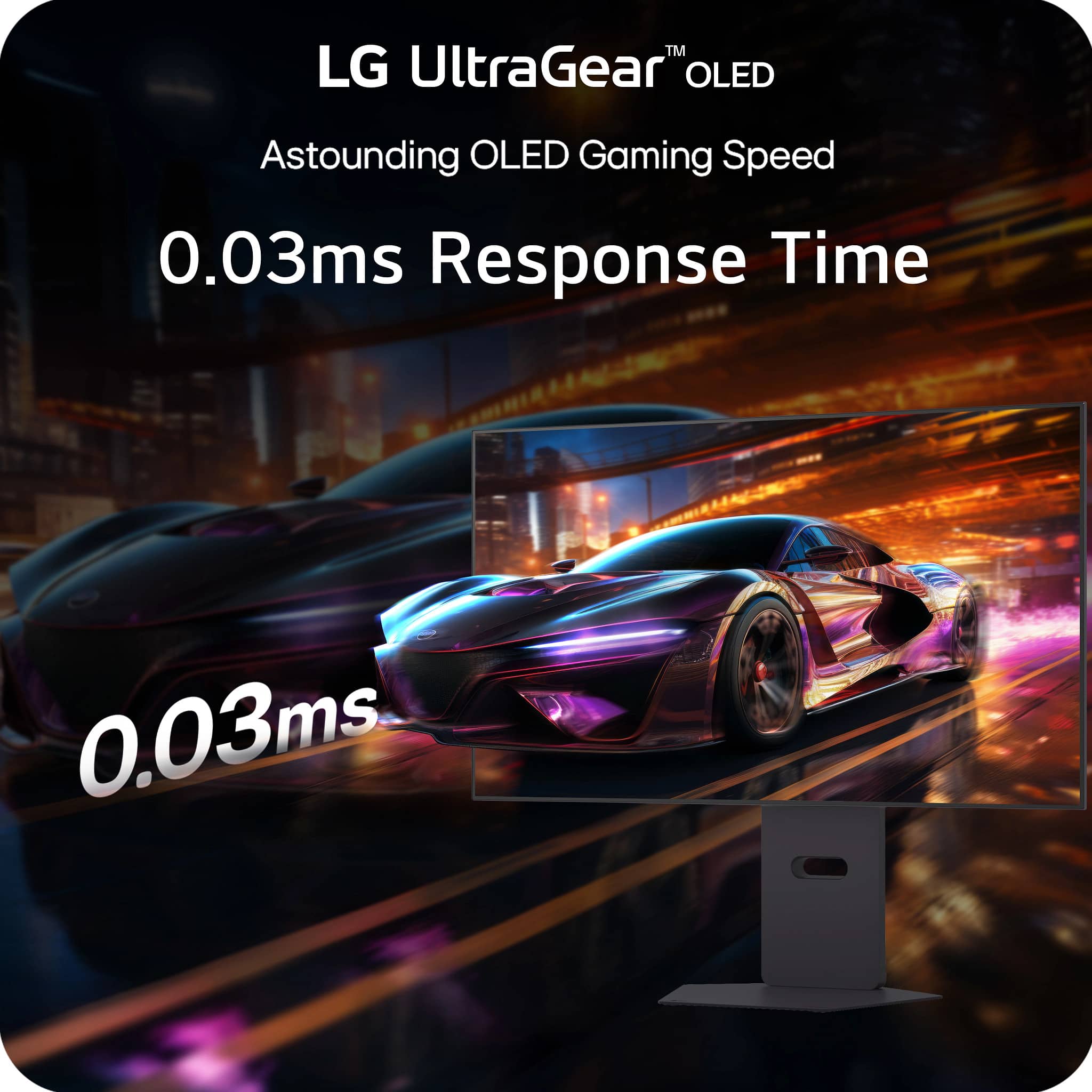
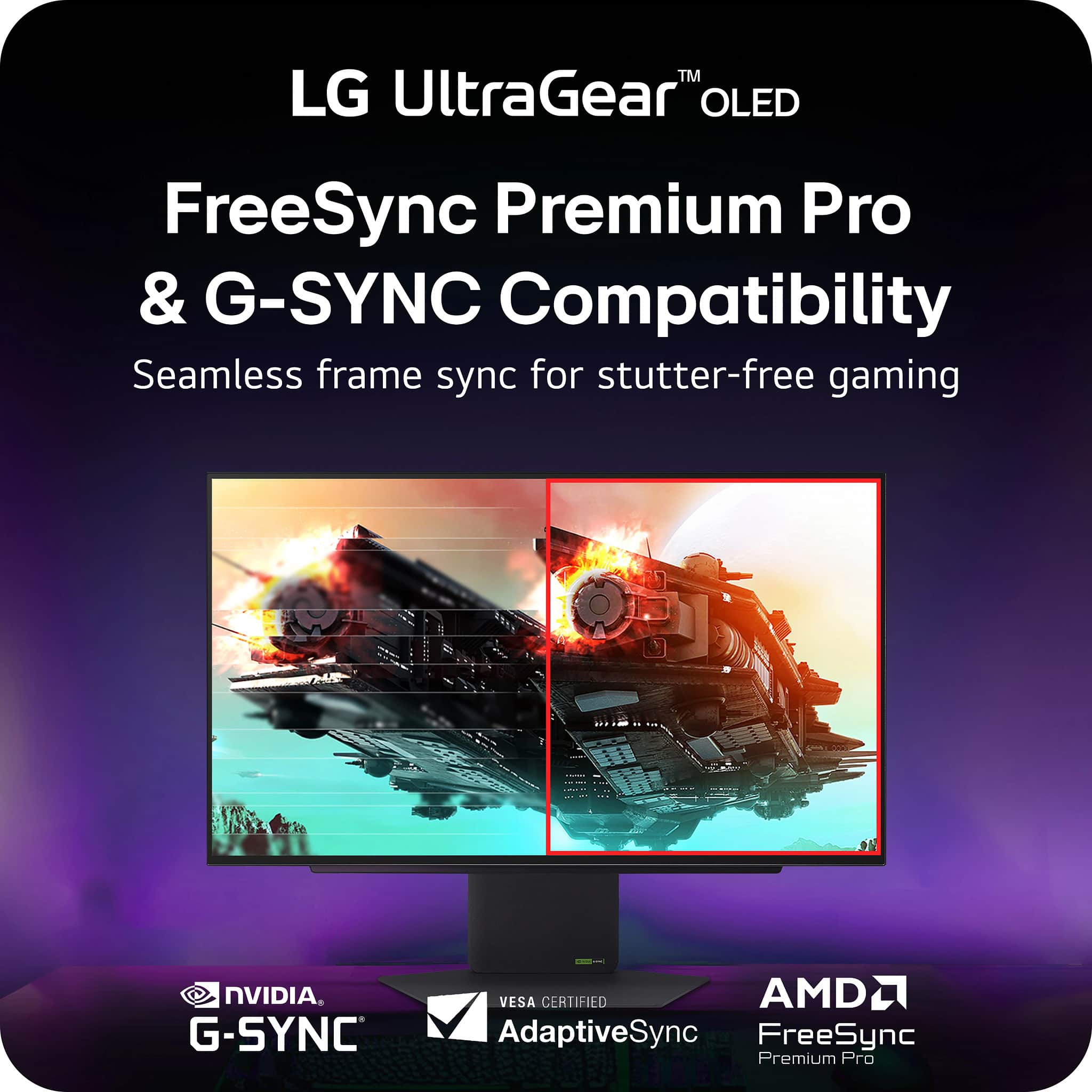
||Posted . Owned for 3 weeks when reviewed.This reviewer received promo considerations or sweepstakes entry for writing a review.I’ve been using the LG UltraGear 32” OLED Dual Mode monitor for a while now and I can honestly say it’s one of the best upgrades I’ve ever made to my setup. First off, the OLED panel is absolutely stunning. The contrast is on another level compared to any IPS or VA monitor I’ve used before. Blacks are truly black, colors pop without looking oversaturated, and everything just looks incredibly crisp. When I’m playing games with darker scenes or cinematic lighting, the difference is immediately noticeable. Another thing I really love is how good it is for movies and shows. Because it’s OLED, you get perfect contrast and HDR performance that makes streaming movies feel almost like watching on a high-end TV. Dark scenes don’t get washed out, and bright highlights really stand out. The 0.03ms response time and support for G-SYNC and FreeSync keep gameplay extremely smooth with zero tearing or ghosting. Fast-paced games feel incredibly fluid, and I haven’t experienced any noticeable lag. The build quality is solid too. The stand is sturdy, the design is clean, and it looks great on my desk without being overly flashy. Overall, if you game a lot and watch movies or content on your monitor, this thing really does the best of both worlds. Between the OLED picture quality, extremely high refresh rates, and dual-mode flexibility, it feels like a true next-gen display. Absolutely worth it in my opinion
I would recommend this to a friend - Pros mentioned:Oled quality, Overall performance, Refresh rate
The Ultimate Gaming Display
||Posted . Owned for 1 month when reviewed.This reviewer received promo considerations or sweepstakes entry for writing a review.The LG UltraGear 32" OLED is an incredible gaming monitor. The OLED panel delivers stunning contrast, perfect blacks, and vibrant colors, while the dual-mode option is a game changer—4K at 240Hz looks amazing, and switching to 1080p at 480Hz is insanely smooth for competitive gaming. Response time is virtually instant, and G-SYNC compatibility keeps gameplay tear-free. Build quality feels premium, and it performs flawlessly. Easily one of the best monitors I’ve ever used.
I would recommend this to a friend - Pros mentioned:Refresh rate
New Year, Same Gimmick!
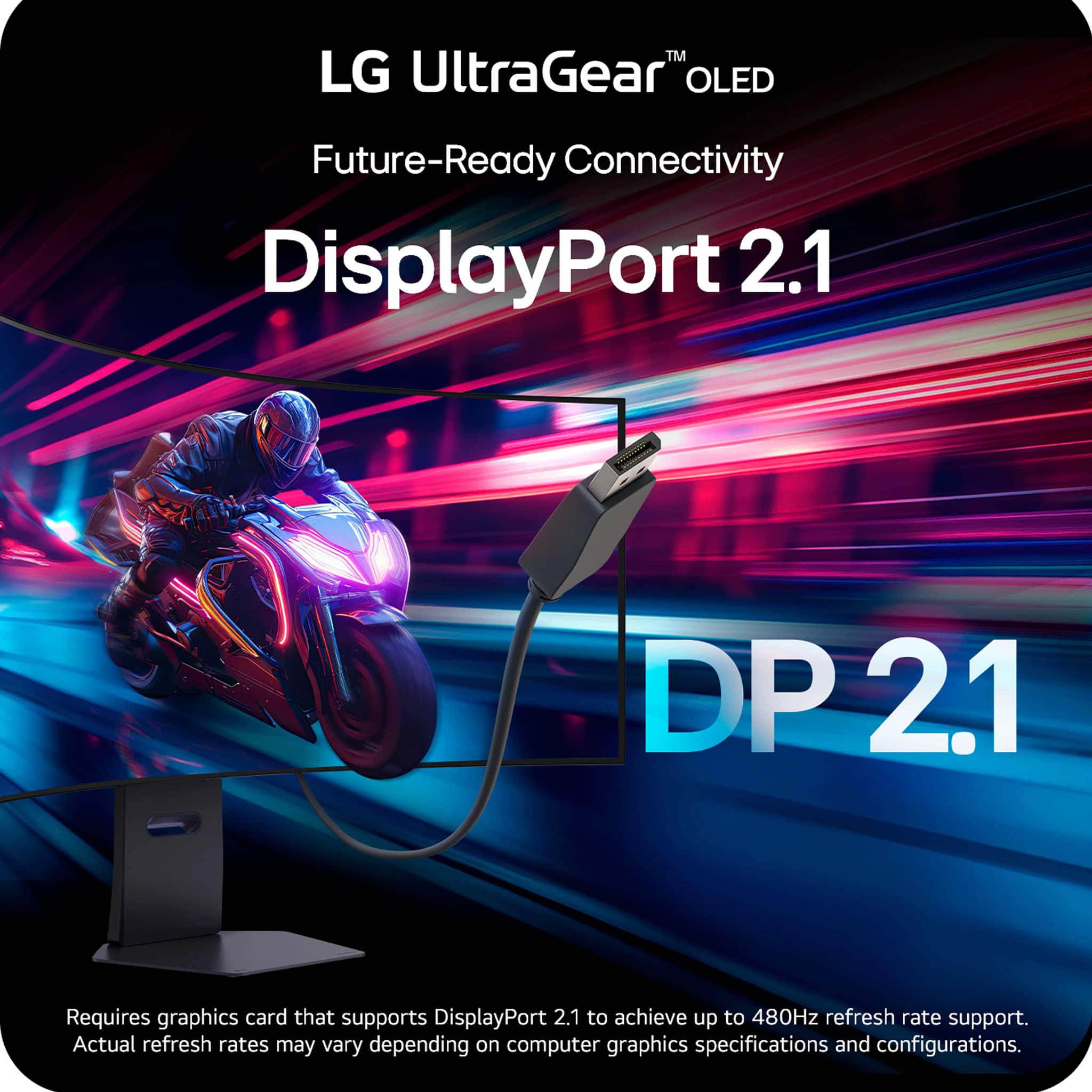
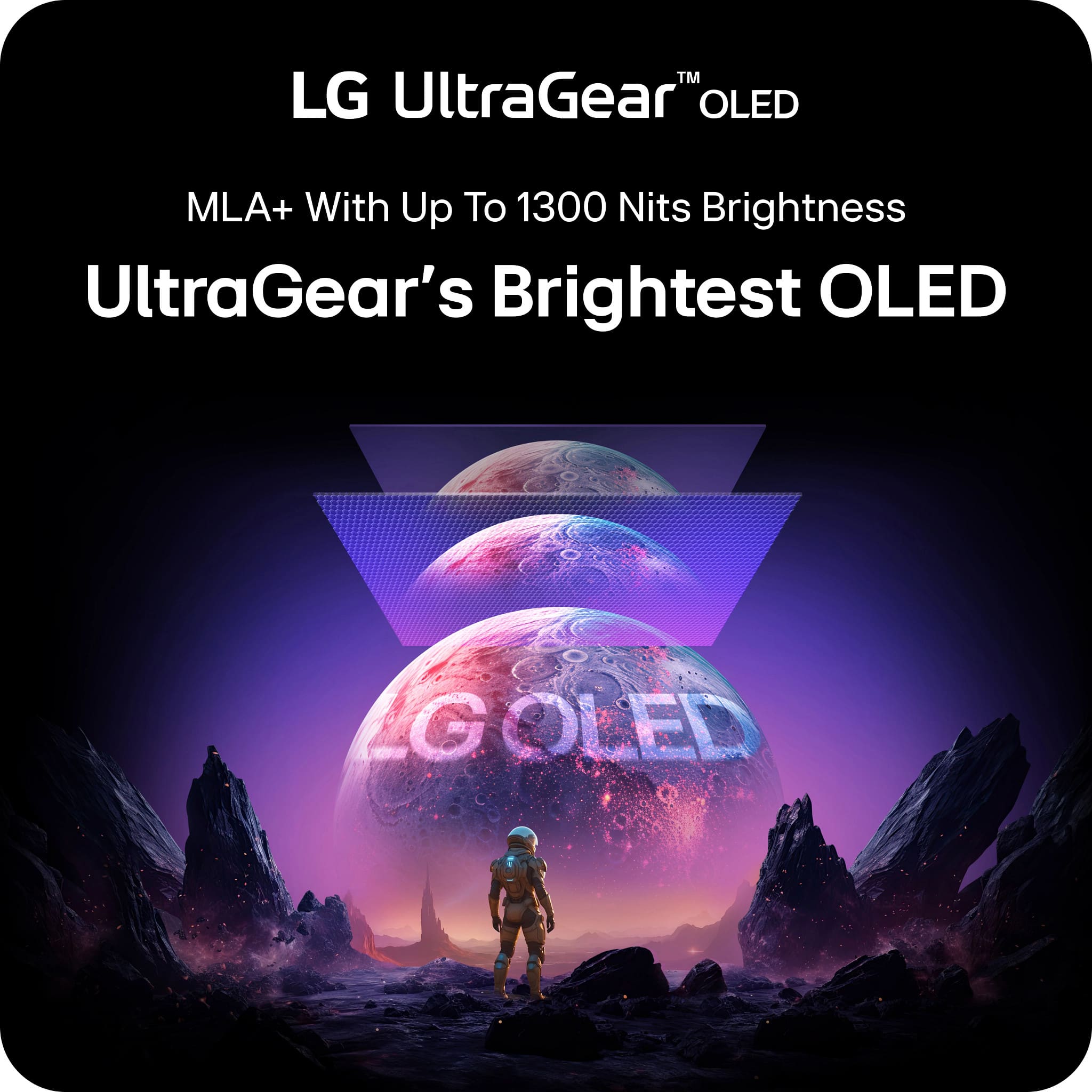
|Posted .This reviewer received promo considerations or sweepstakes entry for writing a review.THIS…IS the 32” LG Ultragear gaming monitor, sporting an impressive 240hz 4k OLED display. But this is not just any ‘4k 240hz OLED’ monitor… it also has a few tricks up its sleeve! It is able to switch to a 480hz 1080p mode at any time from 4k240hz, but we will get into just how good this is (or isn't…) later. This monitor also has an impressive list of specs to go along: 0.3s GTG, Gsync compatible/freesync premium, Vesa 400 HDR and an impressive 275 nits typical brightness with a peak of 1300 nits. I feel like I should be more excited than I am, this is by definition a FANTASTIC gaming monitor! My issue? Lets take a look. So unboxing this monitor it is obviously the crem de la crem for LG, everything is metal and it all just has that PREMIUM vibe - every inch was thought over and inspected… a couple years ago. That's right, this is the exact same panel and darn near the exact same monitor as last years, the difference? Oh just the brand new monitor tax. MSRP is $1400 and we haven’t even paid Uncle Sam his cut. Let me clarify a few things here as I was ecstatic to find out that I would be reviewing this monitor; regardless of what I say here, this is a fantastic 4k 240hz monitor… but it just isn’t what the price and the hype should lead it to be. So what is the difference between last years model and this one? Not much. AMD Free sync premium, A KVM switch, some LG WebOS support and really almost nothing else I could tell aside from Display Port 2.1 support. Speaking of Display Port 2.1, when we take a look at DisplayPort 2.1 on this monitor, this is one of my largest gripes on a new expensive monitor… LG didn’t even pick the best Display Port support! This monitor supports DisplayPort 2.1B (UHBR 13.5) which is really a non noticeable difference between DisplayPort 1.4, as both still compress your video data (use of DSC). DisplayPort 2.1 is really just a bunch of headaches when it comes to naming and terminology as only DisplayPort 2.1c (UHBR 20) doesn’t compress your video data using DSC on high end 4k streams. Continuing, your graphics card ALSO needs to support DisplayPort 2.1… so unless you have a new 50 series card or a Radeon 7000 series card… it doesn’t even matter! Ok whatever, DisplayPort SmlilayPort. Lets get onto what we are here for, the ‘hotkey’ for 480hz dual mode support. I am going to get a little into the weeds here but stick with me. When we run 1080p on a 32” monitor non-natively we run into a few issues. A 32” 1080p monitor already has a worse 1080p image (it looks softer) than a 24” or 27” due to the pixel density loss of about 33% - ~92PPI on 24” vs ~69PPI on a 32” . So you are switching to a lower pixel density, and then running it non-natively… which also hurts the image quality - though, LG does mitigate the non-native aspect to a degree with a different pixel driving mode. My next issue is that I ran into significant issues with several games when it came to aspect ratios when switching from 4k to 1080p, so it just isn’t as ‘effortless’ as a hotkey. Switching to 1080p on cyberpunk gave me a nasty 3:9 or worse aspect ratio. This puts me in a weird spot where I just don’t know who is spending this much money to run a worse version of 1080p at a non-competitive size of 32”? Even when when scaling down to 24”/27” on this monitor you run into the pixel density problem. For this, I see few people out there that will use it… but I am sure there is someone! Ok so surely all this considered, LG is at least making the best dual mode monitor right? Well you would be surprised! LG isn’t even making the best monitor with THEIR OWN panel. If you look to other brands you will see higher DCIP3 %, better warranties and… oh? A way better price. I am really not trying to down LG here, but they keep soft balling me points here and I am not even really looking for them. Let me hit a few highpoints here though in my departure. The 4k 240hz oled monitor is absolutely STUNNING and gets really bright, and at no point in time was the monitor really casting any harsh glares in my gaming room, which is… not always an ideal lighting for glossy esque monitors. From the inky blacks, the high refresh rate and the straight curb appeal of the monitor… it has everything you would want in a 4k Oled monitor and that's where the party stops unfortunately. For the reasons mentioned prior, I will not be recommending this monitor unless you are one of the few select people that find use in the troubled dual mode option, or you get a really good discount on it - like last year's model. That being said, I still implore you to go test this monitor out if you think it's for you, and that's why BestBuy is awesome! BestBuy also has an excellent return policy and a stunning selection of 4k oled monitors most likely on display, so you don’t have to worry about being stuck with a monitor that just doesn't cut it for you! I wish I liked this monitor more, but I am still excited to see what LG has next to regain its crown in the OLED space given they have been the KING of oled for so long. Until next time :)
No, I would not recommend this to a friendBrand response from LG Digital Customer Care
Posted .Hello there. Thank you for sharing your detailed experience with us. We understand that your LG UltraGear 32" OLED Dual Mode Gaming Monitor didn't meet your expectations regarding the price point and the dual-mode functionality. We understand your inquiry and appreciate your thorough feedback on the DisplayPort specifications and pixel density. Your insights are valuable as we continue to lead in OLED innovation.
https://www.bestbuy.com/product/lg-ultragear-32-oled-dual-mode-4k-uhd-240hz-fhd-480hz-0-03ms-g-sync-compatible-amd-freesync-premium-pro-gaming-monitor-black/JJ8VPZWLPW
For further assistance and any specific concerns you may have, please contact us on lgdigitalcare@lg.sprinklrsupport.com. We appreciate your patience. —Renzo
- Pros mentioned:Oled quality, Overall performance, Refresh rate
Great display especially on sale.
||Posted . Owned for 1 month when reviewed.This reviewer received promo considerations or sweepstakes entry for writing a review.Received as open box, works beautifully and only had to get an adapter to power the monitor. Sharp display and definitely loving the OLED display over IPS panels I previously had. The 4K 240HZ and 2K 480HZ options are great depending on the game you choose.
I would recommend this to a friend - Pros mentioned:Oled quality, Refresh rate
Review for LG UltraGear Gaming Monitor 32" OLED
||Posted .This reviewer received promo considerations or sweepstakes entry for writing a review.I recently purchased the LG UltraGear 32" OLED Dual Mode (4K UHD 240Hz / FHD 480Hz) Gaming Monitor, and it has completely exceeded my expectations. Picture Quality: The OLED panel is absolutely stunning. The blacks are true black, colors are vibrant, and HDR performance makes both games and movies look lifelike. Whether I’m playing fast-paced shooters or exploring open-world games, the detail and clarity are unmatched. Performance: Switching between 4K at 240Hz and FHD at 480Hz is seamless and truly game-changing. Competitive games feel buttery smooth with ultra-low input lag and the 0.03ms response time. Motion handling is flawless, and I noticed a big improvement in aiming consistency. Compatibility: The monitor supports both NVIDIA G-SYNC and AMD FreeSync Premium Pro, so no screen tearing or stuttering. I’ve tested it with my PC and console, and performance is equally impressive. Design & Build: The monitor looks sleek and modern with thin bezels and a premium finish. The stand is sturdy and adjustable, though the footprint is a bit wide for smaller desks. Overall: This is hands down one of the best gaming monitors available right now. It’s pricey, but if you want the perfect balance between breathtaking visuals and pro-level performance, this LG UltraGear is worth every penny. Highly recommended for both casual gamers and competitive players looking to step up their setup.
I would recommend this to a friend - Pros mentioned:Oled quality, Refresh rate
This is the one
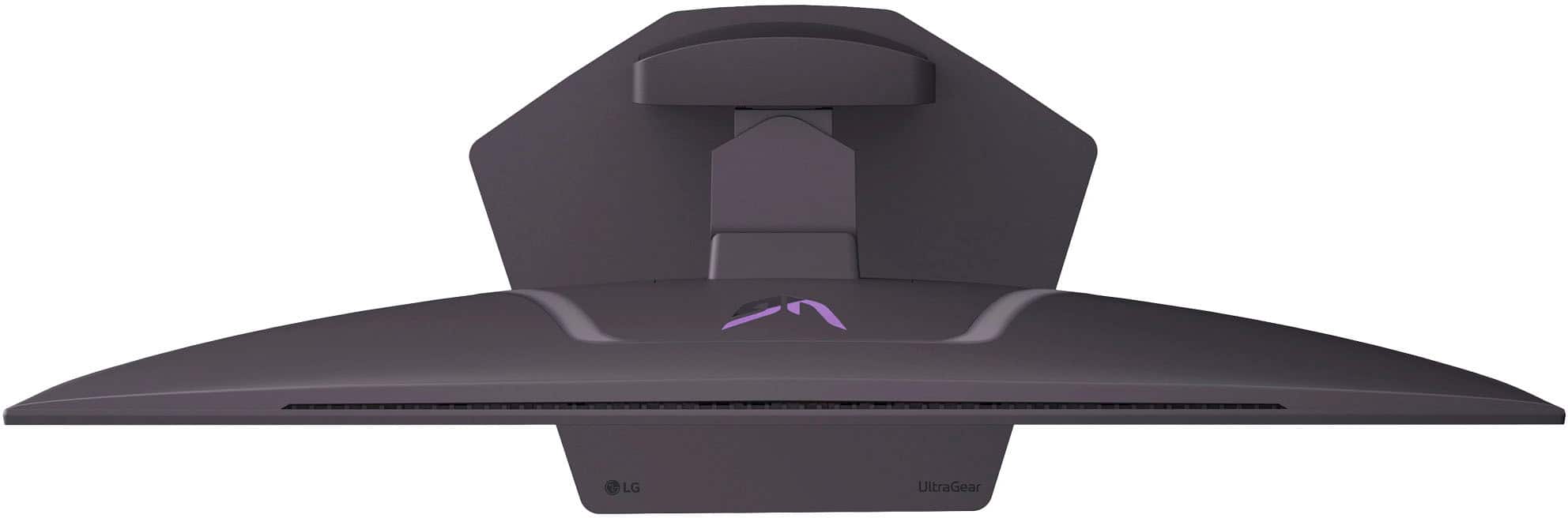
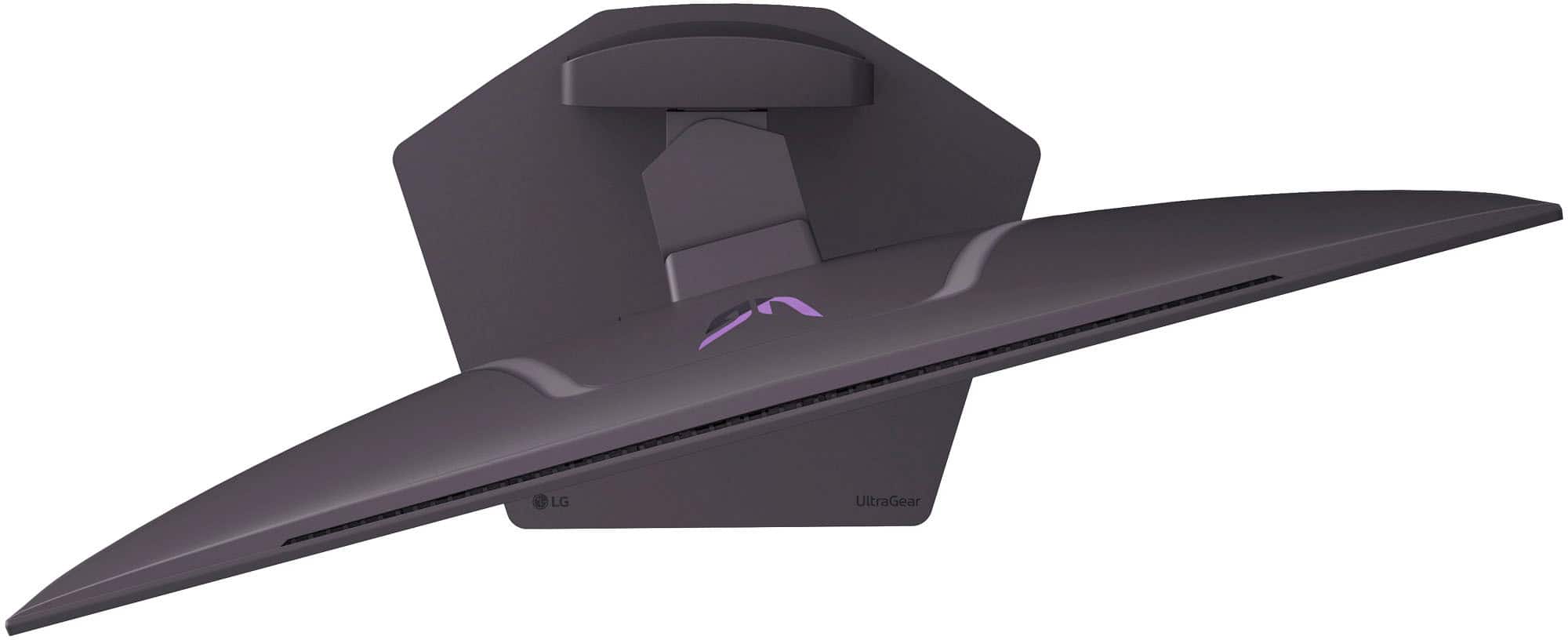
||Posted . Owned for 1 week when reviewed.This reviewer received promo considerations or sweepstakes entry for writing a review.Words cannot express the sheer beauty of this monitor when coupled with the newest RTX 5070 GPU video cards running 80GB transfer with display port 2.1. The quality of the monitor is superb. The stand is made of high-quality machined metal, and it is heavy which I like so the monitor is stable. The monitor can be adjusted for height perfectly both up and down and left to right. When going into sleep mode or shutting down the computer the monitor has software already installed to self-clean the screen to prevent burn-in. To maximize the performance of the monitor when gaming I use a display resolution of 3840 x 2160 at 240 Hz. In Windows 11, under display set the scale to 175% to enlarge text and the mouse cursor if using the 3840 x 2160 resolution. Turn on auto HDR under display settings in Windows 11 which automatically adjusts the monitor to games. It works very well - absolutely beautiful at 250 - 300 FPS in world of warcraft for example at max settings. I am running an Intel core 9 ultra series 2 processor and an MSI RTX 5070 TI 16 GB GPU with this monitor specifically to take advantage of the monitor's display port 2.1 function at 80GB video transfer rate.
I would recommend this to a friend - Pros mentioned:Refresh rate
Gorgeous.
||Posted . Owned for 1 month when reviewed.This reviewer received promo considerations or sweepstakes entry for writing a review.The visual fidelity in incredible. The colors are amazing. The refresh rate is mind boggling. Switching inputs is faster than my old LG Ultrafine LED 4k monitor. Brightness is great, I use this monitor in a bright room with two walls which are 75% glass (massive windows). No problems seeing the screen. Frankly, it's too bright in a dark room, so I turn on HDR to dim it a bit. Some people complain about blurry text, but I've never seen text this crisp before. I'm a software engineer, so that's massively important to me. It's honestly better than my Ultrafine monitor. The deepness of the black makes for incredible contrast with the white background. And even in dark mode, the fonts almost hover over the background. Amazing. Gaming is another level with this monitor. I was stuck at 60fps, and I had never experienced and higher refresh rate than that in my life. Let me tell you, the motion is so fluid at 100+ fps (RDR2 runs are about 120fps on my gaming PC) it's like magic. Even Windows animations are impossibly fluid. Biggest complaint is not being able to reprogram the "mode switch" button, which I'll never use. I'm sure that's great for people playing FPS games online, but I don't and won't. I'll keep my 4k@240Hz, that's plenty. Wish I could reprogram that to switch inputs, which I use frequently because I work from home and need to switch between my laptop and home computer. Also, you can plug peripherals into the USB ports, but you need to then connect the monitor via USB back to your PC to use them. And you can't, apparently, use the monitor as a KVM hub. Switching inputs doesn't switch which computer is controlled, because you can only plug in one computer at a time to the USB downstream. At least I haven't figured out how to yet. That would have taken this to another level of convenience. Bummer. They do have software to act as a KVM, but that means your inputs go across the network, and it feels soupy and unresponsive. Plus, it broke my work laptop's VPN. Oops.
I would recommend this to a friend - Pros mentioned:Overall performance, Refresh rateCons mentioned:Brightness
Good But Not Great
||Posted . Owned for 1 week when reviewed.This reviewer received promo considerations or sweepstakes entry for writing a review.It’s a great display and I really like the aesthetics of the monitor. The colors really pop and the speakers are a bonus for sure. 4k at 240hz is incredible. But the brightness levels leave me wanting more and the matte coating is a bit too aggressive for my liking. Still a very good monitor.
I would recommend this to a friend - Pros mentioned:Oled quality, Overall performance, Refresh rate
New monitor, best monitor
||Posted .This reviewer received promo considerations or sweepstakes entry for writing a review.Best monitor on the market currently for gamers; OLED, 4k @ 240Hz. I have several at this point as I was so impressed with the quality & performance. Would recommend new as open box can be hit or miss esp. with this item.
I would recommend this to a friend - Pros mentioned:Refresh rateCons mentioned:Brightness
Great Versatile Monitor with DP 2.1
||Posted . Owned for 1 week when reviewed.This reviewer received promo considerations or sweepstakes entry for writing a review.Amazing gaming monitor with features for all types of gamers. high refressh rate 4K on a large screen or even higher refresh rate at lower resolutions for competitive esports games. This the only dual mode 4K monitor that I could find with DisplayPort 2.1 (most competitors have DP1.4 which has lower throughput speed). One thing to note about dual mode monitors (this one included) is that they have modes to simulate smaller screen sizes which would be nice except that pixel density is lower on large screens. This causes a noticeable softening/blurring of images in those modes. It isn't perfect but it is a nice feature if you are okay with slight blurring at the 24" and 27" simulation modes. Pixel density is an issue in 32" dual mode and it is quite nice for competitive gaming.
I would recommend this to a friend - Pros mentioned:Oled quality, Refresh rate
My actual dream monitor.
||Posted .This reviewer received promo considerations or sweepstakes entry for writing a review.After years of owning Samsung monitors, I'm an LG fan and OLED was the right choice. The joystick for toggling modes is easy to use and out of the way. As far as dual mode goes, it's a LIFESAVER and I would rather have less monitors that can serve more functions (I had 6 on my desk at one point). This is great for programming and obviously gaming. Now, I just need a 5090 to push it on the 4K side! The refresh rates for 1080P and 4K work exactly like they're supposed to, which is... refreshing. One last thing: the stand is sturdy and I got rid of my expensive monitor arm and saved space to just use the stand!
I would recommend this to a friend - Pros mentioned:Oled quality, Overall performance
Premium product at premium price
||Posted . Owned for 2 weeks when reviewed.This reviewer received promo considerations or sweepstakes entry for writing a review.Premium quality for a premium price. Seemed like there were not a lot of mid-tier options that hit all the features I was looking for. Finally settled on this OLED due to its features. While the speakers are not super high quality, it is nice to have sound without needing to connect headphones to the system each time. After a few adjustments, particularly with HRD settings, games are running with great clarity.
I would recommend this to a friend - Pros mentioned:Overall performance, Refresh rate

Amazing.
|Posted . Owned for 2 months when reviewed.This reviewer received promo considerations or sweepstakes entry for writing a review.Amazing monitor. Due to the price I wouldn’t recommend this monitor to everyone but if you can swing the difference between this monitor and a cheaper one, do it. Amazing quality and refresh rate that blows the Samsung monitors out of the water.
I would recommend this to a friend