Customer Ratings & Reviews
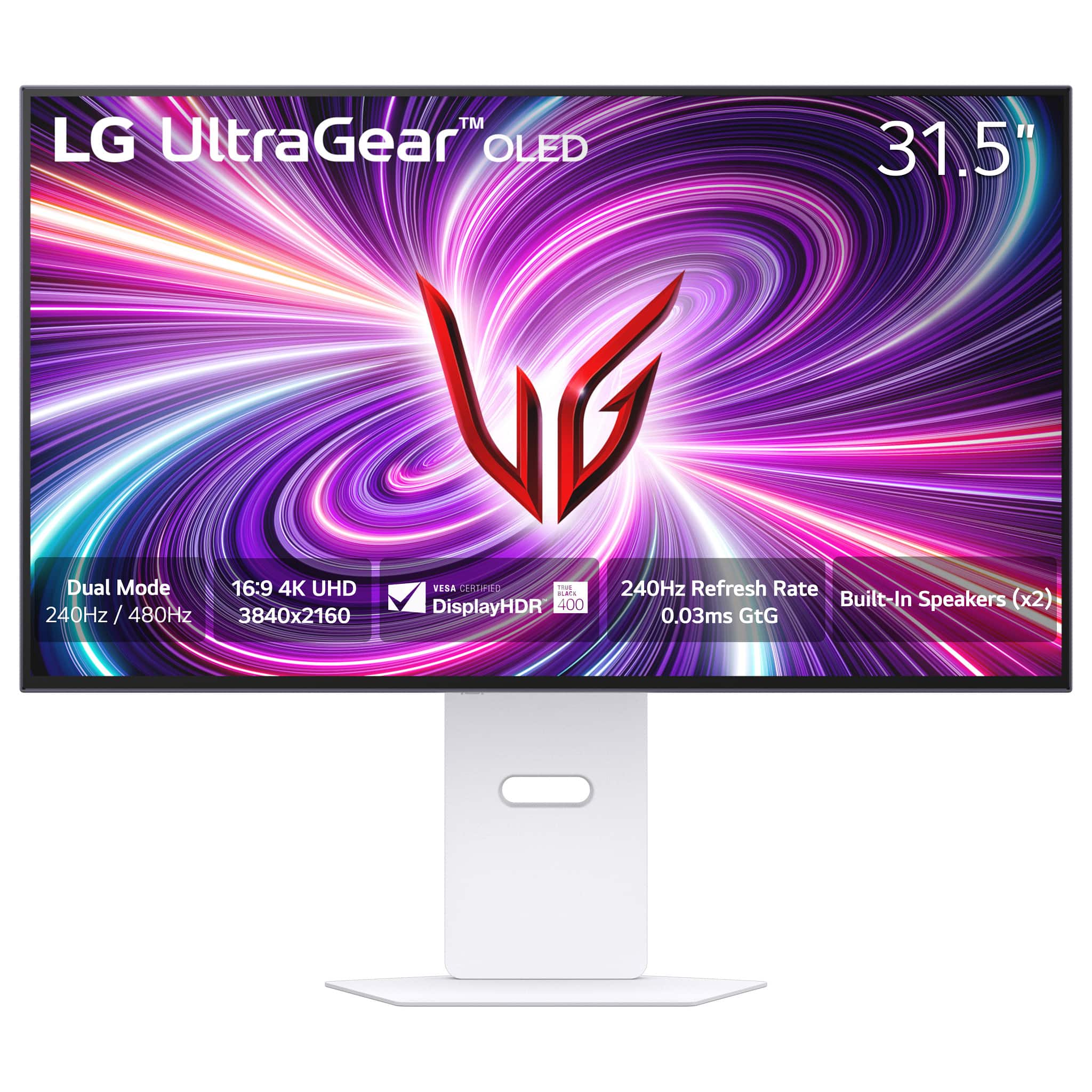
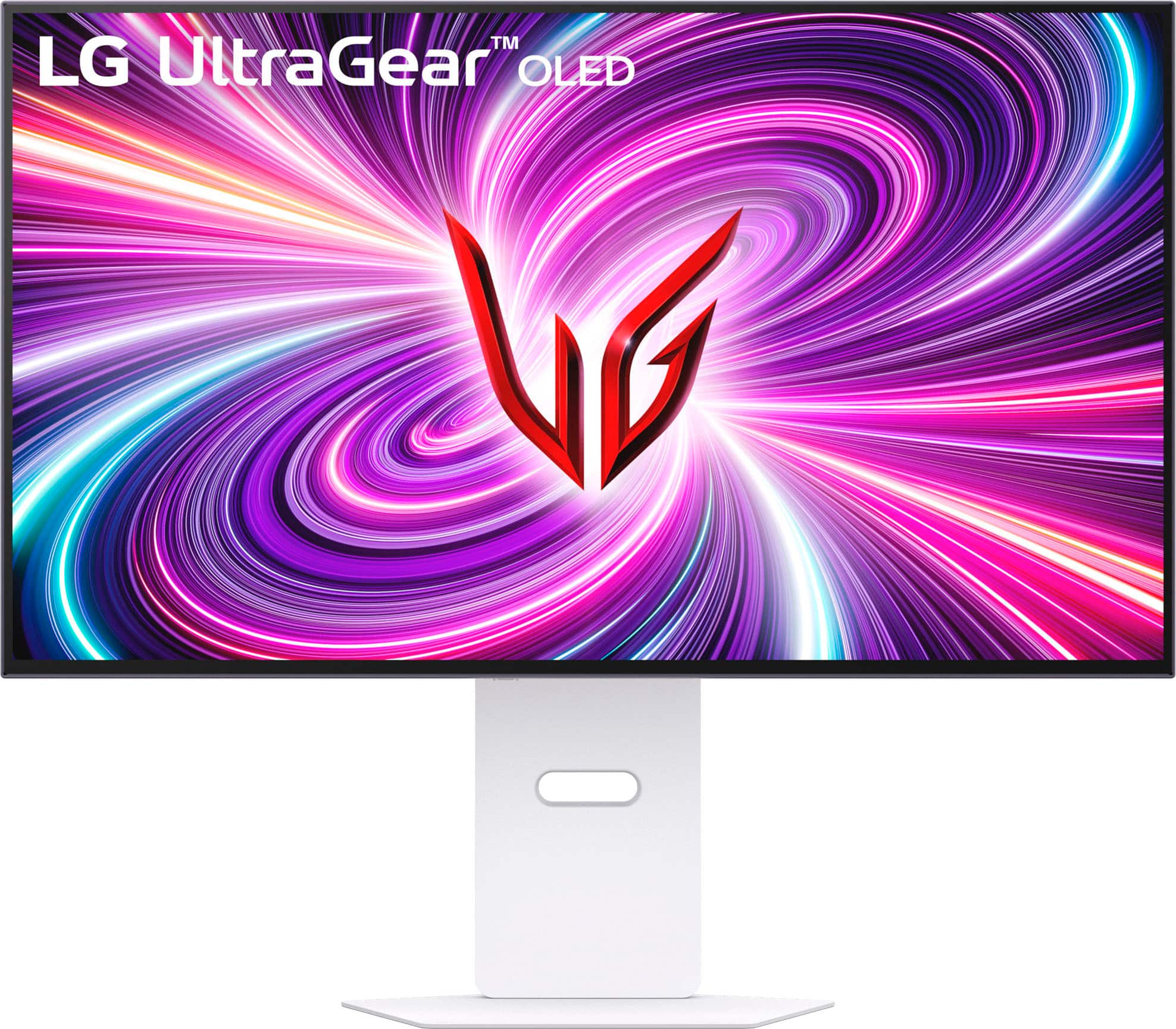


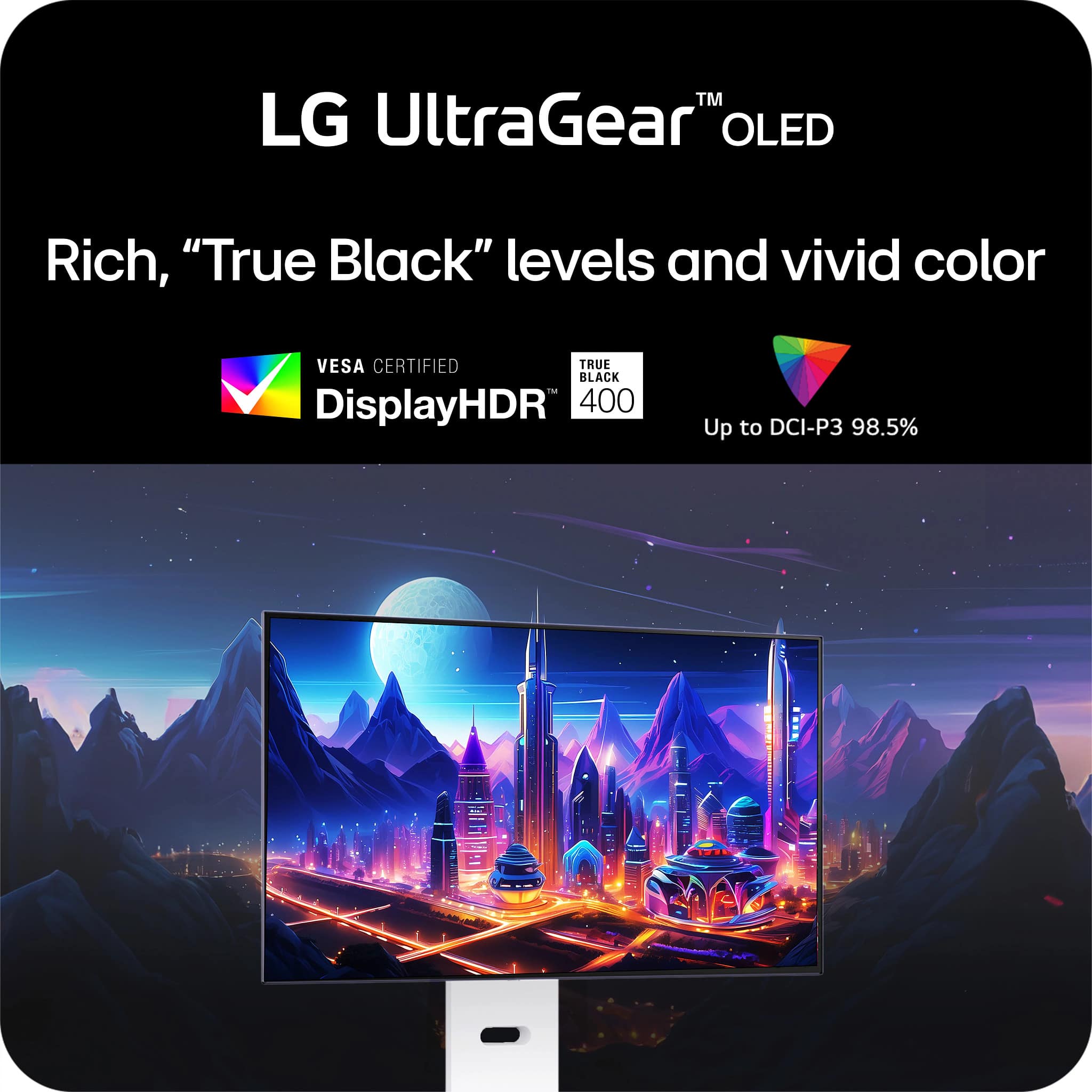
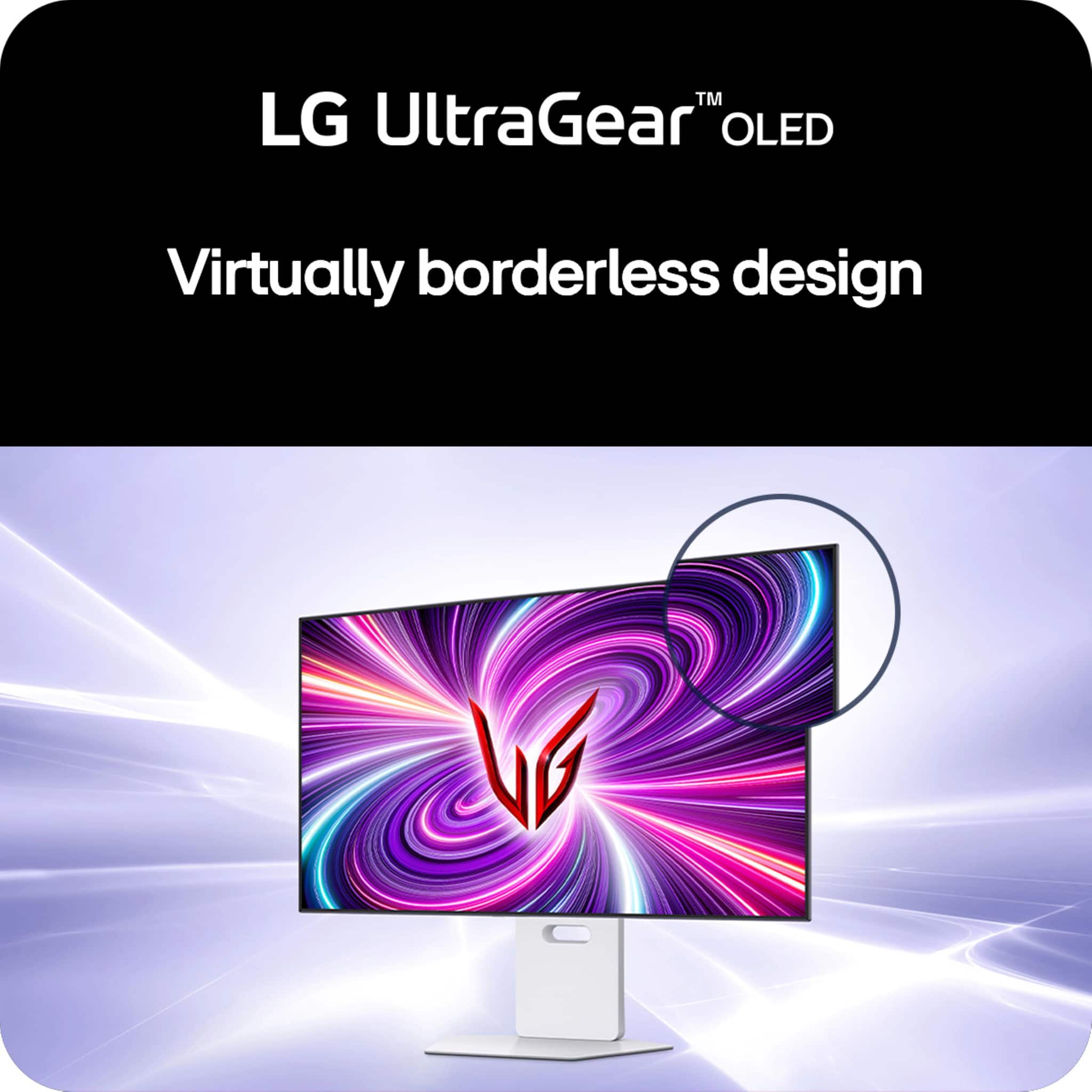





- Model:
- 32GS95UV-W
- SKU:
- 6595425
Rating by feature
- Display Quality
Rating 4.8 out of 5 stars
- Ease of Use
Rating 4.7 out of 5 stars
- Features
Rating 4.6 out of 5 stars
Customers are saying
Customers are enthusiastic about the UltraGear 32" OLED Dual Mode Gaming Monitor, particularly its exceptional picture quality, high refresh rate, and impressive OLED quality. The dual mode feature and inclusion of speakers are also appreciated. Some customers feel the monitor could be brighter and find the price to be high, while others are not completely satisfied with the finish or the stand.
This summary was generated by AI based on customer reviews.
- Pros mentioned:Overall performance
Bought opem box, no problems
||Posted . Owned for 1 month when reviewed.This reviewer received promo considerations or sweepstakes entry for writing a review.I went to the Best Buy outlet near me and they had one of these monitors on a great open box deal. The employee let me open the box and inspect the monitor and it was a brand new with not a single piece of plastic taken off. The monitor has zero hours of on screen time as for the monitor itself. I think it is fantastic. The old lead looks great and with a little bit of tinkering, you can get the colors to be pretty good and it works both for gaming and watching movies, especially 4K and HDR ones. I wouldn’t necessarily call this a downside as it isn’t really taking anything away but the worst part of the monitor is the 1080 P4 180 Hertz mode. It’s really not that useful for competitive gaming because you do lose a little bit of input speed when you’re running at a non-native resolution even though this technology is impressive, I still prefer to just run the native resolution.
I would recommend this to a friend - Pros mentioned:Overall performance, Refresh rate
Great colors and performance
||Posted . Owned for 1 month when reviewed.This reviewer received promo considerations or sweepstakes entry for writing a review.Loving the colors, refresh rates, and performance of this monitor. Only downside is you need a pretty beefy graphics card to push pixels @ 4k for gaming. There's a noticeable, but tolerable, performance difference compared to 1440p gaming using an RTX 5070 TI. Now that this is side by side with an IPS monitor the old IPS looks all washed out.
I would recommend this to a friend - Pros mentioned:Oled quality, Refresh rate
Impressive Monitor
||Posted . Owned for 1 month when reviewed.This reviewer received promo considerations or sweepstakes entry for writing a review.The monitor looks great. I wasn't sure what to expect from a matte screen OLED, but it looks great. It actually helps with glare. The high refresh rate is great for gaming, which I've come to expect from LG. It's not as bright as a TV but if the room it is in has blinds, it'll be just fine. The biggest surprise to me was how good the sound quality is.
I would recommend this to a friend - Pros mentioned:Oled quality, Refresh rate

Matte is fine and 480 OLED is close to ULMB/Dyac
|Posted . Owned for less than 1 week when reviewed.This reviewer received promo considerations or sweepstakes entry for writing a review.[Employee of bestbuy] Someone wrote a 1 star review before they physically even had the product as it launched through bestbuy just one day ago. The matte coating is fine and barely noticeable. I own the 2k 360hz glossy QD OLED and even prefer the matte to combat glare. I used backlight strobing for years but absolutely love the quality of OLED. 480hz gets pretty close to my 540 with strobing.
I would recommend this to a friend Great Monitor!
|Posted . Owned for 3 weeks when reviewed.This reviewer received promo considerations or sweepstakes entry for writing a review.[Employee of bestbuy] Great Monitor, gets the job done and has nice LED lighting in the back that compliments the setup well.
I would recommend this to a friend- Pros mentioned:Overall performanceCons mentioned:Brightness
Overall great but HDR color accuracy is lacking
||Posted . Owned for 2 weeks when reviewed.This reviewer received promo considerations or sweepstakes entry for writing a review.Great picture and brightness. Can't get rid of the blue overtone despite lots of changes to settings. Firmware updates fixed most other problems. SDR is great, HDR is mostly good but color accuracy is a bit meh for the price of the monitor. Customizing the color values is said to cause an increase in postprocessing
I would recommend this to a friend LG ultragear seamless quick start
||Posted .This reviewer received promo considerations or sweepstakes entry for writing a review.This think looks amazin and installing was impressive i was ready to play in less than 3 minutes its just three pieces and can all be put toghther and removed by hand its almos like a 2 piece puzzle you cant get wrong. I like that the vesa mount turns left and right it can angle up or down and it it can ve raised higher or lower and be turned vertica for retro games like namco arcades ❤️
I would recommend this to a friend- Pros mentioned:Oled quality, Overall performance
Fantastic display, HDR issues in Windows
||Posted .This reviewer received promo considerations or sweepstakes entry for writing a review.Fantastic display, HDR issues in Windows Display worked but I had constant issues with HDR. If HDR was enabled in windows settings, this seemed to make no bearing on multiple games. I had some games start with HDR enabled, and other with HDR off with no ability to turn on. When I forced HDR on/off by getting out of full screen games, when going back into full screen, half my display would be "greyed out". The left side of my screen was perfect and looked amazing, but the right side of the screen had a grey filter. I tried DDU to remove my GPU drivers and update. I updated the monitor. I tired for multiple hours per day for a week and finally gave up. When working correctly - wow. Best monitor I've ever seen. But this issue with HDR is horrible. I cannot justify a $1200 purchase with HDR not working when I could instead get a 55" OLED TV - lets be real here. -Final
No, I would not recommend this to a friend Two Major Factor Areas
||Posted . Owned for 1 month when reviewed.This reviewer received promo considerations or sweepstakes entry for writing a review.The market place for this product, price and features, is extremely competitive. The two major areas are the panel itself, of which there are two manufacturers with somewhat different technologies, LG and Samsung, and the form factor/features. The two panel manufacturers, Samsung and LG have great products. IMO the Samsung has more "pop." The demo videos you see in the store of fruit and/or the Caribbean sea with the over-saturated colors and high contrast look better on the Samsung. That carries over to some kinds of videos games as well. However the LG looks more natural to me. Also the QLED (Samsung) does have color fringing. After I got over the "wow" factor of the demos and really looked it is noticeable. Once I noticed, I couldn't un-notice it. Basically that made up my mind. If this were a TV versus a monitor then I would go for the Samsung. Another factor is the connectivity. It happens to not matter in my case, but the LG is kind of limited compared to the other options. I won't take a star from my own needs and experiences, but for anyone reading this please consider that aspect.
I would recommend this to a friend- Cons mentioned:Brightness, Connectivity
mediocre picture Q, frustrating driver software
||Posted .This reviewer received promo considerations or sweepstakes entry for writing a review.the usb 3.0 port that uses the weird printer cable+ shape connector should have been my first warning sign, of cours eI didn't get this thing out of the box and set up in time to still be within the return period or i definitely would have returned this sick puppy. It's impossible to calibrate this display well, it is only compatible with one weird LG photo spectrometer and for this price point it should have just come with a calibration tool instead of asking me 500 times if I Want to install the calibration software only to go through that horrible process to tell me 'actually you need this one lg spectrometer and only lg sells the one compatible and oh by the way it's been sold out on the lg website for the past 6 months and best buy never even carried it. ok so i can use a third party app to calibrate it, but this thing is supposedly calibrated at the factory and well whomever calibrated it did a poor job, the readings are off the wall in color variation for the same color depending on where you are looking on the screen. I did use a third party spectrometer, but I didn't use it to calibrate the display just to confirm my suspicion that the pixels do not uniformly make the same color, i've tried literally every setting and believe me this has a lot of them, it has not a single usb c port on it which is kind of crazy, the usba ports are basically useless unless the 2 foot usb hub 3.0 cable is long enough for you to reach your desktop then you'll never be able to use them. anyway, also it does not work well with nvidia geforce rtx4700 ti or whatever the graphcis card i have is, this is probably more a windows issue i'm having but no matter how many times the lg software told me i needed to update my drivers and restart (which it's made me do like 15 times) i still cannot get the resolution or 240fps to work consistently or properly, i don't need a framerate that high anyways but it would be nice if it worked as advertised, i justneed a uniformly color accurate display, very bright nit levels, and oh by the way, godspeed to whomever can figure out how to get this thing to display HDR content properly. now keep in mind I am a video and photogropher professional who has been editing my own 4k video and HDR photos for the past decade, this is quite a frustrating display, i only bought it because my old BENQ (one of the only truly professional monitor display companies besides NEC/Sharp) finally shat the bed when my cat knocked it off my desk. anyway i really really wish i could just trade this in and get the one I should have gotten but alas best buy is shatting on my parade no matter what!
No, I would not recommend this to a friendBrand response from LG Digital Customer Care
Posted .Hi, Kale. Thank you for your thorough and detailed feedback on the LG Monitor (32GS95UV-W) model. We understand how critical accurate color calibration and reliable performance are for your professional video and photography work. This monitor is factory-calibrated for great color precision, but we recommend a full factory reset and updating the firmware via LG OnScreen Control software to enhance your experience. For assistance, visit https://www.lg.com/us/support/help-library/lg-monitor-how-to-update-monitor-firmware--20153819322140. This can help with color uniformity and HDR issues. We also acknowledge your concerns about USB port setup and compatibility, and we're here to help. Feel free to message us on social media @LGUSSupport for further assistance and tailored solutions. ^Juvy

- Pros mentioned:Dual mode
Buy it now if money is no object- A+ monitor!
||Posted . Owned for less than 1 week when reviewed.This reviewer received promo considerations or sweepstakes entry for writing a review.Although it is pricey, if you can get a good deal on it I would definitely recommend it. Don’t worry about the matte finish complainers. When you see this thing in person you’ll be amazed. Yeh maybe the glossy finish of course will be more crisp but honestly coming from someone who’s tried out the AW3225qf and the LG C3 42in, it’s not drastically so different. It still pops and looks sharp and incredible. Honestly I can’t tell the different. Maybe if I had them side by side maybe but otherwise, using this monitor on day to day for games and productivity-I do not miss having a QC-oled glossy. However one thing I would say is that its price does need to be under $1000 or at least under $1100 for me to say YES BUY IT. $1400 is just greedy status at that point. I mean yeah the dual mode and I guess maybe they’re marketing it at that segment who wants that I guess. But if they really wanna sell a ton of these put this baby down to below 1100 $1050 the sweet spot and you got a banger. In some ways it’s better than the QD-oleds especially if your setup you’re light controlled. I like the window being behind my desk and that would probably destroy my experience with the glare but on this bad boy just with a little curtain I have no issues with the bright window behind me (directly in front of the screen) -Dual mode works flawless -very low input lag -deep deep oled black -very nice speakers (I sold me old pc speakers don’t need them anymore with the sound from this bad boy-if I want more immersive sound just pop on my headphones) All in all if money is no object yes get it otherwise, wait for it to go down prob around under 1100 it’s a no brainer. Otherwise stick to your AW3423DWF (I’m prob going back to-just can’t see myself spending $1500 on monitor yet)
I would recommend this to a friend - Pros mentioned:Oled quality, Overall performance
Excellent display
||Posted .This reviewer received promo considerations or sweepstakes entry for writing a review.Very good quality display, it's an LG OLED which as expected absolutely lives up to it's name Lots of good built in protection features, including automatically shutting off, but responsive when you need to use it again and still adding to lifespan
I would recommend this to a friend - Pros mentioned:Refresh rate, Resolution
It does - EVERYTHING
||Posted .This reviewer received promo considerations or sweepstakes entry for writing a review.Upgraded from the first gen 27inch oled 1440p from LG. This is 10 leagues better. Its brighter, bigger, and my oh my is it crystal clear at 4k resolution. Not to mention when playing E-Sports titles, that 1080p 480hz dual mode is perfect!
I would recommend this to a friend - Pros mentioned:Refresh rate
An Absolute Beast.
||Posted . Owned for 3 weeks when reviewed.This reviewer received promo considerations or sweepstakes entry for writing a review.I replaced my 2021/2022 Asus 27' 1440p 275hz lcd monitor with this one. I've had it going on 3 weeks now and overall I love it. I think unless you are the ultimate screen snob, you'll love this monitor. For reference I have had my share of top TV's recently. High end Samsung mini led's as well as the 2022 Samsung S95B OLED that I use pretty much every day. It has the gloss screen and all that and is gorgeous. When I'm using this monitor, I don't feel like I'm missing out on anything. I'll admit this is my first OLED monitor and I waited long and hard before I pulled the trigger but overall I've been very pleased. It is bright and inky. I'm using it with my Windows 11 gaming PC Build as well as an M1 Mac mini. Both look and perform great on this beast. Gaming wise, I'm in love. Coming from a 27' 1440p monitor I was a little worried that in my competitive games going back to 1080p would stink, but it's not a big deal at all and usually not even noticeable. the 480hz OLED when playing competitively is just marvelously smooth. And when I'm not gaming this thing is always in 4k/240hz and it brings Windows 11 to life! lol. All in all I love it. The sound quality is excellent even though I have my own external sound system + headset. The switching between 1080p and 4K takes on average about 3-4 seconds. I've been very impressed so far. Wish it was cheaper but you're paying for high end bleeding edge tech. I wouldn't listen to much to these people talking about the screen and what not. Unless you are wayyyy overboard about those kind of things it will moreeee than meet your needs. I think it is gorgeous. Now I just have to upgrade some of my hardware on the PC to take full advantage of the 480hz lol
I would recommend this to a friend Perfection
||Posted .This reviewer received promo considerations or sweepstakes entry for writing a review.I have been trying to find the perfect monitor for a couple months now and I think I can stop looking. I am very happy with this one. I have tried multiple W-OLED options with matte screens, as well as glossy QD-OLED monitors and although this might be an unpopular opinion, I really prefer the look of the matte screen. Yes, you lose a bit of pop, but the blacks look fantastic and though people probably won’t care about this too much, it looks great when it’s off. The smooth matte black screen looks great in my space, whereas the QD-OLED monitors with the glossy or semi-glossy screens have a very purple tint to them that drives me crazy.
I would recommend this to a friend- Pros mentioned:Dual mode
Amazing
Posted .This reviewer received promo considerations or sweepstakes entry for writing a review.I Have tried The alien & Asus version and i must say LG duo mode is really something else. I have the best of both worlds at click of a button. Having auto power on and off is also great.
I would recommend this to a friend - Pros mentioned:Overall performance, Refresh rate
Amazing display but expensive
||Posted . Owned for 1 week when reviewed.This reviewer received promo considerations or sweepstakes entry for writing a review.Simply a gorgeous display for everything and 480 fps speed albeit at 1080p when you want it. Onboard speakers sound pretty good though bass is lacking but thats understandable with how thin this thing is. I really fell in love with the included remote with the LG 45" ultrawide and really wish this would become standard for gaming monitors as I switch inputs often playing on different platforms. Biggest downside is the cost.
I would recommend this to a friend - Pros mentioned:Oled qualityCons mentioned:Hdr
Very Nice Monitor
||Posted . Owned for 1 month when reviewed.This reviewer received promo considerations or sweepstakes entry for writing a review.Excellent monitor, i got 2 and they have been pretty much perfect. Only draw back is HDR peak brightness while technically 1000 nits in a 2 percent window, is in practice 600nits when playing games. Still excellent, especially for an oled, but not mind blowing
I would recommend this to a friend An amazing monitor, but not perfect
Posted .This reviewer received promo considerations or sweepstakes entry for writing a review.Overall I think the monitor is absolutely fantastic for work and gaming. The quality, the speakers everything is top notch! The RGB lights are amazing in the back, zero issues and is perfect when mounted! HOWEVER, it is not worth the $1400 price tag lol. Please wait until this monitor is on sale to grab it, I personally own 2 of them and and love them !! Wait until it is on sale to buy it
I would recommend this to a friendWorth The Price
||Posted .This reviewer received promo considerations or sweepstakes entry for writing a review.Bought 3 of these for a work from home setup and are really good. I do architectural work and is perfect for having multiple applications on each monitor and still being visible. I don’t use the stand they come with but quality is really good on both monitor and stand. Does really well on a double monitor arm as well since they are not too heavy of monitors. Highly recommend once you get passed the price point but are worth it if you use it everyday.
I would recommend this to a friend