Customer Ratings & Reviews




- Model:
- 32GS95UE-B.AUS
- SKU:
- 10316763
Rating by feature
- Display Quality
Rating 4.8 out of 5 stars
- Ease of Use
Rating 4.7 out of 5 stars
- Features
Rating 4.6 out of 5 stars
to a friend
mediocre picture Q, frustrating driver software
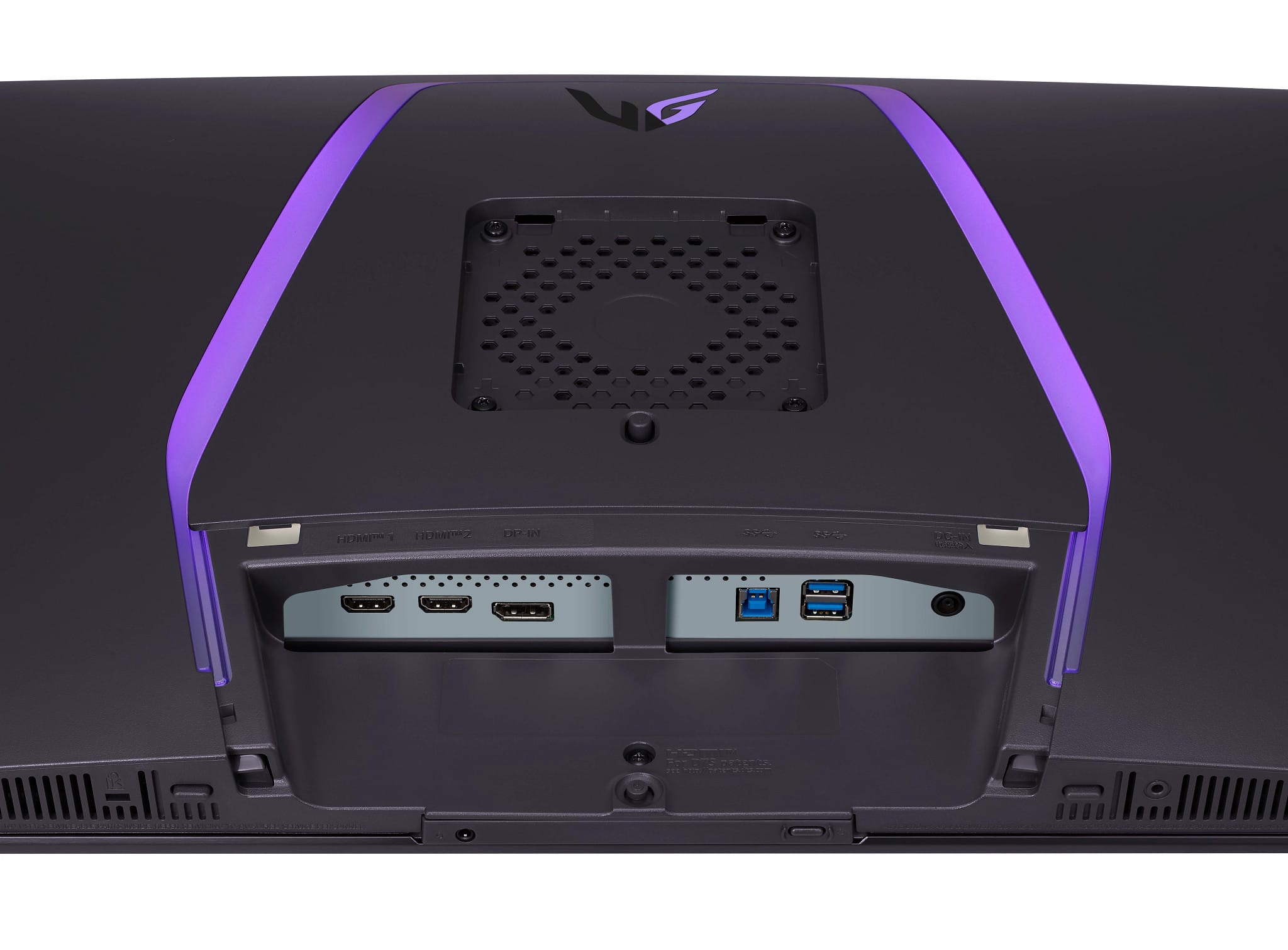
||Posted .This reviewer received promo considerations or sweepstakes entry for writing a review.the usb 3.0 port that uses the weird printer cable+ shape connector should have been my first warning sign, of cours eI didn't get this thing out of the box and set up in time to still be within the return period or i definitely would have returned this sick puppy. It's impossible to calibrate this display well, it is only compatible with one weird LG photo spectrometer and for this price point it should have just come with a calibration tool instead of asking me 500 times if I Want to install the calibration software only to go through that horrible process to tell me 'actually you need this one lg spectrometer and only lg sells the one compatible and oh by the way it's been sold out on the lg website for the past 6 months and best buy never even carried it. ok so i can use a third party app to calibrate it, but this thing is supposedly calibrated at the factory and well whomever calibrated it did a poor job, the readings are off the wall in color variation for the same color depending on where you are looking on the screen. I did use a third party spectrometer, but I didn't use it to calibrate the display just to confirm my suspicion that the pixels do not uniformly make the same color, i've tried literally every setting and believe me this has a lot of them, it has not a single usb c port on it which is kind of crazy, the usba ports are basically useless unless the 2 foot usb hub 3.0 cable is long enough for you to reach your desktop then you'll never be able to use them. anyway, also it does not work well with nvidia geforce rtx4700 ti or whatever the graphcis card i have is, this is probably more a windows issue i'm having but no matter how many times the lg software told me i needed to update my drivers and restart (which it's made me do like 15 times) i still cannot get the resolution or 240fps to work consistently or properly, i don't need a framerate that high anyways but it would be nice if it worked as advertised, i justneed a uniformly color accurate display, very bright nit levels, and oh by the way, godspeed to whomever can figure out how to get this thing to display HDR content properly. now keep in mind I am a video and photogropher professional who has been editing my own 4k video and HDR photos for the past decade, this is quite a frustrating display, i only bought it because my old BENQ (one of the only truly professional monitor display companies besides NEC/Sharp) finally shat the bed when my cat knocked it off my desk. anyway i really really wish i could just trade this in and get the one I should have gotten but alas best buy is shatting on my parade no matter what!
No, I would not recommend this to a friendBrand response from LG Digital Customer Care
Posted .Hi, Kale. Thank you for your thorough and detailed feedback on the LG Monitor (32GS95UV-W) model. We understand how critical accurate color calibration and reliable performance are for your professional video and photography work. This monitor is factory-calibrated for great color precision, but we recommend a full factory reset and updating the firmware via LG OnScreen Control software to enhance your experience. For assistance, visit https://www.lg.com/us/support/help-library/lg-monitor-how-to-update-monitor-firmware--20153819322140. This can help with color uniformity and HDR issues. We also acknowledge your concerns about USB port setup and compatibility, and we're here to help. Feel free to message us on social media @LGUSSupport for further assistance and tailored solutions. ^Juvy

Questionable Value
||Posted . Owned for 4 months when reviewed.This reviewer received promo considerations or sweepstakes entry for writing a review.The problem is that this is a $1,400 monitor with flaws, and at that price it should be flawless. There are 2 key problems in order of importance: 1. There's no way to disable the automatic dimming "feature". This can get annoying at times, especially if you're trying to read documents. 2. The HDR is poorly tuned for some reason. The panel itself is used in another monitors and has better HDR, but for some reason in this monitor it clips at around 600 nits.
No, I would not recommend this to a friendBest screen I have ever seen
||Posted . Owned for 1 week when reviewed.This reviewer received promo considerations or sweepstakes entry for writing a review.Best monitor I've ever used in my life. Colors are amazing. I use it mostly during the day in a well lit room and it still looks as amazing as it does when I use it at night time with no lights. The speakers are also very impressive and louder than I imagined. I don't ever even raise the volume past 1/4 max volume. For 1000-1100 it's a great value.
I would recommend this to a friendExcellent Visuals
||Posted . Owned for 1 month when reviewed.This reviewer received promo considerations or sweepstakes entry for writing a review.I was skeptical about going from QLED to OLED, especially with the price tag associated. But I have to say I’m sold, the quality and colors you can get are unmatched. Would recommend if you can cough up the change for it
I would recommend this to a friendWAY TOO HOT! THIS IS TOO MUCH
||Posted . Owned for 1 month when reviewed.This reviewer received promo considerations or sweepstakes entry for writing a review.So I have to say the picture quality and the feel of this monitor when gaming on it is amazing. Of course you want a system that can handle and push out the monitors best performance. IF you have a console, just go buy a new TV or a high end 43 4k tv, this is meant for those Hardcore PC enthusiasts who want the best eye ball bleeding picture and feel when we play. BUT THE BIGGEST DOWN SIDE TO this is when me and my friends had a long gaming session overnight of 6+ hours, this monitor made the room and hallway extremely warm and to the point where I was sweating in the middle of winter. I can not tell you how bad this monitor would be in the summer with all that heat coming off of it. Sadly I returned this monitor and went back down to a 28in 4k monitor from Gigabyte and Samung. Happy with those options. Oled is almost there just needs better cooling. So maybe I will buy in the next 2-3 years
No, I would not recommend this to a friendExcellent experience with lg iled monitor for gami
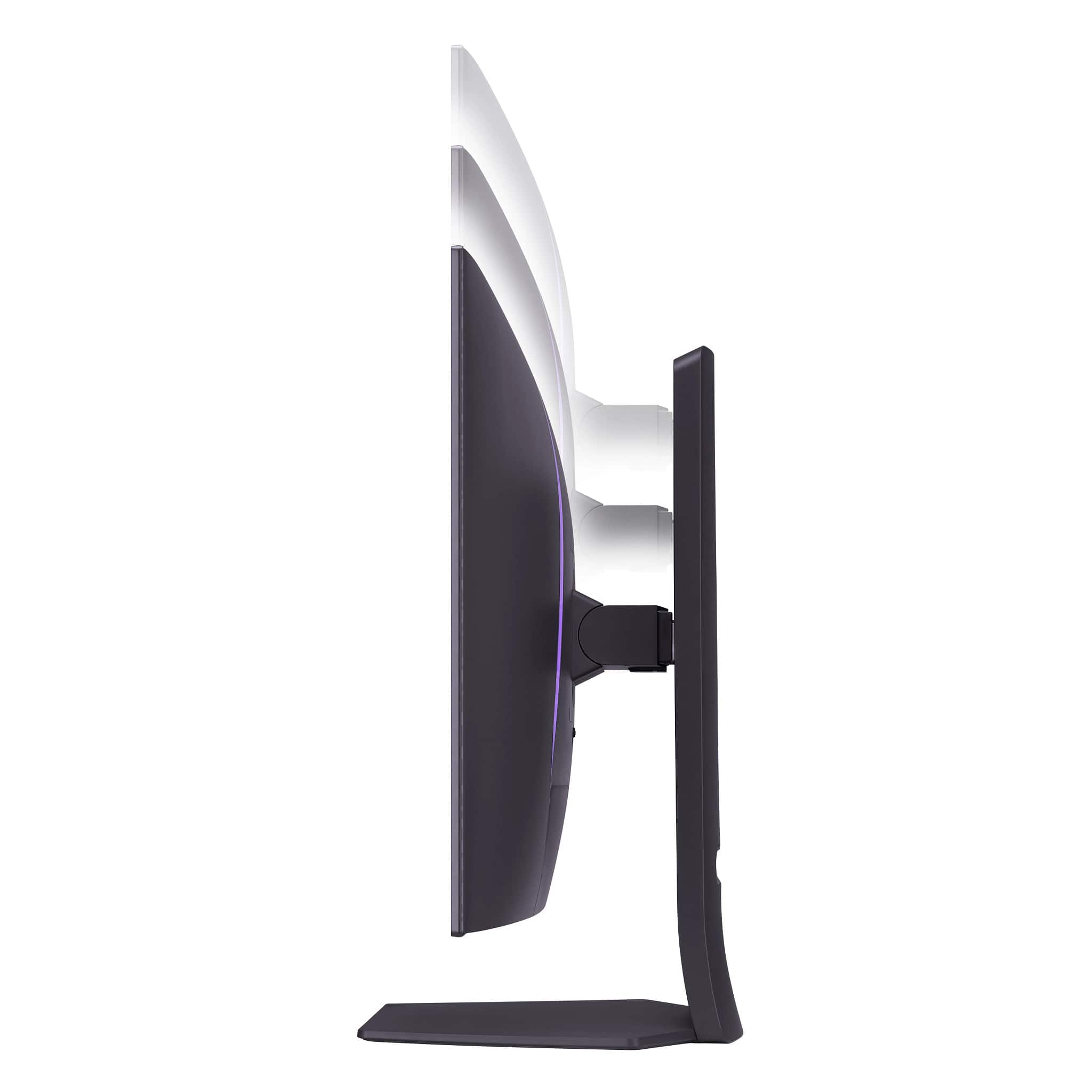
||Posted . Owned for 3 weeks when reviewed.This reviewer received promo considerations or sweepstakes entry for writing a review.Has worked perfectly for 4k gaming powered by a 5080 gpu. Height adjustments and tilting allow for optimal ergonomic configurations. If youre having trouble acheiving 4k resolution be sure to toggle the dual mode button on the bottom center of the screen.
I would recommend this to a friendGaming Monitor
||Posted .This reviewer received promo considerations or sweepstakes entry for writing a review.Great gaming monitor you can really tell the difference between this one and UHD monitor if you have budget for it I really recommend
I would recommend this to a friendAmazing
||Posted . Owned for 1 month when reviewed.This reviewer received promo considerations or sweepstakes entry for writing a review.Perfect monitor. Great colors, high refresh rate, couldn’t ask for more
I would recommend this to a friendIt does - EVERYTHING
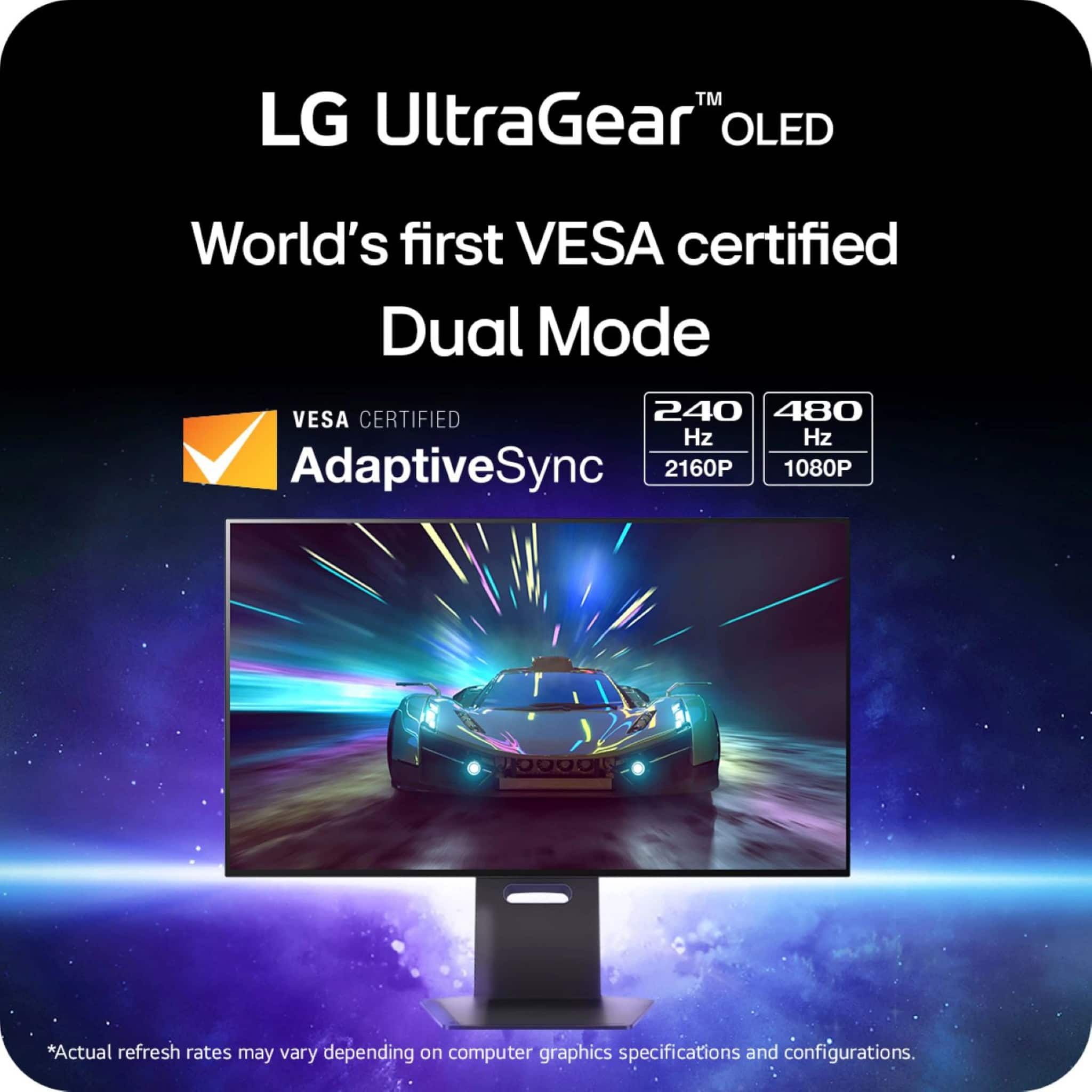
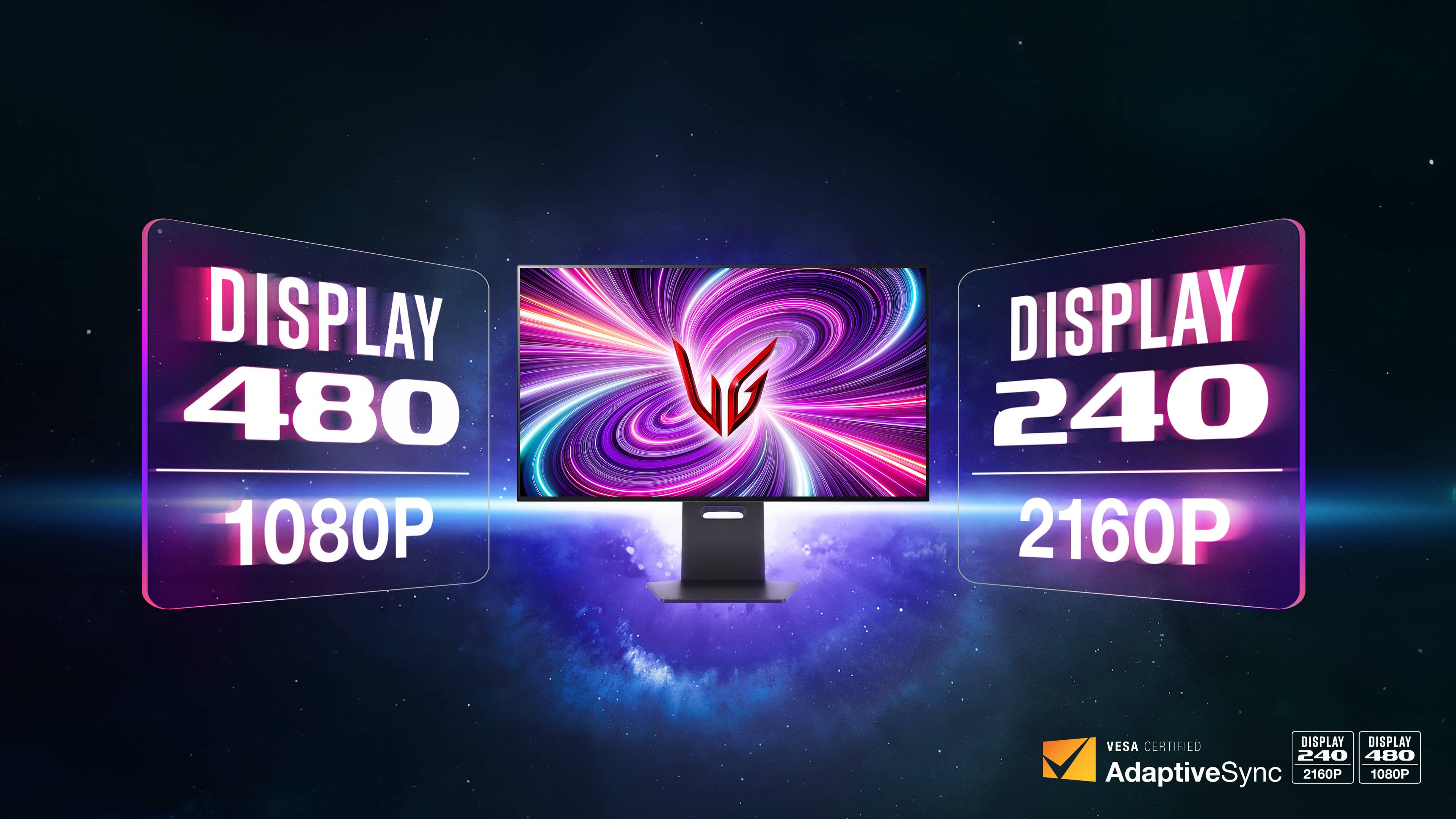
||Posted .This reviewer received promo considerations or sweepstakes entry for writing a review.Upgraded from the first gen 27inch oled 1440p from LG. This is 10 leagues better. Its brighter, bigger, and my oh my is it crystal clear at 4k resolution. Not to mention when playing E-Sports titles, that 1080p 480hz dual mode is perfect!
I would recommend this to a friendBetter options available, do not buy if over $500.
||Posted . Owned for 1 month when reviewed.This reviewer received promo considerations or sweepstakes entry for writing a review.First off, if your looking to buy this for the dual 4k 1080p support...don't. Ya it's there, but 1080p on a 32 inch monitor sitting 30inches away (at least for me) is not worth it...too big for that low of a res.. you'll be desitracted by all the pixelation. If you absolutely need 1080p and want 4k for other stuff then get a secondary 24in 1080p. The build quality is also not what it should be for a monitor at the price. This has the build quality I would be ok with at under $400. Granted I bought mine open box for $750, but not worth it. (Side note - the open box was in excellent condition looked brand new, so none of my problems are related to that.) My other monitor is an Alienware aw3423dwf and it's in a different league of build quality. If you've never had an oled you'll probably think this looks awesome, and it doesn't look bad. But if you've ever used a qd-oled and then turned on this (woled panel) you'll notice a massive difference in color loss. You don't get the same quality and dynamic range as you do with qd-oled. I knew this going in but I did not think it would be so drastic. Lastly, it's a process to get the colors calibrated right. If that's not a big deal to you then throw on the gamer1 mode and off you go. But if you want to pull as much color out of this as you can then it takes some fine tuning. Performance is good, I have a 5070ti and OC'd 265k and at max settings I would of never come close to the 240hz at 4k, so it's there for the future if gpu's stop relying on "AI" upscaling/mfg and actually provide enough horsepower to get to that point...but unless you've got an unlimited budget and games start optimizing better, you'll rarely make use of the 240hz. Market at its finest.
No, I would not recommend this to a friendBrand response from LG Digital Customer Care
Posted .Hello there, Mhill. Thank you for sharing your detailed experience with us regarding your LG 32GS95UE-B.AUS UltraGear monitor. We understand your feedback regarding the 1080p dual mode, the build quality, color performance compared to QD-OLED, and the color calibration process. Your insights are valuable.
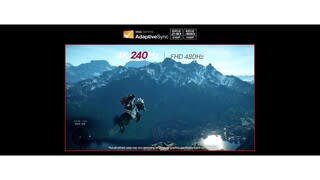
We understand your perspective on the 1080p mode for a 32-inch display. While the monitor is designed to offer flexibility between 4K 240Hz and FHD 480Hz, the visual experience at 1080p on a larger screen, especially from a closer viewing distance, can indeed show more pixelation. This is inherent to the resolution on a panel of this size.
Regarding the build quality, we are always striving to deliver products that meet our customers' expectations in every aspect. We appreciate your comparison and will certainly pass along your observations to our product development team.
On the topic of color, the LG 32GS95UE-B.AUS features a W-OLED panel. While W-OLED technology delivers excellent contrast and true blacks, as you've noted, QD-OLED panels can indeed offer a wider color gamut and higher color luminance, leading to a different perceived color vibrancy. This is a characteristic difference between the two OLED panel types.
For color calibration, we understand that achieving optimal color accuracy can sometimes require fine-tuning. We offer resources and settings within the monitor's OSD (On-Screen Display) menu to help users calibrate their display to their preferences.
We are pleased to hear that the performance of the monitor is good, particularly the high refresh rates, which are designed to provide a smooth gaming experience as GPU capabilities evolve.
https://www.bestbuy.com/site/lg-ultragear-32-oled-dual-mode-4k-uhd-240hzfhd-480hz-0-03ms-nvidia-g-sync-compatible-amd-freesync-pro-gaming-monitor-black/6575402.p?skuId=6575402
Please send us a private message on Social Media @LGUSSupport and our team will be more than happy to explore possible solutions for optimizing your monitor's settings or to address any further questions you may have about its features. We appreciate your patience. —Renzo
I love this monitor
||Posted . Owned for 3 weeks when reviewed.This reviewer received promo considerations or sweepstakes entry for writing a review.I was a little sceptical about jumping from an IPS 27 inch monitor to 32 Oled, but im glad i did it. Ive tried the 480hz but ive heard its not really true 480hz, it’s complicating to explain. The screen looks amazing, playing on PC and PS5 Pro has been fun too.
I would recommend this to a friendDisplay
||Posted . Owned for 1 year when reviewed.This reviewer received promo considerations or sweepstakes entry for writing a review.This is a amazing Display nothing gets better then this!
I would recommend this to a friendLeaves a bit to be desired.
||Posted .This reviewer received promo considerations or sweepstakes entry for writing a review.While I can see the appeal to the average consumer, as someone who is a bit more particular about their displays I can say that LG panels leave a bit to be desired. The lack of color volume compared to QD OLED panels leave this monitor feeling dull and even a bit dim looking by comparison. I also own an alienware AW2725DF QD OLED monitor, and despite it actually having slightly lower brightness across a 100% window, it feels appreciably brighter than this LG monitor in just about everything. I could forgive all that if matte coatings on OLED weren't absolutely awful. Don't let some Reddit chud try to convince you you're crazy - matte coatings are terrible. Well, unless you can tolerate your screen looking dirty with a rainbow-y sort of shimmer on it all the time. Oh, and QD OLED "purple" isn't that bad. If you care about the finer details, look for a glossy offering at the very least. I feel like it would make this panel much more tolerable. The matte finish really is a deal breaker.
No, I would not recommend this to a friendBrand response from LG Digital Customer Care
Posted .Hi, there. Thank you for sharing your detailed feedback on the LG Monitor (32GS95UE-B) model. We appreciate your insights as a discerning user, and we understand how important display quality is for an optimal experience. We strive to provide high-quality products that exceed our customer's needs and expectations.
While many consumers enjoy the features of this model, we recognize that preferences for display finishes can vary significantly. Your concerns about color volume and the matte coating are valuable, and we’ll ensure that this feedback is noted.
If you have any specific concerns about the performance or settings that might enhance your viewing experience, please feel free to reach out. Additionally, if you’re considering alternatives, we’d be happy to provide recommendations that align more closely with your preferences.
Please send us a private message on social media @LGUSSupport, and our team will be more than happy to assist you further. We appreciate your patience and feedback as we strive to improve our products. ^Juvy
Very good
||Posted .This reviewer received promo considerations or sweepstakes entry for writing a review.Fast and vibrant colors are really great I recommend it
I would recommend this to a friendAmazing monitor would love to get a second
||Posted . Owned for 1 month when reviewed.This reviewer received promo considerations or sweepstakes entry for writing a review.Amazing monitor it makes my other monitor look murky and fuzzy. It regularly has a self cleaning to prevent permanent Burn-in though I make sure to turn it off even though my computer will automatically do so after 10 minutes of inactivity.
I would recommend this to a friendA Top Tier Monitor for all Applications
||Posted . Owned for 1 month when reviewed.This reviewer received promo considerations or sweepstakes entry for writing a review.I have my Gaming PC and Xbox Series X connected to this monitor. It absolutely has great capabilities for gaming. I use the dual channel mode if I want play a game at 1080p but at a high framerate (200+ fps) The 4k240hz mode is good for videos and single player games at 4K60+. Sure you can use the 4K240hz mode for high FPS gaming, but displaying 200+ FPS at 1080p is better on dual channel 1080p480hz.
I would recommend this to a friendGreat
||Posted . Owned for 5 months when reviewed.This reviewer received promo considerations or sweepstakes entry for writing a review.Runs smooth looks amazing and switching between 1080 and 4k is seemless
I would recommend this to a friendExcellent monitor
||Posted .This reviewer received promo considerations or sweepstakes entry for writing a review.Monitor is excellent so far. With a RTX 5080, I don't see any vrr flickering. No burn in so far, using for productivity. I do make sure to image refresh after 4 hours though.
I would recommend this to a friendGreat Clarity and Detail
||Posted . Owned for 1 week when reviewed.This reviewer received promo considerations or sweepstakes entry for writing a review.I purchased this monitor because it is a OLED. I have a LG OLED TV and it is spectacular. The monitor is also. I use it to do photo shop and my day to day work. I have a picture on now from Ana Capri and I can see every detail on the houses. This was an excellent purchase for me.
I would recommend this to a friendDecent 4K OLED monitor, unique 480hz mode
||Posted . Owned for 1 week when reviewed.This reviewer received promo considerations or sweepstakes entry for writing a review.Decent quality HDR, though SDR content was hit or miss. 480hz mode and actually worked well smoothness wise… however I would never game in this mode unless I was a pro gamer that only cared about FPS, as way too grainy and blocky looking like outdated graphics. 4K 240hz is the sweet spot for me for resolution and speed. It also made just a little bit of screen or fan noise. Therefore I traded it for the Aorus QD-OLED version of this, as more vibrant colors and completely passive/silent cooling, and wouldn’t use the 480hz mode much.
I would recommend this to a friend