Customer Ratings & Reviews
- Model:
- 32GS95UE-B.AUS
- |
- SKU:
- 6575402
Customer reviews
Rating 4.6 out of 5 stars with 566 reviews
(566 customer reviews)Rating by feature
- Display Quality4.8
Rating 4.8 out of 5 stars
- Ease of Use4.7
Rating 4.7 out of 5 stars
- Features4.6
Rating 4.6 out of 5 stars
Customers are saying
Customers value the UltraGear 32" OLED monitor's exceptional picture quality, high refresh rate, and vibrant colors, frequently praising its immersive visual experience. The dual mode feature and surprisingly good built-in speakers also receive positive feedback. While some find the price high and have noted areas for HDR improvement, the overall response highlights the monitor's strengths.
This summary was generated by AI based on customer reviews.
- Pros mentioned:Picture quality
Rated 5 out of 5 stars
Lg fans
||Posted . Owned for 1 week when reviewed.This reviewer received promo considerations or sweepstakes entry for writing a review.Lg game monitor it always easy to use and high quality
This review is from LG - UltraGear 32" OLED Dual Mode (4K UHD 240Hz,FHD 480Hz), 0.03ms NVIDIA G-SYNC, AMD Freesync Pro Gaming Monitor (HDMI, DP) - White
I would recommend this to a friend Rated 5 out of 5 stars
Excellent!
||Posted . Owned for 3 weeks when reviewed.This reviewer received promo considerations or sweepstakes entry for writing a review.This is the best monitor I've ever owned. Free of all the "smart" mess that gets tacked onto equivalent options. Extremely bright, sharp, and super clear motion makes this monitor pack a punch!
I would recommend this to a friend- Pros mentioned:Refresh rate
Rated 5 out of 5 stars
Best Monitor I've Ever Owned
||Posted . Owned for 1 week when reviewed.This reviewer received promo considerations or sweepstakes entry for writing a review.Excellent display. Best of both worlds (4k 120 Hz and 1908p 480 Hz).
I would recommend this to a friend - Pros mentioned:Oled quality, Picture quality, Refresh rateCons mentioned:Brightness, Stand
Rated 5 out of 5 stars
The Best of Both Worlds.
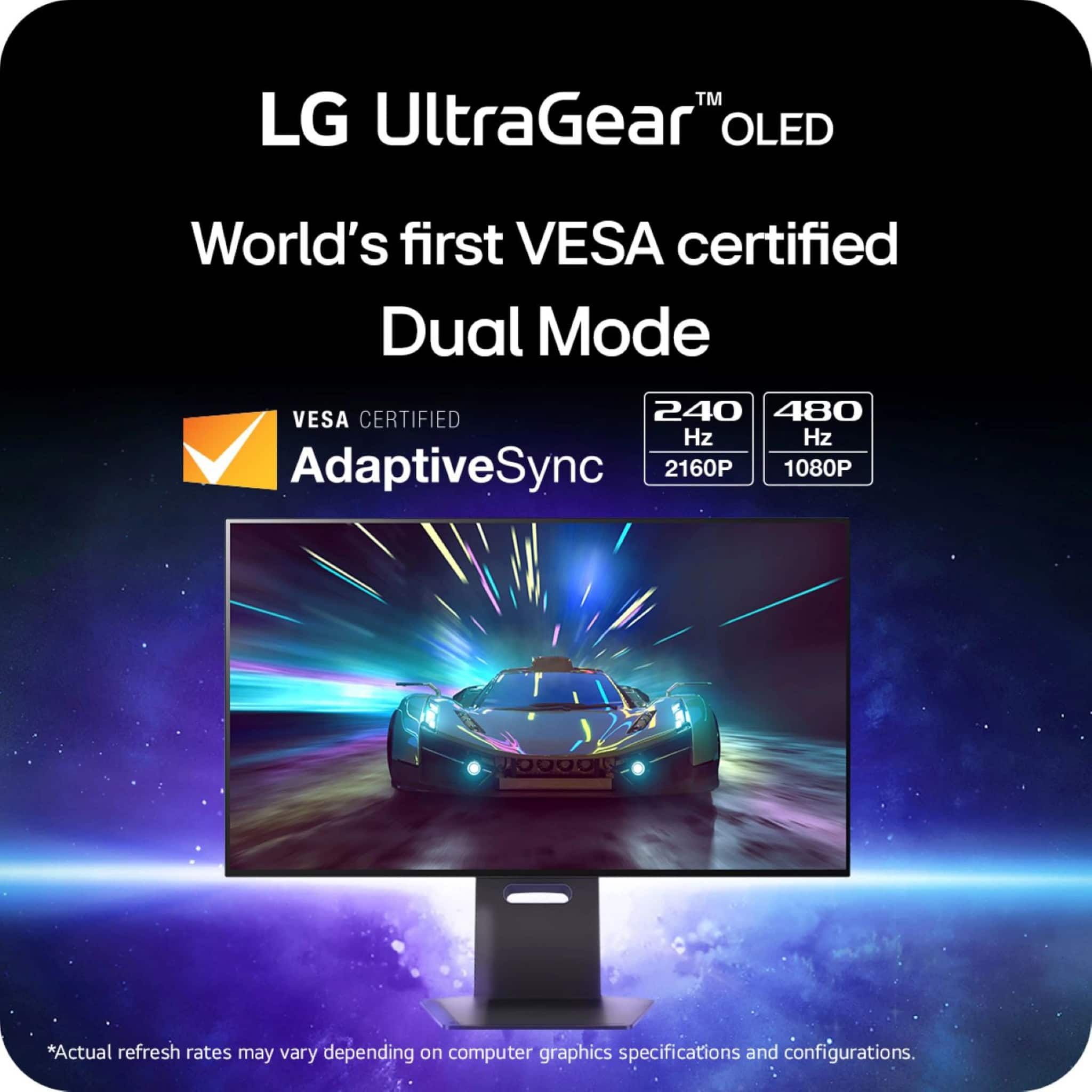
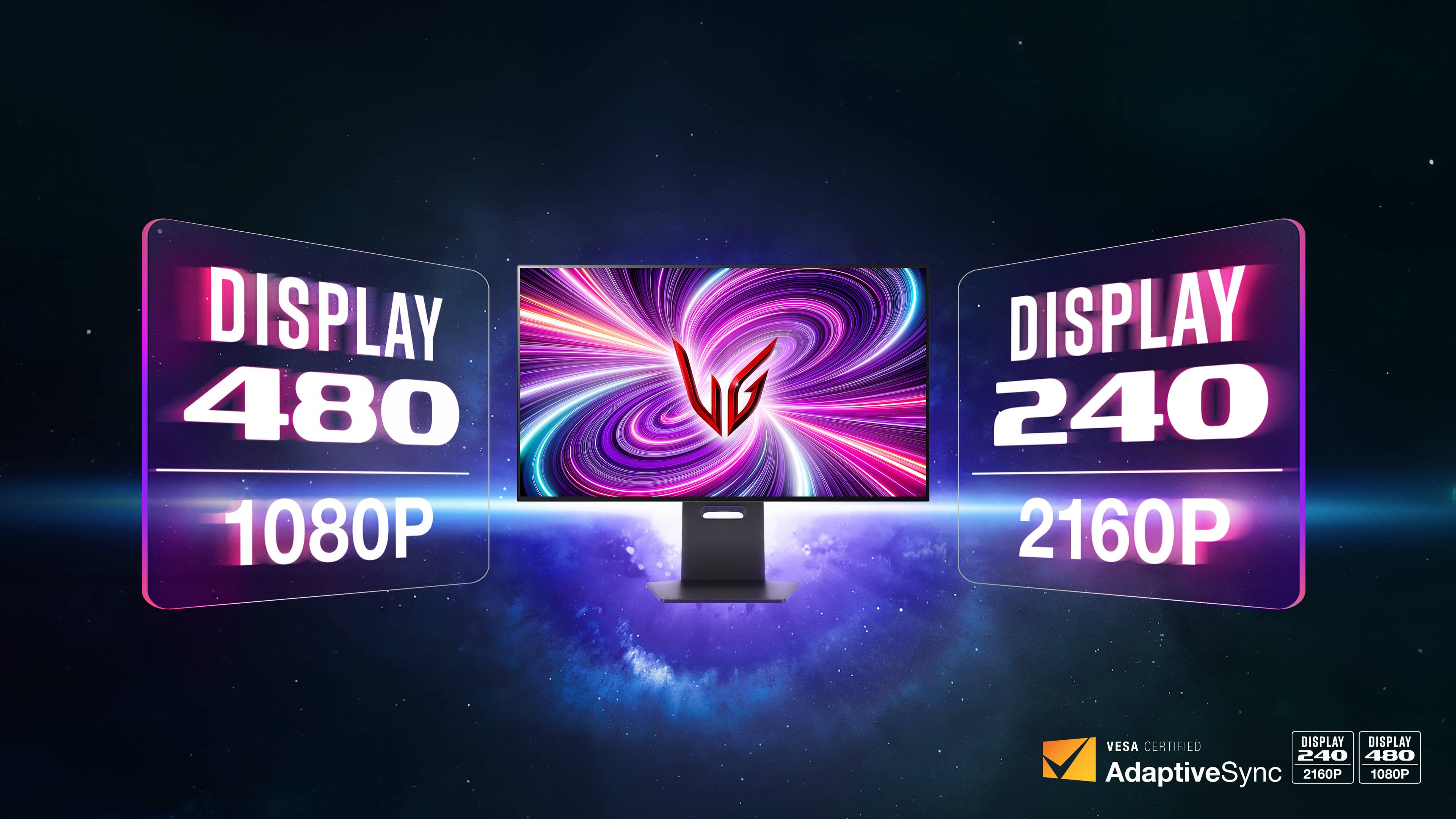
|Posted .This reviewer received promo considerations or sweepstakes entry for writing a review.I was in the market for a monitor that could handle both productivity and gaming when I came across this UltraGear 32" OLED Dual Mode Monitor. Up until pulling the trigger on this 4K UHD OLED, I was using another monitor that was 4K, 240Hz. My issue with my old monitor was that I was sacrificing refresh rates for resolution, which is great for most games but not for some of the faster-paced first-person shooters that I play. First off, the picture is stunning. This display is everything and more than you would expect from an OLED. Colors are rich, vibrant, and the blacks are as inky as ever. There's no unsightly vignetting that you get with IPS panels, and text looks sharp thanks to this panel's special pixel arrangement. Where this Dual Mode monitor really shines is in the hotkey that allows you to swap between 4K, 240Hz, and 1080p, 480Hz. The person in the market for this flexibility is someone who wants the best of both worlds without compromise. You're basically getting two monitors in one. At 4K 240Hz, you get a monitor that is perfect for video editing, productivity, content consumption, and gaming. At 480Hz, you're getting buttery smooth gameplay with almost no lag. Most monitors make you choose one, while the UltraGear 32" gives you both and looks great doing it. The panel itself is also very good for an OLED. At 275 nits, it's not the brightest OLED on the market, but it’s more than enough for my needs. More often than not, I'm playing in a dark room and have to turn down the brightness anyway. Even when my office is well-lit, this monitor is more than adequate. Do note this does have a matte display. Personally, I prefer matte displays on all of my monitors because it diffuses light much better, but the one side effect is that sometimes text doesn't look as crisp as it would on a glossy display. Matte is the best option IMO. Color accuracy is not perfect out of the box, so I would definitely recommend a calibration if you are a designer. Out of the box, the LG UltraGear is a bit oversaturated, but this is easily fixed. I can't really fault the display too much—let’s be real, it's unrealistic to assume all monitors produced at scale have identical color accuracy out of the box, so your mileage may vary. Lastly, the monitor is solid. There is virtually no slop or wobble with the stand, which is a huge deal for me. There's nothing worse than bumping your desk and watching your monitor turn into a bobblehead. I am also happy with the placement of the ports on the back as well as the monitor controls located front and center under the chin. While the slot in the stand is great for cable management, I'm not a huge fan of the stand. It's great in the sense that you can set the monitor deep on the desk without any of the base hanging off the edge, but I personally prefer bases with a wider stance. I often find myself pushing the keyboard back to free up some room, and it drives me nuts when it catches the front of the base. I think most people would never have an issue with this, but it's just my personal preference. After using the OLED Dual Mode monitor for the past week, I'm convinced that it's the best option out there right now for the price. You're paying for one monitor that can take the place of two—I can't really see a downside. You get a killer gaming monitor that can keep up with any first-person shooter, and when you flip the switch, you're back to viewing content at 4K with HDR. I'd highly recommend the UltraGear 32" to anyone looking for the best all-around monitor that has little to no compromise.
This review is from LG - UltraGear 32" OLED Dual Mode (4K UHD 240Hz,FHD 480Hz), 0.03ms NVIDIA G-SYNC, AMD Freesync Pro Gaming Monitor (HDMI, DP) - White
I would recommend this to a friend Rated 5 out of 5 stars
Fast effective great monitor
||Posted .This reviewer received promo considerations or sweepstakes entry for writing a review.Great piece, fast, love that you can swap resolutions with hz
I would recommend this to a friendRated 5 out of 5 stars
Super Happy
||Posted . Owned for 3 weeks when reviewed.This reviewer received promo considerations or sweepstakes entry for writing a review.Great purchase for the price! Got lucky and found an open box return for way lower than original price. It was only missing remote.
I would recommend this to a friend- Pros mentioned:Oled quality
Rated 5 out of 5 stars
oled is the best
||Posted . Owned for 3 weeks when reviewed.This reviewer received promo considerations or sweepstakes entry for writing a review.love the OLED and the 4k its truly the best buy i have made.... the price is worth it
I would recommend this to a friend Rated 3 out of 5 stars
Open Box burn in
||Posted . Owned for 3 weeks when reviewed.This reviewer received promo considerations or sweepstakes entry for writing a review.Purchased a open box "fair" condition monitor. Was clearly a display model with burn-in and 7000+ hours of uptime. Currently being sent out to LG for panel replacement so I got that going for me. I did purchase the extended warranty through BestBuy, so it should cover me for the next 4 years if anything else goes wrong with the monitor.
I would recommend this to a friend- Cons mentioned:Price
Rated 4 out of 5 stars
Too expensive but very good.
||Posted . Owned for 1 month when reviewed.This reviewer received promo considerations or sweepstakes entry for writing a review.Really good monitor but it’s more expensive than the competition which makes it a hard sell.
I would recommend this to a friend - Pros mentioned:Refresh rate
Rated 2 out of 5 stars
LG, where is the 1300 Nits??? Update needed ASAP
||Posted . Owned for 1 week when reviewed.This reviewer received promo considerations or sweepstakes entry for writing a review.I was blown away with most features on this monitor. I mean it's absolutely stunning. I preferred this matte finish so much more than the QD-OLED competitors. Blacks actually look so much deeper without that purple magenta that QD-OLED has. Text clarity is absolutely top notch. Way better than my QD-OLED experience. 480 Hz is wild. Really cool to have that. Connectivity gets the job done. USB-C would have been great, but it's not a dealbreaker for me to have a dock for that instead (more ports anyway). DP 2.1 would've been nice, but DCS has no problems. The subtracted 3 stars is because of the missing 1300 nit peak brightness. C'mon LG!!!!! This monitor was marketed at 1300 peak brightness, but gets 603 in the windows Display. Fix this now!!!
No, I would not recommend this to a friendBrand response from LG Digital Customer Care
Posted .Hi, Benji. Thank you for taking the time to review the LG Monitor (32GS95UE-B) model. We understand that you were impressed with many of the monitor's features, such as the stunning design and the matte finish that provides deeper blacks without the purple magenta seen in QD-OLED competitors. The text clarity and the 480 Hz refresh rate also stood out. Additionally, you mentioned that the connectivity options, although lacking USB-C and DP 2.1, still meet your needs.
However, we apologize for the disappointment you experienced regarding the missing 1300-nit peak brightness. It seems that the monitor was marketed with this feature, but you found that it only reaches 603 nits in the Windows Display. We appreciate your feedback and will pass it along to the appropriate team. They will be able to address this issue and provide any necessary updates or clarifications. If you have any further questions or concerns, please reach out to us on social media @LGUSSupport. ^Juvy
Rated 5 out of 5 stars
Great Monitor
||Posted . Owned for 2 months when reviewed.This reviewer received promo considerations or sweepstakes entry for writing a review.This is honestly the best monitor I've ever used for gaming, it capture amazing graphics and colors with the OLED Feature making for beautiful gameplay and movie watching. Far better than my curved.
This review is from LG - UltraGear 32" OLED Dual Mode (4K UHD 240Hz,FHD 480Hz), 0.03ms NVIDIA G-SYNC, AMD Freesync Pro Gaming Monitor (HDMI, DP) - White
I would recommend this to a friendRated 5 out of 5 stars
Great Monitor
||Posted .This reviewer received promo considerations or sweepstakes entry for writing a review.I love this monitor! This is my first OLED monitor and I've been very happy with it's performance.
This review is from LG - UltraGear 32" OLED Dual Mode (4K UHD 240Hz,FHD 480Hz), 0.03ms NVIDIA G-SYNC, AMD Freesync Pro Gaming Monitor (HDMI, DP) - White
I would recommend this to a friendRated 5 out of 5 stars
John
||Posted . Owned for 1 month when reviewed.This reviewer received promo considerations or sweepstakes entry for writing a review.Ths super large screen has incredible clarity. It is really easy on your eyes for long-term viewing. I use it as a monitor for editing photos and audio files.
I would recommend this to a friend- Pros mentioned:Dual mode, Oled quality, Picture quality
Rated 5 out of 5 stars
Fast Response & Refresh, Great Image & Sound
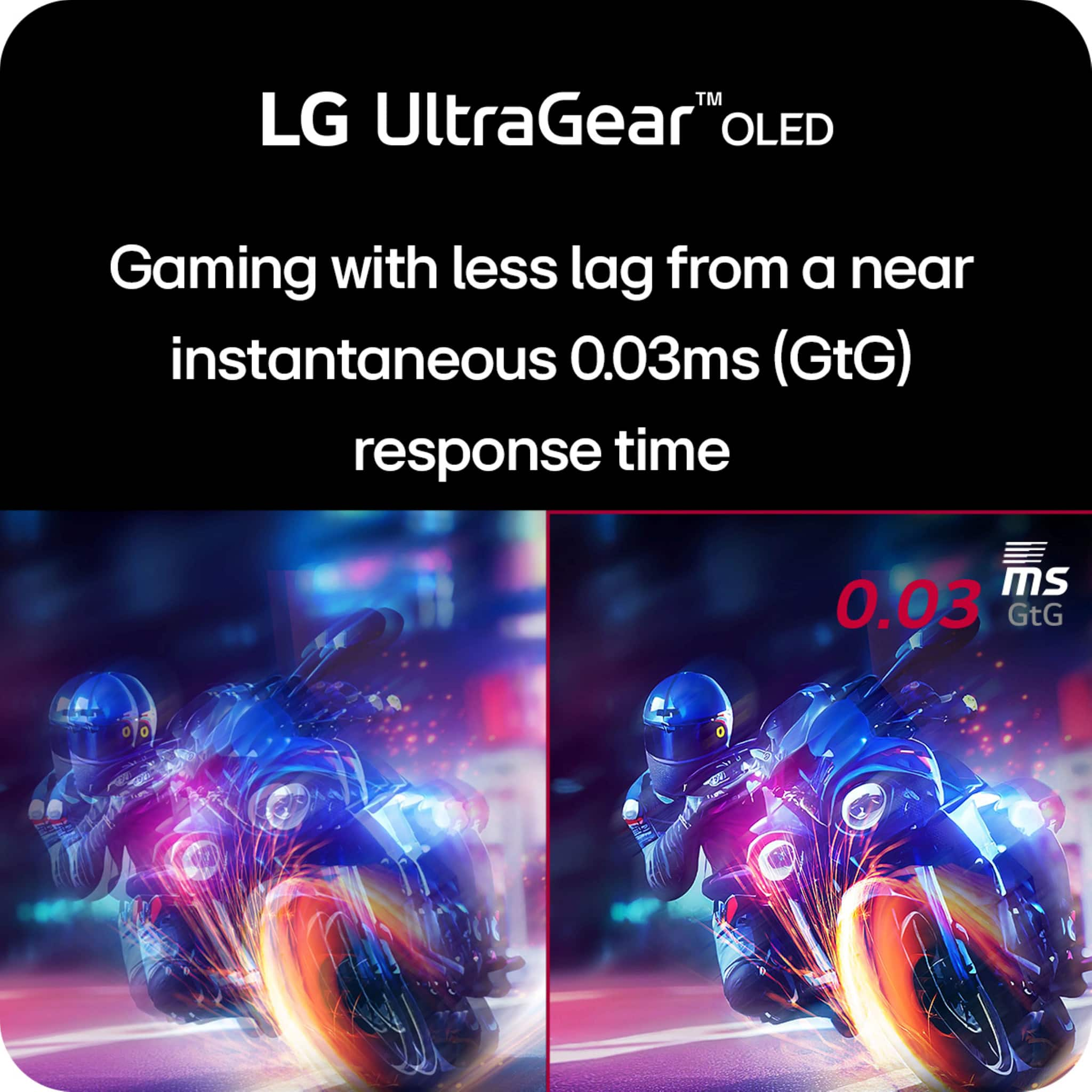
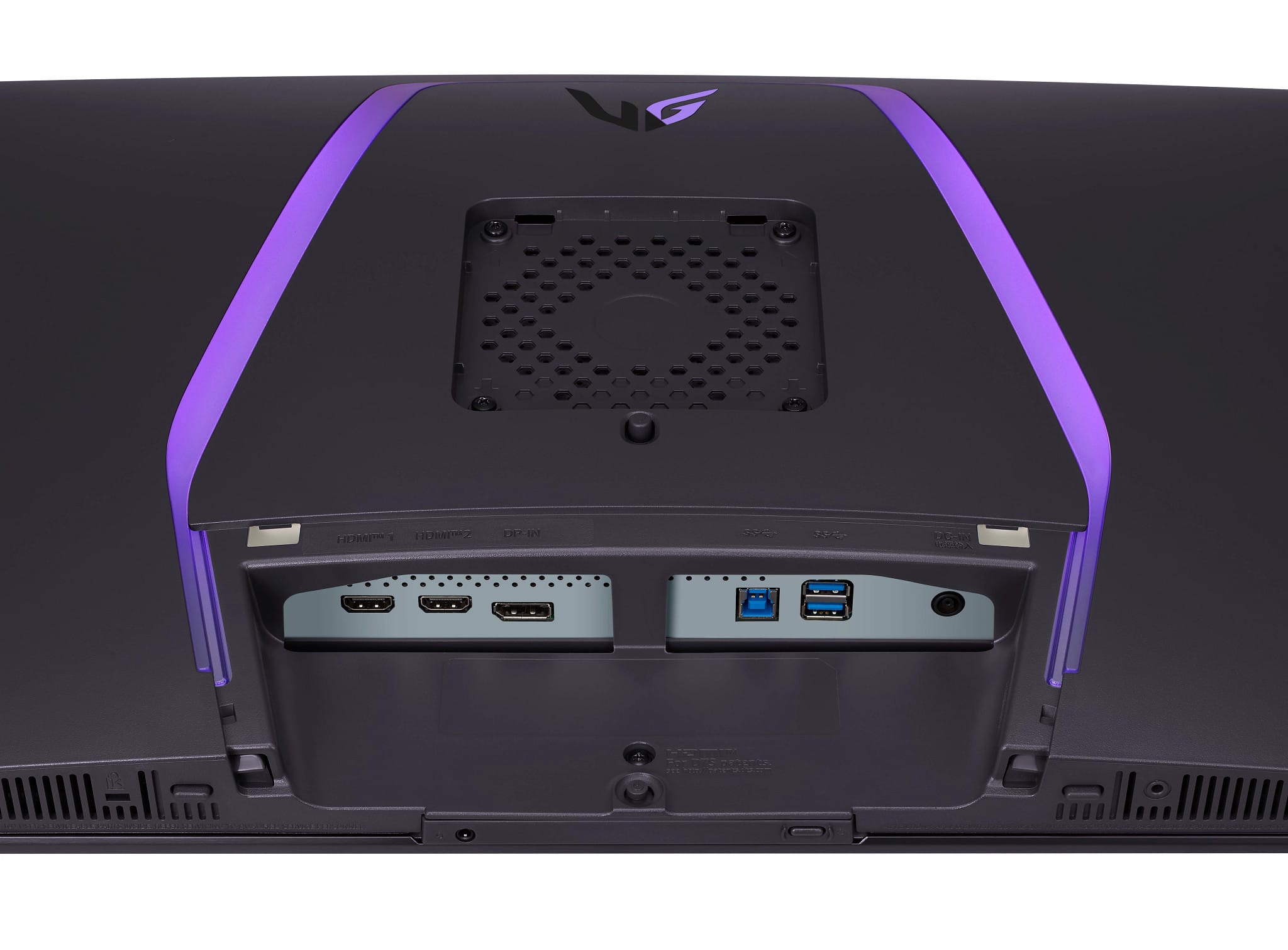
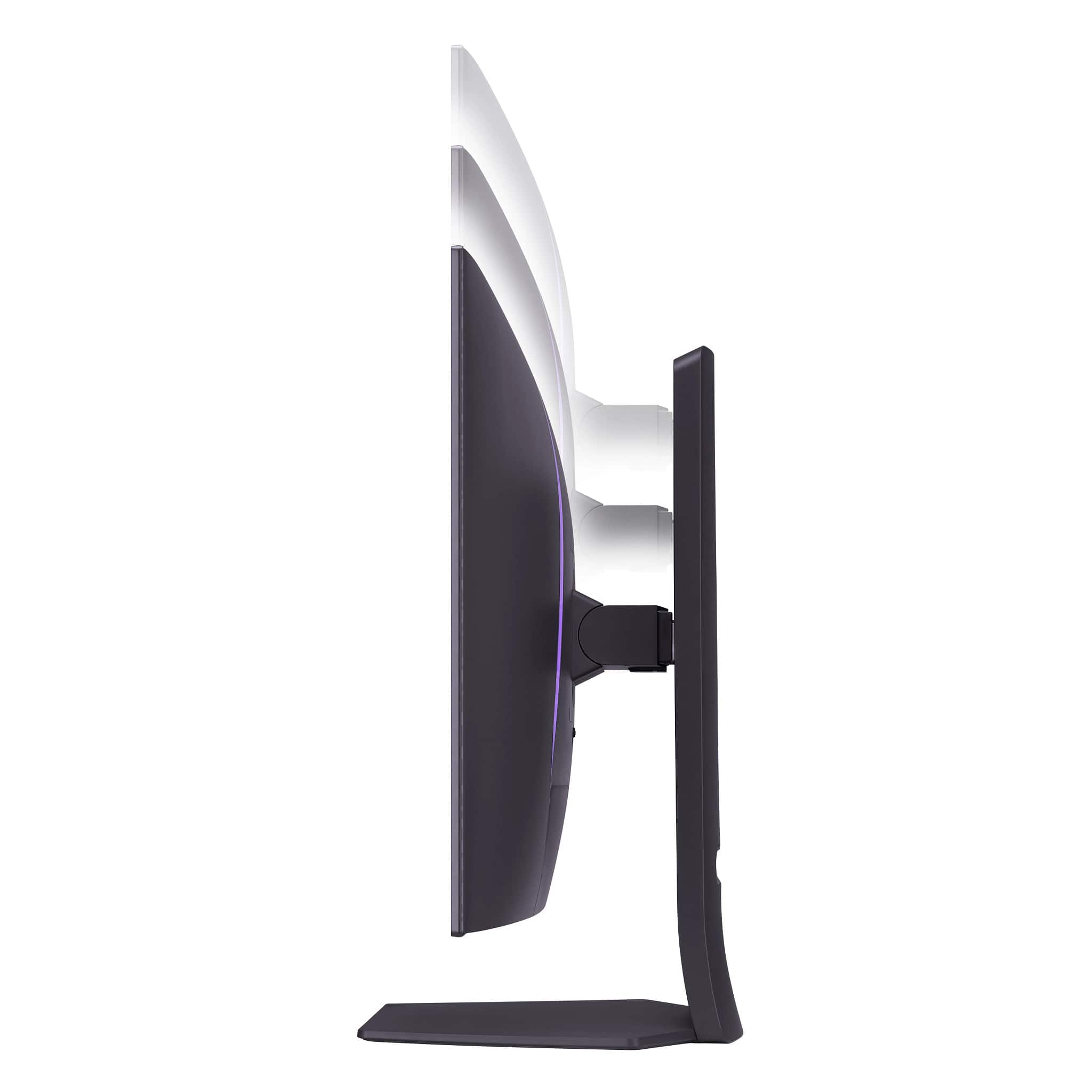
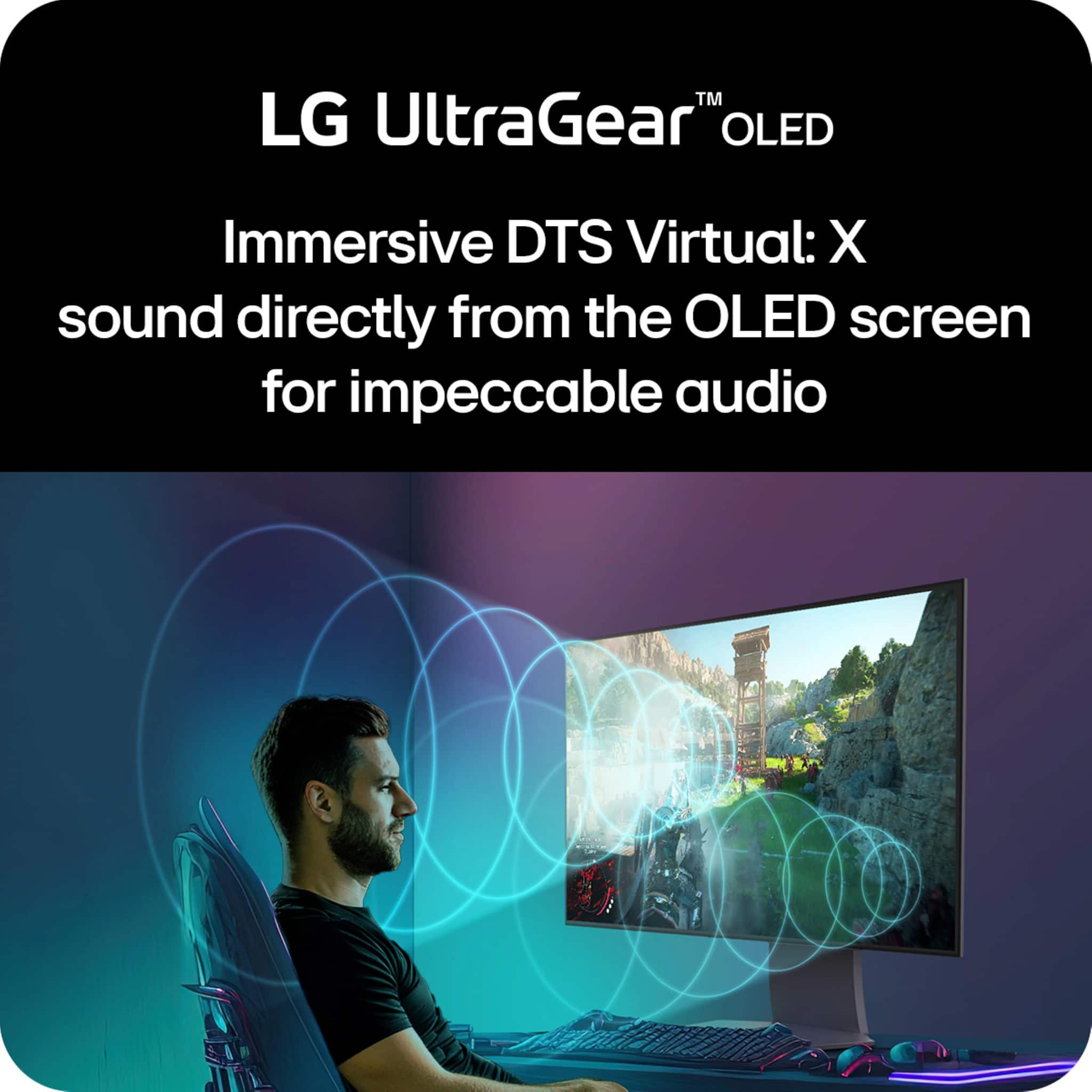
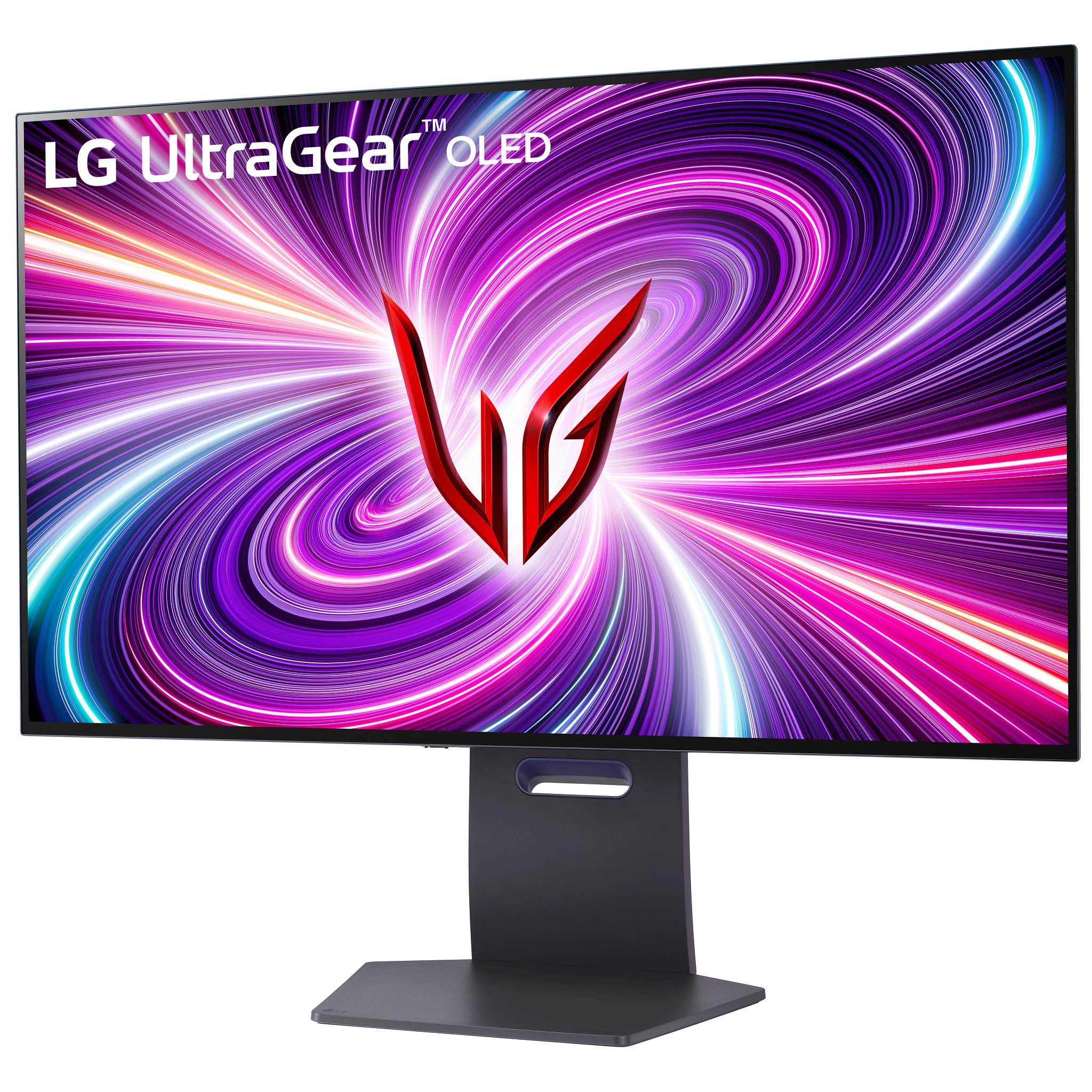
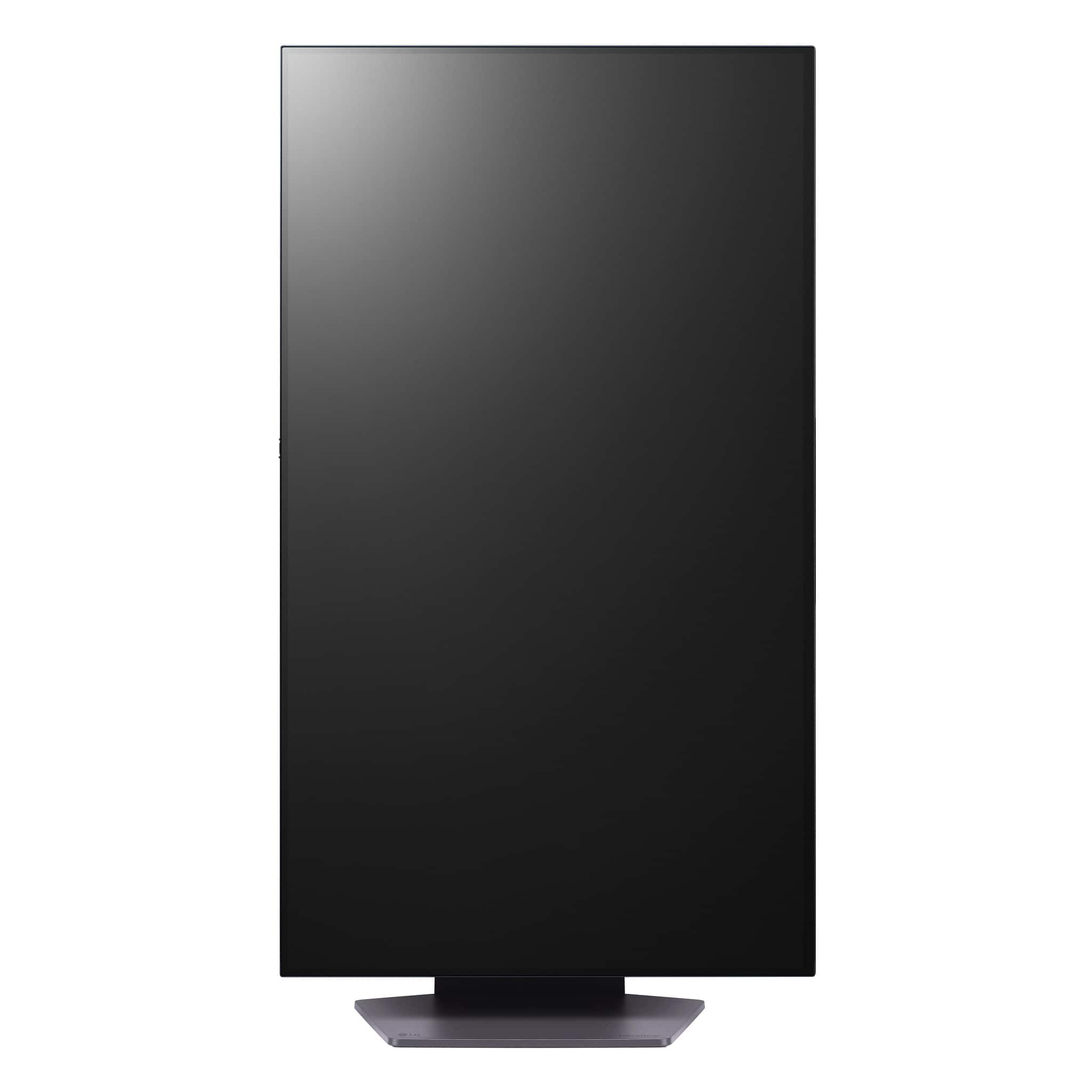
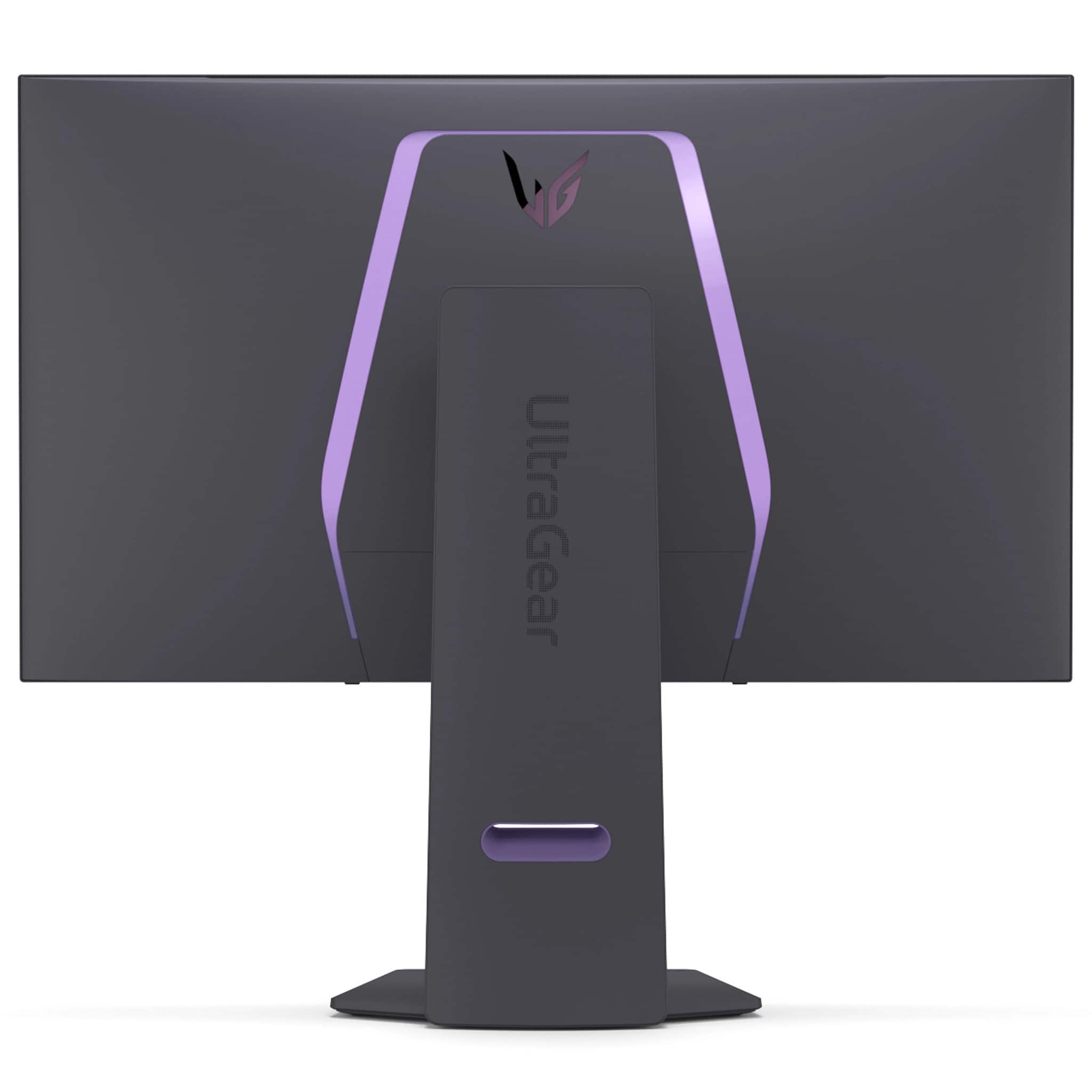
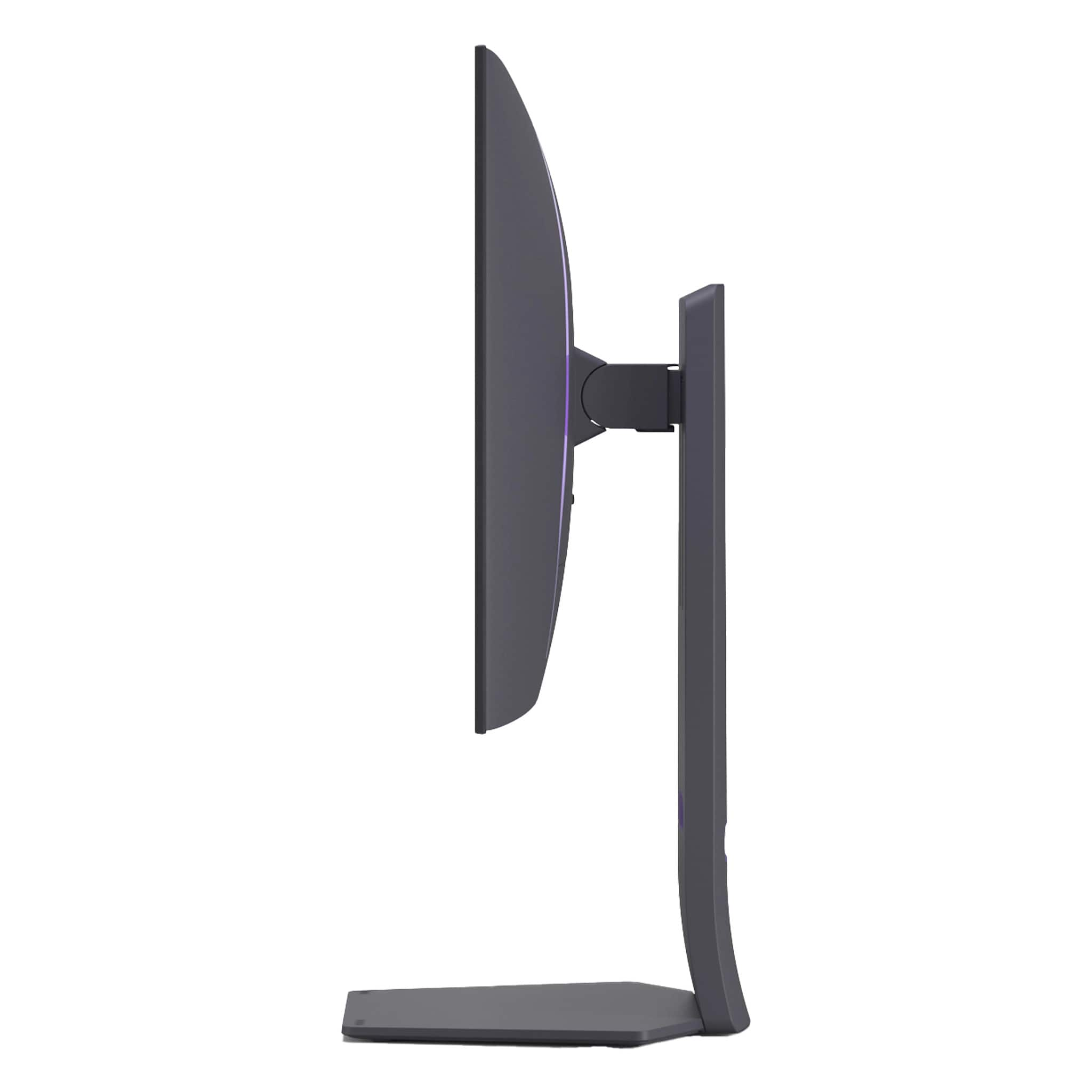
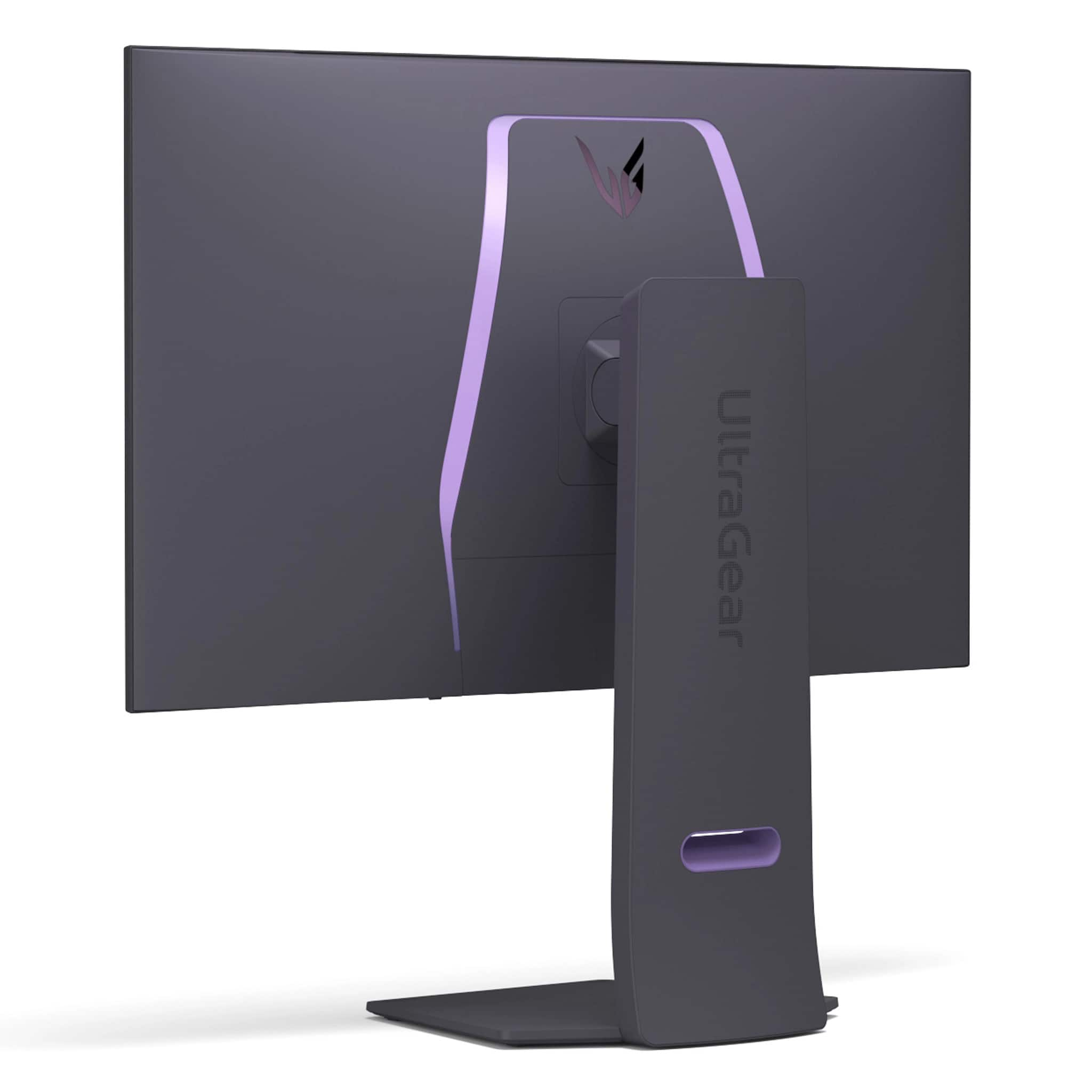
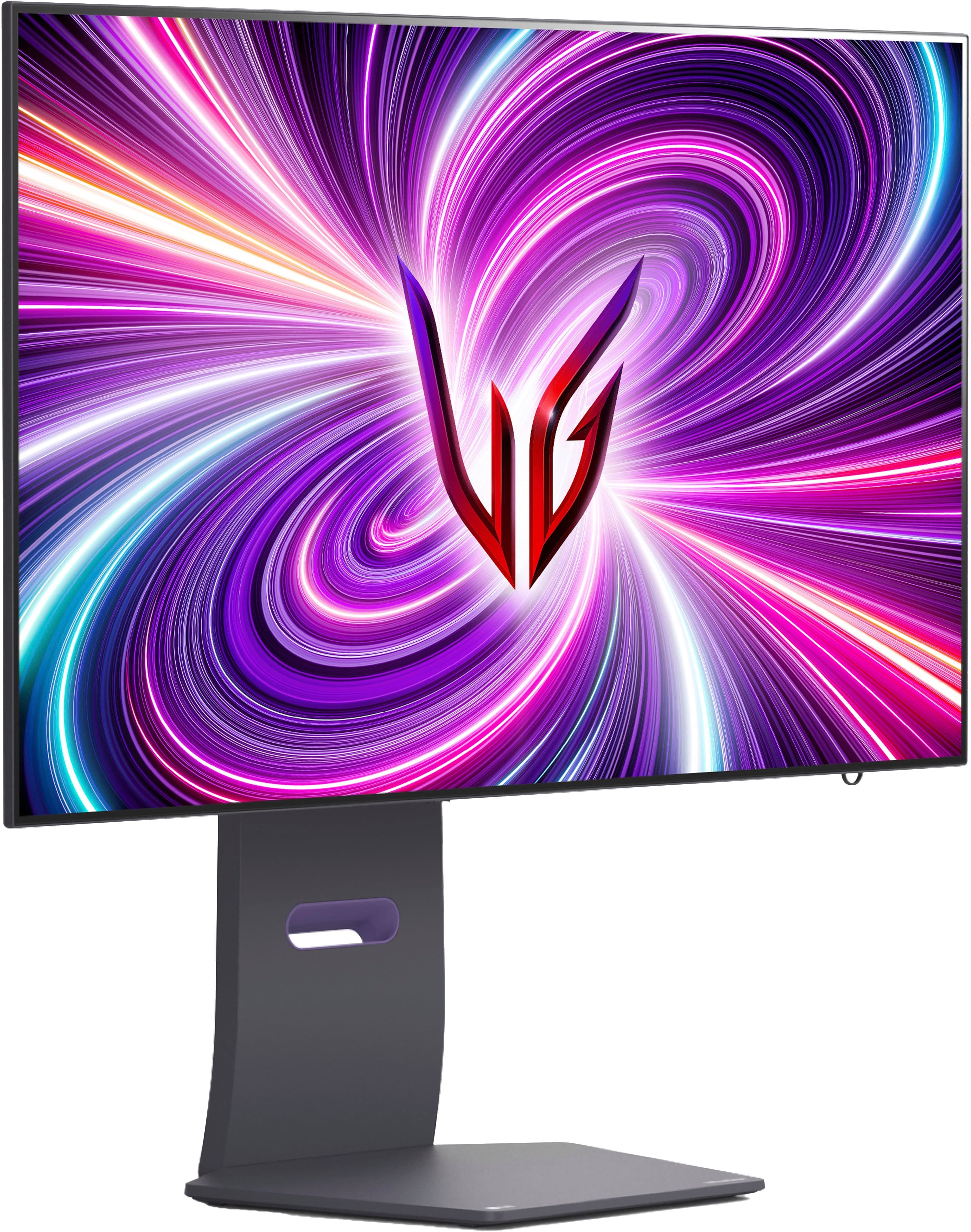
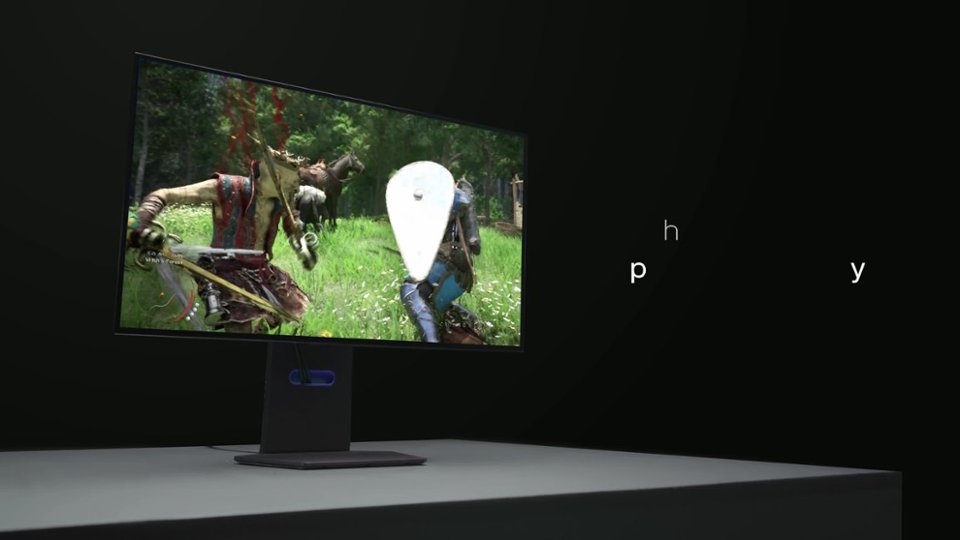
|Posted .This reviewer received promo considerations or sweepstakes entry for writing a review.The LG 32" UltraGear OLED Gaming Monitor has incredible image quality, fast response time and refresh rate, great sound for a monitor, and lots of extra features! Design The base was easy to put together. The on-screen display is controlled using a nub back that can be pressed in, as a button, or up, down, left, and right. It's at the bottom of the back of the monitor in the middle. I find it easy to find blindly. There's one more button that's facing down about an inch or two left of the center. That's a button to switch between 1080p @ 480 Hz and 4K @ 240 Hz modes (LG calls this Dual Mode - and it does really behave like two different monitors, each supporting either 4k or 1080p resolution). The monitor mounts to the back pillar with a mount that lets you tilt the display up, down, left, or right. It also allows you to pivot the monitor from landscape to portrait orientation. This is a rare feature but so helpful for long web pages, documents, or spreadsheets. The monitor height can be easily adjusted by lifting it or lowering it to the desired height. There are about 5 inches of vertical range. There's a trim piece that goes on the back to cover the area where the cables connect. There are two release buttons, which is great, because the trim piece is easy to take off and put back on as needed. There are two HDMI 2.1 ports and one DisplayPort 1.4 port. Other than those, there are also two USB 3 Type A ports and a USB 3 Type B (device) port. I was glad when I realized it had a built-in USB hub since I use this monitor with laptops and can sometimes use a few extra USB ports. There's a headphone jack too. It has a clip that can be snapped into the bottom of the monitor, on the left or right side, for you to run a mouse cable through. Image Quality The quality of this screen is amazing. The OLED screen is bright with rich color, as it should be with a 1.5 million to 1 contrast ratio, thanks to it being OLED. True blacks are completely black (keep in mind this will depend on how the content displayed was created) because there is no light shining from those pixels. It's not just rich and vibrant, but it also has lots of color controls. It's got more common ones, like for temperature, but it also has six settings for adjusting color hue and saturation. I found the default color settings to be good most of the time. I did change it to "vibrant" for one movie. Colors look perfect to me with great flesh tones and again, that high contrast ratio, which makes subtle images in shadows, for instance, visible. With my graphics subsystem supporting 1080p at 480 Hz as well as 4K at 240 Hz and high frame rates (often 200 to 400 and sometimes closer to 500 fps) it looked excellent. I played a number of different kinds of games and I have a hard time picking a favorite. Even on the 32" screen 1080p looks excellent with the incredibly high refresh rate. Then again, at 4K it looked excellent even with the lower 240 Hz refresh rate - I can't say that seemed like the motion was less smooth. Anyway, they both looked incredible. I'd image if I play one of my games that supports 4 player local multi-player, I might prefer the 4K resolution for that. Otherwise, I'll need to switch back and forth more because they both look so good!!! My graphics are AMD. I didn't experience an tearing while playing 3D games so their support of AMD "FreeSync Premium Pro" (never saw that before) must be good. So, in summary, the images were not just accurate but motion is incredibly smooth! In fact, I can really notice the smoothness just dragging application Windows around the screen in Windows 11 compared to my work computer. Do make sure you check your Windows settings first!!! By default, Windows 11 didn't set either resolution to the correct refresh rate. Once I set them, they stayed correct through reboots and switching between the display modes on the monitor. The consistency of image quality and brightness looked absolutely perfect to me across the entire display, from edge to edge. I almost forgot to mention that this monitor has a fast 0.03ms response time! You can save two display settings to have them recalled easily. I should also note that I was able to enable HDR in Windows 11 with this monitor. Gaming This is clearly designed to be a gaming monitor and it has not disappointed me! Playing games at 240 Hz and 4K or 1080p on a 32" screen is awesome! I tried a number of games. I made the mistake of playing a 3D space shooter on this large display, big and close, which actually made me a little motion sick. It looked amazing though - and did support both high refresh modes. I was not expecting that but I guess all the looping around and fast turns messed with my head too much. So while the motion is excellent, I need to remember that with a display this large and close I need to be careful to not feel ill. I didn't feel sick with other 3D shooters or racing games, thankfully. They all looked incredible with excellent color and smooth motion, but a few did let me select, or sometimes detected, the 4K at 240 Hz or 1080p at 480 Hz. The audio is also nice for gaming! I use a headset most of the time, but if not, it's great sound compared to any other monitor or laptop built-in speakers that I've used! You can also enable an FPS counter in any corner of the screen or display cross hairs. I tested the monitor with some movies as well. Colors were always appeared rich and accurate. Audio - Pixel Sound This monitor has some type of speakers, behind the display, facing forward. LG calls it "Pixel Sound". I was skeptical, expecting the audio to be tinny or muffled. I was actually impressed! I played a number of games and some different types of music. I thought everything sounded very good! Bass was not strong but it's there and overall, I thought it produced very good sound and it sounds like it's coming right at you, so you can tell it's not firing down or back like on other monitors, if they have speakers built in at all. It even has DTS that's enabled by default but can be turned off. This is definitely the best audio I've ever heard from built-in speakers on a monitor! The headphone jack also supports a mic. Features There are really a lot of features for this monitor so I'm just going to list some here. - At 1080p switch to a 27" or a 24" display size on screen (I guess it could be useful if you're second monitor is a 24" or 27" and you want to compare images...I'm not sure what else it would be for) - The headphone jack supports a mic too! - "Image Cleaning", it's recommended to run this when you first get it (you can run in manually anytime) but it also runs automatically when you turn off the monitor sometimes, or when it goes to sleep. It takes up to 10 minutes, it says, but it seems more like 5 to me. I haven't timed it though. It doesn't run every time after use but here and there, probably based on how long it's been on - There are some other settings too that you can adjust that help prevent burn-in, which is a problem that OLED displays are all susceptible to. - Lighting, it has lights that aim backwards. You can select the color or have it cycle between four. There are four defaults chosen but you can pick any colors you want. It displays one color at a time (there are two light bars in the back but they're always the same). I liked having the light shine on the wall behind the monitor in a dark room. It would be cool to see them add support for it to sync with Windows 11 Dynamic Lighting. Included Software After detecting the monitor, the next time I rebooted a utility was automatically installed that can be used to install three optional programs. - OnScreen Control is included to control some/many of the monitors hardware settings. It's not identical to the on-screen display built-in to the monitor but very similar. It also allows you to snap application Windows to parts of the screen and have it remember the locations. - LG Calibration Studio allows you to use an external light meter/sensor hardware (not included) to calibrate the color of the display - Dual Controller lets you share one keyboard and mouse with another computer as long as they're both connected to an LG UlraGear monitor (or other that supports this) and on the same network. The display of the monitor doesn't change when you switch control, it just moves keyboard and mouse control to the other PC when you move the mouse to the desktop of that PC. I used two laptops connected to the monitor at the same time. I set the one laptop to extend the desktop, so it had the built-in display plus the UltraGear monitor, and set the other laptop to mirror the display. That did work, allowing me to use the monitor as a second display for one laptop but have the second laptop use the same mouse and keyboard as the first, with auto switching by moving the mouse or using a hotkey, I think <CTRL>-<Right Arrow> is the default). It also provides some functionality to transfer files between the two computers. The setup felt a bit odd. You need to define one PC as the main PC and then put in the IP address of the other, which the application shows you on that PC. It did work though and I think it's a cool add-on. Summary This monitor impresses me more than any other monitor I've used! I think the extremely high refresh rates, very low response time, and incredible image quality make it a great gaming monitor alone. The Pixel Sound, built-in USB 3 hub, ability to do portrait orientation, and the other ways you can adjust it make the LG 32" UltraGear OLED Gaming Monitor an excellent package!
I would recommend this to a friend Rated 5 out of 5 stars
Very good monitor for PC gaming
||Posted . Owned for 1 month when reviewed.This reviewer received promo considerations or sweepstakes entry for writing a review.For those who like big and immersive 4K screens this is one of the best, but there are cheaper options.
I would recommend this to a friendRated 4 out of 5 stars
Best gaming monitor while less optimal for working
||Posted . Owned for 7 months when reviewed.This reviewer received promo considerations or sweepstakes entry for writing a review.Good for gaming but not the best choice for working purpose. Feel tiring when using it for working purpose after a while. Also, would be great to have a usb-c cable
I would recommend this to a friendRated 5 out of 5 stars
4k Monitor
||Posted .This reviewer received promo considerations or sweepstakes entry for writing a review.Monitor is really good, programs to do with monitor are a bit disappointing. Overall really good monitor though.
I would recommend this to a friendRated 4 out of 5 stars
Good, beware of static images for hours on end
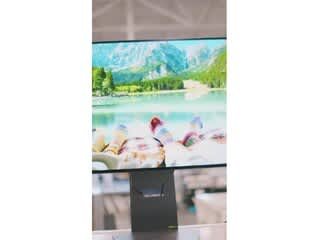
||Posted .This reviewer received promo considerations or sweepstakes entry for writing a review.Ended up having to return it. It was a shelf display and had burn in on the lower right corner. I would have absolutely kept it otherwise.
I would recommend this to a friendRated 5 out of 5 stars
Best monitor ever
||Posted . Owned for 2 weeks when reviewed.This reviewer received promo considerations or sweepstakes entry for writing a review.Love it!! I was leery spending this much money but it looks great.
I would recommend this to a friendRated 5 out of 5 stars
Incredibly fast with spreadsheets!
||Posted . Owned for 3 weeks when reviewed.This reviewer received promo considerations or sweepstakes entry for writing a review.Works seamlessly with my iMac 2017. I just wish I had thought about this much sooner. There is absolutely no lag time with the response, as I had previously encountered with my external monitor. I am also using an MX Master 3s and a keyboard.
This review is from LG - UltraGear 32" OLED Dual Mode (4K UHD 240Hz,FHD 480Hz), 0.03ms NVIDIA G-SYNC, AMD Freesync Pro Gaming Monitor (HDMI, DP) - White
I would recommend this to a friend