Customer Ratings & Reviews
- Model:
- 32GS95UE-B.AUS
- |
- SKU:
- 6575402
Customer reviews
Rating 4.6 out of 5 stars with 566 reviews
(566 customer reviews)Rating by feature
- Display Quality4.8
Rating 4.8 out of 5 stars
- Ease of Use4.7
Rating 4.7 out of 5 stars
- Features4.6
Rating 4.6 out of 5 stars
Customers are saying
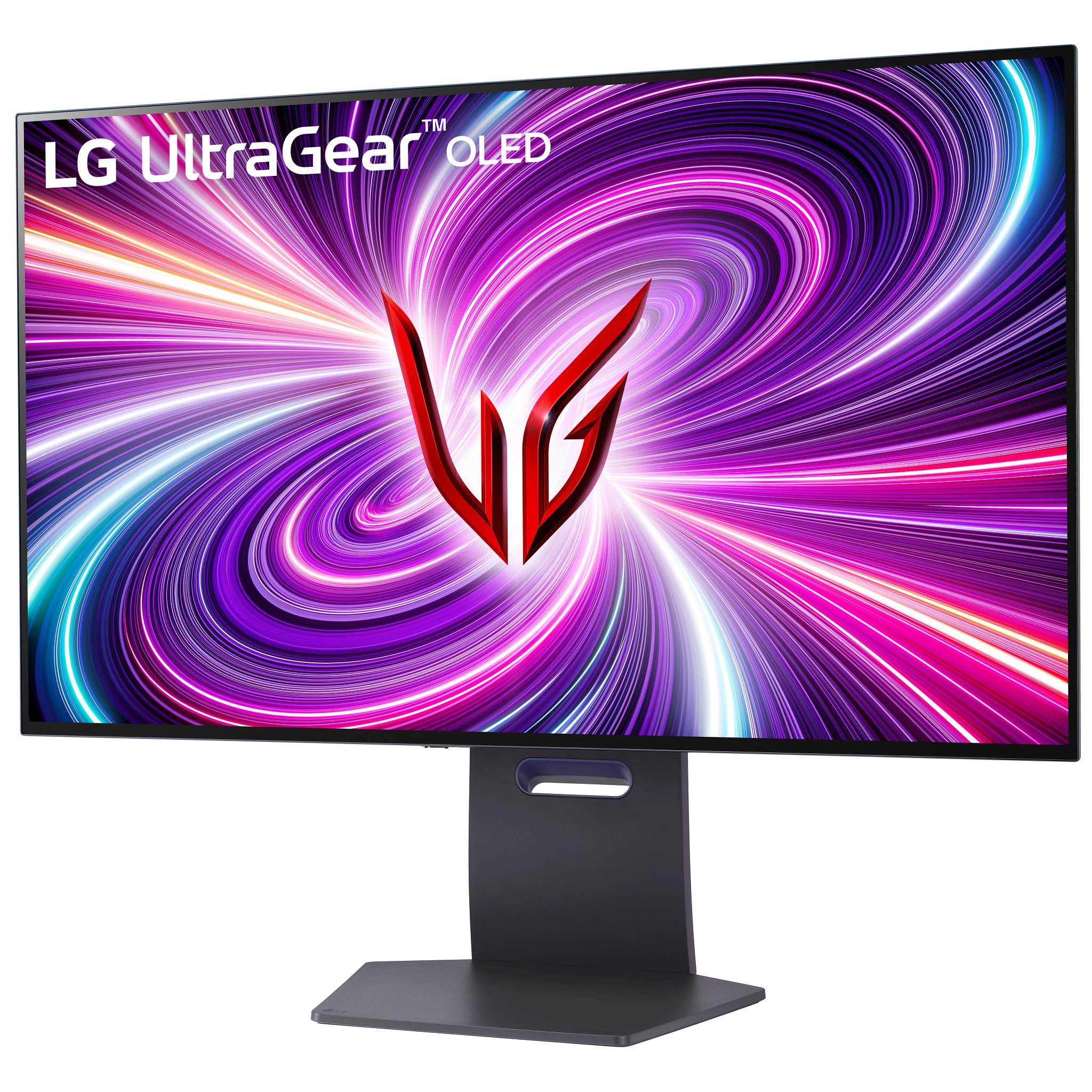
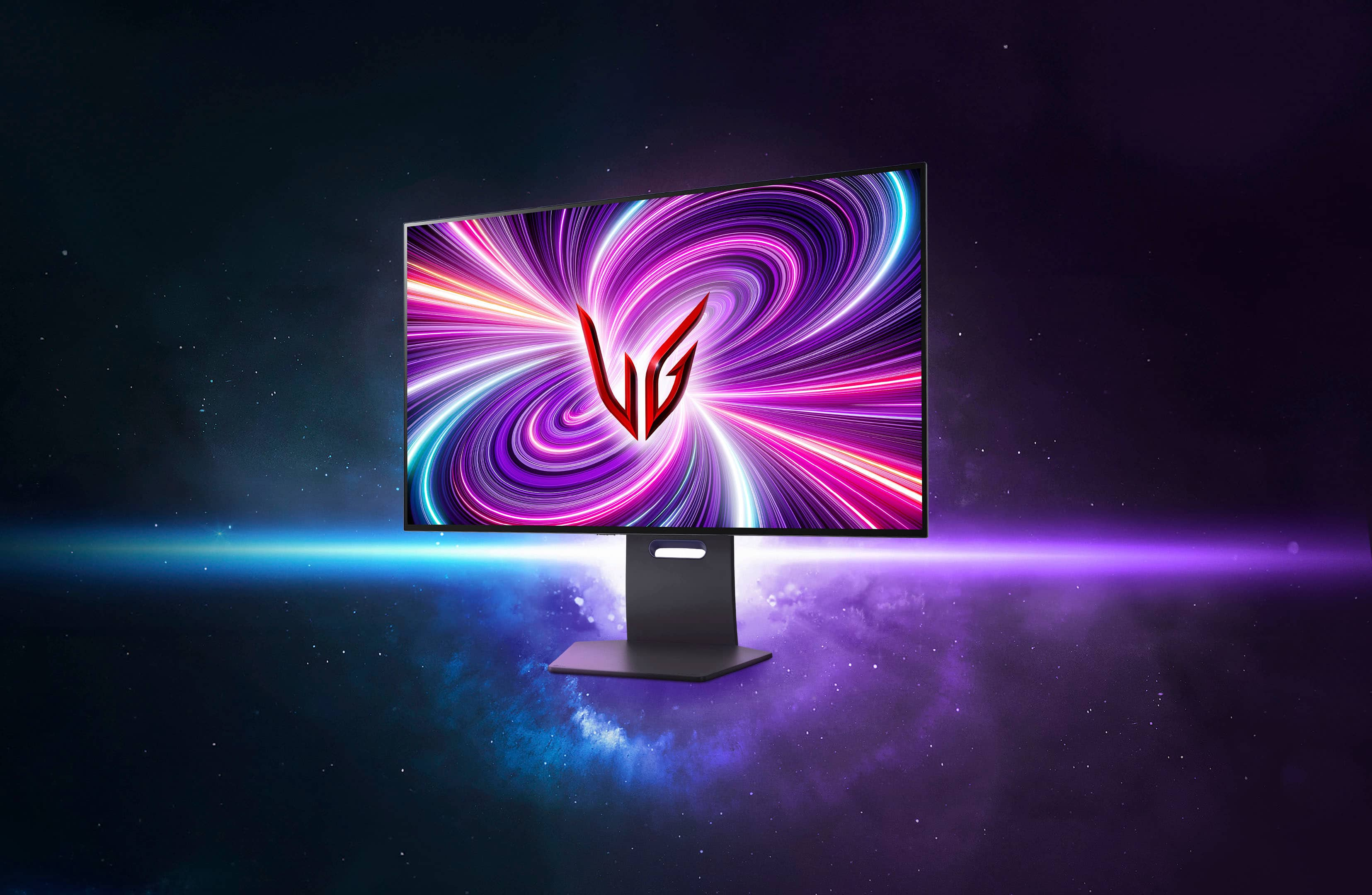
Customers value the UltraGear 32" OLED monitor's exceptional picture quality, high refresh rate, and vibrant colors, frequently praising its immersive visual experience. The dual mode feature and surprisingly good built-in speakers also receive positive feedback. While some find the price high and have noted areas for HDR improvement, the overall response highlights the monitor's strengths.
This summary was generated by AI based on customer reviews.
- Pros mentioned:Oled quality, Picture quality, Refresh rate
Rated 5 out of 5 stars
Big, Bold, Beautiful
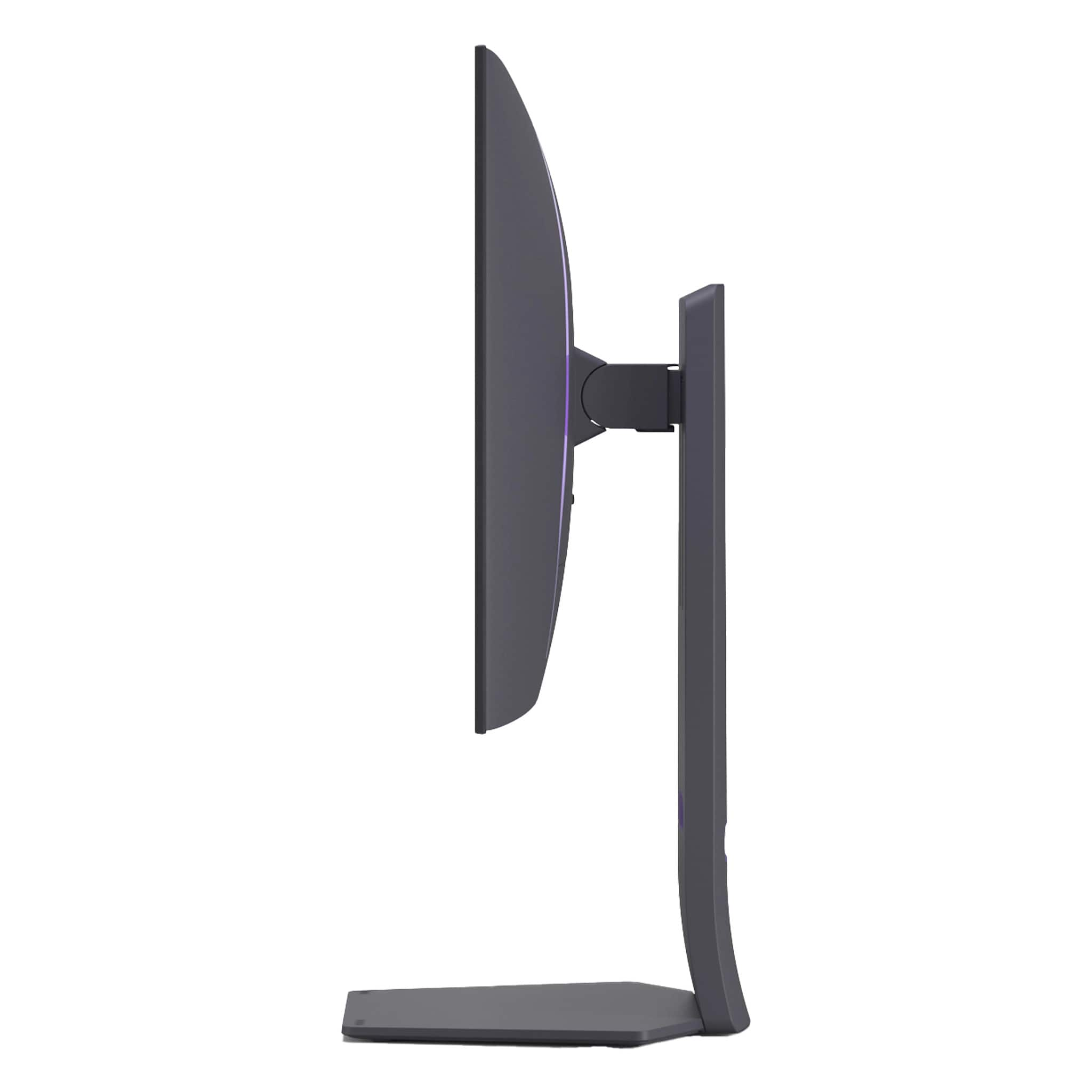
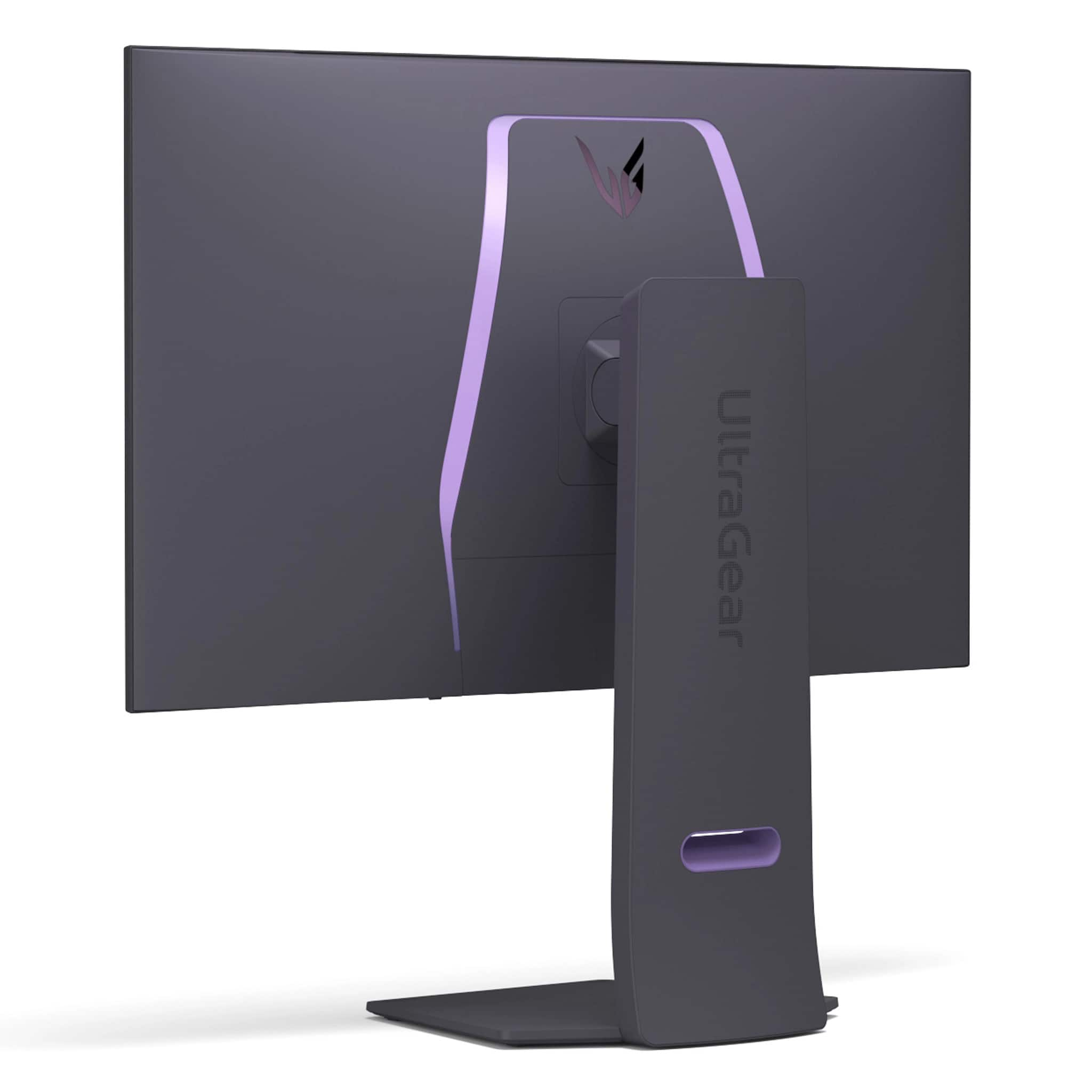
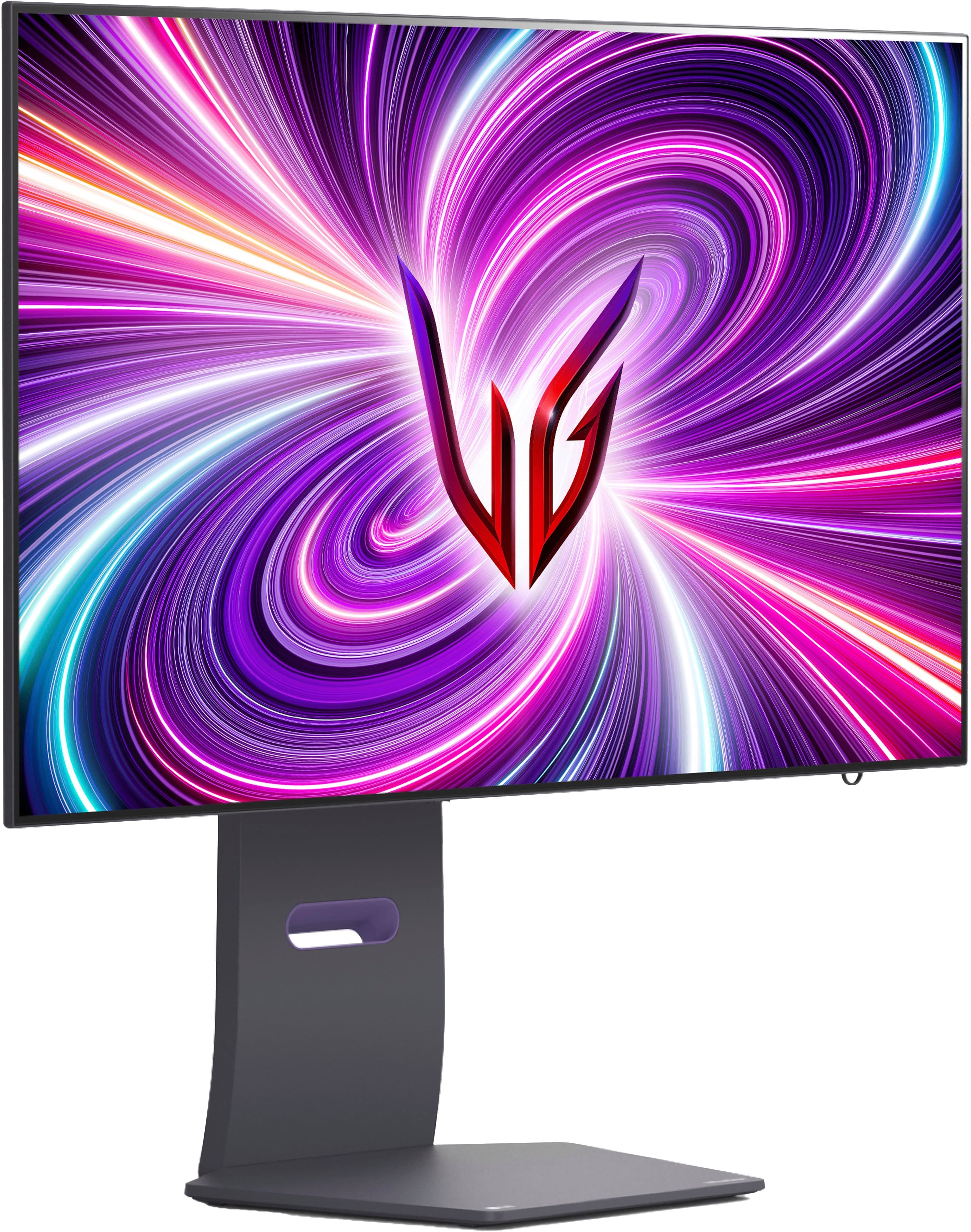
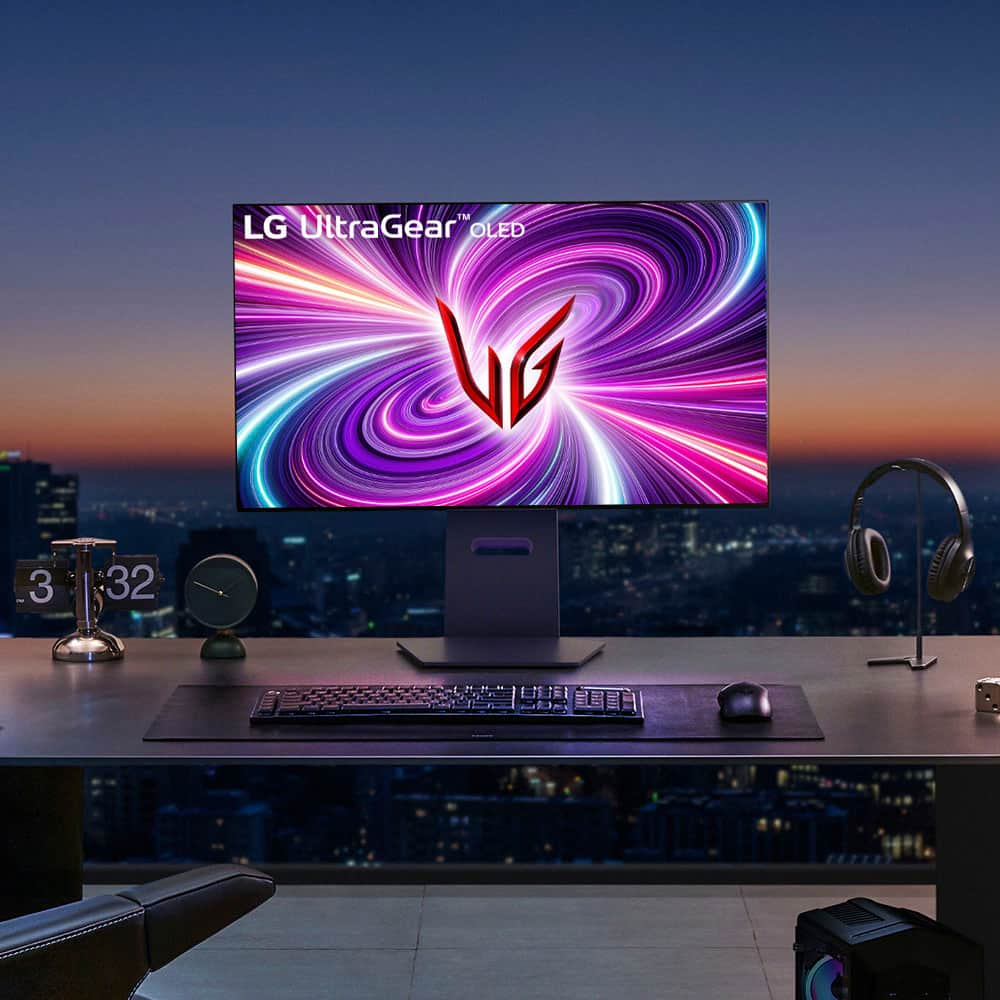
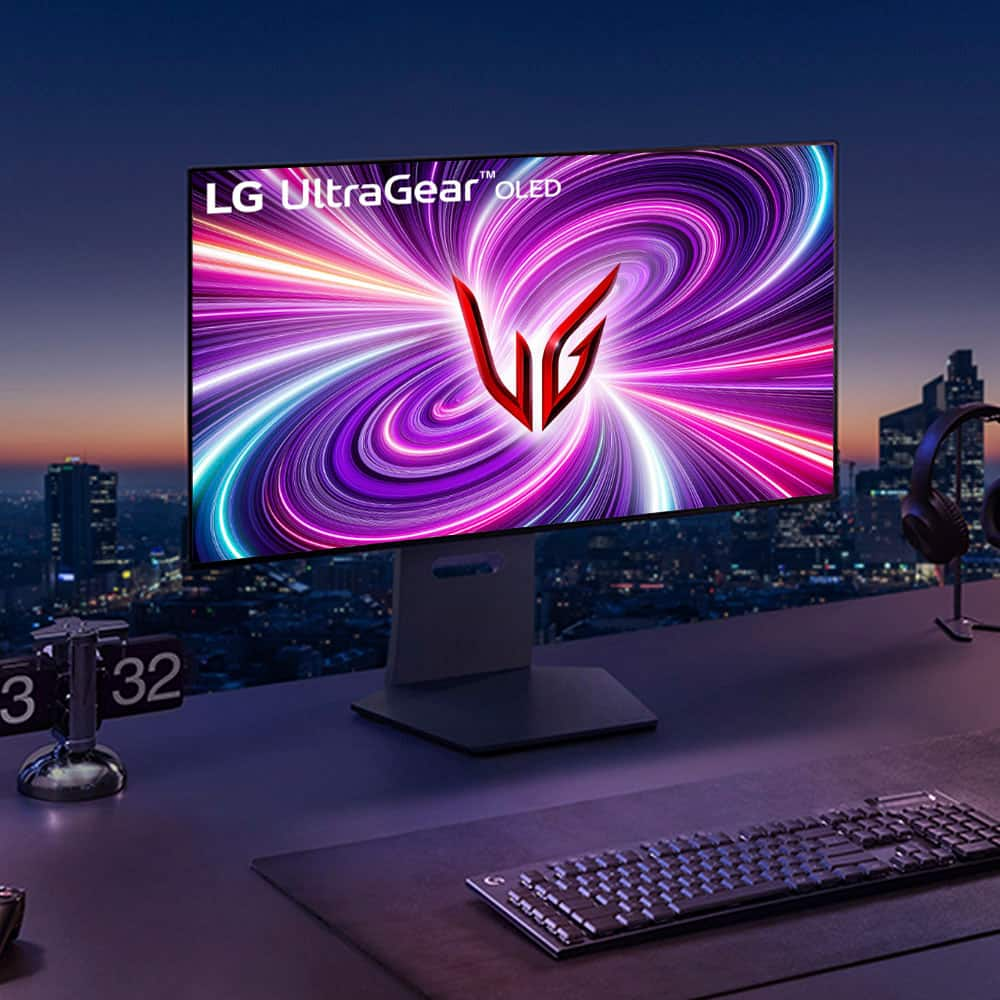
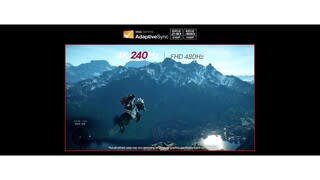
|Posted .This reviewer received promo considerations or sweepstakes entry for writing a review.A great display is going to have superb color accuracy, ultra fast refresh rates, and as high a resolution as you can manage. Unfortunately the majority of gaming displays out there will only really be able to deliver two out of the three. LG's latest OLED UltraGear displays make a solid attempt at delivering all three, and mostly succeeds. The first thing pretty much everyone will notice is that this is a beast of a display. While many have chosen to design OLED displays to be more space efficient than their LCD counterparts LG seems to have chosen to keep most of the size and heft of their LCD based designs. While this does make unpacking it somewhat unwieldy (I was just about able to do it on my own - but those with shorter arms might want to plan to ask for help moving it into position.) Once it was set up though I ended up being very much on board with this. The stand is highly adjustable, with the only feature missing being the ability to rotate it (which, truthfully, probably wouldn't be practical anyway given the size of the panel.) And with the OLED taking up less space LG's managed to find space for some astonishingly decent speakers firing directly through the display rather than beneath it, making it the first monitor where I feel you could actually forgo a soundbar or external speaker setup entirely and just use the built-in audio. As far as performance goes... well, it probably doesn't come as a surprise to anyone that the image is gorgeous. I can't say it's the best looking OLED I've ever seen. Black levels are fantastic as you'd expect but colors don't quite reach the same vibrancy you might get from a phone or TV - something I attribute almost entirely to the matte screen coating. But it'll still handily beat the vast majority of LCDs, and frankly I think most will be fine accepting a little less color saturation if it means not having to deal with constant reflections and glare. And when running at its full resolution you don't notice a common complaint with OLEDs where the pentile pixel arrangement causes the edges of text to look blurred, making it ideal for daily use as well as gaming. When you do get into gaming though, the monitor shines. Frankly even at 240hz everything feels ridiculously smooth, but when switched over to 480hz mode it's almost unreal. If you're regularly playing competitive shooters or racing games this is definitely one of those features where once you've gotten a taste of it you'll probably never be able to go back. It's not entirely without cost - switching to 480hz does require you to drop down to FHD resolution and on a panel this big you'll be able to see every pixel once you do. And even at FHD, pushing close to 500 frames per second on modern games is going to take a pretty beefy GPU. But even if you can only get part of the way I imagine a lot of people would consider it to be worth it, particularly with variable framerate support eliminating the risk of tearing. And if you just can't bear to drop down to a quarter of the panel's native resolution, you'll find that even the relatively "slow" 240hz mode is plenty twitchy. Assuming you've got the desk space and the budget for it, this is an easy recommendation for pretty much any gamer.
I would recommend this to a friend - Cons mentioned:Brightness
Rated 1 out of 5 stars
Terrible OSD and peak brightness w/ HDR
||Posted . Owned for 2 weeks when reviewed.This reviewer received promo considerations or sweepstakes entry for writing a review.It's a beautiful screen, but the model I got was stuck at 580 nits with HDR on. Not the advertised screen brightness. I did try firmware updates and looking online. Nothing worked and the fact I would have to look myself to fix this issue is the issue to begin with. Fix the firmware and the bad OSD.
This review is from LG - UltraGear 32" OLED Dual Mode (4K UHD 240Hz,FHD 480Hz), 0.03ms NVIDIA G-SYNC, AMD Freesync Pro Gaming Monitor (HDMI, DP) - White
No, I would not recommend this to a friendBrand response from LG Digital Customer Care
Posted .Hi there, Chase. Thank you for sharing your experience with us. We understand your situation regarding the peak brightness and OSD of your LG 32GS95UV-W.AUS monitor.
To enhance HDR performance, we recommend adjusting the monitor's settings:
Set Peak Brightness to High: Navigate to the OSD menu and set the Peak Brightness to High. This adjustment can help achieve a peak brightness closer to the advertised 1300 nits.
Switch to Gamer 1 Mode: For optimal HDR experience, select the Gamer 1 mode, which is designed to deliver accurate color and brightness settings.
Additionally, LG has released firmware updates that address various performance aspects of the 32GS95UV-W.AUS model. Updating to the latest firmware can improve HDR brightness and OSD functionality. You can find the latest firmware and update instructions on the official LG support page for your monitor - https://www.lg.com/us/support/product/lg-32GS95UV-W.AUS
If you need further assistance or have additional questions, please send us a private message on Social Media @LGUSSupport. Our team is here to help and explore possible solutions with you.
We appreciate your patience.
—Renzo
Rated 2 out of 5 stars
Burn in
||Posted . Owned for 3 weeks when reviewed.This reviewer received promo considerations or sweepstakes entry for writing a review.Product condition was listed as good but had a massive burn in mark across the middle. Would recommend staying away from this as open box unless you are okay with that. Return was easy though.
No, I would not recommend this to a friendBrand response from LG Digital Customer Care
Posted .Hello there, DavidJ. Thank you for sharing your experience with us. We understand that the 32GS95UE-B.AUS monitor you received had a burn-in mark. Your feedback is important, and we'd like to assist you further.
While burn-in can occur, especially with OLED displays, LG monitors are designed with features to help prevent this under normal usage. Since this was an open-box unit, the previous usage may have contributed to the issue you experienced.
https://www.bestbuy.com/site/lg-ultragear-32-oled-dual-mode-4k-uhd-240hzfhd-480hz-0-03ms-nvidia-g-sync-compatible-amd-freesync-pro-gaming-monitor-black/6575402.p?skuId=6575402
Please send us a private message on Social Media @LGUSSupport and our team will be more than happy to explore possible solutions. We appreciate your patience. —Renzo
Rated 3 out of 5 stars
Goo but not worth it now
||Posted . Owned for 3 weeks when reviewed.This reviewer received promo considerations or sweepstakes entry for writing a review.Id wait for more dual modes with DP2.1 for future proof i retuned and got a Asus PG27UCDM
This review is from LG - UltraGear 32" OLED Dual Mode (4K UHD 240Hz,FHD 480Hz), 0.03ms NVIDIA G-SYNC, AMD Freesync Pro Gaming Monitor (HDMI, DP) - White
No, I would not recommend this to a friendBrand response from LG Digital Customer Care
Posted .Hello there, Preston. Thank you for sharing your thoughts on the LG UltraGear 32" OLED Dual Mode Gaming Monitor. We appreciate your feedback regarding the DisplayPort 2.1 connectivity for future-proofing your setup.
We're always working to bring the latest technology to our monitors to provide the best possible gaming experience, and we understand that features like the full-bandwidth DisplayPort 2.1 are important to advanced users for maximizing performance at the highest resolutions and refresh rates. We're glad to hear you are looking ahead with your gaming monitor choices.
https://www.bestbuy.com/product/lg-ultragear-32-oled-dual-mode-4k-uhd-240hzfhd-480hz-0-03ms-nvidia-g-sync-amd-freesync-pro-gaming-monitor-hdmi-dp-white/JJ8VPZTLXW
For further assistance and any specific concerns you may have, please send us a private message on Social Media @LGUSSupport. We appreciate your patience. —Renzo
Rated 3 out of 5 stars
Cold be something
||Posted . Owned for 1 month when reviewed.This reviewer received promo considerations or sweepstakes entry for writing a review.There was just something off with the monitor that my eyes did mot agree with.....went with Samsung g8 odyssey no eye issues.
This review is from LG - UltraGear 32" OLED Dual Mode (4K UHD 240Hz,FHD 480Hz), 0.03ms NVIDIA G-SYNC, AMD Freesync Pro Gaming Monitor (HDMI, DP) - White
I would recommend this to a friend- Cons mentioned:Finish
Rated 1 out of 5 stars
Matte finish is terrible :(
||Posted . Owned for 1 week when reviewed.This reviewer received promo considerations or sweepstakes entry for writing a review.I got sick of waiting for the ROG PG32UCDM to come back in stock at Micro Center so I decided to get this, thinking the matte finish wouldn't be a big deal, but it is. If you're looking at a page with a white background, it literally looks like the screen is smeared with a ghetto coating. I can't stand it and am bummed out because I want a 4k OLED but I gotta return this one and just keep waiting for the ROG QD-OLED to come back in stock. Hope this review helps you if you're picky like me.
No, I would not recommend this to a friendBrand response from LG Digital Customer Care
Posted .Hi, Brian. Thank you for taking the time to share your feedback with LG Monitor (32GS95UE-B) model. We value your honesty and understand your disappointment with the matte finish. We aim to offer top-notch products and user experiences, and we take your feedback seriously. Your comments about the matte finish will be passed on to our team for review and enhancement. If you need more help or have more feedback, feel free to reach out to us on social media @LGUSSupport. ^Juvy
Rated 2 out of 5 stars
Used Monitor
||Posted .This reviewer received promo considerations or sweepstakes entry for writing a review.At first the Monitor worked great but i’m not sure if there’s some sort of issue with the core but sometimes the screen turns black or the screen with turn staticky
I would recommend this to a friendBrand response from LG Digital Customer Care
Posted .Hello there, GiovanyM. Thank you for sharing your experience with us. We understand your inquiry regarding the screen intermittently turning black or static on your 32GS95UE-B.AUS monitor. Your feedback is important, and we'd like to assist you further. Please send us a private message on Social Media @LGUSSupport and our team will be more than happy to explore possible solutions.
https://www.bestbuy.com/site/lg-ultragear-32-oled-dual-mode-4k-uhd-240hzfhd-480hz-0-03ms-nvidia-g-sync-compatible-amd-freesync-pro-gaming-monitor-black/6575402.p?skuId=6575402
We appreciate your patience. —Renzo
- Cons mentioned:Brightness
Rated 2 out of 5 stars
Brightness Not Good
||Posted . Owned for less than 1 week when reviewed.This reviewer received promo considerations or sweepstakes entry for writing a review.I try every settings and hdr color calibration not work like Brightness problem all oled monitor qd oled and wolen very sad i go back again my ips panel
No, I would not recommend this to a friendBrand response from LG Digital Customer Care
Posted .Hi, Jasbir. Thank you for taking the time to review the LG Monitor (32GS95UE-B) model. We're sorry to hear about the unit's brightness and HDR color calibration. We strive to provide top-notch products and ensure a smooth and seamless experience. Please visit https://www.lg.com/us/support/help-library/lg-monitor-troubleshooting-a-dark-picture--20153185248037. For further assistance, you can reach out to us on social media @LGUSSupport. ^Juvy
Rated 3 out of 5 stars
Vertical banding
||Posted . Owned for 1 month when reviewed.This reviewer received promo considerations or sweepstakes entry for writing a review.Vertical banding on my unit, had to return. I'm sure I just had a bad unit. Overall great monitor but I expected better QC for this price.
I would recommend this to a friend- Cons mentioned:Brightness
Rated 1 out of 5 stars
Anti reflection screen sucks
||Posted . Owned for 1 month when reviewed.This reviewer received promo considerations or sweepstakes entry for writing a review.I returned if the next day. The features are great but the screen sucked. The Matte screen makes the oled not look as great.
No, I would not recommend this to a friendBrand response from LG Digital Customer Care
Posted .Hi, there. Thank you for sharing your feedback with us. We understand your concern about the LG Monitor (32GS95UE-B) model and the screen not meeting your expectations. The matte finish on this model is designed to reduce glare and improve visibility in bright rooms. We strive to provide high-quality products and ensure a smooth experience.
We really appreciate you giving it a shot, and we hope you find a model that fits your viewing style better. If you're still curious about an OLED experience with even better picture quality, we're here to help you explore some other options that might work for you. For more info, feel free to check out https://www.lg.com/us/support/help-library/lg-tv-picture-quality-and-optimization--20152175493545.
Don’t hesitate to reach out to us on social media @LGUSSupport if you need anything else—we're always happy to help.
Thanks again for your feedback; we're here for you. ^Juvy
Rated 1 out of 5 stars
Bad QC & Issues Abound
||Posted . Owned for less than 1 week when reviewed.This reviewer received promo considerations or sweepstakes entry for writing a review.I should have taken the fact that the display model at my local store was cooked into consideration before buying this garbage. The "hotkeys" for switching between 4K and FHD don't work at all. This is one of the main selling points of the monitor... Text clarity at 4K is shockingly bad, and VRR flickering on this display is awful. There is no active cooling solution on this monitor, which is a pretty crazy choice as well. The build quality is questionable at best, and for the price I expected this to be so much more than it is. This isn't worth it even on sale, and I will be returning it for a refund.
No, I would not recommend this to a friendBrand response from LG Digital Customer Care
Posted .Hi, Anjeth. Thank you for sharing your detailed feedback with us. We understand your concern about your LG Monitor (32GS95UE-B) model doesn’t meet your expectations, especially with issues like the hotkeys not working, poor text clarity at 4K, and flickering with VRR. We strive to provide reliable, high-quality products that exceed our customer's needs and expectations.
To start, we recommend checking if your monitor's firmware is up to date, as updates can sometimes resolve issues like VRR flickering or improve functionality with display modes. For guidance, visit https://www.lg.com/us/support/help-library/lg-monitor-how-to-update-monitor-firmware--20153819322140. Additionally, for the text clarity issue, adjusting the scaling settings on your device might help improve the sharpness when using 4K resolution.
If these steps don’t resolve the concerns, we’d love to help you further. Please send us a private message on social media @LGUSSupport, and our team will work with you to explore other solutions or options for your monitor.
We appreciate your feedback and are committed to assisting you every step of the way. ^Juvy
- Pros mentioned:Picture quality, Refresh rateCons mentioned:Stand
Rated 5 out of 5 stars
Beautiful OLED with Options for Any Gamer
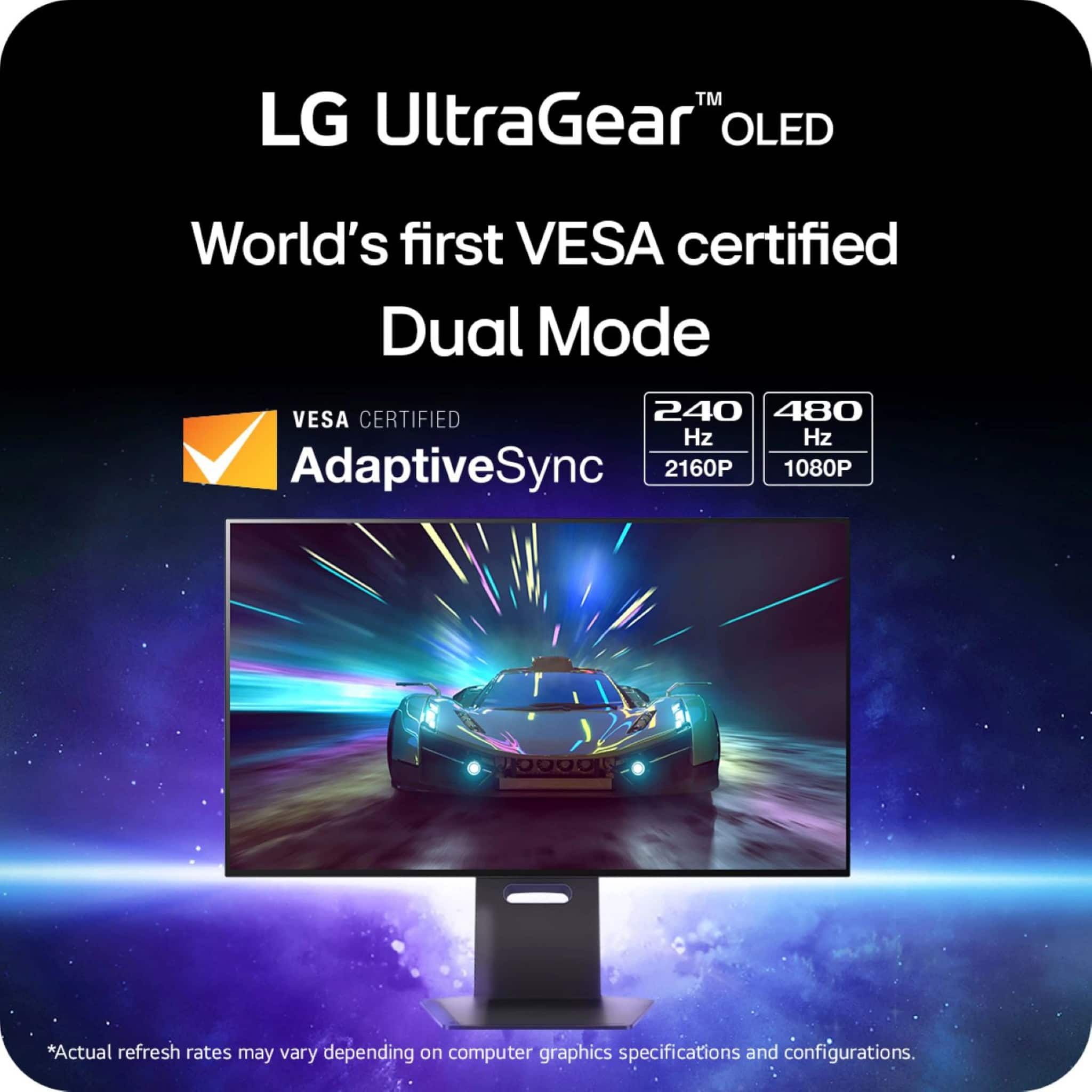
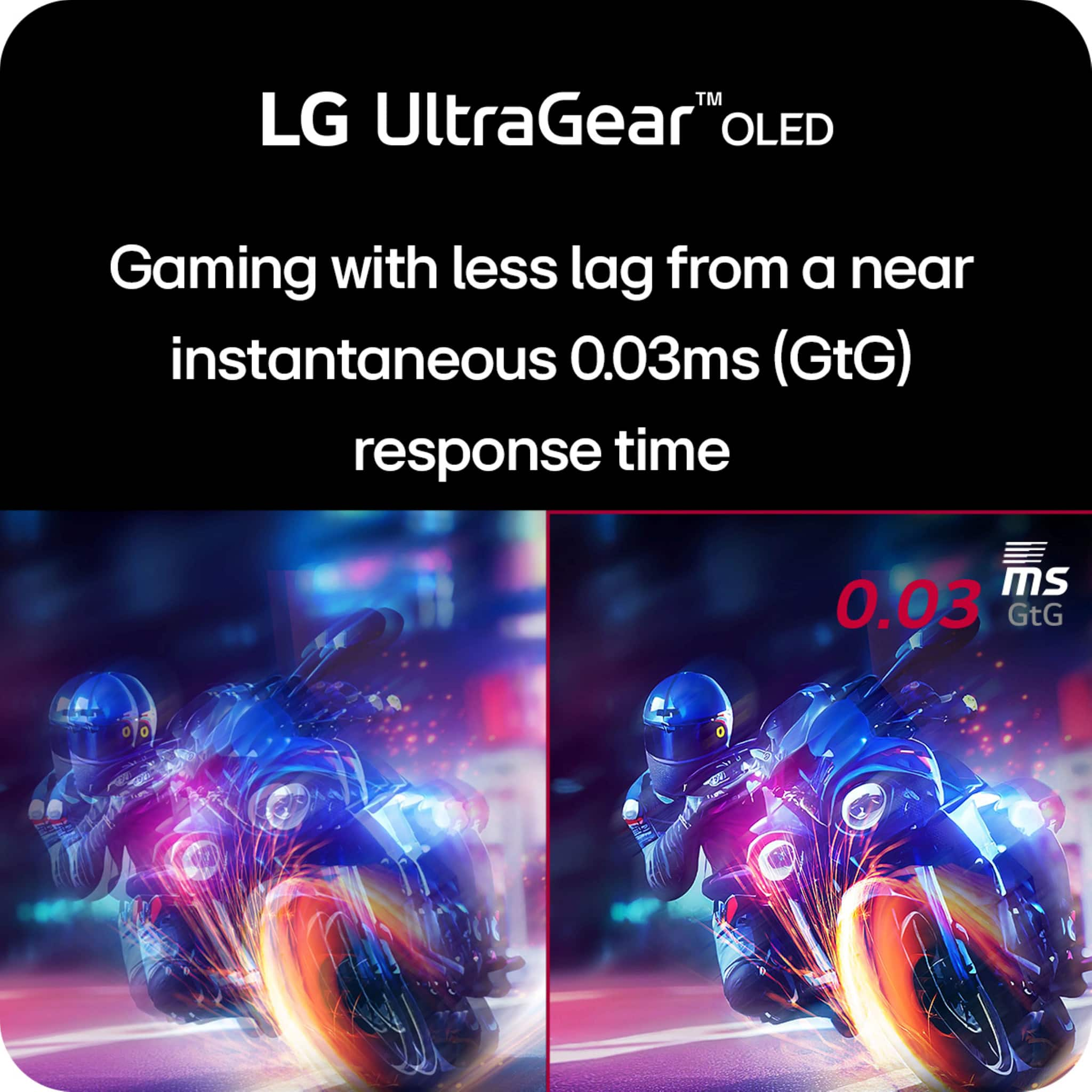
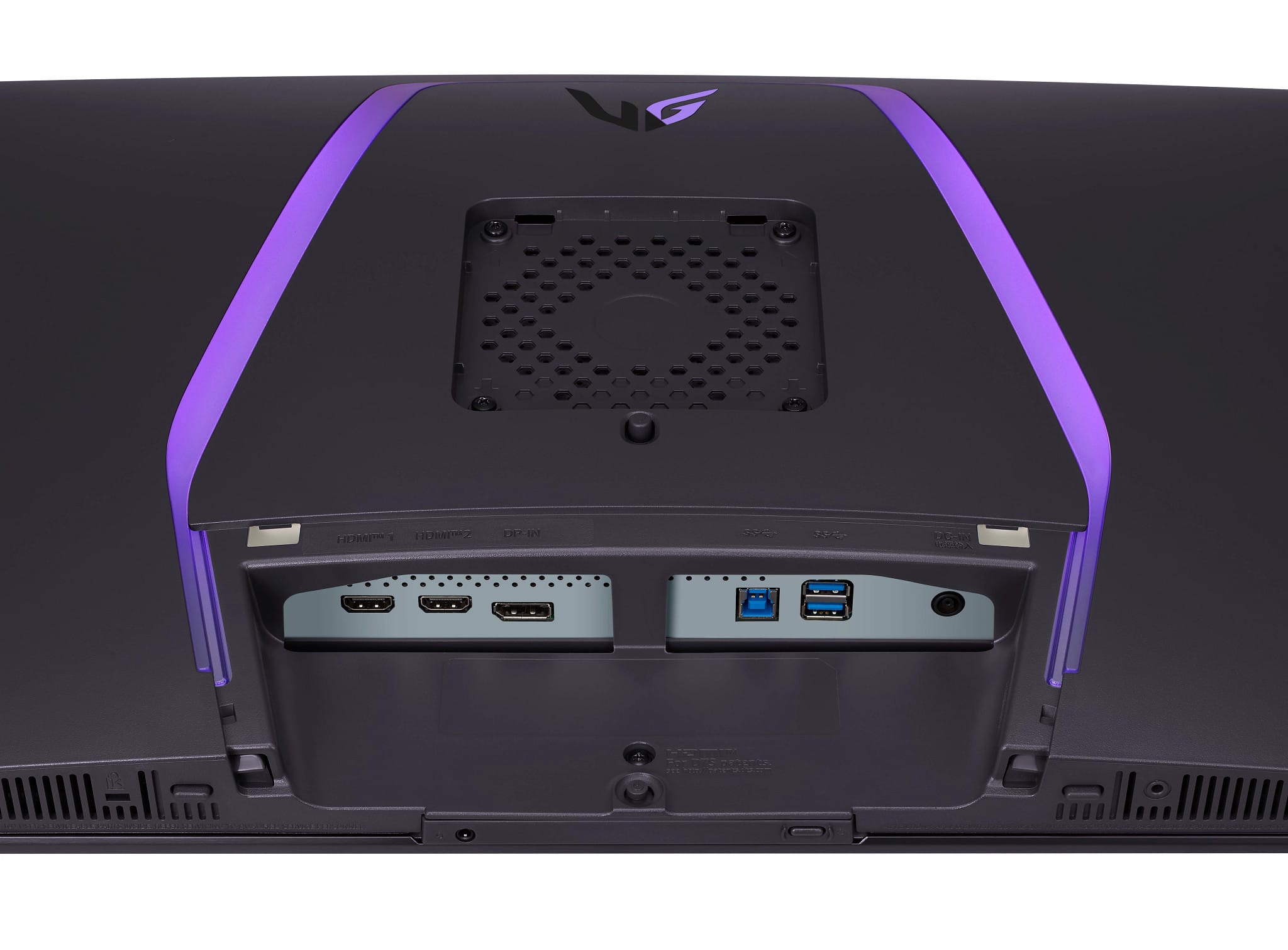
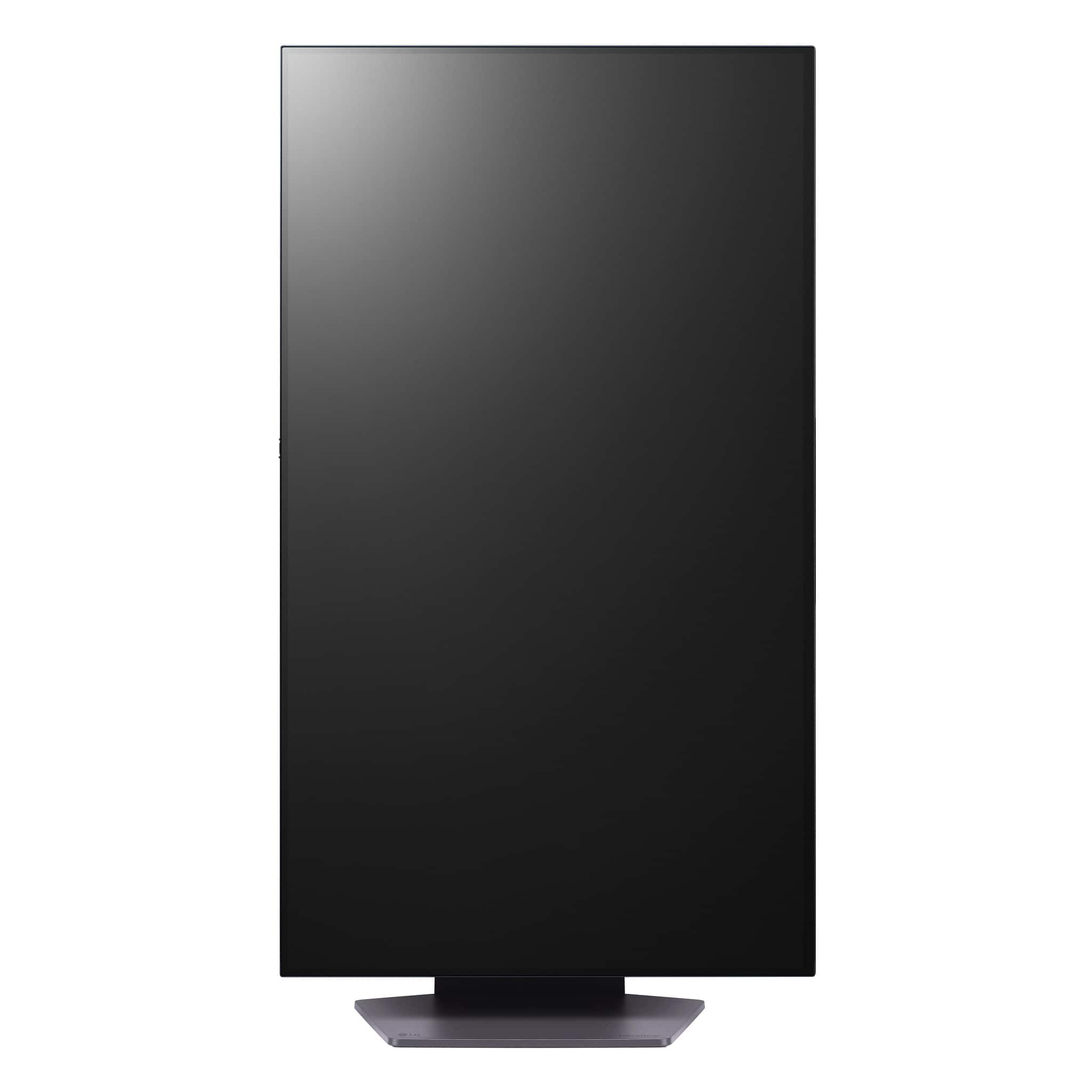
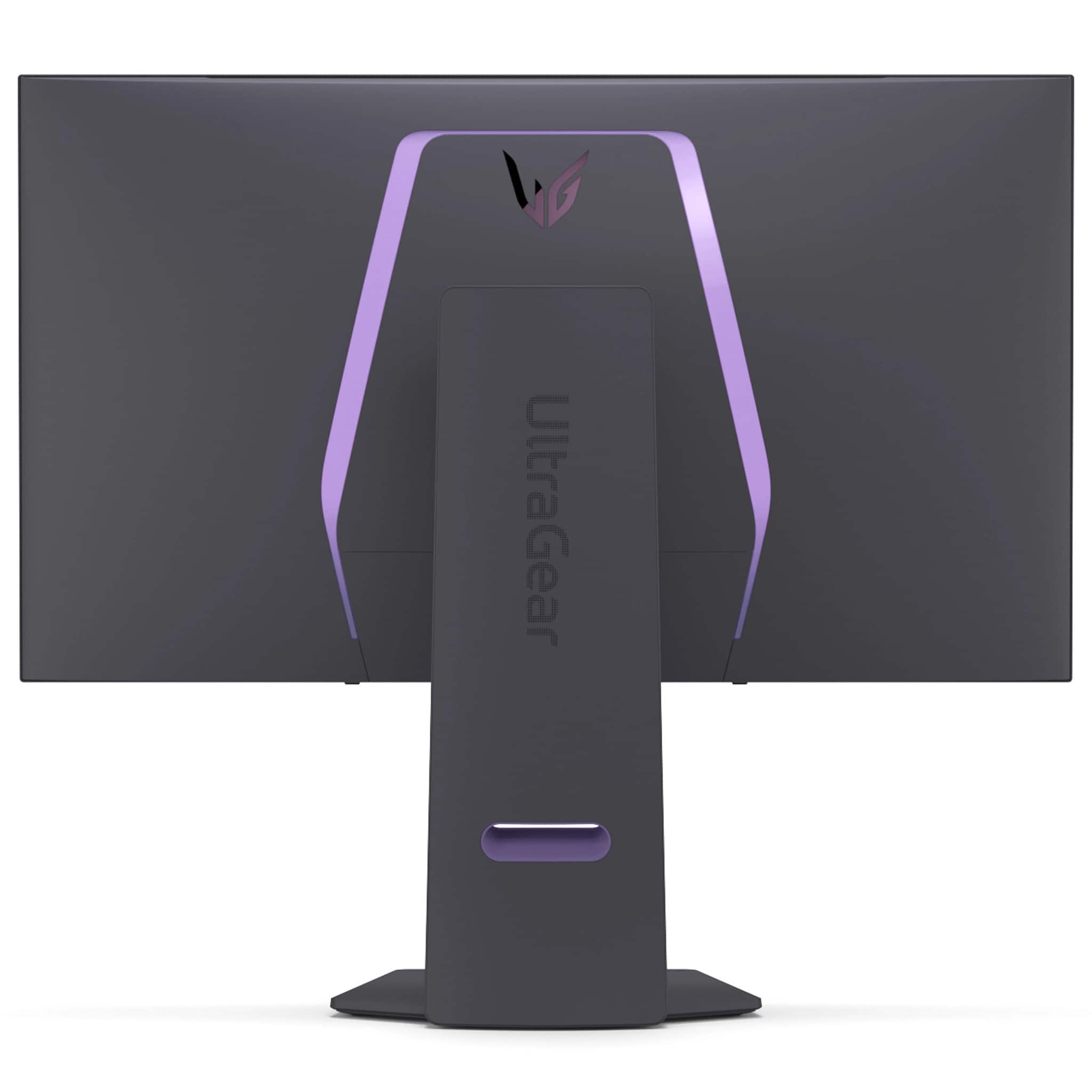
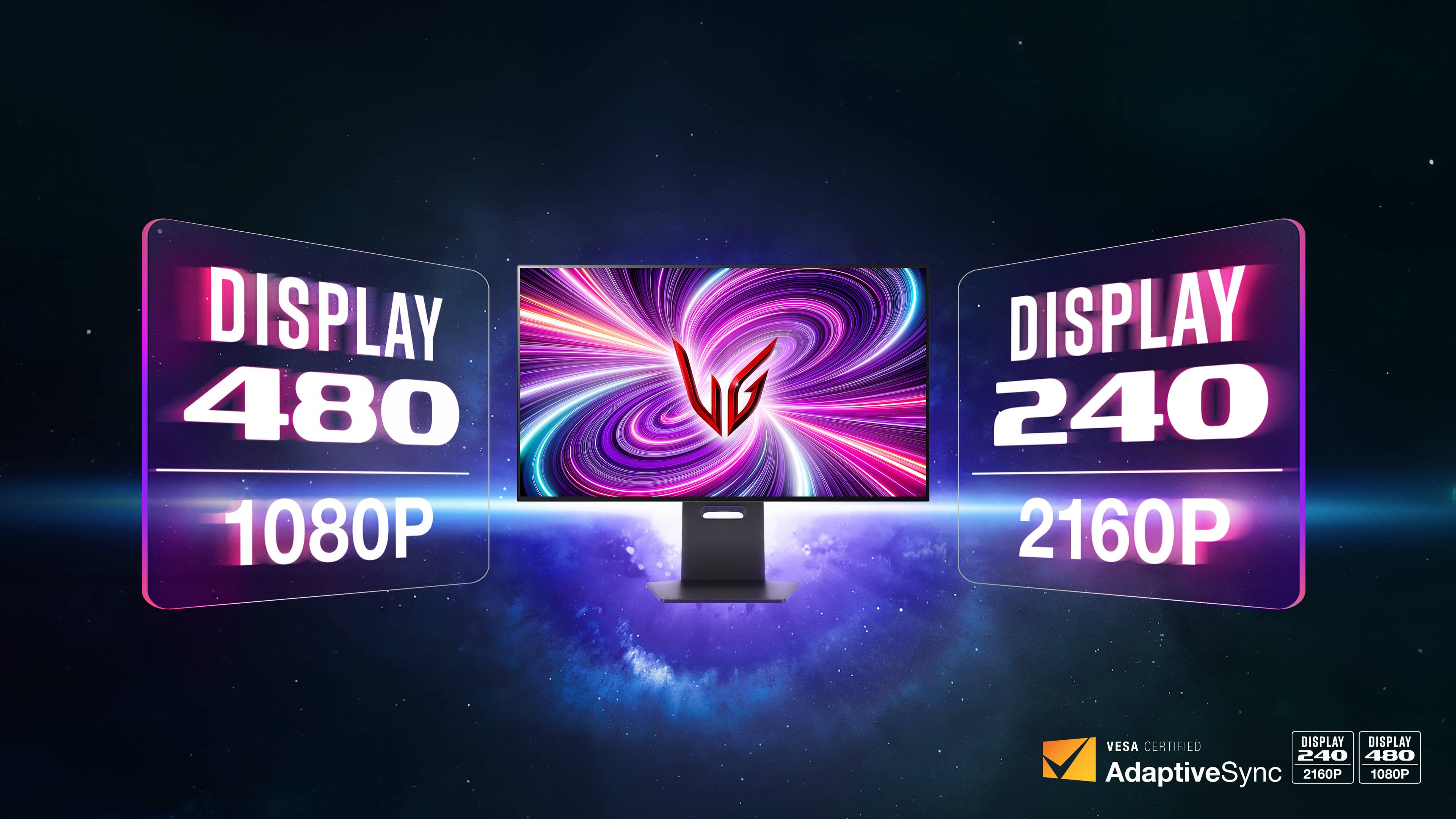
|Posted .This reviewer received promo considerations or sweepstakes entry for writing a review.~~~~Display~~~~ LG makes beautiful displays, and they didn’t pull any punches with this one either. The ultra gear OLED has vibrant colors while having those deep blacks that OLED panels are known for. There’s several presets to go through including optimized settings for first person shooter or role playing games. You can also go in and make your own adjustments to customize your color preferred tone. One of the things that makes this display unique is it’s ability to switch from 4K UHD at 240hz, which in itself is impressive, but if your more into competitive gameplay, you might find the 1080p at 480hz advantageous to your gameplay. It really is just a simple as hitting a button as well. Using the dedicated button on the bottom you can toggle between the two modes. A good use case for me is playing a game like New World Aeternum, where you have a game world diverse with color, floral and ethereal elements, and occasional competitive where the 240hz keeps everything very smooth. I then transition to battlefield 2042 where playing to the strengths of the 480hz at the lower, yet still high definition 1080p, can give a slight advantage. I’m not sure if I’m skilled enough for it to make a difference, but I need all the help I can get. The cherry on top is LG also advertises it’s a 0.03ms response time. This, along with freesync and G-sync technology, you have the full gamer package no matter what you play. ~~~Design~~~~ The design is solid. There’s an adjustable base that snaps into place on the back. The base of the stand is sturdy and I have no concern of it being easily toppled. When it’s all setup, the monitor and base together is a bit heavy, but given the size, you wouldn’t want any accidental knock overs. You can also opt to mount it using a VESA mount. I/O isn’t bad. You have two HDMI and one Display Port, a cable for each is included. You can also use the monitor as a USB hub with two USB 3 ports. The ports are located just off the back facing down. There’s a cover that covers the cables coming down for a cleaner look and they can be routed through the eye of the stand. Not a big bullet point but I thought it was nice LG included the VESA screws with the monitor. There is also a LED accent on the back that you can adjust in the settings for a few different colors. It’s little details like this that makes me have respect for a brand. ~~~Menu and Features~~~ The menu can be accessed from the button on the back, just above the bottom of the monitor. It’s easy to get to but I noticed the way I have my cables routed, they’re getting in the way. I would have liked to see the control on the bottom or off to one side. From the menu you have your standard contrast, brightness, and mode control. You can also adjust preset picture settings as well as on screen information such as an FPS counter and different style crosshairs to be placed in the center. In the general section you’ll find several settings for maintaining your OLED panel to prevent burn in and pixel fatigue. Something I’m seeing more manufacturers do is include software to control the display settings from the desktop. LG has done this as well although I’m not sure when I noticed the installer icon on my desktop. A link for the software on the box or on a sticker on the panel would have been enough for most. Aside from this, the software is intuitive and easy to use. It doesn’t offer as many settings as the on screen menu from the button will allow which I thought was a little strange since a mouse and app is a bit more intuitive. They have a bit of work to do here. There is also a screen split option not found in the built in menu on the app that basically serves as an app launcher but will place the app in specific zones on the screen. For me this would be useful to launch teams and outlook when I’m connected with my work PC or OBS and Discord when I’m gaming. LG continues to make very impressive monitors and I can appreciate they continue to give consumers choice. Without much effort you can lean into the immersive world at 4k UHD resolution, still at an impressive 240hz or cut the limits away of technology by playing at 480hz at 1080p resolution for FPS game types.
This review is from LG - UltraGear 32" OLED Dual Mode (4K UHD 240Hz,FHD 480Hz), 0.03ms NVIDIA G-SYNC, AMD Freesync Pro Gaming Monitor (HDMI, DP) - White
I would recommend this to a friend - Pros mentioned:Picture quality, Refresh rate, Speakers
Rated 5 out of 5 stars
An amazing display for games and everything!!
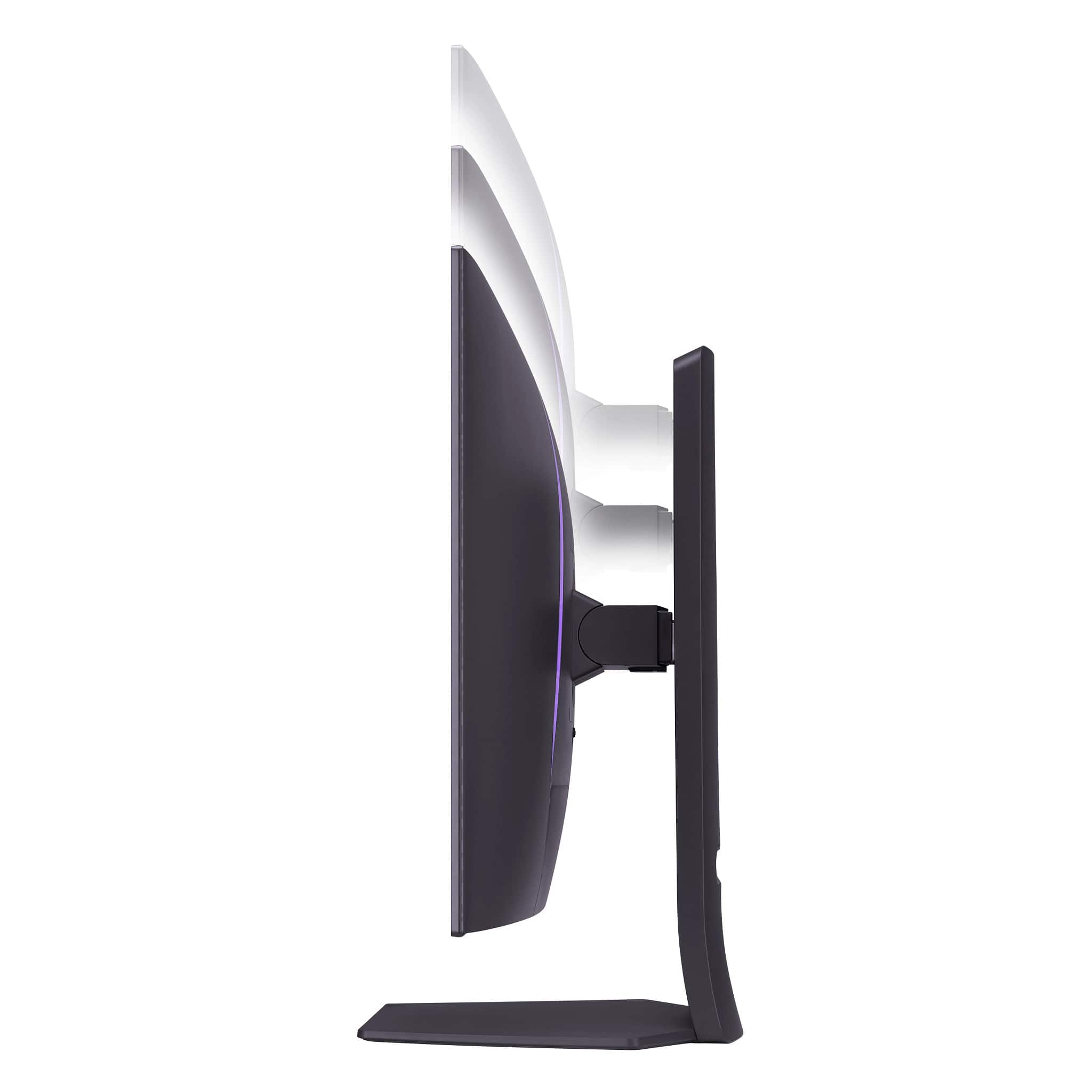
|Posted .This reviewer received promo considerations or sweepstakes entry for writing a review.This monitor is pretty amazing and has the most vivid colors and deepest of black you can have on a monitor based on my experience so far. For gaming, many games really pop even more on this monitor due to the quality of the picture where the deep blacks and no bleeding make everything feel like there's more depth in the image. It's really hard to describe but it's almost like having a 3D display in certain instances without the glasses, it's really quite good. Out of the box, it's super simple to setup and you get full adjustability in this monitor's stand allowing you to orient it horizontal or vertical. It even has tilt so you can dial it in just right. In terms of how this thing looks, it's great with a minimal bezel (but enough to put a web cam and light bar on without interfering with the display as I did). The cable management is great and hides the cords while not restricting movement should you reorient the display (provided you have long enough cables). In the box cables are included, HDMI, display port and USB but they were all standard length and may be short depending on your setup and is something I wish LG would have considered. Larger displays like this tend to take up more room so if your tower or dock is near the monitor (or under your desk near the monitor) the included cables will be just right, otherwise they will be short. If you have an adjustable height desk and your tower is on the floor and your desk moves up to 48", you will most definitely want to get longer cables if you don't have them. On the bright side it does make cable management easy because there's not a bunch of excess to hide but it's something to note if your setup requires longer than standard cables. The monitor does NOT have a built-in power supply so there is a fairly large brick you have to hide under your desk. This monitor has a built-in USB hub so you can connect your keyboard/mouse to it rather than your tower or dock to help with cable management so there's some tradeoffs. It has built-in speakers which frankly are very much welcomed though not loud but perfect if you want sound outside of your normal sound system for causal entertainment, video calls or system sounds. They are decent and surprisingly good for built-in speakers but don't expect them to replace a good sound bar or desktop speaker with sub. Setup out of the box to tweak the image was easy and I found that all of the preset color modes fit my needs but there's an ability to calibrate this display and tweak it your way. The on screen display navigation isn't too hard once you get the hang of it but like with most monitors you can set it and forget it for the most part. This monitor has an AWESOME dual mode which will let you run it at 480hz at the press of a button so that you can go right in to FPS games with the top refresh rate, and paired with a high-end graphics card you would have a serious edge with this hardware. That said, even aside, the 240hz just by default is great for most games and makes everything snappy and buttery smooth. The only thing that took me a few days to get used to is this display felt like it had a slight curve jumping toward you but I think that was just me adjusting from my old display and now a few days in I don't even notice that any more and notice how much better this displays image is than every other display in the house except my Sony OLED TV and I'd definitely say this has a sharp vivid image on par with that except it's on my gaming computer at my desk. I'd definitely recommend this display and if you see it jump on sale, I'd say go for it, you won't be disappointed, it's a huge upgrade over a normal high refresh rate LCD display!
This review is from LG - UltraGear 32" OLED Dual Mode (4K UHD 240Hz,FHD 480Hz), 0.03ms NVIDIA G-SYNC, AMD Freesync Pro Gaming Monitor (HDMI, DP) - White
I would recommend this to a friend - Pros mentioned:Picture quality, Refresh rate
Rated 5 out of 5 stars
Excellent Gaming Monitor!
|Posted .This reviewer received promo considerations or sweepstakes entry for writing a review.This monitor is a remarkable monitor for gaming and I highly recommend it to anyone looking for a 32” 4K OLED monitor. The gaming experience is excellent. I’ve been using LG monitors and TV’s going back many years and they have consistently offered reliability, great image quality, and a refined product. This monitor is no different. The monitor ships in a standard brown monitor box. The box comes with the stand pieces, a box of cables, and the monitor itself. The white color is excellent. For those looking for a white PC setup, the white extends to not only the monitor back and stand, but also the cables and power adapter. The stand is high quality and the base is made of metal. You can push the monitor fairly far back on the desk with this stand. I have a 25” deep desk and find the stand allows the monitor to be pushed back enough for a comfortable viewing distance. Of course there is a VESA mount for those interested. The display uses W-OLED and is a semi-matte coating. Much commentary exists online about glossy vs matte displays. Ultimately it’s a personal preference, but I am used to my PC displays being matte so this fits right in. It’s a little bit less grainy than a typical matte display; I find that it looks great. The display image quality is also excellent. The WOLED sub pixel layout has no color fringing and the text clarity looks nice even at 125% windows display scaling. The 240hz refresh rate is amazing for gaming, especially games like first person shooters. The display supports G sync and I saw no tearing or artifacts. I personally use the display with peak brightness set to high because for real world content, the brightness is a bit higher. I also hooked up a PS5 to the monitor via HDMI and had no issues at all with high refresh rate, VRR, and HDR support. For even higher refresh rate at the expense of downgrading to 1080p you can even set it to 480hz 1080p which for some gamers will be a welcome addition. Speaking of HDR, the monitor does work with HDR and the implementation seems pretty good. Windows HDR looks washed out on SDR content but that’s not the monitor’s fault, it’s how the process works. Once you open up an HDR application, it looks great. For me, I generally prefer to just leave it in SDR. On the PS5 the HDR does work well also, and it would be personal preference if you want to use it or not in the PS5 settings. The monitor has a built in USB hub which works great and also allows you to update the monitor’s firmware. LG sometimes puts out an update to improve the HDR curves or fix small bugs, so it can be useful to have that. Personally I find this monitor better than other QD-OLED based monitors on the market because it doesn’t have the typical text color fringing found on the glossy QD oled monitors. Additionally, perhaps more importantly, in a medium or brightly lit room, the blacks look black. On many of the QD oled monitors, the blacks in that situation have a bit of a purple look to them, which defeats a lot of the benefit of OLED for me. This would be personal preference for people, but it is something to think about. Personally, I find the LG to be perfect for my use case of a gaming PC used throughout the day or night. Overall this is an excellent monitor I can’t recommend enough. It’s good for both console and PC gaming, or productivity. It offers excellent build quality and excellent image quality at a reasonable price.
This review is from LG - UltraGear 32" OLED Dual Mode (4K UHD 240Hz,FHD 480Hz), 0.03ms NVIDIA G-SYNC, AMD Freesync Pro Gaming Monitor (HDMI, DP) - White
I would recommend this to a friend - Pros mentioned:Refresh rate, SpeakersCons mentioned:Brightness
Rated 4 out of 5 stars
Gamer's OLED, Smooth Motion without the HDR pop
|Posted .This reviewer received promo considerations or sweepstakes entry for writing a review.This is my first OLED monitor, but not my first OLED device. I own an LG OLED, and my mobile phone has an OLED screen. I never get tired of looking at blacks and an immersive viewing experience that's hard to articulate until you see it for yourself. OLEDs, including this monitor, just look better to me than an LCD in the same price range. Movies and TV shows look very good, if not lacking in some aspects. More on that below. The LG 32GS95UE-B is an awesome choice for PC gamers. Its fast response time delivers crispy motion and minimal input lag, making gameplay feel incredibly responsive. Super smooth scrolling and transitions. The perfect OLED black levels and contrast ratio look amazing in a dark room. With a 240Hz refresh rate, motion appears incredibly smooth, further enhancing the responsive feel. It even boasts a 480Hz Dual-Mode for competitive gaming, but I'm not at that level. I also don't own the hardware to push games to that frame rate. Maybe someday...I can dream. That said, there's something about the image that doesn't wow me. High HDR brightness scenes aren't as bright as they should be. Colors don't pop like they should. Movies and TV shows look very nice but HDR content just can't get bright enough and the colors aren't the most accurate. I'd like to compare it side by side to the competition but the reviews seem to back up my perception. On the upside, the text clarity is excellent. I didn’t encounter the issues some have mentioned regarding graininess because of the matte coating on the screen. My office is bright so the matte texture is beneficial. Honestly, you don't notice the matte coating. Regardless of the resolution, you'll benefit from an insanely low 0.03 ms response time. The monitor also features AMD FreeSync Premium Pro technology, which gives you smoother gameplay with both Nvidia and AMD graphics cards. Overall, no matter which refresh rate you choose, you can expect a silky experience. The back of the monitor features a good number of ports, including two HDMI ports, one DisplayPort, two USB-A ports, and a single USB-B port. Accessing these ports was a bit of a pain because the ports point down versus other monitors that point out. I had to turn the monitor around to see them clearly. They do have an easily accessible button to switch between different refresh rates. However, this monitor lacks additional productivity features such as USB-C connectivity or a KVM switch, and it also does not support Dolby Vision. I miss not having a USB-C port to connect my second desktop computer via USB-C. I would expect a Swiss army knife of ports for the price this monitor costs. The 32GS95UE-B has a simple interface but I think they went too simplistic and don't offer enough customization and settings. Also, opening and closing the menu is slow, though, it is responsive when clicking the joystick button on the back to scroll through settings. The Pixel Sound feature on this monitor sounds unique, since some gaming monitors don't include speakers. It delivers a semi-surround sound effect that is noticelable, and the speakers can get loud. However, they produce a thin and flat sound. I would expect the majority of gamers or media enthusists to use high-quality headphones or separate speakers. If you play games competitively or want a monitor with an exceptionally high refresh rate, this is an excellent choice. Additionally, if you're in the market for a 4K gaming monitor that offers gorgeous visuals, you won't be disappointed here either. You might want to shop around if you want a monitor that can do everything or gives you the brightest colors and HDR. It's a beautiful monitor with a premium image and all the pros of an OLED screen.
This review is from LG - UltraGear 32" OLED Dual Mode (4K UHD 240Hz,FHD 480Hz), 0.03ms NVIDIA G-SYNC, AMD Freesync Pro Gaming Monitor (HDMI, DP) - White
I would recommend this to a friend - Pros mentioned:Picture quality, Refresh rate
Rated 5 out of 5 stars
Fantastic monitor, I love it!
Posted .This reviewer received promo considerations or sweepstakes entry for writing a review.I ordered my LG 32GS95UE-B through LG.com, picking it up at my local Best Buy My first few dozen hours with this monitor have been a dream. There are so many things I like about this monitor that I am thrilled with. I did buy a G80SD from Samsung in October of last year, and while the panel is great, there were a number of things I did not like, and the DSC black screen issues I had caused me to return that monitor, and scared me away from buying another OLED monitor for a few months. Here are some of the big differences between the Samsung and the LG monitors: First, when taking the monitor out of the box, the Samsung jumps into some Smart TV menus that wants me to create an account, log into my different streaming apps and download firmware before I could do anything with the monitor. I use a wired keyboard and wired mouse, and I do not want a remote for anything, especially a small, easily to misplace one that requires USB-C charging to be able to use it. When I plugged the LG in, it just turned on and worked. Both panels are beautiful. At 31.5", I kept them more than arms length away from me on my desk. I was worried I'd have potential concerns with text or see some visual difference between the two monitors based on panel technology or sub pixel structure. I don't. At this distance made both monitors look clear and crisp to me. One thing I love is how well the LG sleeps and wakes up. I don't have to touch it. I just put the PC in sleep mode and the monitor puts itself into a sleep mode as well. That's what I wanted. My Samsung needed fiddling with the remote and waking up took longer. The LG will sometimes tell me that it has done pixel cleaning, so it looks like it's taking some proactive care steps automatically, without being disruptive, which I like. One thing I really missed moving from my old 2017 Acer Predator was the lack of an on screen FPS counter on the Samsung. The LG lets me turn on a FPS counter, and put it in any corner I want. Unlike my old Predator, which was a solid yellow FPS number, this number is a slightly transparent light grey, which is nice. I was really glad to have this feature back, as I find it very useful to know what the monitor's actually getting. I know DSC usually works, but I had periodic black screens with my 3090Ti FE card and the Samsung. I used the high quality DP1.4 cable I already had and the one Samsung shipped with the monitor, and with both, there'd be a 2-3 black screen once every 3-10 hours of use. It was rare and unpredictable, but it was also common enough that it was the main reason I returned the monitor. The LG has gone through a few dozen hours of use in all kinds of settings and has not hiccuped once, which I really appreciate. The small black bezel is also very nice. The Samsung has a silver trim that does look nice in photos, but it shows up in the dark room I game in. The black bezel lets everything but the screen disappear in a dim room. One other nitpick is that I do like that the three inputs put into the monitor like a traditional monitor, plugging up from the bottom, and the hole in the stand allowing you to route the cables through the center of the stand is a nice touch to keep cables where they belong. The on screen aiming reticles are basic, but work well. The Samsung options were huge. Something I rarely use, but another case where the LG options are better. But all of that is secondary to how much I love a feature I did not expect to love as much as I do. The 1080p 480Hz mode is amazing! I did not expect blur busters to show me anything at 480 that I found visually superior to 240Hz, but you can see the difference, and I was surprised by how clean 480Hz 1080p looks. The fact that there's a dedicated button on the bottom of the monitor that I can press and Windows seamlessly jumps back and forth between 2160p 240Hz and 1080p 480Hz is amazing! It works better than I expected, and the 480Hz is a wonderful option to have. The speakers aren't supposed to be great, but pixel sound is better than my old Acer Predator, so that's useful for when I want to share something with a friend or family member with audio. I don't remember the Samsung audio quality. I'm struggling to think of something the Samsung did better, and I want to say that the monitor can be lowered closer to the bottom of the stand. The LG height works well for me, but I think this is one thing Samsung did better. One key reason for my purchase was I wanted to make sure I had something that was an upgrade for Street Fighter 6. Street Fighter 6 locks you in to 60Hz for online matches, so image lag at 60Hz was key for me. According to Rtings, using DP, my old Acer was a pretty solid 2017 performer at 12.7ms (@60Hz Native), the Samsung is 11.8Hz, and the LG is 9.1 ms. I honed in on the LG this time because my pre-Covid LG OLED TV has been flawless, and this monitor was the lowest 60Hz image lag of any Rtings monitor to get at least a 9 or better as a gaming monitor. But I really was expecting something similar to the Samsung, and I'm shocked at how much all the small differences add up to monitor I enjoy so much more. All-in-all, I am so glad I finally upgraded. My Acer Predator will move to my daughter's gaming PC, and I very happy to have joined the OLED gaming gang for good this time.
I would recommend this to a friend - Pros mentioned:Oled quality, Picture quality, Refresh rate
Rated 5 out of 5 stars
Beautiful looking 4K gaming monitor!!
|Posted .This reviewer received promo considerations or sweepstakes entry for writing a review.The LG UltraGear 32" OLED gaming monitor is an absolutely amazing gaming monitor, with great performance and great picture quality, this monitor fully delivers on everything you would want from a gaming monitor. This monitor is G-Sync and FreeSync compatible meaning whichever popular graphics card you have you will have a seamless gaming experience. The Dual Mode allows you to switch between 4K (3840 x 2160) 240Hz and 1080p (1920 x 1080) 480Hz. This allows you to choose between better FPS for more competitive games or a more immersive experience for other games or media. You can quickly and easily switch between the modes with a switch located on the bottom of the screen, there is also an option to change the screen size from the full 32" down to either 27" or 24" to get even better performance while in 1080p mode. Speaking of the menu options, you have the full complement of options that you would expect from a gaming monitor; FPS counter, crosshair, etc. My only complaint with the menu is the physical location of the menu button is on the bottom and behind the monitor making it difficult to have anything located directly under the monitor if you need to access the menu frequently. I typically have my center speaker directly under the monitor and had to move it slightly behind so that I could access the menu button of the monitor. The OLED display is absolutely stunning, I have seen many reviews and videos about how much nicer OLED looks compared to an IPS or LED monitor and you really can't appreciate the difference in picture quality until you actually use it. I have an older version of an LG UltraGear that I use as a second monitor and the difference between the two displays is astounding, the LG UltraGear OLED monitor is the best looking and best performing monitor I have ever used. I will be getting a second to add as my second monitor because it is just that good looking. I would absolutely recommend this display to anyone that is looking for a gaming or productivity monitor.
This review is from LG - UltraGear 32" OLED Dual Mode (4K UHD 240Hz,FHD 480Hz), 0.03ms NVIDIA G-SYNC, AMD Freesync Pro Gaming Monitor (HDMI, DP) - White
I would recommend this to a friend - Pros mentioned:Oled quality, Picture quality, Refresh rate
Rated 5 out of 5 stars
Amazing High-End Gaming Monitor
|Posted .This reviewer received promo considerations or sweepstakes entry for writing a review.The LG UltraGear 32" OLED Dual Mode monitor is hands-down the best monitor I've ever used. This thing is jam packed with features. It is a 32" monitor with 4K resolution, 240hz refresh rate, .03ms response time, 2 HDMI and 1 DisplayPort inputs, tilt, swivel, height, and pivot adjustments, built-in speakers, and one touch dual mode for up to 480hz at 1080p. First off, being an OLED screen, this monitor looks absolutely stunning. The blacks are super dark while the colors are bright and vivid. Regarding the "Dual Mode" feature, the way it works is that it limits the screen resolution so you can optimize frame rate, all with the push of a button. In 1080p, this means you can achieve up to 480hz if your system can handle it. And at 4k, you can still reach 240hz. I'll be honest, My system can't reach anywhere near 480hz, even at 1080p. I can barely hit 120 at 4k, so I'll be sticking with 4k. However, it's nice that there is that option. I have honestly never seen a monitor that can do more than 240hz. The performance of this monitor is top notch. I tried a variety of different games, and as mentioned before, my system can max out around 120 fps at 4k, and this monitor looks stunning while doing it. Better than any monitor I've used before. The on screen menu is relatively easy to navigate and there are plenty of settings you can mess around with to really dial it in to your preference. All the usual picture adjustments are there as well as the added "gaming" options I've come to expect on gaming monitors, such as FPS display, on screen crosshairs, etc. Overall I just don't have a bad thing to say about this monitor. If you want an amazing gaming monitor that has a beautiful picture while giving you great gaming performance, this is an absolutely amazing option.
This review is from LG - UltraGear 32" OLED Dual Mode (4K UHD 240Hz,FHD 480Hz), 0.03ms NVIDIA G-SYNC, AMD Freesync Pro Gaming Monitor (HDMI, DP) - White
I would recommend this to a friend - Pros mentioned:Picture quality, Refresh rate
Rated 5 out of 5 stars
One of the Best 4K Gaming Monitor in the Market rn
Posted .This reviewer received promo considerations or sweepstakes entry for writing a review.As an avid gamer and tech enthusiast, I recently made an exciting addition to my gaming setup with the purchase of the LG UltraGear 32" OLED gaming monitor. After spending some time testing and evaluating its features, I am eager to share my experiences and insights about this high-end device. Display Quality The first thing that stands out with the LG UltraGear is its OLED panel. The colors are vivid and accurate, offering a visual treat that enhances any game or video. The Ultra High Definition resolution sharpens every detail, making graphics appear incredibly crisp and immersive. Whether I'm exploring vast landscapes in open-world games or editing high-resolution videos, the quality of the display consistently impresses me. Performance What truly enhances my gaming sessions is the monitor’s 240Hz refresh rate. The fluidity with which the images move is astonishing—it's a game-changer for fast-paced genres where every millisecond counts. Coupled with an exceptionally quick 0.03ms response time, the monitor eliminates motion blur and ghosting, allowing for precise and timely reactions during intense gameplay. HDR and Color Supporting HDR, the LG UltraGear elevates the visual experience further by intensifying the contrast and enriching the color spectrum. Games and videos that support HDR content look more dynamic and realistic, with enhanced brightness and shadow details that add depth to every scene. Design and Connectivity The monitor sports a sleek, modern design that fits perfectly into my gaming environment. It offers multiple connectivity options, including HDMI and DisplayPort, which makes it easy to connect to various devices. The versatility in connections is practical for my setup, as it accommodates my PC, gaming console, and other media devices without the need for constant reconfiguration. However, one drawback is the visibility of the cables. Although the design is streamlined, the wires are not completely concealed, which can detract slightly from the overall aesthetic of my gaming setup. Gaming Features Equipped with both NVIDIA G-SYNC and AMD FreeSync Premium Pro, the LG UltraGear ensures that screen tearing and stuttering are problems of the past. These features synchronize the display’s refresh rate with my graphics card, providing a smooth and uninterrupted gaming experience. Other thoughtful inclusions like dynamic action sync and black stabilizer enhance visibility and responsiveness, which is particularly beneficial in competitive gaming scenarios. Conclusion In conclusion, the LG UltraGear 32" OLED gaming would be an outstanding investment for anyone serious about gaming or in need of a high-performance monitor for creative work. Its superior display quality, combined with advanced gaming features, provides a competitive edge and enriches the overall user experience. If you're in the market for a monitor that offers both top-notch performance and breathtaking visuals, I highly recommend considering this remarkable piece of technology, despite the minor inconvenience with the cable management.
I would recommend this to a friend Rated 1 out of 5 stars
Im sure its nice, but don't buy from BestBuy
||Posted . Owned for less than 1 week when reviewed.This reviewer received promo considerations or sweepstakes entry for writing a review.I am extremely disappointed with the service I received. My $1,500 package, which was supposed to require a signature upon delivery, was incorrectly left in a different building without any signature. The item was in the OEM box, which clearly displayed it as a high-end monitor, making it an obvious target for theft. Despite the clear error, Best Buy has refused to take responsibility, leaving me with a $1,500 charge and no monitor. This has been a very frustrating experience.
No, I would not recommend this to a friendBrand response from LG Digital Customer Care
Posted .Hi, Tony. Thank you for taking the time to review your experience with the LG Monitor (32GS95UE-B) model.
We understand how important it is to receive your package safely and in the condition you expect. We aim to give you great service and make sure everything goes smoothly. Please call Best Buy customer service at 888-237-8289 with your order details so we can look into this and find a solution that works for you. For more help, you can also reach out to us on social media @LGUSSupport. ^Juvy