Customer Ratings & Reviews




- Model:
- 32GS95UE-B.AUS
- SKU:
- 6575402
Rating by feature
- Display Quality
Rating 4.8 out of 5 stars
- Ease of Use
Rating 4.7 out of 5 stars
- Features
Rating 4.6 out of 5 stars
Customers are saying
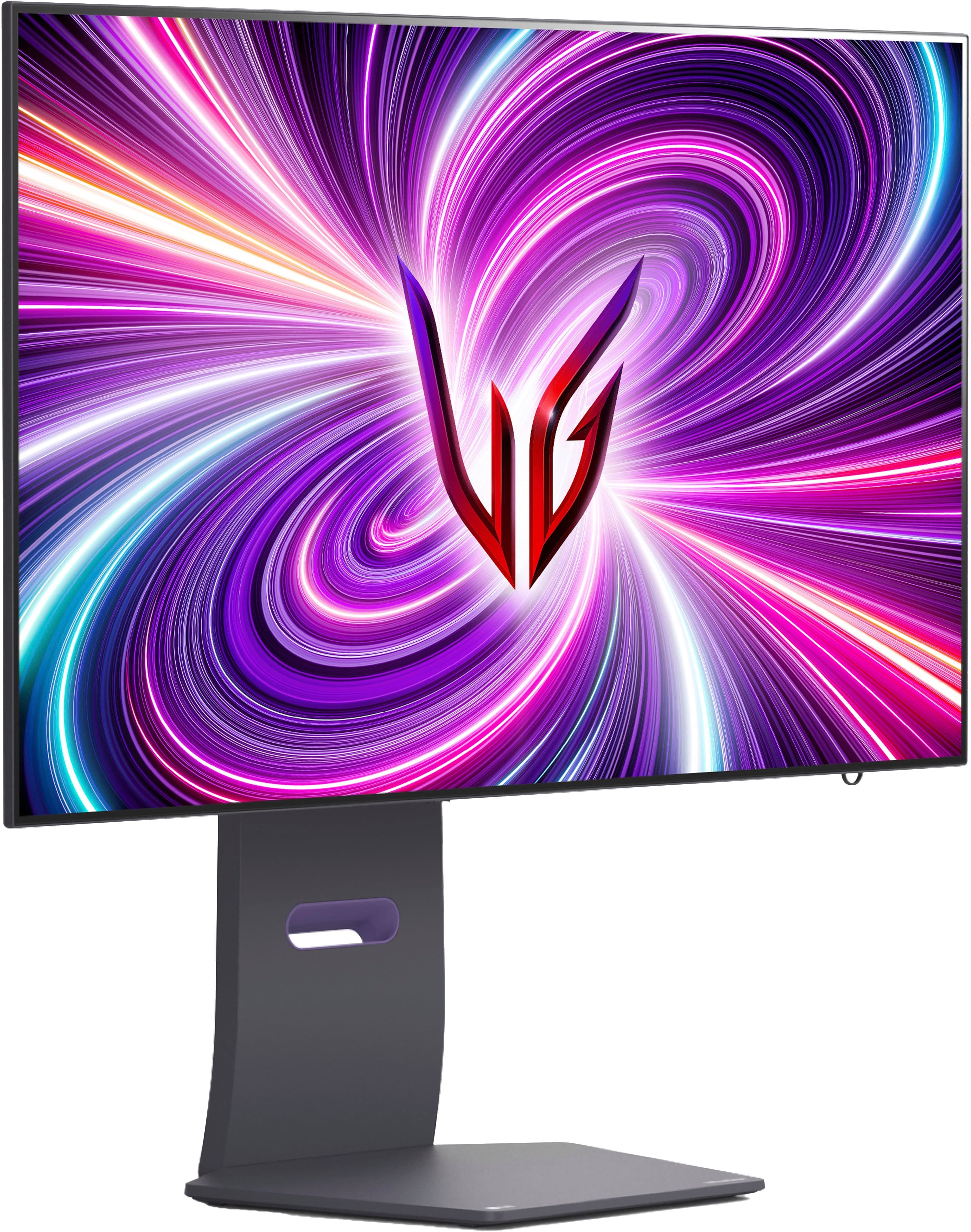
Customers are enthusiastic about the UltraGear 32" OLED Dual Mode Gaming Monitor, particularly its exceptional picture quality, high refresh rate, and impressive OLED quality. The dual mode feature and inclusion of speakers are also appreciated. Some customers feel the monitor could be brighter and find the price to be high, while others are not completely satisfied with the finish or the stand.
This summary was generated by AI based on customer reviews.
NICE
||Posted . Owned for 1 week when reviewed.This reviewer received promo considerations or sweepstakes entry for writing a review.Very nice monitor... happy i purchased it... ☺️ son got it for gaming even good for watching movies!
I would recommend this to a friendGreat monitor with some flaws
||Posted . Owned for 1 month when reviewed.This reviewer received promo considerations or sweepstakes entry for writing a review.Great monitor- needs more options to change. Can’t change color saturation in hdr mode
I would recommend this to a friendMr
||Posted . Owned for 2 months when reviewed.This reviewer received promo considerations or sweepstakes entry for writing a review.Small for my needs. Otherwise it has really good colors.
I would recommend this to a friendBurn in after 5 months
||Posted . Owned for 4 months when reviewed.This reviewer received promo considerations or sweepstakes entry for writing a review.Some burn in after 5 months. I bought this monitor for the matte finish, and it does not disappoint on that front. But if you do a lot of coding, the monitor does not tell you when to do a pixel/panel refresh unlike other monitors in the space. Will be attempting to use BB's warranty to get a different monitor.
No, I would not recommend this to a friendExcellent!
||Posted . Owned for 1 week when reviewed.This reviewer received promo considerations or sweepstakes entry for writing a review.Easy set up, stunning colors and speed, absolutely would recommend.
I would recommend this to a friendPremium product
||Posted . Owned for 3 weeks when reviewed.This reviewer received promo considerations or sweepstakes entry for writing a review.Great enthusiast level monitor, Don't expect hitting 480 on resource hungry shooters. Nevertheless awesome prouct
No, I would not recommend this to a friend- Pros mentioned:Refresh rate
Auch no better than qd display
||Posted . Owned for 1 month when reviewed.This reviewer received promo considerations or sweepstakes entry for writing a review.Great option to switch to 480hz but bad quality on image 4k is dimm 1080p super blurry
No, I would not recommend this to a friend Monitor 4k
||Posted . Owned for 1 month when reviewed.This reviewer received promo considerations or sweepstakes entry for writing a review.Good monitor very fast and good color accuracy i like it alot
I would recommend this to a friendGreat end game monitor
||Posted . Owned for 1 week when reviewed.This reviewer received promo considerations or sweepstakes entry for writing a review.Great monitor, didn't think id end up keeping it but here we are! make sure to install the drivers!
I would recommend this to a friendOled monitor
||Posted . Owned for 1 week when reviewed.This reviewer received promo considerations or sweepstakes entry for writing a review.My first oled monitor and i am 100% happy with my purchase
I would recommend this to a friendGreat
||Posted . Owned for 2 months when reviewed.This reviewer received promo considerations or sweepstakes entry for writing a review.Great monitor! Text looks sharper on this OLED variant
I would recommend this to a friendBrand response from LG Digital Customer Care
Posted .Hey Kevin. Thanks for your feedback on your LG OLED monitor! Its sharp text, deep blacks, and vibrant colors bring every detail to life with stunning precision. Whether gaming or working, your display is built for an ultra-immersive experience! For more feedback or questions, private message us on social media @LGUSSupport. Thanks for choosing LG to be part of your home! ^David

Betters monitor to want
||Posted . Owned for 3 months when reviewed.This reviewer received promo considerations or sweepstakes entry for writing a review.I love the monitor but i didnt think whare i can put it.
I would recommend this to a friendMust have
||Posted . Owned for 3 months when reviewed.This reviewer received promo considerations or sweepstakes entry for writing a review.Excellent monitor. I love it. Absolutely worth the price.
I would recommend this to a friendOLED
||Posted . Owned for 2 weeks when reviewed.This reviewer received promo considerations or sweepstakes entry for writing a review.Amazing, The pixels in the oled are clean and they are clear
I would recommend this to a friendMATTE COATINGS ARE BAD
||Posted . Owned for 1 month when reviewed.This reviewer received promo considerations or sweepstakes entry for writing a review.PLEASE BE CAREFUL, there is a noticeable matte coating on this monitor which in most white or brighr backgrounds cause the scene to have grain and give the image a blurry sharp look, please keep this in mind.
I would recommend this to a friendBrand response from LG Digital Customer Care
Posted .Hi, Aaron. Thank you for sharing your feedback about the LG Monitor (32GS95UE-B) model. We understand that the matte coating and its impact on bright or white backgrounds may not meet your expectations, and we appreciate you bringing this to our attention. We aim to provide high-quality products and ensure a smooth viewing experience.
The matte coating is designed to reduce glare and reflections, which can be helpful in well-lit environments. However, we understand that it may cause the effect you’re describing in certain scenarios. To improve the display experience, try adjusting the monitor’s sharpness and brightness settings through the on-screen display menu. This can sometimes reduce the grainy appearance you’re noticing. For more help, you may visit https://www.lg.com/us/support/help-library/lg-tv-the-best-picture-settings-for-your-lg-tv--20150577528034.
If you have further questions or would like additional assistance, please don’t hesitate to send us a private message on social media @LGUSSupport. We would be happy to help. We appreciate your feedback and patience. ^Juvy
Monitor
||Posted . Owned for 1 week when reviewed.This reviewer received promo considerations or sweepstakes entry for writing a review.perfect monitor, the 4k is just amazing on my pc i recommend this monitor 100%
I would recommend this to a friend- Pros mentioned:Oled quality, Refresh rate, Resolution

Big, Bold, Beautiful
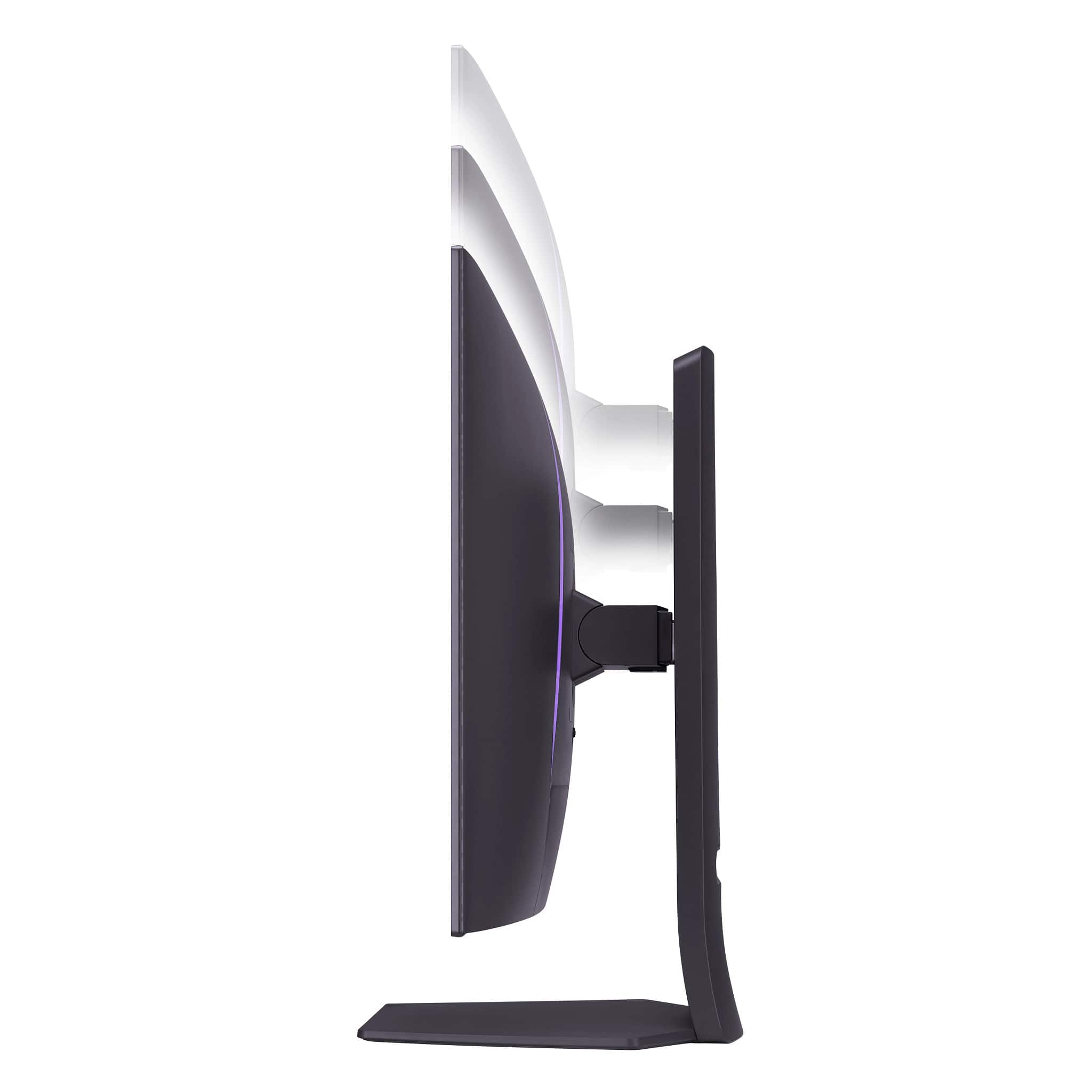
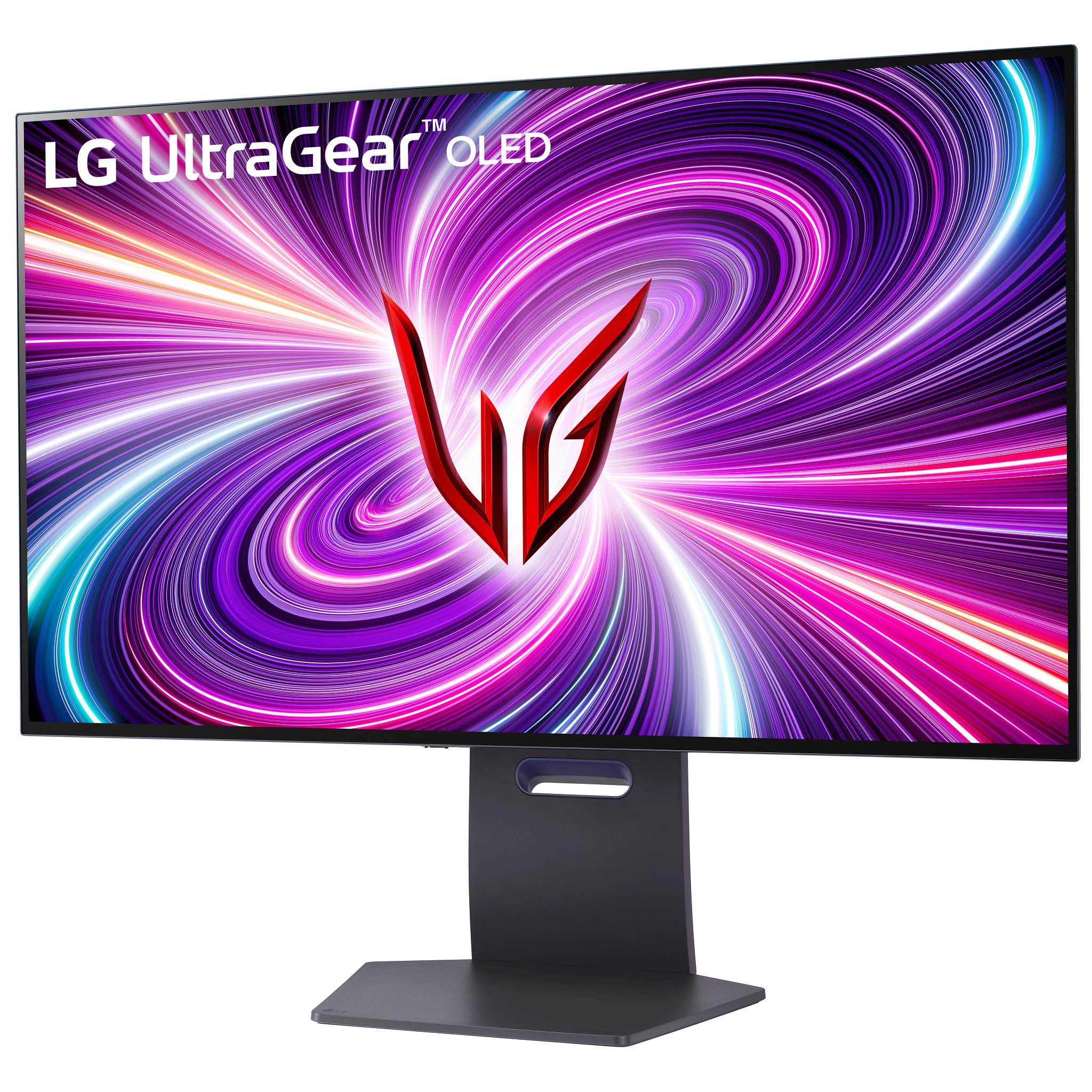
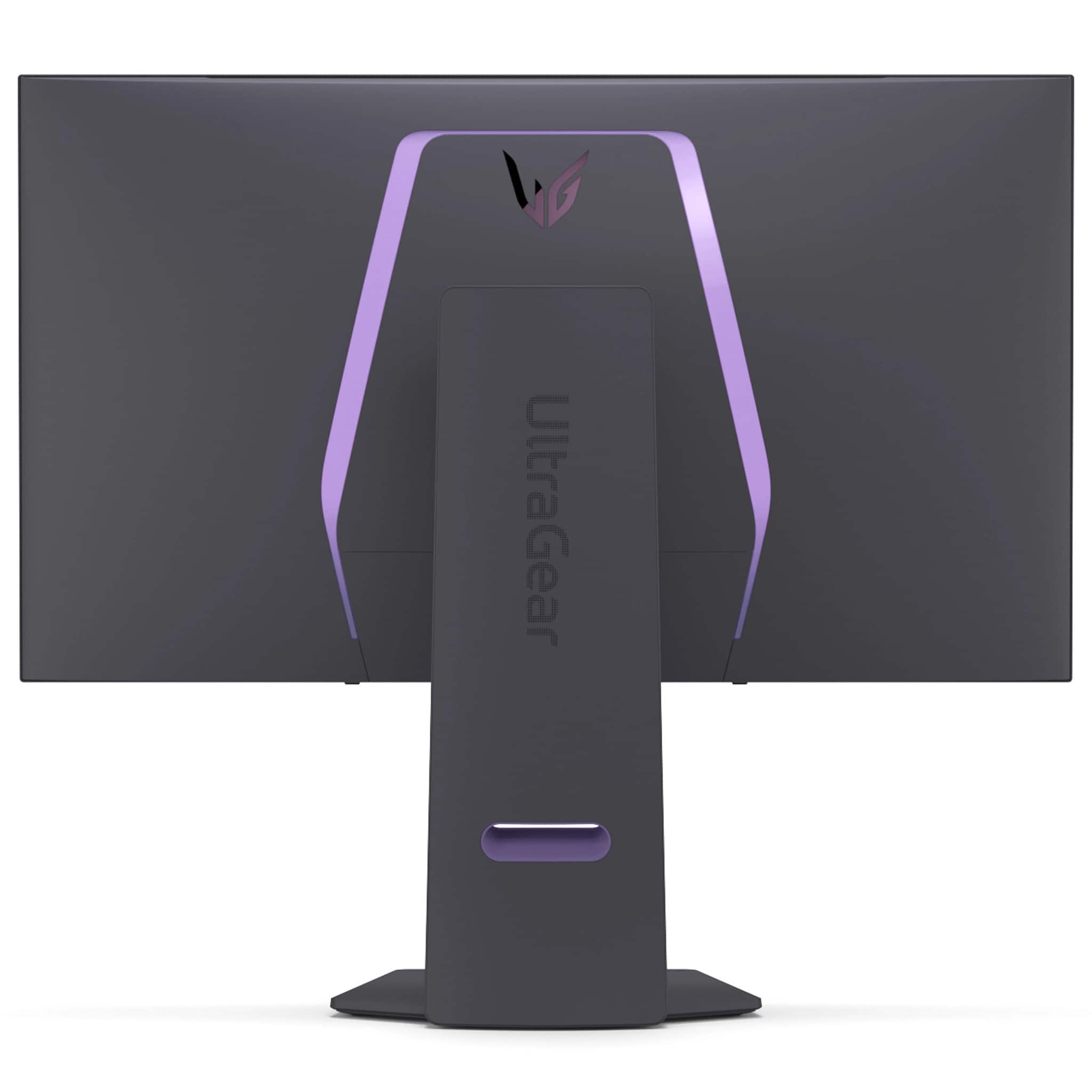
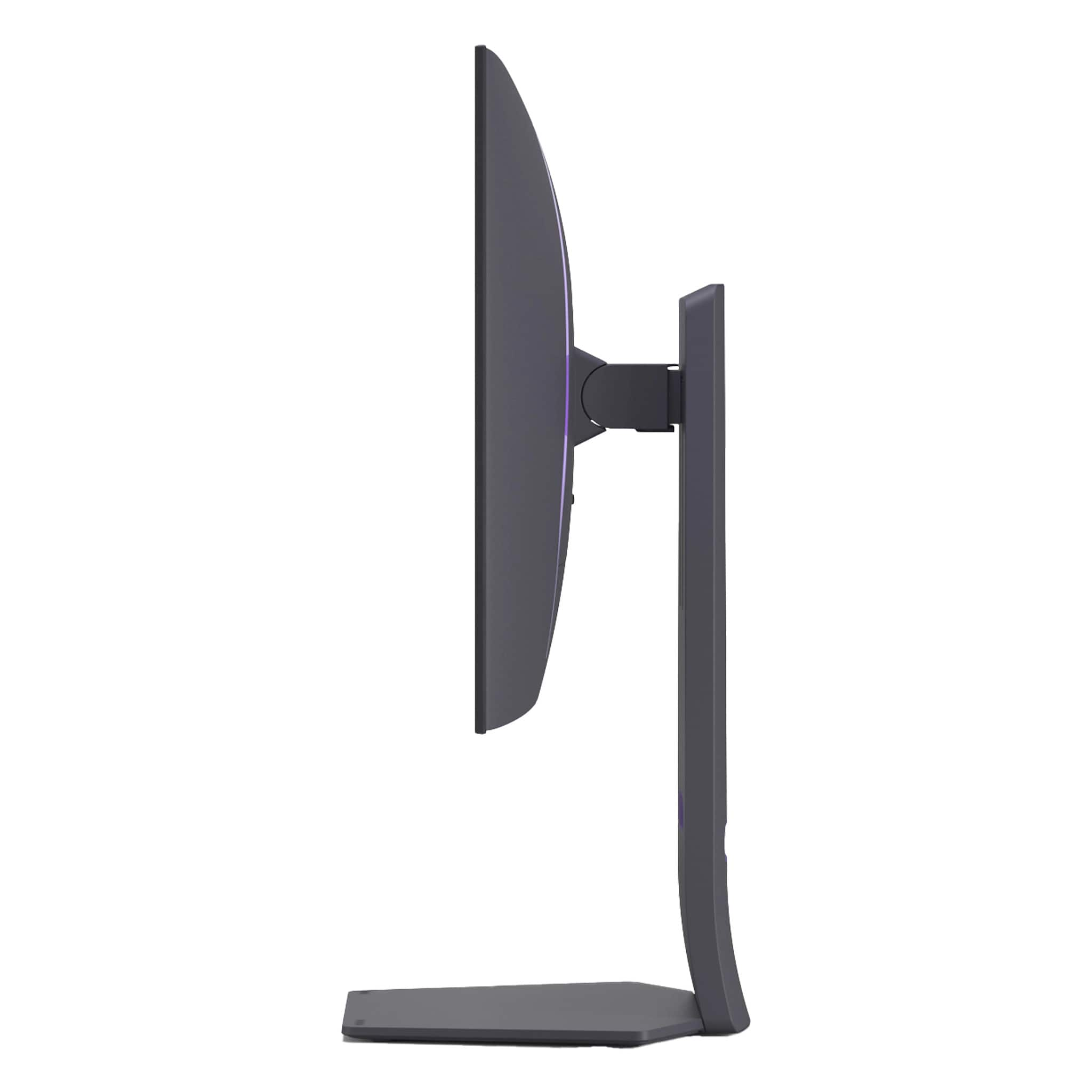
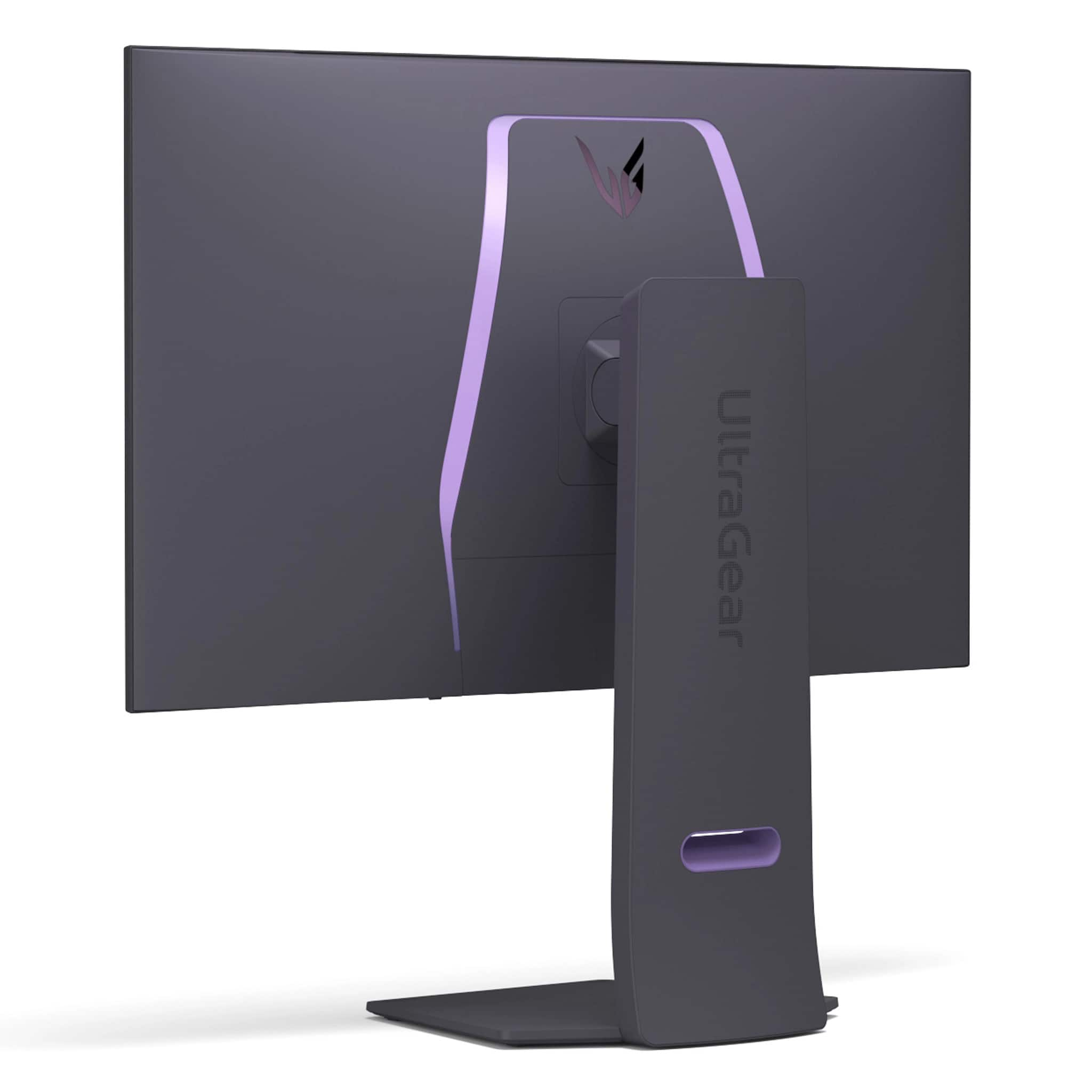
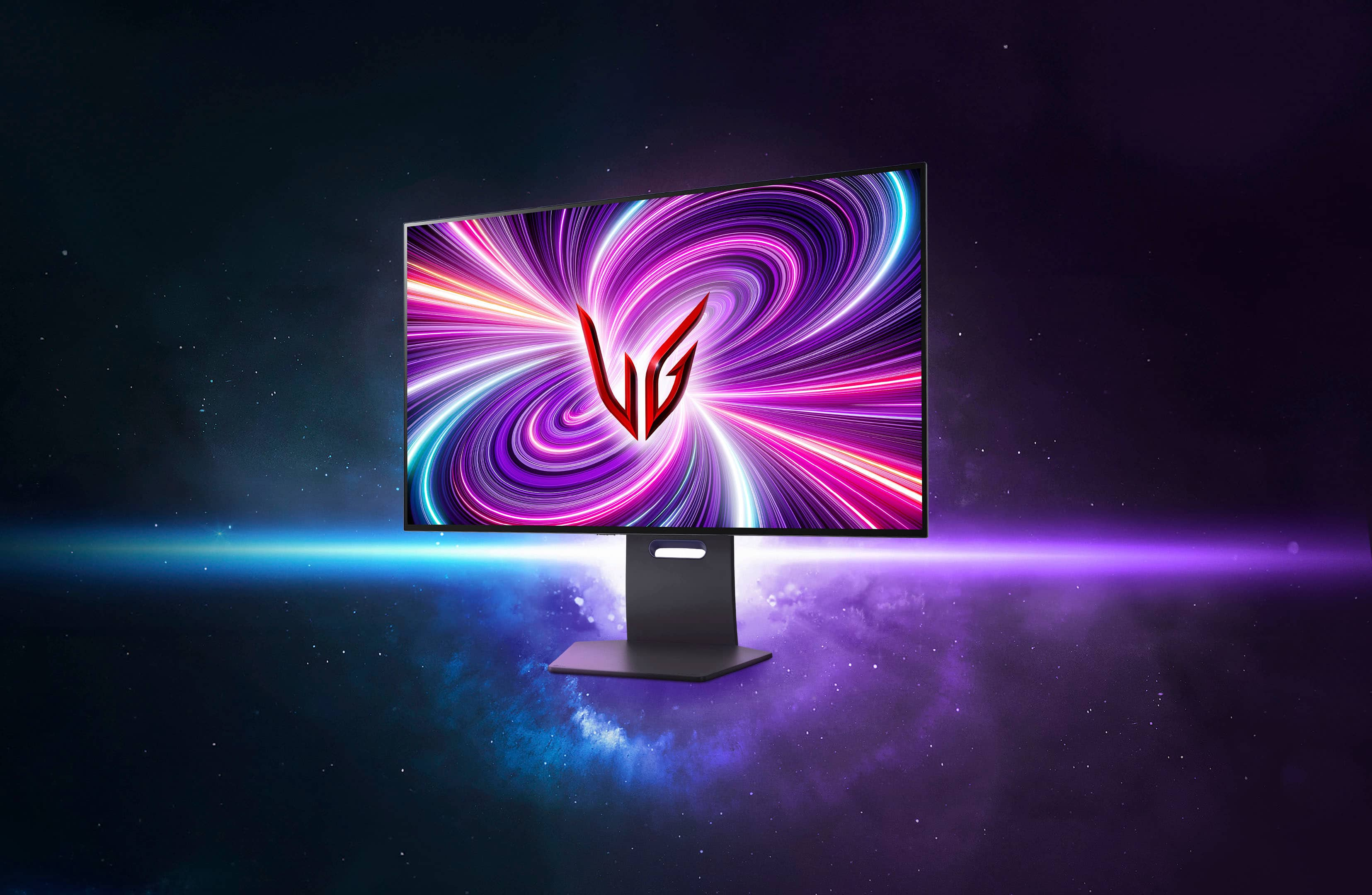
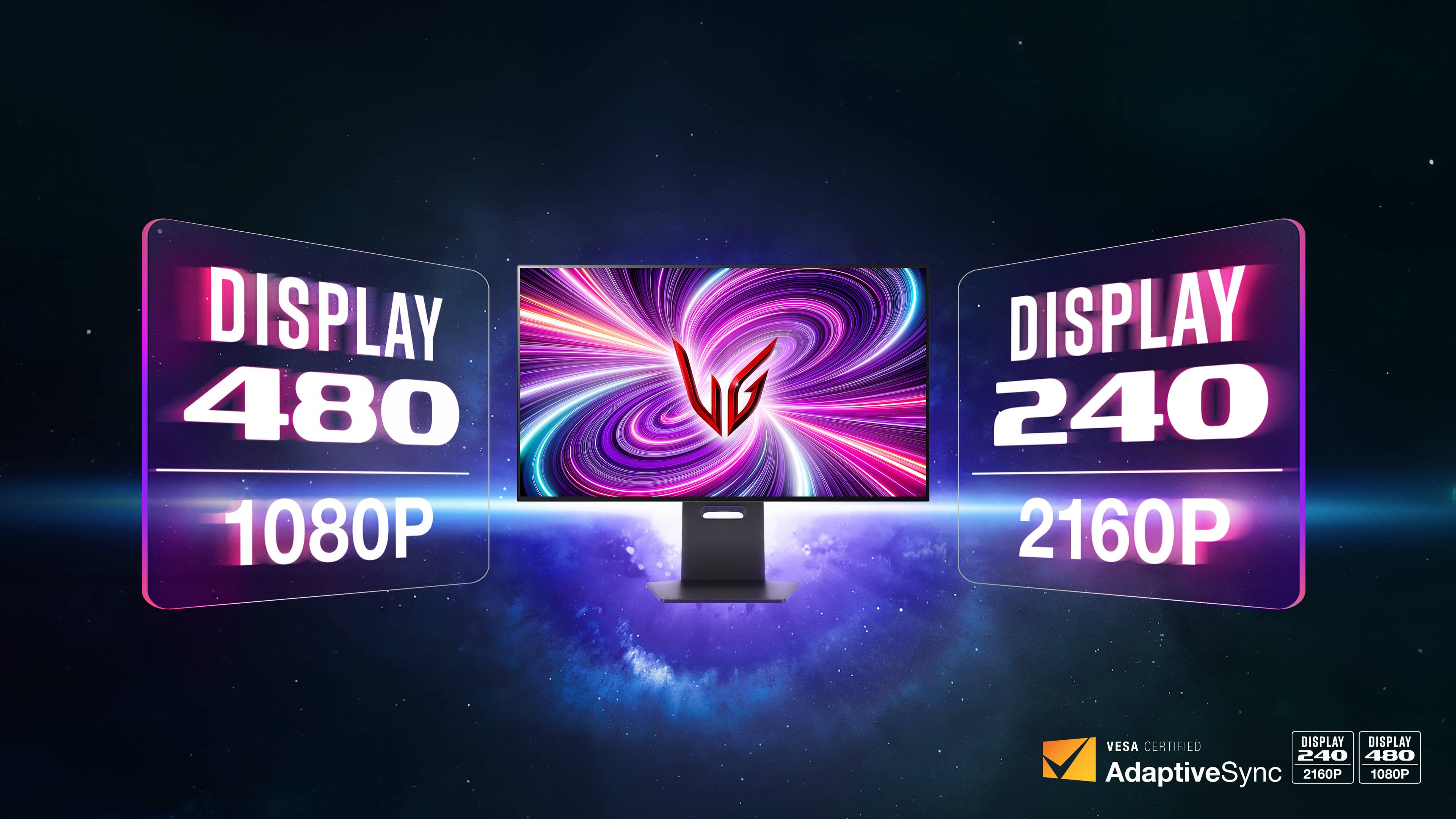
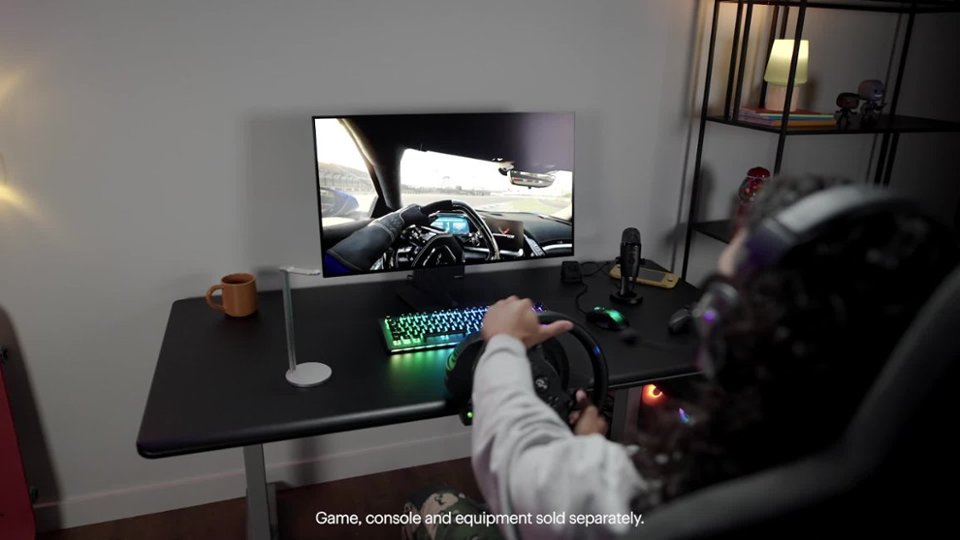
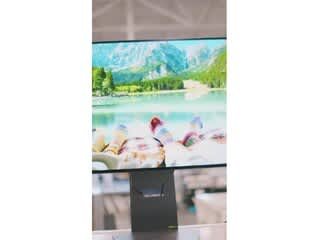
|Posted .This reviewer received promo considerations or sweepstakes entry for writing a review.A great display is going to have superb color accuracy, ultra fast refresh rates, and as high a resolution as you can manage. Unfortunately the majority of gaming displays out there will only really be able to deliver two out of the three. LG's latest OLED UltraGear displays make a solid attempt at delivering all three, and mostly succeeds. The first thing pretty much everyone will notice is that this is a beast of a display. While many have chosen to design OLED displays to be more space efficient than their LCD counterparts LG seems to have chosen to keep most of the size and heft of their LCD based designs. While this does make unpacking it somewhat unwieldy (I was just about able to do it on my own - but those with shorter arms might want to plan to ask for help moving it into position.) Once it was set up though I ended up being very much on board with this. The stand is highly adjustable, with the only feature missing being the ability to rotate it (which, truthfully, probably wouldn't be practical anyway given the size of the panel.) And with the OLED taking up less space LG's managed to find space for some astonishingly decent speakers firing directly through the display rather than beneath it, making it the first monitor where I feel you could actually forgo a soundbar or external speaker setup entirely and just use the built-in audio. As far as performance goes... well, it probably doesn't come as a surprise to anyone that the image is gorgeous. I can't say it's the best looking OLED I've ever seen. Black levels are fantastic as you'd expect but colors don't quite reach the same vibrancy you might get from a phone or TV - something I attribute almost entirely to the matte screen coating. But it'll still handily beat the vast majority of LCDs, and frankly I think most will be fine accepting a little less color saturation if it means not having to deal with constant reflections and glare. And when running at its full resolution you don't notice a common complaint with OLEDs where the pentile pixel arrangement causes the edges of text to look blurred, making it ideal for daily use as well as gaming. When you do get into gaming though, the monitor shines. Frankly even at 240hz everything feels ridiculously smooth, but when switched over to 480hz mode it's almost unreal. If you're regularly playing competitive shooters or racing games this is definitely one of those features where once you've gotten a taste of it you'll probably never be able to go back. It's not entirely without cost - switching to 480hz does require you to drop down to FHD resolution and on a panel this big you'll be able to see every pixel once you do. And even at FHD, pushing close to 500 frames per second on modern games is going to take a pretty beefy GPU. But even if you can only get part of the way I imagine a lot of people would consider it to be worth it, particularly with variable framerate support eliminating the risk of tearing. And if you just can't bear to drop down to a quarter of the panel's native resolution, you'll find that even the relatively "slow" 240hz mode is plenty twitchy. Assuming you've got the desk space and the budget for it, this is an easy recommendation for pretty much any gamer.
I would recommend this to a friend - Pros mentioned:Oled quality, Overall performance, Refresh rate
Amazing High-End Gaming Monitor
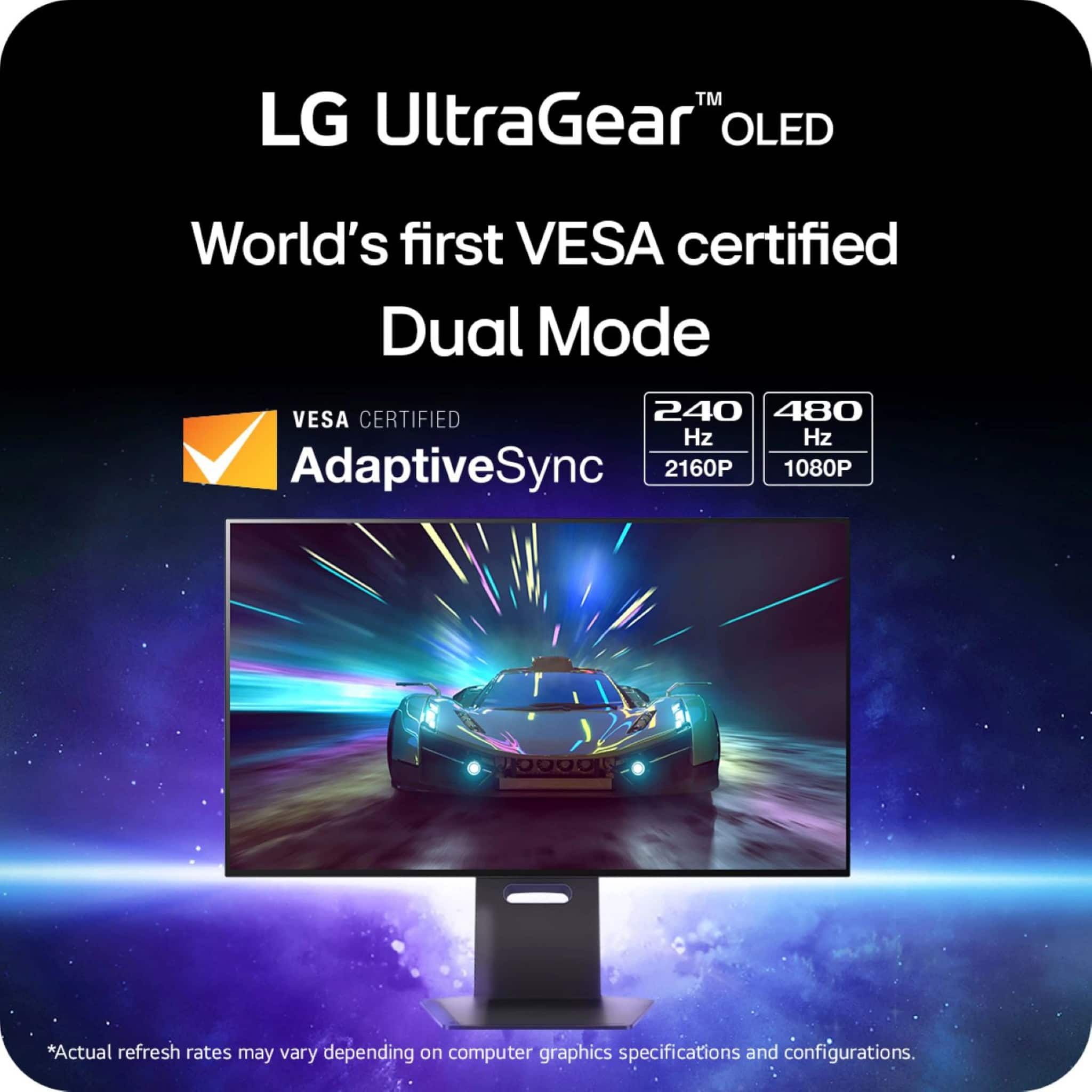
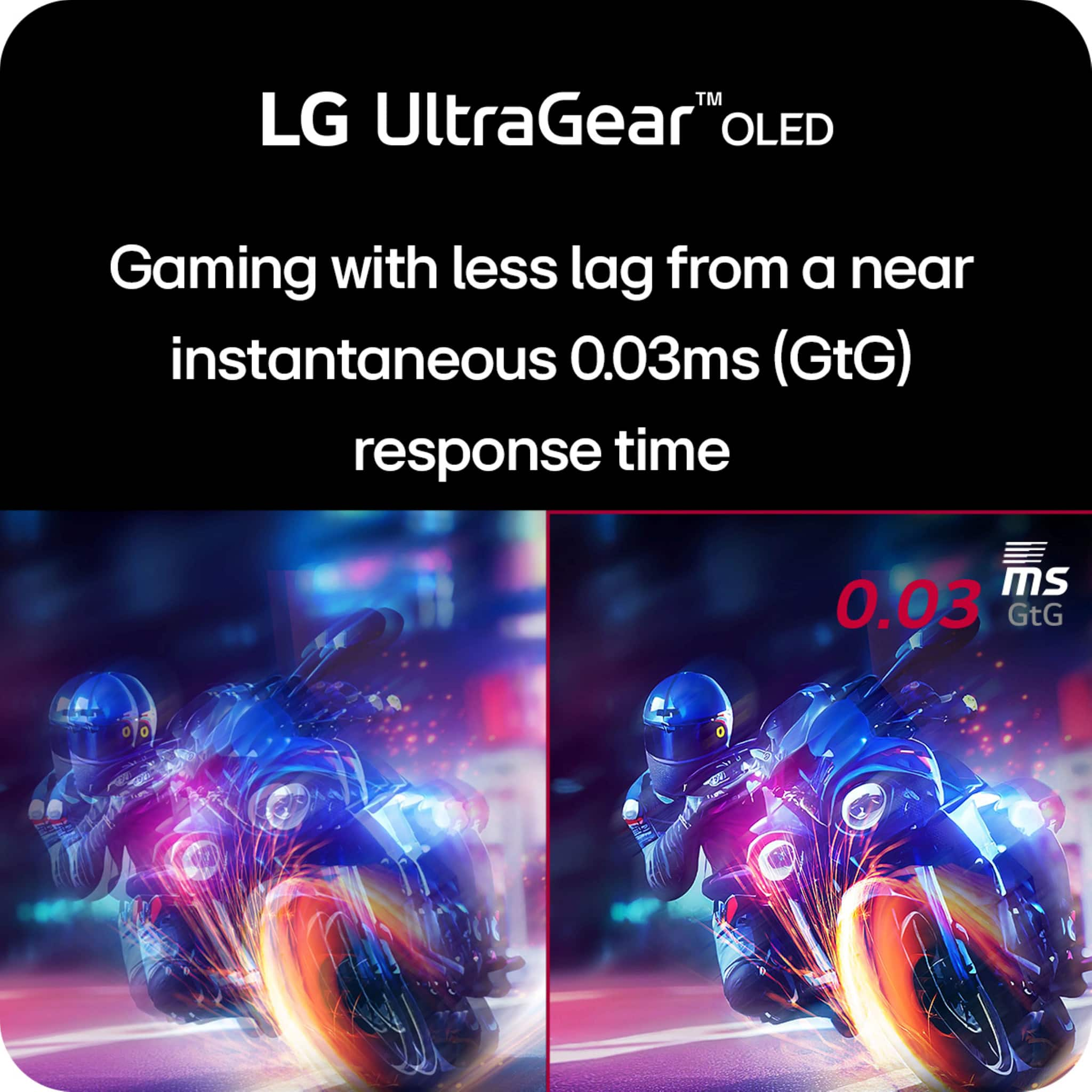
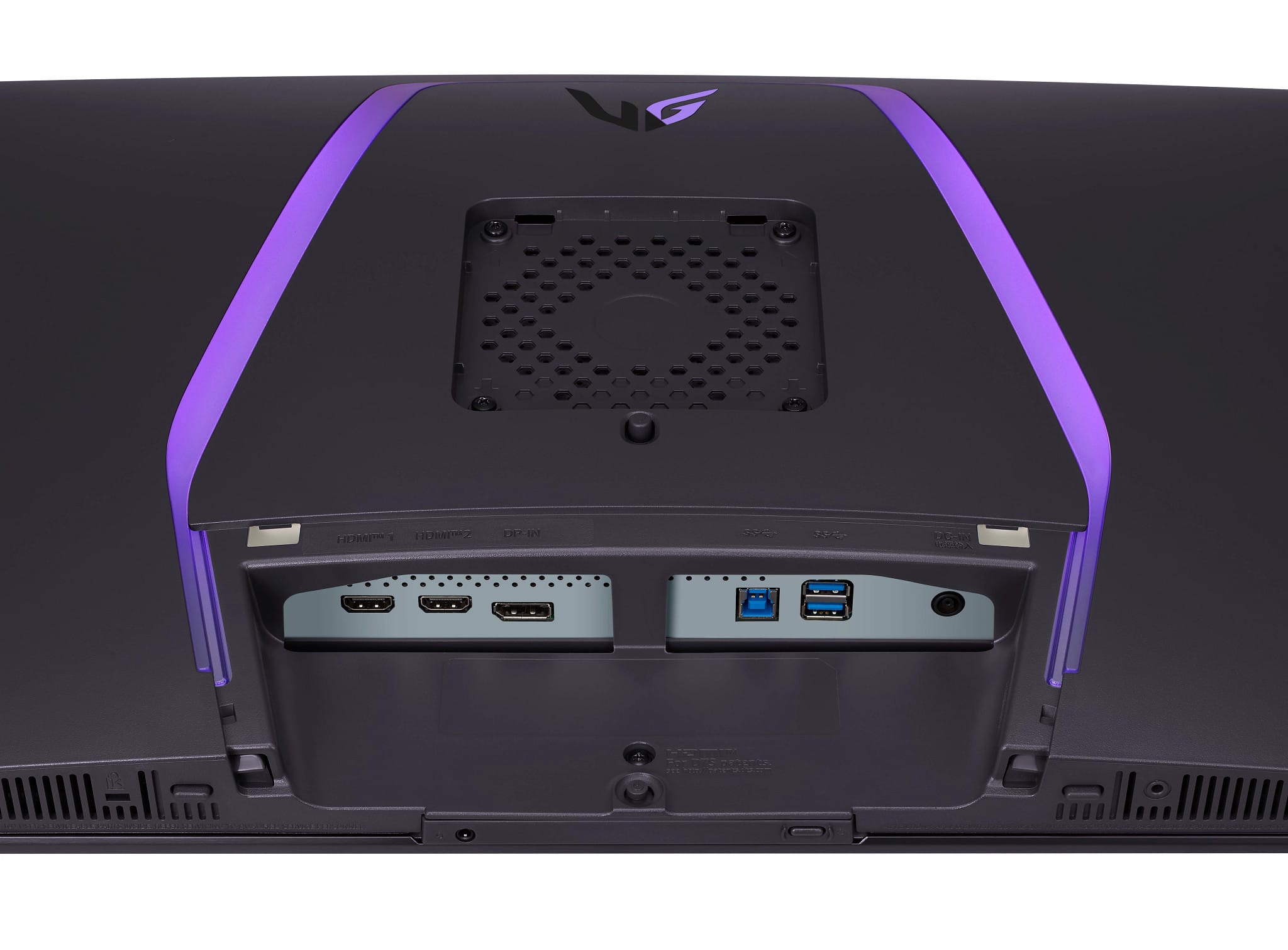
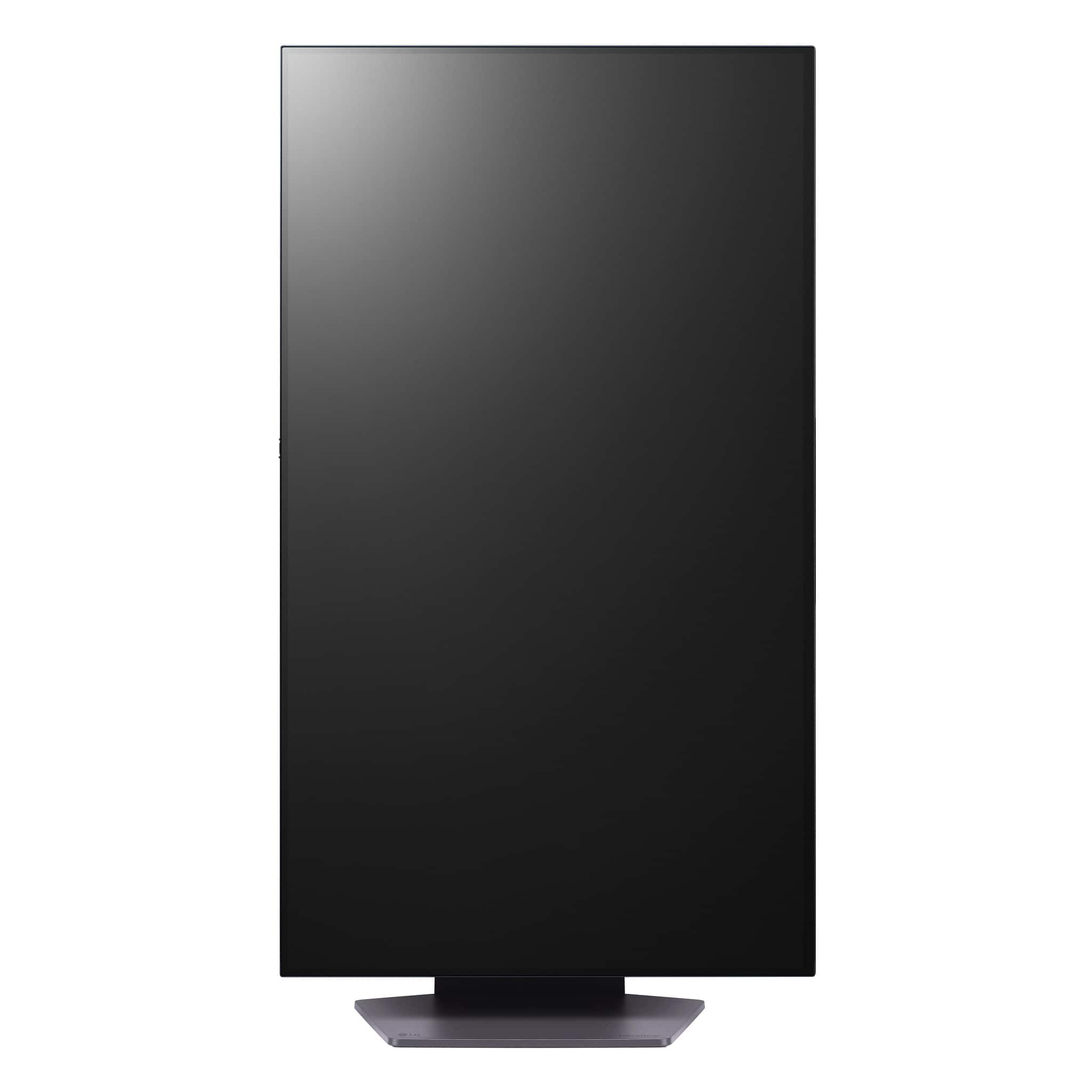
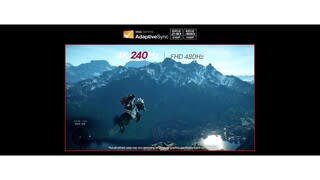
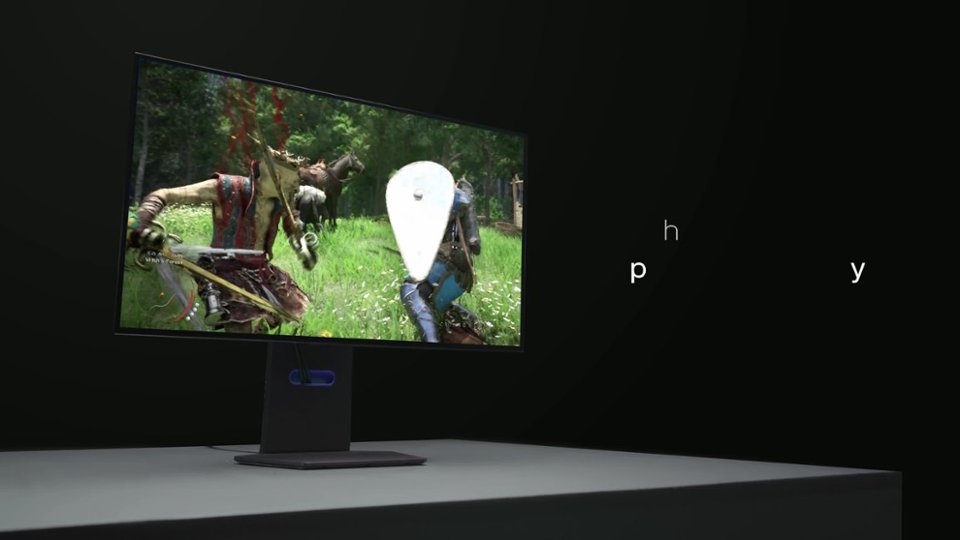
|Posted .This reviewer received promo considerations or sweepstakes entry for writing a review.The LG UltraGear 32" OLED Dual Mode monitor is hands-down the best monitor I've ever used. This thing is jam packed with features. It is a 32" monitor with 4K resolution, 240hz refresh rate, .03ms response time, 2 HDMI and 1 DisplayPort inputs, tilt, swivel, height, and pivot adjustments, built-in speakers, and one touch dual mode for up to 480hz at 1080p. First off, being an OLED screen, this monitor looks absolutely stunning. The blacks are super dark while the colors are bright and vivid. Regarding the "Dual Mode" feature, the way it works is that it limits the screen resolution so you can optimize frame rate, all with the push of a button. In 1080p, this means you can achieve up to 480hz if your system can handle it. And at 4k, you can still reach 240hz. I'll be honest, My system can't reach anywhere near 480hz, even at 1080p. I can barely hit 120 at 4k, so I'll be sticking with 4k. However, it's nice that there is that option. I have honestly never seen a monitor that can do more than 240hz. The performance of this monitor is top notch. I tried a variety of different games, and as mentioned before, my system can max out around 120 fps at 4k, and this monitor looks stunning while doing it. Better than any monitor I've used before. The on screen menu is relatively easy to navigate and there are plenty of settings you can mess around with to really dial it in to your preference. All the usual picture adjustments are there as well as the added "gaming" options I've come to expect on gaming monitors, such as FPS display, on screen crosshairs, etc. Overall I just don't have a bad thing to say about this monitor. If you want an amazing gaming monitor that has a beautiful picture while giving you great gaming performance, this is an absolutely amazing option.
I would recommend this to a friend Not that great!
||Posted .This reviewer received promo considerations or sweepstakes entry for writing a review.Not that great for be costing so much. I have LG oleds and these pale in comparison to them.
No, I would not recommend this to a friend- Cons mentioned:Brightness
Terrible OSD and peak brightness w/ HDR
||Posted . Owned for 2 weeks when reviewed.This reviewer received promo considerations or sweepstakes entry for writing a review.It's a beautiful screen, but the model I got was stuck at 580 nits with HDR on. Not the advertised screen brightness. I did try firmware updates and looking online. Nothing worked and the fact I would have to look myself to fix this issue is the issue to begin with. Fix the firmware and the bad OSD.
No, I would not recommend this to a friendBrand response from LG Digital Customer Care
Posted .Hi there, Chase. Thank you for sharing your experience with us. We understand your situation regarding the peak brightness and OSD of your LG 32GS95UV-W.AUS monitor.
To enhance HDR performance, we recommend adjusting the monitor's settings:
Set Peak Brightness to High: Navigate to the OSD menu and set the Peak Brightness to High. This adjustment can help achieve a peak brightness closer to the advertised 1300 nits.
Switch to Gamer 1 Mode: For optimal HDR experience, select the Gamer 1 mode, which is designed to deliver accurate color and brightness settings.
Additionally, LG has released firmware updates that address various performance aspects of the 32GS95UV-W.AUS model. Updating to the latest firmware can improve HDR brightness and OSD functionality. You can find the latest firmware and update instructions on the official LG support page for your monitor - https://www.lg.com/us/support/product/lg-32GS95UV-W.AUS
If you need further assistance or have additional questions, please send us a private message on Social Media @LGUSSupport. Our team is here to help and explore possible solutions with you.
We appreciate your patience.
—Renzo