Customer Ratings & Reviews


- Model:
- 34GS95QE-B.AUS
- SKU:
- 10187410
Rating by feature
- Display Quality
Rating 4.8 out of 5 stars
- Ease of Use
Rating 4.8 out of 5 stars
- Features
Rating 4.7 out of 5 stars
to a friend
**THE PROTECTION PLAN IS A SCAM**
||Posted .This reviewer received promo considerations or sweepstakes entry for writing a review.I am extremely disappointed with the handling of my recent return attempt under the Best Buy Protection Plan. Despite the product being defective and covered by my plan, the store’s general manager refused to process the return, claiming he did not observe the issue I described. I also explained that I could not leave the monitor at the store since I needed a replacement immediately to complete my work, yet I was offered no professional support or resolution. It is troubling how easily these protection plans are sold, yet when customers attempt to use them, the process feels dismissive and unnecessarily difficult. This experience leaves me questioning the value of the program and the commitment to customer care.
No, I would not recommend this to a friendBrand response from LG Digital Customer Care
Posted .Hello there, ChrisPBacon. Thank you for sharing your experience with us regarding the Best Buy Protection Plan. We understand your inquiry about the handling of your recent return attempt for your LG UltraGear 34" OLED Curved WQHD Gaming Monitor.
We understand that you experienced difficulty with the resolution of your defective unit through the retailer's protection plan. While the protection plan is managed by the retailer, we'd like to explore how we can support you with the unit itself. Your feedback is important to us, and we want to ensure you receive the assistance you need for your LG UltraGear Monitor.
https://www.bestbuy.com/product/lg-ultragear-34-oled-curved-wqhd-240hz-0-03ms-freesync-and-nvidia-g-sync-compatible-gaming-monitor-with-hdr400-black/JJ8VPZQKPL
For further assistance and to explore possible solutions for any specific concerns you may have with the monitor, please send us a private message on Social Media @LGUSSupport. We appreciate your patience. —Renzo

Very nice
|Posted . Owned for 2 weeks when reviewed.This reviewer received promo considerations or sweepstakes entry for writing a review.Very nice and what you expect not mind blowing but a bit upgrade would recommend
I would recommend this to a friendHorizontal lines on the top
||Posted . Owned for 1 year when reviewed.This reviewer received promo considerations or sweepstakes entry for writing a review.After 14 months, the monitor now has horizontal lines across the top 1/4 of the screen. Monitor was good but I guess on got a bad manufactured monitor "lemon" if most of the reviews are good.
No, I would not recommend this to a friendBrand response from LG Digital Customer Care
Posted .Hi, there. Thank you for reaching out to us. We understand the importance of having a monitor you can rely on, especially with a model like the LG Monitor (34GS95QE‑B) model.
One step you can try is performing a power cycle by unplugging the monitor for about 30 seconds and reconnecting it. This helps reset the internal display controller and can sometimes clear temporary panel or signal irregularities. For more guidance, visit https://www.lg.com/us/support/product/lg-34GS95QE-B. We’d like to learn more so we can assist you further. Please send us an email at lgdigitalcare@lg.sprinklrsupport.com with your details, and our team will be ready to help. ^Juvy
Great size and curve, lots of vrr flicker
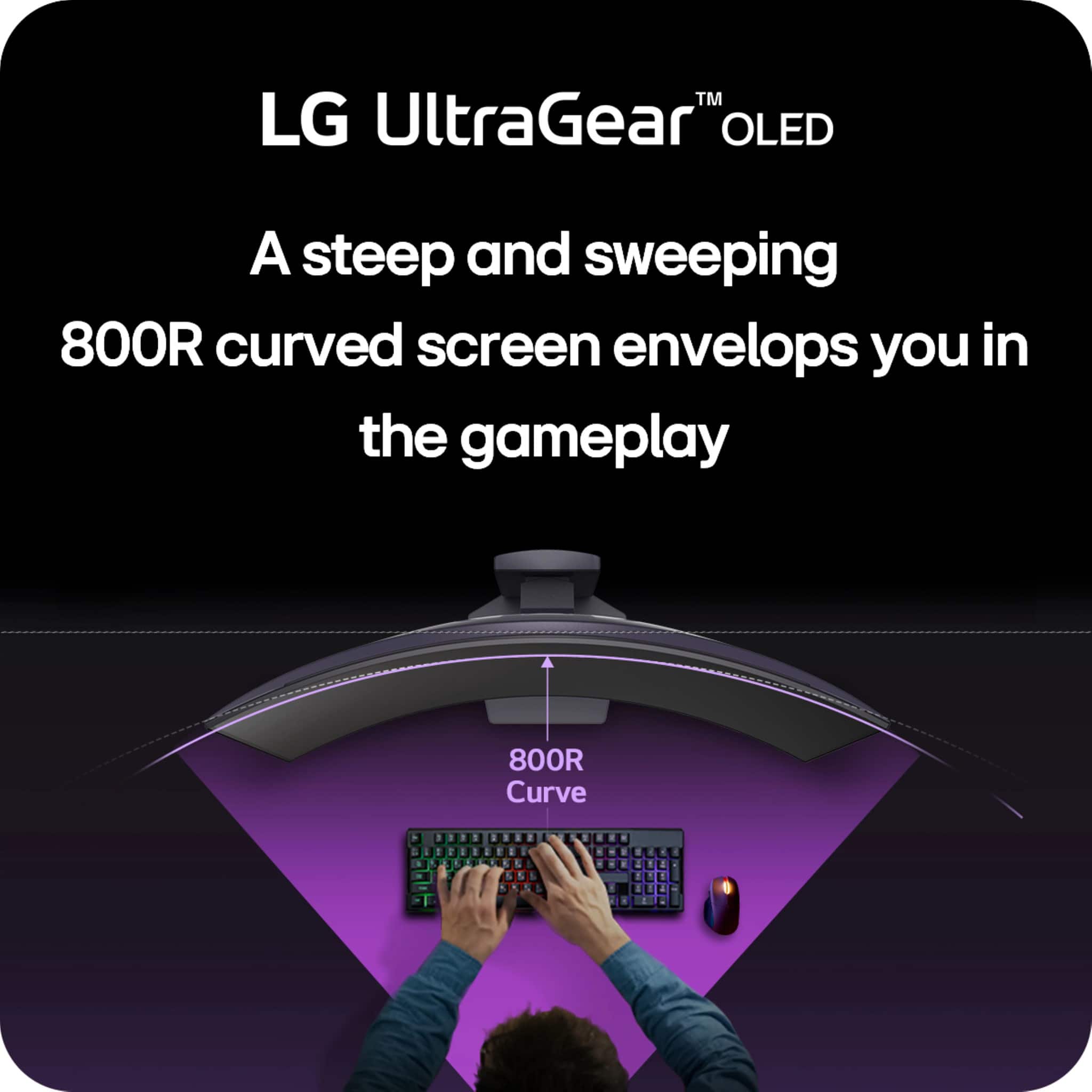
||Posted . Owned for 3 months when reviewed.This reviewer received promo considerations or sweepstakes entry for writing a review.I like the size and the 800r curve is very immersive. This was tge only woled panel that i have had excessive VRR flickering on so i was a bit dissatisfied and ultimately returned mine.
No, I would not recommend this to a friendTook mines back
||Posted . Owned for 3 weeks when reviewed.This reviewer received promo considerations or sweepstakes entry for writing a review.The picture quality is excellent. I just don’t like how the curve is so aggressive also, it’s a bit too narrow for me other than that it’s just fine
I would recommend this to a friendGood Monitor but not for everyone
||Posted . Owned for 1 week when reviewed.This reviewer received promo considerations or sweepstakes entry for writing a review.Good Monitor, just didn't like the matte finish. Excellent for gaming though I prefer a glossy finish. So I returned it. Looking into buying the MSI OLED once it restocks
No, I would not recommend this to a friendReturn bcz brightness not good
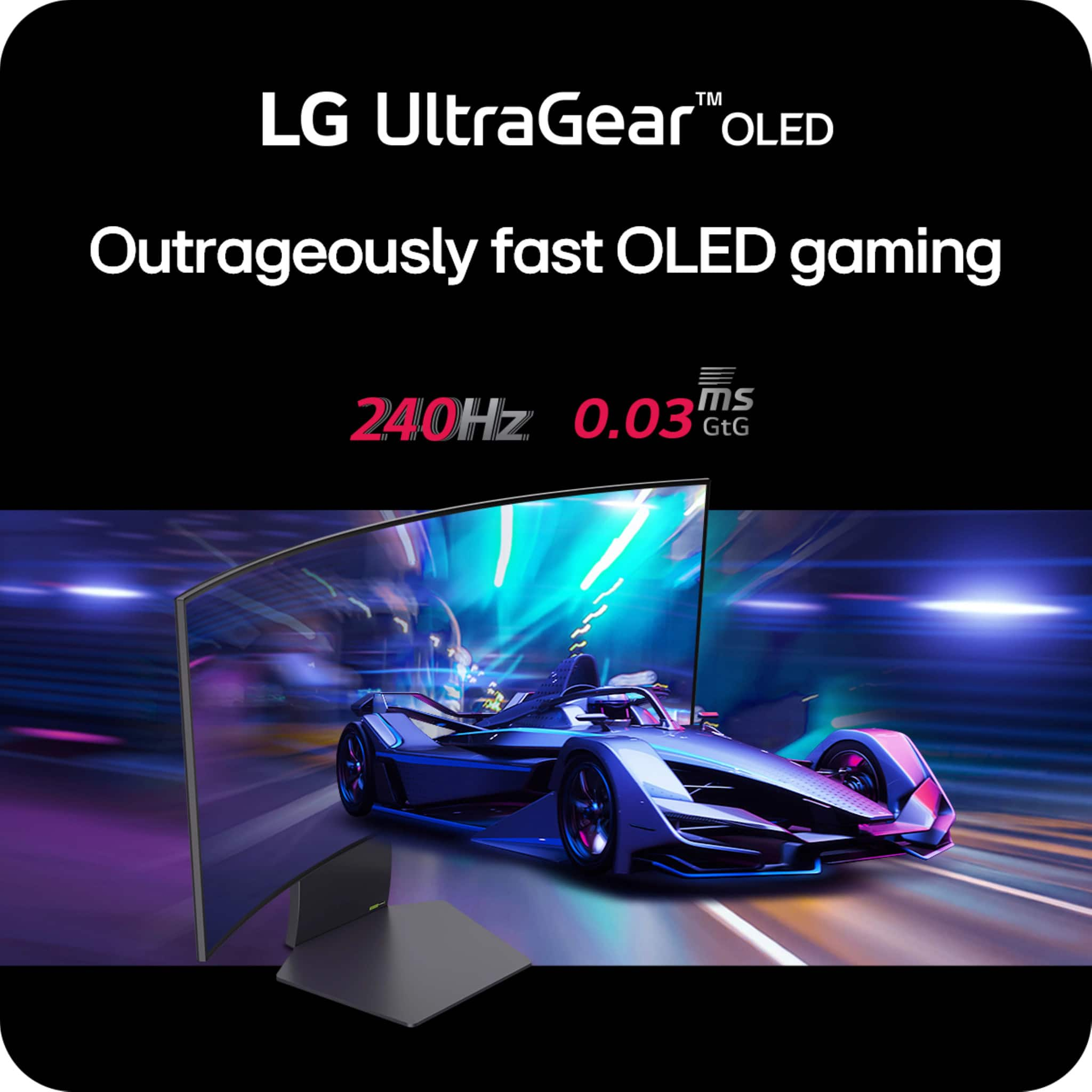
||Posted . Owned for 1 week when reviewed.This reviewer received promo considerations or sweepstakes entry for writing a review.Brightness is not good 240hz 0.03 is great we need more Hdr and Sdr brightness when i play game look like low dim display i try every settings
No, I would not recommend this to a friendDecent
|Posted . Owned for 3 weeks when reviewed.This reviewer received promo considerations or sweepstakes entry for writing a review.Beautiful monitor . Colors are beautiful but screen shuts off and off
I would recommend this to a friendFlickering.
||Posted . Owned for 1 month when reviewed.This reviewer received promo considerations or sweepstakes entry for writing a review.Don’t like the curve or the fact that it flickers a ton
No, I would not recommend this to a friendLg ultra gear 34
||Posted . Owned for 1 week when reviewed.This reviewer received promo considerations or sweepstakes entry for writing a review.I just upgraded to a 4k display instead of this one
I would recommend this to a friendNot for us
||Posted . Owned for 1 month when reviewed.This reviewer received promo considerations or sweepstakes entry for writing a review.This did not work for us, great screen, but the curve made the visuals look odd.
No, I would not recommend this to a friendBrand response from LG Digital Customer Care
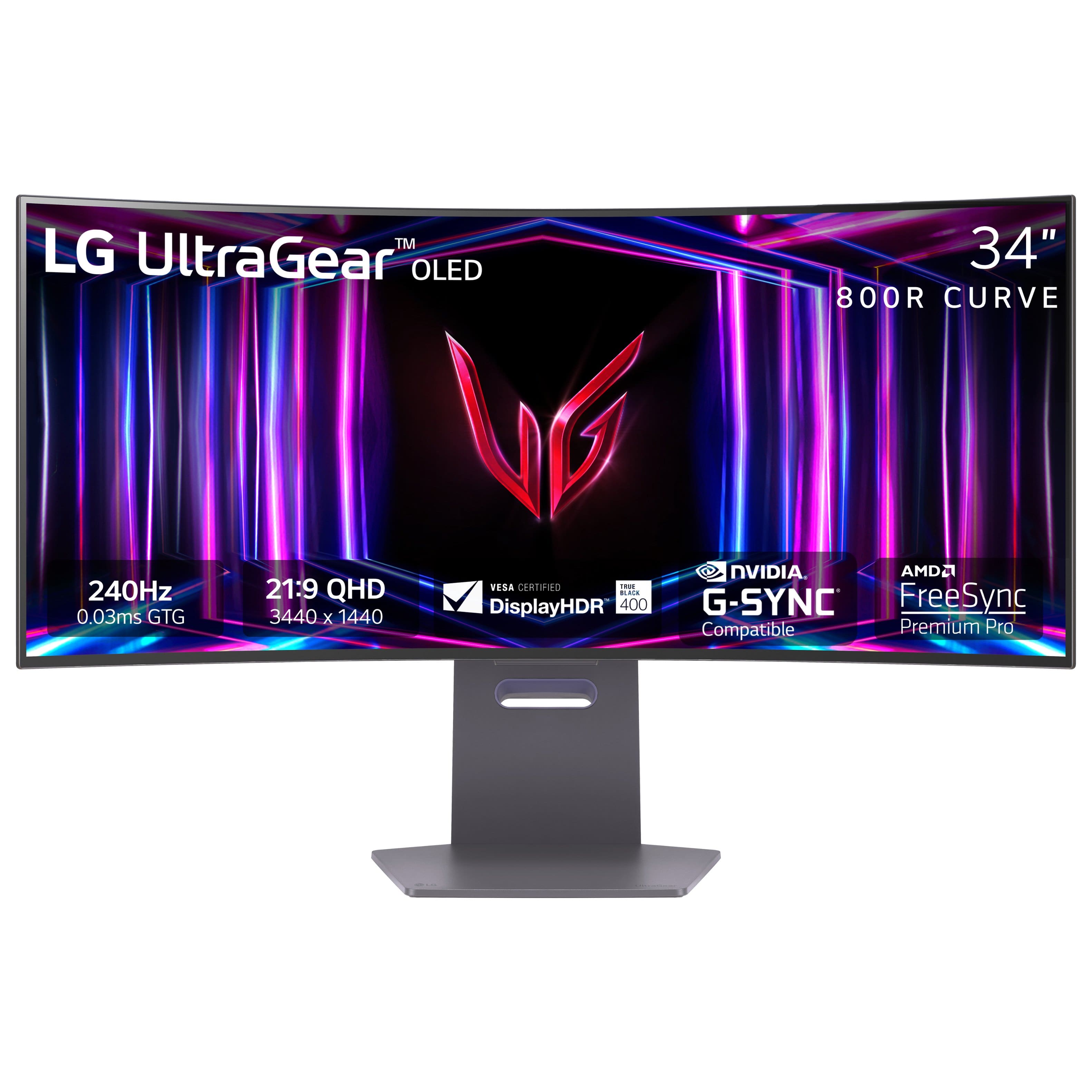
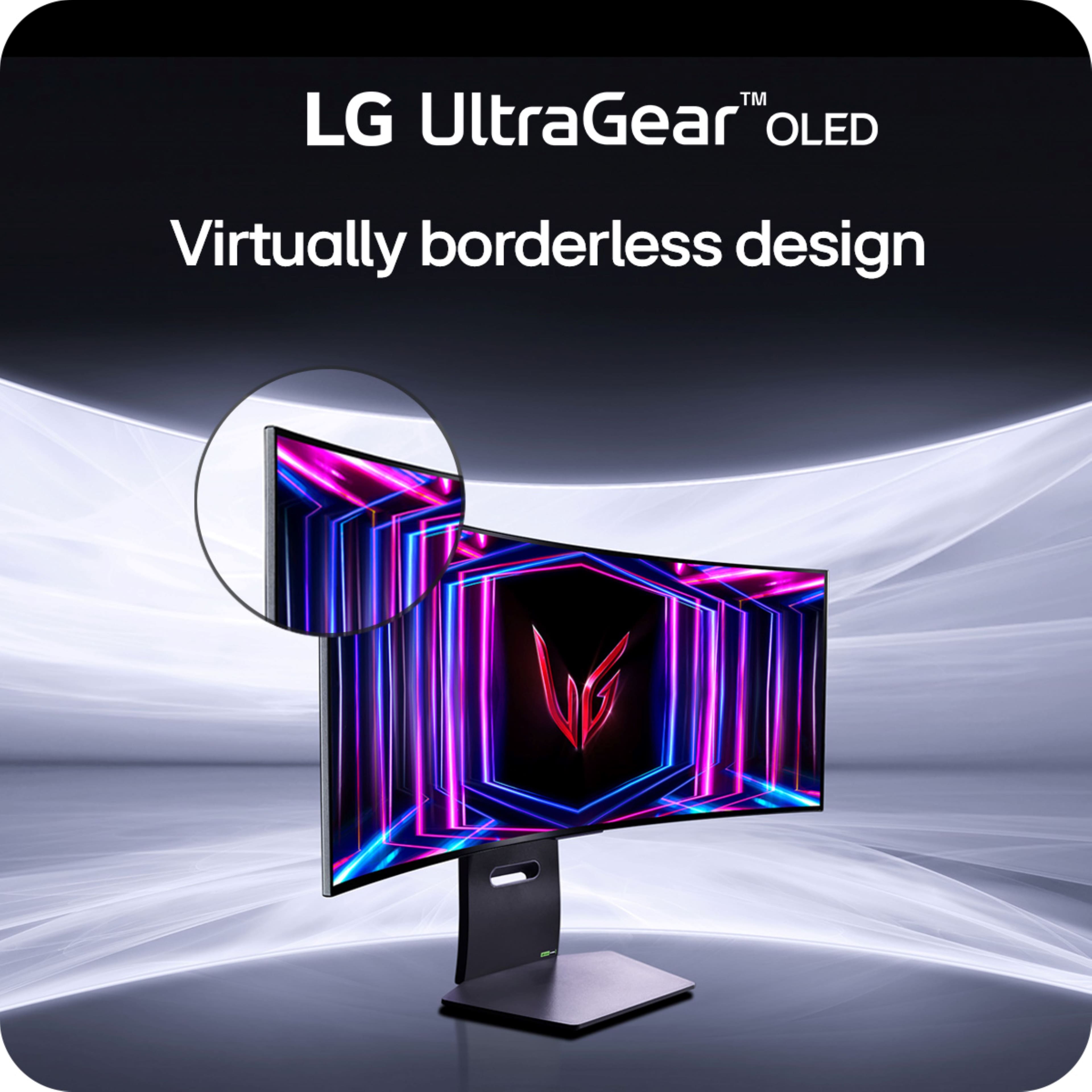
Posted .Hello there, Beck. Thank you for sharing your experience with us. We understand your inquiry regarding the LG UltraGear 34GS95QE-B.AUS OLED Curved Gaming Monitor and that the curve made the visuals look different than expected. The UltraGear 34GS95QE-B.AUS features a 21:9 curved screen designed to provide immersive gameplay with its high refresh rate of 240Hz and ultra-fast 0.03ms response time, but we understand that preferences for curvature can vary.
As a helpful step, you may want to try adjusting the monitor’s position or distance to your seating area to see if it improves the viewing experience, as sometimes small changes in angle or distance can reduce any perceived visual distortion caused by the curve.
https://www.bestbuy.com/site/lg-ultragear-34-oled-curved-wqhd-240hz-0-03ms-freesync-and-nvidia-g-sync-compatible-gaming-monitor-with-hdr400-black/6575399.p?skuId=6575399
We appreciate your feedback, and we encourage you to send us a private message on Social Media @LGUSSupport so our team can further assist you with any additional questions or solutions tailored to your setup. We appreciate your patience. —Renzo
To high price
||Posted . Owned for 3 weeks when reviewed.This reviewer received promo considerations or sweepstakes entry for writing a review.My opinion i buyb the monitor but is not great i returning because the not look like oled
No, I would not recommend this to a friendBrand response from LG Digital Customer Care
Posted .Hi, there. Thank you for sharing your feedback on the LG Monitor (34GS95QE-B) model. We understand your concern about a product that doesn’t meet your expectations. We strive to provide top-notch products that exceed our customer's needs and expectations. While this particular monitor features excellent display quality, it's not an OLED model, which could be the reason it didn’t meet your expectations in terms of vibrancy and contrast. If you're specifically looking for an OLED display, we’d be happy to recommend other models that may better fit your needs.
We recommend completing your return with Best Buy customer service at 888-237-8289, and if you have any further questions or need assistance finding the right product, please feel free to send us a private message on social media @LGUSSupport. We’ll be happy to help guide you through the process and help find the perfect monitor for you. ^Juvy
Horrible customer service
||Posted . Owned for 1 month when reviewed.This reviewer received promo considerations or sweepstakes entry for writing a review.The screen is fine but I wouldn’t recommend Best Buy 2 days later the monitor was reduced 100.00 sent in a price match got no response finally contacted support told me it had been past 15 days.
I would recommend this to a friendBrand response from LG Digital Customer Care
Posted .Hi, Larry. Thank you for sharing your experience with us regarding your LG Monitor (34GS95QE-B) model. We're glad to hear that you're satisfied with the screen itself, but we completely understand your concern with the price match process through Best Buy.
While we can't control the price match policy at Best Buy, we recommend keeping an eye on their future sales to take advantage of any upcoming offers.
If you have any product-related questions or need assistance with the monitor itself, please don’t hesitate to send us a private message on social media @LGUSSupport. We’re always happy to help. ^Juvy
Thank you for your feedback, and we appreciate you choosing LG
Won’t come on
||Posted . Owned for 3 weeks when reviewed.This reviewer received promo considerations or sweepstakes entry for writing a review.Monitor is not working. I have had it less than two months
No, I would not recommend this to a friendBrand response from LG Digital Customer Care
Posted .Hi there. Thank you for sharing your experience with us. We understand your situation with the 34GS95QE-B monitor, and we appreciate your patience. We're here to help you get this resolved.
To start troubleshooting, we recommend checking the power cable and ensuring it's securely connected to both the monitor and the power outlet. Also, try using a different power cable or outlet to rule out any potential issues with the power source. If the monitor is connected to a PC or gaming console, ensure the input source is correctly selected.
https://www.lg.com/us/monitors/lg-34gs95qe-b-gaming-monitor#pdp_specs
If you’ve already checked these connections and the monitor still won’t turn on, please send us a private message on Social Media @LGUSSupport. Our team will be more than happy to assist you further and explore possible solutions or arrange for a replacement if needed.
Thank you again for reaching out, and we look forward to resolving this for you.
—Renzo

Curved OLED Goodness!
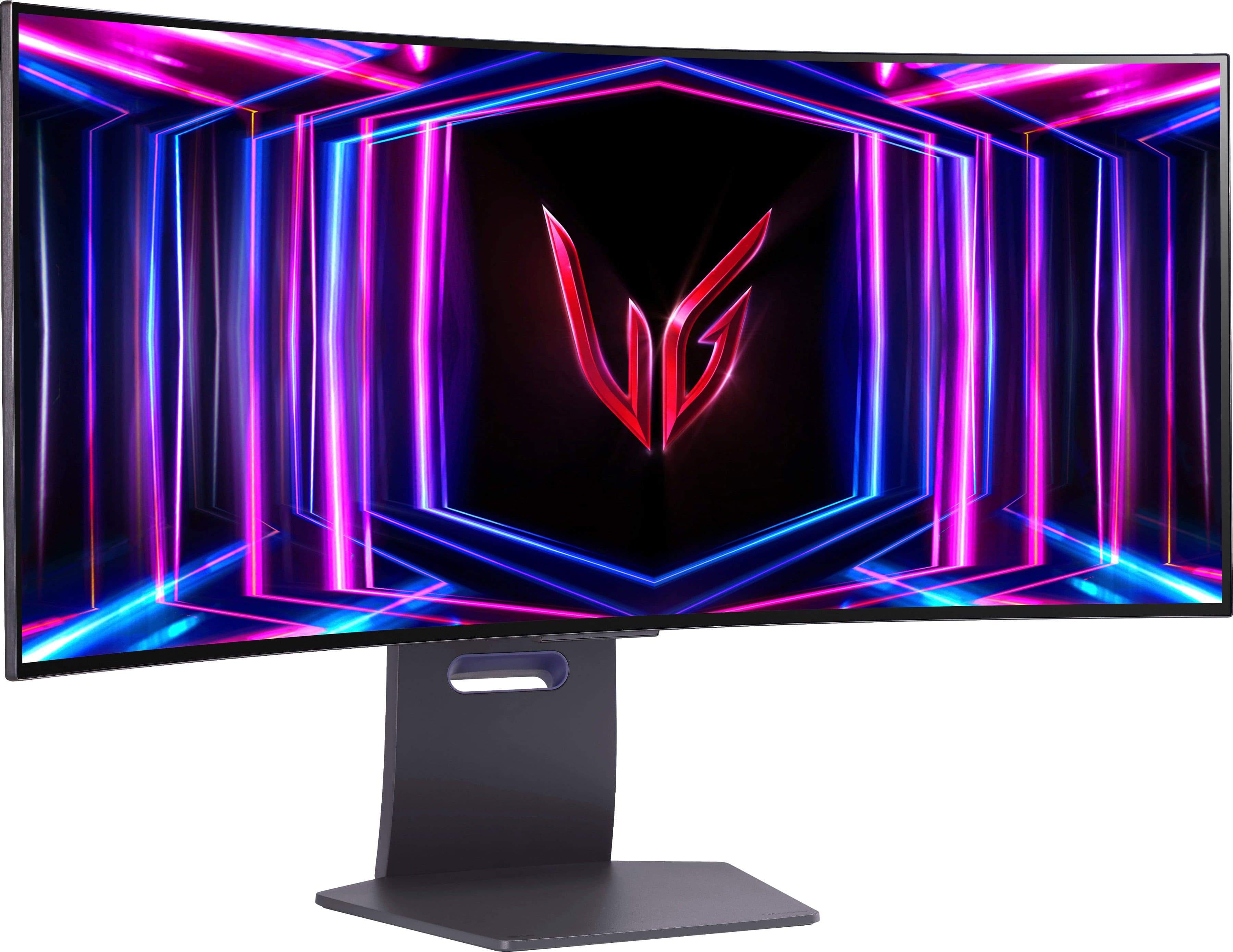
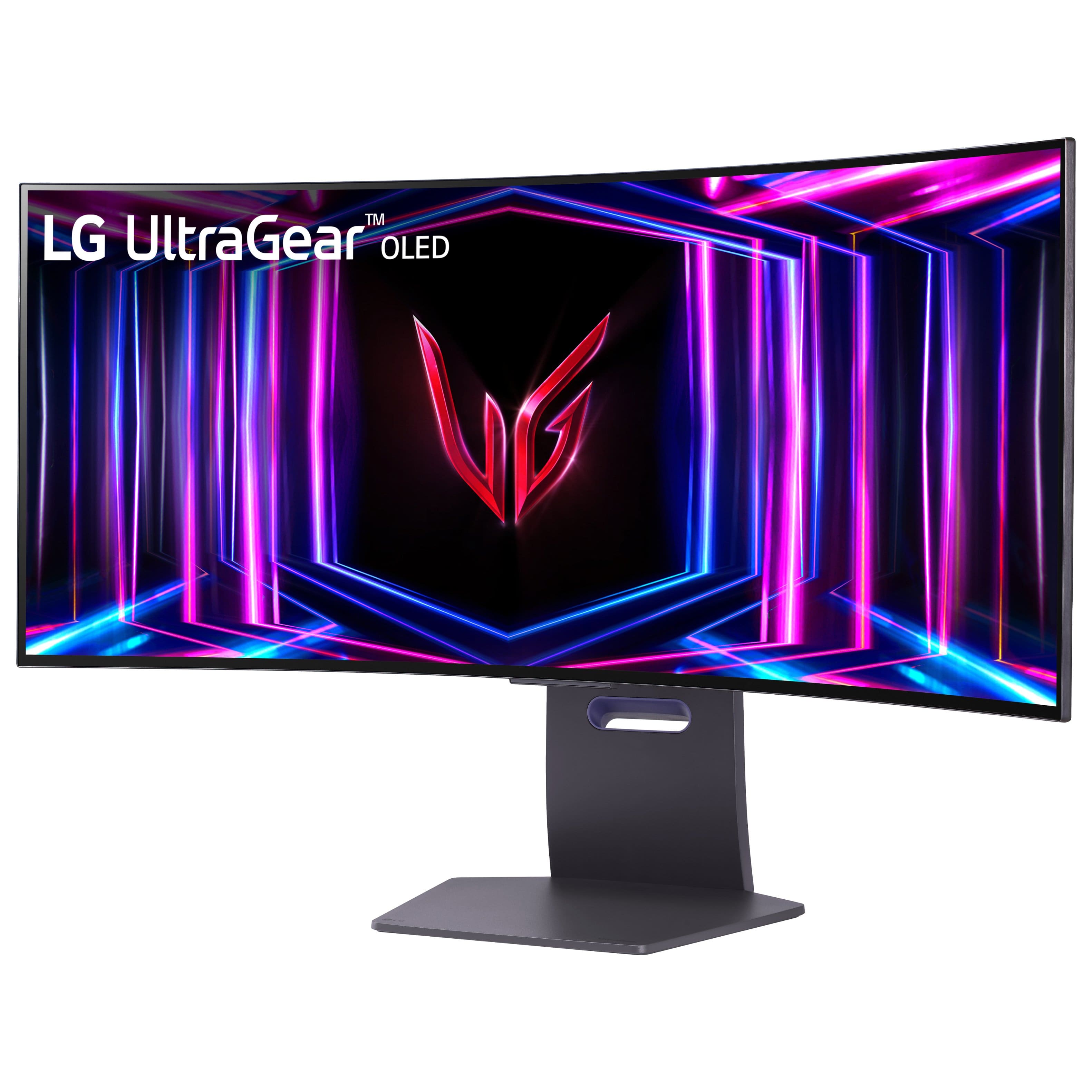
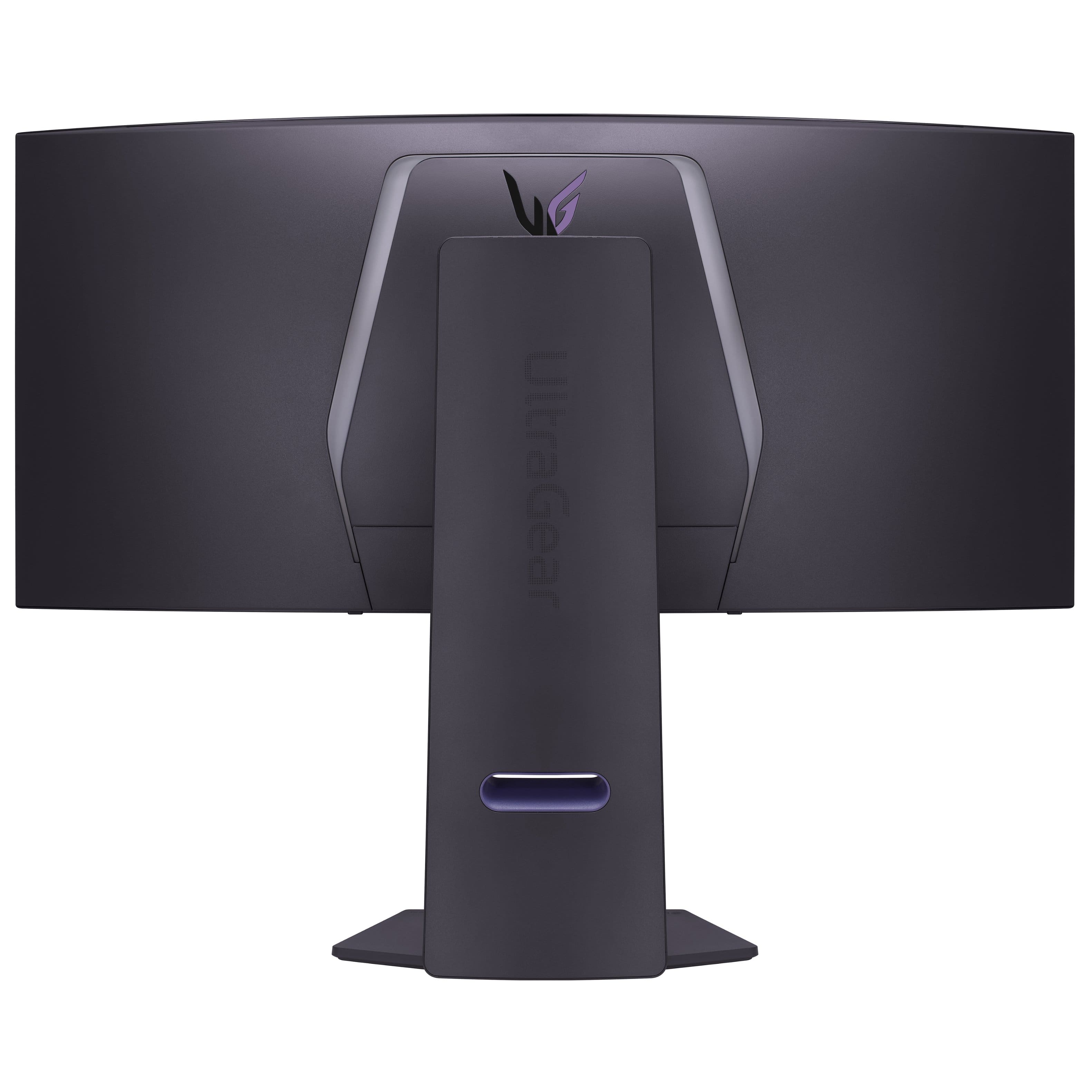
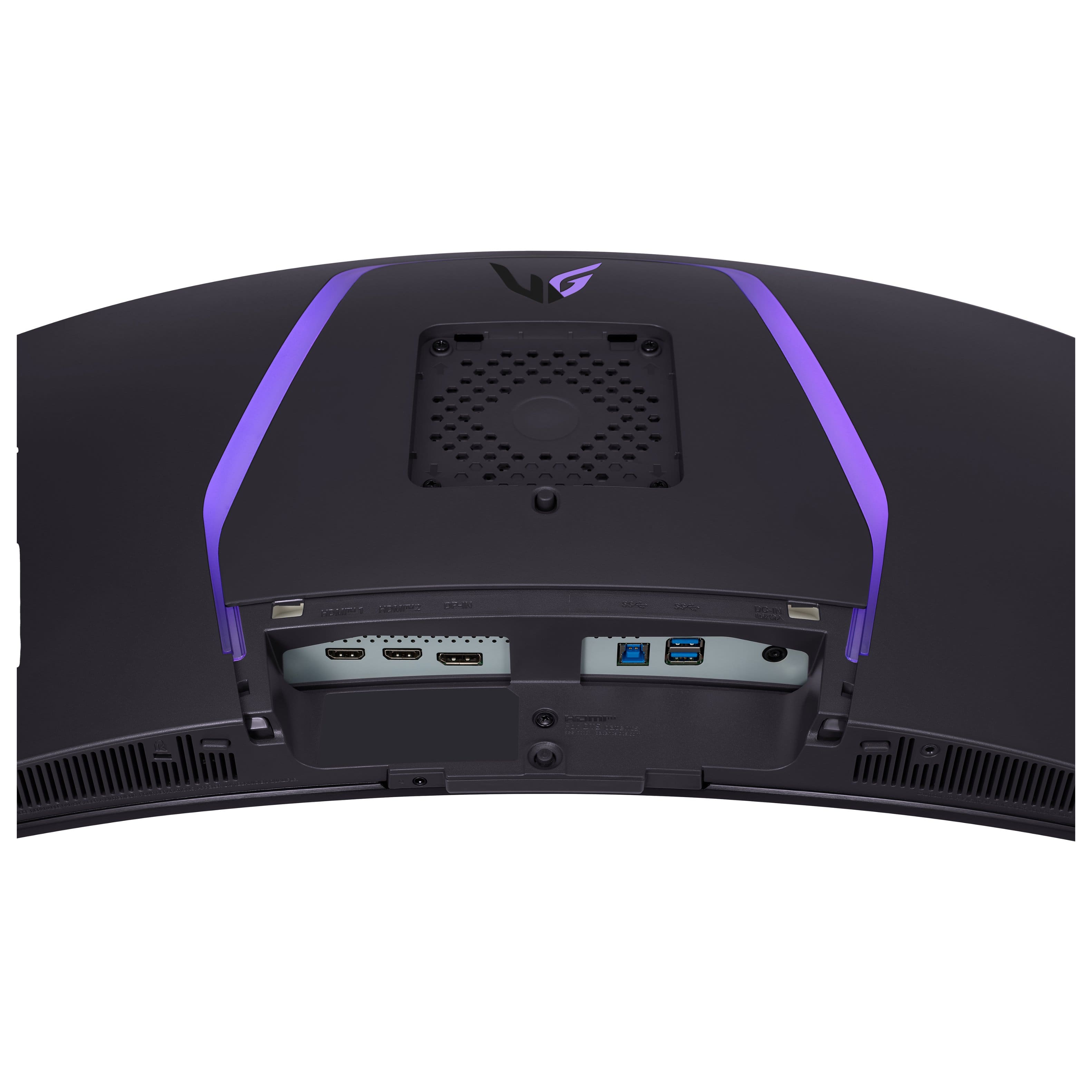
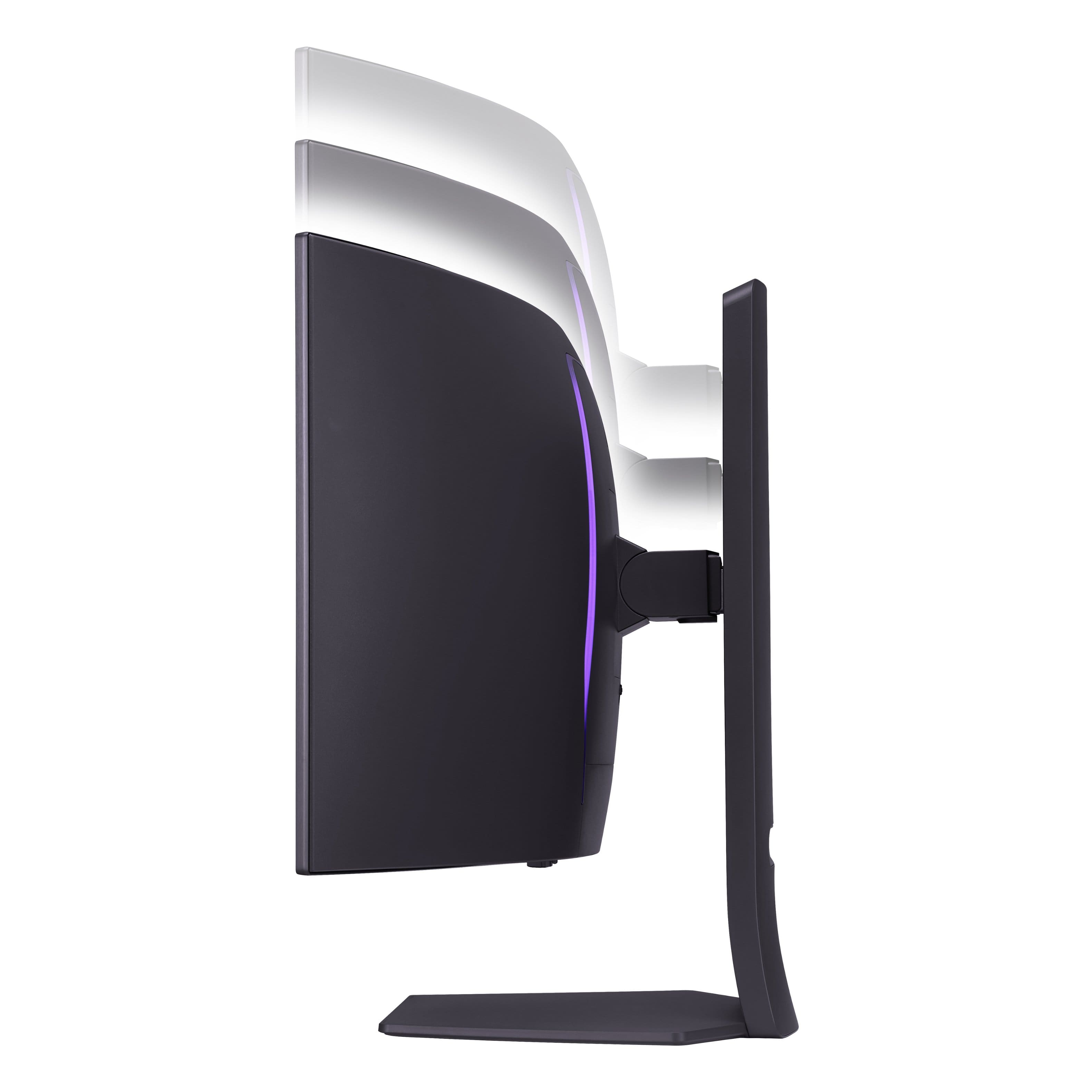
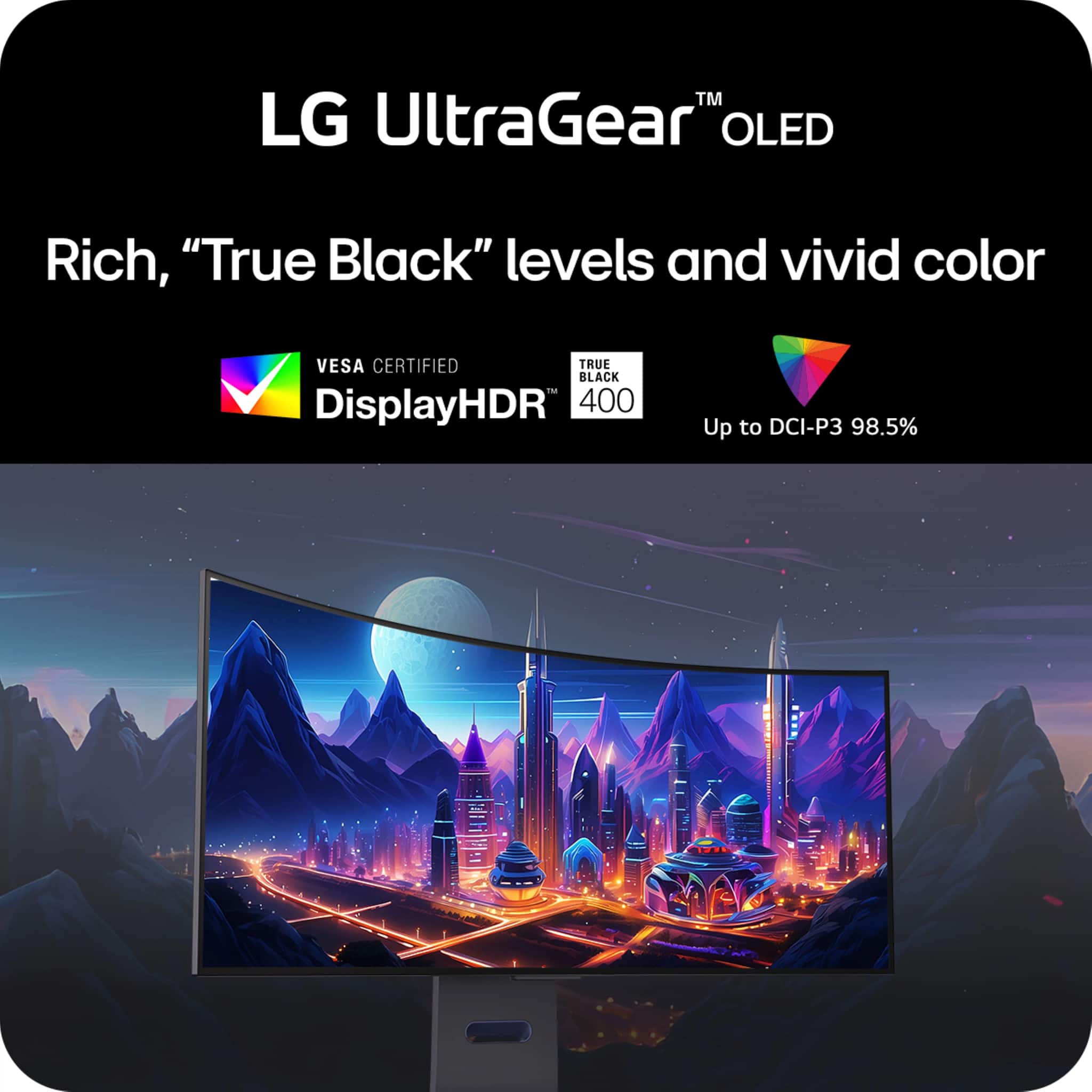
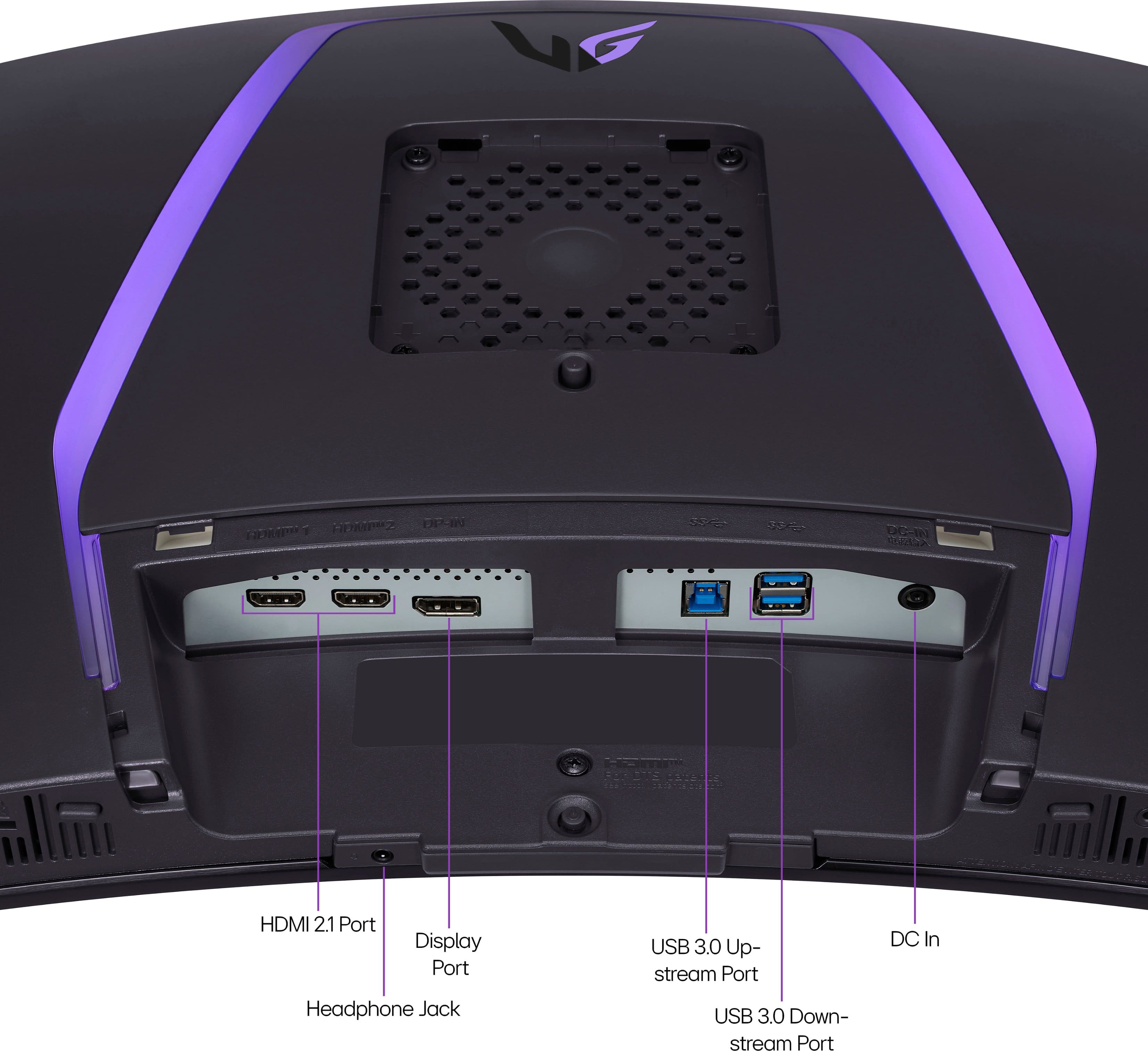
|Posted .This reviewer received promo considerations or sweepstakes entry for writing a review.I am currently driving this monitor with a RTX3080 and paired it with an older Dell 34" (SLIGHTLY curved) monitor (which is that has the same UWQHD (3440x1440) resolution. So jumping from desktop to desktop from screen to screen is not jarring. The Dell is an matte IPS screen was color accurate out of the box and has an antiglare coating although it wasn't super effective where I have it placed in front of my South facing window mid morning/day. Directly comparing the UltraGear to the Dell, the Curve is much more significant and almost feels like it wrapping around my eyeballs. Colors are extremely vibrant with great blacks on the OLED. Playing games like Forza 5; which looked good on my Dell, looked amazing on the UltraGear. I will usually have the game on the UltraGear and my phone/email apps on my Dell. While I was not getting 240hz refresh on the UltraGear I was floating around 166hz which is noticeable over the 60hz refresh on the Dell. Games such as Red Dead Redemption are locked to 60hz so not much of a difference there, but the colors in the scenery are more vibrant than that of the Dell. The color and lighting on my UltraGear is uniform and have no stuck pixels. I'm not sure if it's due to the 800R curvature of the screen or better antiglare coating, but seems better at cutting glare than my dell. Side by side midday with the sun blasting through my shades there I see nothing on the UltraGear vs diffused light and shadow on my Dell. Definitely a plus for the LG. The stand is also sturdy and keeps my monitor stable when my desk is bumped or jarred. A lot of height adjustment and decent side to side adjustment for a monitor this curved. Can even slightly tilt the monitor (although I don't know why... tilted desk?). The single control stick behind the bottom portion of the center of the screen is a touch tricky to find at first, but I got used to the position is simple enough to figure out and use. I initially thought the UltraGear had speakers and couldn't figure out how to get sound out of it, but then realized the volume was ONLY for plugging in WIRED headphones. Took my a little while to figure that out. Along trying to figure that, I don't know if there is supposed to be lighting on the back of the sceen. Not that it's that important to me as I will never look at the back of the screen, but I still don't know if that is something this monitor is supposed to be able to do. I would've liked to see USB C video on the UltraGear, especially at this price point, but I am more than able to use the connections it has so its not much of an issue. Aside from a few gripes I mentioned above I do really enjoy using this monitor and am very happy with it. I wouldn't have any problems recommending it as long as someone was willing to spend this kind of money on a screen.
I would recommend this to a friendAlmost perfect
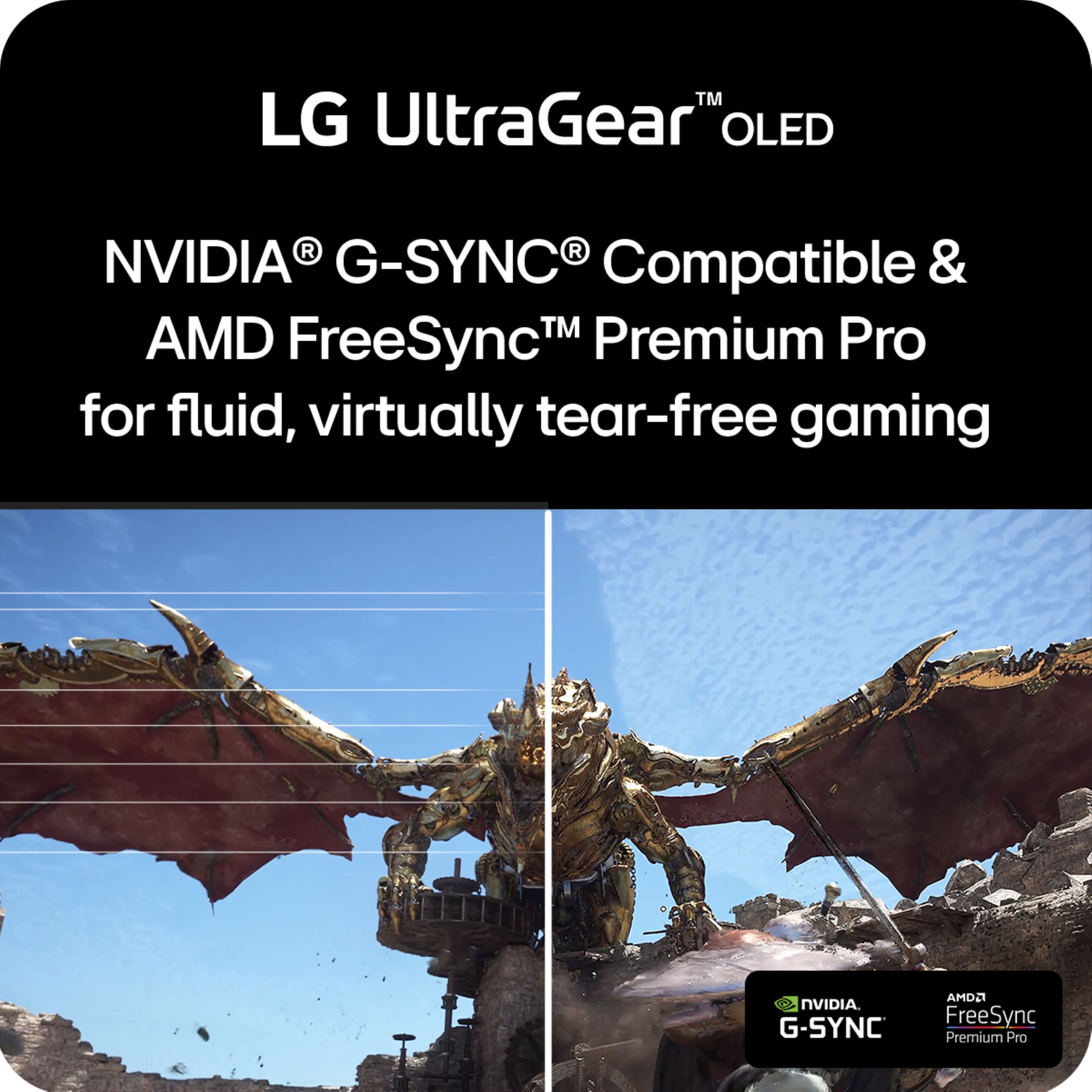
Posted .This reviewer received promo considerations or sweepstakes entry for writing a review.I was a little hesitant buying this at first as it was my first ultra-wide monitor. I am extremely happy I pulled the trigger on this one compared to the 39” or 45” versions which would have worse PPI and potentially just too big. The colors on this monitor look amazing, motion is so smooth, and it gets surprisingly bright. The only issue I have is there is very noticeable (at least in the games I play) VRR flickering which made adaptive sync unusable for me, I ended up disabling it on the monitor. Besides that one gripe I absolutely love this thing.
I would recommend this to a friendBest montior ever
Posted .This reviewer received promo considerations or sweepstakes entry for writing a review.This monitor is amazing. Definitely worth buying . The picture is amazing. Im telling you this is it and worth every penny .
I would recommend this to a friendGreat!
Posted .This reviewer received promo considerations or sweepstakes entry for writing a review.Such a nice monitor. Love everything about this thing.
I would recommend this to a friendLG oled monitor 34in
Posted .This reviewer received promo considerations or sweepstakes entry for writing a review.Best monitor ever! Highly recommend. Image quality is great.
I would recommend this to a friend