Customer Ratings & Reviews




- Model:
- 34GS95QE-B.AUS
- SKU:
- 6575399
Rating by feature
- Display Quality
Rating 4.8 out of 5 stars
- Ease of Use
Rating 4.8 out of 5 stars
- Features
Rating 4.7 out of 5 stars
to a friend
Customers are saying
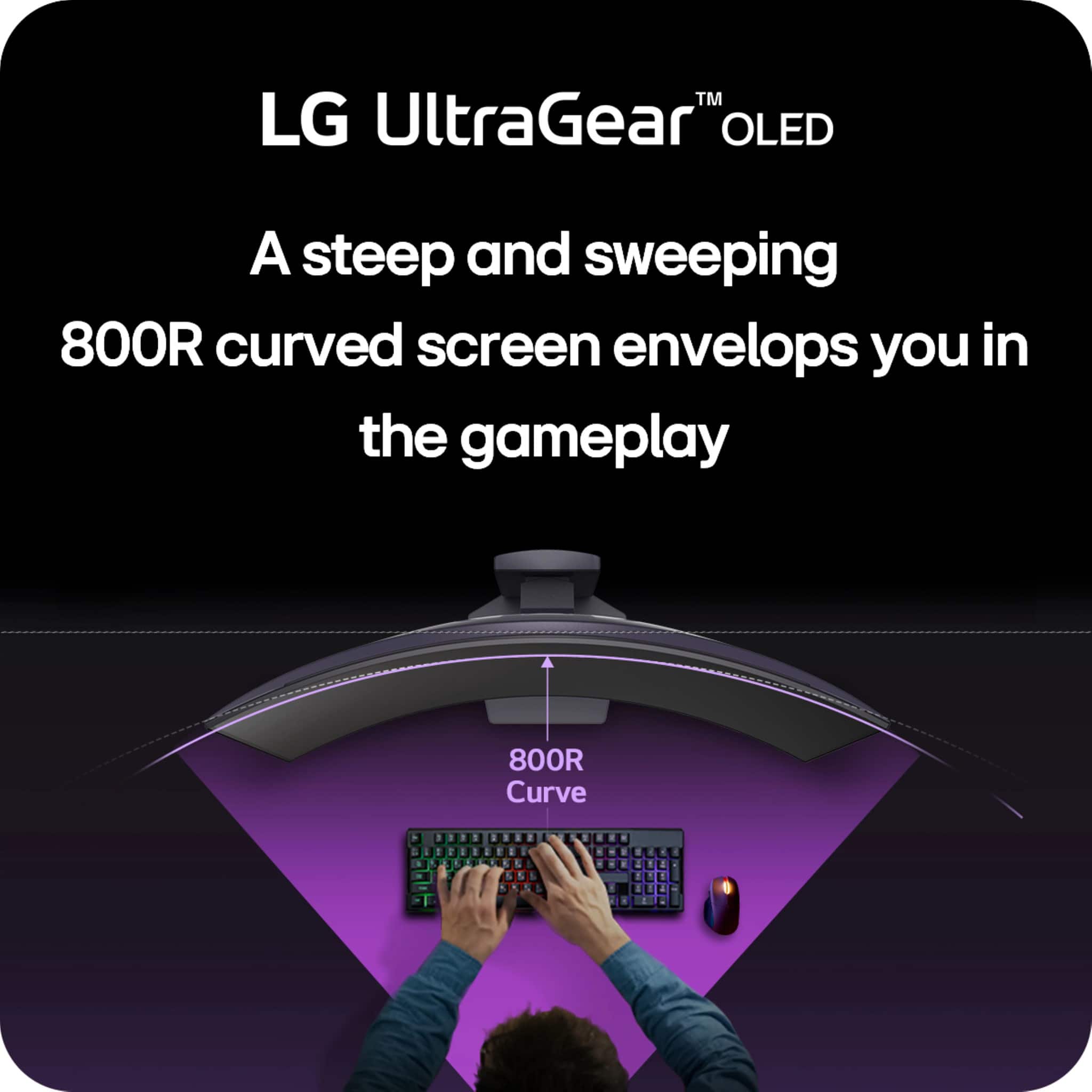
Customers praise the UltraGear 34" monitor for its excellent color quality and high refresh rate, making for an immersive gaming experience. The curvature is also well-received, providing an enveloping feel. However, some customers feel the resolution is too low for the size and the aspect ratio contributes to a higher price. Additionally, the monitor lacks built-in speakers.
This summary was generated by AI based on customer reviews.
Won’t come on
||Posted . Owned for 3 weeks when reviewed.This reviewer received promo considerations or sweepstakes entry for writing a review.Monitor is not working. I have had it less than two months
No, I would not recommend this to a friendBrand response from LG Digital Customer Care
Posted .Hi there. Thank you for sharing your experience with us. We understand your situation with the 34GS95QE-B monitor, and we appreciate your patience. We're here to help you get this resolved.
To start troubleshooting, we recommend checking the power cable and ensuring it's securely connected to both the monitor and the power outlet. Also, try using a different power cable or outlet to rule out any potential issues with the power source. If the monitor is connected to a PC or gaming console, ensure the input source is correctly selected.
https://www.lg.com/us/monitors/lg-34gs95qe-b-gaming-monitor#pdp_specs
If you’ve already checked these connections and the monitor still won’t turn on, please send us a private message on Social Media @LGUSSupport. Our team will be more than happy to assist you further and explore possible solutions or arrange for a replacement if needed.
Thank you again for reaching out, and we look forward to resolving this for you.
—Renzo

Makes gaming so much more enjoyable!
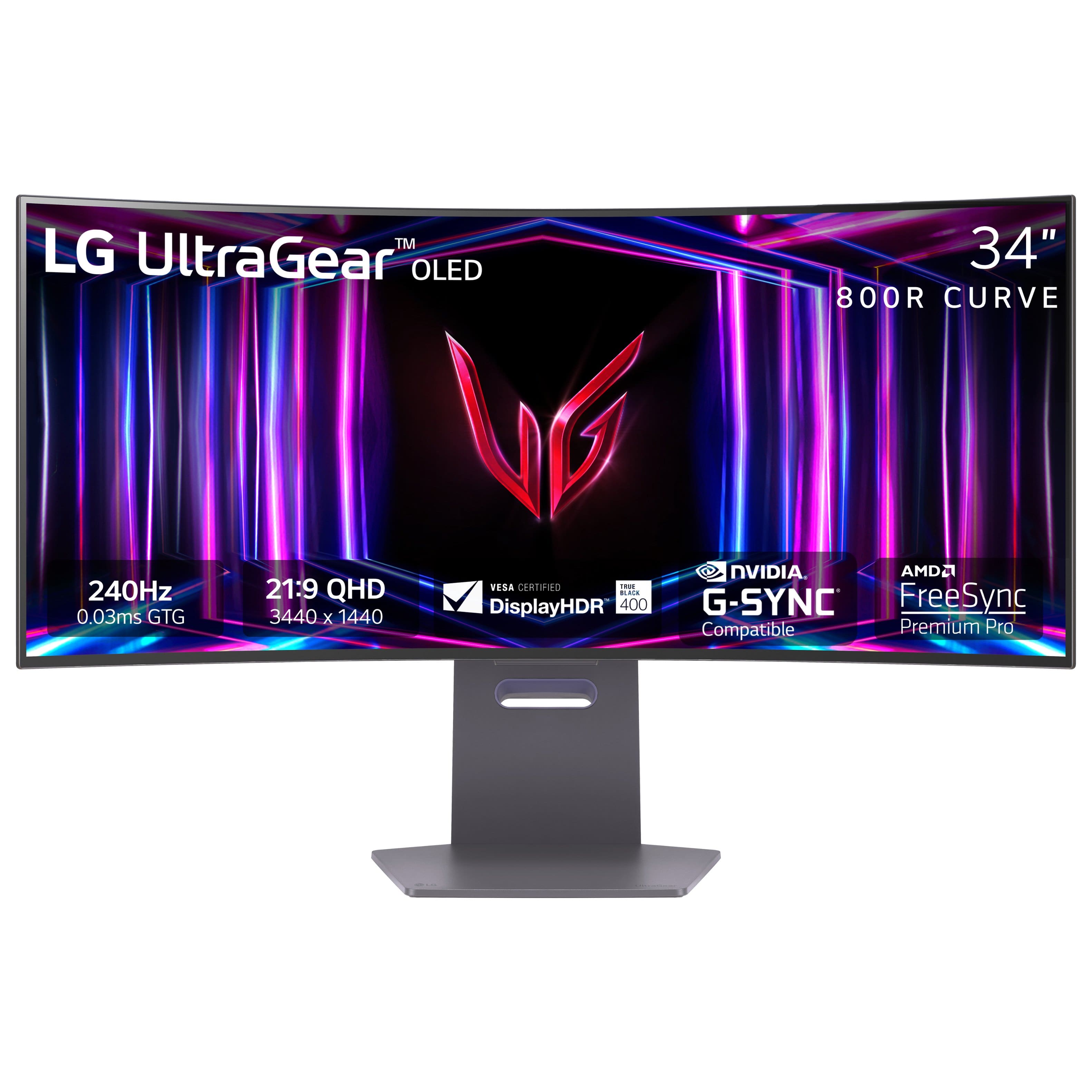
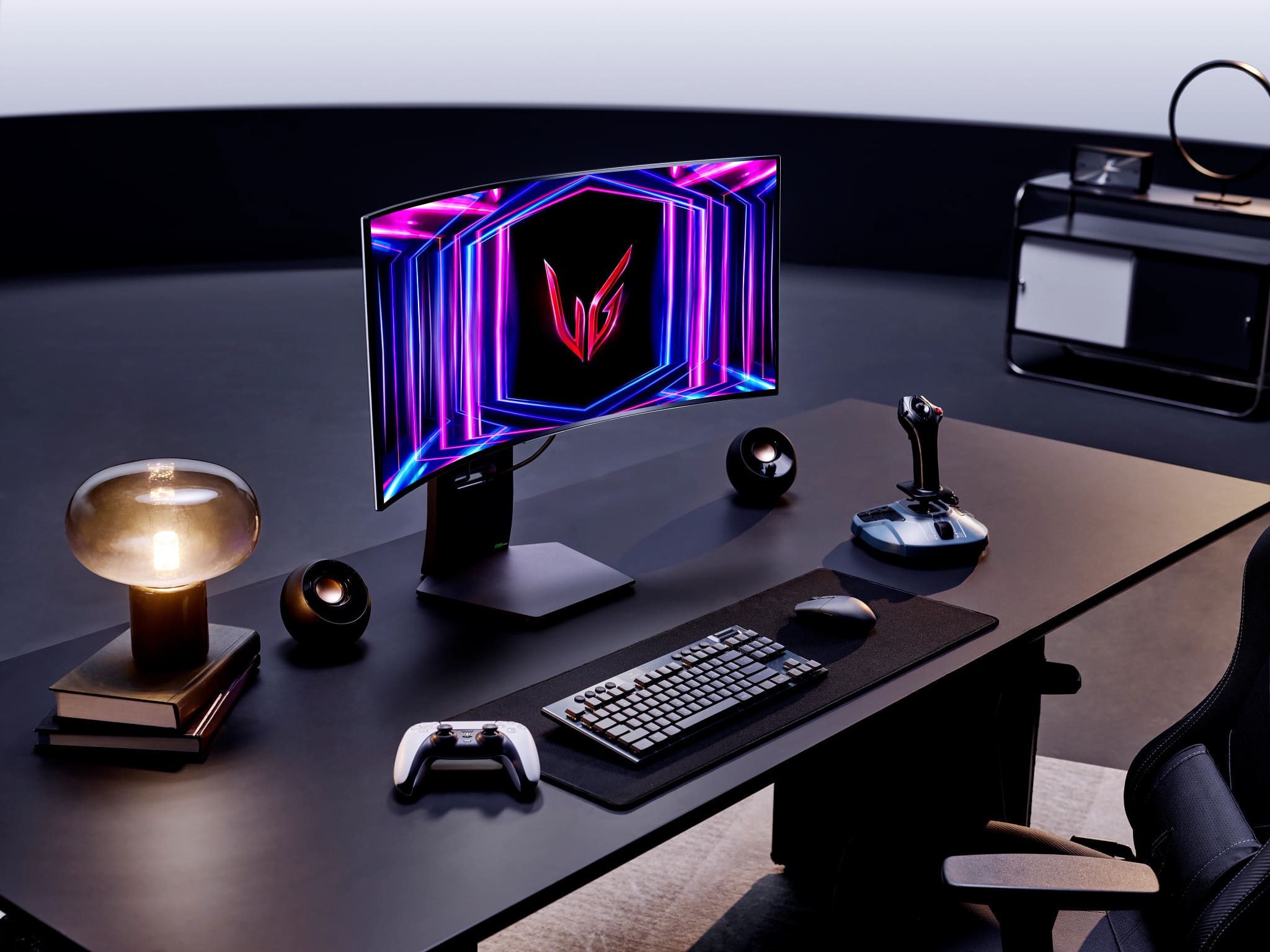
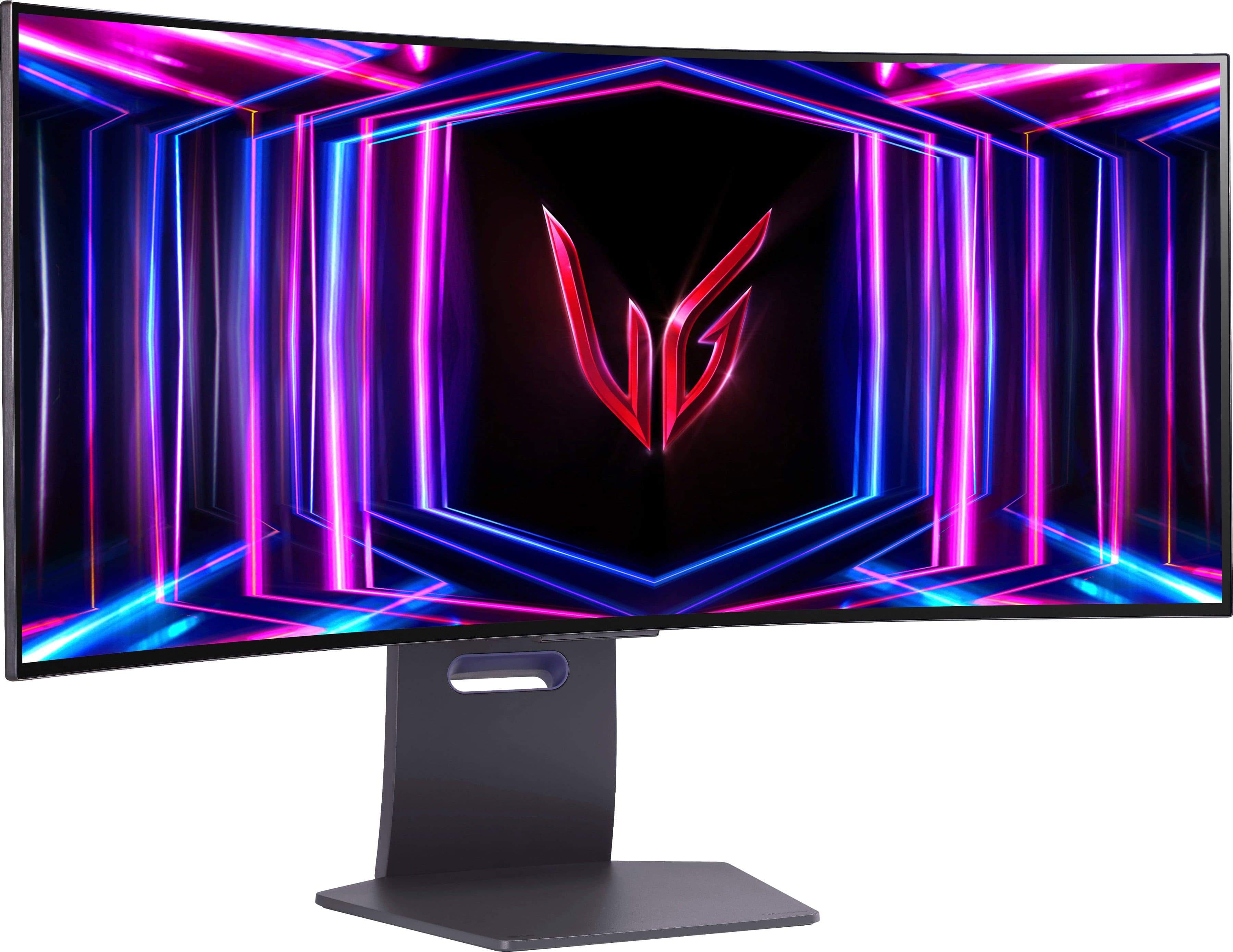
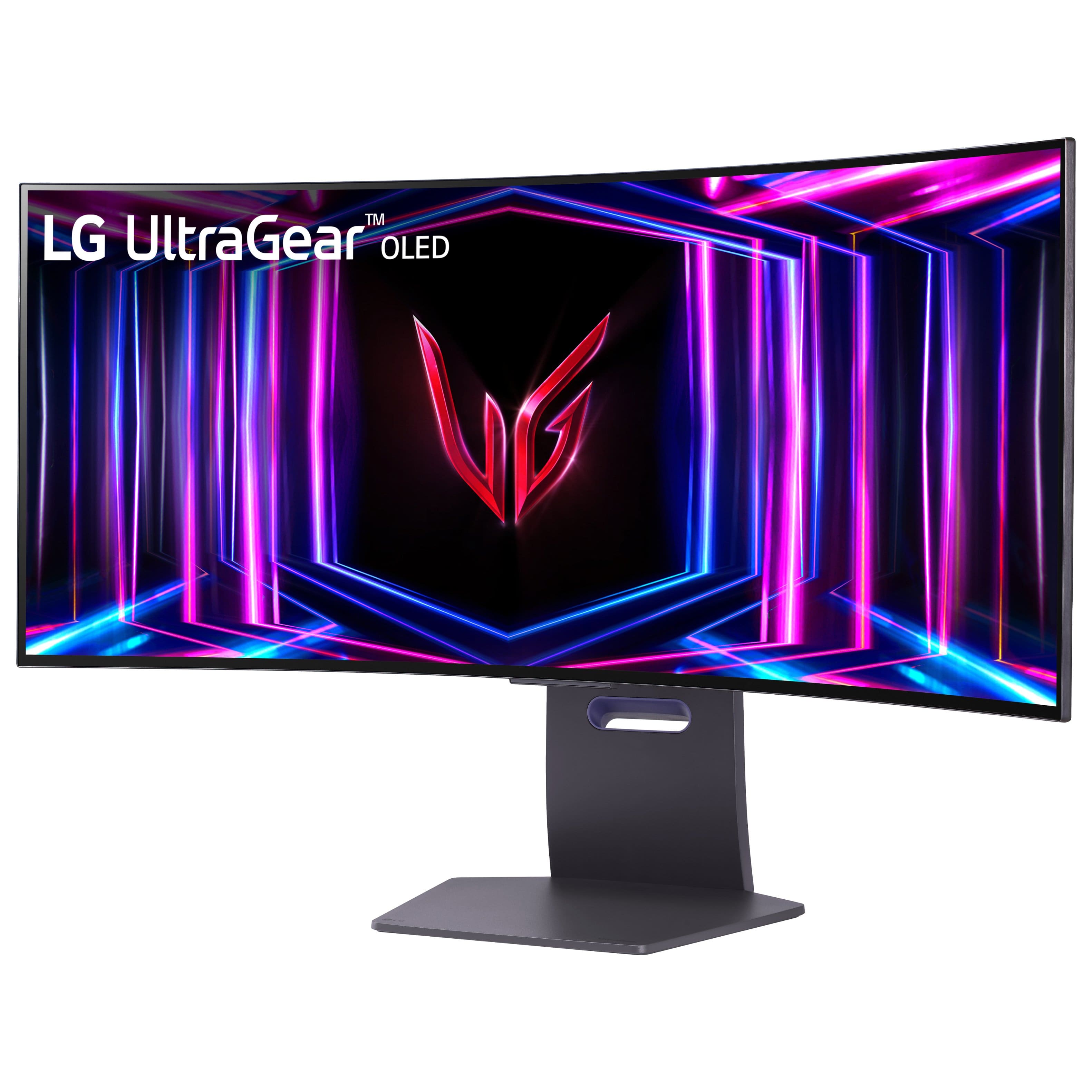
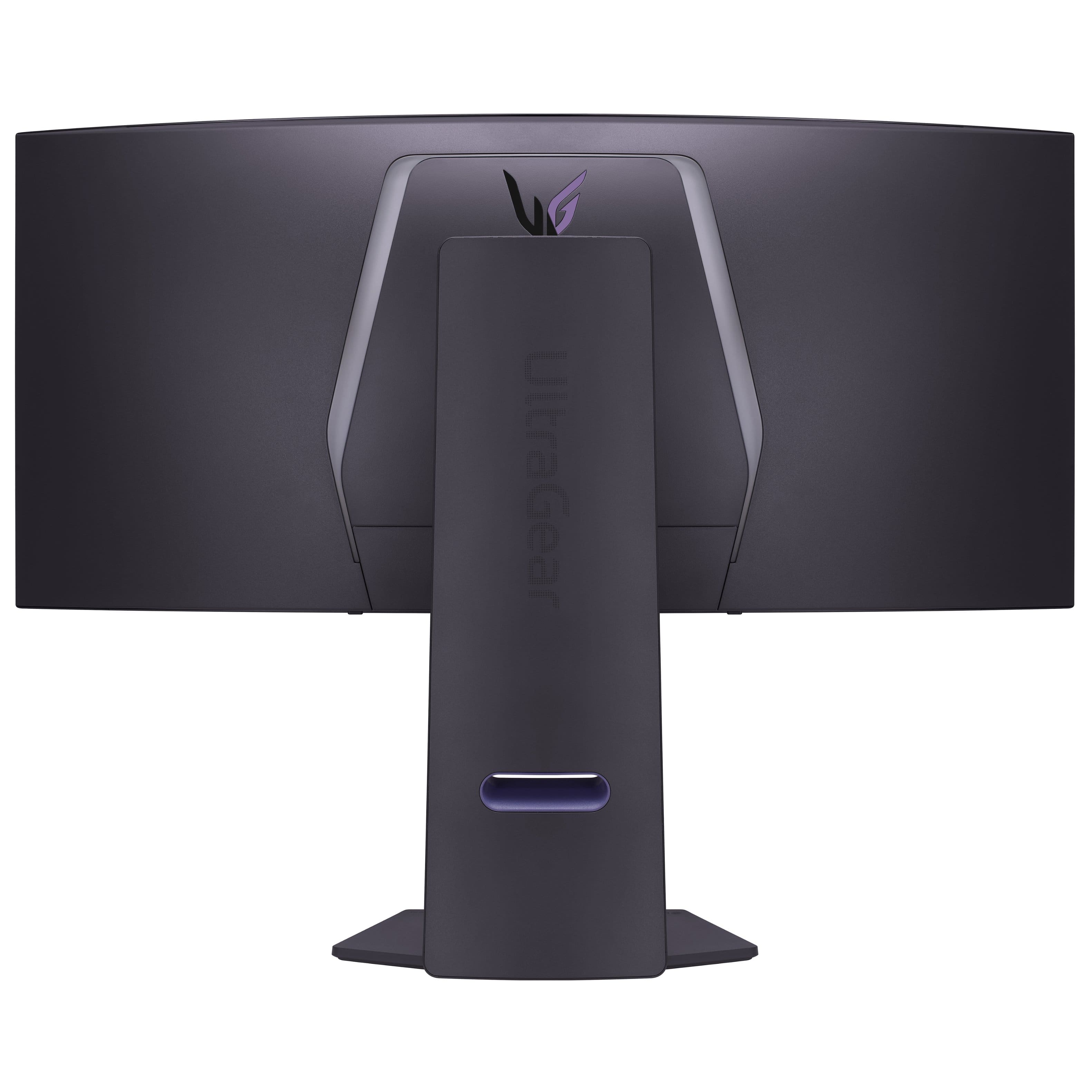
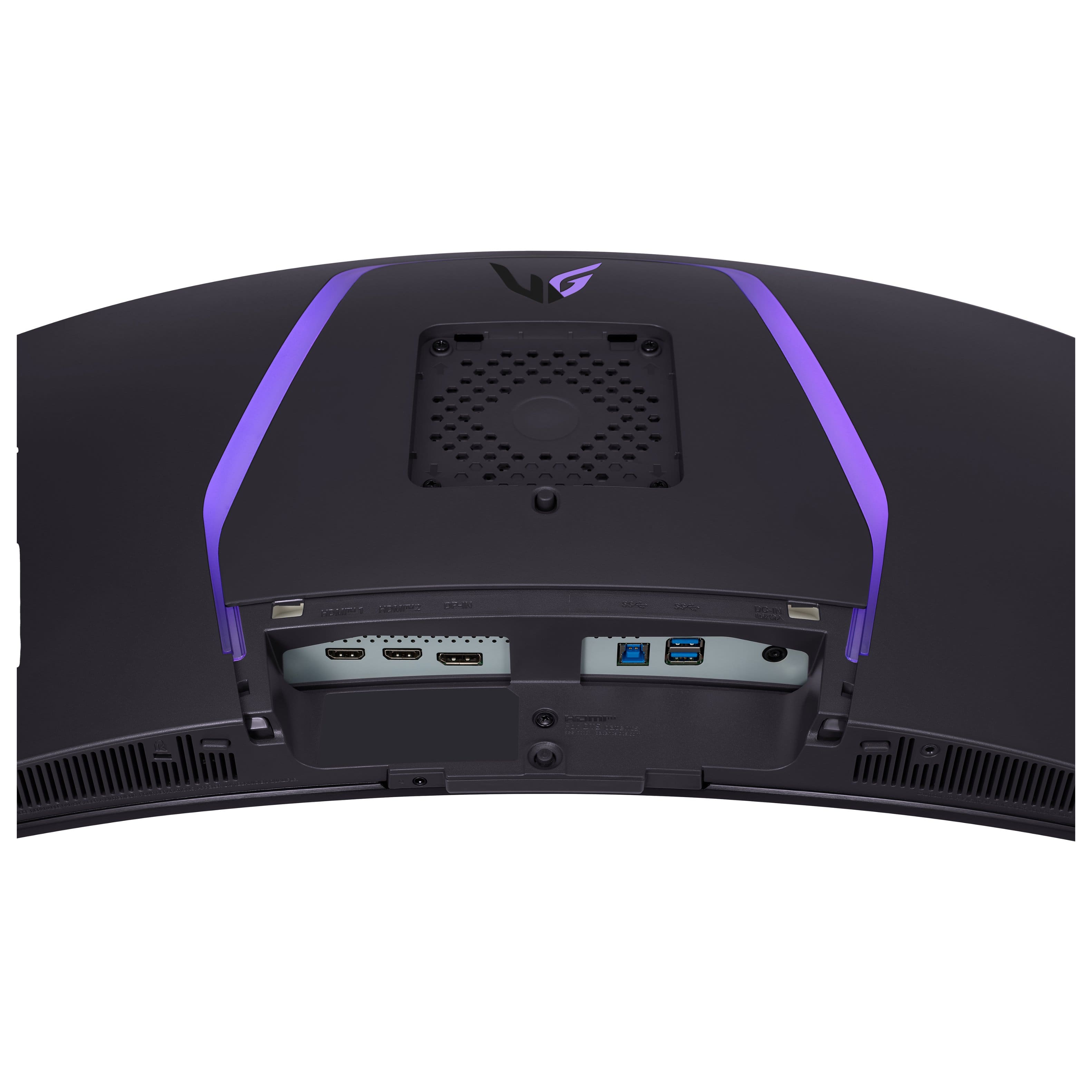
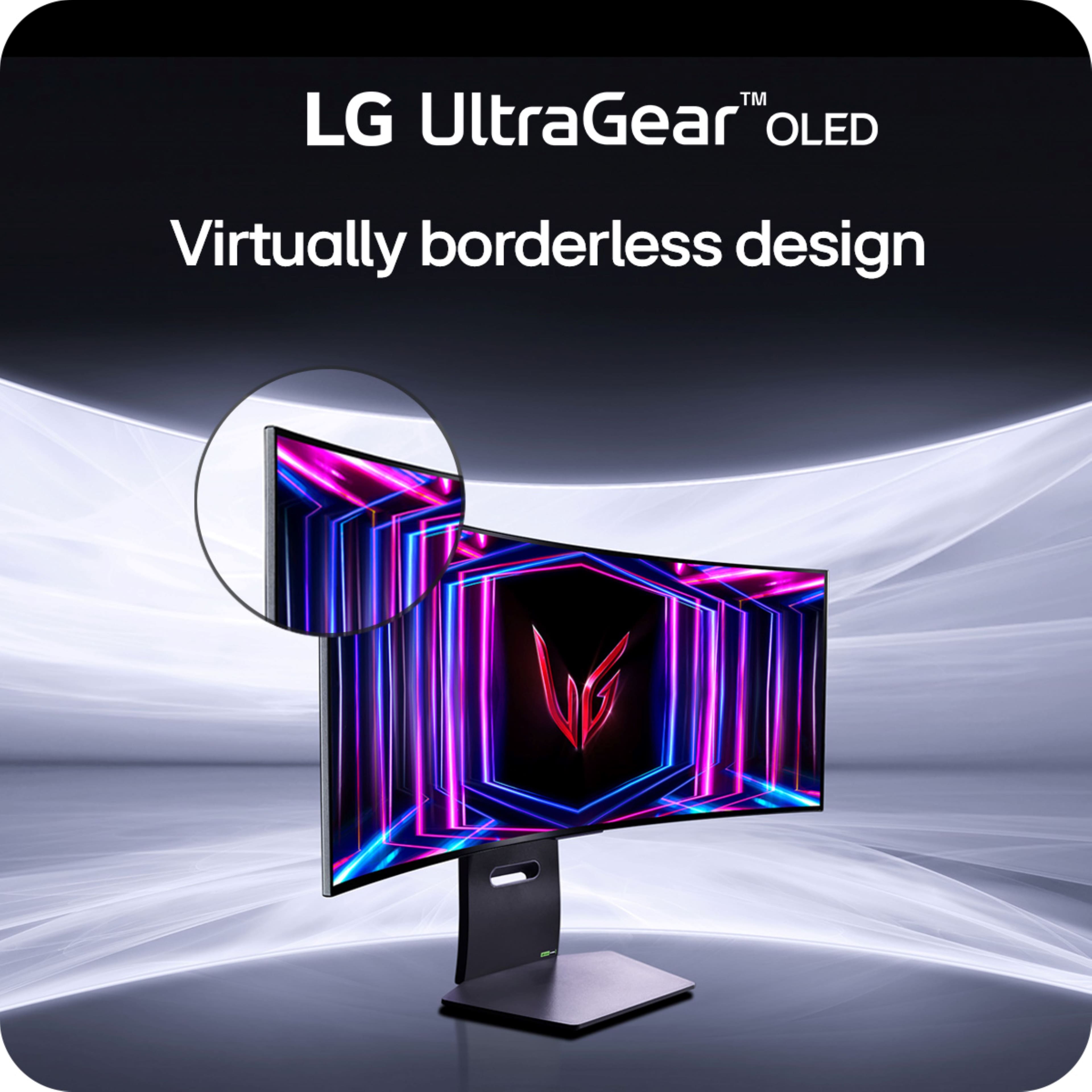
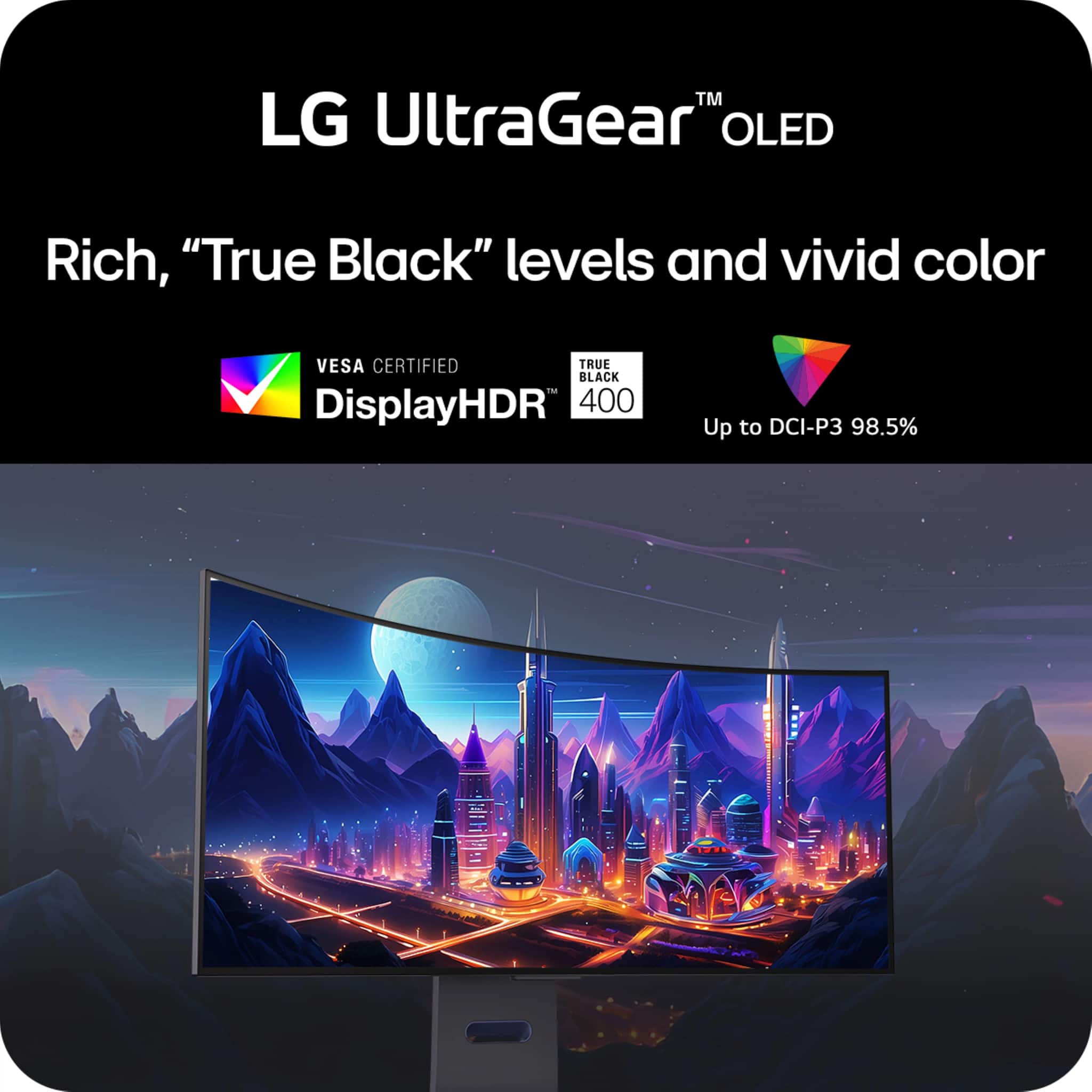
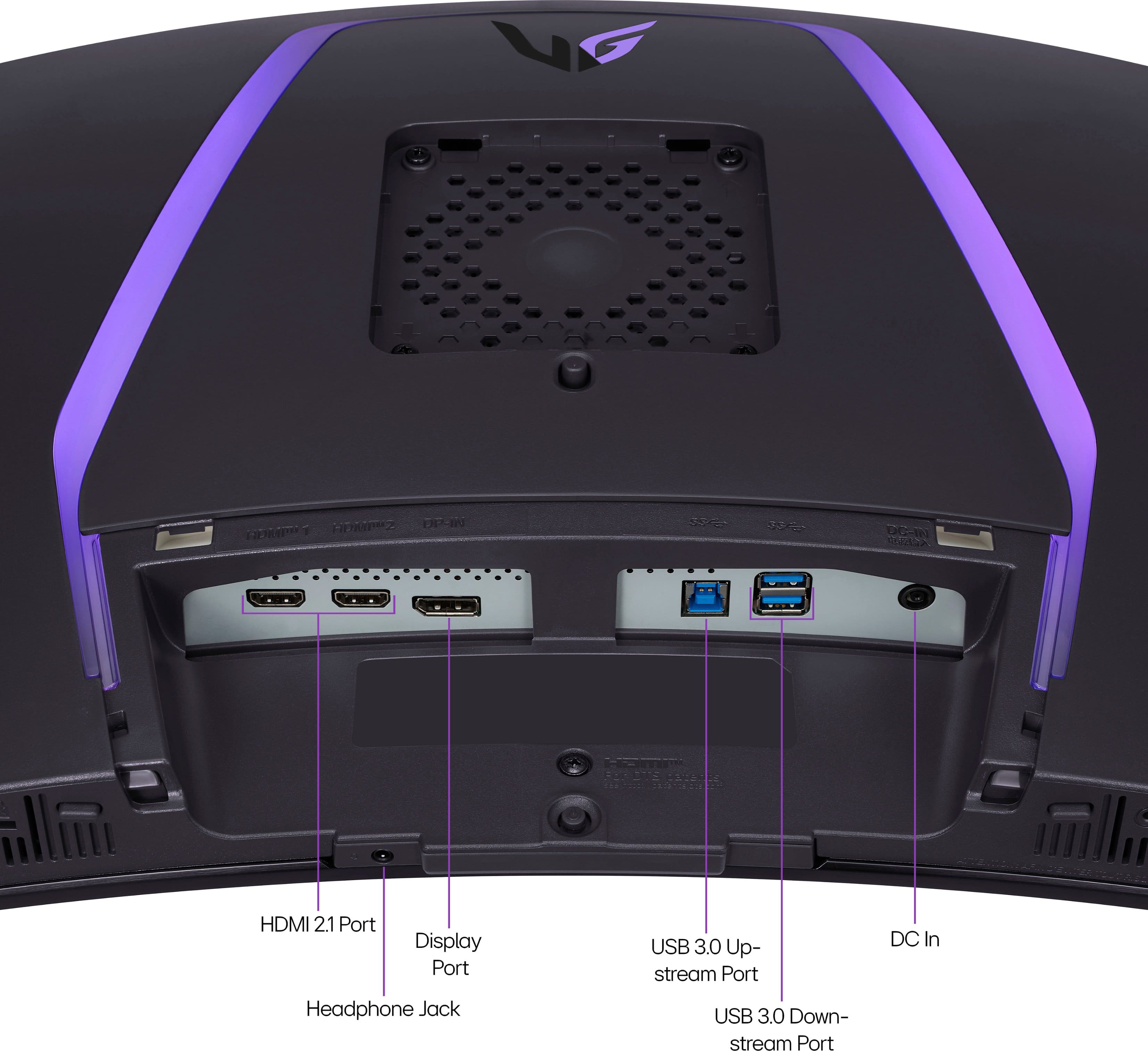
|Posted .This reviewer received promo considerations or sweepstakes entry for writing a review.The all white with the black display looks really good. The stand is sturdy and seems pretty solid. When I shake my desk the display doesn't wobble like some do. The monitor is easy to adjust and I appreciate how high it can go for us taller folks. They also included a white hdmi and display port cable in the box! Thank you for that. Note there are no speakers in this. You will need to use headphones or external speakers. On the back you will find 2 HDMI ports, 1 Display port and some USB ports. Has auto input switching function where you can have multiple pcs connected and it will try and auto switch to other input once one stops sending signal. Also PIP which I dont typically use. This has a W-OLED display at 1440p with a matte finish. Its a 34" ultra wide monitor so as you would expect its pretty big. But still a tad smaller than having two 24" monitors side by side on your desk. Lets be honest, the 800R curve on this thing is aggressive. You will either love it or hate it. With a curve like that its meant to be closer to you. After using it for a few min you dont even notice it and it works really well in real world use. The onscreen menu took me a few min to figure out but once I did its very easy to use. There is also LG software you can install that makes it even easier to make changes. When you first turn it on you will notice its a bit dim due to the profile its using. I was not a fan of the default built in display profiles but thats an easy fix. I had to adjust the color temp (medium looked most accurate to me) and turn up the brightness a little. Once I had it adjusted to my liking it looked fantastic. This oled panel has vivid colors, deep blacks, great contrast and brightness. One thing to note is that text clarity is just ok on this display. Its still not as good as my LCD at same resolution and ppi. I found that setting sharpness to 50% helped a lot though. If you use this for work or do a lot with text on the display, you will want to make sure to adjust that. When it comes to overall size I find that its a bit heavier and thicker that I expected for a oled display. Its no thinner than my older LCD monitors. The power brick is pretty big as well since its not built into the back of the monitor which brings up another point. Why isn't it built into the back of the monitor if its going to be this size? It also has a fan built into the back of the display which I thought was odd. I can hear it in a silent room when it kicks on. Would have preferred passive cooling here instead of a fan but not a big deal. Now where this thing shines! I paired this up to my gaming rig and wow does it look amazing! At max 240Hz refresh rate and a almost 0 response lag, its soooo smooth. It makes walking and moving around in game so much more satisfying and responsive. And the colors/contrast make even my older games look so much better. Nvidia Gsync worked great with my Nvidia GPU. There is also RBG lighting on the back. This all makes gaming so much more enjoyable. What would make this a 5 star monitor. In my opinion add speakers, put the power brick in the monitor, have the monitor sit closer to the mount, and fix the text/color fringing. But in all this is a fantastic gaming monitor and due to its great specs, thats why most people will use this for. Once you make the move from LCD to OLED for gaming its hard to go back.
I would recommend this to a friendGreat Option for your first OLED
Posted .This reviewer received promo considerations or sweepstakes entry for writing a review.The 0.03ms gtg response is great. Still getting used to the size but the colors and clarity are far beyond standard ips panels. I can still play competitive shooters on this thing even though I’m used to smaller screen sizes like 24 inches. If you can get your hands on this I would say do it.
I would recommend this to a friendWow Factor
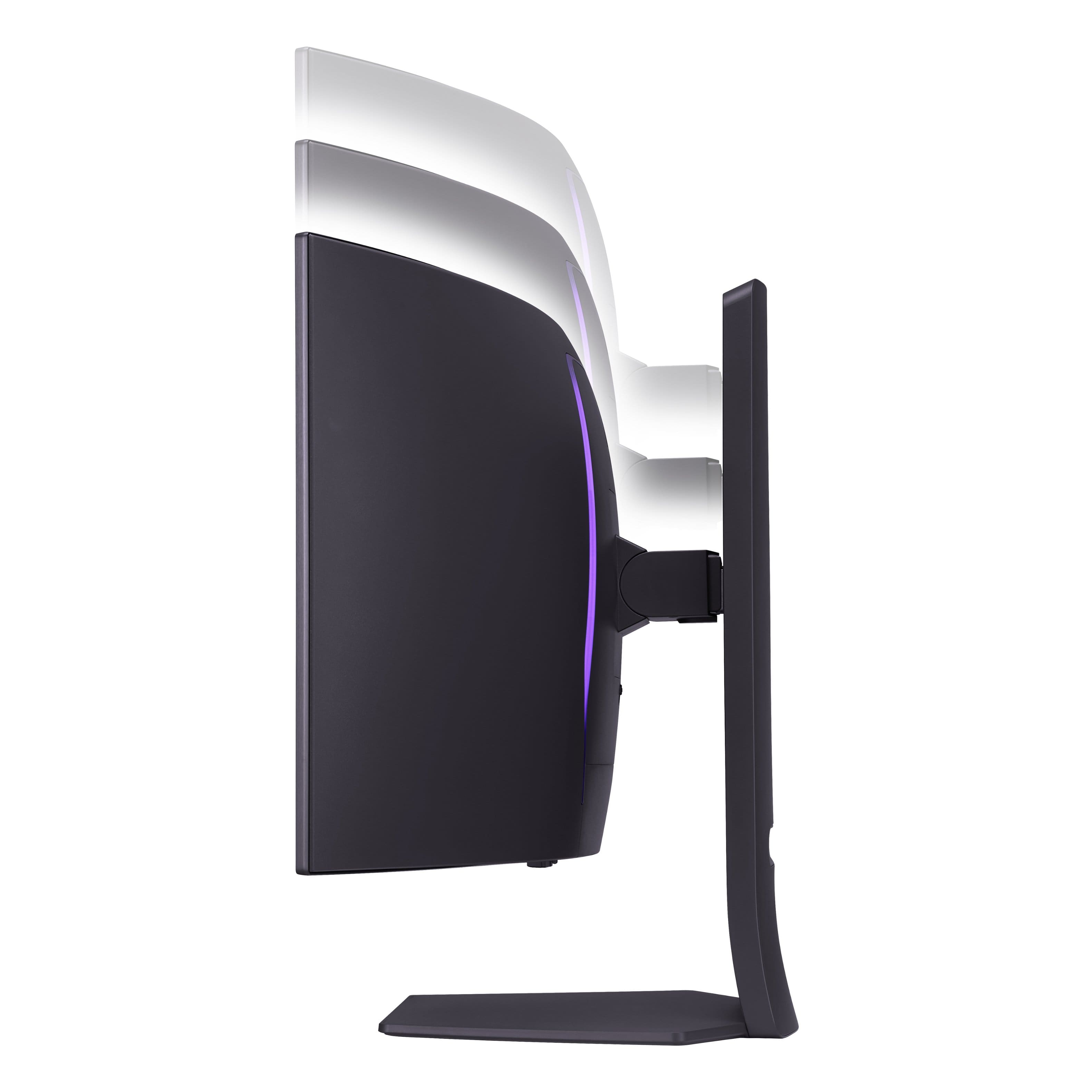
|Posted .This reviewer received promo considerations or sweepstakes entry for writing a review.This is one of the most flexible monitors I've had. I want to most importantly express how once out of the box, the monitor screen can be very, very, very easily be moved up and down, tilted to and fro, angled any which way, swivled back and forth, and even the stand can rotate like a lazy susan with the right amount of resistance. This is where I feel this monitor outshines other monitors of this class. Many larger monitors are set and hope it fits. This one is so adjustable it blew my mind. As for performance, the colors are better than most, the curvature is the right amount to feel enveloping, and the startup is quick and crisp. I left a star off for the review because the downloadable software for adjustability leaves a bit to be desired. I expect this to get updates over the course of owning this monitor, so really looking forward to a better experience in that respect. Otherwise, it has a premium look and feel, has quite a prescence, and looks better than any monitor I have previously owned!!
I would recommend this to a friendAlmost perfect
Posted .This reviewer received promo considerations or sweepstakes entry for writing a review.I was a little hesitant buying this at first as it was my first ultra-wide monitor. I am extremely happy I pulled the trigger on this one compared to the 39” or 45” versions which would have worse PPI and potentially just too big. The colors on this monitor look amazing, motion is so smooth, and it gets surprisingly bright. The only issue I have is there is very noticeable (at least in the games I play) VRR flickering which made adaptive sync unusable for me, I ended up disabling it on the monitor. Besides that one gripe I absolutely love this thing.
I would recommend this to a friendLG oled monitor 34in
Posted .This reviewer received promo considerations or sweepstakes entry for writing a review.Best monitor ever! Highly recommend. Image quality is great.
I would recommend this to a friendBest montior ever
Posted .This reviewer received promo considerations or sweepstakes entry for writing a review.This monitor is amazing. Definitely worth buying . The picture is amazing. Im telling you this is it and worth every penny .
I would recommend this to a friendLook great!
Posted .This reviewer received promo considerations or sweepstakes entry for writing a review.Looks absolutely fantastic, I am very excited to finally be able to play games on a decent looking ultrawide!
I would recommend this to a friendGreat!
Posted .This reviewer received promo considerations or sweepstakes entry for writing a review.Such a nice monitor. Love everything about this thing.
I would recommend this to a friend