Customer Ratings & Reviews



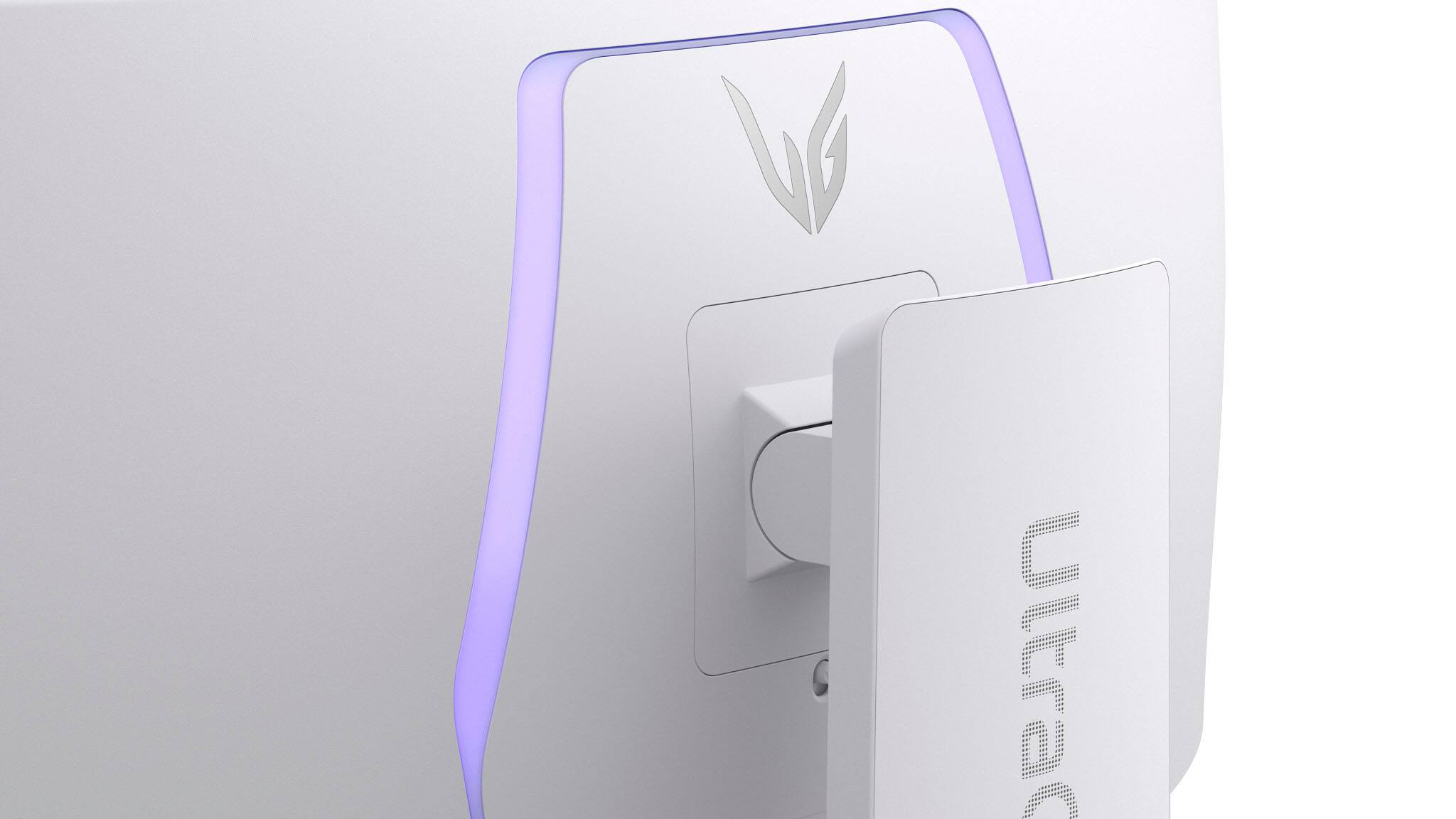
- Model:
- 34GS95QE-W.AUS
- SKU:
- 10187402
Rating by feature
- Display Quality
Rating 4.8 out of 5 stars
- Ease of Use
Rating 4.8 out of 5 stars
- Features
Rating 4.7 out of 5 stars
to a friend
G Sync on a OLED
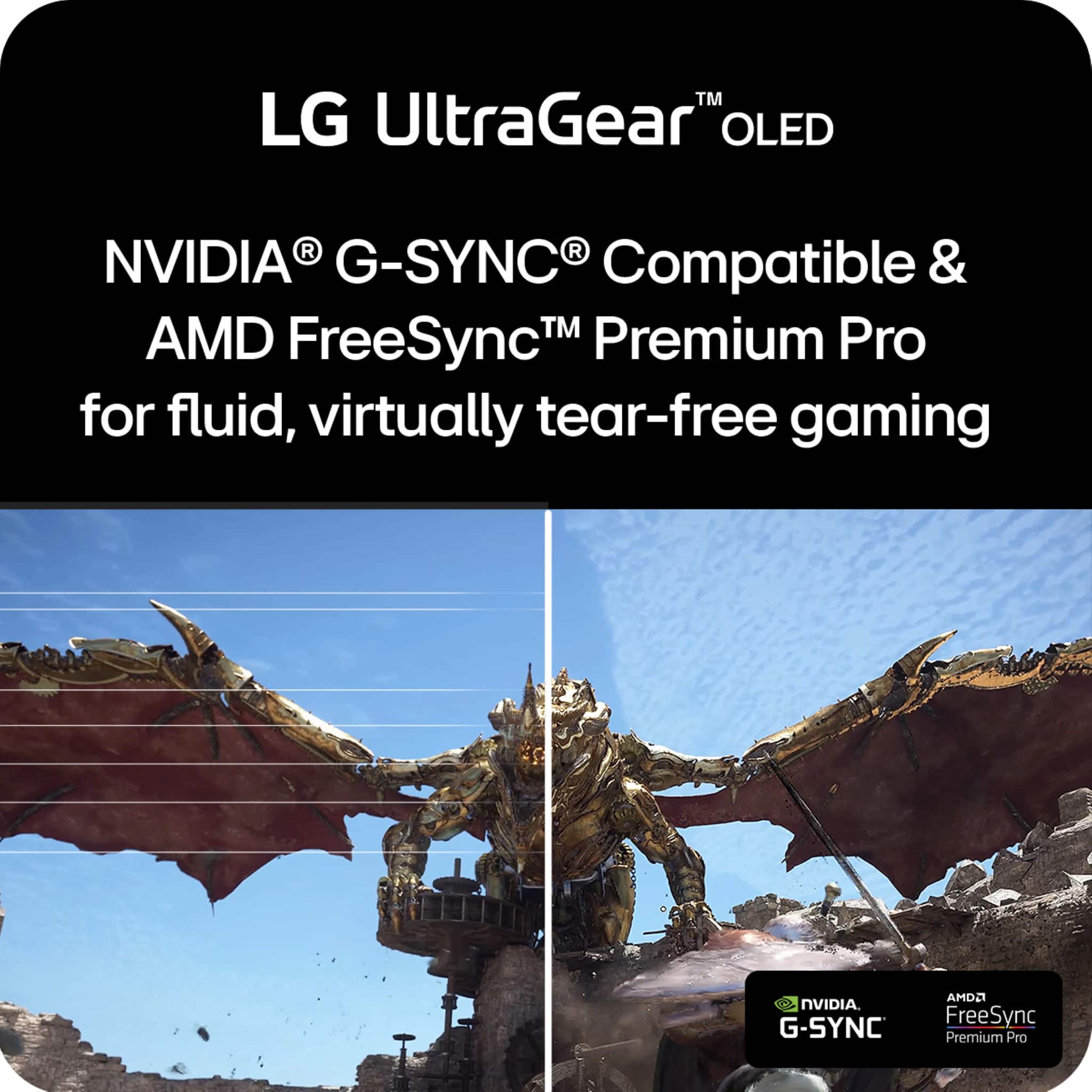
||Posted . Owned for 3 weeks when reviewed.This reviewer received promo considerations or sweepstakes entry for writing a review.Great monitor, have no issues and G sync works amazing
I would recommend this to a friendGood monitor
||Posted . Owned for 1 week when reviewed.This reviewer received promo considerations or sweepstakes entry for writing a review.Good picture quality and runs seamlessly with my pc
I would recommend this to a friendOLED
||Posted . Owned for 1 week when reviewed.This reviewer received promo considerations or sweepstakes entry for writing a review.Really good OLED and widescreen, call of duty looks great
I would recommend this to a friendOLED quality
||Posted . Owned for less than 1 week when reviewed.This reviewer received promo considerations or sweepstakes entry for writing a review.Great OLED picture quality and I would buy it again!
I would recommend this to a friend
Very nice
|Posted . Owned for 2 weeks when reviewed.This reviewer received promo considerations or sweepstakes entry for writing a review.[Employee of bestbuy] Very nice and what you expect not mind blowing but a bit upgrade would recommend
I would recommend this to a friendmonitor
||Posted . Owned for less than 1 week when reviewed.This reviewer received promo considerations or sweepstakes entry for writing a review.Nice quality product with a. Great picture. Expensive tho
I would recommend this to a friendNot that great
||Posted . Owned for 1 month when reviewed.This reviewer received promo considerations or sweepstakes entry for writing a review.purchase a couple months ago and I am starting to see some flickering
No, I would not recommend this to a friendBrand response from LG Digital Customer Care
Posted .Hello there, PaulT. Thank you for sharing your experience with us. We understand your inquiry regarding the flickering you are seeing on your LG UltraGear 34" OLED Curved Gaming Monitor. To address this, please ensure your DisplayPort or HDMI cable is securely connected and that your graphics card drivers are up to date.
https://www.bestbuy.com/product/lg-ultragear-34-oled-curved-wqhd-240hz-0-03ms-freesync-and-nvidia-g-sync-compatible-gaming-monitor-with-hdr400-black/JJ8VPZQKPL
For further assistance and any specific concerns you may have, please contact us on lgdigitalcare@lg.sprinklrsupport.com, and we will be more than happy to assist you further. —Renzo
Good product with high C/P
||Posted . Owned for 1 month when reviewed.This reviewer received promo considerations or sweepstakes entry for writing a review.Good product quality and high C/P. Smooth and comfortable viewing experience.
I would recommend this to a friend**THE PROTECTION PLAN IS A SCAM**
||Posted .This reviewer received promo considerations or sweepstakes entry for writing a review.I am extremely disappointed with the handling of my recent return attempt under the Best Buy Protection Plan. Despite the product being defective and covered by my plan, the store’s general manager refused to process the return, claiming he did not observe the issue I described. I also explained that I could not leave the monitor at the store since I needed a replacement immediately to complete my work, yet I was offered no professional support or resolution. It is troubling how easily these protection plans are sold, yet when customers attempt to use them, the process feels dismissive and unnecessarily difficult. This experience leaves me questioning the value of the program and the commitment to customer care.
No, I would not recommend this to a friendBrand response from LG Digital Customer Care
Posted .Hello there, ChrisPBacon. Thank you for sharing your experience with us regarding the Best Buy Protection Plan. We understand your inquiry about the handling of your recent return attempt for your LG UltraGear 34" OLED Curved WQHD Gaming Monitor.
We understand that you experienced difficulty with the resolution of your defective unit through the retailer's protection plan. While the protection plan is managed by the retailer, we'd like to explore how we can support you with the unit itself. Your feedback is important to us, and we want to ensure you receive the assistance you need for your LG UltraGear Monitor.
https://www.bestbuy.com/product/lg-ultragear-34-oled-curved-wqhd-240hz-0-03ms-freesync-and-nvidia-g-sync-compatible-gaming-monitor-with-hdr400-black/JJ8VPZQKPL
For further assistance and to explore possible solutions for any specific concerns you may have with the monitor, please send us a private message on Social Media @LGUSSupport. We appreciate your patience. —Renzo
Great size and curve, lots of vrr flicker
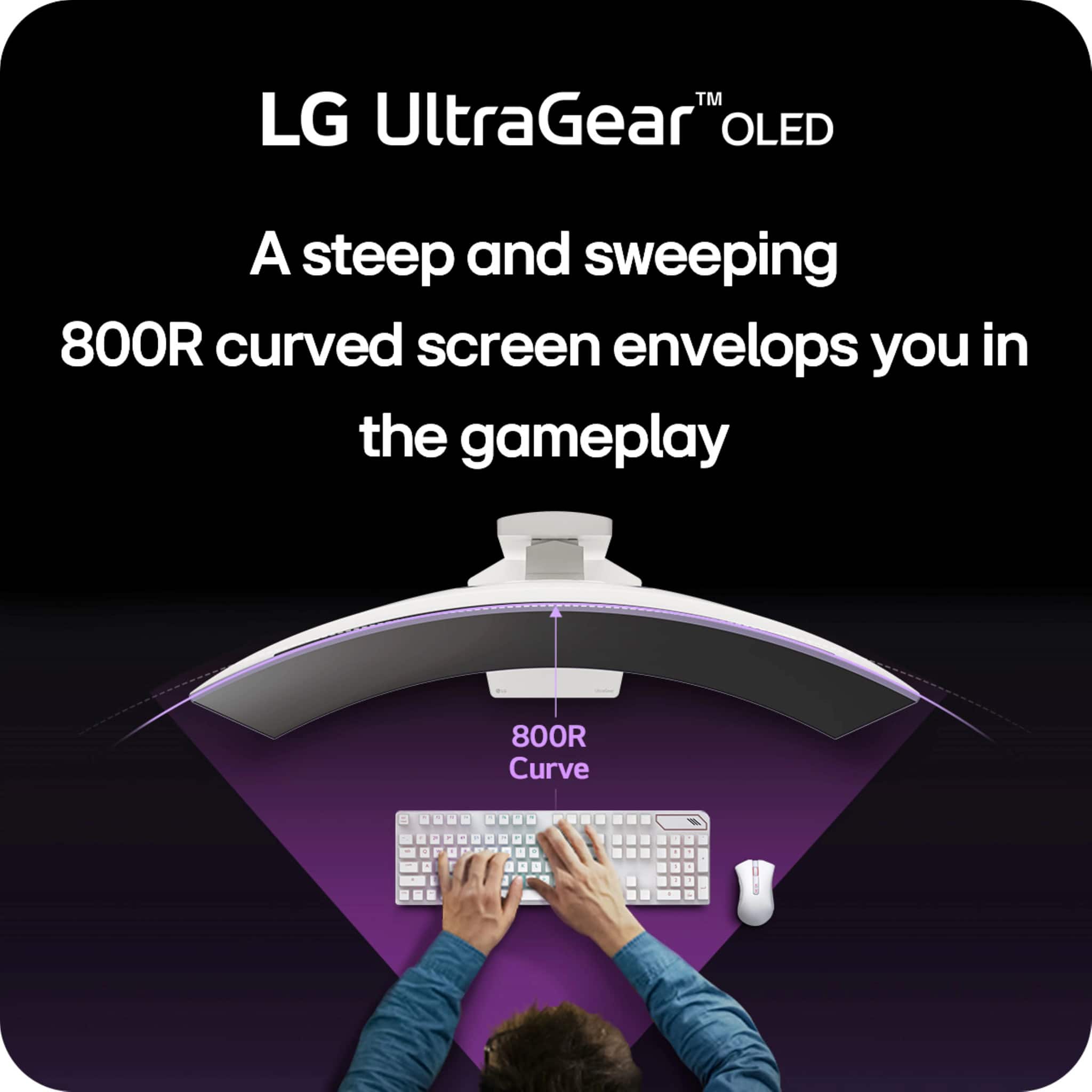
||Posted . Owned for 3 months when reviewed.This reviewer received promo considerations or sweepstakes entry for writing a review.I like the size and the 800r curve is very immersive. This was tge only woled panel that i have had excessive VRR flickering on so i was a bit dissatisfied and ultimately returned mine.
No, I would not recommend this to a friendCompletely lied about quality
||Posted . Owned for 3 weeks when reviewed.This reviewer received promo considerations or sweepstakes entry for writing a review.I only bought this because it was open box - excellent. Completely untrue. The screen was completely scuffed and it reeked of cigarettes. When I turned it on, it said it had already been used for over 600 hours. There most be no qialitu control for something like this to happen…
No, I would not recommend this to a friendBrand response from LG Digital Customer Care
Posted .Hello there, Kenji. Thank you for sharing your experience with us. We understand your inquiry regarding the condition and usage hours of your LG UltraGear Gaming Monitor. We understand that this unit has not met your expectations, and we’d like to assist you further. Since this was an open-box purchase, we recommend checking the total power-on hours in the monitor's OSD (On-Screen Display) settings menu under "Information" to verify the exact usage recorded by the system. We would like to look into this more closely with you via private message to find a resolution.
https://www.bestbuy.com/product/lg-ultragear-34-oled-curved-wqhd-240hz-0-03ms-freesync-and-nvidia-g-sync-compatible-gaming-monitor-with-hdr400-black/JJ8VPZQKPL
For further assistance and any specific concerns you may have, please contact us on lgdigitalcare@lg.sprinklrsupport.com. —Renzo
Took mines back
||Posted . Owned for 3 weeks when reviewed.This reviewer received promo considerations or sweepstakes entry for writing a review.The picture quality is excellent. I just don’t like how the curve is so aggressive also, it’s a bit too narrow for me other than that it’s just fine
I would recommend this to a friendGood Monitor but not for everyone
||Posted . Owned for 1 week when reviewed.This reviewer received promo considerations or sweepstakes entry for writing a review.Good Monitor, just didn't like the matte finish. Excellent for gaming though I prefer a glossy finish. So I returned it. Looking into buying the MSI OLED once it restocks
No, I would not recommend this to a friendHorizontal lines on the top
||Posted . Owned for 1 year when reviewed.This reviewer received promo considerations or sweepstakes entry for writing a review.After 14 months, the monitor now has horizontal lines across the top 1/4 of the screen. Monitor was good but I guess on got a bad manufactured monitor "lemon" if most of the reviews are good.
No, I would not recommend this to a friendBrand response from LG Digital Customer Care
Posted .Hi, there. Thank you for reaching out to us. We understand the importance of having a monitor you can rely on, especially with a model like the LG Monitor (34GS95QE‑B) model.
One step you can try is performing a power cycle by unplugging the monitor for about 30 seconds and reconnecting it. This helps reset the internal display controller and can sometimes clear temporary panel or signal irregularities. For more guidance, visit https://www.lg.com/us/support/product/lg-34GS95QE-B. We’d like to learn more so we can assist you further. Please send us an email at lgdigitalcare@lg.sprinklrsupport.com with your details, and our team will be ready to help. ^Juvy
Flickering.
||Posted . Owned for 1 month when reviewed.This reviewer received promo considerations or sweepstakes entry for writing a review.Don’t like the curve or the fact that it flickers a ton
No, I would not recommend this to a friend
Helps get you in the game!
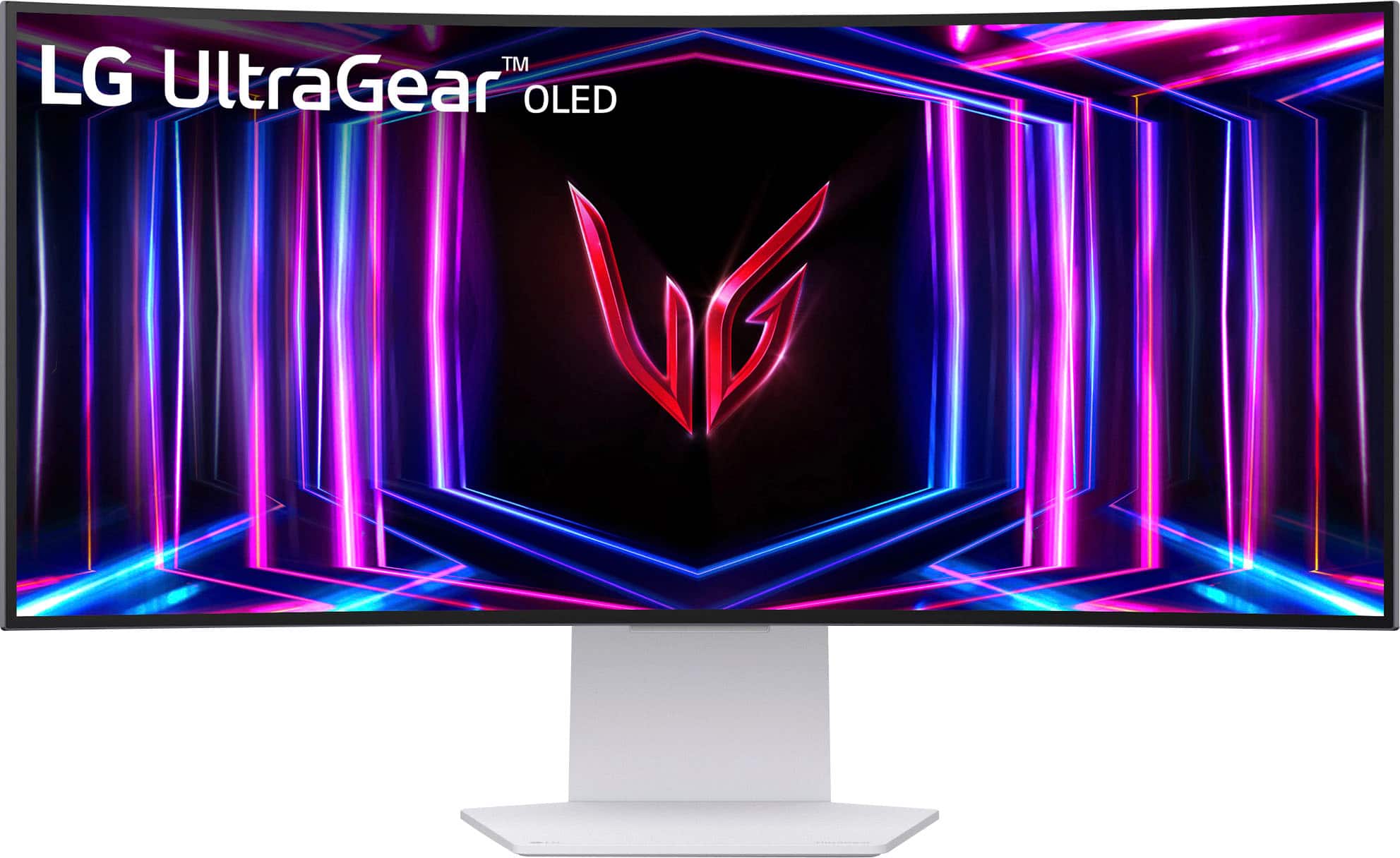
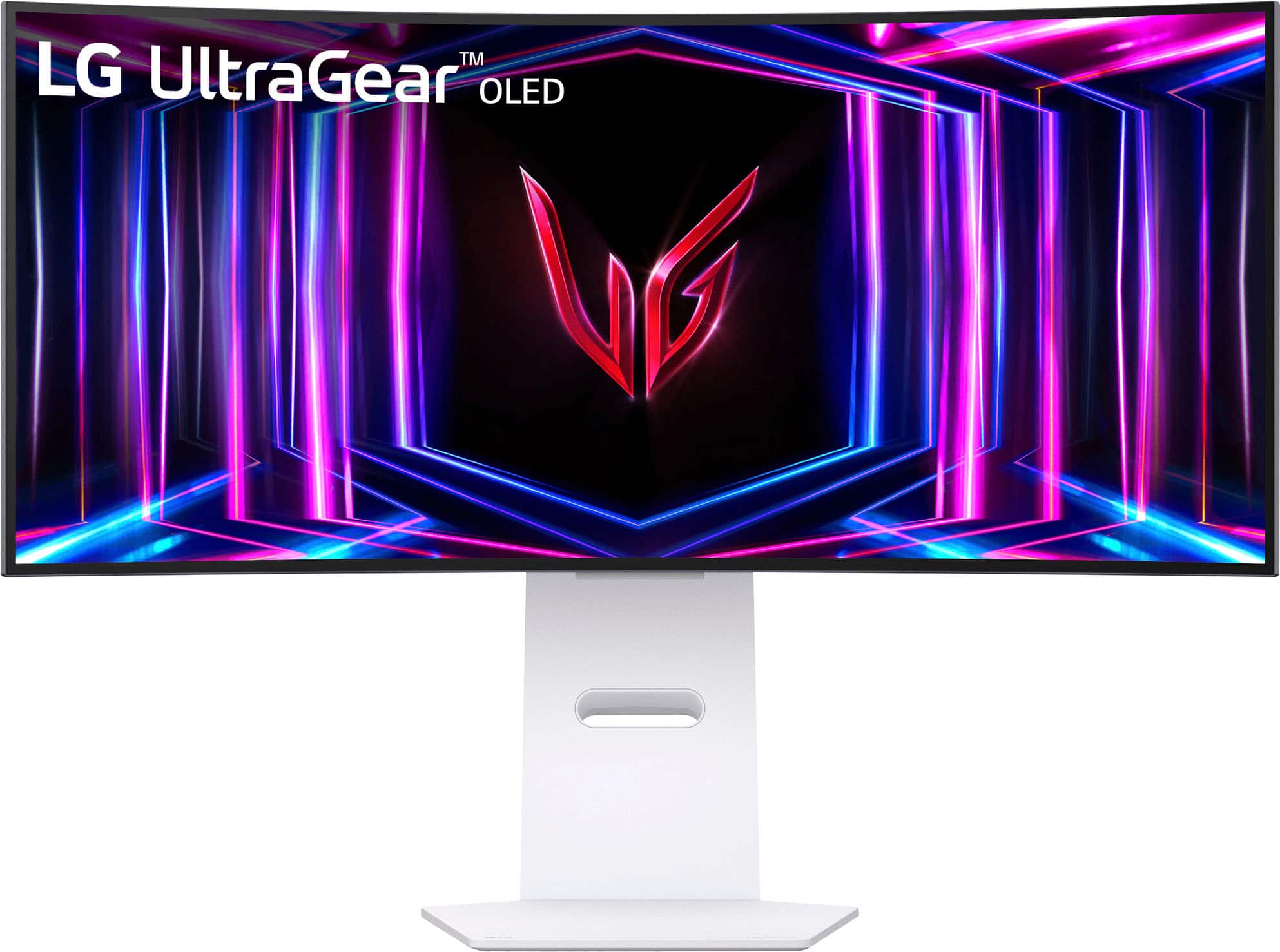
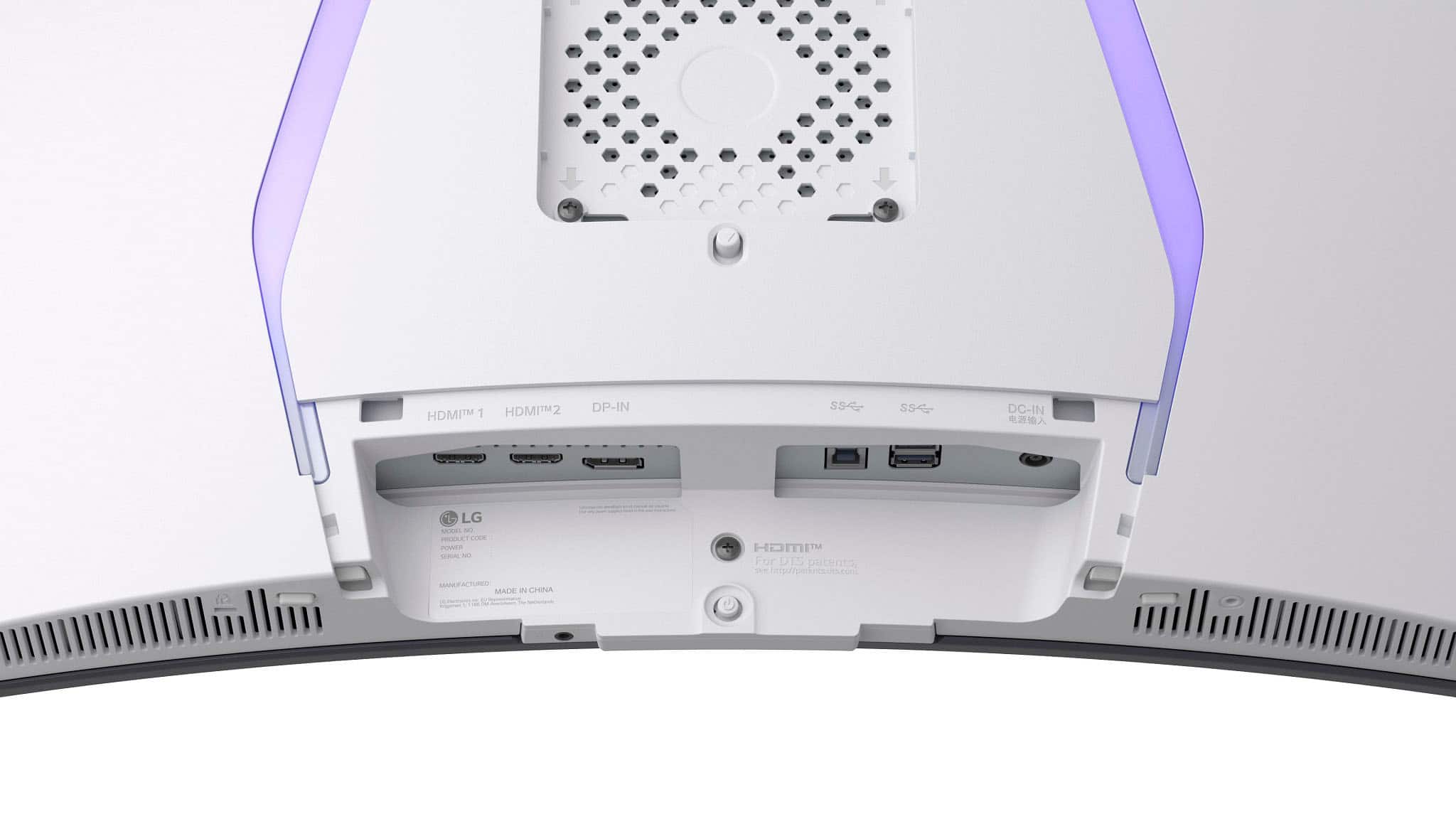
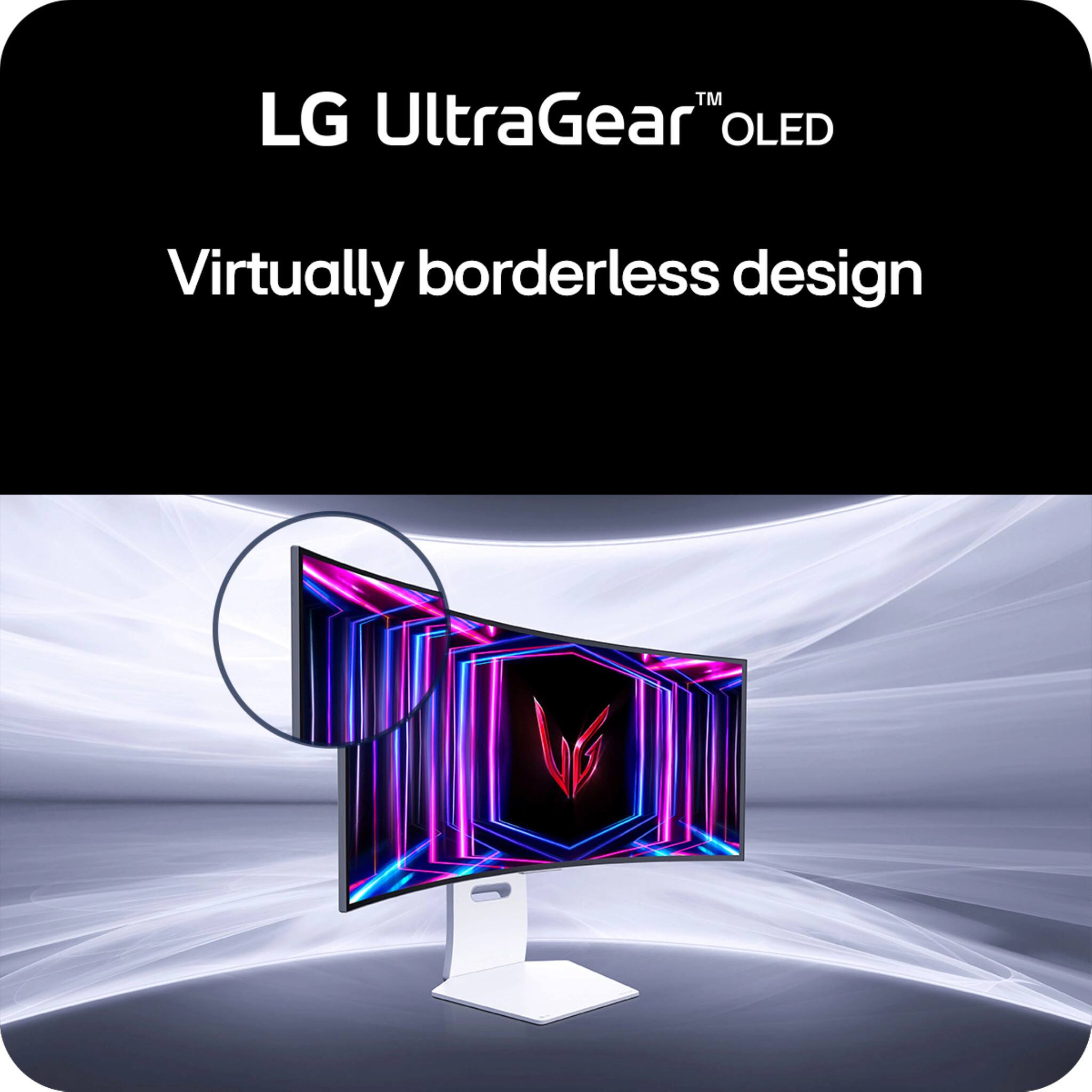
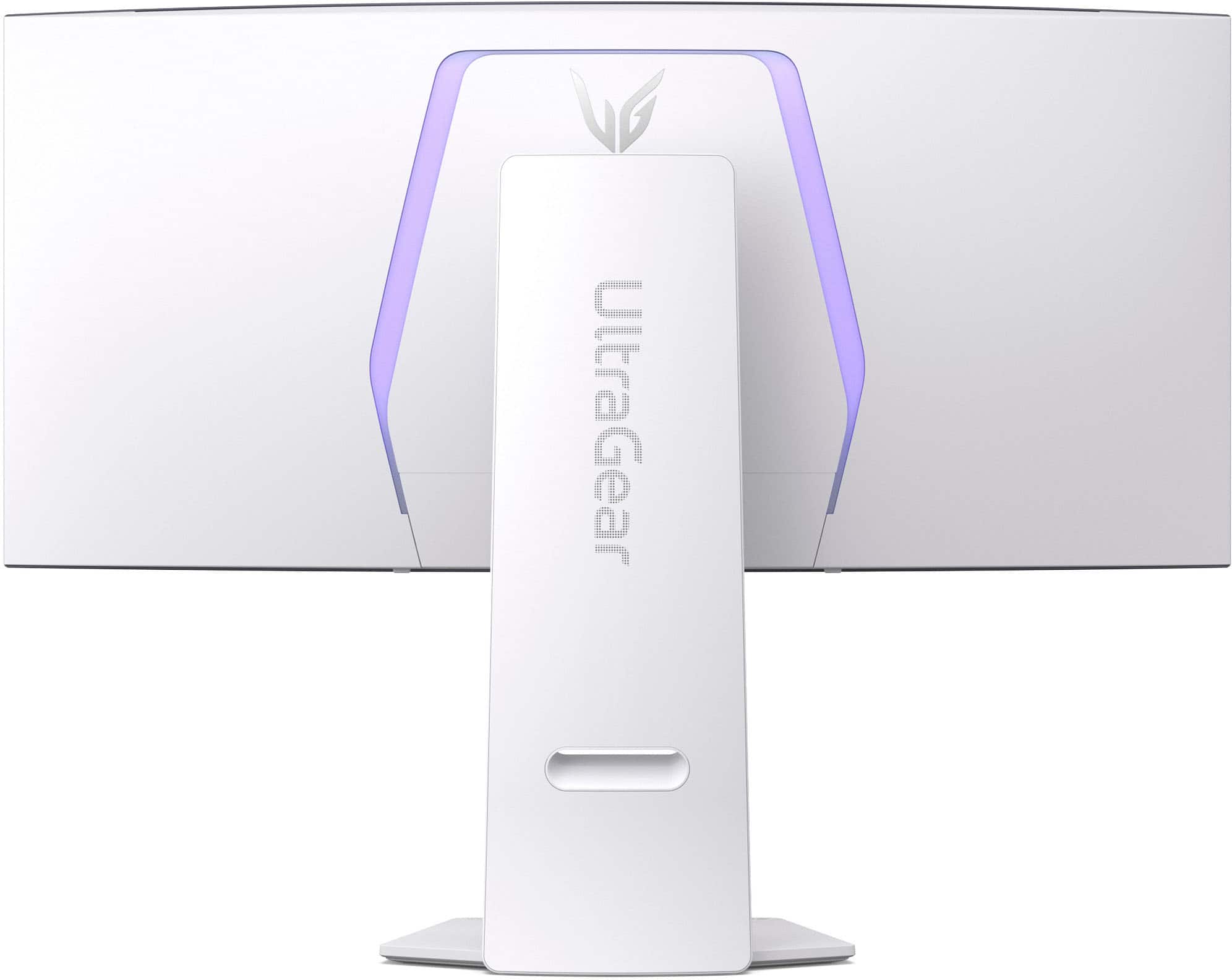
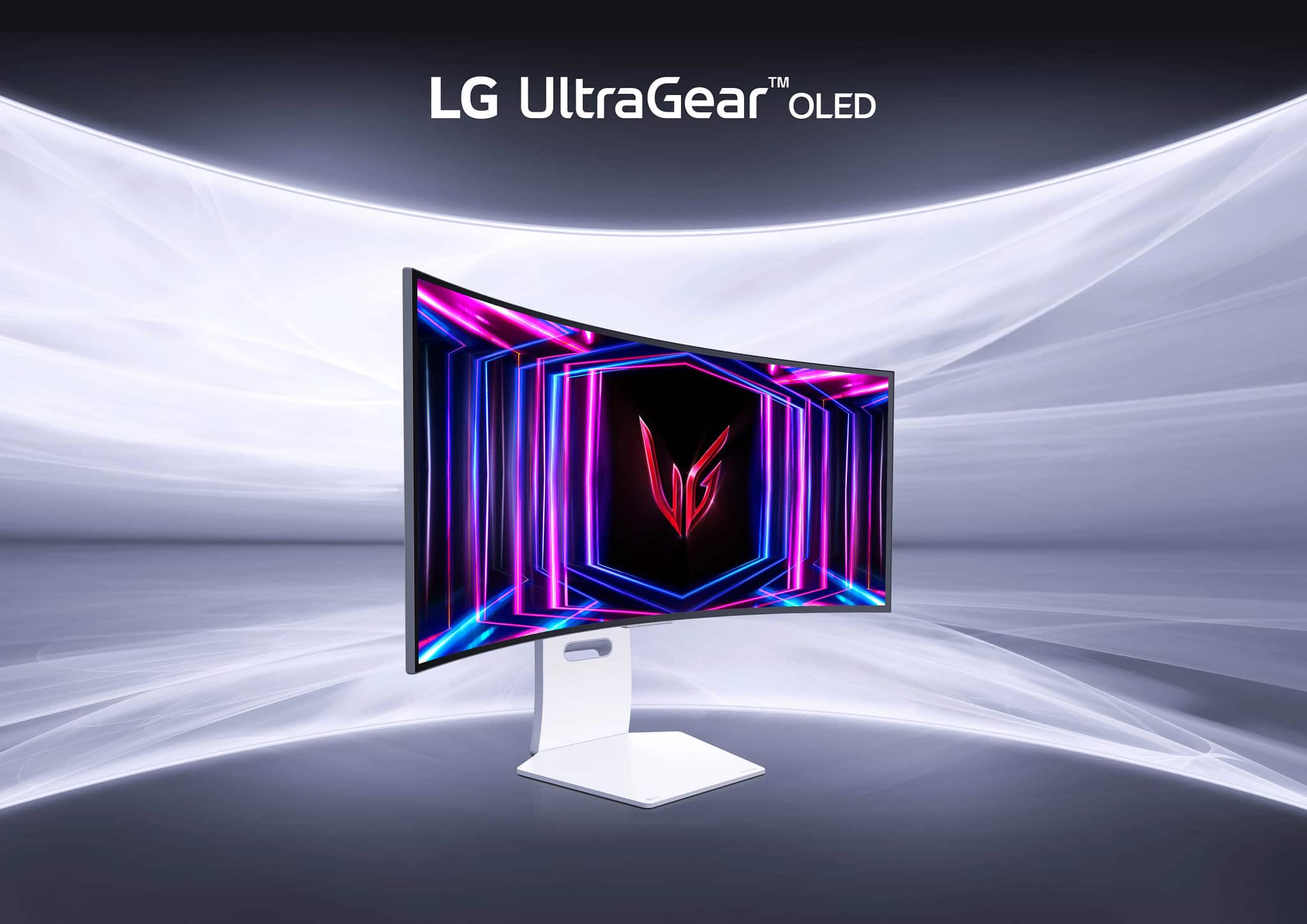
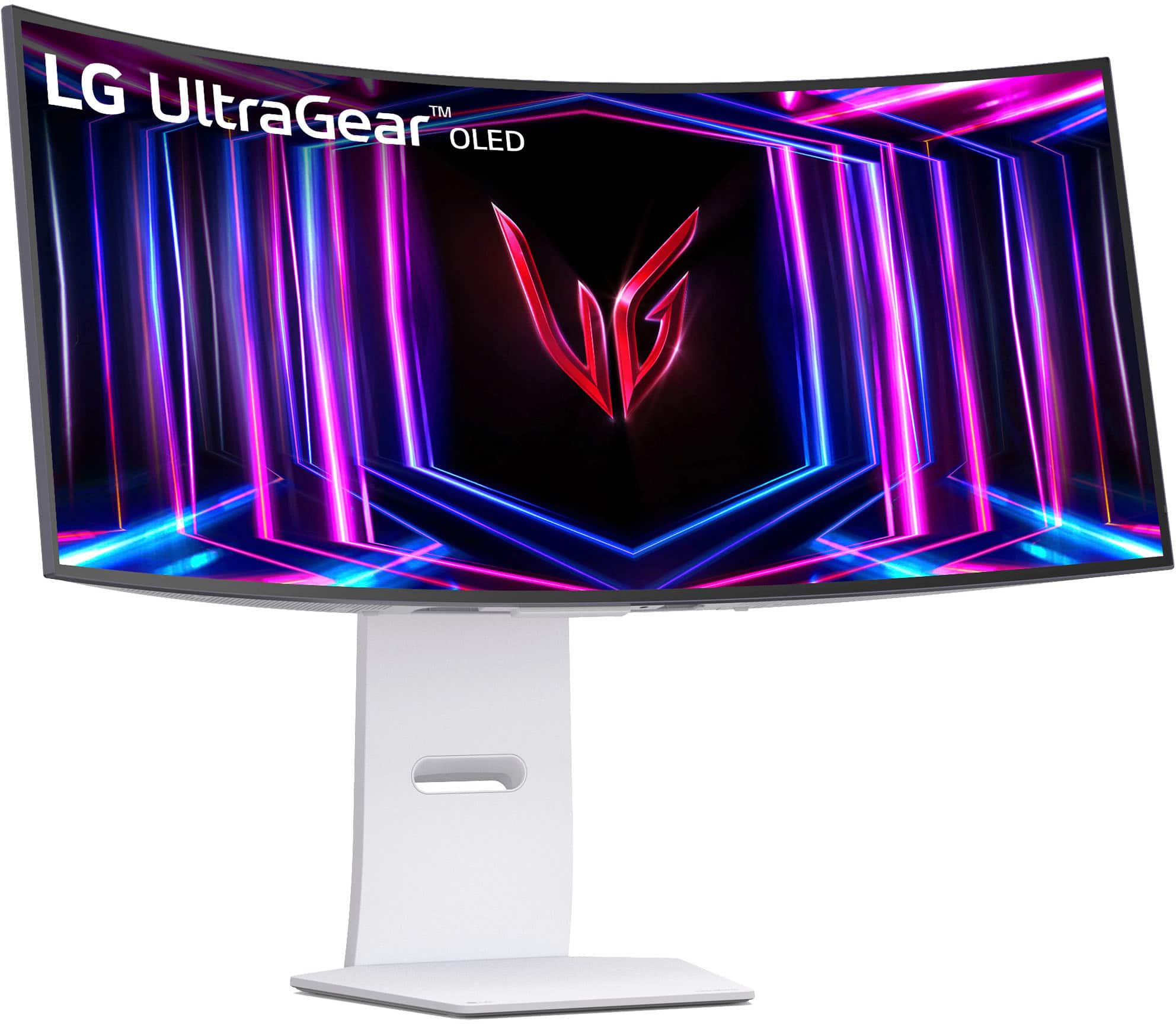
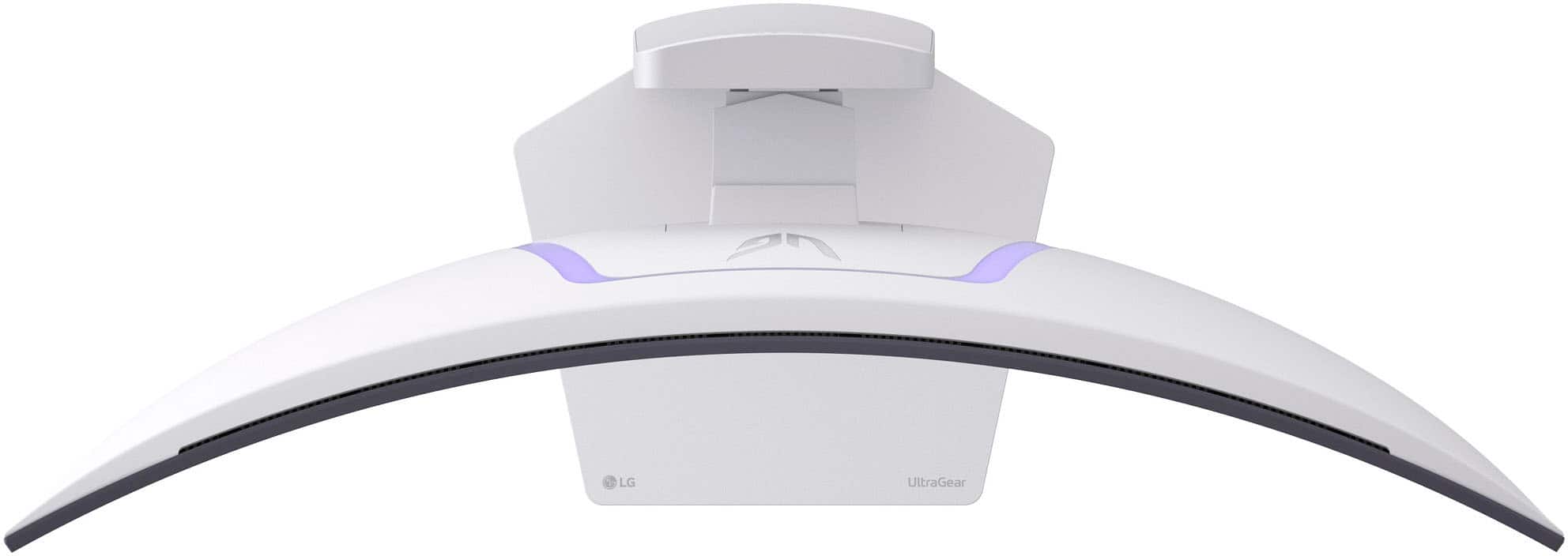
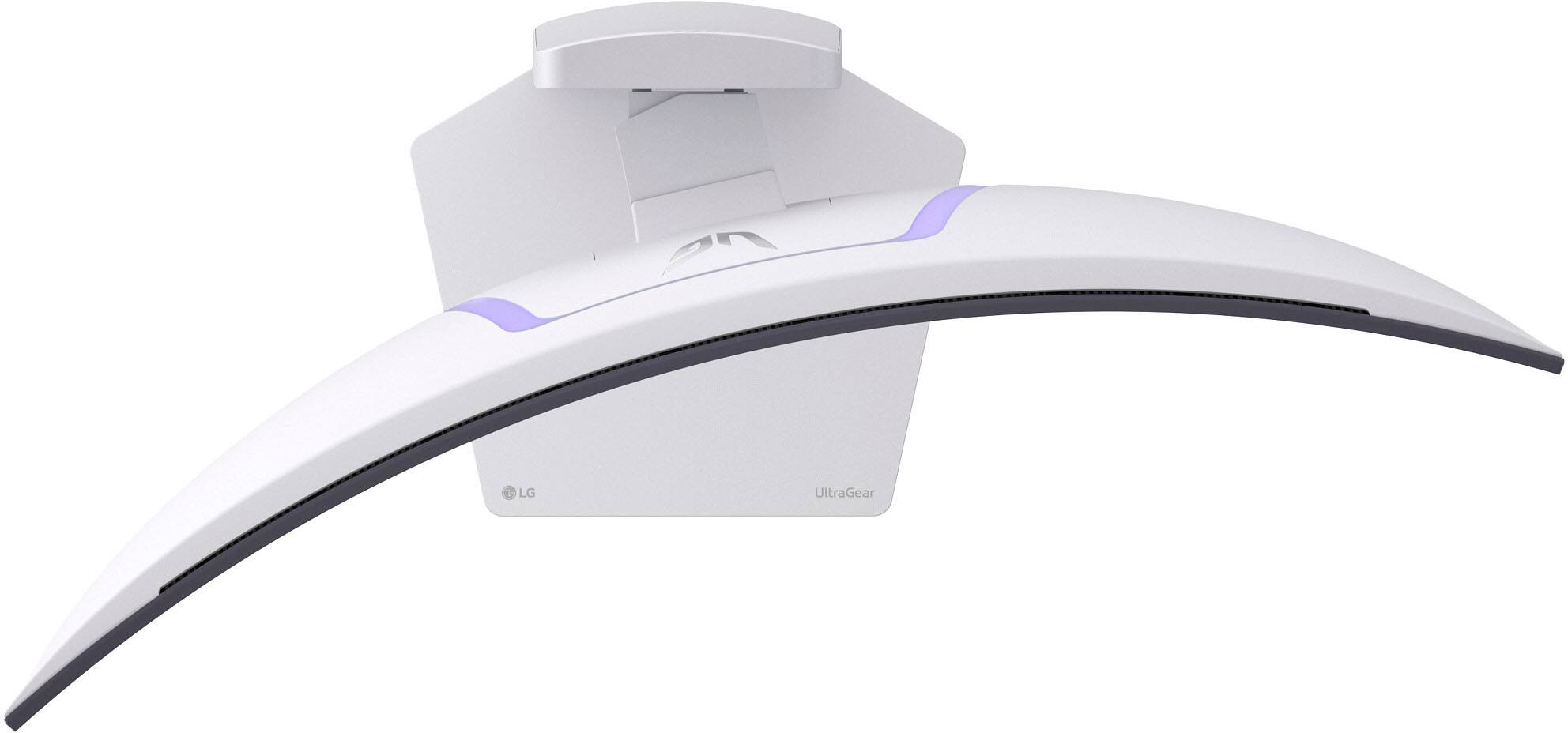
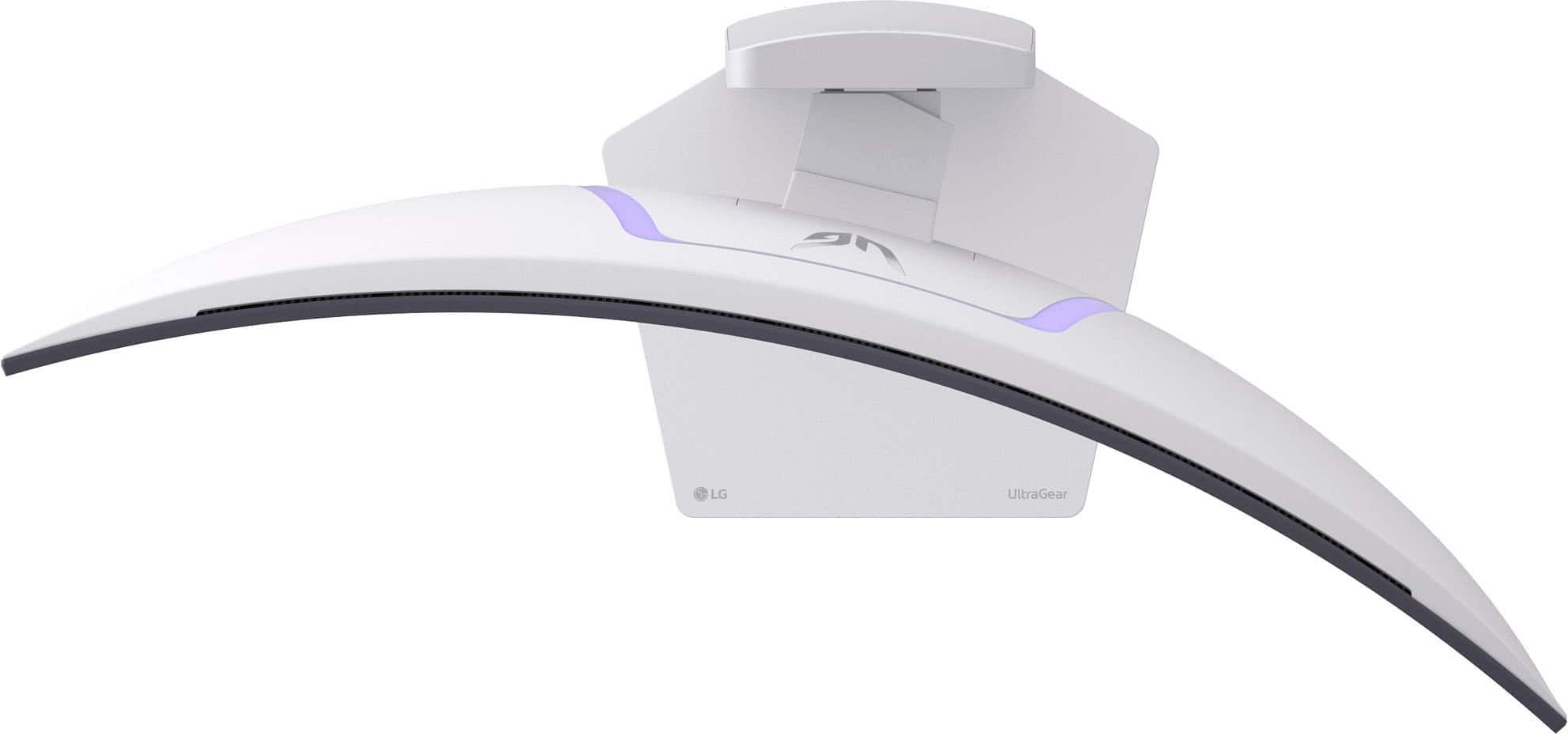
|Posted .This reviewer received promo considerations or sweepstakes entry for writing a review.If you are someone like me who needs a little more desktop space and loves to do some gaming in your free time, I am sure these ultrawide monitors have caught your eye. Out of the box, I can tell you this monitor is beautiful, it just has really good design and will look great anywhere. It is very solidly designed and the base is very sturdy. It is flat on the bottom so you won’t have to deal with multiple legs taking up your valuable desk space. It can raise and lower as well as tilt up and down and side to side. It comes with 2 HDMI 2.1 and 1 DP 1.4 input which should be plenty for most users. You can easily switch between the inputs with a small button on the back of the monitor as well as adjust all your settings. When you turn this thing on for the first time, you will be amazed at how crisp and clear and beautiful the picture looks. It is an OLED screen which means you will get true black and very vivid colors which is perfect for gaming. Not to mention this also has a 240Hz refresh rate which will definitely take your gaming to the next level. The screen also has virtually no glare or reflection and is about as borderless as you can get. I have mine in my home office, so I use it for everyday tasks like browsing the web, watching streaming videos, editing photos and videos and things like that. I have to say it does take a little getting used to if you are coming from a completely flat monitor. But after a couple days your eyes will adjust to it and it will be very comfortable to use, even for prolonged periods of time. I also like to unwind and do some gaming as well. I must tell you; this monitor will immerse you in the game a lot more than a regular flat monitor will. Its hard to describe unless you actually experience it for yourself, but it will give you the feeling like you are in the game, especially if you are able to sit fairly close to the monitor. Combine that with the amazing color of the OLED, the 240Hz refresh rate, and also being compatible with G-Sync and FreeSync and you have just about the perfect gaming monitor! I can say if you are interested or have been on the fence about these curved monitors, I would say they are absolutely worth it! I have used a couple of them before and this one definitely has the best picture quality I have seen!
I would recommend this to a friendLg ultra gear 34
||Posted . Owned for 1 week when reviewed.This reviewer received promo considerations or sweepstakes entry for writing a review.I just upgraded to a 4k display instead of this one
I would recommend this to a friendNot for us
||Posted . Owned for 1 month when reviewed.This reviewer received promo considerations or sweepstakes entry for writing a review.This did not work for us, great screen, but the curve made the visuals look odd.
No, I would not recommend this to a friendBrand response from LG Digital Customer Care
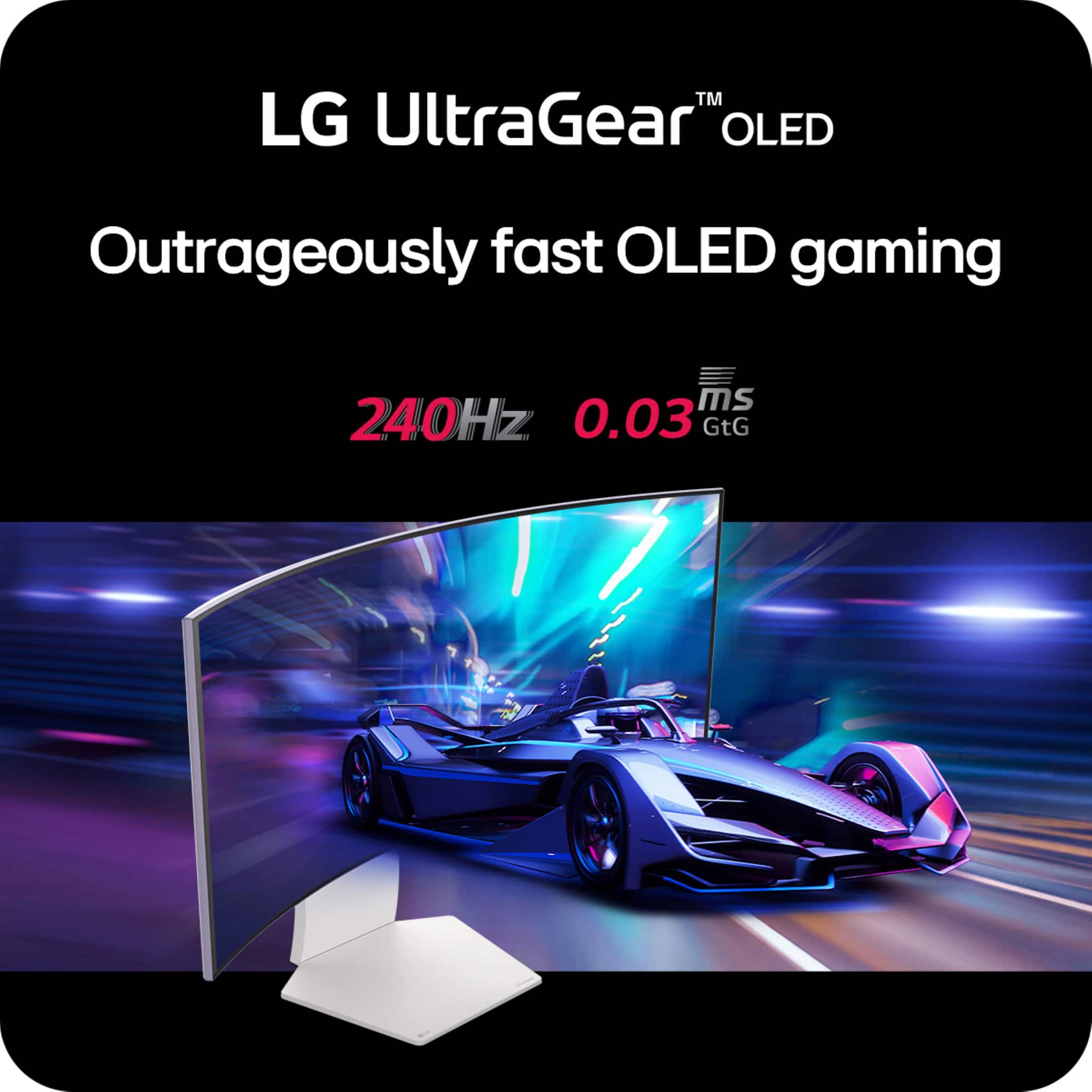
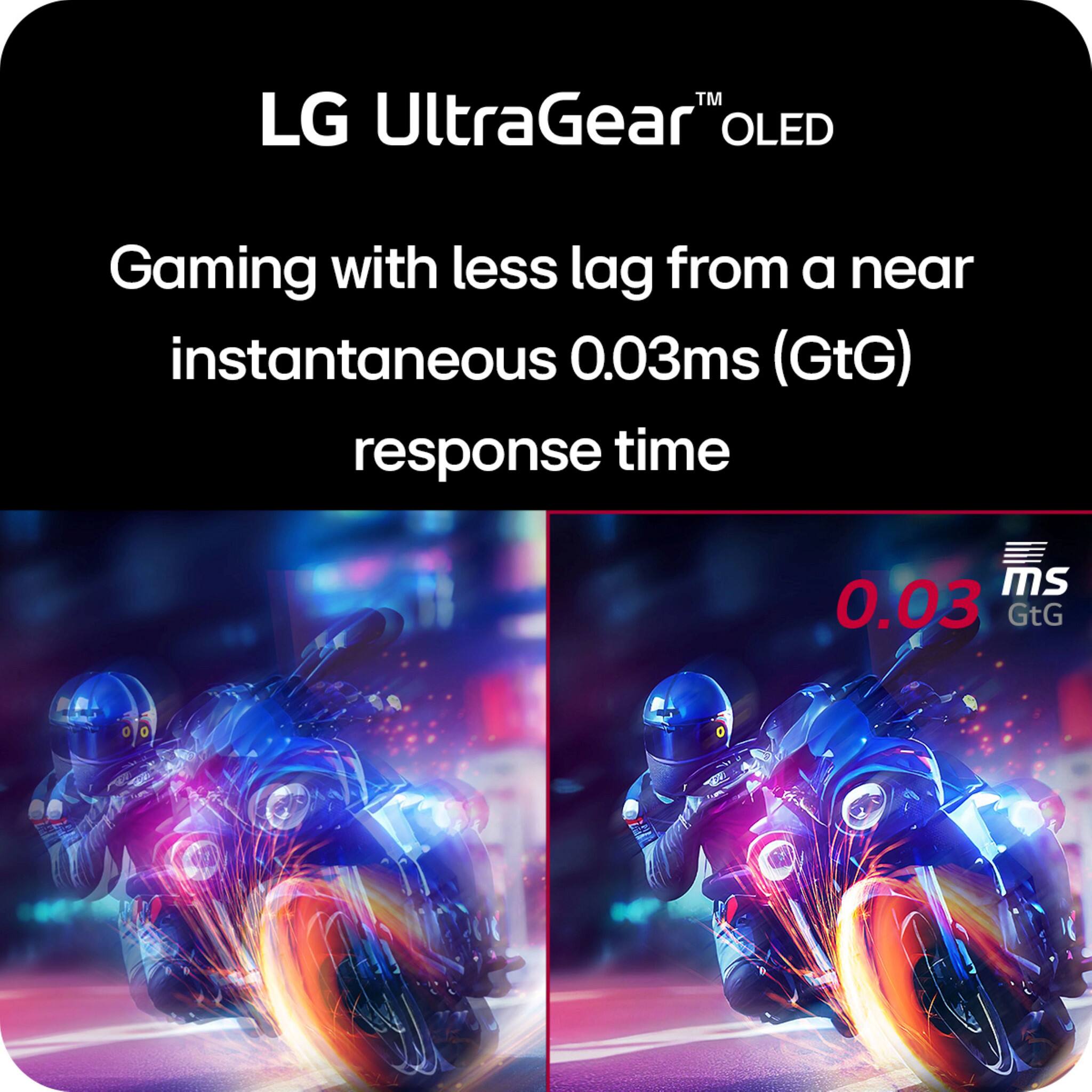
Posted .Hello there, Beck. Thank you for sharing your experience with us. We understand your inquiry regarding the LG UltraGear 34GS95QE-B.AUS OLED Curved Gaming Monitor and that the curve made the visuals look different than expected. The UltraGear 34GS95QE-B.AUS features a 21:9 curved screen designed to provide immersive gameplay with its high refresh rate of 240Hz and ultra-fast 0.03ms response time, but we understand that preferences for curvature can vary.
As a helpful step, you may want to try adjusting the monitor’s position or distance to your seating area to see if it improves the viewing experience, as sometimes small changes in angle or distance can reduce any perceived visual distortion caused by the curve.
https://www.bestbuy.com/site/lg-ultragear-34-oled-curved-wqhd-240hz-0-03ms-freesync-and-nvidia-g-sync-compatible-gaming-monitor-with-hdr400-black/6575399.p?skuId=6575399
We appreciate your feedback, and we encourage you to send us a private message on Social Media @LGUSSupport so our team can further assist you with any additional questions or solutions tailored to your setup. We appreciate your patience. —Renzo
To high price
||Posted . Owned for 3 weeks when reviewed.This reviewer received promo considerations or sweepstakes entry for writing a review.My opinion i buyb the monitor but is not great i returning because the not look like oled
No, I would not recommend this to a friendBrand response from LG Digital Customer Care
Posted .Hi, there. Thank you for sharing your feedback on the LG Monitor (34GS95QE-B) model. We understand your concern about a product that doesn’t meet your expectations. We strive to provide top-notch products that exceed our customer's needs and expectations. While this particular monitor features excellent display quality, it's not an OLED model, which could be the reason it didn’t meet your expectations in terms of vibrancy and contrast. If you're specifically looking for an OLED display, we’d be happy to recommend other models that may better fit your needs.
We recommend completing your return with Best Buy customer service at 888-237-8289, and if you have any further questions or need assistance finding the right product, please feel free to send us a private message on social media @LGUSSupport. We’ll be happy to help guide you through the process and help find the perfect monitor for you. ^Juvy
Horrible customer service
||Posted . Owned for 1 month when reviewed.This reviewer received promo considerations or sweepstakes entry for writing a review.The screen is fine but I wouldn’t recommend Best Buy 2 days later the monitor was reduced 100.00 sent in a price match got no response finally contacted support told me it had been past 15 days.
I would recommend this to a friendBrand response from LG Digital Customer Care
Posted .Hi, Larry. Thank you for sharing your experience with us regarding your LG Monitor (34GS95QE-B) model. We're glad to hear that you're satisfied with the screen itself, but we completely understand your concern with the price match process through Best Buy.
While we can't control the price match policy at Best Buy, we recommend keeping an eye on their future sales to take advantage of any upcoming offers.
If you have any product-related questions or need assistance with the monitor itself, please don’t hesitate to send us a private message on social media @LGUSSupport. We’re always happy to help. ^Juvy
Thank you for your feedback, and we appreciate you choosing LG