Customer Ratings & Reviews







- Model:
- 45GR95QE
- SKU:
- 6530356
Rating by feature
- Display Quality
Rating 4.8 out of 5 stars
- Ease of Use
Rating 4.8 out of 5 stars
- Features
Rating 4.8 out of 5 stars
Customers are saying
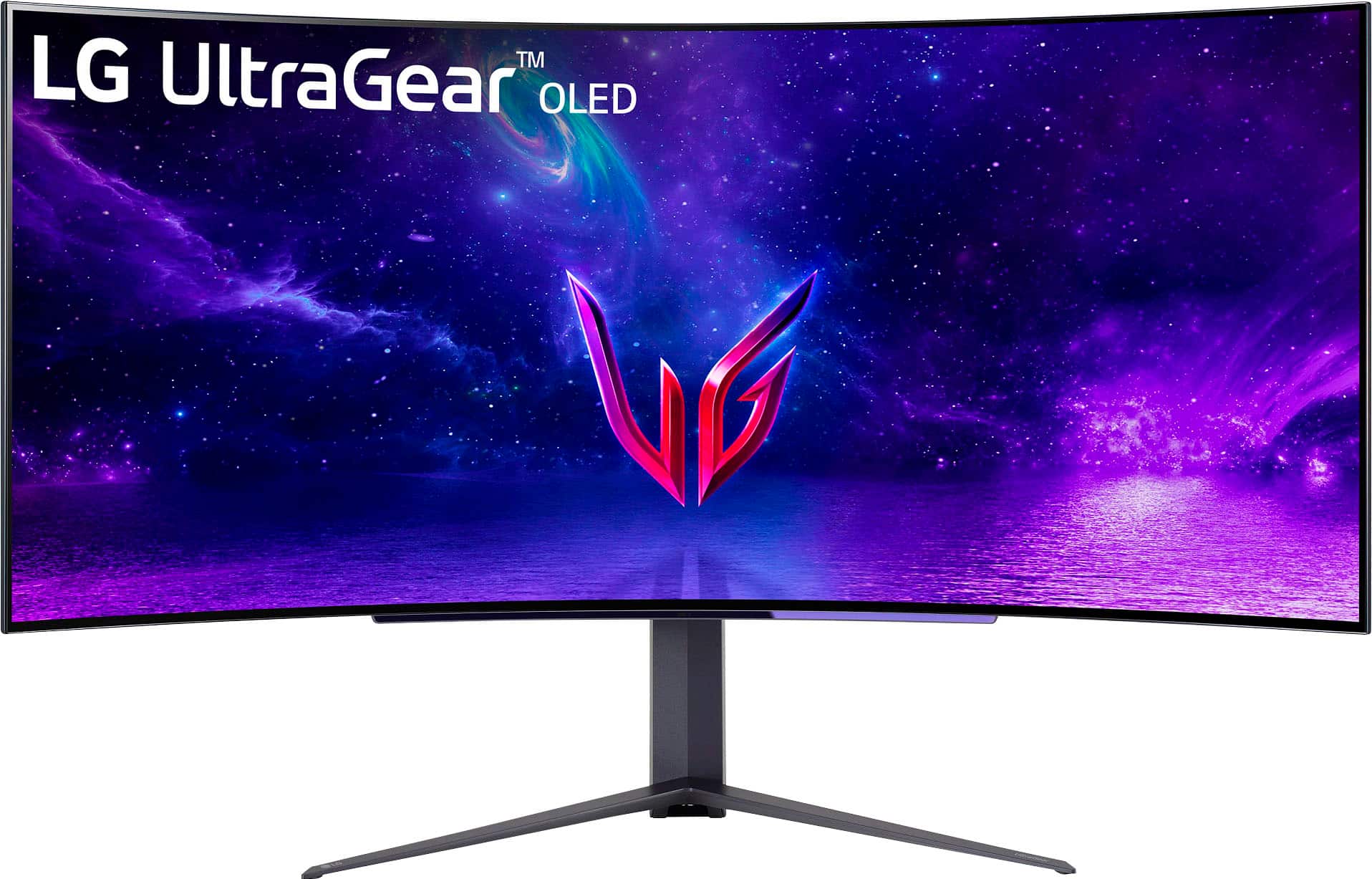
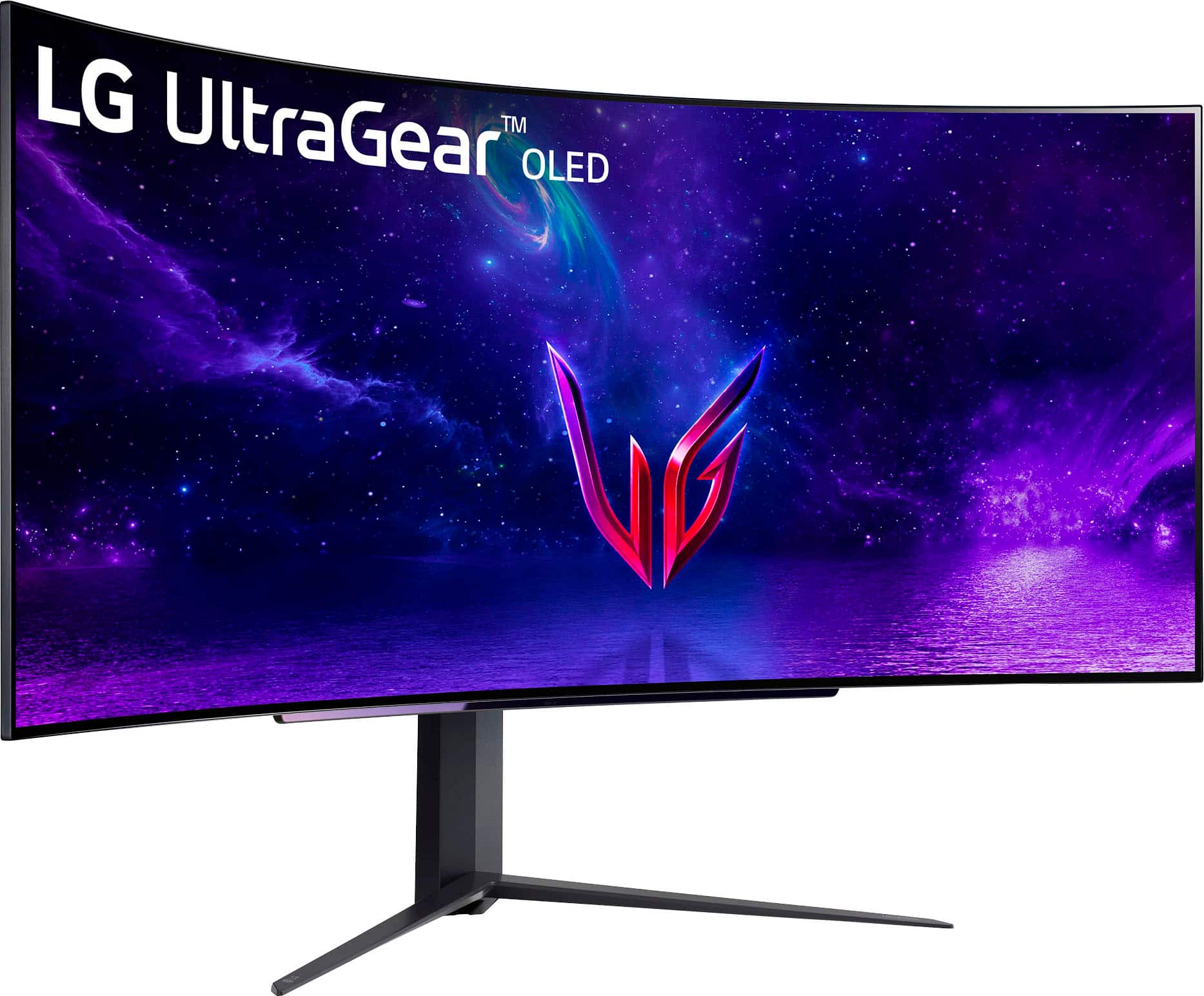
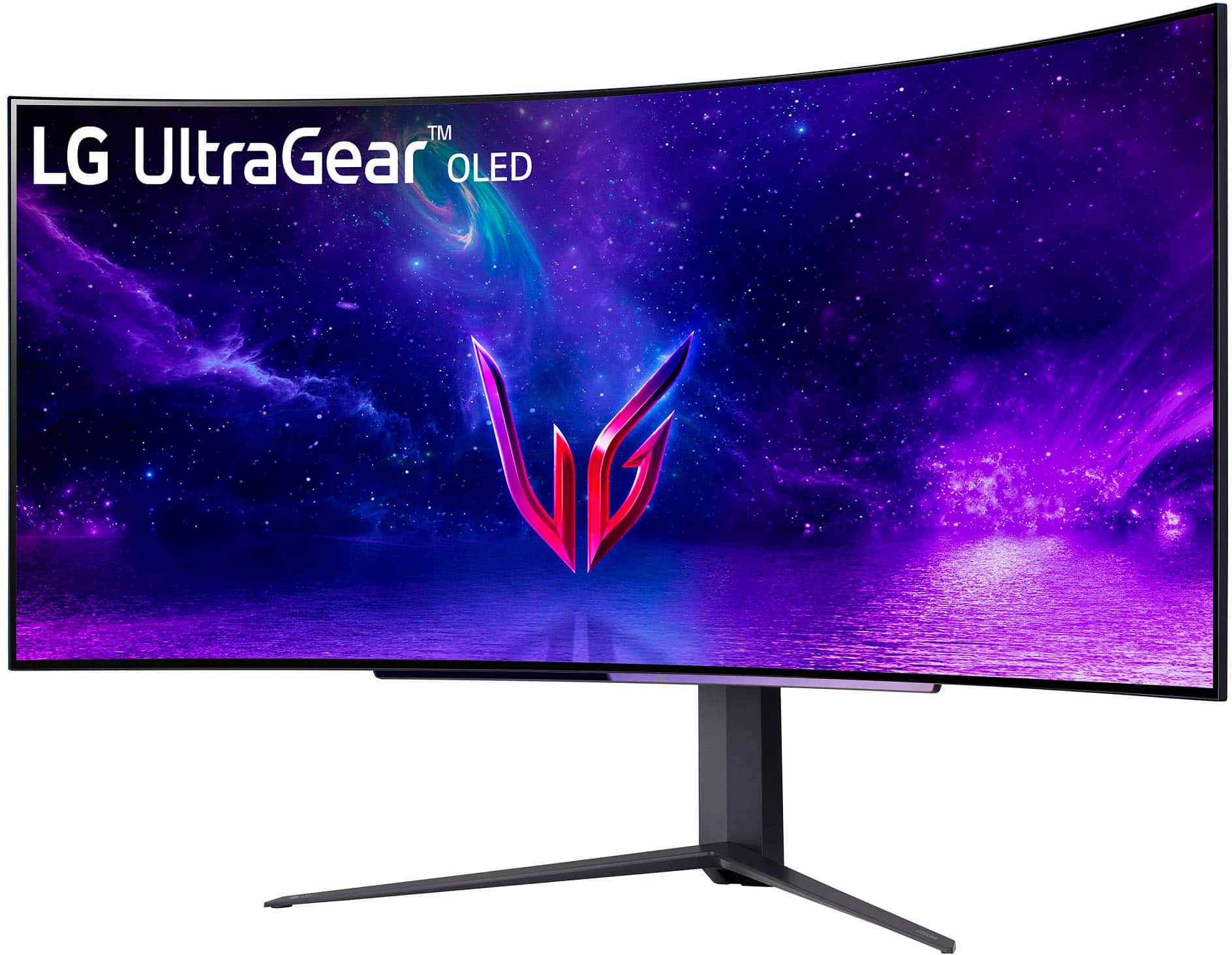
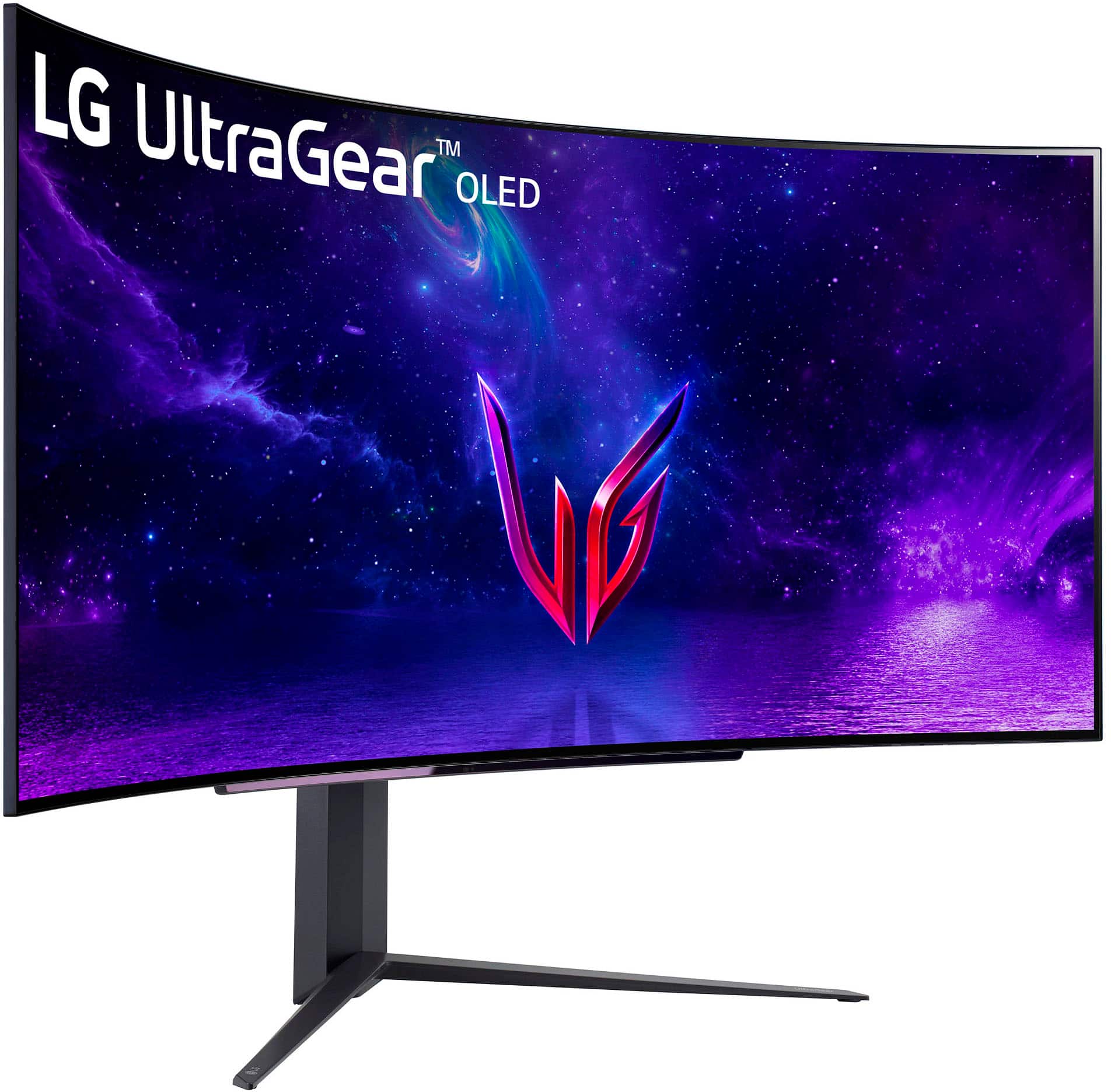
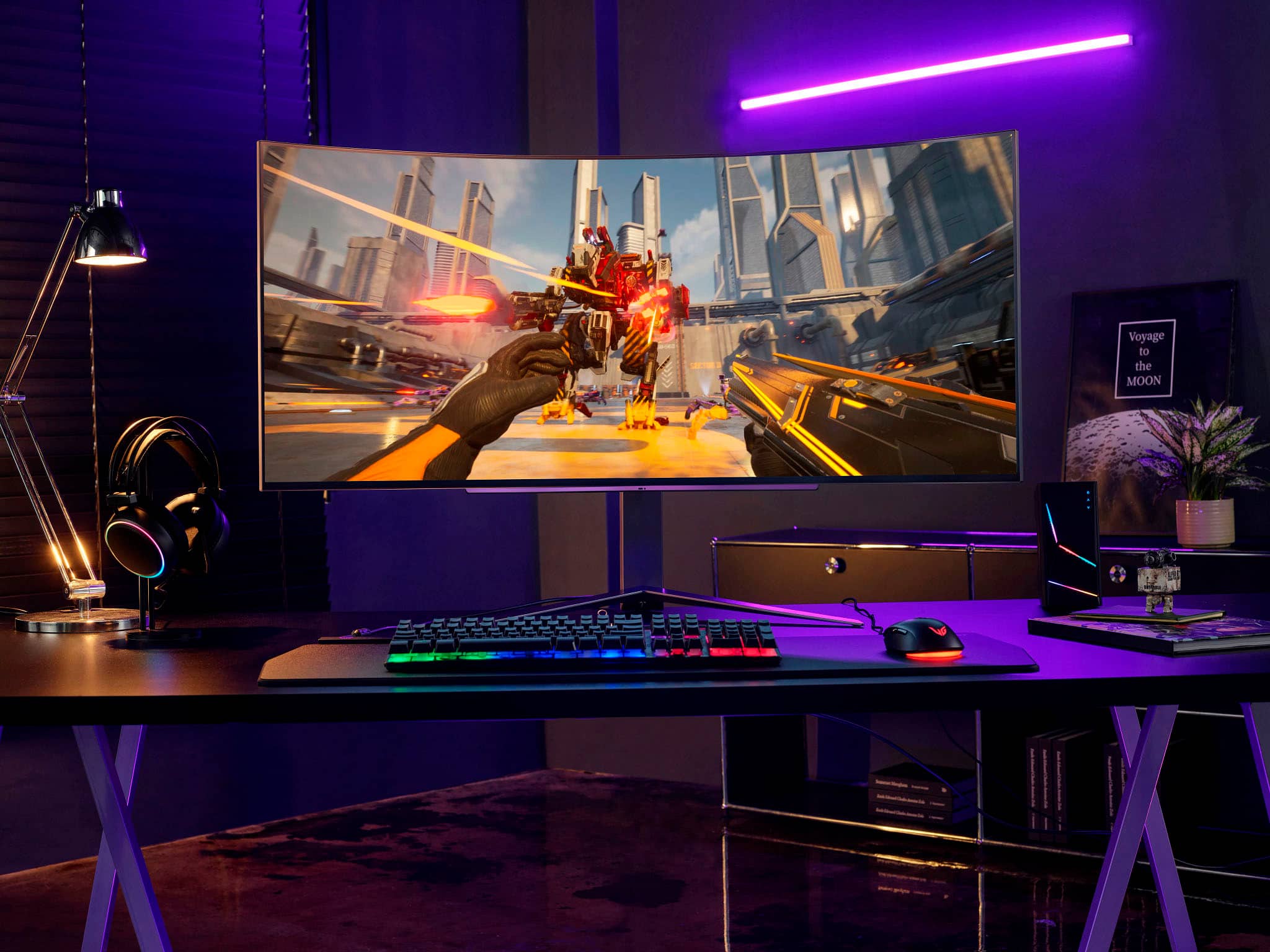
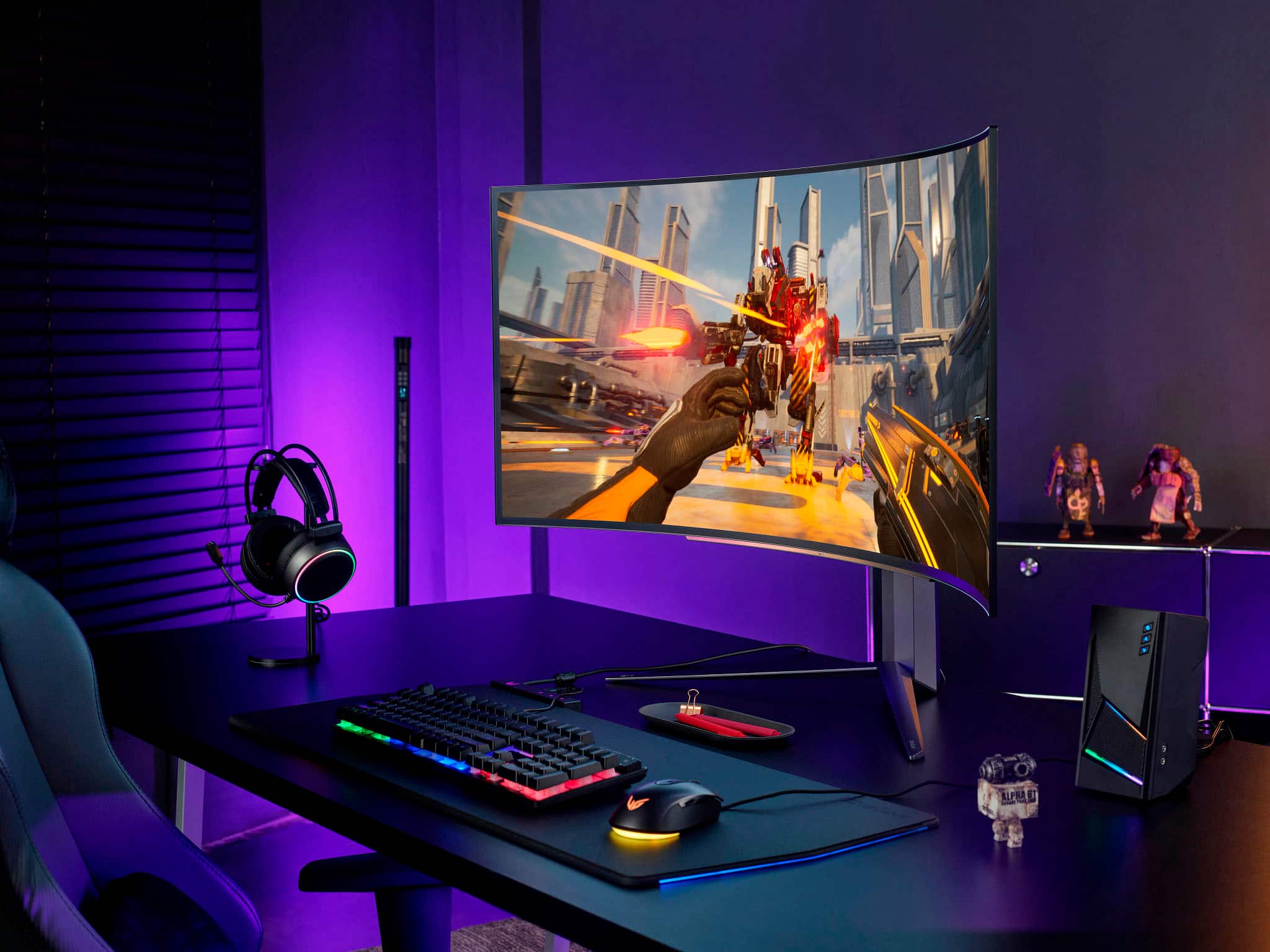
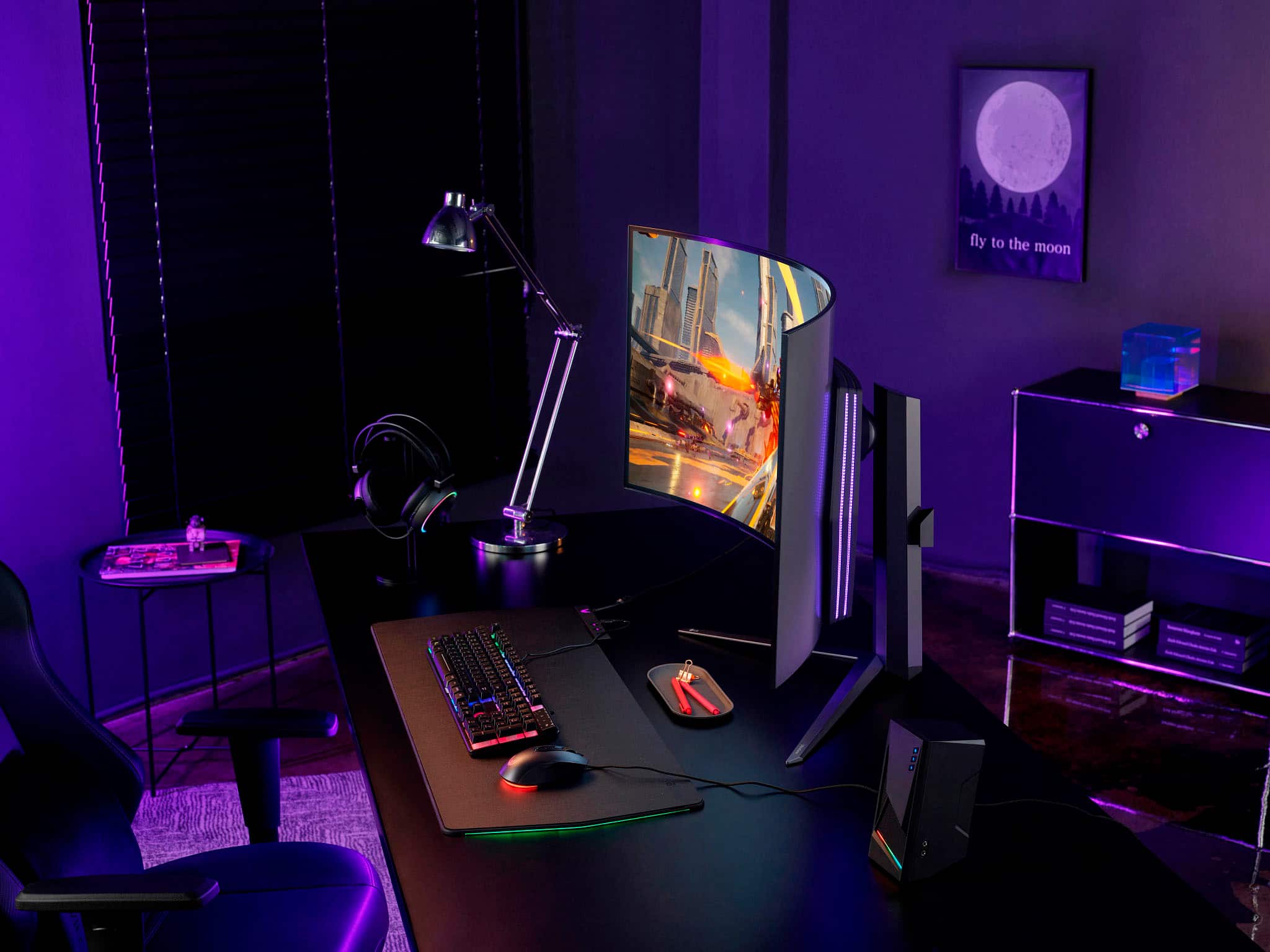
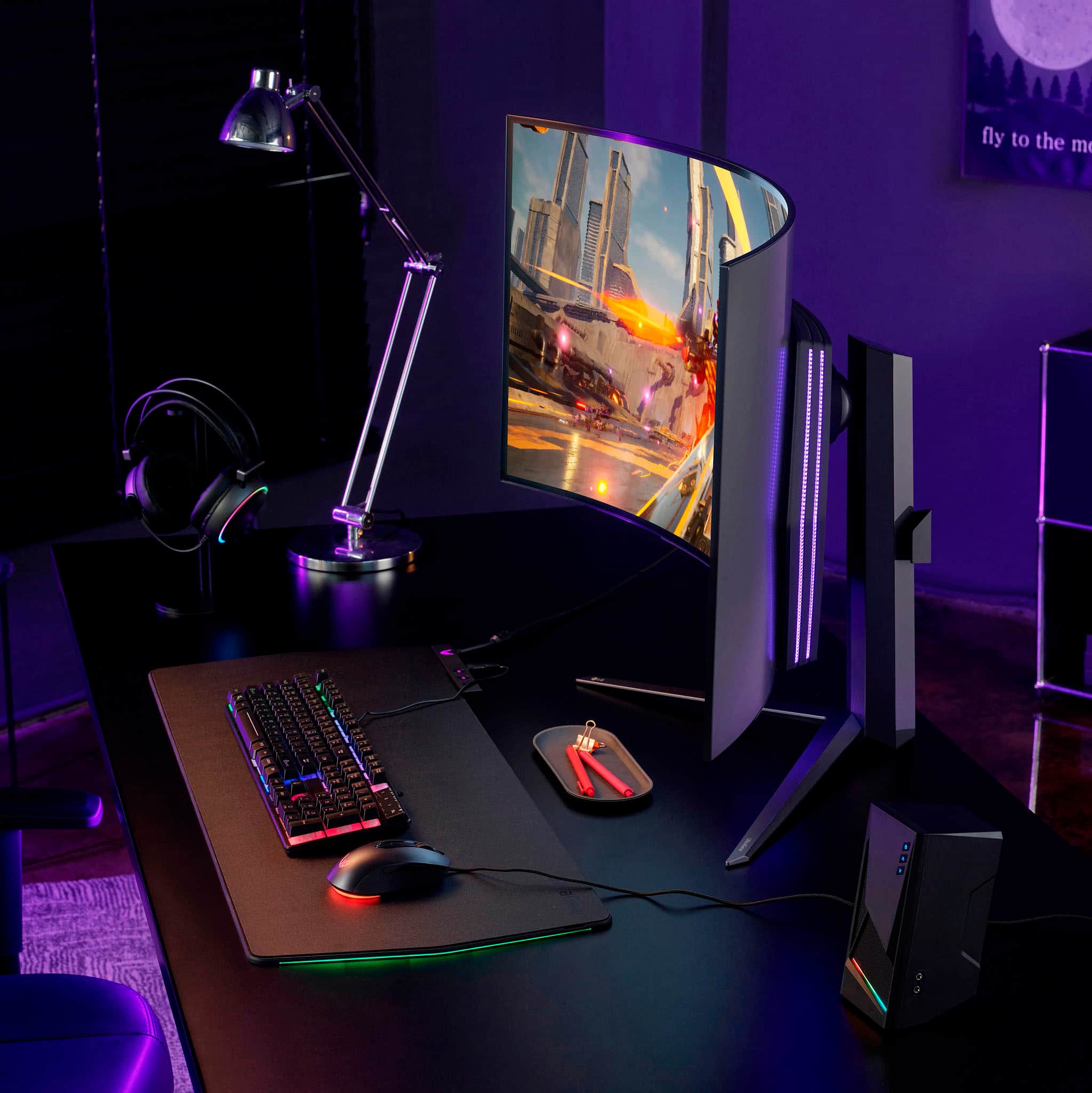
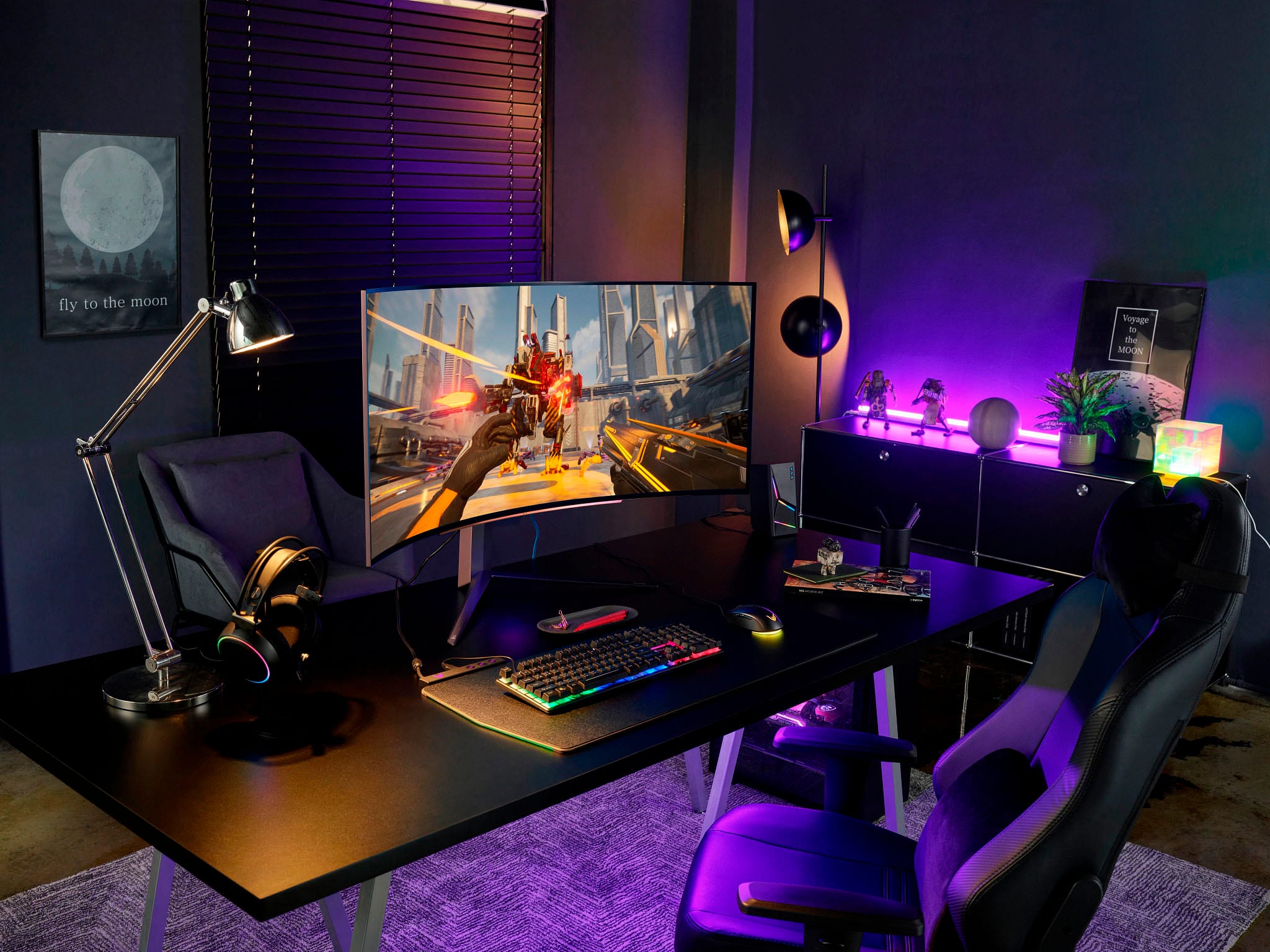
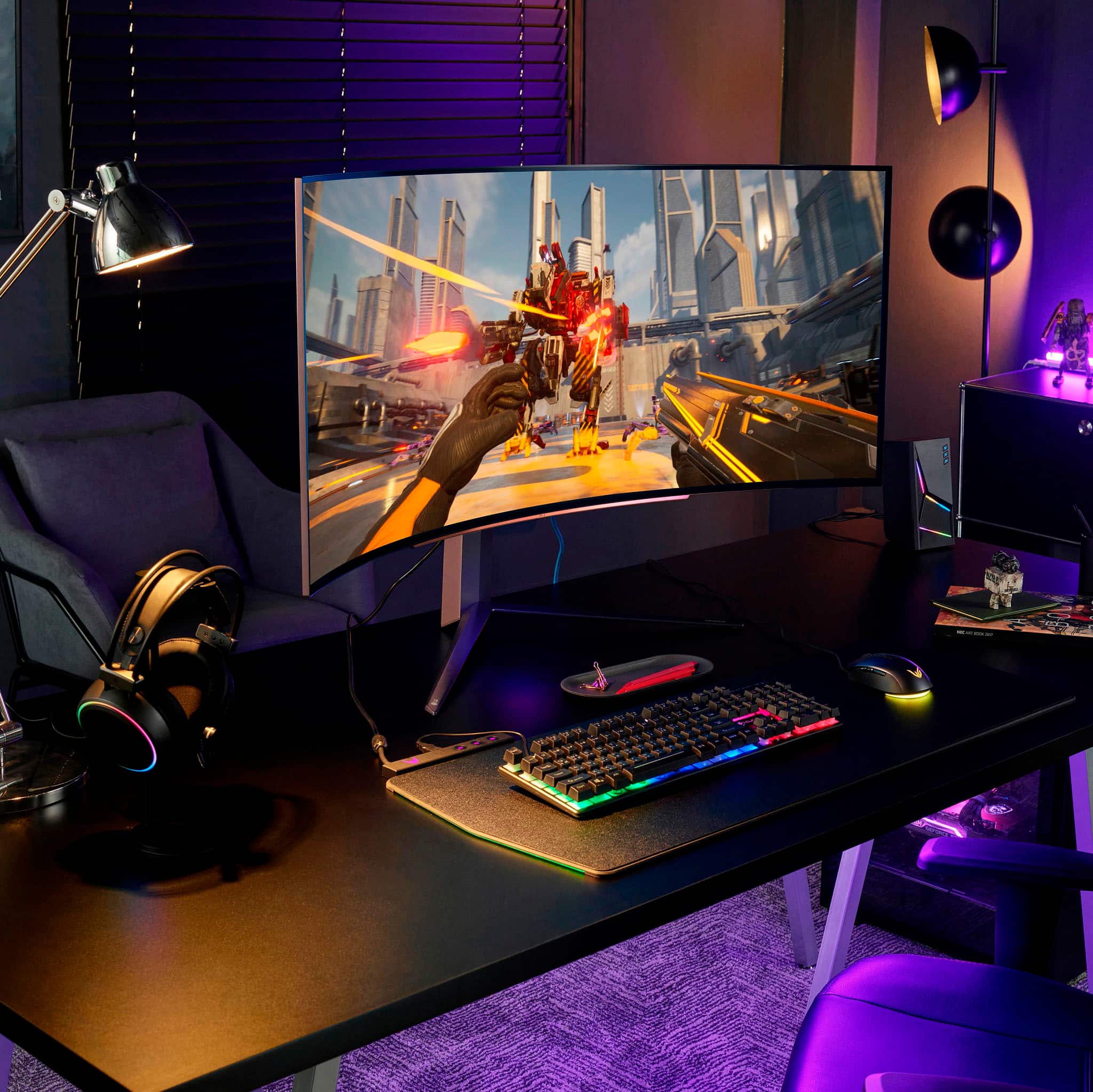
Customers admire the UltraGear 45” OLED monitor's expansive screen size, incredibly smooth refresh rate, and immersive curved design, praising the OLED technology for its vibrant colors and deep blacks. However, some users note concerns regarding text clarity and the relatively high price point. A few also mention the monitor stand's size and the lack of built-in speakers.
This summary was generated by AI based on customer reviews.
Deep curve
||Posted . Owned for 1 month when reviewed.This reviewer received promo considerations or sweepstakes entry for writing a review.Awesome monitor. Awesome display. Best display I’ve ever purchased.
I would recommend this to a friendExpensive but I love it
||Posted . Owned for 1 week when reviewed.This reviewer received promo considerations or sweepstakes entry for writing a review.This is the most amazing monitor I have seen and used for my gaming
I would recommend this to a friendBuy it, you wont regret it.
||Posted . Owned for 1 month when reviewed.This reviewer received promo considerations or sweepstakes entry for writing a review.This monitor is a beast! Feel very lucky to have it.
I would recommend this to a friendLG ultra gear monitor
||Posted . Owned for 1 month when reviewed.This reviewer received promo considerations or sweepstakes entry for writing a review.Great quality, great refresh rate, gorgeous picture. Highly recommend
I would recommend this to a friendGreat
||Posted . Owned for 3 weeks when reviewed.This reviewer received promo considerations or sweepstakes entry for writing a review.Good quality picture, easy to assemble and not heavy
I would recommend this to a friendRecommend
||Posted . Owned for 1 month when reviewed.This reviewer received promo considerations or sweepstakes entry for writing a review.Awesome!!!!!!!!!!!!!!!!!!!!!!!!!!!!!!!!!!!!!!!!!!!
I would recommend this to a friendGreat screen
||Posted . Owned for 3 weeks when reviewed.This reviewer received promo considerations or sweepstakes entry for writing a review.Nice screen great for movies and gaming. Best in dark dem rooms.
I would recommend this to a friendAmazing
||Posted . Owned for 2 weeks when reviewed.This reviewer received promo considerations or sweepstakes entry for writing a review.It's an amazing monitor the only problem Is the resolution.
I would recommend this to a friendGreat monitor
||Posted . Owned for 2 months when reviewed.This reviewer received promo considerations or sweepstakes entry for writing a review.This thing is beyond and it’s so beautiful I had to have it
I would recommend this to a friendGood for games
||Posted . Owned for 2 months when reviewed.This reviewer received promo considerations or sweepstakes entry for writing a review.Good focus and never tiered Looks good design good for game
I would recommend this to a friendAwesome Monitor
||Posted . Owned for 2 weeks when reviewed.This reviewer received promo considerations or sweepstakes entry for writing a review.This monitor looks amazing thanks to oled technology
I would recommend this to a friendIncredible For Gaming
||Posted . Owned for less than 1 week when reviewed.This reviewer received promo considerations or sweepstakes entry for writing a review.Curve Screen is amazing. Very Immersive !!! I love it
I would recommend this to a friendGreat Purchase
||Posted . Owned for 3 weeks when reviewed.This reviewer received promo considerations or sweepstakes entry for writing a review.Fantastic monitor worth the money makes a great work monitor as well.
I would recommend this to a friendAwesome monitor!!!
||Posted .This reviewer received promo considerations or sweepstakes entry for writing a review.I’m play a lot of games, and this monitor Game Changer!Awesome monitor!!!
I would recommend this to a friendLG UltraGear 45
||Posted . Owned for 1 month when reviewed.This reviewer received promo considerations or sweepstakes entry for writing a review.Great monitor, beautiful colors and love the pbp and pip features.
I would recommend this to a friendNeeds BRIGHTNESS
||Posted . Owned for 8 months when reviewed.This reviewer received promo considerations or sweepstakes entry for writing a review.Not as bright as I expected. But other than that this monitor is amazing.
I would recommend this to a friendDied after 13 months
||Posted . Owned for 1 year when reviewed.This reviewer received promo considerations or sweepstakes entry for writing a review.I love this monitor! I was so excited when I got it. While it worked it was an amazing experience! Really immersive! 240 Hz and the oled picture quality cannot be beat. I've had it for 13 months and without a warning it just won't display anything anymore. It "turns on" and the lights on the back light up, but there is no picture and nothing shows up on the display anymore not even monitor menus. It is completely dead. I contacted LG and they told me to send it in for repairs. I told them I cannot be without a monitor I am using it for work as well. They didn't care. Horrible experience. I bought the extra warranty from Best Buy and I am hoping they will take care of me, as they have done in the past.
No, I would not recommend this to a friendBrand response from LG Digital Customer Care
Posted .Hi, Peter. Thank you for providing feedback on your LG Monitor (45GR95QE-B) model. We're sorry to hear about the unexpected issue you encountered after enjoying the monitor's exceptional performance for 13 months. We aim to give great service and make sure our customers have a smooth and seamless experience. Your feedback matters to us, and we'll pass on your comments to our support and quality teams to improve our products and service. If you need more help, please reach out to us on social media @LGUSSupport. ^Juvy

Pretty dope
||Posted . Owned for 1 month when reviewed.This reviewer received promo considerations or sweepstakes entry for writing a review.This monitor is nice and worth the money if it’s on sale. Make the set up look fantastic
I would recommend this to a friendStreamer
||Posted . Owned for 2 weeks when reviewed.This reviewer received promo considerations or sweepstakes entry for writing a review.4 star cause the open box was missing the cables but had the power cable. Great product love it for the stream
I would recommend this to a friend
Blown Away - Amazing OLED Panel
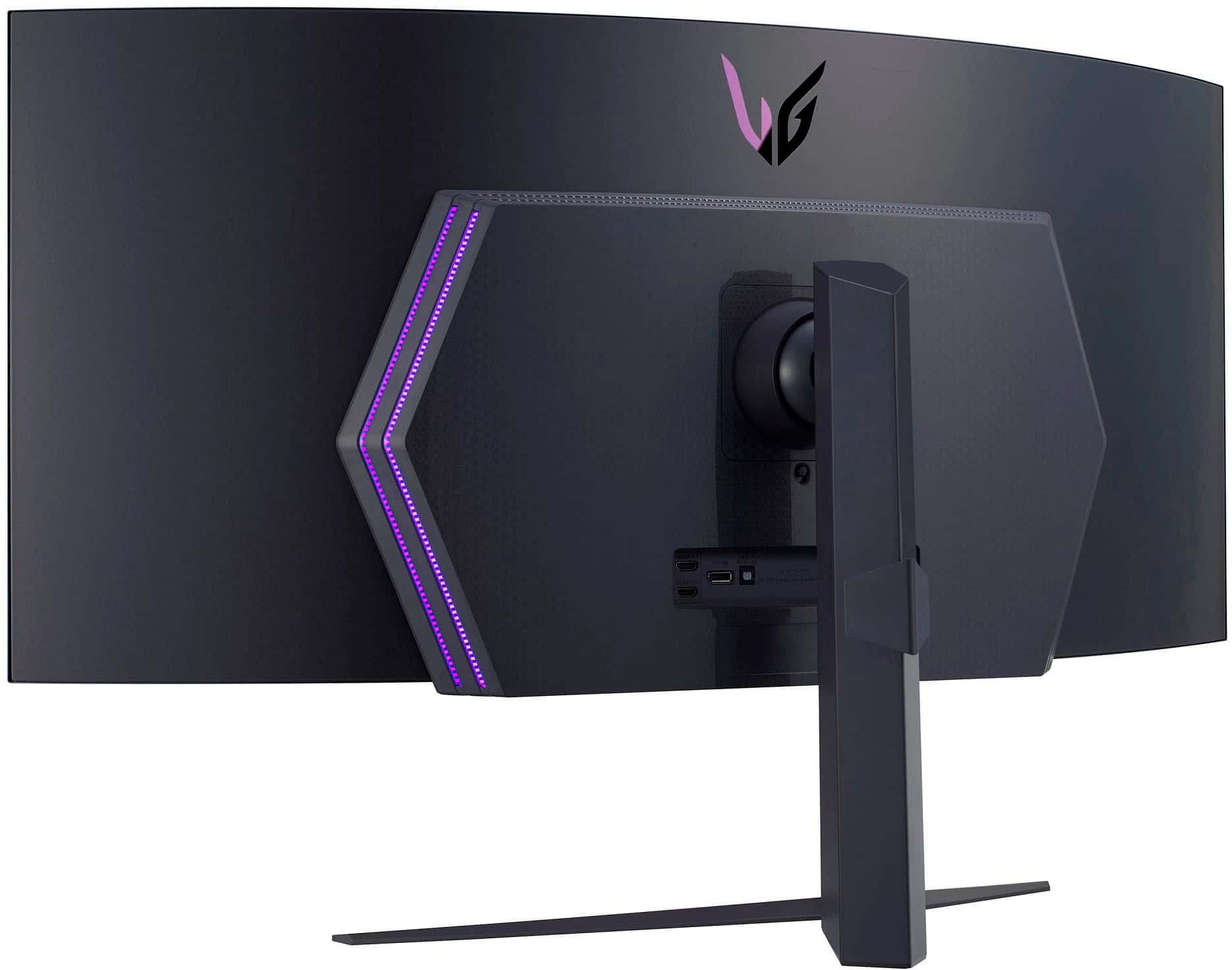
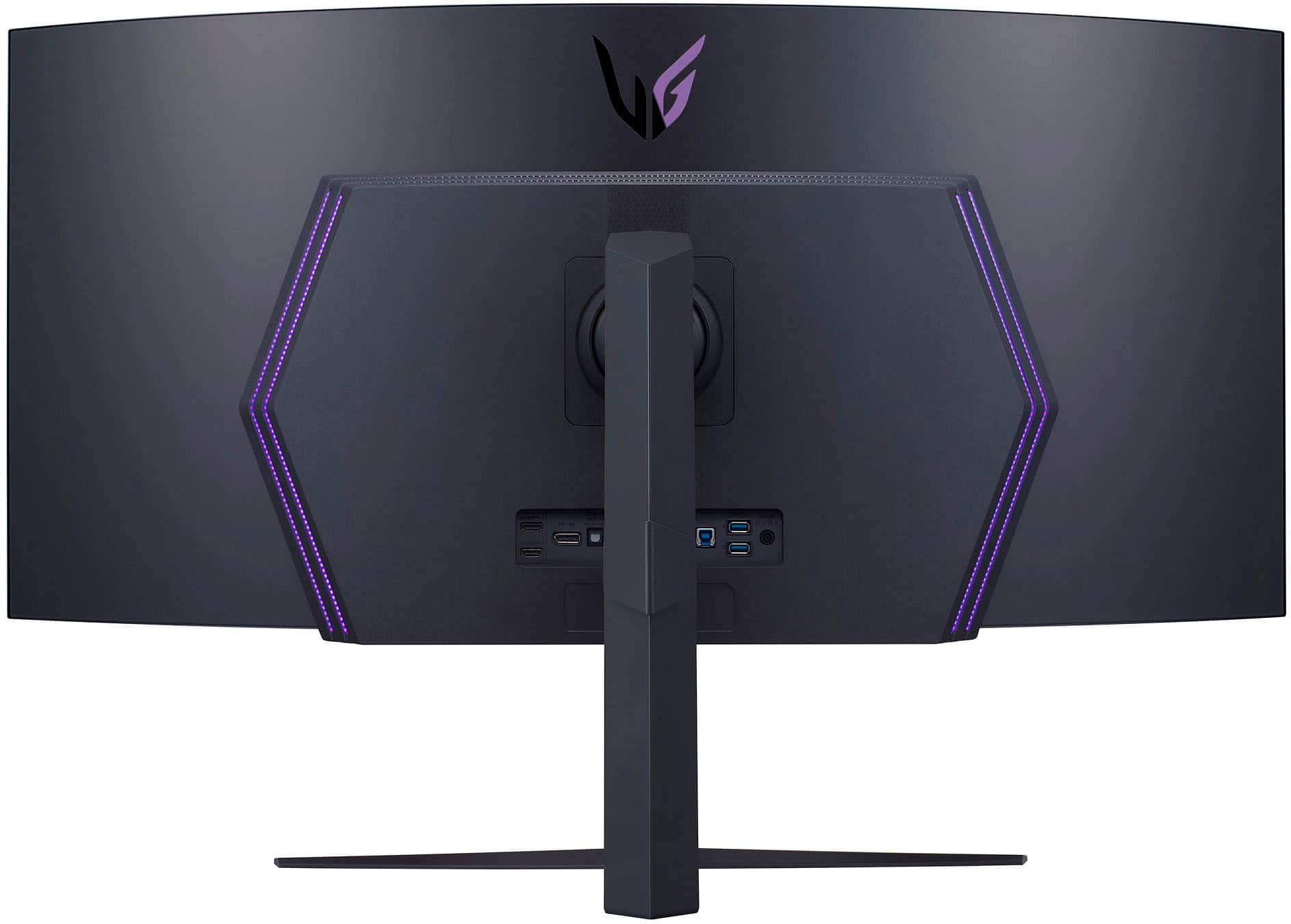
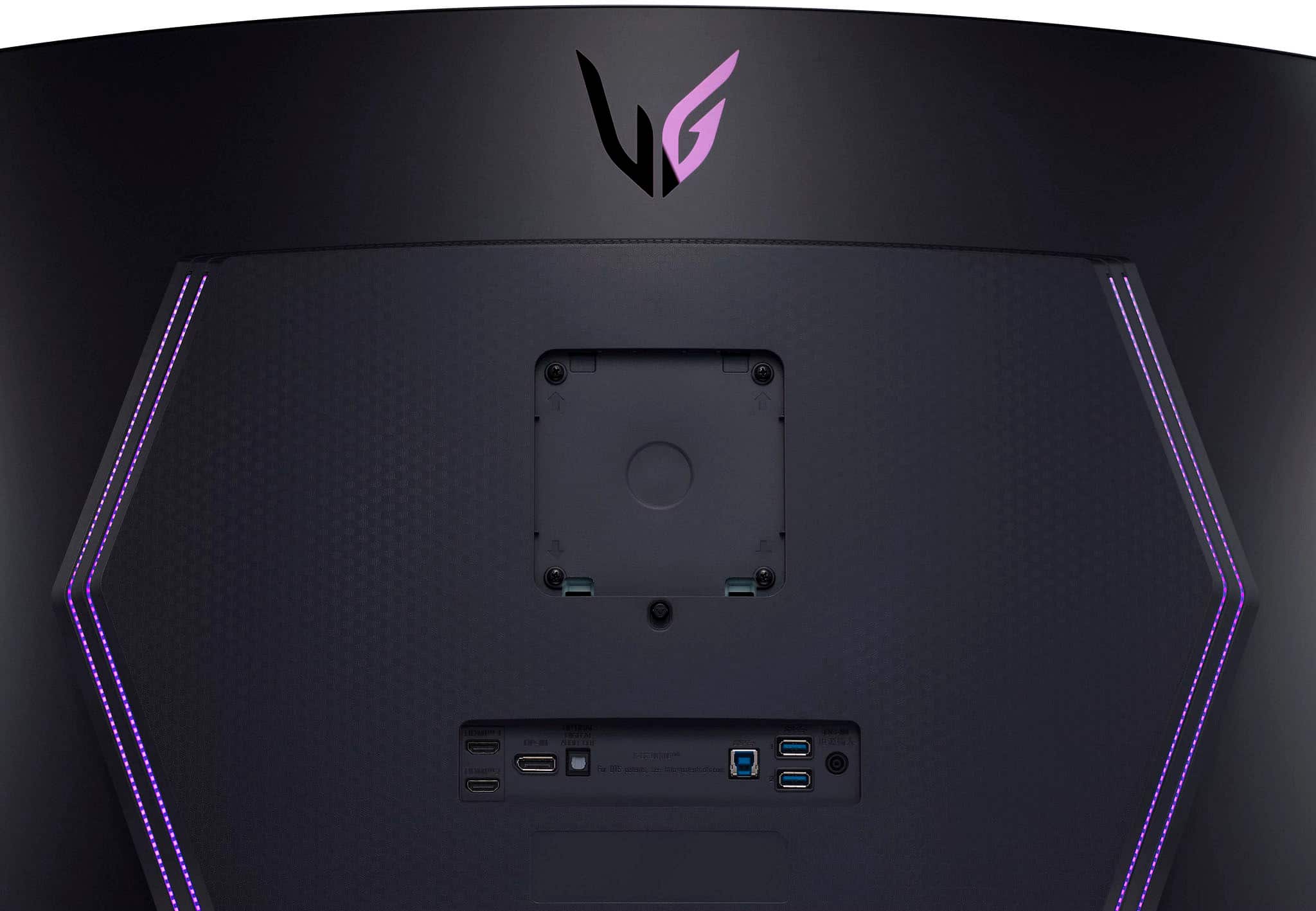
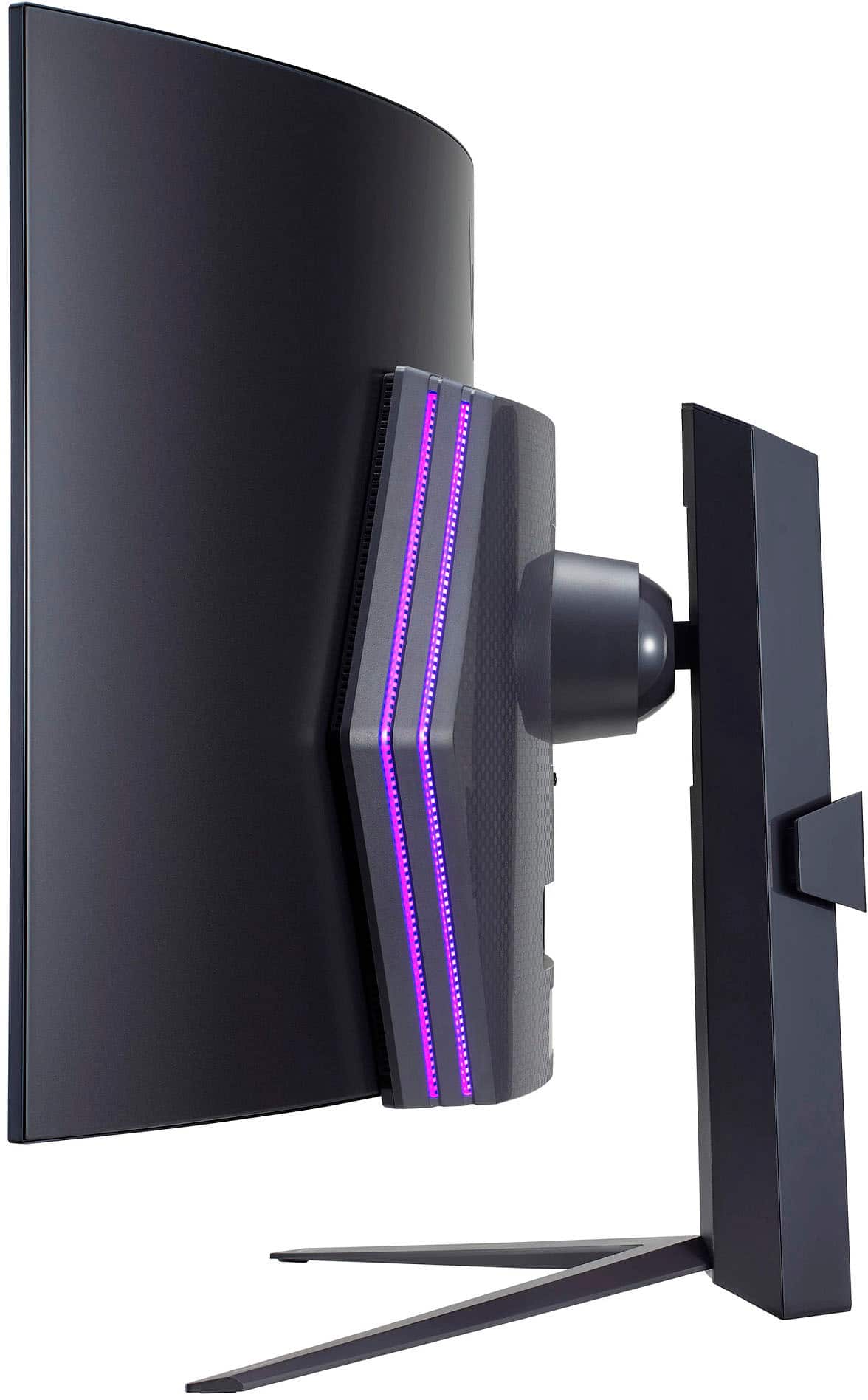
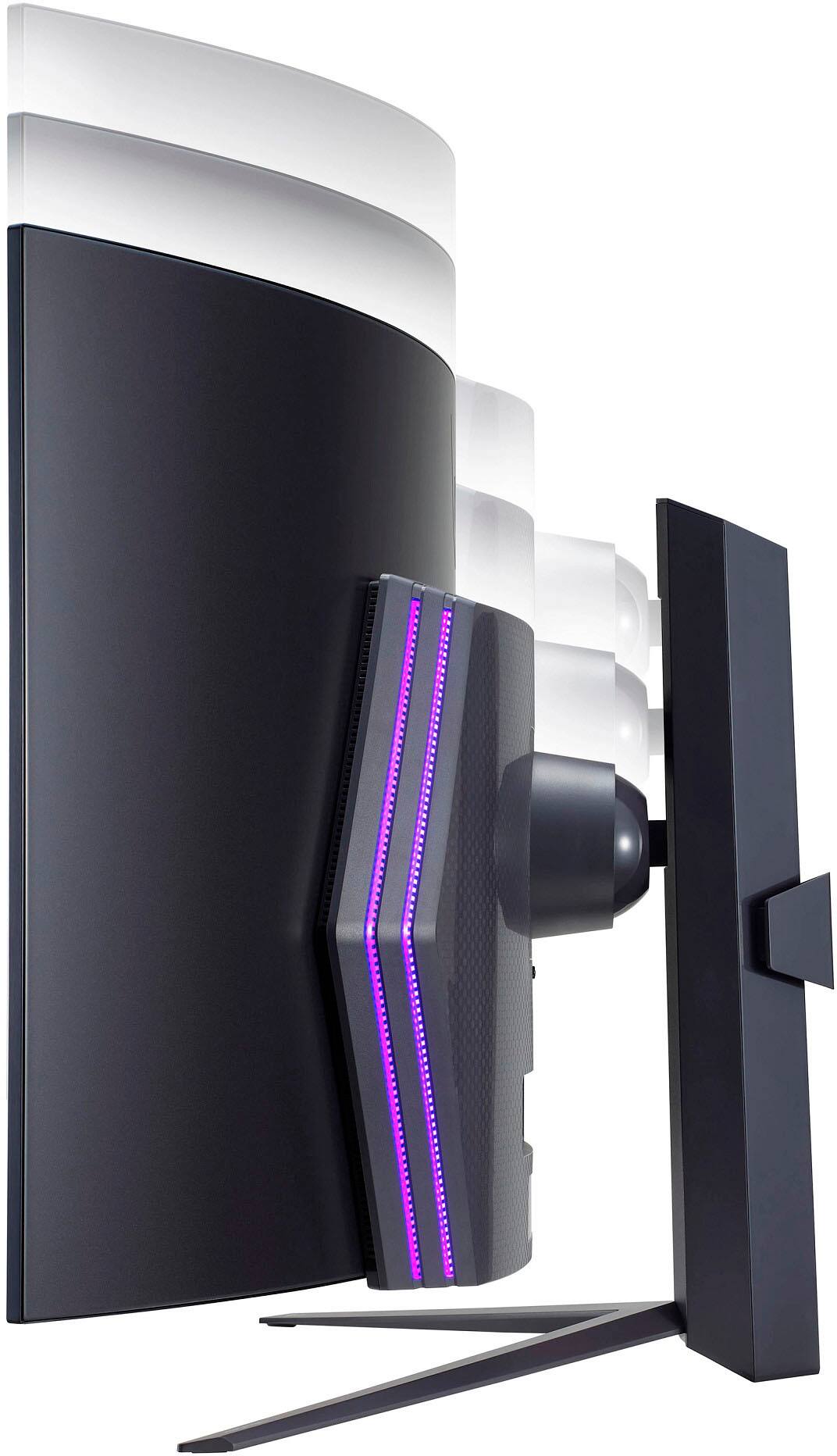
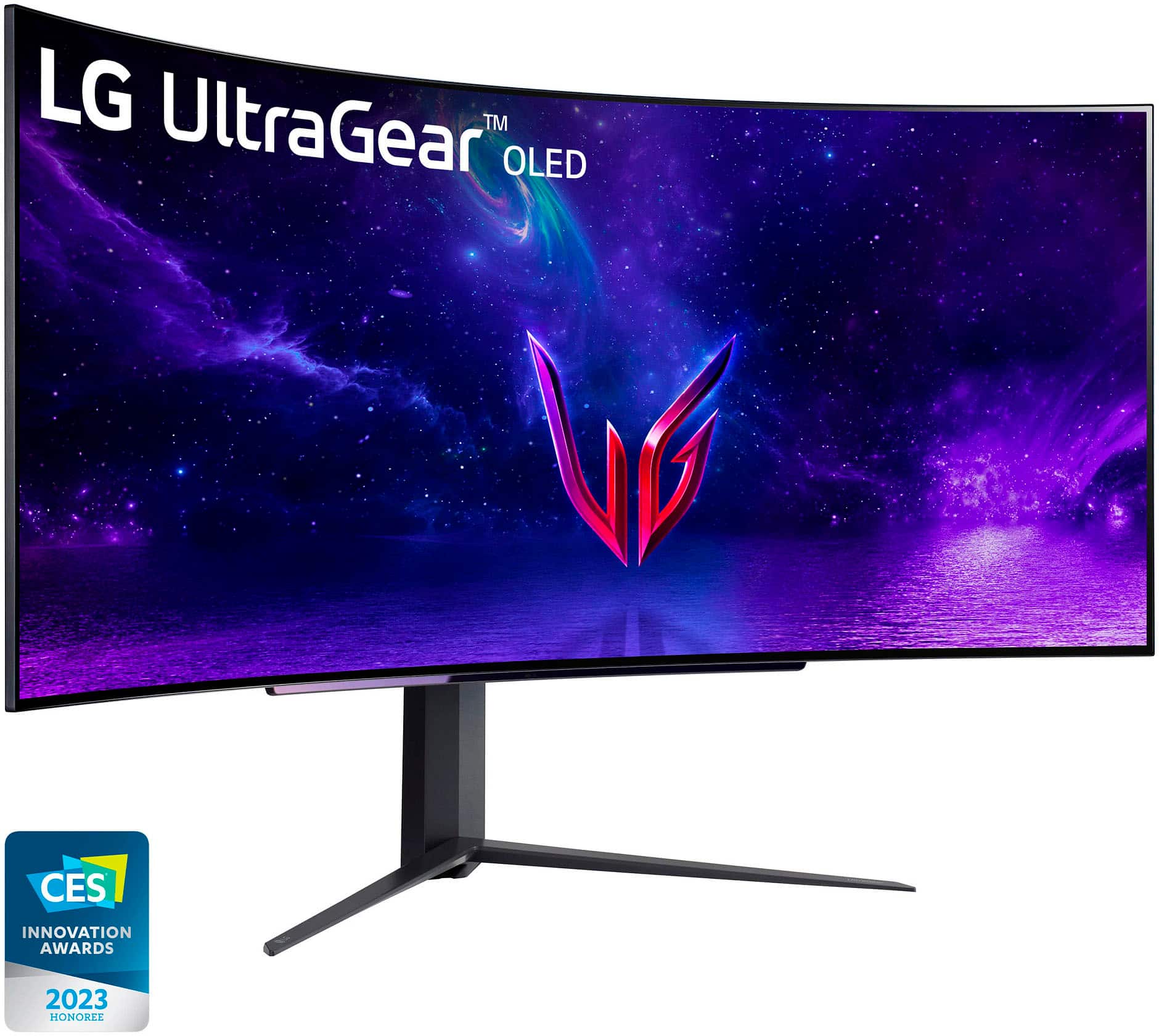
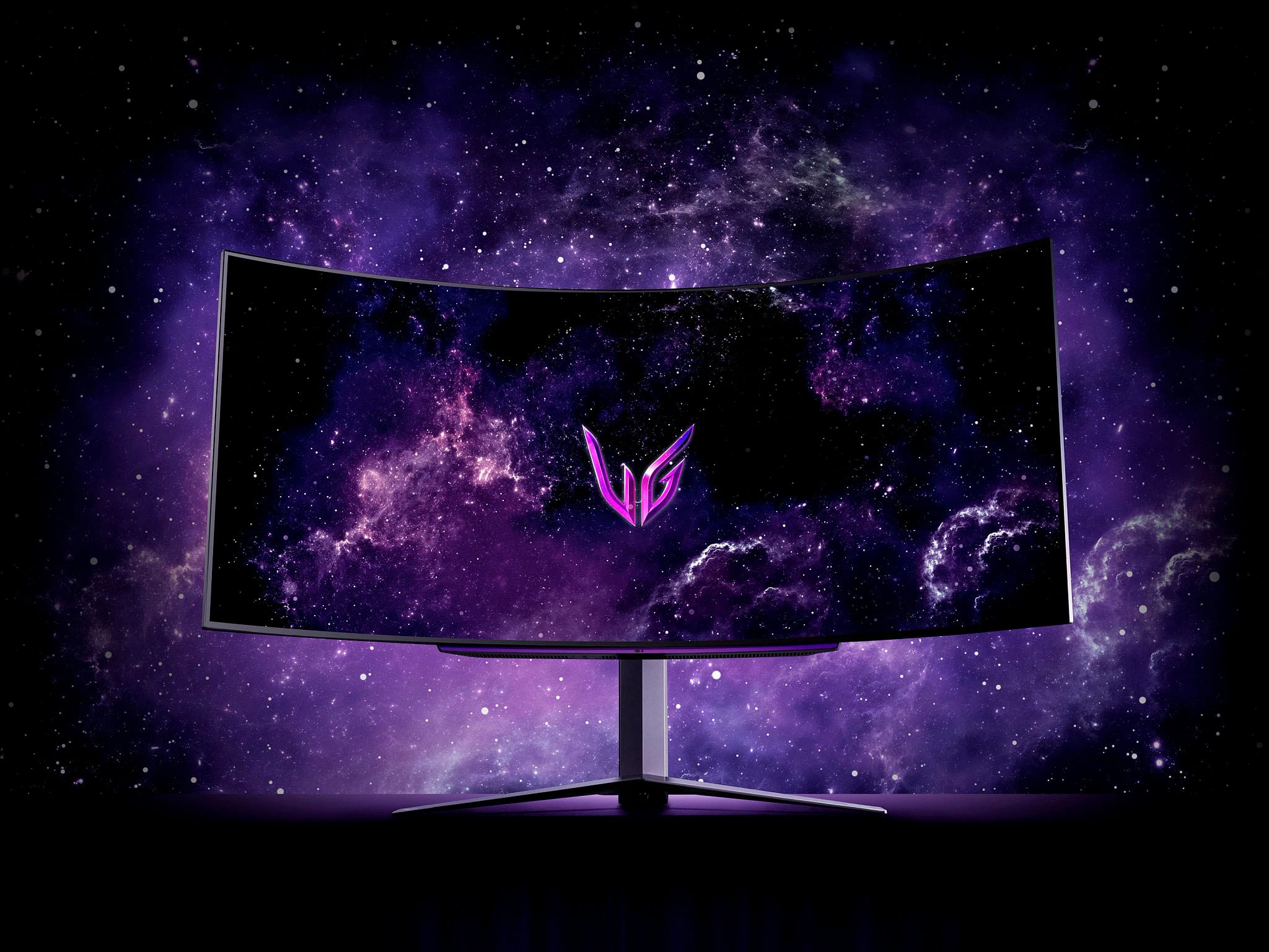
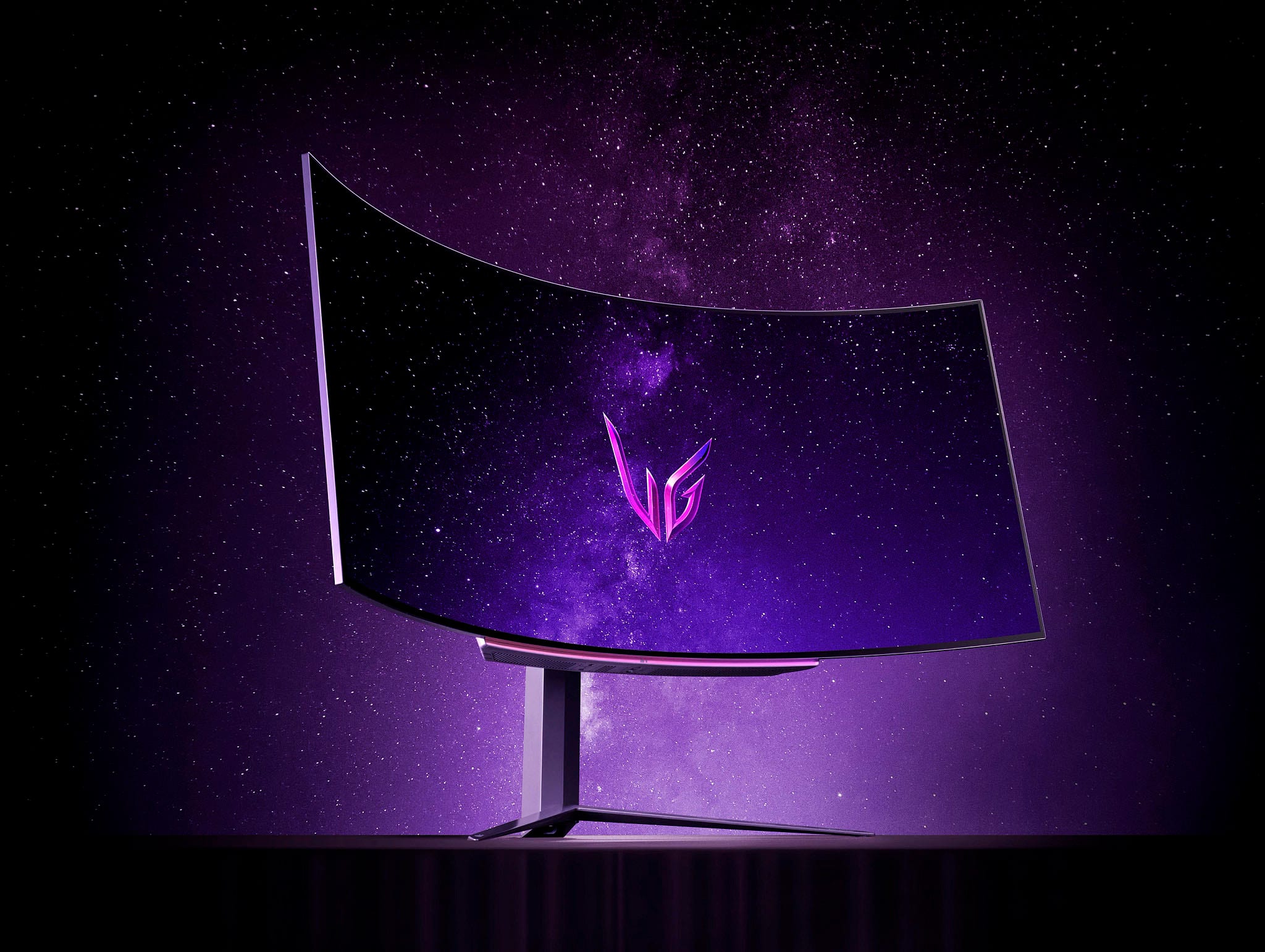
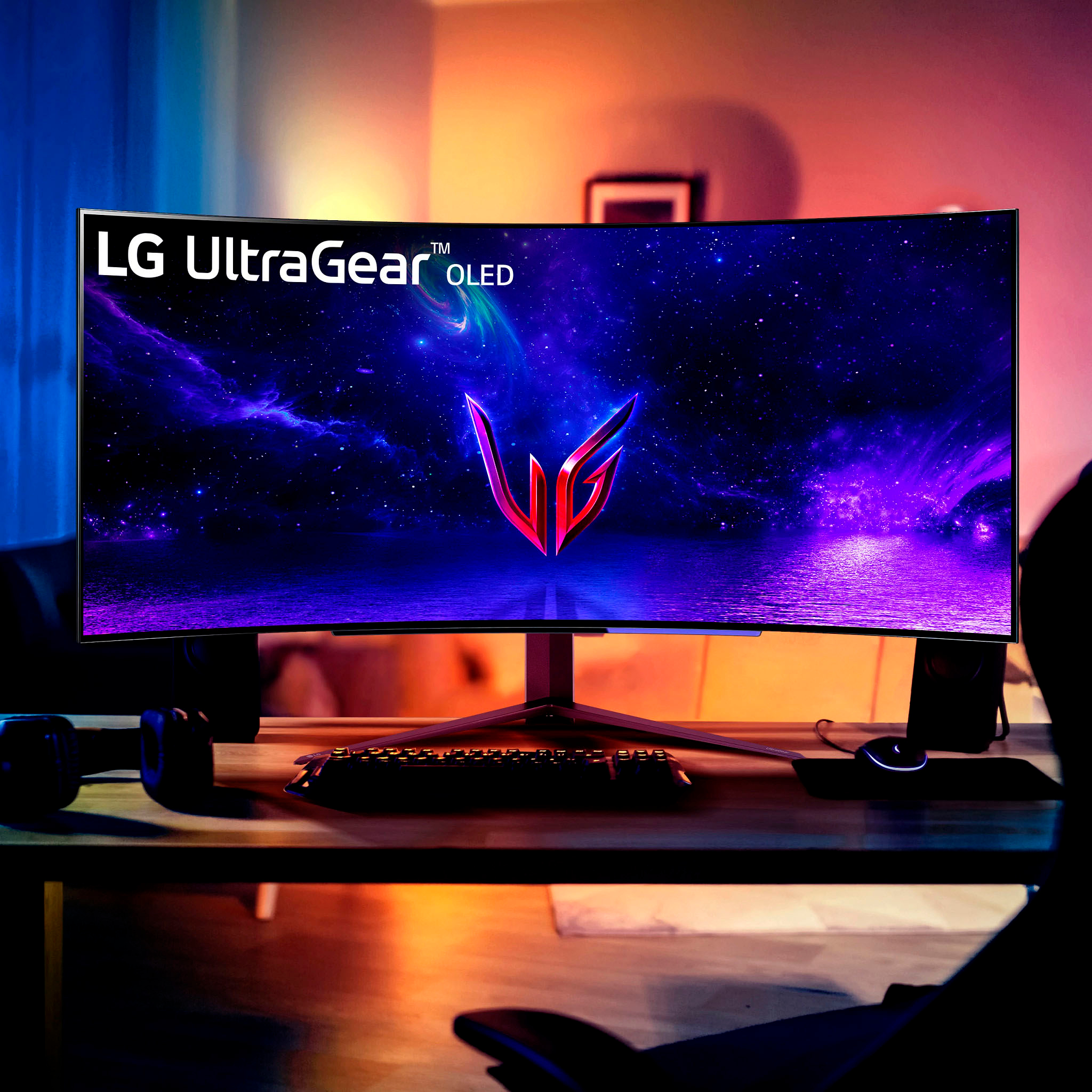
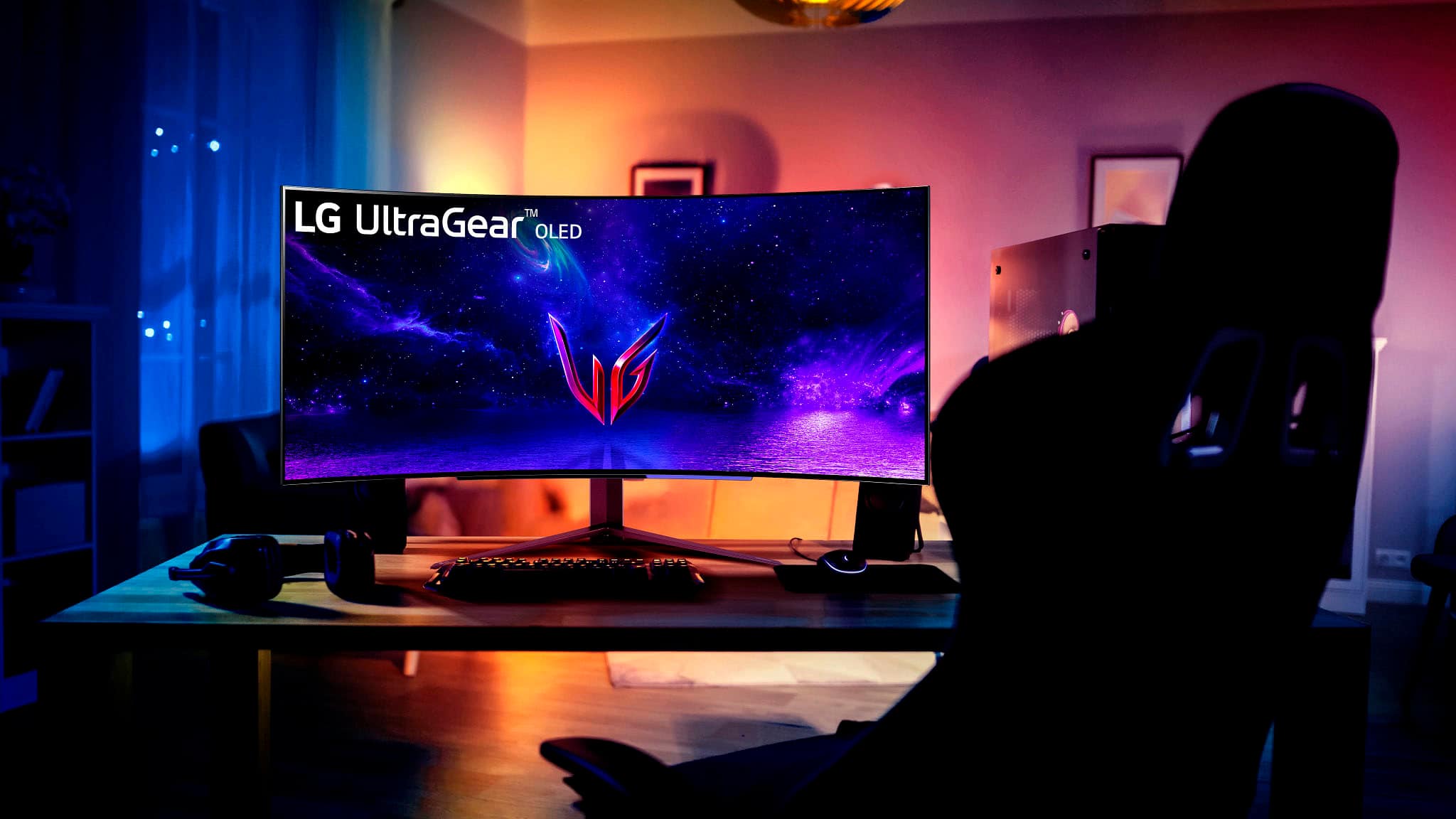
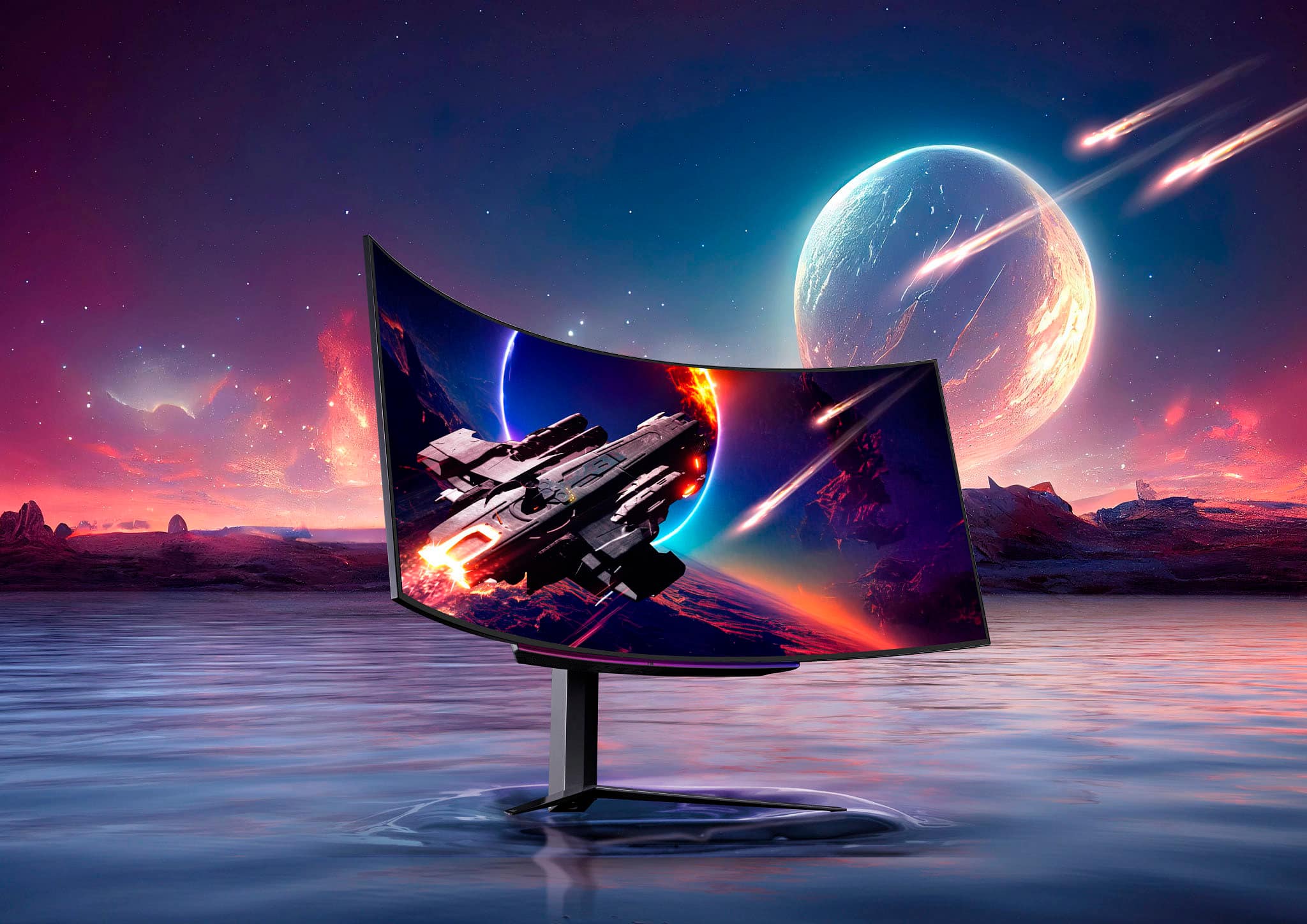
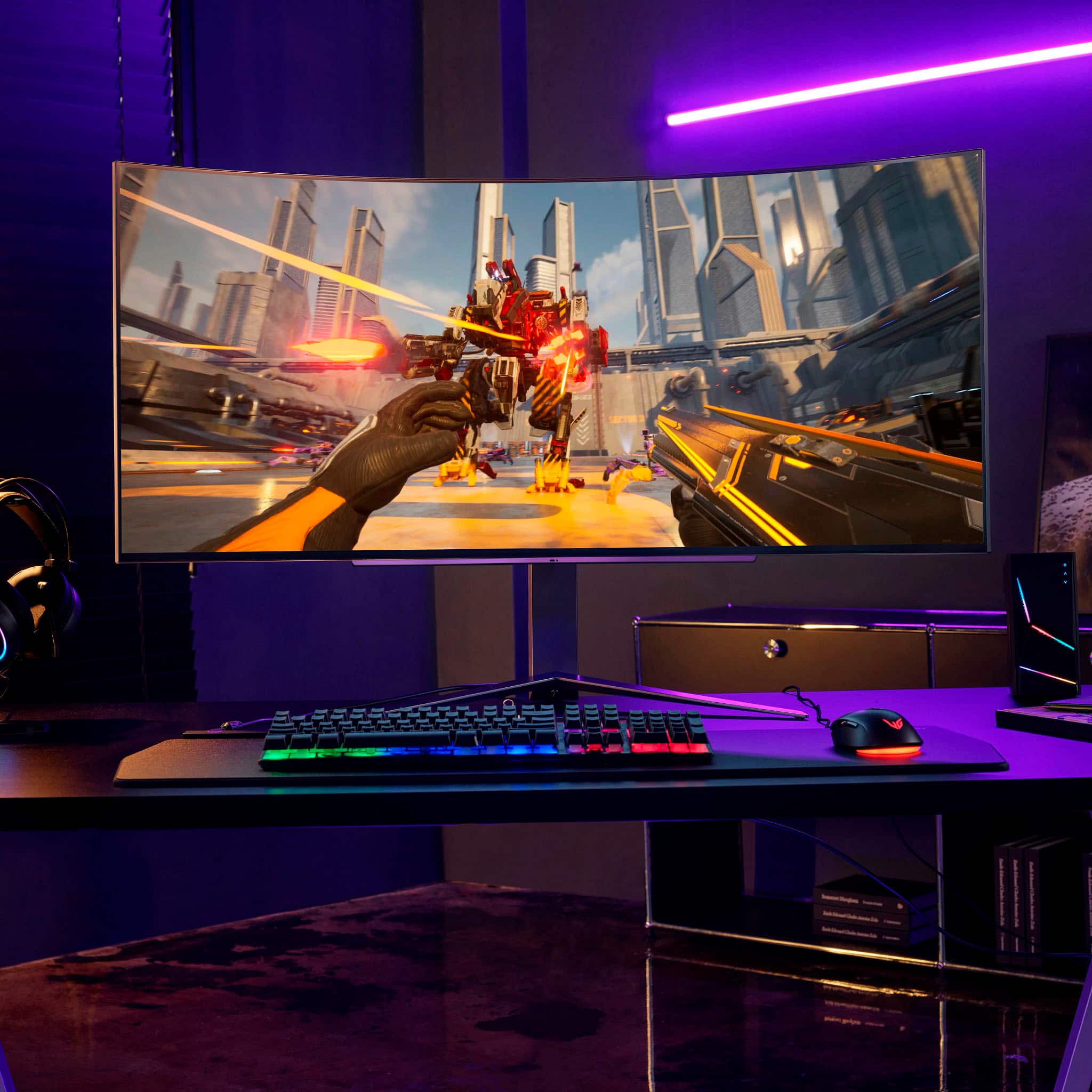
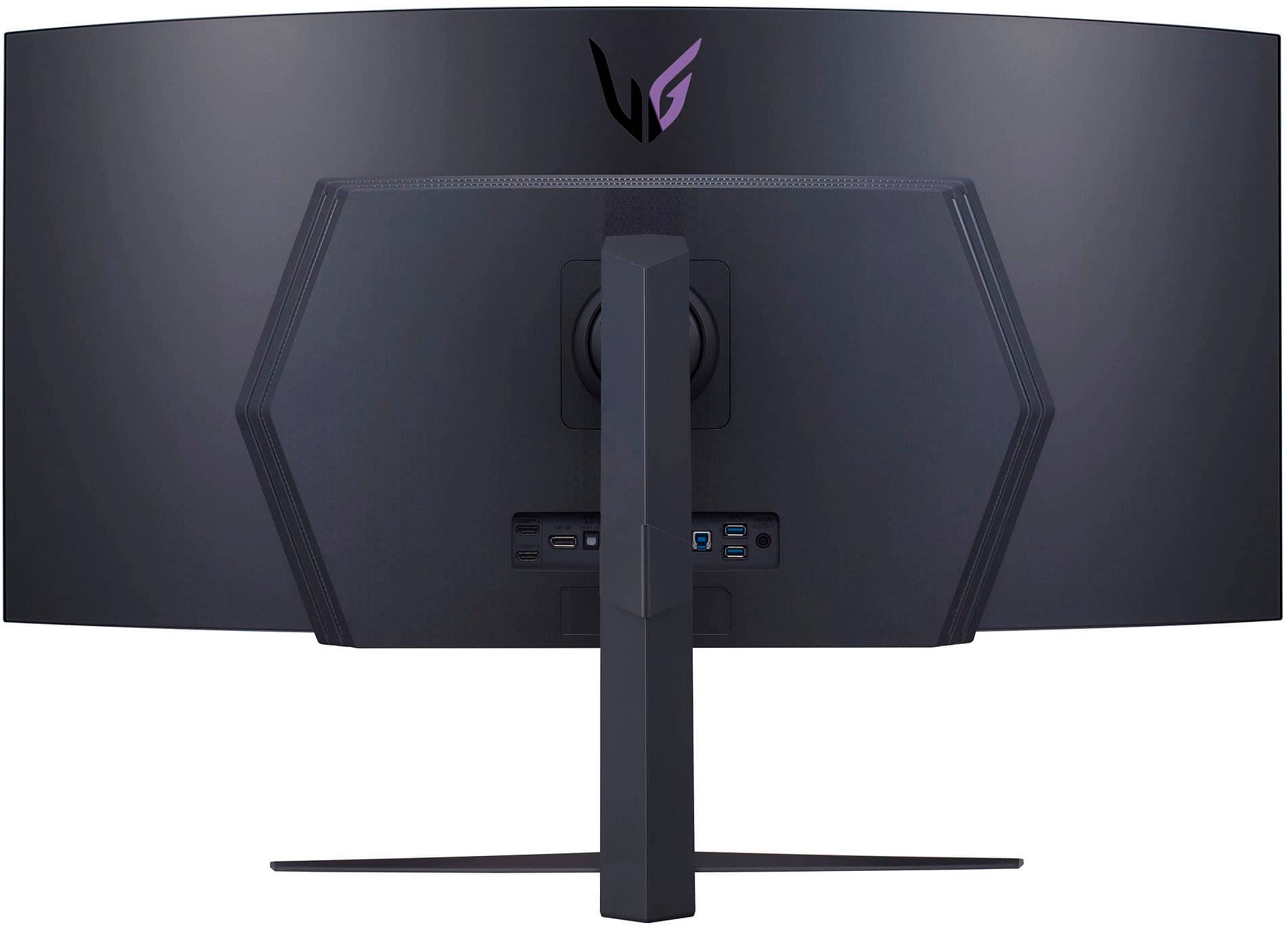
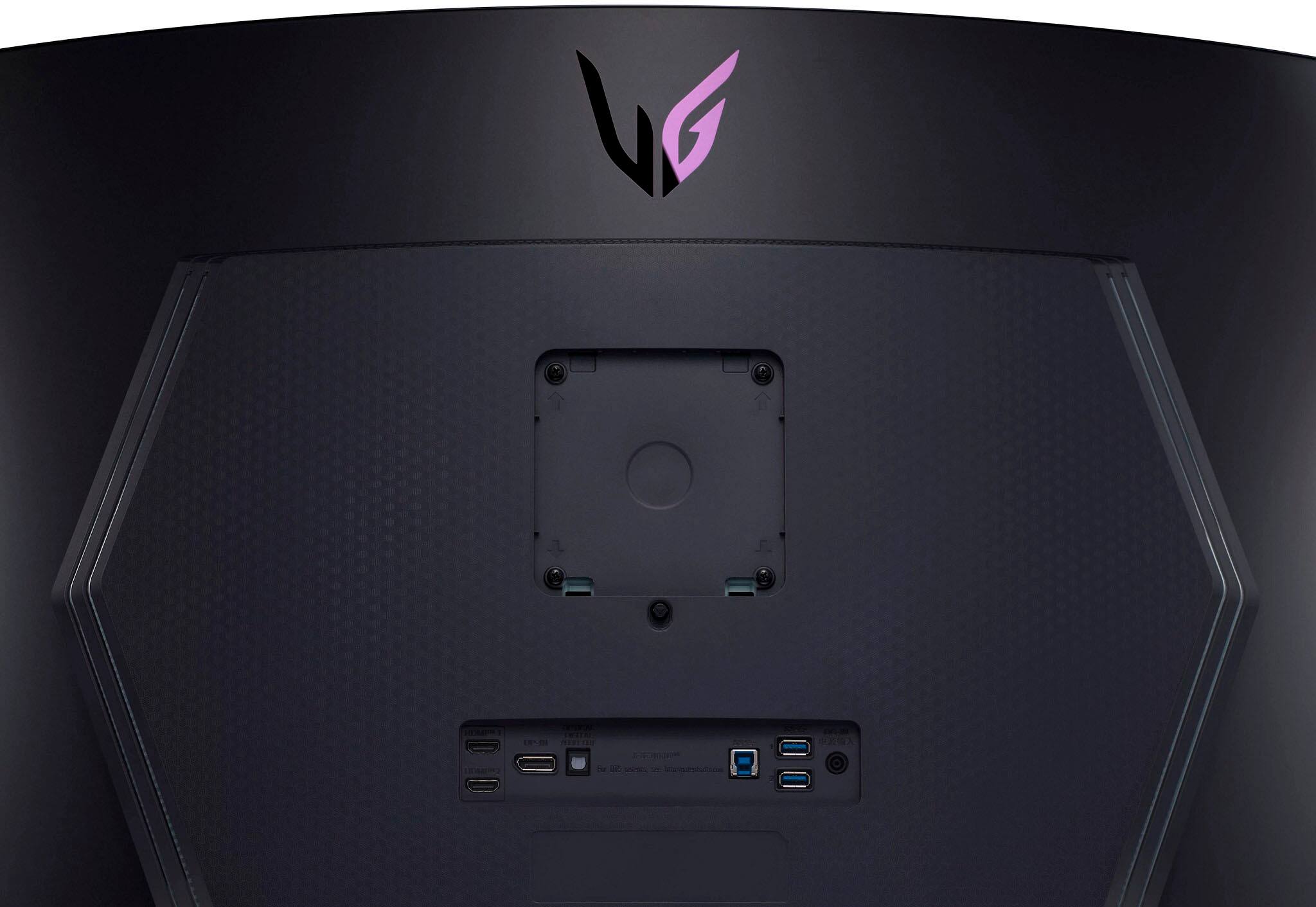
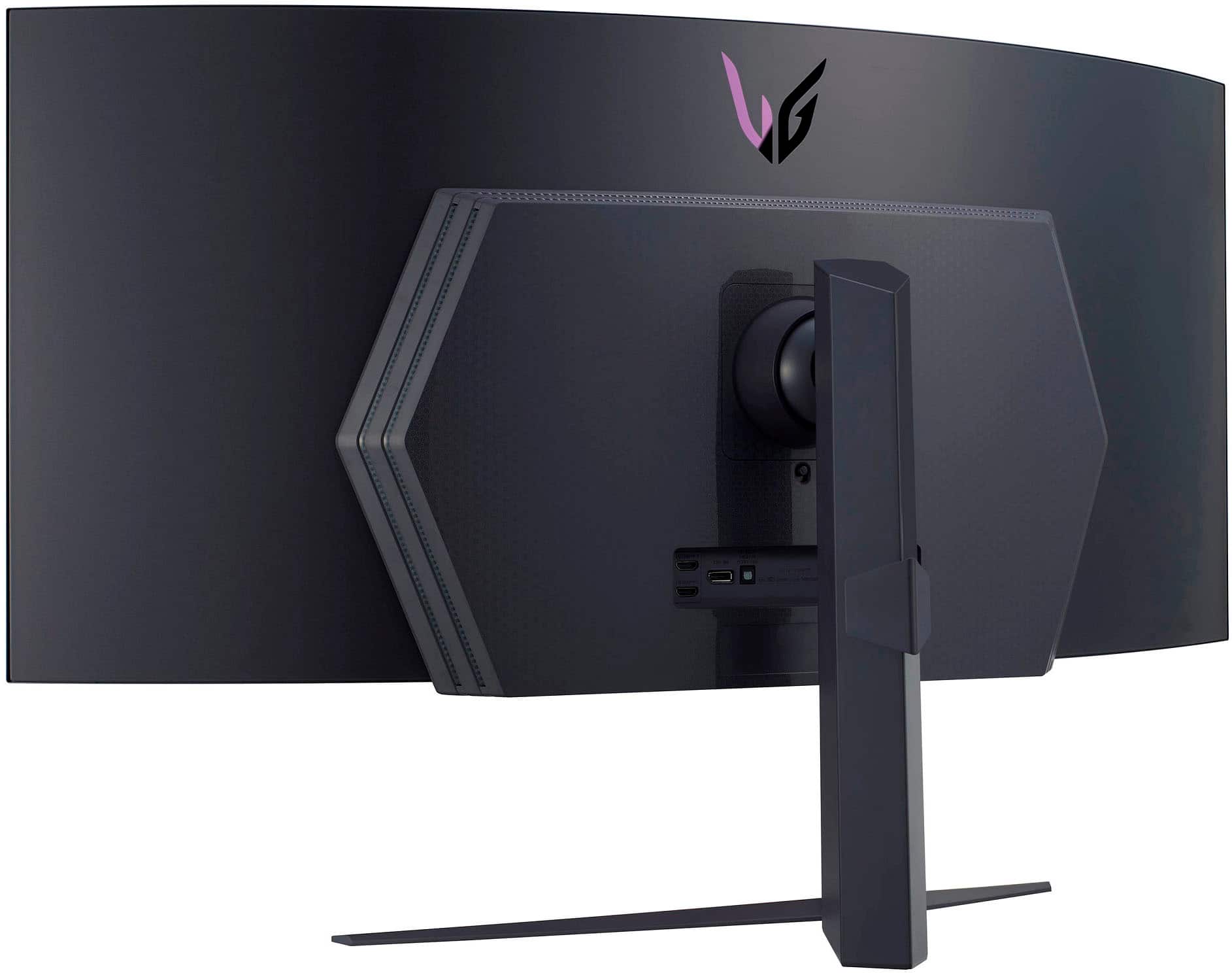
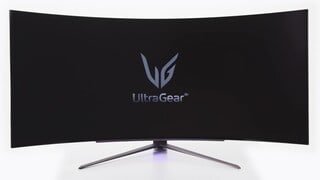
|Posted .This reviewer received promo considerations or sweepstakes entry for writing a review.The LG UltraGear 45GR95QE-B is a 45” ultrawide OLED gaming monitor that lays claim to title of the world’s first 240Hz OLED monitor. This monitor comes with a solid 3440x1440p resolution in a 21:9 aspect ratio and a tight 800R radius. It has a super fast 0.03ms response time (GTG). The panel also supports HDR10, and 98.5% of the wider DCI-P3 color space. Aside from the headlining features there are other important specs to keep in mind. The I/O panel features (2) HDMI 2.1 ports, (1) DisplayPort 1.4a, (2) USB 3.0, S/PDIF optical audio, and 3.5mm headset jack. The monitor stand tilts (up/down) -5/+10°, swivels ±10°, and has 4.3” (110mm) of vertical travel. If you want to use a mount instead, the stand is removable and you can use a 100x100mm VESA compatible mount (screws are preinstalled). There are minimal controls on the display (a single well-hidden button), so it is almost entirely controlled by a remote. The packaging includes an HDMI (Ultra High Speed) and DisplayPort 1.4 (I think) cable. It comes with multiple display mode presets that are accessed through the Game Mode tab in the menu. There are additional gamer focused settings like VRR (Freesync/GSync), an on screen crosshair, and an FPS counter. There are picture adjustments that can be made to tweak the presets – brightness, sharpness, contrast, RGB, Six Color (RGBCMYK), and black level. With HDR on most of these options are grayed out with the exception of brightness and sharpness. There’s different menu controls for input switching, aspect ratio, and a picture-in-picture (PIP) or picture-by-picture (PBP) mode. I fiddled with PIP and PBP a bit, but I haven’t had time to see if its something I would use heavily or not. There are also various built in OLED care tools like a screen saver, image cleaner, pixel cleaner, and screen mover. The screen mover shifts the display around a few pixels at a time to reduce image retention. The screen saver kicks in after a short period of time if a static image/desktop is detected – a shake of the mouse stops it from turning on the screen saver. This is my first ultrawide monitor, but I am no stranger to wide format gaming setups. I have been using a triple monitor setup for over 12 years – going all the way back to my triple 4:3 ratio monitors. Prior to changing to this display I used a triple setup of LG ultra-thin bezel 22” 75Hz FHD monitors on a stand along with a single 24” 144Hz FHD display. I have always had the outer panels pitched inwards to simulate a wrap around effect. I had been using that exact setup for gaming and work for the last 5 years. For gaming I would combine my displays into an Eyefinity group for a 5760x1080p “single” display. I did this for single player story mode and racing/cockpit view games. The multi-display setup really helped with immersion on those games. I used my 24” 144Hz FHD monitor for any FPS games because the super wide and thin FOV was a bit overwhelming, and the monitor bezel breaks (even though they were thin) were a distraction. That setup’s screen area was 41-43” wide (depending on the side monitor angle), and only 10.5” tall (screen height). Compared to the UltraGear 45 my old setup was a tad wider (5-10%) but significantly shorter (40% smaller screen height). Setting up the UltraGear 45 meant preparing the space on my desk and making a clear a path for the stand. Getting the monitor out of the box was a bit nerve racking because I didn’t want to damage it. Attaching the stand to the rear of the panel and using it to pick the monitor out of the packaging ended up being the best way for me. I took a picture of the rear I/O for reference so I would know where I was plugging things in. Trying to spin the monitor around or looking at the rear once its on the desk is beyond difficult due to the size of the panel. I have 3 different PC’s hooked up at the moment – DisplayPort to my tower, and HDMI to my work and gaming laptops. The USB hub port is hooked up to my tower, and I have my Corsair ST100 headset stand and Logitech webcam hooked up to the 2 USB ports in the hub. I tried to hook my Logitech Z623 speakers up to the headset port, but I was hit with a buzzing feedback that made me disconnect. I ended up connecting a pair of wired gaming headphones, which didn’t experience any buzzing. The stand includes a cable organizer clip which can handle all of the cables coming out of a fully populated I/O panel. The stand itself is very well made and solid – tilt, swivel, and vertical adjustments are very easy to make. Build quality of the panel is superb. The frame edge is a thin strip of dark brushed metal while the back is a satin textured plastic. The bulk of the panel is only 7.5mm thick with a thicker section in the middle that carries the I/O, LED lightings, and processing components. The panel has a thin border all around the screen image – 7.5mm on the sides, 9mm at the top, and 11.5mm along the bottom. There were no dead or stuck pixels present on the display. Testing out this panel I used my tower with an AMD Vega 64 GPU, gaming laptop with Nvidia 3070, and workstation laptop with Nvidia Quadro M2200. The Vega 64 and the Quadro are both older GPU’s, so they struggled a bit (upgrades are on the horizon). With my work laptop I was able to try out the display in a workstation environment. I am an engineer so I spend my time in spreadsheets, Solidworks, and file/web browsers. My docking station is limited to 3 external displays, so I was never able to use my 24” panel for work. I now have the 24 and 45 working together since its just 2 displays. With the Nvidia Desktop Manager I could add a grid to the display to define areas to snap program windows to. This was my biggest concern going to an ultrawide from having individual monitors. Before I just snapped a window to each monitor and that was that. However, over the last few days I have grown more accustomed to the setup, and I honestly really like it. I have divided up my display area into give me a tall vertical for documents/spreadsheets, a 16:9 area for browsing/modeling/etc, and then smaller auxiliary grid spaces for random support programs. With all of this in place I still have my 24 completely unused, and available. I have never crammed so much into a single viewable window before. At best I used to have 4 programs open, and I was constantly min/maxing windows. I haven’t really had any difficulty with scaling programs to fit their windows. Text and images look perfectly sharp, and the screen brightness is more than enough for a bright office space. For gaming I played on my tower which unfortunately maxed out at 1440p@200Hz, but I rolled it back to 144Hz to closer match the framerate of the games. I’m not sure why I couldn’t push a higher refresh, but AMD Radeon Software fought me a bunch on this. Regardless I fired up Halo Infinite for some sweet HDR gameplay. I was pushing around 90FPS with high settings. Without a doubt this was the best experience I have had playing Halo. My initial thought was “holy cow.” The curve of the screen was the perfect amount of wrap to dial in the immersion. I would play Infinite on my 4K 120Hz TV on my Series X, which tops out at 60 FPS(?) in Infinite and I always felt that was pretty great. However, this is just hands down better. The OLED panel is just amazing. The contrast and lighting is the best I have ever experienced in a game. I toggled HDR off which brightened the panel up, and resulted in the really bright spots being washed out and not appearing as bright. I spun up some other titles like - Halo MCC, Dirt Rally, and Elite Dangerous. Elite Dangerous looked amazing as a cockpit view game, same with Dirt Rally. My biggest gripe with my triple monitor setup was the side panels always introduced a little bit of distortion to the image that you could (or had to) look past. With the UltraGear 45 the distortion is gone but the immersion is still there. Honestly it is so much better than the triple monitor setup. I switched over to my gaming laptop which has a 3070, and had no problem setting it up as a 1440p 240Hz HDR display. I’m pretty sure it was recognized natively, so I didn’t have to do anything other than plug it in. I went back to the same games I already played on my tower since I was limited to 144Hz there. The biggest change comes from the extra graphical horsepower and keeping the frames up decently higher. In Dirt Rally I was over 200FPS with most of the highest settings. The gameplay looked a little smoother overall, and there was less blur with the passing scenery. I pulled up Forza Horizon 5 as well, and found it had lost some of the motion blur on passing scenery as well. The jump from 75Hz to 240Hz was massive and I could really feel it in these games. The jump from 144Hz to 240Hz was not as pronounced, but it was still quite noticeable on wide tracking shots/cutscenes and other fast paced motion. Where I saw another huge improvement was in playing Shadow of War, which has a dark color palette and a lot of shadows. The inky blacks that this panel can reproduce are far and away better than any monitor or TV that I have used. For a gaming monitor this panel is fantastic. I also took the opportunity to play some videos and selections from movies as well. I pulled up my 4K copy of The Two Towers and went to the Moria scenes for something dark to display. The shadows and lights had great contrast and really looked great. When the balrog come on screen its fiery body was lit without any haloing while the shadows remained dark – especially as they fell through the cave into the water below. I used this display for both work and gaming and I can’t say I have found any faults or issues. It displays a wonderful picture for movies and games, and its lightning fast response and refresh times mean you have an edge in your matches. The OLED display is just so very good, and the curve really seals it. Great Product.
I would recommend this to a friendBrand response from LGAnswers
Posted .Hello there Dave. We are happy to hear that you are enjoying your LG OLED. We keep ourselves a goal of keeping smiles on our customers face. If you have any questions or concerns do not hesitate to contact our Support Team on Facebook or Twitter. Thank you. `Jai.