Customer Ratings & Reviews







- Model:
- 45GR95QE
- SKU:
- 6530356
Rating by feature
- Display Quality
Rating 4.8 out of 5 stars
- Ease of Use
Rating 4.8 out of 5 stars
- Features
Rating 4.8 out of 5 stars
Customers are saying
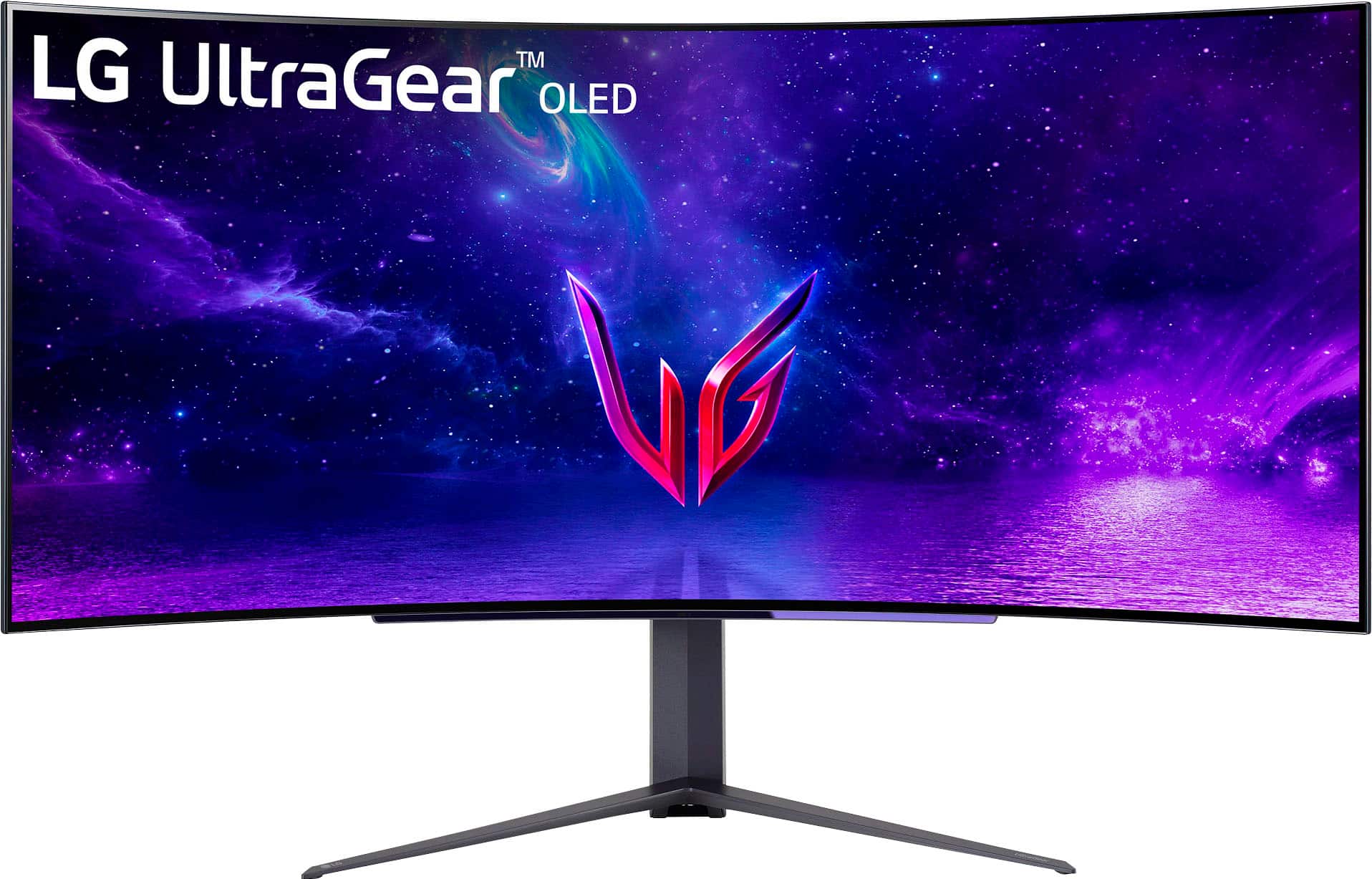
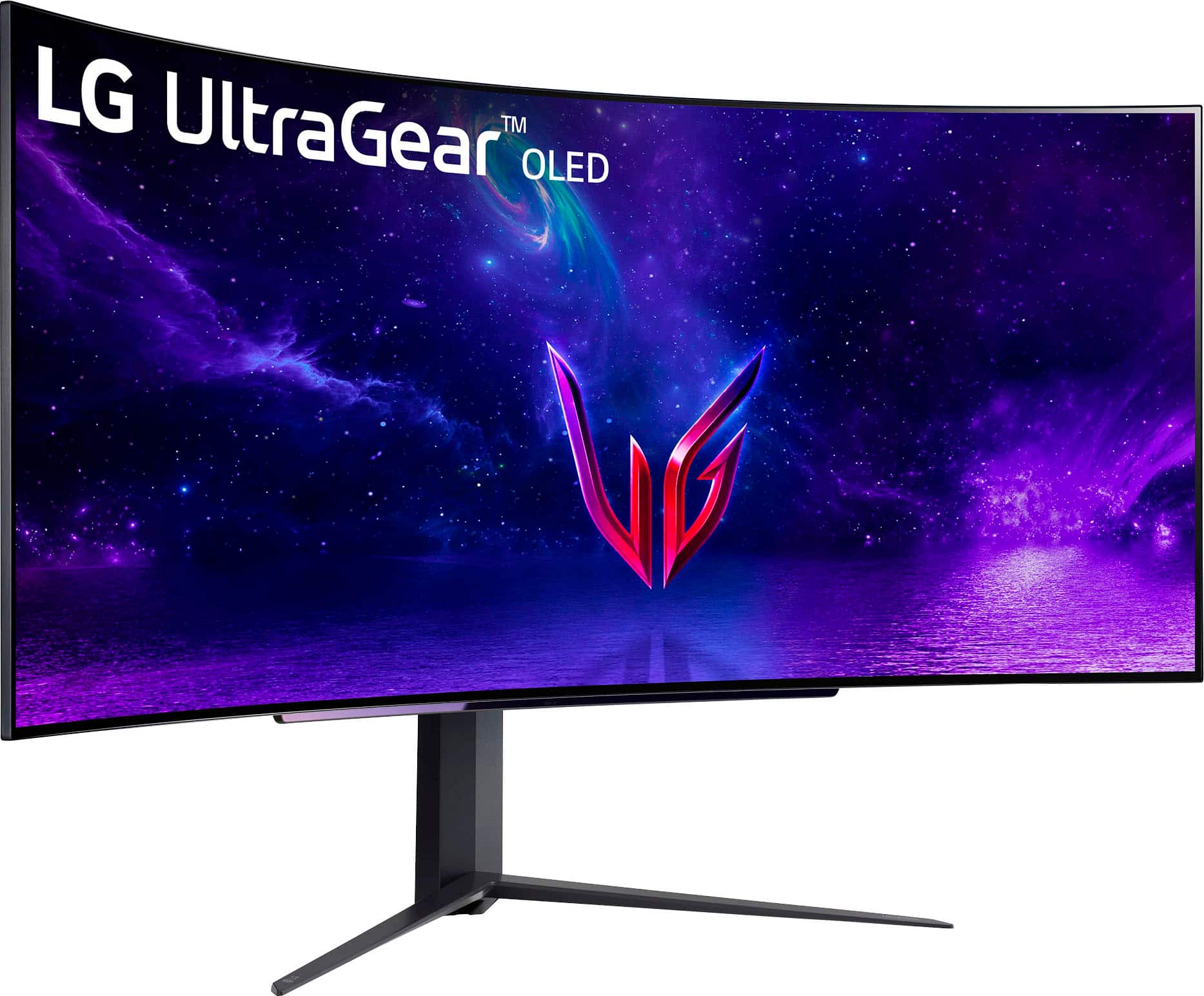
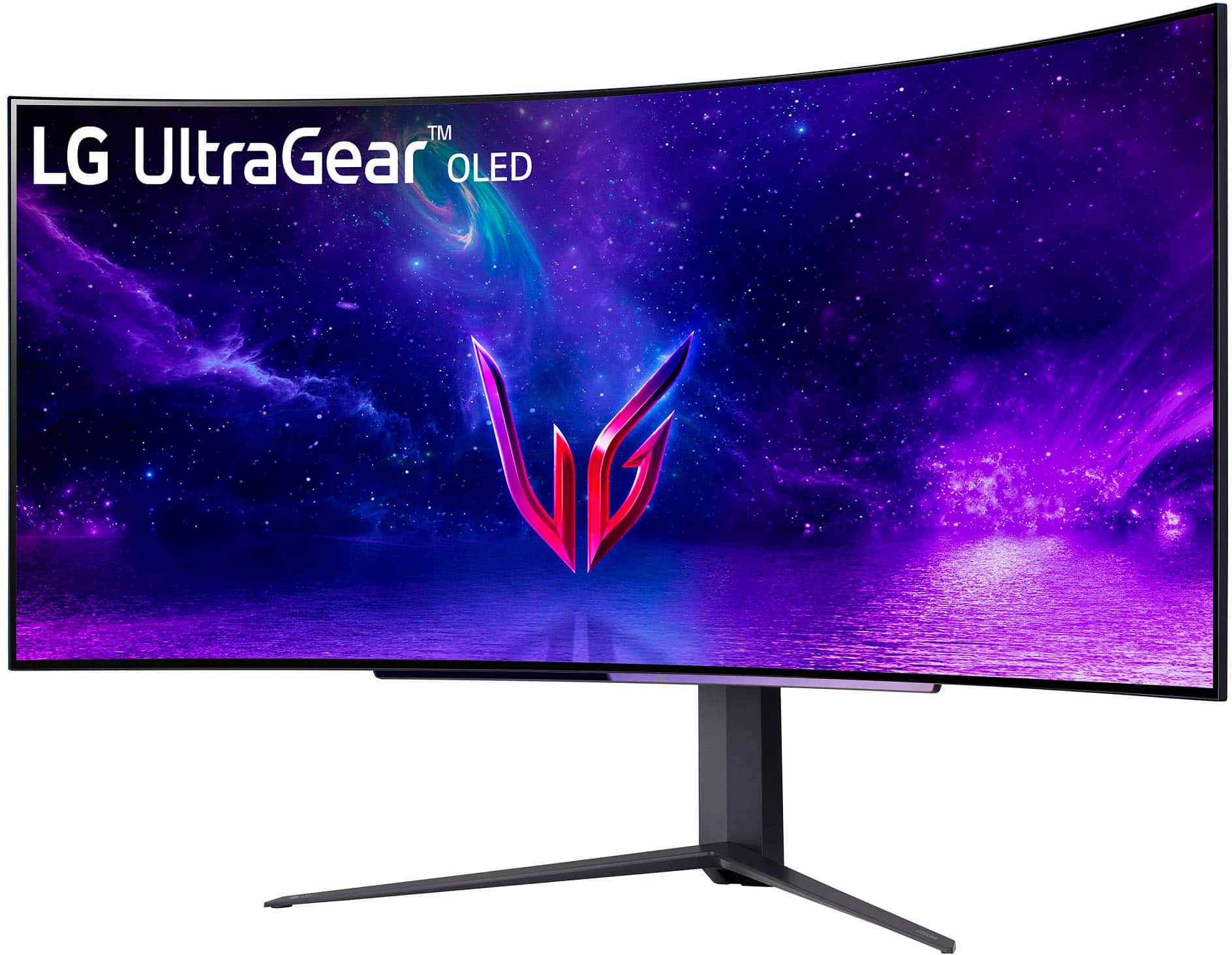
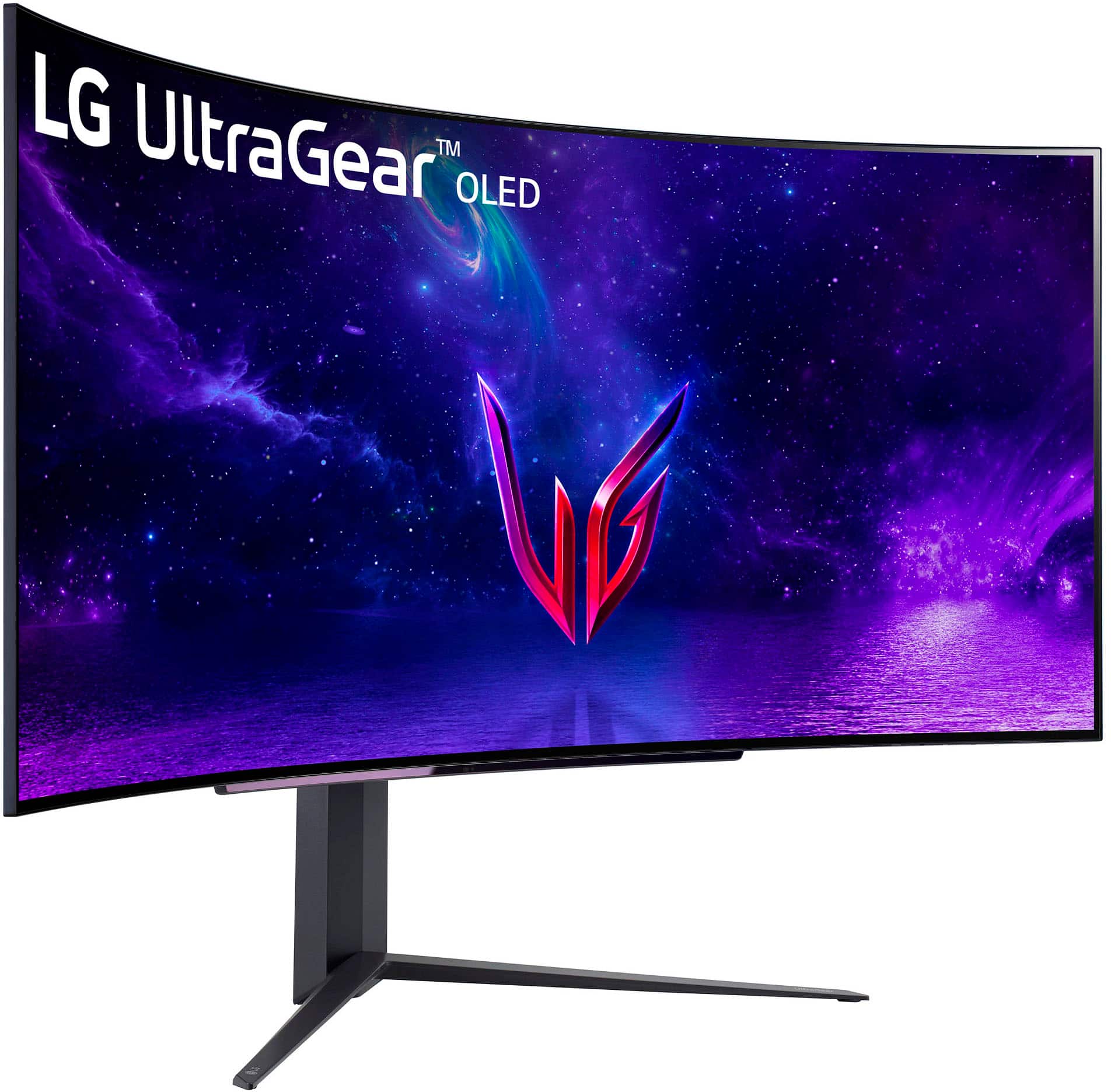
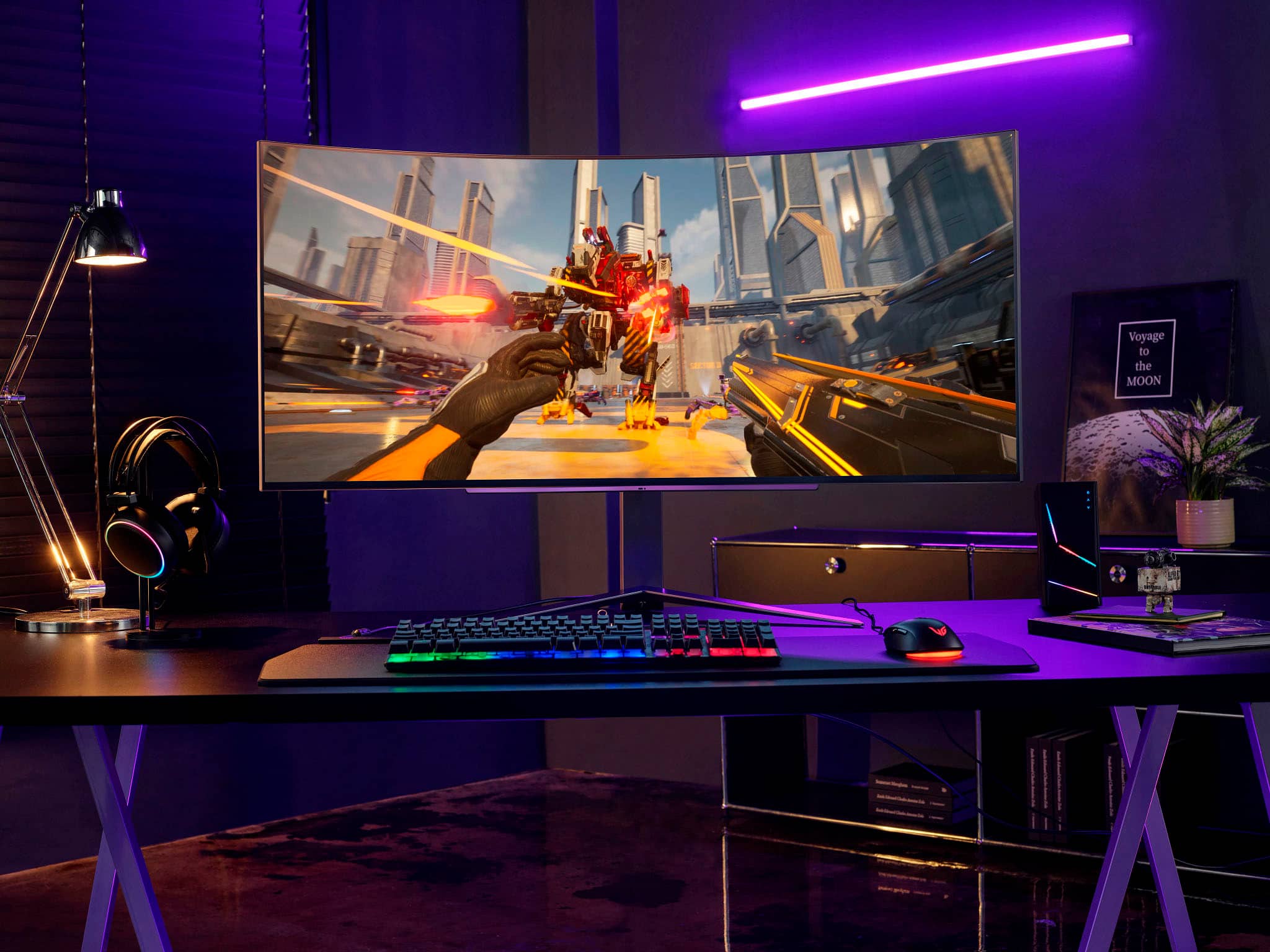
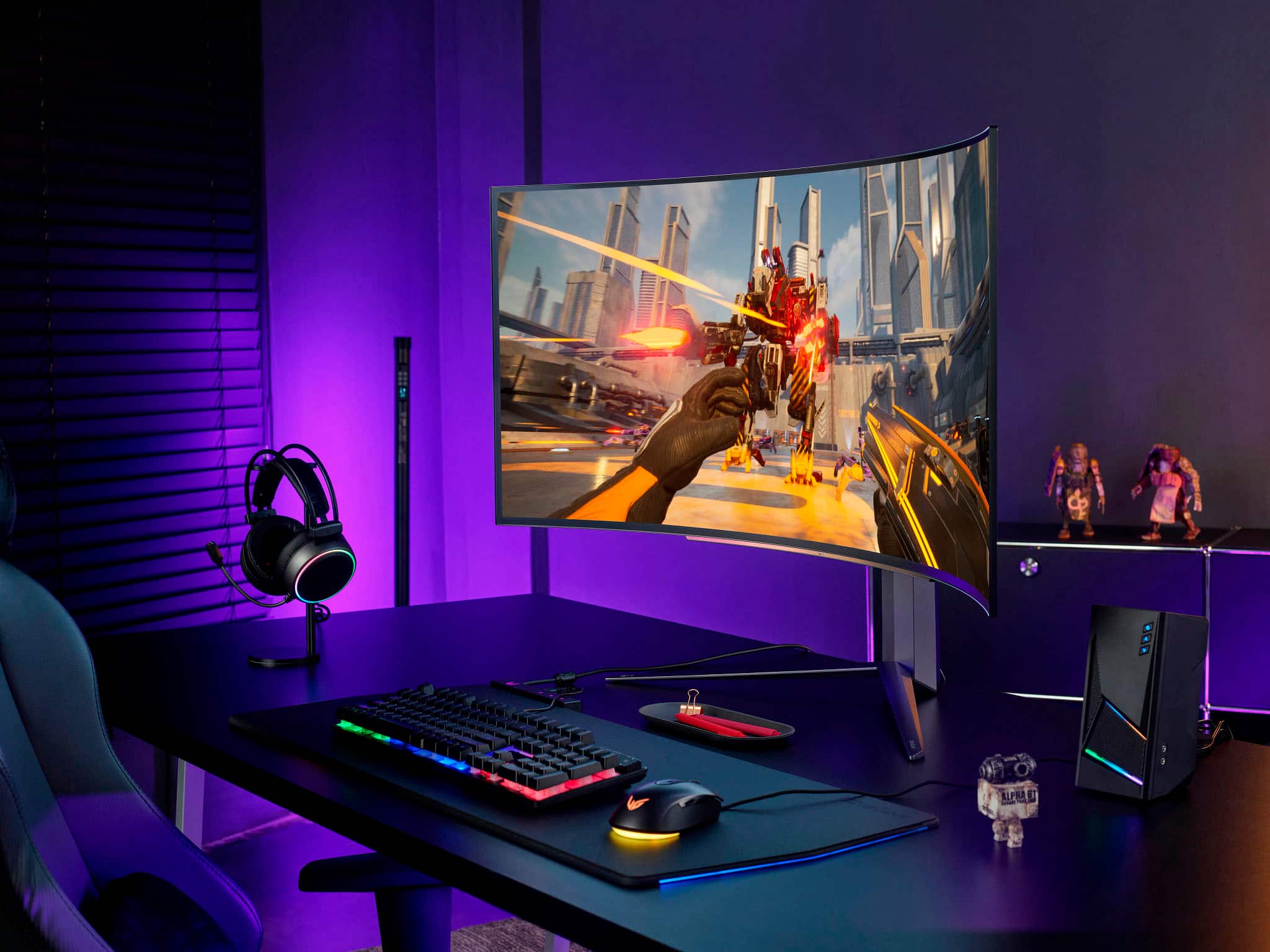
Customers admire the UltraGear 45” OLED monitor's expansive screen size, incredibly smooth refresh rate, and immersive curved design, praising the OLED technology for its vibrant colors and deep blacks. However, some users note concerns regarding text clarity and the relatively high price point. A few also mention the monitor stand's size and the lack of built-in speakers.
This summary was generated by AI based on customer reviews.
Lasted 2 months. Open box.
||Posted . Owned for 2 months when reviewed.This reviewer received promo considerations or sweepstakes entry for writing a review.It was an open box item. Within two months there are lines, remnants, artifacts. Will see how the warranty return works out
No, I would not recommend this to a friendBrand response from LG Digital Customer Care
Posted .Hi, there. Thank you for sharing your experience with the LG Gaming Monitor (45GR95QE-B) model. We are truly sorry to hear about the issues you've encountered with your 45GR95QE-B. This certainly does not meet the standard of quality we strive for. In the meantime, you may consider visiting this link: https://www.lg.com/us/support/help-library/lg-monitor-troubleshooting-lines-on-the-screen-CT32003206-20153186572241#. Regarding warranty, will do everything we can to ensure your warranty return process is as smooth as possible. If there's anything we can do further to assist you, please reach out to us on social media @LGUSSupport so we can help you further. ^Juvy

screen goes black randonly
||Posted . Owned for 9 months when reviewed.This reviewer received promo considerations or sweepstakes entry for writing a review.Screen goes black randomly for 2-3 seconds while gaming with HDR on. There are no drivers or firmware updates. Onscreen menu has little in it.
No, I would not recommend this to a friendBrand response from LG Digital Customer Care
Posted .We sincerely apologize for the inconvenience you are currently facing with the LG UltraGear 45" OLED Curved Monitor. We understand the frustration of experiencing the screen randomly going black while playing games with HDR on. We highly recommend regularly checking and updating your drivers and firmware to address this issue. For further assistance, please do not hesitate to reach out to us privately on Facebook or Twitter via @LGUSSupport for further assistance. We value your satisfaction and thank you for your understanding. ^Sam
- Cons mentioned:Stand
Great for gaming
Posted .This reviewer received promo considerations or sweepstakes entry for writing a review.The size of this monitor is incredible. It engulfs you into the world of whatever game you’re playing. Mainly been used for competitive shooters, so the 240hz refresh rate has been great. The response time with the oled panel has been great. Brightness has not been an issue. Top of line gaming monitor, unsure how well it does for productivity due to the low ppi, but this has not been an issue for me.
I would recommend this to a friend Not worth it
||Posted . Owned for 1 month when reviewed.This reviewer received promo considerations or sweepstakes entry for writing a review.It was very low brightness and wasn't 4k and oled will have problems
No, I would not recommend this to a friendBrand response from LGAnswers
Posted .Hello! We appreciate your review; our monitor development team uses feedback just like yours to see how we can improve, so thank you! If your monitor doesn't seem to be as bright as it's supposed to be, please be sure to reach out with the link below, and we'll see what's going on. https://www.lg.com/us/support/contact ^Ian

Great Monitor
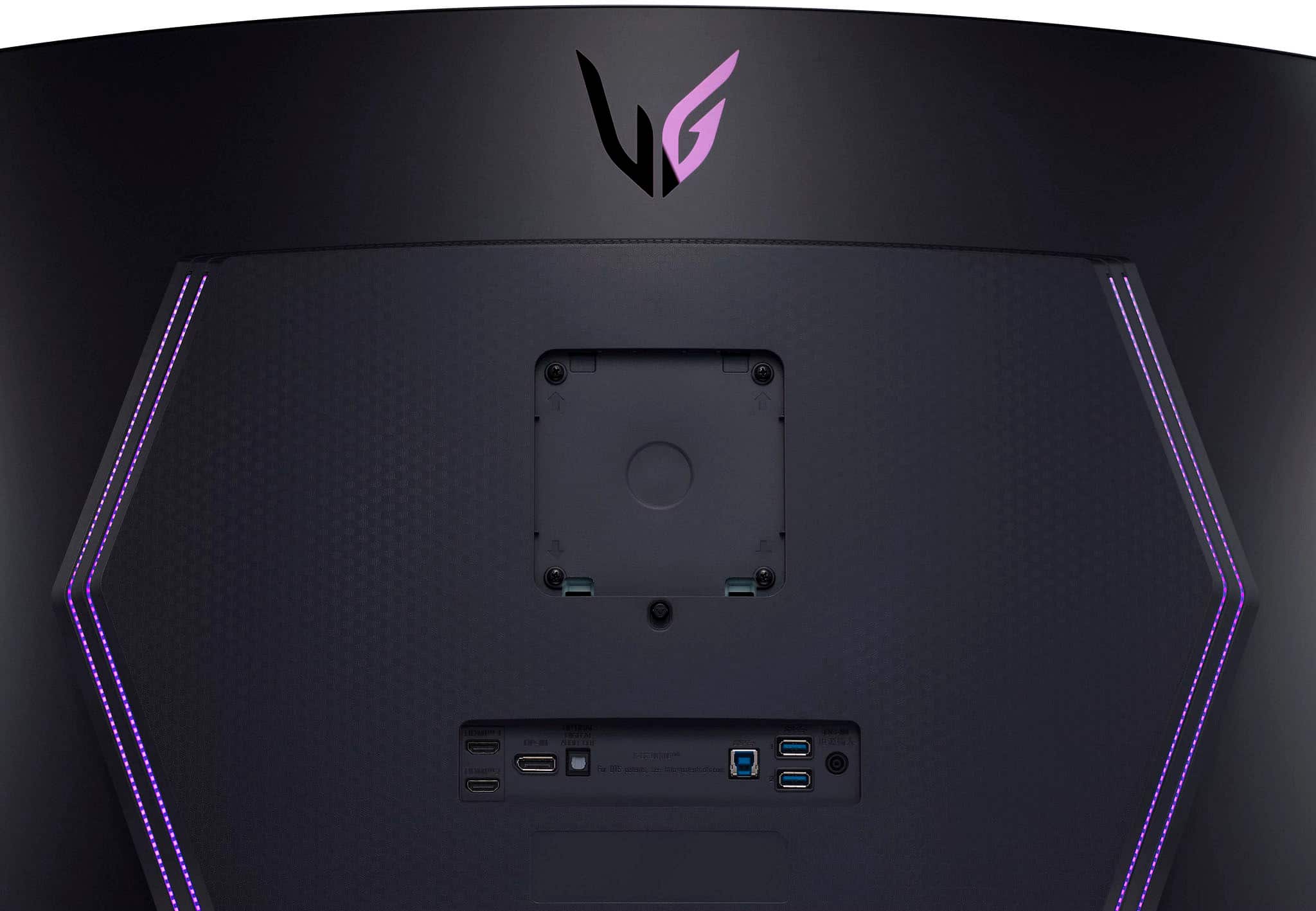
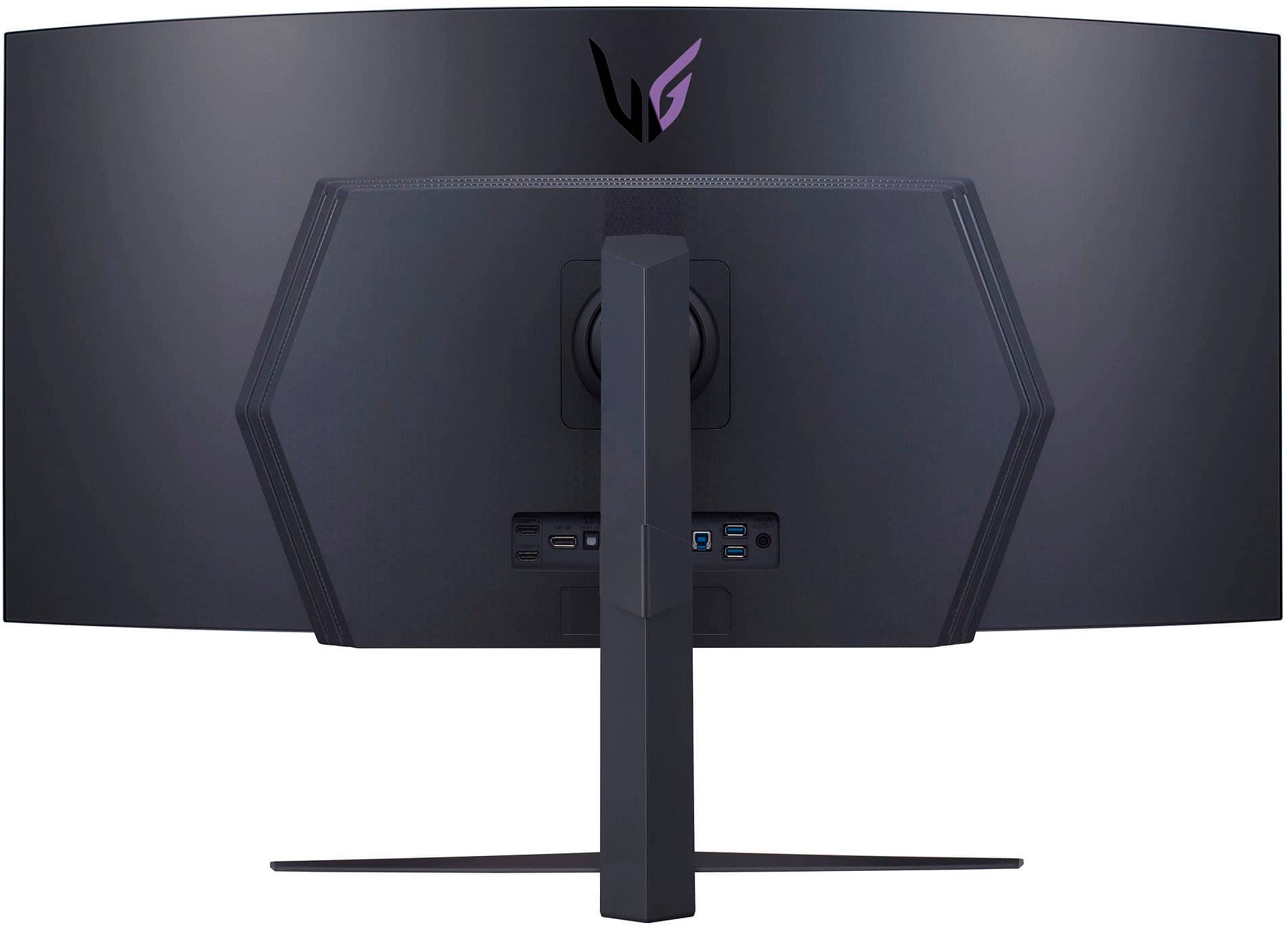
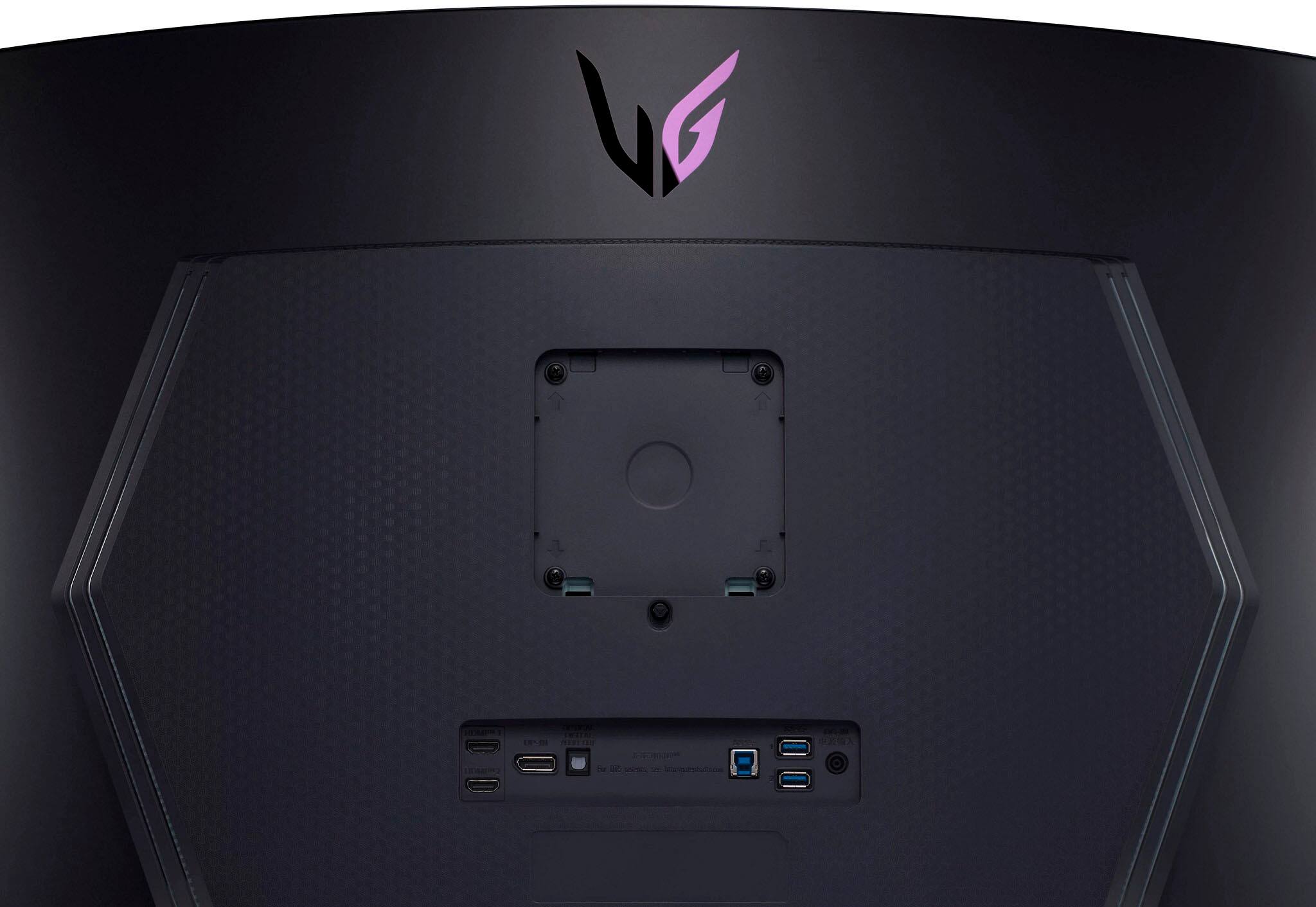
|Posted .This reviewer received promo considerations or sweepstakes entry for writing a review.First off a quick overview. This monitor has 2 HDMI, 1 Display Port, 1 headphone jack, 1 optical audio jack and 2 USB ports (also a USB A to use the two USB ports). The USB ports basically act as a hub. You also receive something I wish all monitors would include, a remote. Why do I like the remote? I have 2 laptops connected to the monitor. One is my personal gaming laptop with a i9 and a NVIDIA RTX 3060 in it. The other is my work laptop, standard Dell business offering. If you have ever tried to use a monitor joystick control to switch inputs, you know the pain. I prefer a separate button on the monitor to switch inputs, very few monitors have this option. The next best option is either a external switch, which limits your refresh rate, or a nice remote. The remote is not bad, has brightness and volume controls along with input, settings and a few other buttons including picture in picture or side by side. The volume control handles the output from the headphone jack or the optical jack. Monitor brightness, contrary to the previous version of the monitor, is quite bright. If you see someone complaining about the brightness, they may be reviewing another version of the monitor. Out of the box it is set at 100, I have it lowered to 70 and it still is a little bright for my taste in a darkened room but 70 is just about right in a fully lit room. Windows reports it to be 604 nits. Resolution is 3440x1400, it handles a refresh of 60 Hz with no problem from my work laptop and 85 Hz in non gaming mode with no sweat on the gaming laptop. Doing a performance test with PassMark shows the true beauty of this monitor. The video card has no problem pushing the 3D tests out to the monitor. The monitor is just simply beautiful watching the tests run by. I have seen some complain about ghosting around text, I have not seen one issue with it at all. Text is smooth and crisp. I don't even have the windows smoothing enabled. Now for the issues I have run into: When powering up my laptop, the display times out before the work laptop gets thru bios. So the display either goes to sleep before the safeboot password is requested or it switches to the other input. I have not found a setting to correct this. Split screen or PiP mode will occasionally get stuck requiring the monitor to be powered off and on to get both inputs working correctly. On my other personal laptop, a i7 with the same video card, it blue screens when I plug the HDMI cable in with a error for the stop code of SYSTEM_SERVICE_EXCEPTION for failed nvlddmkm.sys. I have tried underclocking, reinstalling NVIDIA drivers, clean install of drivers, older versions of driver, changing a few different system options. Everything short of a windows factory reset, which I can not do since this is a laptop I use for database management, web design and coding. Everything is backed up but it is a pain to reconfigure all the apps I need. I have worked around this by using a USB-C to HDMI dongle, but lose the full functionality of the NVIDIA 3060. LG support for the BSD issue was great, unfortunately this is a issue a lot of people see with Windows and NVIDIA, this is not on this monitor. Not everyone finds a solution, occasionally a new Windows patch or updated drivers will fix the issue. If you run into this, make sure you try the cables included with the monitor (unfortunately they are shorter than I need) occasionally that corrects the issue. It did not help me. Overall I am loving this monitor. Gaming performance is outstanding. The curve of the monitor really brings you further into the game whether it is Minecraft, a driving sim (highly recommended) or anything first person like No Man's Sky. This really enhances the games feel. Not quite at a VR level, but the next best thing. Being 2-3 feet away is probably the optimum distance. Oh, video pinball is a blast on here. You really feel the refresh rate with something that has so many textures like the driving sim or pinball. Loving this monitor for work and play. Highly recommended. I only dropped a star because of a few small issues I have had that required powering the monitor off and on to get out of split screen. There really was nothing in the box letting you know of any LG software that is available for changing settings, etc. Hint, you can find the software at LGs website.
I would recommend this to a friendBrand response from LGAnswers
Posted .We're thrilled to hear you enjoyed your LG OLED Monitor. We work continuously to improve the quality of our products and anticipate market demands that drive customer satisfaction. We highly appreciate your honest feedback regarding your feedback and this will be considered for our continuous improvement. Please get in touch with us if you have questions for us by sending us a private message on Facebook or Twitter using @LGUSSupport, or call our Customer Service at (800) 243-0000, and we would be glad to help. ^Jolly
great gaming monitor
|Posted .This reviewer received promo considerations or sweepstakes entry for writing a review.So, you might be wondering why 4 stars. I have a couple reasons for this. Oddly one of those reasons seems to not be the case when using a PS5 and I will explain. My first reason is that it has a low PPI (pixel density) of I think 84 or something. It looks good regardless, especially for gaming. But can get noticeable when do some tasks and reading. This is where I notice it more, like looking at facebook. But, if you are looking at this monitor, probably getting it for gaming anyways. My other reason is the resolution cap. I would love to see this do 4k on PC. I say this because I tried using the display port, as well as the HDMI and on my gaming pc which only has a gtx 1080, and also on my gaming laptop that has a rtx 3070. Both capped out at the 3440x1440 resolution. Just shy of 4k. Not that I would game at that resolution, but watching movies would have been great to get that full 4k resolution. This, however, is what I was stating above that surprising changed for me when using a PS5. When using my PS5, it actually ran at 3840x2160 and depending on game, most ran 60hz but call of duty ran at 120hz. I did have to select the 120hz ingame for call of duty. This was the resolution for both, having it stretched out to fill the entire screen or if I selected for it to not take up the whole screen which then felt like a curved 27-30ish in. screen. Both ways looked great. That said, even on the PC, games ran great and being the OLED, a lot of darker spots in games and movies seemed to be a lot easier to see. I have been playing racing games on it mainly just because with the curve, it just makes racing games look great. It does make all games look great, don't get me wrong lol, but at this moment, just memorized with how racing games look and feel. Some of my favorite futures with this monitor and even my mom came to visit and loved. I love that I can basically plug 3 things into the monitor. And I can run 2 of those things at the same time. So, like I can run a console on one half and my PC on the other and you get a couple options on how you want to do so. I like doing just the pc on 1 side and console on the other. With this monitor being 45", splitting the screen, you still end up with a decent size screen for both. The other future, which is not so much with this monitor, but just this size, and especially for my mom, was setting it up to look like 3 monitors. She loves having 3 monitors and 2 of her monitors are flipped. With this, I showed her that I basically can do that but now with just 1 monitor. I made the middle part a bit wider and so the parts on each side where a little thinner and this made it look like those where flipped. Doing that with this size was perfect. This monitor also has LED lighting that you can change or turn off. It has a few zones as well that you can select to customize. One zone is a light that shows down to your desk. The other zones that are on the back, I don't care as much for. Can't see them anyways, except it its dark and then you can see the reflection. It would have been better though if they could have made it sync with games/color on monitor or other devices such as keyboard and mouse. Like razer, logitech or other brands. As for sync with games/monitor, that would be just changing depending on the colors that are on monitor. This monitor also has some built in crosshairs that you can choose. These are nice if you play First person shooter games. For me, especially BR games, or games that you might look at things to ping. Overall, I am happy to have this monitor. Had I known a few things I do now, I would have gone for the 27" monitor that has the same futures, but a much better PPI due to the smaller size. But the bigger size has some nice futures that make it nice to own. Like I said, being able to display 2 different electronic devices. I just don't get why my console (I only did a PS5) can do 4k which shows that this can do that, but my PC can't.
I would recommend this to a friendPerfect size
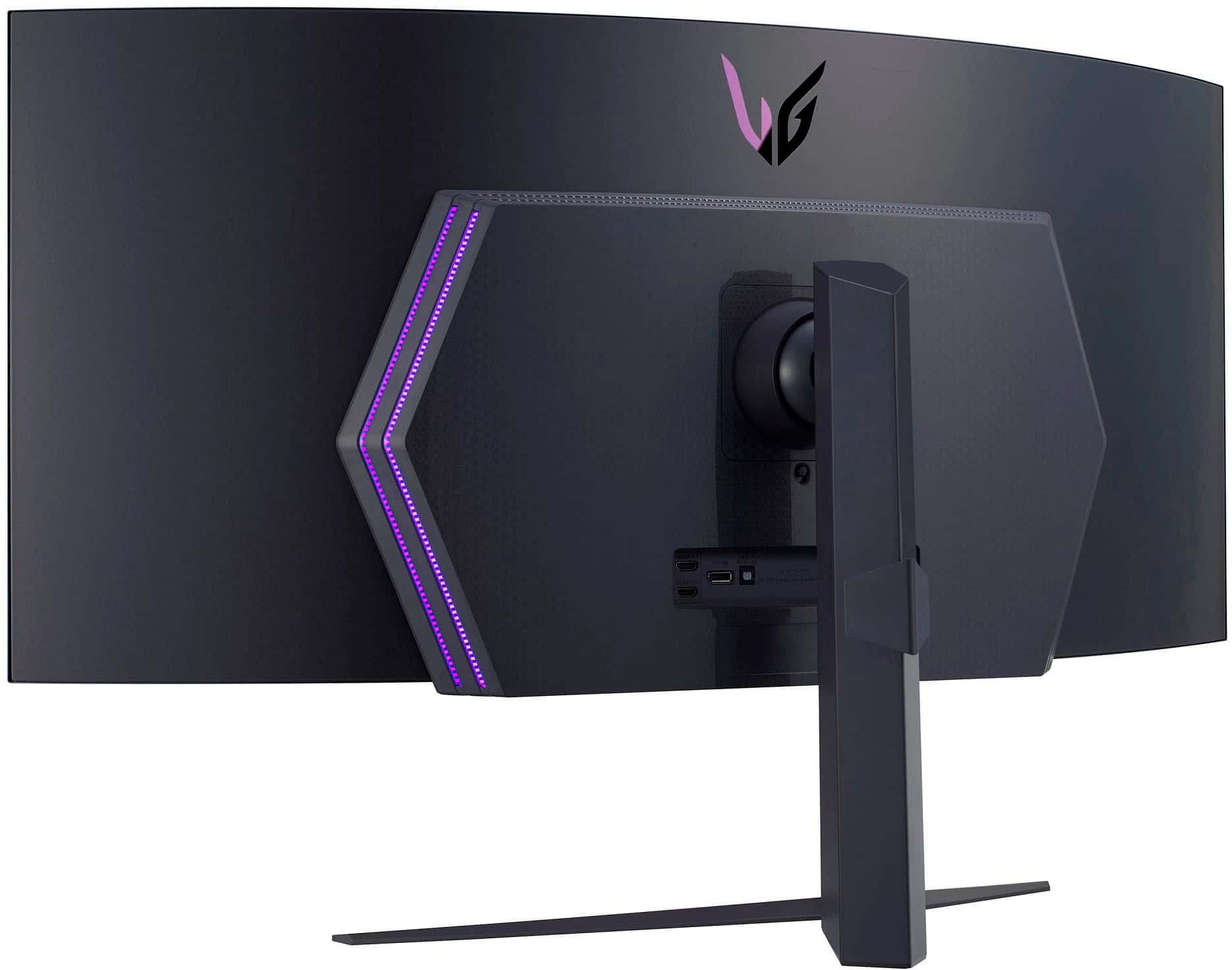
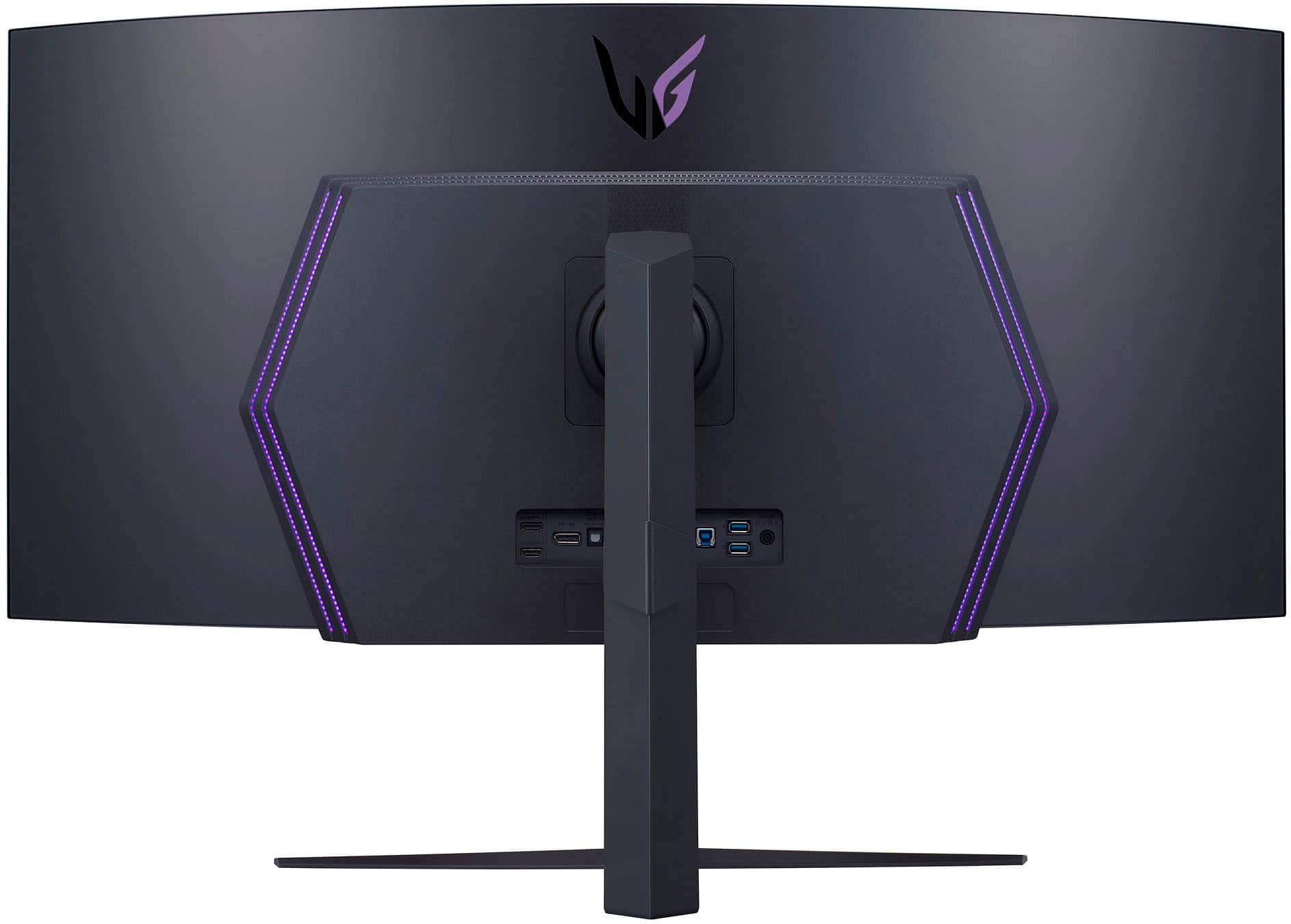
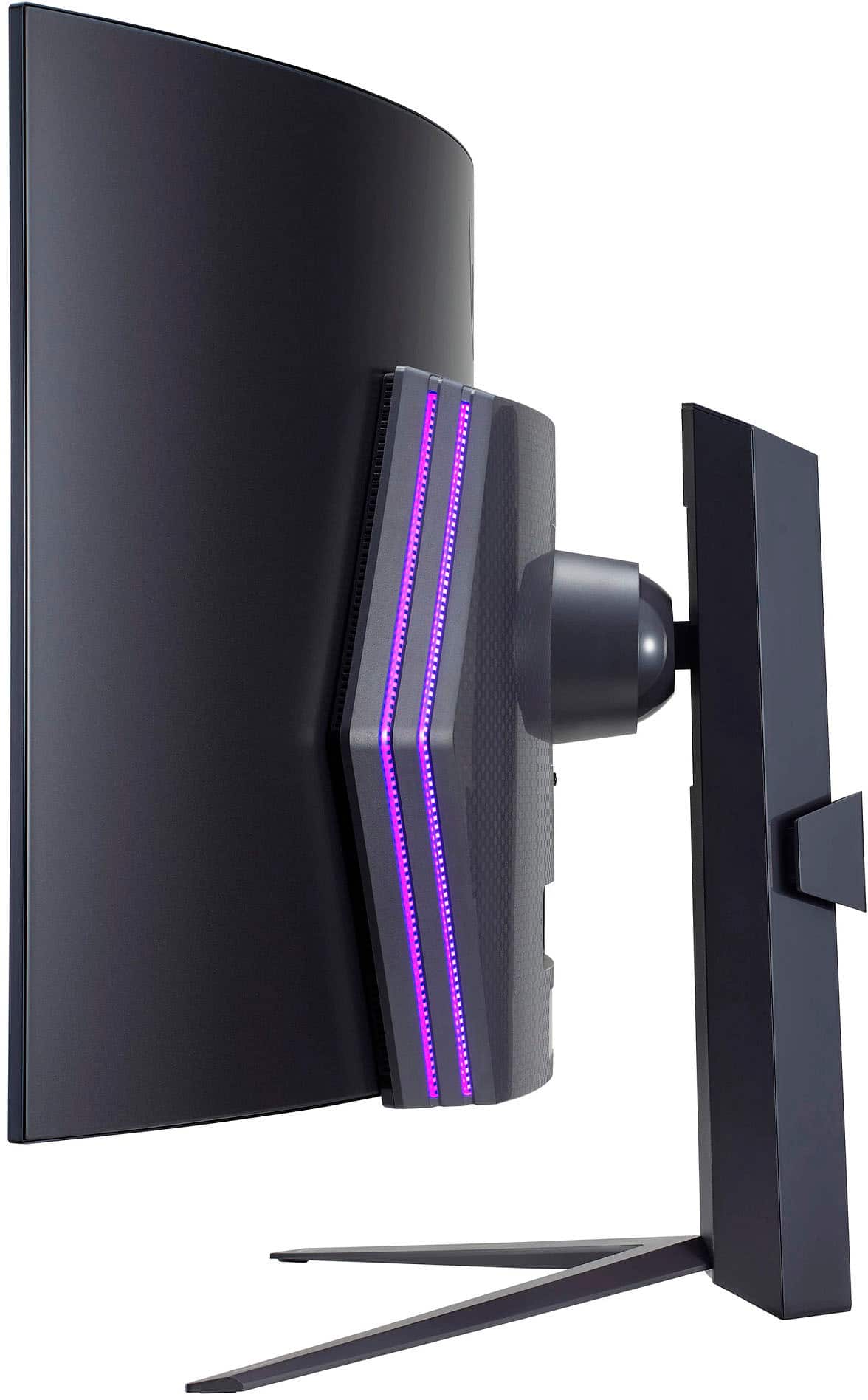
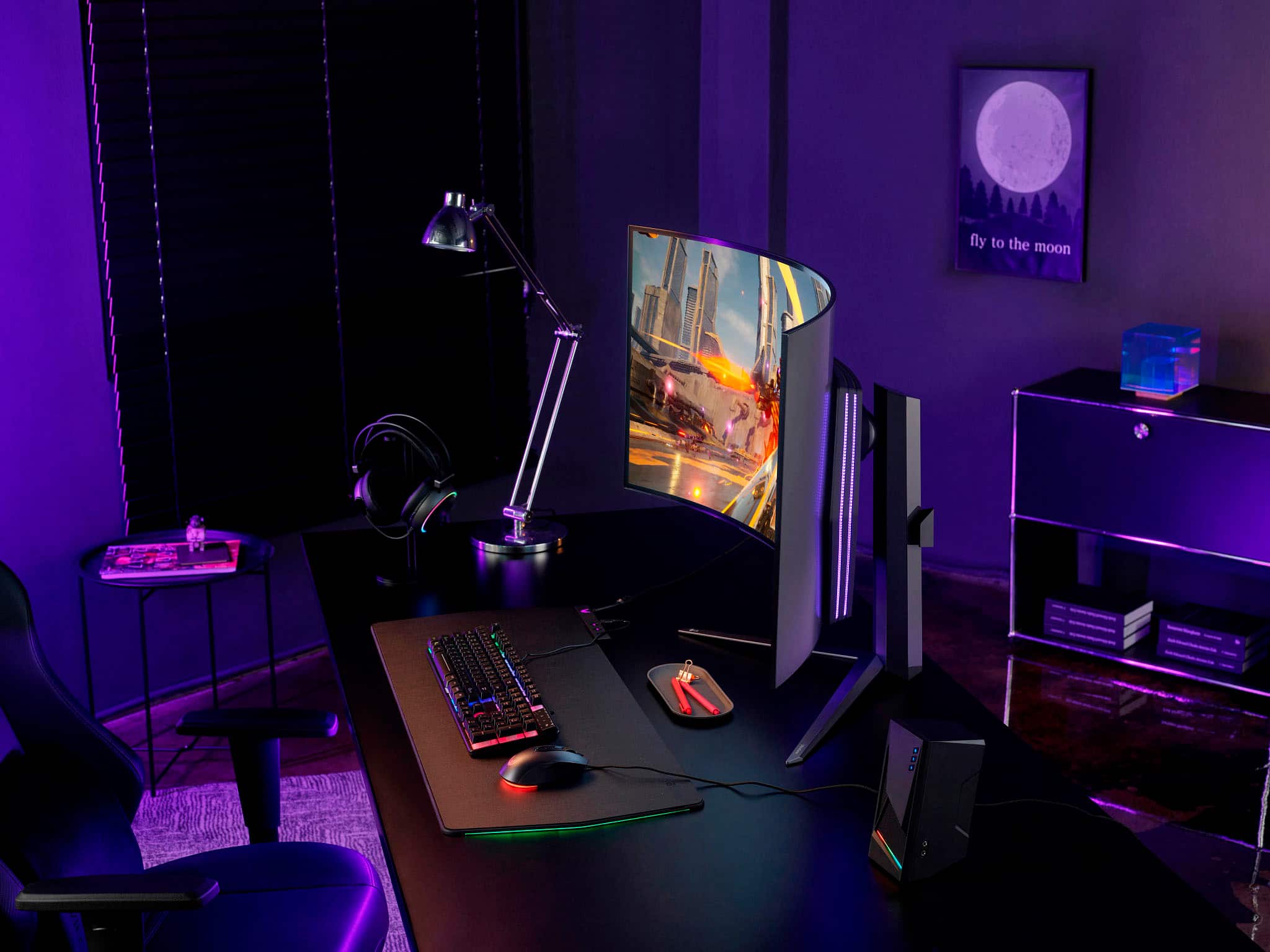
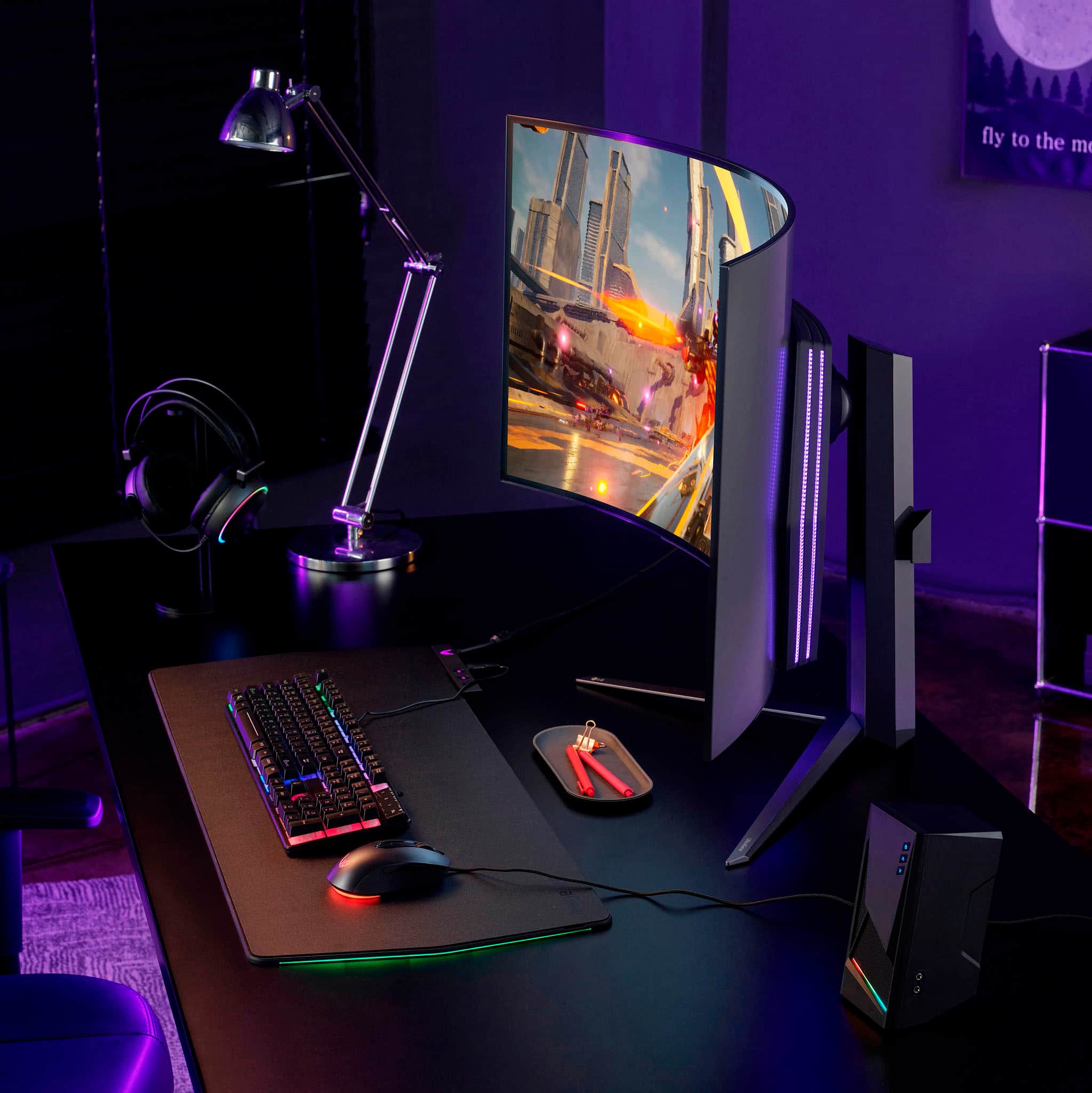
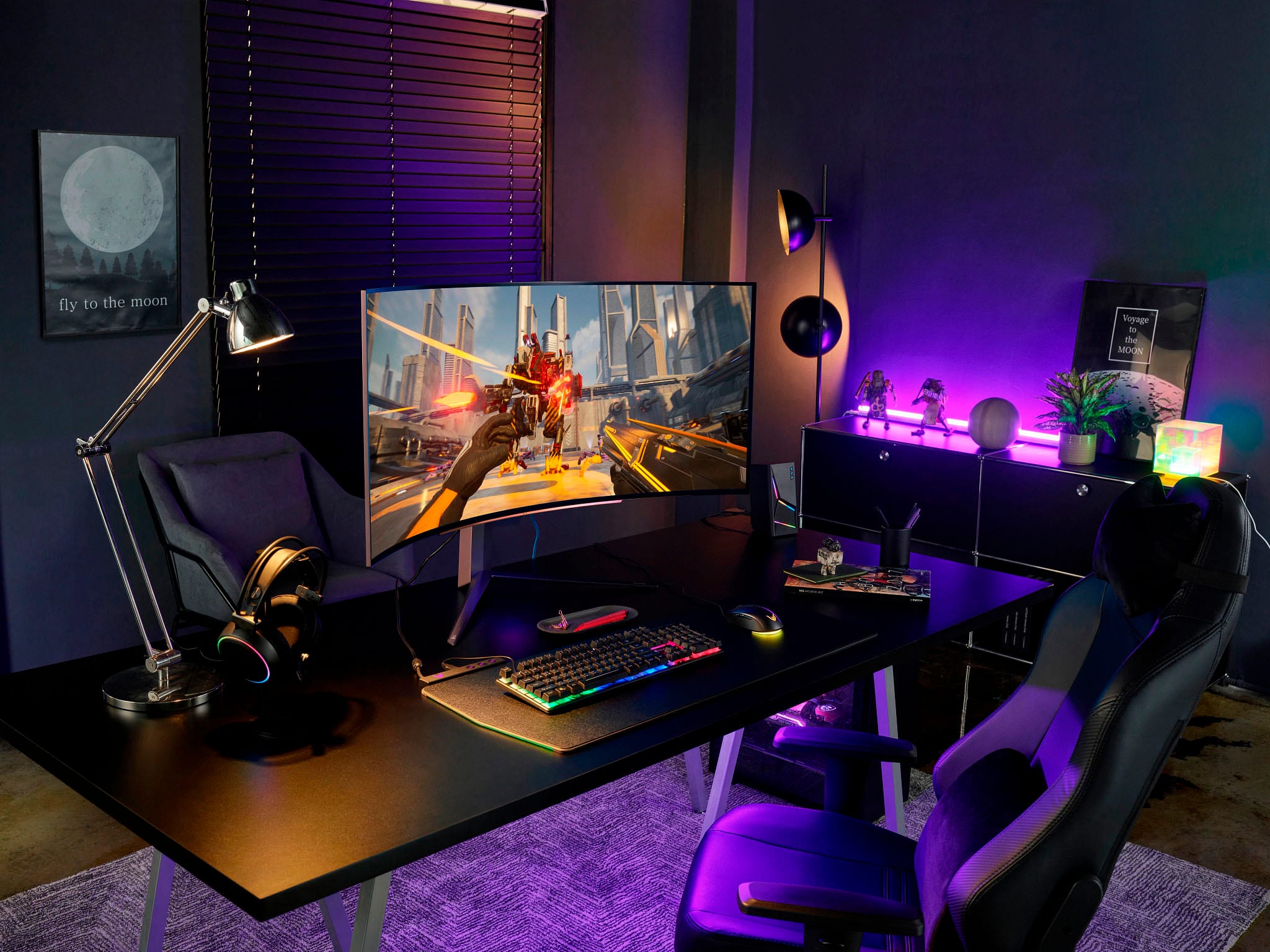
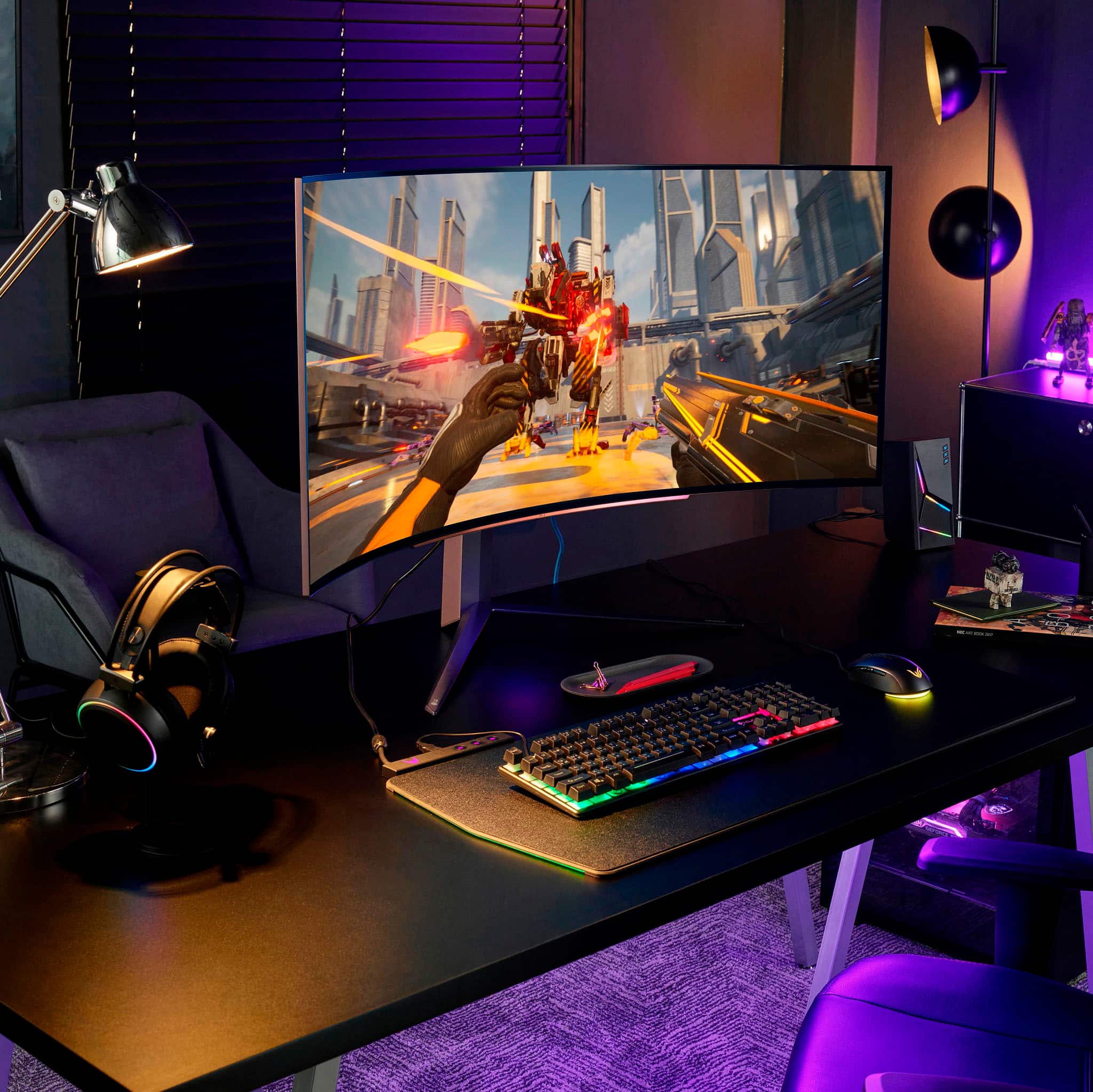
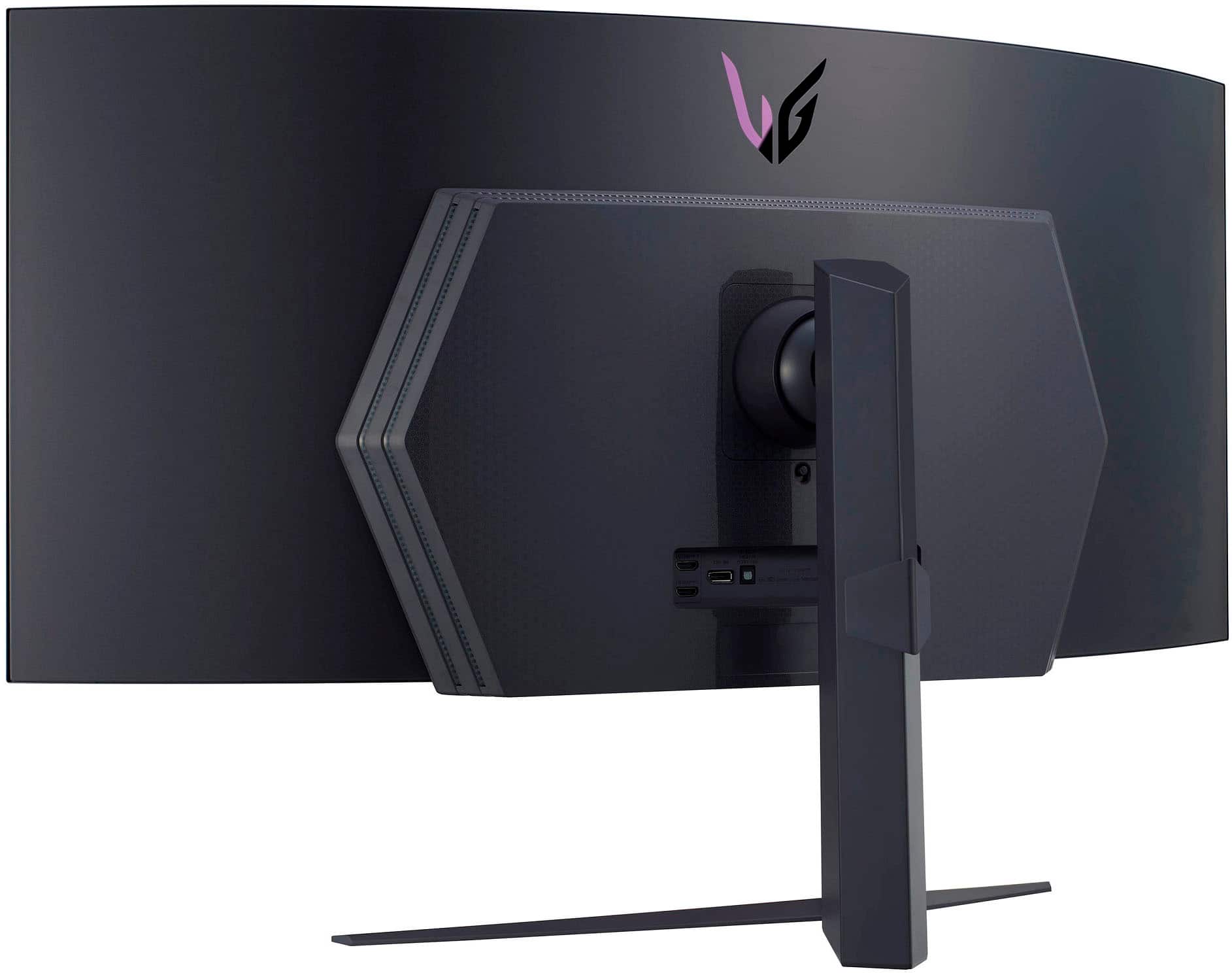
|Posted .This reviewer received promo considerations or sweepstakes entry for writing a review.The LG UltraGear 45" Oled Curved monitor makes gaming even better. The curvature of the screen is perfect, and you can see everything, it just wraps around your vision and make it feel like you are in the actual game. The stand that it comes with is huge, If this monitor does not sit directly on your desk you will need a monitor arm, and if it does sit on your desk it takes up a good amount of desk space. Overall picture quality and refresh rate is perfect. I could not notice any lag, image and color is clear. I very happy with this monitor the set up was fairly simple it was all plug and play and it comes with all the wires needed and a remote control to give you even more customization options. The LED on the back of the monitor really helps illuminate when you have it against a wall to make the monitor stand out. But i do have to say this does take my gaming to a whole new level compared to the normal flat monitors. Pros: Big monitor that wraps around your vision, easy set up and looks great in any set up Cons: The monitor stand it comes with takes up too mcuh space on the desk.
I would recommend this to a friendA Whole New Gaming Experience
|Posted .This reviewer received promo considerations or sweepstakes entry for writing a review.I play games almost every night, mostly FPS like Overwatch 2 and some other open world ones like RDR2 or GTA V. I’ve been using dual 27” 1440p monitors for my gaming experience, with the main monitor having a 165Hz refresh rate. I was looking for the next leap in monitor technology, and the LG UltraGear 45” UltraWide caught my attention. 240Hz, 45” Curved OLED, HDMI 2.1, DP 1.4, a Remote! What else could you ask for? Unboxing this behemoth wasn’t easy. It’s packed very well and mounting to the stand seems pretty simple. I purchased a separate mounting arm to give myself more desk space. The first time I sat down in front of it, I was in awe with how big it was. It really is a beautiful monitor with subtle RGB and thin bezels. To start off, this is a 3440x1440p screen. I’ve seen comments saying this resolution is too low for the screen size, giving it a low PPI. It is a little noticeable if you’re reading some texts, but this is a gaming monitor at the end of the day. I have my monitor around a little more than an arms length away and clarity is fine. I did see some graphical text issues in some Windows and NVIDIA menus, but nothing too bad. OLED on a monitor is awesome. I turned on HDR in my Windows settings and was amazed how good some of my games look. It’s like I’m playing them for the first time again. What I noticed is that if you have a screen that is mostly white, the screen will dim significantly and reduce the brightness. I’m guessing that has something to do with the OLED display, but it was the only thing so far that caught my eyes that would be a little annoying. Being an OLED panel, I’m sure people might be scared of burn-in, but I’ve noticed that after every session of playing games or working, the monitor goes into a “cleaning” mode that refreshes the pixels. It does it quickly and is a great feature to have. Something that I noticed is the automatic input switching can be hit or miss. I have my gaming PC connected via HDMI and my Mac connected through a Thunderbolt dock using DisplayPort. If my Mac is in Sleep mode and is not touched, and I try to start using my PC, it won’t switch to the HDMI input. I have to use the remote and manually switch it to HDMI. I didn’t have this issue on my previous monitors, so this is a little bit of an annoyance. Overall, the LG UltraGear 45” is an amazing gaming monitor. I’m very please with the quality and features that it has. If you are primarily using it for gaming, then this is something to check out.
I would recommend this to a friendBrand response from LGAnswers
Posted .Hey there. We appreciate you sending us your feedback. Please know that your thoughts are important to us as it will be shared with our marketing and product teams to meet your expectations moving forward. Meanwhile, if you need further assistance, send us a private message on Facebook or Twitter using @LGUSSupport, and include your contact info, or call our Customer Service at (800) 243-0000. ~Anthony
Love this monitor!
Posted .This reviewer received promo considerations or sweepstakes entry for writing a review.Love this monitor for gaming. Great colors, bright, fast, and helpful features. Primarily designed for gaming, but I like it for work as well.
I would recommend this to a friendPretty Good
Posted .This reviewer received promo considerations or sweepstakes entry for writing a review.Excellent refresh rate and graphic enchantment. Pretty long but not too long to the point where I’m not actually rotating my head to see each side of the screen. Everything is within field of view.
I would recommend this to a friendLGs 45" OLED Curved Gaming Beautiful Beast
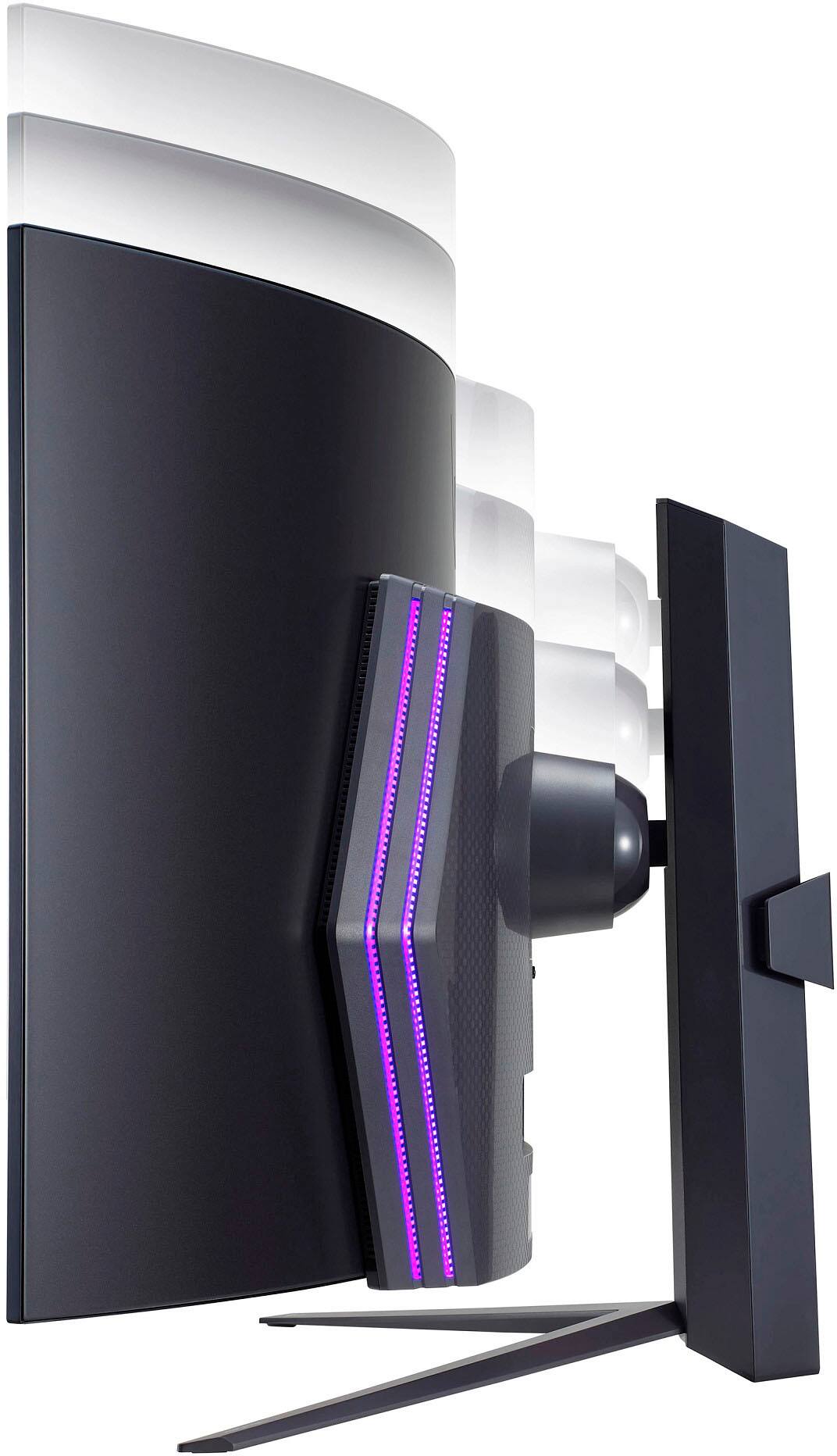
|Posted .This reviewer received promo considerations or sweepstakes entry for writing a review.LG UltraGear 45" OLED Curved WQHD Gaming Monitor So I just received my LG UltraGear 45" OLED Curved WQHD FreeSync and NVIDIA G-SYNC compatible Gaming Monitor a week ago and have been putting it through its paces. First off, when it was delivered, I was blown away with how large the box was. I could barely contain my anxiousness before opening it as not only was this my first ultrawide monitor, but it's also my first OLED monitor at that. Upon unboxing includes the following: * LG 45" UltraGear 45" OLED Ultrawide Gaming Monitor * Stand Base and Tilt/Pivoting Arm * Stand Cable Holder * Remote Control w/Battery * Ultra-High Speed HDMI Cable * DisplayPort Cable * Screwdriver * Power Cord * User Manual and other Documentation Setup is pretty much straightforward: simply screw the base into the stand and slide the back of the vesa stand into the slots which hold the monitor up. And that's pretty much it. The back of the monitor features a quick release button to remove the stand to pack away or if you want to get a desk arm to attach it. Either way, it makes it a heck of a lot easier to remove the stands from the back of monitors today. Glad to see this implemented on more and more monitors. Also on the back is 2 HDMI ports, DisplayPort port, an Optical Digital port, a SS USB port, and a couple of USB ports. A headphone port is also featured right below the display underneath. Once you chose your preferred connection and setup, you're ready to power this baby. I connected this massive beast of a monitor to both my ASUS Rog Strix Gaming Desktop as well as my M1 Mac Mini. I later tested out my Nintendo OLED Switch to it also. Each connection was absolutely amazing. Especially with my ASUS ROG Strix Gaming Desktop and my Nintendo Switch. I thought there was gonna be somewhat of a learning curve for myself seeing as how I've never owned a curved monitor before, but my eyes were able to quickly adjust to peripherally just fine. The colors just seem to pop more and I was able to see more of my gaming area. Now some people may complain that it's not 4K or blah, blah, blah, but that's totally not a dealbreaker for me. I base what I like on what the product is before me. Yeah it could have been this or that, but none of that matters. And once you power this bad boy up and throw any game at it, you will see why its simply amazing. I have used this gaming monitor everyday since it arrived. I use it for both gaming and personal/work usage. RGB Lighting is also featured on the back of this monitor which you can adjust and tweak to your liking amongst other settings via the included remote. Another one of my favorite features of this monitor is PIP (picture-in-picture). I love that I can connect both my Windows desktop and my Mac together and have them side-by-side. You can work or game on one side and watch videos or TV on other side. Aside from PIP, the monitor can be raised up or down, angled to the left or right, and tilted up or down. There's so much that this monitor can do. In my book there was nothing that was dealbreaker for me. LG swung and hit this one out of the park.
I would recommend this to a friendAbsolutely loving my LG UltraGear!
Posted .This reviewer received promo considerations or sweepstakes entry for writing a review.The curve is immersive, drawing you right into the heart of the action, and the OLED display delivers stunning visuals that make every game look incredible. The 240Hz refresh rate is a dream for gaming - super smooth with zero lag. Whether you're using AMD or NVIDIA, it's got you covered. Plus, the HDR10? Gorgeous detail and colors. It's not just a monitor; it's a game changer. Worth every cent!
I would recommend this to a friendAmazing
Posted .This reviewer received promo considerations or sweepstakes entry for writing a review.This monitor is simply amazing and breathe taking. Upgraded from an Alienware 34 ultrawide 120hz. Huge difference in size and performance. Never realize how much input lag my previous monitor had. I've had other previous 240hz monitors with less than 1ms response rates. The 45 LG Oled hands down is the best monitor I have played on. I have been a gamer for over 20 years on console and PC. Be sure to have adequate size desk cause this monitor is huge.
I would recommend this to a friendIts is the best monitor i ve ever owned.
Posted .This reviewer received promo considerations or sweepstakes entry for writing a review.I really like the ultra wide monitor. I tried the samsung Odyssey monitor but the colors were not as good and sharper as this monitor.
I would recommend this to a friendThis looks amazing
Posted .This reviewer received promo considerations or sweepstakes entry for writing a review.Been able to use it for weeks now it feels like you are in the action, color, clarity and contrast are 100% on this monitor
I would recommend this to a friendBrand response from LGAnswers
Posted .Hi! Thanks for the high rating and for the descriptive review for your LG UltraGear 45" Curved OLED monitor. #LifesGood when your monitor's specifications give you the feeling of "being in the action." Happy gaming! Should you need support, we're available via phone or chat support. You can find further details (including the link to chat support) for these support options here: https://www.lg.com/us/support/contact. We'd be more than happy to provide resolution to any issue you may be having. ^Chris
Amazing
Posted .This reviewer received promo considerations or sweepstakes entry for writing a review.The LG UltraGear OLED monitor is a visual masterpiece. With its OLED display, colors are rich and vibrant, and the contrast is outstanding. The fast response time and high refresh rate provide an incredibly smooth and immersive gaming experience. The monitor's sleek design and thin bezels add a touch of elegance to any setup. Whether you're a gamer or a creative professional, the LG UltraGear OLED monitor delivers stunning visuals that will elevate your work or play to a whole new level.
I would recommend this to a friendLG - UltraGear 45" OLED Curved WQHD FreeSync and N
Posted .This reviewer received promo considerations or sweepstakes entry for writing a review.LG - UltrGear 45" OLED Curved WQHD FreSync and NVIDIA G-SYNC compatible Gaming Monitor with HDR10 (DisplayPort, HDMI, USB) love it
I would recommend this to a friendPerfect 2k gaming
Posted .This reviewer received promo considerations or sweepstakes entry for writing a review.Very nice, excellent picture quality while gaming and watching movies.
I would recommend this to a friendGreat monitor though its expensive
Posted .This reviewer received promo considerations or sweepstakes entry for writing a review.The colors on the screen are great! I wish it was 4k but everything else on the monitor is awesome!
I would recommend this to a friendOutstanding
Posted .This reviewer received promo considerations or sweepstakes entry for writing a review.Perfect for gaming! And you cant beat that membership price.
I would recommend this to a friend