Customer Ratings & Reviews

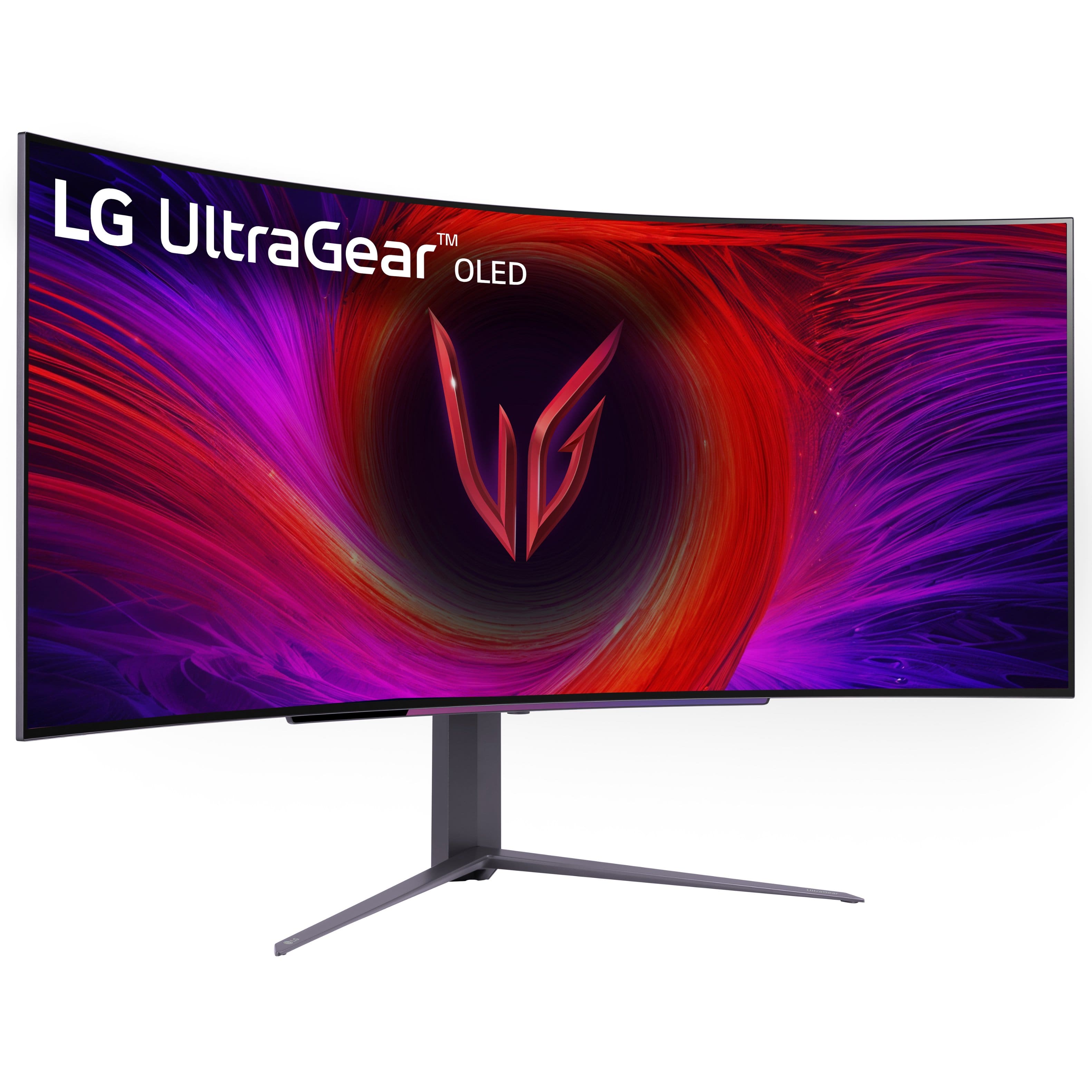
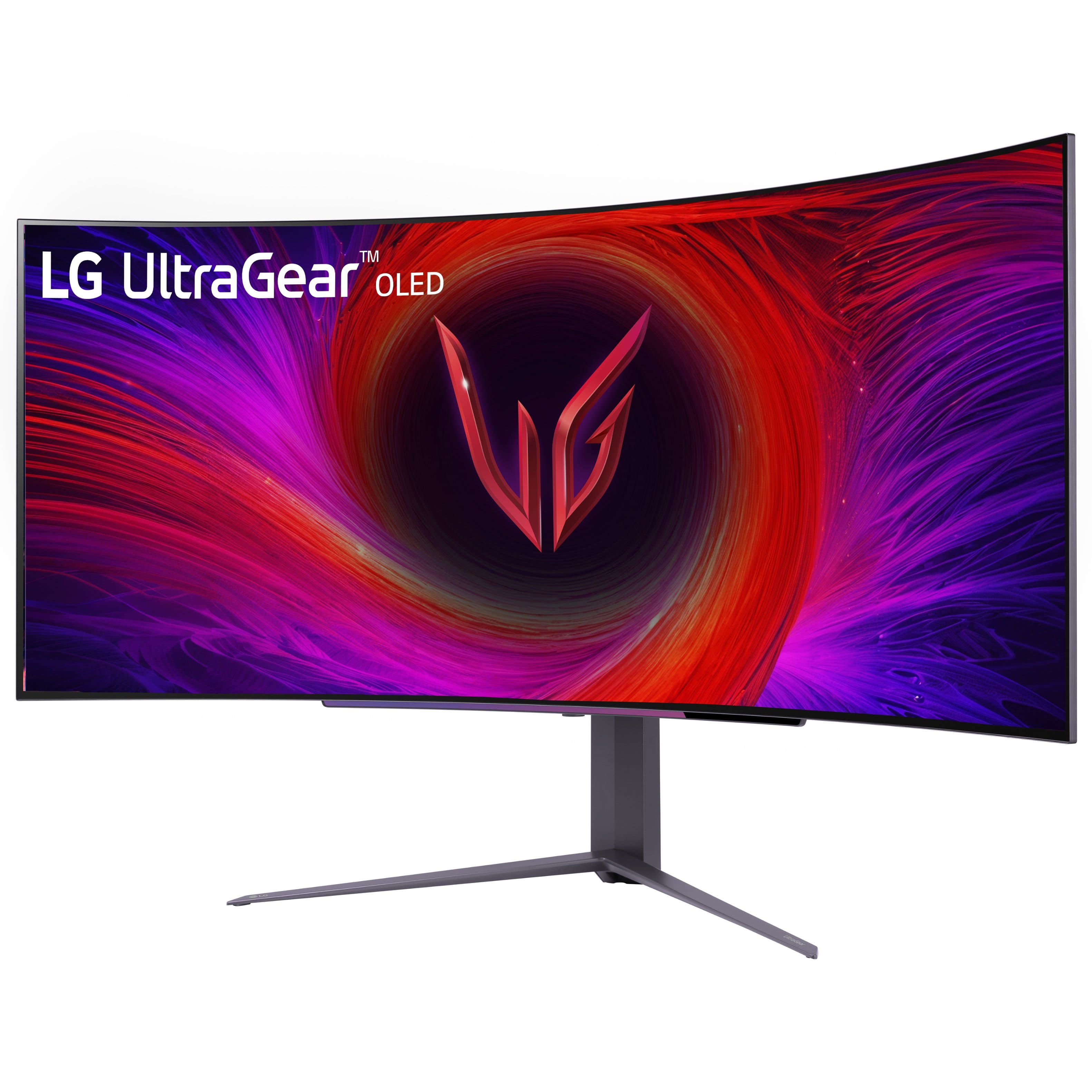
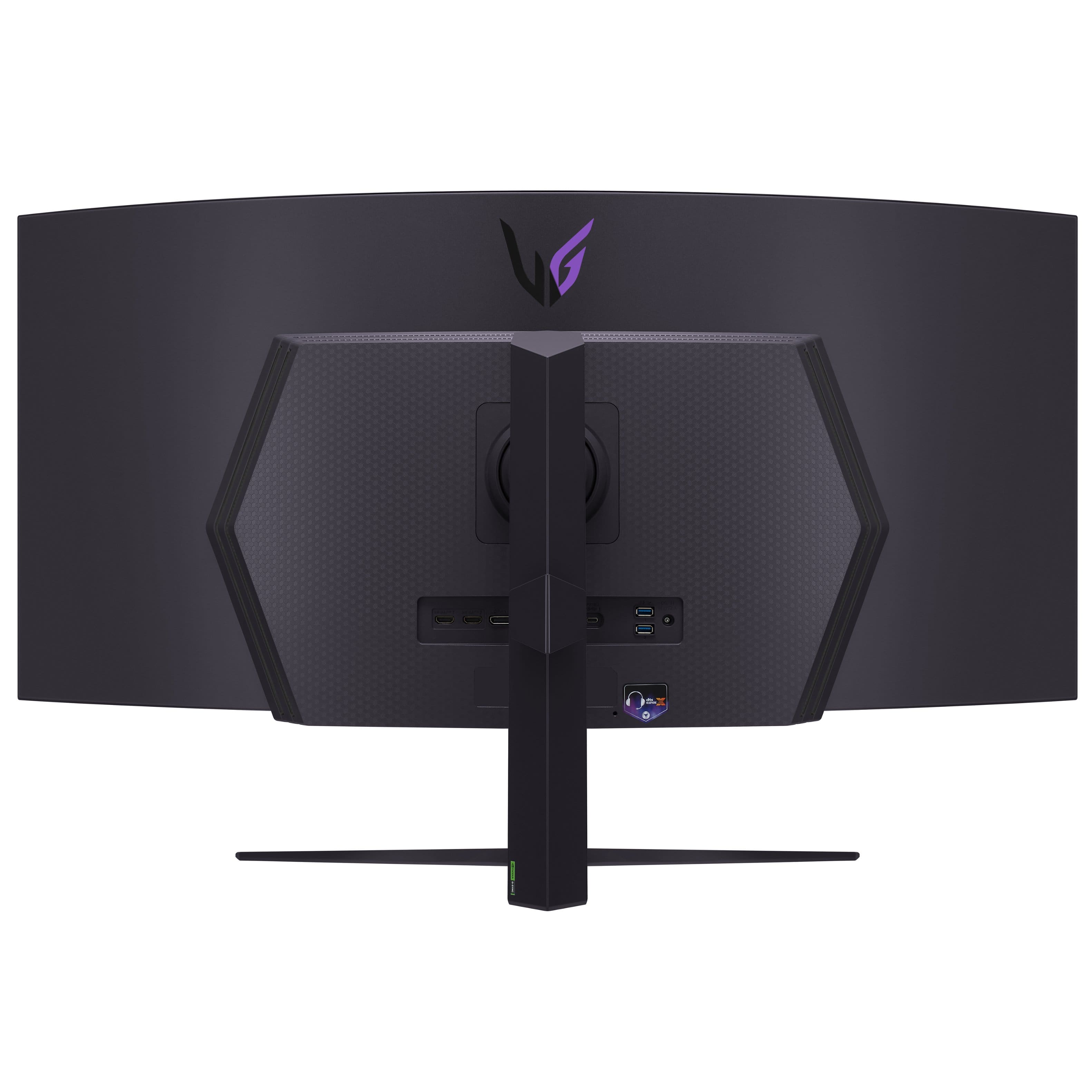
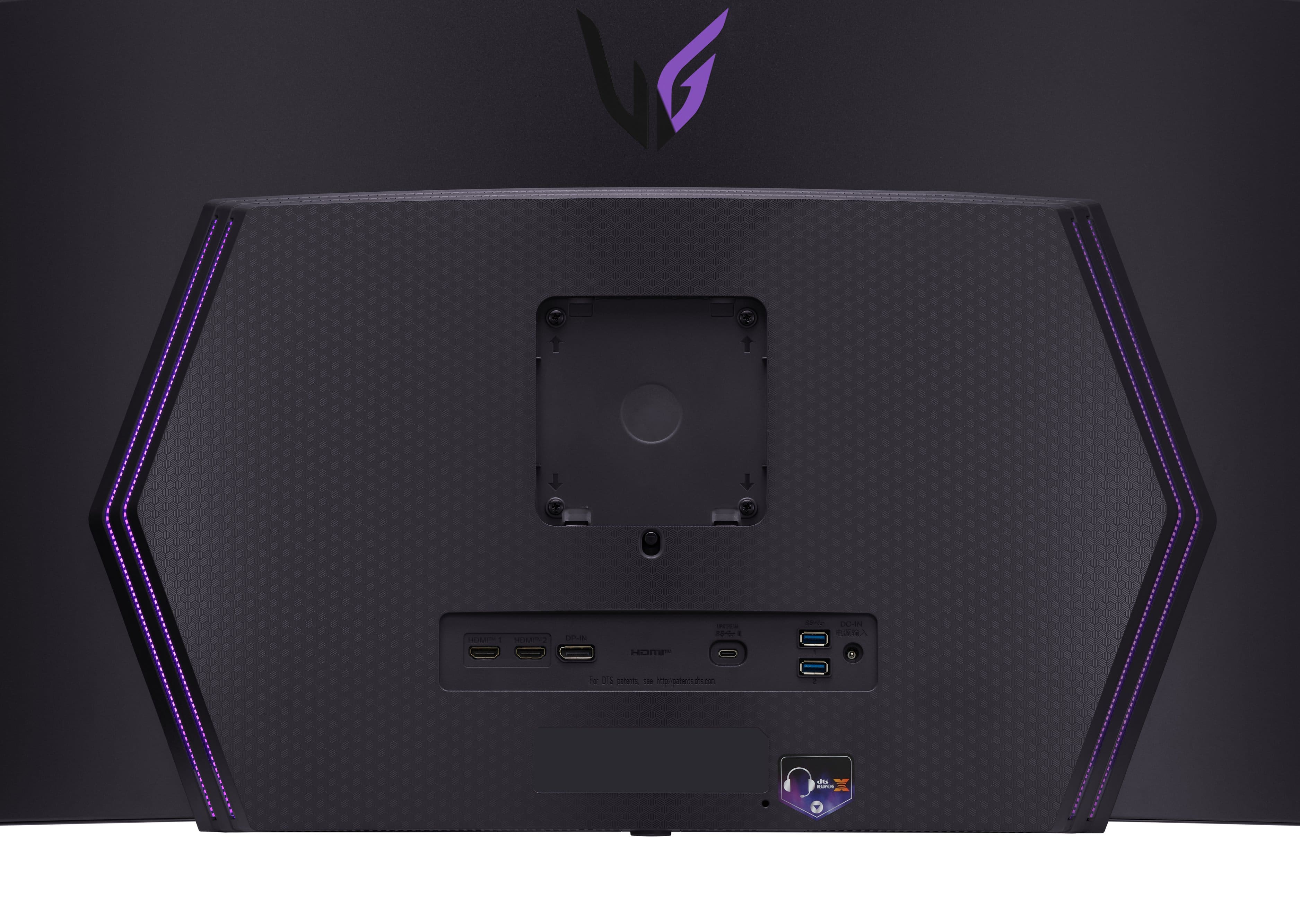

- Model:
- 45GS96QB-B.AUS
- SKU:
- 6575395
Rating by feature
- Display Quality
Rating 4.8 out of 5 stars
- Ease of Use
Rating 4.8 out of 5 stars
- Features
Rating 4.8 out of 5 stars
Customers are saying
Customers find value in the UltraGear 45" OLED monitor's overall performance, screen size, and OLED quality. Many users find the monitor provides an immersive experience and appreciate the quick refresh rate. However, some customers have noted concerns regarding text quality and resolution. Overall, the monitor seems to be well-received, with the pros outweighing the cons.
This summary was generated by AI based on customer reviews.
- Pros mentioned:Immersion, Oled quality, Refresh rate

A Revolution in Gaming Displays
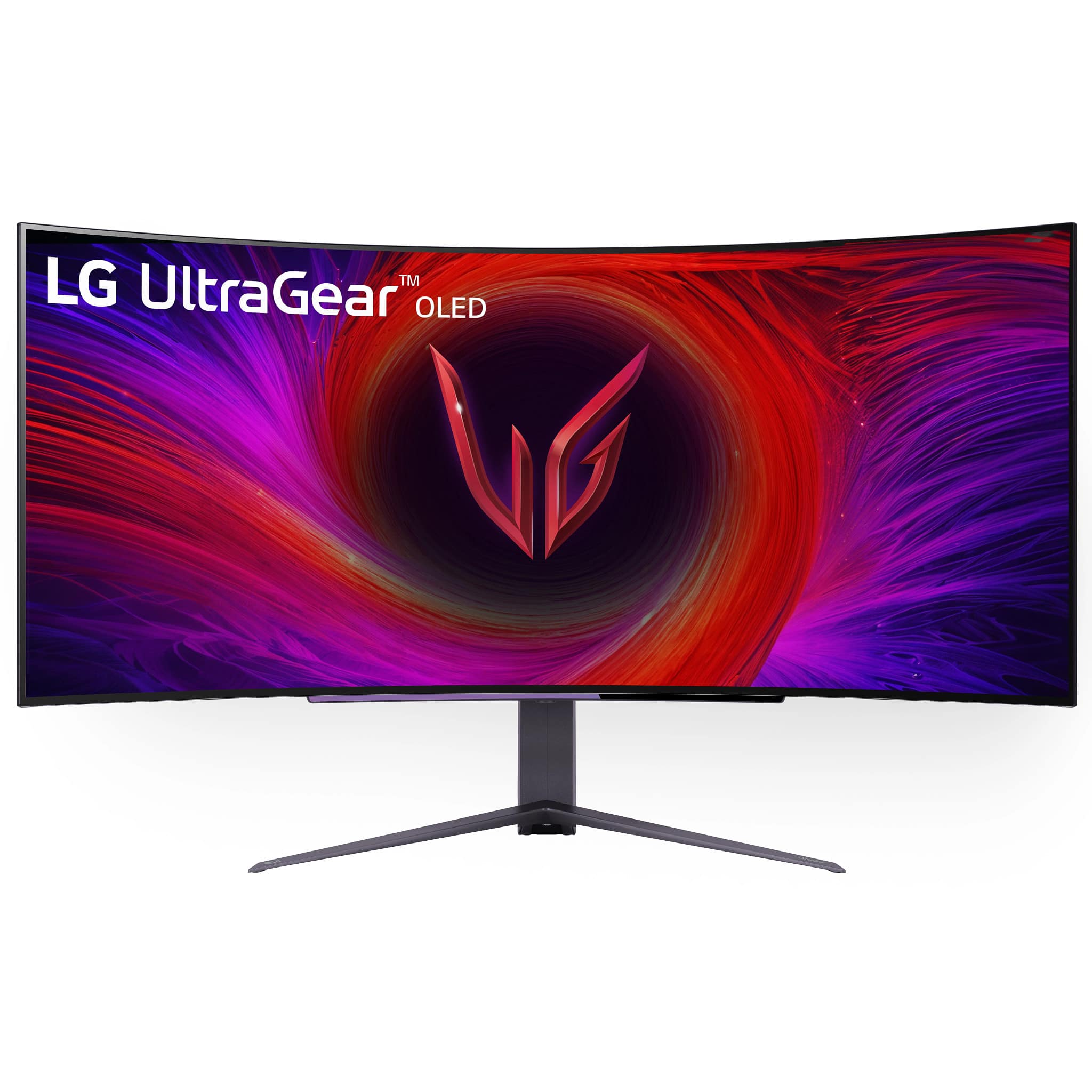
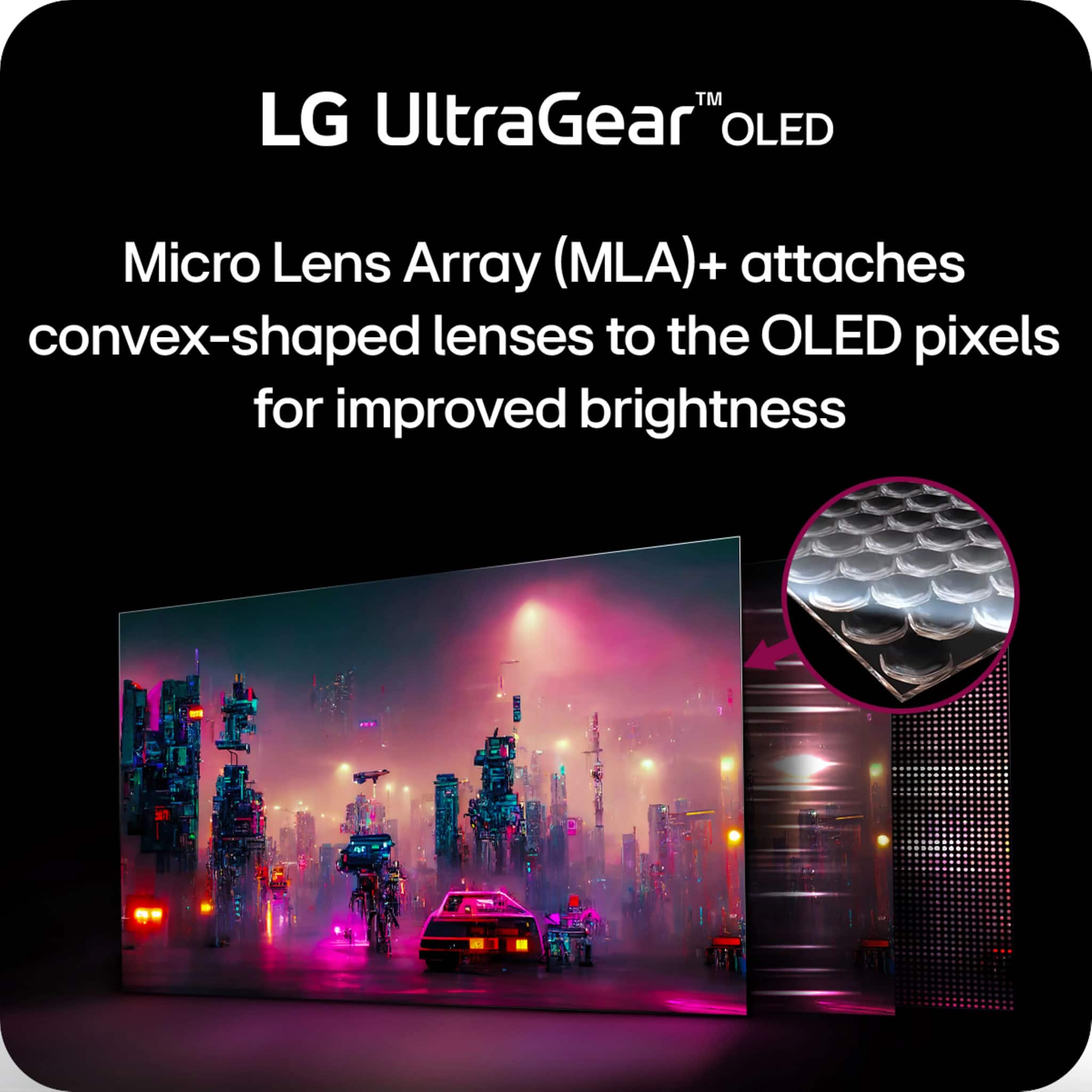
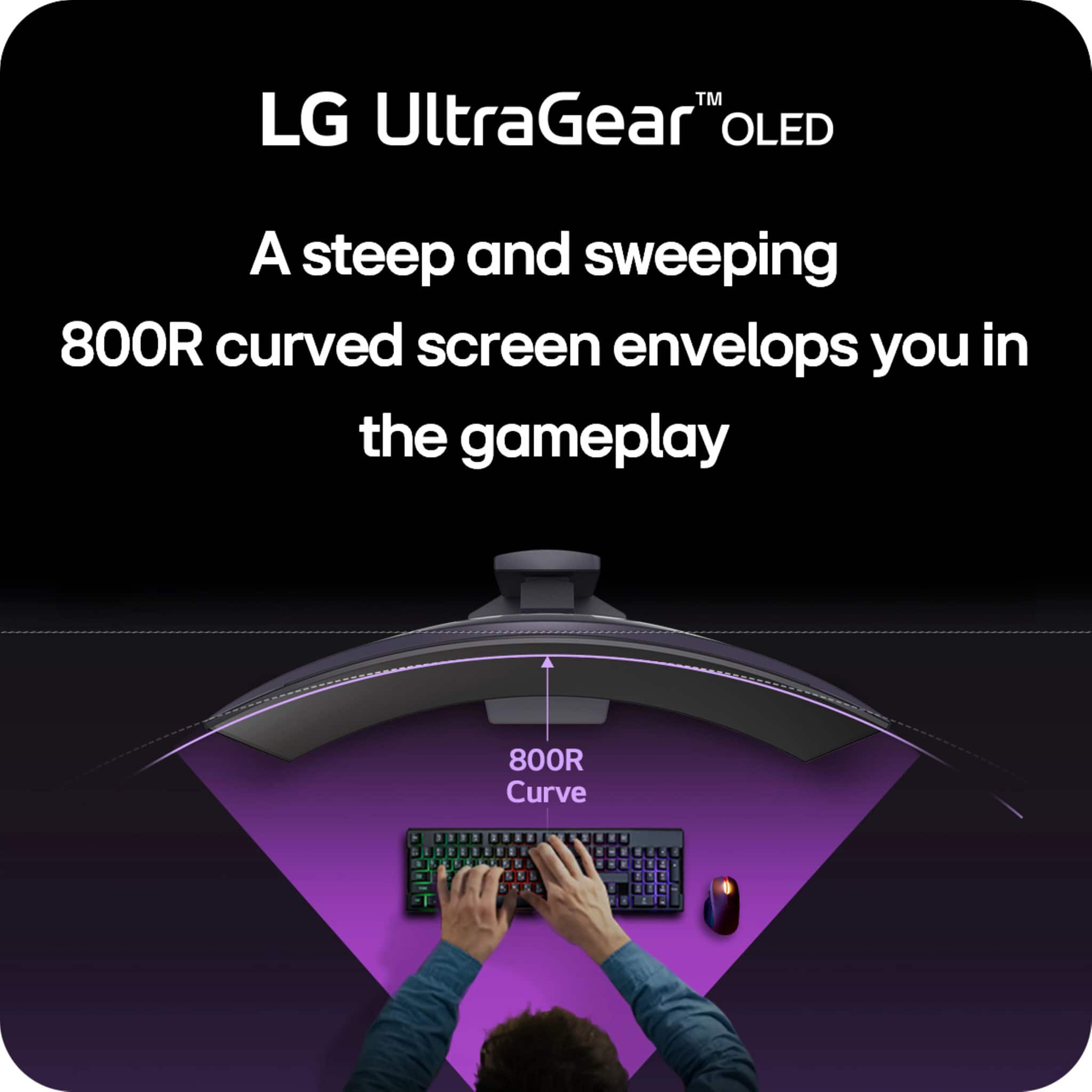
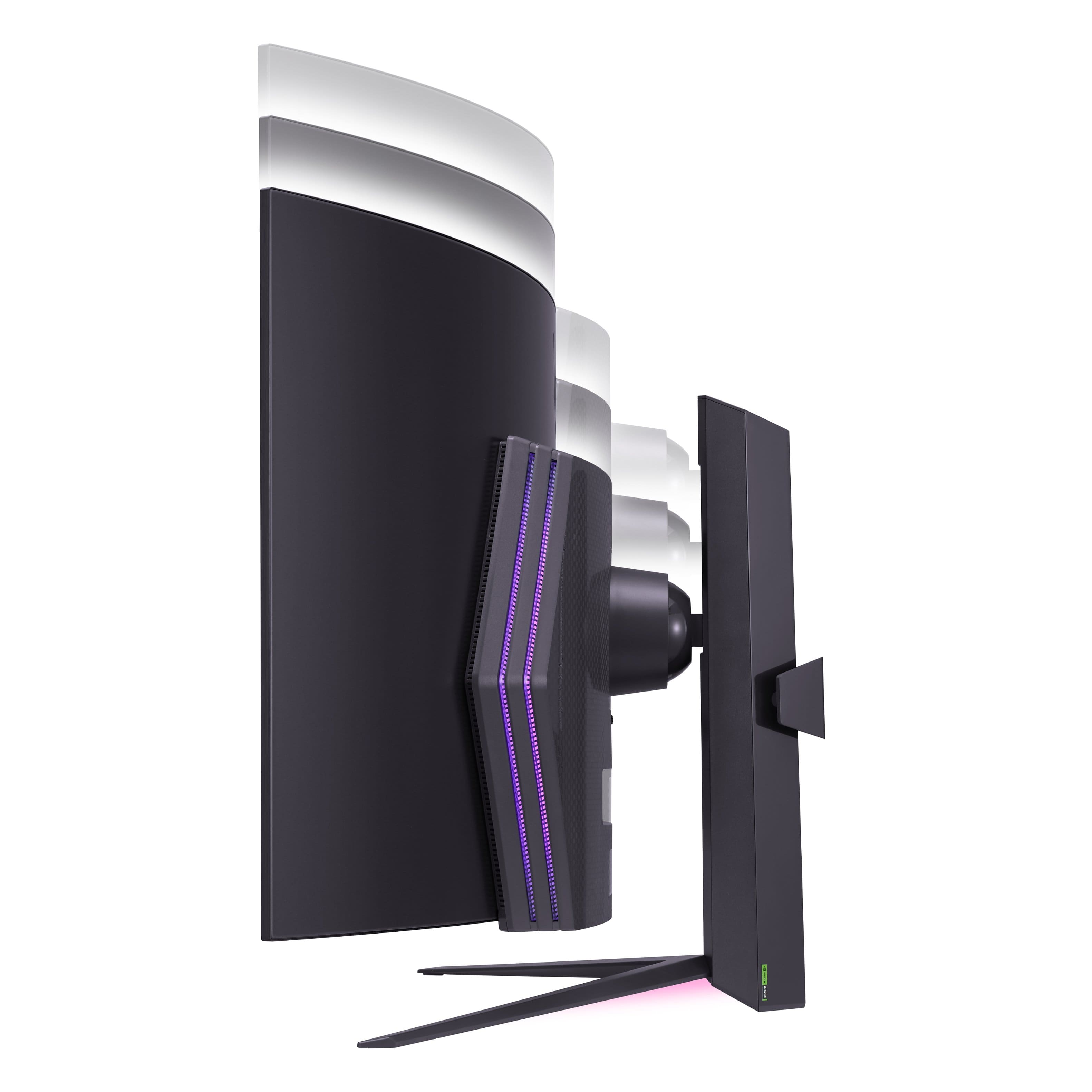
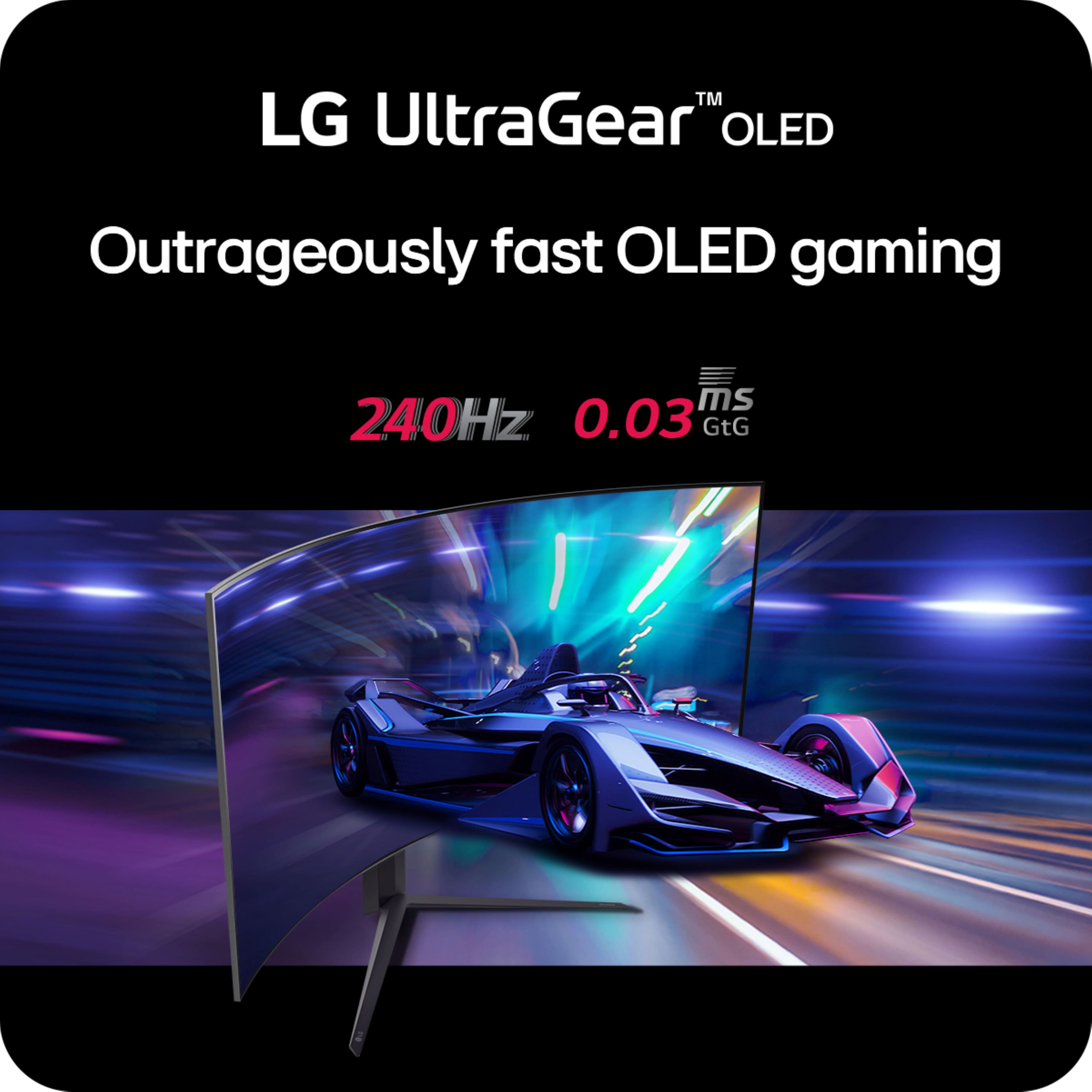
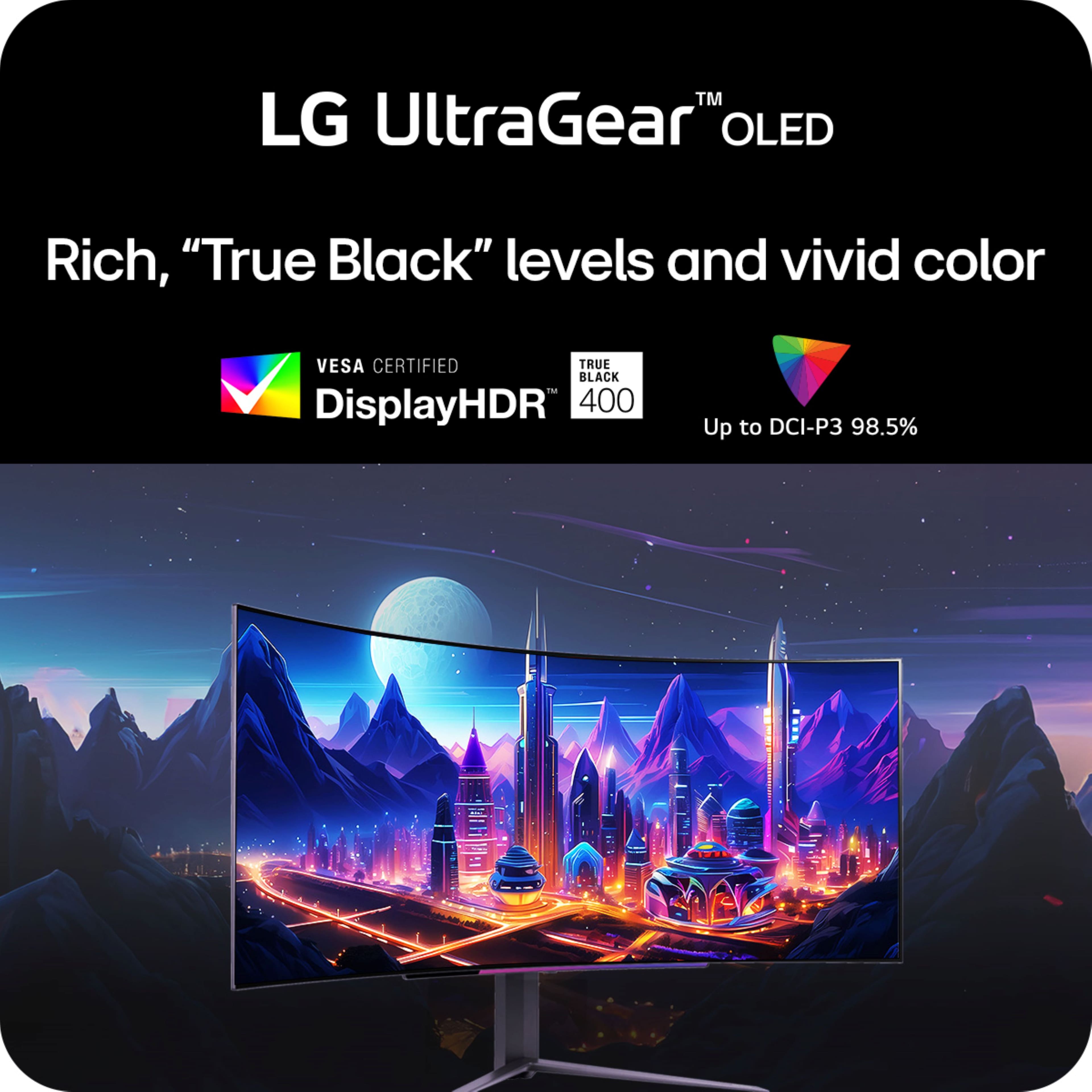
|Posted .This reviewer received promo considerations or sweepstakes entry for writing a review.The LG UltraGear 45 isn't just a gaming monitor; it's a portal to another world. The massive 45-inch curved OLED display throws you headfirst into the action, delivering unmatched immersion and out of this world performance. Whether you're a seasoned veteran or a casual gamer seeking a truly special experience, this monitor has something to offer everyone. So, let’s go over what this portal has to offer. Unboxing and Setup: This monitor comes with everything you will need to upgrade your gaming display. • Massive 45-in LG Ultra Gear OLD Curved Display along with the stand • 1 USB-C to USB-C CABE • 1 HDMI 2.1 CABLE • 1 DISPLAYPORT 1.4 CABLE • Massive display needs a massive power brick. PORTS: • 2 HDMI 2.1 PORTS • 1 DISPLAY PORT • 1 USB-C PORT • 2 USB 3.0 PORTS • 1 HEADPHONE JACK • DC POWER JACK FEATURES: • 44.5 IN DISPLAY • 240Hz REFRESH RATE • 1,500,000:1 CONTRAST RATIO • 0.03 MILLISECOND RESPONSE TIME • OLED DISPLAY PANEL • 3440 X 1440 (ULTRA WIDE QUAD HD) RESOLUTION • G-SYNC AND FREESYNC PREMIUM PRO • HIGH DYNAMIC RANGE 10 (HDR10) • ANTI-GLARE SCREEN • INTEFREATED SPEAKERS – DUAL 7W SPEAKERS • 39 IN WIDE AND 25 LBS Unmatched speed: With a blistering 240Hz refresh rate and a near-instantaneous 0.03ms response time, the LG UltraGear 45 delivers the smoothest, most responsive gaming experience that I have had in quite some time now. Whether you're tracking fast-moving enemies in a first-person shooter or reacting to split-second cues in a fighting game, this display will ensure that your visuals keep up with your lightning-fast reflexes. Breathtaking OLED display: LG's OLED technology produces unmatched image quality, with perfect blacks that provide infinite contrast. This means that dark scenes will appear incredibly detailed, with no backlight bleed or IPS glow. Colors are also incredibly accurate, thanks to the monitor's 98.5% DCI-P3 color gamut coverage. This wide color gamut ensures that games and movies will look vibrant and lifelike. OLED technology also offers superior response time and input latency, making it ideal for fast-paced gaming. The display also offers Deep True Black levels, certified True Black 400, offering rich black color expressions, put it this way the blacks are deeper than deep. Immersive curved design: The massive 45-inch curved display with an aggressive 800R curvature creates a truly cinematic viewing experience that engulfs you in the game. The large size also provides ample real estate for multitasking or working on creative projects, offering a more panoramic view for an even more immersive experience. Versatile connectivity: The display offers a comprehensive set of connectivity options, including HDMI 2.1, DisplayPort 1.4, and USB-C port. This selection ensures compatibility with a wide range of gaming PCs and other devices, including laptops, consoles, and even some smartphones. Additionally, the monitor includes a built-in headphone jack and a two-port USB ports, so you can connect all your gaming peripherals without having to worry about running out of ports. On-Screen Controls: The on-screen control option puts all the controls on this display at your fingertips. From creating different gaming profiles to setting up PIP options and profiles options are simple and seamless. This is an out of this world gaming monitor but in my opinion only lacks behind in one feature and that is smart features, which this display does not offer any. If LG were to add smart features such as wireless display connection it would make this beyond perfect. Overall, this monitor for those who demand the absolute best of gaming displays. Combing unmatched speeds with amazing visuals and immersive curvature into one glorious piece of machine. If you can look past the hefty price tag, I would highly recommend that you check out this beast of a gaming monitor.
I would recommend this to a friend - Pros mentioned:Oled quality, Overall performance, Refresh rate
The Ultimate Gaming Experience: My
||Posted . Owned for 1 week when reviewed.This reviewer received promo considerations or sweepstakes entry for writing a review.I’ve been using the LG 49-Inch OLED Ultrawide Monitor with my RTX 4080, and let me tell you, it’s a total game-changer—especially when it comes to gaming. Gaming at 240Hz Refresh Rate The 240Hz refresh rate is hands-down one of the best features of this monitor. It makes everything in-game feel buttery smooth. Whether I’m playing a fast-paced shooter or something more immersive like Cyberpunk 2077, the quick refresh rate helps eliminate any lag or stuttering. Paired with the power of my RTX 4080, I can push games to their limits and still enjoy consistent, flawless performance. Every frame just flows into the next—it’s like the game responds to you before you even realize it. In games where speed and reaction time matter, like in Call of Duty or Apex Legends, that’s a huge advantage. OLED Visuals What really makes the difference though is the OLED panel. Honestly, the visual quality is unbelievable. The colors pop, and the blacks are just… black, not that washed-out gray you get on regular monitors. It makes games that use dynamic lighting, like Horizon Zero Dawn, look insanely real. You feel like you’re in the world, especially in darker environments where OLED really shines. Immersive Ultrawide Display And then there’s the 49-inch ultrawide aspect. For games that have huge, expansive worlds—think Red Dead Redemption 2 or even racing games like Forza Horizon—the extra screen real estate pulls you in like never before. Plus, I can see so much more on the screen without constantly having to move the camera around. It just feels more natural, more immersive. Smooth Gameplay with FreeSync and G-Sync Of course, the monitor’s G-Sync and FreeSync compatibility means no screen tearing, no ghosting, none of that annoying stuff that can pull you out of the experience. With the RTX 4080 handling the heavy lifting, it’s an absolute beast for gaming, and the monitor just keeps up. Perfect for Multitasking Outside of gaming, the ultrawide screen is also a blessing for multitasking. When I’m editing videos or streaming, I can have everything open on the same screen without having to jump between windows constantly. It’s like having two monitors in one, and the workflow feels so smooth, PPI is not an issue if dont look very close at the monitor, which most of us dont do anyway Final Thoughts Overall, the LG 49-Inch OLED Ultrawide is an absolute powerhouse when paired with the a good powerful gaming PC. If you’re into competitive gaming or just want the most immersive experience possible, this monitor delivers in every way.
I would recommend this to a friend - Pros mentioned:Oled quality, Refresh rate
Amazing Monitor
|Posted .This reviewer received promo considerations or sweepstakes entry for writing a review.Gaming on the LG UltraGear 45”, 3440x1440 monitor with the 800R curve is the most immersive gaming experience I’ve ever had outside of VR. I’ve used curved monitors for years, but this is something special. Colors are vibrant and, being OLED, the contrast is second to none. At 240Hz, there is zero motion blur. My visual experience so far has been nothing but stunning. WQHD 1440p/240Hz feels like something of a sweet spot for my RTX 4080. Everything I’ve thrown at it is displayed silky smooth. HDMI, DisplayPort, and even USB-C provide max resolution and refresh rates. Input switching is automatic or user selectable. I’m a big fan of monitor accent lighting, and the built-in multi-segment hexagonal LED on the rear of the monitor is an excellent implementation. Setup for color and brightness is easy using the OSD. Monitor settings are changed using a familiar joystick control at the bottom center of the monitor (located next to the headset jack). It is an intuitive interface that provides access to the plethora of settings for every aspect of the LG UltraGear including the multitude of image quality adjustments, display mode, speaker volume, integrated FPS counter, crosshair display, etc. It works exactly as expected. Audio over HDMI was delivered without issue. Plug it in; it works. I did encounter one problem while evaluating the monitor, and that was with audio delivery to my soundbar while using DisplayPort. I tried optical and aux feeds to no avail. I ended up connecting the soundbar via HDMI to an available port on the PC; only then was I able to hear anything. Tricky to sort out, but ultimately a minor inconvenience. The monitor does have speakers, but sound reproduction lacks any depth or spatial accuracy. This monitor is large! Measure to ensure that your desk can accommodate the footprint, both width and depth. Adjustable height and swivel make it easy to find the perfect viewing position. Speaking of viewing position, the viewing angles for this monitor are outstanding. Like gaming in front of an audience? Tell them to stand anywhere behind/next to you. Viewing from essentially any angle, horizontal or vertical, is a great experience. I don’t know if it’s the curve or the screen coating, but reflections and glare are nonexistent. The function of the USB-C port was a surprise. Yes, it will charge connected devices with 65W Power Delivery. I was not expecting to plug into my notebook’s USB-C port and immediately be shown my desktop presented on a 45” monitor running at full resolution and refresh rate! I was kind of blown away. There are also two USB 3.0 ports on the rear of the monitor to accept keyboard, mouse, headphones, storage, etc. It handles everything I’ve tried. The LG UltraGear 45” isn’t just perfectly suited to gaming. This monitor is also a productivity powerhouse that eliminates the need to ALT-TAB between windows. It’s a Snap to have multiple programs displayed simultaneously. The monitor stand has cable management built in with the insertion of a plastic bracket/guide to the rear of the stand. It works great, has plenty of room for cables, and makes for a nice, clean presentation. DisplayPort, HDMI, and USB-C cables are included. This is an outstanding monitor that I would enthusiastically recommend to anyone seeking a no-compromise curved display.
I would recommend this to a friend Do Not Buy
||Posted . Owned for 1 month when reviewed.This reviewer received promo considerations or sweepstakes entry for writing a review.These are garbage, broke in a month. Do not buy this junk
No, I would not recommend this to a friendBrand response from LG Digital Customer Care
Posted .Hi, Jay. We appreciate you sharing your experience with the LG Monitor (45GS96QB-B) model. We understand your concern about your unit that broke down in a month. We strive to provide high-quality products that exceed our customer's needs and expectations.
If the screen or panel stopped working or you’re experiencing display issues, try performing a power cycle by unplugging the TV for 60 seconds, then plugging it back in and turning it on. This simple step can sometimes reset internal systems.
We want to learn more about what went wrong and assist you directly. Please send us a private message on social media @LGUSSupport so we can gather your details and provide a resolution. We take your feedback seriously and are ready to help. ^Juvy
- Pros mentioned:Overall performance
Immersive Gaming
|Posted .This reviewer received promo considerations or sweepstakes entry for writing a review.Pros Excellent anti-glare coating No color shift off angle Bright enough for use in a well-lit room Built in speakers Aspect ratio good for games and productivity Usable for productivity work Decent games support for the aspect ratio Easy to adjust stand Light for the size Good color accuracy with factory calibration Supports PIP and split screen No perceivable lag Stays cool Integrated tools to prevent/ reduce chances of burn-in Cons Low PPD at normal viewing distance Pixel arrangement not as good for productivity Anti-glare matt finish reduces quality and contrast Screen wobbles on stand Old stand included instead of new compact stand Limited color options for accent lights and no integration Built in speakers lack range The LG UltraGear 45 45GS95QE-B has been updated from the R model to now include DisplayHDR True Black 400, integrated speakers, and specifies an updated low-profile stand although this unit included the old-style stand. The monitor has support for DisplayPort over USB-C allowing a single connection to your system for audio, video, USB, and power while displaying at native resolution and 240Hz. The USB-C port power delivery wattage is not listed but it can charge a laptop. On the back are two USB-A ports to connect accessories. Audio passthrough is also supported via a headphone jack on the bottom of the monitor. Thankfully, unlike recent trends with monitors requiring a remote, all functions of the UltraGear 45 are controlled via onscreen menu via a joystick on the bottom of the monitor. A common concern brought up with OLED monitors is burn-in. Some reports state that LG’s 2-year warranty covers burn-in, but the included warranty pamphlet did not specify one way or another if this was included. That said, in the monitor controls there are options to prevent/reduce the odds of burn in such as pixel shifting, integrated screen saver, and pixel cleaning. Setup 8/10 Basic setup is very easy, particularly for the size. You just remove the stand from the box and with a single captured nut you lock the base into the stand. After that you slot the monitor into the mount, and it locks into place. Thankfully the screen itself is light for the size but still feels sturdy so lifting into place is relatively easy. This is likely due in part to the large external power brick. The stand can be adjusted for height, tilt, and rotation. Picture Quality 8/10 The matt anti-glare coating has both pros and cons. It helps reject ambient light from the room well. It also allows the OLED to show truer black in a well-lit room versus a glossy OLED. The downside is it does reduce how vibrant the colors are a bit just like any anti-glare coating. The effect is not as severe as on an IPS panel but still noticeable. That said, if you want to use this screen from time to time in a bright room it is worth the tradeoff. Colors seem pretty accurate, but it also depends on which profile you use. The specs state it comes factory calibrated but can also be calibrated using a special tool available separately but for the majority of uses the color accuracy is very good. Speakers 7/10 Overall, it is nice for LG to include speakers in the monitor this year. For those of you who either don’t have speakers yet or prefer a clean aesthetic the built-in speakers do a passable job. They won’t wow you with their range, but they do get very loud. In fact, with the amount of space they occupy in the shell you would think the range would be far better. If you choose the use the built-in speakers you can also take advantage of the audio passthrough via a headphone jack on the bottom of the monitor. Lighting 5/10 For those who don’t care about RGB lighting, the effects can be turned off. If you are the type who likes RGB lighting, you will find the options limited. The lighting effects aren’t controllable via the PC and don’t sync with any apps. Your options are Off, cycling, or one of 4 static color presets you can adjust. The effect shows on the back and a bottom firing Led. It looks nice but the overall effect is very simple. Productivity 6/10 It’s no surprise that a gaming focused OLED wouldn’t be the best for productivity work. The pixel arrangement still isn’t fully supported by Windows or Mac and the PPD (Pixels Per Degree) for the normal usage distance is not the best meaning for productivity work you will see the pixels even sitting 40 inches from the screen and if you sit closer you will see color fringing. With some adjustments, and maybe using a third-party tool, you can minimize the effects, but overall text will still seem less sharp. That said, when the monitor is the right distance away and adjusted correctly it is usable. If you need to do some light productivity work or basic graphics work that requires some color accurate work, it can do a passable job. Content Consumption 7/10 While the screen is a large OLED and does have an overall nice picture it is unlikely most would want to have binge sessions of their favorite show sitting in front of this monitor. It is perfectly fine for shorter periods but sitting in front of a monitor this curved just looking straight ahead just isn’t its strong point. There are no real complaints about picture quality as it is very nice. The issue is just the curve feels far more natural for active use. That said, if that doesn’t bother you then the only real downsize are the black bars on the left and right side since most content isn’t offered for the aspect ratio. However, if you are able to watch the true theatrical release, then the 21:9 aspect ratio becomes a positive because you can watch the unaltered theatrical release in the native aspect ratio. Gaming 9/10 It’s no surprise that an UltraGear would do better for gaming. The anti-glare screen means you can game in a brighter room or switch to a darker room and the matt finish is hardly noticeable. The good thing is that the downsides for OLEDs in productivity work don’t matter for gaming. While text in apps was somewhat pixelated and blurry, in games it was sharp throughout. LG also touted at launch that this screen stays cool unlike some other OLEDs during gameplay. Maybe it is in part because the power brick is separate of the monitor or some other feature but during extended use there was no significant heat coming off the screen. Hopefully this also helps with longevity. While the low PPI results in a low PPD which is less-than-ideal for productivity, the tradeoff works better for gaming. The low PPD isn’t noticeable in game quality and translates to overall high FPS without having to spring for the latest top end GPU. What is noticeable is the fast response time. Between the near instant response time and 240Hz refresh rate it makes games that seemed hard almost easy by comparison. Before it seemed like Doom Eternal is challenging on Hurt Me Plenty. Well, it turns out some of the challenge was the old 60Hz panel because now Nightmare feels like what Hurt Me Plenty did before. The high contrast ratio is also useful for in games like Halo Infinite making dark areas easily viewable without blowing out the light areas. Surprisingly there were a fair number of games that were able to handle the 21:9 aspect natively without the need for black bars on the side or causing a fisheye effect when gaming, like Minecraft can do with some ultra-wide screens. That said, if you set your field of view too high, you sit too close, and you move to fast get ready to feel a little sick. The 800R curve also contributes to that as well as adding an echo to your voice. The wide field of view takes some getting used to as our family discovered so if it is your first time take it slow. Final Thoughts The LG UltraGear 45GS95QE-B shines as a gaming monitor and does a respectable job as a productivity monitor. You can’t fully fault the productivity shortcomings on the monitor as OLED monitors for productivity just haven’t caught up to IPS yet. That said if you are in the market for an ultra-widescreen curved monitor that can handle some productivity work but puts the focus first on gaming, then this monitor is worth serious consideration.
I would recommend this to a friend - Pros mentioned:Oled quality, Screen sizeCons mentioned:Text quality
Happy I Said Yes
||Posted . Owned for 5 months when reviewed.This reviewer received promo considerations or sweepstakes entry for writing a review.Beautiful Monitor - OLED remains a top tech and LG is on point. I find the display settings a bit stubborn, and to unlock the full potential of the monitor, it appears you must calibrate it with an external device. However, the out of the out of the box settings (you can adjust some image parameters) are excellent. I paid full price for the screen; i do recommend you take advantage of a sale when it happens. I was impatient.... Some gaming environments will tear when using (Elite Dangerous, specifically) and forced me to turn on the VRR setting. I don't use the backlight, but it is there, works, and was not overly disturbing when I tried it. The curved screen was a first for me and took little time to get used to. The ultrawide screen is great, but the consequence of having some blurry text is noticeable on occasion. However, this is mainly in games- text in Word or non-gaming applications seems to crisp. Overall, I am pleased with this monitor. Was it worth the cost of a new C4 65" TV...? Probably not (so wait for a sale) but I have no complaints about this product.
I would recommend this to a friend - Pros mentioned:Refresh rate, Screen size
just buy it dude
||Posted . Owned for 2 weeks when reviewed.This reviewer received promo considerations or sweepstakes entry for writing a review.tl;dr NO REGERTS. It's a sick monitor. If it is in your budget, get it. Love gaming on this display and the productivity stuff ain't bad either, I recommend using FancyZones. Initially unsure about the aggressive curve. Got used to it in a matter of days and I think it was the perfect choice. Resolution leaves a little to be desired but it is what it is. The size, color, refresh rate, super low latency, G-Sync capability are all there.
I would recommend this to a friend - Pros mentioned:Refresh rate, Screen size
One Monitor to Rule Them All
Posted .This reviewer received promo considerations or sweepstakes entry for writing a review.I bought this to replace 3 24” monitors i was using. Ive always like having multiple screens to work on. So I essentially bought this for Teams calls, browsing the web, and everyday work tasks. Once i got this bad boy hooked up and in front of my face I felt like i was transported to another world. It’s freaking amazing! I never want to leave my desk. I ended up hooking up my PS5 to it and ordering a 2nd series X. Gaming on it is next level! I will never go back to a different monitor.
I would recommend this to a friend - Pros mentioned:Refresh rate, Screen size
WOW!!!!!!! Literal GAME CHANGER!
||Posted .This reviewer received promo considerations or sweepstakes entry for writing a review.I swapped out my 34 inch Alienware OLED for this 45 inch monster and was a little nervous due to how good the Alienware 34 inch OLED is! I was not disappointed. This 45 inch monster met and exceeded all my expectations. From the ports to the controls to the picture and quality its adds to my gaming experience. The 240HZ was important for me as the Alienware was 165HZ which was very solid and again that monitor up until this was the best thing I ever bought for any PC I've ever owned. This LG 45 inch changed that! The gaming experience alone on a monitor this size is just unbelievable. The curve may feel like a bit much for some but I don't mind and it actually saved me as its actual physical footprint due to the curve made the monitor size not an issue for my desk setup! Every game looks AMAZING Color/Blacks/FPS/Smoothness all of it. The port selection is also excellent. Gaming PC connected via Display port and my laptop connected via USB-C. Super handy and again just the quality of this thing. Its the size of a TV and the RGB on the back is cool if that's your thing. The design of the Alienware is definitely more muted but the style of this this LG definitely stands out. I've had more than one person ask me what kind of wild looking TV is my PC connected to? LOL! If I have one small complaint its how LG does the firmware/software updates on these things. A little less straightforward than the Alienware or any previous monitor I have owned but its not really a big deal. I wish LG would require less installed software just to update your monitor. Just look up LG oled monitor firmware update and watch a video and you'll be all good. At this monitors full price its a hard pill to swallow ($1700) considering the Alienware at launch was $999 and I got if for $700. I caught ridiculous sale for this LG on Best Buys site for less than the Alienware and man am I happy. If you're looking for a one of a kind experience gaming this monitor is it!
I would recommend this to a friend - Pros mentioned:Refresh rate, Screen sizeCons mentioned:Text quality
This Monitor is AMAZING for GAMING
||Posted . Owned for 1 month when reviewed.This reviewer received promo considerations or sweepstakes entry for writing a review.This is a great gaming monitor that does not get enough credit online, hands down. The curve (albeit aggressive) is not too much once you sit in front of it and start gaming. It is extremely immersive and looks incredible. The 1440p resolution and 240hz refresh rate is awesome with super sharp images and snappy visuals, everything runs extremely smooth. The usbc connection in the back is probably my favorite feature with this monitor because it essentially accepts an additional input that I didn’t know I needed so badly for productivity. Yes, the monitor has its limitations for productivity but let’s be honest here… you are not looking up the specs of this monitor specifically for productivity, don’t kid yourself. This monitor works perfectly fine for productivity but there is some text fringing to get used to, this will not take a long time and did not bother me in the long-term. The limitations of this monitor settle in when you start watching television content on it. I plugged in a cable tv box into one of the HDMI ports to test its paces. While watching sports and other channels on the monitor you can either stretch the image or fill it into the monitor. Since this monitor is a lower resolution than the content that is being received (potentially 4K) it will come through grainy bechsse the signal is not formatted to work on ultra wides (this is the case with everything). Other than the limitations I listed above this monitor is phenomenal. I wish this monitor was 4K because if it was… it would truly be the final monitor I would ever purchase HANDS DOWN.
I would recommend this to a friend - Pros mentioned:Immersion, Oled quality, Refresh rate
The best oled monitor
||Posted . Owned for 3 months when reviewed.This reviewer received promo considerations or sweepstakes entry for writing a review.This is by far the best OLED monitor I’ve ever owned for gaming. The image quality is absolutely stunning, the 240Hz refresh rate and 0.03ms response time make every game feel incredibly smooth and responsive. The curved screen is super immersive and the HDR performance is impressive. Highly recommend for anyone serious about gaming!
I would recommend this to a friend - Pros mentioned:Refresh rate, Screen size
LG UltraGear Gaming Monitor: Next-Level Visuals
||Posted . Owned for 8 months when reviewed.This reviewer received promo considerations or sweepstakes entry for writing a review.When it comes to immersive gaming experiences, a great display is key, and this OLED gaming monitor takes things to a whole new level. After using one for several weeks, I can confidently say that it’s a true game-changer. The colors pop in a way that’s almost surreal, providing a level of vibrancy that makes everything from landscapes to character designs come to life. For gamers, response time is crucial, and the OLED technology provides an incredibly fast response time with virtually no motion blur. Whether you’re playing fast-paced FPS games or competitive esports titles, the monitor’s 1ms response time ensures a smooth and fluid experience. OLED monitors are typically more expensive than their LED counterparts and they can easily cost a premium, but if you're serious about gaming and want the best visuals money can buy, it’s worth every penny to get this monitor. As with any OLED display, you should be cautious of burn-in, however this OLED gaming monitors comes equipped with features like pixel-shifting and screen savers to prevent this issue. This OLED gaming monitor provides one of the most breathtaking visual experiences available, making it an essential choice for enthusiasts who want the best of the best. With incredible contrast, vibrant colors, fast refresh rates, and sleek design, it’s an upgrade that every gamer can appreciate. The price might be steep, but the value it offers in terms of gaming immersion is absolutely worth it for those looking to elevate their setup to the next level. Highly Reccommend!!!!
I would recommend this to a friend - Pros mentioned:Overall performanceCons mentioned:Text quality
Gaming WHF upgrade
||Posted . Owned for 7 months when reviewed.This reviewer received promo considerations or sweepstakes entry for writing a review.It's been a few months but both gaming and work on this monitor have been great. I love the aspect ratio. It's comfortable to work on, text is not as crisp as mentioned in other review but comfortable to read for 11 hour work days. No burn in, the monitor runs cool to the touch and doesn't generate much heat after working 11 hours and then gaming another 2+ hours after work. Gaming on this monitor is a major blast. Colors look great, games look beautiful on ultra settings at 1440. I don't competitive game so I haven't really tried to push the 240hz but I can get MMROPGs and other games up to 160hz. Some games do not support the aspect ratio so be warned. I highly recommend this monitor over other higher end models if gaming in 1440p. If you want 4k looks elsewhere obviously.
I would recommend this to a friend - Pros mentioned:Screen size
So glad I purchased this!
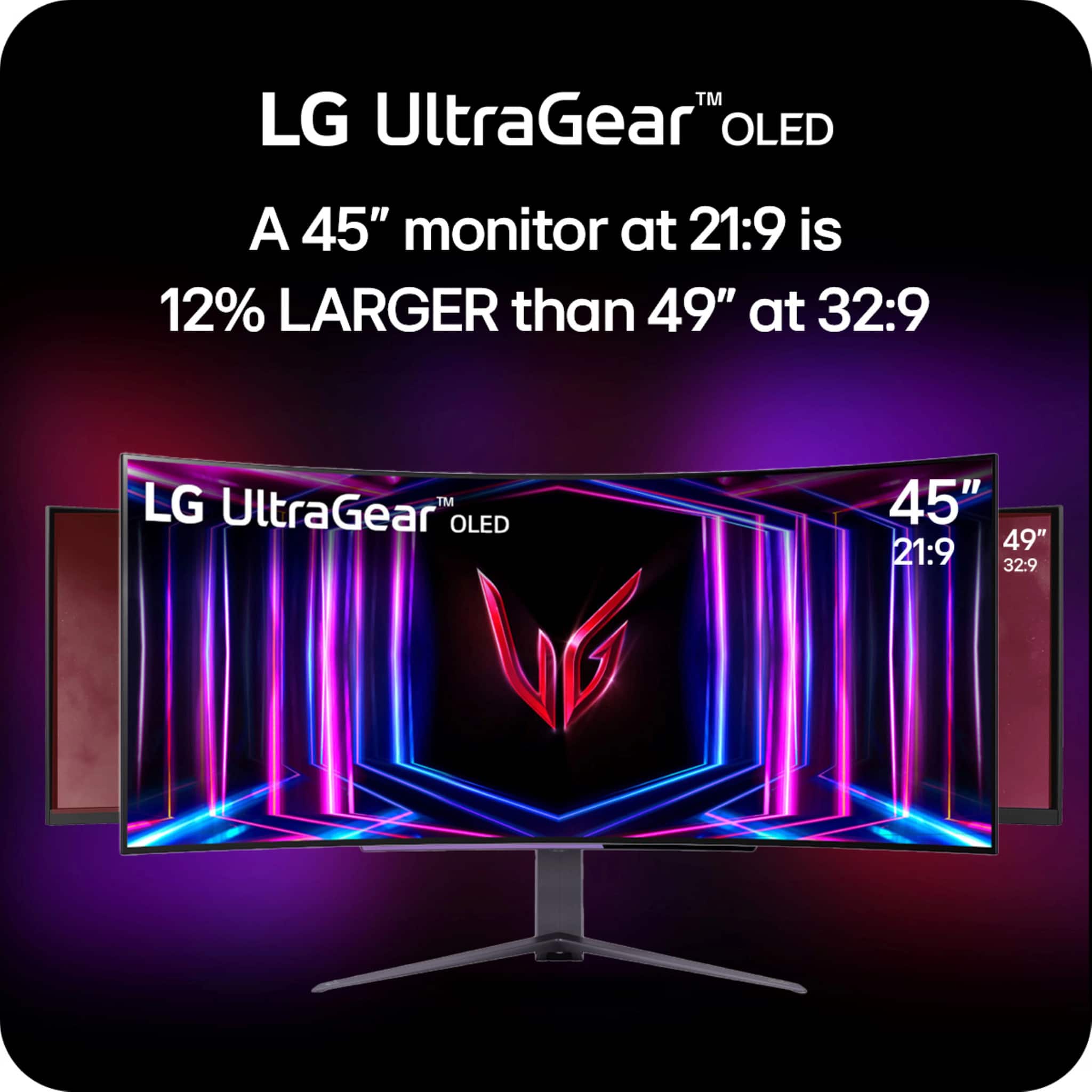
||Posted .This reviewer received promo considerations or sweepstakes entry for writing a review.This OLED monitor is beautiful! Was looking at the 49" monitors, but realized vertical space is what I really want. The 49's are super wide, but not tall. Even though this is only a 45", it has more screen real estate than a super wide 49. Hulu is a little funky with it not actually going full screen. It's got black bars on the sides, including the top and bottom. This screen is pretty massive. that's the only drawback that I can see. It doesn't even bother me, so I haven't even looked into how to fix it.
I would recommend this to a friend - Pros mentioned:Oled quality, Screen size
Games look SPECTACULAR even on mid range gpus!
||Posted . Owned for 2 months when reviewed.This reviewer received promo considerations or sweepstakes entry for writing a review.I play a lot of online competitive games but only have a mid range graphics card. This monitor has nvidia tech that will boost your frame rate and responsiveness of peripherals with its built in DAS mode. The screen is OLED without the glossy finish which is very helpful for reducing the eye strain you may get from being so close to a screen. It’s curved at 800r so it’s field of view wraps around my eyes like a glove. 4k and 45 inches so it’s great for people like me with vision that require glasses. You don’t even need a computer because this functions great as a tv that I can turn towards my bed while it’s sitting on my desk due to it’s stand allowing you to move the screen to all kinds of positions! Tl;dr games look better, run better, and is a solid small tv.
I would recommend this to a friend Fantastic monitor for gaming
||Posted . Owned for 2 weeks when reviewed.This reviewer received promo considerations or sweepstakes entry for writing a review.This monitor is the best replacement for a dual 27" setup. I would highly recommend this setup if you want a very immersive gaming experience. Productivity is good, but be aware of the low DPI because of the 1440p resolution and 45" screen.
I would recommend this to a friendExcellent Monitor but not really an upgrade.
||Posted . Owned for less than 1 week when reviewed.This reviewer received promo considerations or sweepstakes entry for writing a review.I usually purchase a new monitor every year as new tech comes out. I have had about 10 new premium monitors in the last 12 years. In my opinion, OLED is not entirely up to the maximum potential yet. They have improved substantially over the years, and we have the best they offer (at least for 2024). My favorite monitor tech overall (at least for the desk) is IPS Mini LED. They don't suffer from brightness limiting (aka auto screen dimming) or poor maximum HDR brightness. As I said, OLEDs have come a long way in this regard, but when I compare my Mini LED TV (with a maximum peak brightness of 4600 nits), or my Samsung Curved Mini LED monitor at 1700 nits peak, the OLEDs look downright dim and weak. This Monitor is an HDR 400, and the brightness is acceptable, but it's borderline. If you play in a dark room all the time, this will not be as much of an issue. OLEDs and QD OLEDs will improve over time, but I recommend only getting an OLED monitor if you are replacing an older LED panel with low or limited HDR ranges. I'm trying this monitor out as my primary monitor, but I may return to my Mini LED as I don't feel like I did an upgrade; it is just a side step with some pros and some cons.
No, I would not recommend this to a friend- Pros mentioned:Screen size
Beautiful Beast
Posted .This reviewer received promo considerations or sweepstakes entry for writing a review.I cant say enough about this monitor. Just pull the trigger. I love LG screens. I have a 77 inch GX for my console gaming snd worth every penny. So when I purchased this i was still nlown away. I dont understand all the complaints about the lower res quality. Personally its like im finally able to see thibgs the way they should.
I would recommend this to a friend - Pros mentioned:Screen size
Buy it
||Posted .This reviewer received promo considerations or sweepstakes entry for writing a review.I wanted an ultra-wide with 2k screen for optimal gaming performance. This hits that with exceptional oled colors and a huge screen for immersion. I got it on sale for 400. This is a game changer. 10 out of 10 would recommend, I will be buying the newest version as soon as this ones time runs out. Love it.
I would recommend this to a friend - Pros mentioned:Oled quality, Refresh rate
good for gaming, ok for productivity/office stuff
||Posted .This reviewer received promo considerations or sweepstakes entry for writing a review.Cool, big, beautiful monitor but the 1440p is not clear and sharp on 45in. It looks worse than my 34in on 1440p. OLED looks amazing and beautiful with infinite contrast. Response time is smooth and 240hz is great for gaming. Good monitor for gaming but ok for productivity like video/photos editing or office work. I love the 800R curve, takes a little getting use to but it makes the gaming experience and just general monitor use so much better. Also the OLED burn in prevention measure is helpful and does it by itself after the monitor turns off.
No, I would not recommend this to a friend