Customer Ratings & Reviews




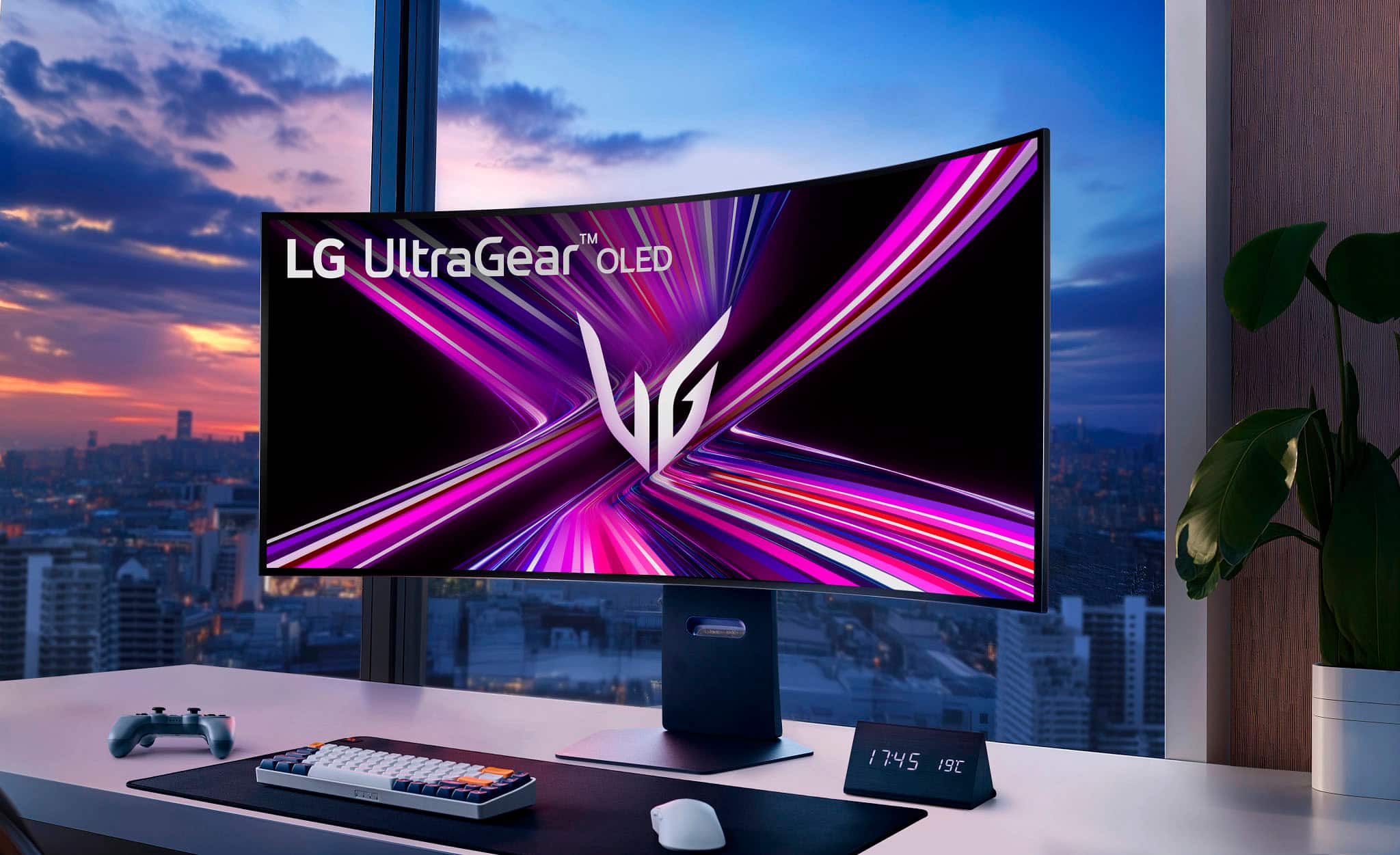
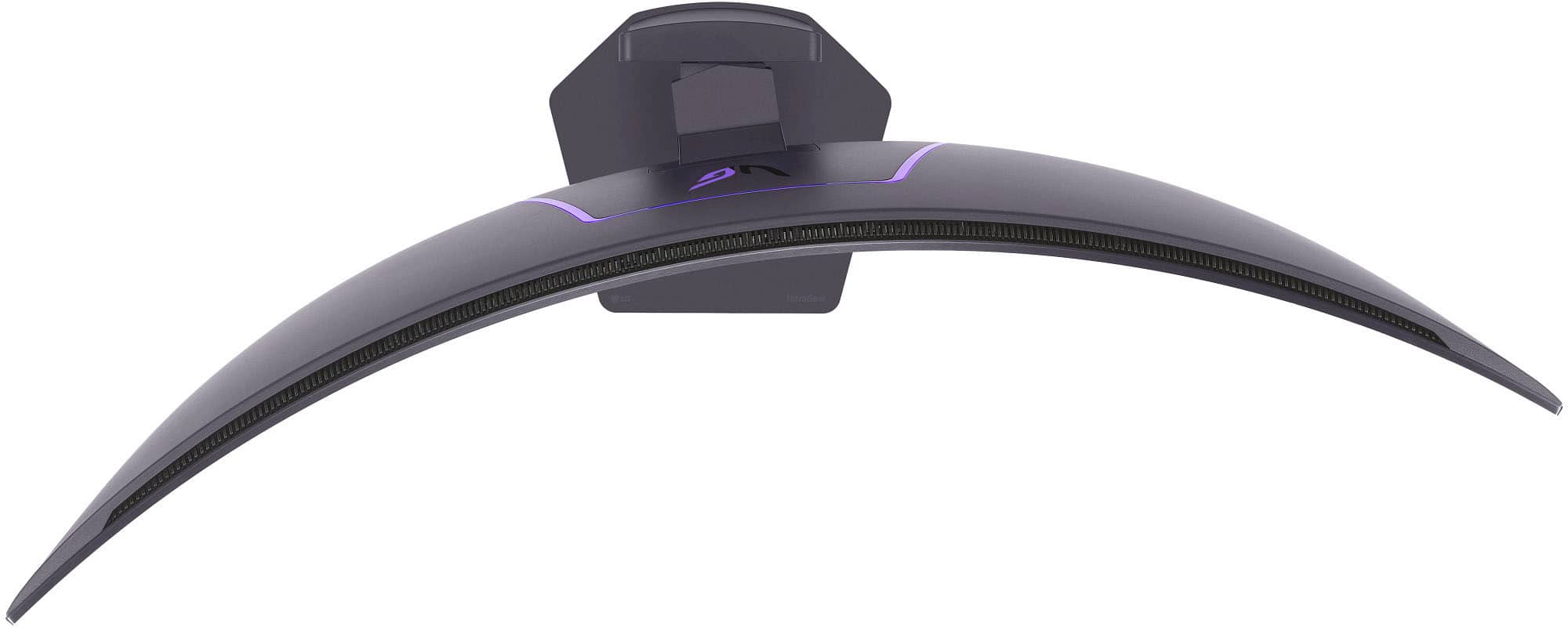
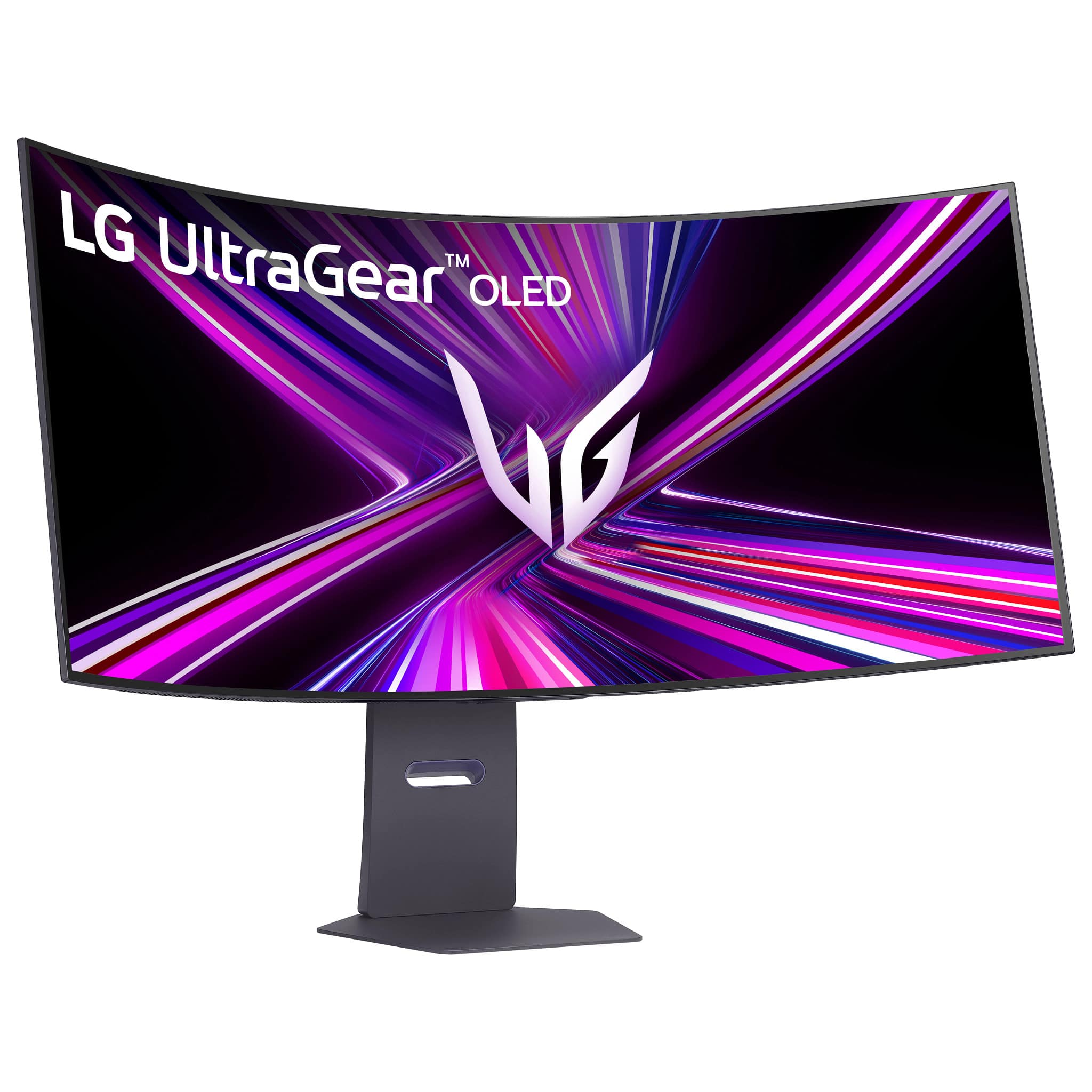
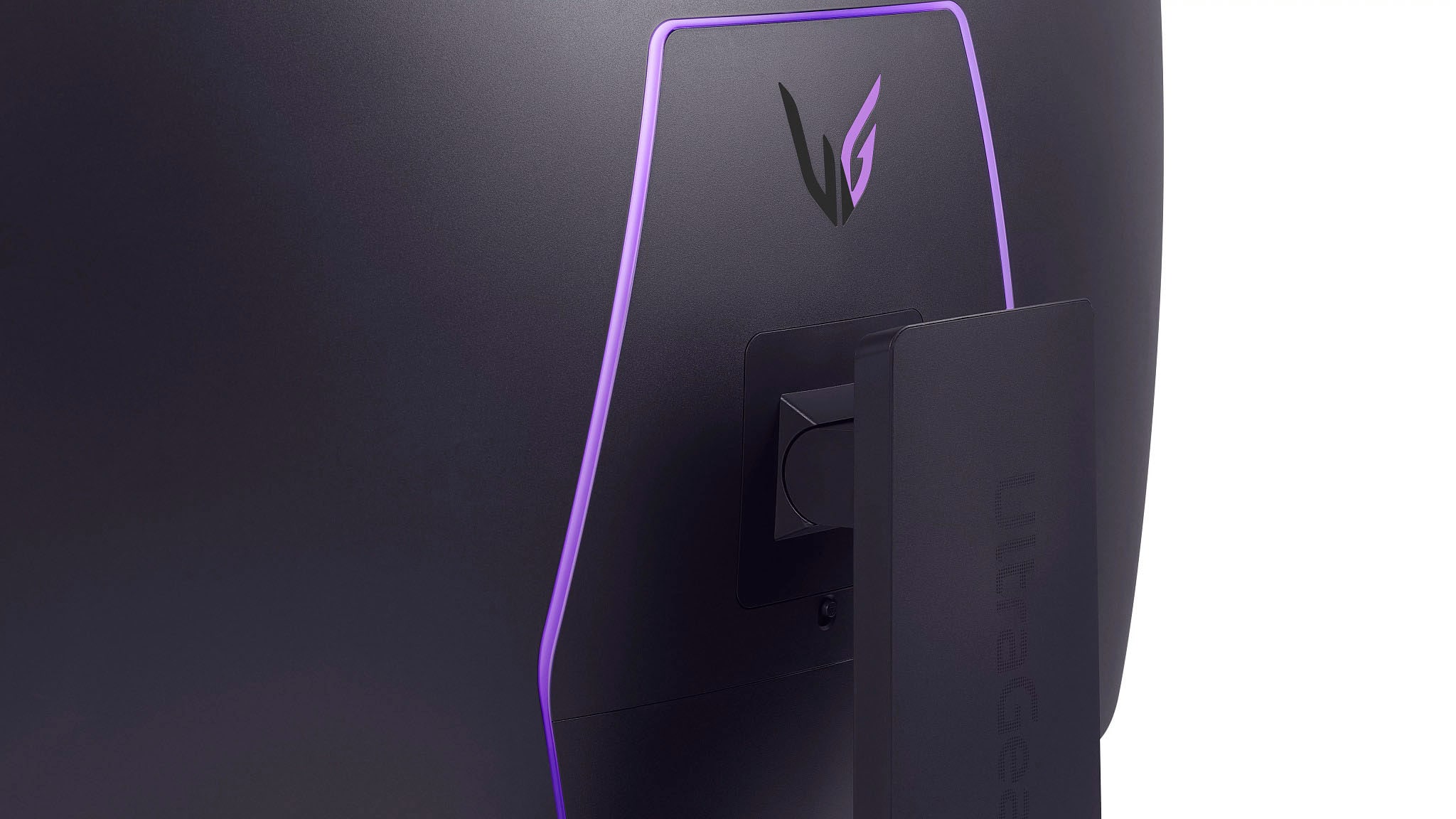


- Model:
- 45GX950A-B
- SKU:
- 10315536
Rating by feature
- Display Quality
Rating 4.9 out of 5 stars
- Ease of Use
Rating 4.8 out of 5 stars
- Features
Rating 4.8 out of 5 stars
Wonderful
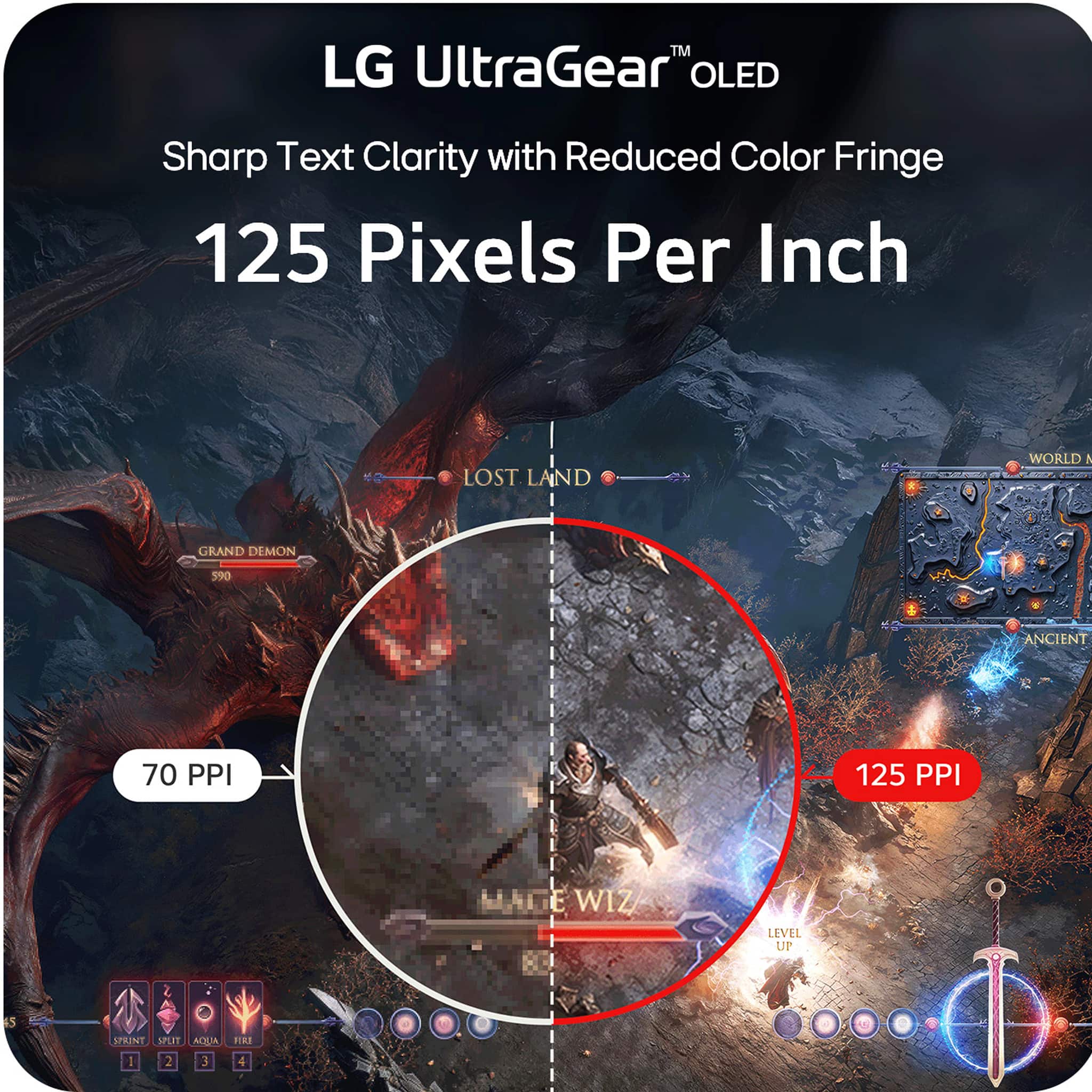
||Posted . Owned for 1 month when reviewed.This reviewer received promo considerations or sweepstakes entry for writing a review.It’s gorgeous. Crisp text, bright, overall a huge upgrade from the previous model. Recommend.
I would recommend this to a friendLove this monitor
||Posted . Owned for 3 weeks when reviewed.This reviewer received promo considerations or sweepstakes entry for writing a review.Amazing monitor. Exactly what I wanted. Took advantage of the sale as well, which made it sweeter.
I would recommend this to a friendGreat monitor
||Posted . Owned for 3 weeks when reviewed.This reviewer received promo considerations or sweepstakes entry for writing a review.Love the monitor! Worth every cent just the perfect monitor.
I would recommend this to a friendDesign and Size
||Posted . Owned for 2 weeks when reviewed.This reviewer received promo considerations or sweepstakes entry for writing a review.Excellent Monitor. would recommend this monitor. Liked the design and features
I would recommend this to a friendExcellent
||Posted . Owned for 1 week when reviewed.This reviewer received promo considerations or sweepstakes entry for writing a review.Excellent, the best of the best, great cuality, performance...
I would recommend this to a friendGreat monitor
||Posted . Owned for 5 months when reviewed.This reviewer received promo considerations or sweepstakes entry for writing a review.great monitor with a great resolution. only wish it was little higher refresh rate and had a glossy coating
I would recommend this to a friendBest of the best
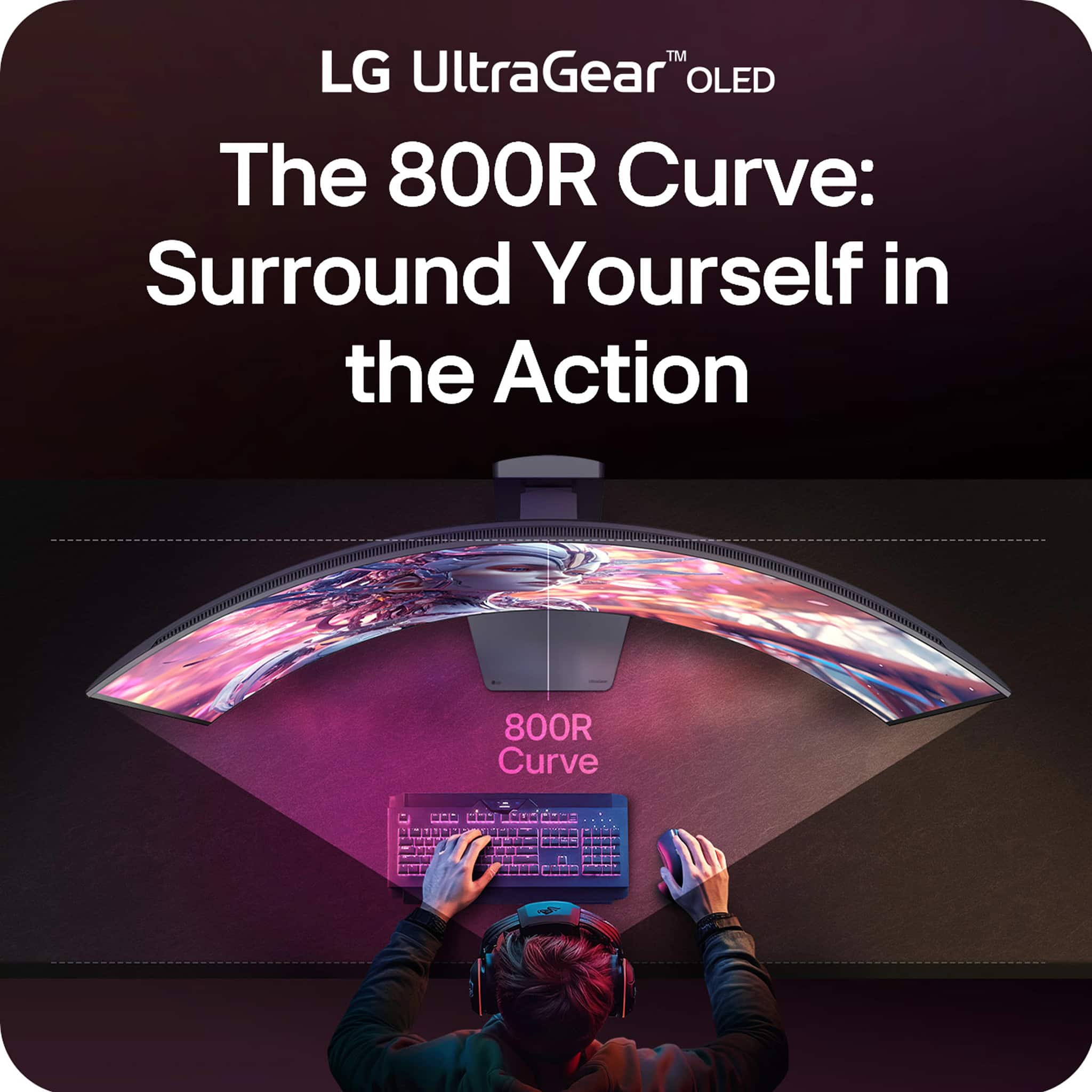
||Posted . Owned for 1 week when reviewed.This reviewer received promo considerations or sweepstakes entry for writing a review.This monitor is one of the best I had, the curve is really immersive and the resolution is top notch
I would recommend this to a friend- Pros mentioned:Screen size
The curve is kind of a gimmick, but kind of nice.
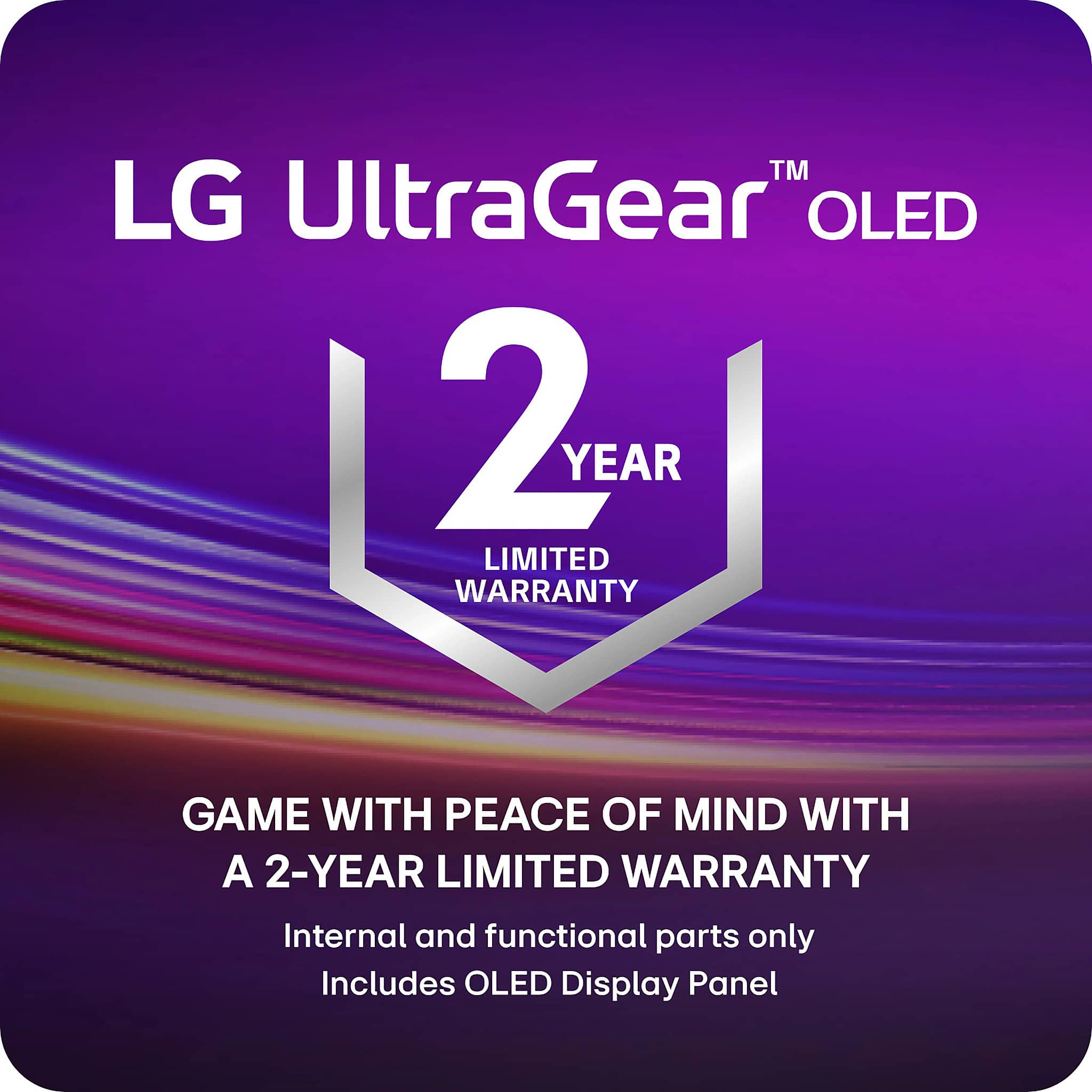
||Posted . Owned for 7 months when reviewed.This reviewer received promo considerations or sweepstakes entry for writing a review.The curve is kind of a gimmick, but kind of nice. My problem with this expensive monitor is mine was defective. If you're going to pay for a ridiculously expensive monitor, get the best buy warranty... I wish I did...
No, I would not recommend this to a friend Best of both worlds
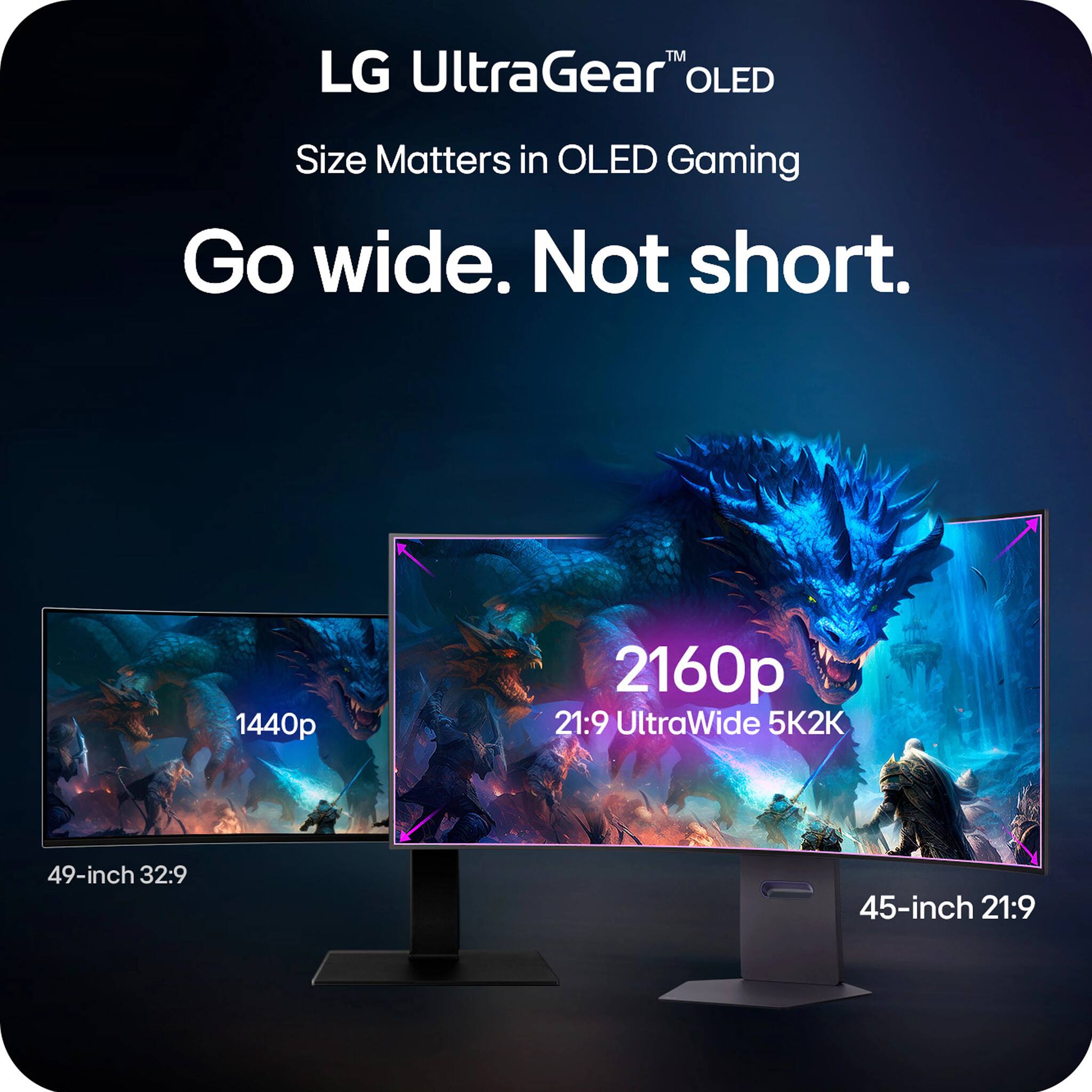
||Posted .This reviewer received promo considerations or sweepstakes entry for writing a review.Best ever monitor 1440p 1080p u cant go wrong with this one
I would recommend this to a friendLg 5k 2k
||Posted .This reviewer received promo considerations or sweepstakes entry for writing a review.Love it quality is amazing. The best curve out here.
I would recommend this to a friendGreat Picture Quality
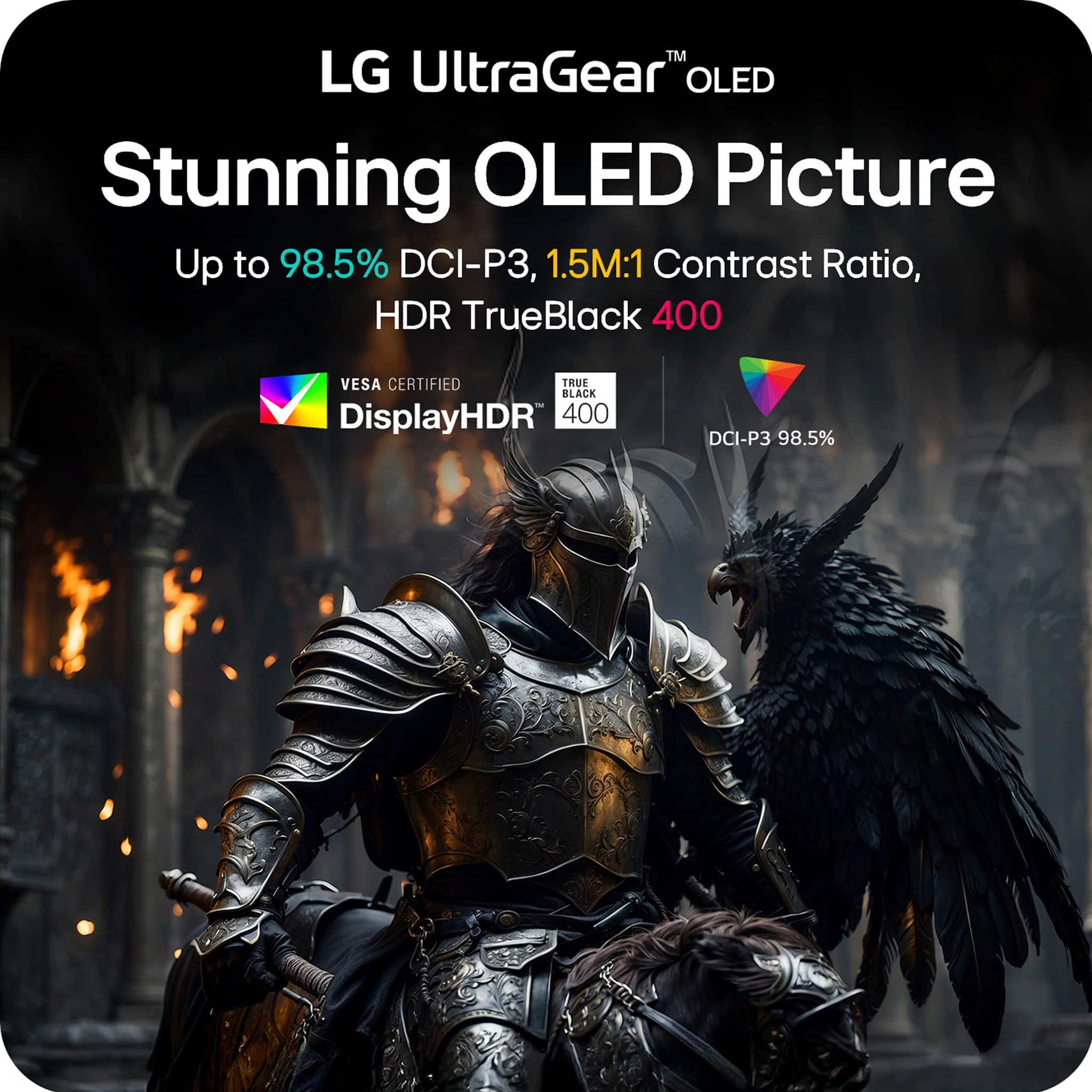
||Posted .This reviewer received promo considerations or sweepstakes entry for writing a review.Great picture quality and stunning curve. It’s got an hidden fan and immersive true black color.
I would recommend this to a friendC.O.R.A. Channel Review
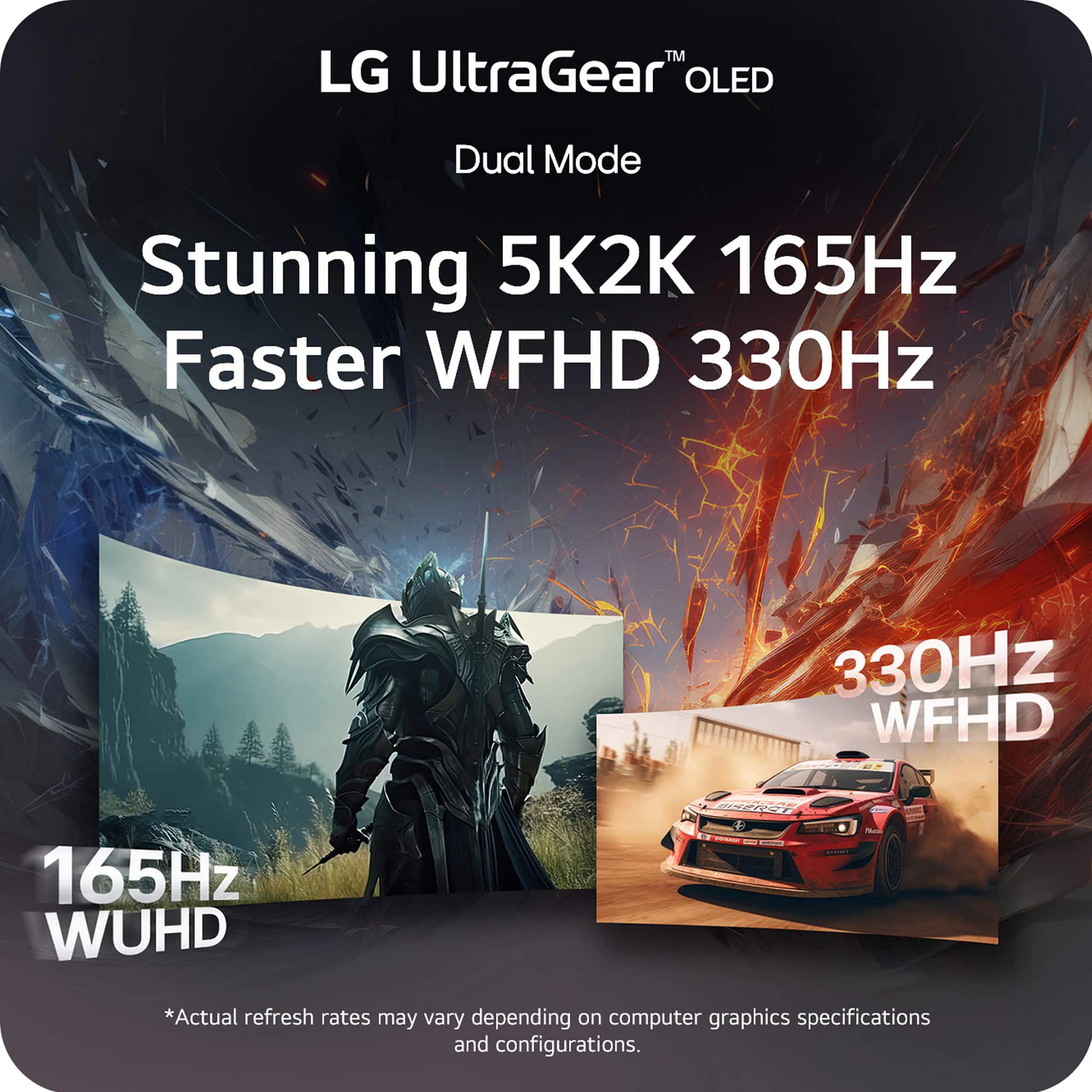
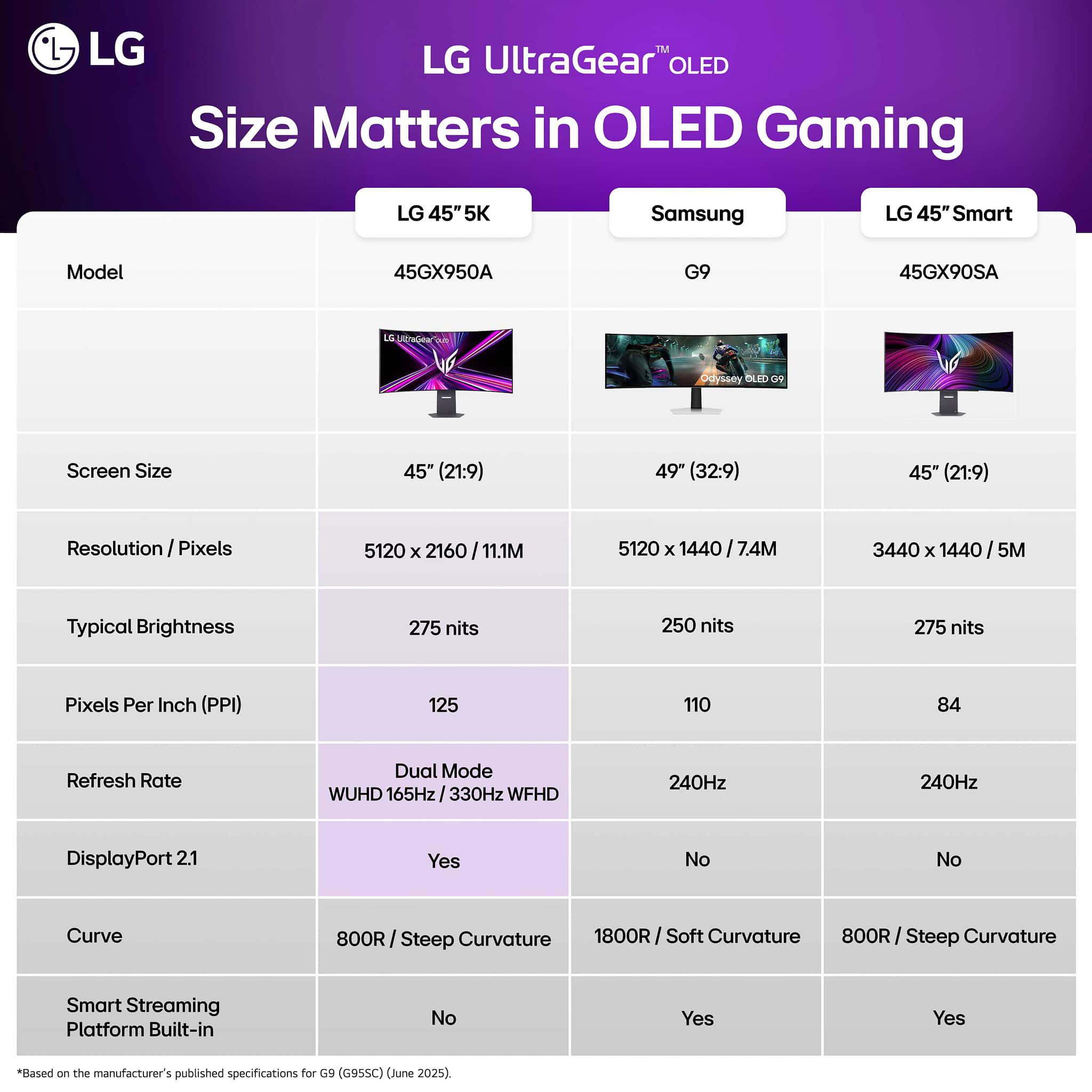
||Posted .This reviewer received promo considerations or sweepstakes entry for writing a review.The monitor was very immersive from a desk top depth of ~35 inches. The mode change works consistently and as was simple for my PC to adjust to for resolution and refresh rate. The multiple resolutions and aspect ratios this permits makes this a excellent value. The 27" 330Hz mode was great and in my opinion, the curve did not negatively impact the experience at that size in comparison to a flat panel. The only negative I notice was the difference in smoothness vs a 4k 240Hz monitor. To be fair, I have not yet experienced one at this size 45 in size though. ~C.O.R.A.
I would recommend this to a friendBest LG monitor yet
||Posted . Owned for 1 month when reviewed.This reviewer received promo considerations or sweepstakes entry for writing a review.Amazing monitor. Worth every penny. It’s got it all!
I would recommend this to a friendGreat monitor, but constant shutdown issues
||Posted . Owned for 3 weeks when reviewed.This reviewer received promo considerations or sweepstakes entry for writing a review.I bought this as an open-box deal and honestly felt like I was getting a steal at first. For the price, the performance was amazing. The screen quality is fantastic, the features are excellent, and the size is perfect for both gaming and streaming. I used it heavily with my NVIDIA Shield and my PC, and the curved ultrawide design always looked natural — nothing ever felt distorted or out of place. However, the biggest problem (and the reason for my low rating) is the monitor randomly shutting off. I tried everything to fix it. First I thought it was the cable connection, so I replaced every cord. It worked for a bit, then the shutoffs came back. Next, I assumed it was the power supply. I bought another one, and again it worked… until the same issue returned. So while the monitor looks great and performs well when it’s working, the reliability isn’t there. The constant power shutoffs make it frustrating to use. It’s a great monitor held back by persistent technical problems, and that keeps me from fully recommending it.
No, I would not recommend this to a friendBrand response from LG Digital Customer Care
Posted .Hi there, Jonathan. Thank you for sharing your experience with us. We understand your inquiry regarding the power issues you are experiencing with your LG UltraGear 45" OLED Dual Mode Gaming Monitor. Your feedback is important, and we want to ensure your setup remains reliable. We understand the situation and recommend checking that the "Automatic Standby" or "Sleep Mode" settings are disabled in the monitor's OSD menu to prevent unexpected shutdowns.
https://www.bestbuy.com/product/lg-ultragear-45-oled-dual-mode-5k2k-wuhd-165hz-wfhd-330hz-0-03ms-g-sync-freesync-premium-pro-gaming-monitor-black/JJ8VPZWPY9
For further assistance and any specific concerns you may have, please contact us on lgdigitalcare@lg.sprinklrsupport.com, and our team will be more than happy to assist you. We appreciate your patience. —Renzo
Solid Curved Monitor.
||Posted . Owned for 1 week when reviewed.This reviewer received promo considerations or sweepstakes entry for writing a review.Looks great, very easy install and connection to my pc. Highly recommend.
I would recommend this to a friend- Pros mentioned:Screen size
Beautiful 5k 2k experience
||Posted . Owned for 2 weeks when reviewed.This reviewer received promo considerations or sweepstakes entry for writing a review.It's beautiful. Works great with my 5090. I thought the curve was going to be a bother but it feels natural.
I would recommend this to a friend Has some kinks to work out but good
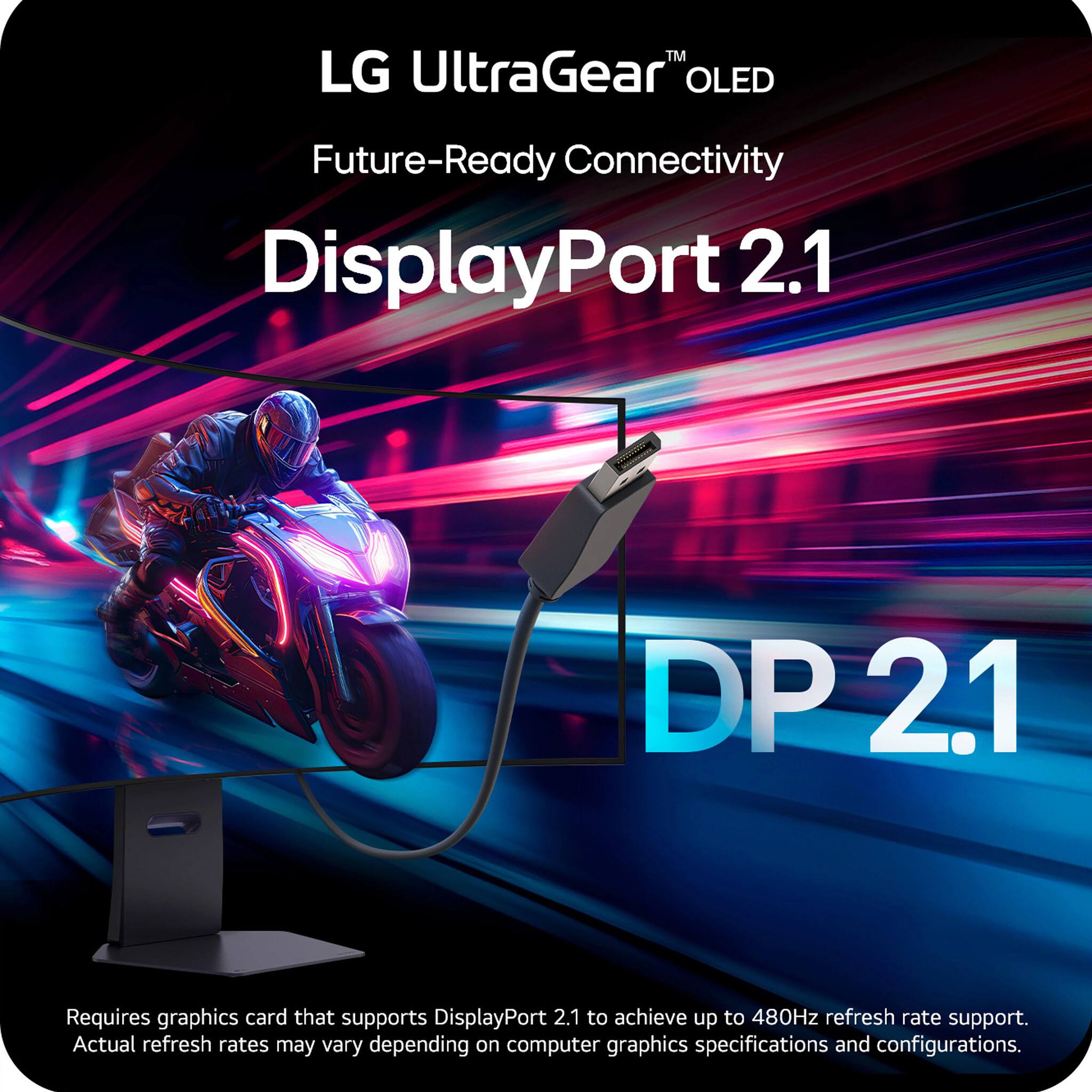
||Posted .This reviewer received promo considerations or sweepstakes entry for writing a review.Some flickering issues. Caused by drivers and also LG’s part. If I’m paying 2K for a monitor, it should at least come with display part 2.1 without compression
I would recommend this to a friendAmazing monitor
||Posted . Owned for 2 months when reviewed.This reviewer received promo considerations or sweepstakes entry for writing a review.Looks amazing and its very sturdy and clean to pair with whatever set up you have.
I would recommend this to a friend- Pros mentioned:Screen size
Tv LG
||Posted . Owned for 1 month when reviewed.This reviewer received promo considerations or sweepstakes entry for writing a review.I am more than satisfied with the image quality and viewing angles.
I would recommend this to a friend The best then there is the rest!
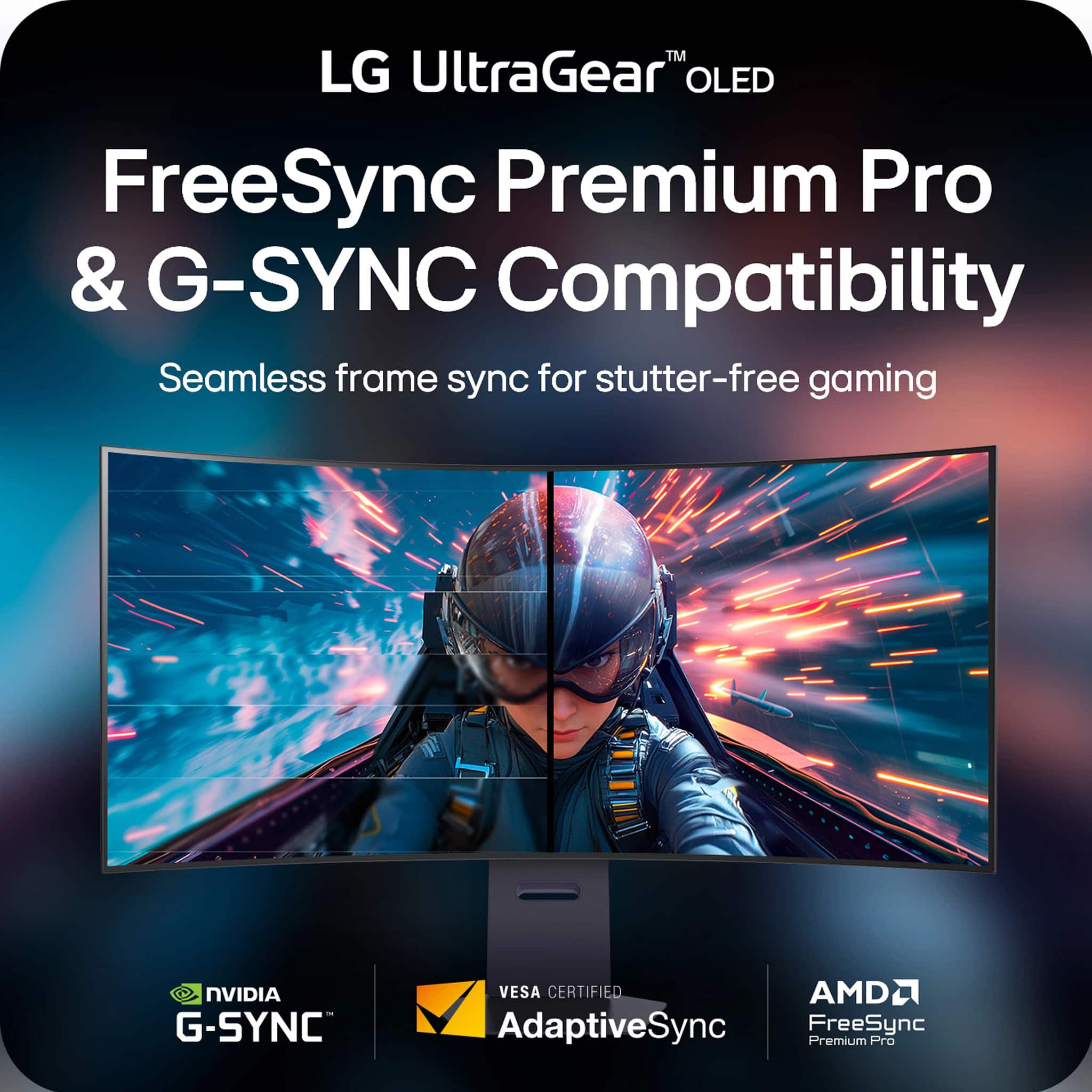
||Posted .This reviewer received promo considerations or sweepstakes entry for writing a review.5120x2160 OLED G-sync and everything else you’d want to have in a gaming monitor!!
I would recommend this to a friend