Customer Ratings & Reviews
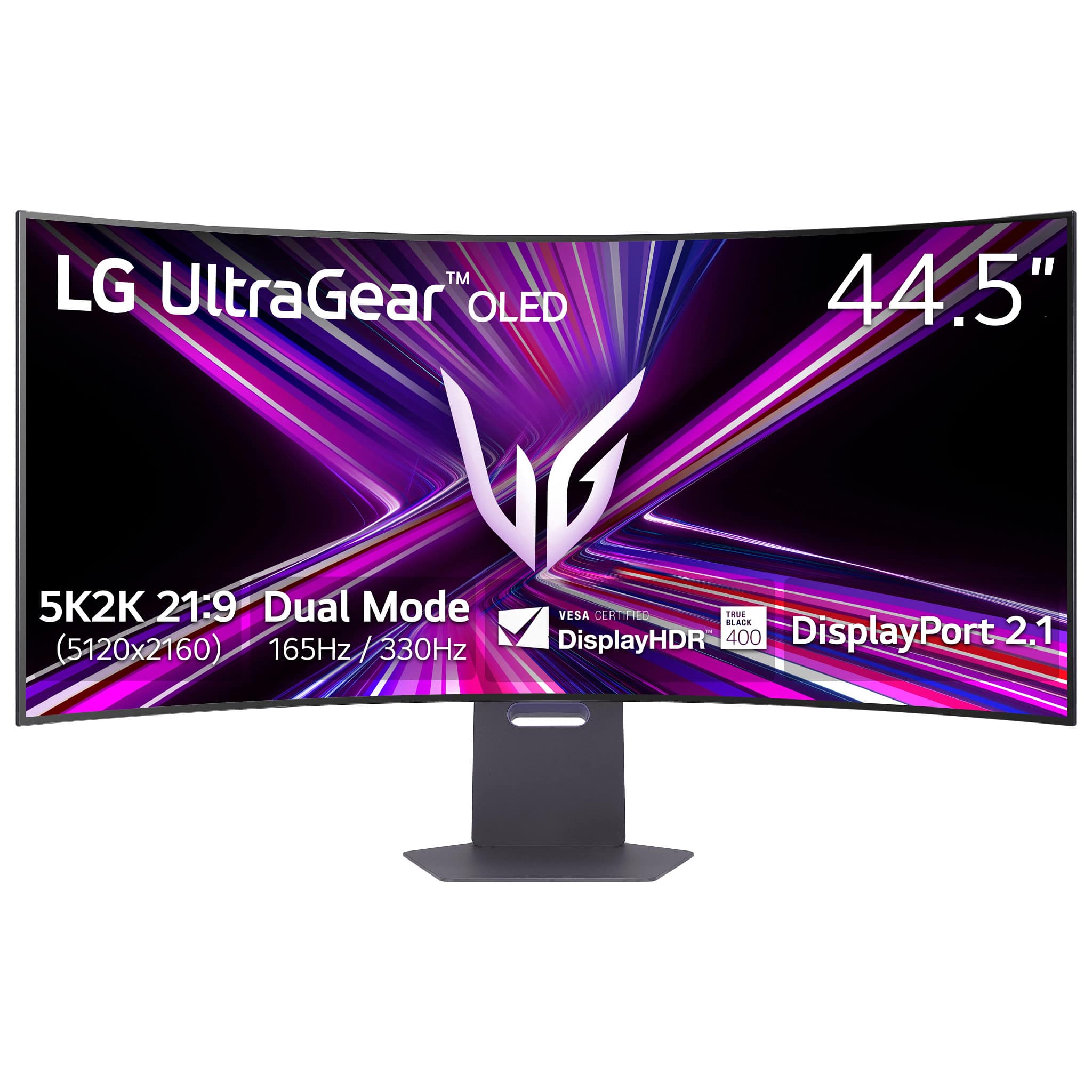





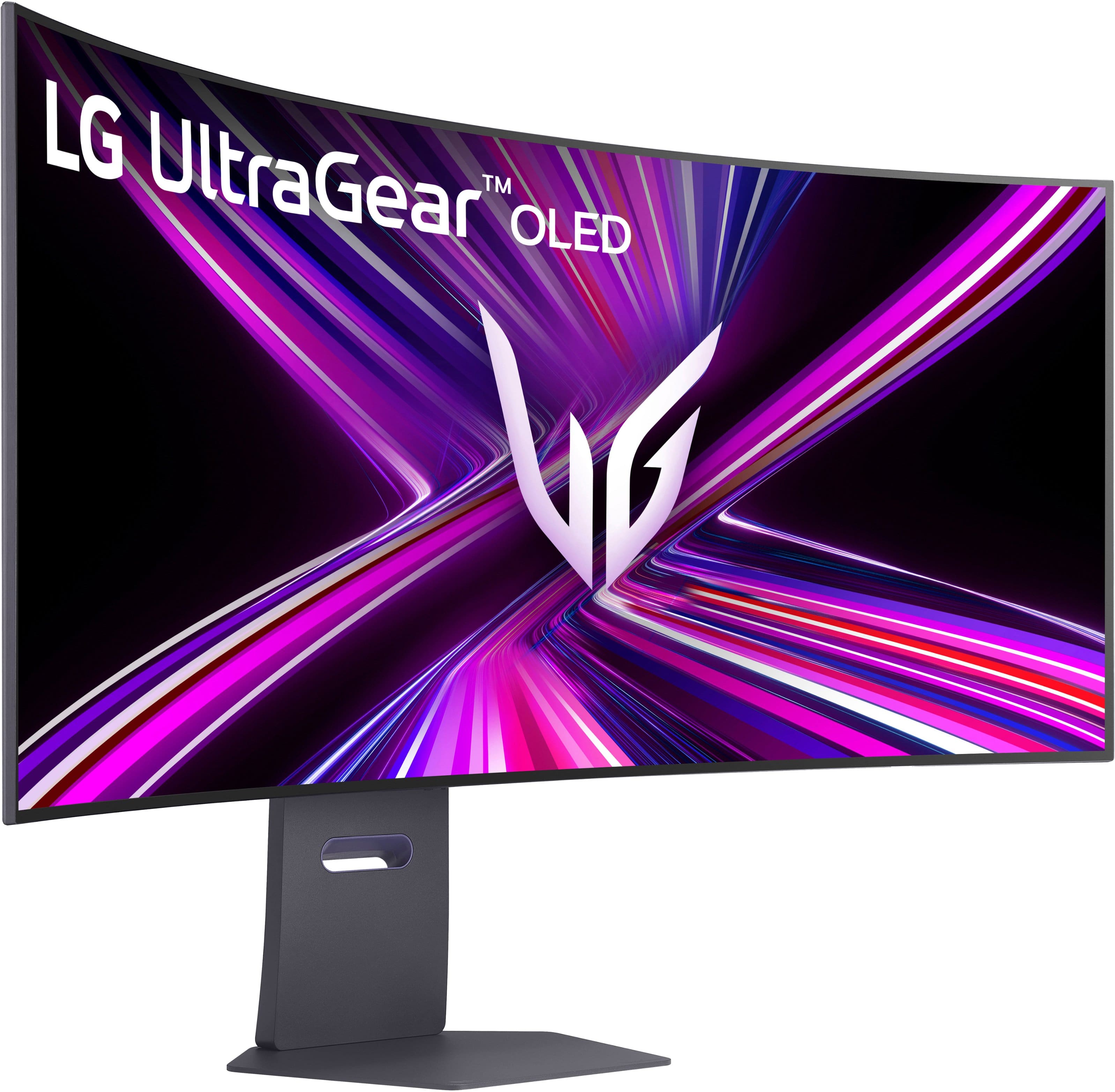
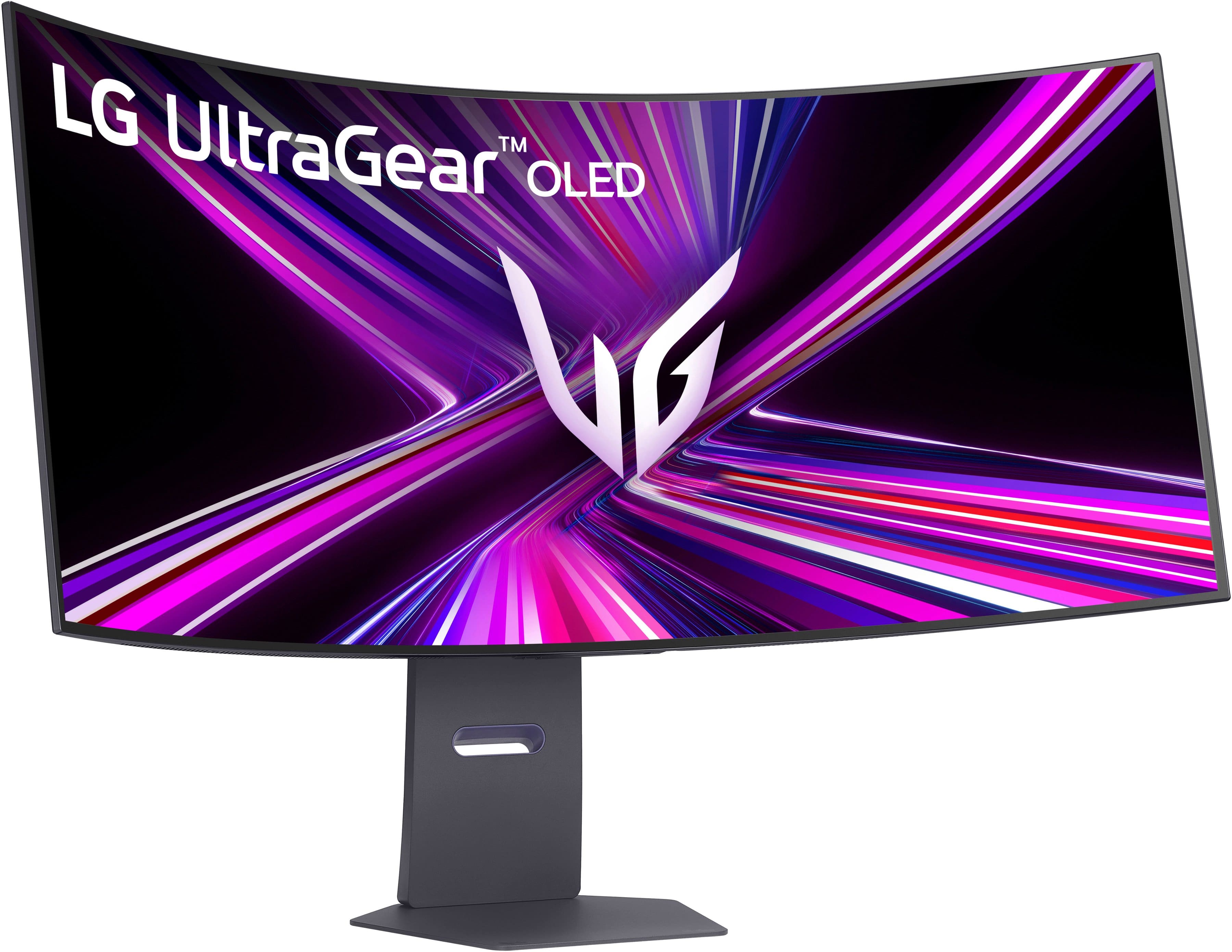
- Model:
- 45GX950A-B
- SKU:
- 6619492
Rating by feature
- Display Quality
Rating 4.9 out of 5 stars
- Ease of Use
Rating 4.8 out of 5 stars
- Features
Rating 4.8 out of 5 stars
Customers are saying
Customers love the UltraGear 45" OLED Dual Mode monitor, highlighting its amazing overall performance and impressive screen size. The OLED quality and high resolution provide a sublime visual experience, while the fast refresh rate ensures smooth gameplay. Many users are blown away by the immersive experience and appreciate the great connectivity options.
This summary was generated by AI based on customer reviews.
- Pros mentioned:Oled quality, Overall performance, Refresh rate
Outstanding OLED Monitor for Work and Gaming
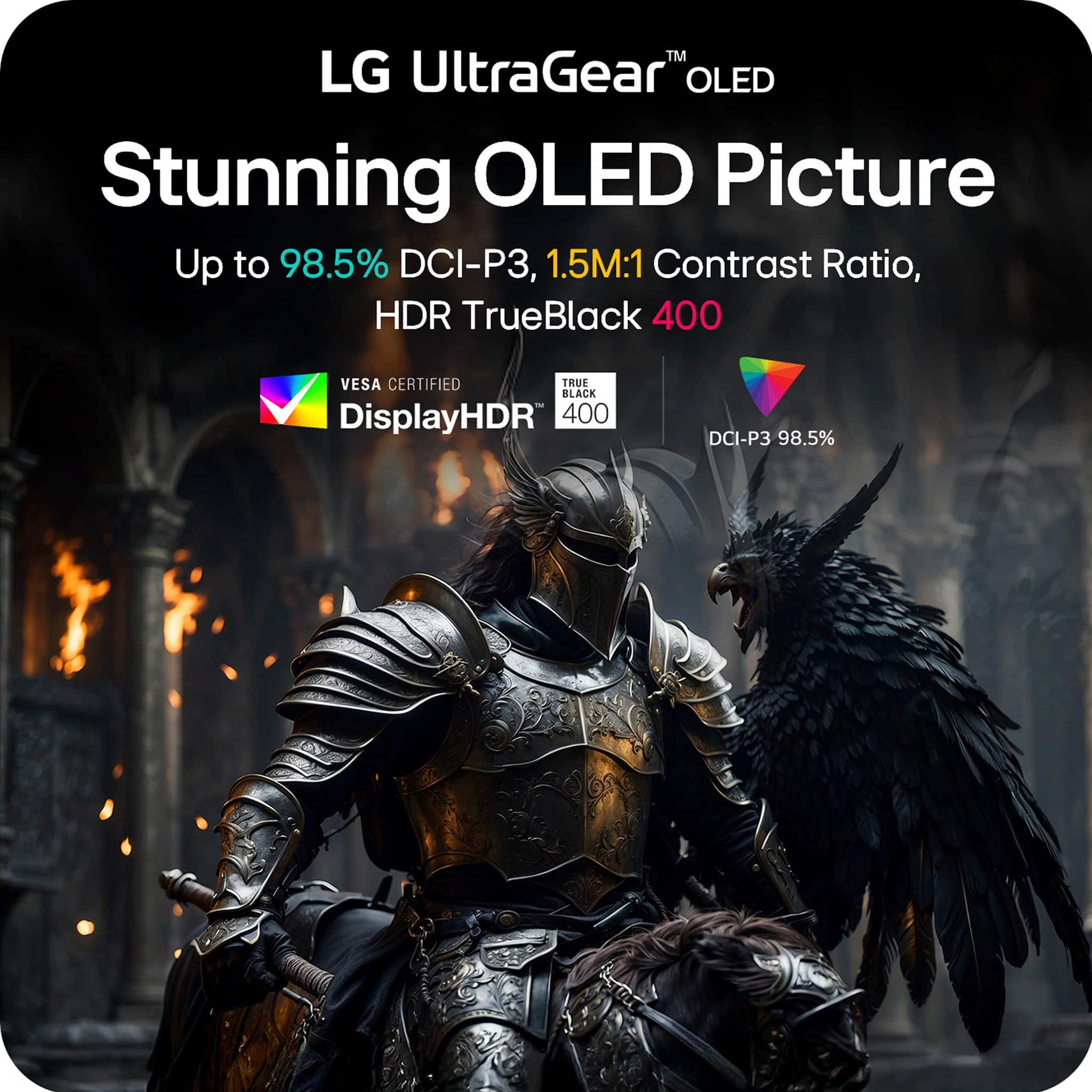
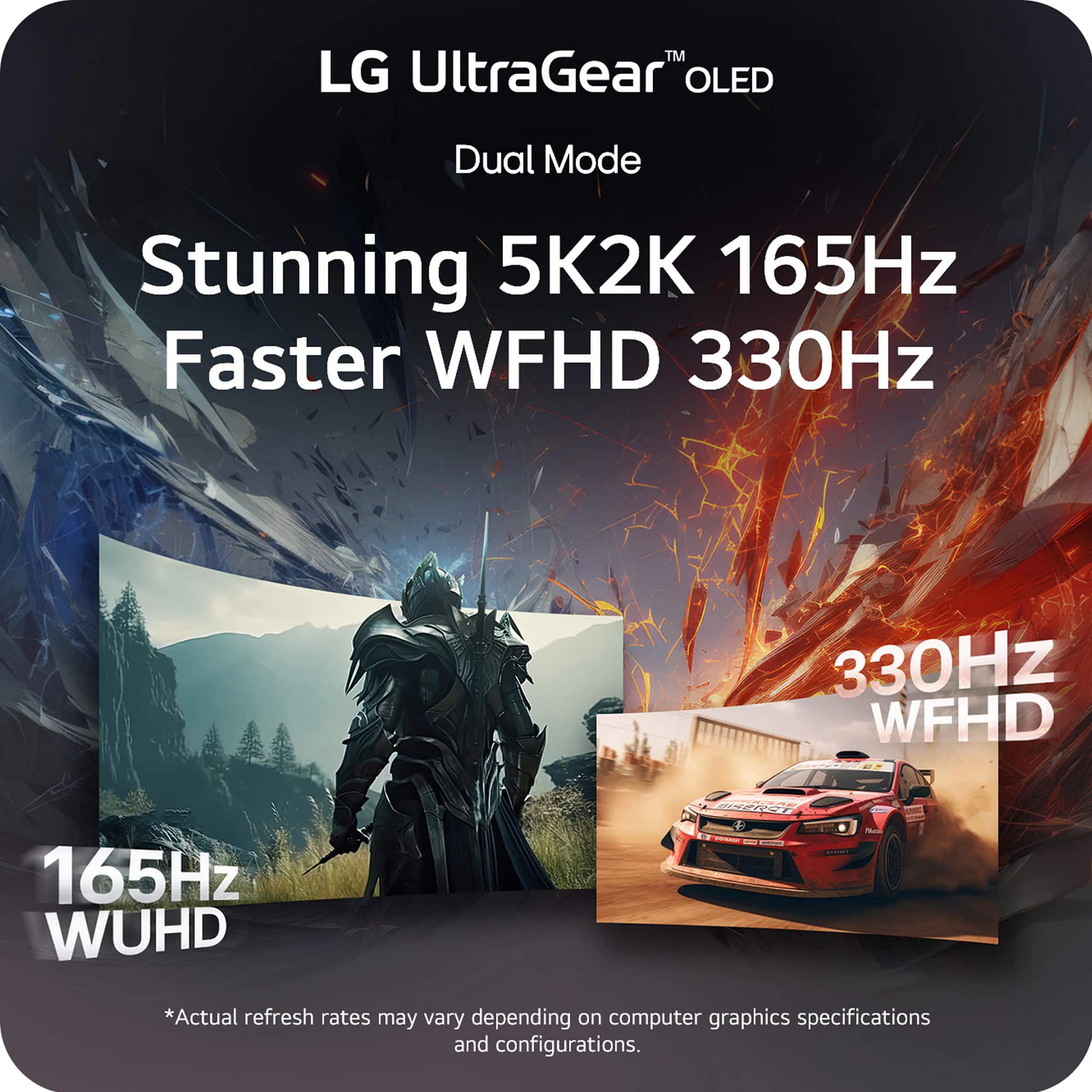
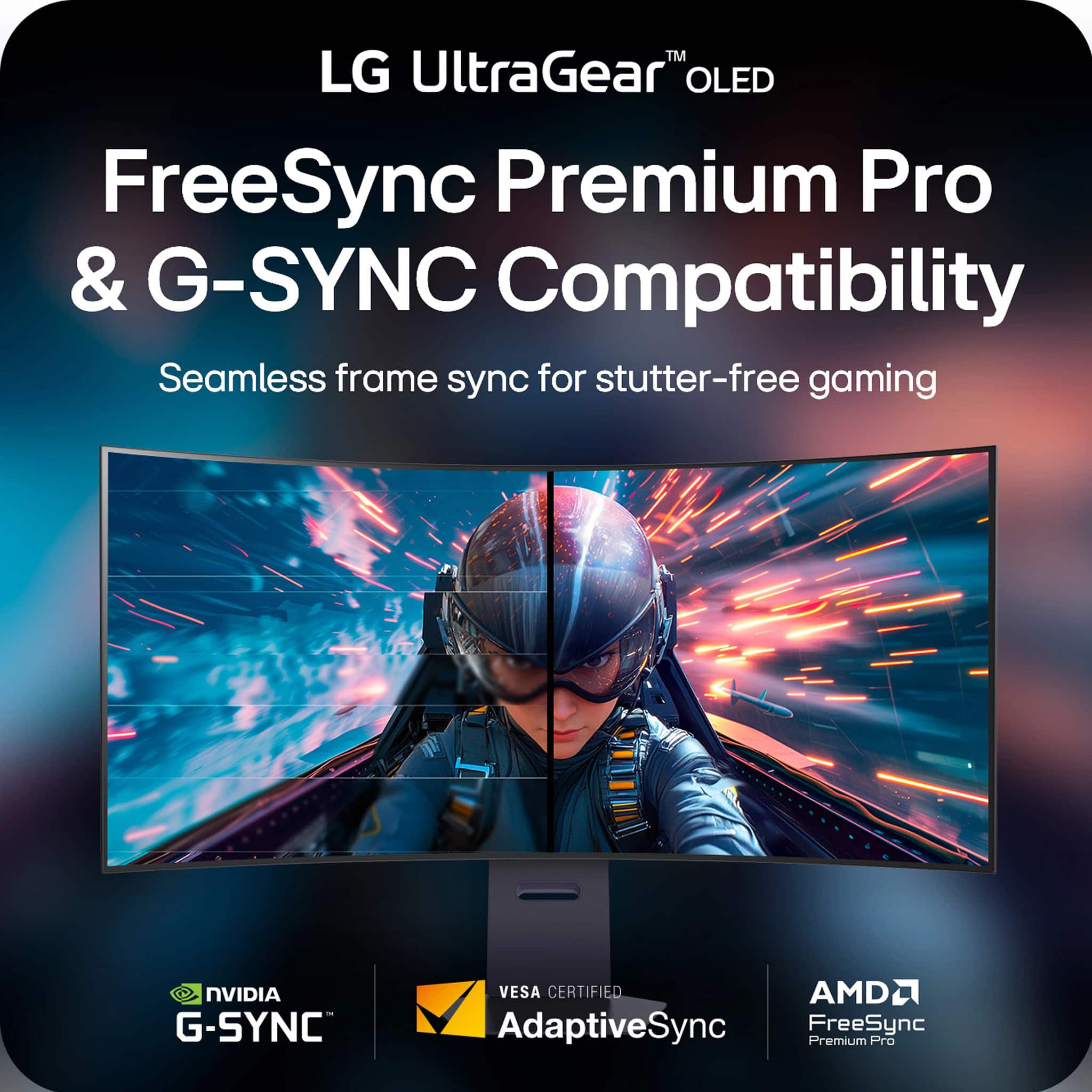
||Posted . Owned for 3 weeks when reviewed.This reviewer received promo considerations or sweepstakes entry for writing a review.This monitor is absolutely impressive. The OLED panel delivers deep blacks, vibrant colors, and incredible contrast, making everything look sharp and immersive. The dual-mode feature is a huge advantage 5K for productivity and content creation, and 330Hz FHD for ultra-smooth gaming. The size and curvature are perfect for multitasking, replacing a dual-monitor setup with ease. G-Sync and FreeSync work flawlessly with no tearing or stuttering. Build quality feels premium, setup was straightforward, and overall performance exceeds expectations. Expensive, but worth every dollar if you want top-tier performance for both work and gaming. Highly recommended.
I would recommend this to a friend - Pros mentioned:Oled quality, Resolution, Screen size
Beautiful, you get what you pay for and more
||Posted .This reviewer received promo considerations or sweepstakes entry for writing a review.I don’t know normally leave reviews, but this monitor calls for it. Easily the most expensive screen I’ve ever used and it shows. The additional height on the monitor is fantastic, and I was genuinely overwhelmed during the first couple days of use. It fills up your entire field of vision and the colors/ resolution is sublime. The monitor controls are also easy to understand and the oled screen is of course important for the black level. While it is expensive I don’t think I can ever go back to a standard monitor. I’d buy this over the Odyssey any day of the week.
I would recommend this to a friend - Pros mentioned:Oled quality, Refresh rate, Screen size
5k2k oled! amazing!
||Posted . Owned for 1 month when reviewed.This reviewer received promo considerations or sweepstakes entry for writing a review.I love it, it is my first OLED, but it is phenomenal and the text clarity isn't a problem! I use this work and productivity, as well as video games The colors, refresh rate, and response time are great! The curve was initially a little overwhelming, but after 1-2 sessions it feels great! I couldn't imagine going back to my old monitor.
I would recommend this to a friend - Pros mentioned:Oled quality, Refresh rate
Lg ultragear
||Posted . Owned for 1 month when reviewed.This reviewer received promo considerations or sweepstakes entry for writing a review.LG UltraGear monitors are highly praised for their top-tier gaming performance, featuring fast refresh rates (up to 480Hz), near-instant response times, vibrant OLED options, and features like Dual-Mode for versatile resolution/refresh rate switching, offering immersive visuals and competitive edge, though premium OLED models can be pricey and non-OLEDs sometimes lack peak HDR impact, making them great for PC/console gamers seeking smoothness and immersion.
I would recommend this to a friend - Pros mentioned:Oled quality, Overall performance
This is the monitor I never knew I needed
||Posted . Owned for 3 weeks when reviewed.This reviewer received promo considerations or sweepstakes entry for writing a review.I've been using this monitor for about a month and it's absolutely amazing and exceeded every expectation I had and they were already high. The OLED display is a huge upgrade from my qled and I. I could not recommend that part of this monitor more. The ultrawide display means that I can see all kinds of details and for story-based games. That's amazing. It does take some extra horsepower to have a monitor like this though, so make sure that you are computer take some extra horsepower to have a monitor like this though so make sure that your computer can support it
I would recommend this to a friend - Pros mentioned:Oled quality
True 4K Clarity and Clean Design
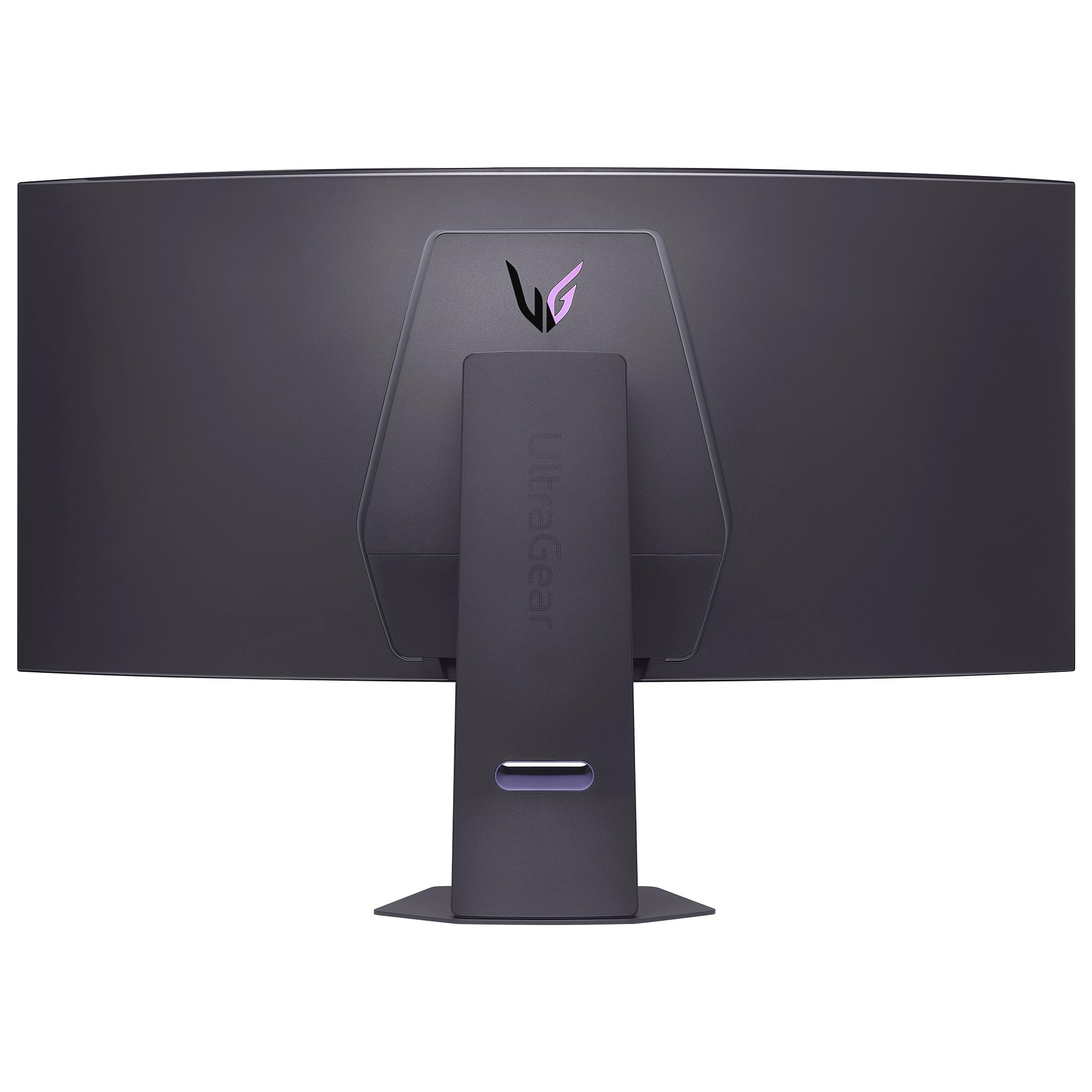
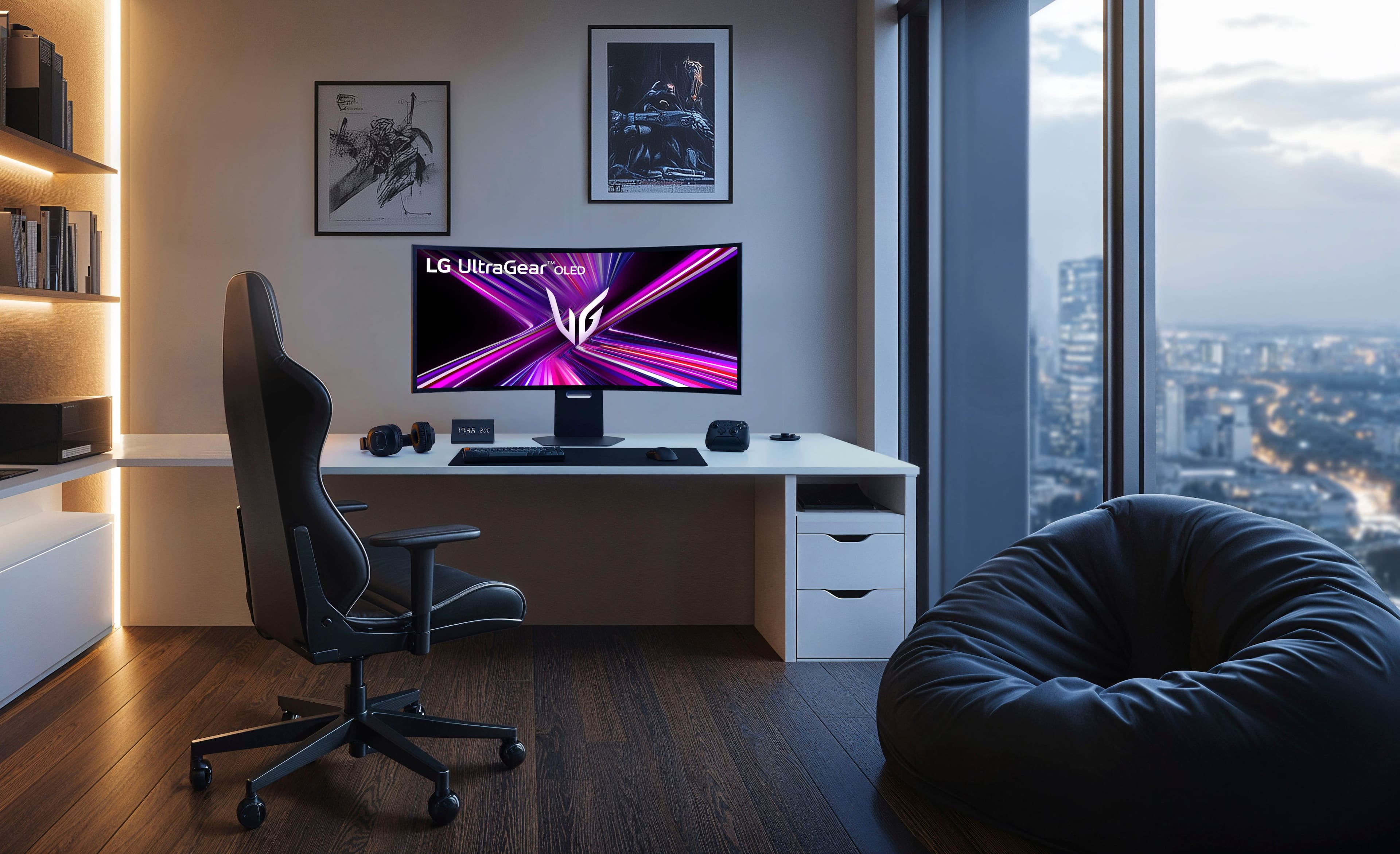
||Posted . Owned for 2 weeks when reviewed.This reviewer received promo considerations or sweepstakes entry for writing a review.I recently upgraded to this LG UltraGear 45" OLED, and it has completely redefined my setup. As someone who values a "functional command center" approach to my workspace, I needed something that performed well but also kept my desk looking deliberate and organized. Visuals & Resolution: The jump to OLED is massive. The "inky" blacks are incredible. When a scene is supposed to be dark, it is genuinely black, not washed-out gray. But the real game-changer here is the resolution. Unlike most ultrawides that stick to 1440p, this is a "True 4K" (5K2K) experience. You get that immersive ultrawide width without sacrificing the vertical pixel density, making text crisp for work and open-world games look absolutely stunning. Design & Cable Management: One of my favorite underrated features is the stand design. As you can see in my photo, the back of the stand allows you to channel your cables directly through the center column. It keeps the power and display cables tight and hidden, preventing that "spaghetti" mess behind the monitor. It fits perfectly with a clean, wire-free desk aesthetic. Verdict: If you are a solo gamer looking for deep immersion or just need a high-res workspace that doesn't compromise on picture quality, this is the one to get. It’s an investment, but the visual fidelity and build quality are worth the premium.
I would recommend this to a friend - Pros mentioned:Oled quality, Refresh rate
Just amazing
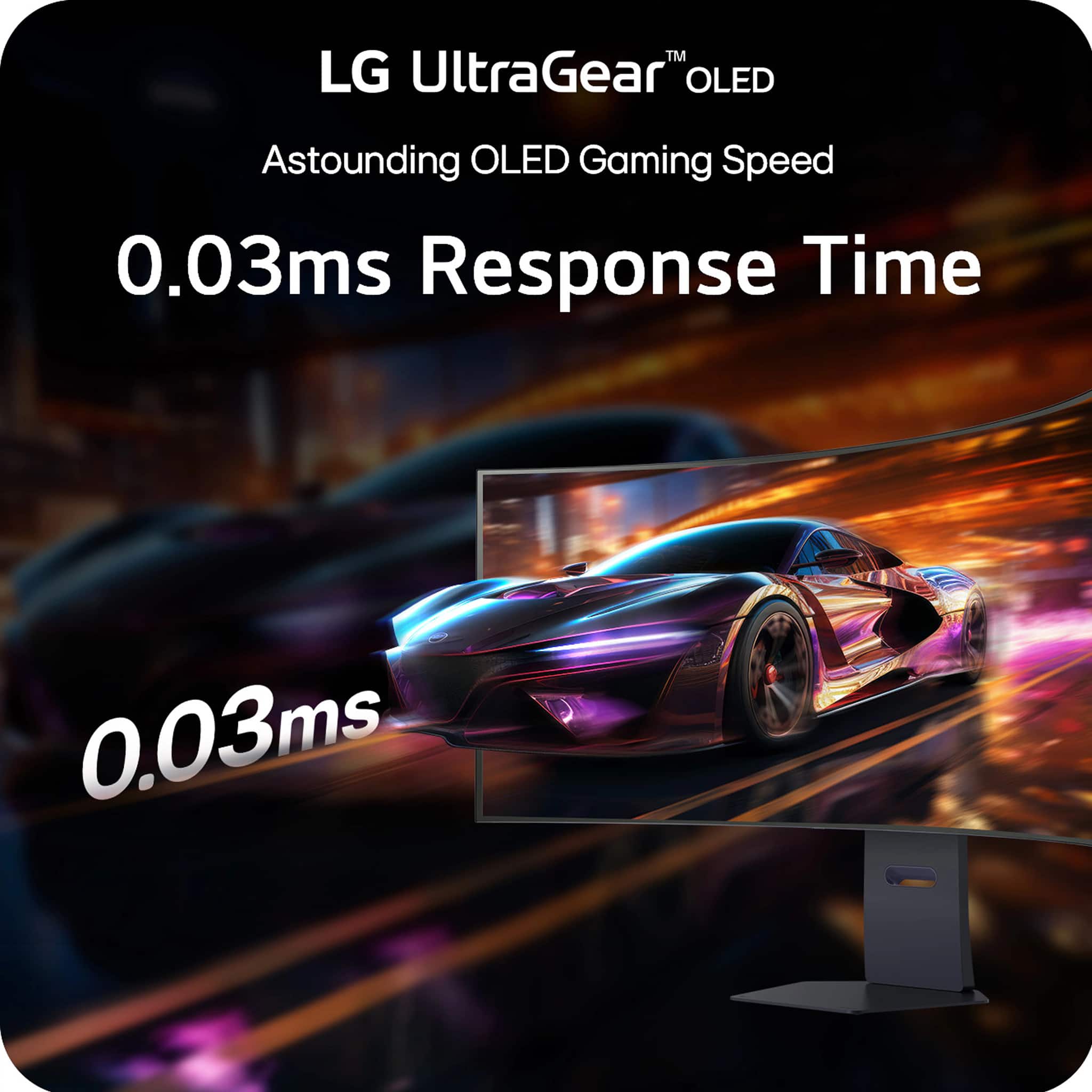
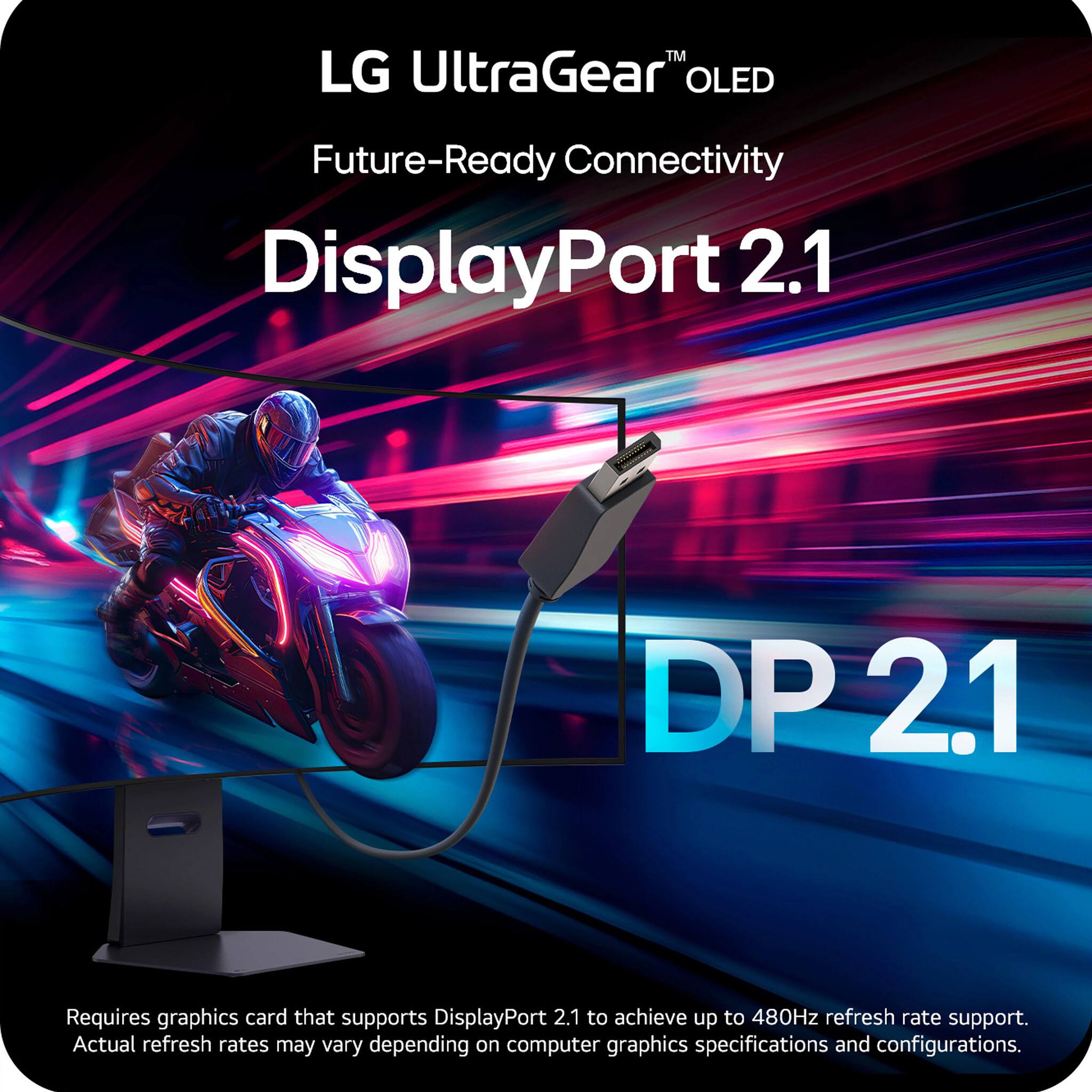
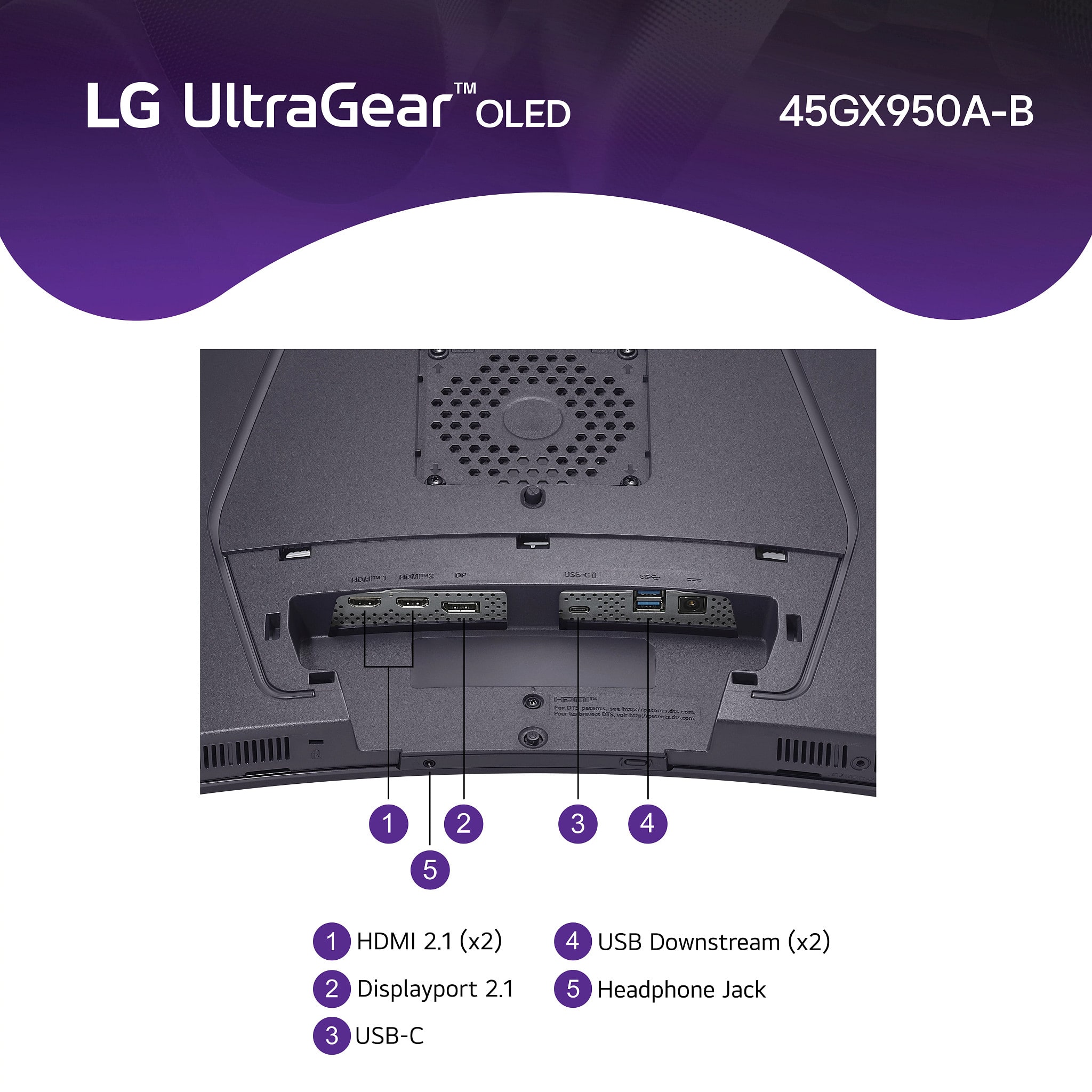
||Posted .This reviewer received promo considerations or sweepstakes entry for writing a review.From the moment I unboxed the LG UltraGear OLED gaming monitor, it elevated my gaming and multimedia experiences into a whole new realm. The OLED panel delivers deep, inky blacks and vibrant colors that genuinely bring every scene to life—whether it’s a dark, atmospheric RPG or a fast-paced edge-of-your-seat shooter. The ultra-smooth 240 Hz refresh rate (with response times as low as 0.03 ms) ensures razor-sharp motion clarity and ultra-responsive gameplay. HDMI 2.1 and DisplayPort 2.1 support made it a breeze to switch between my PC and console setups with no fuss at all
I would recommend this to a friend - Pros mentioned:Oled quality, Screen size
Best Monitor I’ve owned
||Posted . Owned for 3 weeks when reviewed.This reviewer received promo considerations or sweepstakes entry for writing a review.I absolutely love it! First time owning a oled monitor and man does it make a difference. For an ultra wide this one is on the taller side compared to the others. I was concerned with that but it actually makes the games play way better and there are less black bars with it to.
I would recommend this to a friend - Pros mentioned:Oled quality
A Massive Upgrade – LG 5K2K UltraGear OLED Deliver
||Posted . Owned for less than 1 week when reviewed.This reviewer received promo considerations or sweepstakes entry for writing a review.I recently upgraded from my LG UltraGear 39-inch OLED monitor to the new LG 5K2K UltraGear OLED, and the difference is nothing short of stunning. From the moment I powered it on, I could tell this was a serious leap forward. Gaming has never looked better—every title I play now feels more immersive, fluid, and visually rich. The higher resolution takes full advantage of my RTX graphics card, delivering crisp detail and vibrant colors that truly elevate the experience. But it’s not just about gaming. Productivity has also seen a noticeable boost. The increased screen real estate and pixel density make multitasking a breeze, and text clarity is razor-sharp, which makes long work sessions much easier on the eyes. If you're considering a monitor upgrade, I highly recommend the LG 5K2K UltraGear OLED. It’s a game-changer in every sense.
I would recommend this to a friend - Pros mentioned:Oled quality, Overall performance
Excellent 5K2K OLED monitor
||Posted . Owned for less than 1 week when reviewed.This reviewer received promo considerations or sweepstakes entry for writing a review.Excellent 5K2K Oled Monitor. I had previous 1440p Oled LG 45” monitor and decided to upgrade to this one and its absolutely awesome. Great picture quality and works great with my 5090 FE. I also used a monitor arm for my setup, but the inciuded mount is also great and well made. I am also using the provided displayport cable and its working fine.
I would recommend this to a friend - Pros mentioned:Oled quality
The Monitor to rule them All
||Posted . Owned for 3 weeks when reviewed.This reviewer received promo considerations or sweepstakes entry for writing a review.I’ve had my eyes on this big guy for a couple of months but never went for it because I was skeptical of the too many good reviews online… But then, I saw that my local Best Buy had one unit on display. Fast forward to the next day, I decided to stop by and quickly realized that this was all a big mistake. It was a trap!!! Needless to say, I walked out of the store 15 minutes later with a box that forced me to lower my back seats. It has been two weeks since then and I can easily say that this is the best monitor I’ve had in the last 15+ years. The perfect blacks, The sharpness, the brillant colors. Truly immersive. Ridiculous at first on how enormous it is, but you quickly get used to it and there is no going back. This monitor ain’t for peasants!
I would recommend this to a friend - Pros mentioned:Oled quality
LG dominance
||Posted . Owned for 2 weeks when reviewed.This reviewer received promo considerations or sweepstakes entry for writing a review.Love this LLG monitor it is dual mode 5k 2k oled and paired up with my asus g700 with an RTX5080 AND INTEL ULTRA 7 265KF WITH 8TB ALL OUT OF BEST BUY AND IM LOVING MY NEW MONITOR THE GRAPHICS COME TO LIFE SPECIALLY BATTLEFIELD 6 I AM HOOKED ON IT IS ALL I THINK ABIUT TOO BAD I GOTTA WORK BECAUSE ALL I WANT TO DO SEE THE GRAPHICS THROUGH MY LG MONITOR 2K 5K
I would recommend this to a friend - Pros mentioned:Oled quality
Best wide screen monitor ive ever owned.
||Posted . Owned for 2 weeks when reviewed.This reviewer received promo considerations or sweepstakes entry for writing a review.I trust LG OLED technology. Ive been using them for years and no issues and no burn ins. I wanted a wide screen but i did not want a thin wide screen monitor. So i found this chonker. So far been great. Sound is weaker then their TVs is the only down side. Most pc users would most likely will use external monitors. It is a little expensive if yoy but it at MSRP.
I would recommend this to a friend - Pros mentioned:Oled quality
Line issue
||Posted . Owned for 4 months when reviewed.This reviewer received promo considerations or sweepstakes entry for writing a review.Great monitor, but after six months, this weird line appeared on my monitor. It's funny because when the monitor is on, it's 100% perfect. I contacted LG, and they sent a technician to my house. I'll update after the appointment. (Black screen only)
I would recommend this to a friend - Pros mentioned:Oled quality
Best ultrawide monitor on the market right now
||Posted . Owned for 2 weeks when reviewed.This reviewer received promo considerations or sweepstakes entry for writing a review.Beautiful and vibrant oled screen. Make sure you get a desk that is deep enough to accommodate the big size and the curved display.
I would recommend this to a friend - Pros mentioned:Oled quality
Immersive OLED Ultrawide Beast
||Posted .This reviewer received promo considerations or sweepstakes entry for writing a review.Brilliant OLED, ultra-smooth, massive immersive display
I would recommend this to a friend - Pros mentioned:Oled quality, Resolution

Best OLED monitor, hands down!!!
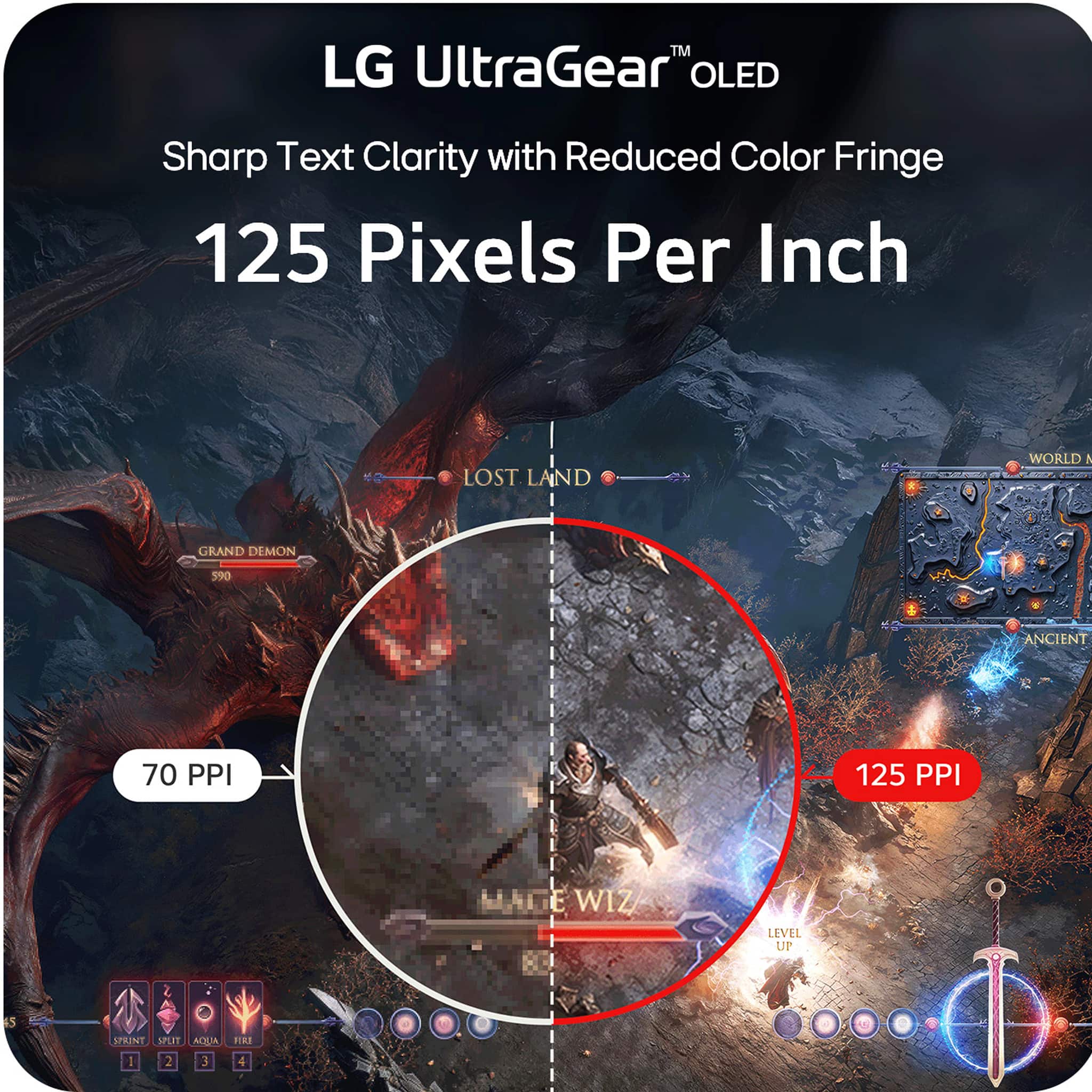
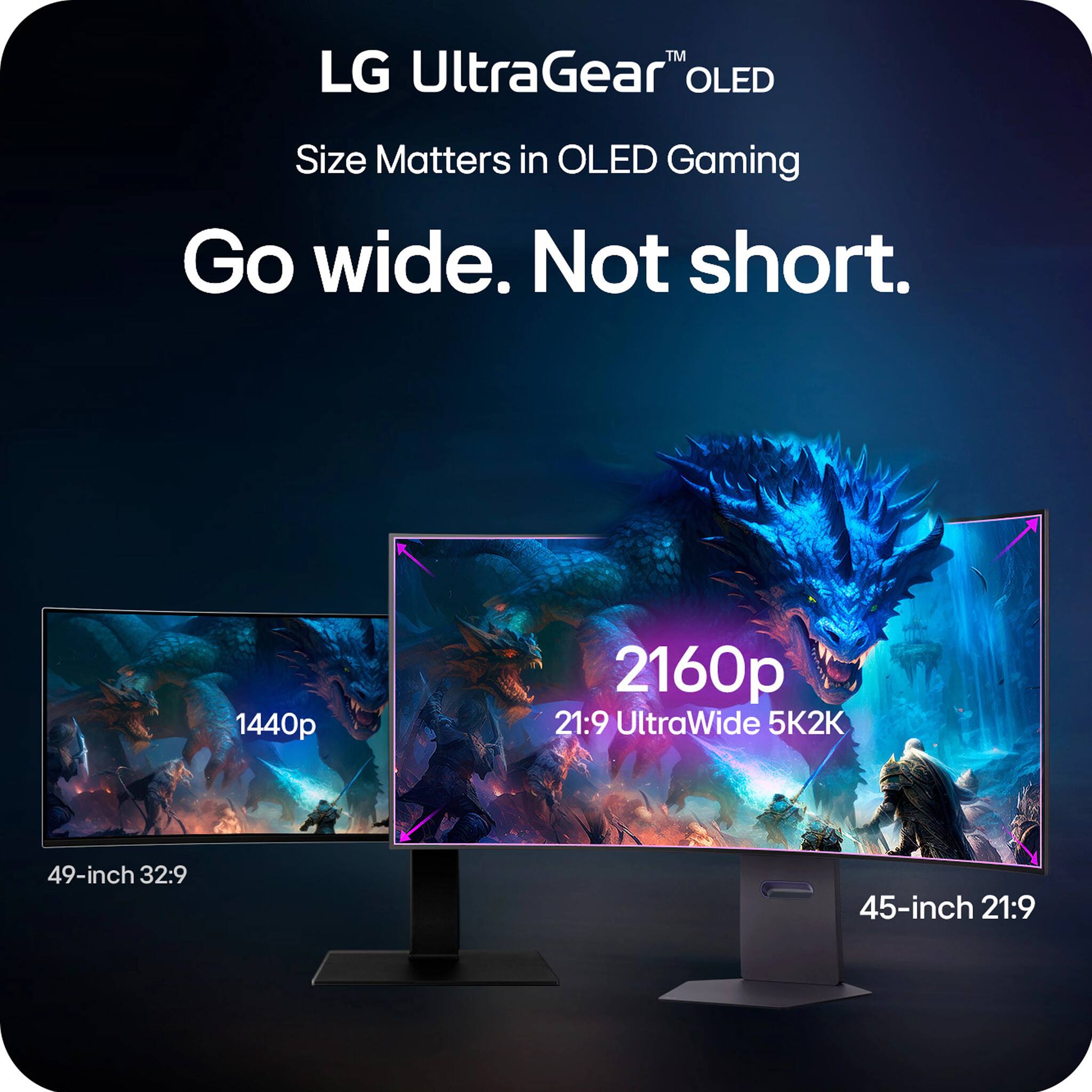
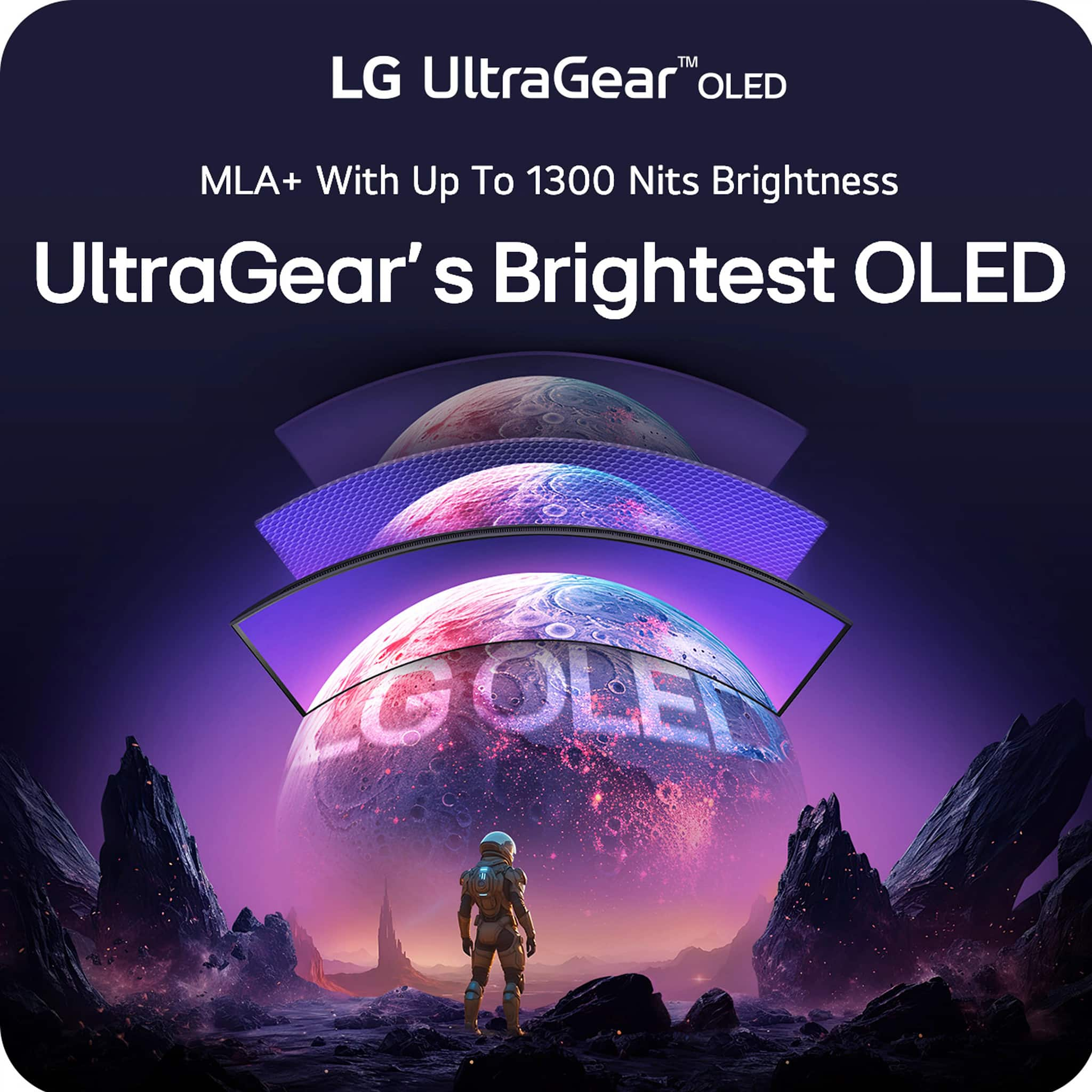
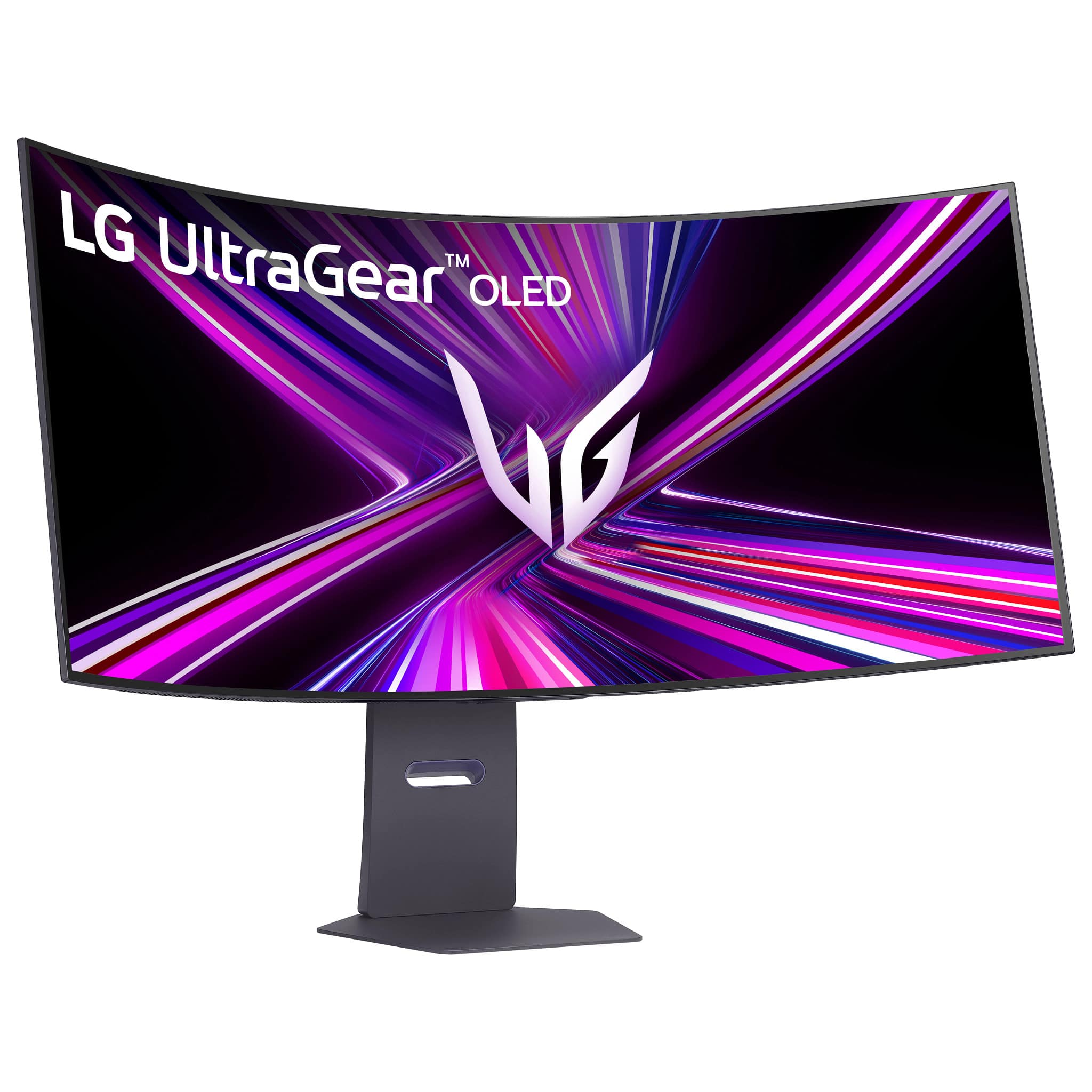
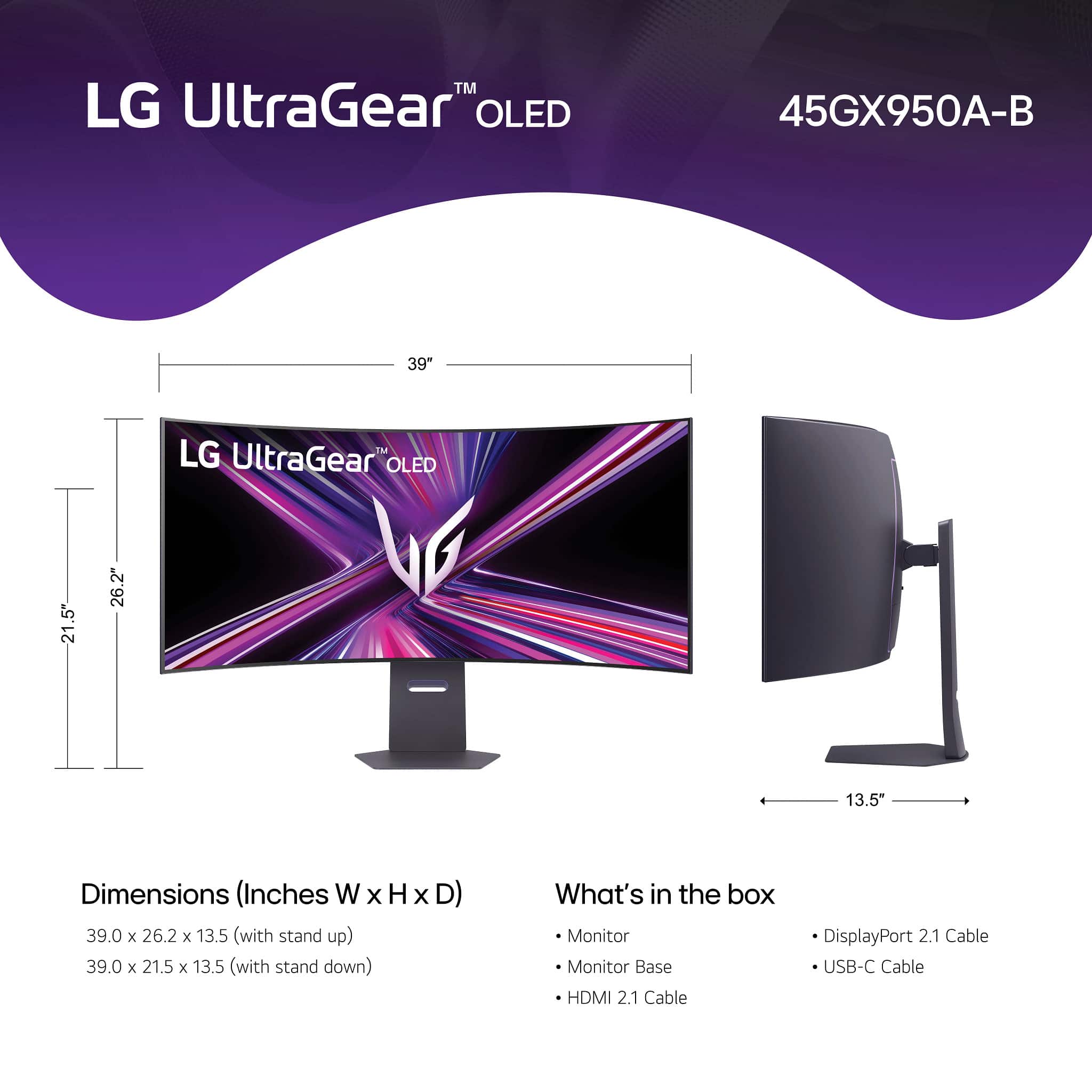
|Posted .This reviewer received promo considerations or sweepstakes entry for writing a review.I'm so happy to finally have this monitor up and running, this is the best OLED monitor I've had (and I've had a couple before). To start with, it comes in a large rectangular box and they include everything to get you up and running. A super sturdy and heave metal base, and arm that locks easily in place, a HDMI 2.1 cable, a Display port 2.1 cable, a type C USB cable and a large and heave external power brick. It was packed good, with plenty of Styrofoam protection and the screen itself was inside a soft type of plastic cloth (there was no plastic to peel from the screen). It arrived in great condition. I did end up installing it on a sturdy monitor desk arm and it fit great. Plugged in the power cable, the USB cable to a type C port on my PC (THIS IS IMPORTANT, I WILL TELL YOU MORE WHY LATER) and the Display port cable. Seated down and started it and my PC, BAM! I was completely blown away by the extreme curve and I must be honest, it was jarring at first. And I have had curved monitors before, this one is extreme! However, give it a chance, after a while you get used to it and if you seat at the proper distance, whoa! Its so immersive when gaming, its like seeing panoramically all around you! THIS PART IS IMPORTANT and not many people now about it. I was reading some reddit posts and reviews about it before I got it and it appears it had some bugs in the color reproduction and luminance, specially in HDR mode and indeed it could see that. However LG released a firmware update that mostly fixed this. Now, they don't have any firmware update files in their support website, however the way this monitor updates its firmware is via their LG SWITCH app (windows and mac). You must download this app from their website and connect the monitor's type C cable to your PC. Once you launch the app, it will tell you if you need a firmware update and let it do it. It did for me and fixed most of those issues. The HDR is incredible, however you must set up windows correctly. First, only use HDR mode when you are going to play a game or video in HDR. For normal desktop use or SDR games leave it off. One nifty trick is the key combo: win button+alt+b, that will switch you between HDR and SDR mode. Now, there is one last bug in HDR mode that LG MUST ADDRESS THIS SOON IN A FUTURE FIRMWARE UPDATE. If you use the Windows HDR calibration tool, you will see it clips the luminance at around 600 nits, this is wrong as the monitor fully supports up to 1300 nits. Its because there is something wrong in the EDID info and windows is reading it from it. There is a trick discovered by an amazing pal at Reddit to make it work (this is only temporary and works great, but you must do it every time you update your graphics card drivers), this is purely a software windows fix and won't affect your hardware or warranty since its not doing anything to the display itself, here it is: Delete any existing color profiles in Control Panel -> Color Management -> Devices. Download CRU 1.5.3 from the official source: https://www.monitortests.com/forum/Thread-Custom-Resolution-Utility-CRU Run CRU.exe Go to Extension blocks Edit CTA-861 Edit HDR Static Metadata Input the following values (don’t touch anything else): Max luminance: 151 Max frame-average luminance: 151 (FYI: 151 = 1317 nits, 150 = 1288 nits) Restart your PC or run restart64.exe from the CRU folder. Check HDR behavior: Go to Settings -> Display -> Advanced Display Peak brightness should now show 1317 nits Use this test video at 0:56 to verify HDR highlight detail: https://youtu.be/gcsxAddFaoA?si=Fpi9lRccTVKwHQG2&t=56 Toggle HDR off/on to compare how much detail is preserved. (browser restart required and browser must support HDR) Don't use the windows HDR calibration tool after this. After this the display will correctly display HDR content up to its native 1300 nits and without any clipping and displaying details correctly. AMAZING!!!! I have had other oled displays before (both QD oleds, glossy, matte etc). Let me tell you once you calibrate this guy correctly, it will blow you away. To be honest the matte coating is soft and doesn't bother me and don't even notice it, and its great at handling light reflections. LG also updated the subpixel structure so text looks sharp and clear without any color fringe. Now, the best thing about it.... finally an increase in resolution and PPI density! I was tired of most ultrawide displays mainly stuck at 3440x1440 or 5120x1440 resolutions. Finally LG updated it to a 5120x2160p resolution with a great PPI! However, this is more than 4k, so you really need a strong video card to drive this guy. I would say a 4080 and up in the nVidia camp and a 7800xt and up on the AMD camp. Now the second killer feature, the dual resolution and refresh rate! My 7900XTX can handle the 5k resolution fine and I mainly use it more for single player games and campaign and it handles well, plus 165hz refresh rate is not that much and the display has variable refresh rate (Freesync premium and Gsync) to handle those dips in FPS. However, for fast paced online shooters, I use the dual mode and switch to the 2569x1080 resolution at 330hz!!! I can handle the drop in resolution in favor of fast paced online gaming, no problem. You can fast switch to it with the button at the bottom. You can also change several aspect rations in the monitor's menu, I would say explore there what you want, I mainly use the two main one full wide ones. Also, I love the 45inch factor, 49 is to much for me and with this one you gain in the vertical space too and while still staying at a 21:9 aspect ratio (32:9 is too much for me and some games struggle with compatibility with that). In all, this is the best OLED Monitor right now hands down (if you want ultrawide at a high resolution and refresh rates). Get one, you won't regret it!!
I would recommend this to a friend - Pros mentioned:Oled quality, Refresh rate, Screen size
The First of Its Kind
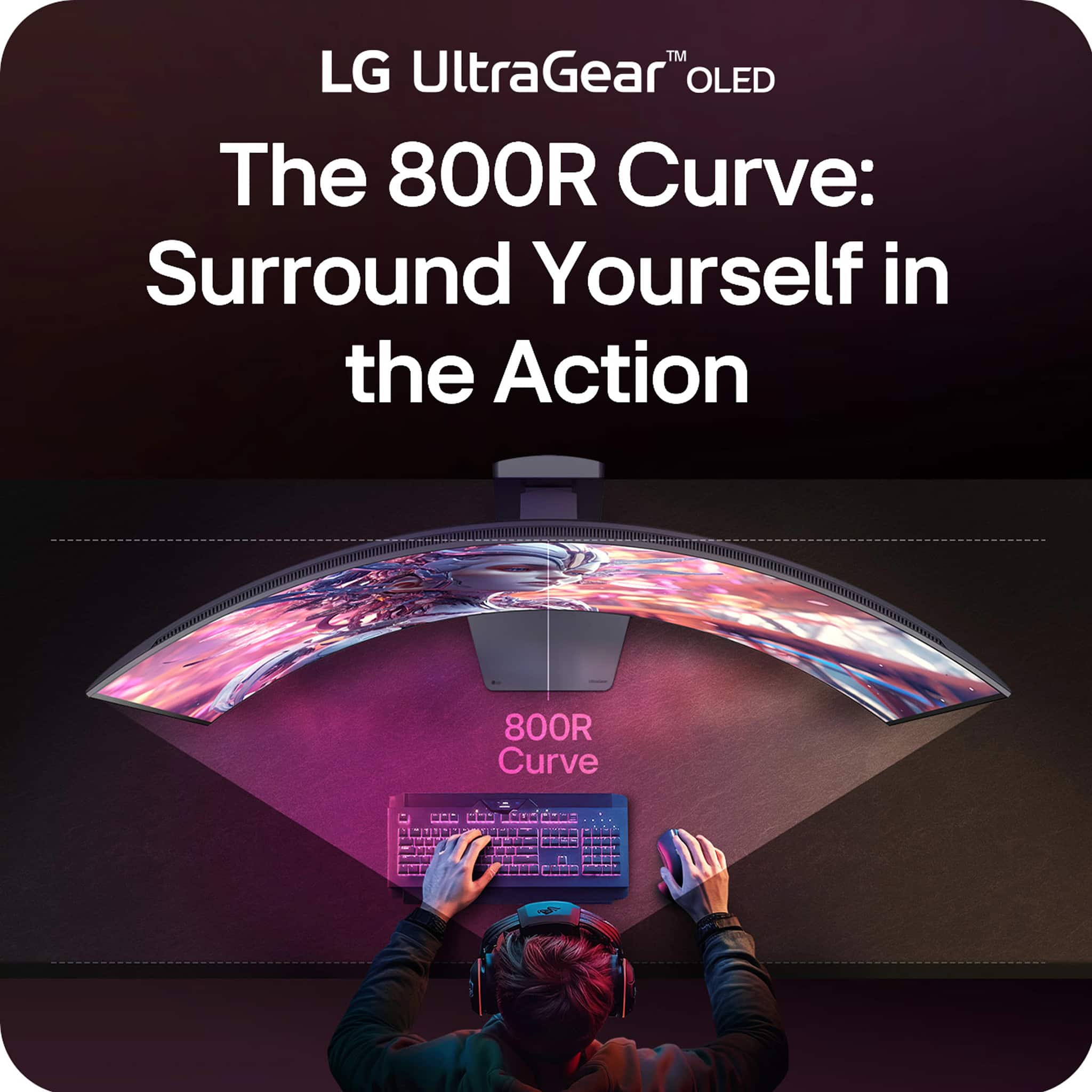
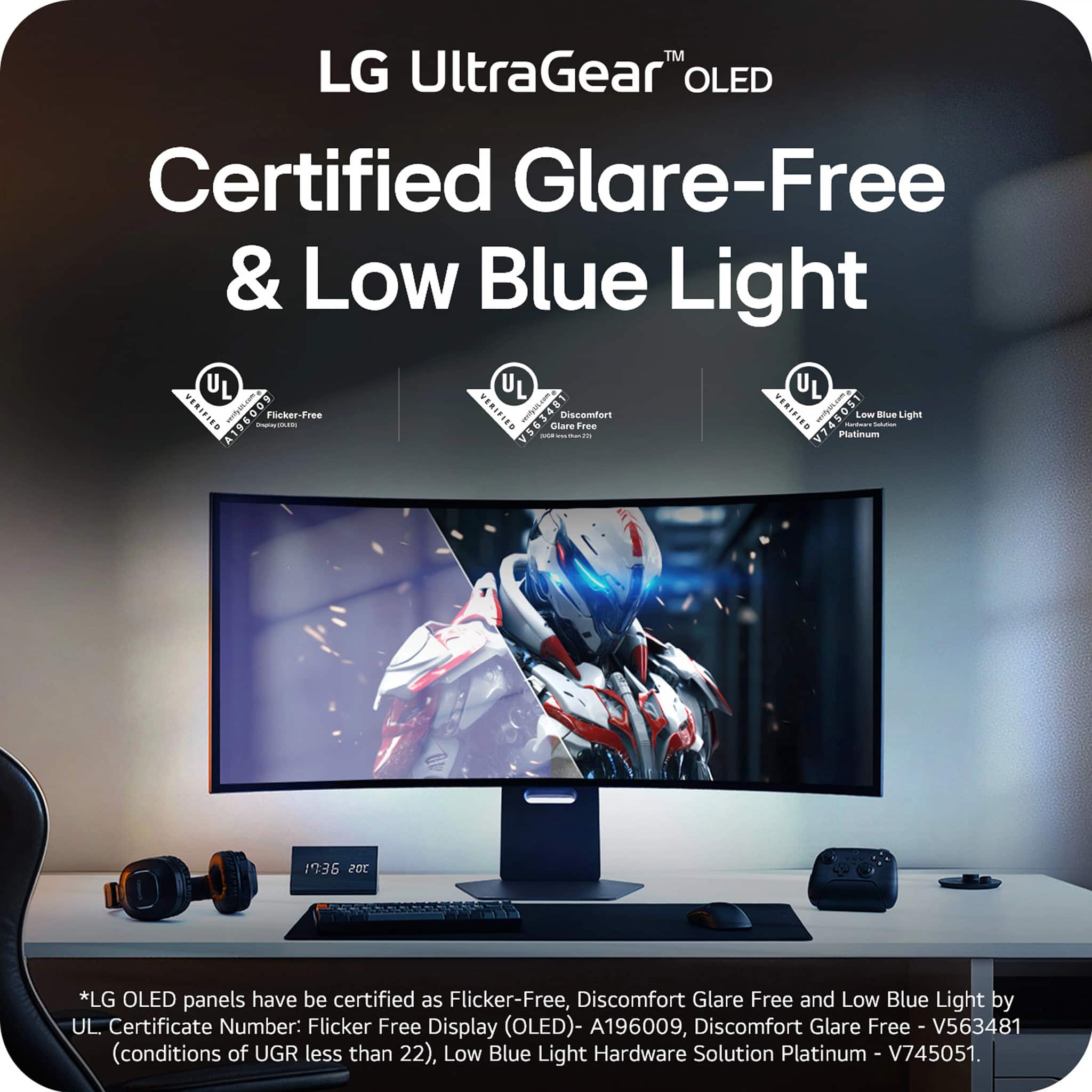
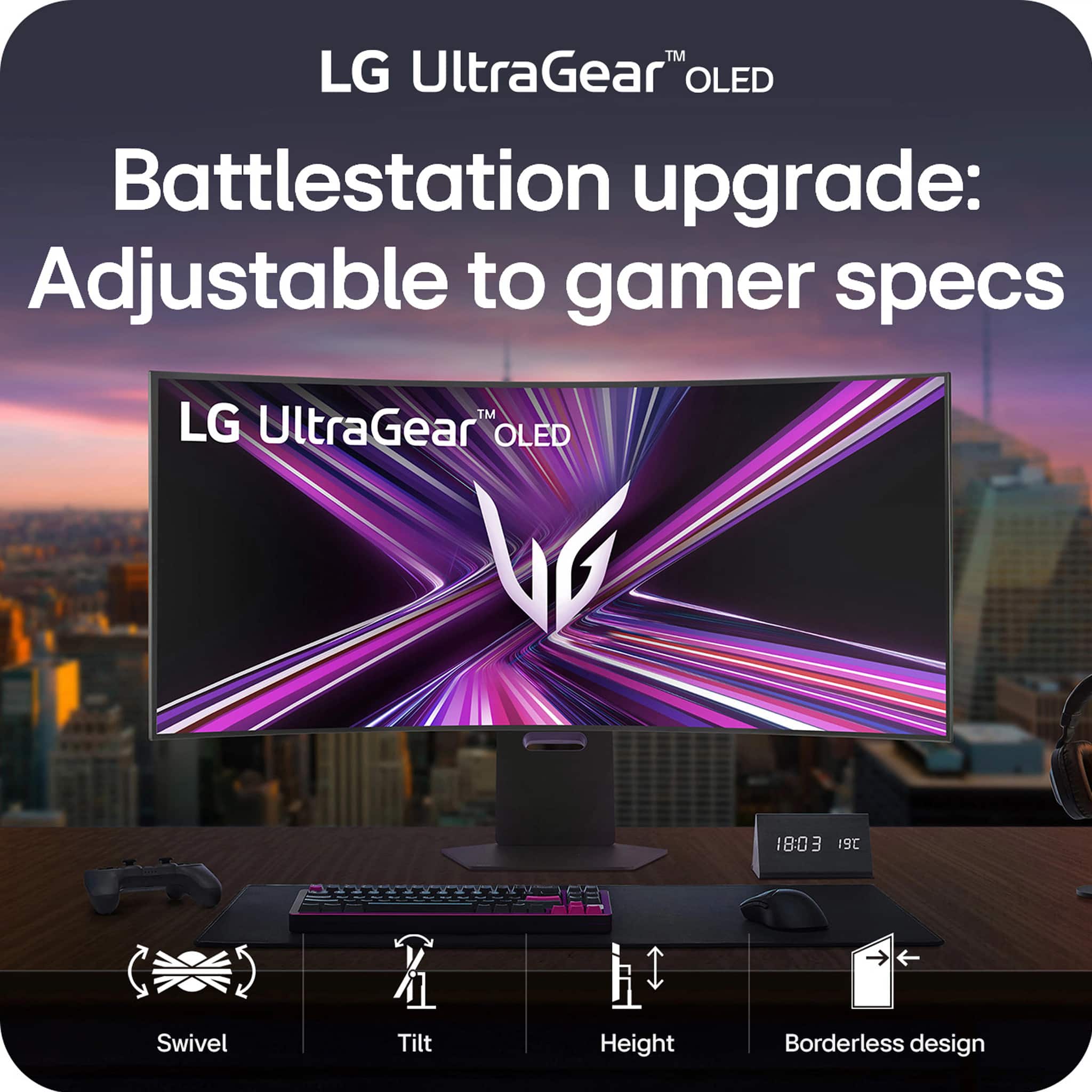
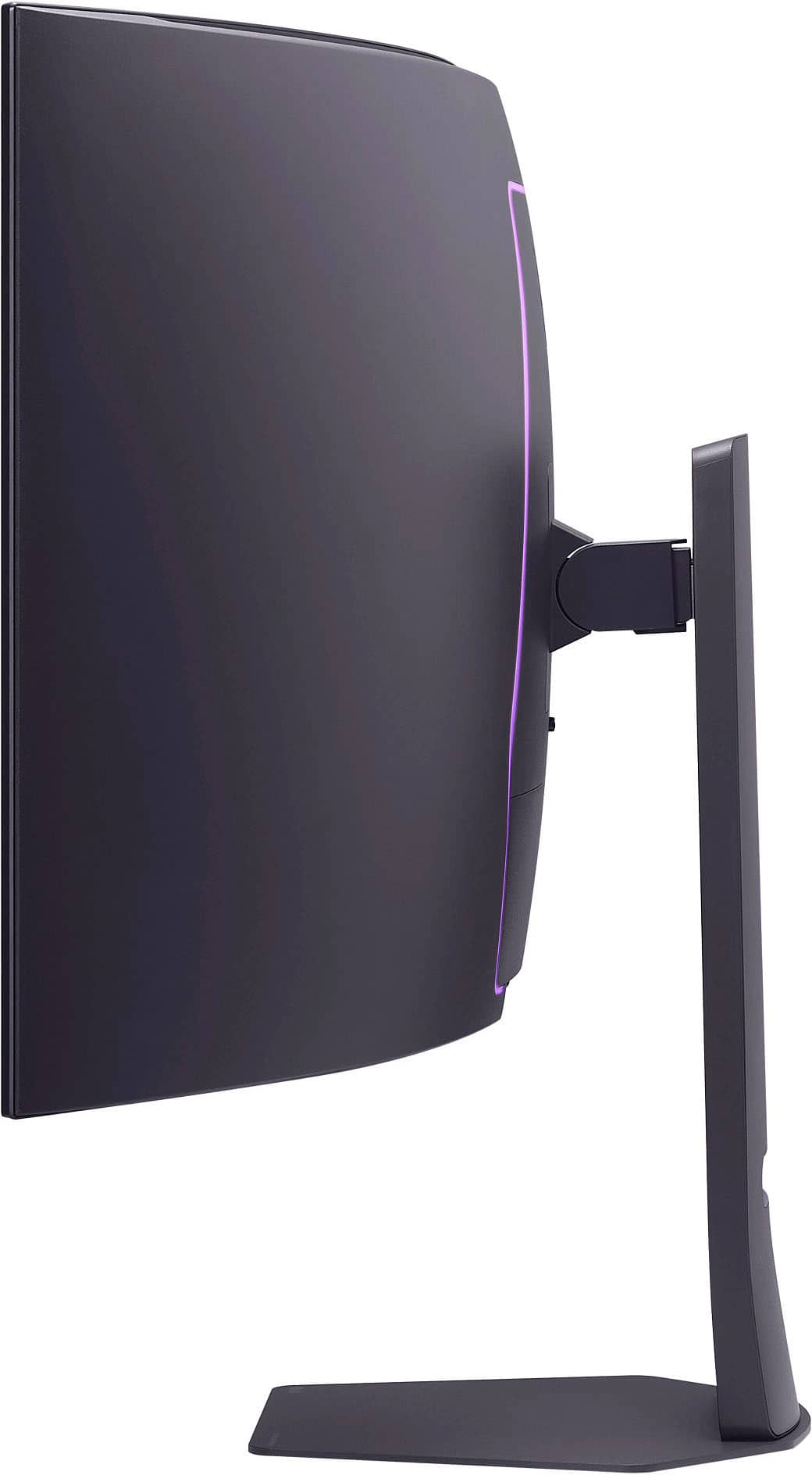
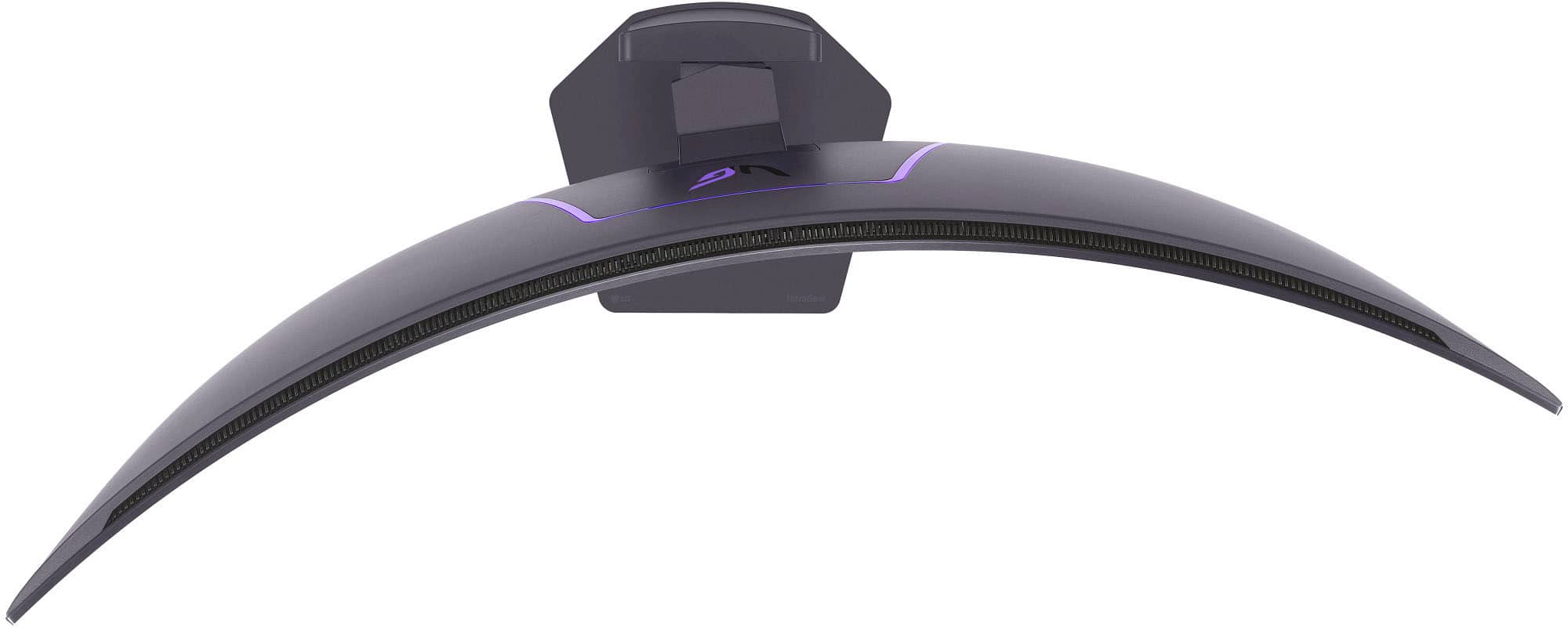
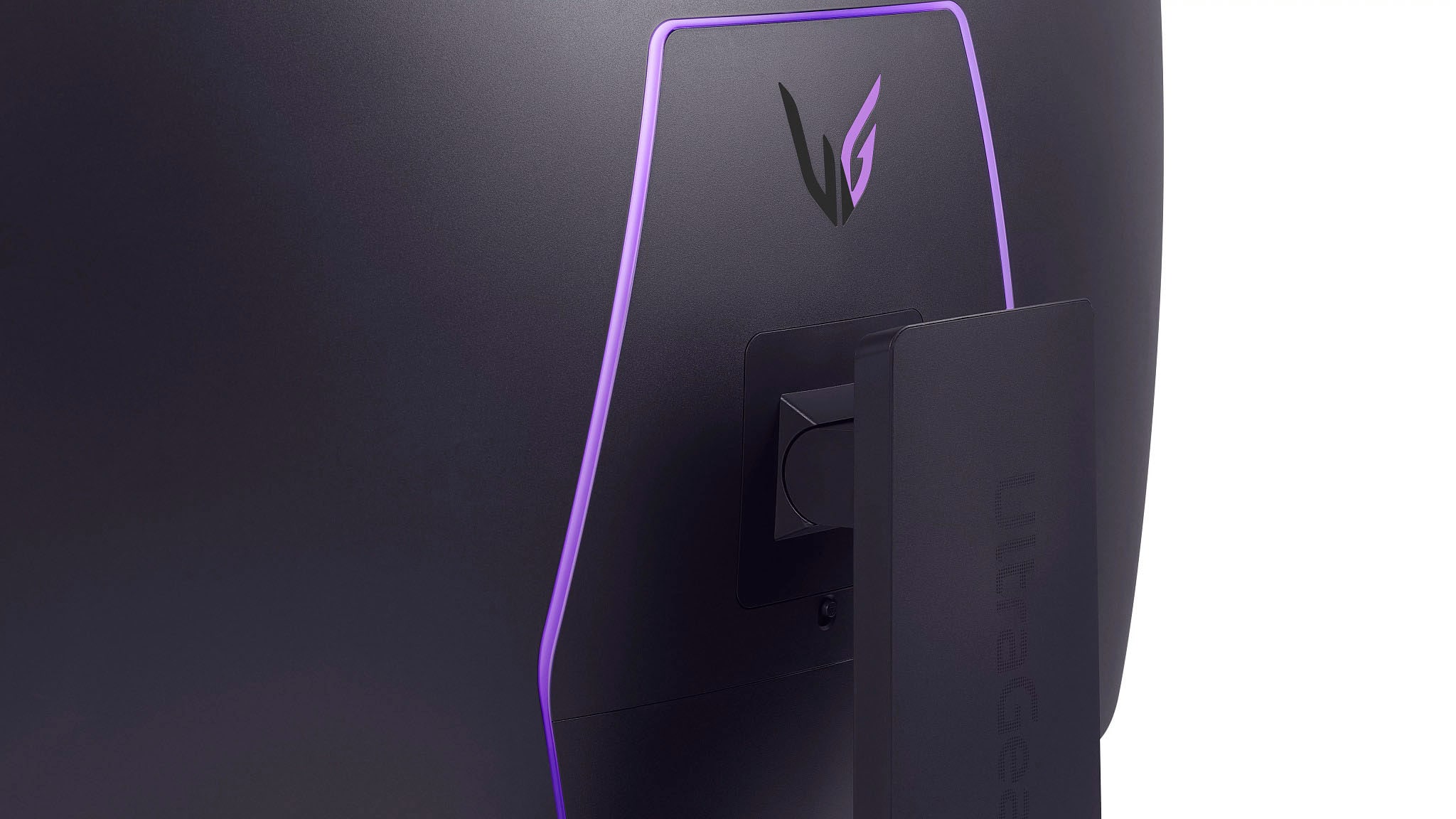
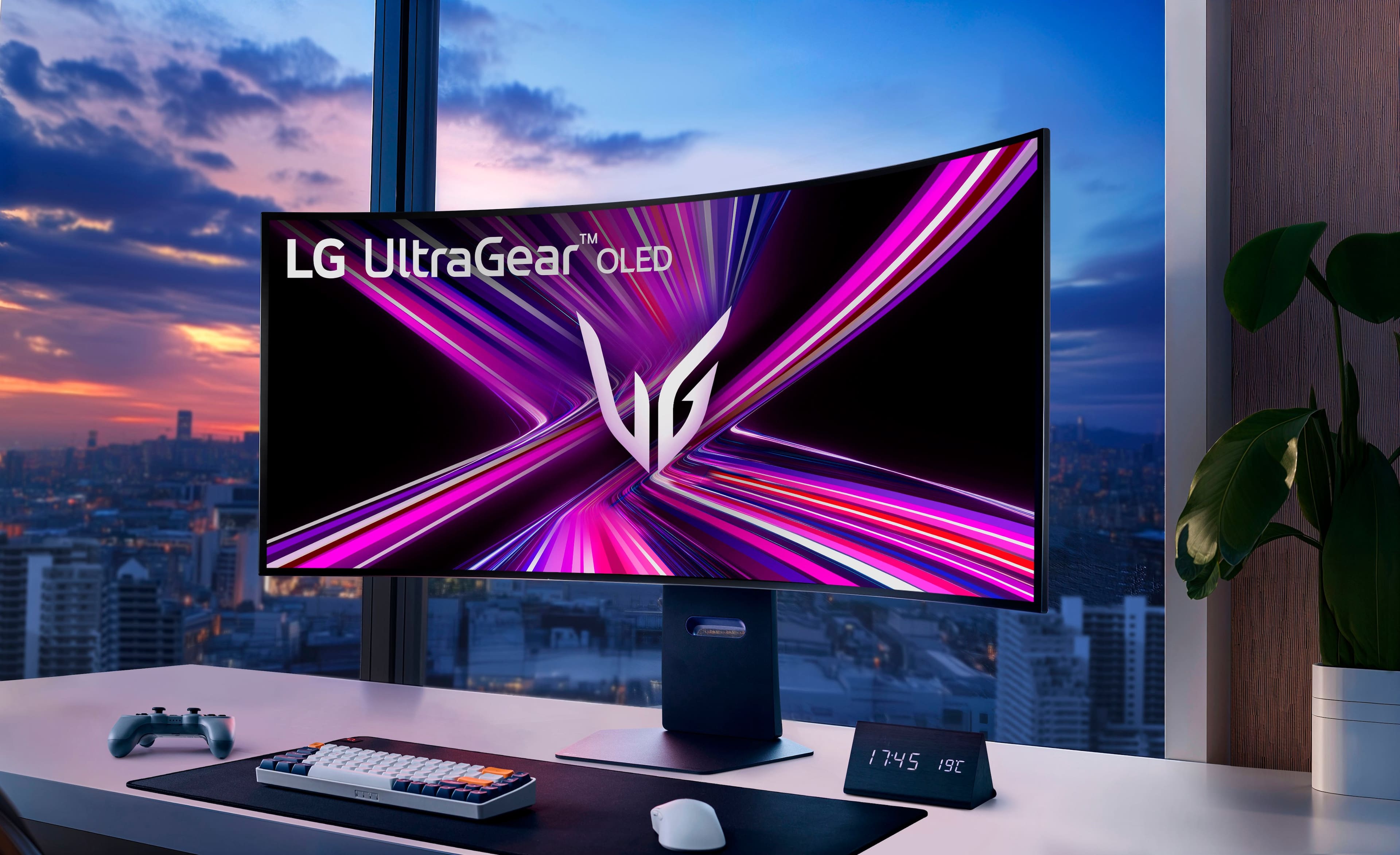
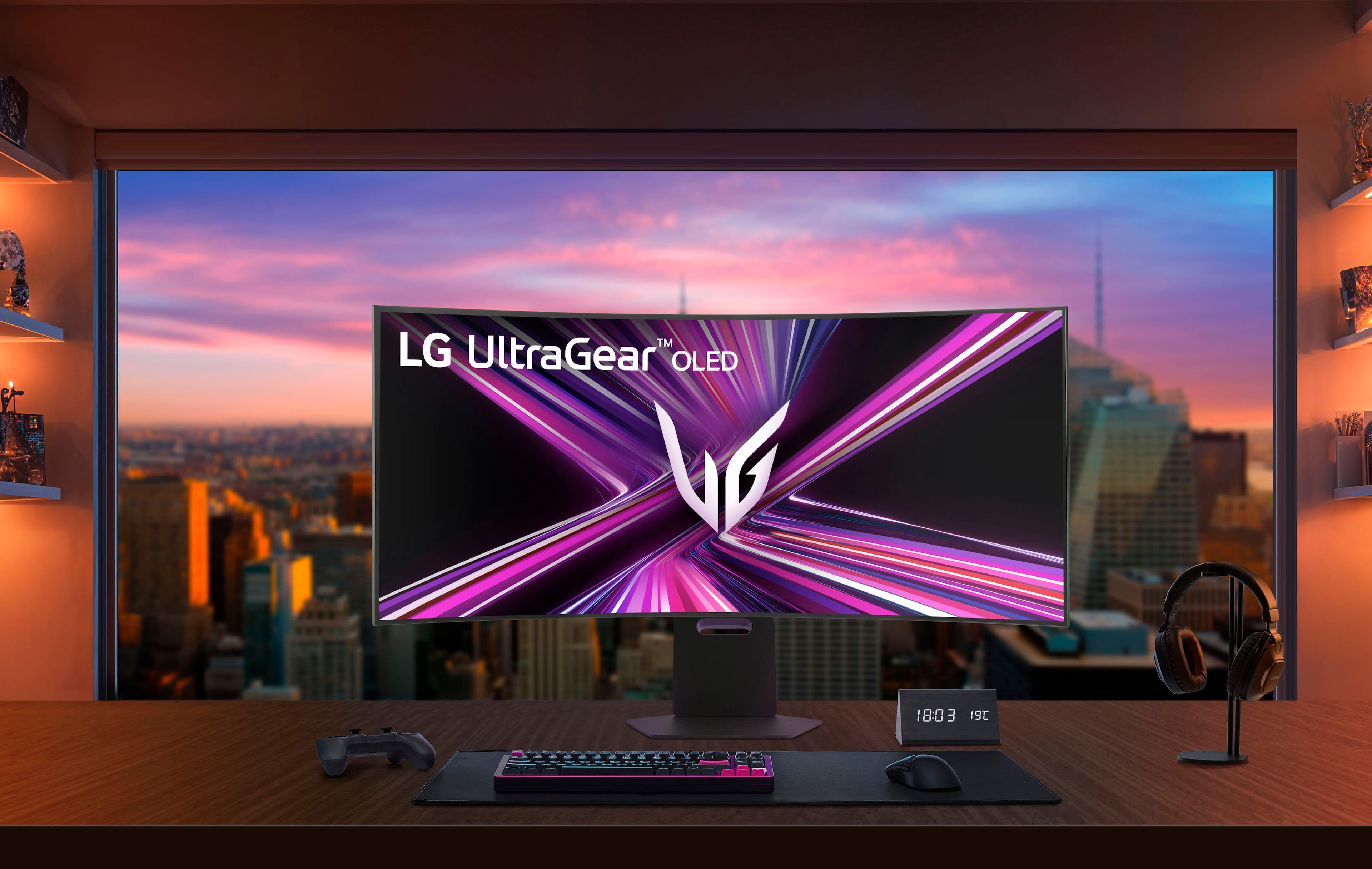
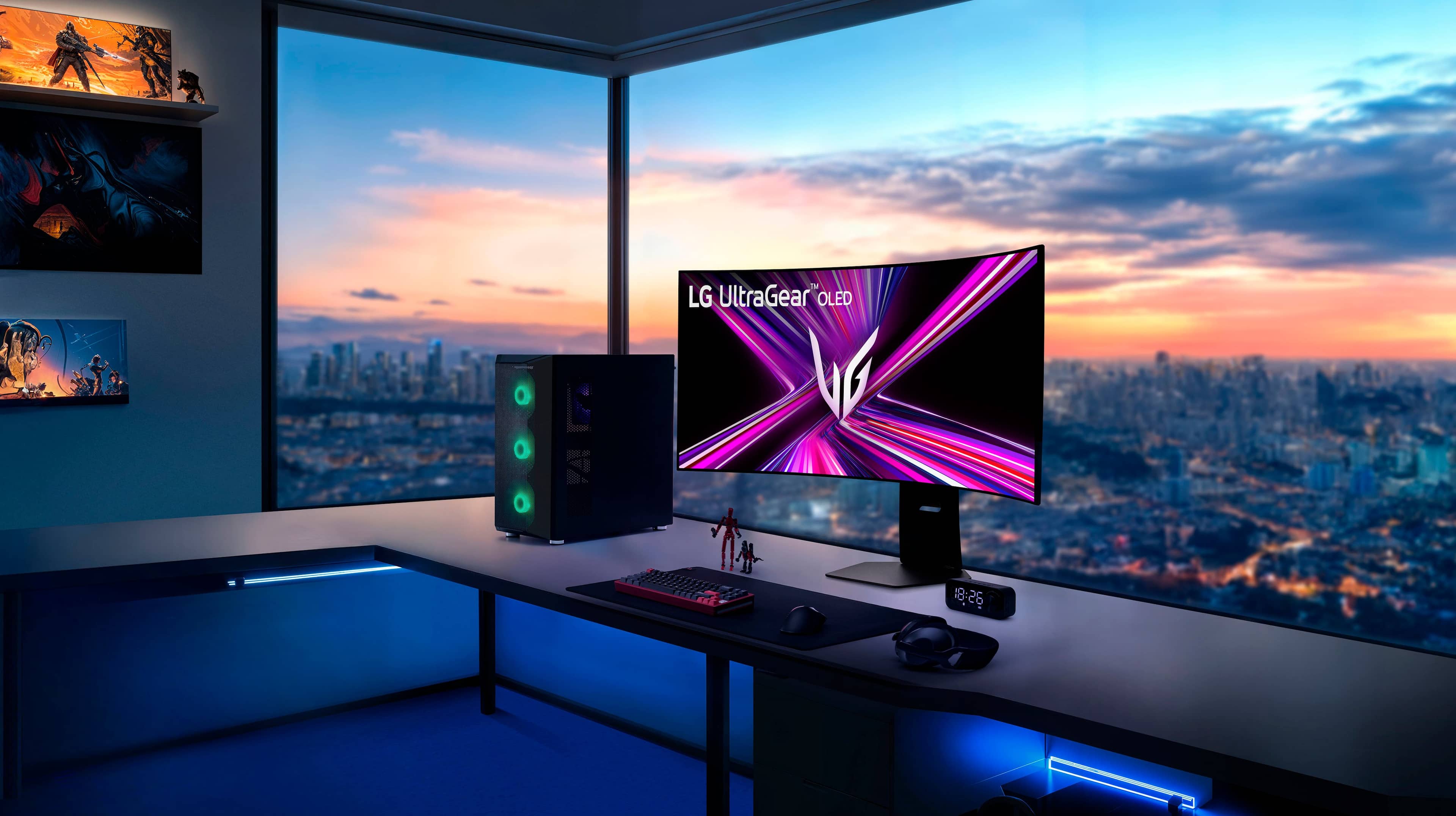
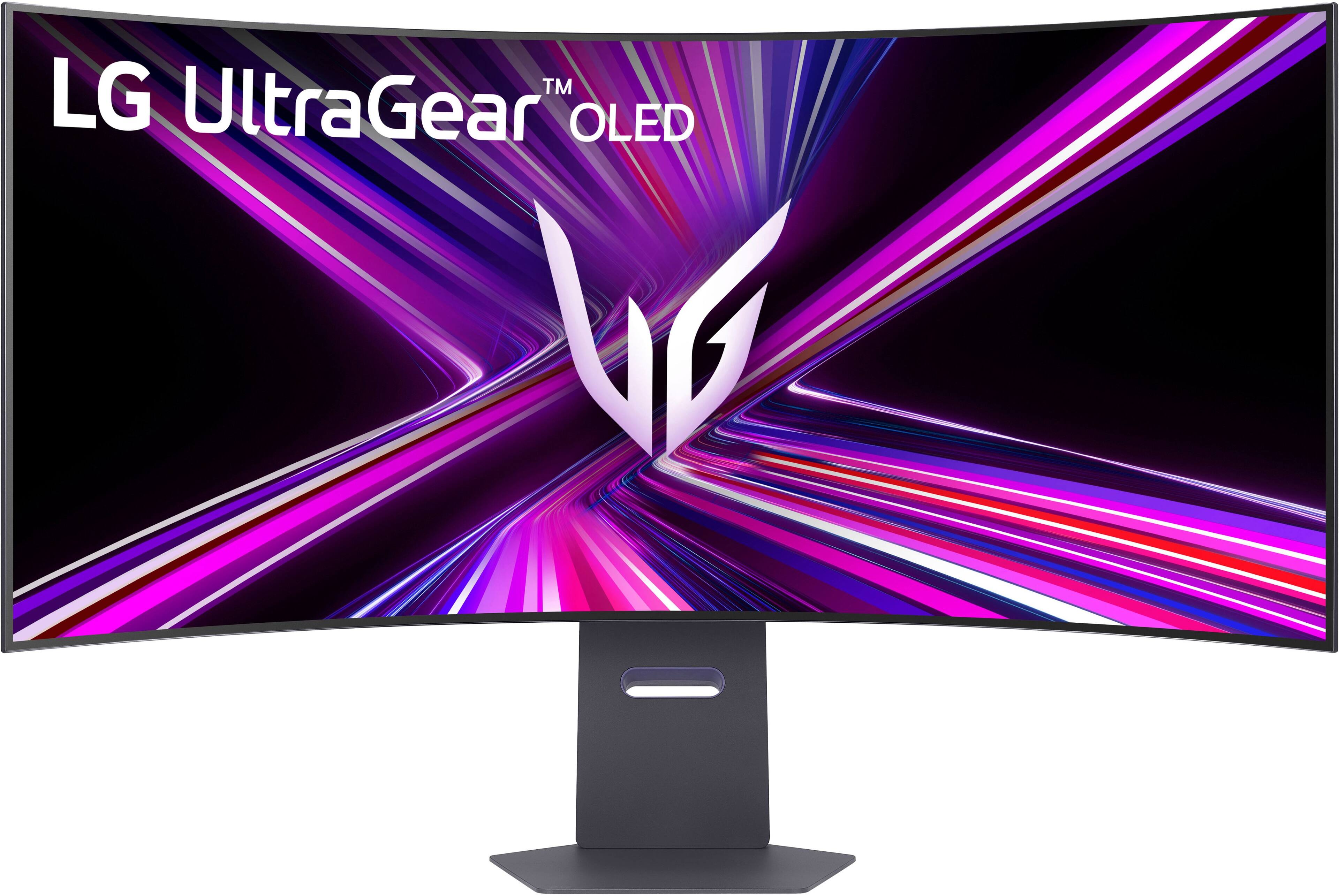
|Posted .This reviewer received promo considerations or sweepstakes entry for writing a review.📦 UNBOXING: Inside the box, you’ll find the monitor and rear cover, the stand, a power brick, and a series of cables including a DisplayPort cable, a USB-C cable, and a high-speed HDMI cable. Other than that, you have a basic setup guide and safety information. 🛠️SETUP & ADJUSTMENTS: The setup is straightforward. If you’re using a VESA mount, you’ll want to make sure it can handle the 20.7 lbs weight. I have been using the same monitor arm mount for years, and while I needed to make some adjustments to keep the monitor steady, it does hold it up. There are pre-installed screws that you can use for VESA mounting. However, unlike most of the other monitors I’ve used, this LG UltraGear doesn’t have particularly large gaps past the screw holes, so some monitor arms might not fit very well. Mine almost didn’t fit, and I did have to make multiple attempts to insert the mounting bracket at different angles. I almost gave up, but am glad I persevered. If you’re using the stand, setup is even easier, and completely tooless. While face down in the box, simply install the vertical arm into the back of the monitor and let it lock in. Then connect the base via the hand screws on the bottom. Once you have it on your desk, you can make height adjustments, and a small degree of adjustment for tilt and swivel. Overall, the stand is of high quality, and the base is especially hefty so as to minimize display wobble. 💪 BUILD: The build is plastic, but that’s to be expected since a heavier monitor would make it challenging to VESA mount to articulating arms. That being said, I don’t feel it’s cheap feeling plastic, and I appreciate that it’s matte as opposed to some tacky glossy frame. The bezels are thin, although not the thinnest I’ve seen. That being said, I forget they are there, given how large the display is. On the rear of the unit is an RGB LED “hexagon” which gently illuminates and can be configured via the on-screen display (OSD) controls. There is also an unlock switch to quickly detach the stand. Towards the lower-center on the rear of the monitor, you’ll also find a control stick for navigating the on-screen display. Personally, it’s not my favorite control stick, and I’ve moved it in the incorrect position more than I’d like. But at least it’s not something you will need to frequently use. On the bottom edge of the monitor, you’ll also find a switch that allows you to quickly switch between the UltraGear’s Dual-Mode 5120x2160@165Hz and 2560x1080@330Hz modes. I appreciate this having a dedicated switch, since it would be cumbersome to have to use the OSD every time I wanted to switch between these modes. One potential downside for some is that this monitor’s power supply is external, which means you’ll have a fat power brick that you’ll connect to the monitor. This makes the display weigh less which puts less stress on VESA mounts, but now you’ll need to deal with a fat power brick. On the upside, if the power supply ever fails, you can simply obtain a new power brick instead of having to disassemble/warranty the monitor. 🔌 CONNECTIVITY: As far as connectivity is concerned, LG delivers a good swathe of options, although I do think there are some things that could have been done better. Onboard is a single DisplayPort 2.1 input, 2x HDMI 2.1 inputs, 2x USB 3.2 gen 1 Type-A ports, a USB-C port with alt-mode that functions as the host to both Type-A ports with 90W of Power Delivery, and a headphone output. Personally, I would prefer 2x DisplayPort 2.1 ports, but I do appreciate that the HDMI ports are proper 2.1 ports. But even more importantly for me, I think I would have also preferred 2x additional Type-A ports so I could connect my mouse, keyboard, wireless headset, and webcam to the monitor. 🖥️ DISPLAY: This LG UltraGear 45” OLED monitor is massive. I know a lot of people using 42” LG OLED TV’s as monitors, but I have always preferred the 21:9 aspect ratio, so this is the best OLED option on the market which still gives you a 2160p vertical resolution, but a much wider 5120 horizontal resolution, and a high refresh rate of 165Hz. It also features an 800R curve which is very aggressive compared to many other 1800R monitors I’ve used, but I don’t mind it. With the dual-mode engaged, you can use a fourth of the pixels at 2560x1080 and achieve a 330 Hz refresh rate. This is great for e-sports games and games where you prefer lower latency and improved responsiveness over clarity. The downside is that the image will be more blurry, but the silver lining is that there will be perfect pixel scaling (i.e. integer scaling) since it’s simply half the vertical resolution and half the horizontal resolution of the display. So content still remains reasonably sharp if you’re willing to make the sacrifice. There are also other display modes native to the monitor like several 16:9 modes and 21:9 modes at different cropped resolutions so that you can choose to play on a simulated smaller display, as well. The LG 45GX950A-B also supports both Nvidia G-Sync and AMD FreeSync Premium Pro, so you’ll achieve variable refresh rate that prevents screen tearing. But of course, the highlight of the monitor is certainly the fact that it’s an OLED panel. This means incredibly fast pixel response times, near infinite contrast ratios, and high peak brightness for HDR content. So games with good HDR implementations should really pop on this monitor. One point of contention for some folks will be the choice to use a matte display texture. In my personal experience, I don’t have a problem with this. Some folks argue that colors will be more muted or less bright as a result, but think subjectively, I really can’t tell the difference. The matte display certainly fights off glare, if that’s of concern to you. But overall, I don’t feel like I’m experiencing a worse product. 🔊 SOUND: The built in audio on the monitor is serviceable, but certainly not what I’d rely on. Thankfully, they are better than most built-in speakers that sound like greeting cards, but they’re still not going to sound as good as an inexpensive desktop speaker solution or even some laptop speakers. I think it’s a bit questionable as to why LG makes customers pay top dollar for a feature that they don’t really want. Many other high-end gaming monitors omit speakers and focus instead on making other features better. For me, I would have rather had more Type-A ports instead of these speakers. 🧐 CONCLUSION: Overall, I really like the LG UltraGear 45GX950A-B. It delivers crisp visuals for games and text, but alternatively provides even higher refresh rates in exchange for ¼ the resolution. Gaming on this display has been immersive and surprisingly still practical compared to Dual QHD displays that require me to turn my head. And while it does have downsides, I find that the advantages makeup for those concessions.
I would recommend this to a friend - Pros mentioned:Oled quality, Overall performance, Refresh rate
The cream of the crop!
|Posted .This reviewer received promo considerations or sweepstakes entry for writing a review.Just buy it lol! The end, ok just joking but seriously buy it if you care about the best of the best as far as picture quality,response time and dual mode goes. Lg makes some of if not the best oled panels in the world(they make most of the oleds out). This monitor is no exception with a beautiful and vivid 45 inch 5k by 2k curved screen. Bright and crispy screen but not overly bright and is easy in the eyes imo. All oleds have a near instant response time which is vital if you play esports games or call of duty warzone even. It feels super fast I love it even while playing campaign or story mode games, once you get used to it you can’t go back to Ips or VA panels. 165hz refresh rate is great but I would have loved 240 but to be honest I can see why LG decided on 165. You will need a high end gpu to push all of these pixels and you most likely won’t hit 165hz in demanding titles anyhow. So not a huge deal. Also this is a dual mode monitor that offers up to 330hz albeit at a much lower resolution. Personally I think it’s a great feature to have if you need every extra frame while playing any FPS game but I am running an nvidia 5080 founders edition so 5k at 165hz if fine for me. Plus I’d rather have the high resolution over the higher frame rate. I will use the dual mode sometimes but not as much as LG probably assumed most gamers would. The monitor comes with the newest spec HDMI ports and newest spec display port as well(not full bandwidth) but still much appreciated it. Type C port and usb ports as well with a nice cover to hide the wires is a nicest bonus. Speakers are actually very good, I was surprised to hear how loud they can get but with very well balanced sound, clear vocal and nice bass with not overly done treble. It’s nice not having to use my Klipsch computer speakers all the time because they are too loud and too boomy. Plus so many manufacturers don’t even include speakers anymore so thank you to LG for thinking of the consumer. Plenty of adjustability as well and they have included every cable you will need. This monitor does have RGB lighting in the back but it’s not bright enough for my taste but they are good enough for most people and can be adjusted or turned off completely in the menu. Menu has pretty much everything you need, one neat feature I want to point out is the ability to change the “resolution” or screen size in both dual modes. Which is great if you want to get better frames or run a PS5 pro or XBOX series X. Nice added features that I think most gamers will appreciate. Another great feature is LGs switch app which is available through lgs website(just google it) and the app allows you to update the monitor directly from your PC with the included type C cable. It’s easy to use and great to have so download that as soon as you get the monitor set up. So if you have read this far, I thank you and I’ll say again, go buy this one as it is the top of the top so long as you have a power enough GPU. This will not disappoint.i love it so much i have been using my PC more than my ps5 pro. Even at the price which is a premium I won’t need to upgrade for several years and that’s a fact.
I would recommend this to a friend - Pros mentioned:Oled quality, Refresh rate, Screen size
The most beautiful & productive piece of equipment
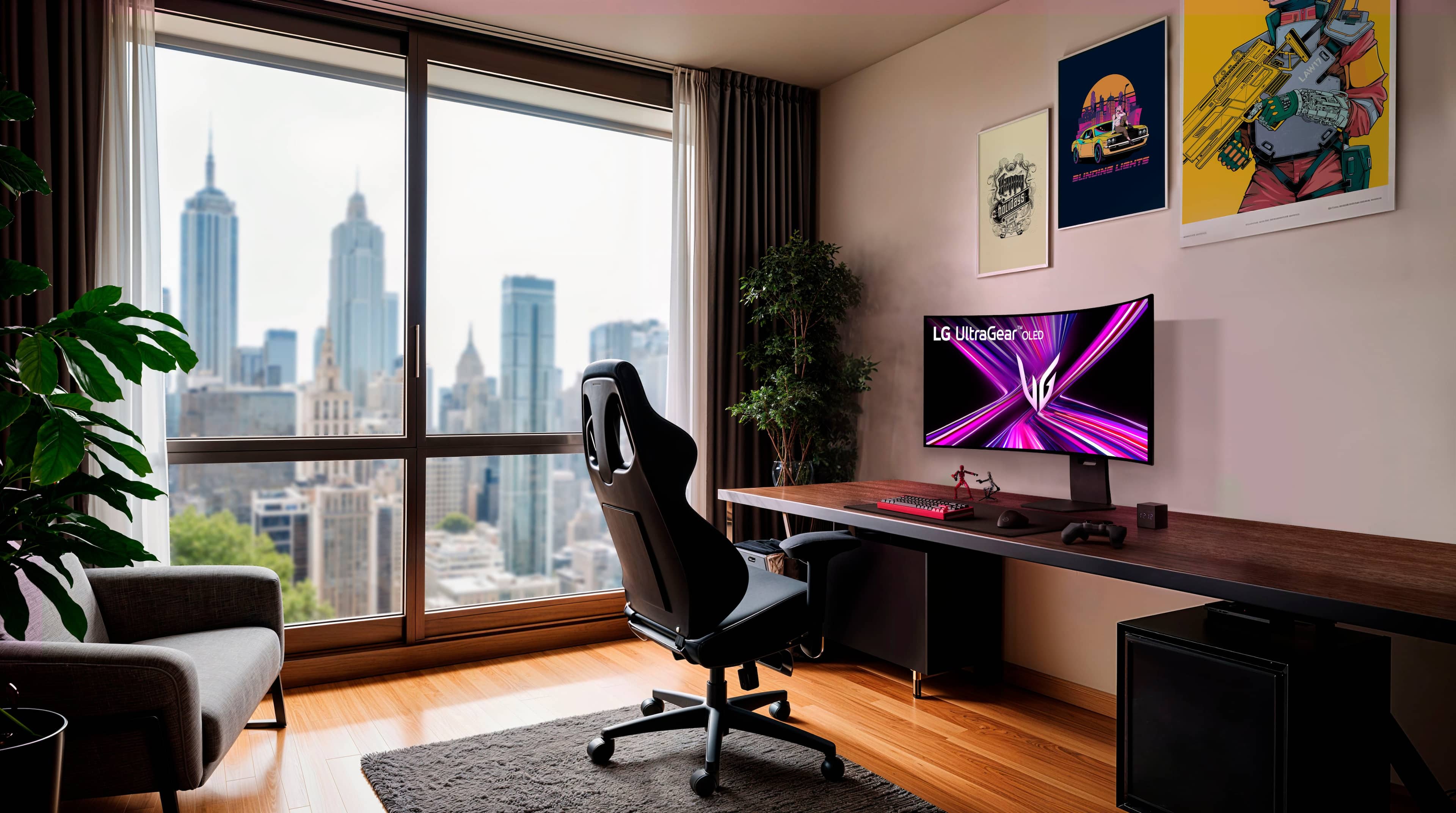
||Posted .This reviewer received promo considerations or sweepstakes entry for writing a review.I don’t say this lightly: the LG UltraGear 45" OLED Dual Mode has completely redefined how I work and how I enjoy my setup. This isn’t just a gaming monitor — it’s a command center. The OLED panel is jaw-dropping. Blacks are truly black. Colors have depth and richness that make everything else I’ve used look flat by comparison. Text is crisp, UI elements feel dimensional, and content just… breathes. Whether I’m working across multiple apps, editing, reading, or simply sitting in front of it for hours, the visual comfort is on another level. The dual-mode refresh rates are genius. Being able to switch between ultra-wide, high-resolution productivity mode and insanely fast gaming mode makes this monitor feel like two premium displays in one. It adapts to how I work, not the other way around. And the size — wow. At 45 inches, this thing replaces multiple monitors without bezels, seams, or distractions. I can keep everything in view, stay focused longer, and move faster. It’s the single biggest upgrade I’ve ever made to my daily workflow. Build quality is excellent, the curve is immersive without being aggressive, and LG’s OLED care features give peace of mind for long sessions. Bottom line: This monitor didn’t just improve my setup — it elevated it. It’s the most beautiful, productive piece of equipment I’ve ever owned, and once you experience OLED at this scale, there’s no going back.
I would recommend this to a friend