Customer Ratings & Reviews
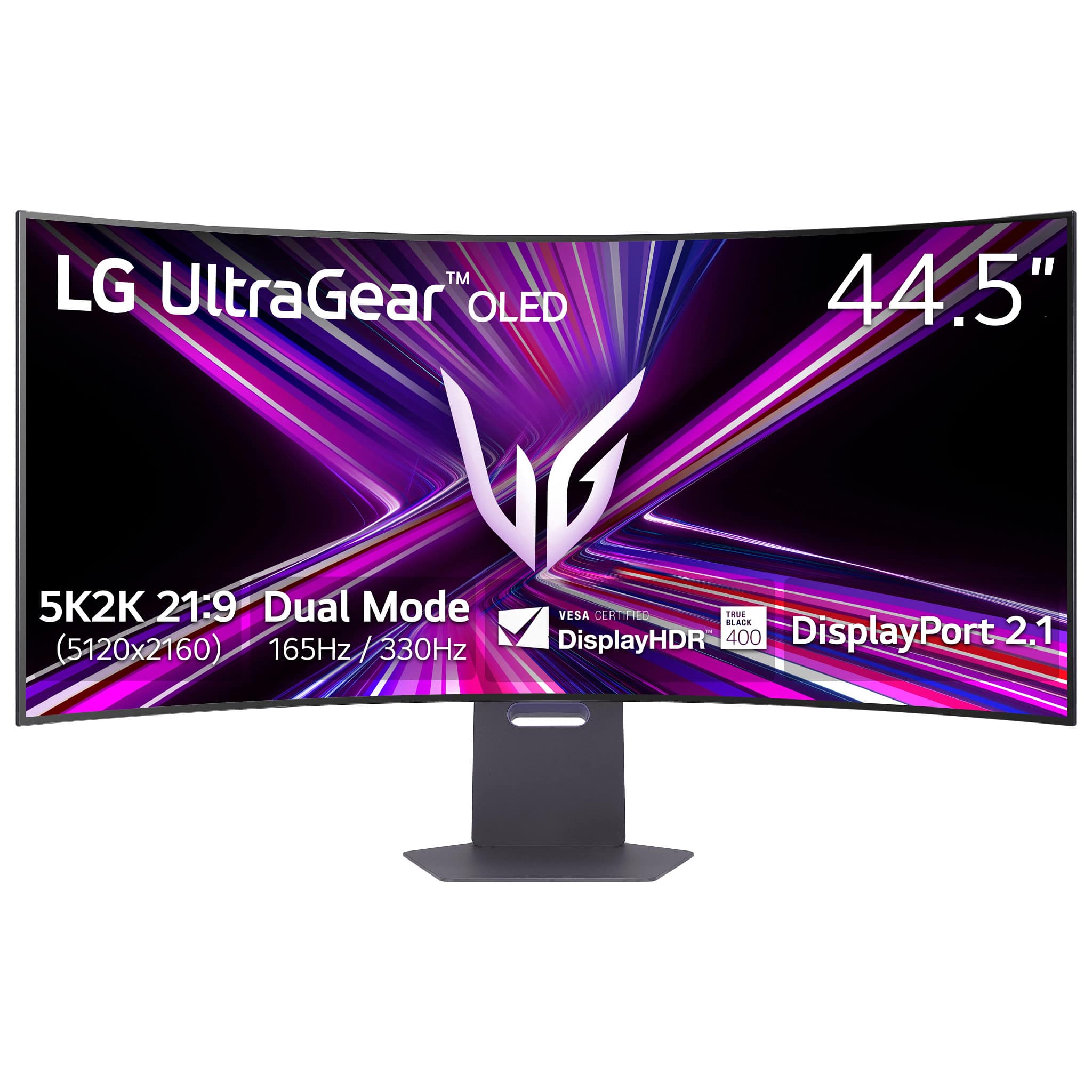








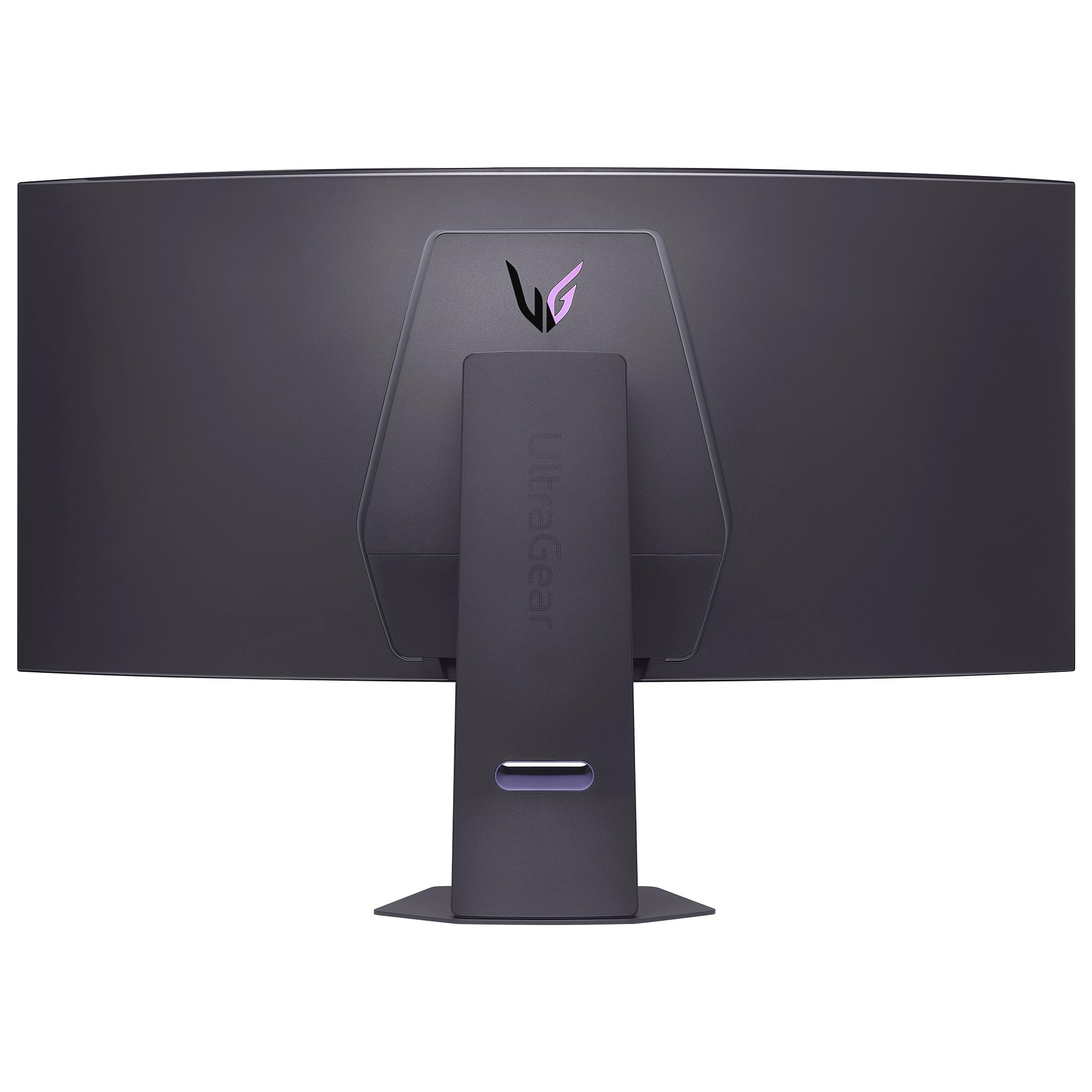
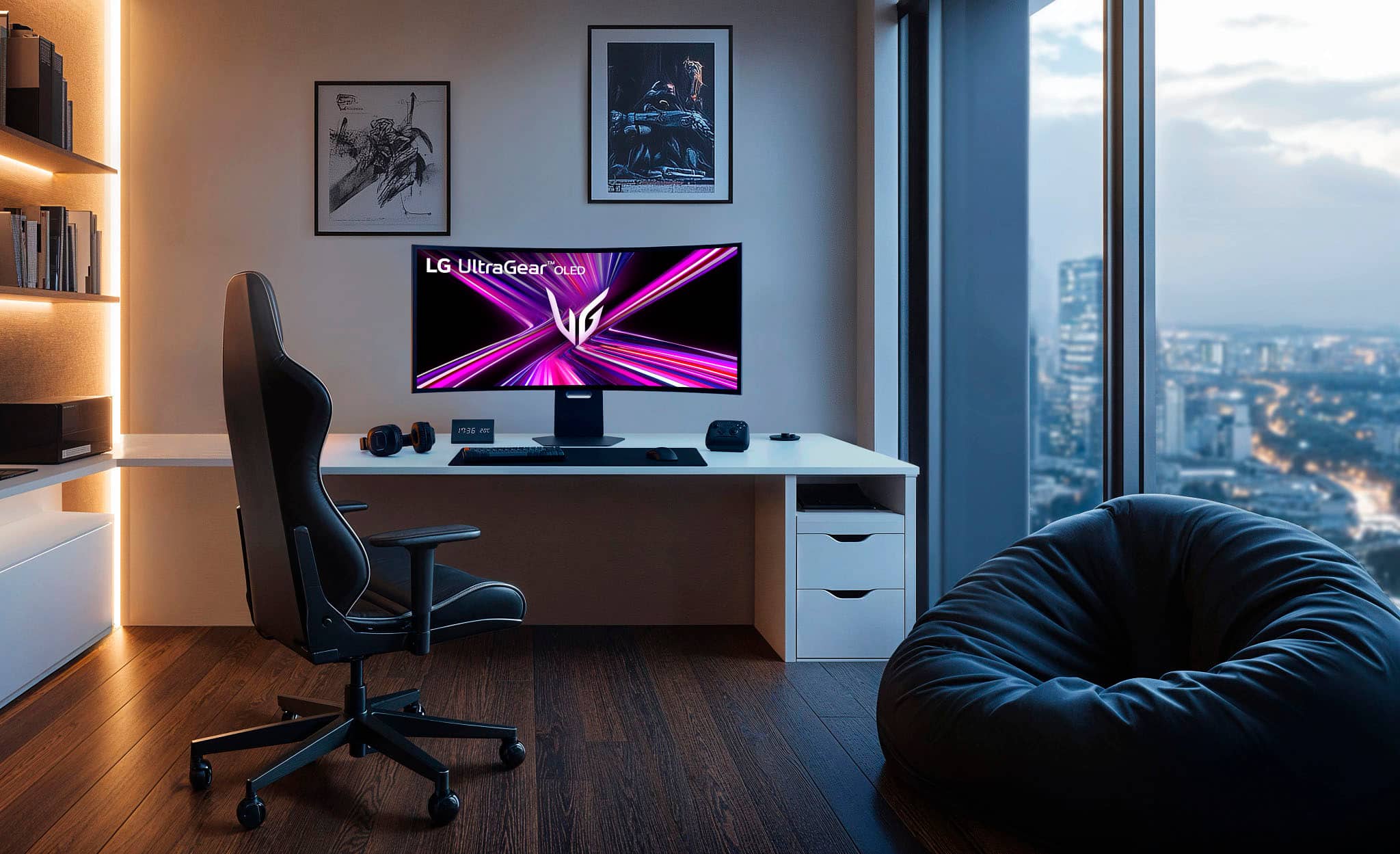
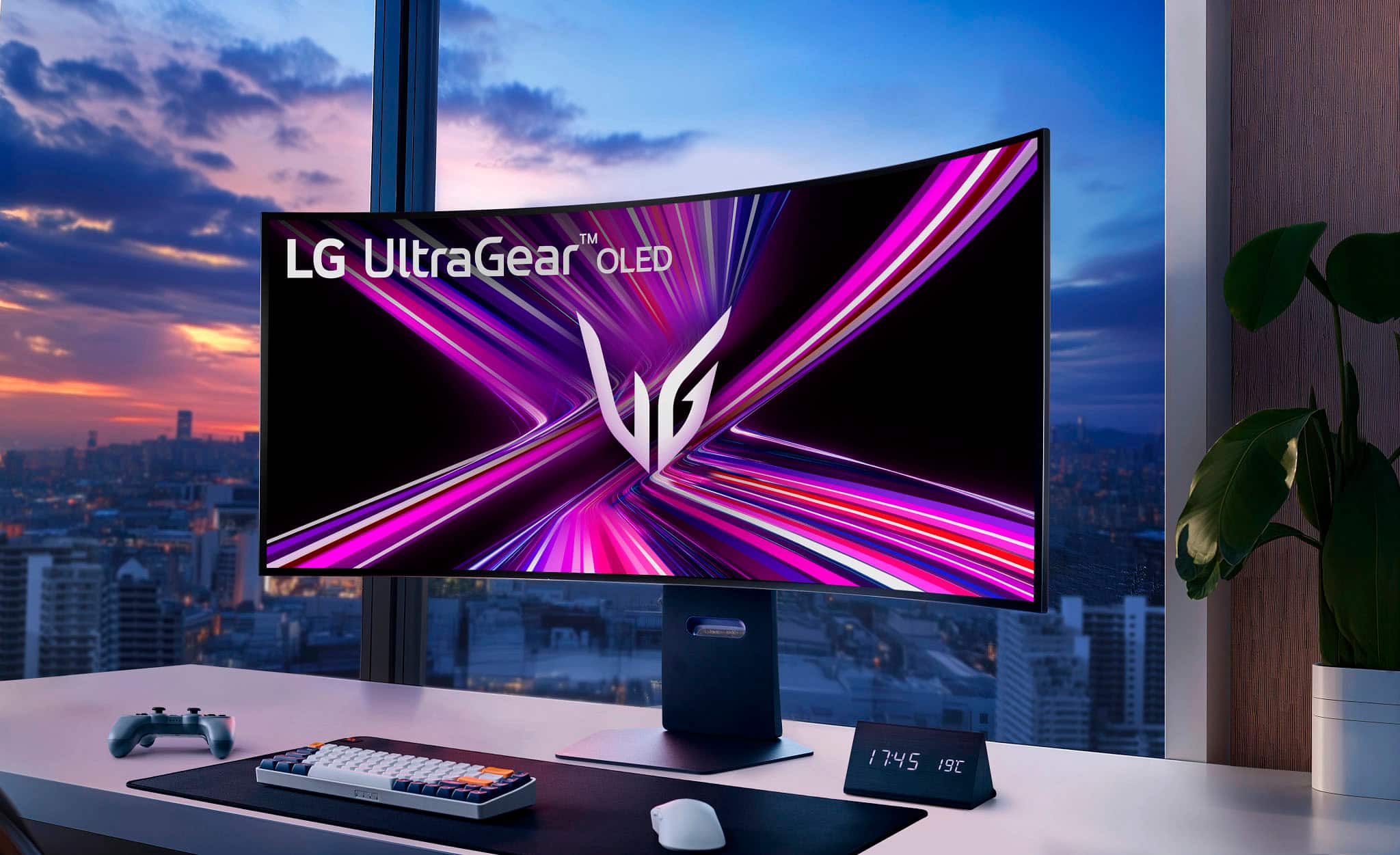
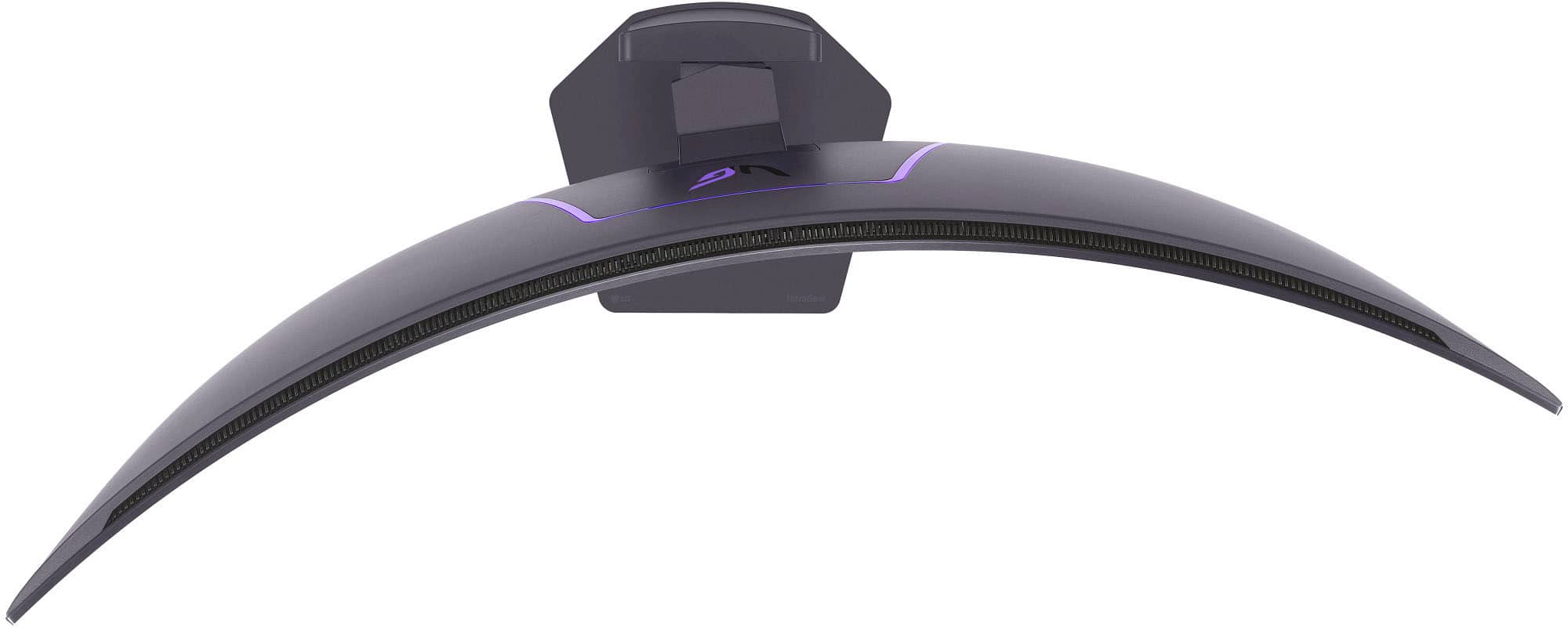


- Model:
- 45GX950A-B
- SKU:
- 6619492
Rating by feature
- Display Quality
Rating 4.9 out of 5 stars
- Ease of Use
Rating 4.8 out of 5 stars
- Features
Rating 4.8 out of 5 stars
Customers are saying
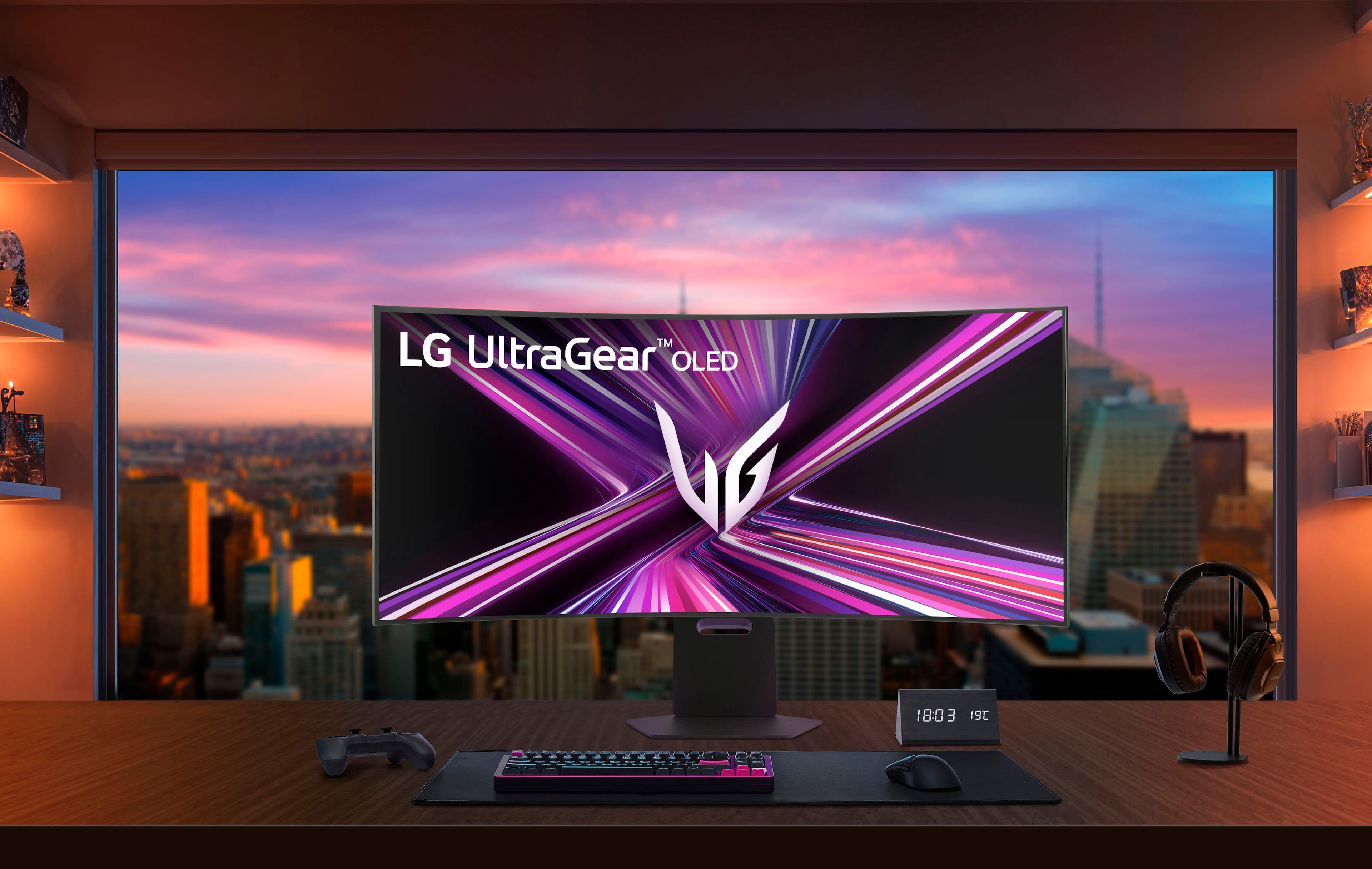
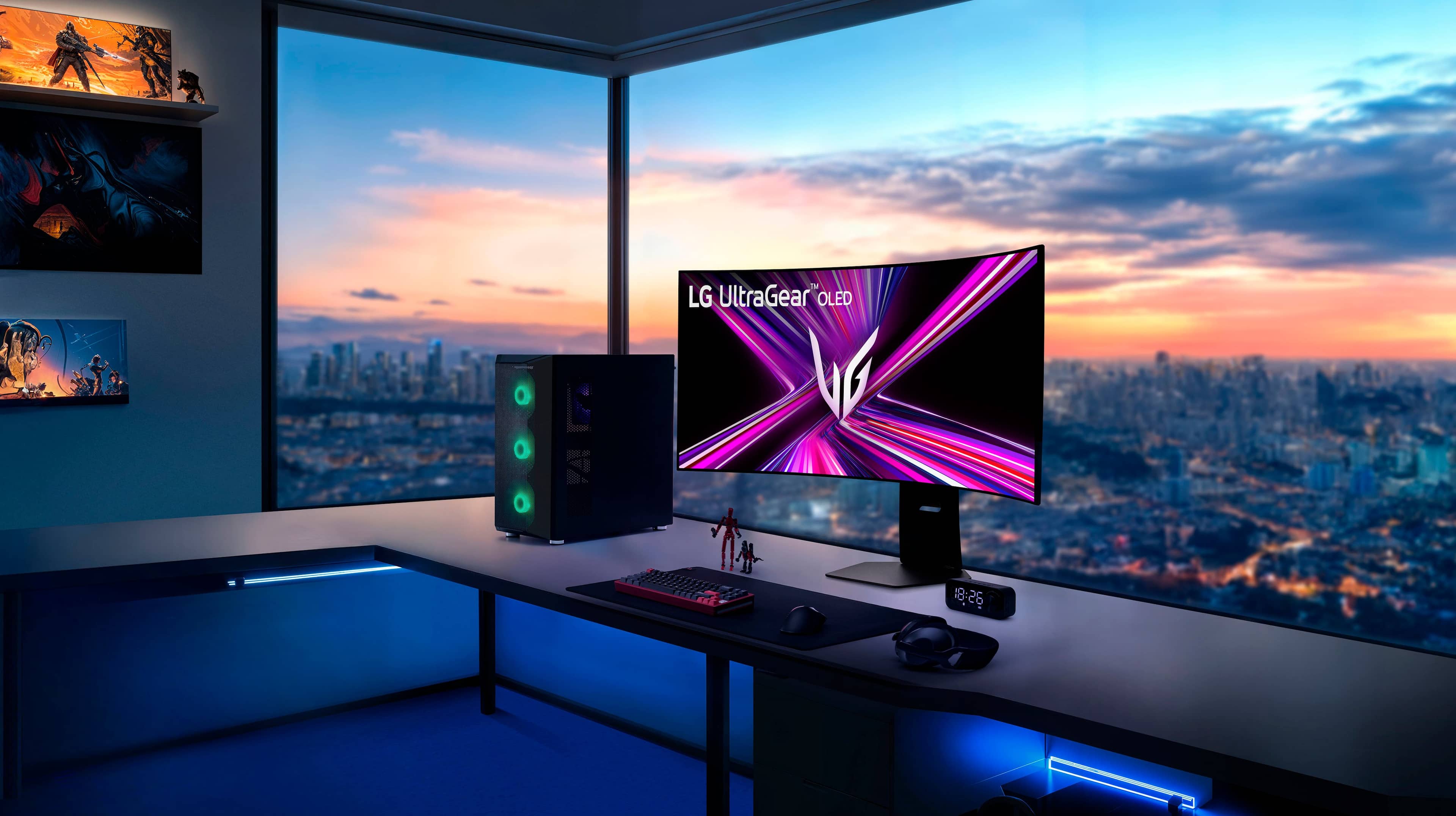
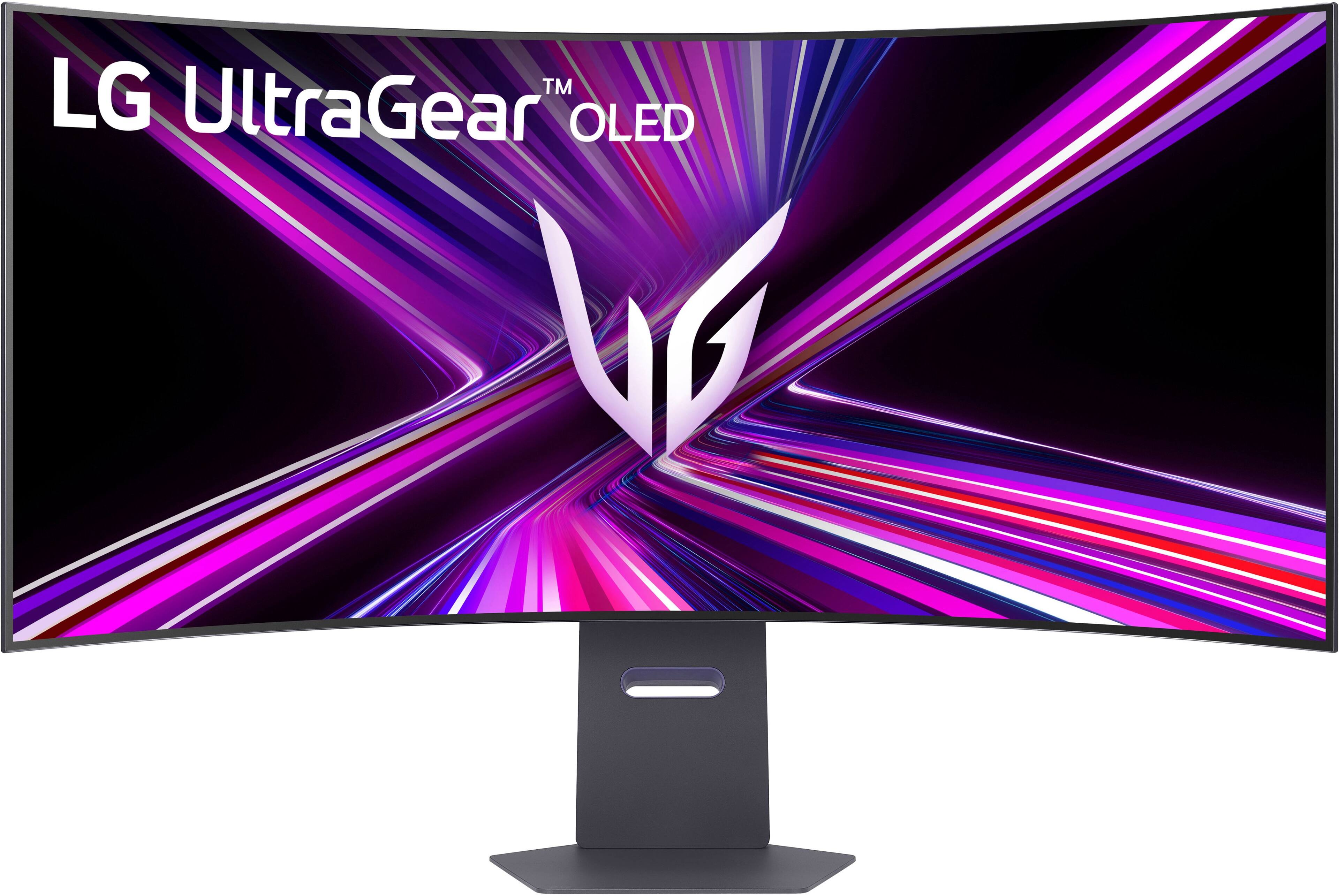
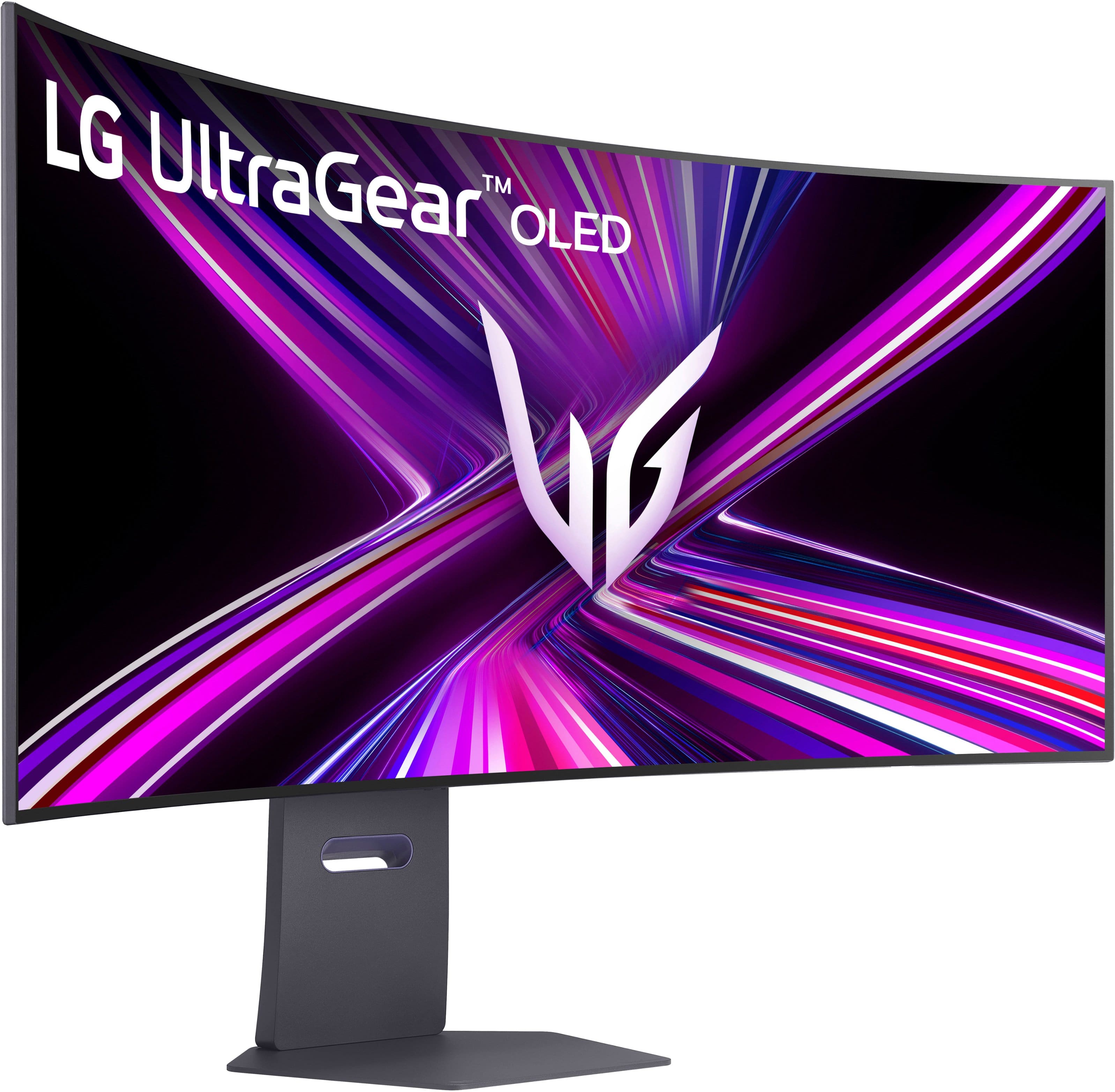
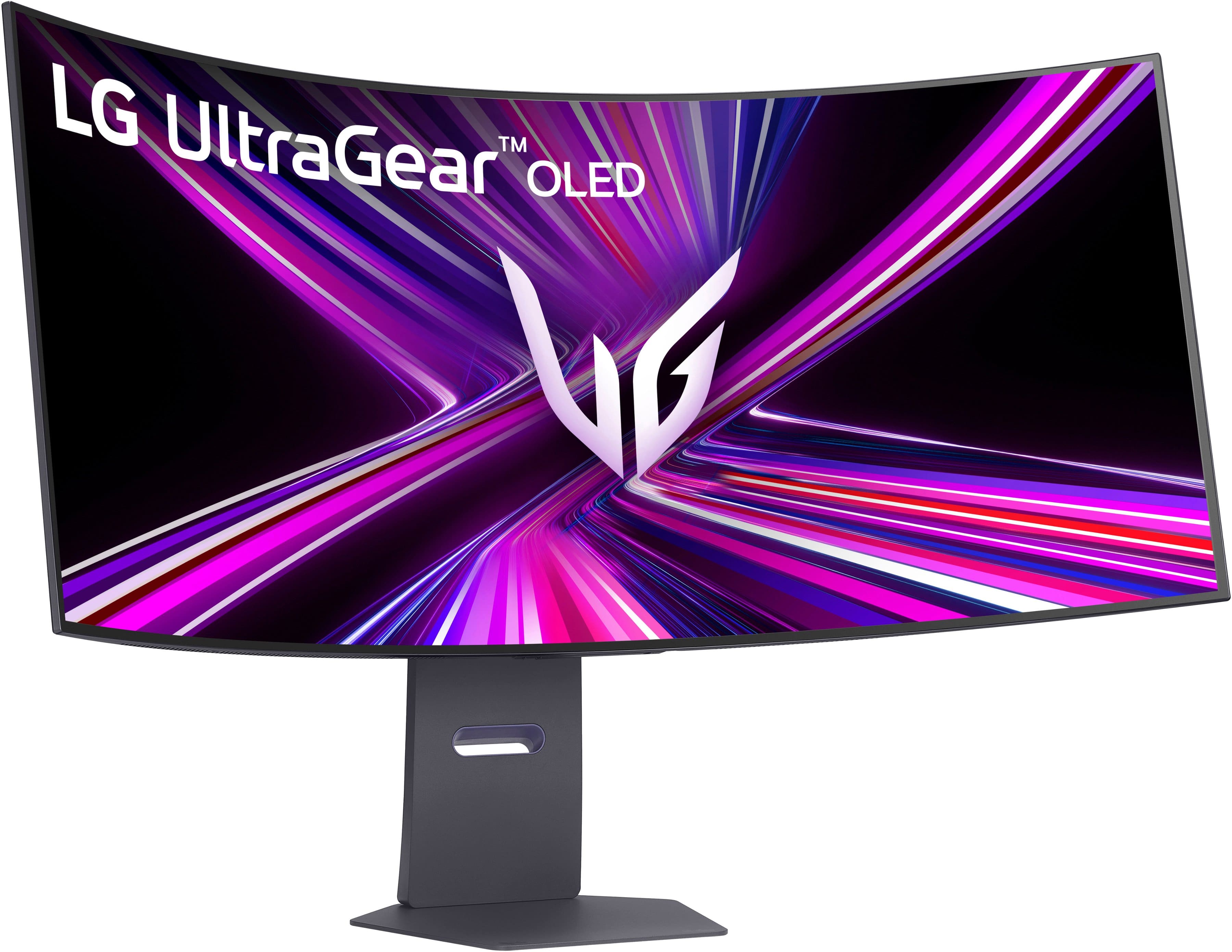
Customers love the UltraGear 45" OLED Dual Mode monitor, highlighting its amazing overall performance and impressive screen size. The OLED quality and high resolution provide a sublime visual experience, while the fast refresh rate ensures smooth gameplay. Many users are blown away by the immersive experience and appreciate the great connectivity options.
This summary was generated by AI based on customer reviews.
- Pros mentioned:Oled quality, Resolution, Screen size
Beautiful, you get what you pay for and more
||Posted .This reviewer received promo considerations or sweepstakes entry for writing a review.I don’t know normally leave reviews, but this monitor calls for it. Easily the most expensive screen I’ve ever used and it shows. The additional height on the monitor is fantastic, and I was genuinely overwhelmed during the first couple days of use. It fills up your entire field of vision and the colors/ resolution is sublime. The monitor controls are also easy to understand and the oled screen is of course important for the black level. While it is expensive I don’t think I can ever go back to a standard monitor. I’d buy this over the Odyssey any day of the week.
I would recommend this to a friend - Pros mentioned:Resolution
Good resolution poor color brightness
||Posted . Owned for 2 weeks when reviewed.This reviewer received promo considerations or sweepstakes entry for writing a review.The resolution is great but the overall picture is sub-par especially if you have been using a QD-OLED. I have used the Samsung G9 for 3 years then purchased this one as I wanted true 4k resolution but was disappointed on how dull the colors were and even more that the edges of the screen are darker to prevent over heating, so the screen isn’t universally the same brightness. For $1500 (on sale) I wouldn’t recommend it over a QD-OLED due to picture color quality and visual brightness. Calibration of the monitor to get the colors close to QD-OLED would completely flashbang you with white backgrounds while your colors were still Dull. If your going from a LCD screen to this it’s worth the buy but if you have a QD-ultrawide I would wait for LGs tandem oled or Samsung to make a 5120x2160 qd-oled. In the pictures it shows the color difference between the LG and the Samsung G9 (note the G9 wasn’t even hdr calibrated while the LG was). I hope this review helps anyone who might be considering this monitor who already owns a QD-OLED. (This was returned)
No, I would not recommend this to a friend - Pros mentioned:Resolution
This is an endgame monitor
||Posted . Owned for less than 1 week when reviewed.This reviewer received promo considerations or sweepstakes entry for writing a review.Really not much to say other than the fact that this monitor is absolutely stunning. I actyally prefer the matte coating and it’s one of the best matte coatings I’ve seen. The colors are fantastic and at 5k games look ridiculously good. It genuinely is jaw dropping.
I would recommend this to a friend - Pros mentioned:Oled quality, Resolution

Best OLED monitor, hands down!!!
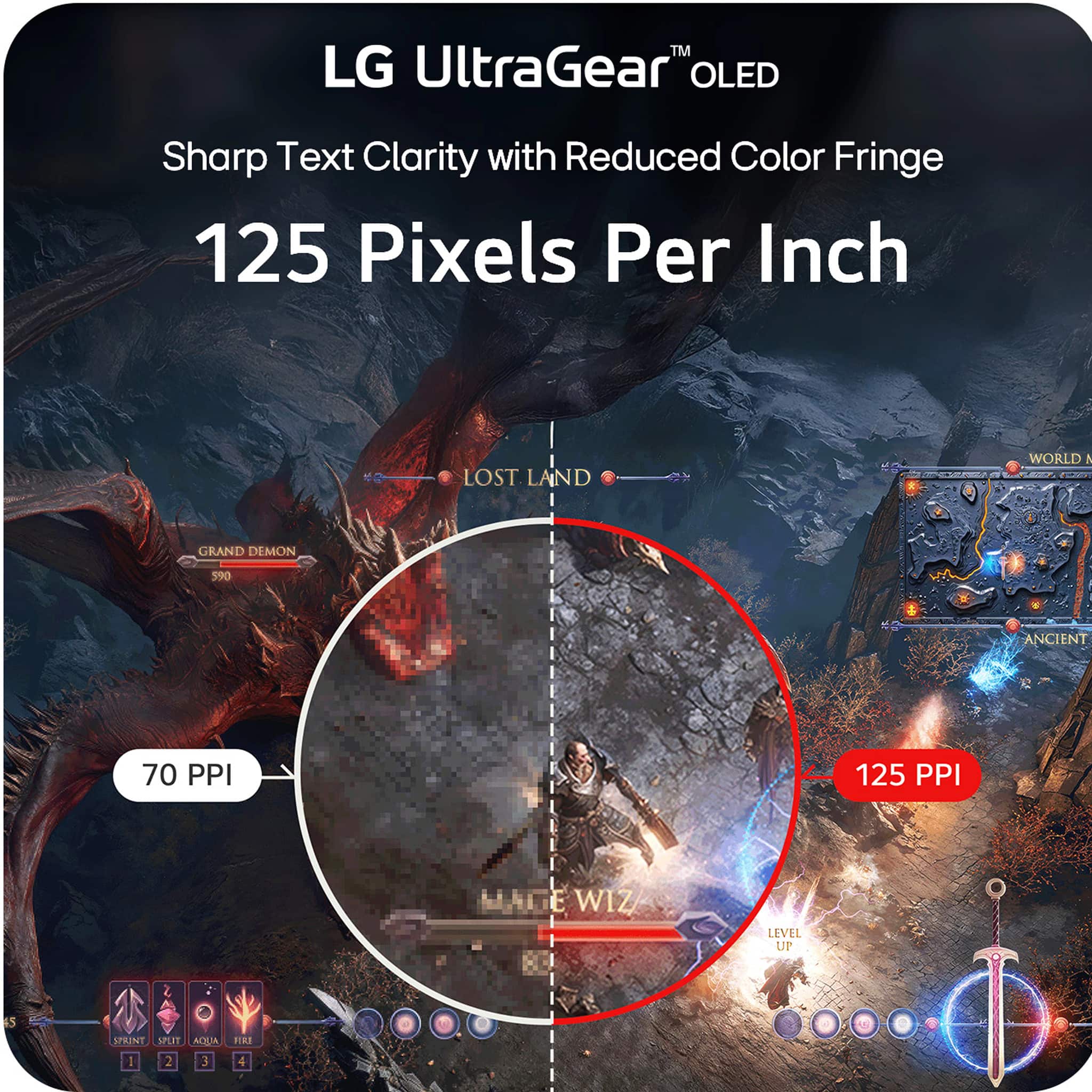
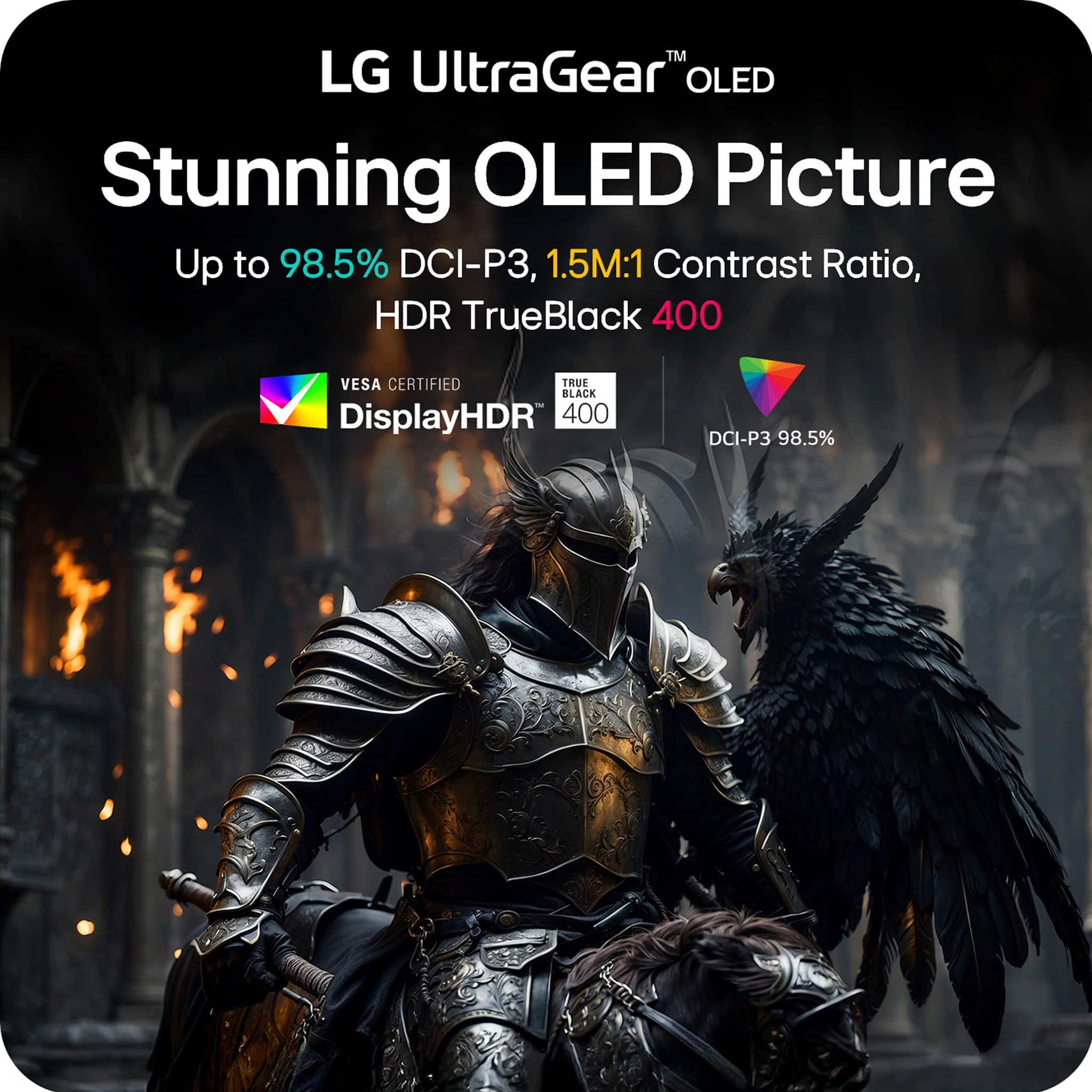
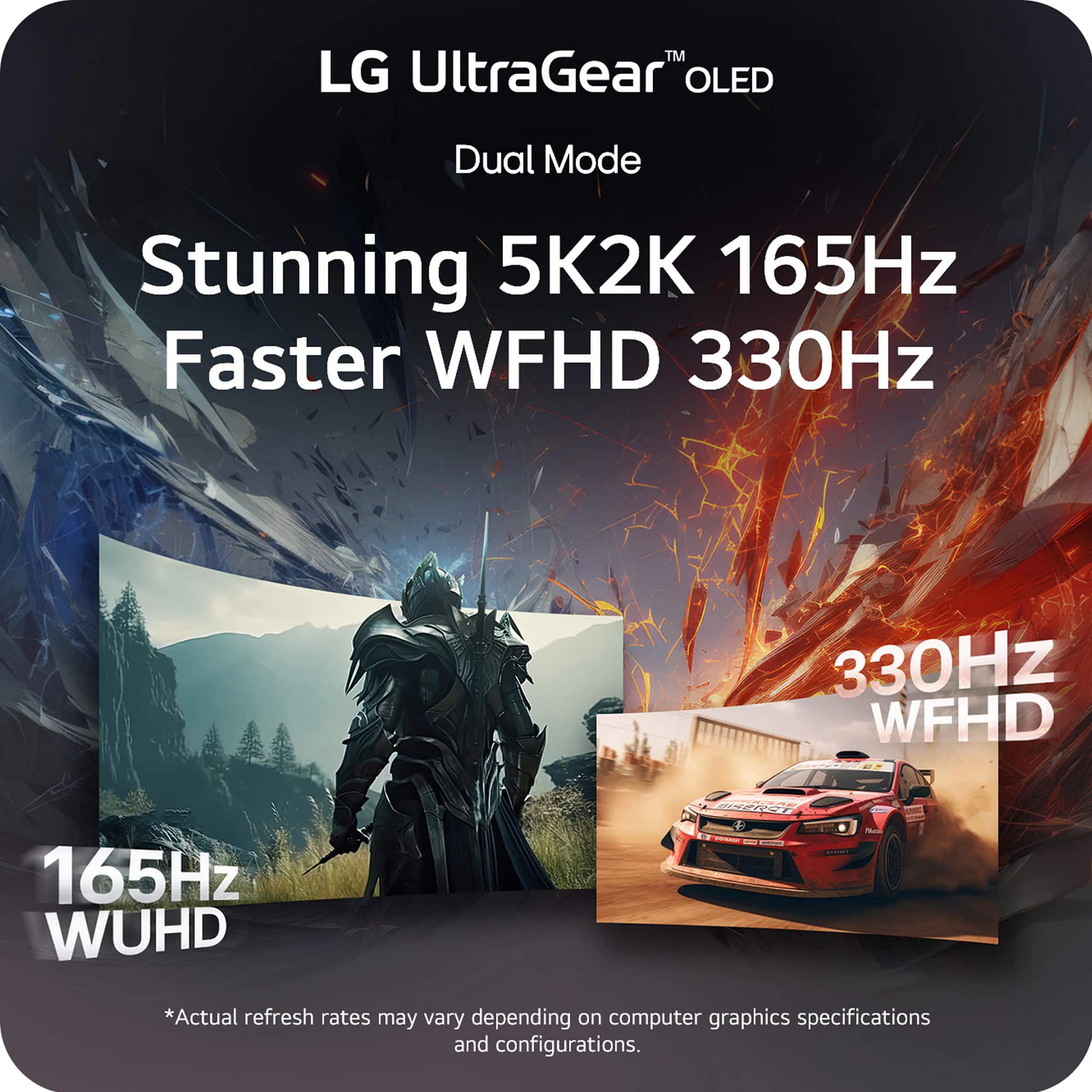
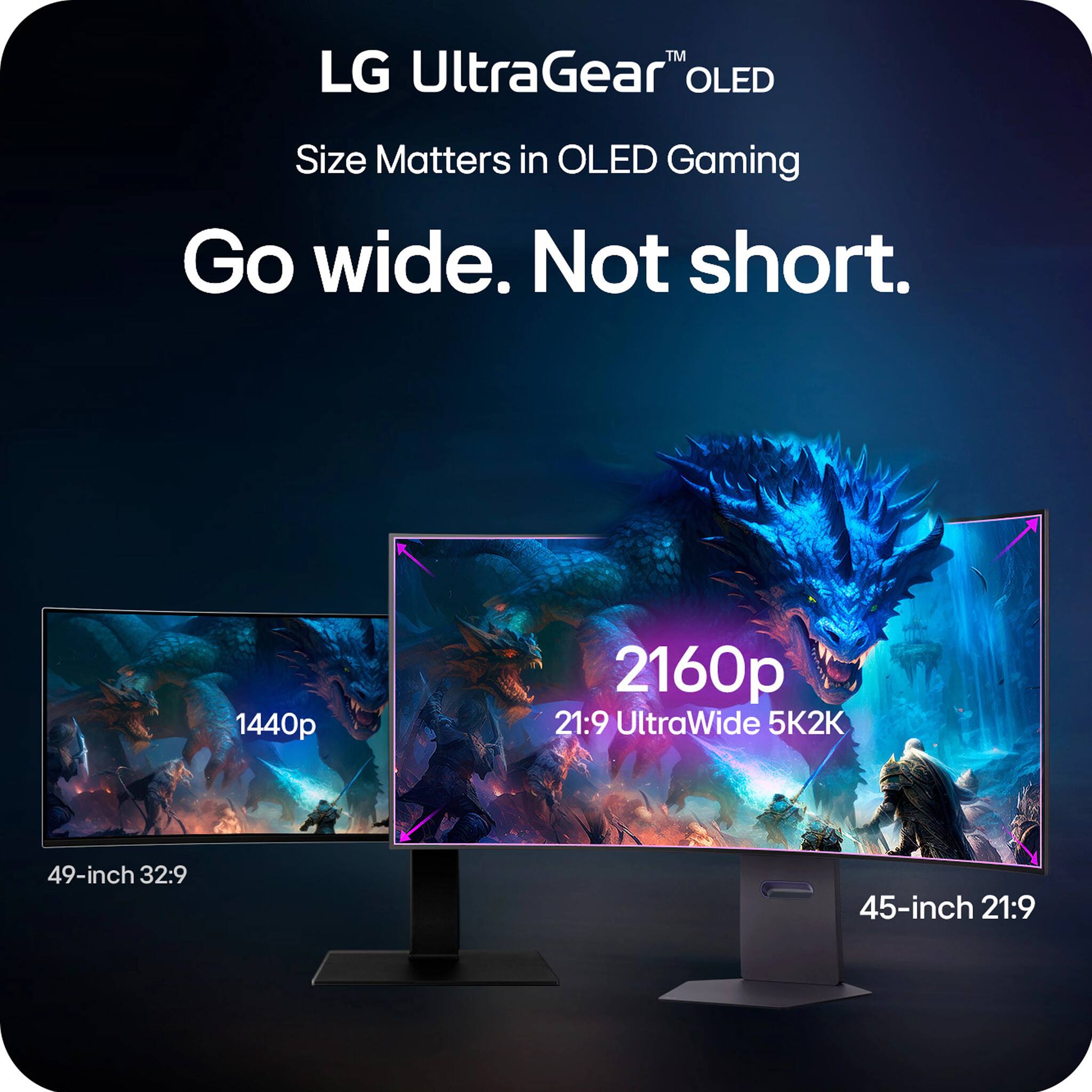
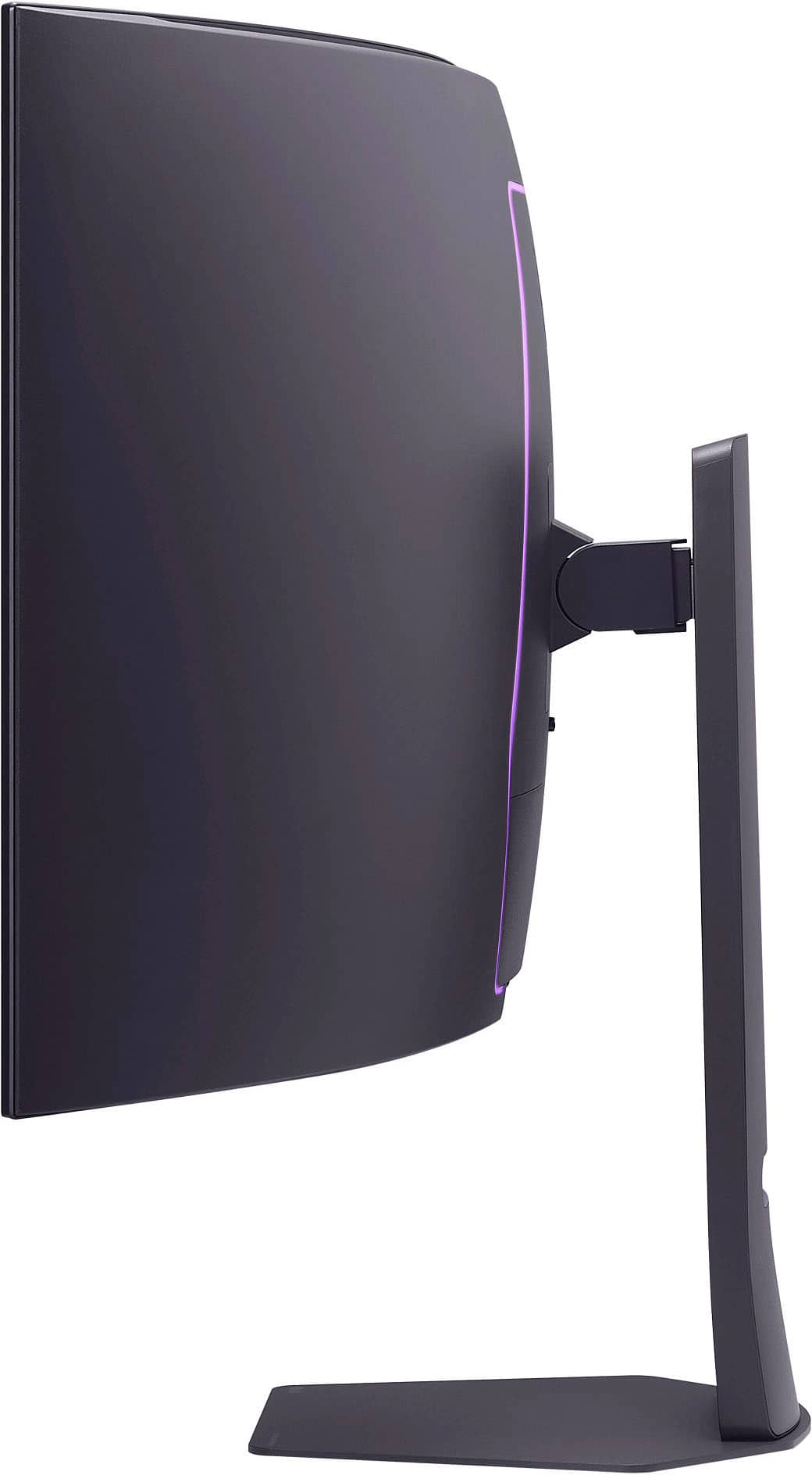
|Posted .This reviewer received promo considerations or sweepstakes entry for writing a review.I'm so happy to finally have this monitor up and running, this is the best OLED monitor I've had (and I've had a couple before). To start with, it comes in a large rectangular box and they include everything to get you up and running. A super sturdy and heave metal base, and arm that locks easily in place, a HDMI 2.1 cable, a Display port 2.1 cable, a type C USB cable and a large and heave external power brick. It was packed good, with plenty of Styrofoam protection and the screen itself was inside a soft type of plastic cloth (there was no plastic to peel from the screen). It arrived in great condition. I did end up installing it on a sturdy monitor desk arm and it fit great. Plugged in the power cable, the USB cable to a type C port on my PC (THIS IS IMPORTANT, I WILL TELL YOU MORE WHY LATER) and the Display port cable. Seated down and started it and my PC, BAM! I was completely blown away by the extreme curve and I must be honest, it was jarring at first. And I have had curved monitors before, this one is extreme! However, give it a chance, after a while you get used to it and if you seat at the proper distance, whoa! Its so immersive when gaming, its like seeing panoramically all around you! THIS PART IS IMPORTANT and not many people now about it. I was reading some reddit posts and reviews about it before I got it and it appears it had some bugs in the color reproduction and luminance, specially in HDR mode and indeed it could see that. However LG released a firmware update that mostly fixed this. Now, they don't have any firmware update files in their support website, however the way this monitor updates its firmware is via their LG SWITCH app (windows and mac). You must download this app from their website and connect the monitor's type C cable to your PC. Once you launch the app, it will tell you if you need a firmware update and let it do it. It did for me and fixed most of those issues. The HDR is incredible, however you must set up windows correctly. First, only use HDR mode when you are going to play a game or video in HDR. For normal desktop use or SDR games leave it off. One nifty trick is the key combo: win button+alt+b, that will switch you between HDR and SDR mode. Now, there is one last bug in HDR mode that LG MUST ADDRESS THIS SOON IN A FUTURE FIRMWARE UPDATE. If you use the Windows HDR calibration tool, you will see it clips the luminance at around 600 nits, this is wrong as the monitor fully supports up to 1300 nits. Its because there is something wrong in the EDID info and windows is reading it from it. There is a trick discovered by an amazing pal at Reddit to make it work (this is only temporary and works great, but you must do it every time you update your graphics card drivers), this is purely a software windows fix and won't affect your hardware or warranty since its not doing anything to the display itself, here it is: Delete any existing color profiles in Control Panel -> Color Management -> Devices. Download CRU 1.5.3 from the official source: https://www.monitortests.com/forum/Thread-Custom-Resolution-Utility-CRU Run CRU.exe Go to Extension blocks Edit CTA-861 Edit HDR Static Metadata Input the following values (don’t touch anything else): Max luminance: 151 Max frame-average luminance: 151 (FYI: 151 = 1317 nits, 150 = 1288 nits) Restart your PC or run restart64.exe from the CRU folder. Check HDR behavior: Go to Settings -> Display -> Advanced Display Peak brightness should now show 1317 nits Use this test video at 0:56 to verify HDR highlight detail: https://youtu.be/gcsxAddFaoA?si=Fpi9lRccTVKwHQG2&t=56 Toggle HDR off/on to compare how much detail is preserved. (browser restart required and browser must support HDR) Don't use the windows HDR calibration tool after this. After this the display will correctly display HDR content up to its native 1300 nits and without any clipping and displaying details correctly. AMAZING!!!! I have had other oled displays before (both QD oleds, glossy, matte etc). Let me tell you once you calibrate this guy correctly, it will blow you away. To be honest the matte coating is soft and doesn't bother me and don't even notice it, and its great at handling light reflections. LG also updated the subpixel structure so text looks sharp and clear without any color fringe. Now, the best thing about it.... finally an increase in resolution and PPI density! I was tired of most ultrawide displays mainly stuck at 3440x1440 or 5120x1440 resolutions. Finally LG updated it to a 5120x2160p resolution with a great PPI! However, this is more than 4k, so you really need a strong video card to drive this guy. I would say a 4080 and up in the nVidia camp and a 7800xt and up on the AMD camp. Now the second killer feature, the dual resolution and refresh rate! My 7900XTX can handle the 5k resolution fine and I mainly use it more for single player games and campaign and it handles well, plus 165hz refresh rate is not that much and the display has variable refresh rate (Freesync premium and Gsync) to handle those dips in FPS. However, for fast paced online shooters, I use the dual mode and switch to the 2569x1080 resolution at 330hz!!! I can handle the drop in resolution in favor of fast paced online gaming, no problem. You can fast switch to it with the button at the bottom. You can also change several aspect rations in the monitor's menu, I would say explore there what you want, I mainly use the two main one full wide ones. Also, I love the 45inch factor, 49 is to much for me and with this one you gain in the vertical space too and while still staying at a 21:9 aspect ratio (32:9 is too much for me and some games struggle with compatibility with that). In all, this is the best OLED Monitor right now hands down (if you want ultrawide at a high resolution and refresh rates). Get one, you won't regret it!!
I would recommend this to a friend - Pros mentioned:Overall performance, Resolution, Screen size
Best Monitor Period
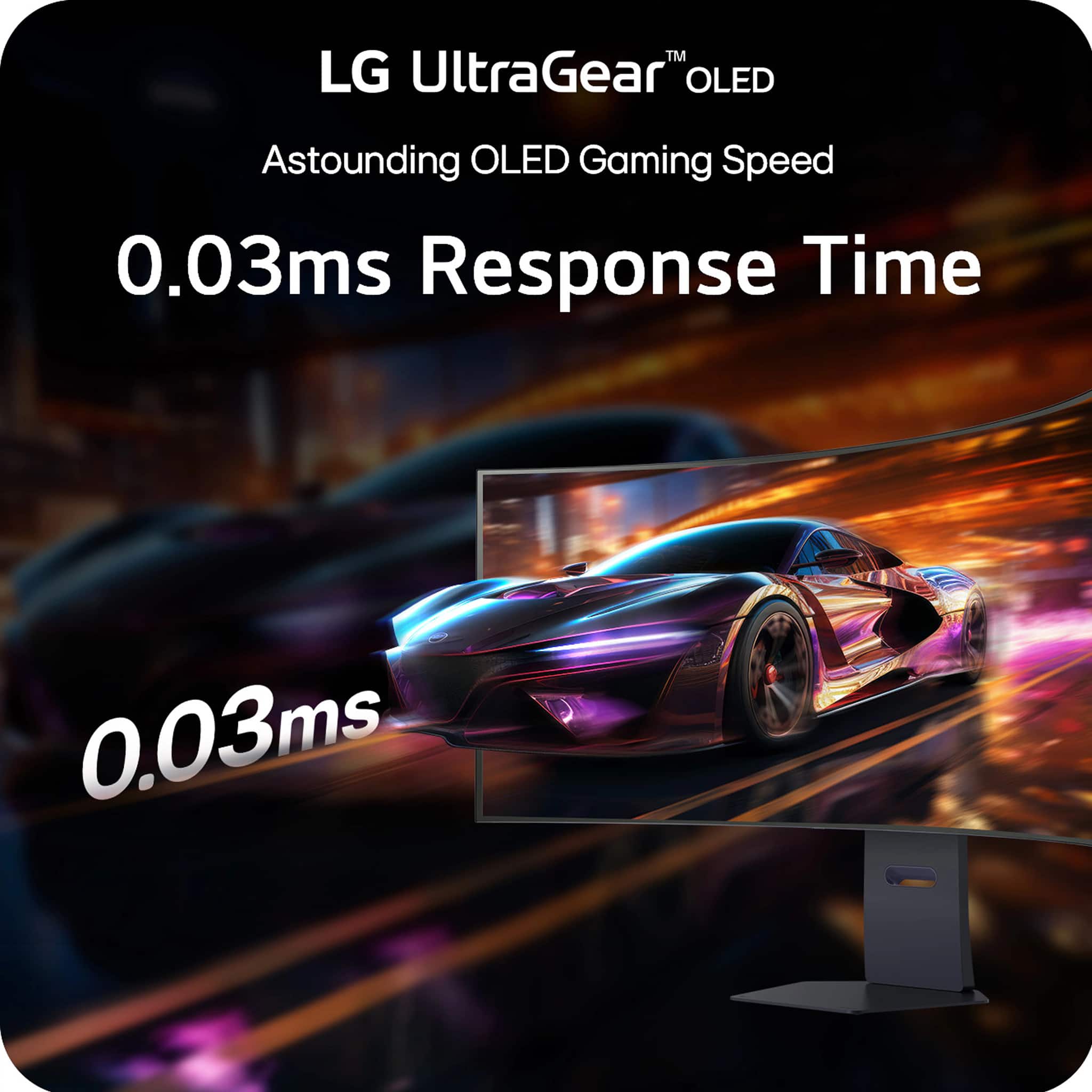
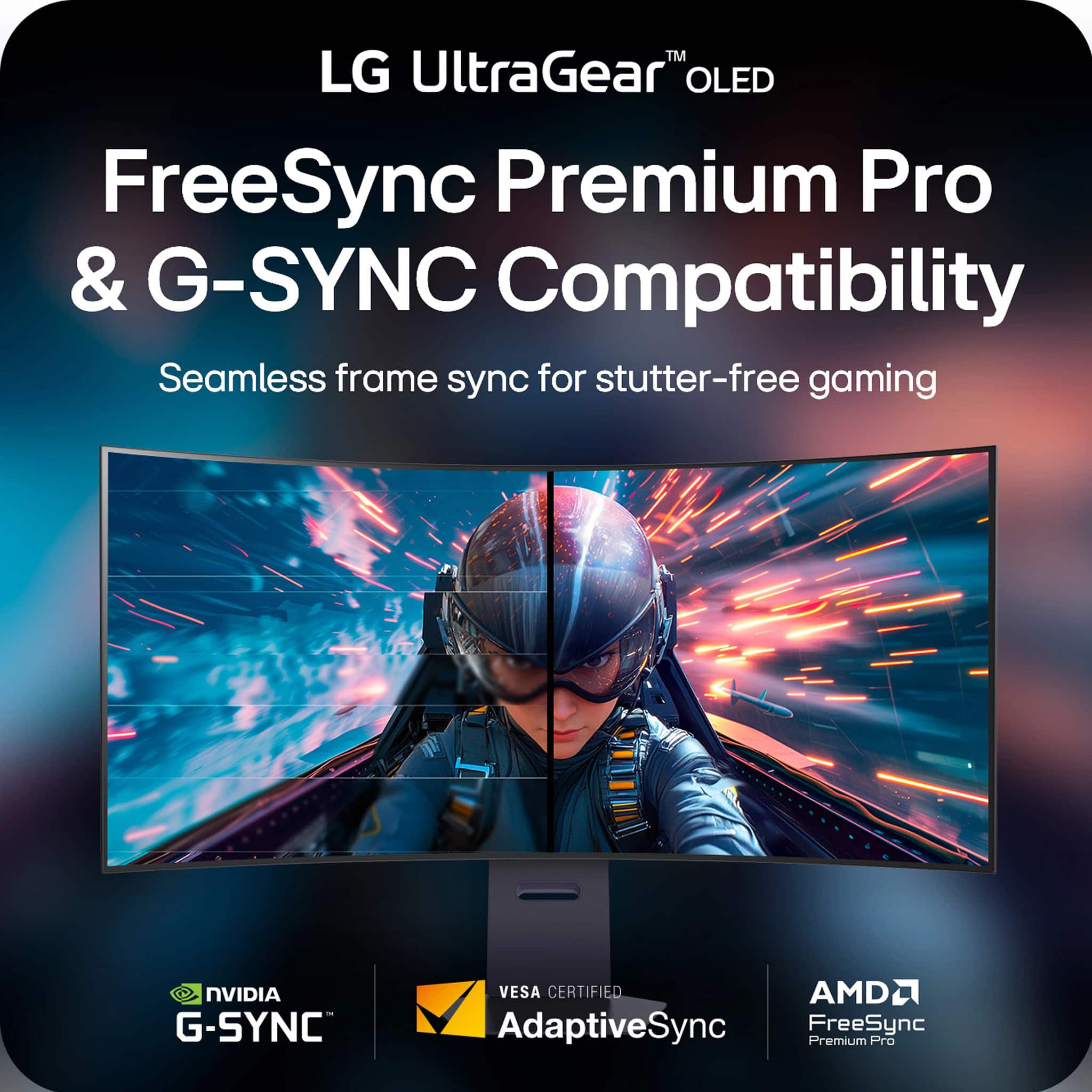
||Posted . Owned for 2 weeks when reviewed.This reviewer received promo considerations or sweepstakes entry for writing a review.Before I begin my spiritual memoir about fluorescent lighting and HDMI cables, let me briefly discuss the absolute intergalactic monument of a monitor known as the LG UltraGear 45" OLED Dual Mode Gaming Monitor. This 45-inch OLED rectangle of destiny runs at 5K2K WUHD at 165Hz OR flips into WFHD at 330Hz like it’s casually changing outfits for a red carpet event in the Matrix. The 0.03ms response time is so fast it reacts before I even think about clicking. I moved my mouse and I’m pretty sure the monitor moved first. Colors? Illegal. Blacks? So deep I briefly questioned my own life choices. With G-Sync and FreeSync Premium Pro, it doesn’t tear — it glides. It doesn’t stutter — it whispers encouragement. I loaded a game and felt like I had been personally invited inside the GPU. Now. I went into Best Buy to purchase a humble toaster and somehow left with enlightenment, a USB-C cable, and what I can only assume is a minor in astrophysics. First of all, the automatic doors opened like I had been chosen by the prophecy. A blue-shirted wizard (I think his name was Kevin or possibly Thunder) materialized beside me and asked if I needed help. I said, “I’m just looking,” and he nodded knowingly, as if I had just confessed to hiding the Infinity Stones. The TV section? I blinked and accidentally made eye contact with a 98-inch screen. Now I owe it emotional rent. The picture quality was so crisp I could see the pores of a nature documentary squirrel contemplating its taxes. At one point I tested a gaming chair and I’m not exaggerating when I say I briefly understood the meaning of lumbar support on a spiritual level. I didn’t even know I had that many vertebrae. They all felt seen. The checkout experience was transcendent. The barcode scanner beeped in what I’m pretty sure was B-flat. The receipt printed out long enough to be used as a ceremonial scroll. I half expected it to include a side quest. Would I recommend Best Buy? Absolutely. I went in for a $12 item and left with a rewards membership, a smart lightbulb that responds to my moods, and a vague sense that I could now assemble a satellite. Five stars. Would accidentally achieve visual enlightenment again.
I would recommend this to a friend - Pros mentioned:Oled quality, Refresh rate, Resolution
Great do everything monitor
||Posted .This reviewer received promo considerations or sweepstakes entry for writing a review.Tried to get a Samsung 49" ultrawide and had a massive flickering issue. So I returned and snagged this. I didn't know how I would feel about the 21:9 vs 32:9. From a standard use case I like it quite a bit more having the extra height. Also the OLED is extremely good. And using it for gaming it keeps up great in refresh rate. I use it for some media editing and the high resolution is fantastic as well. As is the color reproduction. It's a great do everything. I would highly recommend.
I would recommend this to a friend - Pros mentioned:Overall performance, Resolution, Screen size
So happy with this monitor after some adjustments
||Posted . Owned for 2 weeks when reviewed.This reviewer received promo considerations or sweepstakes entry for writing a review.I’m coming from a alienware OLED monitor and I’m very happy with this one! First the size/resolution is hands down the best feature of this monitor. The curve is aggressive, but works well for the size. This curve would be too much for me on a smaller monitor. Out of the box the picture is not great, but after adjusting the setting the picture is incredible. I will miss the glossy screen from my last monitor because matte does loss that “pop”, but it’s not an extreme difference. If you have the money then I would highly recommend this. The main issue right now is even though an Nvidia 5090 can run games pretty well, newer games will probably still struggle at high settings. So the combined investment for everything is very high.
I would recommend this to a friend - Pros mentioned:Oled quality, Resolution
Pricey but amazing
||Posted . Owned for 2 months when reviewed.This reviewer received promo considerations or sweepstakes entry for writing a review.I was concerned about the “aggressive” curvature (R800) distorting the picture for CAD work, and it does, but far less than I was afraid of. (My prior monitor was a R1000.) In the end, the OLED provides excellent quality for photography applications and the 5k2k resolution plenty of room for all my applications (including technical drawings and CAD). The USB connectivity not only extends USB to a hub, but it also allows controlling the monitor (albeit only from one computer even when using all four video inputs) and update firmware. The $2000 full price is gefty, and the $1500 special offer still pricey, but it is an amazing monitor … provided you have a powerful enough graphics card and high speed cable.
I would recommend this to a friend - Pros mentioned:Oled quality, Resolution, Screen size
Beautiful OLED at 5K resolution.
||Posted .This reviewer received promo considerations or sweepstakes entry for writing a review.Currently THE best monitor available anywhere. Great LG OLED display, nice and bright, great resolution, VRR, and HUGE. A great upgrade from the lower resolution previous model Ultragear. If you have a high end graphics card, it's a must-have. If not, you can always switch it to 2K resolution mode.
I would recommend this to a friend - Pros mentioned:Overall performance, Resolution, Screen size
Stunning monitor - works great for Macs too!!
||Posted .This reviewer received promo considerations or sweepstakes entry for writing a review.Upgraded from a 49" ultra wide but the 4 extra inches in height truly make a world of a difference. MacBook Pro user with beautiful resolution. Loving it for both productivity and gaming. Well worth the Black Friday sale!
I would recommend this to a friend - Pros mentioned:Oled quality, Resolution
The current end game high end monitor
||Posted .This reviewer received promo considerations or sweepstakes entry for writing a review.I upgraded from a 49" samsung neo g9 and the difference between even that already very high end monitor and this was obvious. The heightened PPI from the noticeably higher resolution panels fitting into a slightly smaller screen to the heightened color accuracy and contrast that is expected in OLED panels. After several months of daily use I have notice no burn in and no reduction in overall max brightness, the burn in avoidance safety features in the monitor are also not intrusive in the slightest so there is no downside to leaving them on. I will likely keep this monitor for many years to come as it is simply end game quality.
I would recommend this to a friend - Pros mentioned:Resolution, Screen size
Great OLED
||Posted . Owned for 1 week when reviewed.This reviewer received promo considerations or sweepstakes entry for writing a review.I've only used this for a few days now, but it's a noticeable step up from my LG 34" QHD monitor. The curve is very pronounced, but I feel it's more immersive that way. The blacks are perfect and the colors are definitely more vivid. The 5k is incredible too. I use it mostly for my flight sim, so if you use it for gaming, make sure you have a strong PC to run it.
I would recommend this to a friend - Pros mentioned:Refresh rate, Resolution, Screen size
LG 45GX950
||Posted . Owned for less than 1 week when reviewed.This reviewer received promo considerations or sweepstakes entry for writing a review.The LG 45GX950 is a beast of a Ultrawide monitor. The speed, color, and ability to play fast paced games in 4k is awesome. Of course you need a good graphics card to achieve 4K 165 HZ, and my 5090 Works quite well! But if you don't have a 5090, or even if you do, you can use its dual mode and play your favorite games at 1080p 330 HZ. Pretty sweet either way!
I would recommend this to a friend - Pros mentioned:Overall performance, Resolution
Perfect gaming display
||Posted . Owned for 1 month when reviewed.This reviewer received promo considerations or sweepstakes entry for writing a review.Full title was going to be “Perfect gaming display if your budget and desk have room.” Upgraded from a 1440 and the text clarity and resolution bump are noteworthy. Not TV level OLED diplay but excelent for PC gameplay. Was worried about the curve but due to the size it works well with no distortion.
I would recommend this to a friend - Pros mentioned:Overall performance, Resolution
This is oled gaming perfection! <3
||Posted .This reviewer received promo considerations or sweepstakes entry for writing a review.I just upgraded today from a Samsung LED G9 Odyssey 49 inch, to his 45 inches of LG OLED awesomeness! The 4K resolution for gaming is a game changer for me. Day and night difference in picture quality and game screen size for games. Truly you get more screen with this 45 inch than the 49 ultrawide samsung monitor. I have a i9 intel, RTX 4090 card and 32 RAM and I had no issues whatsoever with the monitor... it was truly a seamless plug and play experience. So maybe the ones having issues with the DP 2.1 cable is because their PCs are older/less capable? I truly had no hiccups at all. Definitely a must buy for me. Totally recommended. I play mostly Marvel Rivals and let me tell you, the picture quality at epic graphics and Quality DLSS setting is the best. I calibrated the picture quality to "Gamer 2", reduced the sharpness to 50, set the Peak Brightness to High and the Gamma to "Mode 4" and to me that is best awesome quality I've been dreaming for! truly worth the upgrade and the money I paid (the full $2K).
I would recommend this to a friend - Pros mentioned:Oled quality, Resolution, Screen size
The One Ultrawide OLED to rule them all!
||Posted . Owned for 2 weeks when reviewed.This reviewer received promo considerations or sweepstakes entry for writing a review.Upgrading from the 38" Alienware AW3821DW and I can say that OLED is a game changer! The upped 5k2k resolution is amazing once you are dialed in with the colors and the curve becomes one with your pupils!
I would recommend this to a friend - Pros mentioned:Resolution, Screen size
Great upgrade
||Posted .This reviewer received promo considerations or sweepstakes entry for writing a review.Loving this monitor so far. Upgraded from LG 34” 21:9 1440p. 5k2k Resolution is fantastic. The size is impressive. Certainly meant for larger desks and/or wall mounting. If you decide to use this monitor for gaming, be certain your GPU can run the resolution. DLSS or FSR can help with this. The curve is great for immersion and productivity. Could be excessive IF you sat too far away. I keep peak brightness on low so that I can sit closer without straining my eyes. At the current sale price, I would encourage anyone looking at this monitor to pull the trigger. At MSRP, I would suggest making sure it is in your budget, as it is a premium product with premium price tag.
I would recommend this to a friend - Pros mentioned:Oled quality, Resolution
THE ULTIMATE ULTRAWIDE
||Posted . Owned for 2 weeks when reviewed.This reviewer received promo considerations or sweepstakes entry for writing a review.This is my end game monitor for casual gaming! You will need a decent GPU to be able to push the resolution and frame rate this Oled Panel can provide but you will be blown away by the performance. Baldur's Gate 3 just looks amazing on this!
I would recommend this to a friend - Pros mentioned:Resolution
End game monitor.
||Posted . Owned for 1 month when reviewed.This reviewer received promo considerations or sweepstakes entry for writing a review.End. Game. Monitor. I’ve been really impressed with the LG 5K2K (5120x2160) ultrawide. The extra vertical resolution over typical 3440x1440 makes a big difference for productivity—coding, spreadsheets, and two full-size windows side-by-side feel effortless. Text is extremely crisp, and scaling looks clean on both macOS and Windows. Color reproduction is excellent for photo/video work, and brightness is strong enough for a well-lit room with minimal glare. Connectivity has been reliable, and the monitor wakes quickly without constant input switching. The stand is solid with smooth height/tilt adjustments. It’s pricey, but if you want high-DPI ultrawide workspace, it delivers.
I would recommend this to a friend - Pros mentioned:Resolution
Excellent gaming monitor.
||Posted . Owned for 2 weeks when reviewed.This reviewer received promo considerations or sweepstakes entry for writing a review.I switched from a LG cx48 and Alienware 34” 1440p monitor. Completely blown away at the difference in resolution compared to my previous set up. I run a decent rig with a 4090 gpu and have no issue running max settings on games like RDR2. I do use DLSS to keep the frames up.
I would recommend this to a friend