Customer Ratings & Reviews










- Model:
- 45GX950A-B
- SKU:
- 6619492
Rating by feature
- Display Quality
Rating 4.9 out of 5 stars
- Ease of Use
Rating 4.8 out of 5 stars
- Features
Rating 4.8 out of 5 stars
Customers are saying
Customers love the UltraGear 45" OLED Dual Mode monitor, highlighting its amazing overall performance and impressive screen size. The OLED quality and high resolution provide a sublime visual experience, while the fast refresh rate ensures smooth gameplay. Many users are blown away by the immersive experience and appreciate the great connectivity options.
This summary was generated by AI based on customer reviews.
- Pros mentioned:Oled quality, Resolution, Screen size
Beautiful, you get what you pay for and more
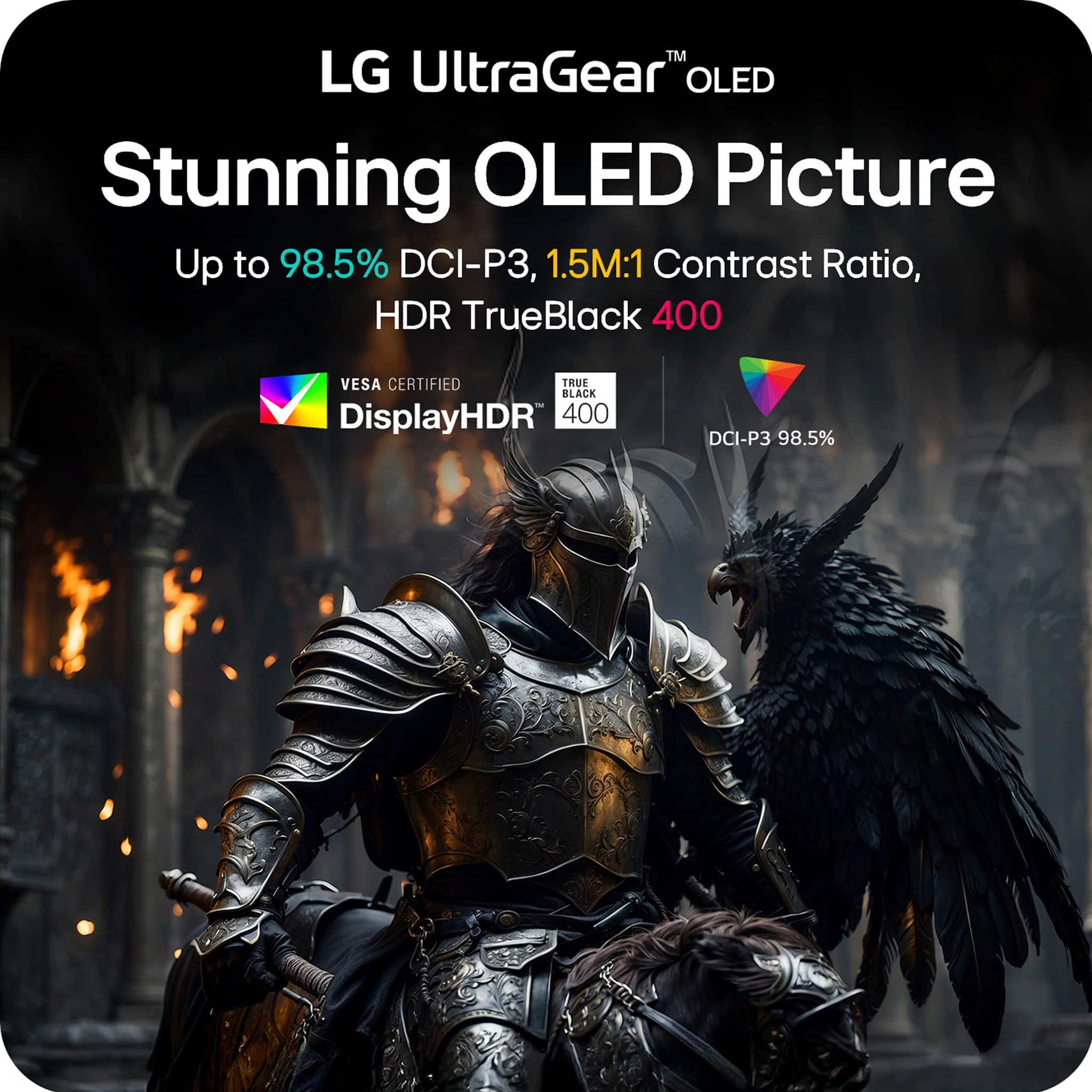
||Posted .This reviewer received promo considerations or sweepstakes entry for writing a review.I don’t know normally leave reviews, but this monitor calls for it. Easily the most expensive screen I’ve ever used and it shows. The additional height on the monitor is fantastic, and I was genuinely overwhelmed during the first couple days of use. It fills up your entire field of vision and the colors/ resolution is sublime. The monitor controls are also easy to understand and the oled screen is of course important for the black level. While it is expensive I don’t think I can ever go back to a standard monitor. I’d buy this over the Odyssey any day of the week.
I would recommend this to a friend - Pros mentioned:Refresh rate, Screen size
Marvel of Engineering - WELL WORTH IT !!!!
||Posted . Owned for 1 week when reviewed.This reviewer received promo considerations or sweepstakes entry for writing a review.Workflow is easier and much faster due to better screen real estate management at 21:9 making work more fun and productive. A quality GPU is required to run this monitor, which I have set at native 5K2K 165Hz, which makes this monitor easy on the eyes and everything is so fluid. Importantly, LG went wide and kept the height where other ultra wide monitors reduce height. The height of this monitor is very close to a 40" 16:9 SmartTV, which is what I had before. I simply needed 21:9 ratio and now it seems I have a dual monitor setup for when my work demands it. I was skeptical of the 800R and wasn't sure if I would like it... I love it !!! The 800R is well designed and is perfect for this monitor and the fonts, webpages, and applications displayed are nothing short of brilliant. This is my desktop monitor and I sit close and feel immersed in everything. I use for my work and I do not engage in any game play but I hear it is amazing in that arena as well and was designed for full game immersion. For others that need to know if this investment is worth it for work, I say absolutely YES and the move from my 40" QLED Smart TV to this monitor is day and night difference for work. I never thought a monitor would make such a difference until I got the right one being a great marvel of engineering.
I would recommend this to a friend - Pros mentioned:Oled quality, Refresh rate, Screen size
5k2k oled! amazing!
||Posted . Owned for 1 month when reviewed.This reviewer received promo considerations or sweepstakes entry for writing a review.I love it, it is my first OLED, but it is phenomenal and the text clarity isn't a problem! I use this work and productivity, as well as video games The colors, refresh rate, and response time are great! The curve was initially a little overwhelming, but after 1-2 sessions it feels great! I couldn't imagine going back to my old monitor.
I would recommend this to a friend - Pros mentioned:Overall performance, Screen size
Good 1st Gen Product with some Rough Compromises
||Posted . Owned for 3 weeks when reviewed.This reviewer received promo considerations or sweepstakes entry for writing a review.I would give this monitor 4.5 stars if possible, but it is missing just enough to not justify 5 stars. The display is great, and the HDR is excellent. Additionally, the 800R curvature is not as severe at this size as I was expecting it to be. However, this monitor has two problems for me. First, the monitor sits too high on the included stand. The lowest possible setting still leaves the bottom of the chin about 3.5 inches off the desk. This feels just a little too high for my usual setup, but it is not a deal breaker. Second, the 165Hz refresh is simply insufficient for a monitor in this price range. I ran a Samsung Odyssey OLED 4K and an Alienware AW3225QF prior to this monitor, and the drop from 240Hz to 165Hz is significantly more noticeable than I expected. This is really disappointing since there are many esports and older games that top-tier GPUs such as the 4090/5090 are easily capable of pushing at or above the 240Hz level, or even just above 165Hz. I would absolutely buy this monitor again, but I will also be jumping to the newer models as soon as the 2nd-gen, smaller 240Hz models release.
I would recommend this to a friend - Pros mentioned:Refresh rate, Screen size
Amazing display, worth the price
||Posted . Owned for 1 month when reviewed.This reviewer received promo considerations or sweepstakes entry for writing a review.The image detail on this monitor is outstanding—sharp, vibrant, and perfect for creative or professional work. The picture-in-picture feature is incredibly useful for multitasking, and the high refresh rate makes everything feel smooth and responsive. While the 800R curve is quite aggressive, the height of the display helps minimize distortion, making it a lot more comfortable to use than I expected. Overall, the quality and features easily justify the price.
I would recommend this to a friend - Pros mentioned:Oled quality, Screen size
Best Monitor I’ve owned
||Posted . Owned for 3 weeks when reviewed.This reviewer received promo considerations or sweepstakes entry for writing a review.I absolutely love it! First time owning a oled monitor and man does it make a difference. For an ultra wide this one is on the taller side compared to the others. I was concerned with that but it actually makes the games play way better and there are less black bars with it to.
I would recommend this to a friend - Pros mentioned:Screen size
Only option available
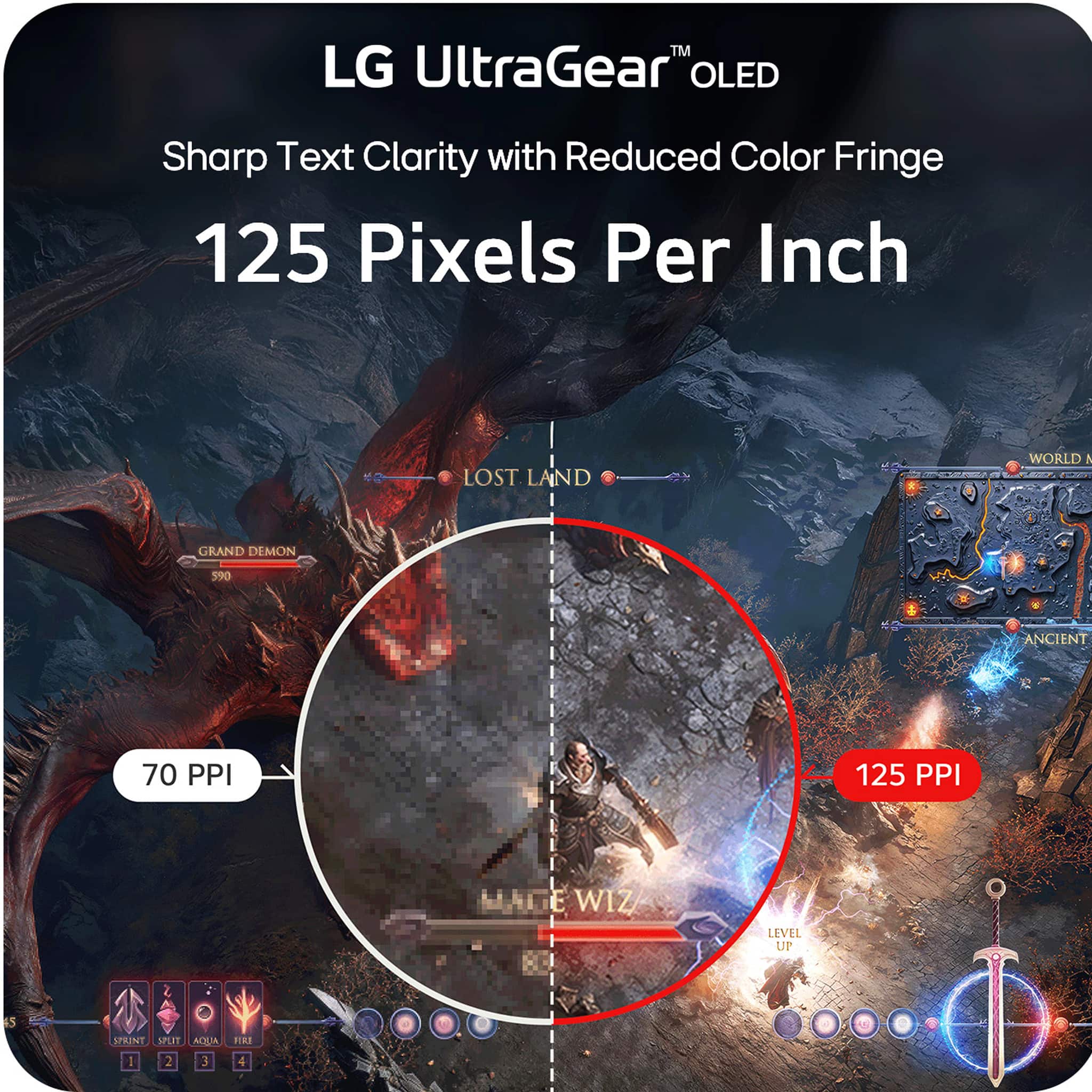
||Posted . Owned for 3 weeks when reviewed.This reviewer received promo considerations or sweepstakes entry for writing a review.I saw many folks saying 800R is to aggressive, which is not my case, 800R is the main reason for this purchase. Some may say a LG G5 TV is a better option at this price range, but I prefer no to torture myself using a flat screen with lower PPI. One thing I absolutely disappointed is the styling and attention to detail. I want an ultra thin look monitor like the last gen and Studio Display quality I/O interface. I wish someday, LG can make a 45inch monitor with over 214 ppi&400nits&800R&OLED. That will be my ultimate end game monitor. Another thing I wish that LG could do in the future is sell the base separately, all my monitor base is just collecting dust. If you are considering this monitor, you don’t need any recommendations, this is the no competitor in the market today. I want to share a few tips: 1. There is no build in KVM, and there is no KVM that support 5K165HZ, so this what I do, I bought a Hotkey usb switch for keyboard and mouse, for the monitor, I map the monitor switch switch to the same hotkey. So one click in less that one second switch between win and Mac. 2. The PSU is HUGE, I attended an image of how I cable managed it underdesk
I would recommend this to a friend - Pros mentioned:Screen size
Lg ultragear 45gx950
||Posted . Owned for 2 weeks when reviewed.This reviewer received promo considerations or sweepstakes entry for writing a review.Absolutely incredible image. That's why we buy LG though. I did sit it right next to the exact same monitor in the 4K version and you can tell anybody that says you can't tell the difference between 4K and 5K just doesn't have enough money... If you want basically the best gaming motor on the planet by this the curves a little bit different than the 4K version so that's infuriating. But overall high quality monitor. I do believe you will need a 50 series graphics card with a 2.1 DisplayPort cable to run this though
I would recommend this to a friend - Pros mentioned:Screen size
Amazing monitor for productivity and Trading !!!!!
||Posted . Owned for 3 weeks when reviewed.This reviewer received promo considerations or sweepstakes entry for writing a review.I did my research for ultra wide monitors, after hours of evaluating various products finally narrow down to this Monitor. Its amazing monitor with 800R curve with PIP capability perfect for dual screen setup. My main purpose his office productivity and trading.
I would recommend this to a friend - Pros mentioned:Screen size
The best screen I've looked at.
||Posted .This reviewer received promo considerations or sweepstakes entry for writing a review.Incredible monitor. I got it with a major discount, but it was worth every penny Using this thing feels like looking through a window, definitely the end game monitor. The dual mode is perfect for switching between competitive games and relaxation.
I would recommend this to a friend - Pros mentioned:Screen size
It will become the center piece of your desk
||Posted .This reviewer received promo considerations or sweepstakes entry for writing a review.Had the older one that was 3440x1440 and I loved it. This one being the first real 4k ultrawide was a no-brainer upgrade. Loving it so far. A lot sharper than a 1440p ultrawide. It also came with some nice quality-of-life improvements such as a USB-C port with 90 watt power delivery and DisplayPort so I can plug my MacBook into it very easily with one cable.
I would recommend this to a friend - Pros mentioned:Screen size
Very very good monitor
||Posted . Owned for 1 month when reviewed.This reviewer received promo considerations or sweepstakes entry for writing a review.Very nice, top of the line monitor. Super heavy but image is very clean. Need a good pc in order to power it since its 5K
I would recommend this to a friend - Pros mentioned:Screen size
Next Level
||Posted . Owned for 1 month when reviewed.This reviewer received promo considerations or sweepstakes entry for writing a review.These 5K monitors are great for business machines. I have two of them stacked, which gives me tons of real estate. Super fast and vivid.
I would recommend this to a friend - Pros mentioned:Screen size
good monitor
||Posted . Owned for 2 weeks when reviewed.This reviewer received promo considerations or sweepstakes entry for writing a review.Ye amazing good quality and big screen like playing in the cinema
I would recommend this to a friend - Pros mentioned:Screen size
Maybe overkill for some?
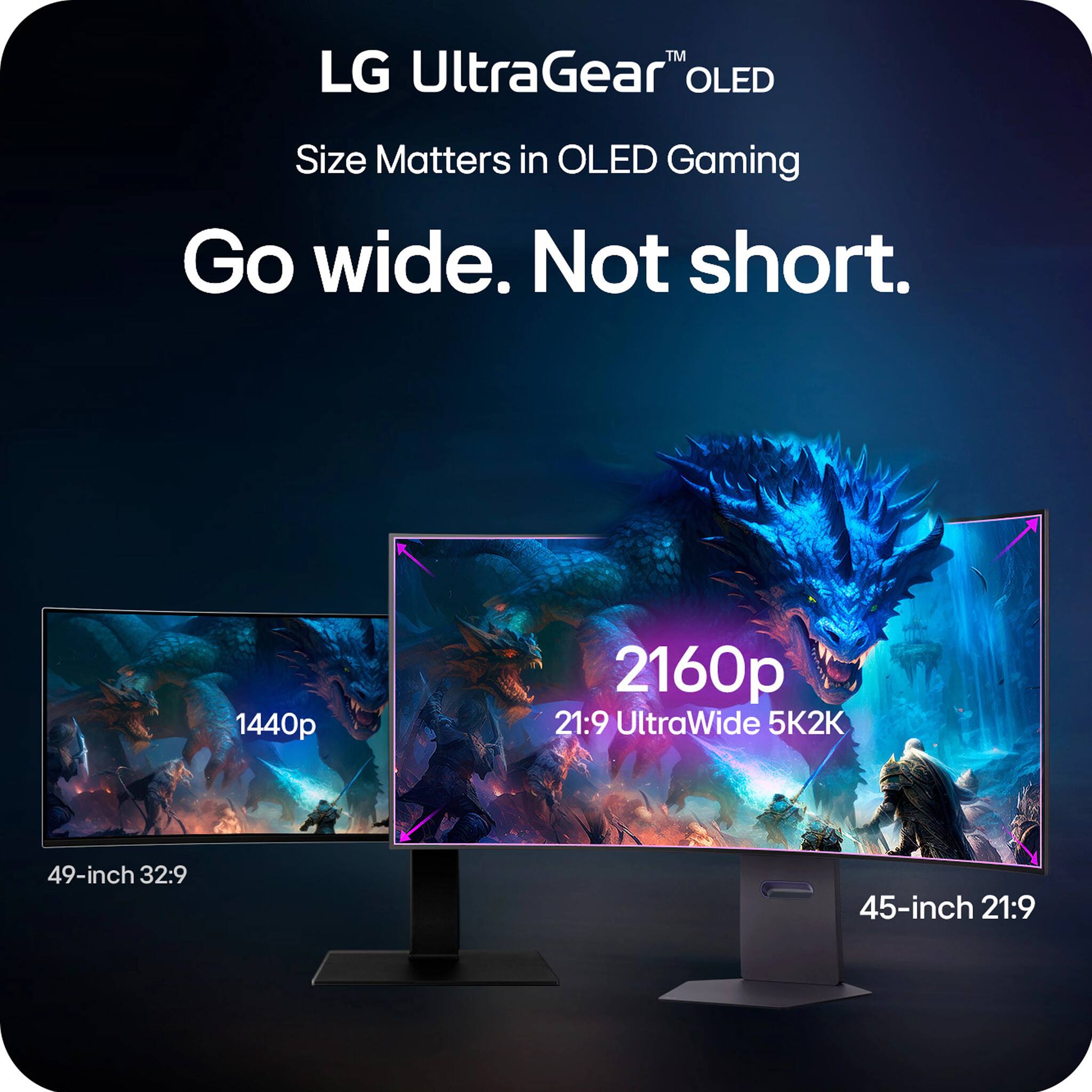
||Posted .This reviewer received promo considerations or sweepstakes entry for writing a review.I have tried tons of ultrawide monitors. I wanted to love this monitor especially since it finally went on sale. The size and 21:9 aspect ratio is almost too immersive. There is a lot going on in FPS games if you sit 3-4 feet from the monitor. I don't get motion sickness but it can be distracting especially with the 800R curve. For me, 1000R is about the max I like. I also find I prefer the QD-OLED Samsung offers to the WOLED that LG provides. I wanted to love it, but ended up preferring the 49" G93SD. Oddly enough the pixel density is fairly close and the LG is 2160P VS 1440P. My suggestion is try them both, since BB offers easy returns.
I would recommend this to a friend - Pros mentioned:Screen size
Overall wonderful
||Posted . Owned for 1 month when reviewed.This reviewer received promo considerations or sweepstakes entry for writing a review.Real estate is massive, huge upgrade over my 27 inch 2k display for editing photos and videos, as well as general use. Love the PiP options, but do wish it came with a remote and the optical port like the 27 inch 1st gen OLED.
I would recommend this to a friend - Pros mentioned:Screen size
Epic Monitor
||Posted .This reviewer received promo considerations or sweepstakes entry for writing a review.Epic monitor, the size the visuals and the response rate are amazing!
I would recommend this to a friend - Pros mentioned:Screen size
LG monitor
||Posted . Owned for 1 month when reviewed.This reviewer received promo considerations or sweepstakes entry for writing a review.Definitely recommend this product LG monitor 5K to 2K is amazing
I would recommend this to a friend - Pros mentioned:Oled quality, Refresh rate, Screen size

The First of Its Kind
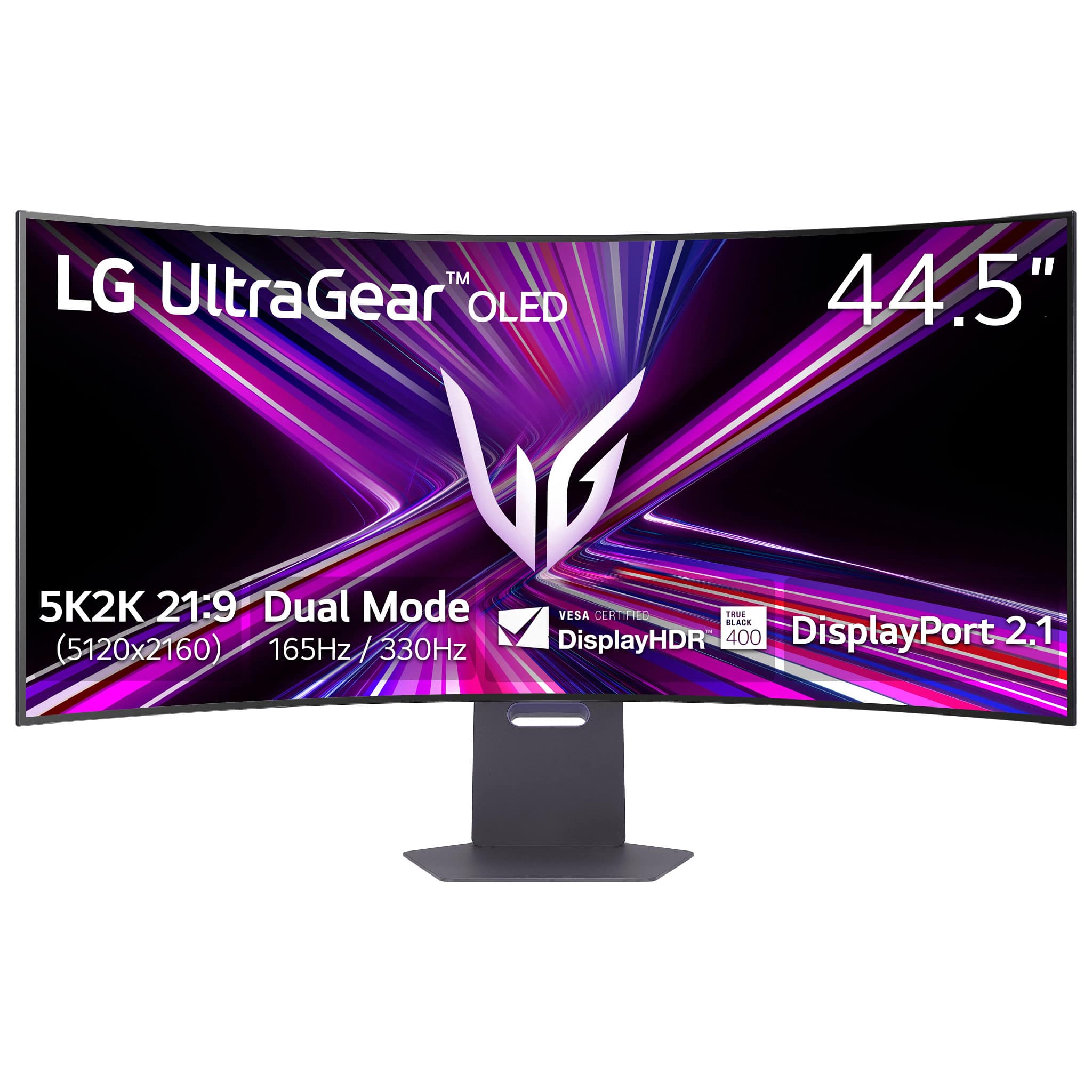
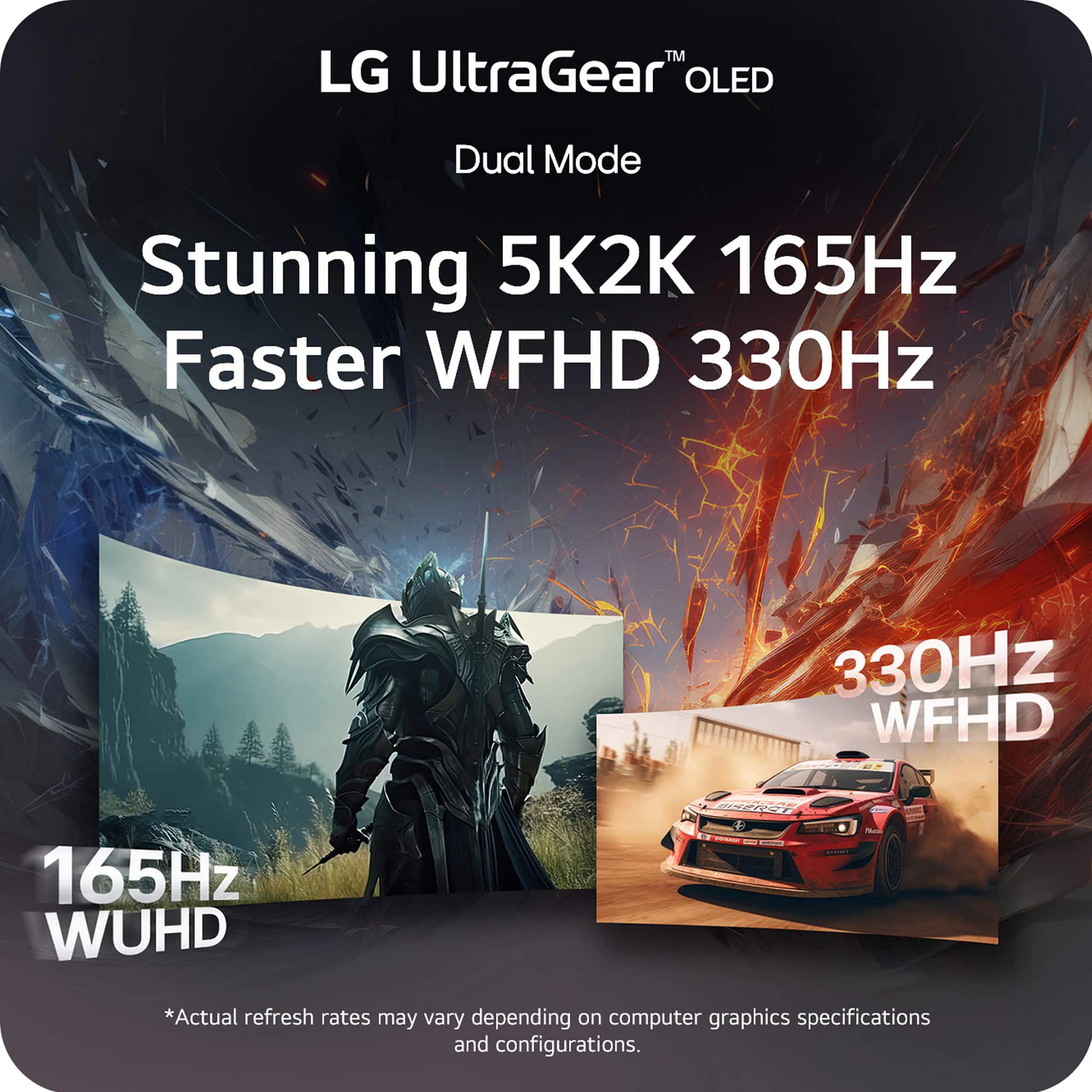
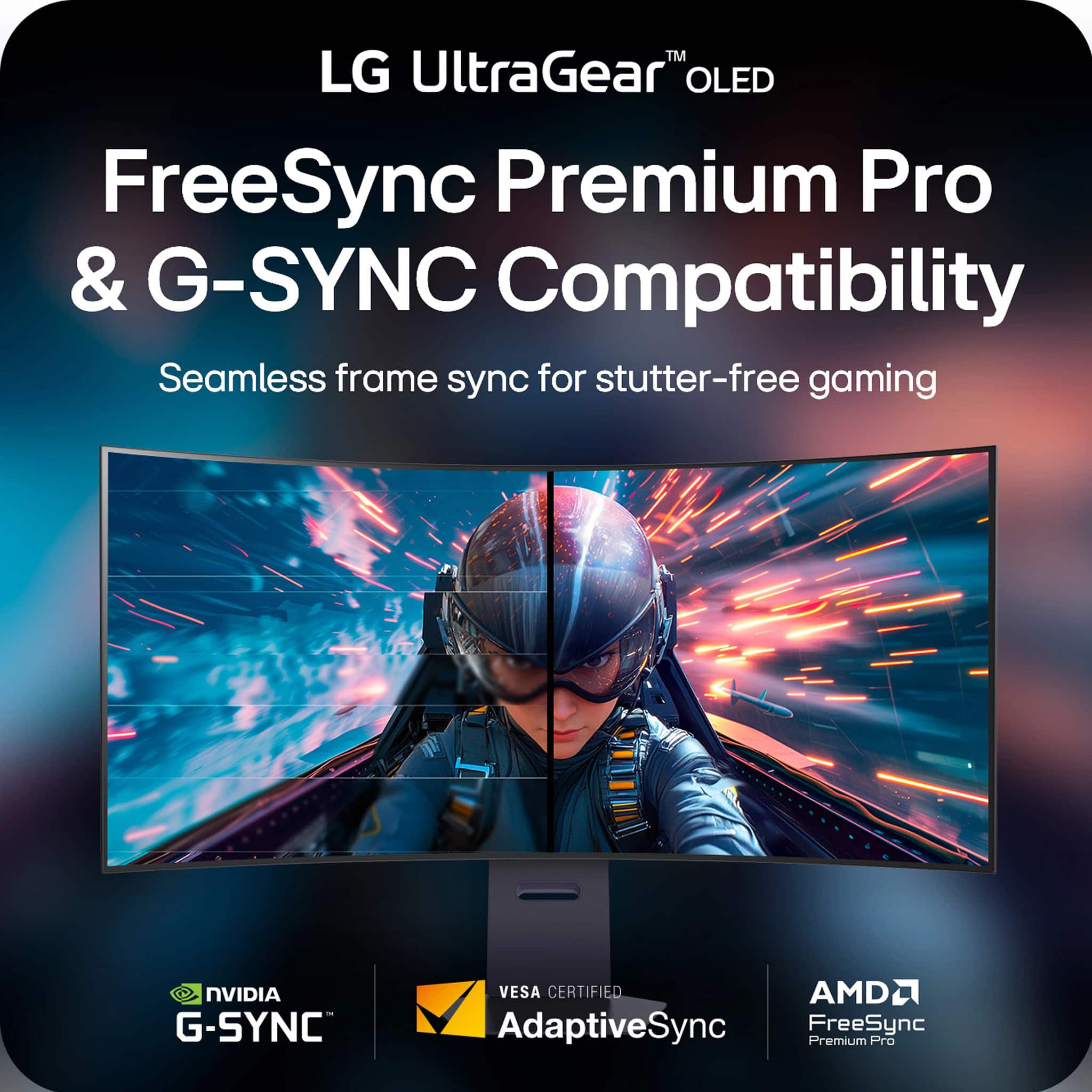
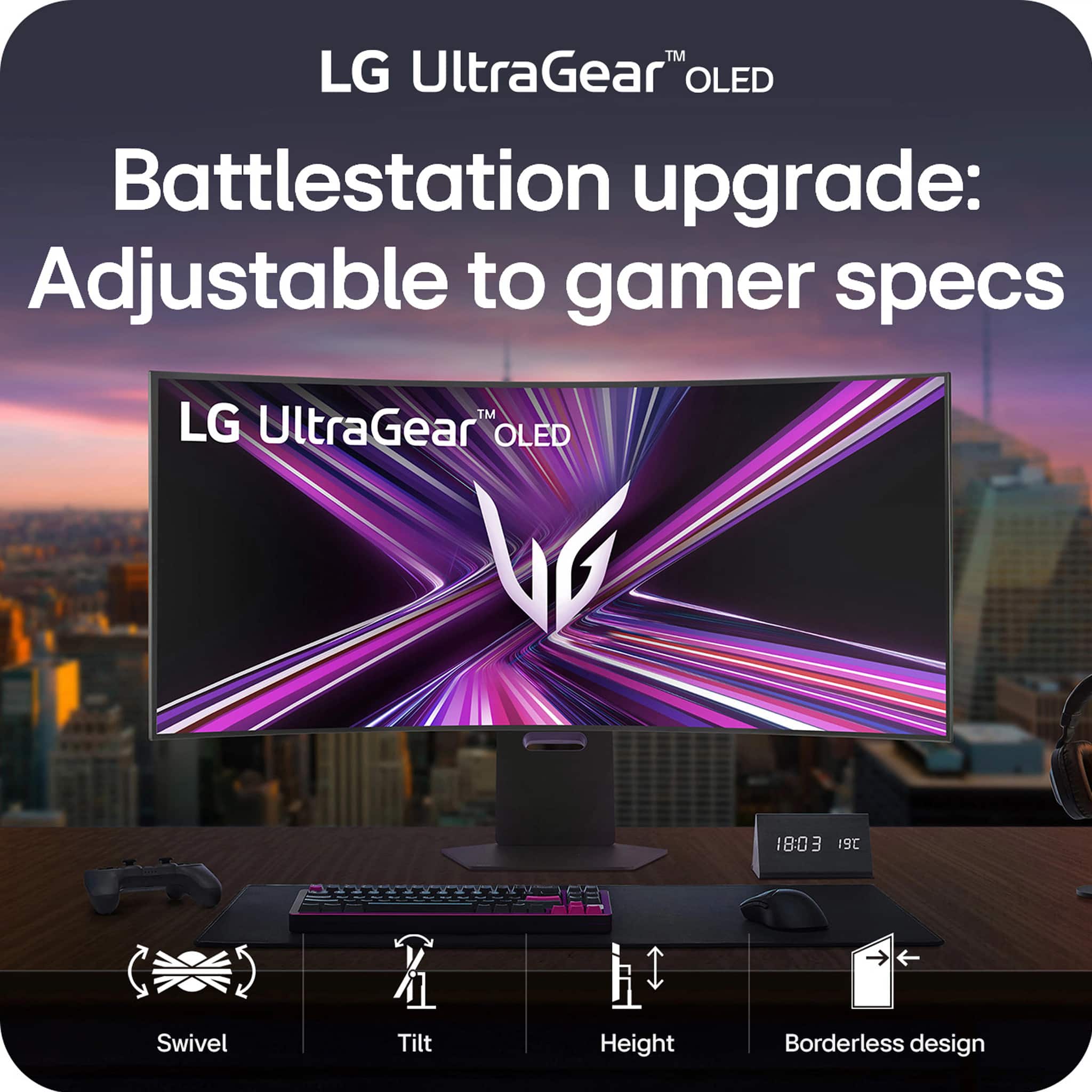
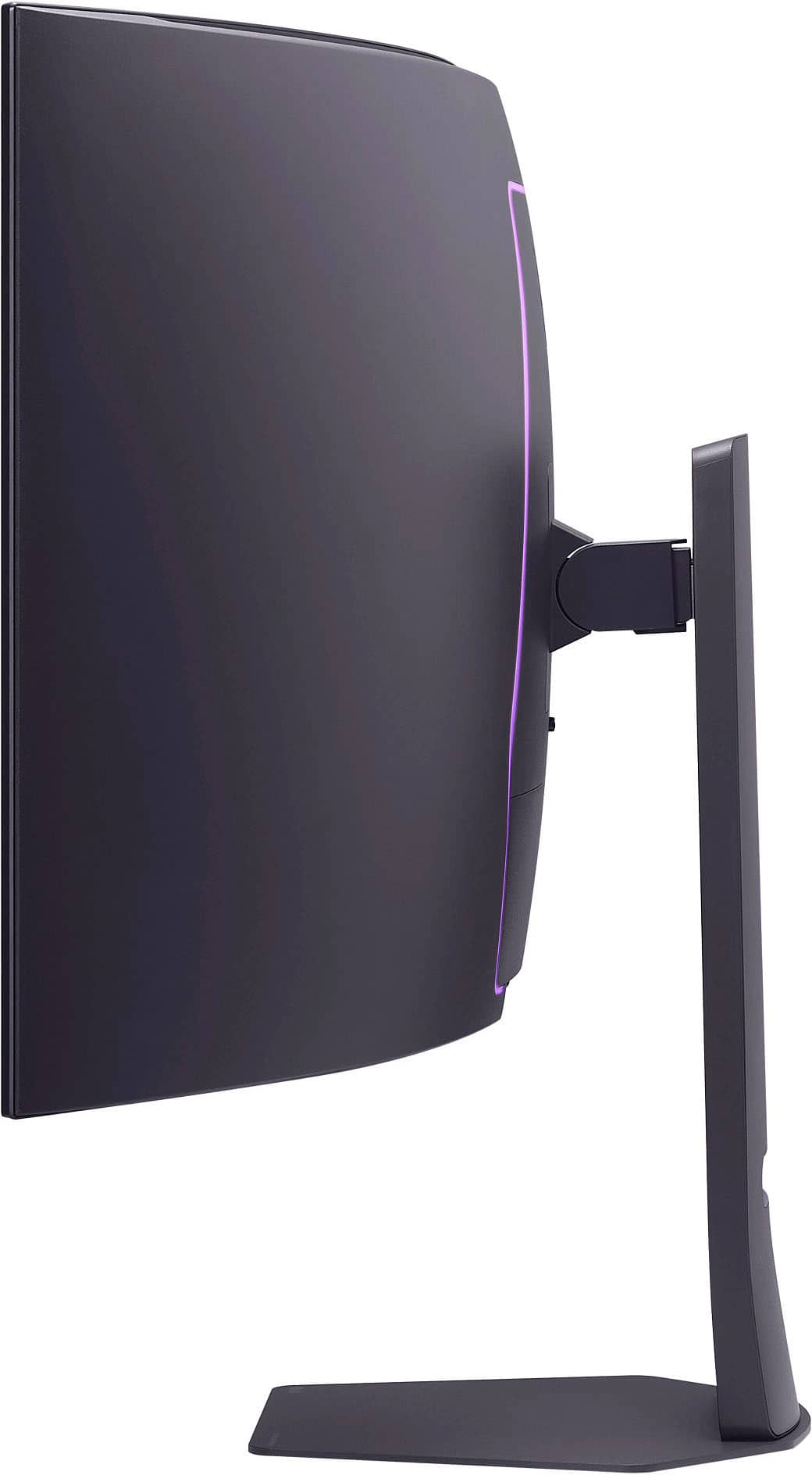
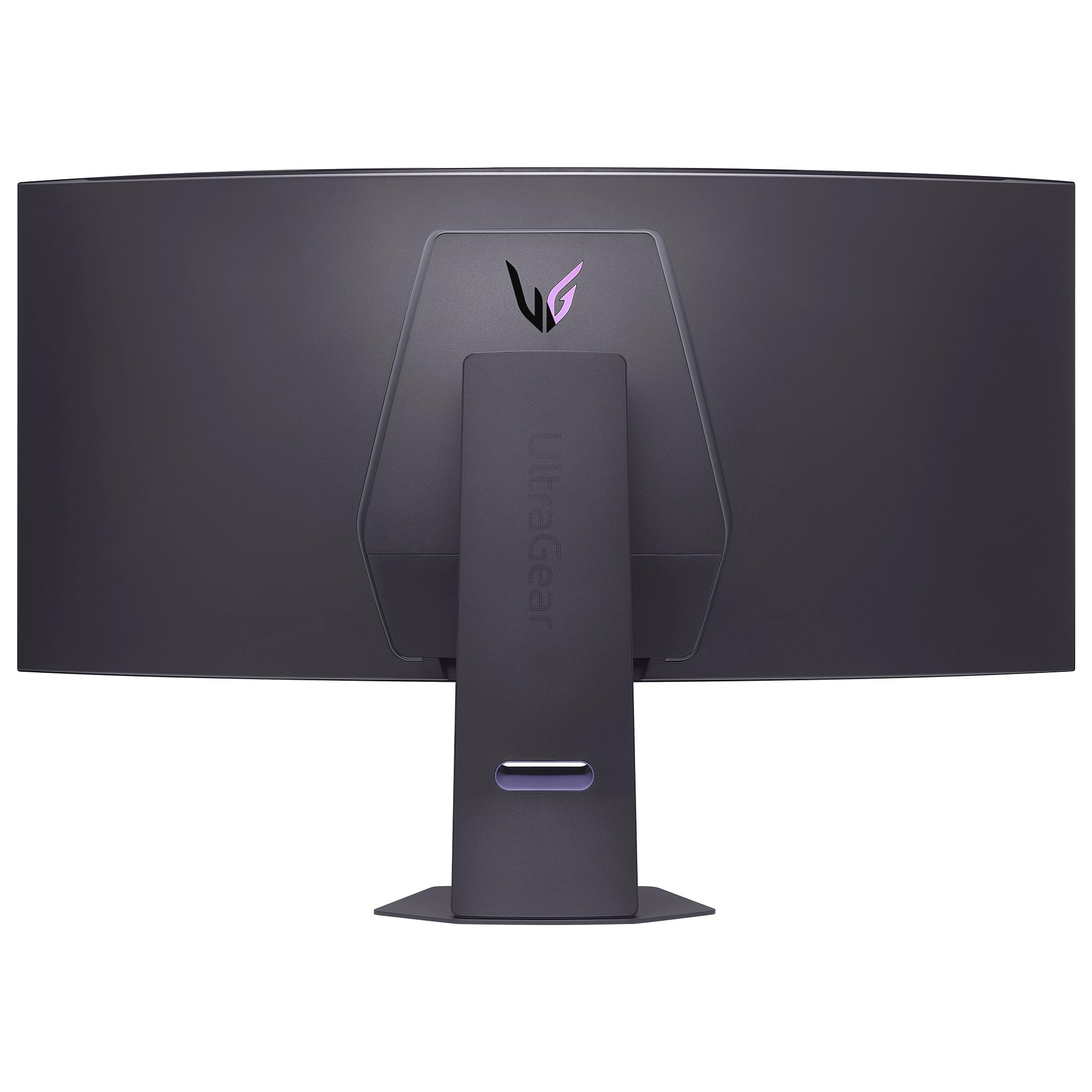
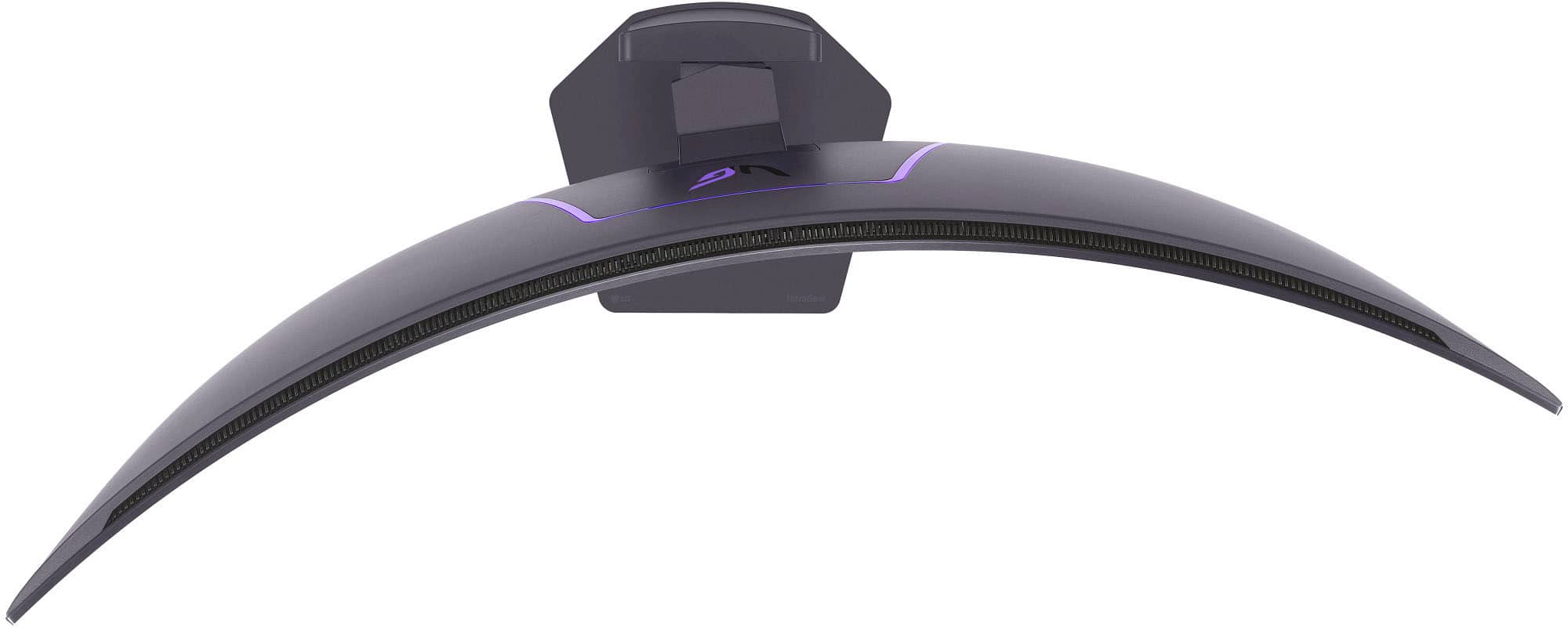
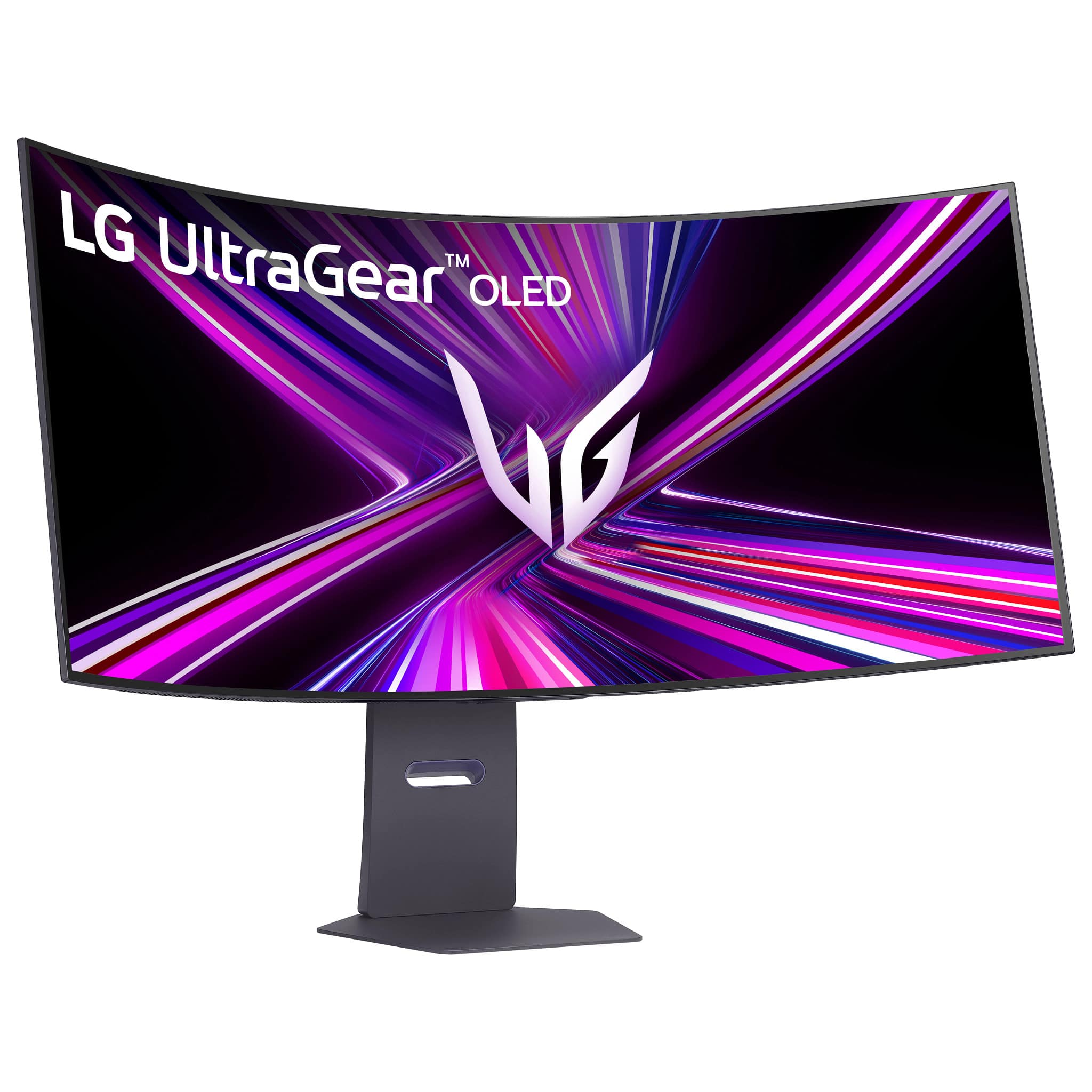
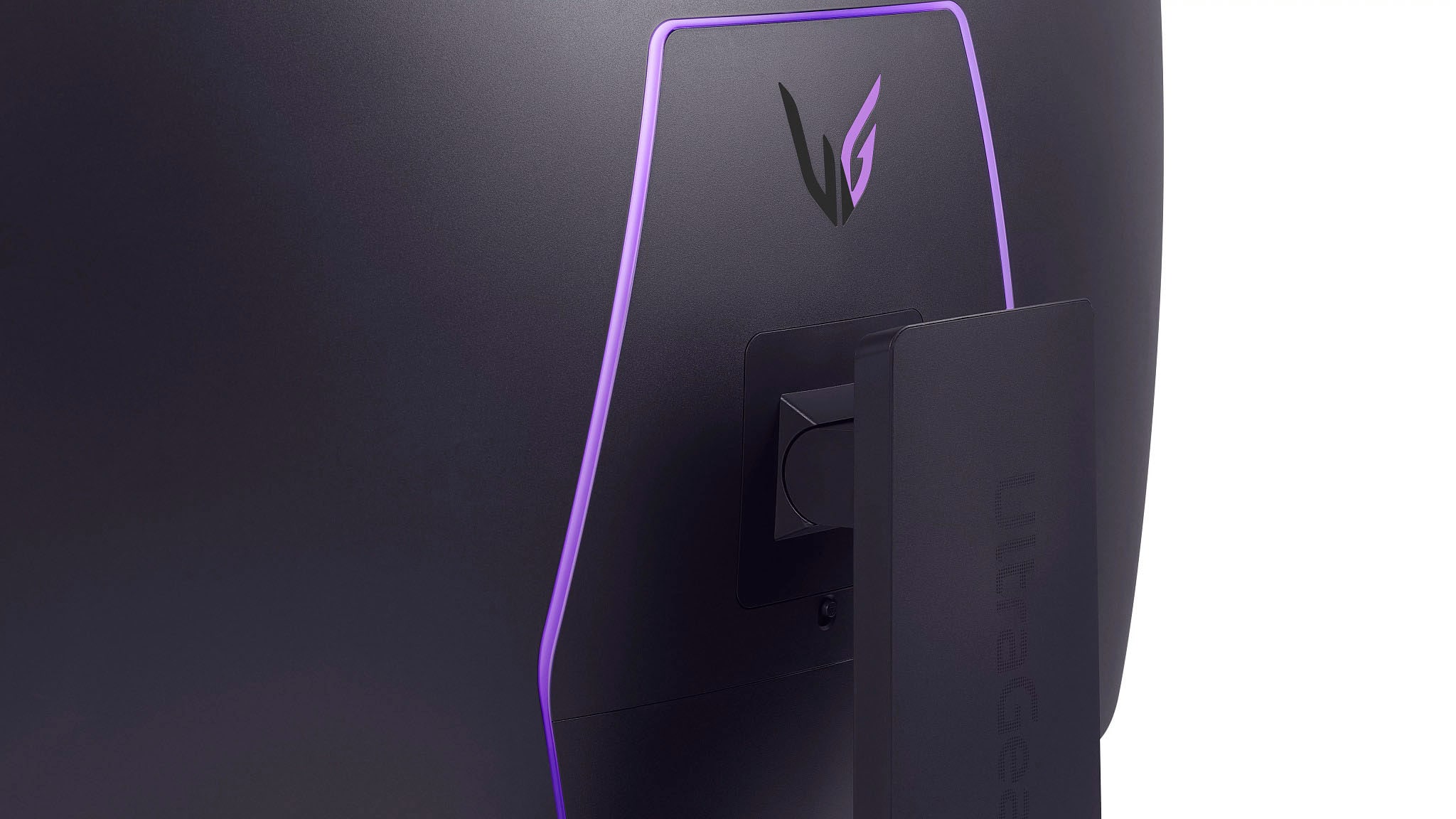
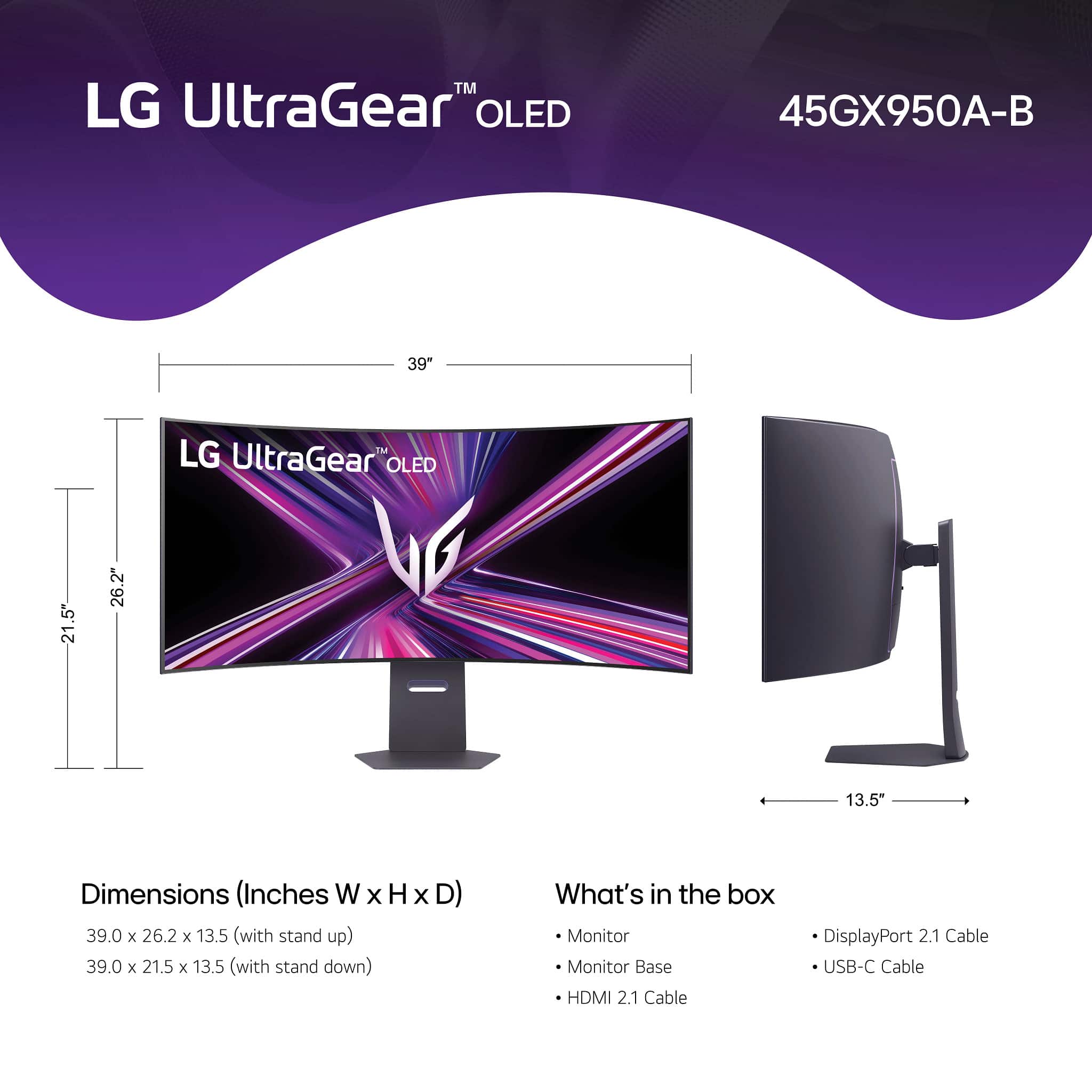
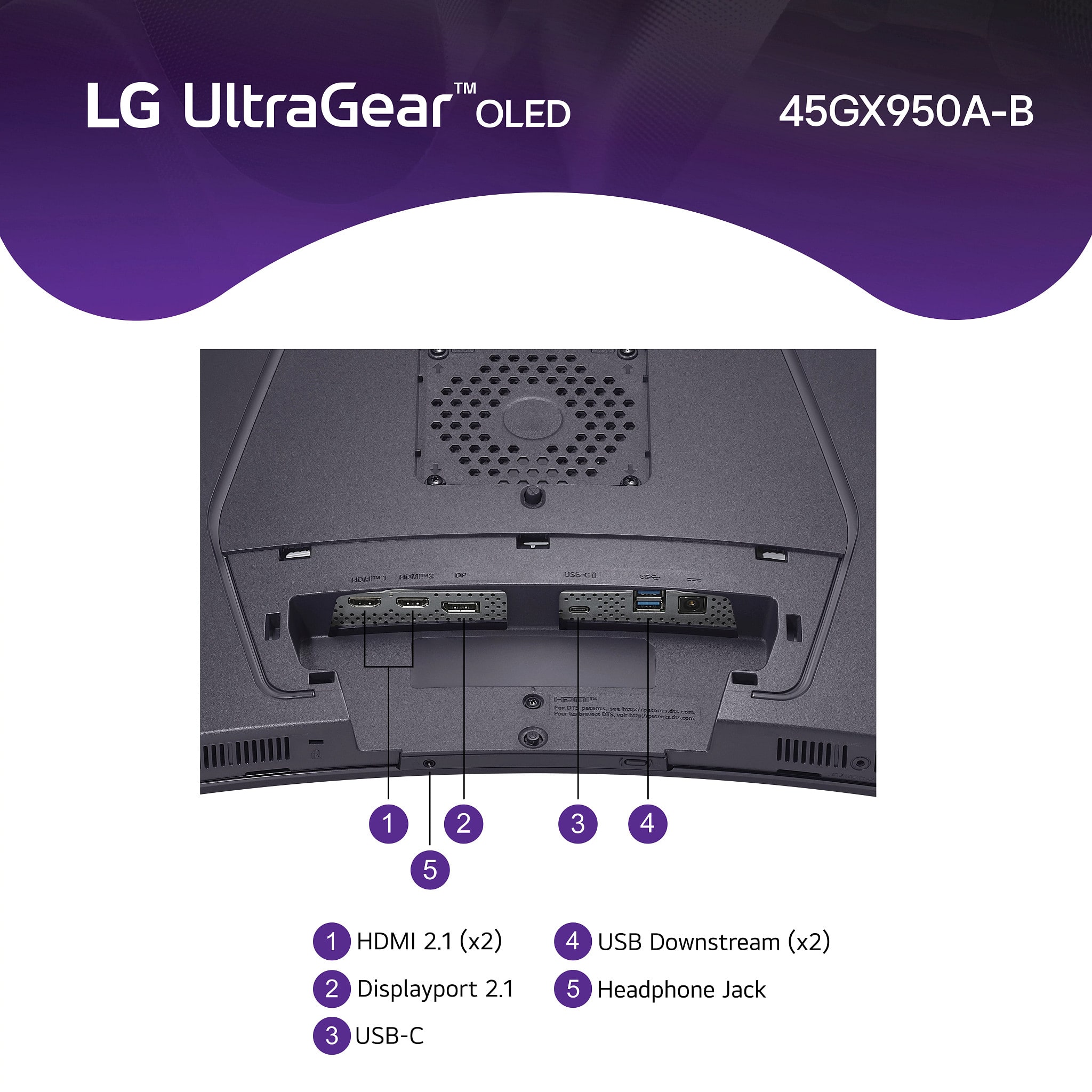
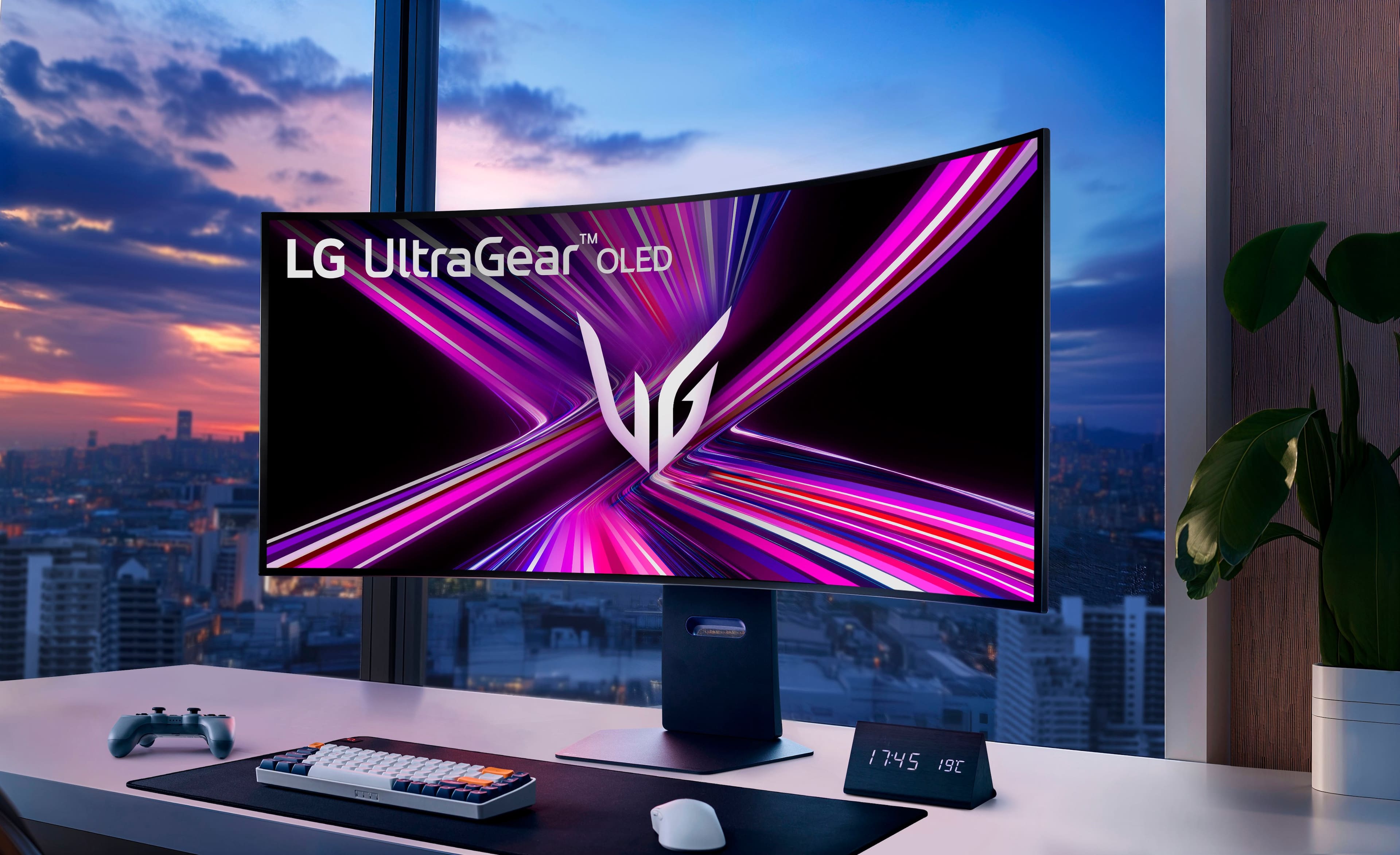
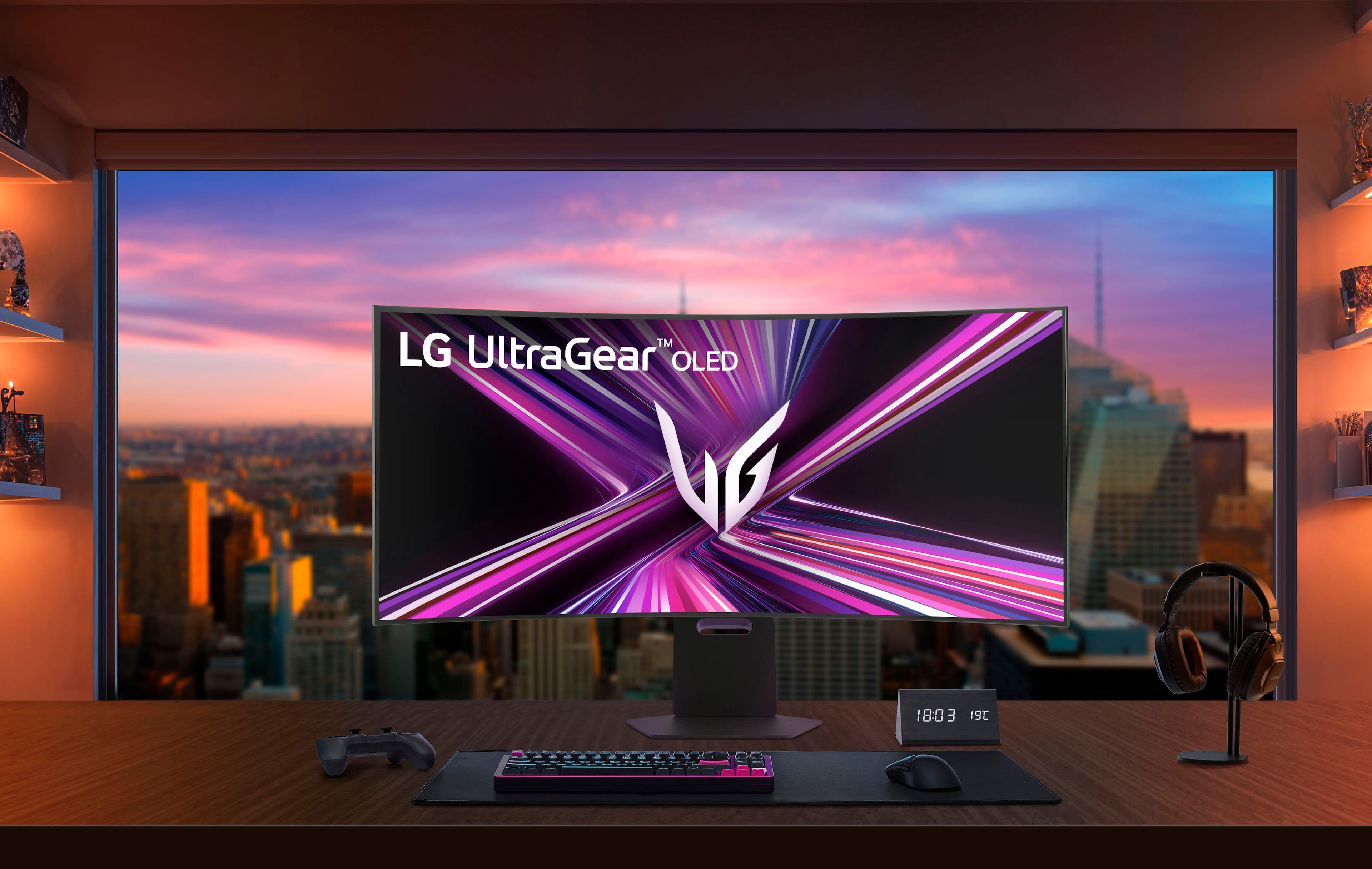
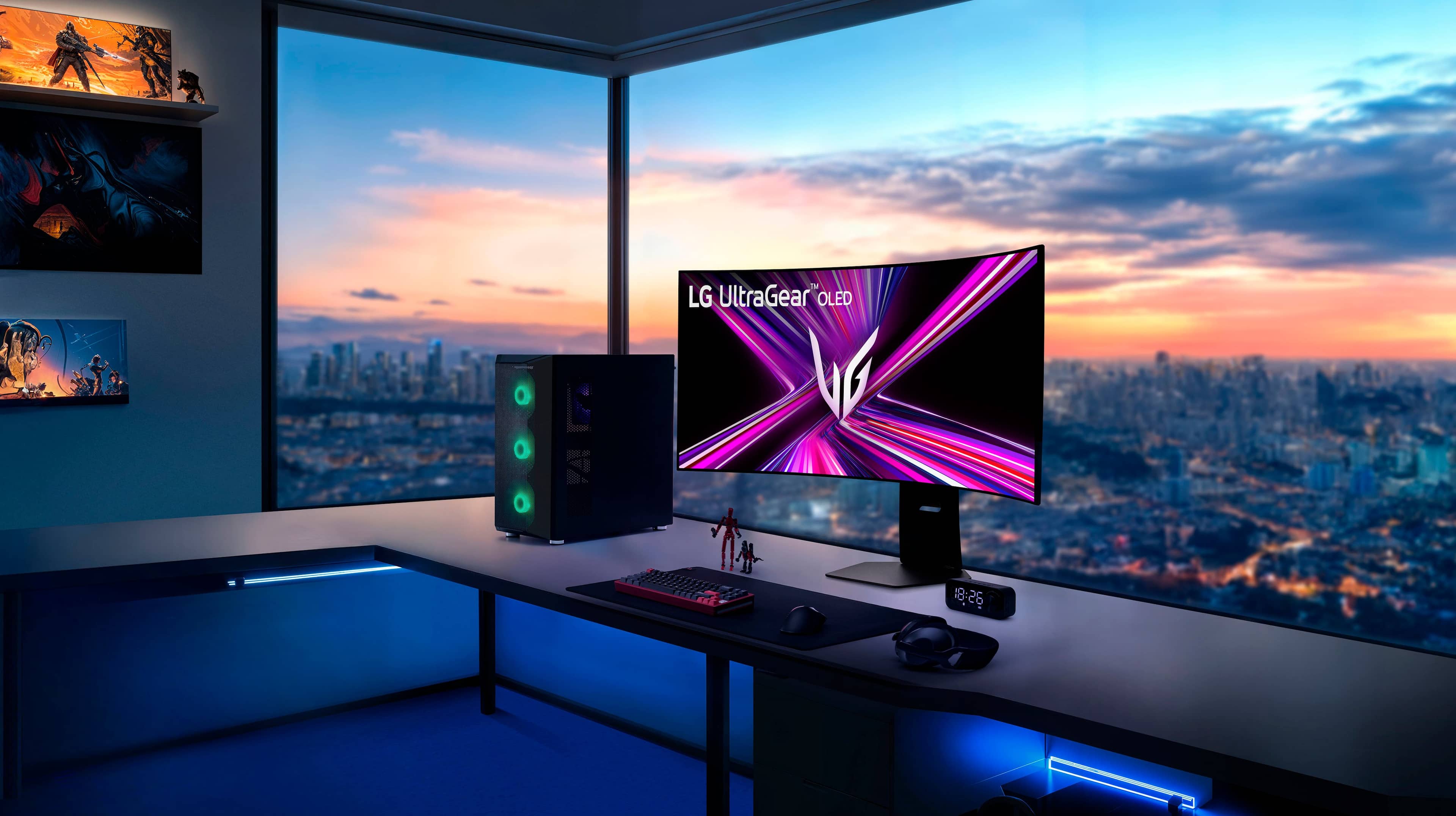
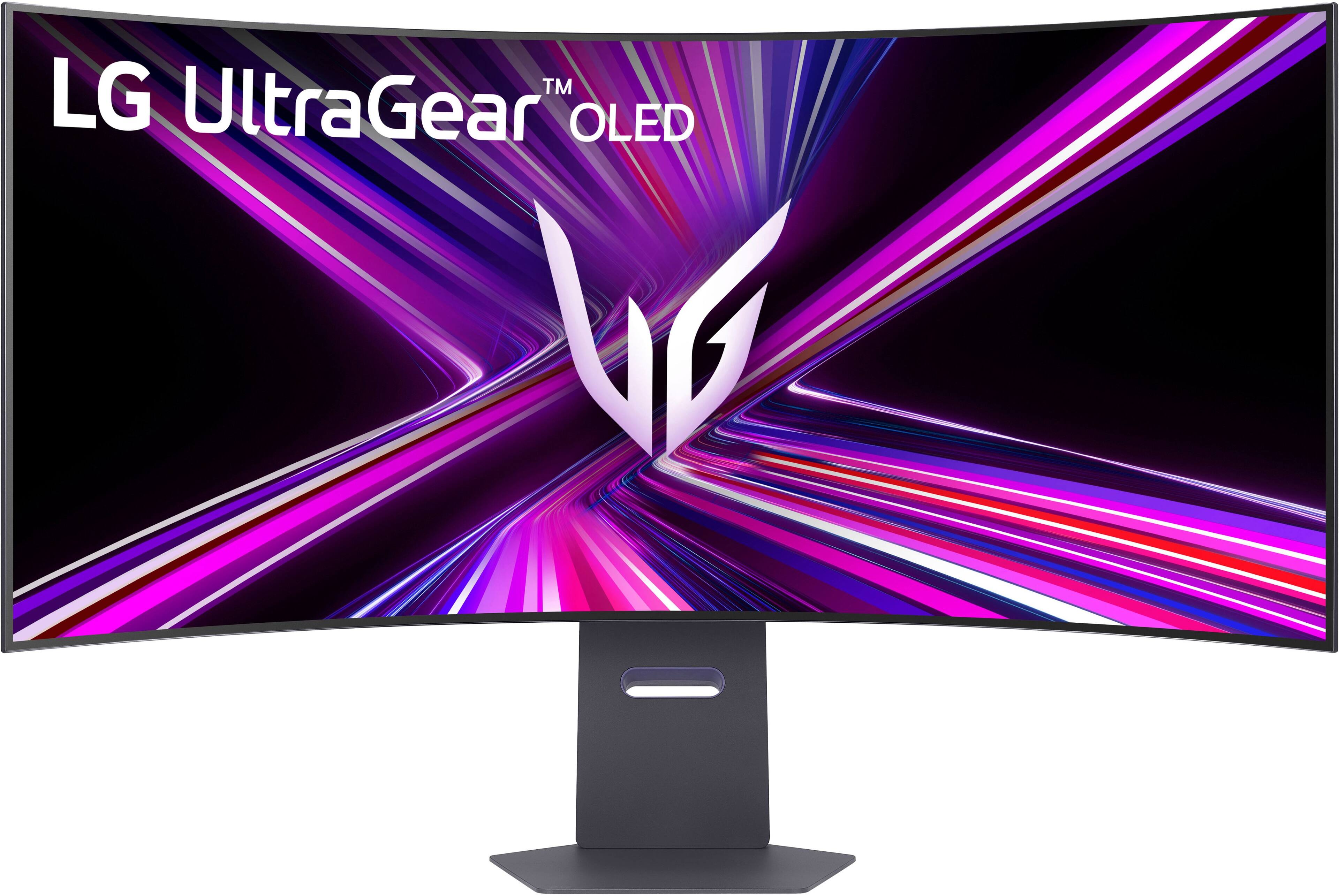
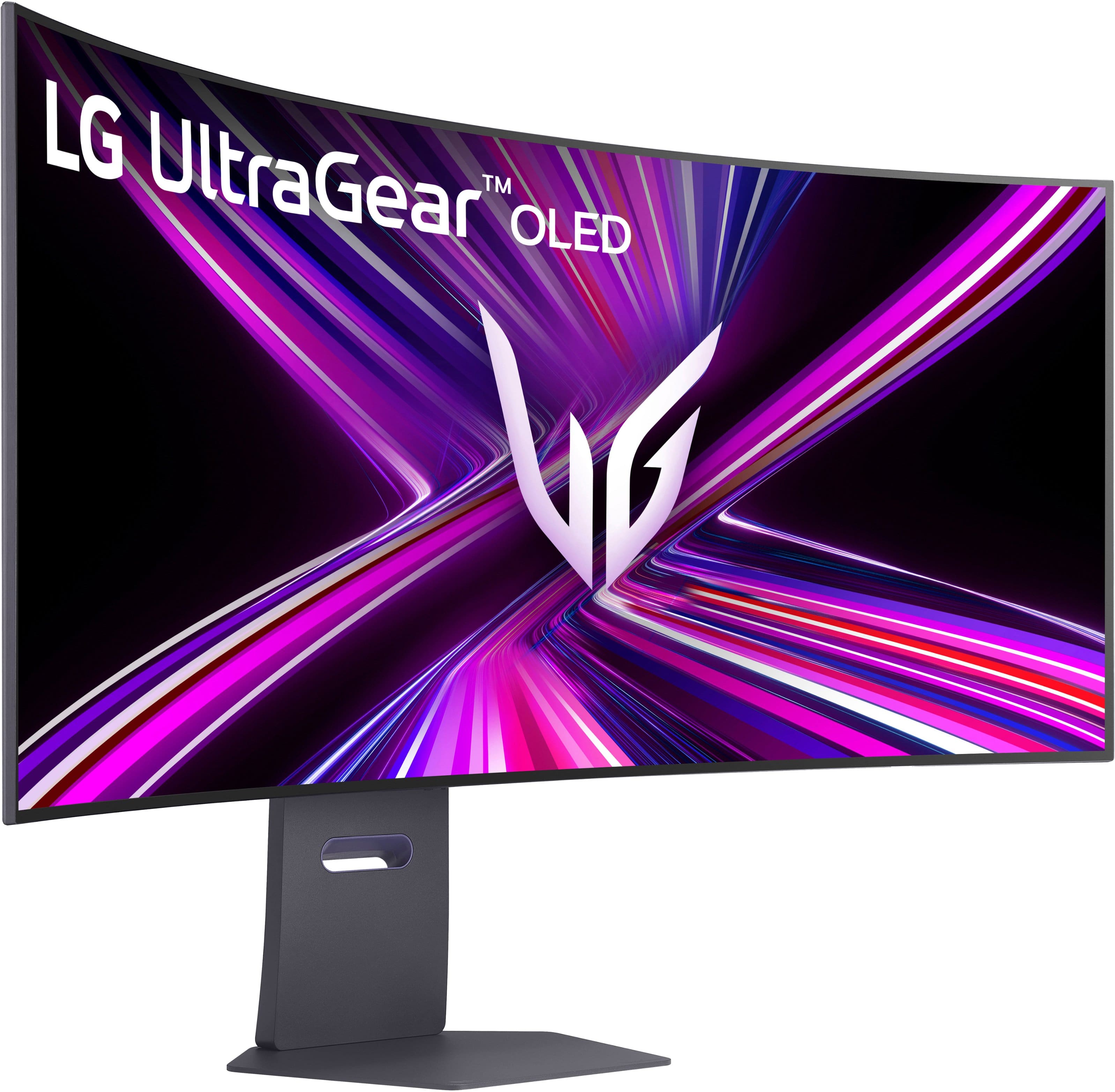
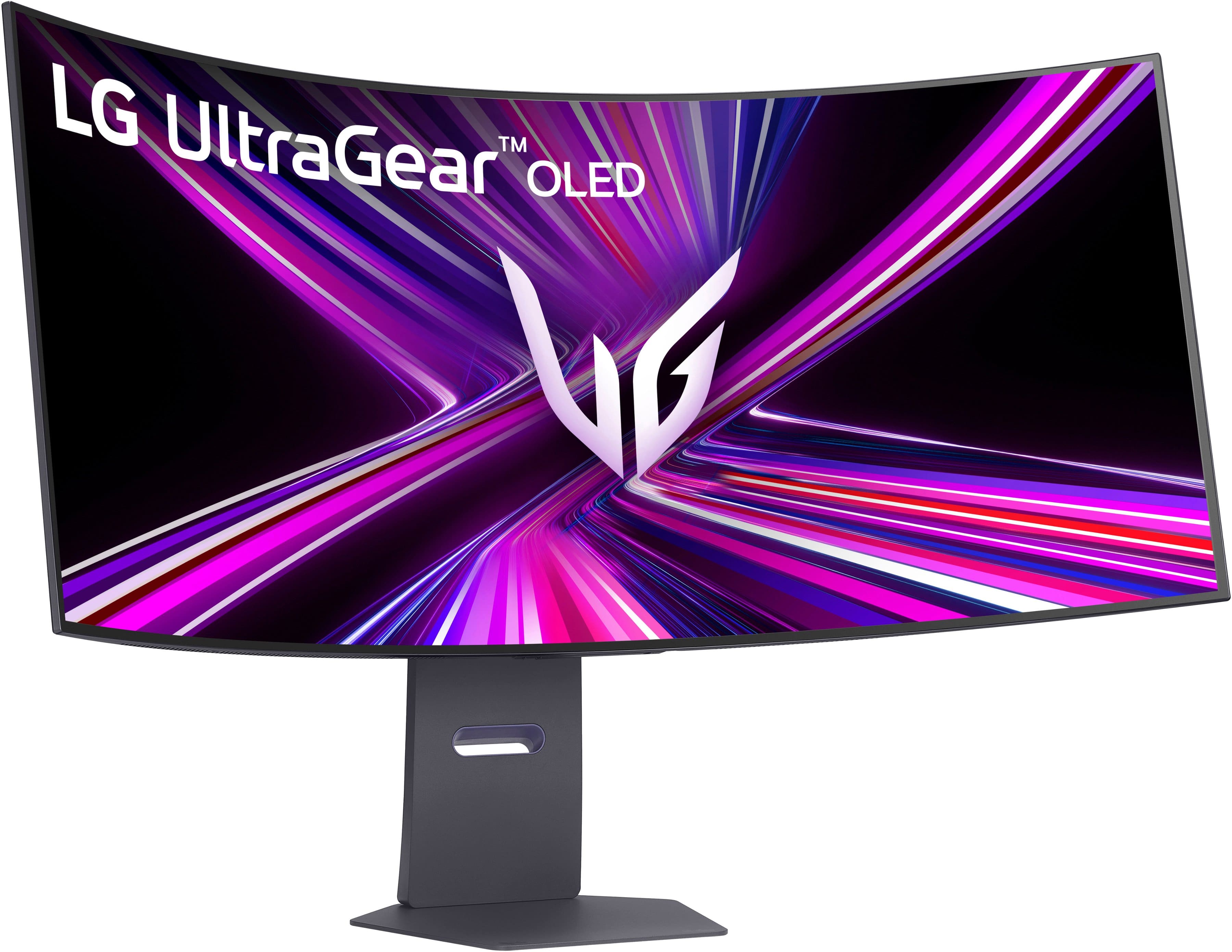
|Posted .This reviewer received promo considerations or sweepstakes entry for writing a review.📦 UNBOXING: Inside the box, you’ll find the monitor and rear cover, the stand, a power brick, and a series of cables including a DisplayPort cable, a USB-C cable, and a high-speed HDMI cable. Other than that, you have a basic setup guide and safety information. 🛠️SETUP & ADJUSTMENTS: The setup is straightforward. If you’re using a VESA mount, you’ll want to make sure it can handle the 20.7 lbs weight. I have been using the same monitor arm mount for years, and while I needed to make some adjustments to keep the monitor steady, it does hold it up. There are pre-installed screws that you can use for VESA mounting. However, unlike most of the other monitors I’ve used, this LG UltraGear doesn’t have particularly large gaps past the screw holes, so some monitor arms might not fit very well. Mine almost didn’t fit, and I did have to make multiple attempts to insert the mounting bracket at different angles. I almost gave up, but am glad I persevered. If you’re using the stand, setup is even easier, and completely tooless. While face down in the box, simply install the vertical arm into the back of the monitor and let it lock in. Then connect the base via the hand screws on the bottom. Once you have it on your desk, you can make height adjustments, and a small degree of adjustment for tilt and swivel. Overall, the stand is of high quality, and the base is especially hefty so as to minimize display wobble. 💪 BUILD: The build is plastic, but that’s to be expected since a heavier monitor would make it challenging to VESA mount to articulating arms. That being said, I don’t feel it’s cheap feeling plastic, and I appreciate that it’s matte as opposed to some tacky glossy frame. The bezels are thin, although not the thinnest I’ve seen. That being said, I forget they are there, given how large the display is. On the rear of the unit is an RGB LED “hexagon” which gently illuminates and can be configured via the on-screen display (OSD) controls. There is also an unlock switch to quickly detach the stand. Towards the lower-center on the rear of the monitor, you’ll also find a control stick for navigating the on-screen display. Personally, it’s not my favorite control stick, and I’ve moved it in the incorrect position more than I’d like. But at least it’s not something you will need to frequently use. On the bottom edge of the monitor, you’ll also find a switch that allows you to quickly switch between the UltraGear’s Dual-Mode 5120x2160@165Hz and 2560x1080@330Hz modes. I appreciate this having a dedicated switch, since it would be cumbersome to have to use the OSD every time I wanted to switch between these modes. One potential downside for some is that this monitor’s power supply is external, which means you’ll have a fat power brick that you’ll connect to the monitor. This makes the display weigh less which puts less stress on VESA mounts, but now you’ll need to deal with a fat power brick. On the upside, if the power supply ever fails, you can simply obtain a new power brick instead of having to disassemble/warranty the monitor. 🔌 CONNECTIVITY: As far as connectivity is concerned, LG delivers a good swathe of options, although I do think there are some things that could have been done better. Onboard is a single DisplayPort 2.1 input, 2x HDMI 2.1 inputs, 2x USB 3.2 gen 1 Type-A ports, a USB-C port with alt-mode that functions as the host to both Type-A ports with 90W of Power Delivery, and a headphone output. Personally, I would prefer 2x DisplayPort 2.1 ports, but I do appreciate that the HDMI ports are proper 2.1 ports. But even more importantly for me, I think I would have also preferred 2x additional Type-A ports so I could connect my mouse, keyboard, wireless headset, and webcam to the monitor. 🖥️ DISPLAY: This LG UltraGear 45” OLED monitor is massive. I know a lot of people using 42” LG OLED TV’s as monitors, but I have always preferred the 21:9 aspect ratio, so this is the best OLED option on the market which still gives you a 2160p vertical resolution, but a much wider 5120 horizontal resolution, and a high refresh rate of 165Hz. It also features an 800R curve which is very aggressive compared to many other 1800R monitors I’ve used, but I don’t mind it. With the dual-mode engaged, you can use a fourth of the pixels at 2560x1080 and achieve a 330 Hz refresh rate. This is great for e-sports games and games where you prefer lower latency and improved responsiveness over clarity. The downside is that the image will be more blurry, but the silver lining is that there will be perfect pixel scaling (i.e. integer scaling) since it’s simply half the vertical resolution and half the horizontal resolution of the display. So content still remains reasonably sharp if you’re willing to make the sacrifice. There are also other display modes native to the monitor like several 16:9 modes and 21:9 modes at different cropped resolutions so that you can choose to play on a simulated smaller display, as well. The LG 45GX950A-B also supports both Nvidia G-Sync and AMD FreeSync Premium Pro, so you’ll achieve variable refresh rate that prevents screen tearing. But of course, the highlight of the monitor is certainly the fact that it’s an OLED panel. This means incredibly fast pixel response times, near infinite contrast ratios, and high peak brightness for HDR content. So games with good HDR implementations should really pop on this monitor. One point of contention for some folks will be the choice to use a matte display texture. In my personal experience, I don’t have a problem with this. Some folks argue that colors will be more muted or less bright as a result, but think subjectively, I really can’t tell the difference. The matte display certainly fights off glare, if that’s of concern to you. But overall, I don’t feel like I’m experiencing a worse product. 🔊 SOUND: The built in audio on the monitor is serviceable, but certainly not what I’d rely on. Thankfully, they are better than most built-in speakers that sound like greeting cards, but they’re still not going to sound as good as an inexpensive desktop speaker solution or even some laptop speakers. I think it’s a bit questionable as to why LG makes customers pay top dollar for a feature that they don’t really want. Many other high-end gaming monitors omit speakers and focus instead on making other features better. For me, I would have rather had more Type-A ports instead of these speakers. 🧐 CONCLUSION: Overall, I really like the LG UltraGear 45GX950A-B. It delivers crisp visuals for games and text, but alternatively provides even higher refresh rates in exchange for ¼ the resolution. Gaming on this display has been immersive and surprisingly still practical compared to Dual QHD displays that require me to turn my head. And while it does have downsides, I find that the advantages makeup for those concessions.
I would recommend this to a friend - Pros mentioned:Overall performance, Resolution, Screen size
Best Monitor Period
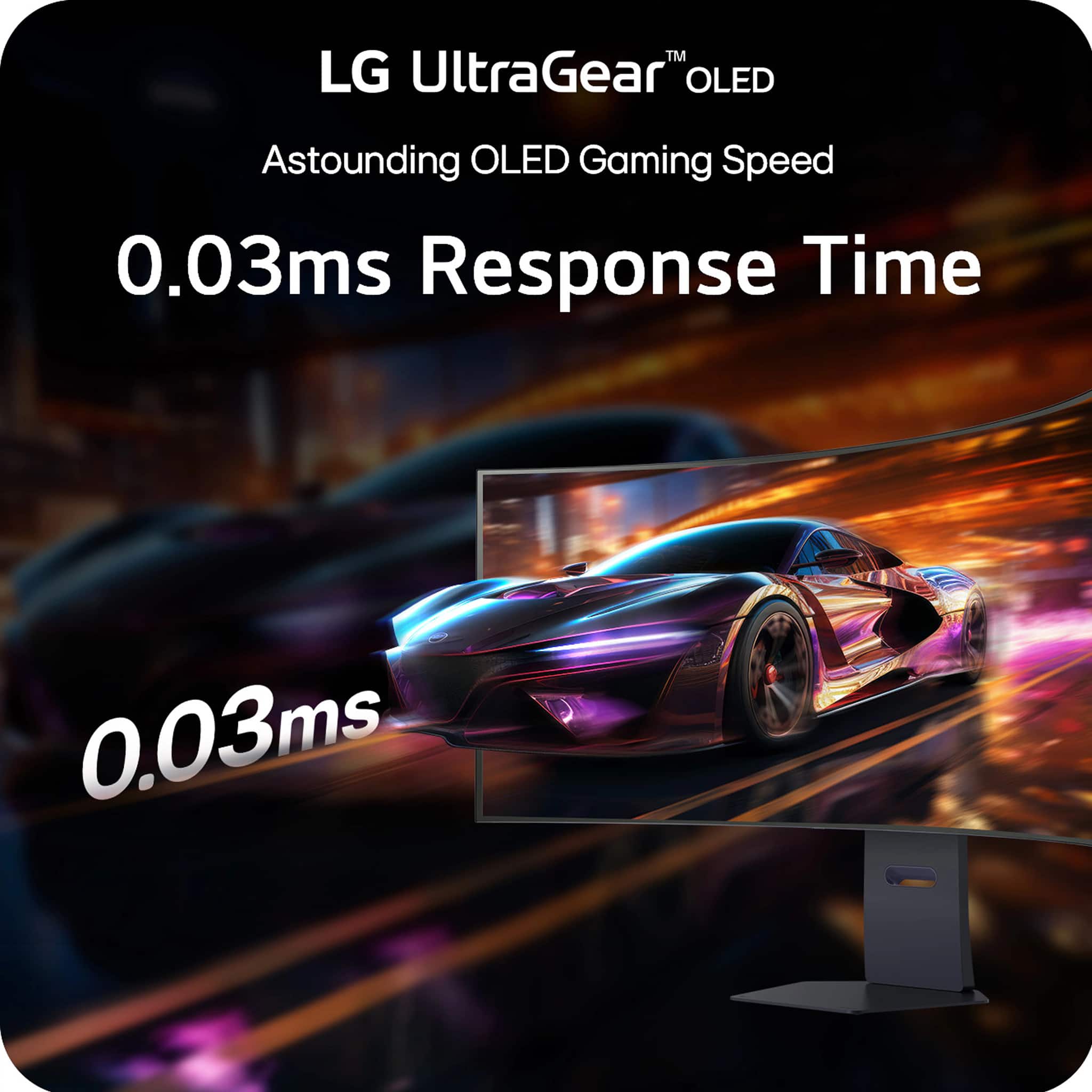
||Posted . Owned for 2 weeks when reviewed.This reviewer received promo considerations or sweepstakes entry for writing a review.Before I begin my spiritual memoir about fluorescent lighting and HDMI cables, let me briefly discuss the absolute intergalactic monument of a monitor known as the LG UltraGear 45" OLED Dual Mode Gaming Monitor. This 45-inch OLED rectangle of destiny runs at 5K2K WUHD at 165Hz OR flips into WFHD at 330Hz like it’s casually changing outfits for a red carpet event in the Matrix. The 0.03ms response time is so fast it reacts before I even think about clicking. I moved my mouse and I’m pretty sure the monitor moved first. Colors? Illegal. Blacks? So deep I briefly questioned my own life choices. With G-Sync and FreeSync Premium Pro, it doesn’t tear — it glides. It doesn’t stutter — it whispers encouragement. I loaded a game and felt like I had been personally invited inside the GPU. Now. I went into Best Buy to purchase a humble toaster and somehow left with enlightenment, a USB-C cable, and what I can only assume is a minor in astrophysics. First of all, the automatic doors opened like I had been chosen by the prophecy. A blue-shirted wizard (I think his name was Kevin or possibly Thunder) materialized beside me and asked if I needed help. I said, “I’m just looking,” and he nodded knowingly, as if I had just confessed to hiding the Infinity Stones. The TV section? I blinked and accidentally made eye contact with a 98-inch screen. Now I owe it emotional rent. The picture quality was so crisp I could see the pores of a nature documentary squirrel contemplating its taxes. At one point I tested a gaming chair and I’m not exaggerating when I say I briefly understood the meaning of lumbar support on a spiritual level. I didn’t even know I had that many vertebrae. They all felt seen. The checkout experience was transcendent. The barcode scanner beeped in what I’m pretty sure was B-flat. The receipt printed out long enough to be used as a ceremonial scroll. I half expected it to include a side quest. Would I recommend Best Buy? Absolutely. I went in for a $12 item and left with a rewards membership, a smart lightbulb that responds to my moods, and a vague sense that I could now assemble a satellite. Five stars. Would accidentally achieve visual enlightenment again.
I would recommend this to a friend