Customer Ratings & Reviews


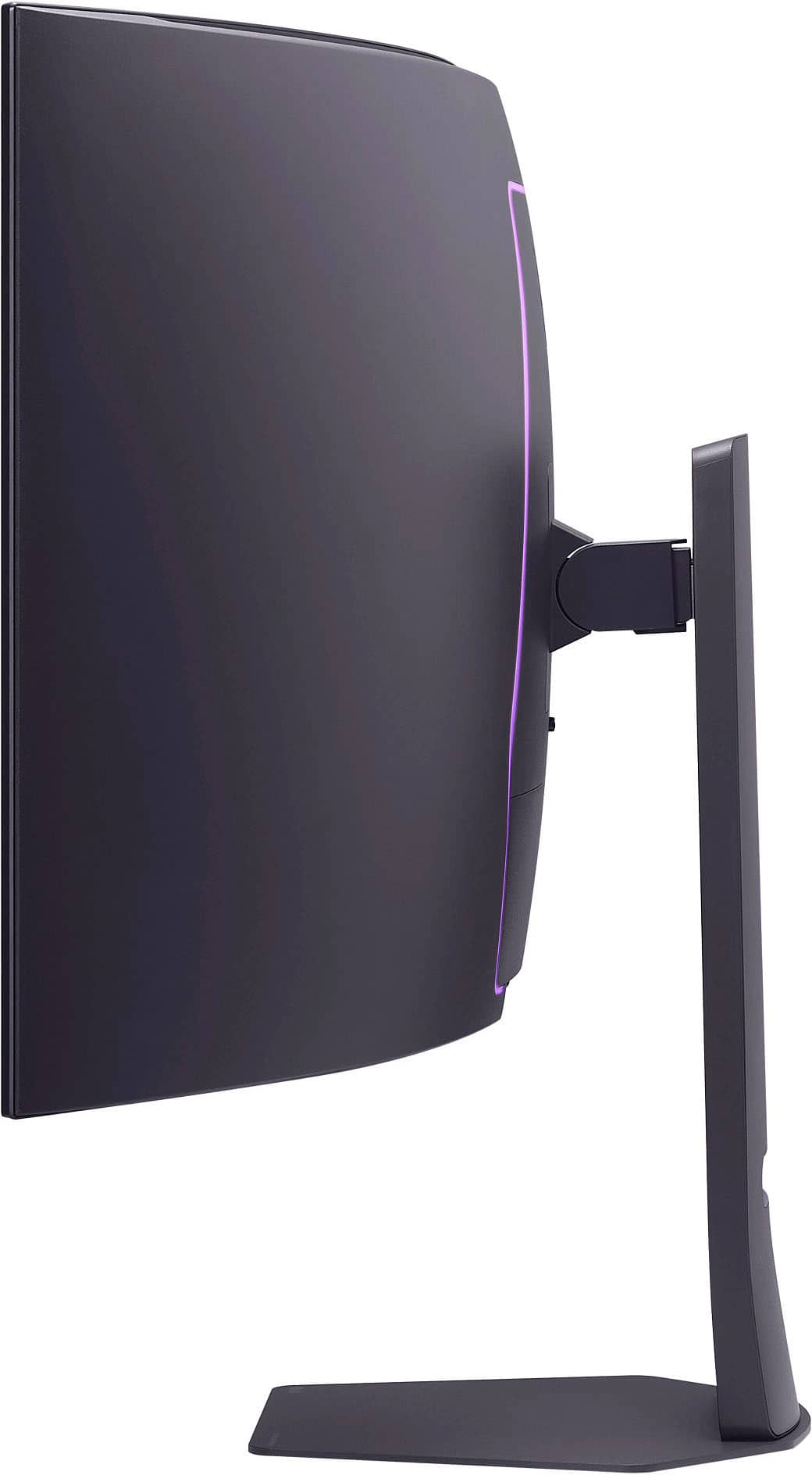

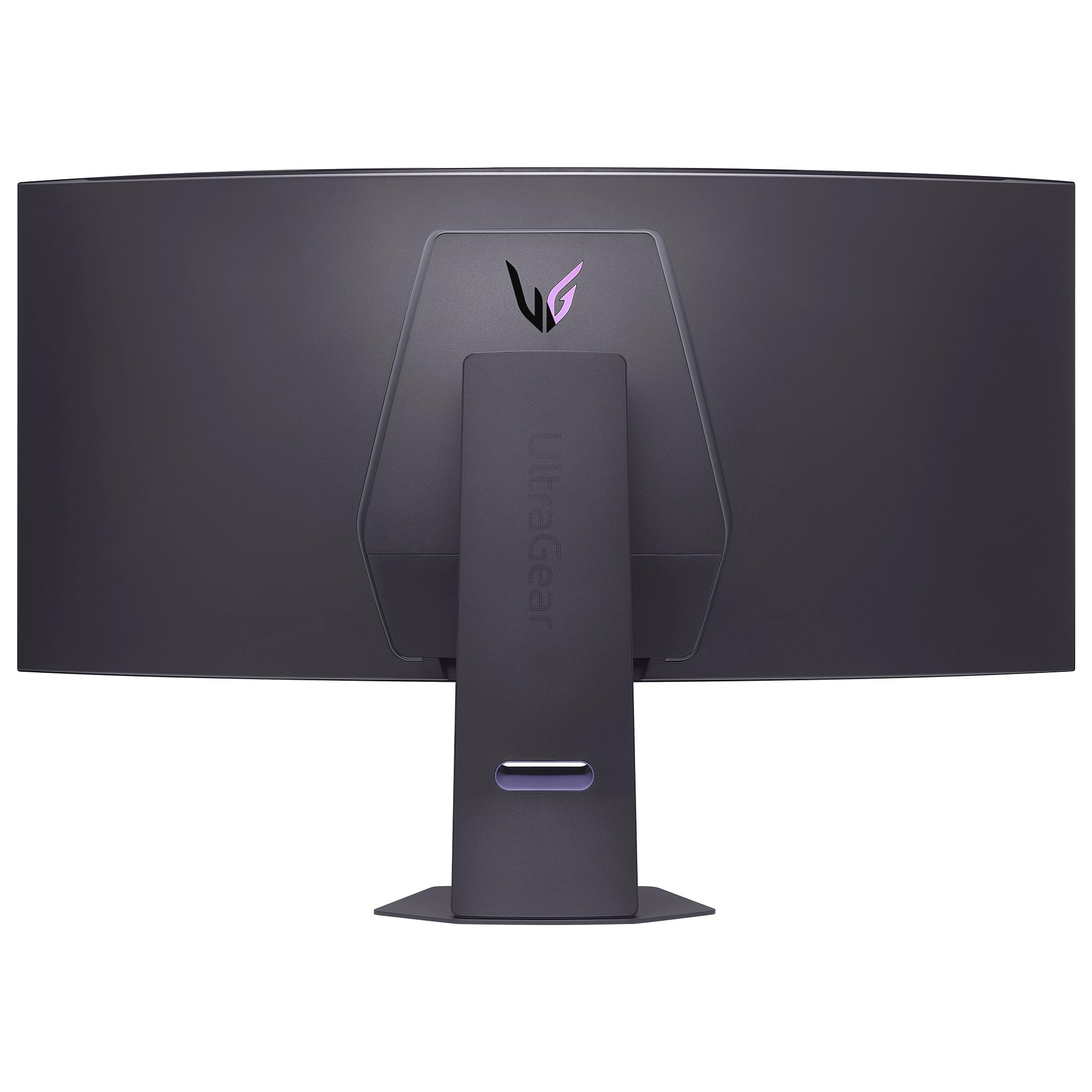
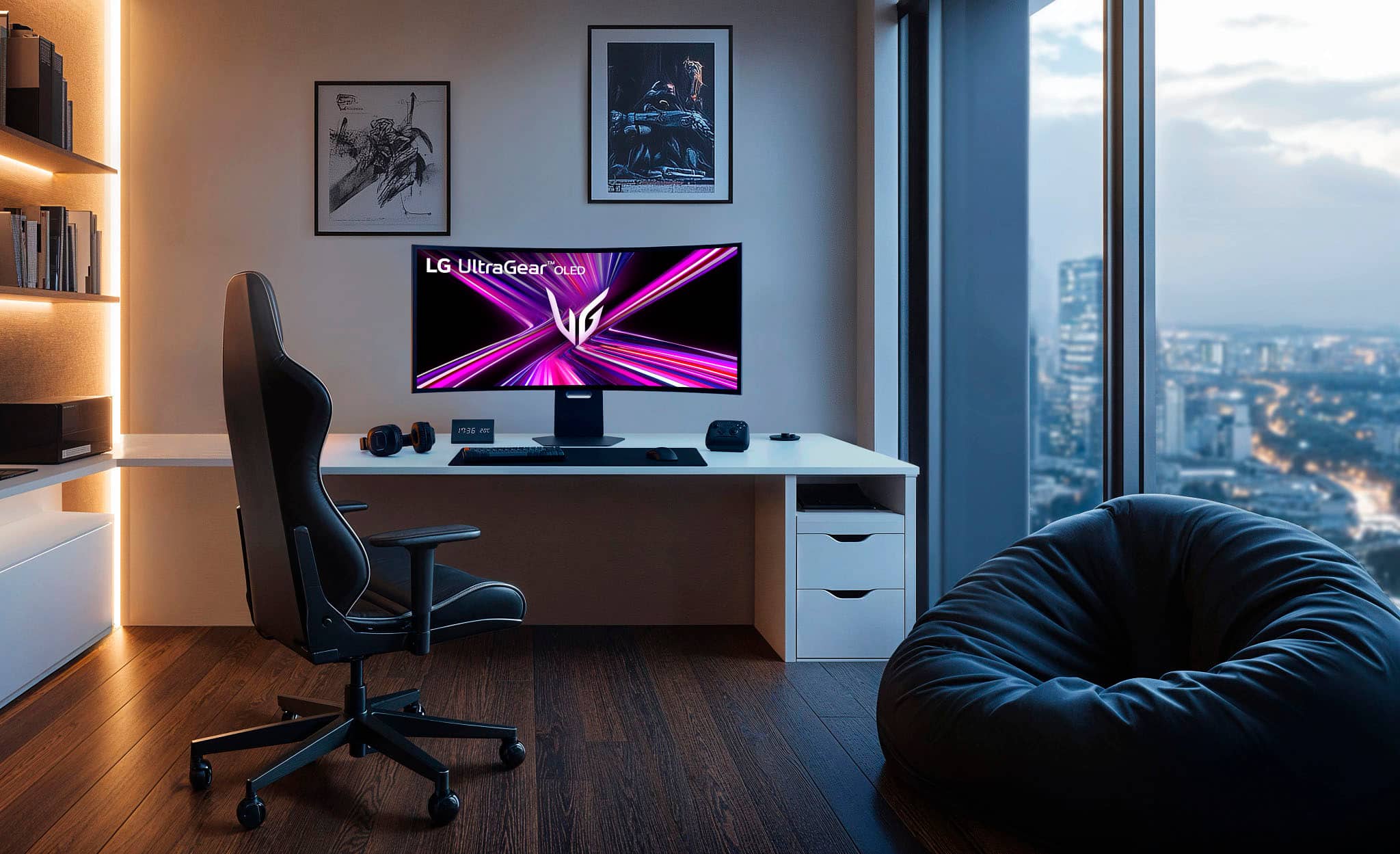
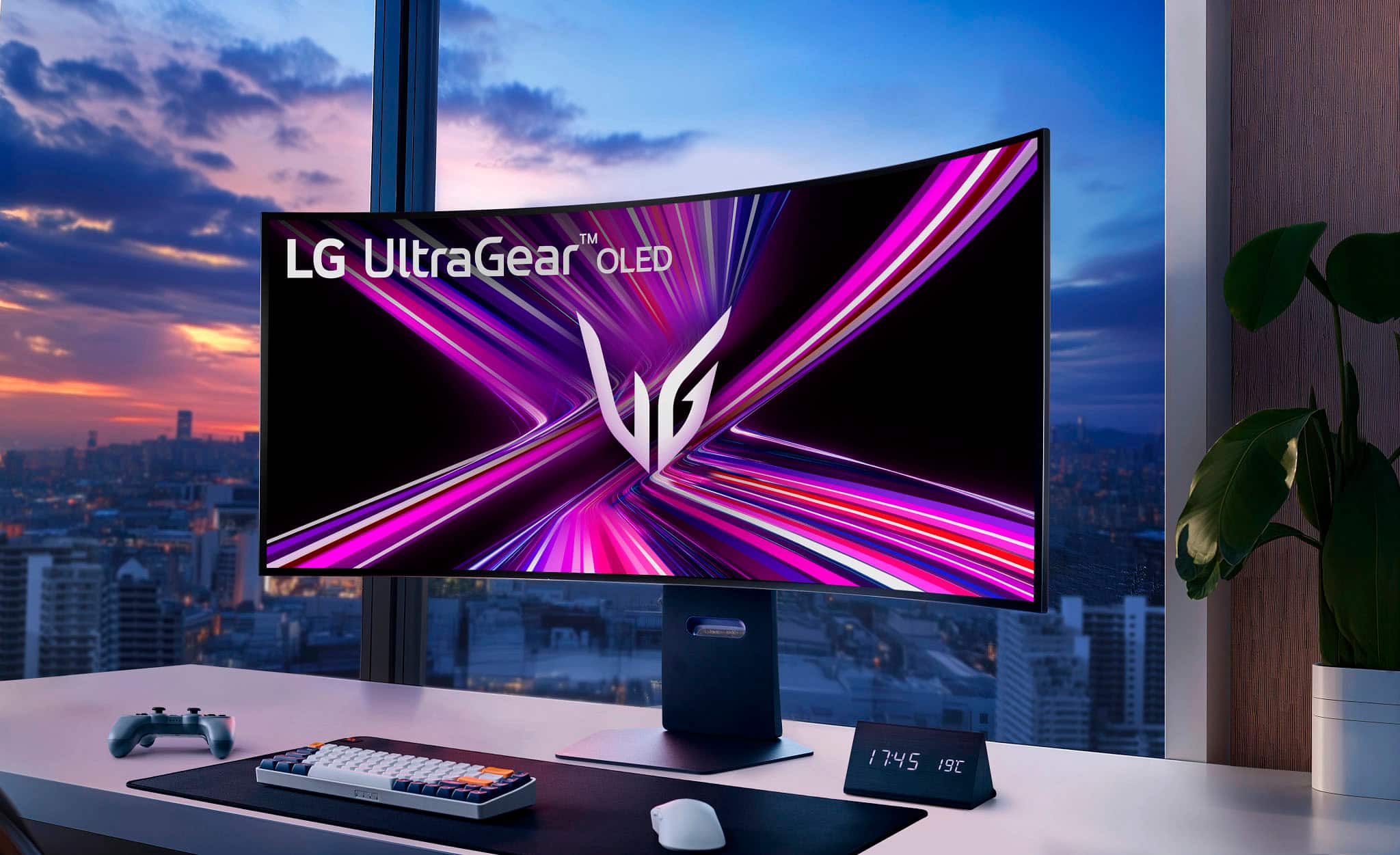


- Model:
- 45GX950A-B
- SKU:
- 6619492
Rating by feature
- Display Quality
Rating 4.9 out of 5 stars
- Ease of Use
Rating 4.8 out of 5 stars
- Features
Rating 4.8 out of 5 stars
Customers are saying
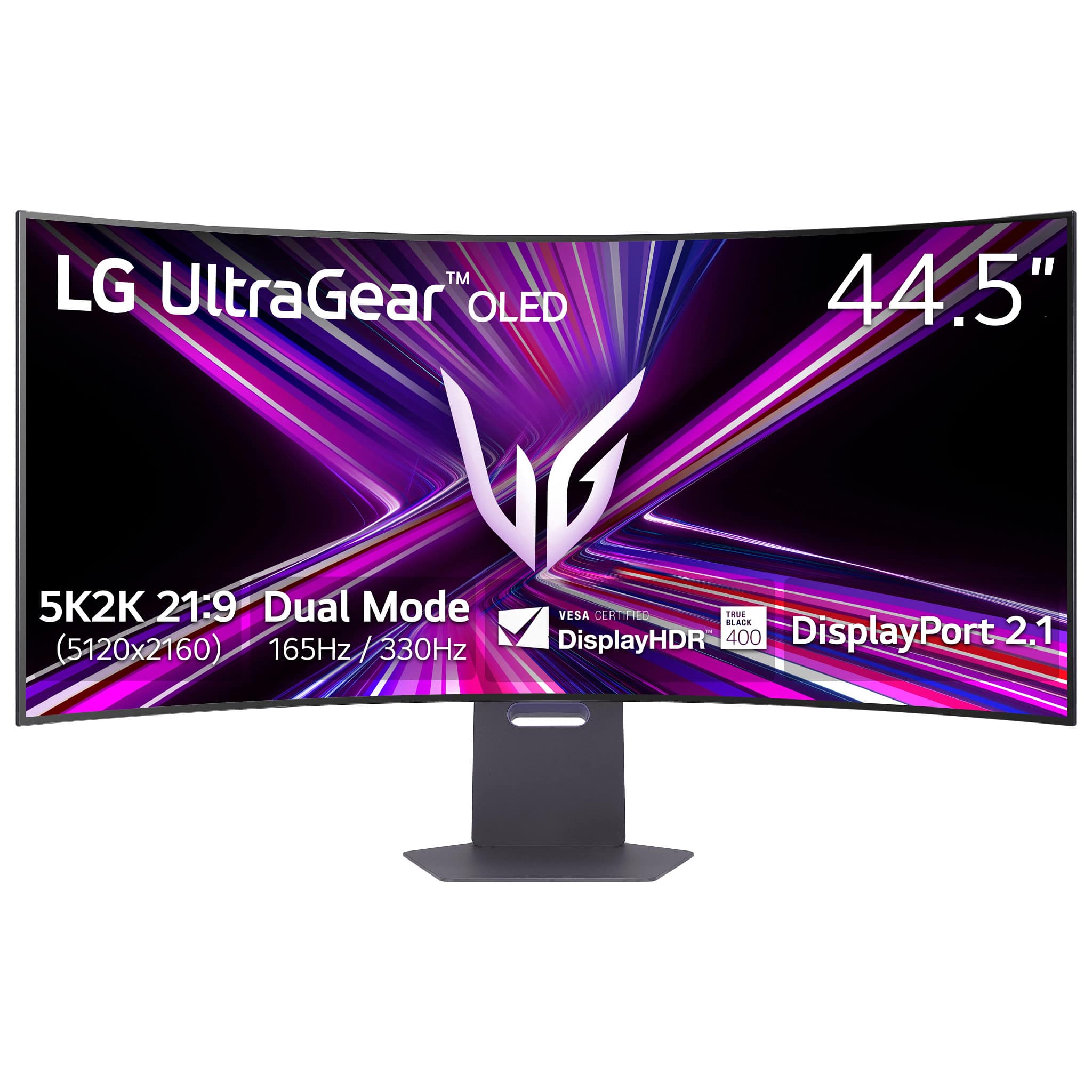
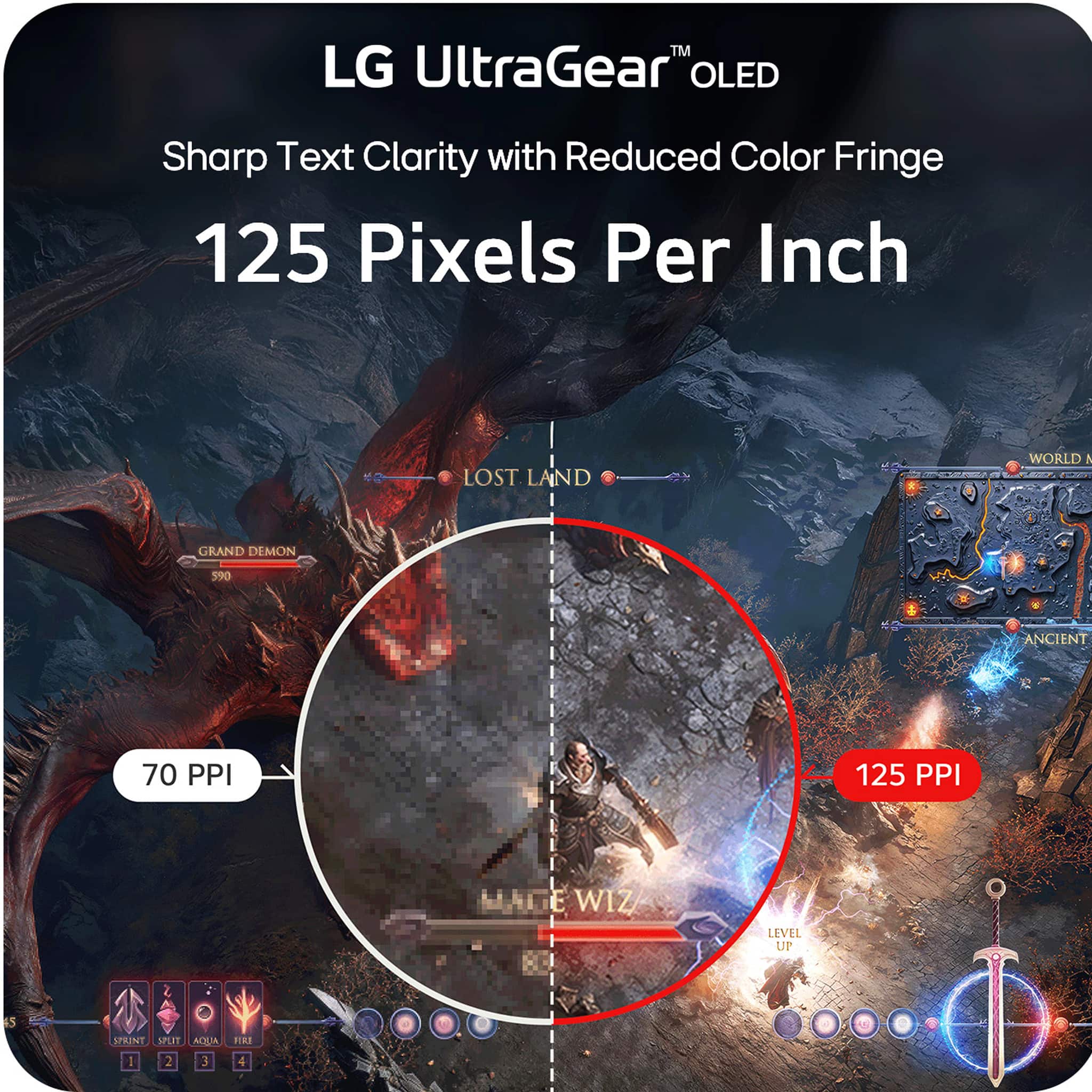
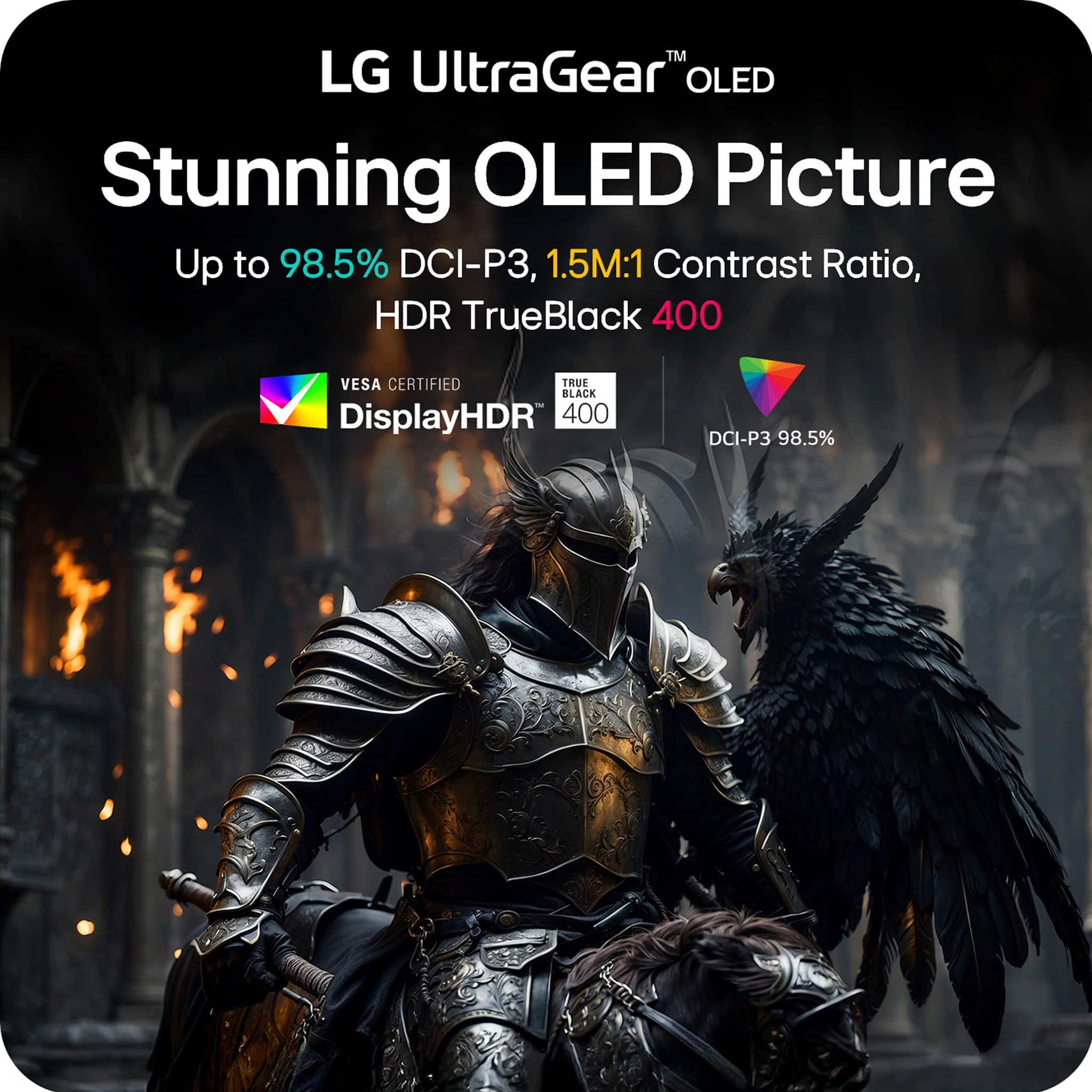
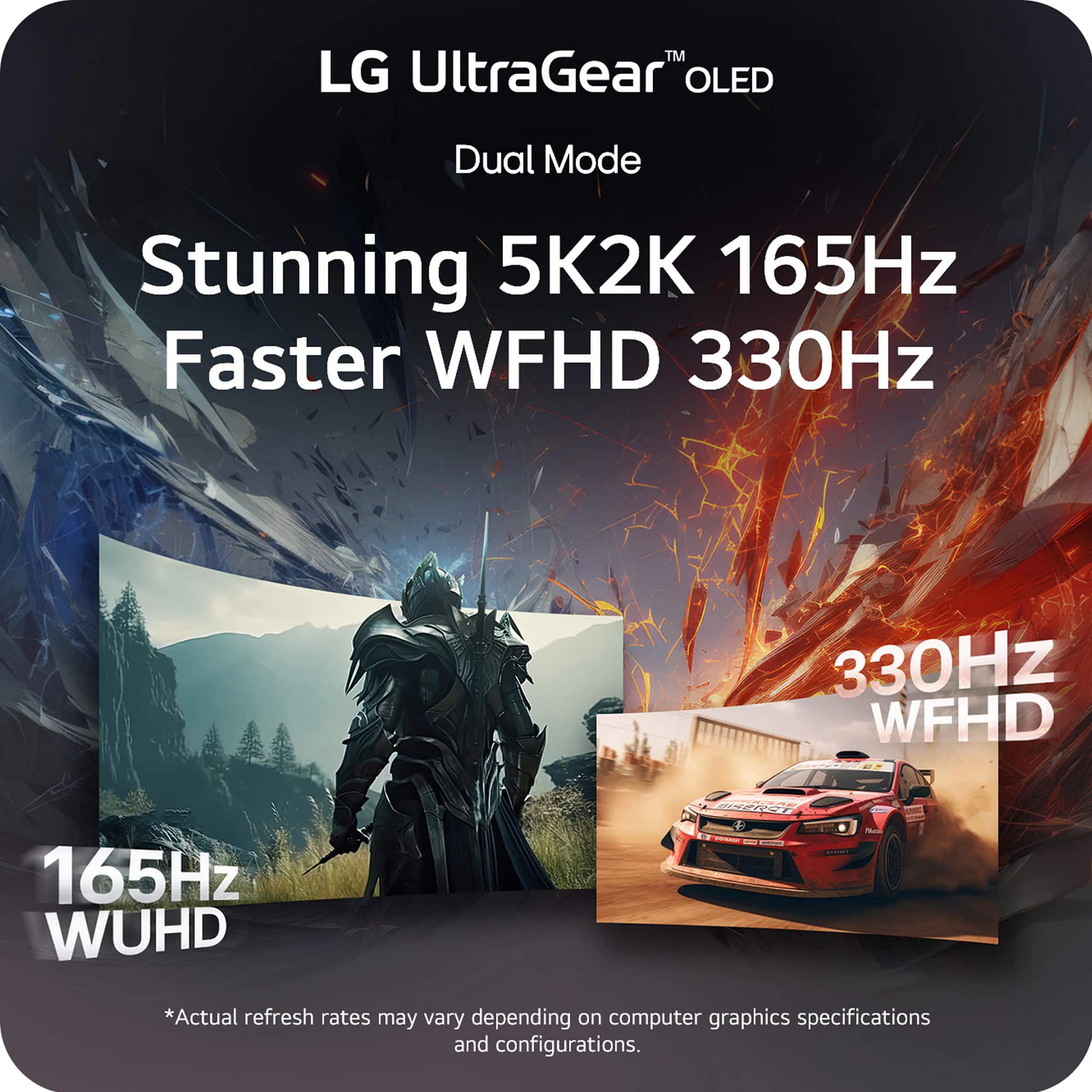
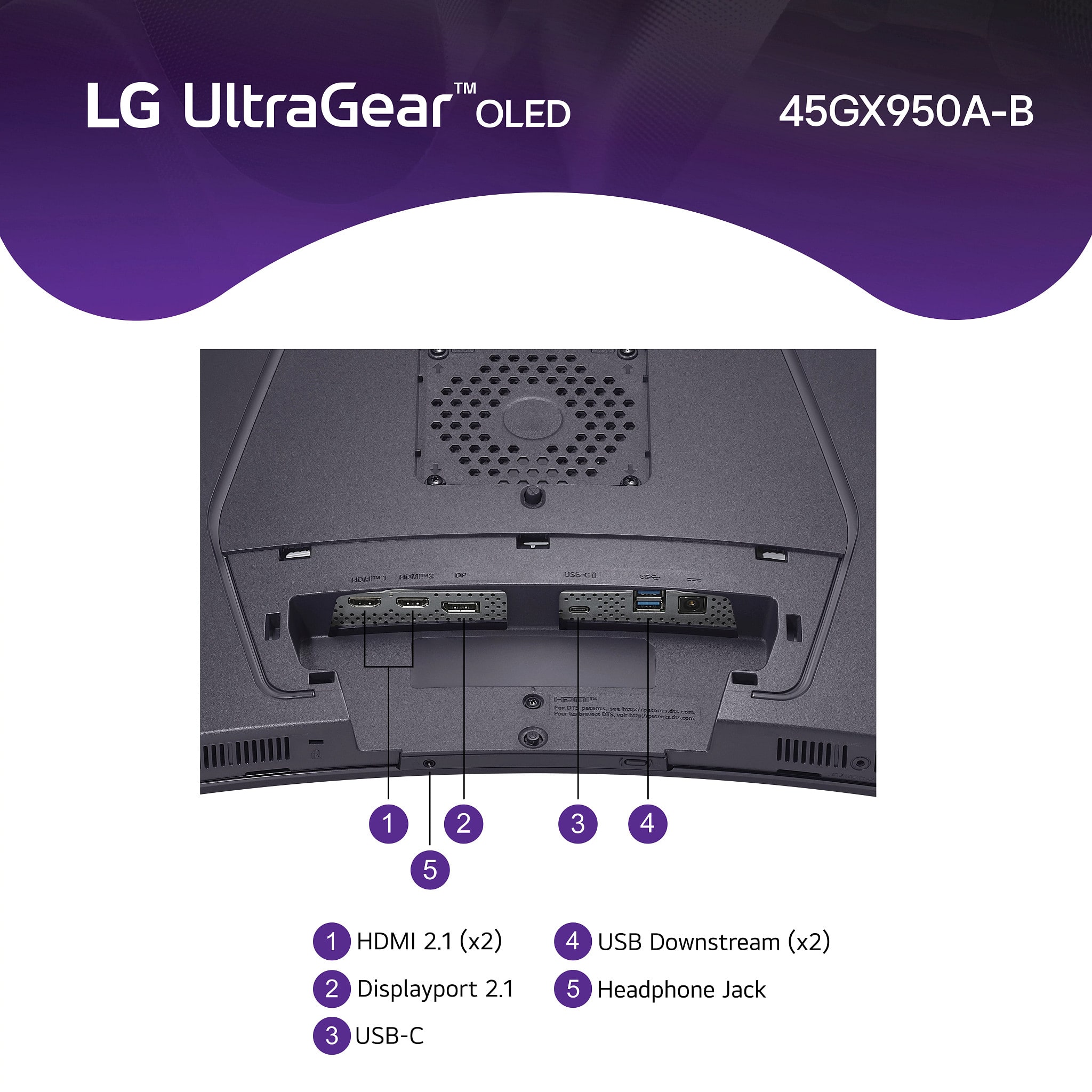
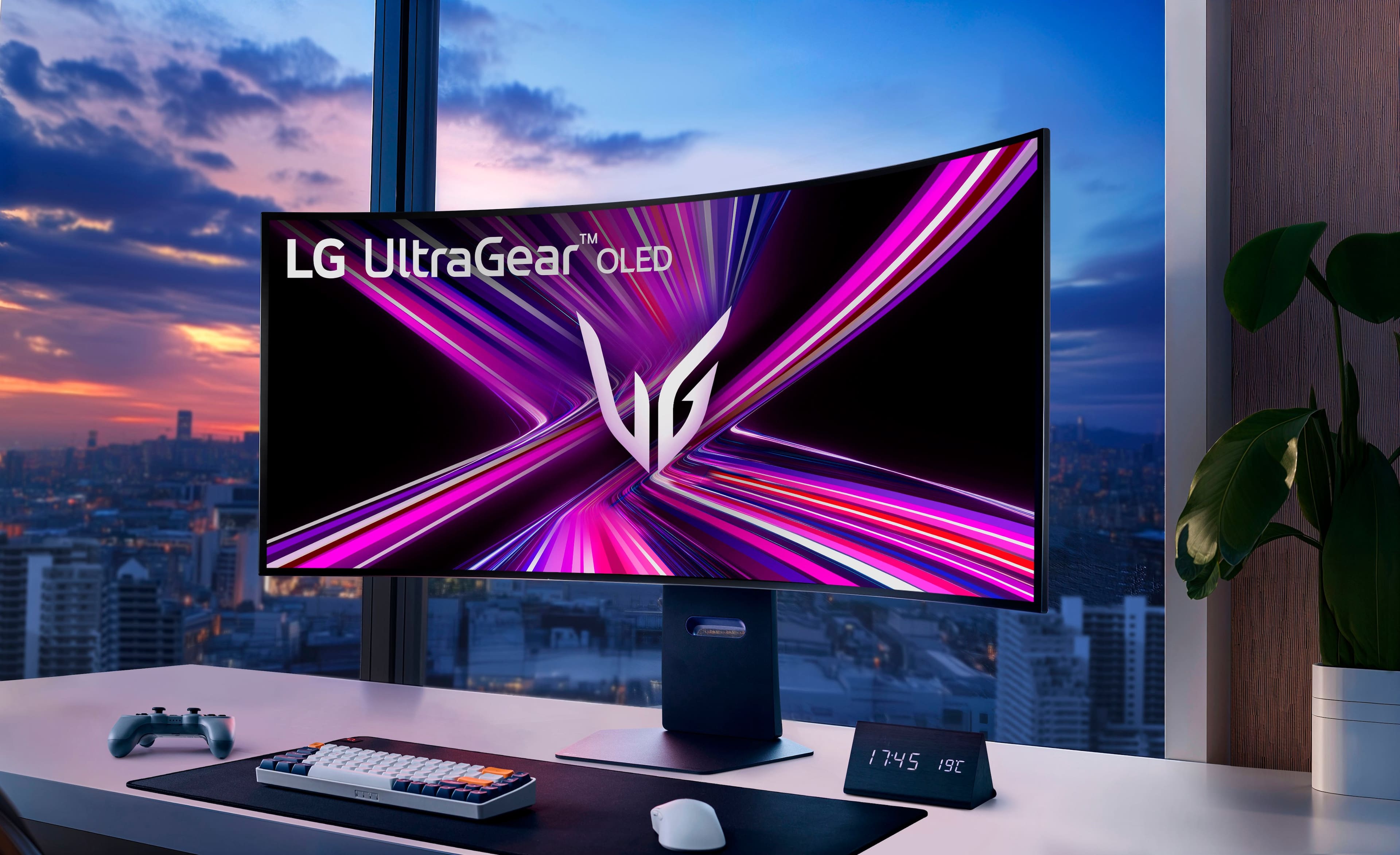
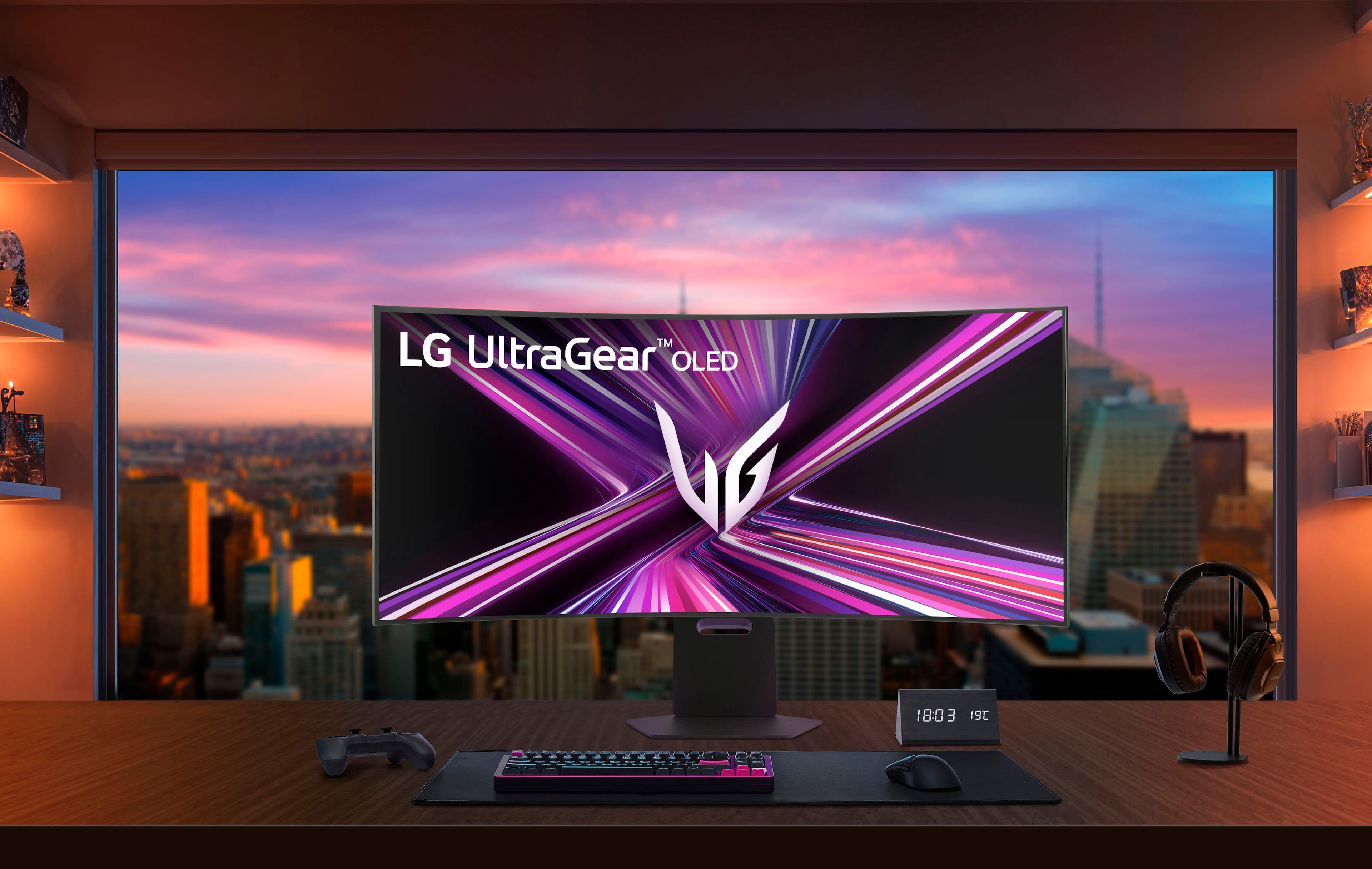
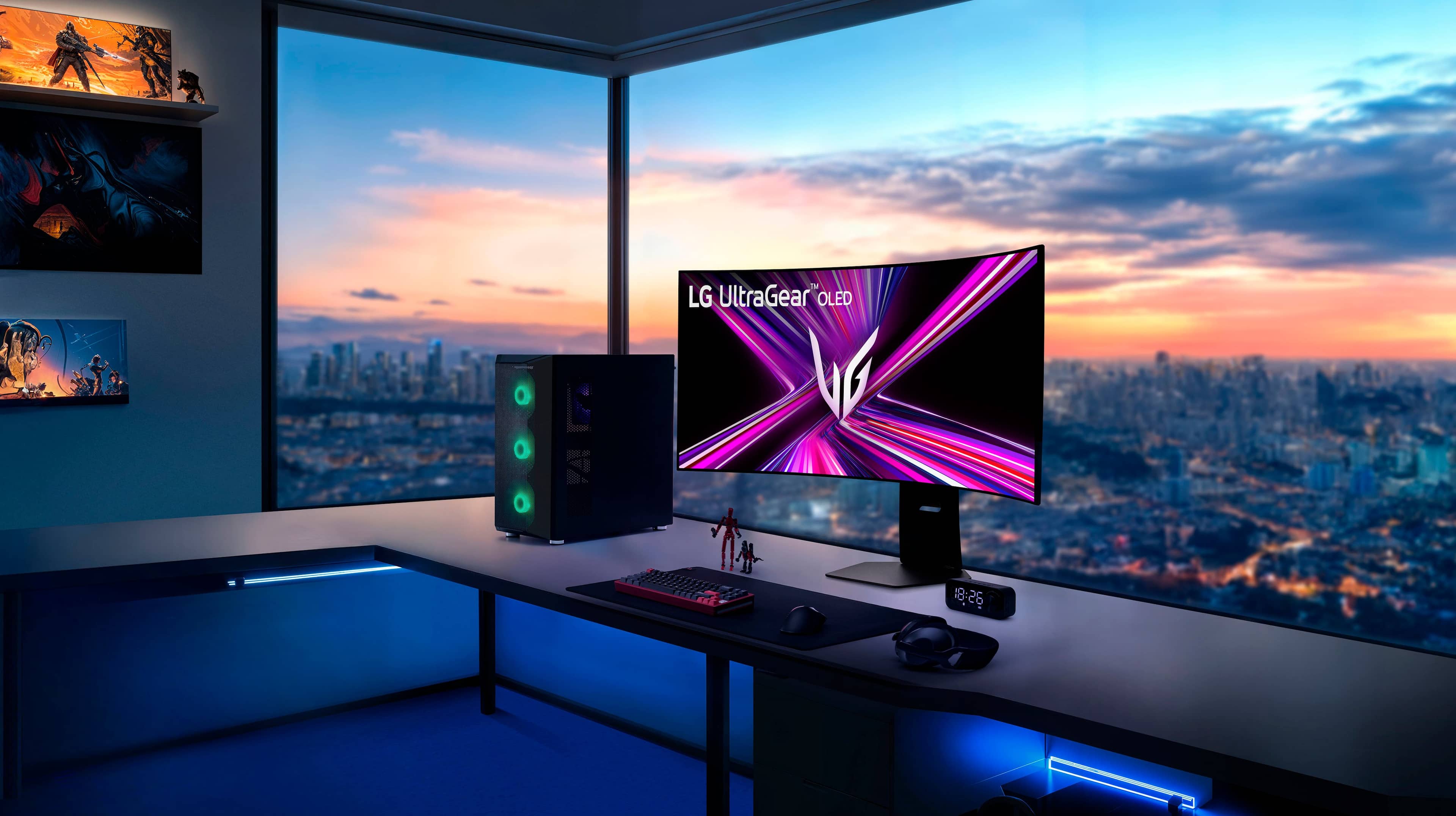
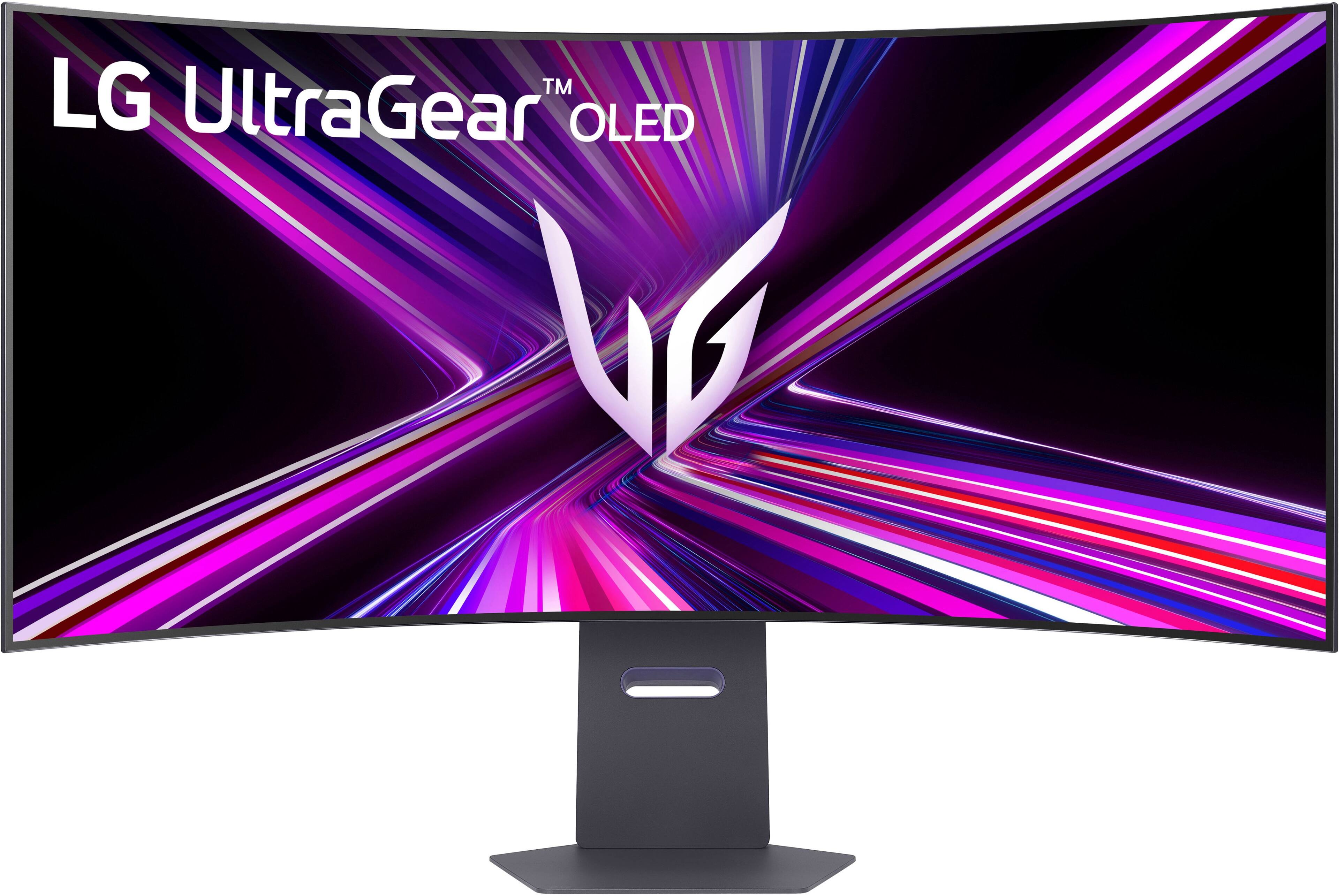
Customers love the UltraGear 45" OLED Dual Mode monitor, highlighting its amazing overall performance and impressive screen size. The OLED quality and high resolution provide a sublime visual experience, while the fast refresh rate ensures smooth gameplay. Many users are blown away by the immersive experience and appreciate the great connectivity options.
This summary was generated by AI based on customer reviews.
LG's Warranty is Garbage
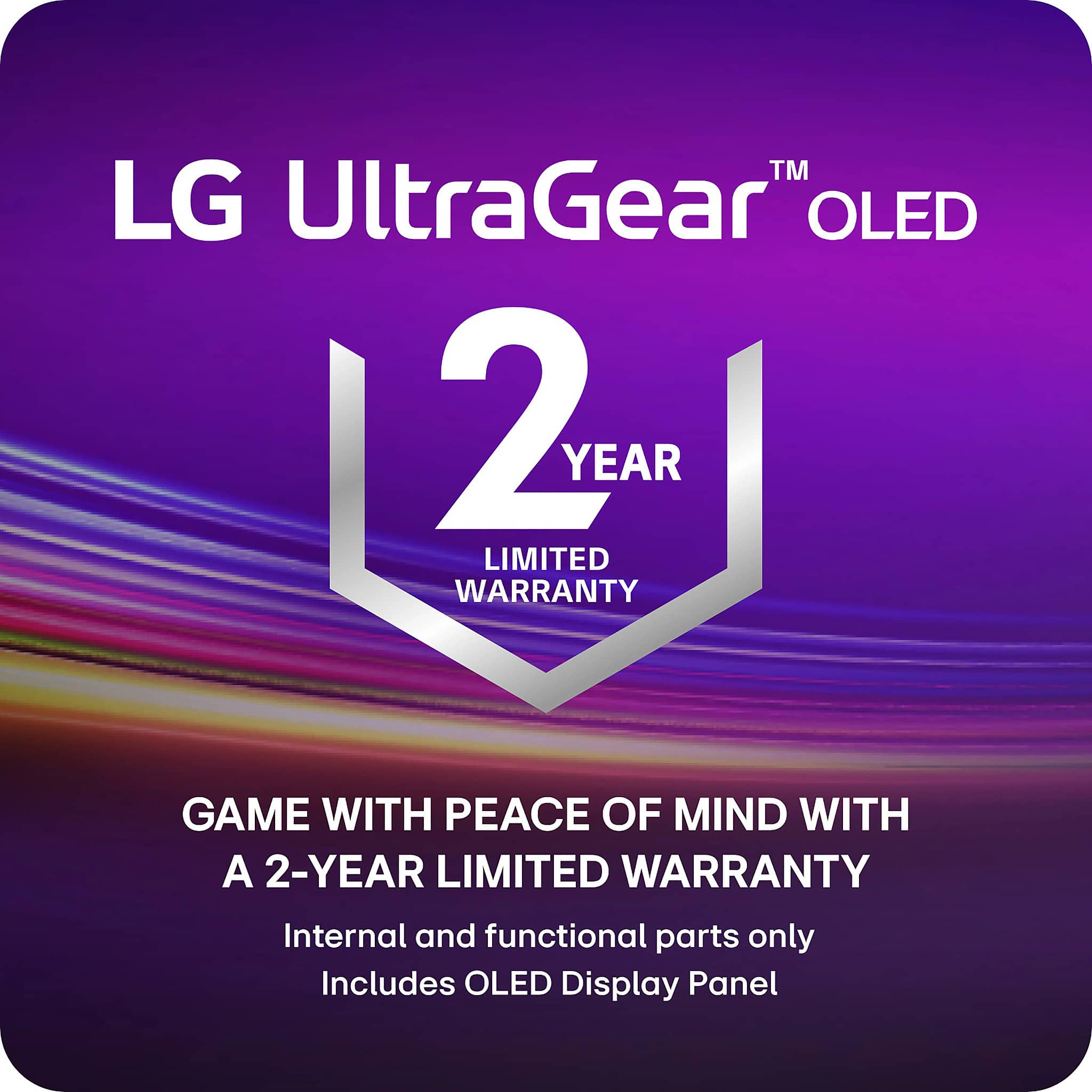
||Posted . Owned for 1 month when reviewed.This reviewer received promo considerations or sweepstakes entry for writing a review.I've had a vertical line about a half inch wide in the left middle of my monitor since I bought it about 2 months ago. I was assured by LG's community in their forums that it would improve after a few hundred hours of use. 550 hours later and the line is still as prominent as before. LG will do an RMA but WITHOUT AN ADVANCED REPLACEMENT. They completely refuse. To be without a monitor for a week or 2 is absurd for how much money this thing costs. I'm well past the return period with Best Buy so I guess I get to just live with a distracting dim line whenever my video or game gets dim. The monitor is great otherwise. The 1 star is mainly for how poor their warranty is. That type of warranty policy for a monitor this expensive from one of the largest manufacturers in the world is asinine. It's also only 2 years when most other brands do 3. If you notice ANY problems with this monitor when you first set it up. Get it exchanged with Best Buy before your 7 day return window is over.
No, I would not recommend this to a friend- Cons mentioned:Connectivity
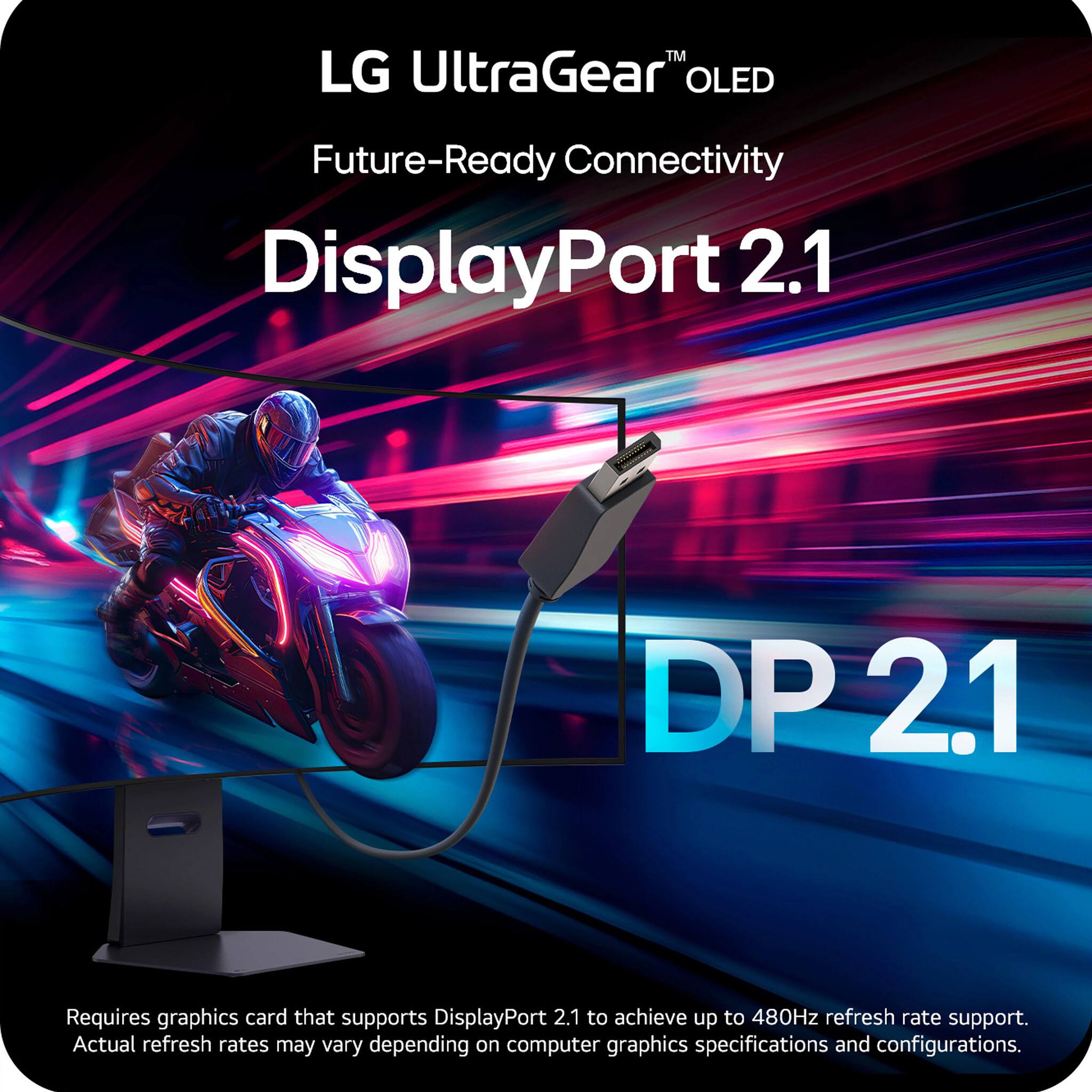
Displayport 2.1 works every blue moon
||Posted .This reviewer received promo considerations or sweepstakes entry for writing a review.guys save your money. Monitor is a beauty when it works no doubt. But good luck getting Displayport 2.1 to work. Works like once in 30 tries if your lucky. OH it easily works in dual 2K duel mode without any issues. But second you try for 5120X2160.all bets are off. Pathetic they release a $1999 monitor in this condition
No, I would not recommend this to a friendBrand response from LG Digital Customer Care
Posted .Hi, there. Thank you for sharing your experience with the LG Monitor (45GX950A-B) model. We understand your concern about DisplayPort 2.1 functionality not meeting your expectations, especially at higher resolutions. We strive to deliver reliable, high-performance products and value your feedback.
If you're having some trouble with DisplayPort 2.1, it might help to check that your graphics card drivers and monitor firmware are up to date. You can find any updates you need on the official LG support website. For a quick guide, just hop over to https://www.lg.com/us/support/help-library/lg-monitor-how-to-update-monitor-firmware--20153819322140. Also, using a good quality certified DisplayPort 2.1 cable can sometimes clear up those pesky connectivity issues.
If you’re still running into problems, we’d love to help out more! Just send us a private message on social media @LGUSSupport, and our team will be super happy to assist you in troubleshooting and finding some solutions. Take care! ^Juvy
Broke on the last day of my return period
||Posted . Owned for 2 weeks when reviewed.This reviewer received promo considerations or sweepstakes entry for writing a review.I owned it for 15 days and it was amazing until it wouldnt power on anymore and best buy wouldnt help. Working with LG support is also a nightmare as they make it impossible to schedule your own warranty repair without talking to an underqualified support person first.
No, I would not recommend this to a friendBrand response from LG Digital Customer Care
Posted .Hi, Bryce. Thank you for sharing your experience with the LG Monitor (45GX950A-B) model. We understand how important it is for your new unit to work reliably and for support to be accessible when needed.
If your TV won’t power on, we recommend trying a basic reset: unplug the unit from the wall outlet for about 60 seconds, then plug it back in and press the power button directly on the TV (not the remote). Also, ensure the power cord is securely connected and try a different outlet if possible. You can find more troubleshooting steps here: https://www.lg.com/us/support/help-library/lg-monitor-troubleshooting-no-power--20150893043202. If you’d like us to take a closer look or need further assistance with scheduling a warranty repair, feel free to send us an email at lgdigitalcare@lg.sprinklrsupport.com. We’re here to help. ^Juvy
Not worth the money
||Posted .This reviewer received promo considerations or sweepstakes entry for writing a review.The Curve was excessive and the dual mode did not function as claimed, I have a liquid cooled 5090 and it never could force the switch to 330hz
No, I would not recommend this to a friendBrand response from LG Digital Customer Care
Posted .Hi Jim, thank you for sharing your experience with the LG TV. Noticing an unexpected curve and having dual‑mode features behave differently than expected can definitely affect how the monitor fits into your setup, especially with powerful hardware like your 5090. Your feedback on the 330Hz switching behavior is valuable, and we appreciate you taking the time to call it out.
You may access this link related to your concern: https://www.lg.com/us/support/help-library/lg-monitor-monitor-not-detected-when-using-on-screen-control--20153187900083.
If you run into anything else or want us to take a closer look at your specific configuration, feel free to send us a DM at @LGUSSupport anytime.
- Avril
Nongooddddds
||Posted .This reviewer received promo considerations or sweepstakes entry for writing a review.Don’t buy these monitor is bad just like lg I return 2 monitors with the same problem ffff lg couldn’t solve it
No, I would not recommend this to a friendBrand response from LG Digital Customer Care
Posted .Hi, Raul. Thank you for reaching out to us about your LG Monitor (45GX950A-B) model. We understand how important it is for your display to perform consistently, especially after multiple replacements.
As a first step, please try performing a factory reset on the monitor by navigating to Settings → General → Reset to Initial Settings. This can clear any configuration issues that may affect performance. Also, ensure that the monitor’s firmware is up to date, as updates often improve stability and compatibility. You can find more guidance here: https://www.lg.com/us/support/help-library/lg-monitor-how-to-update-monitor-firmware--20153819322140. If the issue continues, please send us an email at lgdigitalcare@lg.sprinklrsupport.com so we can assist you further. ^Juvy
Will not power on.
||Posted . Owned for less than 1 week when reviewed.This reviewer received promo considerations or sweepstakes entry for writing a review.Dead on arrival. Will not power on. Tried everything.
No, I would not recommend this to a friendBrand response from LG Digital Customer Care
Posted .Hi, Narek. Thank you for sharing your experience with the LG Monitor (45GX950A-B) model. We understand your concern about the unit not powering on right out of the box. Our goal is to make sure you have a great experience with our products and services.
For the power issue, it might be worth checking that the power cable is snugly connected to both the monitor and a working outlet. Trying out a different power cable or outlet could also help figure things out. And don’t forget to press and hold the power button for a few seconds; sometimes that little reset can do wonders! We also recommend contacting Best Buy customer service at 888-237-8289 to address your concerns, offer assistance, and discuss potential solutions. If you need more assistance, feel free to check out this link: https://www.lg.com/us/support/help-library/lg-monitor-troubleshooting-no-power--20150893043202.
We’re here to help! Just drop us a private message on social media @LGUSSupport, and our team will be happy to look into this for you. ^Juvy