Customer Ratings & Reviews
- Model:
- 45GX90SA-B
- |
- SKU:
- 6619493
Customer reviews
Rating 4.8 out of 5 stars with 399 reviews
(399 customer reviews)Rating by feature
- Display Quality4.8
Rating 4.8 out of 5 stars
- Ease of Use4.8
Rating 4.8 out of 5 stars
- Features4.8
Rating 4.8 out of 5 stars
Customers are saying
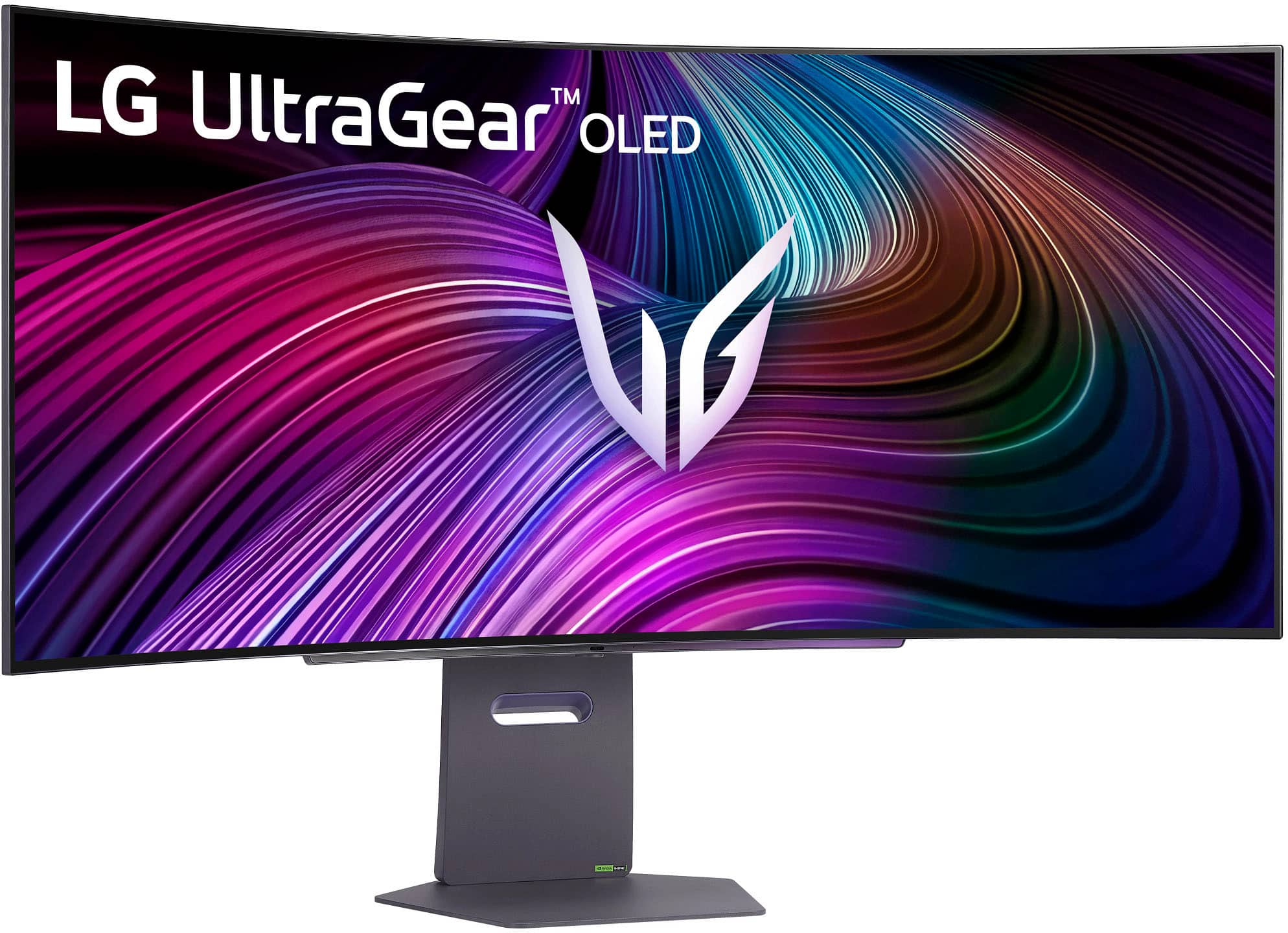
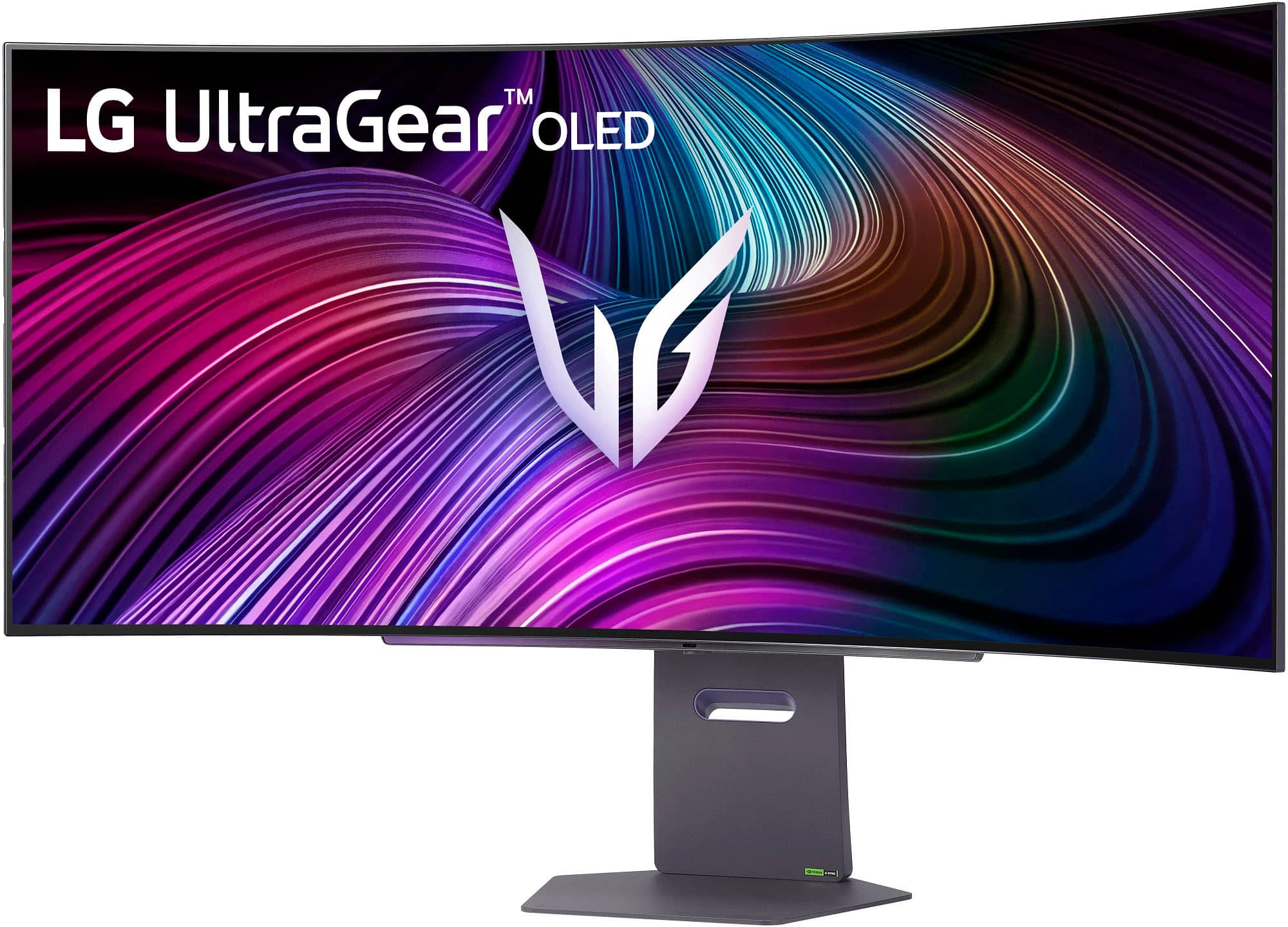
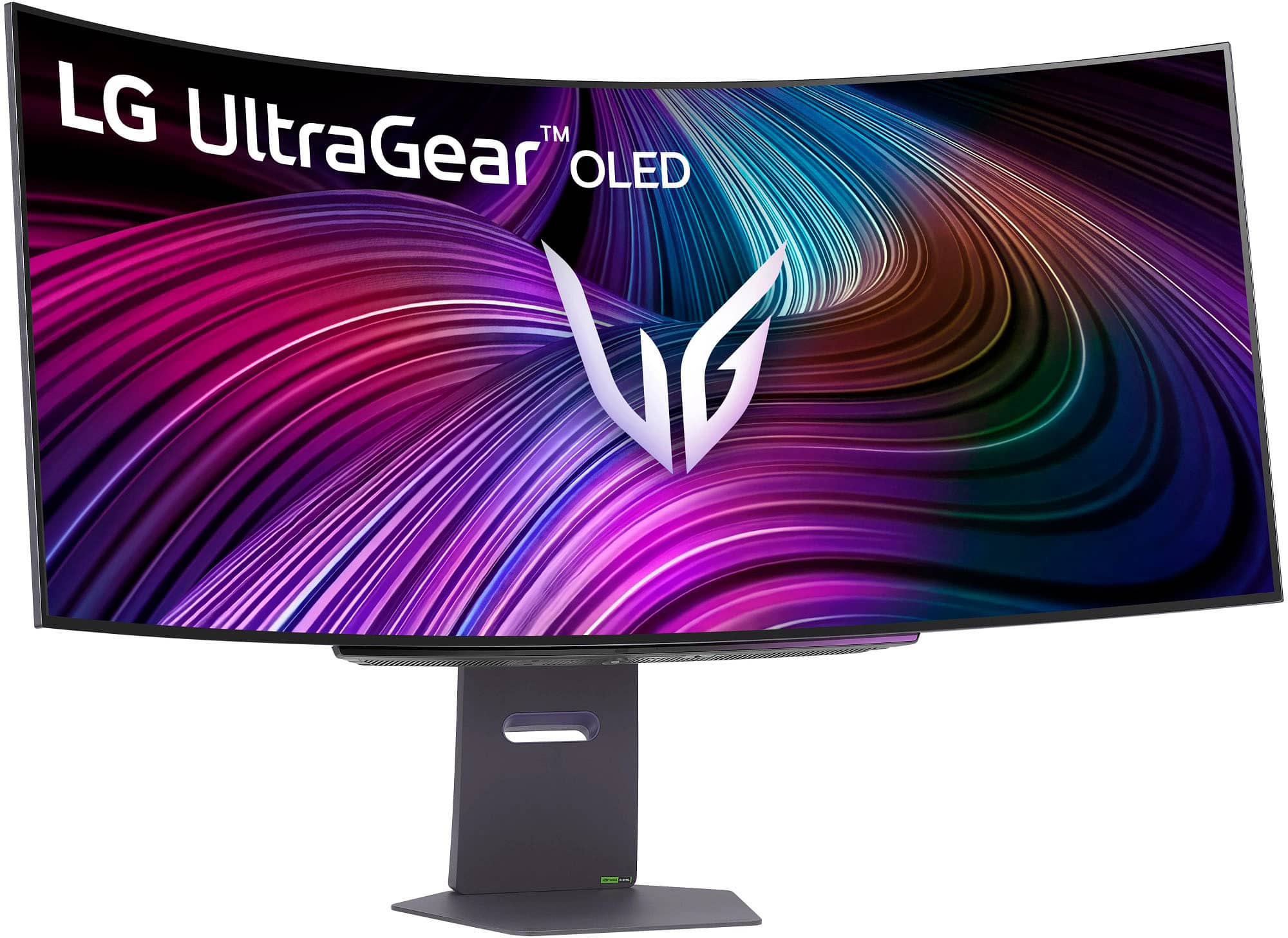
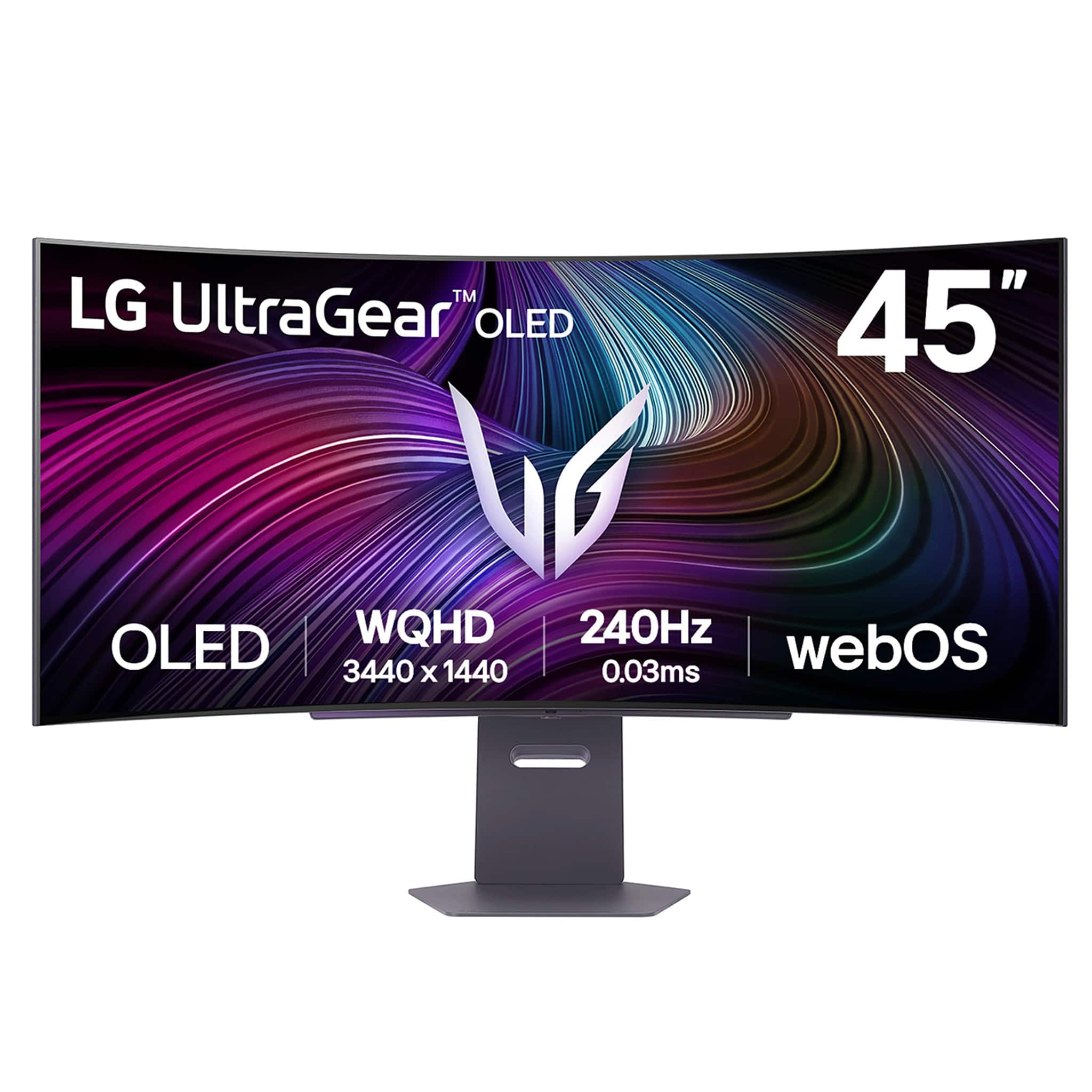
Customers consistently note the UltraGear 45" OLED monitor's overall performance as premium and impressive. Many appreciate the screen size and OLED quality for gaming, as well as the amazing refresh rates. Some customers express feeling totally immersed in their games while using this monitor.
This summary was generated by AI based on customer reviews.
Rated 4 out of 5 stars
Decent if you get on sale
||Posted .This reviewer received promo considerations or sweepstakes entry for writing a review.It looks good. I wish it had a glossy screen instead of matte. Downside it has apps like a tv rather not have them on a monitor.
No, I would not recommend this to a friendRated 3 out of 5 stars
Fonts are terrible, even scaled up
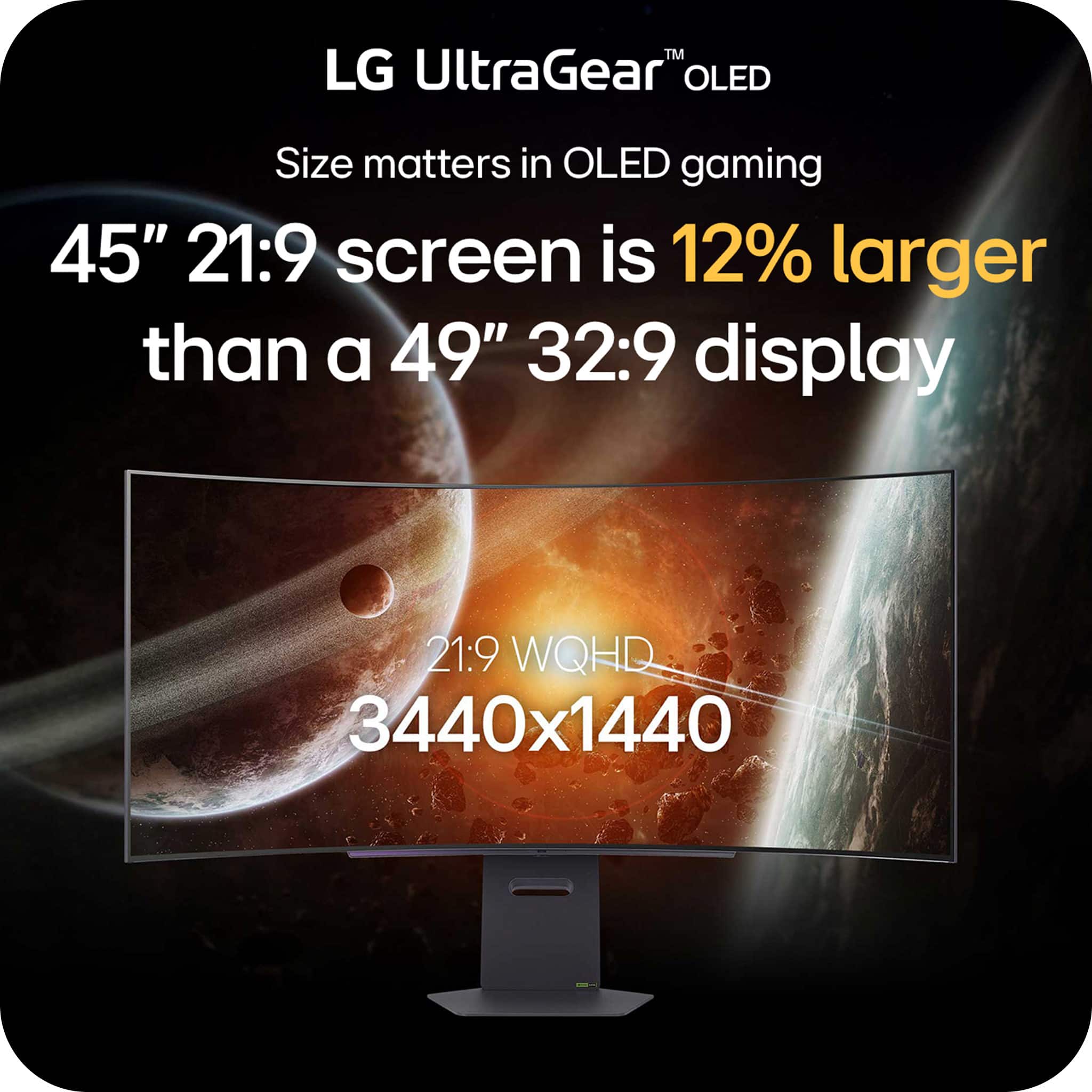
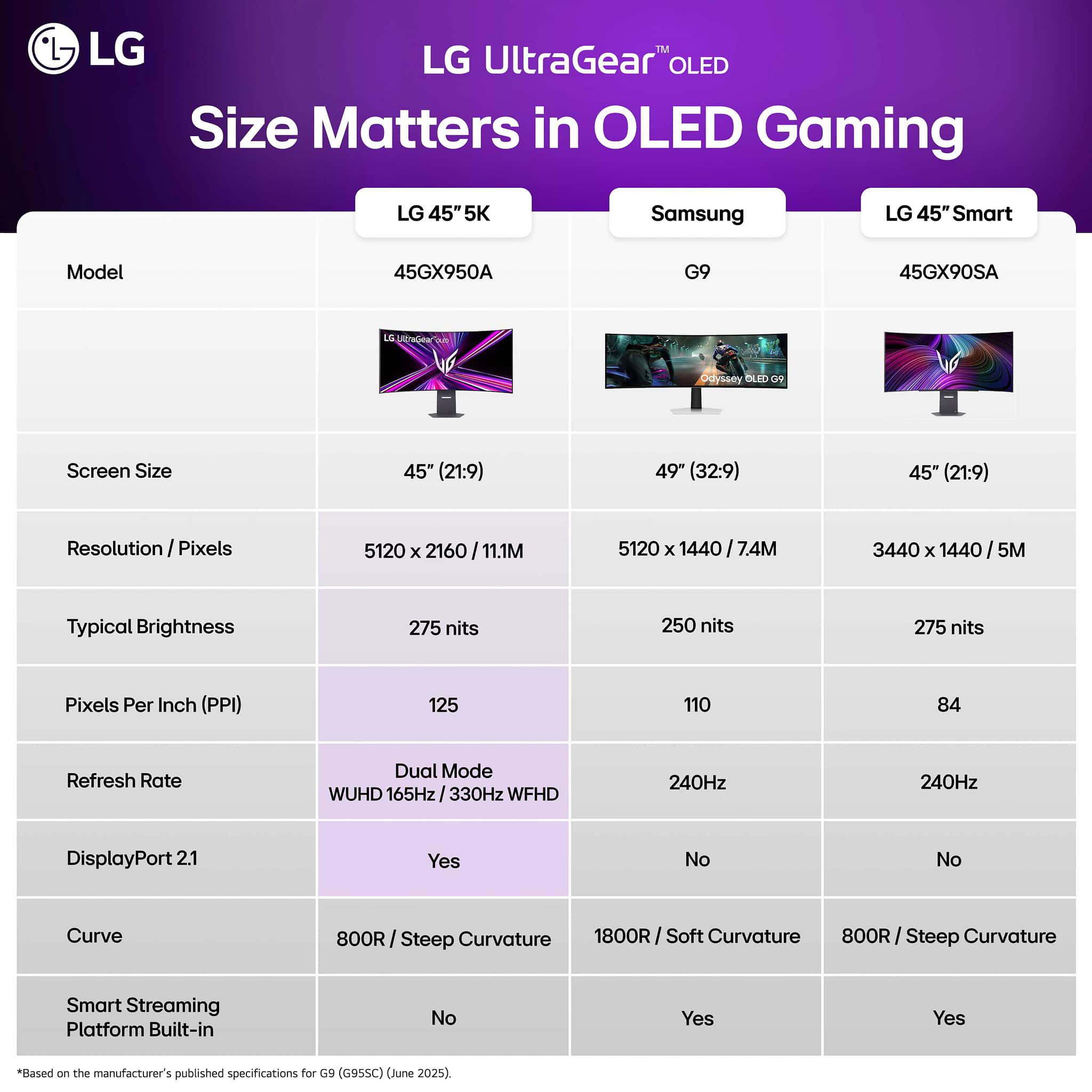
||Posted .This reviewer received promo considerations or sweepstakes entry for writing a review.It is a better TV than monitor. The low pixel density makes it very difficult to use for productivity like checking e-mail, working on projects, etc. It is an excellent gaming monitor but I believe the pixel density is around 85 ppi compared to the Samsung 49" monitors that are 110. The Smart TV features don't intrude on the monitor function. Unlike other brands, it doesn't default to WebOS but just works as a monitor.
No, I would not recommend this to a friendBrand response from LG Digital Customer Care
Posted .Hello there. Thank you for sharing your experience with us. We understand your inquiry regarding the pixel density and text clarity on your LG UltraGear 45" OLED QHD 240Hz Smart Gaming Monitor. Your feedback is important, and we would like to ensure you have the best settings for your productivity needs.
https://www.bestbuy.com/product/lg-ultragear-45-oled-qhd-240hz-0-03ms-g-sync-freesync-premium-pro-smart-gaming-monitor-with-displayhdr-400-true-black/JJ8VPZWYXR
For further assistance and any specific concerns you may have, please contact us on lgdigitalcare@lg.sprinklrsupport.com, and our team will be more than happy to assist you. —Renzo
Rated 4 out of 5 stars
Good for gaming
||Posted . Owned for 1 week when reviewed.This reviewer received promo considerations or sweepstakes entry for writing a review.Great product but I believe is a little overpriced
I would recommend this to a friendRated 1 out of 5 stars
Nothing but defects
||Posted . Owned for 2 weeks when reviewed.This reviewer received promo considerations or sweepstakes entry for writing a review.Had to exchange this item twice in a month. 1st one right out of the box had a red line in the screen. 2nd one had 5-6 dead pixels after a month of owning it. 3rd monitor has 2 bubbles on the screen under the film or whatever it’s called. I’ll never buy another LG product. Horrible Only good thing is that the picture is incredible
No, I would not recommend this to a friendBrand response from LG Digital Customer Care
Posted .Hi, Ian. Thank you for reaching out and sharing your experience. We understand the importance of having your LG Monitor (45GX90SA‑B) model perform consistently, especially when you’ve already gone through multiple exchanges in such a short time.
One helpful step you can try—if you still have the current monitor—is running the Pixel Cleaning / Panel Care feature. This can help address minor pixel irregularities and is available by going to:
Settings → Support → OLED Care → Device Self‑Care → Pixel Cleaning.
For the bubbles you mentioned, it may help to gently inspect the surface to ensure the protective film is fully removed, as some models ship with multiple layers. For more guidance, visit https://www.lg.com/us/support/product/lg-45GX90SA-B.AUS.
If you’d like us to take a closer look at your case and review the pattern across the units you received, feel free to send us an email at lgdigitalcare@lg.sprinklrsupport.com so our team can assist you directly. ^Juvy
Rated 2 out of 5 stars
Bad picture quality
||Posted . Owned for 2 weeks when reviewed.This reviewer received promo considerations or sweepstakes entry for writing a review.This is more likely an IPS monitor than OLED because panel quality is not good at all , OLED must be clear like glass but as for this monitor a matte film applied on display which ruined it Don't buy this
No, I would not recommend this to a friendBrand response from LG Digital Customer Care
Posted .Hi, Nima. Thanks for sharing your thoughts on the LG Monitor (45GX90SA-B) model. We understand how important display clarity is, especially when investing in OLED technology.
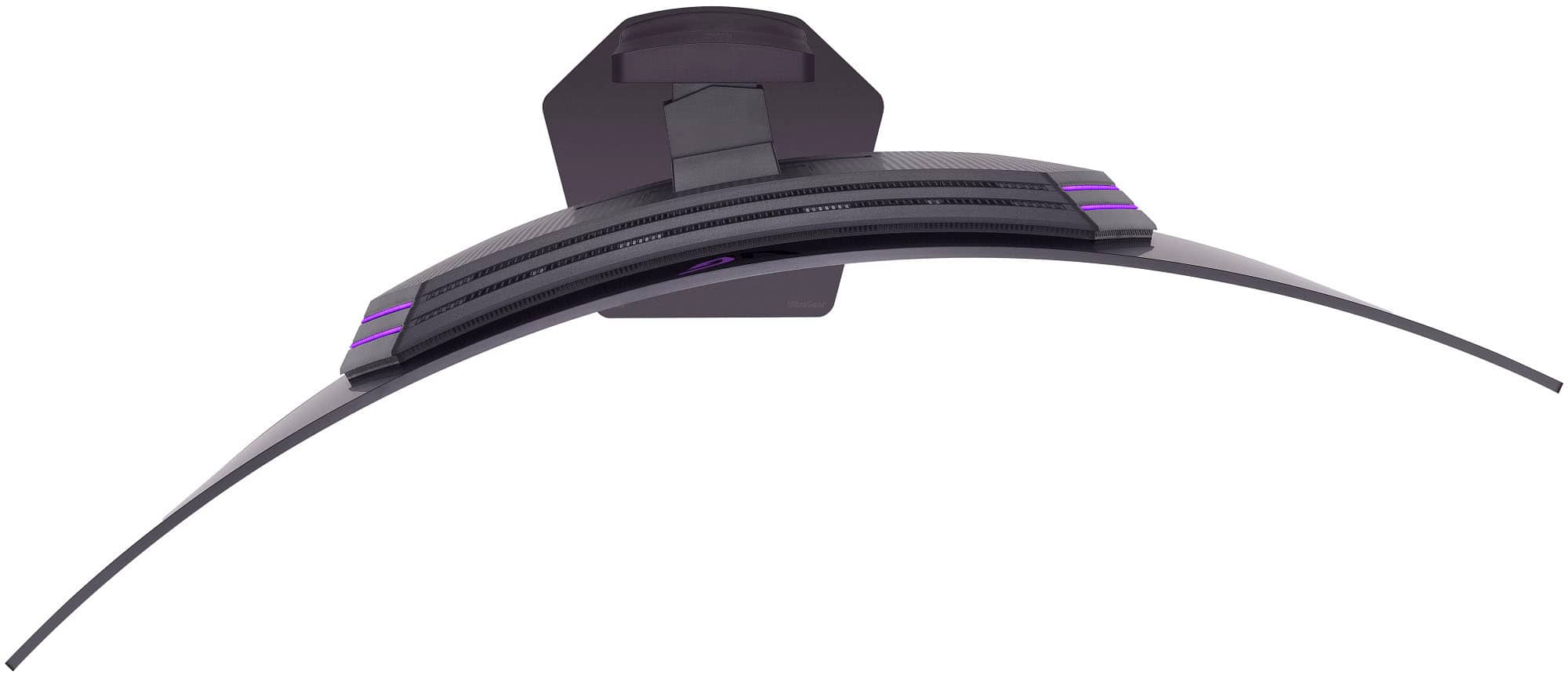
This model does feature an OLED panel, and the matte anti-reflective coating is designed to reduce glare in bright environments. While it may slightly soften the glass-like appearance, it helps improve visibility and comfort during extended use. If you'd like to adjust the visual experience, we recommend enabling HDR mode and calibrating the display using LG’s OnScreen Control software, which allows fine-tuning of brightness, contrast, and sharpness. For more information, visit https://www.lg.com/us/support/product/lg-45GX90SA-B.AUS. If you need help with setup or further adjustments, feel free to email us at lgdigitalcare@lg.sprinklrsupport.com. We're here to help. ^Juvy
Rated 2 out of 5 stars
Okay Monitor Not Worth the Price
||Posted . Owned for 2 weeks when reviewed.This reviewer received promo considerations or sweepstakes entry for writing a review.Pixel count is too low for a monitor this big if you're going to spend the money do it on something else
No, I would not recommend this to a friendBrand response from LG Digital Customer Care
Posted .Hi, Efrin. Thank you for sharing your thoughts about the LG Monitor (45GX90SA-B) model. We understand the importance of selecting a monitor that meets your expectations, particularly in terms of resolution and screen size.
For this model, you can enhance clarity by enabling Super Resolution+ in the monitor’s settings, which helps improve the sharpness of lower‑resolution content. You may also want to confirm that your connected device is outputting at the monitor’s maximum supported resolution and refresh rate. Here’s a helpful link with more details on display settings and optimization: https://www.lg.com/us/support/help-library/lg-monitor-how-to-set-the-optimal-resolution-for-the-monitor--20154629827424. If you need further assistance, feel free to send us an email at lgdigitalcare@lg.sprinklrsupport.com. We're here to help. ^Juvy
Rated 1 out of 5 stars
Monitor buying experience
||Posted . Owned for 2 weeks when reviewed.This reviewer received promo considerations or sweepstakes entry for writing a review.New monitor and it was flickering. Best buu wudlny take it back saying it qas 16 days although the issue started happening on the 15th day and their own support asked me to return it. Very unhappy with best buy and never shopping there again l
No, I would not recommend this to a friendBrand response from LG Digital Customer Care
Posted .Hi Thomas, thank you for sharing what happened with your LG Monitor. Experiencing flickering on a brand‑new monitor and then being unable to return it after following the guidance you were given would leave anyone feeling let down, and it’s completely understandable that the situation with the retailer added to the frustration.
If you decide to continue with LG products, this page offers helpful info on LG Monitor care and troubleshooting:
https://www.lg.com/us/support/help-library/lg-monitor-troubleshooting-a-shaking-screen--20153192710854.
If anything like this comes up again or you’d like us to take a closer look, feel free to send us a DM at @LGUSSupport anytime.
- Avril
Rated 1 out of 5 stars
Exemplary picture quality but defective unit
||Posted . Owned for 2 weeks when reviewed.This reviewer received promo considerations or sweepstakes entry for writing a review.Had to return the unit I got as the only way for the monitor to turn on from sleep is using the remote. LG support did not know how to fix it at the time after many things we did.
No, I would not recommend this to a friendBrand response from LG Digital Customer Care
Posted .Hi there, Junde. Thank you for taking the time to share what happened. It’s clear you went through quite a bit trying to get your LG Monitor to wake properly, and we appreciate you walking through multiple steps with the team.
If you decide to explore another LG monitor in the future, this guide may help with power and sleep‑mode behavior, you may access this link related to your concern and go to Page 20 for more information:  https://www.lg.com/us/support/product/lg-45GR95QE-B.AUS?tab=1.
If anything like this comes up again, feel free to send us a DM at @LGUSSupport so we can take a closer look right away.
- Avril
Rated 1 out of 5 stars
Smart tv not gaming monitor
||Posted . Owned for 2 weeks when reviewed.This reviewer received promo considerations or sweepstakes entry for writing a review.I have the first gen and its way better in software wise and dont have to turn on every time
No, I would not recommend this to a friendBrand response from LG Digital Customer Care
Posted .Hi, there. Thank you for reaching out about your LG Monitor (45GX90SA‑B) model. We understand the importance of having software that feels smooth and convenient.
One helpful step you can try is checking the Auto Power On / Wake‑up settings in the monitor’s menu. Go to Settings → General → Power and ensure features like “Input Wake‑Up” or “Auto Power On (DP/HDMI)” are enabled. This allows the display to turn on automatically when it detects a signal, similar to how earlier models behaved. For more guidance, visit https://www.lg.com/us/support/product/lg-45GX90SA-B.AUS. We’d be glad to take a closer look and assist further. Please send us an email at lgdigitalcare@lg.sprinklrsupport.com so our team can continue helping you directly. ^Juvy
Rated 1 out of 5 stars
Damaged goods.
||Posted . Owned for 2 weeks when reviewed.This reviewer received promo considerations or sweepstakes entry for writing a review.Damaged monitor even though i had been assured it was inspected when the last person returned it was within the 60 days and the still argued with me on the return.
No, I would not recommend this to a friendBrand response from LG Digital Customer Care
Posted .Hello, Jake! Thanks for sharing your experience with your LG monitor. It’s understandable that receiving a damaged item—especially after being assured of its condition—can be incredibly frustrating. Your feedback highlights the importance of transparency and consistency in the return process.
If you’d like to continue the conversation or share more, feel free to send us a DM at @LGUSSupport. You can also explore product support and helpful resources here: https://www.lg.com/us/support
Appreciate you taking the time to post! -Junel
- Pros mentioned:Oled quality, Refresh rate
Rated 5 out of 5 stars
best or near best in class immersive gaming
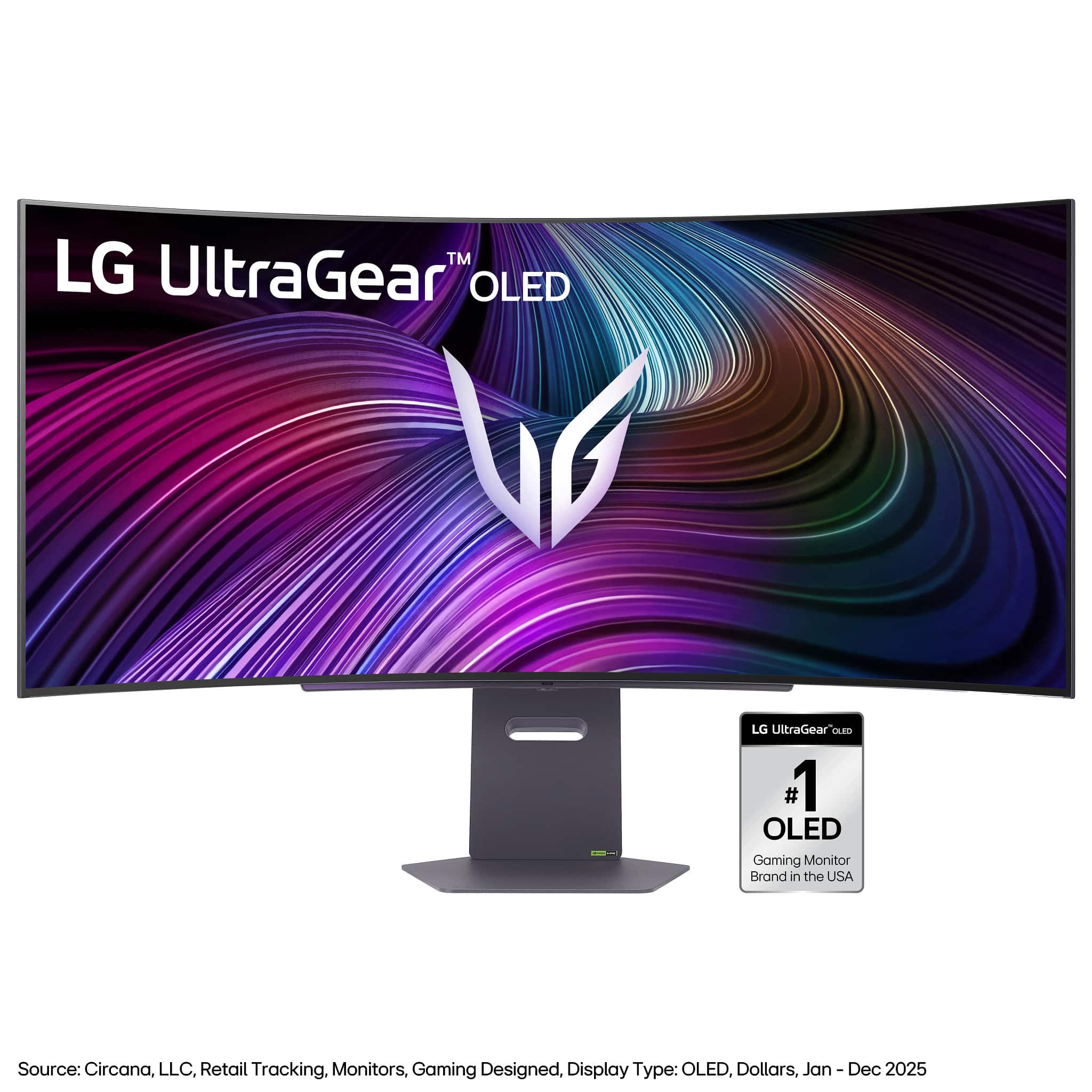
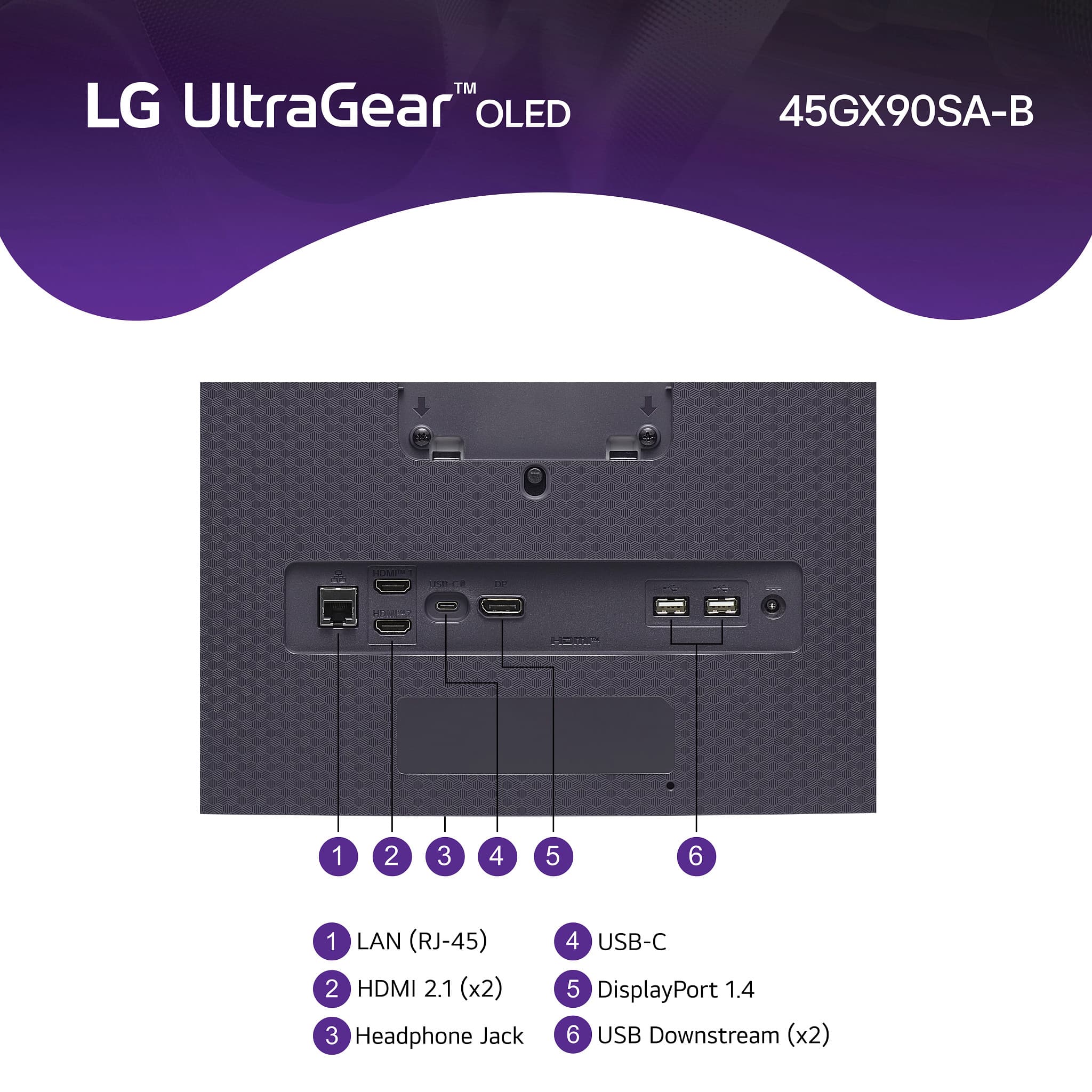
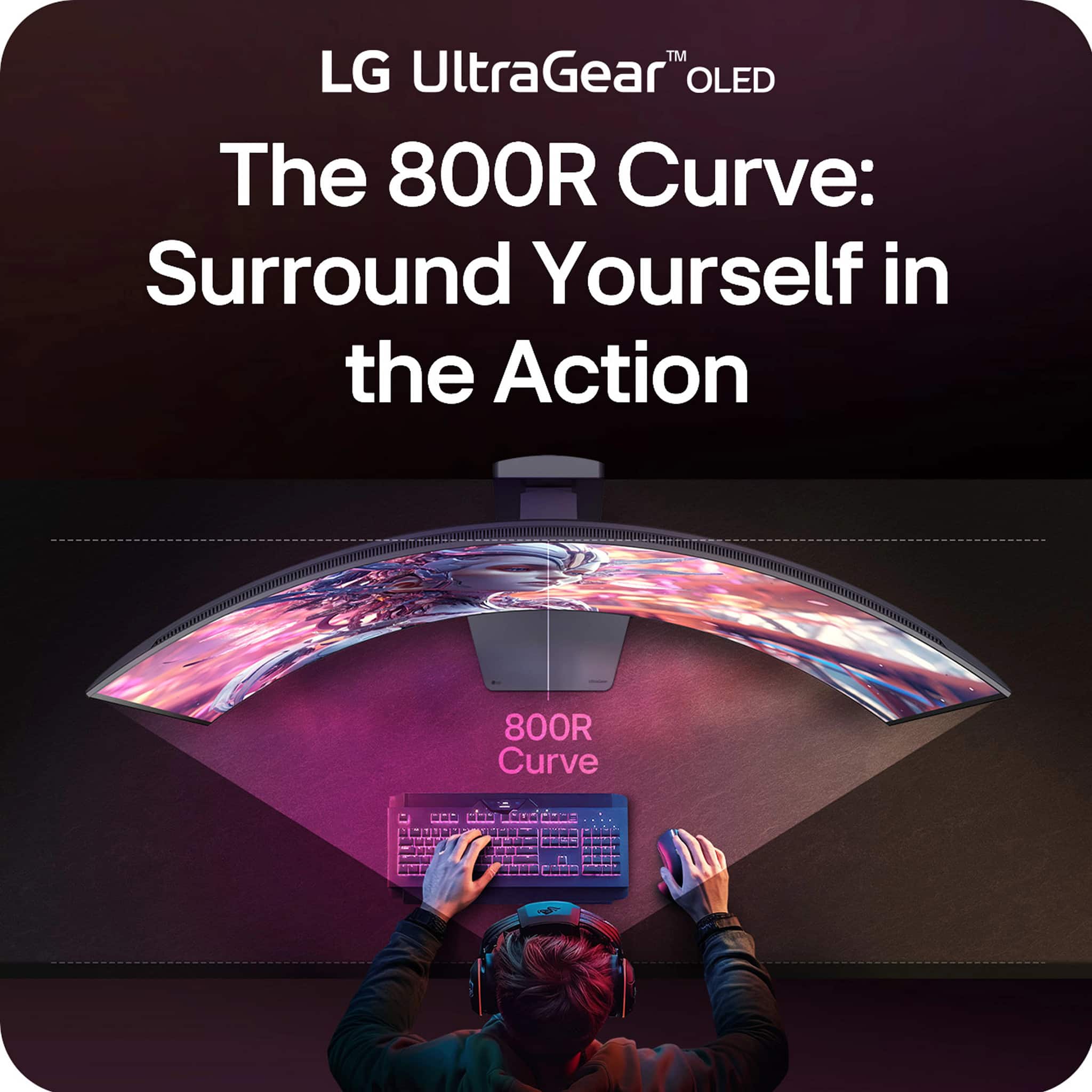
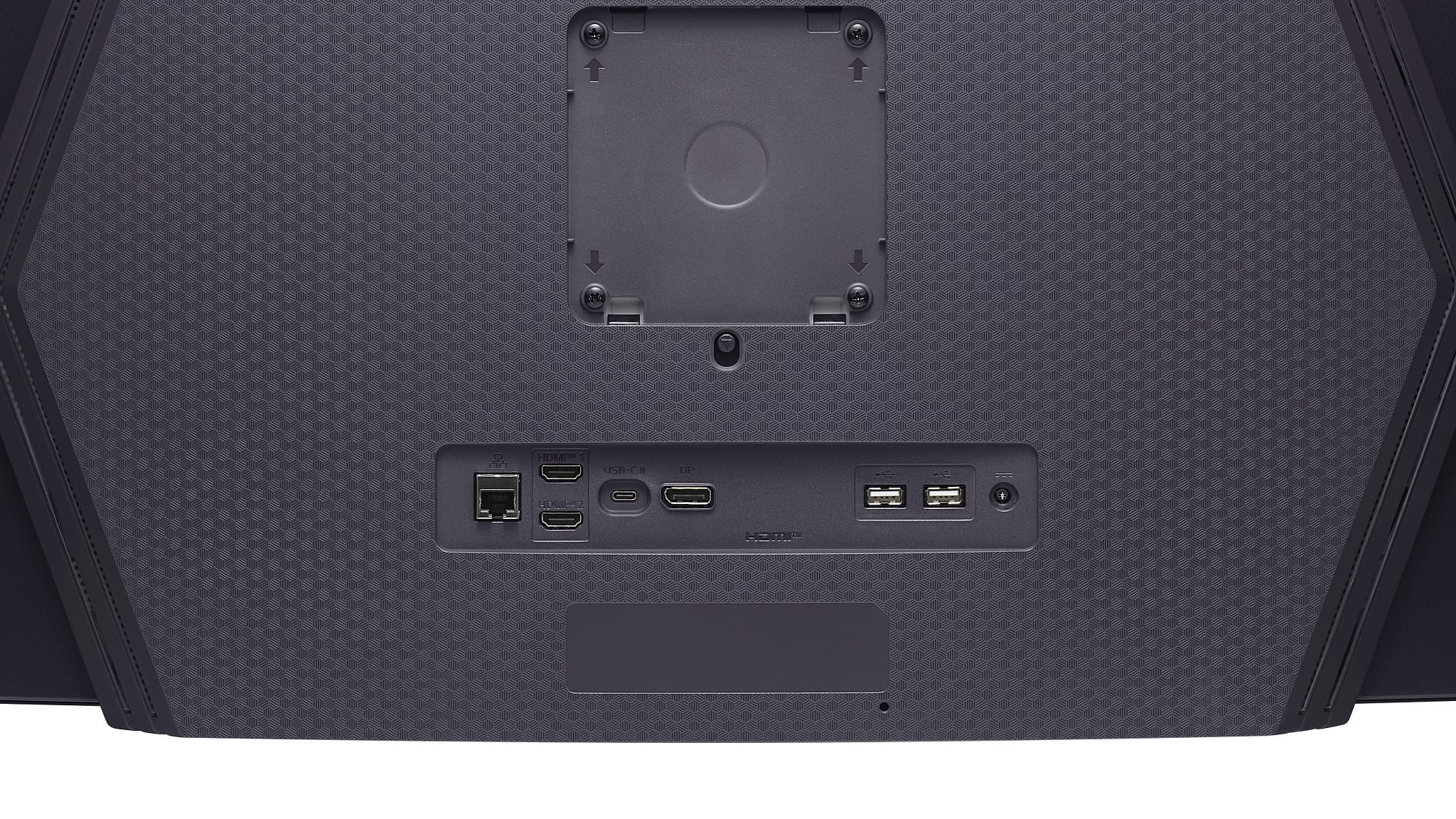
|Posted .This reviewer received promo considerations or sweepstakes entry for writing a review.The LG UltraGear 45" OLED is hands down one of the most immersive gaming monitors I’ve ever used. The ultrawide 21:9 aspect ratio combined with the curved 45" OLED panel really pulls you into the action, especially for racing sims and first-person shooters. The 240Hz refresh rate and 0.03ms response time are no joke — everything feels incredibly smooth and snappy. G-Sync and FreeSync Premium Pro support means screen tearing is basically a non-issue, and games just look phenomenal with buttery fluidity. the good: * Insane contrast and deep blacks thanks to OLED * Ultra-fast 240Hz refresh rate and lightning-fast 0.03ms response time * G-Sync and FreeSync Premium Pro both supported * Massive curved display feels immersive without being overkill * Smart features and solid port selection * Watching 21:9 movies on this looks amazing the bad: * OLED burn-in is still a concern for static content (e.g. HUDs in games), but the internal software does offer some ways to mitigate * Brightness is decent, but not as high as some HDR-focused panels * May not be the best “dual use” monitor for both work and play. Excellent gaming monitor, some may find a “super” widescreen (32:9) better for productivity overall: If you’re a competitive or immersive gamer looking for best or near best in class experience, the LG UltraGear 45" OLED is an excellent choice. It’s fast, fluid, and absolutely stunning in person. While it’s not the most versatile monitor for everyday office tasks, and the price might be a touch on the high side, it really shines in the gaming space. Easy 5 stars for me.
I would recommend this to a friend - Pros mentioned:Oled quality, Overall performance
Rated 5 out of 5 stars
Very clear and solid monitor.
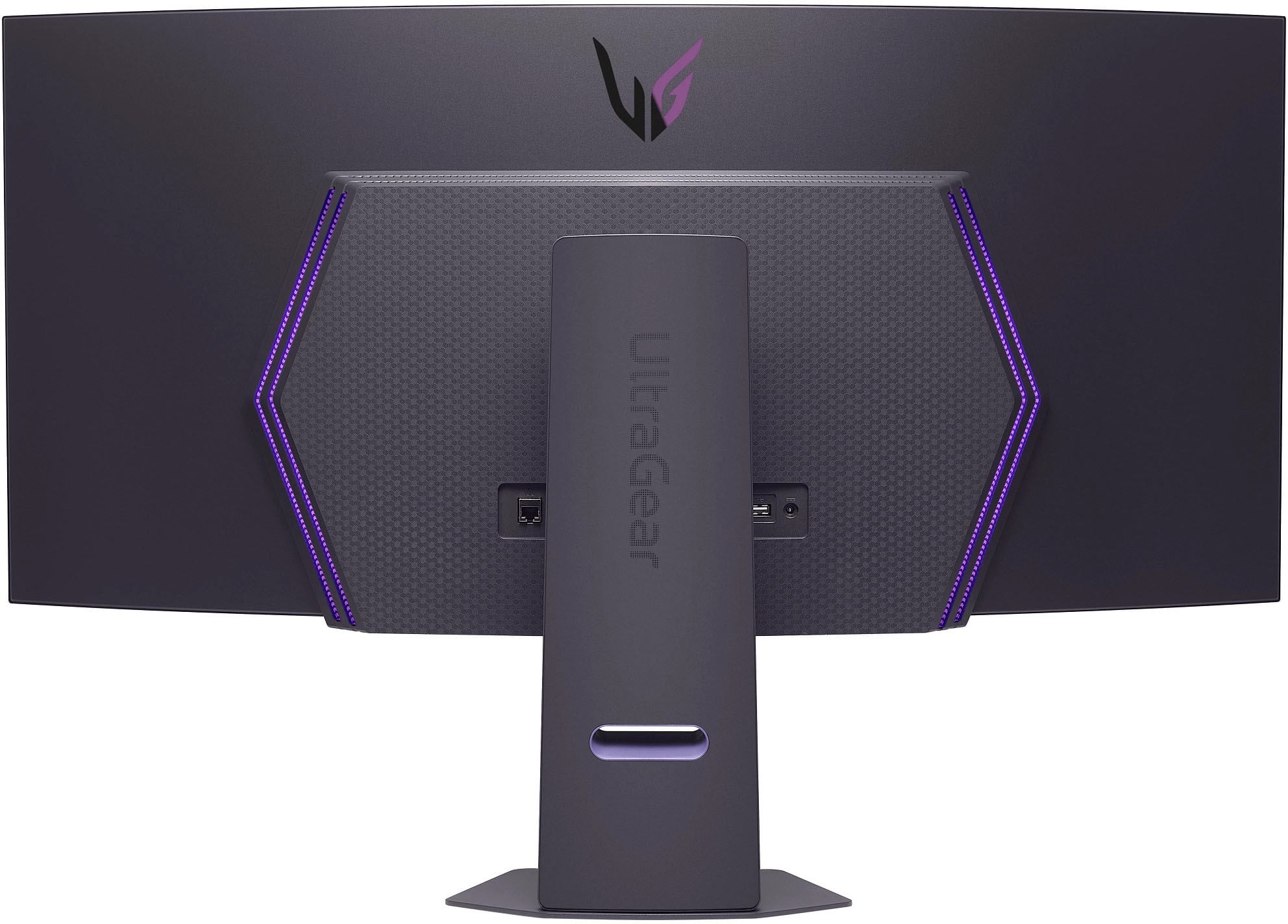
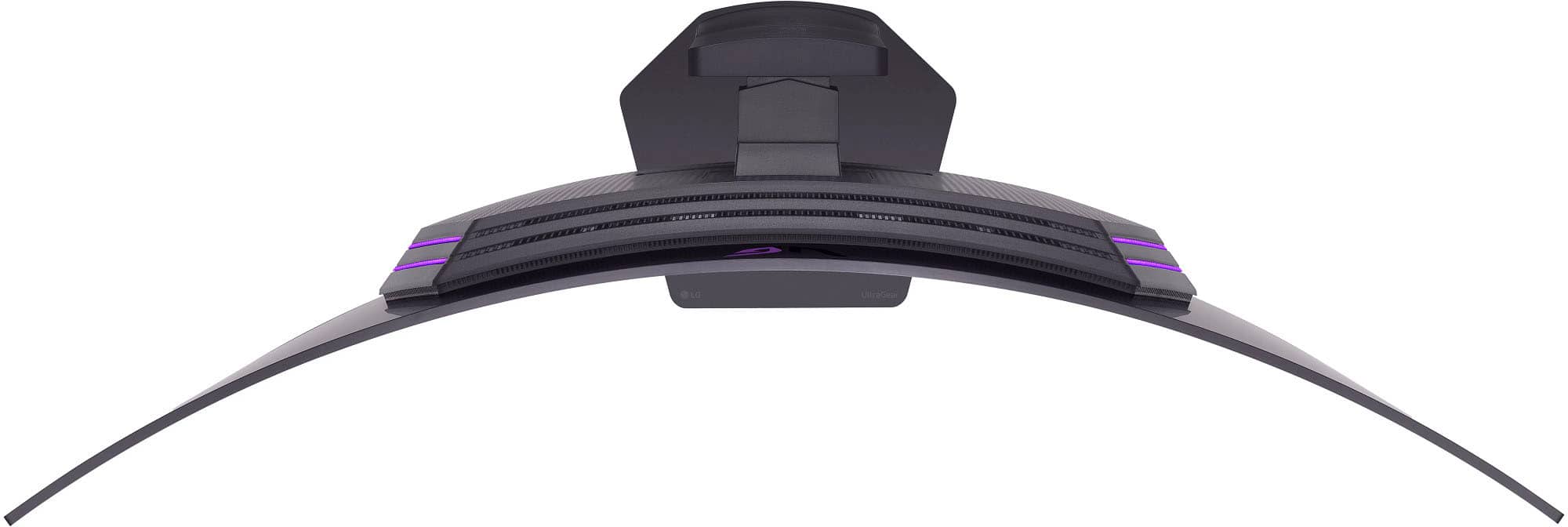
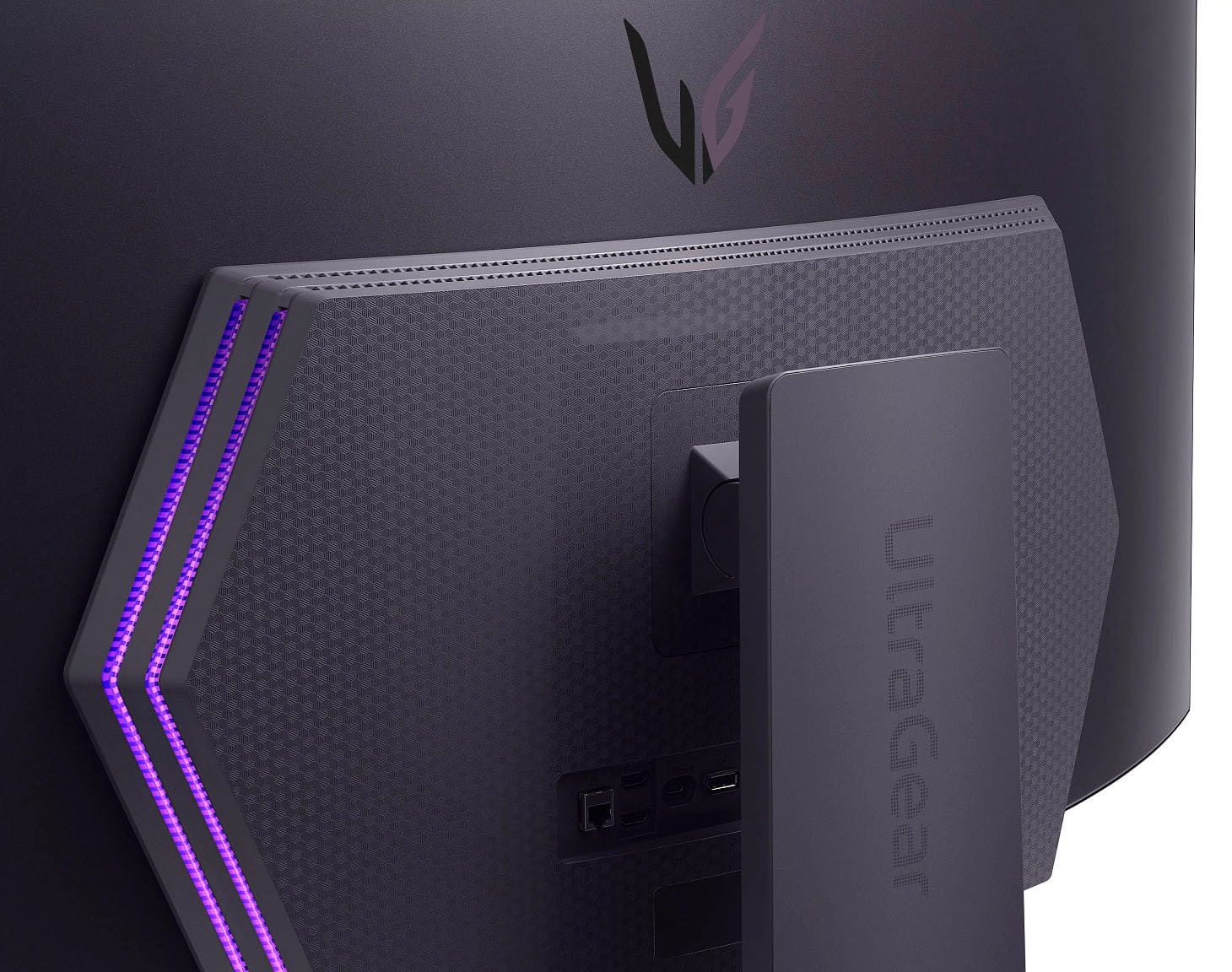
|Posted .This reviewer received promo considerations or sweepstakes entry for writing a review.The LG UltraGear 45 inch OLED 240Hz monitor is amazing. The color and contrast is perfect. The way graphics just pop out while playing is perfect. One issue I did notice is that it is not as wide as other 45 inch monitors, I compared it to, so beware if you have an existing 45-inch curved monitor and trying to match it up, make sure you check your measurement. Otherwise, it is a great monitor to have and play on. Additionally, it can technically serve as a television also to watch your favorite show. The sound quality is OK it may be better by adding better speakers to it but otherwise most will run a separate audio set up so just know that it does have speakers. The remote control will possibly work with other LG monitors. This monitor does come with its own stand but can also be mounted to a compatible mount. The monitor it is not too heavy, but it feels like a solid build. LG always does a great job with their electronics and could not have asked for a better monitor. I would highly recommend adding this monitor to your current gamin set up.
I would recommend this to a friend - Pros mentioned:Oled quality
Rated 5 out of 5 stars
Love it
Posted .This reviewer received promo considerations or sweepstakes entry for writing a review.Great screen.I can see all my charts and it allows me for easier access to have multiple windows.
I would recommend this to a friend - Pros mentioned:Overall performance
Rated 5 out of 5 stars
MacBook pairing excellent
Posted .This reviewer received promo considerations or sweepstakes entry for writing a review.I was skeptical getting this to pair with my MacBook M5 but man was I blown away. Amazing graphics and compatibility with Mac is excellent. Highly recommend.
I would recommend this to a friend - Pros mentioned:Overall performance
Rated 5 out of 5 stars
Best oled
Posted .This reviewer received promo considerations or sweepstakes entry for writing a review.The best monitor to date. I love this thing. Amazing movies
I would recommend this to a friend - Pros mentioned:Overall performance
Rated 5 out of 5 stars
Best monitor
Posted .This reviewer received promo considerations or sweepstakes entry for writing a review.I love this monitor! It’s so big, but in the perfect way. Picture quality is amazing
I would recommend this to a friend Rated 5 out of 5 stars
Can't wait!
Posted .This reviewer received promo considerations or sweepstakes entry for writing a review.Was so excited they had this monitor and it was on sale for $800 off for Black Friday!
I would recommend this to a friendRated 5 out of 5 stars
Fantastic
Posted .This reviewer received promo considerations or sweepstakes entry for writing a review.I love the aspect ratio and the graphic quality. Great so far
I would recommend this to a friendRated 3 out of 5 stars
Samsung is better
Posted .This reviewer received promo considerations or sweepstakes entry for writing a review.While nice, the PPI is just to low to justify its price.
No, I would not recommend this to a friend