Customer Ratings & Reviews

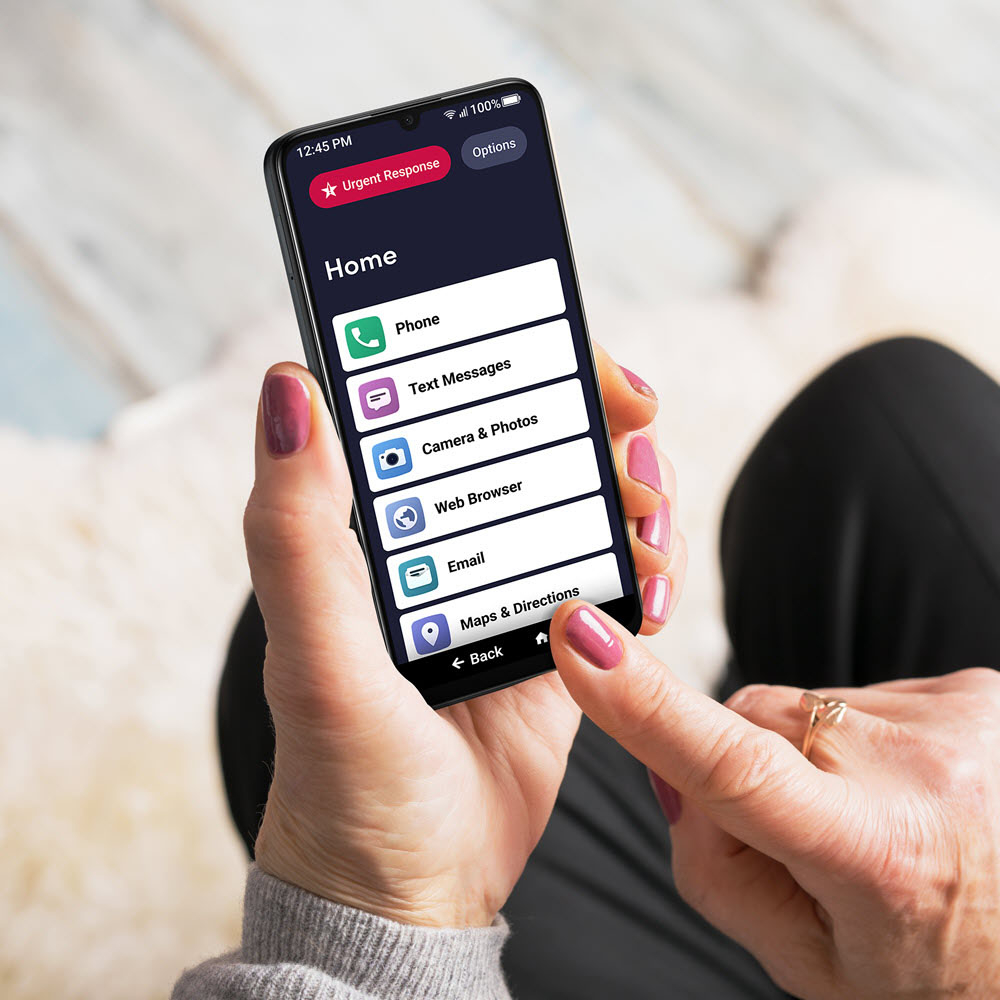

- Model:
- T608GJBS4-8IN
- |
- SKU:
- 6557140
Customer reviews
Rating 4.2 out of 5 stars with 542 reviews
(542 customer reviews)Rating by feature
- Display Quality4.6
Rating 4.6 out of 5 stars
- Camera4.4
Rating 4.4 out of 5 stars
- Battery Life4.5
Rating 4.5 out of 5 stars
Customers are saying
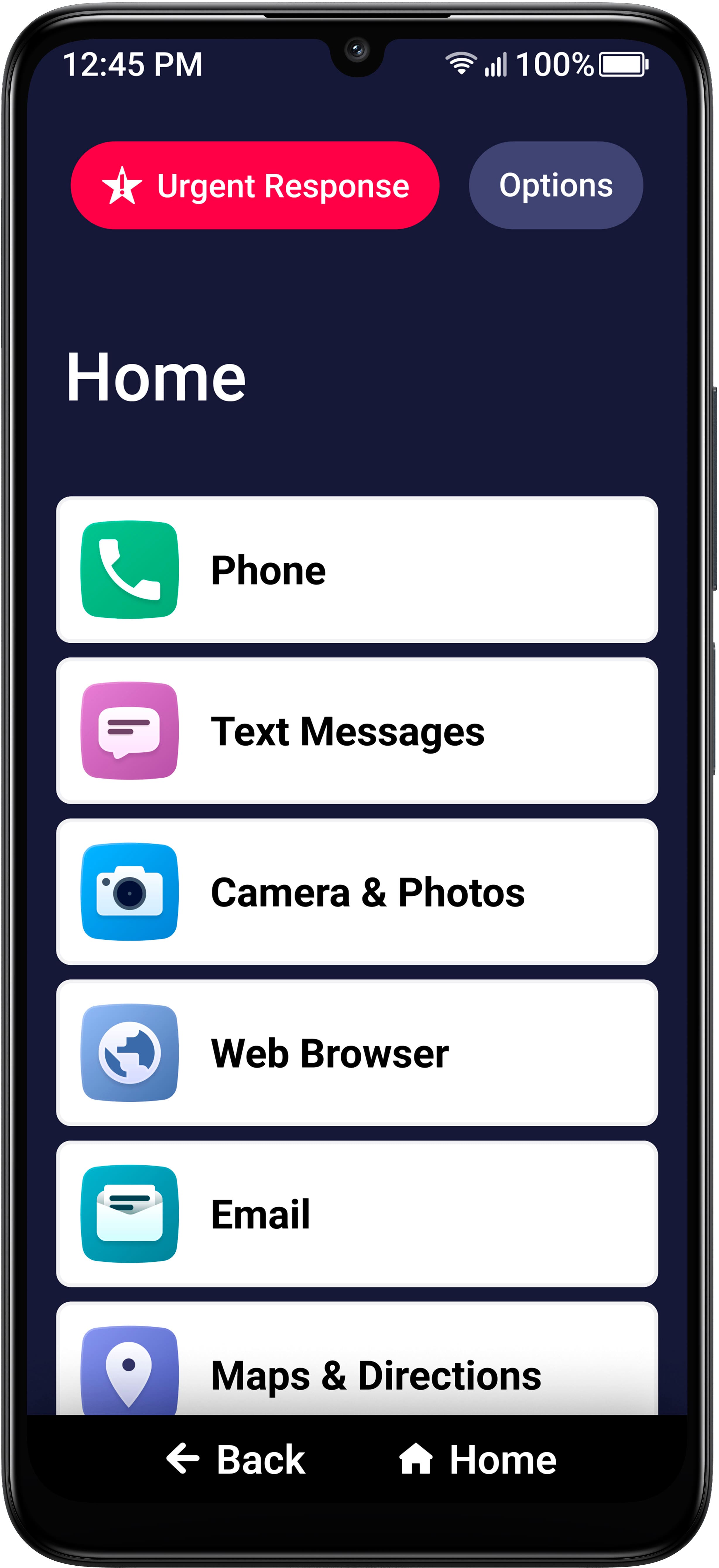
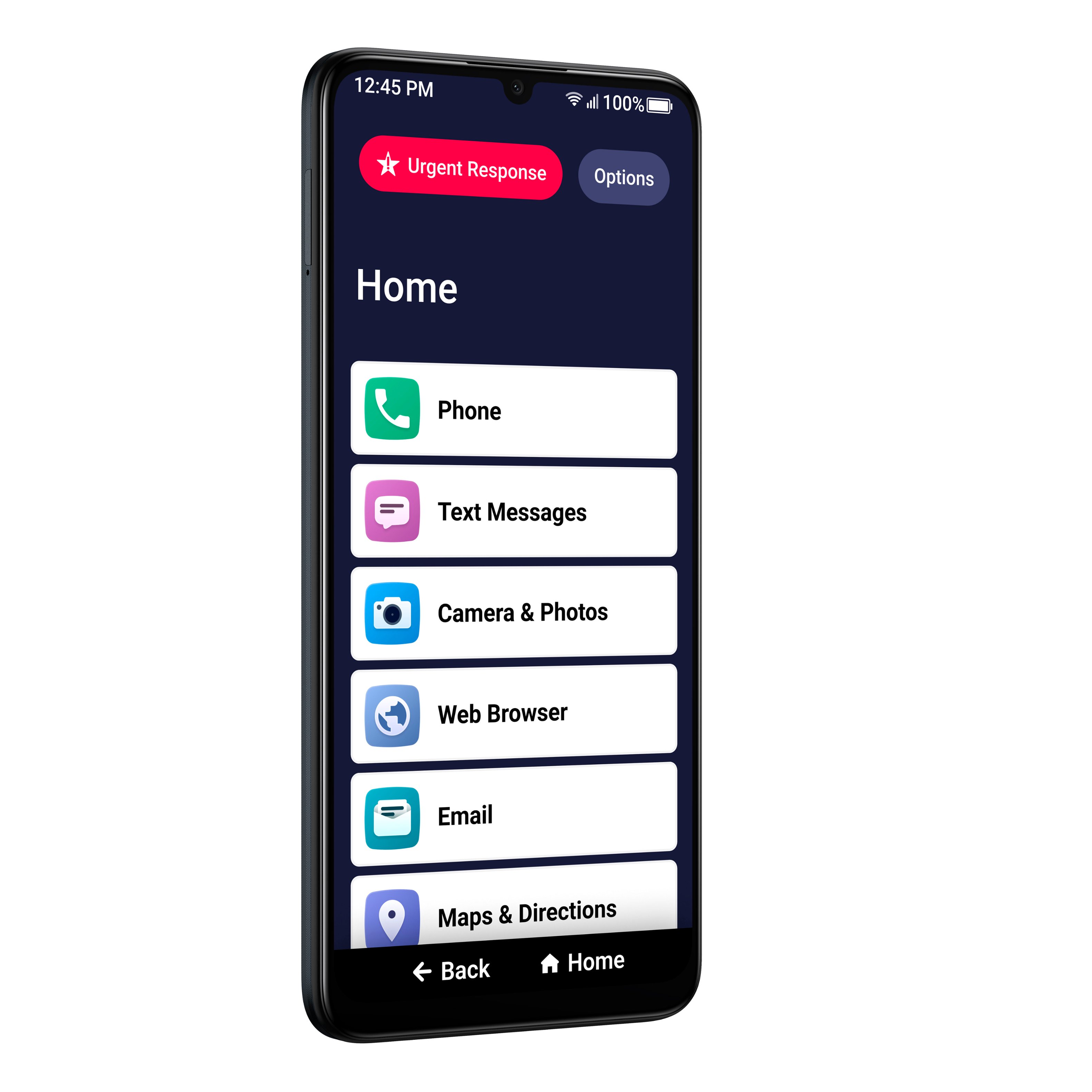
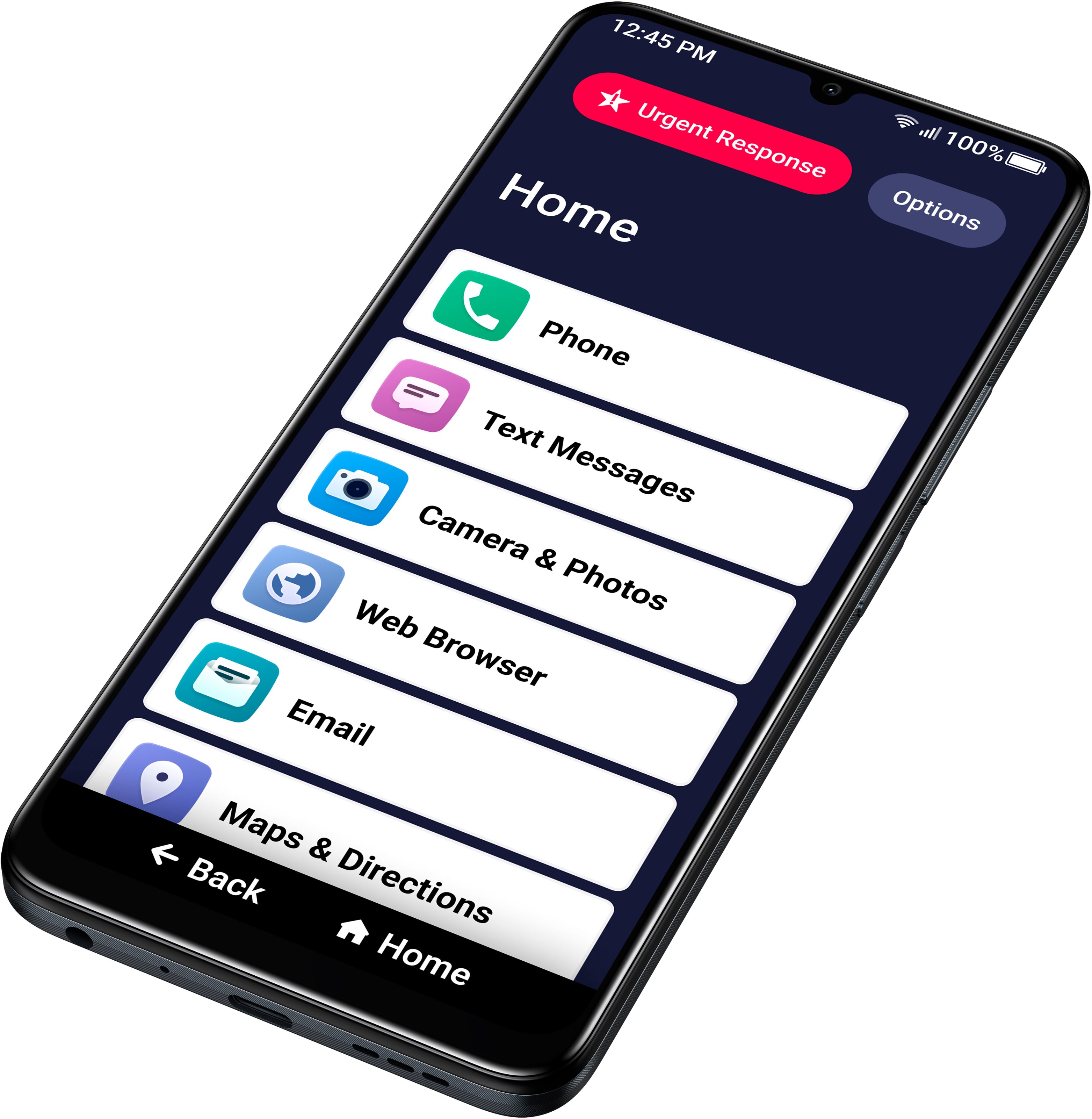
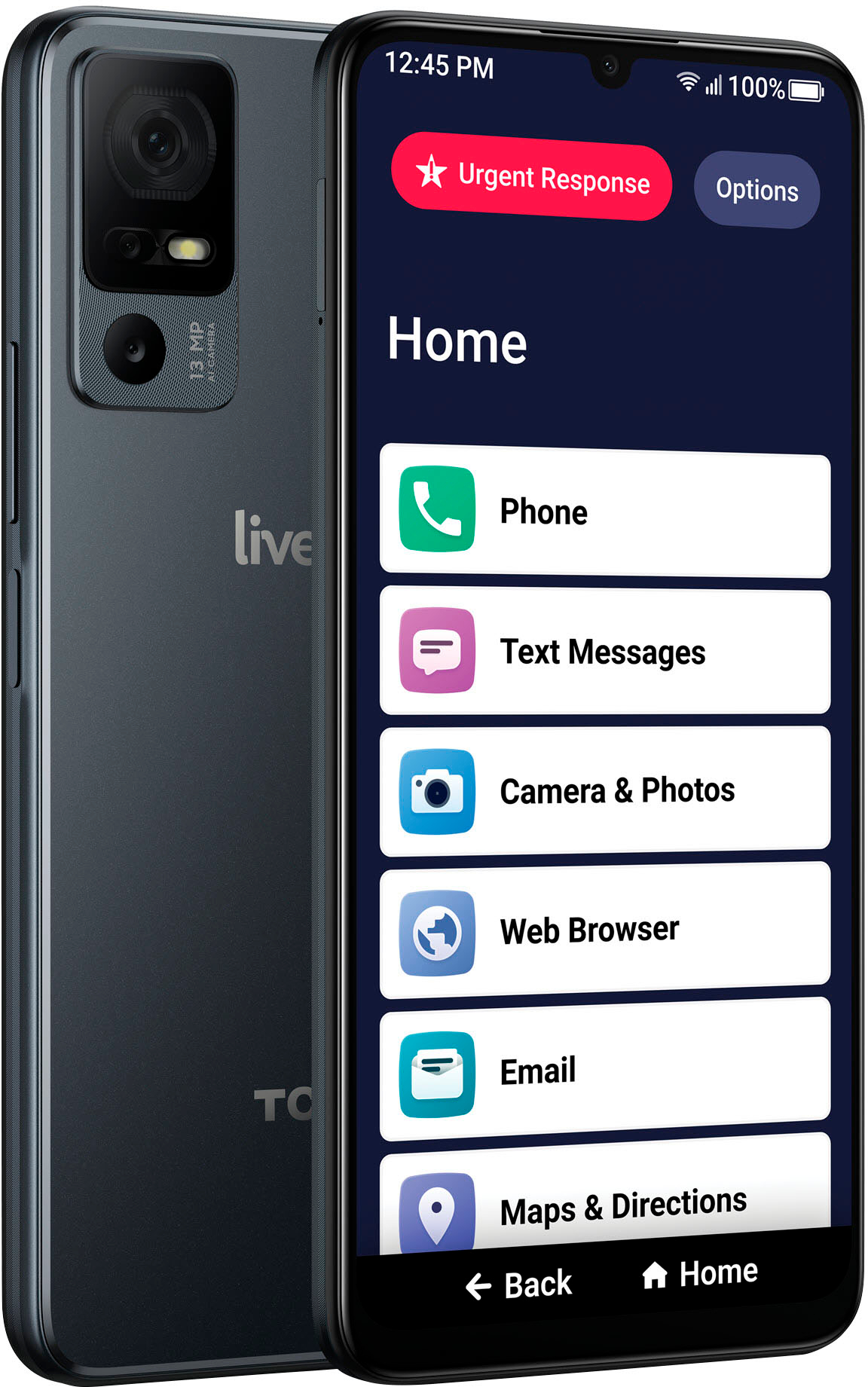
Customers are enthusiastic about the Jitterbug Smart4 Smartphone, particularly its ease of use and large screen size. Many find the camera quality and battery life to be satisfactory, and appreciate the overall performance upgrades. However, some customers have reported issues with the phone activation process.
This summary was generated by AI based on customer reviews.
- Pros mentioned:Ease of use
Rated 5 out of 5 stars
Get it for your senior
Posted .This reviewer received promo considerations or sweepstakes entry for writing a review.Great phone for people needing a simple and reasonably priced plan. Set up is easy. Ongoing customer service is great.
I would recommend this to a friend - Pros mentioned:Camera quality, Ease of use
Rated 5 out of 5 stars
Great for older....
||Posted . Owned for 1 month when reviewed.This reviewer received promo considerations or sweepstakes entry for writing a review.My 90 Y. O. Spouse got an Android for 1st time. Not overwhelming to learn to use it. Now I am considering purchasing one for myself. This Lively phone has better quality than my old Moto! Worth the money.
I would recommend this to a friend - Pros mentioned:Ease of use
Rated 4 out of 5 stars
All good- except the lack of volume. It whispers.
||Posted .This reviewer received promo considerations or sweepstakes entry for writing a review.This Jitterbug smart4 phone is easy to navigate. The L!vely carrier seems to be fine. One drawback with the phone is the sound (listening to calls and using online/apps)- i should say LACK of volume. I am not hard-of-hearing, so this particular phone has a problem. The quality of the sound is good- the volume is way too quiet at its max.
I would recommend this to a friend - Pros mentioned:Screen size
Rated 4 out of 5 stars
Smart4
||Posted . Owned for 1 week when reviewed.This reviewer received promo considerations or sweepstakes entry for writing a review.It is easier to set up than the previous smartphones and no bloatware!:) I use a cell only for emergencies... but, thus far, I can use the Smart 4 without glasses, if, need be. Smart 4 allows a user to shuffle the home menu so, much better than the previous cells. I have yet to test it for calling... I only know thus far, that I can use it without a font enlarger app. I have not tested a car app either. Only the messaging app has been used thus far. Charges quickly compared to the previous cell had so, much bloatware, it stopped charging at 80%.
I would recommend this to a friend - Pros mentioned:Ease of use, Screen size
Rated 5 out of 5 stars
Great for Seniors
||Posted . Owned for 3 weeks when reviewed.This reviewer received promo considerations or sweepstakes entry for writing a review.I got this for my grandmother to keep in touch with the family through social media. The Jitterbug Smart4 is incredibly easy to use and she was able to learn how to use it pretty quickly. I like the screen size and how big the font gets, not to mention how friendly and helpful Lively customer support is.
I would recommend this to a friend - Pros mentioned:Screen size
Rated 5 out of 5 stars
Good big phone
||Posted . Owned for 1 year when reviewed.This reviewer received promo considerations or sweepstakes entry for writing a review.This is just like a regular cell phone and has all the functions but buttons are a little bit bigger and the screen is a little bit bigger. It’s a little bit less complicated. There’s a few apps that don’t work with this which is a little frustrating but the rest of it is good for an elderly period or somebody that can’t see well and has a hard time with complicated cell phones. And you can’t it doesn’t look any different so you won’t be embarrassed that you’re using an older folks phone.
I would recommend this to a friend - Pros mentioned:Ease of use, Screen size
Rated 5 out of 5 stars
Easy to use!
||Posted . Owned for 1 week when reviewed.This reviewer received promo considerations or sweepstakes entry for writing a review.I like the larger buttons and ease of use! Great phone for the older crowd! This is my third Jitterbug!
I would recommend this to a friend - Pros mentioned:Ease of use, Screen size
Rated 5 out of 5 stars
Purchaser
||Posted . Owned for 2 weeks when reviewed.This reviewer received promo considerations or sweepstakes entry for writing a review.i think this phone is perfect size and very simple to work for a senior who may not be tech savy. I would purchase again!
I would recommend this to a friend - Pros mentioned:Ease of use
Rated 5 out of 5 stars
Lively Smart4
||Posted . Owned for 2 weeks when reviewed.This reviewer received promo considerations or sweepstakes entry for writing a review.This phone is much better than the smart2. It has quite a few new features. Very easy to use.
I would recommend this to a friend Rated 4 out of 5 stars
Need more volume on speakerphone
||Posted . Owned for 1 month when reviewed.This reviewer received promo considerations or sweepstakes entry for writing a review.The phone is easy to use. It's very well laid out. It's comfortable size. But the speaker phone isn't loud enough you can't hear it that's a disappointment when everything else is made for a senior when you make something for seniors you should make them so it could be loud
I would recommend this to a friend- Pros mentioned:Ease of use
Rated 5 out of 5 stars
Jitterbug Smart 4
||Posted . Owned for 1 month when reviewed.This reviewer received promo considerations or sweepstakes entry for writing a review.I previously had a flip phone that I called out on only. I was running into more and more situations that I needed to use a cell phone. I dreaded getting one because anything electronic is so hard to use when you are older. I'm 76. I was pleasantly surprised. It is very easy to use. The only problem I'm having is with hitting the wrong keys when texting. I've called Customer Support twice with questions and they are very helpful and easy to understand. I'm very happy with my new phone!
I would recommend this to a friend - Pros mentioned:Ease of use
Rated 5 out of 5 stars
Not Just for Seniors
||Posted . Owned for 2 weeks when reviewed.This reviewer received promo considerations or sweepstakes entry for writing a review.I bought the Jitterbug 4 Smart Phone for my 85 year old mom. I was able to set the phone up with ease unlike the one that I bought 2 months prior from one of the major cell companies. I love how there are affordable customizable plans, again unlike the major cell companies. The phone is extremely easy to use. I tested it out, and my mom started using it right away with ease. This phone is for anyone wanting an easy to use smartphone.
I would recommend this to a friend - Pros mentioned:Ease of use, Screen size
Rated 4 out of 5 stars
Phone
||Posted . Owned for 1 week when reviewed.This reviewer received promo considerations or sweepstakes entry for writing a review.Good fir use by elderly and handicspped. Good size. Easy to hold
I would recommend this to a friend - Pros mentioned:Ease of use, Screen size
Rated 5 out of 5 stars
Great phone for seniors
||Posted .This reviewer received promo considerations or sweepstakes entry for writing a review.My husband loves it. Very easy to use, with large icons and keyboard. Lively monthly service cost very reasonable.
I would recommend this to a friend - Pros mentioned:Battery life, Camera quality
Rated 5 out of 5 stars
Excellent
||Posted . Owned for 3 weeks when reviewed.This reviewer received promo considerations or sweepstakes entry for writing a review.It’s good. Lasting battery. The camera is okay. The phone is light enough.
I would recommend this to a friend - Pros mentioned:Battery life
Rated 3 out of 5 stars
Average for Those Not Tech Savvy
||Posted . Owned for 3 weeks when reviewed.This reviewer received promo considerations or sweepstakes entry for writing a review.This smartphone is advertised for seniors as being easy to understand and use. Lively is the company selling this cell phone. I have had their Jitterbug Smart4 for a few week now. The provided manual could be better since setting up this phone for specific purposes needs more elaboration. I have had to contact Lively customer service three times for expansion and clarification relating to various uses. I have been impressed with battery life. Your should wait for the battery life indicator to reach no more that 3-5 minutes of battery life before recharging. There is a definite learning curve for this phone unless you are reasonably savvy with other more complicated cell phones.
I would recommend this to a friend Rated 4 out of 5 stars
Not the Original Jitterbug Interface for Texting
||Posted . Owned for 1 month when reviewed.This reviewer received promo considerations or sweepstakes entry for writing a review.This phone overall is a decent android phone, but does not have the original jitterbug interface while texting. Apparently they sold out to google, so they got rid of jitterbug messages. My moms original smartphone broke, she had the first jitterbug smartphone and was use to the interface. So with the new phone, I had to teach my elderly mom how too use google messages, and she didn't like the change at all. They should have left the original interface, because it was easy for seniors to navigate as oppose to this one. We also found out that they would not activate an older version of this phone if you found it online, because its no longer supported. You must have the jitterbug 3 or 4. Hope this helps.
I would recommend this to a friendRated 5 out of 5 stars
Great Product; Best Buy Didn't Help
||Posted .This reviewer received promo considerations or sweepstakes entry for writing a review.I bought mom the Jitterbug Smart4 while out to visit for 10 days. The phone is a great product, and it works great for my mom. Beware of the "activate in store today" - Best Buy employees ported my # rather than my mom's. It took me 4-days, and multiple calls between my carrier, and Lively to get my # ported back to my phone (requiring a new sim card), and get her number ported to to her Jitterbug Smart4 before I had to catch my flight back home. There was at least a day where neither of us could make calls, but could only text using WIFI - a huge inconvenience. I had to use my brothers phone to make some of the calls. Thanks to some bright, and valuable reps from my provider, and Lively this was all resolved by 5pm the night before my early morning flight! Whew!
I would recommend this to a friend- Pros mentioned:Screen size
Rated 4 out of 5 stars
Good Phone For Seniors
||Posted . Owned for 1 month when reviewed.This reviewer received promo considerations or sweepstakes entry for writing a review.Purchase and activation were easy, teaching a 98 yr old how to use even this very simple cell phone is challenging. Swiping is a foreign skill! I thought she’d like the bigger screen phone for pictures but in hindsight I think the flip phone would have been easier for her to use.
I would recommend this to a friend - Pros mentioned:Ease of use, Screen size
Rated 5 out of 5 stars
Great Senior Smartphone
||Posted . Owned for 1 month when reviewed.This reviewer received promo considerations or sweepstakes entry for writing a review.This Jitterbug Smart4 smartphone is user friendly. The font is larger than other smartphones. I really love all the features it has and as a senior I am able to use it with ease!!
I would recommend this to a friend