Customer Ratings & Reviews




- Model:
- 960-001580
- SKU:
- 10952614
Rating by feature
- Value
Rating 4.7 out of 5 stars
- Quality
Rating 4.6 out of 5 stars
- Ease of Use
Rating 4.7 out of 5 stars
Customers are saying
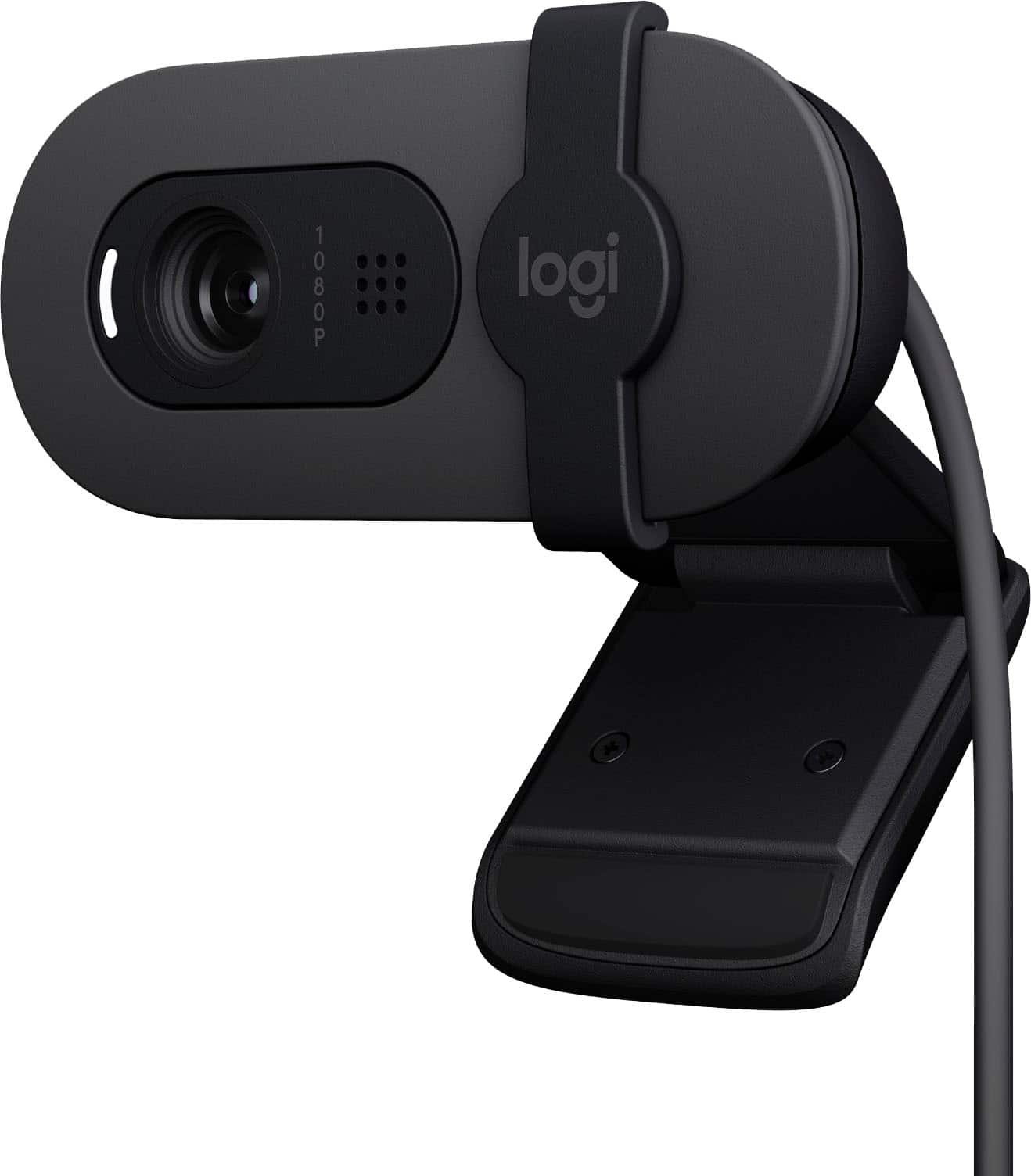
Customers commend the Brio 100 webcam for its stable and pleasing image quality and ease of use. Users also appreciate the simple setup process. However, some customers have expressed concerns regarding the mounting system, focus, narrow field of view, adjustability, and stand design.
This summary was generated by AI based on customer reviews.
Review
||Posted . Owned for 3 weeks when reviewed.This reviewer received promo considerations or sweepstakes entry for writing a review.Works great, clear picture on both ends of calls..
I would recommend this to a friendBrand response from Logitech
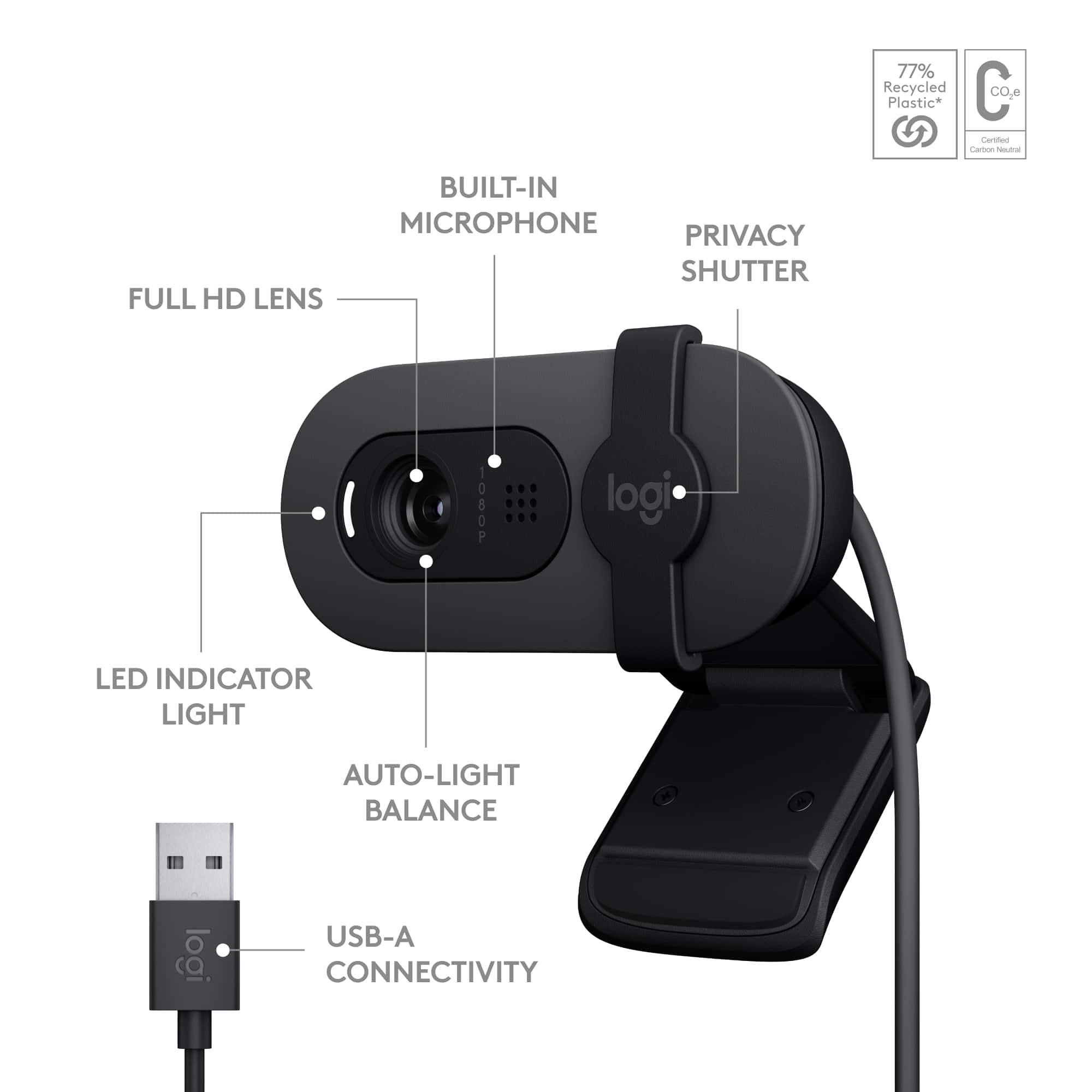
Posted .Hey! Thanks for the clear thumbs-up on the Brio 100! With crisp 1080p resolution, auto-light balance, and a built-in mic, it’s built to deliver sharp video and clean audio perfect for smooth calls on both ends.

Camera
||Posted . Owned for 1 month when reviewed.This reviewer received promo considerations or sweepstakes entry for writing a review.I really like it. I'm going stream with best quality. I really it.
I would recommend this to a friendGreat quality
||Posted . Owned for 1 month when reviewed.This reviewer received promo considerations or sweepstakes entry for writing a review.This is great quality. I bought it for proctored exams in my online courses.
I would recommend this to a friendBrand response from Logitech
Posted .Thanks for sharing! We're glad the Brio 100 is delivering the quality you need for your online exams. Reliable video clarity can make a big difference in those high-stakes moments—great choice!
It’s good
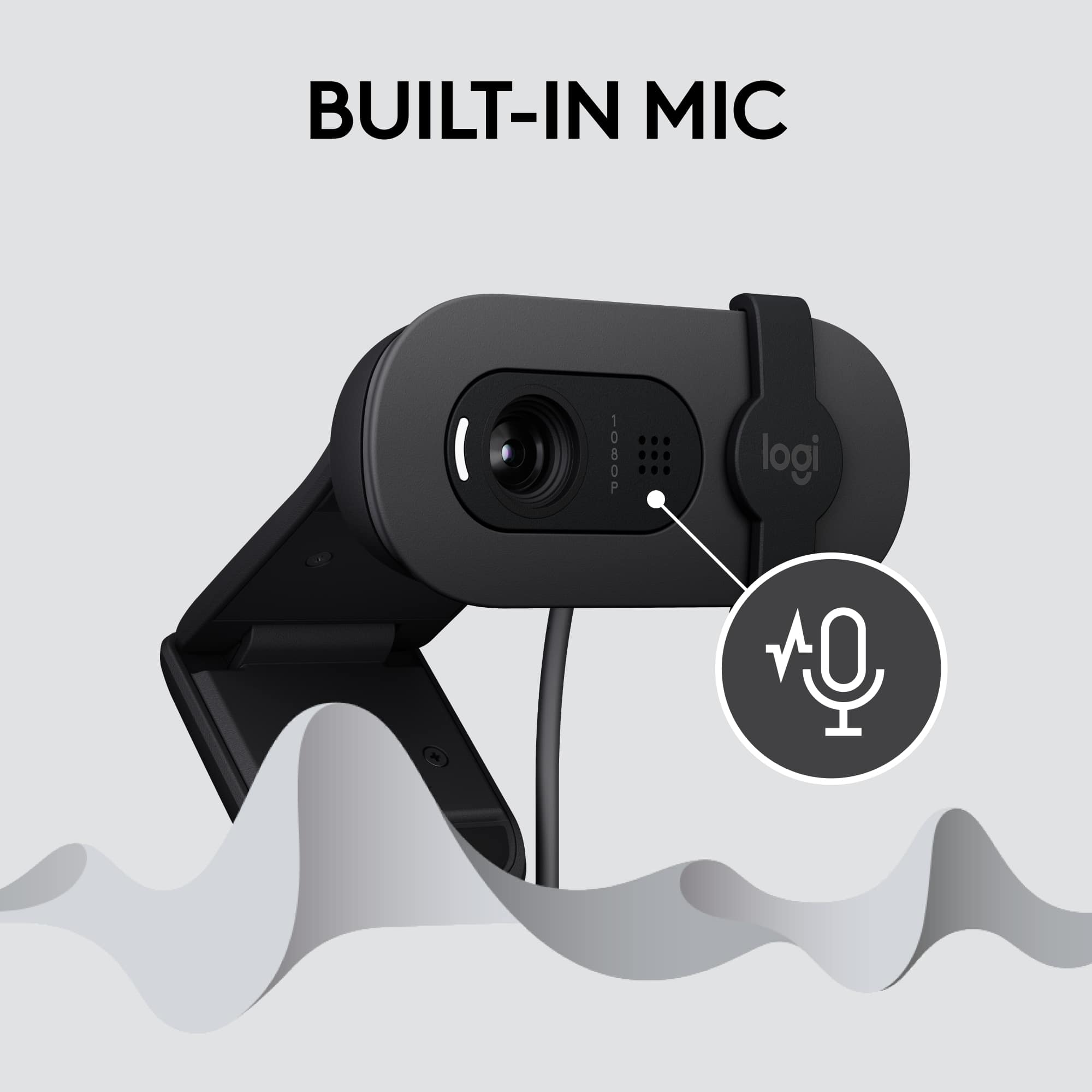
||Posted . Owned for 3 weeks when reviewed.This reviewer received promo considerations or sweepstakes entry for writing a review.The camera quality is decent and the built-in mic quality is good.
I would recommend this to a friendBrand response from Logitech
Posted .The Logitech Brio 100 is a reliable webcam that offers decent video quality and a built-in microphone that performs well. It's a suitable choice for various applications, including video conferencing and content creation.
Great Quality Webcam
||Posted . Owned for 1 month when reviewed.This reviewer received promo considerations or sweepstakes entry for writing a review.Excellent quality webcam for the price. Logitech doesnt miss.
I would recommend this to a friendDecent Webcam
||Posted . Owned for 1 week when reviewed.This reviewer received promo considerations or sweepstakes entry for writing a review.Alright for ($40), went on sale for ($25) 2 says after i bought it. Besides that, it does what it should with pretty clear recordings/feedback. Wouldn’t recommend using the on-board mic though.
I would recommend this to a friendBrand response from Logitech
Posted .Thank you for your feedback on the Brio 100! We're glad to hear you're finding the video quality clear and that it's meeting your needs. We understand your frustration regarding the recent sale price change, and we apologize for any inconvenience this may have caused. We appreciate your honest feedback about the onboard microphone, and we'll take that into consideration for future product improvements. We're happy to hear it's fulfilling its primary function for you.
Great Video meeting camera.
||Posted . Owned for 3 weeks when reviewed.This reviewer received promo considerations or sweepstakes entry for writing a review.This camera and microphone perform flawlessly for video meetings.
I would recommend this to a friendGreat
||Posted . Owned for 3 weeks when reviewed.This reviewer received promo considerations or sweepstakes entry for writing a review.Camera produces a clear image. Works well for Zoom.
I would recommend this to a friend
Valuable webcam
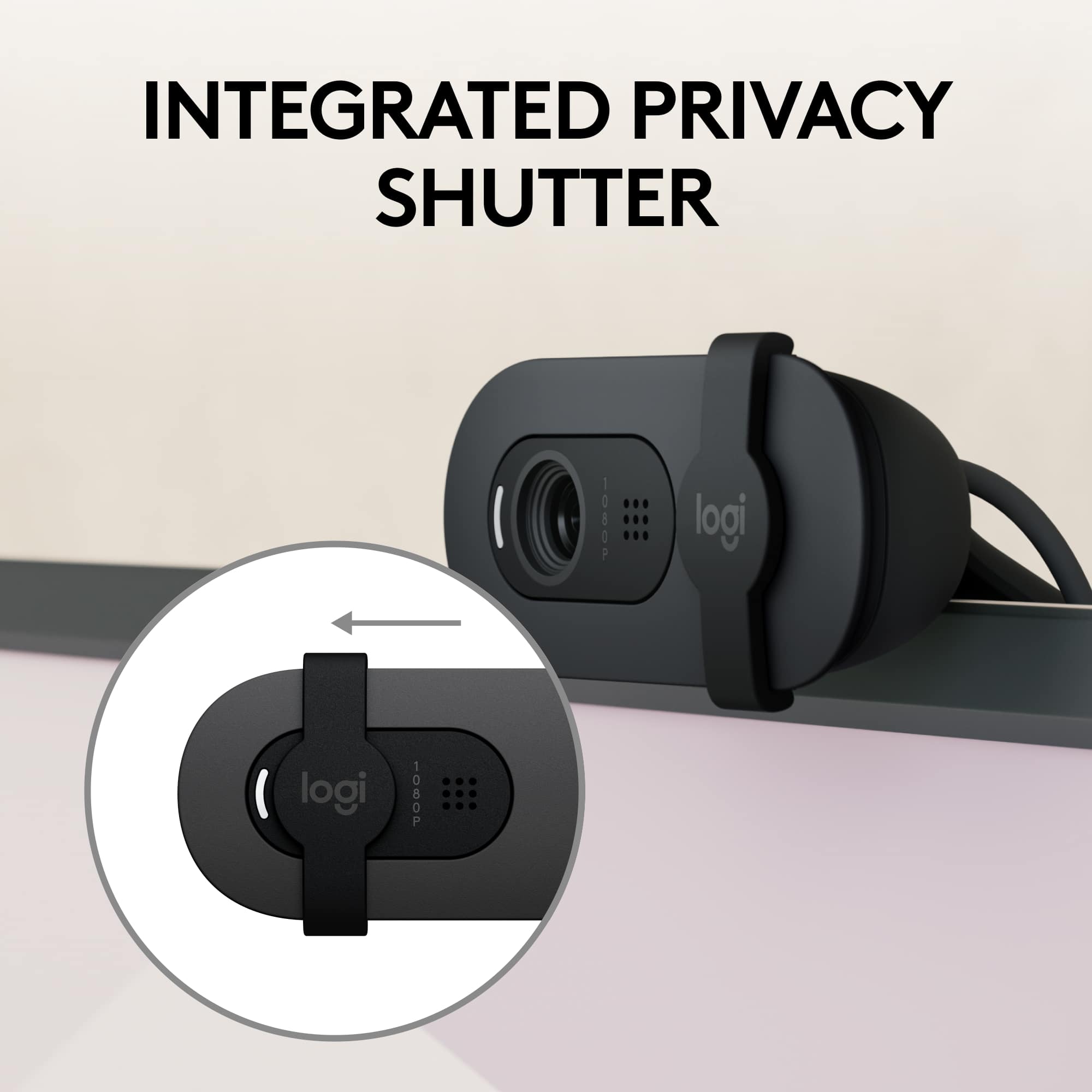
|Posted . Owned for 2 weeks when reviewed.This reviewer received promo considerations or sweepstakes entry for writing a review.If you are looking for a webcam but don’t want to spend a lot, this camera would be great. I love how it has the camera slider and easy to setup.
I would recommend this to a friendBrand response from Logitech
Posted .We're so glad to hear you're enjoying your Brio 100! Thanks for sharing your positive experience, especially about the privacy slider and easy setup. We appreciate your feedback and hope you continue to have great meetings and streams with your Brio 100.
The Best!
|Posted . Owned for 2 weeks when reviewed.This reviewer received promo considerations or sweepstakes entry for writing a review.This camera is the best for what I was using it for which was for zoom also overall pictures
I would recommend this to a friendBrand response from Logitech
Posted .That's fantastic to hear! It sounds like the Logitech Brio 100 Full HD Webcam is perfectly meeting your needs.
When a camera is "the best" for your primary uses like Zoom calls and overall pictures, that's a huge win. The Brio 100 is designed to provide clear 1080p video with features like auto-light balance, making you look your best in various lighting conditions, and it seems to be delivering exactly that for you.
Thanks for sharing such a positive review!
Webcam camera
||Posted . Owned for 3 weeks when reviewed.This reviewer received promo considerations or sweepstakes entry for writing a review.The camera is only great for a computer they not great for no gaming monitor
I would recommend this to a friendBrand response from Logitech
Posted .We appreciate your honest feedback. It helps us identify where we can improve and provide a better experience with Logitech - Brio 100 1080p Full HD Webcam
Works as advertised
||Posted . Owned for 1 week when reviewed.This reviewer received promo considerations or sweepstakes entry for writing a review.Extremely easy to set up, just plug it in to an available USB port on your computer. As soon as I connected it to my PC running Windows 11, the device automatically detected and installed/configured drivers. I’m impressed how well it functions well in low light conditions.
I would recommend this to a friendBrand response from Logitech
Posted .We're delighted to hear that you've had such a positive experience with our Brio 100 webcam! It's designed to be user-friendly and provide excellent video quality, even in low-light environments.
Pretty good
||Posted . Owned for 3 weeks when reviewed.This reviewer received promo considerations or sweepstakes entry for writing a review.Very high quality image and very good at staying focused
I would recommend this to a friendNice camera
||Posted . Owned for 3 weeks when reviewed.This reviewer received promo considerations or sweepstakes entry for writing a review.Works well for the price. I’d recommend this product.
I would recommend this to a friendBrand response from Logitech
Posted .Thanks for the recommendation! We're glad the Brio 100 is delivering solid performance and value. Appreciate your feedback!
Work’s!
||Posted .This reviewer received promo considerations or sweepstakes entry for writing a review.Doe’s what it’s supposed to do, Work! You can’t beat the price for this item.
I would recommend this to a friendBrand response from Logitech
Posted .It's fantastic to hear our Brio 100 is meeting your expectations and performing well! We appreciate you sharing your positive experience, and we're glad it's proving to be a reliable tool for your meetings and streaming.
Works as described
||Posted . Owned for 1 month when reviewed.This reviewer received promo considerations or sweepstakes entry for writing a review.Works as described. Can fall off of monitor if extreme movement on desk or monitor.
I would recommend this to a friendBrand response from Logitech
Posted .Thanks for the feedback. We appreciate you pointing out the potential stability issue. We recommend ensuring the webcam is securely placed on a stable surface. If the issue persists, our support team is ready to assist you.
Outstanding
||Posted . Owned for 3 weeks when reviewed.This reviewer received promo considerations or sweepstakes entry for writing a review.Its working fine, worth for the price, I would recommend it.
I would recommend this to a friendBrand response from Logitech
Posted .Thank you for the outstanding review! We're so glad to hear that the Brio 100 webcam is working fine for you and that you find it to be worth the price. We truly appreciate your recommendation!
Really great quality for its price!
||Posted . Owned for 1 month when reviewed.This reviewer received promo considerations or sweepstakes entry for writing a review.I was in need of a camera for my pc set up without spending extra on it, this worked just fine!! It does the job well enough for me!
I would recommend this to a friendBrand response from Logitech
Posted .We're delighted to hear the Brio 100 is a great solution for your PC setup! We designed it to provide reliable 1080p HD video without breaking the bank, and we're glad it's meeting your expectations.
Good value camera
||Posted . Owned for 3 weeks when reviewed.This reviewer received promo considerations or sweepstakes entry for writing a review.Good quality camera at a good price. I would recommend it.
I would recommend this to a friendGood
||Posted . Owned for 3 weeks when reviewed.This reviewer received promo considerations or sweepstakes entry for writing a review.Repeat purchase. First camera acquired during pandemic; still in use and working fine.
I would recommend this to a friendBrand response from Logitech
Posted .That's a strong endorsement for the Logitech Brio 100 Webcam!
A repeat purchase, especially for a camera acquired during the pandemic that's "still in use and working fine," speaks volumes about its reliability and performance. It's great to hear that it continues to meet your needs effectively.
Thanks for sharing your positive, long-term experience!