Presidents’ Day SaleEnds February 16. Limited quantities. No rainchecks.Shop now

Skip to contentGo to Product SearchGo to Footer
Gift Ideas
Main Content

Customer Ratings & Reviews
Your price for this item is $28.99
The comparable value price is $39.99

Customer reviews

Rating 4.6 out of 5 stars with 959 reviews

Rating Filter

Rating by feature

  • Value

    Rating 4.7 out of 5 stars

  • Quality

    Rating 4.6 out of 5 stars

  • Ease of Use

    Rating 4.7 out of 5 stars

94%
would recommend
to a friend
The vast majority of our reviews come from verified purchases. Reviews from customers may include My Best Buy members, employees, and Tech Insider Network members (as tagged). Select reviewers may receive discounted products, promotional considerations or entries into drawings for honest, helpful reviews.
Page 46 Showing 901-920 of 959 reviews
  • Tech Insider Network Member

    Rated 5 out of 5 stars

    Simple setup, works very well

    |
    Tech Insider Network Member
    Posted .
    This reviewer received promo considerations or sweepstakes entry for writing a review.

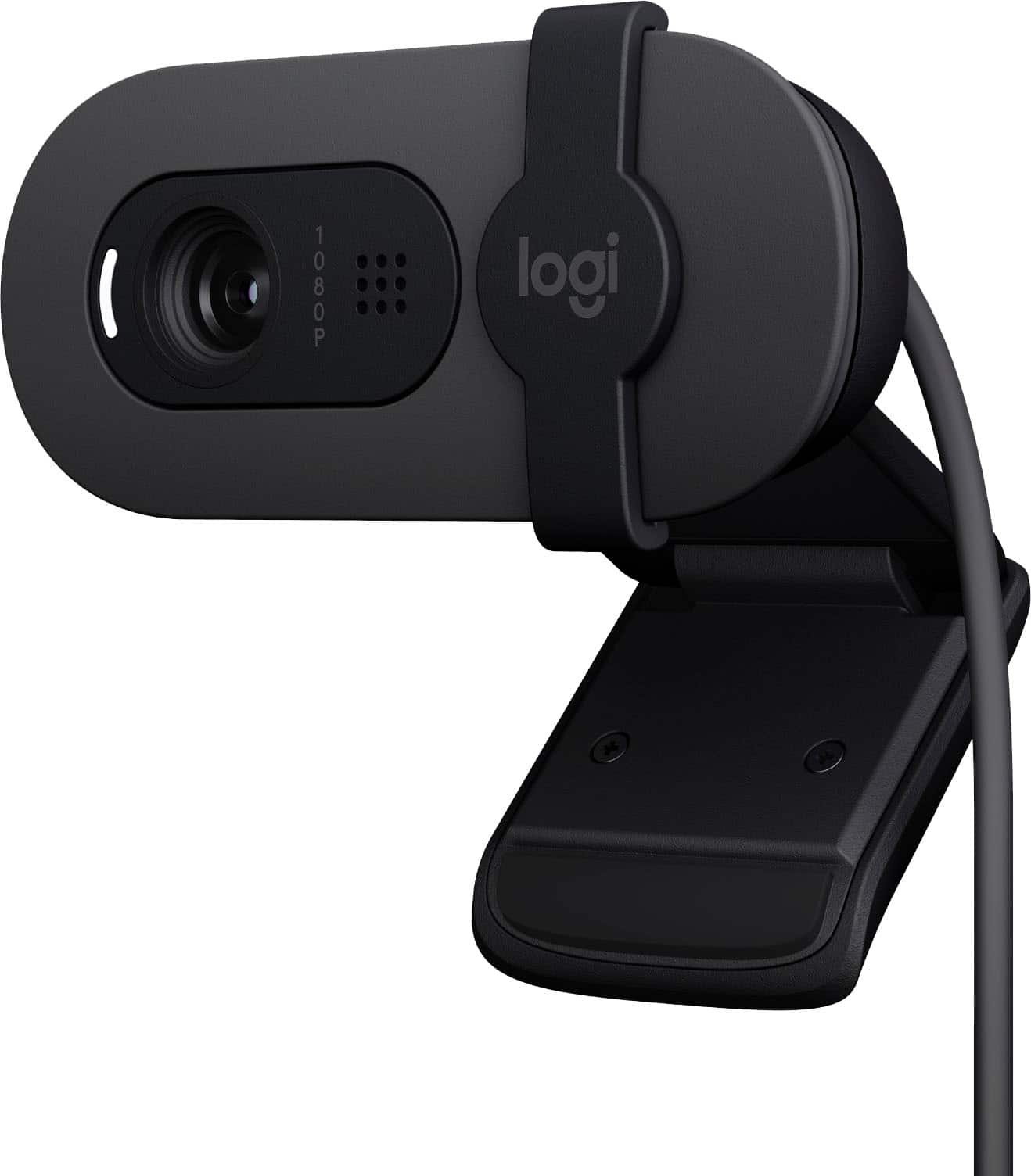
    This is a very nice, simple, easy to set up, and easy to use webcam. There are no included instructions, and none are needed. Just plug it into a USB port and start up whatever program you need a camera for. We have children scattered around the world (ok, Oregon and Germany) while we live in the midwest, and we do video calls with them all the time. So we have a constant need for a good webcam, and this Logitech Brio fits the bill perfectly. It mounts easily to your monitor. It has a little sliding cover so you can cover the lens when you’re not using it, and it provides a high-quality image. One thing to keep in mind is that the usefulness and enjoyability of the HD image that this camera aims to provide is only of value to the person you are communicating with, not yourself, as you don’t need to see yourself on a computer screen (although you always do see yourself so you know what others are seeing, but it’s a small, off-in-the-corner image that does not need HD clarity to be useful). So the quality of the image seen by the people you’re communicating with can only be as good as THEIR video system allows. We did survey our offspring about the quality of the image they were seeing, and they said it was fine. Sound clarity was fine, too. This camera has the ability to automatically adust the image depending on the ambient light, and I tried it in both low light from a nearby desk lamp as the only source of illumination and then with the bright ceiling lights on, and, in both instances, the camera automatically adjusted the exposure to compensate and provide a good-looking, evenly-lighted image. Very impressive. The camera can be used to take snapshots of whatever is being imaged at that moment, and the quality of these images is fine as well. The camera is lightweight and very small, easily fitting in the palm of your hand. It has a fold-out support to make mounting atop your montor easy. If you’re looking for a good-quality webcam, you’ll do fine with this model.

    I would recommend this to a friend
  • Rated 1 out of 5 stars

    Why does this emphasise everything ???

    |
    |
    Posted . Owned for 2 months when reviewed.
    This reviewer received promo considerations or sweepstakes entry for writing a review.

    It emphasised all of my fine lines and I couldn’t find a way to fix it in the settings to make the quality any different. The lighting adjustment was terrible. I would rather use my iphone camera over this.

    No, I would not recommend this to a friend
    • Brand response from Logitech
      Posted .

      We understand the Brio 100 didn't meet your expectations regarding fine lines and lighting. That's valuable feedback, and we're always working to improve image quality for everyone. Logitech

  • Rated 1 out of 5 stars

    Not great

    |
    |
    Posted .
    This reviewer received promo considerations or sweepstakes entry for writing a review.

    Inbuilt cameras are way better now. Not worth it!!

    No, I would not recommend this to a friend
    • Brand response from Logitech
      Posted .

      We understand the Brio 100 didn't meet your expectations regarding camera. That's valuable feedback, and we're always working to improve image quality for everyone. Logitech

  • Rated 1 out of 5 stars

    Not Windows 11 compatible

    |
    |
    Posted .
    This reviewer received promo considerations or sweepstakes entry for writing a review.

    It is not windows 11 compatible. I returned it for one on amazon.

    No, I would not recommend this to a friend
    • Brand response from Logitech
      Posted .

      We sincerely apologize for the inconvenience and frustration you experienced with the Logitech Brio 100 webcam not working on your Windows 11 system, leading to its return. While the Brio 100 is designed for compatibility with Windows 10 and 11, it seems you encountered difficulties getting it to function properly on your specific setup.
      We regret that the product didn't meet your expectations and that you found a suitable alternative elsewhere. Logitech

  • Rated 2 out of 5 stars

    camera

    |
    |
    Posted . Owned for 3 weeks when reviewed.
    This reviewer received promo considerations or sweepstakes entry for writing a review.

    camera needs to quality in picture and audio too for customers

    No, I would not recommend this to a friend
    • Brand response from Logitech
      Posted .

      We appreciate your input! In order to assist you effectively, please provide your information to our support team by emailing socialcare@logitech.com. Name – Email address – Country – Product name – Brief description of the issue –

  • Rated 1 out of 5 stars

    Poorly build webcam

    |
    |
    Posted . Owned for 1 week when reviewed.
    This reviewer received promo considerations or sweepstakes entry for writing a review.

    Poor picture quality. Very pixelated. Even with room lighting on it’s quite dark

    No, I would not recommend this to a friend
    • Brand response from Logitech
      Posted .

      We understand your disappointment with the webcam's picture quality. We apologize for the pixelation and darkness you're experiencing, even with adequate room lighting. We appreciate your feedback. Logitech

  • Rated 1 out of 5 stars

    false advertising

    |
    |
    Posted . Owned for 2 months when reviewed.
    This reviewer received promo considerations or sweepstakes entry for writing a review.

    it says that it is 1080p but whenever i try to use it, it is locked to 720p which has caused me a lot of distress…

    No, I would not recommend this to a friend
    • Brand response from Logitech
      Posted .

      We sincerely apologize that your Logitech Brio 100 is not performing as advertised. We understand your distress regarding the 720p resolution lock despite the product being advertised as 1080p. To address this issue, we recommend reaching out to our social care team via email at socialcare@logitech.com with your
      - Name:
      - Email Address:
      - Country:
      - Product Name:
      - Brief description of issue: Logitech

  • Rated 1 out of 5 stars

    sucks

    |
    |
    Posted . Owned for 3 weeks when reviewed.
    This reviewer received promo considerations or sweepstakes entry for writing a review.

    this thing crashed my computer thank you very much

    No, I would not recommend this to a friend
    • Brand response from Logitech
      Posted .

      We are very sorry to hear that the webcam caused your computer to crash. We understand how frustrating and inconvenient that must be, and we sincerely apologize for this issue. To address this issue, we recommend reaching out to our social care team via email at socialcare@logitech.com with your
      - Name:
      - Email Address:
      - Country:
      - Product Name:
      - Brief description of issue: Logitech

  • Rated 1 out of 5 stars

    Specs not accurate

    |
    |
    Posted . Owned for 1 week when reviewed.
    This reviewer received promo considerations or sweepstakes entry for writing a review.

    Super low quality. Nothing else to it. Grainy, low quality

    No, I would not recommend this to a friend
    • Brand response from Logitech
      Posted .

      We understand you're disappointed with the Logitech Brio 100's image quality, describing it as grainy and low quality. We apologize that the webcam did not meet your expectations and for any inconvenience this has caused. We appreciate you bringing this to our attention. Logitech

  • Rated 1 out of 5 stars

    Stopped working after 3 months

    |
    |
    Posted . Owned for 3 months when reviewed.
    This reviewer received promo considerations or sweepstakes entry for writing a review.

    Worked great for 3 months, now it doesnt woek at all and is no longer returnable

    No, I would not recommend this to a friend
    • Brand response from Logitech
      Posted .

      Hey, We're very sorry to hear that your Brio 100 webcam stopped working after 3 months and is no longer returnable. We understand how frustrating this must be, and we sincerely apologize for the inconvenience caused by this unexpected issue. In order to help you effectively, please provide your information to our support team via email at socialcare@logitech.com with your
      - Name:
      - Email Address:
      - Country:
      - Product Name:
      - Brief description of issue:

  • Tech Insider Network Member

    Rated 5 out of 5 stars

    Basic, yet Brilliant

    |
    Tech Insider Network Member
    Posted .
    This reviewer received promo considerations or sweepstakes entry for writing a review.

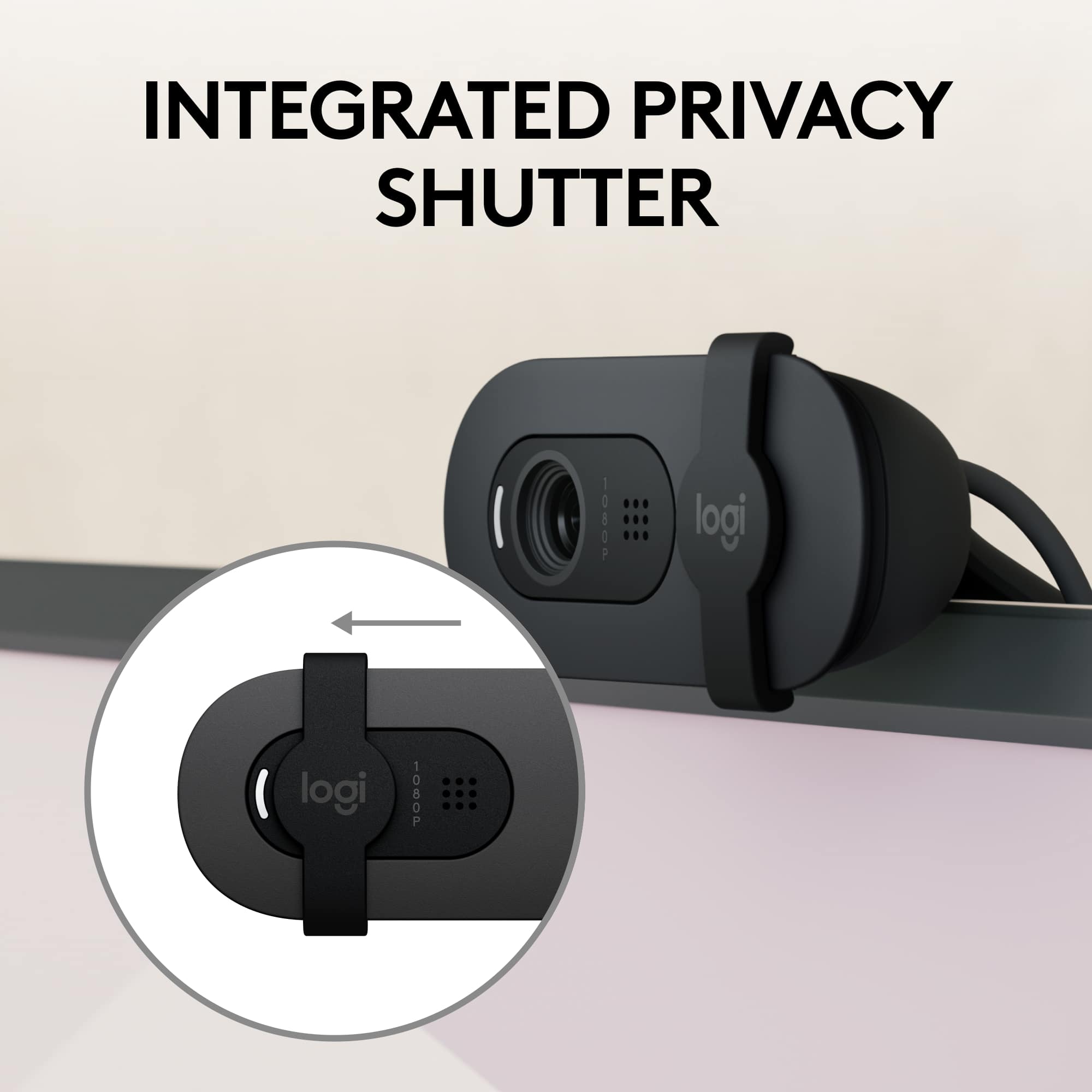
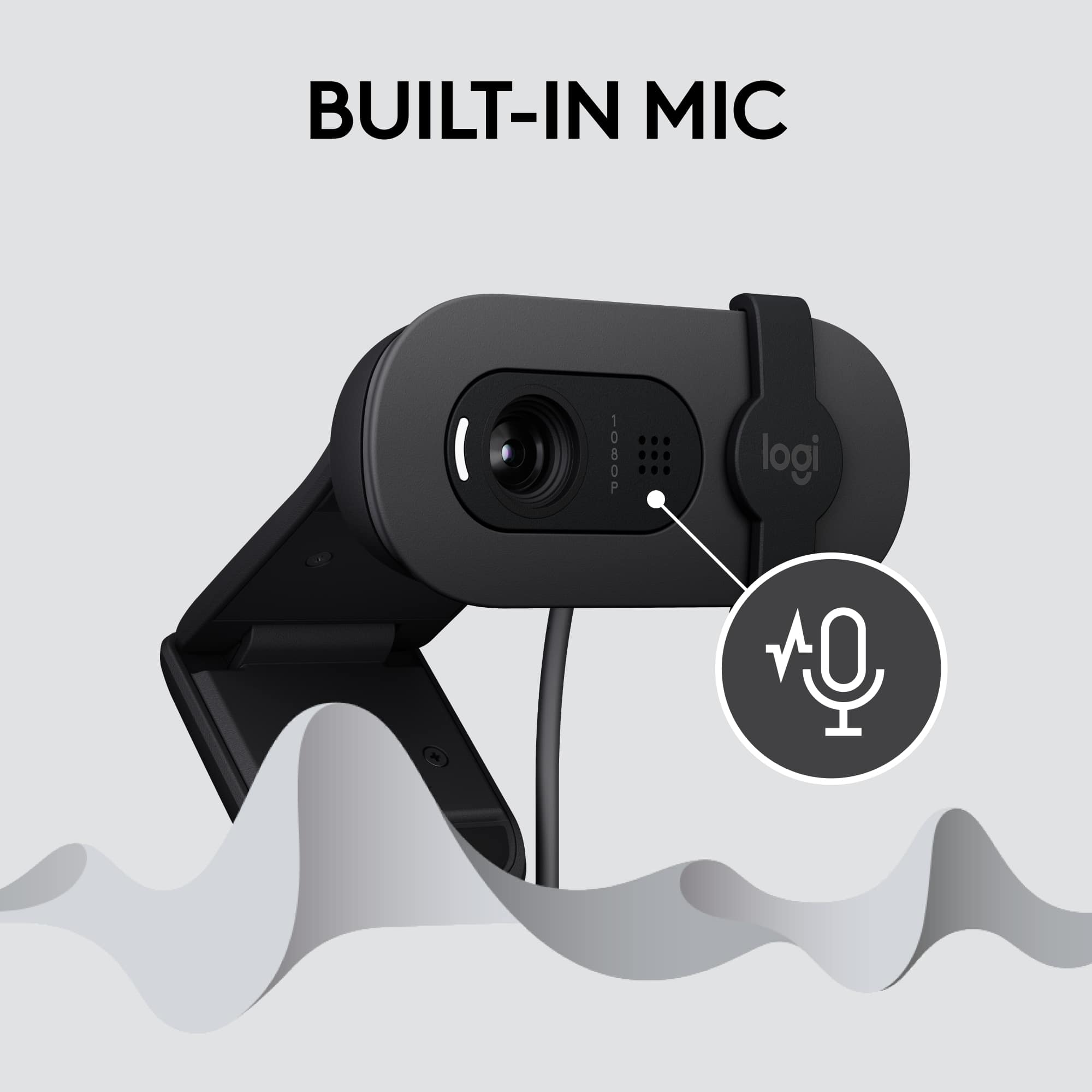
    Logitech rarely disappoints. They are constantly innovating, providing cost-effective options for electronic accessories and devices for basic computing, as well as, for gaming enthusiasts. And this Brio 100 Full HD 1080p Webcam lived up to my expectations. Of course, most laptops have a built-in webcam. However, the visual quality of these cameras is often severly lacking for anything other than a zoom call or video chat with family and friends. For those wanting a good (though definitely still basic) webcam to attach onto their monitor, this Brio 100 is one to consider. It was super easy to get this webcam setup. It's basically "plug-and-play." Yet I still needed to go into my computer's Device Manager to disable the default 'on-board' laptop camera, and then enable the Logitech instead; which was simple enough to do. The "clip" which is used to position the webcam onto the top of your PC's monitor, is quite sturdy. I had no difficulty getting the camera to stay put. The power cord is also long enough so that if you wanted to place the webcam 'off to the side' in a different position, or hold it in your hand to pan around the room, etc... you can do that too. While the movement is limited, you are able to swivel the webcam 'up and down' slightly where it attaches to the clip. A notable, and really useful feature, is the plastic "privacy shutter slider" which can cover up the camera if you so choose. The webcam has a built-in microphone. And while I didn't expect much, I was pleasantly surprised that the sound quality wasn't all that bad. In fact, the audio sounded better than I thought it would. Now as for the camera's "auto-light balance adjustment" ... I will say that the visuals did look brighter and crisper and my image quality was more 'true to life,' when compared to the default camera on my laptop where the visuals looked slightly fuzzy. Do I recommend this Logitech Brio 100 Full HD 1080p Webcam? Absolutely. It's basic, but works as intended, and the price is more than right.

    I would recommend this to a friend
  • Rated 1 out of 5 stars

    Bad quality

    |
    |
    Posted . Owned for 1 month when reviewed.
    This reviewer received promo considerations or sweepstakes entry for writing a review.

    Bad quality, bought it for school proctored exams, and the quality is so low is not allowed to used it

    No, I would not recommend this to a friend
    • Brand response from Logitech
      Posted .

      Apologize about the experience and it's surely not what we expect to deliver. We understand your displeasure and we will forward it along to the right team so they can look into it. Thanks for bringing this to our attention.

  • Tech Insider Network Member

    Rated 5 out of 5 stars

    Delivers Great Video Calls

    |
    Tech Insider Network Member
    Posted .
    This reviewer received promo considerations or sweepstakes entry for writing a review.

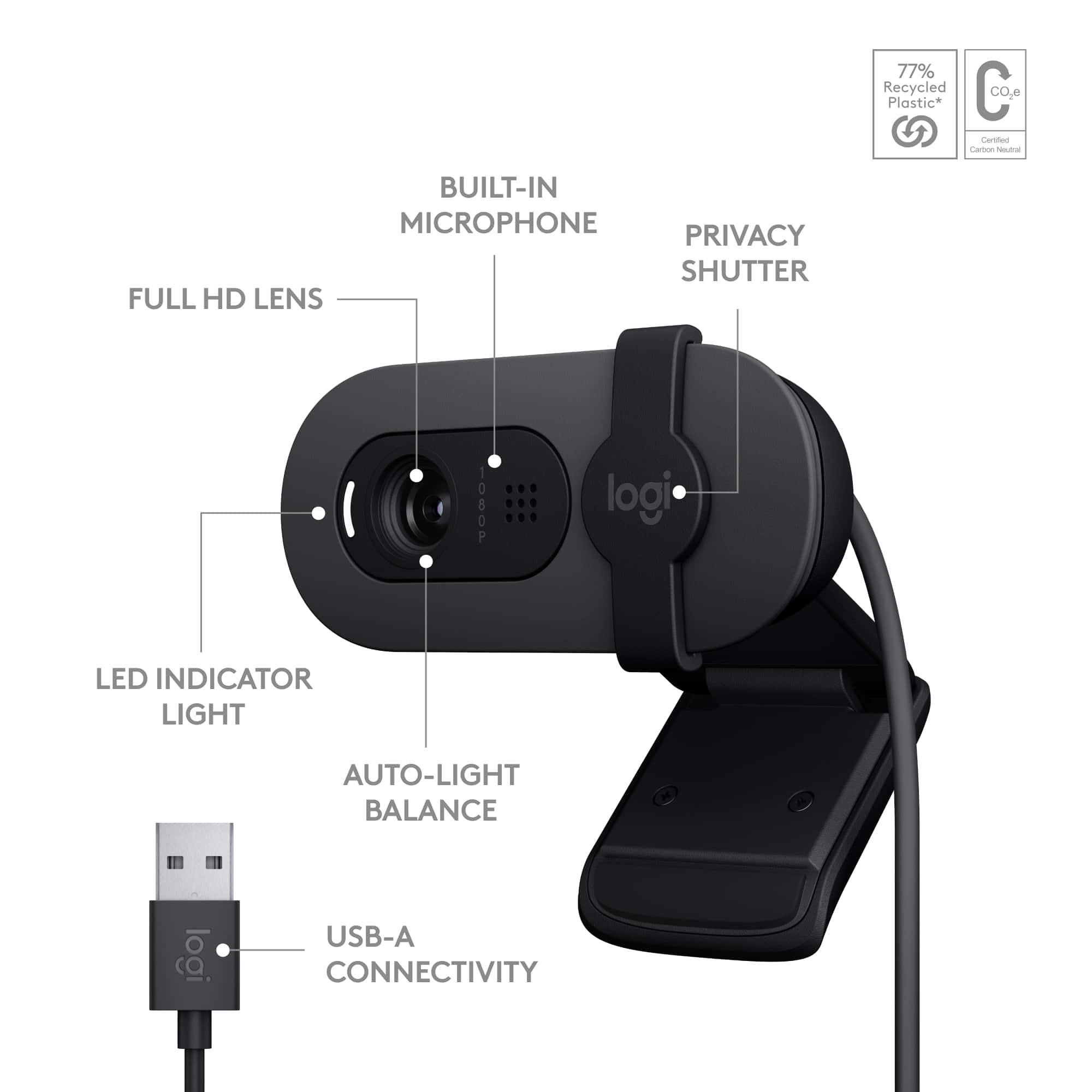
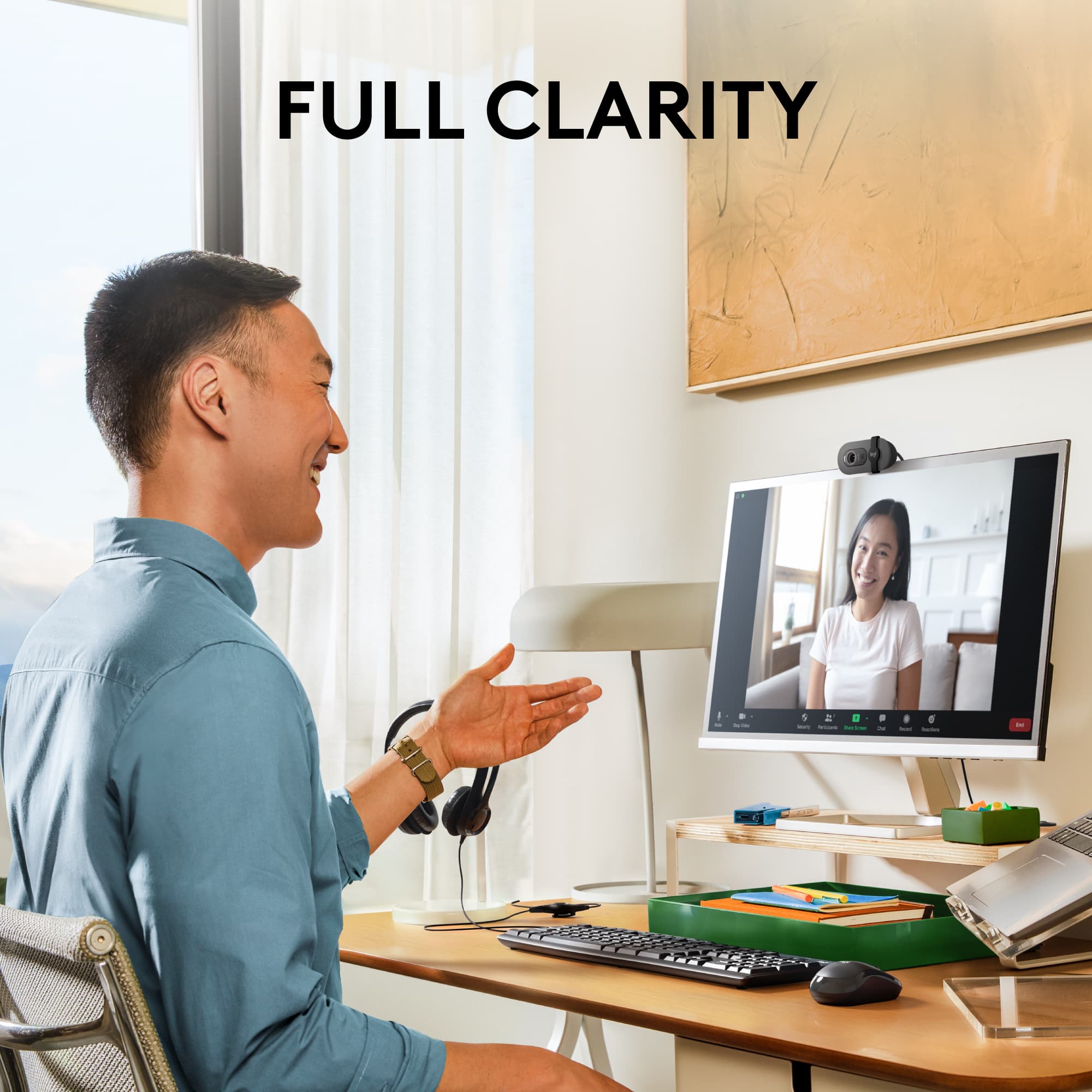
    In the box, you will find the webcam with the USB-A cable already attached that cannot be removed, an important safety sheet in a few different languages and a website to download the software for this webcam. Setup of this camera is simple enough. I just placed this up on top of my monitor with the built in mount and plugged it into a USB-A port. My computer automatically found the device and set it up for use. If you want there is also software that you can install. This webcam has full HD at 1080p and RightLight technology, which means the camera will automatically raise or lower the brightness to show you at your best. There is also a built-in microphone, so people will hear you clearly. If you aren’t looking your best or want a little privacy, there is a privacy shutter which slides over the lens. When you want to be seen again you just slide it back in position. When you download the Logi Options+ app, there are many settings you can customize for not only your webcam, but any Logitech keyboard or mouse you may be using also. I happen to have both Logitech keyboard and a Logitech mouse and now with this app I should be able to tweak all 3 things to my liking. Since I am still working from home, it has become mandatory for me to have a webcam for meetings, etc. This camera is a great option for a number of reasons mostly for price, ease of use, quality and for the fact that it works with so many different platforms for video calling. In the time I have been using this webcam, I find it a very good option without any problems with setup or having to adjust it for anything. It is great right out of the box and I think a good value for the money. I have had other webcams, but with not the best quality video and not necessarily the best audio either. I would highly recommend this webcam.

    I would recommend this to a friend
  • Rated 1 out of 5 stars

    Microphone

    |
    |
    Posted . Owned for less than 1 week when reviewed.
    This reviewer received promo considerations or sweepstakes entry for writing a review.

    The microphone on the camera does not work, only the video works don't buy this product.

    No, I would not recommend this to a friend
    • Brand response from Logitech
      Posted .

      Make sure your headset is selected as the audio-input device for your computer. Ensure that your headset is selected as the input device in your chat application settings. Adjust the microphone volume on your computer or chat application. Verify that the microphone isn't set to ""Mute"" in either your operating system's audio settings or chat application.

      If the issue is persistent, please reach out to Logi support.

  • Tech Insider Network Member

    Rated 5 out of 5 stars

    Advanced features and excellent low light ability!

    |
    Tech Insider Network Member
    Posted .
    This reviewer received promo considerations or sweepstakes entry for writing a review.

    First off I have to say prior to this I was using a c920 Logitech webcam and that was released in 2012.. I kid you not for the past 11 years there has not been a single webcam that could beat its quality and detail even though it’s only 720p until now. This new brio 100 webcam takes whats already a good recipe for an amazing webcam of the past and rehashes it into the future upgrading to 1080p FHD resolution and the absolute best part is the new “rightlight” which boosts your brightness basically based on ambient lighting so that the days of turning into a pixelated mess in lower light situations or making your skin tones funky are no longer a hurdle to jump. Extremely nice for anyone that wants to be using this for live streaming on any platform. The integrated cover for the camera lens ensures that you are private when you want to be or use it as a “break” shutter so you may get up from a meeting and not fumble to turn your webcam off. The built in mic is passable but nothing great though Ive never seen a webcam with a great mic as it’s almost impossible based on where it needs to be located. This can work universally by just plugging it in or you can use it with logi options software that allows you to manually adjust any setting you think needs tweaking but I found the auto settings work well enough I didnt have to touch those. Though something to note is it has advanced controls like shutter speed which is perfect for someone that might have a light in the background or screen that flickers on camera only but not to your eye if you adjust that setting you can rid yourself of this problem. Excellent webcam at an insane price highly recommend

    I would recommend this to a friend
  • Tech Insider Network Member

    Rated 5 out of 5 stars

    Excellent Webcam; Excellent Value

    |
    Tech Insider Network Member
    Posted .
    This reviewer received promo considerations or sweepstakes entry for writing a review.

    This is a nice little plug & play webcam. All you have to do is plug it into a USB Type A port and sit it on the top edge of your monitor. It has a clip that positions and holds it in place. My Windows 10 computer recognized it and automatically did the setup. It has a 1080 resolution picture that adjusts to the ambient lighting. My wife uses it for her Zoom exercise classes. Previously she had no video and had to wear a headset with a mic. Now with this webcam she no longer has to use the headset as it has a built-in mic, and also a privacy shutter, so she can choose whether to allow others to see her exercising. Besides Zoom, it can be used with other platforms like Windows Teams and Google Meet. In conjunction with the Windows Camera app you can also use the camera to record video and take photos. Logitech has an app that can be used to adjust image settings. The app is Logi Options+. Once downloaded, it will automatically recognize the Brio 100, show settings, and provide a link to support. Auto White Balance can be turned OFF or ON (the default is ON); and Brightness, Contrast, Saturation and Sharpness can all be adjusted. The app also indicates that coming soon will be the ability to change Auto Exposure, Shutter Speed, ISO, and Low Light Compensation. The picture on this webcam is excellent, the build quality is excellent, and with the Logi Options+ app the image can be adjusted to suit the application and personal preference. You get a lot for this webcam's price point. It's an excellent value.

    I would recommend this to a friend
  • Tech Insider Network Member

    Rated 5 out of 5 stars

    Quality webcam on a budget for daily use

    |
    Tech Insider Network Member
    Posted .
    This reviewer received promo considerations or sweepstakes entry for writing a review.

    Logitech Brio 100 is a Full HD 1080p resolution webcam that can be used for everyday video calls. The packaging is neat and simple, it includes the webcam and the user documentation. Brio 100 is compatible with both Windows and macOS with a quick and easy plug-n-play setup via the USB A port. The webcam is sturdy and can be placed on the monitor like a clip without the fear of falling off. You cannot mount this on a tripod as there are no screwing options on the webcam itself. The webcam comes with an integrated shutter that you can slide off to ensure privacy when you do not want to be on the video. There is an LED indicator that will light up when the camera is in use. The built-in mic is decent and comes in handy when you do not want to use an external headset for calls. The auto light adjustment makes the camera image brighter during video calls. This is much better than my laptop's integrated camera. You can download the Logi Options+ app to customize the camera image settings like brightness, resolution, and other settings. The camera works with Microsoft Teams, Zoom, or any other video conference applications. Overall, this is a simple and affordable webcam that can be used for everyday video call needs and an upgrade from built-in laptop webcams.

    I would recommend this to a friend
  • Tech Insider Network Member

    Rated 5 out of 5 stars

    Excellent Work From Home Webcam

    |
    Tech Insider Network Member
    Posted .
    This reviewer received promo considerations or sweepstakes entry for writing a review.

    I want to begin this review by mentioning that I currently have a 4K webcam and whenever I use it, it slows down the overall performance of my laptop. That is why I needed to down grade to a 1080p webcam. Out of the box the webcam is plastic, but it seems to be much more sturdy than my current device. It also has a manual privacy shutter to block the lens, which is pretty standard these days. Setup was minimal effort since the cam is plug and play. I have Logi Options running on my laptop and the webcam was recognized by the app. In the app you can tweak the settings further is you like, but I was content with the settings right out of the box. The video and audio quality was very good for my meetings. Note I was not expecting high end video quality that you would find in video games and photos. One thing I really liked is that I did not need any additional lighting, the light in my room was adequate. Overall, I can not find any major cons so I am giving five stars. This webcam fullfills my needs for working from home. I will probably buy another one strictly for business travel since it really doesn't take up too much space.

    I would recommend this to a friend
  • Tech Insider Network Member

    Rated 4 out of 5 stars

    Great video quality, missing one important thing

    |
    Tech Insider Network Member
    Posted .
    This reviewer received promo considerations or sweepstakes entry for writing a review.

    This is a fine camera, and a upgrade over previous Logitech cams I have owned. The picture quality is top rate as can be expected. The Mic is on par with any other camera. Cable length is quite sufficient to reach almost any setup within reason. So why did I drop a star? Ideally I would only drop half a star but that is not available. My sole reason for a downgrade, there is no way to attach this to a mini tripod. The mounting bracket or connection underneath the camera was excluded for some reason. For me having the camera above the monitor does not work well. The top of my monitor is well above eye line. Setting the camera on the desktop is too low, I am pretty tall. I like being able to add 5 to 6 inches with a mini tripod. Beyond my one complaint, this is an excellent camera. You can download the Logi Options+ if you do not already have it installed. The configuration is the same as any other Logitech device once in the app. There is definitely more to like about the camera than there is to hate on. It is perfect for online meetings, much better than most laptop cameras. I definitely recommend if you are OK with a desktop mount or on top of your monitor.

    I would recommend this to a friend
  • Rated 4 out of 5 stars

    Worth it

    Posted .
    This reviewer received promo considerations or sweepstakes entry for writing a review.

    Good camera quality and connecting to the computer is easy.

    I would recommend this to a friend
    • Brand response from Logitech
      Posted .

      Thanks for the great review! We’re thrilled our Logitech Brio 100 Full HD Webcam is meeting your expectations. Your support helps us continue to innovate and improve. Logitech