Customer Ratings & Reviews
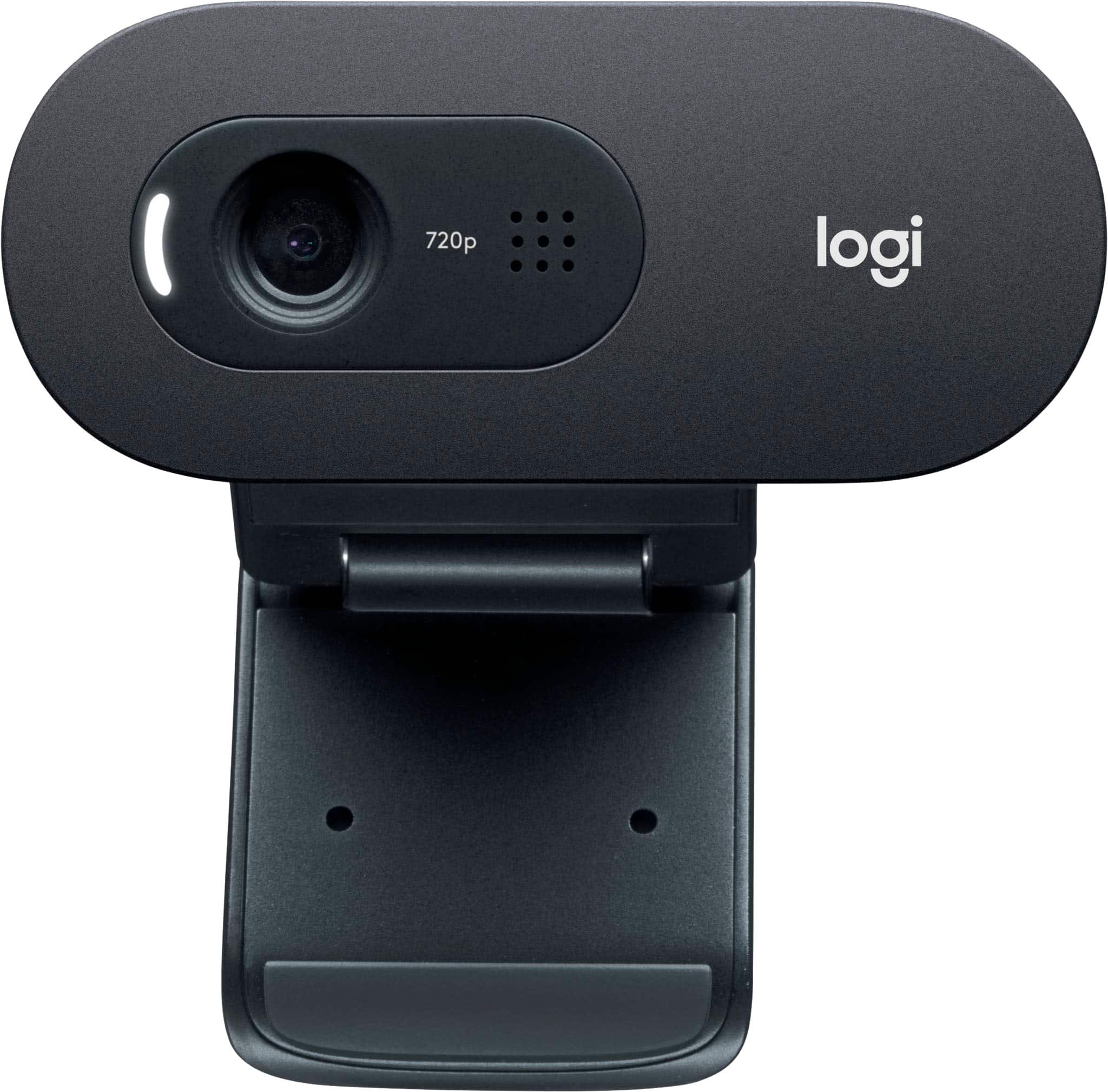
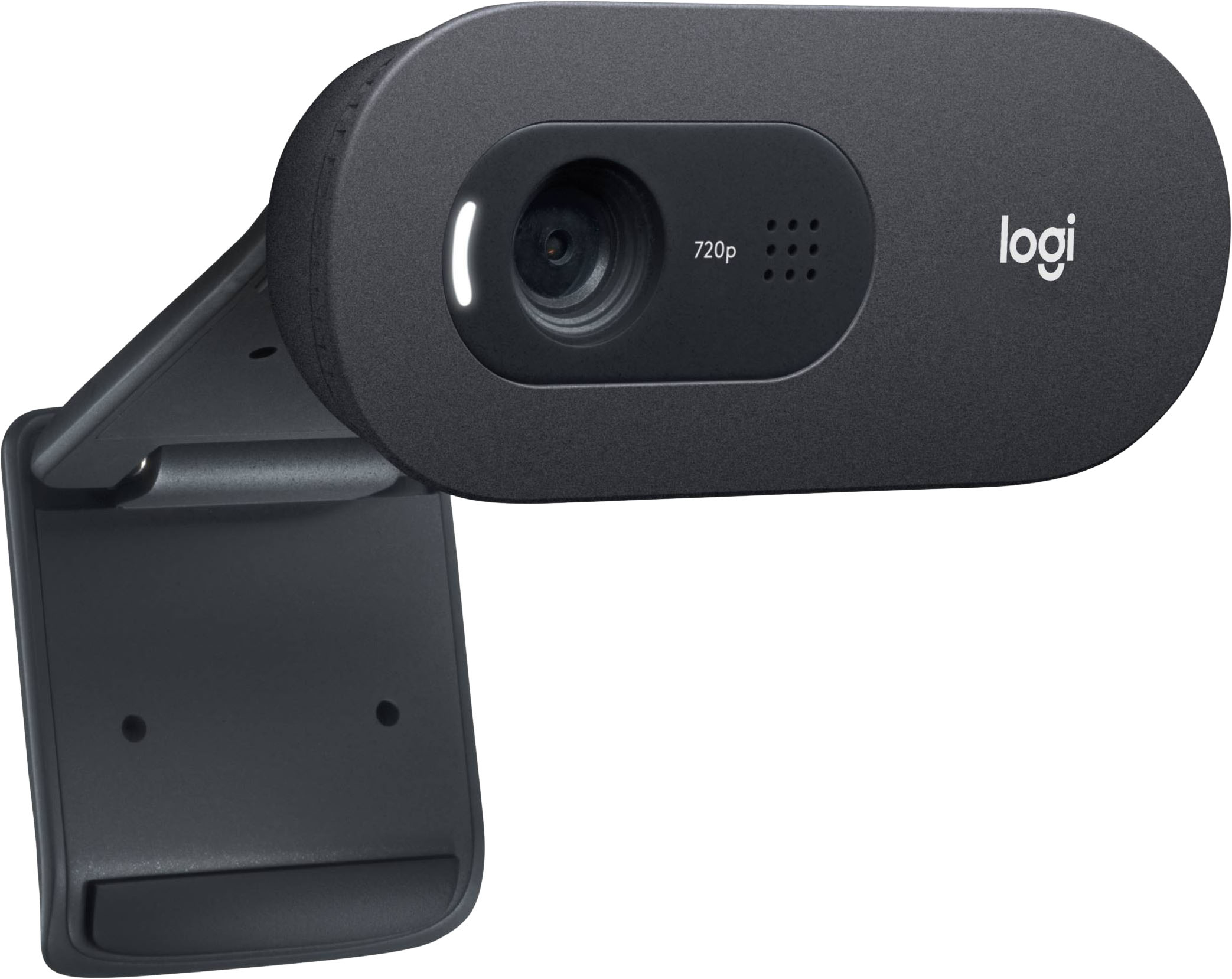
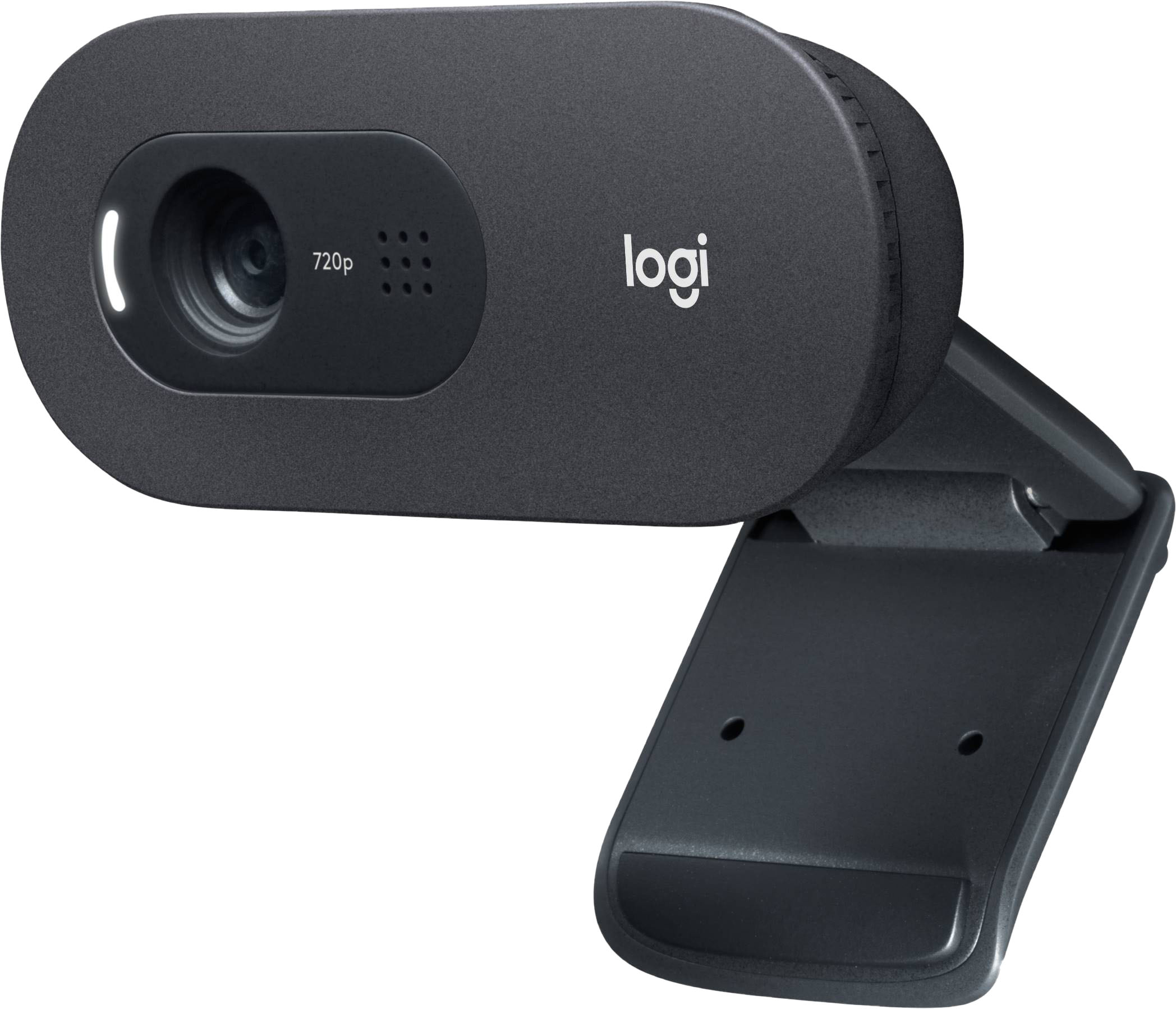
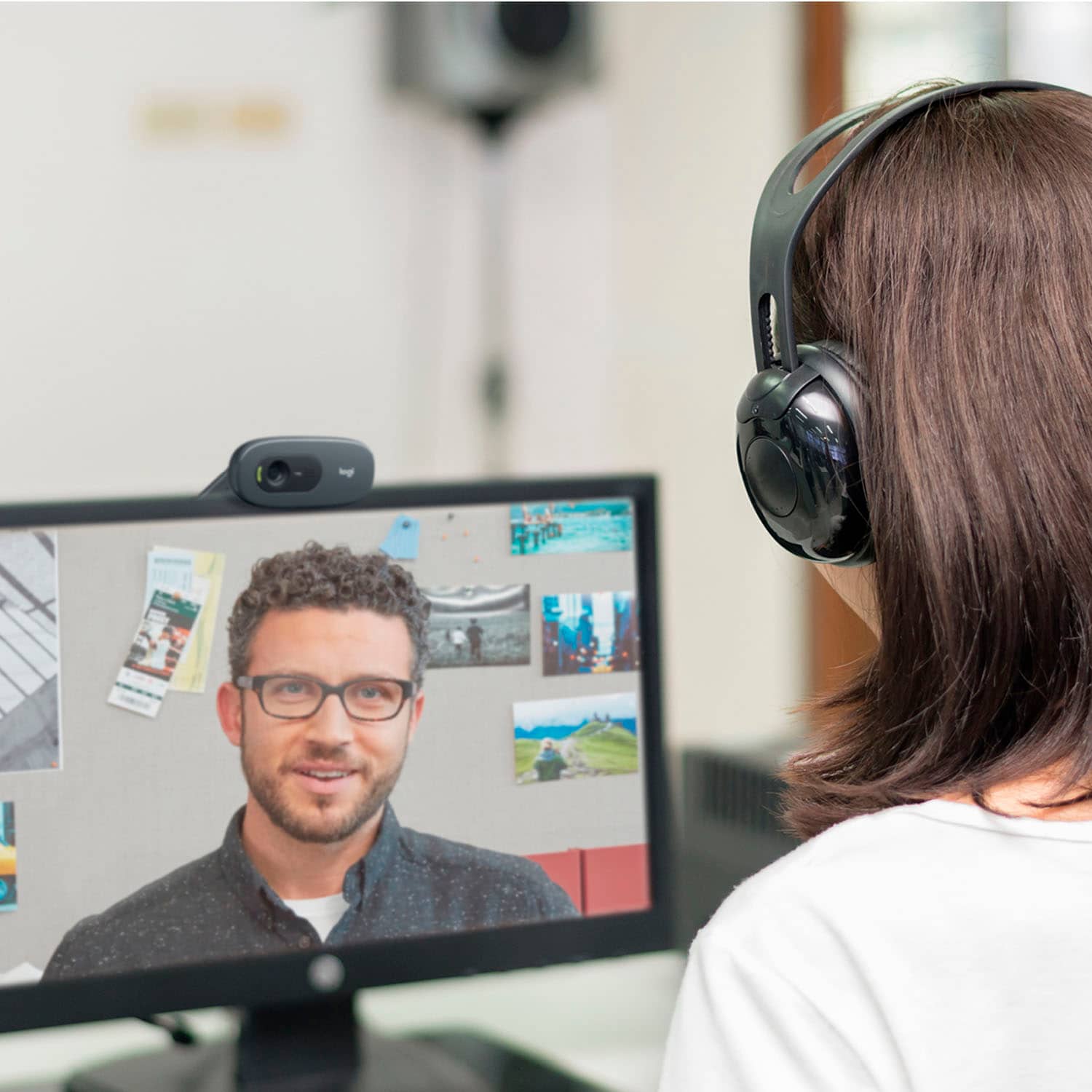


- Model:
- 960-001363
- SKU:
- 6432659
Rating by feature
- Value
Rating 4.5 out of 5 stars
- Quality
Rating 4.5 out of 5 stars
- Ease of Use
Rating 4.7 out of 5 stars
Customers are saying
Customers love the C505 720 Webcam with Long-Range Mic for its excellent video and sound quality, and its ease of setup and use. Many appreciate the webcam's compact size, finding it unobtrusive. There were no negative customer comments reported.
This summary was generated by AI based on customer reviews.
- Pros mentioned:Video quality
Not Far-Field microphones
||Posted . Owned for 6 months when reviewed.This reviewer received promo considerations or sweepstakes entry for writing a review.I bought this webcam knowing it was only 720p, but liked that it claimed to have far-field microphones. It does not. The microphones were worse than my regular 1080p webcam. The picture quality was good for a 720p cam. I returned it.
No, I would not recommend this to a friend Logitech
||Posted . Owned for 1 month when reviewed.This reviewer received promo considerations or sweepstakes entry for writing a review.Perfect for what I need. Reasonably priced and easy to set up.
I would recommend this to a friendCamera
||Posted .This reviewer received promo considerations or sweepstakes entry for writing a review.Great for the Money and insulation was simple and easy to use
I would recommend this to a friendOutstanding Logitech webcam.
||Posted . Owned for 3 weeks when reviewed.This reviewer received promo considerations or sweepstakes entry for writing a review.This webcam gives very clear pictures and is great in zoom sessions.
I would recommend this to a friendComputer external camera
||Posted . Owned for 1 month when reviewed.This reviewer received promo considerations or sweepstakes entry for writing a review.Working well for recording to internet. Use during church service.
I would recommend this to a friendHorrible Overexposure
||Posted . Owned for 3 weeks when reviewed.This reviewer received promo considerations or sweepstakes entry for writing a review.Overexposes you regardless of whether you are front-lit or back lit. You will look like a ghost! Adjusting the brightness, white-point, and contrast help you to look vaguely human instead of like an ethereal spirit haunting your Zoom meeting.
No, I would not recommend this to a friendBrand response from Logitech
Posted .Hi Frankie, sorry to see you're having software issues with your C505 webcam. You can try to adjust the video settings in the app that you're using to see if that remedies the issue.
Stteaming
||Posted . Owned for 1 year when reviewed.This reviewer received promo considerations or sweepstakes entry for writing a review.Bought this for streaming on my xbox, worked just fine.
I would recommend this to a friendWebcam
||Posted . Owned for 1 year when reviewed.This reviewer received promo considerations or sweepstakes entry for writing a review.Would have rated higher if it had a better microphone.
I would recommend this to a friendWorks OK. I guess!
||Posted . Owned for 3 weeks when reviewed.This reviewer received promo considerations or sweepstakes entry for writing a review.Works OK, I guess! Can't see me on the other end!
I would recommend this to a friendLogitech
||Posted . Owned for 3 weeks when reviewed.This reviewer received promo considerations or sweepstakes entry for writing a review.Just what I needed for streaming and for my online classes :]
I would recommend this to a friendEasy To Use
||Posted . Owned for 2 weeks when reviewed.This reviewer received promo considerations or sweepstakes entry for writing a review.Easy setup and easy to use especially for zoom meetings.
I would recommend this to a friendLogitech C505
||Posted . Owned for 3 weeks when reviewed.This reviewer received promo considerations or sweepstakes entry for writing a review.Good definition, easy to set up, reasonable price.
I would recommend this to a friendWebcam Purchase
||Posted .This reviewer received promo considerations or sweepstakes entry for writing a review.Did not meet actual needs and was, as such, returned
No, I would not recommend this to a friendBrand response from Logitech
Posted .Hello, we are sorry to hear that the C505 did not meet your needs. We hope that you were able to find another product in the Logitech family that met your needs. If you ever have any product questions or need support, please visit us at: https://support.logi.com/hc/en-us
Turns on by itself
||Posted . Owned for 1 month when reviewed.This reviewer received promo considerations or sweepstakes entry for writing a review.Turns on when not in use, which is totally creepy.
No, I would not recommend this to a friendBrand response from Logitech
Posted .Hi Bree, thank you for writing this review. The C505 webcam is designed as plug and play. When the webcam is plugged in and an application on the computer that uses a webcam it will activate the webcam on so that its ready for use. If you are using a program but don't want the webcam being used you can unplug the device when its not in use. There is no set power button on the webcam. You can also cover the lens when not in use so that its not picking up any video when you don't want it to. If you have more questions about your device please visit us at support.logi.com for more information. Kristi from Logitech.
Defective out of the box.
||Posted .This reviewer received promo considerations or sweepstakes entry for writing a review.Defective out of the box. Not much more to say, except for some reason they refunded me with cash when I purchased online... overall not a great experience.
No, I would not recommend this to a friendBrand response from Logitech
Posted .That's unfortunate. Your feedback is important to us and we'll make sure to share it with the right team.
Logitech camera
||Posted . Owned for 8 months when reviewed.This reviewer received promo considerations or sweepstakes entry for writing a review.The webcam is alright if you playing games in 30fps and streaming the same time. I think this would be good for talking on skype calls or something thatll be good for. Price wise is not the best for this
No, I would not recommend this to a friend- Pros mentioned:Setup, Video quality

Perfect for video calls and the new way we work
|Posted .This reviewer received promo considerations or sweepstakes entry for writing a review.This Logitech webcam is the perfect companion for days filled with video calls to colleagues and family alike. The device is small, attractively designed, and works very well with a minimum of user setup or intervention. The device installs quickly and easily into any available USB port and the image is clear enough with up to 720p resolution (more than enough for video call purposes). Audio is also very clear and the mounting position on top of any monitor (or even laptop screen) provides a good view of the speaker in most situations, being angled slightly down toward the subject. The best feature, however, is the excellent control of subject lighting. As many of us are discovering in this age of increased video call usage, not all settings are conducive to good lighting for video calls and subjects are frequently very dark when they have windows or other light sources behind them. I've used this cam for many hours of business calls with varied light conditions and I can confidently say that this Logitech cam does an outstanding job of correcting for a broad range of lighting situations without the need for extra lights - far better than any other cams I've used. The fact that this feature just works by default and without the need for special software, tweaking or user intervention makes it all the more useful. If you're looking for a great no nonsense webcam to give you a professional look on your upcoming video calls, this one has you covered. Pros: - Quick and easy setup with no special software required. - Mounting position is ideal to provide a good view of the subject. Cams built into laptop lids tend to look up at the subject, which can result in a less flattering view. - Outstanding correction for a wide variety of lighting issues with excellent dynamic range and highlighting of the subject. - Solid audio performance. - In my testing, worked perfectly with Zoom and Microsoft Teams. - Indicator light clearly shows when the cam is active. Cons: - Some may wish for 1080p vs. 720p resolution
I would recommend this to a friend As basic as it gets
||Posted . Owned for 6 months when reviewed.This reviewer received promo considerations or sweepstakes entry for writing a review.Decent for starters. Has a usb to plug into pc and a clip to attach to the monitor. You can physically move the camera once you’ve set it up. The end
I would recommend this to a friend- Cons mentioned:Design
Useless Webcam
||Posted . Owned for 1 year when reviewed.This reviewer received promo considerations or sweepstakes entry for writing a review.poor design, poor quality video... no ability to zoom, I brought it back and exchanged it. useless!
No, I would not recommend this to a friend Webcam owner
||Posted . Owned for 1 month when reviewed.This reviewer received promo considerations or sweepstakes entry for writing a review.Works for what I need, easy to use. For the price it's a good deal.
I would recommend this to a friend