Customer Ratings & Reviews


- Model:
- 960-001363
- SKU:
- 6432659
Rating by feature
- Value
Rating 4.5 out of 5 stars
- Quality
Rating 4.5 out of 5 stars
- Ease of Use
Rating 4.7 out of 5 stars
Customers are saying
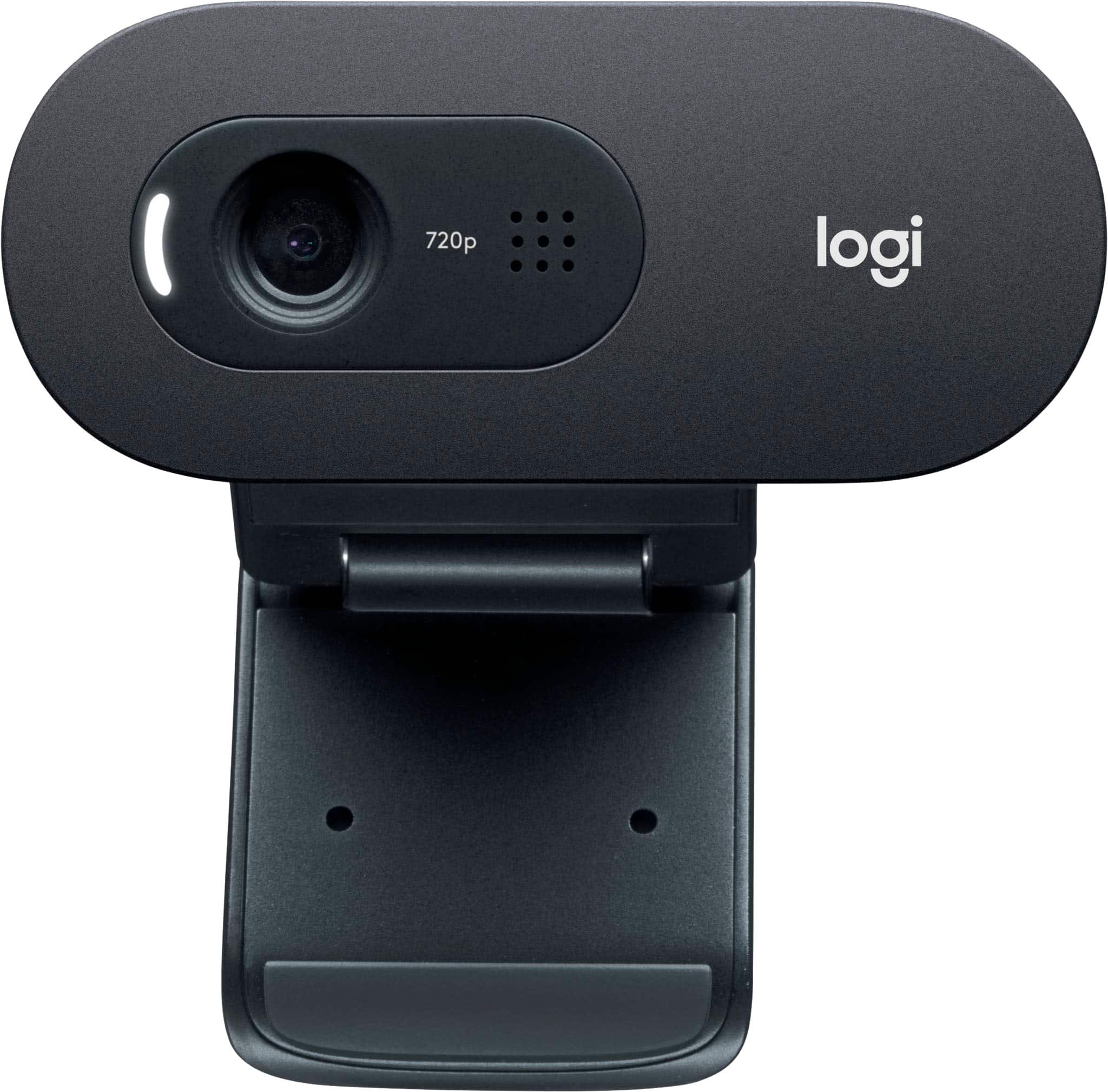
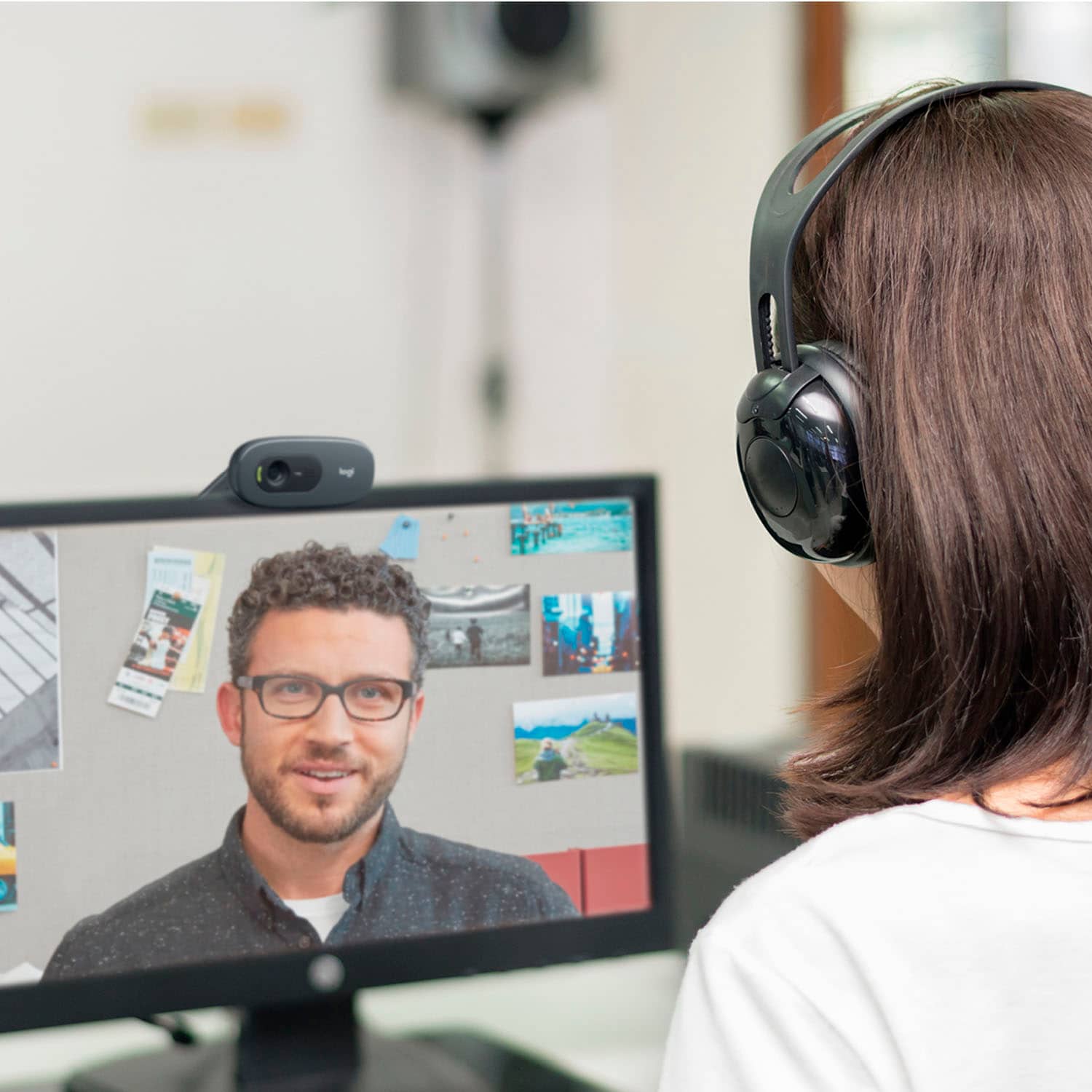
Customers love the C505 720 Webcam with Long-Range Mic for its excellent video and sound quality, and its ease of setup and use. Many appreciate the webcam's compact size, finding it unobtrusive. There were no negative customer comments reported.
This summary was generated by AI based on customer reviews.
Mr
||Posted . Owned for 3 weeks when reviewed.This reviewer received promo considerations or sweepstakes entry for writing a review.System was okay but cost not competitive to what I finally purchasex
I would recommend this to a friendwebcam
||Posted . Owned for 4 months when reviewed.This reviewer received promo considerations or sweepstakes entry for writing a review.Its ok, does the job. I can't get it to stay in place
No, I would not recommend this to a friendWhere is my product?
||Posted . Owned for 2 weeks when reviewed.This reviewer received promo considerations or sweepstakes entry for writing a review.I have no idea where my product is or if it’s still coming.
No, I would not recommend this to a friendBrand response from Logitech
Posted .Hello, I'm sorry to hear that you've had some shipping issues with your C505 webcam. I would recommend contacting Best Buy support or your local store for more information.
- Pros mentioned:Overall performanceCons mentioned:Field of view

Quick easy setup - Good video
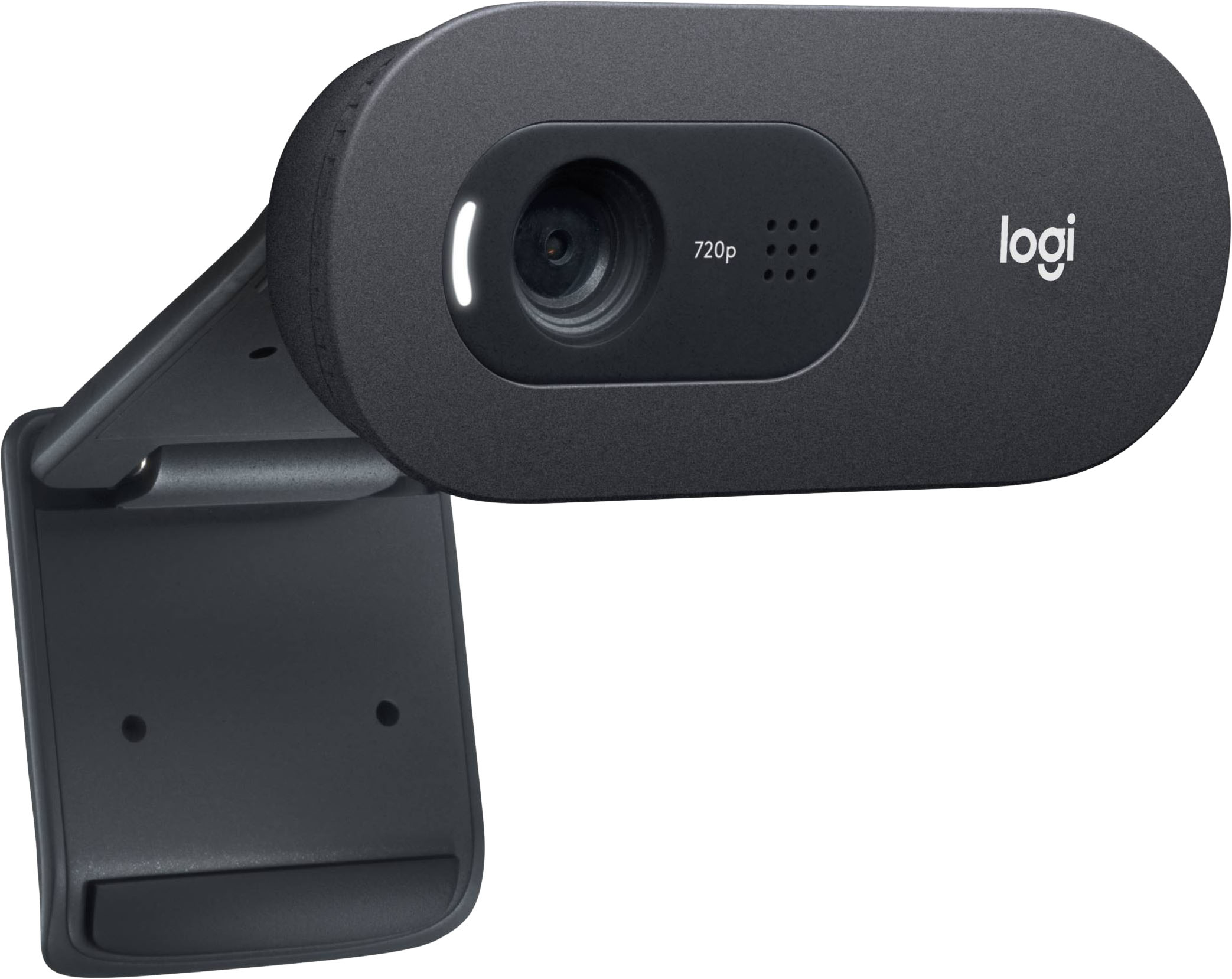
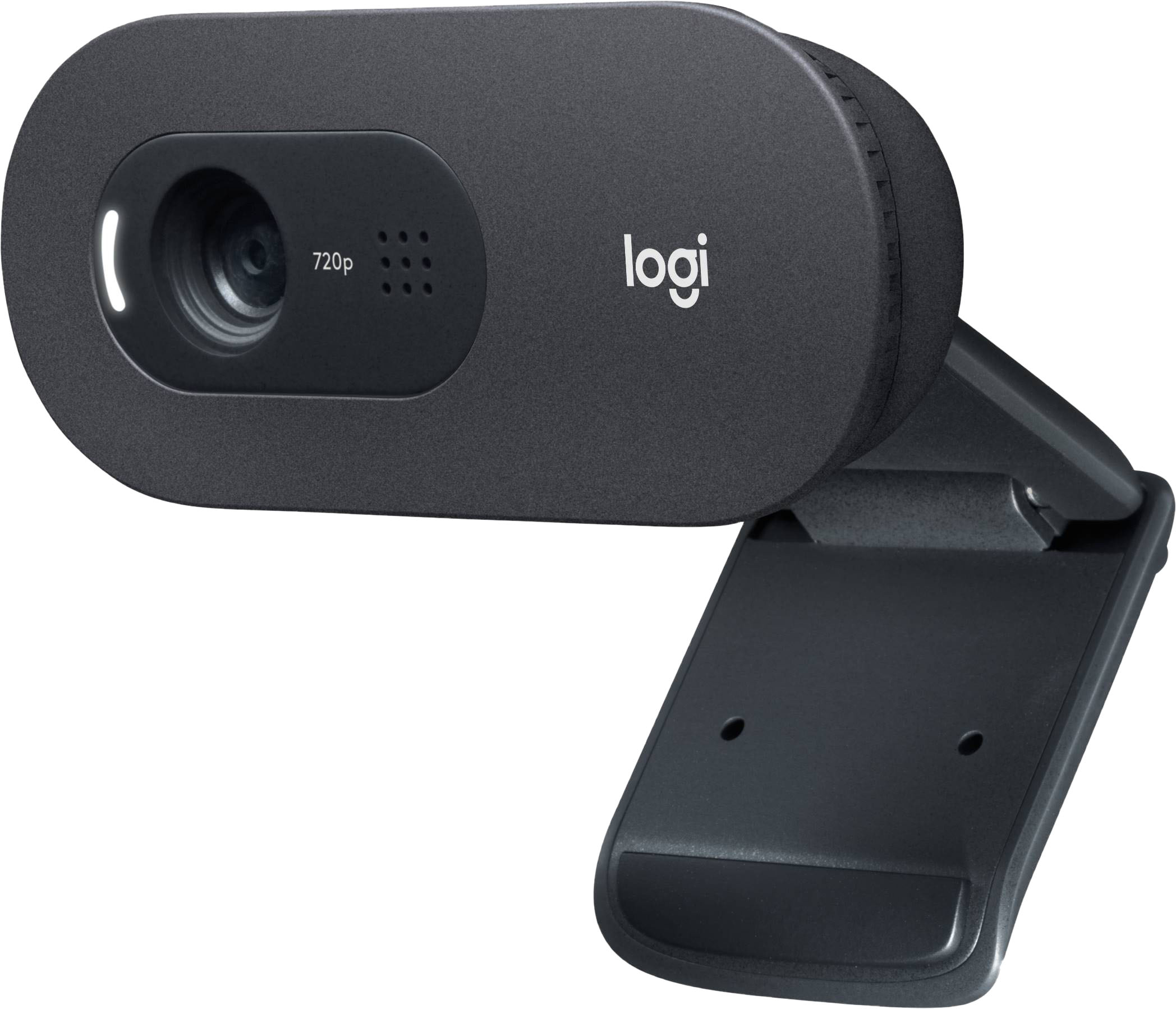
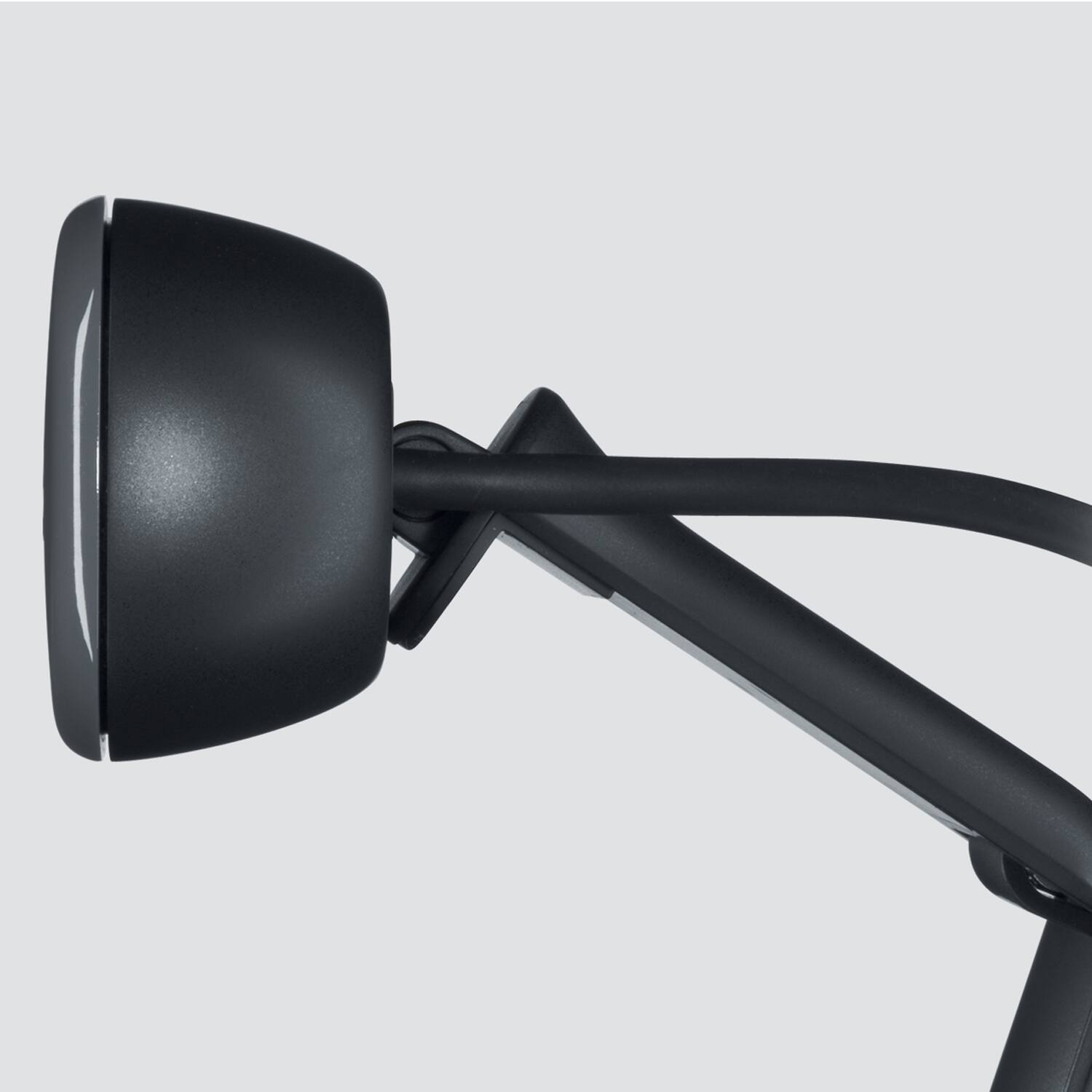
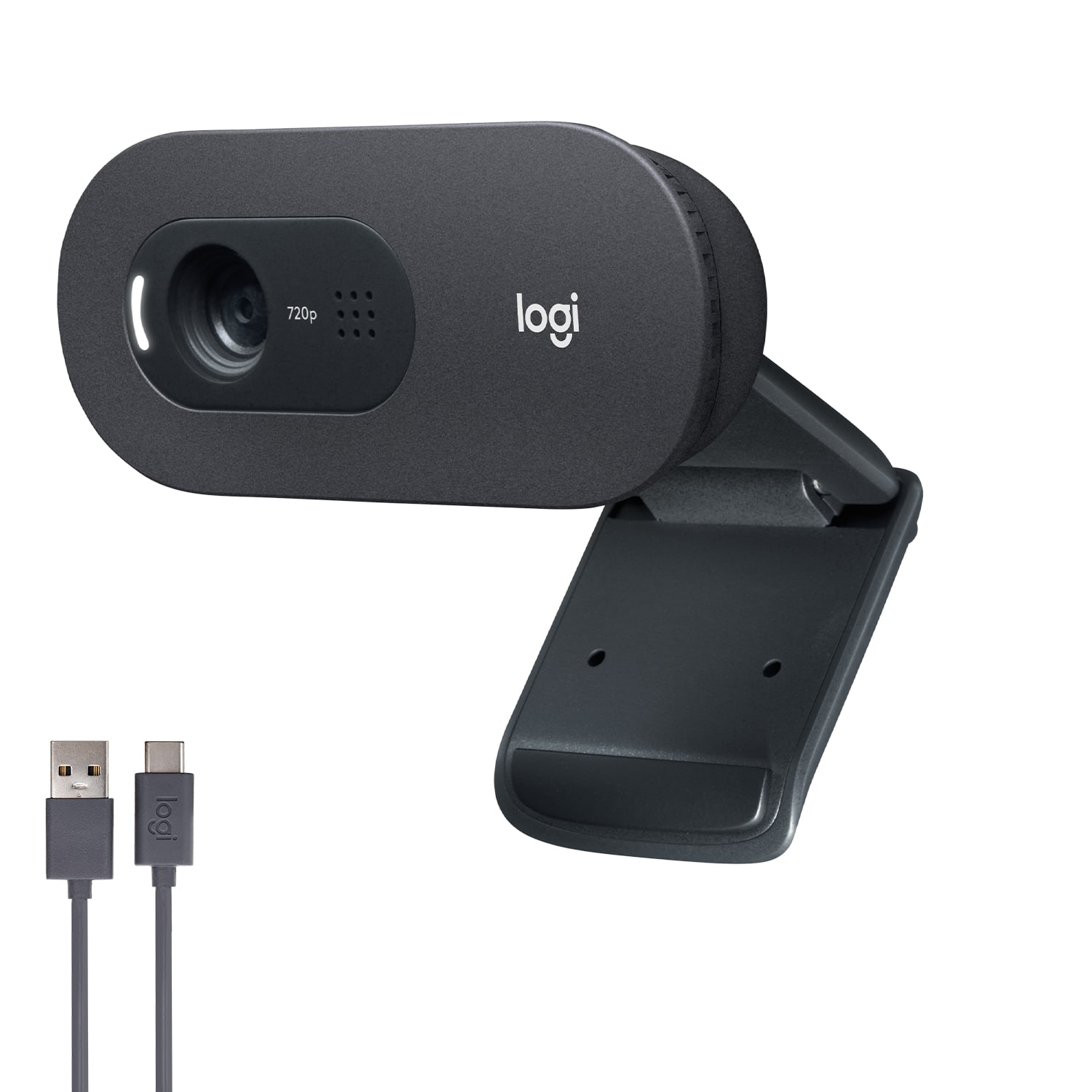
|Posted .This reviewer received promo considerations or sweepstakes entry for writing a review.The camera is simply packed in a box. Nothing but some legal paperwork comes with it. On one flap of the box is a link to Logitech support. Connecting the camera could not be easier. Just connect to your USB port with the generous 7 foot cable and bring up ZOOM or Skype. It works just that easily. No fussing with drivers or software. Skype has video adjustments that I don't seem to find on ZOOM. I increased the brightness a bit but otherwise no further adjustments were necessary. This is on a Windows 10 desktop with the latest updates. The box claims 720p which it does according to stats on ZOOM however it has not performed at 30 FPS as claimed. I get 15 FPS on both ZOOM and Skype. Although this spec is not met on my desktop PC the video in the meetings is fine. I'm also not sure about the claimed 60 degree field of view. Again this is not an issue on video calls. From a practical standpoint this is a good camera for the casual user who is working from home and doesn't want to fuss to get a camera to work. One odd thing that is missing is a lens cover. There is a light that comes on when the camera is active but I would have preferred a physical lens cover. How was this missed ? The camera is fixed focus and the mounting bracket is clever. It can work on top of your monitor bezel or on any flat surface. The entire head articulates to point the camera up or down to what looks like 45 degrees from flat. I don't believe the casual user will have any issue with this camera.
I would recommend this to a friend - Pros mentioned:Ease of use, Video quality
capable web cam
|Posted .This reviewer received promo considerations or sweepstakes entry for writing a review.I am not a web cam professional but I don't understand why you would pay hundreds of dollars for a web cam. All I need is a clear picture that doesn't cut out and a good mic so people on the other end can hear me. Thats' exactly what this Logitech - C505 HD Webcam does. The picture quality is great. The view I get of myself was very clear in any light. People on the other end of zoom calls and google hangouts said i was coming through perfectly, not washed out or to dark. The mic pics up sound as I move around my desk. No fading in and out. Setting up was a breeze. Find the spot you want to clip the webcam to, plug into a empty USB port and you are up and running. The only problem I ran into is my monitor only has about a 1/8 inch bezel on top so the camera hung over the screen a little. I decided to attach it to a sub woofer box behind my monitor which also solved the extreme close up I was giving off during video chats. overall a good webcam
I would recommend this to a friend - Pros mentioned:Setup, Video quality
Nice little camera, works well
|Posted .This reviewer received promo considerations or sweepstakes entry for writing a review.In this day and age, everyone needs some kind of webcam at home to do video chats and zoom meetings and things like that. I have a desktop computer with no built in camera of any kind. I had to switch to working from home and have to do many different kinds of virtual meetings and was looking for something like this. The camera is very simple to set up and easy to use. I have found it works great with Zoom, google meet, as well as the facebook video rooms. I really just plugged it in, installed the software and I was good to go. There are some settings in the app to adjust brightness, contrast, saturation, and white balance as well as choosing 4:3 or 16:9 aspect ratios. I found the video was good and the audio was great and people were even able to hear me when I walked away from my desk and wasn't right in front of the camera. If you have a really bright room it light look a little washed out, but if you play around with the settings a bit you can usually get something acceptable that looks good. So, if you're in the market for a cost effective, no frills webcam that just works. This is it!
I would recommend this to a friend Not worth the money!
||Posted .This reviewer received promo considerations or sweepstakes entry for writing a review.Not impressed. My C170 cam works better. There is no software for this cam. Can't change the hue on it. Taking it back to the store.
No, I would not recommend this to a friend- Pros mentioned:Overall performance, Video quality
Good but Basic Webcam
|Posted .This reviewer received promo considerations or sweepstakes entry for writing a review.Are you looking for broadcast, HD-Level, top-of-the-line webcam? Move along... Are you looking for a solid, good picture, great audio with a very versatile 7-foot long USB cable that can be moved pretty much anywhere? WINNER! The picture, although not 1040 (it's actually 720p), it does a solid job with Skype and Zoom. It adapts well to lighting, as long as it's not extreme. The audio is awesome and picks up very well. The cable is extra long which gives you great choices on location of your camera. Mine is on top of a camera-less monitor, but I have pulled it across the room to be able to broadcast my Granddaughter on Skype. I still would have liked a physical disconnect on the camera, but if it becomes an issue I just unplug it. So in a nutshell, no where near the top of the line, but a solid, well performing webcam that just gets the job done for a great price. Recommended!
I would recommend this to a friend Webcam
||Posted .This reviewer received promo considerations or sweepstakes entry for writing a review.My interview which was done virtual I was told they could see me but not hear me. I been using my cell phone after that.
No, I would not recommend this to a friendBrand response from Logitech
Posted .Hello ALJONES,
Thank you for choosing Logitech and for taking the time to share your experience with the C505 HD Webcam. I apologize for any difficulties you have experienced with your webcam; I would like to help. I have attached a link to the C505's "Getting Started" support page for your reference. If you have not already done so, please check your computer's settings and ensure the video input is set to the c505 and also the microphone input. If you do not see these options, please check your computer's privacy settings. You may need to adjust your computer's camera and microphone privacy settings to allow the c505 to communicate with the computer's applications. I hope these suggestions are helpful and that you will enjoy your C505 HD Webcam. For further support, please visit the Logitech website.
Best regards,
John at Logitech
https://support.logi.com/hc/en-us/articles/1500003926121
- Pros mentioned:Size, Video quality
Excellent webcam that is just right
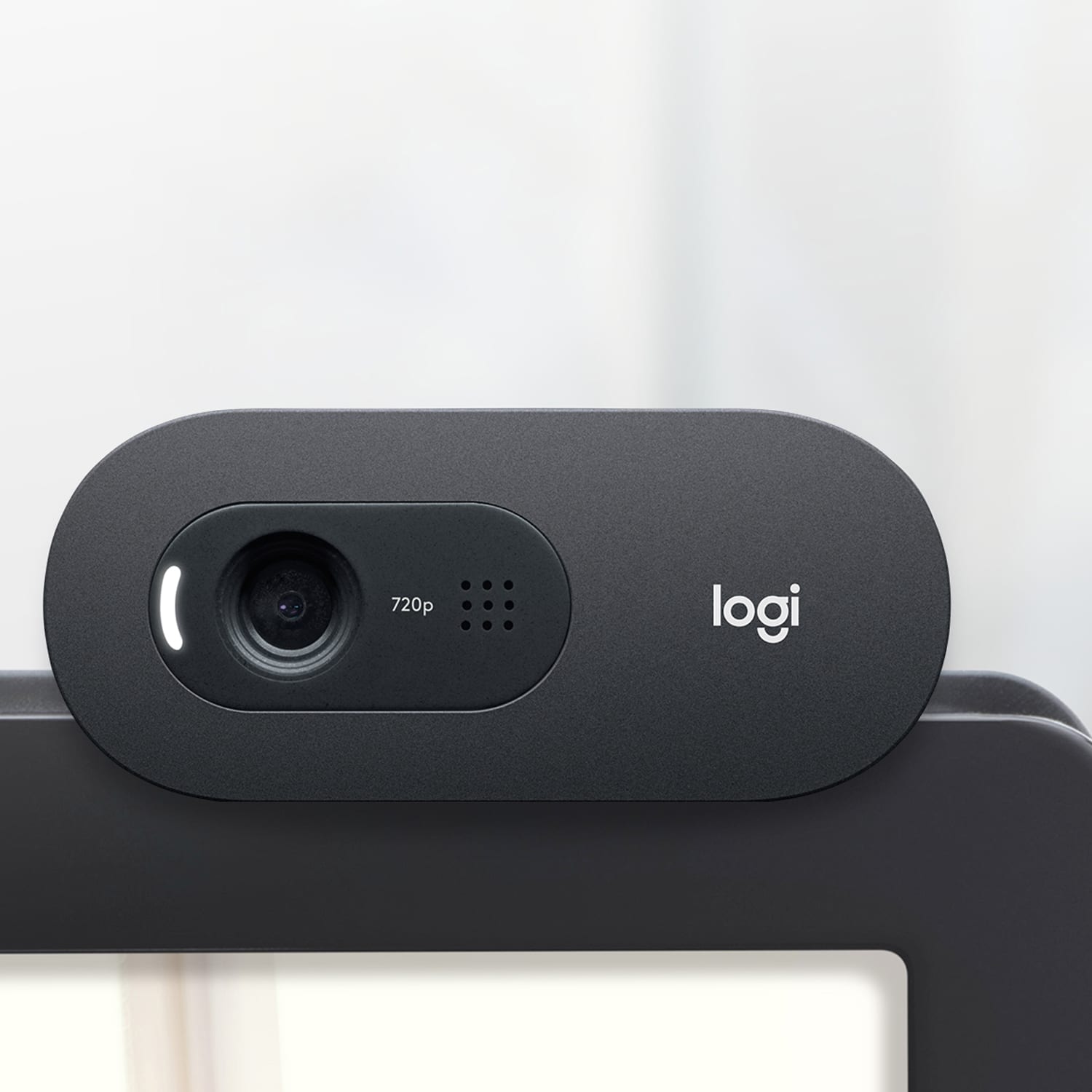
|Posted .This reviewer received promo considerations or sweepstakes entry for writing a review.I am reviewing the Logitech C505 HD Webcam. Size and positioning - It small enough to sit on top of my monitor and not be in the way. The adjustments are good to set the position of the lens just by shifting the position it sits on the monitor and it stays in place with the rubber bumper that fits against the back side of the monitor. The longer USB cord is nice so it can connect without being restrictive. Video - The video is very clear and natural looking. It is nice to have 30fps so there is no jerkiness or lag to the video. The field of view is good as well. It would be nice if the colors were a little sharper on the video, though. Sound - The sound is very clear as well and the microphone picks up everything without any noise or distortion. Overall this is an excellent webcam that is just right.
I would recommend this to a friend - Pros mentioned:Setup, Video quality
Gets job done, Quality Lacking
|Posted .This reviewer received promo considerations or sweepstakes entry for writing a review.The Logitech C505 webcam is one of Logitech’s latest entry-level webcams. This camera features 720p video, a long cord, and long range microphone for basic video conference which is in full swing right now for students, office workers, or even other industries who need to chat from different places. While it does the job, I am not sure I would recommend this camera given the video quality and price point. Setup: This camera is very simple to setup for the most part. On most modern computers you should be able to just plug the camera in a USB-A port and be ready to go. This worked well on all but one device where the computer still defaulted to the built in web camera but eventually I found out where to switch it. This was a very high end Surface Book 3 which features a built in 1080p camera so maybe that had something to do with it but otherwise it worked as advertised on all other computers. The mount works ok on screens but it takes a little time to position the camera into a stable place. I don’t think it holds particularly well on all screens but if you manage to get it set in a spot it will hold it there but adjusting it will likely be a two handed job. The housing for the webcam does protrude down onto some thinner bezel screens by some margin so some minor obstruction may occur there. Video Quality: This is where the C505 hardly gets the job done. This camera is promoted as a step up from most built in cameras but in reality its only on par with most of the newer laptop cameras, audio aside. I was disappointed in the video quality of this camera. I have an old but quality name brand camera that is roughly 8 years old which is also 720P which features arguably better video than this camera as it has autofocus. The C505 has a fixed point of focus which makes the quality that much worse. The audio is fairly good but the colors, field of view, and image quality leaves a lot to be desired. Overall: The Logi C505 webcam will definitely get the job done but it is lacking the expectation of a higher quality picture which some built in cameras on high end laptops or most cameras on cell phones provide. The audio quality is good which is the strongest point of this camera. Given the pandemic I am not sure if $50 is reasonable for such a product but do your research with the price point to determine your willingness to choose this product for what it offers.
No, I would not recommend this to a friend - Pros mentioned:Ease of useCons mentioned:Field of view
Mediocre Video Quality
|Posted .This reviewer received promo considerations or sweepstakes entry for writing a review.As the realities of 2020 have forced me to work from home exclusively, I figured it was time to upgrade from my Mac Books rather poor built in webcam. As such, I decided to give the C505 a try. Overall, I'm not overly impressed with it and will likely revert back to using the built in camera on the MBP. Setup and ease of use are great with the C505. It's literally a plug and play web cam that I found to work with zero issues on both Mac OS and Windows 10. I was confused at first, thinking I needed drivers but Logitech did a wonderful job ensuring no extras were needed here. Additionally, the stand of the webcam allows for placement in a number of locations; I've used this propped on both a monitor and my Mac Book, and it sits rather securely. One thing of note is that it hangs down over the screen a bit, so if you have a monitor with thin/no bezels (as I do), you'll obscure a bit of your screen. Not a big deal IMO. Where I was looking for the C505 to deliver was in the image quality department. Unfortunately, it's just not that high quality of a camera. While it's advertised as "HD" it's really only 720p. Of particular note, I found that it doesn't handle scenarios where there is high dynamic range. In my office, the background will generally be fairly dark, while the foreground is generally well lit, and it tends to overexpose the foreground to compensate for the background. In this scenario, the Mac Book Pro's built in camera is far superior. One area where the C505 does VERY well is at completely dark scenes, though. If you're in a darker room, the C505 will work well and will brighten things up. I wish it handled dark and light scenes better. One other potential issue for me is the fact that the field of view is VERY narrow compared to the built in camera. Whereas the built in shows me and a decent chunk of the room, the C505 crops to show basically only me. This is fine given the placement of the camera, but those in confined quarters will likely have issues with how tightly this camera crops. Overall, there's not much to say about this webcam. It's a no frills option that's incredibly easy to use but that doesn't have very good video quality. If you need a quick and dirty solution, this will suffice. If you're looking for a good quality camera for upgraded business calls or game streaming, I'd look elsewhere.
No, I would not recommend this to a friend No software came with it.
||Posted . Owned for 3 weeks when reviewed.This reviewer received promo considerations or sweepstakes entry for writing a review.it sucks, i cannot even use it on the computer that i want to use it on because there is no software with the thing. The computer it is intended for has no internet connection, it is on a fully internal system with no link to the internet. They cannot even send me a disk with the software. Internet internet internet marcia marcia marcia
No, I would not recommend this to a friendBrand response from Logitech
Posted .Hi, thank you for sharing your experience with the C505 webcam. I'm sorry that the devices does not offer a disc software install, and that all forms of the install are with internet access. Even with out software downloads the webcam is plug and play and will work with most pre-installed software that uses a webcam. You may have to go into the settings of those programs to select the C505 webcam as its primary video source. I hope you are able to find a way to use the webcam on your device. Thank you for being a Logitech customer. Kristi from Logitech
- Cons mentioned:Field of view
Good value webcam
|Posted .This reviewer received promo considerations or sweepstakes entry for writing a review.Due to the 2020 coronavirus pandemic the use for webcams is higher than ever, and Logitech's C505 is a great choice if you are looking for a decent and reasonably priced model. Of note, it also has a slightly narrower field of view than many webcams, both external and built-in to laptops. This results in a slightly more "zoomed in" view that may suit your needs better, depending on where you can best set the camera up. I received a C505 from Logitech in exchange for testing it and providing this honest review. This review reflects my opinions after using the camera for multiple Zoom meetings. Logitech's positioning of this camera in its line-up is pretty clear - it lacks the 1080p capability of higher end models, but also retails for significantly less. Considering many popular video calling/conferencing programs commonly limit video to 720p resolution (or lower, for larger groups of participants), the lack of 1080p video from the C505 is nothing to really worry about. In addition, the C505 only captures mono audio - but again, for everyday video conferences, this is insignificant. Many headsets only support mono audio, and not all video call software supports stereo audio anyway. Compared to the C920, there are some other "creature comforts" given up by the C505. For instance, the mount feels a little less solid and it is not threaded for tripod attachment. These seem like reasonable tradeoffs for the price. Logitech designed the C505 with a narrower field of view - about 60° diagonally, as compared to 78° on something like the C920. This means the camera will look more "zoomed in," showing less space to either side of the subject. (In 35mm camera terms, these fields of view roughly correspond to slightly more than a 24mm lens for the C920, and slightly more than 35mm for the C505.) The webcam built in to my laptop seems to be closer to the 78° field of view, so the C505 definitely has a different "look" in that regard. This can be advantageous in a few ways: it can help fill the frame with the subject better, and allows one to position the camera slightly farther away while keeping the subject at an easily visible size. In fact, Logitech seems to have intended the C505 to be a good choice if you need to place the camera beyond arm's reach. Its USB cable appears to be 18-24" longer than the C920. Logitech also touts the long-range pickup capability of the built-in microphone. The people on the other end of my video calls reported good sound volume, so I have no complaints there. (I did not use the C505 from extreme distances, though - I pretty much used it in a pretty normal set-up with the camera no more than 4-5 feet away from me.) The C505 was also completely plug-and-play. It worked great on both a Windows and Mac laptop. I even briefly tested how well it could stream video using a Raspberry Pi running Linux, and that worked without issue too. The Logitech C505 is a good value webcam. It will work great for video conferences with coworkers and virtual visits with extended family members and friends. And it won't break the bank in the midst of surging demand for webcams.
I would recommend this to a friend Microphone and camera
||Posted . Owned for 1 month when reviewed.This reviewer received promo considerations or sweepstakes entry for writing a review.I still can't get this to work. I am not pleased.
No, I would not recommend this to a friend- Pros mentioned:Overall performance, Video quality
Good Easy To Use Webcam
|Posted .This reviewer received promo considerations or sweepstakes entry for writing a review.The Logitech C505 webcam is a good webcam, I would not put it at the great category because it just doesn't have as many features as some high end webcams. But it does the job it sets out to very well. I used it with various video services and it worked great the mic on the camera did the job and did not sound bad at all. I would recommend a light if you do not have a very well lit room to use the cam in. Overall if you need a webcam for zoom calls this camera is perfect and I would suggest you pick one of these up.
I would recommend this to a friend - Pros mentioned:Video quality
Great Device for Home or Office
|Posted .This reviewer received promo considerations or sweepstakes entry for writing a review.Like many I have been working from home for several months. Doing so has me in many more virtual meetings than ever before. Relying on the cam in my company laptop can be a drag to position it where you want to be comfortable and to make sure the background is appropriate. Also a lot more of my social "events" with friends are virtual too. This cam is great for any situation. It has a very sharp clean image and the mounting clip allows for a wide variety of objects to set it on. The cord is extra long making it easy to put it in the best position even if you are putting it on a large tv or on a perch that is out of arms reach. Also the audio is exceptional. For meetings, gatherings, and recording audio, It works great even with some background noise to deliver nice crisp audio for the person(s) on the other end of the call. All in all, I am very happy with this unassuming device that "just works" but with great features that make video chats and conferencing from any location easier.
I would recommend this to a friend - Pros mentioned:Video quality
Up and running in seconds
|Posted .This reviewer received promo considerations or sweepstakes entry for writing a review.- VERY GOOD MICROPHONE QUALITY EVEN IF WHEN WALKING AROUND IN THE OFFICE. SEVERAL COMMENTS FROM COWORKERS ABOUT THE CLARITY OF MY VOICE EVEN WHEN I WAS NOT DIRECTLY IN FRONT OF THE CAMERA (I tend to pace around the office on calls) - VERY GOOD LOW-LIGHT IMAGE QUALITY COMPARED TO BUILT-IN LAPTOP 720p CAMERA. ONE PARTICIPANT COULD READ THE WHEAT THINS BOX BEHIND ME (5' beyond the camera) Review: Plug it in. Wait about 15 seconds. Done. That just about sums it up. I have no cons with this camera. I did not need 1080, I did not need pan/tilt/zoom, I wanted ease and quality. The 7' USB type-A cable gives you the option to move the camera around your workspace a bit in the event you want it higher, closer, father away, etc. Flexible "grip" to hook onto your screen or to set on a flat surface. It can even be screwed onto a standard tripod. 60° field of view is good enough to capture you and a friend if you want two people in a "close-up" frame at a time. If you need a decent webcam with focus on visual and microphone clarity, there is no need to look beyond the Logitech C505.
I would recommend this to a friendBrand response from Logitech
Posted .Hello customer, thank you so much for this great review of the C505 HD webcam! If in the future you ever have any issues with the device, please feel free to visit our support site. There you can find warranty information, troubleshooting tips and tricks, as well as direct assistance with your issues. Thank you for being a Logitech customer!
- Pros mentioned:Setup
Great little webcam
|Posted .This reviewer received promo considerations or sweepstakes entry for writing a review.This webcam has been great. It worked immediately when plugging it in and I didn’t need to download any drivers or other programs. I know that online the company recommends downloading their software to get all the features, but really I’m just using this for zoom, skype, and other conference calls since everyone’s doing everything from home during the pandemic. One thing is that it is a 720 camera. It threw me off at first because my image keeps looking a bit fuzzy since I’m used to a 1080 one. However, that’s just for me since my computer usually shows me the full quality level on my own computer when conferencing. Everyone else I ask if its fuzzy says it looks fine and the same as my 1080 camera. My guess is that because of internet bandwidth my image is being cut down by the program anyway so 720 is more than enough. This also has a fairly long cord compared to my other webcam which is great for my setup. It also sit very nicely on top of my monitor and changing the angle is really easy on this model. If you are wanting to use this for more professional streaming videos, or anything you’re recording and posting later, then the quality difference is going to matter and just go pick up a 1080 camera. If you’re looking for something simple, a bit cheaper and that just works for video conferencing where the bandwidth is going to throttle things anyway, then definitely get this one.
I would recommend this to a friend - Pros mentioned:Ease of use, Video quality
Works well - Great sound
|Posted .This reviewer received promo considerations or sweepstakes entry for writing a review.The Logitech C505 is a great small camera. The mic is very sensitive as I was able to speak at a normal volume from about 10ft and the person on the other end was able to hear my voice clearly. The HD picture is very clear compared to others I've seen. It comes with a mounting clip that is easy to use and the pivot firmly holds the camera in place. I would recommend.
I would recommend this to a friend