Customer Ratings & Reviews
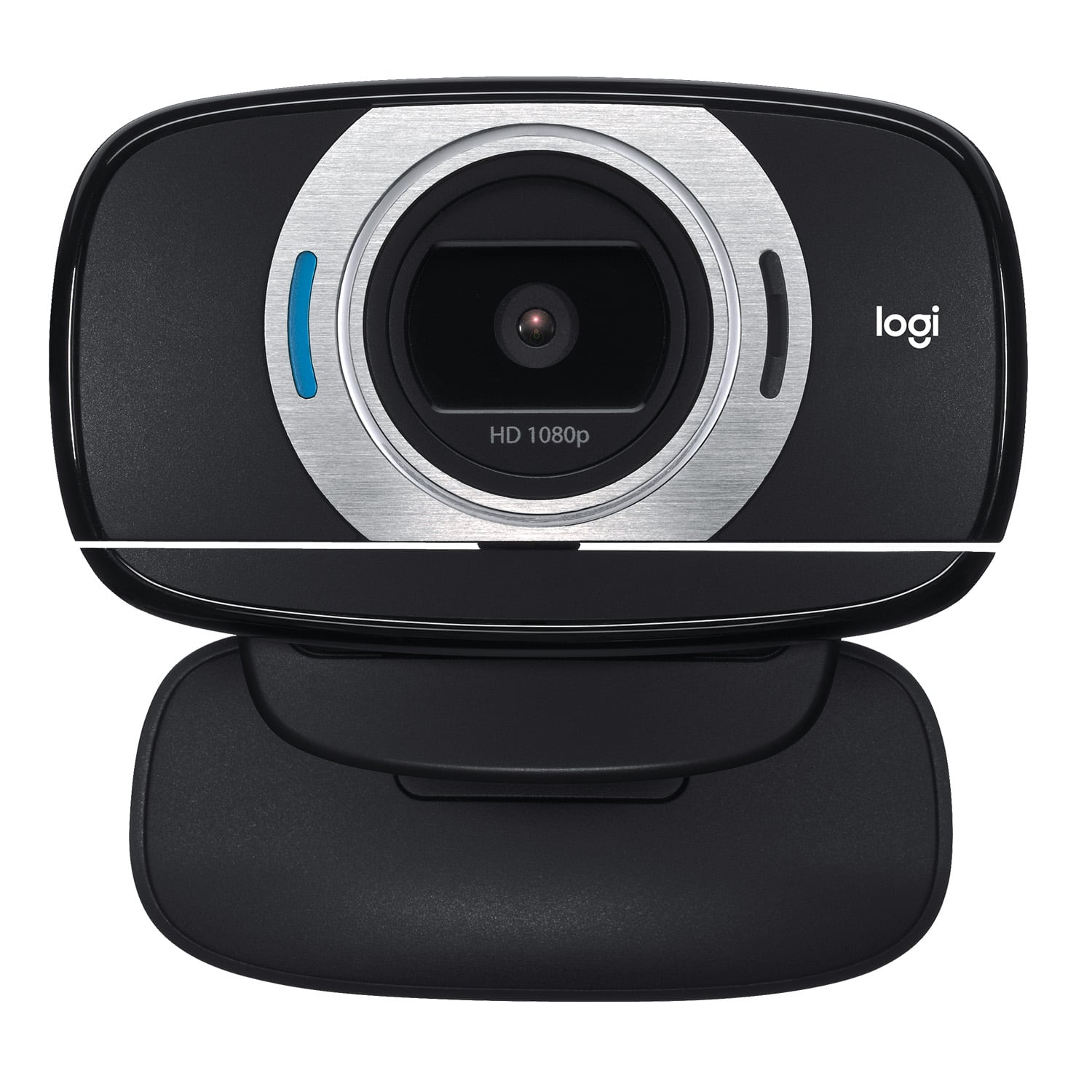

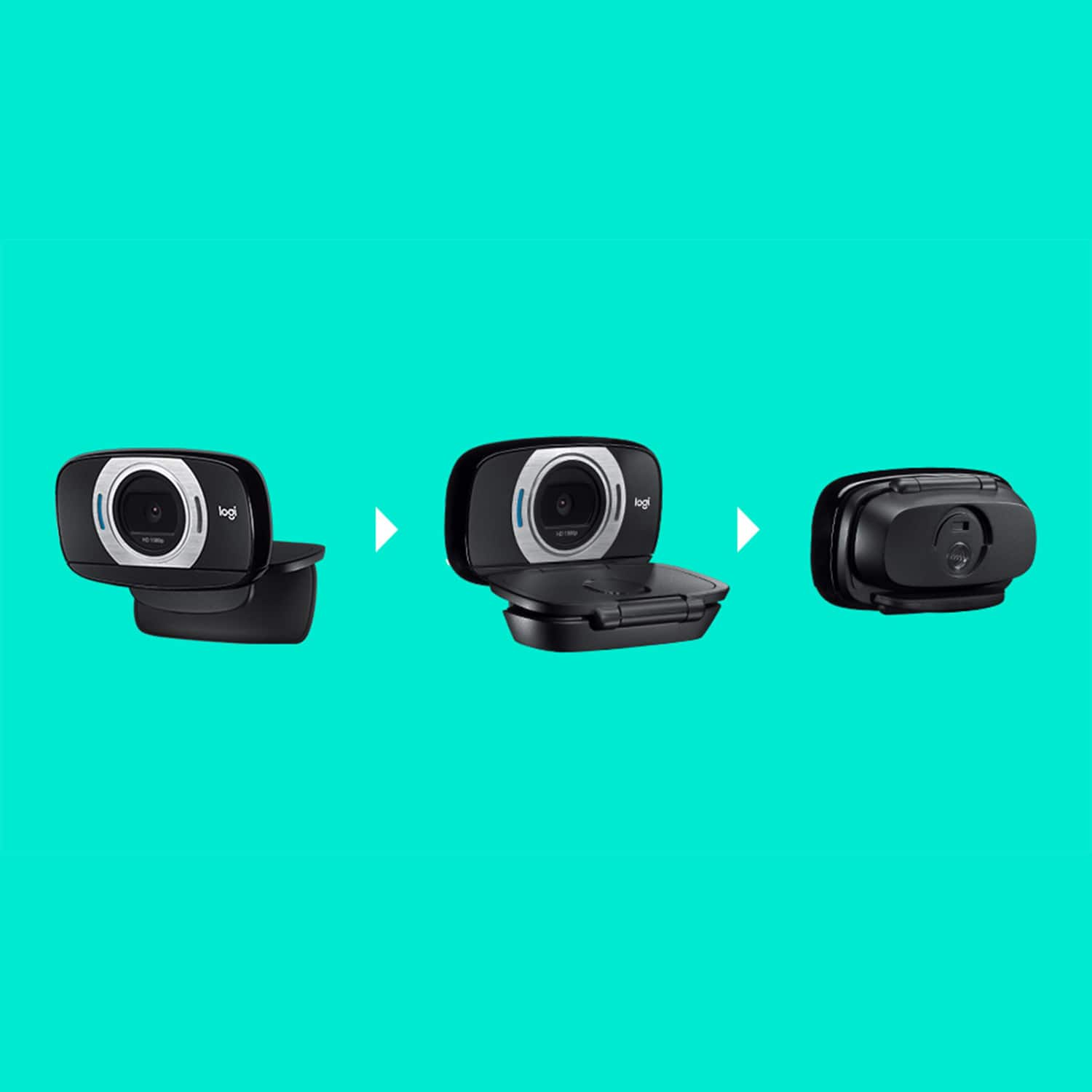
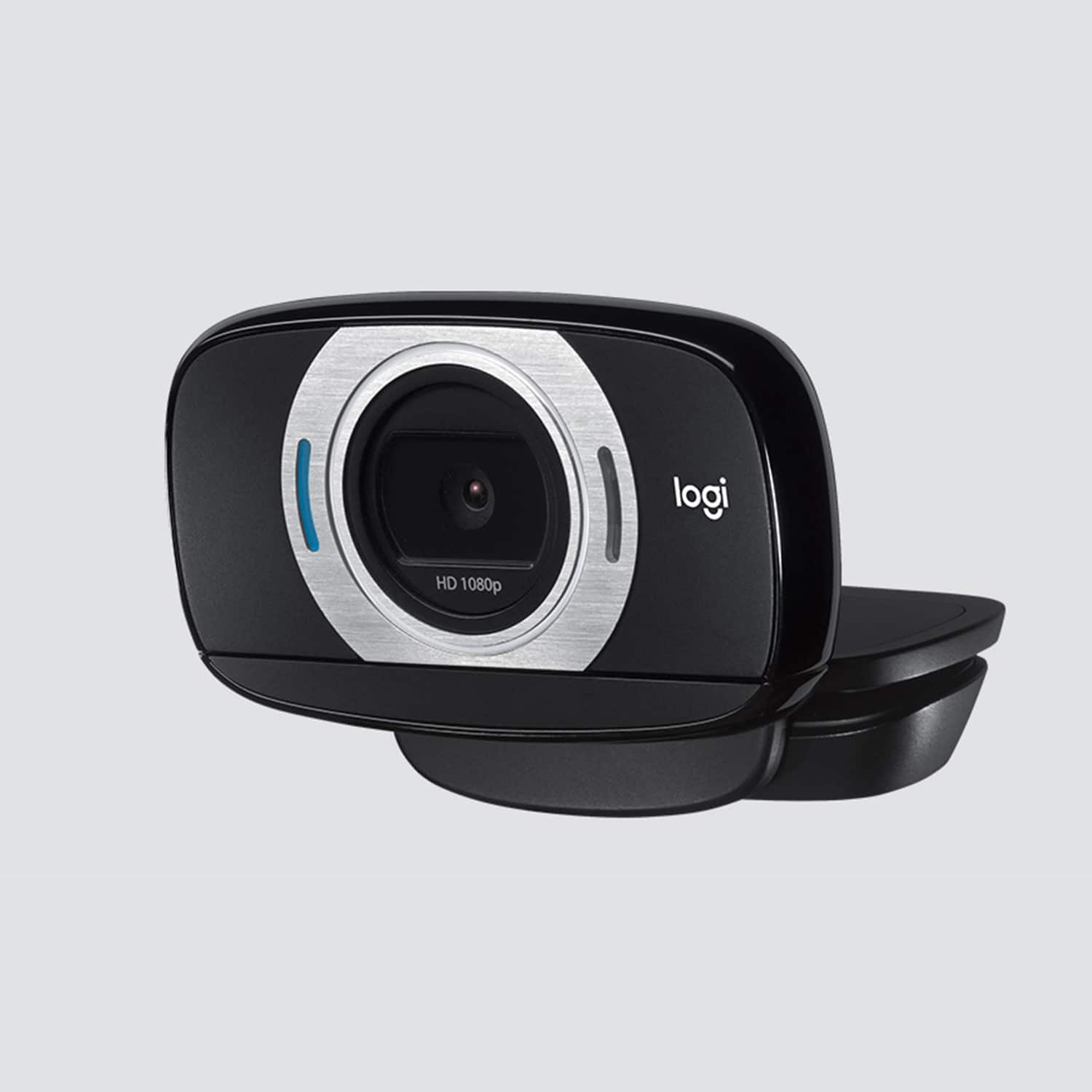
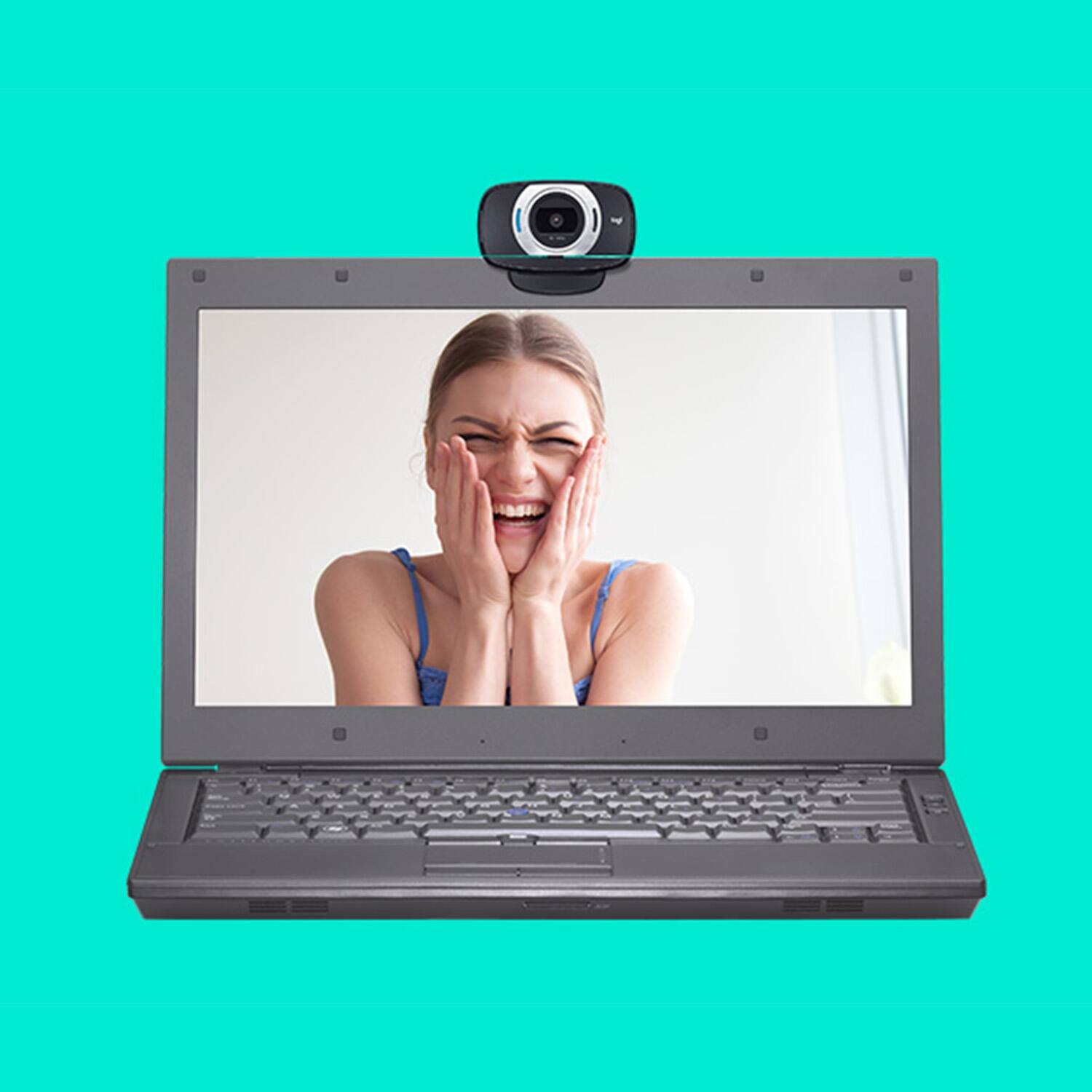

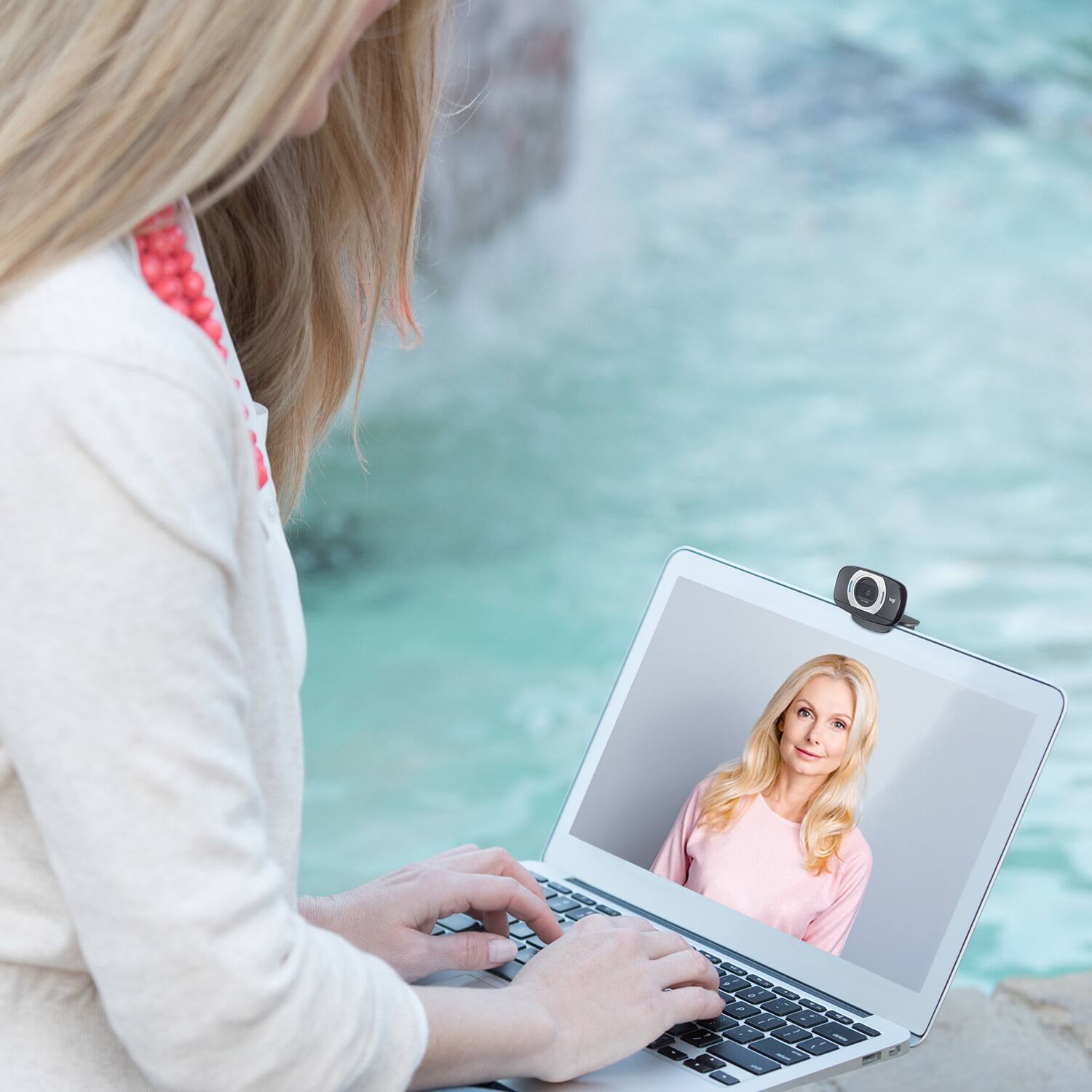
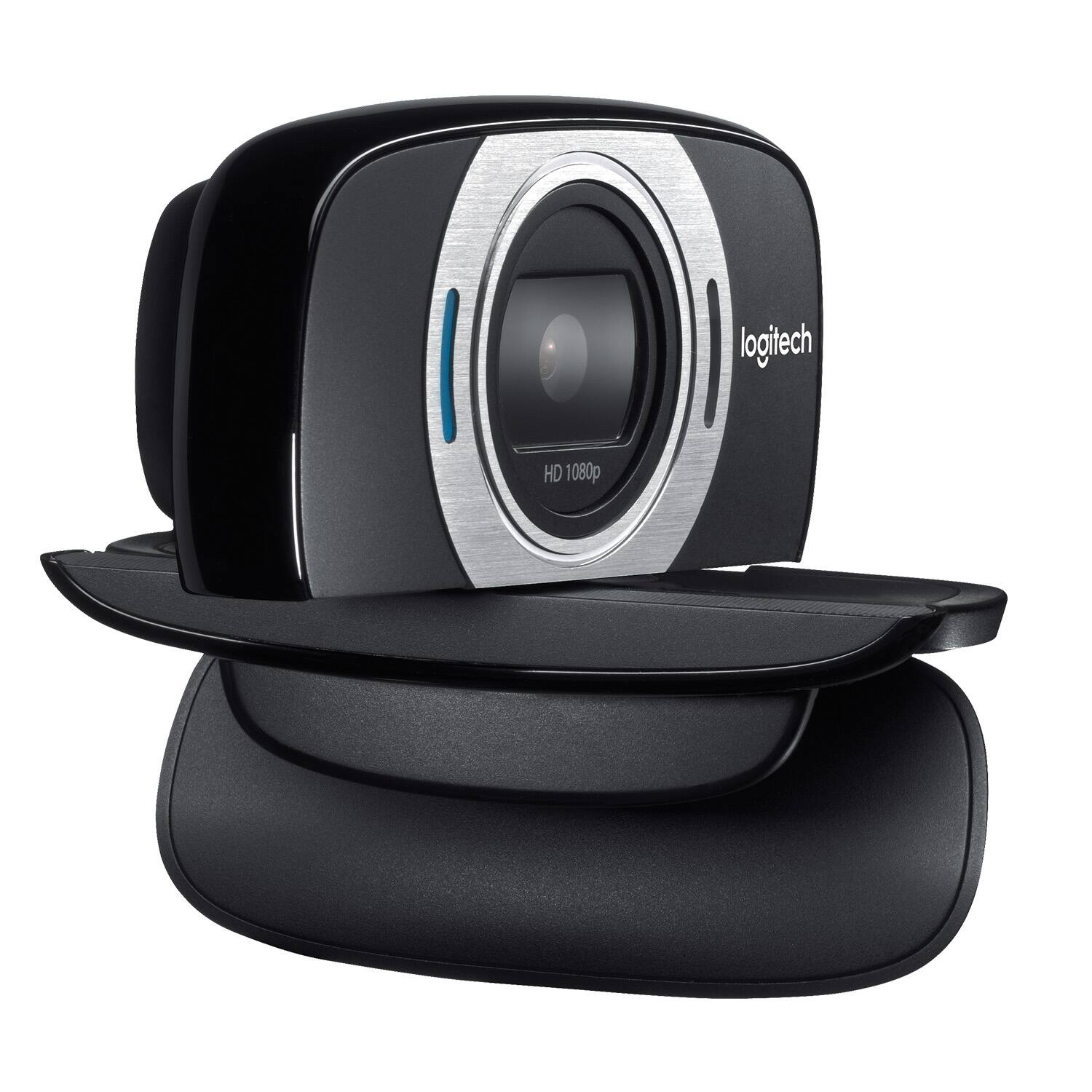
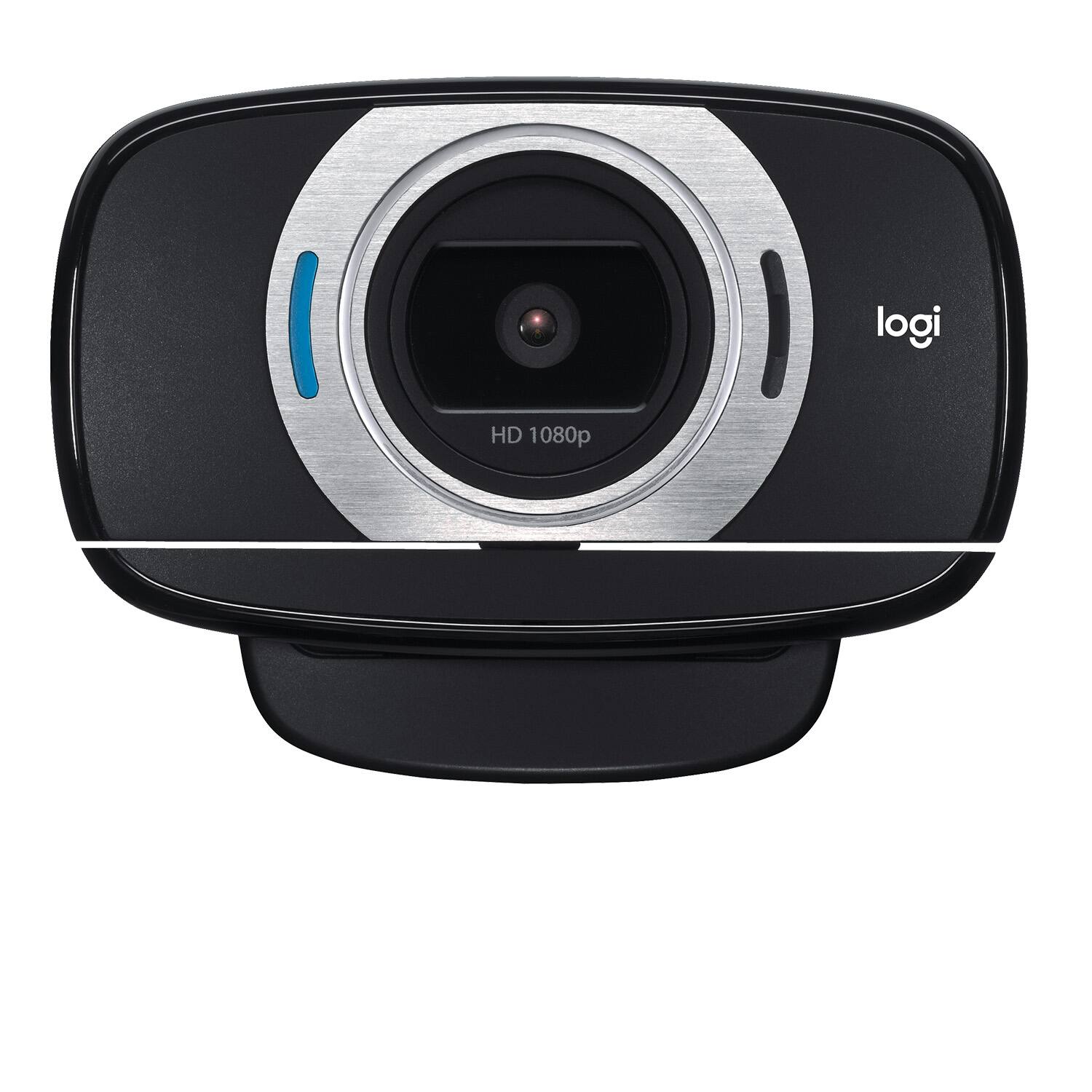
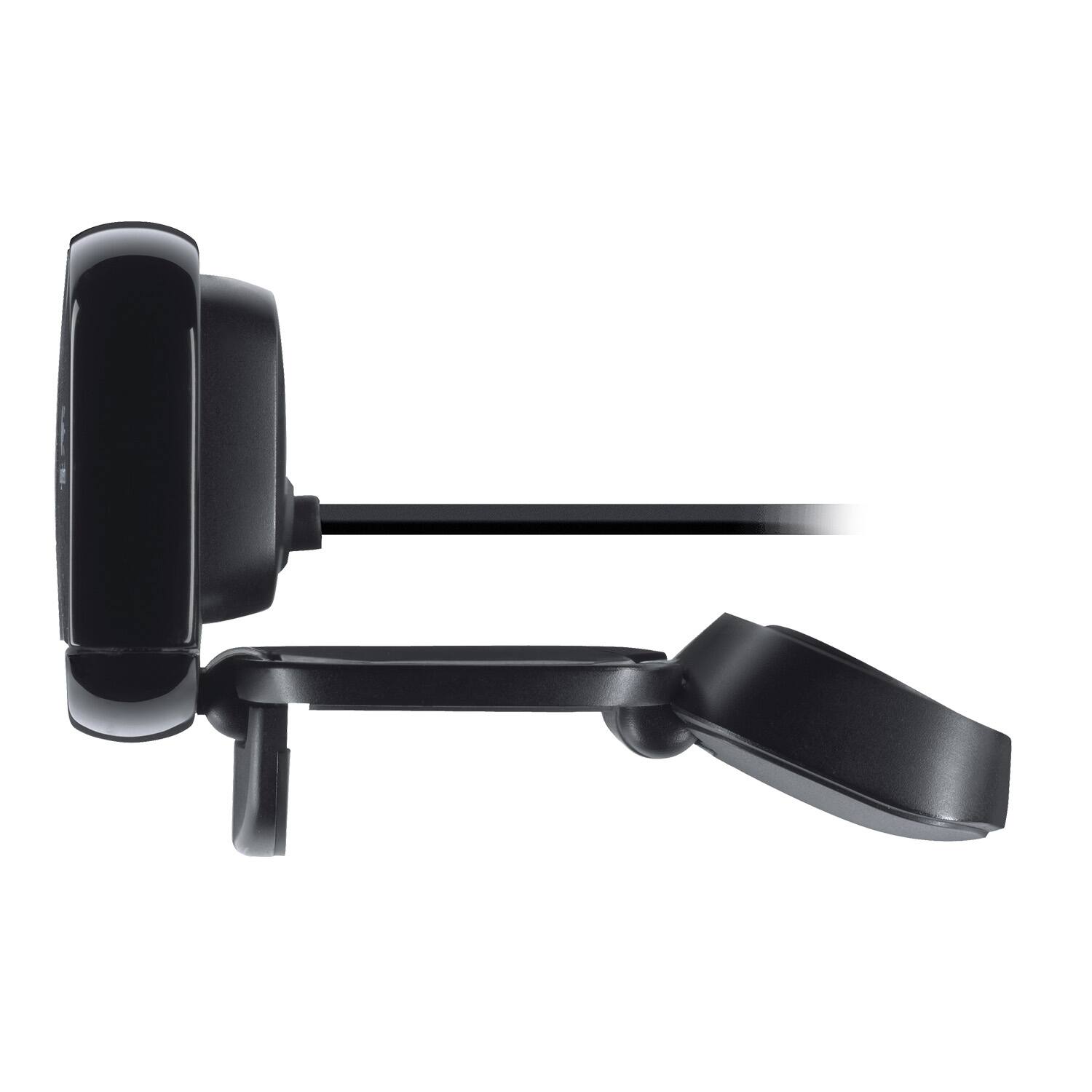
- Model:
- 960-000733
- |
- SKU:
- 2588445
Customer reviews
Rating 4.5 out of 5 stars with 4489 reviews
(4,489 customer reviews)Rating by feature
- Value4.5
Rating 4.5 out of 5 stars
- Quality4.6
Rating 4.6 out of 5 stars
- Ease of Use4.7
Rating 4.7 out of 5 stars
Customers are saying
Customers are satisfied with the C615 1080 Webcam's video quality, ease of use, and price. Many appreciate its compact size and straightforward setup. While some users found the cable length too short and experienced minor software issues, the overall positive feedback highlights the webcam's value for its intended purpose. The clarity and resolution were also frequently praised.
This summary was generated by AI based on customer reviews.
Rated 2 out of 5 stars
It worked great the first time
||Posted .This reviewer received promo considerations or sweepstakes entry for writing a review.It was a great camera the first time I used it. The second time I turned it on it didn’t work, I have a MacBook Air. So I returned it.
No, I would not recommend this to a friendBrand response from Logitech
Posted .Hi Buttons,
Sorry to hear that you are having issues with your C615. To ensure this webcams will be compatible, visit your preferred video calling solution provider's website for exact information on system and performance requirements. The C615 shows that the only current program for Mac is FaceTime®. We are always looking for ways to improve our products, so we appreciate your review. If you ever have additional feedback or questions regarding Logitech products, feel free to visit https://support.logi.com/hc/en-us Hope this helps, -Logitech
- Cons mentioned:Connectivity
Rated 1 out of 5 stars
Did not work
||Posted . Owned for less than 1 week when reviewed.This reviewer received promo considerations or sweepstakes entry for writing a review.I am not sure if this is due the rush to resupply after COVID or what, but plugged into computer and it would not work. Even after using Logitech software it was saying it did not detect the device.
No, I would not recommend this to a friendBrand response from Logitech
Posted .Hello, I am sorry to hear about the issues you are having with the webcam. If your computer is not recognizing the device, you may need to update the drivers for this device. The drivers can be found on the support page for this item on Logitech.com. I hope that helps! Thank you for taking the time to write this review, we appreciate the feedback.
Rated 3 out of 5 stars
Couldn't understand it.
||Posted .This reviewer received promo considerations or sweepstakes entry for writing a review.I'm sure it's a great little camera but I couldn't understand the instructions.
I would recommend this to a friendRated 2 out of 5 stars
open lens on producy
||Posted . Owned for 3 weeks when reviewed.This reviewer received promo considerations or sweepstakes entry for writing a review.does not have a cover for the lens which at the price you charge yiy can get one for less and it is an added safety protection. I meant to take this back and order on line as I feel vulnerable with open lens on camera
No, I would not recommend this to a friendBrand response from Logitech
Posted .Hi, thank you for sharing your experience with the C615 webcam. This webcam does not offer a privacy cover, but the best thing to do if you are concerned about privacy is to unplug the webcam when it is not in use. The only webcam that Logitech offers that comes with a privacy cover is the C920S. I hope you are able to find a solution that works for you. Thank you for being a Logitech customer. Kristi from Logiech.
- Cons mentioned:Connectivity
Rated 1 out of 5 stars
Wanted it to work - it didn’t
||Posted . Owned for 1 week when reviewed.This reviewer received promo considerations or sweepstakes entry for writing a review.Installed camera. Win10 pro started up cam fine, but after 30 seconds it started to flicker off and on. Not useable. Perhaps a dud, but went with other brand without issue.
No, I would not recommend this to a friendBrand response from Logitech
Posted .Hi Reaper,
Thank you for your feedback. Sorry for the inconvenience you had with your device. If you ever need assistance, please contact Logitech Support on the website. LaShonda from Logitech
Rated 2 out of 5 stars
Great quality or not.
||Posted . Owned for less than 1 week when reviewed.This reviewer received promo considerations or sweepstakes entry for writing a review.Received the camera a few days ago. Opened it today and I noticed this is not new. There are scratch marks and came with a lot of dust and dirt. Not sure whether this is BestBuy's fault or Logitech. Disappointed, I purchased this as "NEW".
No, I would not recommend this to a friendBrand response from Logitech
Posted .That is odd. Logitech and Best Buy only sell new products, unless noted as an "Open-box item". The box should have been sealed shut, to ensure a new product. Thank you for letting us know about this.
Rated 1 out of 5 stars
Terrible auto-focus will make you dizzy.
||Posted .This reviewer received promo considerations or sweepstakes entry for writing a review.Because of the looks and description I chose to buy this kinda expensive camera. 1080p is kinda enticing but the auto-focus of this camera gave me headache the moment I used it for 30 mins. I tried several webcam with auto focus and this one is the worst though it has a wide screen features but it doesn’t benefit me. One more issue is even though there is sufficient lighting the host still looks dark in the video so I got to return it and get the logitech 720p which is way better.
No, I would not recommend this to a friendBrand response from Logitech
Posted .Hey there Ryan, I'm sorry to hear that you had some issues with the auto focus of your C615 webcam. If you didn't know, you can download our Logitech Capture Software, which should allow you to manually adjust the focus of your camera as well as give you access to other features such as lighting adjustments, manual zoom, etc.
Rated 3 out of 5 stars
Satisfied
||Posted .This reviewer received promo considerations or sweepstakes entry for writing a review.Great product that was used by several members of my family
I would recommend this to a friendRated 1 out of 5 stars
Misinformed
||Posted . Owned for 1 month when reviewed.This reviewer received promo considerations or sweepstakes entry for writing a review.I should have been told the limits of your skills/setting when I brought my computer in to be fixed. I've been told twice that something was fixed and it wasn't. I wasn't told the limits of your skills in your setting. Only by chance did I learn that there are certain parts of a computer you don't/are not able to examine. I now know that you consider a computer problem "fixed" if you can get the computer to run. Despite the fact that you don't even know what the problem is. Better to tell customers "the computer is now working;" not that something is "fixed," or the problem is "resolved."
No, I would not recommend this to a friendBrand response from Logitech
Posted .Hello,
I apologize for any inconveniences you have experienced. This 1-star review is listed under the Logitech C615 webcam, but I see no mention of the webcam. If you are experiencing any issues with the C615 webcam or any other Logitech products, please visit the Logitech support website for further assistance. I would like to make sure you are satisfied with your Logitech products.
Best regards,
John at Logitech
Rated 3 out of 5 stars
Its a webcam
||Posted .This reviewer received promo considerations or sweepstakes entry for writing a review.nothing really special nothing new going on in the webcam world
I would recommend this to a friend- Cons mentioned:Focus
Rated 1 out of 5 stars
Blurry picture that can't be fixed
||Posted . Owned for 5 months when reviewed.This reviewer received promo considerations or sweepstakes entry for writing a review.Camera is blurry, Cant get it to focus with a clear picture. In my meetings people point out how blurry the image is.
No, I would not recommend this to a friendBrand response from Logitech
Posted .Hello, I am sorry to hear about the blurry picture. Please first check your internet speed and see if it is at the speed able to video call. If it is and is still blurry, this camera does come with a 2 year warranty through Logitech, so we can get that replaced for you. Here is the link to file a warranty claim: https://support.logi.com/hc/en-us/articles/360025077633-Warranty-HD-Webcam-C615. I hope this helps! Thank you for taking the time to write this review, we appreciate the feedback.
- Cons mentioned:Connectivity
Rated 1 out of 5 stars
Bad camera
||Posted . Owned for less than 1 week when reviewed.This reviewer received promo considerations or sweepstakes entry for writing a review.I had it not even for a week and it started to flicker i couldnt use it. If you buy a desk top computer make sure it has a built in camera already.
No, I would not recommend this to a friendBrand response from Logitech
Posted .Hi, we're sorry to see you're having some issues setting up your C615 Webcam. If you haven't already, please make sure the cord is plugged in all the way in your computer. If you're still having the flicker issue, please contact your local Best Buy to see how they can assist you with doing an exchange. Hope that helps.
Rated 2 out of 5 stars
Webcam
||Posted .This reviewer received promo considerations or sweepstakes entry for writing a review.I returned the unit for credit! It worked OK but I did not like the focal length. I can't remember if it was auto focus or manually adjustable, but was not good sitting in front of a monitor!
No, I would not recommend this to a friendBrand response from Logitech
Posted .Hi,
Thank you for your feedback. Sorry for any inconvenience you experienced with the focal length. If you ever need assistance, please contact Logitech Support on the website. LaShonda from Logitech
Rated 2 out of 5 stars
Horrible
||Posted .This reviewer received promo considerations or sweepstakes entry for writing a review.I bought this so I could record the lecture but the pixels and everything was jut HORRIBLE. Barely clear at all. I can't find the package it was in and also I have been so busy that I couldn't make a trip to return it so now I can't.
No, I would not recommend this to a friendRated 1 out of 5 stars
MICROPHONE STOPPED WORKING
||Posted . Owned for 4 months when reviewed.This reviewer received promo considerations or sweepstakes entry for writing a review.This webcam is lack luster. I wish I had not purchased it. All of the sudden when I had to work from home for inclement weather it was not producing the microphone and no way to check for that??? I only tested it out a month before and it was fine, never even used it! It had ZERO trauma and yes, my computer sound was on, I work for a school and signed into zoom and it gave me the error my microphone was not detected.
No, I would not recommend this to a friendBrand response from Logitech
Posted .Hello Amberzma,
Thank you for taking the time to review the C615 webcam. I am sorry that you have experienced an issue with the microphone; I would like to help. Zoom has settings that you will want to adjust to select the webcam for audio and video input, but if the Zoom settings are showing “microphone not detected” this likely has to do with the computer’s system settings.
If you have not already done so, please check your computer’s “Microphone” settings under system settings, to see if the apps have permission to access your microphone.
For your reference, I have attached a link to the “Getting Started” support page for the C615 webcam. Here you will find product guides, software downloads as well as additional support. If this issue persists, please feel welcome to contact us on the Logitech support website.
Best regards,
John at Logitech
https://support.logi.com/hc/en-us/articles/360024154394--Getting-Started-HD-Webcam-C615
Rated 3 out of 5 stars
it freezes
||Posted .This reviewer received promo considerations or sweepstakes entry for writing a review.it freezes when the person is talking now and then
No, I would not recommend this to a friendRated 2 out of 5 stars
Don't know how to attach it. Directions are not cl
||Posted . Owned for 1 month when reviewed.This reviewer received promo considerations or sweepstakes entry for writing a review.Sales person in the store said it was easy. 1st the cord was too short so I had to come back and buy an attachment. Still sont know how to attach it. . another part??
No, I would not recommend this to a friendBrand response from Logitech
Posted .Hi! The C615 webcam has a cable length of 5 feet (1.50 m) and plugs into the computer via the USB cable. But if you have any questions, check out the Logitech support page at https://support.logi.com/hc/en-us/articles/360024154394 Hope that helps!
Rated 1 out of 5 stars
I returned this item.
||Posted .This reviewer received promo considerations or sweepstakes entry for writing a review.The software was not adequate for my use. It did not do half the things my old CAM's software did. When I tried to update the software for Windows 8, I had to uninstall and reinstall several times. I returned it! I then called Geek Squad and they helped me circumvent the software and I was then able to use my old Microsoft CAM! The Geek Squad is AWESOME. They are there online 24 hours a day and can help you with anything that goes wrong through a remote session. I highly recommend a Geek Squad Service Account. If you need them just once, it's worth the money. After I purchased my new computer from Best Buy, I must have called them everyday for weeks!
No, I would not recommend this to a friend- Pros mentioned:Resolution, Setup
Rated 5 out of 5 stars
Winner winner chicken dinner
Posted .This reviewer received promo considerations or sweepstakes entry for writing a review.This right here is a winner and is still being used to this day. Just plug it into a usb port and you are good. You can download logitechs software to fine tune it but i dont think its necessary. 1080p is all you need honestly for a webcam.
I would recommend this to a friend Rated 1 out of 5 stars
It's not Plug-and-Play on Windows 10
||Posted . Owned for 3 weeks when reviewed.This reviewer received promo considerations or sweepstakes entry for writing a review.It may be just fine, but I'll never know. The paperwork included in the package says it should just work with Windows 10 without needing to download and install extra drives. WRONG! Since this was for my work machine and we aren't allowed to installed new software on company machines I have no idea if this works or not.
No, I would not recommend this to a friendBrand response from Logitech
Posted .Hi, you have to change the settings in the app you're using it with like Zoom for instance, to start using the C615 webcam instead of the default. You can also use the Logitech Capture app to take pictures and adjust the settings that way. But if you have any questions, check out the Logitech support page at https://support.logi.com/hc/en-us/articles/360024154394. Hope that helps!