Customer Ratings & Reviews

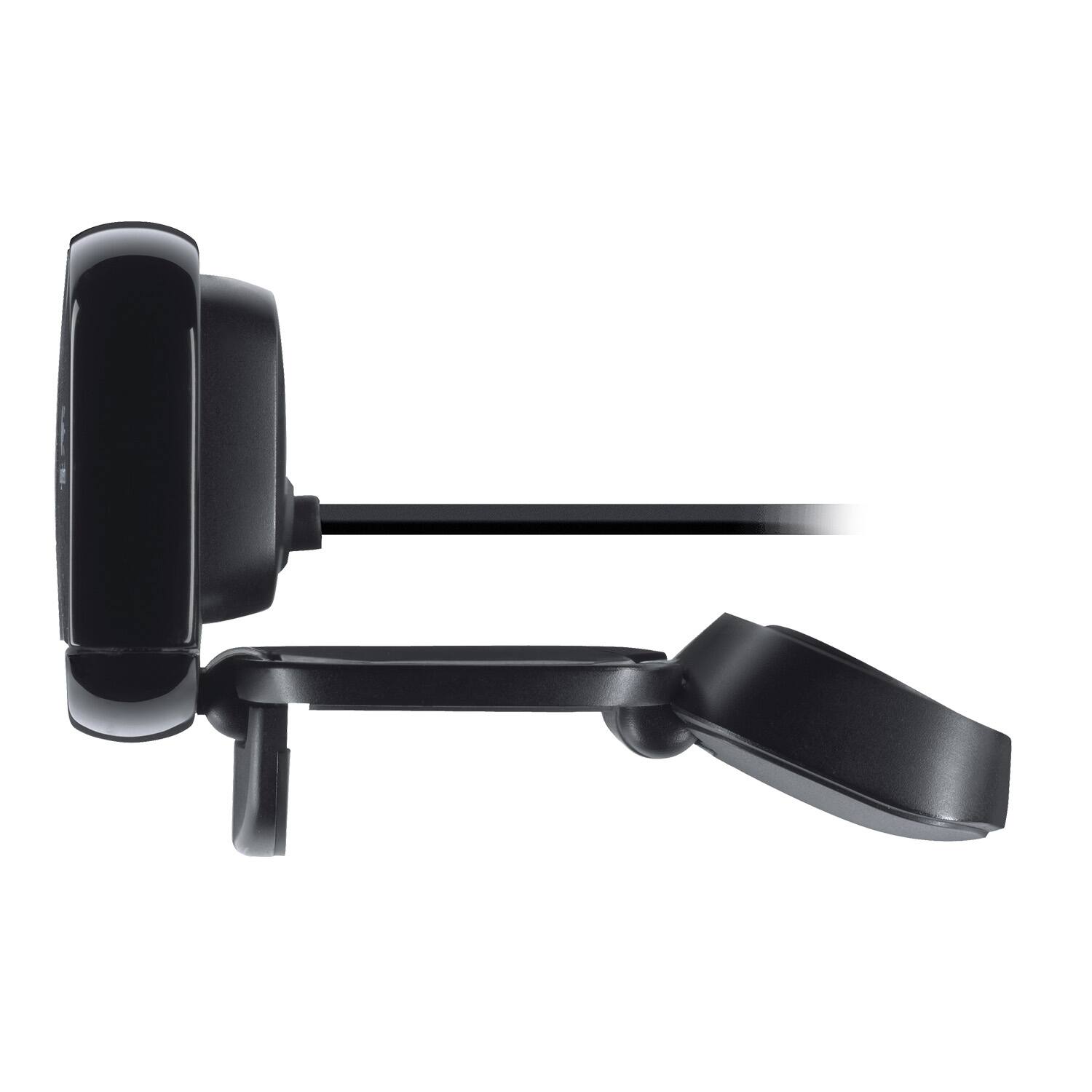
- Model:
- 960-000733
- |
- SKU:
- 2588445
Customer reviews
Rating 4.5 out of 5 stars with 4489 reviews
(4,489 customer reviews)Rating by feature
- Value4.5
Rating 4.5 out of 5 stars
- Quality4.6
Rating 4.6 out of 5 stars
- Ease of Use4.7
Rating 4.7 out of 5 stars
Customers are saying
Customers are satisfied with the C615 1080 Webcam's video quality, ease of use, and price. Many appreciate its compact size and straightforward setup. While some users found the cable length too short and experienced minor software issues, the overall positive feedback highlights the webcam's value for its intended purpose. The clarity and resolution were also frequently praised.
This summary was generated by AI based on customer reviews.
Rated 2 out of 5 stars
Quality of picture not good.
||Posted . Owned for 2 weeks when reviewed.This reviewer received promo considerations or sweepstakes entry for writing a review.I am not happy with the quality of the video. I will not order this again. I will get advice from The Tech Squad.
No, I would not recommend this to a friendBrand response from Logitech
Posted .Hello Shirley,
I am sorry that the C615 is not meeting your expectations. I recommend the StreamCam, that is my favorute camera. The StreamCam offers 1080p at 60 SPF, which is great for any use. I will record your product review and pass it along. Logitech appreciates your product review. - Leo from Logitech
Rated 1 out of 5 stars
Not good atball
||Posted . Owned for 1 month when reviewed.This reviewer received promo considerations or sweepstakes entry for writing a review.I thought it would be simple enough to get a USB camera for my computer and when I got it home I plugged it in as I did my previous logitech and hit the last one of course worked right away and this one I did not when I called Best Buy to ask why is this doing this they told me you have to look at the color of the USB in ternal of my laptop and I have not my camera USB cord I wasn’t aware of it so now I sit here with a camera that doesn’t work I am disgusted
No, I would not recommend this to a friendBrand response from Logitech
Posted .Hello, I am sorry to hear about the issues you are having with the camera. The camera uses a normal USB connection to the computer. You should be able to just plug it in. If you computer is not recognizing it, you may need to update the drivers on your computer. These can be found on the support page for this item on Logitech.com. Thank you for taking the time to write this review, we appreciate the feedback.
Rated 2 out of 5 stars
Ehhhhh...
||Posted . Owned for 3 months when reviewed.This reviewer received promo considerations or sweepstakes entry for writing a review.Its an okay webcam for video chats, but I wouldn't try it for Streaming or recording videos. Picture is too fuzzy.
No, I would not recommend this to a friendBrand response from Logitech
Posted .Hello, I am sorry to hear you are not fully satisfied with the webcam. I would suggest a C920 or higher for streaming or recording videos as it comes with our Logitech Capture software. This will allow you to adjust the image settings of the camera. Thank you for taking the time to write this review, we appreciate the feedback.
-Danielle from Logitech
Rated 1 out of 5 stars
Washed out colors
||Posted . Owned for 4 months when reviewed.This reviewer received promo considerations or sweepstakes entry for writing a review.I am quite disappointed in the video color quality of this C615 (bought new) unless it is actually defective. The colors are washed out and the skin tone (mine unfortunately) is yellowish. I have tried to correct with the various zoom video settings but to no avail. All other participants look natural. I would like to look natural someday. I will have to replace/upgrade - not tolerable.
No, I would not recommend this to a friendBrand response from Logitech
Posted .Hi Cobe, Very sorry to hear about the video color quality issues you're having with the C615 Webcam. The C615 is equipped with HD light correction, the C615 fine-tunes to the lighting conditions to produce better quality, brighter images even if you’re in a dim setting. You can access the camera's controls by using Logitech's Camera Settings software. Here's a link to the download: https://support.logi.com/hc/en-us/articles/360024846573--Downloads-HD-Webcam-C615. Hope that you found this helpful and that all is going well. Thank you for being a Logitech customer. - Richard from Logitech
Rated 2 out of 5 stars
Not the best
||Posted . Owned for 7 months when reviewed.This reviewer received promo considerations or sweepstakes entry for writing a review.Bad video quality and hard to set up. Spent a bit of time with customer service and no real solutions.
No, I would not recommend this to a friendBrand response from Logitech
Posted .Hi Blub, we're sorry to see you're unsatisfied with the video quality of your C615 HD Webcam. If you're looking for something with a sharper image, check out the C920S or C922 webcams! Both offer 1080p video quality. The C922 even comes with a tripod. Hope that helps and thank you for your feedback. -N from Logotech
Rated 2 out of 5 stars
Okay until it breaks
||Posted . Owned for 1.5 years when reviewed.This reviewer received promo considerations or sweepstakes entry for writing a review.Breaks after 2 years, so not really worth it, just get a better quality one
No, I would not recommend this to a friendRated 2 out of 5 stars
Average Performance, Older tech
||Posted . Owned for 1 month when reviewed.This reviewer received promo considerations or sweepstakes entry for writing a review.Barely any light correction. Performs worse than any newer in-built webcams
No, I would not recommend this to a friendBrand response from Logitech
Posted .Hello JustAnotherGuy001,
I am sorry that you are not satisfied with your new Logitech webcam. The C615 is among Logietch's average product collection, so I recommend purchasing the StreamCam or the 4K PRO if you look for above average performance. Logitech appreciates your product review. - Leo from Logitech
- Cons mentioned:Compatibility
Rated 1 out of 5 stars
No bueno for Mac
||Posted . Owned for 9 months when reviewed.This reviewer received promo considerations or sweepstakes entry for writing a review.Could not get it to work with Mac. Tried everything :-(
No, I would not recommend this to a friendBrand response from Logitech
Posted .Hello, sorry to hear that you are having some connectivity issues with your C615 HD Webcam. We are always looking for ways to improve our products, so we appreciate your review.Please follow these quick tips for troubleshooting: Try a different USB port on your computer. Make sure the camera isn't connected to a USB hub or docking station. Make sure you're using the correct driver for your camera by selecting the Downloads tab on your product's support page. If your camera is connected to a USB 3.0 port (usually has a blue plastic insert), try using a USB 2.0 port instead.Try connecting the camera to a different computer. NOTE: If your camera isn't detected by a second computer, it may be defective, if so you do have a 15-day return policy with Best Buy. If you ever have additional feedback or questions regarding Logitech products, feel free to visit https://support.logi.com/hc/en-us Thanks, -Logitech
- Cons mentioned:Connectivity
Rated 1 out of 5 stars
Did not work with USB 3.0
||Posted .This reviewer received promo considerations or sweepstakes entry for writing a review.Did not work with USB 3.0. Pretty worthless. For newer computers
No, I would not recommend this to a friend Rated 1 out of 5 stars
Didn't work for me.
||Posted . Owned for 3 weeks when reviewed.This reviewer received promo considerations or sweepstakes entry for writing a review.Try as I might, I couldn't get this camera to work for me. I kept getting error messages on my computer and finally gave up and returned it. BTW, I also couldn't secure it to my monitor; it was very loose.
No, I would not recommend this to a friendBrand response from Logitech
Posted .Hi! Sorry you're having software issues with your C615 webcam. If you have any questions, check out the Logitech support page at https://support.logi.com/hc/en-us/articles/360024154394.
- Cons mentioned:Connectivity
Rated 1 out of 5 stars
doesnt work out of the box
||Posted . Owned for less than 1 week when reviewed.This reviewer received promo considerations or sweepstakes entry for writing a review.doesnt work out of the box, tried it on PC and laptop, nothing.
No, I would not recommend this to a friendBrand response from Logitech
Posted .Hello, I am sorry to hear about the issues you are having with the webcam. It sounds like you may need to update the drivers on your computer for this device if the USB port is not recognizing the camera. These can be found on the support page for this item on logitech.com under downloads. I hope this helps. thank you for taking the time to write this review, we appreciate the feedback.
Rated 2 out of 5 stars
too small for that price
||Posted . Owned for 1 month when reviewed.This reviewer received promo considerations or sweepstakes entry for writing a review.I returned the webcam, I wasn't going to pay that much money for that small of a product
No, I would not recommend this to a friendBrand response from Logitech
Posted .Hello, we are sorry to hear that you didn't enjoy your C615. We hope you find another product in our lineup that will suit your needs.
Rated 1 out of 5 stars
Simple camera that failed
||Posted .This reviewer received promo considerations or sweepstakes entry for writing a review.I got this camera to help with my new COVID-19 work-from-home situation. It worked for all of a week and a half (yeaaa...just outside the 15 day return period with Best Buy) and then nothing but a blue fuzzy screen. Currently trying to get it replaced through Logitech, since BestBuy said they couldn't do anything for me.
No, I would not recommend this to a friendBrand response from Logitech
Posted .hello, I am sorry to hear that this webcam failed for you. It does come with a 2 year warranty through Logitech, if you have not already filed a claim here is the link to do so: https://support.logi.com/hc/en-us/articles/360025077633-Warranty-HD-Webcam-C615. I hope this helps! Thank you for taking the time to write this review, we appreciate the feedback.
Rated 2 out of 5 stars
Web cam
||Posted . Owned for 2 weeks when reviewed.This reviewer received promo considerations or sweepstakes entry for writing a review.Not impressed with the camera quality. Needs to improve.
No, I would not recommend this to a friendBrand response from Logitech
Posted .Hey there Coco, I'm sorry to hear that you didn't enjoy your C615 as much as you could. If you didn't know, Logitech has a software called Capture that should allow you to manually tweak your cameras settings to improve the video quality. Your feedback is greatly appreciated, and thank you for being a Logitech customer. -Weston from Logitech
Rated 2 out of 5 stars
meh
||Posted . Owned for 8 months when reviewed.This reviewer received promo considerations or sweepstakes entry for writing a review.Low quality but better than your preinstalled webcam
No, I would not recommend this to a friendBrand response from Logitech
Posted .Hi Silas, thank you for writing this review. The C615 offers 1080p/30fps which is HD quality. Please keep in mind that some programs using webcams cap the resolution of the webcam to a lower quality. The C615 also works with Logitech's free Camera Settings software to offer more features. If you have any questions about the C615 or any other Logitech products please visit us at support.logi.com
Kristi from Logitech
Rated 1 out of 5 stars
Poor audio and video
||Posted .This reviewer received promo considerations or sweepstakes entry for writing a review.After two uses, the camera starting malfunctioning. The audio was distorted and the video was really fuzzy. It was not dropped or mishandled at all. I'm not sure if it just came defective or what, but for what I had planned for its use was not for me.
No, I would not recommend this to a friendBrand response from Logitech
Posted .Hello Ezemel, sorry to hear about your issues with the C615 webcam. Always make sure there isn't a faulty connection with the USB port. If drivers aren't up to date or they're too old, it can cause audio and video issues. At Logitech, it is our goal to ensure you are completely satisfied with your Logitech purchase. We take pride in the products and services we offer, and want our customers to enjoy them just as much as we do. If you ever experience any issues with our products, please reach out to us on our Logitech support website so we can help out. Hope you have a great day!
- Ricky from Logitech
Rated 1 out of 5 stars
Powers off and blinks after a few seconds
||Posted .This reviewer received promo considerations or sweepstakes entry for writing a review.I tried using this with my 2018 macbook pro and the video cuts out after a few seconds and the light starts to blink. Upon contacting logitech, they suggest it's an issue with my laptop, and Apple says it's an issue with the hardware. Let's just say I won't be wasting my time with logitech webcams in the future.
No, I would not recommend this to a friendBrand response from Logitech
Posted .Hi b4b5,
Sorry to hear that you are unsatisfied with your C615. What I can suggest is downloading Logitech's Camera Settings Software; https://support.logi.com/hc/en-us/articles/360024846573--Downloads-HD-Webcam-C615. From here you'll be able to see if your drivers are in need of updating. If you ever have additional feedback or questions regarding Logitech products, feel free to visit https://support.logi.com/hc/en-us
Hope this helps,
-Logitech
Rated 2 out of 5 stars
Short cord
||Posted .This reviewer received promo considerations or sweepstakes entry for writing a review.The cord is so short, I can barely adjust the position I need.
No, I would not recommend this to a friendBrand response from Logitech
Posted .Hello, we are sorry to hear that the 3ft cable was not long enough. The cable is compatible with USb extension cables if you need more length.
Rated 2 out of 5 stars
Didn't like this Webcam
||Posted . Owned for 1.5 years when reviewed.This reviewer received promo considerations or sweepstakes entry for writing a review.This unit was lacking picture quality. Returned for credit.
No, I would not recommend this to a friendBrand response from Logitech
Posted .Hello mart4555, we are sorry to hear that C615 webcam did not meet your expectations. At Logitech, it is our goal to ensure you are completely satisfied with your Logitech purchase. We take pride in the products and services we offer, and want our customers to enjoy them just as much as we do. If you are using programs like Zoom, Microsoft Teams, or google hangouts, the webcam will automatically be reduced down to 720p. Regardless of which webcam you have. I apologize for the confusion. But if you are using the webcam for content creation, make sure the webcam is running in 1080p. Have a great weekend. -Ricky from Logitech
- Pros mentioned:Ease of use, Video quality
Rated 5 out of 5 stars
Perfect for laptop and desktop user alike!
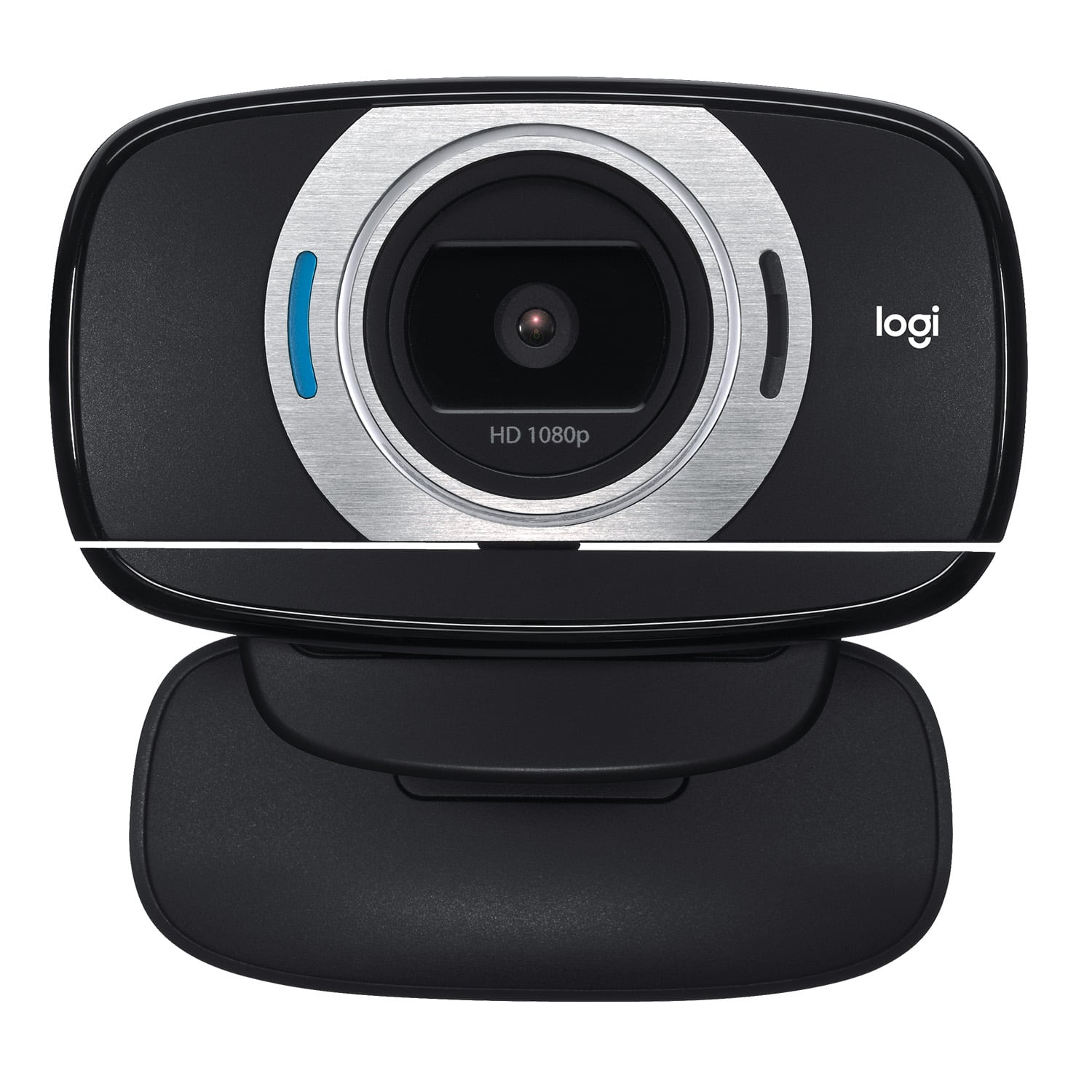
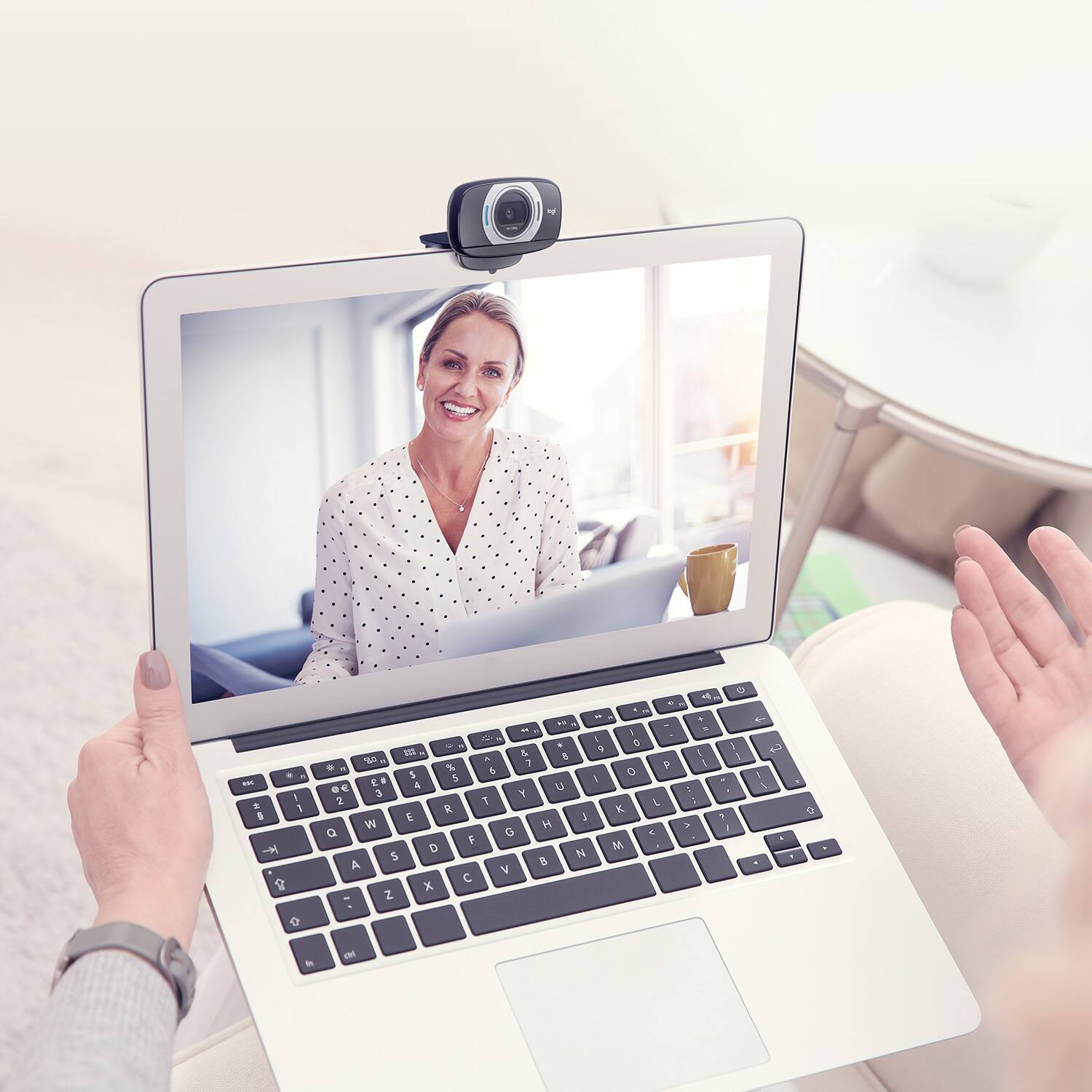
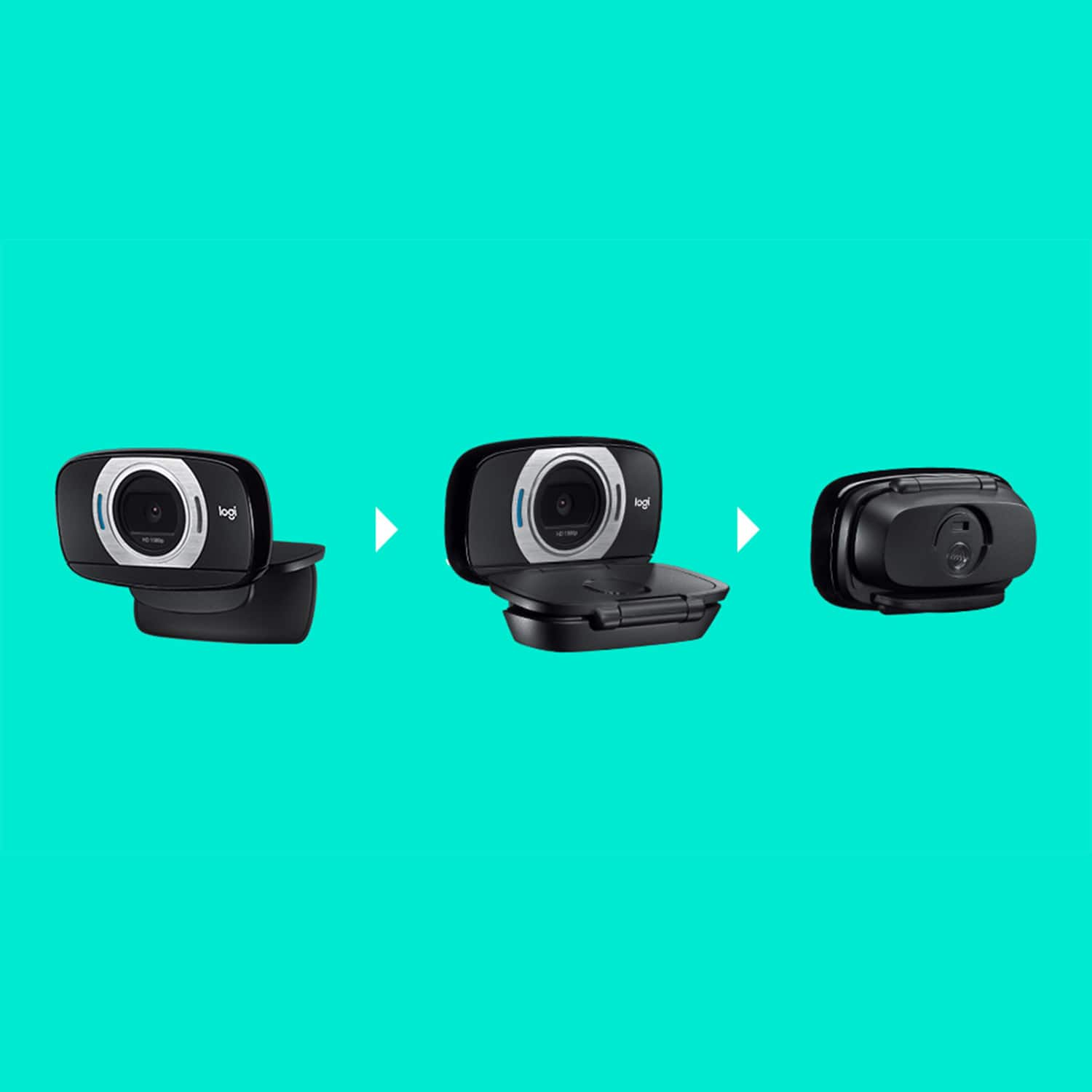
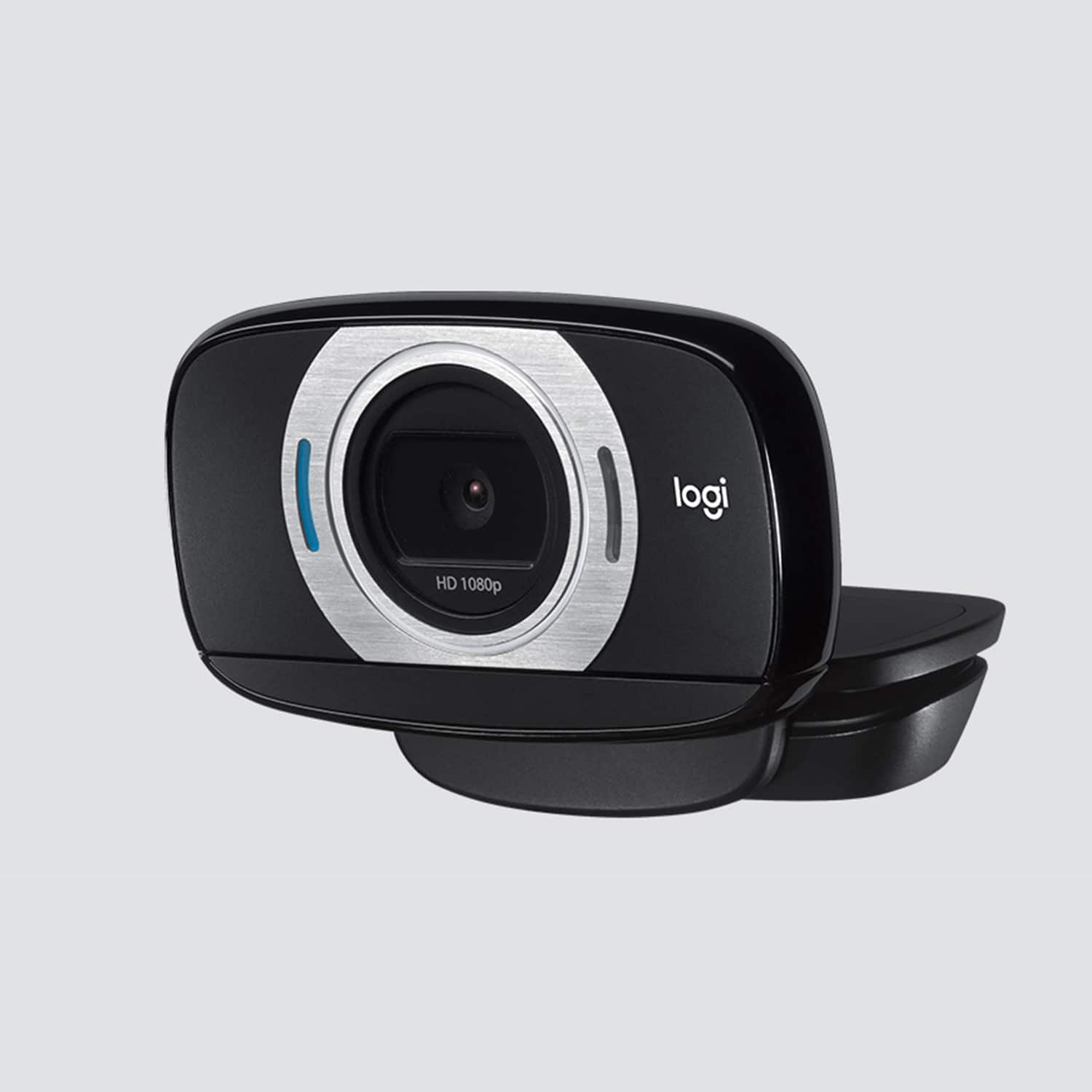
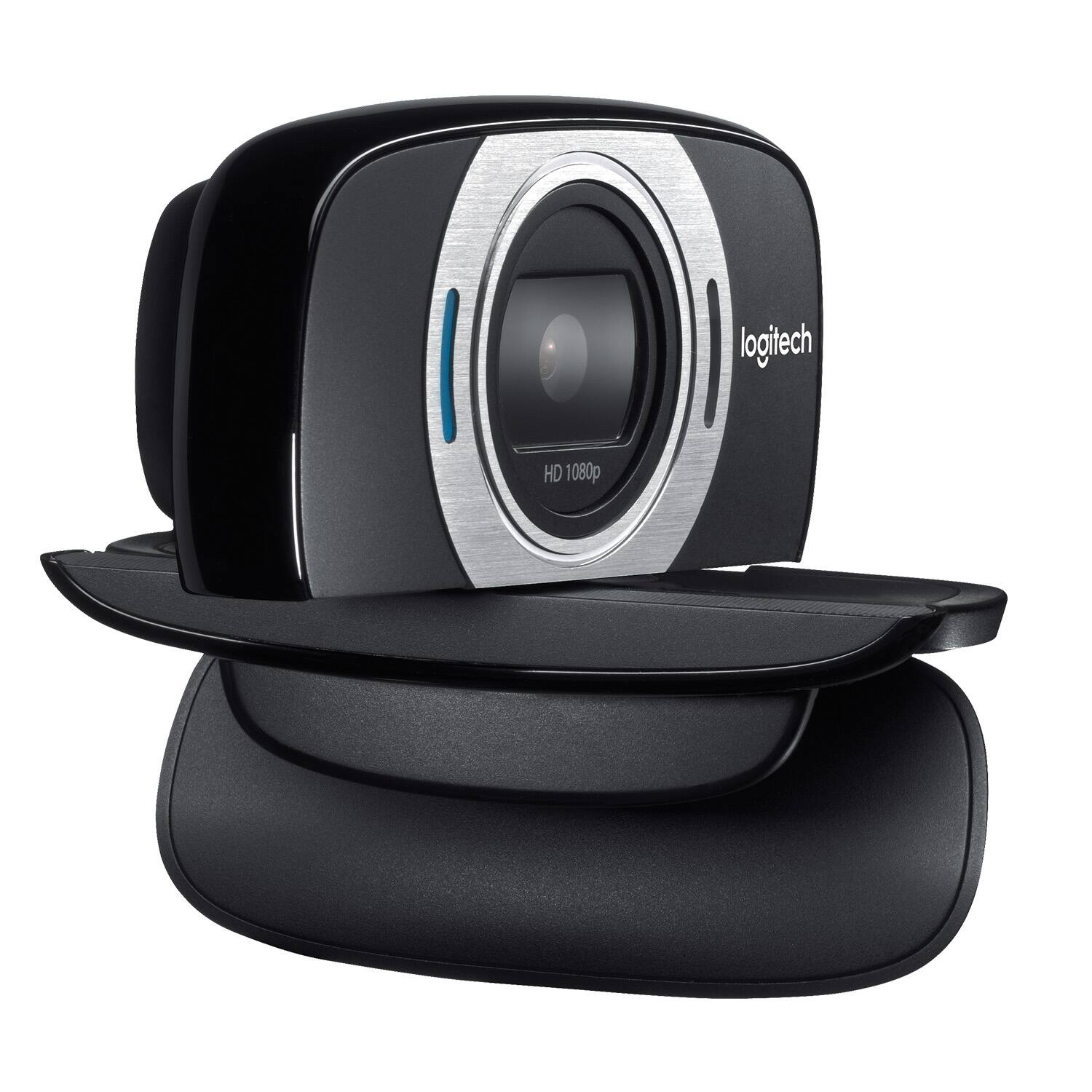
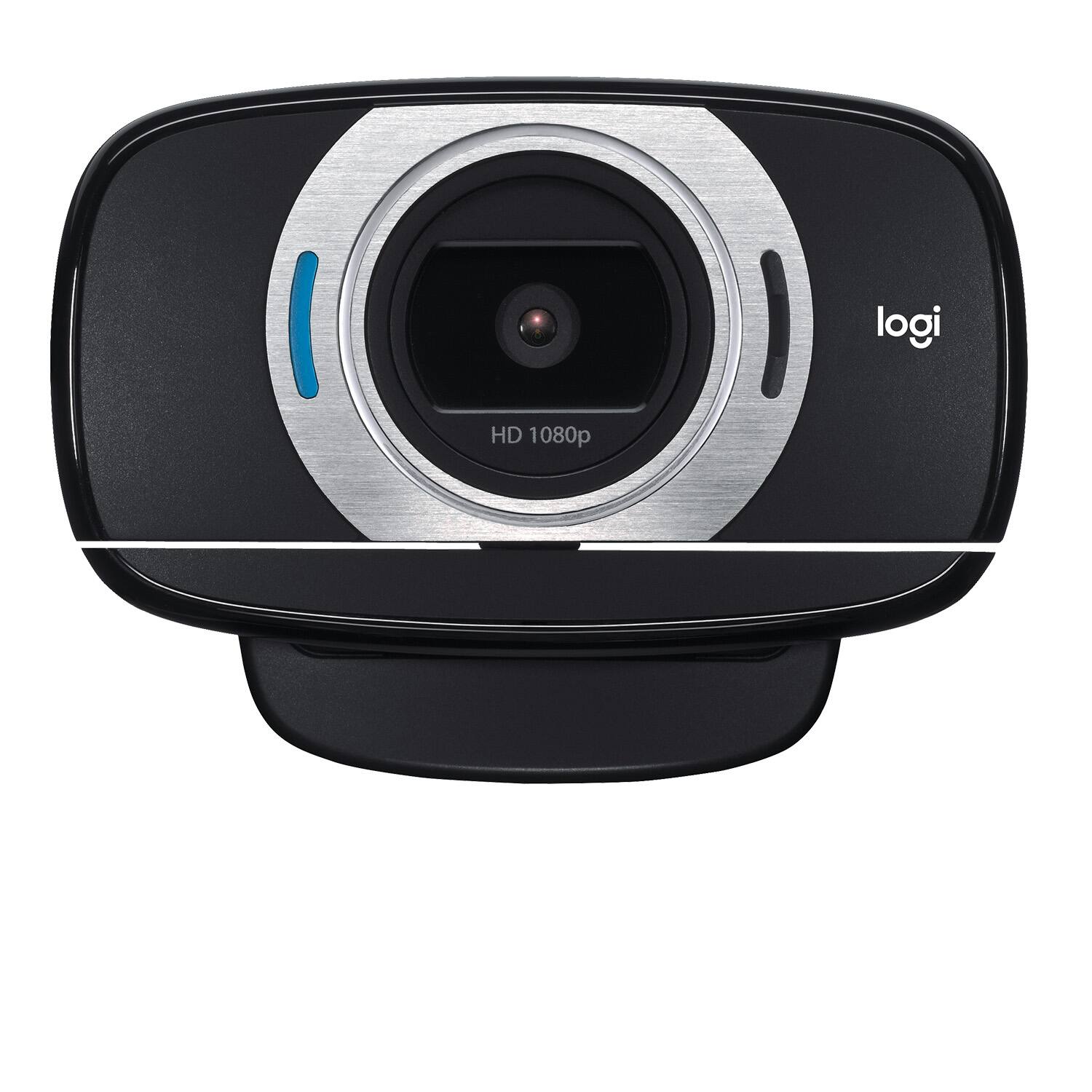
Posted .This reviewer received promo considerations or sweepstakes entry for writing a review.I swear, with the quality of all things Logitech that I've ever bought, I'm ready to get an "I <3 Logitech" tattoo on my shoulder! This webcam is no different. I had previously been using a Logitech C905 webcam, which comes equipped with a glass Carl Zeiss lens, and a stand to mount it to if it won't clip to your monitor. While I DID love that webcam, and it produced a crisp, sharp image for my video chat call recipients regardless of whether I was sitting directly in front of the camera, or 6 to 10 feet away from it, the camera never clipped quite right to the top of my thicker Hanns-G monitor. I actually ended up having to rig up a mount for it that I clipped to the top of my monitor, then clipped the webcam to. With this Logitech webcam, my video calls are just as crisp and clear as they were with my Carl Zeiss lens-equipped C905, and, even better, it's been an absolute snap to attach to my computer monitor! As far as picture/image quality goes, this webcam suffers not one bit for not having a Carl Zeiss-branded glass lens. The camera also tilts up and down, and rotates fully from left to right, so it is much easier to move this camera to the perfect angle than it was for me to do the same with my C905. As for mounting it to my monitor, the base of the stand that is built into the camera acts as a stabilizing, rubber-coated "leg" that braces it firmly in place, and provides counter pressure against the lip that wraps around and over the front of the monitor. That same bracing leg/base actually folds right up under the camera for easy portability. And, since the camera itself can be turned 360 degrees, you can flip the camera lens around to be folded down, and thus protected while carting it around with you from place to place. After I'd gotten my C905, which I happily settled on after EXTENSIVE testing of various webcams under a hundred bucks, I noticed this on a few different websites, and thought that it might be better suited to my needs. With the way that this webcam clips to any monitor you need to attach it to, there is no longer any question in my mind that this is the perfect webcam for me! And, Logitech has even thought to throw in a 3' USB Extension cable, in case, for some reason, the super long USB cable that is directly attached to this webcam still isn't quite long enough for your needs. Logitech wins me over yet again! I heart you, Logitech!
I would recommend this to a friend