Customer Ratings & Reviews
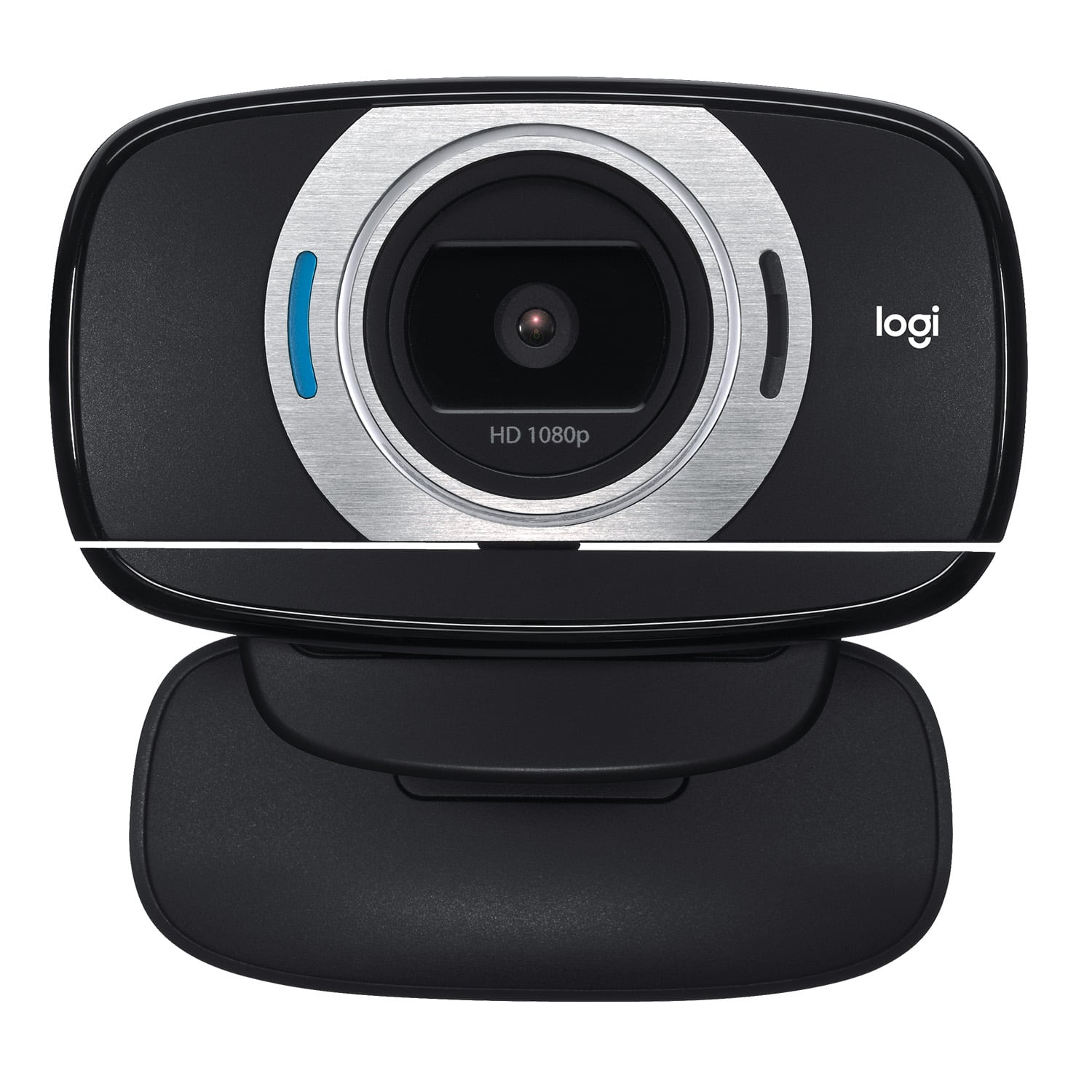
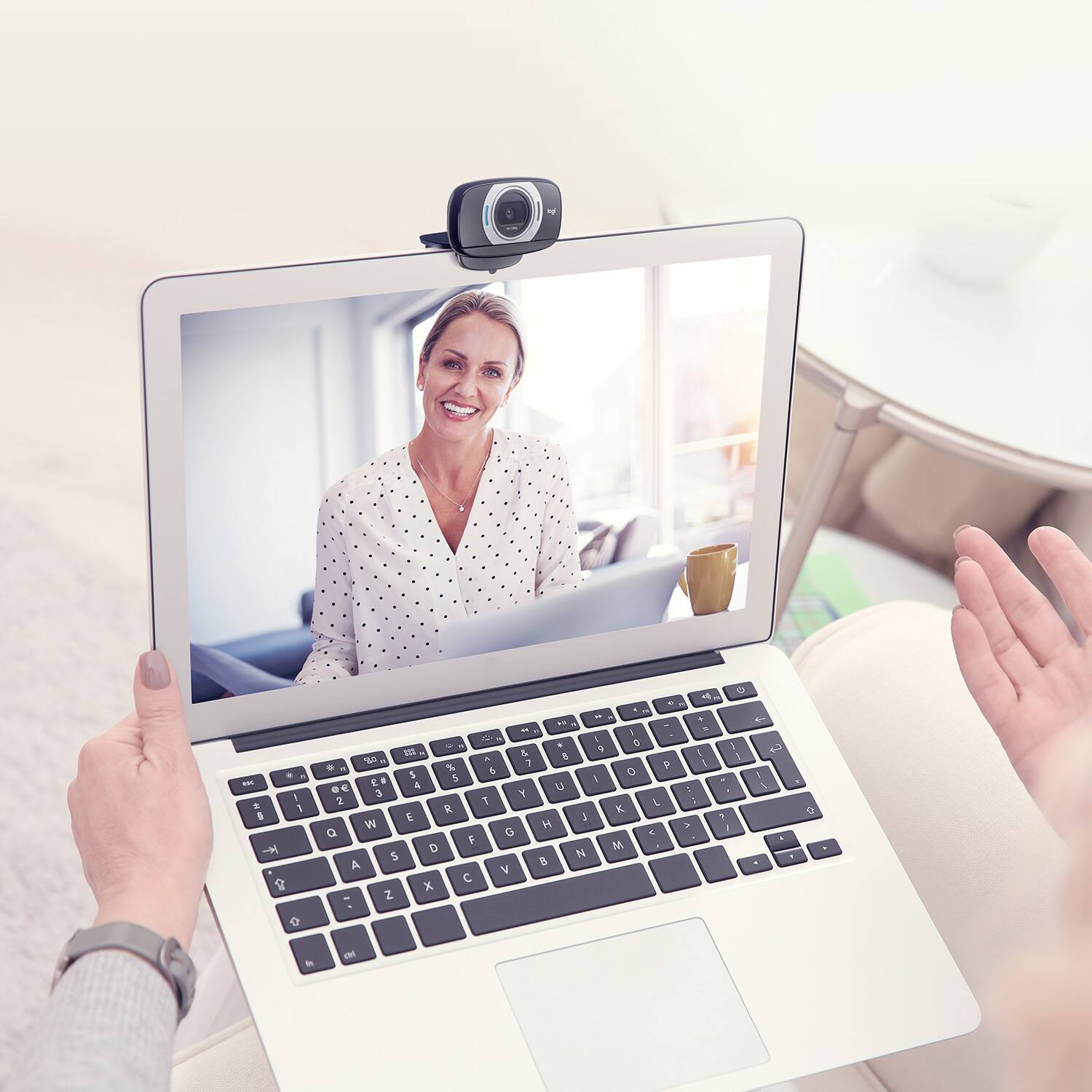
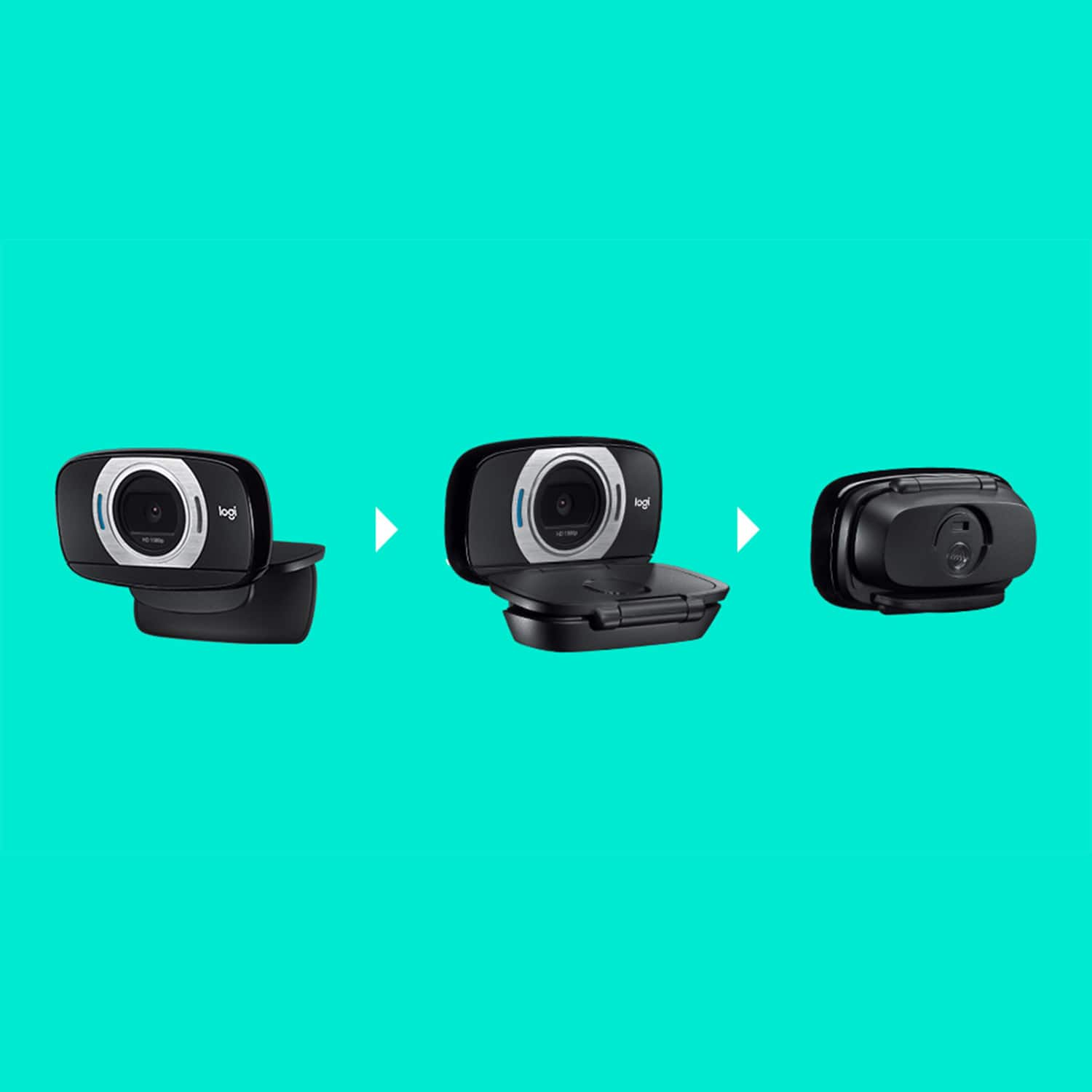
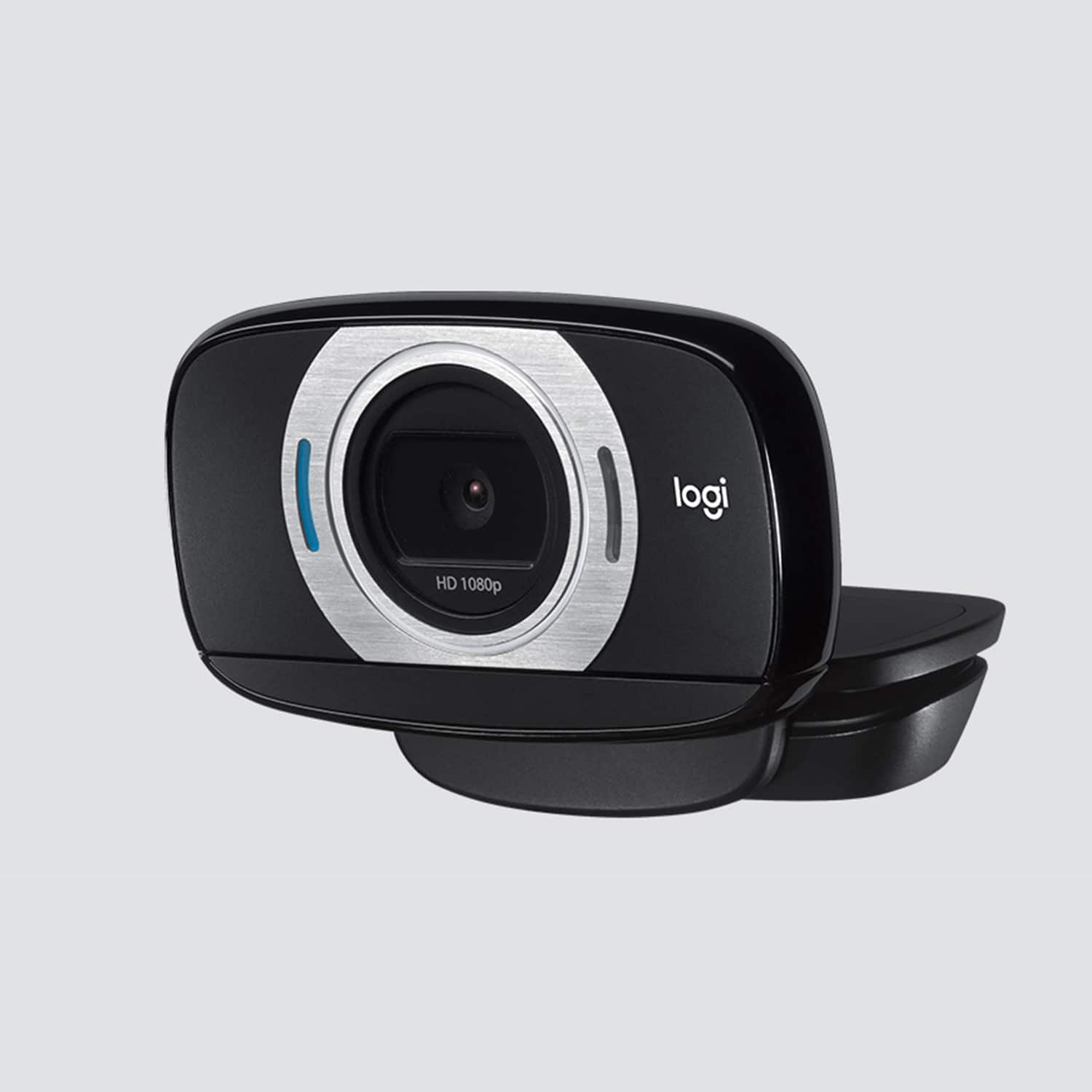

- Model:
- 960-000733
- |
- SKU:
- 2588445
Customer reviews
Rating 4.5 out of 5 stars with 4489 reviews
(4,489 customer reviews)Rating by feature
- Value4.5
Rating 4.5 out of 5 stars
- Quality4.6
Rating 4.6 out of 5 stars
- Ease of Use4.7
Rating 4.7 out of 5 stars
Customers are saying
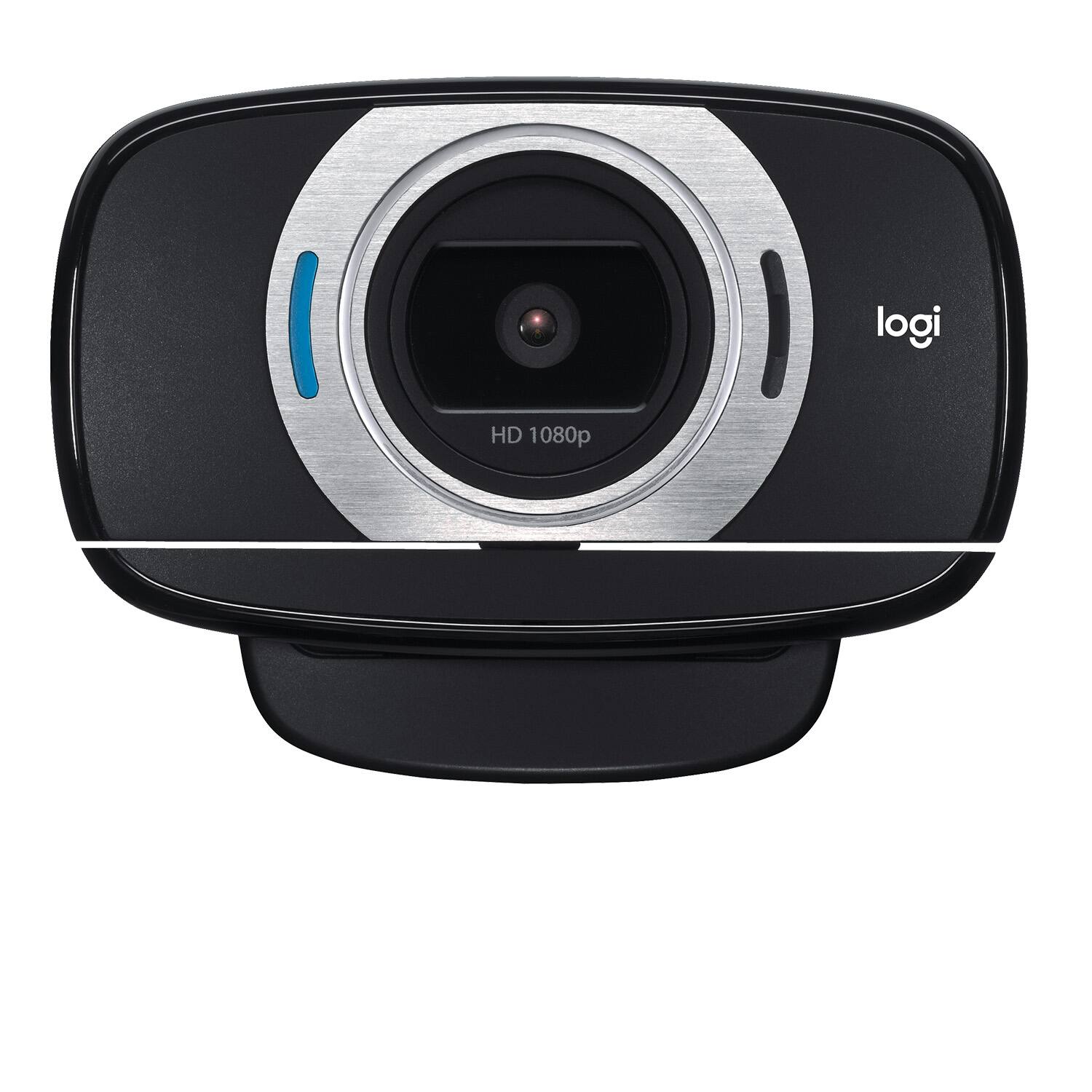
Customers are satisfied with the C615 1080 Webcam's video quality, ease of use, and price. Many appreciate its compact size and straightforward setup. While some users found the cable length too short and experienced minor software issues, the overall positive feedback highlights the webcam's value for its intended purpose. The clarity and resolution were also frequently praised.
This summary was generated by AI based on customer reviews.
Rated 2 out of 5 stars
Want happy with it
||Posted . Owned for 1 month when reviewed.This reviewer received promo considerations or sweepstakes entry for writing a review.Wasn’t happy with it. Video not clear. Returned out.
No, I would not recommend this to a friendBrand response from Logitech
Posted .Hello Db59! I'm sorry to hear you were having video quality issues with the C615 webcam. If you were using Zoom or Teams, those programs do only support up to 720p unless you, or your company, are paying extra for them. Otherwise, downloading our Camera Settings software will generally help as well. Thank you so much for this feedback and I will be passing this on! Have a great day! - Maggie from Logitech
Rated 1 out of 5 stars
Broke Down the 94th day of ownership
||Posted . Owned for 3 months when reviewed.This reviewer received promo considerations or sweepstakes entry for writing a review.It worked great and lasted just over 90 days. Then the camera stopped working. The mic continues to work. So I can see the other guy and talk to him. I have liked Logitech products for as long as I can remember, but not this one
No, I would not recommend this to a friendBrand response from Logitech
Posted .Hello,
Thank you for choosing Logitech. I am sorry that you have experienced an issue with your C615 HD Webcam; I would like to help. If you have not already done so, please check your computer for system and driver updates. Please check the computer's camera privacy settings to make sure the settings allow the programs/applications to communicate with your webcam. Also please check the camera input settings for the program/applications that you are using. I have attached a link to the "Getting Started" guide for your reference. Please visit the Logitech website for further support.
Best regards,
John at Logitech
https://support.logi.com/hc/en-us/articles/360024154394--Getting-Started-HD-Webcam-C615
Rated 1 out of 5 stars
Cord is too short
||Posted . Owned for less than 1 week when reviewed.This reviewer received promo considerations or sweepstakes entry for writing a review.The USB cord is entirely too short, what were they thinking? They need to make it three or four times longer. This web camera going back to the store.
No, I would not recommend this to a friendBrand response from Logitech
Posted .Hello Graphicdesigner, you are correct, the USB cord on the C615 is shorter compared to our other webcams that have 5ft of cable. The C615 webcam was built and designed with portability in mind. For the busy person who has to be mobile and behind the camera a lot, this is a great option. We apologize for the confusion. I would suggest a USB extension cable. Just make sure it has enough power to run a webcam and you should be good to go. I hope the video resolution looked great and is what you were looking for in a webcam. Have a great day. -Ricky from Logitech
Rated 2 out of 5 stars
not easy to work
||Posted . Owned for 1 month when reviewed.This reviewer received promo considerations or sweepstakes entry for writing a review.this was not easy to work and install for a beginner.
No, I would not recommend this to a friendRated 1 out of 5 stars
Bad purchase
||Posted . Owned for 1 month when reviewed.This reviewer received promo considerations or sweepstakes entry for writing a review.Get video but no audio. Been a pain in the butt ever since I bought computer with no audio or video. I thougjt the Logi was the answer.
No, I would not recommend this to a friendBrand response from Logitech
Posted .Hello, I am so sorry to hear about the issues you are experiencing with the webcam. Please make sure the webcam mic is selected in the sound settings in order for people to hear you. The webcam does not have any speakers on it for you to hear audio. I hope this clears things up. Thank you for taking the time to write this review, we appreciate the feedback. I hope you have a great day!
-Danielle from Logitech
Rated 1 out of 5 stars
Lacks instructions
||Posted . Owned for 3 weeks when reviewed.This reviewer received promo considerations or sweepstakes entry for writing a review.The instructions are cartoonish. I downloaded an owners manual from the internet but I still can't get my Windows 10 computer to recognize the camera. What a waste of money.
No, I would not recommend this to a friendBrand response from Logitech
Posted .Hi Poppop, So sorry to hear about the issues that you're having with the C615 HD Webcam. The camera should be plug and play. If you haven't already, check to see if all the updates are done on Windows/MOBO. Also, try other USB ports. If the problem persists, you can go to Logitech's support website and live chat with a technician or you could call the helpline at 1-866-601-5644. Hope you found this helpful. - Richard from Logitech
Rated 1 out of 5 stars
Program to install does not work. Tried
||Posted .This reviewer received promo considerations or sweepstakes entry for writing a review.Camera is useless as windows 10 will not load program to make camera function. Tried it on 2 HP computers and a gateway. Was told it was an easy for install that was a lie. Guess I need to hire a guru to get it installed. More expense not needed now.
No, I would not recommend this to a friendRated 1 out of 5 stars
Don't buy
||Posted . Owned for 8 months when reviewed.This reviewer received promo considerations or sweepstakes entry for writing a review.Honestly, this webcam was absolute trash. It had terrible resolution and quality. I had to go back to upgrade to the pro, which I'm not satisfied with but it's better than this one.
No, I would not recommend this to a friendBrand response from Logitech
Posted .Hello. Thank you for taking the time to share your experience with the C615 webcam. I'm sorry to hear that you're not getting the picture quality you've come to expect from this camera. You mention you upgraded to the Pro, if you have not yet done so, you should download the Camera Settings app to unlock the other features of the Pro Webcam. https://support.logi.com/hc/en-ca/articles/360049055854
-Charlton at Logitech
Rated 1 out of 5 stars
I've had it a month and still not working.
||Posted . Owned for 3 weeks when reviewed.This reviewer received promo considerations or sweepstakes entry for writing a review.Directions are poor. Website has taken down instructions on how to get it fully operational. I can see my own picture, but still can't log into anything!
No, I would not recommend this to a friendBrand response from Logitech
Posted .Hi! The C615 webcam plugs into the computer via the USB cable and you will have to change the settings in the app you're trying to use it with to use the C615 as the new source. But if you have any questions, check out the Logitech support page at https://support.logi.com/hc/en-us/articles/360024154394 Hope that helps!
Rated 1 out of 5 stars
Waste of money
||Posted . Owned for 1 month when reviewed.This reviewer received promo considerations or sweepstakes entry for writing a review.This camera is a great price but doesn't work well. Always have to adjust the settings because it turns my face orange
No, I would not recommend this to a friend- Pros mentioned:Video quality
Rated 5 out of 5 stars
Good picture, Great Sound, Excellent Versatility
Posted .This reviewer received promo considerations or sweepstakes entry for writing a review.I'm not really the webcam-owning kind of person so my experiences previous to the C615 (which I was sent to review) was the webcam built into my current laptop and my iSight camera built into my macbook. While serviceable, neither of those cameras were satisfying in any way and I never really participate in cam chats anyway. I was most impressed by the camera's low light performance. Logitech really made an effort to make sure that the camera does everything it can to make use of the light available. In most cases, I was able to use the light from my monitor to produce a very clear (if slightly grainy) picture. Even backlit situations can be compensated for, really impressing me given my experience with the iSight cameras. The lens on the camera is fairly flattering, preventing the "too wide" realism of short focal lengths usually found in built-in cameras. Coupled with its quick and effect autofocus, I thought this camera was extremely capable, especially in use for Skype, MSN messenger, Google+ Hangouts and Facebook chat. The microphone was also a pleasant surprise. It perhaps picks up too much sound in larger rooms and I could certainly see feedback issues plaguing users with high ceilings or large speaker configurations. The audio is clear and the microphone does a good job of automatically adjusting the gain to compensate for changes in speaking tone and direction. It's even reasonable for some music applications (certainly not for professional music recording), though, in testing there was some "peaking" when trying to record a guitar. I could also recommend this camera for YouTube use, especially for vlogging or limited music recording. The only real drawbacks I found were with the software. The software suite was fairly fully-featured and had some nice applications. Some of the features are things you'll only toy with the first couple of times you start the software (like the face overlays and virtual avatars) and some you might try to use full-time (like the motion detector). They work fairly well but they really aren't dependable. I found the software would crash after longer periods of use, especially the motion detector software. On top of that, the Logitech chat software has a really small userbase; good luck finding your friends there. The recording software is decent but recording in 1080p will eat entirely too much hard drive space, especially given the amount of grain and compression artifacts in the video. Overall, I'm very impressed. While I'd recommend finding different software to record video if you're serious about quality, the only other reservations I have are how washed out you look in low light situations and that the microphone might not keep up with more serious YouTube musicians. Considering how little I care for webcams in general, I think that's a shining endorsement.
I would recommend this to a friend Rated 1 out of 5 stars
Worked great for a couple weeks and then died
||Posted . Owned for 3 weeks when reviewed.This reviewer received promo considerations or sweepstakes entry for writing a review.Sucks that a $60 webcam dies after only using a handful of times, and the return period has already ended. I definitely would not recommend this device
No, I would not recommend this to a friendBrand response from Logitech
Posted .Hello, I am sorry to hear about the webcam dying on you. Fortunately, it has a warranty through Logitech. If you would like to file a claim for a new one, please visit the support page for this item on Logitech.com. I hope this helps! Thank you for taking the time to write this review, we appreciate the feedback.
Rated 1 out of 5 stars
Camera died
||Posted . Owned for 1 month when reviewed.This reviewer received promo considerations or sweepstakes entry for writing a review.This camera died a few days after the return period. Would love to trade it for one that works.
No, I would not recommend this to a friendBrand response from Logitech
Posted .Hey there StaceyFad, I'm sorry to hear that your C615 died on you. Please feel free to contact us via our support site, as your webcam may still be within it's warranty period. -Weston from Logitech
Rated 1 out of 5 stars
Poor picture quality
||Posted . Owned for 3 weeks when reviewed.This reviewer received promo considerations or sweepstakes entry for writing a review.Colors are off and the picture looks very average compared to logitech 920CS model.
No, I would not recommend this to a friendRated 1 out of 5 stars
Not made to last
||Posted . Owned for 2 months when reviewed.This reviewer received promo considerations or sweepstakes entry for writing a review.This camera suddenly stopped working after 2 months, not worth the money.
No, I would not recommend this to a friend- Pros mentioned:Ease of use, Video quality
Rated 4 out of 5 stars
Gets the job done and does it well
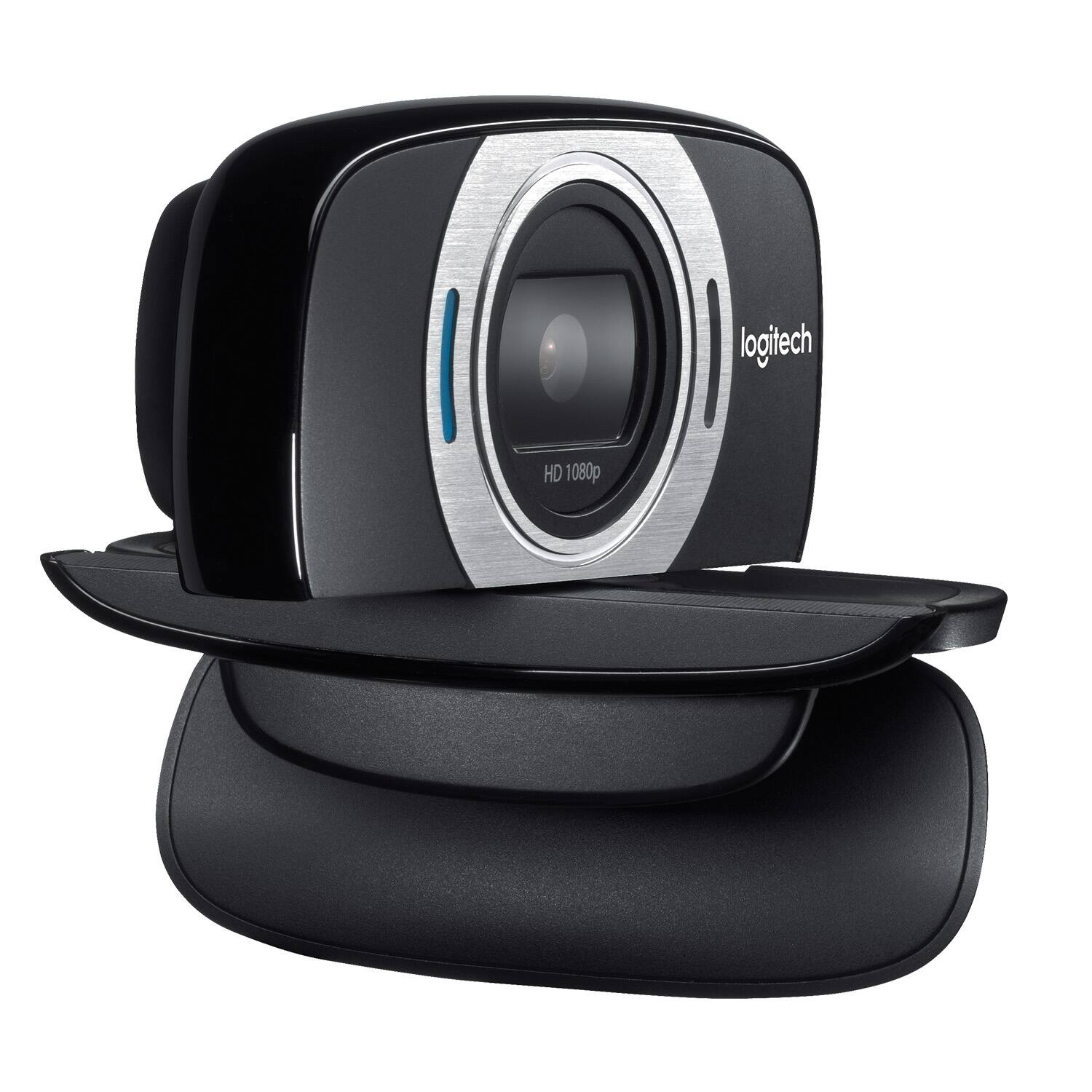
Posted .This reviewer received promo considerations or sweepstakes entry for writing a review.Tried using this to replace the cheap camera on my Toshiba Ultrabook. This webcam is light enough to sit pretty on your slim profile screen without bending it. Logitech builds a good variety of webcams and its evident they know what they're doing. Design - Sturdy build, comes with a protective flap that doubles up as support in its clamping mechanism, can take a fall or two with no issues whatsoever. Image Quality - The webcam does provide high quality video with sufficient lighting. A call placed at noon with ample amount of sunlight gives you relatively high resolution and a pleasant chat experience. Low light situations however; are an issue. Dont get me wrong; you still land up with pretty good resolution - but it makes you wonder how big a role lighting can cause in quality image reproduction. Plug and play - worked fine with a Windows 7 machine with its USB setup. Installed the driver; started up Skype and I was ready to go. Mic Sensor - Had no complains with callers.Not once did I hear any complains about audio. Overall - you cant really go wrong with these webcams. They're built well and do the job expected of them with little fuss.
I would recommend this to a friend - Pros mentioned:Video quality
Rated 5 out of 5 stars
Probably the best webcam I've ever used!
Posted .This reviewer received promo considerations or sweepstakes entry for writing a review.When I unpacked this product, I expected the usual. Grainy video paired with insufficient audio that would require a separate headset for video conferencing. I couldn't have been more wrong. The hookup began with the usual software instillation followed by connection and update. The first thing that I noticed was that the software download took quite some time. I choked it up to the usual bloatware that comes with webcams, most of which I would uninstall after the fact, but this was not the case. I have not purchased a new webcam in quite awhile, so I am not sure if this is a standard feature of all webcams nowadays, but this camera has motion detection, a feature I have found completely invaluable. I have Seedonk installed on my desktop computer, a messenger that allows you to view your webcam over you smartphone or tablet from any location as long as you have an internet connection. It gives you the option to remotely snap a picture or record video and sound. I love the motion detection feature because it allows me to use my webcam as a security camera. The video quality is nothing short of amazing. Even in low light situations, the picture is at least 10 times better than even the best webcam I have used over the last 10 years. The picture quality itself would justify a much higher sale price. The audio quality is amazing as well. Generally, when I have used my webcam for video chat, I always found myself using a separate mic so that the person or people on the other end of the chat could hear me. With this webcam, I found no need for a separate headset or mic while using it for web chat. Another feature that I found great was the fact that the webcam mount has a hole for mounting the cam on a tripod. I have never had a webcam that had this feature, and I have mounted it on a smaller 6" tripod when using it for web chat, and I mount it on a larger full-size tripod when I'm using it as a surveillance cam. This is a small feature that makes a big difference when considering ease of use of this product. All in all, I would give this webcam a perfect 10. In testing this product, I haven't found anything that I would change about it. The price is definitely a steal for such a high quality cam.
I would recommend this to a friend Rated 1 out of 5 stars
Poor video quality
||Posted . Owned for 3 weeks when reviewed.This reviewer received promo considerations or sweepstakes entry for writing a review.Returned - The video quality wasn't the best compared to my C270.
No, I would not recommend this to a friendBrand response from Logitech
Posted .Hello RLG1,
I am sorry that the C615 was not what you expected. The C615 is a 1080p camera vs. the C270, which has a maximum resolution of 720p. I suspect that you are not using the camera with the proper settings to see the resolution improvement. Please, get in touch with the Logitech support team for personalized assistance. Logitech appreciates your product review. - Leo from Logitech
Rated 1 out of 5 stars
Not as good as I was hoping
||Posted . Owned for 3 weeks when reviewed.This reviewer received promo considerations or sweepstakes entry for writing a review.I honestly can’t figure it out. Works sometimes... Also very blurry so I’m not happy.
No, I would not recommend this to a friendBrand response from Logitech
Posted .Hello, sorry to hear that you are unsatisfied with your C615 HD Webcam. We are always looking for ways to improve our products, so we appreciate your review. Please follow these steps to troubleshoot: uninstall the software from Settings > Apps > Apps & Features > uninstall. Once uninstalled, install the software once again and that should do the trick. From there you will be able to adjust settings in regards to optics. If you ever have additional feedback or questions regarding Logitech products, feel free to visit https://support.logi.com/hc/en-us Thanks, -Logitech
Rated 1 out of 5 stars
Image quality is terrible
||Posted . Owned for 3 weeks when reviewed.This reviewer received promo considerations or sweepstakes entry for writing a review.If I could, I would return this and get a higher resolution camera. This one is not good quality.
No, I would not recommend this to a friendBrand response from Logitech
Posted .Hi Danny, I am sorry that you are not happy with your C615 resolution. With a glass lens and full HD 1080p videos, it should come together to provide a beautiful crisp high definition and fluid video. Some video conferencing software will default to 720p, be sure to check all of your video settings. For advanced controls, please refer to: https://support.logi.com/hc/en-us/articles/360024846573--Downloads-HD-Webcam-C615 - Thank you for letting us know about your experience. - Will, Logitech.