Customer Ratings & Reviews
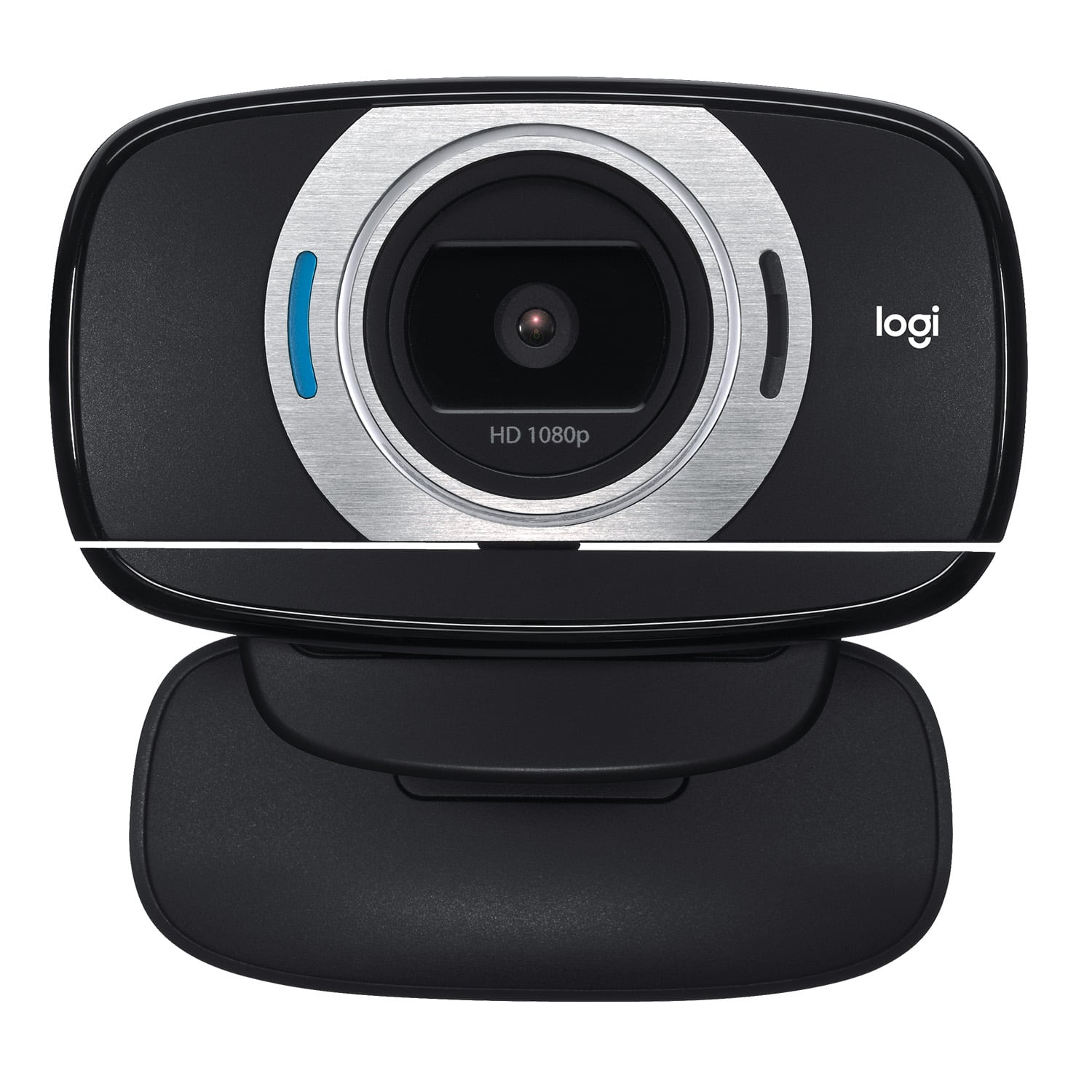

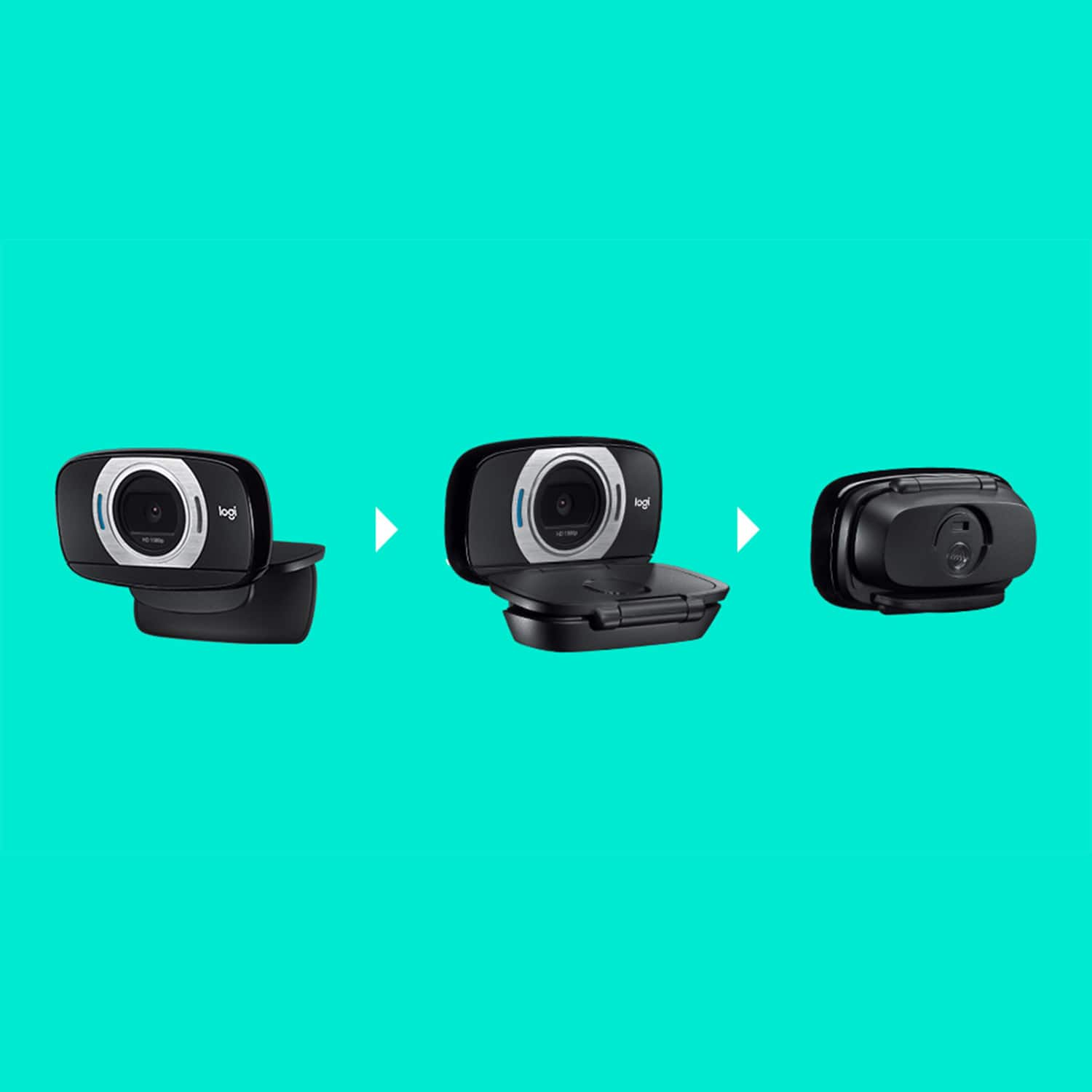
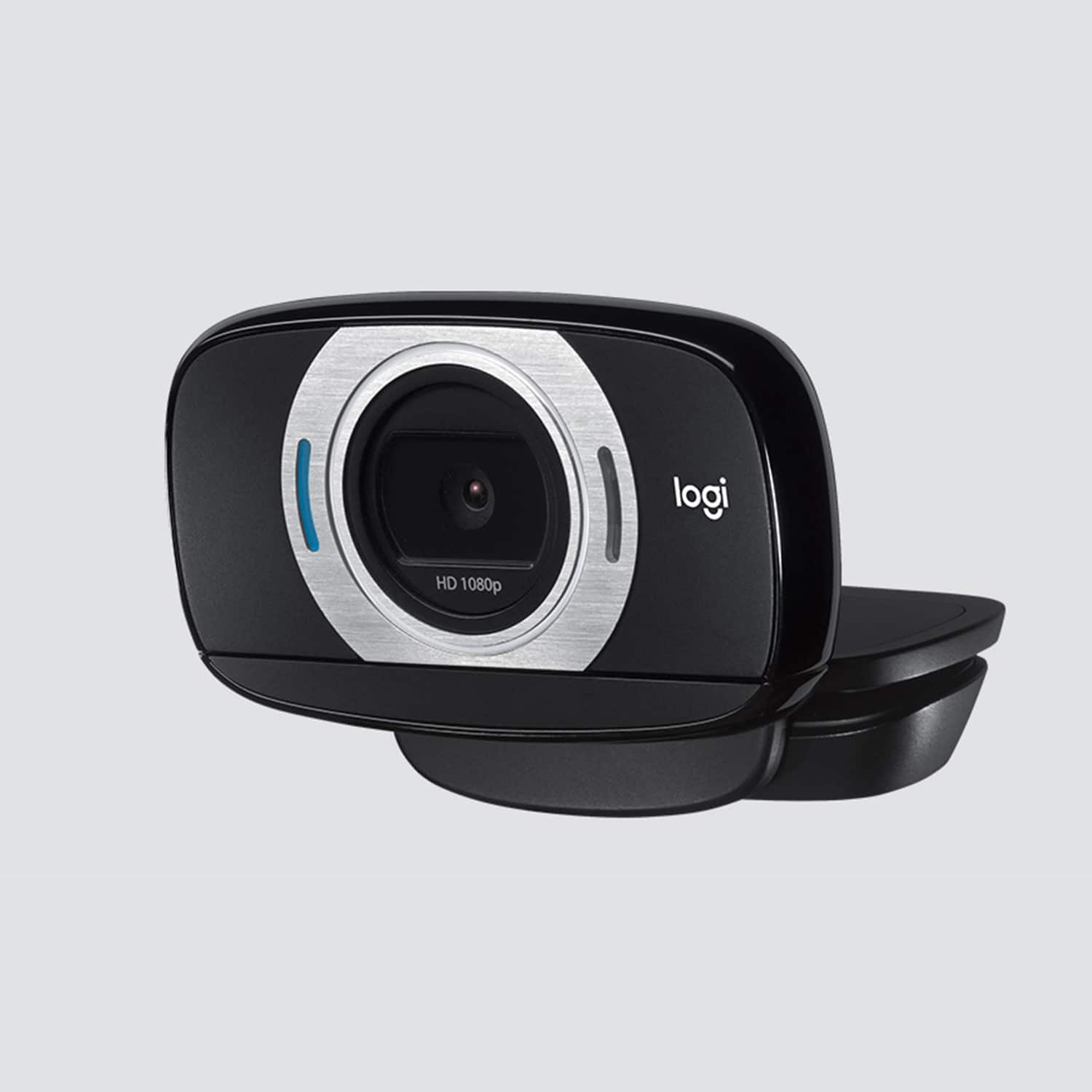
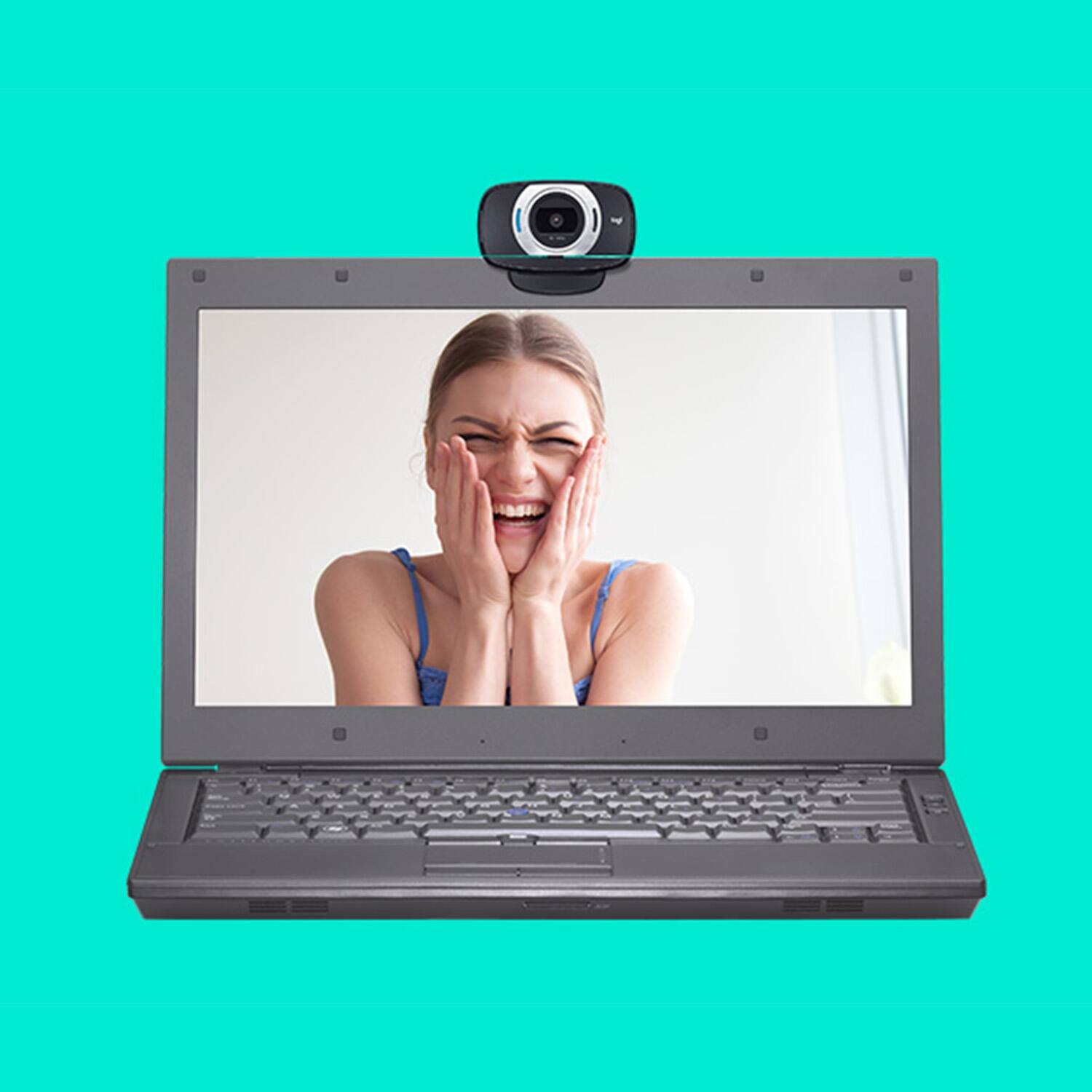


- Model:
- 960-000733
- |
- SKU:
- 2588445
Customer reviews
Rating 4.5 out of 5 stars with 4489 reviews
(4,489 customer reviews)Rating by feature
- Value4.5
Rating 4.5 out of 5 stars
- Quality4.6
Rating 4.6 out of 5 stars
- Ease of Use4.7
Rating 4.7 out of 5 stars
Customers are saying
Customers are satisfied with the C615 1080 Webcam's video quality, ease of use, and price. Many appreciate its compact size and straightforward setup. While some users found the cable length too short and experienced minor software issues, the overall positive feedback highlights the webcam's value for its intended purpose. The clarity and resolution were also frequently praised.
This summary was generated by AI based on customer reviews.
Rated 5 out of 5 stars
C615 1080 Web Cam
Posted .This reviewer received promo considerations or sweepstakes entry for writing a review.Logitech performed as advertised ... more clarity, ease of installation
I would recommend this to a friend- Cons mentioned:Compatibility
Rated 1 out of 5 stars
Does Not Work in Apple Computers.
Posted .This reviewer received promo considerations or sweepstakes entry for writing a review.Bought it for my Apple Mini and it does not work. Software downloads and then crashes over and over. Submitted a ticket to Logitech and still waiting for resolution.
No, I would not recommend this to a friend Rated 5 out of 5 stars
Webcam Review.
Posted .This reviewer received promo considerations or sweepstakes entry for writing a review.A very good webcam to buy at a very good price. I recommend this product.
I would recommend this to a friendRated 5 out of 5 stars
new remote worker
Posted .This reviewer received promo considerations or sweepstakes entry for writing a review.Easy to install, great definition, low price. Very Satisfied
I would recommend this to a friendRated 5 out of 5 stars
works nice
Posted .This reviewer received promo considerations or sweepstakes entry for writing a review.happy with purchase. still havent quite figured out how to make it the main camera on my macbook air though. its likes to use the one thats built in automatically
I would recommend this to a friend- Cons mentioned:Cable length
Rated 1 out of 5 stars
Can't recommend
Posted .This reviewer received promo considerations or sweepstakes entry for writing a review.I bought this a week ago on sale for 40 dollars, I can't recommend it even for that price. The image quality is bad, I would only use it for a zoom call. The cable is VERY short, it is only 3 feet, which would be good, if you were using a laptop. It overheats really quickly, I had it plugged in for 30 minutes and it was already hot, it might have to do with my desktop. Lastly, the microphone is not good unless you have an extremely low amount of background noise, it picks up things that I can't even hear. I don't think I will ever use this thing again.
No, I would not recommend this to a friendBrand response from Logitech
Posted .Hello, Chris! I'm sorry to hear about your experience with the C615 webcam. Thank you so much for the feedback on the image quality, length of the cable, overheating, and microphone quality! I will be passing this along. - Maggie from Logitech
Rated 5 out of 5 stars
Quality and budget friendly
Posted .This reviewer received promo considerations or sweepstakes entry for writing a review.This Webcam is everything we expected at low price
I would recommend this to a friend- Cons mentioned:Connectivity
Rated 1 out of 5 stars
They know it doesnt work but sell it anyway.
Posted .This reviewer received promo considerations or sweepstakes entry for writing a review.It worked right out of the box, & it worked well -- for six months. Then it started to flicker on and off uncontrollably, as if there was a problem with the connection. Went to the Logitech support site, where I read this: "Currently, there are known incompatibility issues between the C615 webcam and USB 3.0 ports that are causing inconsistent behavior. We'll continue to work with USB 3.0 manufacturers to improve the stability between our cameras and USB 3.0 as the protocol and implementation become more defined and mainstream. In the meantime, we recommend connecting to a USB 2.0 port to take full advantage of your camera." Well, that "recommendation" is useless if your computer doesn't have a USB 2.0 port. So the item now is useless, as is Logitech's customer support, b.t.w.
No, I would not recommend this to a friendBrand response from Logitech
Posted .Hello Jizungu, we are so sorry to hear that the C615 webcam did not meet your expectations. We appreciate the honest feedback. We apologize for any inconvenience we may have caused. We're so grateful to have you be part of the Logitech family. Have a great day. -Ricky | Logitech
- Cons mentioned:Cable length
Rated 3 out of 5 stars
the connection cable
Posted .This reviewer received promo considerations or sweepstakes entry for writing a review.My sincere congratulations... the connection cable could not be shorter...
No, I would not recommend this to a friend Rated 5 out of 5 stars
Second time buying
Posted .This reviewer received promo considerations or sweepstakes entry for writing a review.This camera for the price and size packs quite a bit of in your face clarity. Love this camera
I would recommend this to a friendRated 5 out of 5 stars
Clear image
Posted .This reviewer received promo considerations or sweepstakes entry for writing a review.My only gripe is the cable was too stiff. It kept shifting the camera.
I would recommend this to a friend- Pros mentioned:Overall performance
Rated 3 out of 5 stars
web cam
Posted .This reviewer received promo considerations or sweepstakes entry for writing a review.I brought this for my 14 yr old and seems to do the job
I would recommend this to a friend Rated 5 out of 5 stars
Good
Posted .This reviewer received promo considerations or sweepstakes entry for writing a review.Great!very good product I liked it I use it I recommend the product!
I would recommend this to a friendRated 4 out of 5 stars
Good, But not stable
Posted .This reviewer received promo considerations or sweepstakes entry for writing a review.The webcam is nice quality but it is pretty unstable on the top of my laptop.
I would recommend this to a friend- Cons mentioned:Cable length
Rated 1 out of 5 stars
Beware! 3 Foot Cable Doesn't Reach Monitor!
Posted .This reviewer received promo considerations or sweepstakes entry for writing a review.The cable is only 3 feet long! It doesn't specify these dimensions anywhere on here or the box. We just drove through heavy traffic, to another city to buy this for a meeting my wife has online in 30 minutes. There's no way this will work with my tower PC, unless I flip it on the side and put it under the monitor on my desktop. --Not sure how this got so many 5 star reviews, when the cable is clearly not long enough for most PC setups.
No, I would not recommend this to a friendBrand response from Logitech
Posted .Hello, LeeGordon! I'm sorry to hear about your and your wife's experience with the C615 webcam. If needed, I would recommend purchasing a USB 3.0 extension cable. Thank you so much for the feedback on the length of the cable! I will be passing this along. - Maggie from Logitech
Rated 5 out of 5 stars
cheap and nice
Posted .This reviewer received promo considerations or sweepstakes entry for writing a review.it was well worth the $36 works with win7 and skype.
I would recommend this to a friendRated 3 out of 5 stars
Got this for a diy photo booth
Posted .This reviewer received promo considerations or sweepstakes entry for writing a review.I purchased this webcam to make a diy photo booth and it didn't work out so well for me, The images were pixelated and blurry ! At close range the cam works great but thats not what i needed it for. Had to return it and get something else. I use a mac book pro.
No, I would not recommend this to a friendRated 2 out of 5 stars
Not Compatible with MacOS 12 Monterey
Posted .This reviewer received promo considerations or sweepstakes entry for writing a review.Camera worked great until MacOS 12 Monterey. It no longer works on my M1 or Intel Macbooks. Ever since upgrading it only works immediately after a reboot and for one conference call then MS Teams and FaceTime can no longer see the camera or microphone. Logitech support offered no date for a fix and just 30% coupon to buy a new camera. Skip this model if you have a Macbook.
No, I would not recommend this to a friend- Cons mentioned:Cable length
Rated 1 out of 5 stars
short leash
Posted .This reviewer received promo considerations or sweepstakes entry for writing a review.Opened the box and set up the web cam only to discover that it came with a very short cord. I cannot place the web cam on top of my computer screen because the cord will not reach the CPU located under my desk! The cord is 30 inches long. Beware of that! With this configuration of screen and CPU, users will need a cord at least 60 inches long.
No, I would not recommend this to a friend Rated 1 out of 5 stars
Disappointed
Posted .This reviewer received promo considerations or sweepstakes entry for writing a review.I'm so disappointed with this webcam for several reasons. 1) Lack of directions--the one sheet of paper that came with the package was lame and useless. I needed something that detailed how the face tracking worked. The website led me to the exact image of the same piece of paper. ARE YOU KIDDING ME? For this reason alone, I was ready to return the webcam. 2) The image quality was't that great. 3) The video lagged. Back to the face tracking...which did not appear to be tracking at all, I tried to find technical support. Instead, Logitech drives me to community forums. I just bought the thing and wanted to speak to a person so I could give it a chance. But hey, I guess customer service is't one of the things they care about. So for this reason, I returned the camera and will get something that is NOT LOGITECH.
No, I would not recommend this to a friendBrand response from Logitech
Posted .Hi Chris sorry to see you're unsatisfied with the C615 Webcam. If you're having trouble setting it up, make sure its selected as the new video source in the app you're trying to use it with. Hope that helps.