Customer Ratings & Reviews

- Model:
- 960-001087
- SKU:
- 12028157
Rating by feature
- Value
Rating 4.5 out of 5 stars
- Quality
Rating 4.7 out of 5 stars
- Ease of Use
Rating 4.7 out of 5 stars
to a friend
Looks great. Works great. I'm very pleased.
||Posted .This reviewer received promo considerations or sweepstakes entry for writing a review.This is a great device. I'm using it a lot. So glad I got this pro streamer web cam
I would recommend this to a friendExcellent camera/tripod combination.
||Posted .This reviewer received promo considerations or sweepstakes entry for writing a review.Great little camera that provides very good resolution for VTCs or selfies.
I would recommend this to a friendcam
||Posted . Owned for more than 2 years when reviewed.This reviewer received promo considerations or sweepstakes entry for writing a review.good quality and was useful for a zoom meeting, however could have been cheaper for quality.
I would recommend this to a friendBrand response from Logitech
Posted .Thank you for sharing your feedback on the Logitech - C922 Pro Stream. We appreciate your input and will consider it for future product development. We hope you continue to enjoy using your webcam.
Webcam
||Posted . Owned for 1.5 years when reviewed.This reviewer received promo considerations or sweepstakes entry for writing a review.When all else fails, you can count on this item to show up on your OBS. The low quality is very noticeable.
I would recommend this to a friendBrand response from Logitech
Posted .We appreciate your honest feedback. It helps us identify where we can improve and provide a better experience with Logitech - C922 Pro Stream 1080p Webcam

AWESOME!!!
||Posted . Owned for 1 week when reviewed.This reviewer received promo considerations or sweepstakes entry for writing a review.signed up for waiting list notification got notified by best buy when product was available and purchase was easy, shipping was extremely fast plus no price gouging which was a plus now a days
I would recommend this to a friendBrand response from Logitech
Posted .Hello dina! We're happy to hear you're enjoying the C922 webcam and that your shipping was fast! Feel free to reach out to our support team here https://support.logi.com/hc/en-us/requests/new?ticket_form_id=360000621393 if you ever need any assistance. Thank you for the feedback and for shopping Logitech! - Maggie from Logitech
Camera On
||Posted . Owned for 2 months when reviewed.This reviewer received promo considerations or sweepstakes entry for writing a review.I got this $150.00 dollar Logic Camera for $100.00 on sale at my favorite store, BestBuy.
I would recommend this to a friendEasy and efficient
||Posted . Owned for 10 months when reviewed.This reviewer received promo considerations or sweepstakes entry for writing a review.I like this camera better than my laptop for doing zoom videos. Like the super easy connectivity. No problems at all.
I would recommend this to a friendSolid
||Posted . Owned for 2 weeks when reviewed.This reviewer received promo considerations or sweepstakes entry for writing a review.Good camera for the price. Nice it includes a tabletop tripod to sweeten the deal. I use it for my samsung tv
I would recommend this to a friendThis has help my streaming a ton
||Posted . Owned for 11 months when reviewed.This reviewer received promo considerations or sweepstakes entry for writing a review.The built in Faux green screening is amazing. I use it a lot, and it has held up just great
I would recommend this to a friendBrand response from Logitech
Posted .Hello krimsonice. We're happy to hear you're enjoying the C922 webcam! If you ever need any assistance, feel free to reach out to Logitech support at https://support.logi.com/hc/en-us Thank you for the feedback and for shopping Logitech. - Logitech
I like this
||Posted . Owned for less than 1 week when reviewed.This reviewer received promo considerations or sweepstakes entry for writing a review.When you connect this device you know it’s going to work I tried it and I’m loving it great for streaming on Xbox one x
I would recommend this to a friendGood
||Posted . Owned for 1 month when reviewed.This reviewer received promo considerations or sweepstakes entry for writing a review.Its perfect but i rated 4 because the software is not including motion detection like the previous release
I would recommend this to a friendBrand response from Logitech
Posted .Hi Saem,
Thank you for your four-star review! It is greatly appreciated. Continue to enjoy your device. If you ever need assistance, please contact Logitech Support on the website.
LaShonda from Logitech
Great streaming camera
||Posted .This reviewer received promo considerations or sweepstakes entry for writing a review.Works great for twitch. Have mounted on an arm I picked up elsewhere. It comes with a small tripod but didn’t work how I liked it.
I would recommend this to a friendLogitech C922 PRO HD STREAMING WEBCAM
||Posted . Owned for 3 weeks when reviewed.This reviewer received promo considerations or sweepstakes entry for writing a review.So far so good. Haven't had it long enough to be certain. Will update in three months
I would recommend this to a friendBrand response from Logitech
Posted .Thanks so much for your feedback! Your review means a lot to us and lets us know we’re on the right track!
Disappointed
||Posted . Owned for 6 months when reviewed.This reviewer received promo considerations or sweepstakes entry for writing a review.Didn’t use to much and all of a sudden it stop working. I’ve moved to different usb connections and it doesn’t work.
No, I would not recommend this to a friendBrand response from Logitech
Posted .Hello, I am so sorry to hear about the webcam no longer functioning for you. I am not sure how long you have had it but it does come with a 1 year warranty. Here is the link in order to file a claim: https://support.logi.com/hc/en-us/articles/360025079873-Warranty-C922-PRO-STREAM-WEBCAM. I hope this helps! Thank you for taking the time to write this review, we appreciate the feedback.
-Danielle from Logitech
Solid webcam
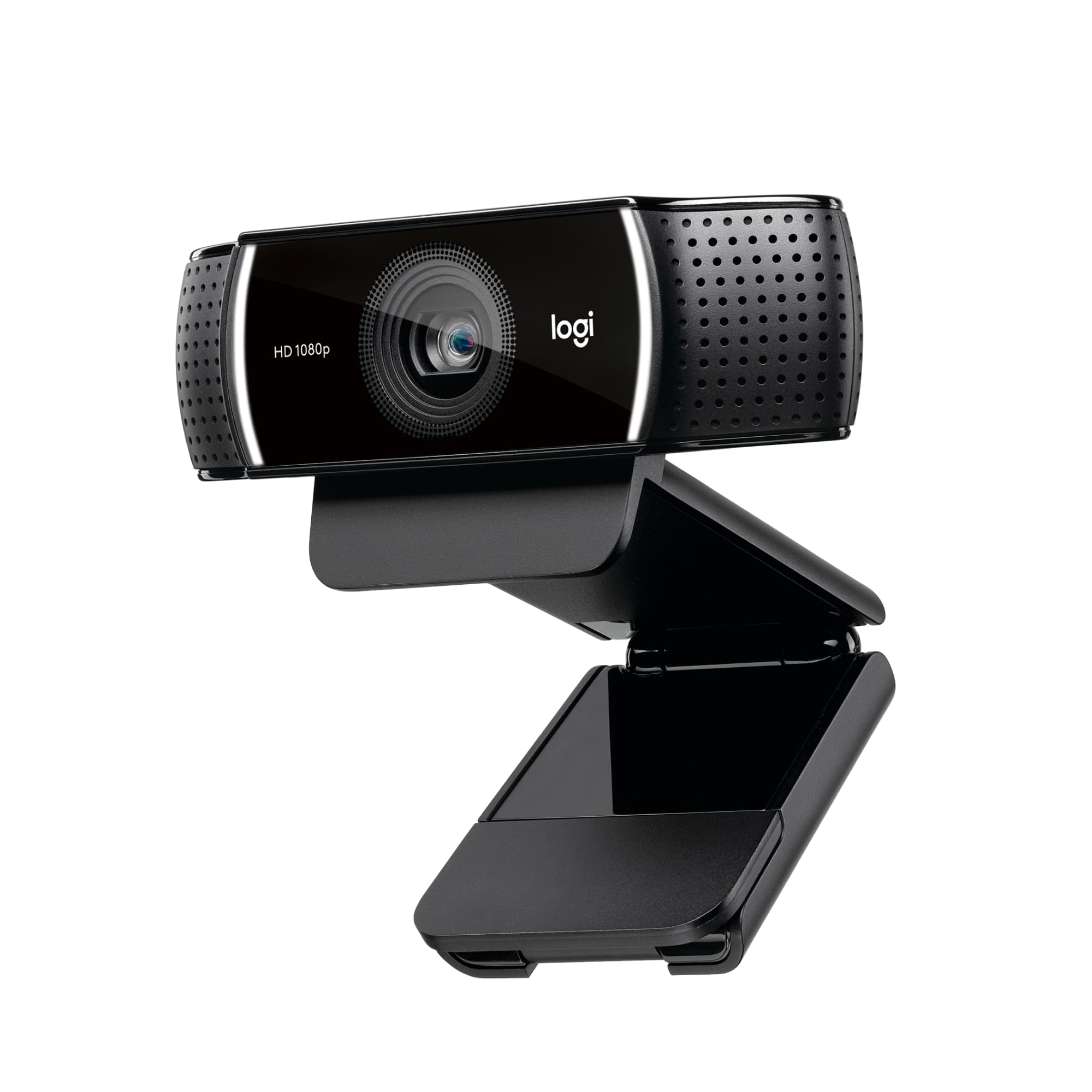
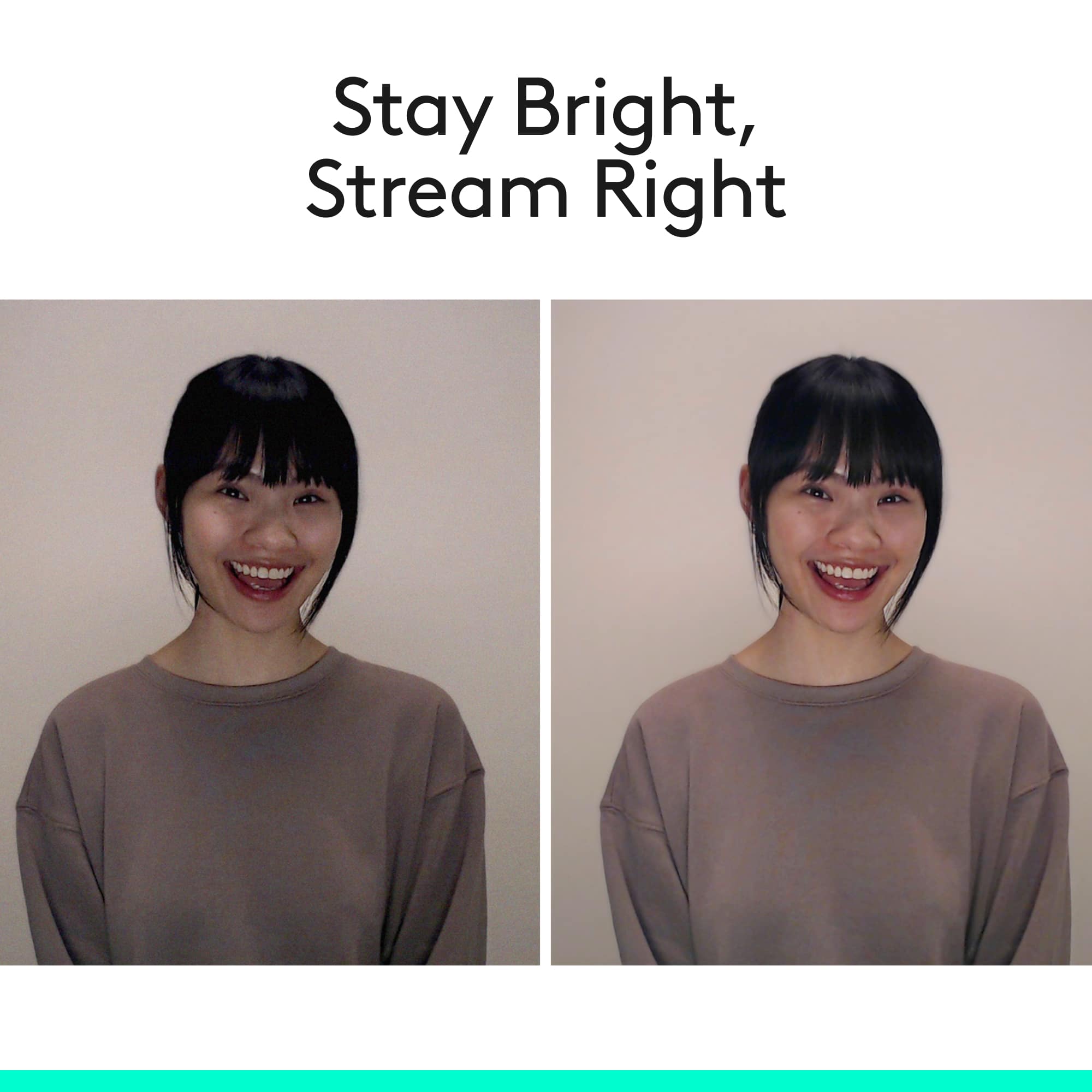
||Posted . Owned for less than 1 week when reviewed.This reviewer received promo considerations or sweepstakes entry for writing a review.Bottom Line: The Logitech C922 Pro Stream Webcam works well for streaming and recording, but the interplay of hardware and software can be frustrating Pros: versatile placement options, includes tripod, low light adjustment and auto focus works really well, good picture and audio quality, includes 3 month subscription to XSplit premium software Cons: no privacy cover, frustrating software controls Review: Setup is simple. The Logitech can easily be attached to monitor, set on the desk, or attached to the included mini-tripod. On my Mac, I was able to access the webcam and its microphone in Zoom after plugging it in. The first thing I noticed was that the low light adjustment works really well. My home office is fairly dark, due to the paint color and the position of the overhead light, and the C922 really brightened up the picture. Auto focus was also pretty solid, moving quickly between the label of a pen I was holding up back to my face when I lowered the pen. I was pleasantly surprised by the audio quality, which is more than adequate in most cases (although discerning users will still want a separate mic). 1080p picture quality also looks good, although getting there was challenging. Out of the box, the default picture quality is pretty bad; objects in the scene are soft and blurry, and the colors appear washed out. It’s evident that some settings (resolution, frame rate, white balance, etc.) need to be changed, but there’s no way to do that without additional software on a Mac. The Logitech website directs you to download their G Hub software to control the camera. However, on my system, G Hub recognizes the C922 (I get a preview of the camera), but all of the control options are grayed out. After some web searching, I found my way to Logitech’s Camera Control software, which did allow me to change some settings, but from that software you can’t change the resolution, frame rate, or exposure. After more web searching, I downloaded Logi Capture, which provides a much more robust set of camera controls. Turning the resolution to 720p or 1080p produced a much sharper picture, and you can apply several filters or adjustments to fix the color reproduction problem. The problem, however, is that the Logi Capture settings do not carry to other apps (only Camera Control’s settings do), so unless an app has built-in webcam controls, the picture goes back to its lower resolution/frame rate quality. Part of my problem, I think, is that the Logitech C922 Pro Stream Webcam is designed for streaming gamers, and Logitech partnered with XSplit so buyers get 3 months of premium access to the software. Since I don’t want to use XSplit, I had to fiddle my way through other software to get the most of the webcam for my workflow.
I would recommend this to a friendBrand response from Logitech
Posted .Hello, thank you for your purchase. We are glad to hear that you are enjoying your C922. The privacy cover is available on other models and also an add on accessory. We are constantly improving our Logi Capture software for a better user experience. If you ever have any questions or concerns please visit us for support at support.logitech.com
Great Product
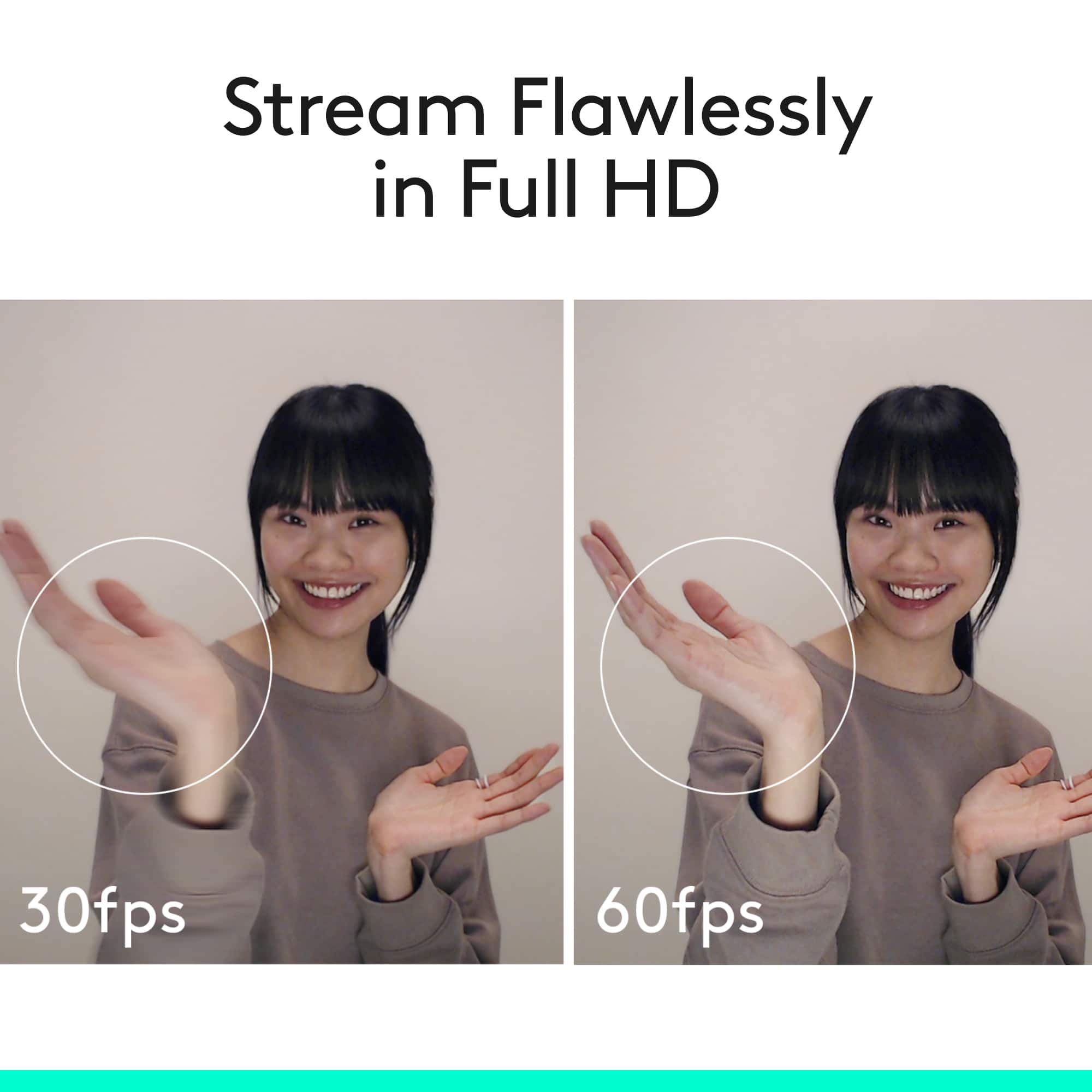
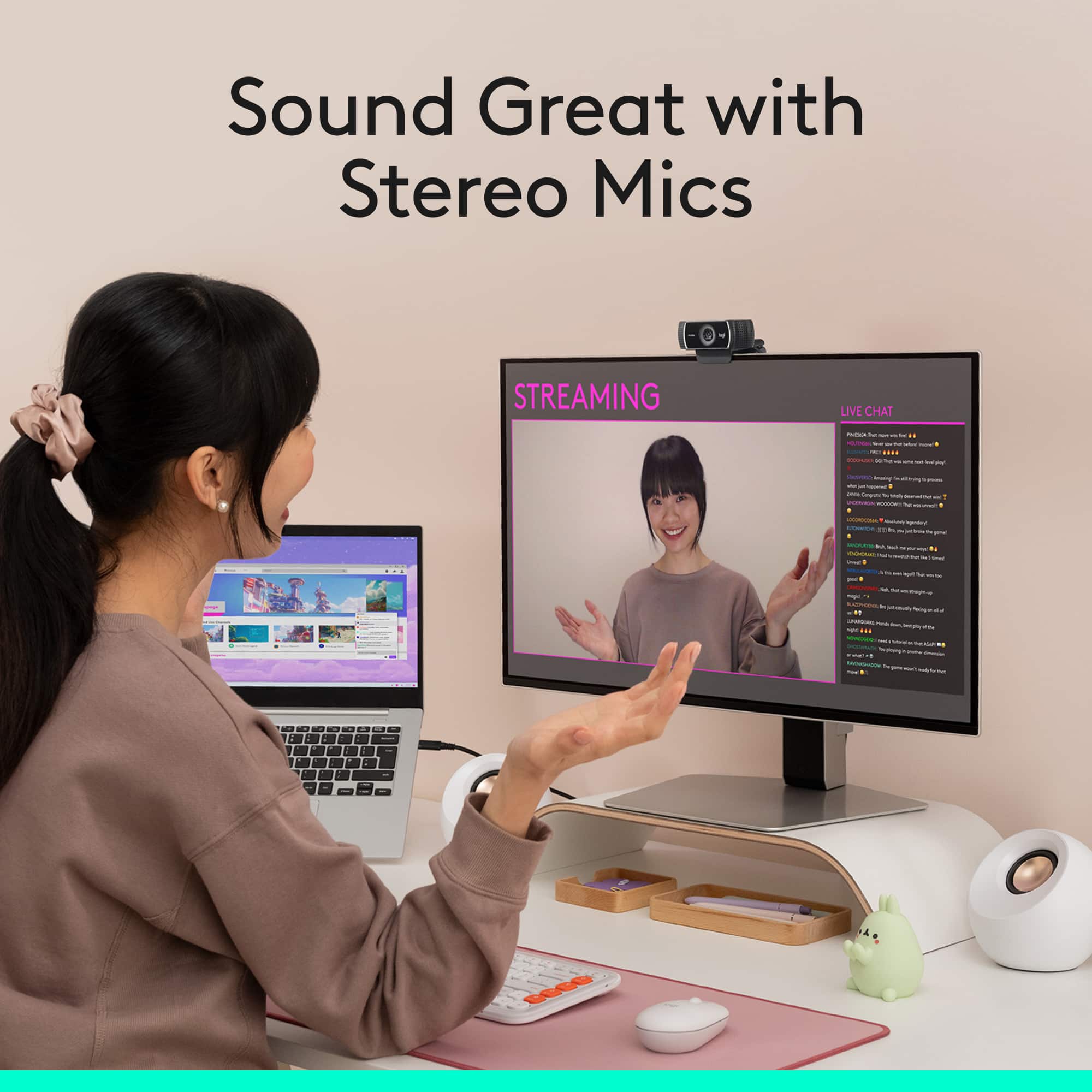
||Posted . Owned for 1 week when reviewed.This reviewer received promo considerations or sweepstakes entry for writing a review.Logitech C922 Pro Stream Webcam: Perfect for Online Learning and School Projects! I recently got the Logitech C922 Pro Stream Webcam, and it has been an absolute game-changer for my online classes and school projects. If you’re looking for a reliable webcam for education, this one definitely delivers! The video quality is outstanding. With 1080p resolution at 30 frames per second (fps) and 720p at 60 fps, my instructors and classmates can see me clearly during our virtual classes. The autofocus feature works seamlessly, ensuring I stay sharp and in focus, even if I move around a bit during discussions. One feature that has impressed me is its low-light performance. The automatic light correction ensures that I look great even in less-than-ideal lighting conditions. I’ve had late-night study sessions and early morning classes, and the webcam captures my image clearly without any graininess, which is crucial for effective communication. Setting up the C922 was incredibly simple. It easily clips onto my laptop or monitor, and it also includes a tripod adapter, giving me the flexibility to position it however I need. The USB plug-and-play functionality means I was ready to start my classes in seconds—no complicated software needed! The built-in dual microphones provide excellent audio quality, capturing my voice clearly during discussions and presentations. This is especially important in an online learning environment, where clear communication makes all the difference. My classmates have noted how much better my audio sounds compared to my previous setup. Perfect for Presentations and Group Projects As a student, I often have to present and collaborate with classmates online. The C922’s crisp video quality and clear audio make it easy for me to present my projects confidently. Plus, it integrates well with popular video conferencing platforms, making it a breeze to use for group projects and presentations. Overall, I couldn’t be happier with my Logitech C922 Pro Stream Webcam. It offers exceptional video and audio quality, easy setup, and fantastic features that make it perfect for online learning. If you’re a student looking to enhance your virtual classroom experience or just want a reliable webcam for school projects, I highly recommend the C922. It’s a fantastic investment for anyone in education!
I would recommend this to a friendBrand response from Logitech
Posted .Thank you for your kind words about the C922 Pro Stream Webcam! We're thrilled to hear that it's been such a valuable tool for your online learning and school projects. Your feedback helps us understand the impact our products have on our customers. We're committed to providing high-quality products and exceptional experiences, and your positive review reinforces our dedication.
Nice little webcam
||Posted . Owned for 2 months when reviewed.This reviewer received promo considerations or sweepstakes entry for writing a review.I've never had a webcam, but needed one for google meet because my laptop was getting too slow and I wanted to switch to my desktop system. The Logitech C922 was super easy to set up to use with my HP desktop. I admit that the cute little tripod influenced my decision to get this particular one. I tend to buy middle of the road items, and I'm happy with this purchase. The camera seems good (no complaints on the other end) and sound is OK, though I still prefer my microsoft lifechat for that since I'm hard of hearing and using headphones helps. I'm happy with the fact that the little part that fits on top of my monitor doesn't obscure part of my screen. I have an ASUS TUF 27" and was concerned about that, but it fits well and is unobtrusive enough that I can leave it up there all the time. I just easily plug and unplug the USB cord as needed, since I don't use the camera very often. I found the built in software for changing backgrounds too difficult to fool with. It was hard to revert back when I didn't like the new settings, so I decided it wasn't worth using. The only other thing I don't like is that you can't adjust the camera horizontally, only vertically. I have to move the entire monitor if I want to adjust it side to side. Overall a nice little webcam.
I would recommend this to a friendPerfect mix of value and performance
||Posted . Owned for 3 months when reviewed.This reviewer received promo considerations or sweepstakes entry for writing a review.I use this webcam for business use, and it has worked great. The picture quality is fantastic. I opted to use an external mic, but the one built-in is perfectly usable. It sounds about how you would expect any web cam mic to sound. It was really easy to set up and use. You can really just plug it in and go. But if you want to downlaod the logitech software, you can do that to get a little more control over it. But to be honest, I just plugged it in and never worried about downloading any extra software. I just use the built in options in things like Teams or Slack to change any settings I need. It does come with a tripod, which I opted not to use. I just don't see much use for it. For most people, I would assume just placing it on top of your monitor will work better than anywhere you can find to put the tripod. Not to mention the head on the tripod is really finnicky. It doesn't really tighten all the way. It's nice to have the option, but I'm willing to bet most people will try it out once and just end up putting it on their monitor like me. Overall, this is a really solid choice for webcam.
I would recommend this to a friendSTOP Your Search! This Is The Best Web Camera
||Posted . Owned for 1 month when reviewed.This reviewer received promo considerations or sweepstakes entry for writing a review.Let me start by saying this: if you’re reading this review, I should probably be paying attention to the Zoom meeting I’m on right now... but here we are, and honestly, it’s hard not to admire the crystal-clear image quality of my new Logitech C922 Pro Stream Webcam while I procrastinate. This webcam is an absolute game-changer! It was ridiculously easy to set up—seriously, plug it in, and boom, you're looking like a pro. The 1080p video is so sharp that I almost feel guilty for making my coworkers deal with my ultra-HD face (but not guilty enough to turn my camera off). Whether you're streaming, gaming, or, in my case, “working” on a Zoom call, this little black beauty delivers. It's sleek, reliable, and basically makes you look like you’ve got your life together—even if you're still wearing pajama pants. If you’re on the fence, just get it. But be warned: your stunning image might make you the main focus of every virtual meeting, even when you're just pretending to listen. Cheers to my new favorite work-from-home companion!
I would recommend this to a friendBrand response from Logitech
Posted .Thank you for your kind words and for sharing your positive experience with the C922 Pro Stream Webcam! We're glad to hear that you're enjoying the exceptional image quality and ease of use. We strive to create products that enhance your video conferencing and streaming experiences, and we're delighted that the C922 is exceeding your expectations.
Great camera with excellent video and audio
||Posted .This reviewer received promo considerations or sweepstakes entry for writing a review.This camera has great picture quality and excellent audio. After several hours of use, I have not experienced any issues. Easy setup and ready to use in minutes. I would highly recommend.
I would recommend this to a friendBrand response from Logitech
Posted .Thank you for the wonderful feedback! We're glad to hear the camera’s video and audio quality met your expectations and that setup was a breeze. Your recommendation means a lot—thanks for choosing us!