Customer Ratings & Reviews

- Model:
- 960-001087
- SKU:
- 12028157
Rating by feature
- Value
Rating 4.5 out of 5 stars
- Quality
Rating 4.7 out of 5 stars
- Ease of Use
Rating 4.7 out of 5 stars
to a friend
Logitech-C(22 Pro Stream
Posted .This reviewer received promo considerations or sweepstakes entry for writing a review.Works like a charm. Easy setup. Great Price and I'm pleased with the videos I can make for my instructional videos. What a special buy for me. Just what I needed. It does everything as advertised.
I would recommend this to a friendBrand response from Logitech
Posted .We're thrilled to hear the C922 is working out great for your instructional videos! It's designed to deliver exceptional video quality and ease of use. Thanks for choosing Logitech!
good camera
||Posted .This reviewer received promo considerations or sweepstakes entry for writing a review.this camera works very well. easy to setup and use.
I would recommend this to a friendBrand response from Logitech
Posted .Hey! It’s wonderful to know our product has met your expectations. Your review gives us insight into what we’re doing right. We appreciate your support and the time you took to write.

Clean, crisp HD video; avg mic, good auto-focus/li
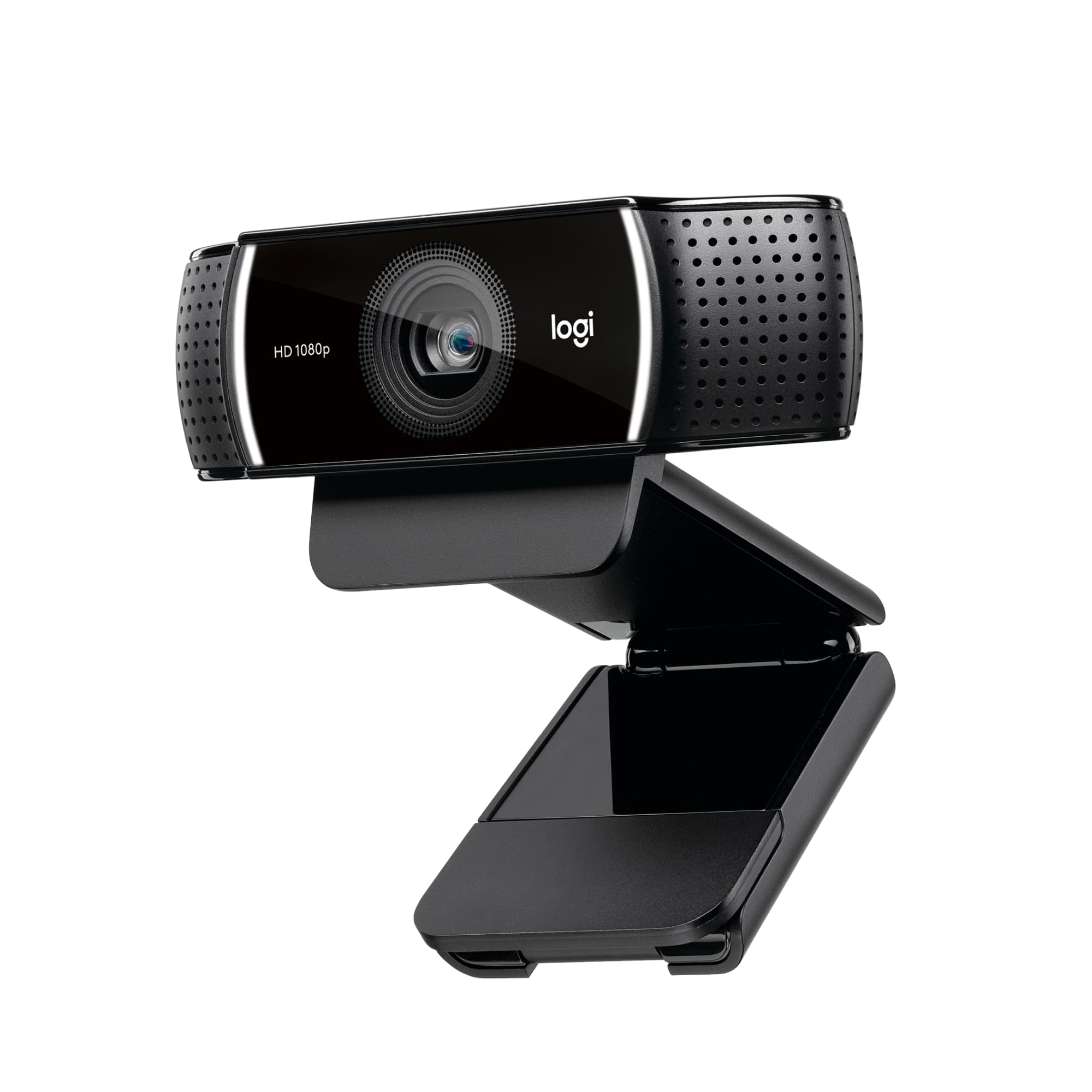
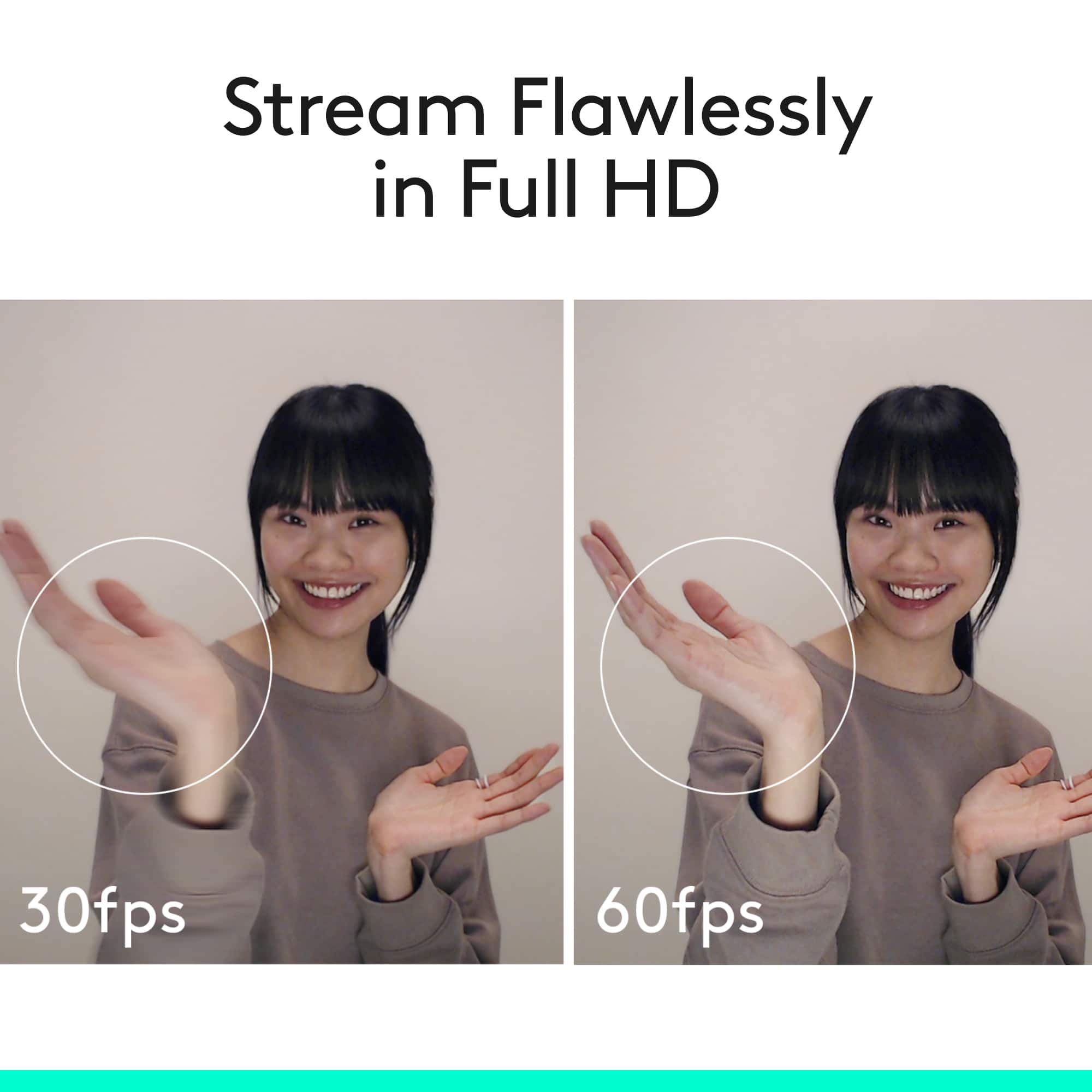
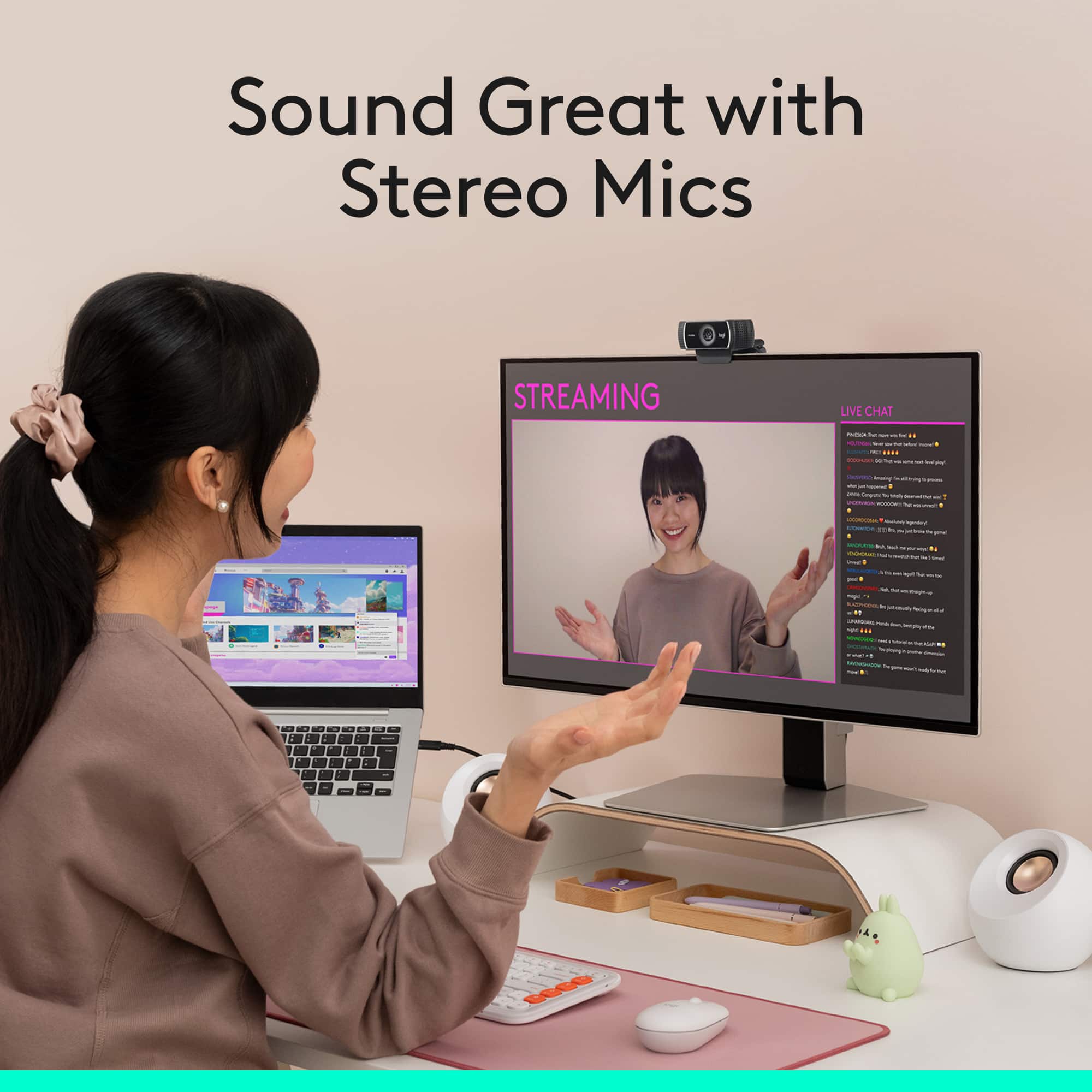
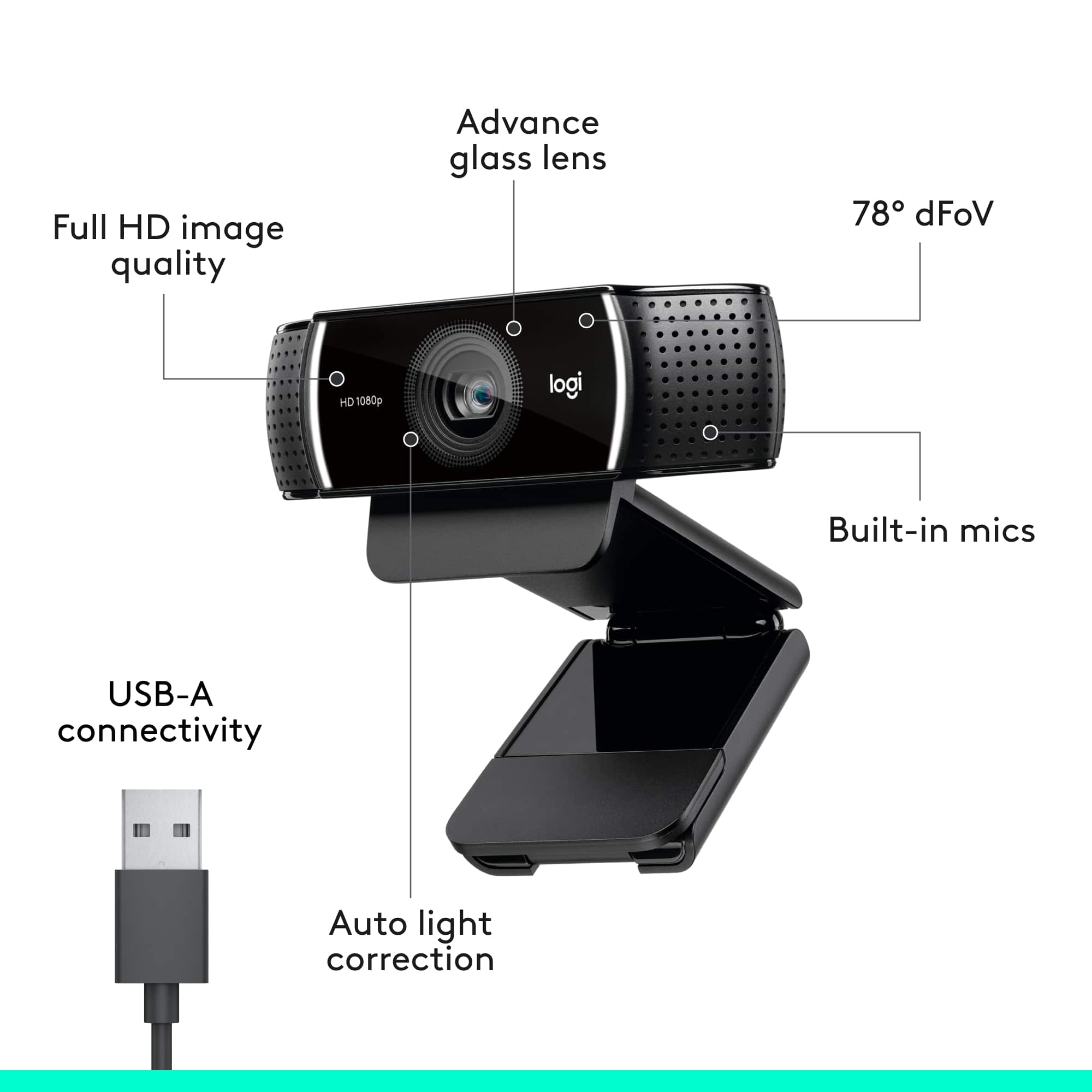
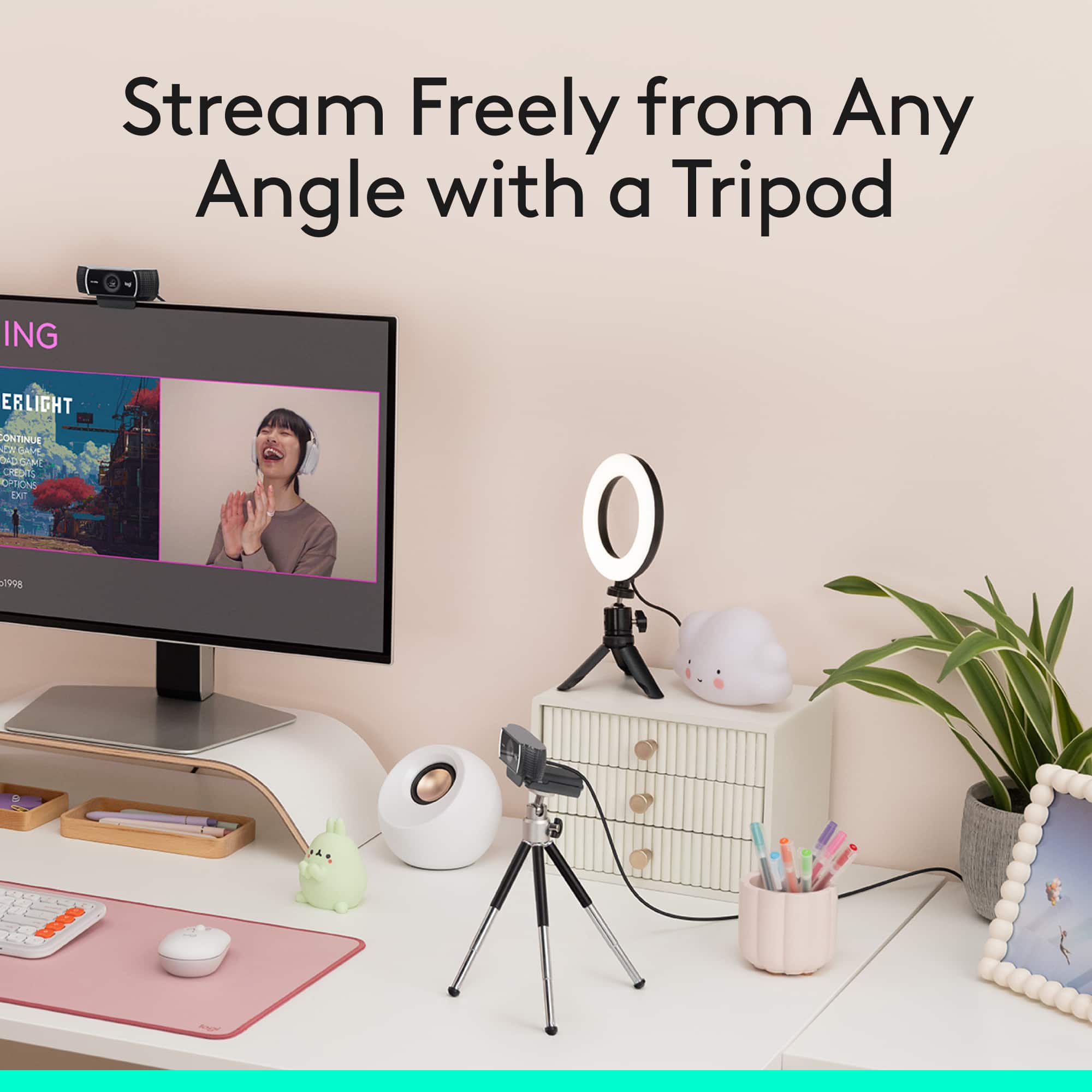
||Posted .This reviewer received promo considerations or sweepstakes entry for writing a review.I've been using the older model the C920 for a couple years and it has served me well during that time. However, I needed to replace it because it's starting to behave somewhat erratically and the C922 was at the top of my list. The C922 has a 6’ USB cord and comes with a mini 8" tripod (and 3 month Twitch subscription good through the end of 2017). The camera has the same footprint as the previous C920 measuring 4” across, 1.5” high, and 3" long. On the front is the 1080p HD lens and on the sides are the built-in stereo mic. The status LED on the sides are white instead of the blue and cannot be disabled as on the previous model. On the bottom there’s a 1/4” thread mounting hole for standard tripod mounting and the base splits open so that you can place the webcam over the top of a monitor or laptop screen. The microphone was comparable to the C920 built-in mic but was somewhat quieter even though it seemed to filter out more background noise. At 1080p resolution, the max frame rate is 30fps, but at 720p you can go up to 60 fps, which is a new feature for this camera. The auto-focus is speedy and the auto brightness does a nice job keeping the brightness constant if light levels change. The focusing time is slightly quicker than the C920's performance, and there is little to no latency that I noticed in the recordings. The colors appear more saturated and sharper than the C920 which tended to produce video that was washed out and had softer edges in the same recording conditions. I did try to test out the automatic background removal with Personify Chromacam, but unfortunately I never got it to work properly with OBS on my Windows 10 system. It worked once, and during that test I was able to somewhat replace the background in my video with a green screen, but it wasn’t entirely accurate and sometimes it removed my hair or didn't remove part of the chair; if I moved around enough the entire screen would go to green screen. After that one time Chromacam just kept crashing OBS when I opened it. I can’t recommend the camera for that particular feature based on my experience with the camera/software. I'm sure future update will fix this, since I’ve been reading online, for now, the software is just really buggy and unreliable. For me, it's not a big deal since I'm not a gamer and I wasn't really planning on using the feature for anything in particular. Overall, the C922 is a solid webcam and the video performance is slightly better than the C920. If you’re happy with your C920 and don't need a new webcam, I think you can skip this model upgrade. However, if you're definitely looking to get a new camera with clear and crisp video, I’d pick the C922 over the C920.
I would recommend this to a friendCamera
||Posted . Owned for 1.5 years when reviewed.This reviewer received promo considerations or sweepstakes entry for writing a review.Camera is awsome works well for my podcast. clear with no disturbance
I would recommend this to a friendBrand response from Logitech
Posted .Thanks for letting us know how things are going. We’re happy the product is performing as expected. Your support means everything.
Nice Camera
||Posted . Owned for 2 months when reviewed.This reviewer received promo considerations or sweepstakes entry for writing a review.This is for the 922 Pro. Great image. Works perfectly. Not sure if I really needed this high level of a camera above the standard 920 model which would have been about half the price. Seemed like the 920 was sold out everywhere so I grabbed this one in an emergency. I just really use if for basic Zoom calls and it does have good resolution. I have a 920 on my other computer and I really cannot tell the difference in resolution or quality between the two. I guess this one says something about streaming and it also came with the tripod which I didn't really need.
I would recommend this to a friendA Solid Performer If You Can Get One
||Posted . Owned for 3 weeks when reviewed.This reviewer received promo considerations or sweepstakes entry for writing a review.So here’s the scoop. After finally being able to score one of these, I must say, I’m impressed. The set up on Windows is easy and the microphone is superb. The picture quality is top notch but you’ll need the software to access features like changing the built in ring light settings. The clip design is a bit clunky since it spills over a bit on small bezel monitors. This is not a deal breaker for me. Given that this is a enhanced model, you’d think it would come with the camera cover but you’ll have to pony up for that. The price isn’t a wallet buster but for the features it’s on the pricier side.
I would recommend this to a friendFantastic Products & Service
Posted .This reviewer received promo considerations or sweepstakes entry for writing a review.The new Logi HP 1080p camera works great with my new 34" Samsung Curver Monitor; both purchased at Best Buy in West Ashley, Charleston, SC. Very easy to self install each new item.
I would recommend this to a friendBrand response from Logitech
Posted .We’re grateful for your feedback and happy to hear the product is working smoothly. Your experience helps us build better tools for everyone.
Fantastic Product
||Posted . Owned for 7 months when reviewed.This reviewer received promo considerations or sweepstakes entry for writing a review.The best thing about this camera are ease of use, quality of picture, fidelity of sound and ease of installation. Basically, you plug it into your USB port and use whatever piece of software (Skype, Zoom, WebEx, etc) you need to use that accommodates a video camera. The portability of the camera also lets you take it with you, so if you're a Vlogger and you make a ton of videos from your laptop or desktop, then you won't go wrong with this camera.
I would recommend this to a friendBrand response from Logitech
Posted .Hello, I am so happy to hear you are satisfied with the product. Thank you for being a Logitech customer. We appreciate the time you took to write this review.
Solid cam
||Posted . Owned for 1 month when reviewed.This reviewer received promo considerations or sweepstakes entry for writing a review.This camera works as expected, good resolution. It was easy to install and get working on Win11.
I would recommend this to a friendBrand response from Logitech
Posted .Your feedback on the Logitech C922 Pro Stream 1080 Video Streaming camera is valuable. It's good to confirm that the camera works as expected, provides good resolution, and was easy to install and set up on Windows 11.
Great camera for streaming and recording
||Posted . Owned for 1 month when reviewed.This reviewer received promo considerations or sweepstakes entry for writing a review.Unboxing the camera was a snap. It comes with a usb connecting cord and a tripod. Setting up the camera was easy as was downloading and installing the software. The picture and sound quality is stellar. Instructions were limited and did not discuss how to mount this on a monitor but a Google search rectified this issue.
I would recommend this to a friendGreat upgrade from the laptop cam
||Posted . Owned for 3 weeks when reviewed.This reviewer received promo considerations or sweepstakes entry for writing a review.Since Covid we've switched to full time remote and now with the abundance of work zooms and happy hour zooms I wanted to get a camera less fuzzy. For $100 its a nice upgrade without a high cost. Picture is crisp and clear and attaches very easy to the top of the laptop or monitor. It was very easy to setup and between 2 laptops the plug and play switch is simple and quick
I would recommend this to a friendBrand response from Logitech
Posted .Hi Kay J,
Thank you for your five-star review! It is greatly appreciated. Continue to enjoy your device. If you ever need assistance, please contact Logitech Support on the website.
LaShonda from Logitech
Great web camera and the price was super
||Posted .This reviewer received promo considerations or sweepstakes entry for writing a review.Very happy with this purchase. Easy setup and easy to operate with a variety of software programs. I use for ZOOM, GO to Meeting, etc. Really think the clarity is excellent and the camera is very solid and well built. Like the little tripod stand and the ability to use that to change angles etc. Software tracking makes it simple to adjust the camera focus and also have to move to capture different areas. More expensive cameras out there, but this is a definite 5 star with very good value for the price.
I would recommend this to a friendVery Good Camera for the Price
||Posted . Owned for 1 month when reviewed.This reviewer received promo considerations or sweepstakes entry for writing a review.I purchased this for work use and so far it has been great. The microphone audio works great and the camera resolution is also great. It was very easy to set up, pretty much plug and play. I use zoom for the most part, so setting up the camera through that app was very easy to do. The small clip allows for the camera to attach to the top of a standard monitor. I use 24" HP monitors,
I would recommend this to a friendBest webcam available
||Posted . Owned for 1 month when reviewed.This reviewer received promo considerations or sweepstakes entry for writing a review.Great webcam. This is they best model They have a couple newer models but they do not hold a candle to this. Simple setup (just plug it in), and clear pic. Nice mic built it. Also nice small tripod for those who cannot put on their monitor. In fact it was designed so even if you DO hang it from a monitor, you can leave the tripod on to move and maneuver. Works great with facebook, and Discord.
I would recommend this to a friendVery Happy Customer / Great Quality Camera
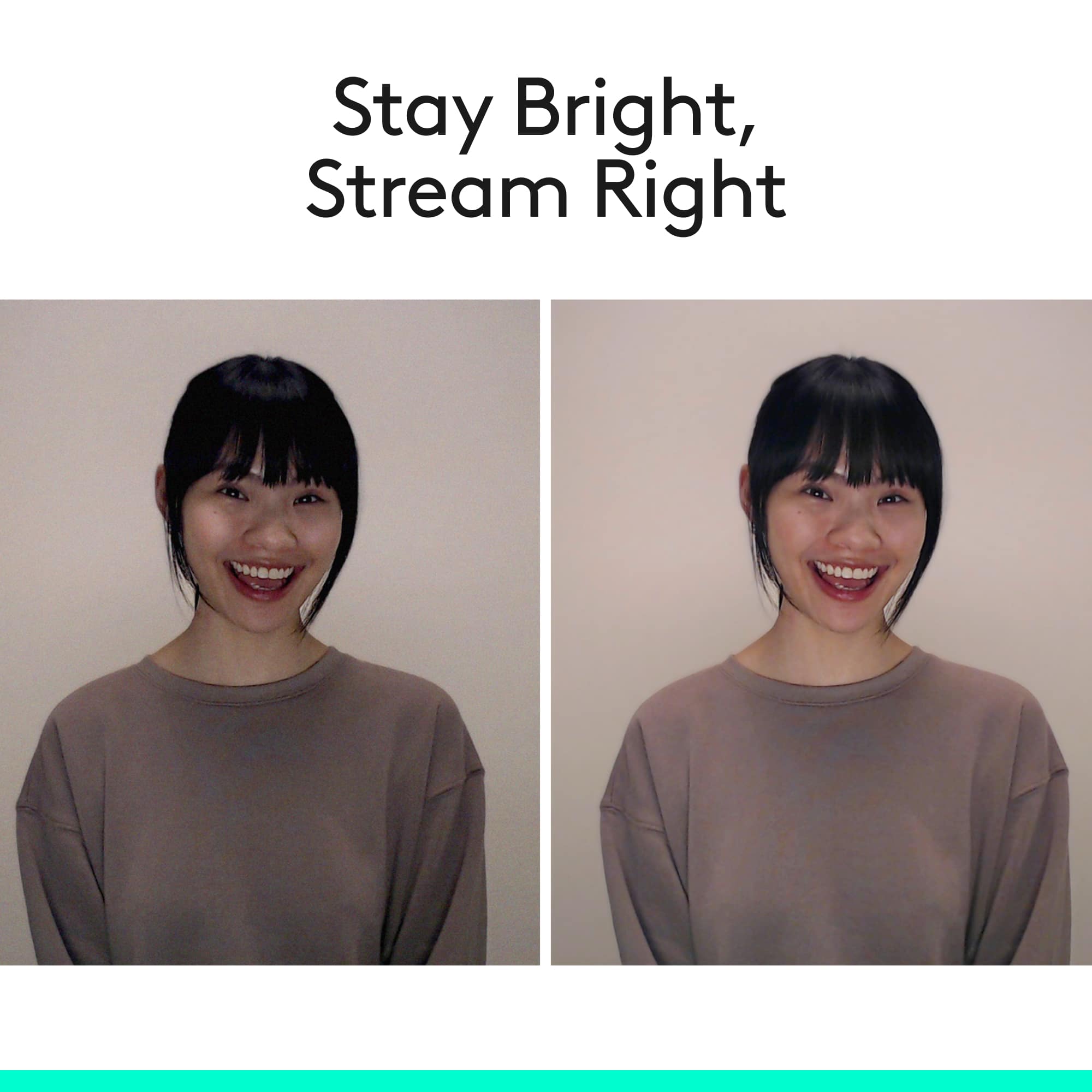
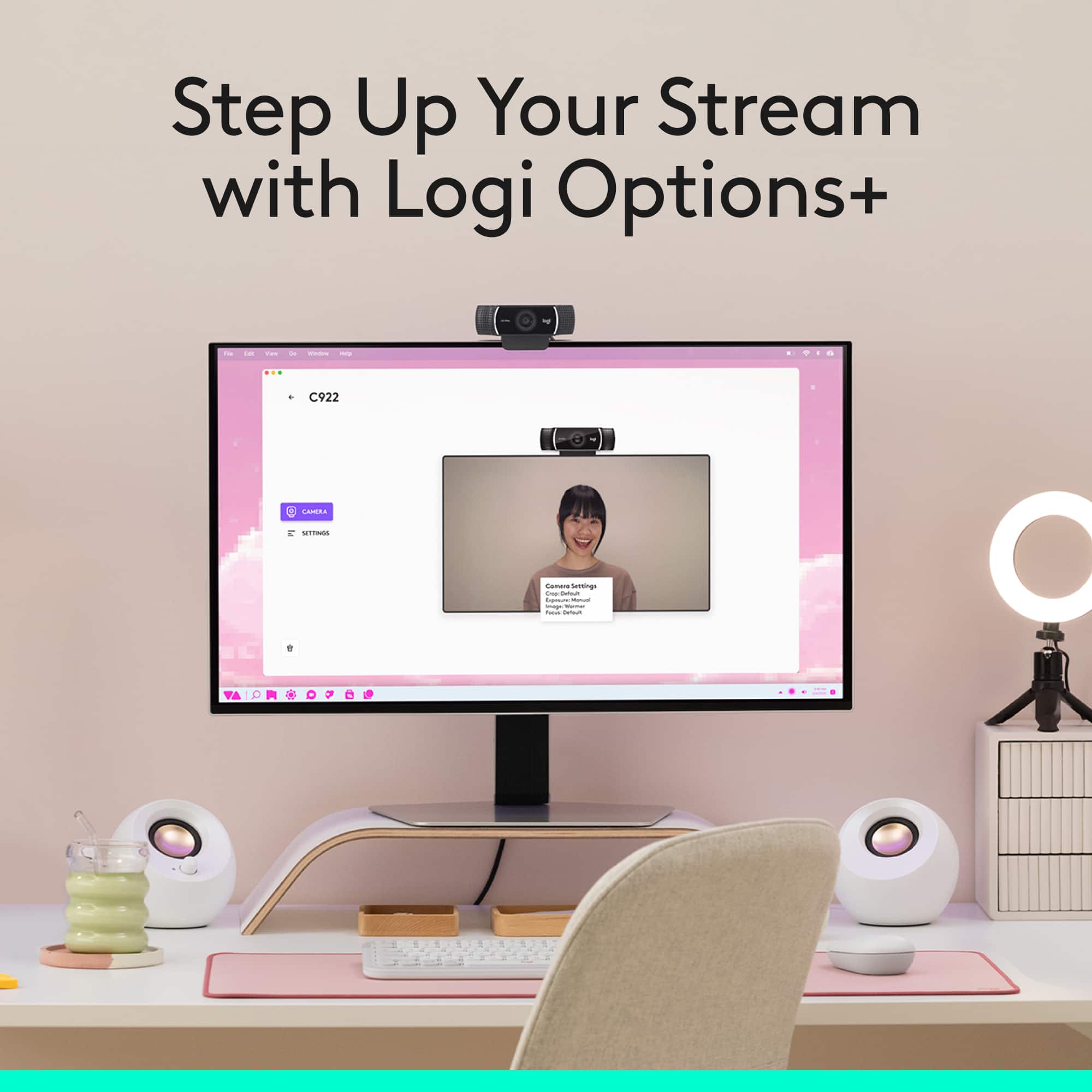
||Posted . Owned for 1 month when reviewed.This reviewer received promo considerations or sweepstakes entry for writing a review.Great quality camera! Very crisp picture. It goes out of focus here and there, but it quickly adjusts itself based. Even in dim lighting, I get excellent picture quality and don't have the issues of people on zoom meetings not seeing me. The Logitech Capture is also pretty cool and has some settings and features to get the most of the camera.
I would recommend this to a friendGreat quality for streaming in low lighting
||Posted .This reviewer received promo considerations or sweepstakes entry for writing a review.I purchased this webcam to replace a Logitech C525 and it has worked well. Basically all around better camera with good built in settings to compensate for low light conditions especially when using a chroma keyed background. I haven't used the advertised chroma key feature, however it does well even if you do not have the best lighting as long as you utilize the features that help with low light. The downside of this is that the camera's frame rate will drop if you have these features enabled. The one nitpick I have with the camera is that I wish it would be able to rotate like the C525, but I already knew going in this wasn't a feature. I have not utilized the built in microphone since I use a separate mic also. Overall I am pleased with the webcam especially considering the price I picked it up for.
I would recommend this to a friendAn essential item for students
||Posted . Owned for 4 months when reviewed.This reviewer received promo considerations or sweepstakes entry for writing a review.Very easy to use out of the box. Camera quality is acceptable. Can output 1080p and can also output in 60fps. The mic is also great. I don't have to "lean in" for it tp pick up my voice. I'm not sure how this fairs when it comes to professional use, but if you're using it just for school or video conferencing in general, this is the one to get.
I would recommend this to a friendGreat Webcam for OBS Streamers
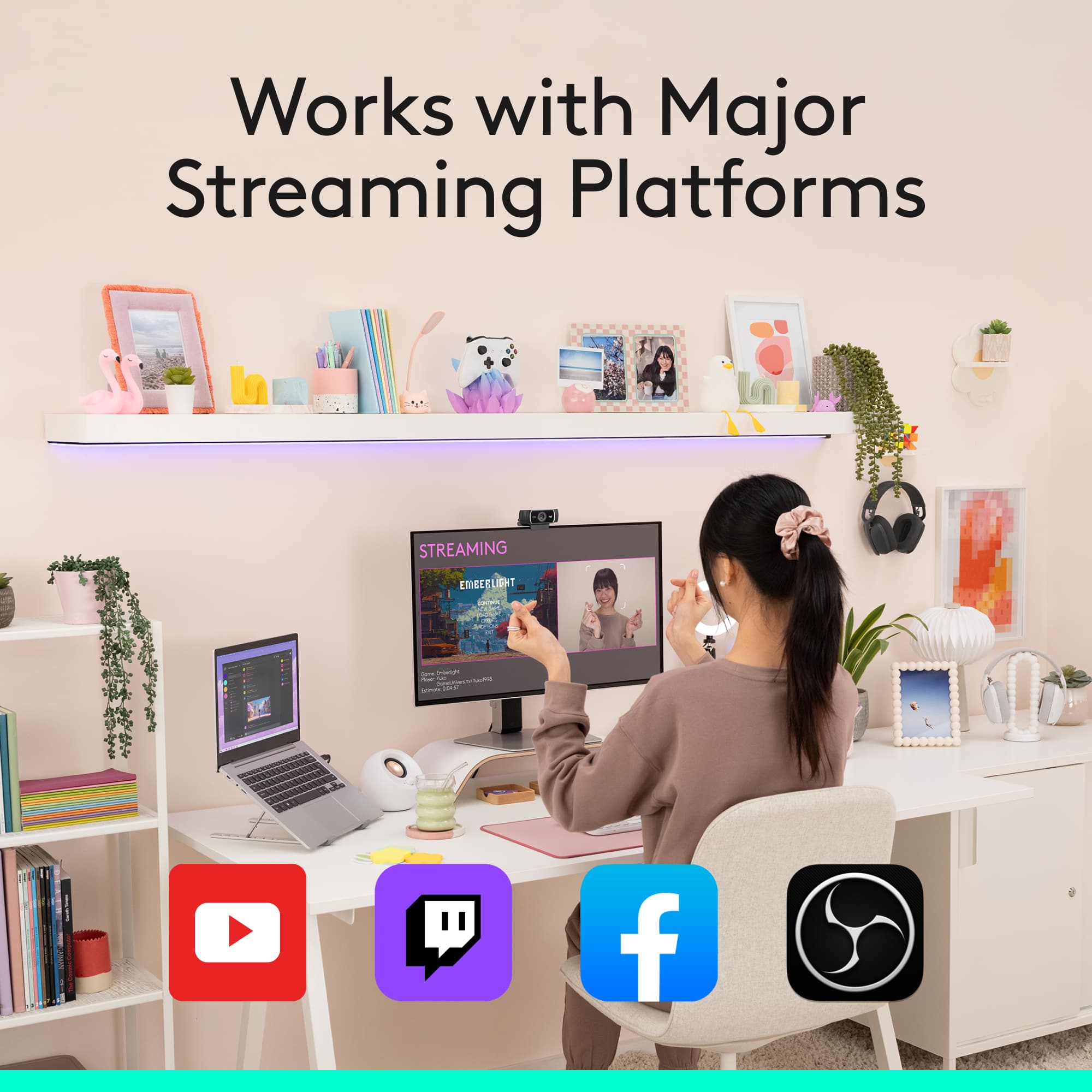
||Posted . Owned for 1 month when reviewed.This reviewer received promo considerations or sweepstakes entry for writing a review.Before I get started I should say that I've gotten spoiled by years of using a Sony FDR-AX100, so I'm used to 100MBPS 4K video from a camera with all the modern conveniences. I bought the C922 for use as a webcam so of course I scaled my expectations accordingly--and the C922 still delivered better than what I was expecting. The biggest concern I had was whether this camera would actually do 1080p with OBS, whether the audio would sound any good, and whether the video would look any good. Short version: three for three. I will say--if you're doing OBS, it will NOT work at optimum settings right out of the box. You do have to do a little setup and configuration work in OBS itself once the camera's connected, but after that you're pretty much good to go. It IS easy to work with, the quality IS good, and as long as you have a decent amount of light, you won't suffer from horrendous motion smear. Definitely recommend buying one of these. I'll gripe about the price because that's a thing I do, but the reality is considering the quality of the camera it's not a bad deal.
I would recommend this to a friendGood webcam for Zoom
||Posted . Owned for 1 month when reviewed.This reviewer received promo considerations or sweepstakes entry for writing a review.Easy setup. It is a good webcam for distance learning. Much better than generic webcam or the ones that come with basic laptops. Purchased the Brio, C925E and C922 Pro for my kids to do distance learning. The Brio has the best picture at 1080p. The C925E and C922 Pro are about equal in video quality. The C925E has the advantage of a built sliding privacy shutter.
I would recommend this to a friendExcellent camera for working from home
||Posted . Owned for 3 weeks when reviewed.This reviewer received promo considerations or sweepstakes entry for writing a review.I was finally able to order this camera when it (briefly) came back in stock. Setup is very straightforward and in just a few minutes we were using it with Zoom. We immediately noticed the upgrade in picture quality and sound versus the built-in webcam on our computer. I definitely recommend this! Sign up for Best Buy’s stock alerts if it’s not immediately available.
I would recommend this to a friend