Customer Ratings & Reviews
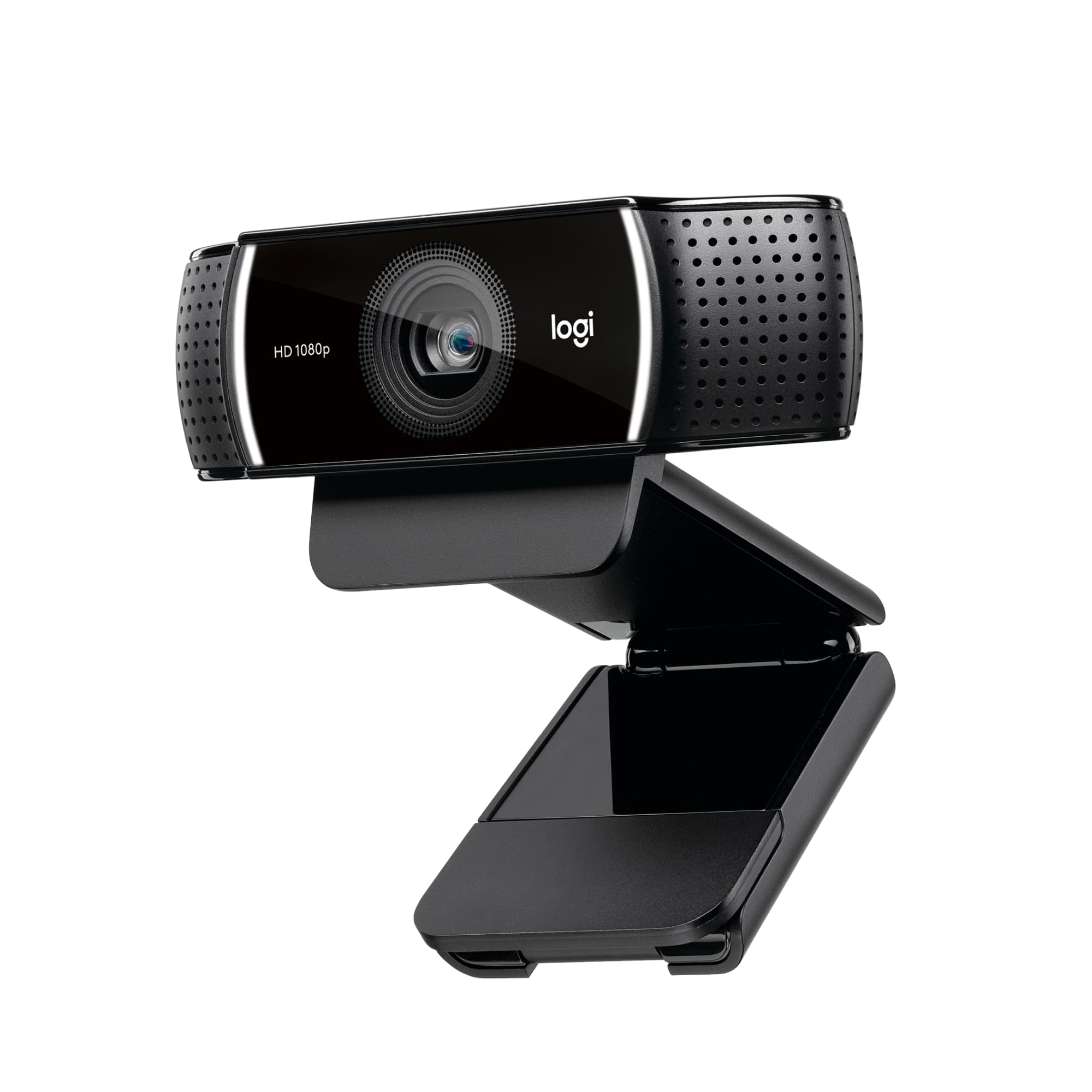
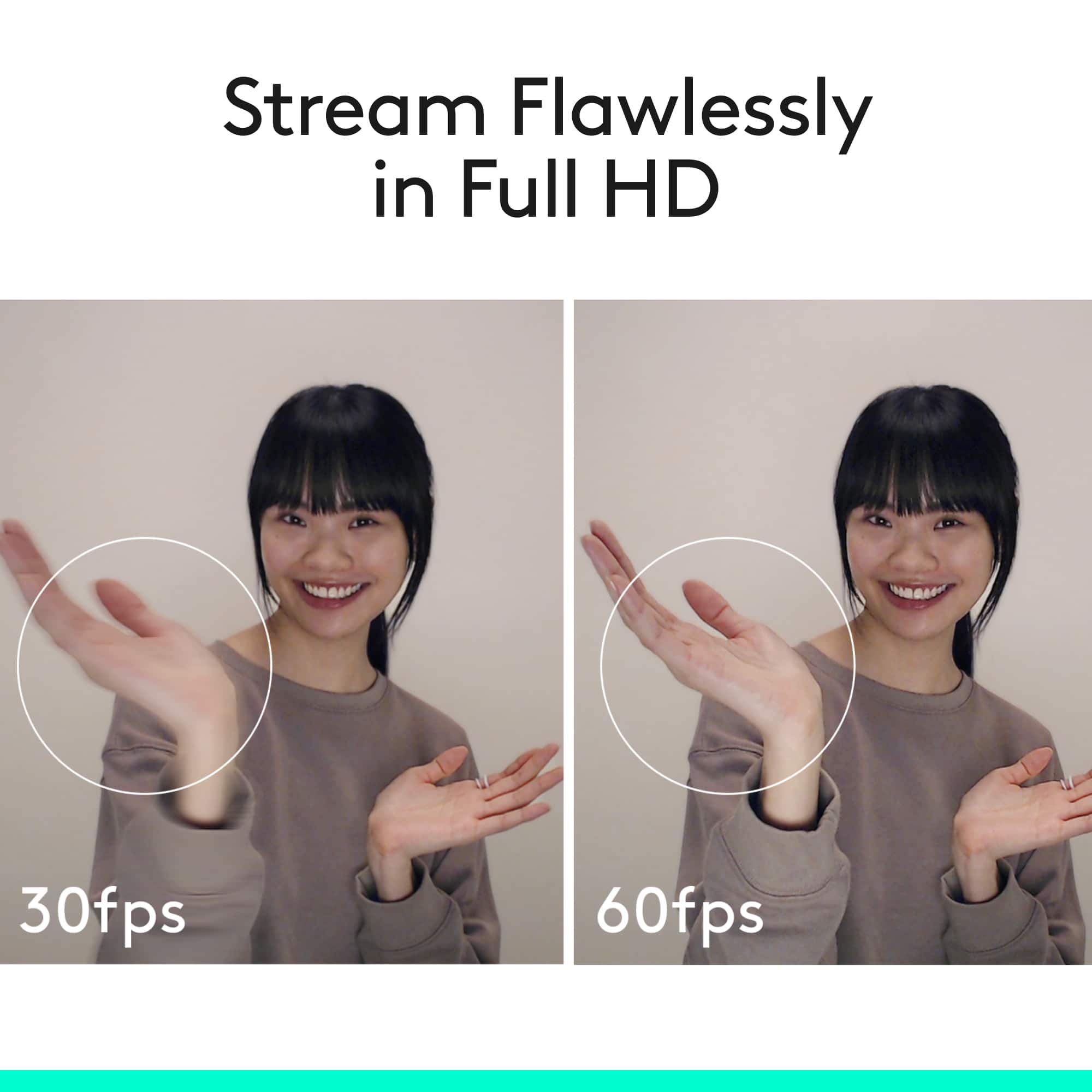
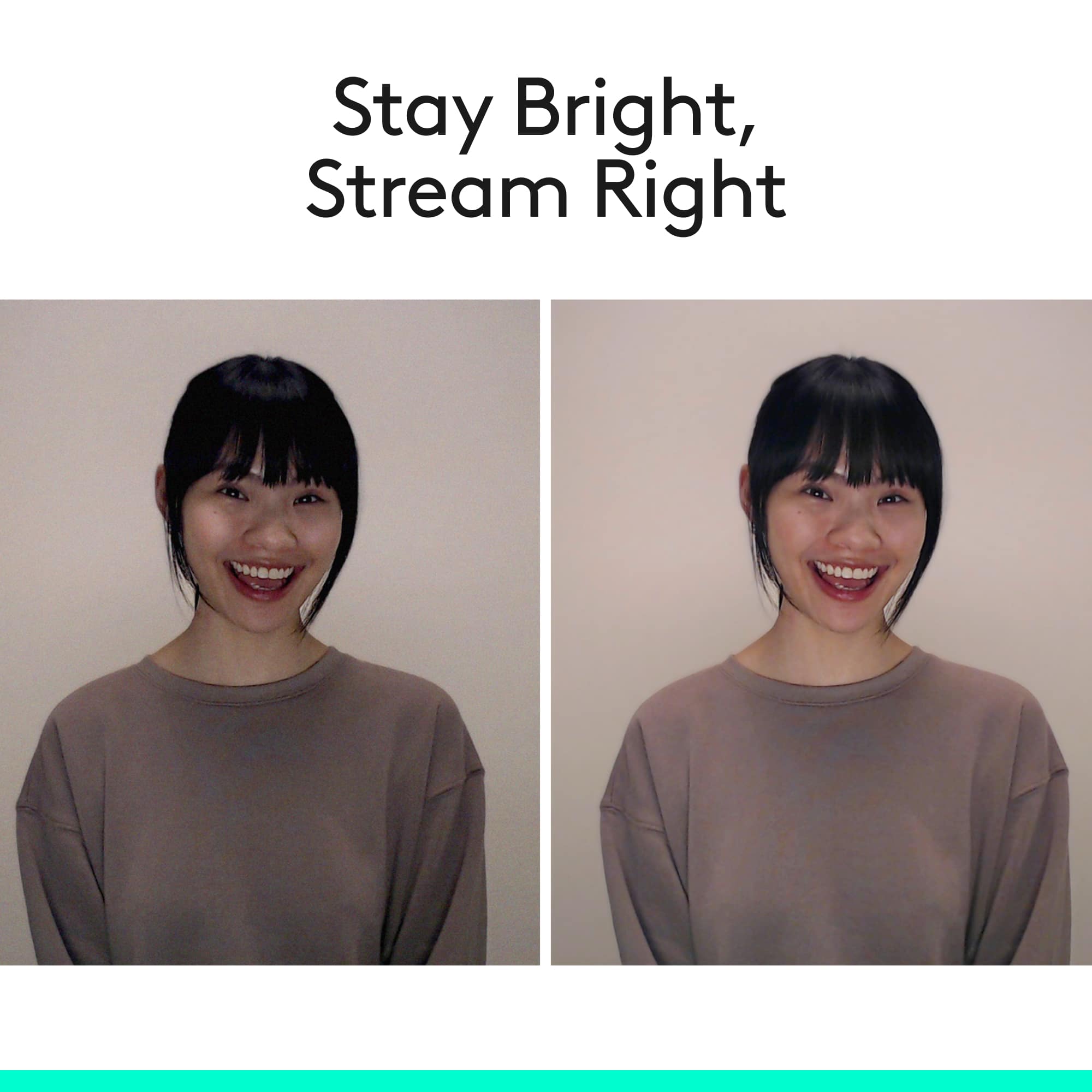


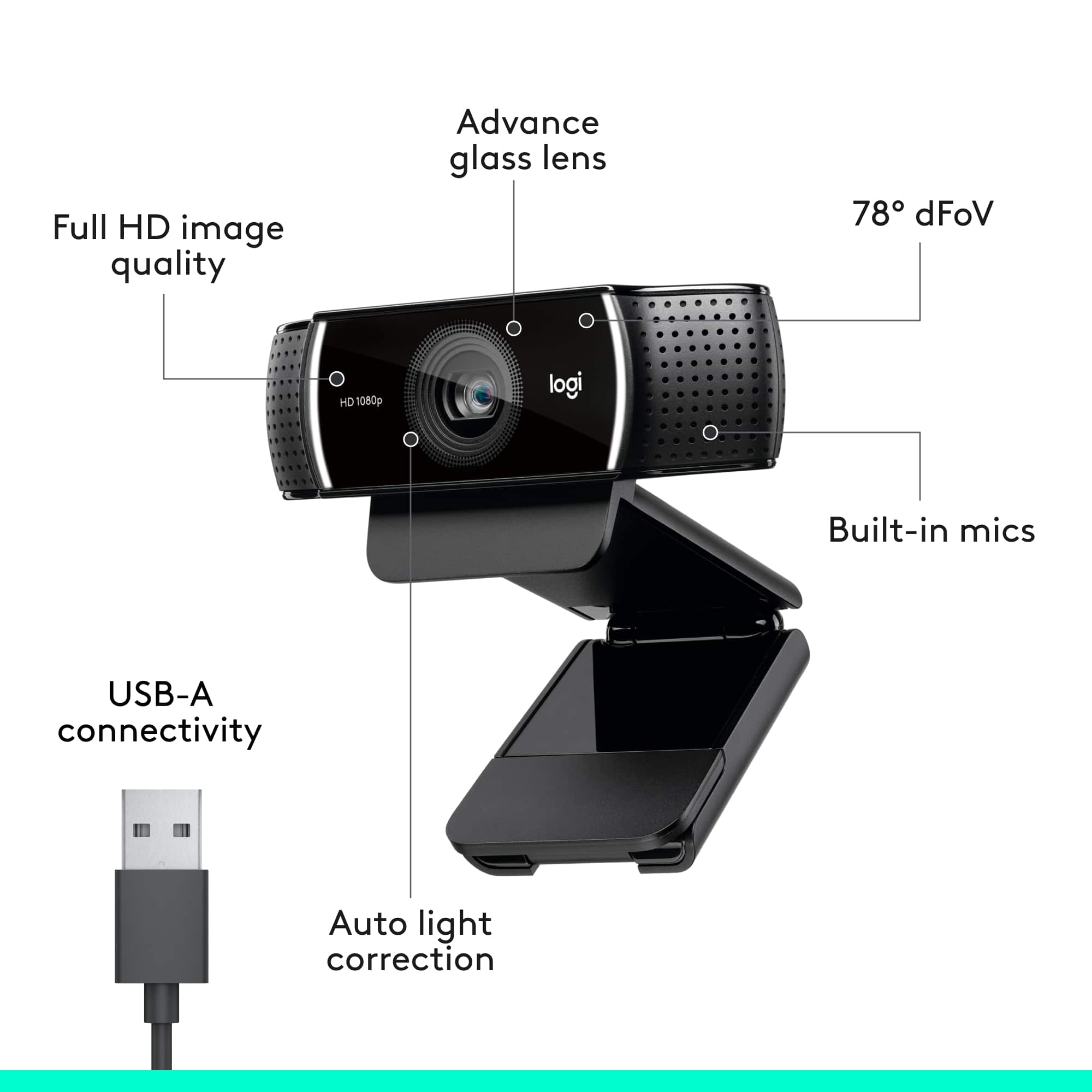


- Model:
- 960-001087
- |
- SKU:
- 5579380
Customer reviews
Rating 4.7 out of 5 stars with 4287 reviews
(4,287 customer reviews)Rating by feature
- Value4.5
Rating 4.5 out of 5 stars
- Quality4.7
Rating 4.7 out of 5 stars
- Ease of Use4.7
Rating 4.7 out of 5 stars
Customers are saying
Customers are delighted by the C922 Pro Stream's overall performance and excellent video quality, making it great for video conferencing. Many appreciate its ease of use and simple setup. Some customers have noted occasional focusing issues and compatibility problems with certain devices. Others expressed concerns regarding the software and frame rate when specific features are enabled.
This summary was generated by AI based on customer reviews.
Rated 4 out of 5 stars
Performs to expectations
||Posted .This reviewer received promo considerations or sweepstakes entry for writing a review.Product works as expected. I've never been disappointed by Logitechs quality.
I would recommend this to a friendRated 3 out of 5 stars
Logitech mini camera
||Posted . Owned for 1 month when reviewed.This reviewer received promo considerations or sweepstakes entry for writing a review.It was not very user-friendly, even though it has a hood reputation. I was very disappointed but finally got it working with help. This is not plug and play. Did love how compact it was. That was about it!
No, I would not recommend this to a friendRated 4 out of 5 stars
Good quality for price
||Posted .This reviewer received promo considerations or sweepstakes entry for writing a review.Not a bad webcam, but not the best of quality and bad plug and play
I would recommend this to a friendRated 3 out of 5 stars
Camera
||Posted . Owned for 1 month when reviewed.This reviewer received promo considerations or sweepstakes entry for writing a review.The camera works great but there is no way to close the lens so I have to put a small towel over it.
No, I would not recommend this to a friend- Pros mentioned:Video quality
Rated 5 out of 5 stars
Great for YouTube Videos
||Posted .This reviewer received promo considerations or sweepstakes entry for writing a review.I spend my days making YouTube videos and as a content creator, quality is paramount. This is a GREAT camera and handles the FPS that I need it to !!
I would recommend this to a friend Rated 3 out of 5 stars
Mmm
||Posted . Owned for 1.5 years when reviewed.This reviewer received promo considerations or sweepstakes entry for writing a review.I don't know what happened, it was working okay but now is not. :/ with not guaranteed. I will recommend this for 1 year or less cause I used it a few times not everyday. Buy it with protection.
I would recommend this to a friendRated 4 out of 5 stars
Very nice
||Posted .This reviewer received promo considerations or sweepstakes entry for writing a review.Hardware very nice and convineant The software on the other hand, not so...
I would recommend this to a friend- Pros mentioned:Setup
Rated 5 out of 5 stars
Easy set up
||Posted . Owned for 3 weeks when reviewed.This reviewer received promo considerations or sweepstakes entry for writing a review.Easy to setup - plug and play no install needed. Looks great too
I would recommend this to a friend Rated 4 out of 5 stars
Nice webcam
||Posted .This reviewer received promo considerations or sweepstakes entry for writing a review.Nice webcam came as a bundle deal with the microphone my son wanted
I would recommend this to a friend- Pros mentioned:Overall performance
Rated 5 out of 5 stars
Great purchase
||Posted . Owned for 1 week when reviewed.This reviewer received promo considerations or sweepstakes entry for writing a review.I use this webcam for streaming it’s not that bad for starters
I would recommend this to a friend Rated 3 out of 5 stars
Flashing lights
||Posted . Owned for 1 month when reviewed.This reviewer received promo considerations or sweepstakes entry for writing a review.If you have a laptop dock you're planning on using this with, be warned that the LEDs on this will blink if your laptop is not docked. I also had some weird inconsistent visual glitched in Microsoft Teams. I switched back to my c920
No, I would not recommend this to a friend- Pros mentioned:Overall performance
Rated 5 out of 5 stars
Still in use 2 years later
||Posted .This reviewer received promo considerations or sweepstakes entry for writing a review.great all round videocam and still use it 2 years later today
I would recommend this to a friend Rated 3 out of 5 stars
It’s okay
||Posted . Owned for 1.5 years when reviewed.This reviewer received promo considerations or sweepstakes entry for writing a review.Okay camera! But it stopped working for me a year in of using it!
No, I would not recommend this to a friendBrand response from Logitech
Posted .Hello there! Thanks for your honest feedback on the Logitech C922 Pro Stream. We appreciate you letting us know about the issue you encountered after a year of use. While we're glad it served you well initially, we take functionality seriously and want to help. To get that issue resolved, we recommend reaching out to our social care team via email at socialcare@logitech.com with your
- Name:
- Email Address:
- Country:
- Product Name:
- Brief description of issue:
Rated 3 out of 5 stars
great hardware, bad software
||Posted . Owned for 3 weeks when reviewed.This reviewer received promo considerations or sweepstakes entry for writing a review.The camera's okay, and to get the most out of it, you'll need to tweak the settings (exposure, etc.) with the free Logitech G HUB software. Unfortunately, that software ran on my Mac only once, and won't launch again. Be wary,
No, I would not recommend this to a friendBrand response from Logitech
Posted .Hey Mike, I'm sorry to hear that you've been having some trouble with our software. Sometimes a fresh reinstall of the GHub software can solve the issue, so I would recommend fully removing it from your computer and reinstalling it. In addition, our Logitech Capture software should do the same thing that GHub does, and is a much simpler program. I apologize for any inconvenience this may have caused you.
Rated 4 out of 5 stars
Good Camera with easy setup
||Posted .This reviewer received promo considerations or sweepstakes entry for writing a review.Works great with my older laptop that doesn't have a built in camera
I would recommend this to a friend- Pros mentioned:Overall performance
Rated 5 out of 5 stars
Great webcam!
||Posted . Owned for 2 months when reviewed.This reviewer received promo considerations or sweepstakes entry for writing a review.Best webcam out there so far and we've tried quite a few.
I would recommend this to a friend Rated 3 out of 5 stars
Nothing special.
||Posted . Owned for 1 month when reviewed.This reviewer received promo considerations or sweepstakes entry for writing a review.I am not really impressed with this camera The quality is mediocre and for the money I would have expected a way better picture that being said it is a good camera for beginners to start streaming but I would look to upgrading soon after becoming accustomed.
No, I would not recommend this to a friendRated 1 out of 5 stars
It is not quality cameras for apply MacBook pro
||Posted . Owned for 1 month when reviewed.This reviewer received promo considerations or sweepstakes entry for writing a review.I tell him for Cumstomer Services Logitech 4K quality but he oders wrong staff and Moving my head slightly forward or backwards where the screen will change the lighting on my face EVER so slightly will cause the webcam to auto-adjust the lighting of the whole image very drastically. It almost looks like a lightning show. So don't move too much if your whole cam view isn't super-evenly well lit. I put away my 2 studio lights to reduce the overwhelming light while gaming and streaming since I put away my green screen and bought a big light ring instead. I have to put the light on the near-lowest setting or else my face is just a white spot. I wanted to use the background blur feature from "chroma cam" cause it was a listed feature (The C922 can do it) but apparently the Brio dropped support for it. You can use the auto-background removal in Streamyard or OBS but you won't be able to change any settings and it's pretty bad unless the whole image is completely well lit. The C922 will let you choose many settings though and has proper chroma cam support. There is a setting that is on by default and is automatically set back on every time you reboot. It is called "Low light compensation". You probably want to disable this because you will either be well lit and not need it, or be partially well lit and your cam will drop to 5 fps at times. This setting cannot be disabled from the logitech webcam software. You'll have to access the webcam settings through third-party software streamyard & (OBS) or an older version of the logitech webcam software. Make sure you only have 1 cam installed or you won't be able to access the Brio's settings. I was using 2 cams and the older software could only see my old cam until I uninstalled it completely. If you want to change the setting, just use Streamyard,add a video capture device source, select brio and then click properties > Change video settings on the source and it will popup some extra settings for your webcam. A lot of the options you won't want to touch as when you manually move them, none of the values on the slider will actually be close to what the "auto" option does.
I would recommend this to a friend- Pros mentioned:Video quality
Rated 5 out of 5 stars
Great camera. Does more than expected
||Posted .This reviewer received promo considerations or sweepstakes entry for writing a review.I bought this camera for some special shots. Wow! I love it. No more fuzzy pictures. Easy to carry anywhere and fun to play with.
I would recommend this to a friend Rated 4 out of 5 stars
Nice, but...
||Posted .This reviewer received promo considerations or sweepstakes entry for writing a review.Nice camera, but I upgrade to the Brio when it went on sale.
I would recommend this to a friend