Customer Ratings & Reviews
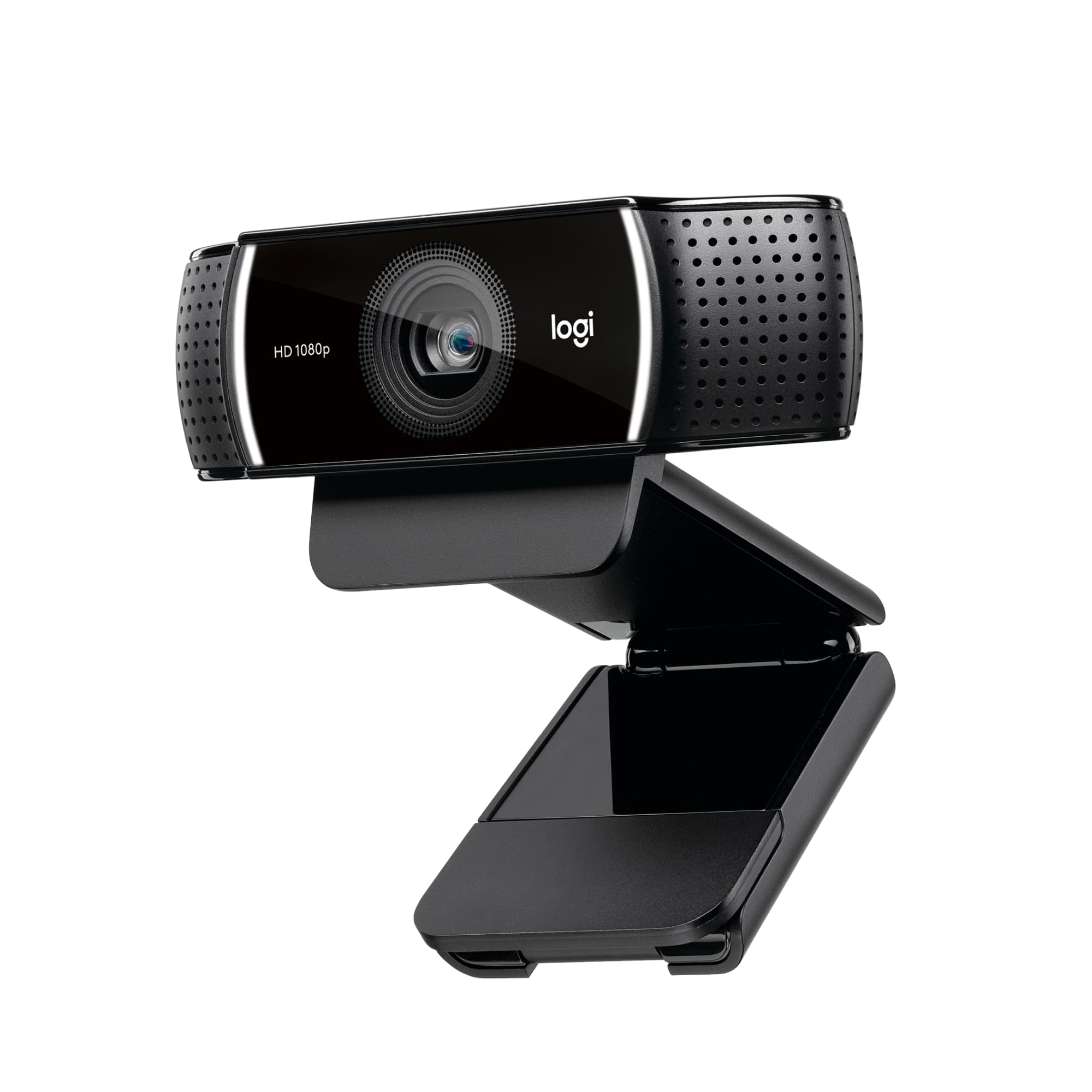
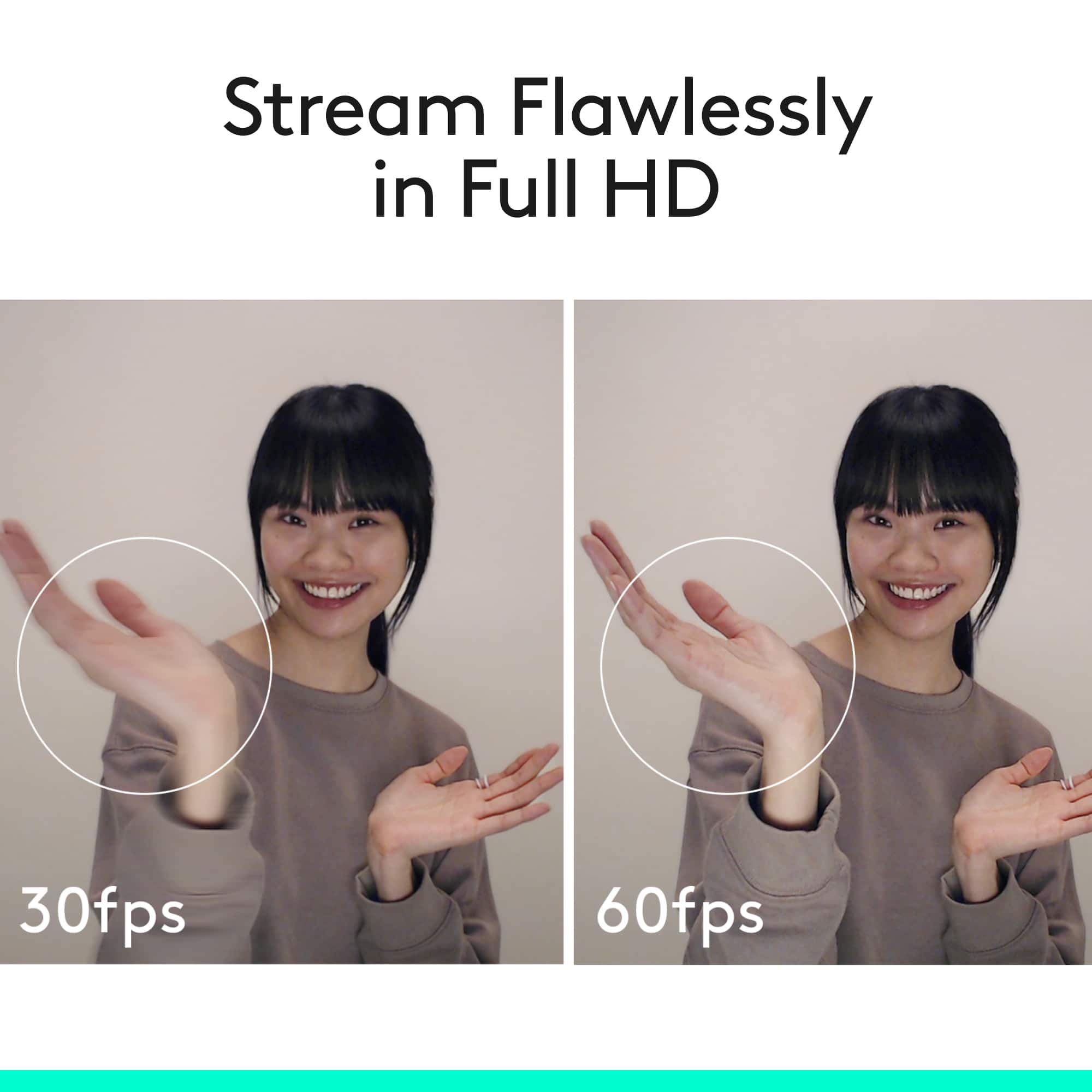
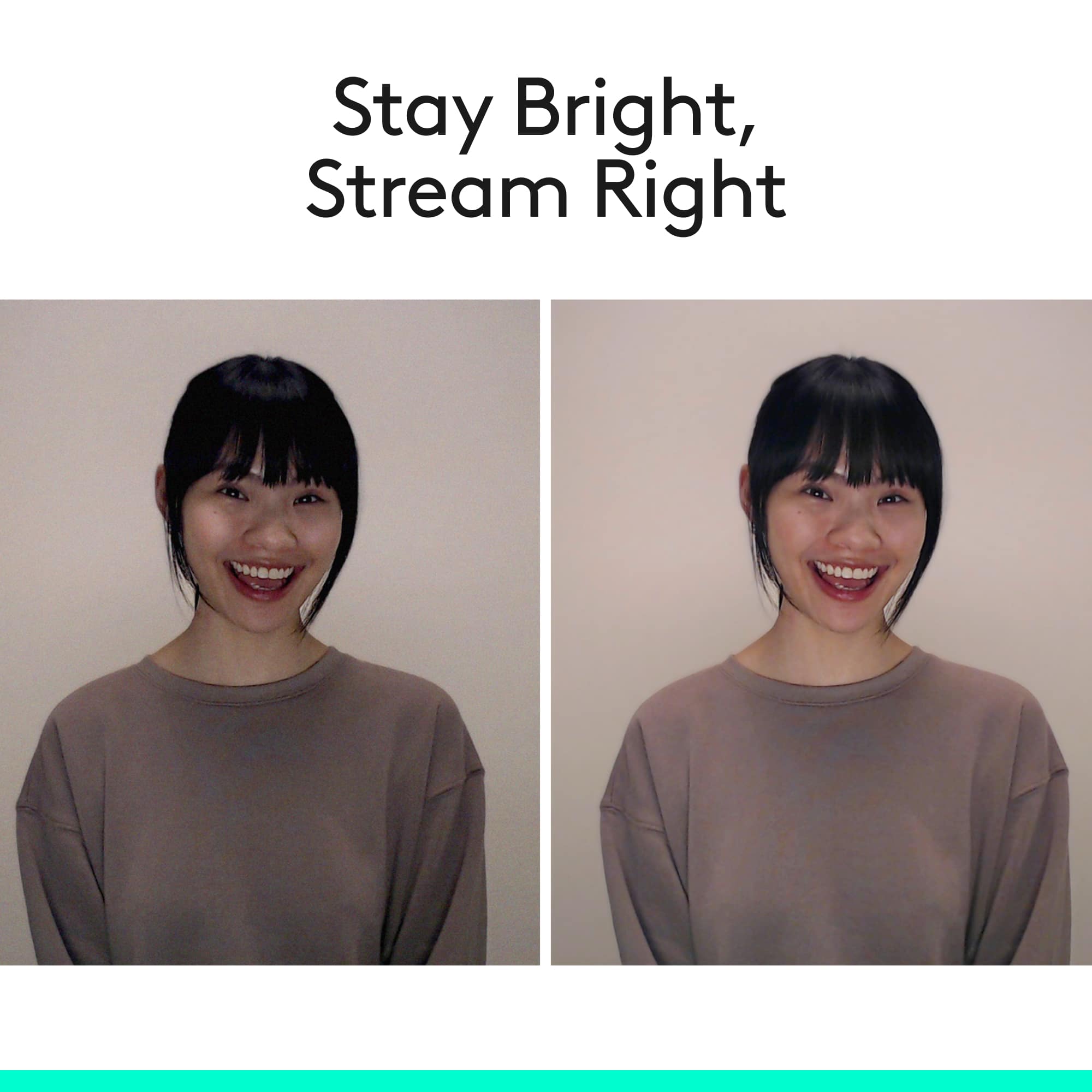


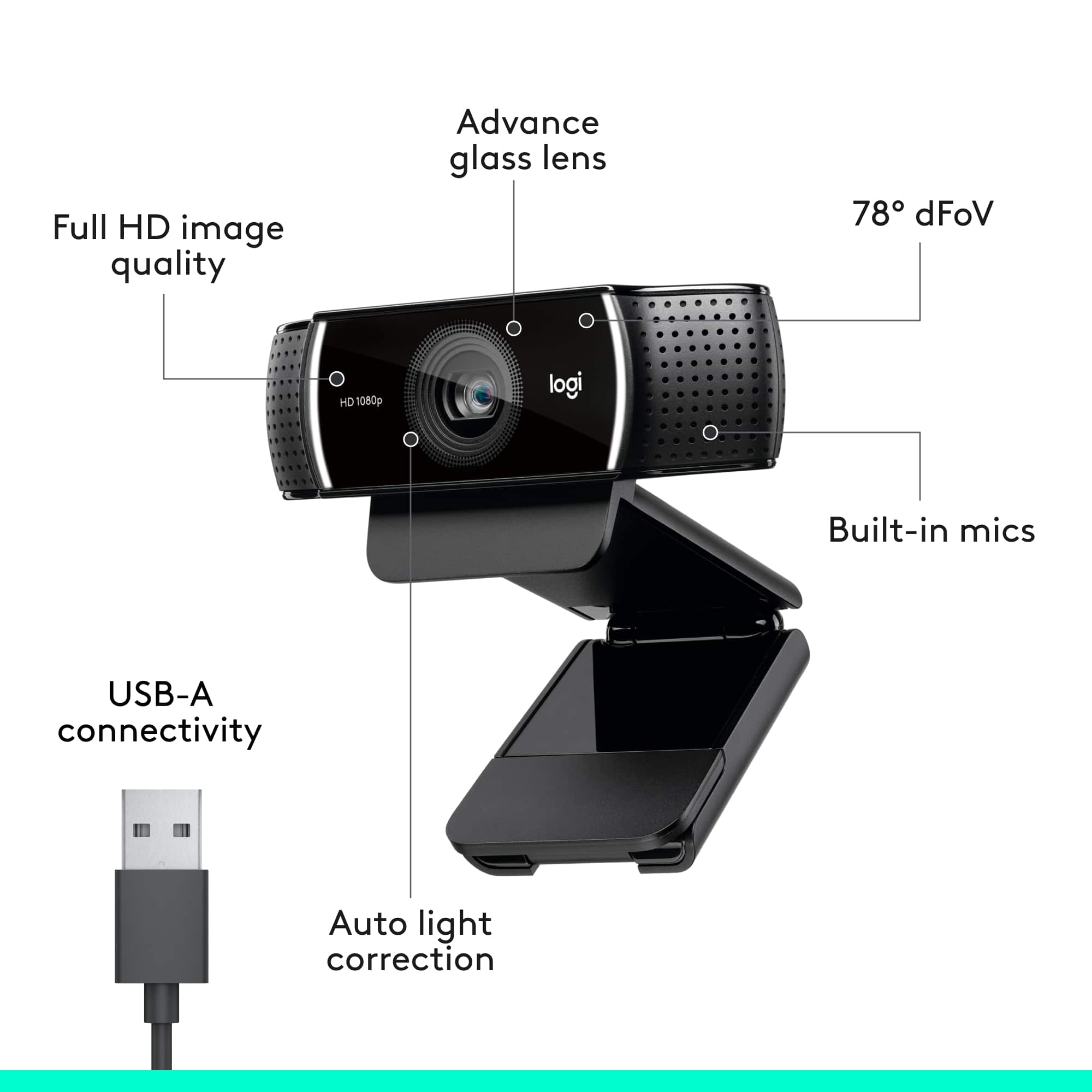

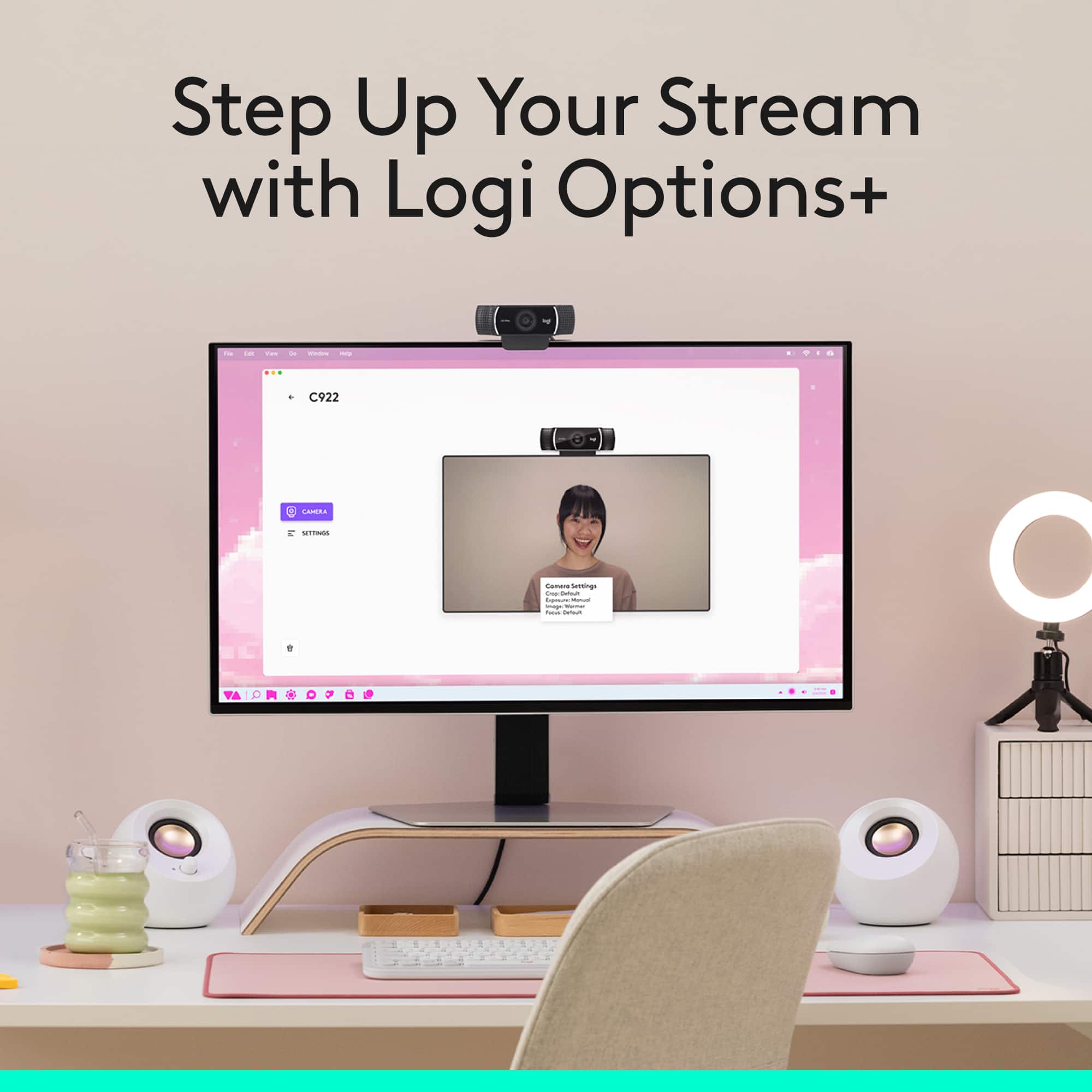
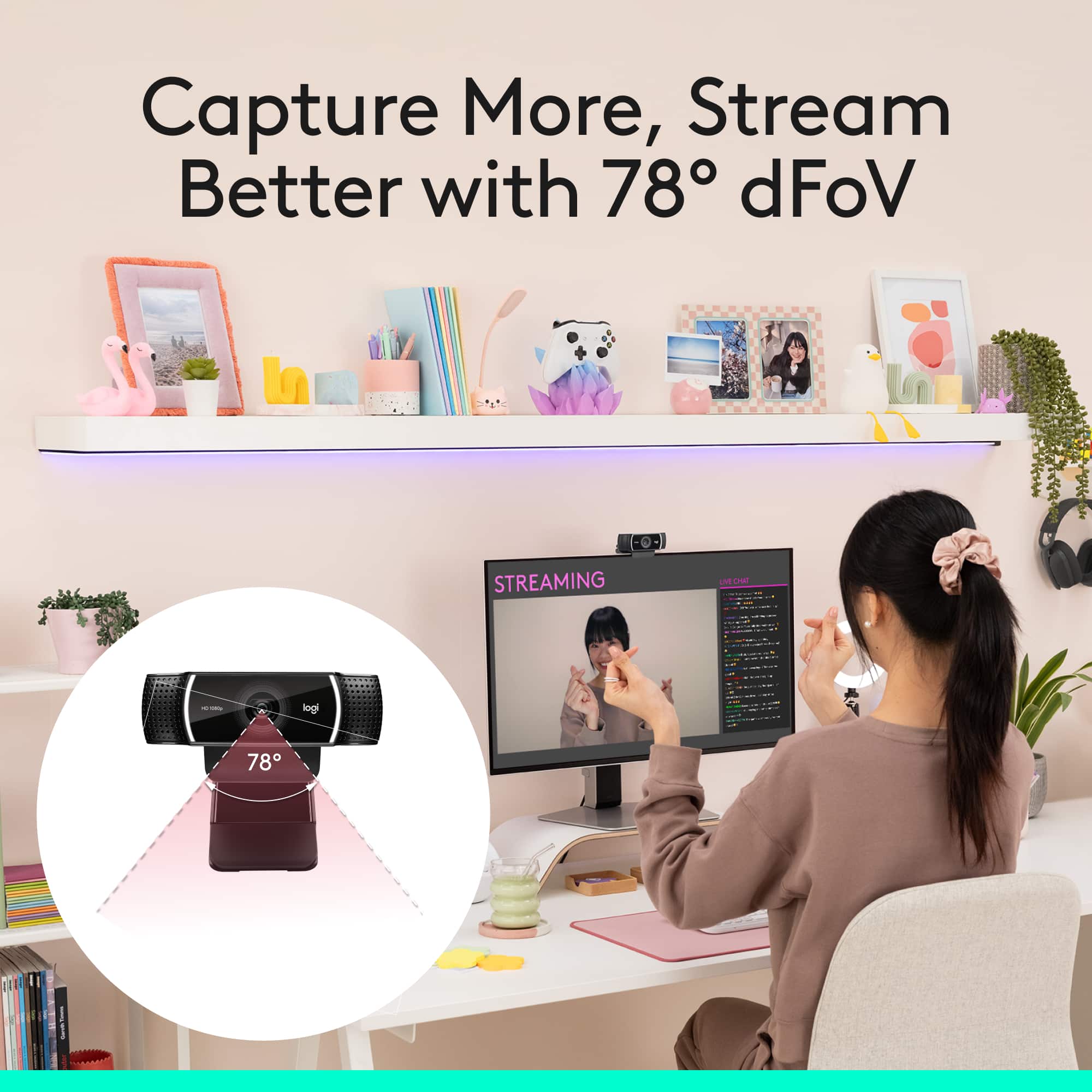
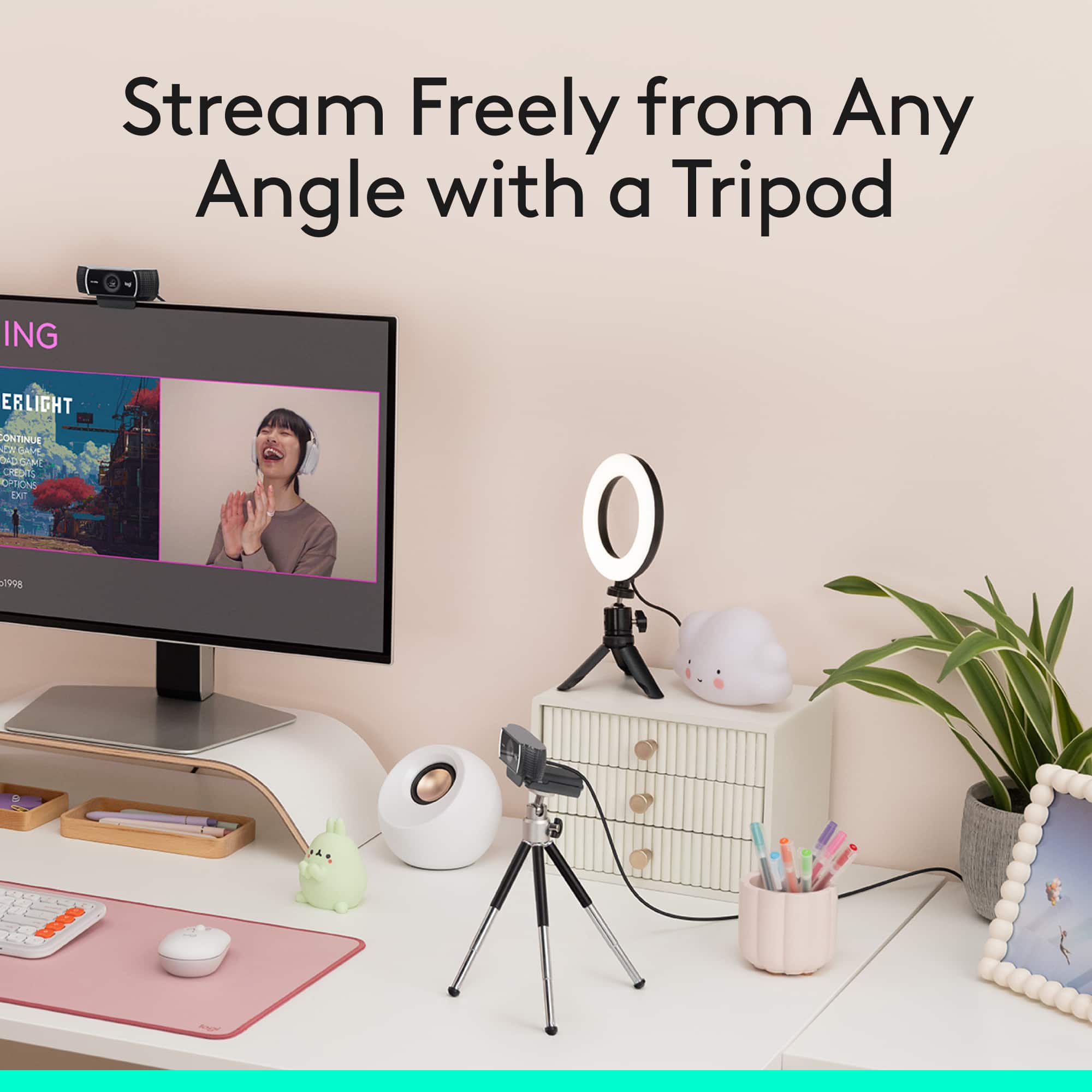

- Model:
- 960-001087
- |
- SKU:
- 5579380
Customer reviews
Rating 4.7 out of 5 stars with 4287 reviews
(4,287 customer reviews)Rating by feature
- Value4.5
Rating 4.5 out of 5 stars
- Quality4.7
Rating 4.7 out of 5 stars
- Ease of Use4.7
Rating 4.7 out of 5 stars
Customers are saying
Customers are delighted by the C922 Pro Stream's overall performance and excellent video quality, making it great for video conferencing. Many appreciate its ease of use and simple setup. Some customers have noted occasional focusing issues and compatibility problems with certain devices. Others expressed concerns regarding the software and frame rate when specific features are enabled.
This summary was generated by AI based on customer reviews.
- Pros mentioned:Overall performance
Rated 5 out of 5 stars
Logitech Webcam Rules!!!
Posted .This reviewer received promo considerations or sweepstakes entry for writing a review.Absolutely Great Webcam!!!...Can't go wrong when you Go Logitech!!! Does Everything I need and More!!! Thxs Logitech ;)
I would recommend this to a friend - Pros mentioned:Ease of use
Rated 5 out of 5 stars
Good purchase
Posted .This reviewer received promo considerations or sweepstakes entry for writing a review.I bought this for streaming and so far it has worked great. No complaints here.
I would recommend this to a friend - Pros mentioned:Overall performance
Rated 5 out of 5 stars
Logitech camera
Posted .This reviewer received promo considerations or sweepstakes entry for writing a review.Works great. Nothing more to say about this product.
I would recommend this to a friend - Pros mentioned:Ease of use
Rated 5 out of 5 stars
Camera
Posted .This reviewer received promo considerations or sweepstakes entry for writing a review.Camera is easy to install, and use. I recomend this item.
I would recommend this to a friend - Pros mentioned:Overall performance
Rated 5 out of 5 stars
Best Webcam
Posted .This reviewer received promo considerations or sweepstakes entry for writing a review.Hi guys, this is the best webcam in the market. Great for game play and Skype.
I would recommend this to a friend - Pros mentioned:Overall performance
Rated 4 out of 5 stars
Nice webcam
Posted .This reviewer received promo considerations or sweepstakes entry for writing a review.This is a good webcam. I had gotten one a few years back but my puppy chewed up the cord. I like the cam so much I got it again.
I would recommend this to a friend - Pros mentioned:Overall performance
Rated 5 out of 5 stars
HIGH DEF CAMERA
Posted .This reviewer received promo considerations or sweepstakes entry for writing a review.Very cost effective twitch streaming camera. IT does the job and then some.
I would recommend this to a friend - Pros mentioned:Overall performance
Rated 5 out of 5 stars
Love it!
Posted .This reviewer received promo considerations or sweepstakes entry for writing a review.Great webcam! I love all the features and I would recommend!
I would recommend this to a friend - Cons mentioned:Software
Rated 2 out of 5 stars
Mediocre at best
Posted .This reviewer received promo considerations or sweepstakes entry for writing a review.I bought this to replace my C920 because it is supposed to have on board H.264 compression, and do 60 FPS at 720P. It may have those nifty things, but it doesn't have a good picture. My C920 is actually better...at any resolution! Side by side comparison, on Logitech's own software showed that. Now, the new software...It ...is...terrible! It only launches a fraction of the time. It is "clunky" as far as the UI. I am taking it back and keeping the old C920. Hopefully the one I got was just a dud...but that software...well, it just needs help. Oh, and one more thing. If you plan on using it at 720P 60FPS, be warned. The software alerted me that I may not have enough resources to use that...lol. My PC is running an i7-8700K overclocked to 4.8 Ghz, 16 GB of 3000 MHz RAM, an ssd with 32 GB of Intel Optane Memory and a GTX 1070 TI GPU...It doesn't need more resources to encode 720P at 60 FPS.
No, I would not recommend this to a friend - Pros mentioned:Overall performance
Rated 4 out of 5 stars
Pod Cast with my brothers
Posted .This reviewer received promo considerations or sweepstakes entry for writing a review.TheBIGDOC camera works fine I would recommend this product
I would recommend this to a friend - Pros mentioned:Video quality
Rated 2 out of 5 stars
Good but not good for PC
Posted .This reviewer received promo considerations or sweepstakes entry for writing a review.I was trying to get a camera for my PC and I am normally a fan of Logitech products. When I went to install it I was happy it did not come with a CD to install software or drivers. I thought that I would be directed to a website... but nope I was not. For the life of me, I could not get it to work on my PC (windows 10). I tried to plug it into my MacBook Pro... and it worked like a charm... on my Mac video quality was great and it worked like a charm sadly I did not need this camera for my Mac... so I'll say it simply doesn't get it if you need it for your PC the drivers are not easily found online (and I don't feel as if I should be hunting for them when I buy the product new, EVERYTHING that I need should be included in the box).
No, I would not recommend this to a friendBrand response from Logitech
Posted .Hi! Sorry to read you're having software related issues with your C922 webcam. You have to go to the settings for the app you're trying to use the C922 with an tell it to use the webcam as the new source. But if you have any questions, check out the Logitech support page at https://support.logi.com/hc/en-us/articles/360024156234 Hope that helps!
Rated 3 out of 5 stars
50hz 60hz anti flicker don't work
Posted .This reviewer received promo considerations or sweepstakes entry for writing a review.Now I never seen this review before, hence the 3 stars because I'll be the first to say it unless it's just user-error then I might change it back to 5. Overall it's great; quality, price, FOV, etc but the flickering lines. The only option I get is 50hz or 60hz which neither of them work. Added all kinds of light from dimmed to brightest, either or and I still couldn't find any way to get them away unless I got sold with a lemon C922? I really feel bad while writing this because most of the issues people have in here is just the webcam microphone which is common because they're not meant for it. But flickering? both hz options not working? I don't know. Hopefully I get the help I need because other than what I just said, the only way I get to get them away is if I turn the light all the way to the point that I'm blinded which is very frustrating adjusting for the whole 4 weeks I own this.
I would recommend this to a friendRated 5 out of 5 stars
Grandma hooks up for the holidays
Posted .This reviewer received promo considerations or sweepstakes entry for writing a review.The Tec was friendly and alert to my needs..picked up the logitec Camera for my 50" tv to zoom with family, etc. as needed.All installed and working with my kaptop
I would recommend this to a friendRated 5 out of 5 stars
Nice
Posted .This reviewer received promo considerations or sweepstakes entry for writing a review.pretty high quality for the price point and easy to set up
I would recommend this to a friendRated 5 out of 5 stars
Satisfied customer.
Posted .This reviewer received promo considerations or sweepstakes entry for writing a review.The product was exactly what I needed to solve a problem I was having with remote sessions.
I would recommend this to a friendRated 5 out of 5 stars
Great camera
Posted .This reviewer received promo considerations or sweepstakes entry for writing a review.Baban jejjeje. Sjejjeje sjejjsjdbe Jensen Josh dish sjdjjeje jdjdjje
I would recommend this to a friend- Cons mentioned:Compatibility
Rated 1 out of 5 stars
Didn't work with my MacOS High Sierra installation
Posted .This reviewer received promo considerations or sweepstakes entry for writing a review.I was excited to purchase the C922 webcam after reading about it's features, and it was a nice looking unit out of the box. The instructions for Macs were to simply plug in the USB connection, and apps like FaceTime would work with it. Unfortunately, that wasn't what I experienced. After trying different settings in FaceTime to no avail, I researched Logitech's support site. There I saw that other Mac users described running into the same problems, but found no solution offered by Logitech's customer support. Best I could understand, the C922 was intended to be a plug-and-play device for Mac, but isn't compatible with MacOS updates 10.13 and beyond. Sadly, I could find no other solution to make the unit work, so was forced to return it for a refund.
No, I would not recommend this to a friend - Cons mentioned:Focus
Rated 1 out of 5 stars
Tim the Tool Man Required
Posted .This reviewer received promo considerations or sweepstakes entry for writing a review.This webcam was not at all what I expected. Sure it's easy to use but you'd better hope the autofocus is on and it works. My very first time using this webcam the video was NOT focused at all, and the only way to adjust the focus is to DISASSEMBLE the webcam entirely and turn the camera's focus yourself, physically. If you buy this webcam, be sure to stop by Home Depot on the way home for a small toolkit as well because you'll need it just to make this camera focus.
No, I would not recommend this to a friendBrand response from Logitech
Posted .Hi, we're sorry to see you're having some performance related issues with your C922 Pro Stream Webcam. Normally, you shouldn't have to do anything with the autofocus since it would auto adjust through which ever software you're using it with by default. So what I would suggest is to unplug and plug the webcam in the USB port again, to hopefully correct the problem. Hope that helps.
Rated 3 out of 5 stars
It's OK
Posted .This reviewer received promo considerations or sweepstakes entry for writing a review.It's OK, nothing fantastic about it. It serves the purpose.
I would recommend this to a friendRated 1 out of 5 stars
Not as good as the C920
Posted .This reviewer received promo considerations or sweepstakes entry for writing a review.I never could get the C922 to work correctly with OBS Studio where the C920 was flawless. It would lag and the color/quality never looked as good as the C920. I would not upgrade to this until they get better software and update it to work better with OBS Studio. If you use OBS and you want the best quality without headaches, get the C920.
No, I would not recommend this to a friendBrand response from Logitech
Posted .Hi! Sorry to read you're having software related issues with your C922 webcam. If you have any questions, check out the Logitech support page at https://support.logi.com/hc/en-us/articles/360024156234 Hope that helps!