Customer Ratings & Reviews

- Model:
- 920-012658
- SKU:
- 6583981
Rating by feature
- Value
Rating 4.3 out of 5 stars
- Quality
Rating 4.4 out of 5 stars
- Ease of Use
Rating 4.5 out of 5 stars
Customers are saying
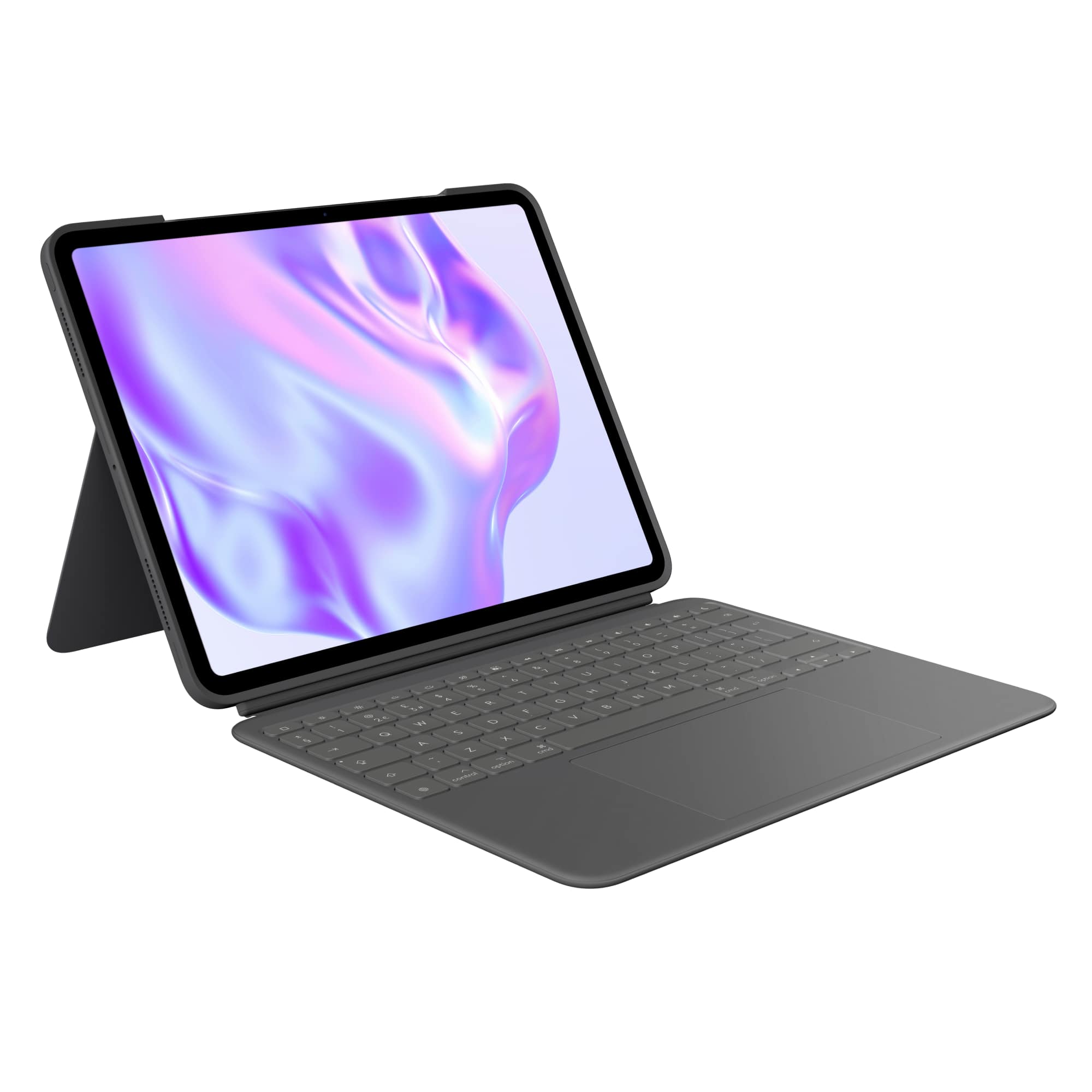
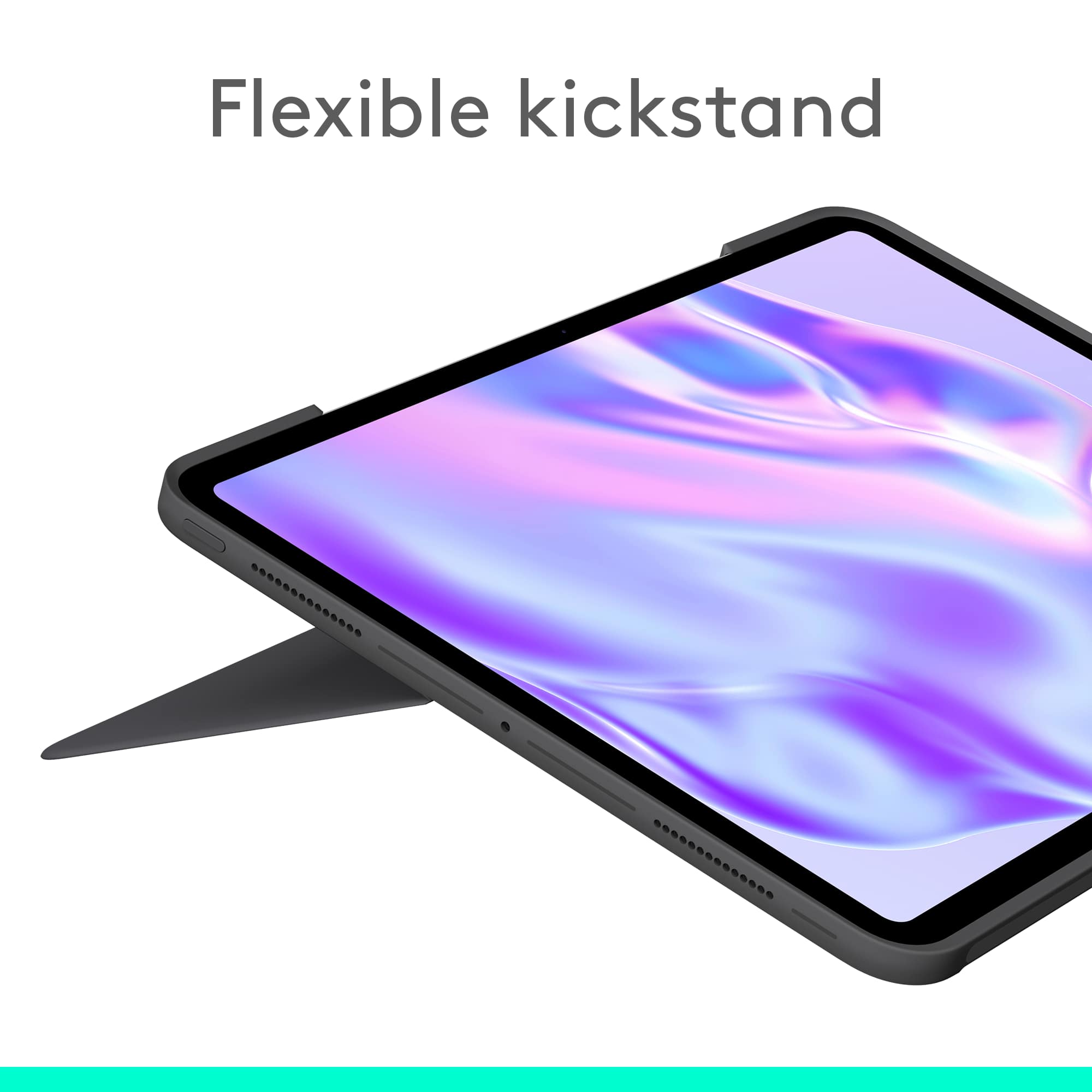
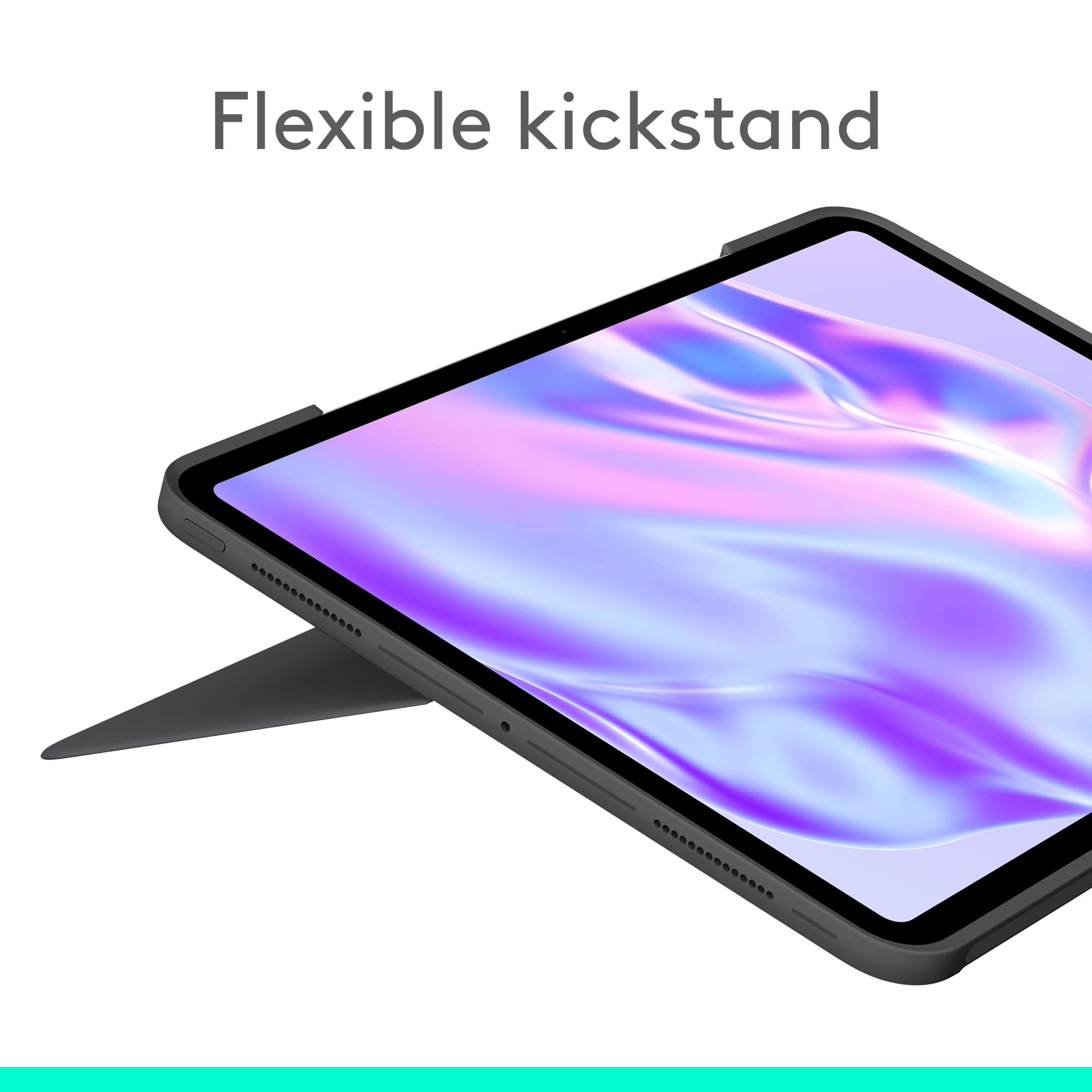
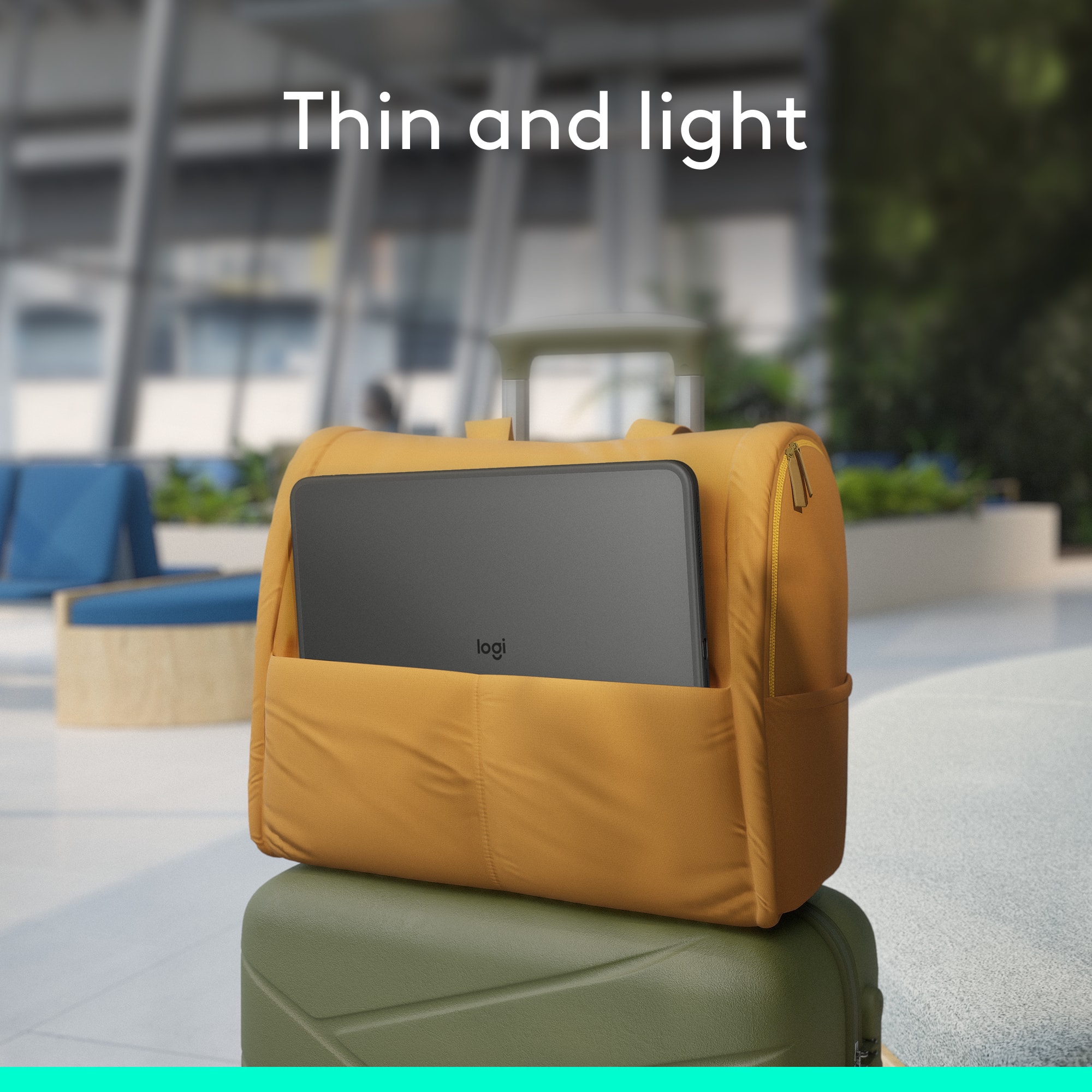
Customers admire the product's solid and well-built keyboard quality, noting its effective protection for their iPad and a good fit. They also find the keyboard easy to use and appreciate the sturdy kickstand. However, some customers have expressed concerns about the significant increase in thickness and weight the case adds, as well as occasional connectivity issues where the keyboard disconnects during typing.
This summary was generated by AI based on customer reviews.
Logitech Keyboard
||Posted . Owned for 1 month when reviewed.This reviewer received promo considerations or sweepstakes entry for writing a review.Never opened or used. I returned this keyboard. I will wait and purchase the Apple keyboard.
I would recommend this to a friendBrand response from Logitech
Posted .We’re sorry to hear that the Logitech Combo Touch for iPad Pro didn’t meet your needs and was returned. Thank you for sharing your feedback—it helps us understand customer preferences and improve our products.

Hate that they changed to the USBC
||Posted . Owned for 3 weeks when reviewed.This reviewer received promo considerations or sweepstakes entry for writing a review.Excellent product. This is my 4th IPAD. I do hate the USBC connectors though. It wore out on my last IPAD and would not charge anymore.
I would recommend this to a friendBrand response from Logitech
Posted .That's valuable feedback regarding the USB-C wear. It's definitely something to consider for future designs. We appreciate you sharing your experience.
Incredible producy
||Posted . Owned for 1 month when reviewed.This reviewer received promo considerations or sweepstakes entry for writing a review.Incredible product. Easy to install. A necessary accessory if you do a lot of typing. I highly recommend using this tool.
I would recommend this to a friendBrand response from Logitech
Posted .We're thrilled to hear you're finding the Combo Touch incredible! It's fantastic that you found it easy to install and that it's become a necessary accessory for your typing. We truly appreciate your high recommendation! Thank you for sharing your positive experience.
Another Apple iPad purchased.
||Posted . Owned for 1 month when reviewed.This reviewer received promo considerations or sweepstakes entry for writing a review.Excellent. Faster, lighter weight and brighter. Another win for Apple iPad.
I would recommend this to a friendBrand response from Logitech
Posted .We're thrilled to hear your new iPad paired with the Combo Touch is delivering top-notch performance! It’s exciting to know the speed, sleekness, and brightness are making a winning impression. Thanks for sharing your experience — we love being part of your Apple journey!
Love the brand but not impressed with this
||Posted . Owned for 1 month when reviewed.This reviewer received promo considerations or sweepstakes entry for writing a review.I’ve always been a fan of Logitech and their products that’s great alternatives to some of the more expensive accessories in the Apple ecosystem. This particular time I had every intent on purchasing the Apple magic keyboard this time around regardless of the nearly $400 price tag however the sales specialist Suggested that I stick with what I know and go with the Logitech this particular time so I did because I figured I’ve never had an issue before why I switched it up now. Unfortunately this was not the case (no pun intended). The trackpad and keyboard cover of the folio is detachable and connects with magnets on the one end of the portfolio however, the magnets for this one seem to be very weak and sometimes don’t want to connect at all, which is very unusual to begin with. I don’t want to connect as easily the other end that connects the Apple Pencil to the portfolio actually works well. The Bluetooth connection that connects the iPad to the portfolio seems to be glitchy, especially in moments when I don’t need it to be, and I find myself having to go back and type again in some areas. When I installed it I knew it would have a snug fit which it should, but this one in particular was snug to the point that I was worried about breaking it when I was putting it on. at the end of the day I’m a pretty patient person when it comes to some things like this , and my reviews are generally very positive even with products that I’m not too happy with. I write a fair review with honest pros along with the cons, but in this case, the only Pro that I can say about this case in particular is the magnet that holds the pencil and even that it’s a stretch because normally they area where the pencil is held, usually has the strap that comes over to cover the pencil. This one does not it is on the opposite end. I thought maybe it was me putting the magnets wrong but it isn’t. Anyway, it is quite possible that I just happened to get the one lemon in the bunch because it happens. But I really tried to stick with it and give this a shot when I should’ve gone back to get the Apple magic keyboard the time and now I’m basically stuck with this one. Anyone else that is a Logitech fan please take some time to check the quality of your portfolio if you decide to purchase it and make sure it works the way that you want it to.
No, I would not recommend this to a friendBrand response from Logitech
Posted .We're so sorry to hear that you're not impressed with this keyboard case, especially as a long-time fan of our brand. It's disappointing to learn about the issues you're experiencing with the weak magnetic connection for the detachable trackpad and keyboard cover, the glitchy Bluetooth, and the overly snug fit. To address this issue, we recommend reaching out to our social care team via email at socialcare@logitech.com with your
- Name:
- Email Address:
- Country:
- Product Name:
- Brief description of issue:
Heavy and not usable for much
||Posted . Owned for 3 weeks when reviewed.This reviewer received promo considerations or sweepstakes entry for writing a review.This is a beautiful leathery cover for your iPad Pro. The kickstand is a little wacky. It’s a piece of covered cardboard that kind of sticks out of one of the two pieces that belong to the system. At any rate, the cover itself is almost as heavy as it seems like it’s almost as heavy as the iPad. Therefore, it’s almost unusable because it’s just so heavy it won’t stand up without you nursing it along lastly, I’m still trying to understand what could be done with an iPad with a keyboard machine that was constructed specifically with its own keyboard. Just thought I’d try it out. I’d save the time and do something lighter or more practical if I were you.
No, I would not recommend this to a friendBrand response from Logitech
Posted .Thank you for your detailed feedback. We're sorry to hear the product didn’t meet your expectations, and we’ll share your insights with our team to help improve future designs.
Best otion
||Posted . Owned for 3 weeks when reviewed.This reviewer received promo considerations or sweepstakes entry for writing a review.I like more than original apple cover with security easy to use.
I would recommend this to a friendBrand response from Logitech
Posted .That's wonderful to hear! We're thrilled that your Logitech Combo Touch for iPad Pro 13-inch (Latest Model) (M4 chip) is proving to be even better than the original Apple cover for you. It sounds like the added security and ease of use are making a real difference.
Keyboard
||Posted . Owned for 3 weeks when reviewed.This reviewer received promo considerations or sweepstakes entry for writing a review.Smooth typing, responsive keys, makes iPad a laptop.
I would recommend this to a friendBrand response from Logitech
Posted .Great summary! The Combo Touch really does transform the iPad Pro into a full-fledged laptop experience. With its responsive keys, built-in trackpad, and Smart Connector power, it’s a top pick for productivity on the go.
- Pros mentioned:Keyboard quality
Beautiful color
||Posted . Owned for 2 months when reviewed.This reviewer received promo considerations or sweepstakes entry for writing a review.Doesn’t fit quite right but still awesome case overall.
I would recommend this to a friendBrand response from Logitech
Posted .We appreciate you taking the time to share your feedback. We understand that fit can be a concern, and we're always working to improve the design of our cases. We're glad you're enjoying the overall experience with the Combo Touch.
Great product, will totally recommend
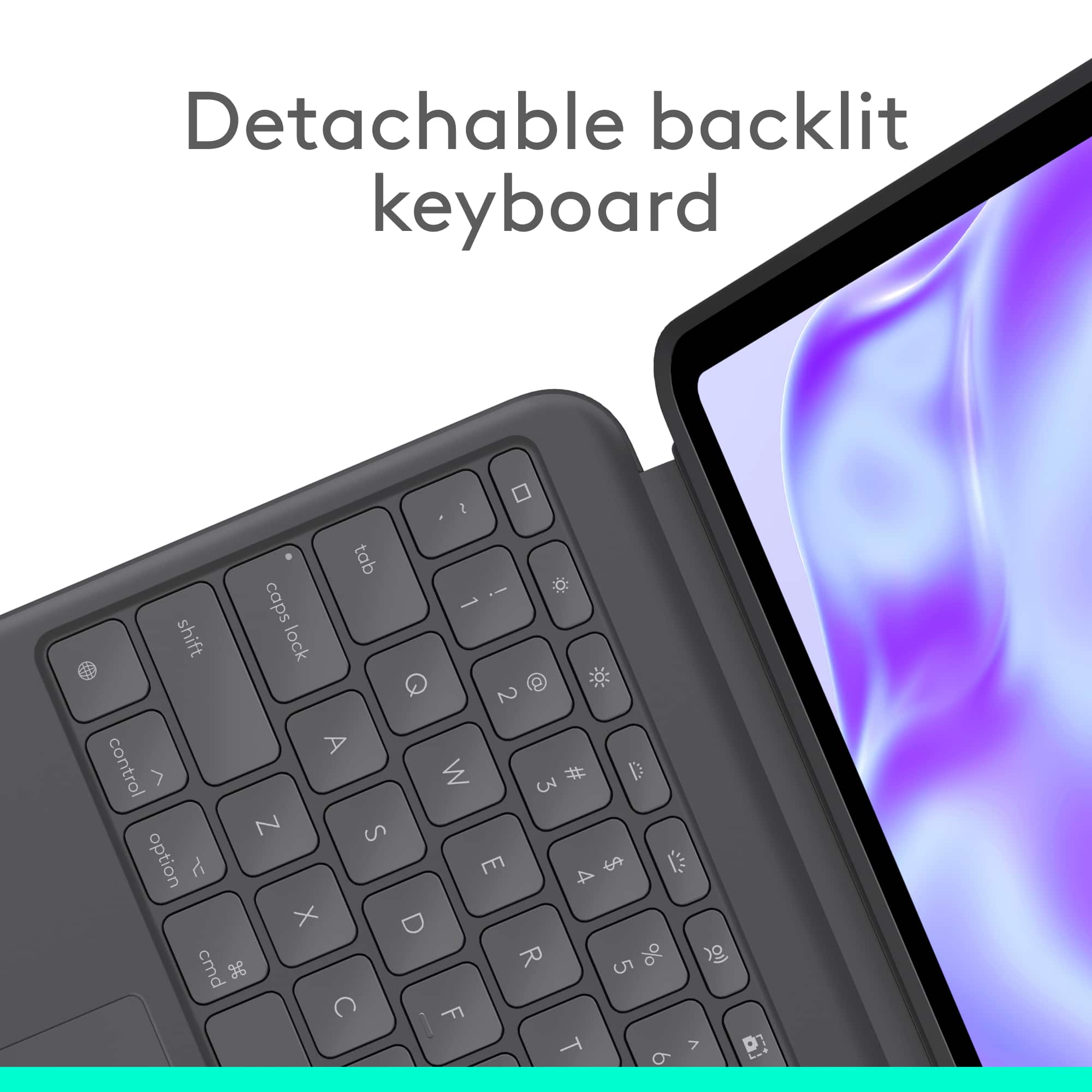
||Posted . Owned for 1 month when reviewed.This reviewer received promo considerations or sweepstakes entry for writing a review.Great product. I love that it detaches as well as the back lit lights.
I would recommend this to a friendBrand response from Logitech
Posted .We're thrilled to hear you think the Combo Touch for iPad Pro is a great product and that you'd totally recommend it! We're especially glad you love the detachable keyboard and the backlit keys. Thank you for your wonderful feedback!
- Pros mentioned:Fit, Keyboard quality, KickstandCons mentioned:Price

The Best in the Market
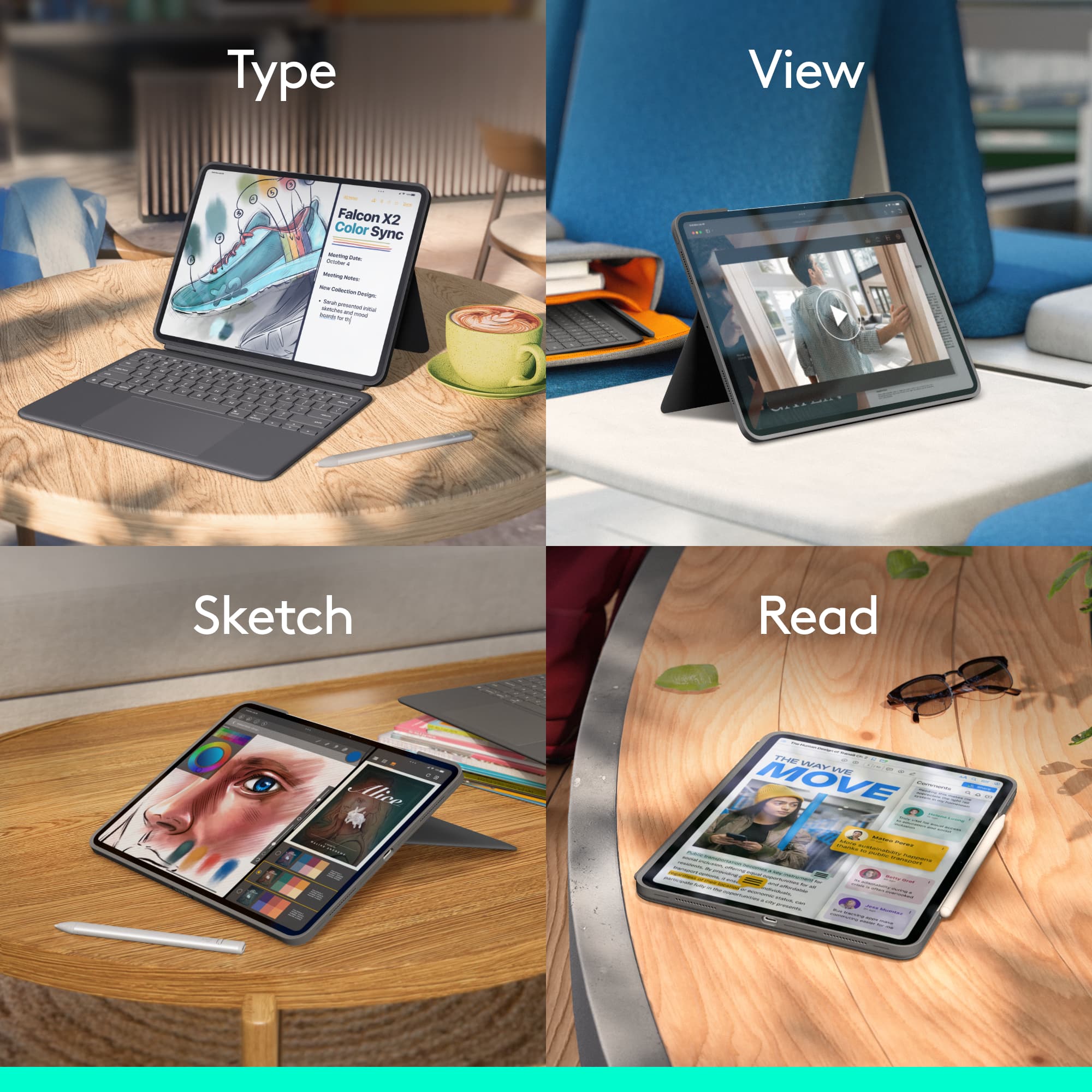
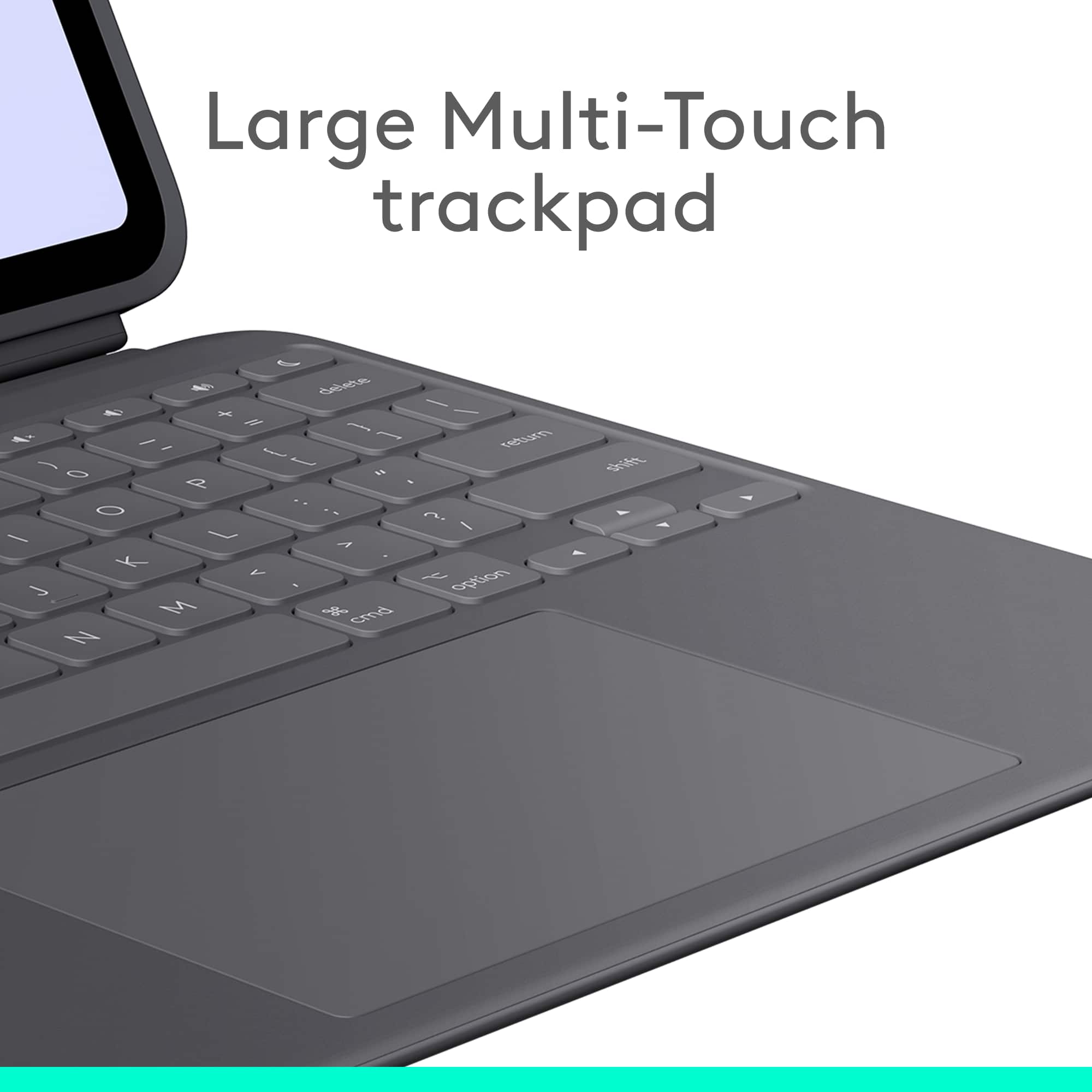
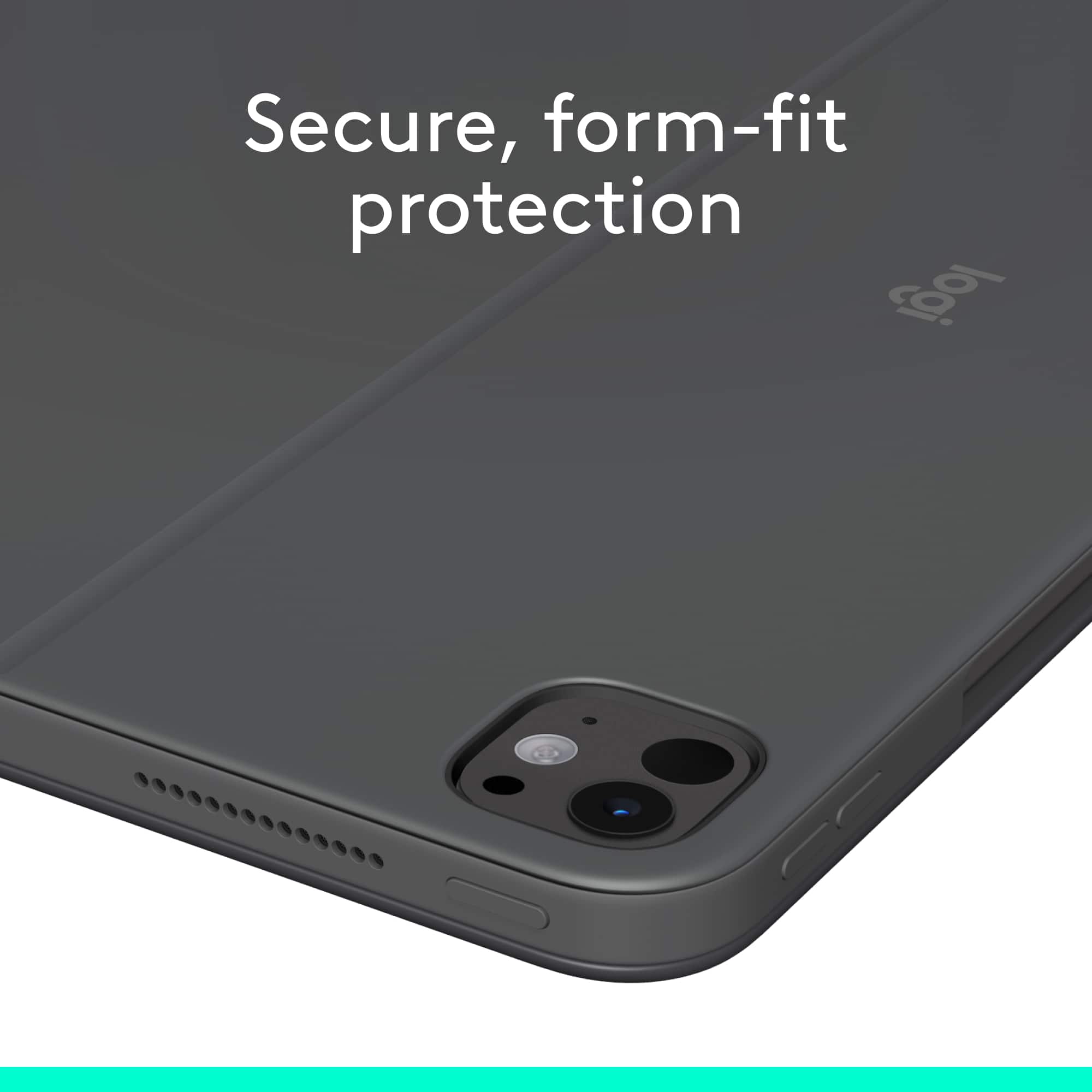
|Posted .This reviewer received promo considerations or sweepstakes entry for writing a review.Summary ------- By far the best case and the keyboard combo for the ipad pro. I have tried all but this from Logitech is the value for money thing. I only buy Logitech case and keyboard as it fits like a glove and also provides the protection it needs and also functions as a keyboard. The connection is great, never disconnects. Best value in town Pros ---- 1. backlit keyboard 2. detachable keyboard 3. sturdy and full protection with more protection at the edges 4. Fits like a glove 5. charges through the ipad, never requires battery replacement Cons ---- 1. Love the price to be under $200 but sometimes you can actually find a good deal Details ------- I love Logitech cases and no one has ever built anything close to this manufacturer on keyboard cases, they are just the experts. This one for the Ipad Pro 13 inch, this one fits like a glove. The edges have great protection. This also comes with a kickstand and you if you dont need the keyboard , you can always detach it. The keyboard is also backlit and works great, the keys have a great feal to it. The trackpad is nice and clickable and pretty big. If you also use a pencil, this one also supports a pencil through a dedicated holding space. Overall if you need to convert your ipad pro to a laptop, this is the one to get
Brand response from Logitech
Posted .Thank you for your amazing review of the Logitech Combo Touch for iPad Pro 13-inch (M4 chip) Keyboard Case! We're thrilled to hear that it's your favorite iPad case and that you appreciate its quality, features, and value. Your positive feedback means a lot to us as we continue to provide exceptional products that elevate your iPad experience.
Great product
||Posted . Owned for 1 week when reviewed.This reviewer received promo considerations or sweepstakes entry for writing a review.Very impressive device. Love the utility of it, the color ans size of the screen. I need more practice with an ipad to maximize it
I would recommend this to a friendBrand response from Logitech
Posted .We're thrilled to hear that you're enjoying the Logitech Combo Touch Keyboard Case for your iPad Pro! It's designed to enhance your productivity and creativity, and we're glad it's meeting your expectations. As you continue to explore the capabilities of your iPad, we hope you'll find even more ways to utilize the power of this device.
Love it
||Posted . Owned for 1 month when reviewed.This reviewer received promo considerations or sweepstakes entry for writing a review.This has been game chaning for my art. Love it. Highly recommend.
I would recommend this to a friendBrand response from Logitech
Posted .That's wonderful to hear the Logitech Combo Touch has been a game-changer for your art! It's fantastic when a tool can really enhance your creative process. Thanks for your enthusiastic recommendation! Keep creating!
Worth to buy
||Posted . Owned for 2 weeks when reviewed.This reviewer received promo considerations or sweepstakes entry for writing a review.It is good as expected. As specified, magnet touch is strong.
I would recommend this to a friendBrand response from Logitech
Posted .Thank you for your positive feedback on the Logitech Combo Touch. We're glad to hear it met your expectations, particularly regarding the strong magnetic attachment. Your satisfaction is our priority.
Cover
||Posted . Owned for 1 month when reviewed.This reviewer received promo considerations or sweepstakes entry for writing a review.Great cover and keypads connect right away. The magnetic for the pen needs to be stronger.
I would recommend this to a friendBrand response from Logitech
Posted .We're glad you're enjoying the cover and instant keypad connection! We appreciate the feedback about the pen magnet.
Pretty good value
||Posted . Owned for 3 months when reviewed.This reviewer received promo considerations or sweepstakes entry for writing a review.Overall works pretty well. There’s some settings that are a little flaky, such as the shift key in all caps.
I would recommend this to a friendBrand response from Logitech
Posted .Thank you for sharing your feedback on the Logitech - Combo Touch for iPad Pro. We appreciate you letting us know about the shift key issue. We are actively working on improving the software and addressing such concerns.
Good item
||Posted . Owned for 1 week when reviewed.This reviewer received promo considerations or sweepstakes entry for writing a review.Its nice but you will always need to put it in a desk. You can’t work on your lap.
No, I would not recommend this to a friendBrand response from Logitech
Posted .Thank you for sharing your feedback on the Logitech - Combo Touch for iPad Pro. We understand that using it on the lap can be challenging. We appreciate your input and will consider it for future product improvements.
Like
||Posted . Owned for 1 month when reviewed.This reviewer received promo considerations or sweepstakes entry for writing a review.I love it this si practice and my kids love it thanks
I would recommend this to a friendBrand response from Logitech
Posted .Thank you for your enthusiastic feedback on the Logitech Combo Touch for iPad Pro 13-inch! We're thrilled to hear you love how practical it is and that your kids love it too. Your positive comments are truly appreciated!
Amazing help
||Posted . Owned for 2 months when reviewed.This reviewer received promo considerations or sweepstakes entry for writing a review.I LOVE my new iPad and the representative that helped me was amazing!!!
I would recommend this to a friendBrand response from Logitech
Posted .It’s fantastic to hear you’re loving your new iPad and the Combo Touch! We’re also thrilled to know you had a great experience with our representative. Thanks for sharing your feedback!
High quality fine product Ideal for iPad
||Posted . Owned for 1 week when reviewed.This reviewer received promo considerations or sweepstakes entry for writing a review.Excellent product and so handy. The detachable keyboard option is the key to making the buying decision.
I would recommend this to a friendBrand response from Logitech
Posted .We're thrilled you're enjoying the versatility of the Combo Touch! We're glad the detachable keyboard option was a key factor in your decision. We hope you continue to enjoy using it with your iPad Pro.