Customer Ratings & Reviews



- Model:
- 920-012626
- SKU:
- 6583983
Rating by feature
- Value
Rating 4.5 out of 5 stars
- Quality
Rating 4.6 out of 5 stars
- Ease of Use
Rating 4.7 out of 5 stars
Customers are saying
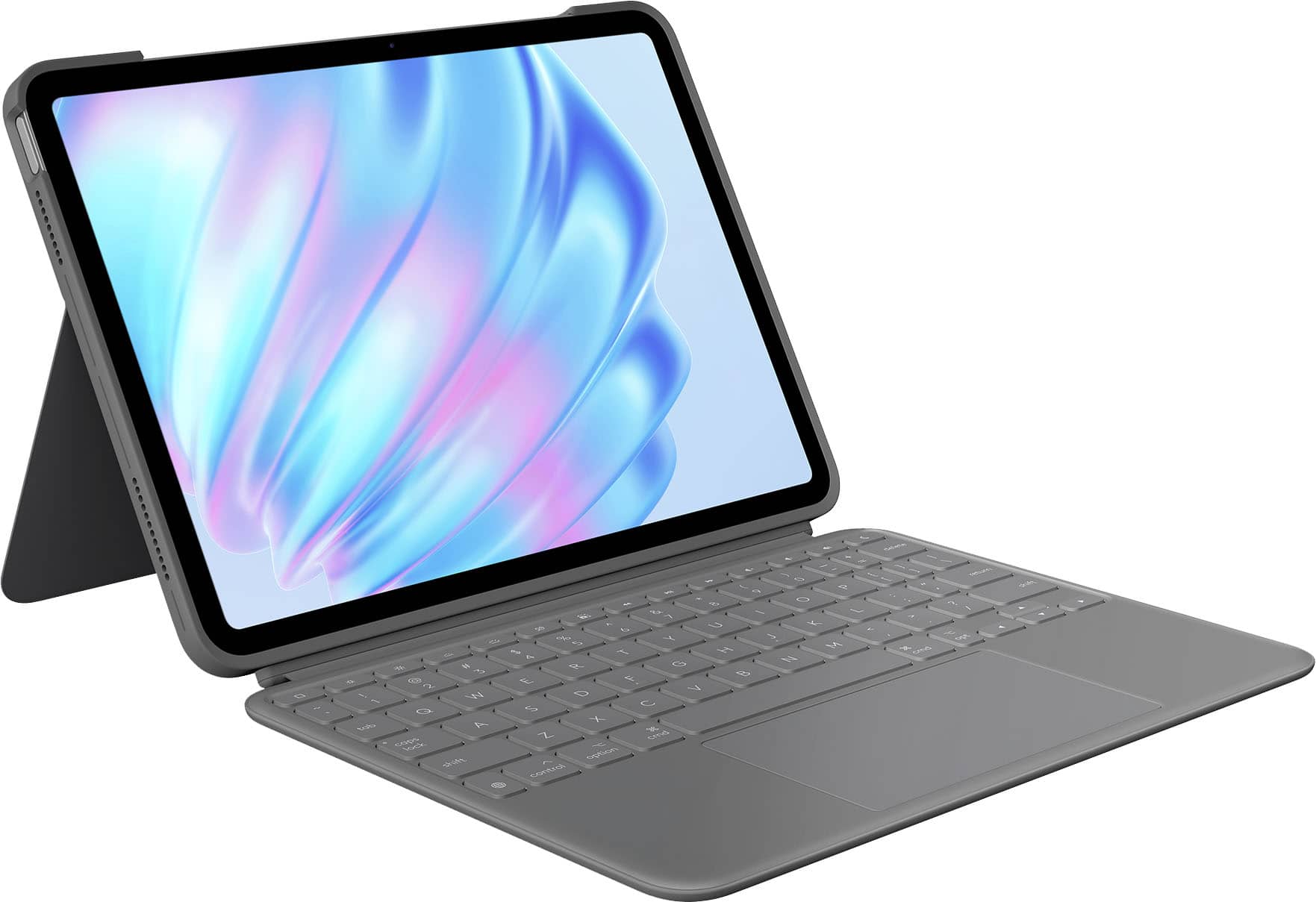
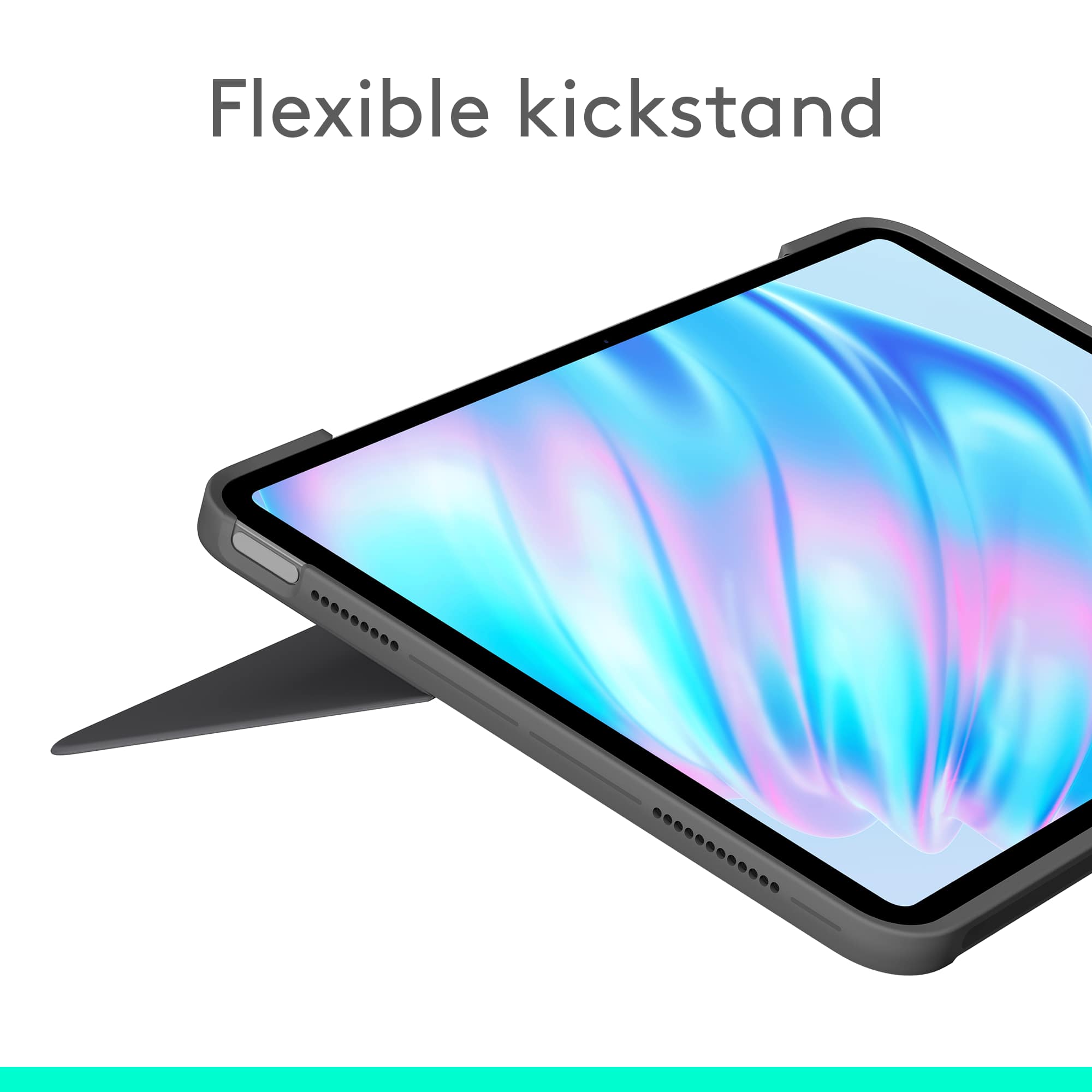
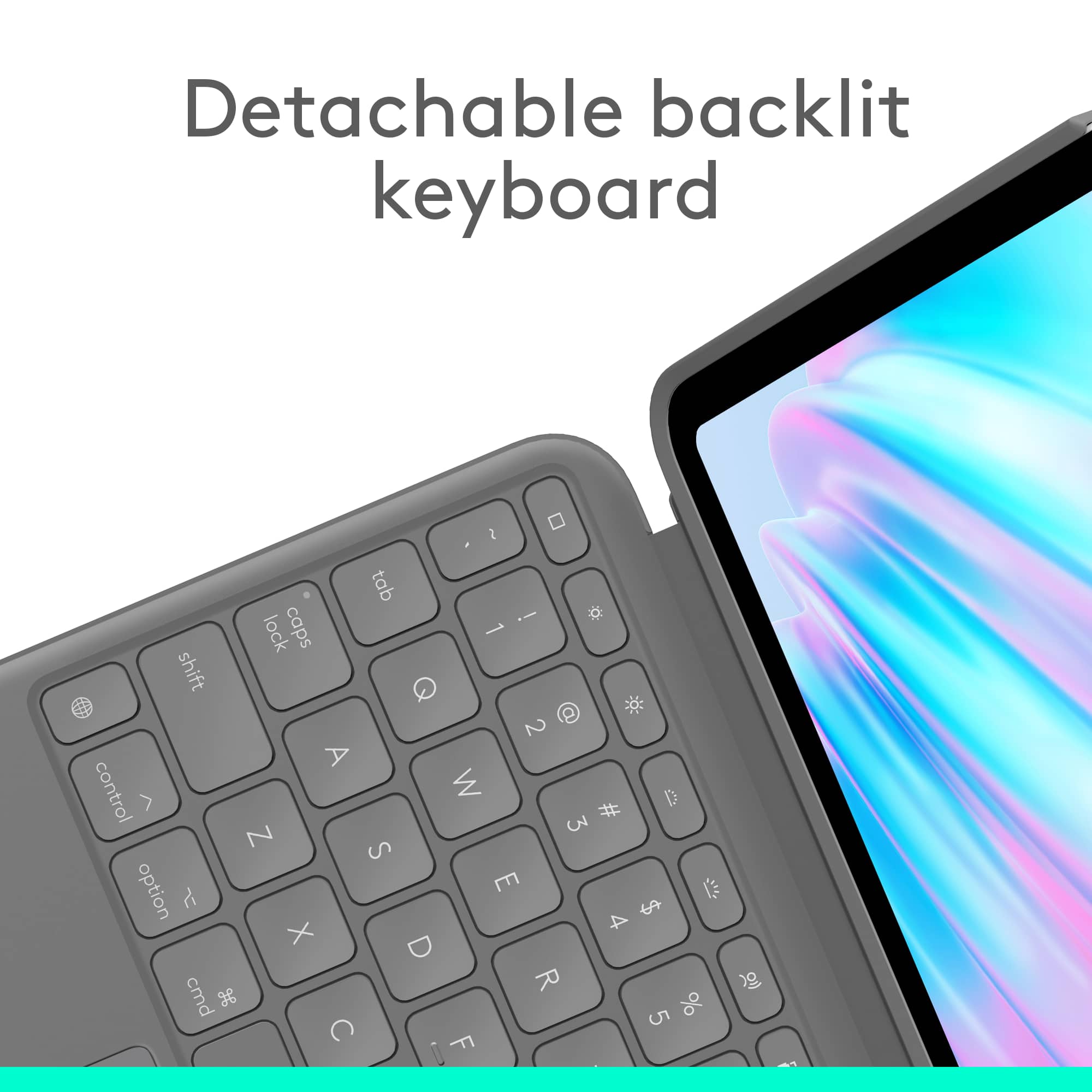
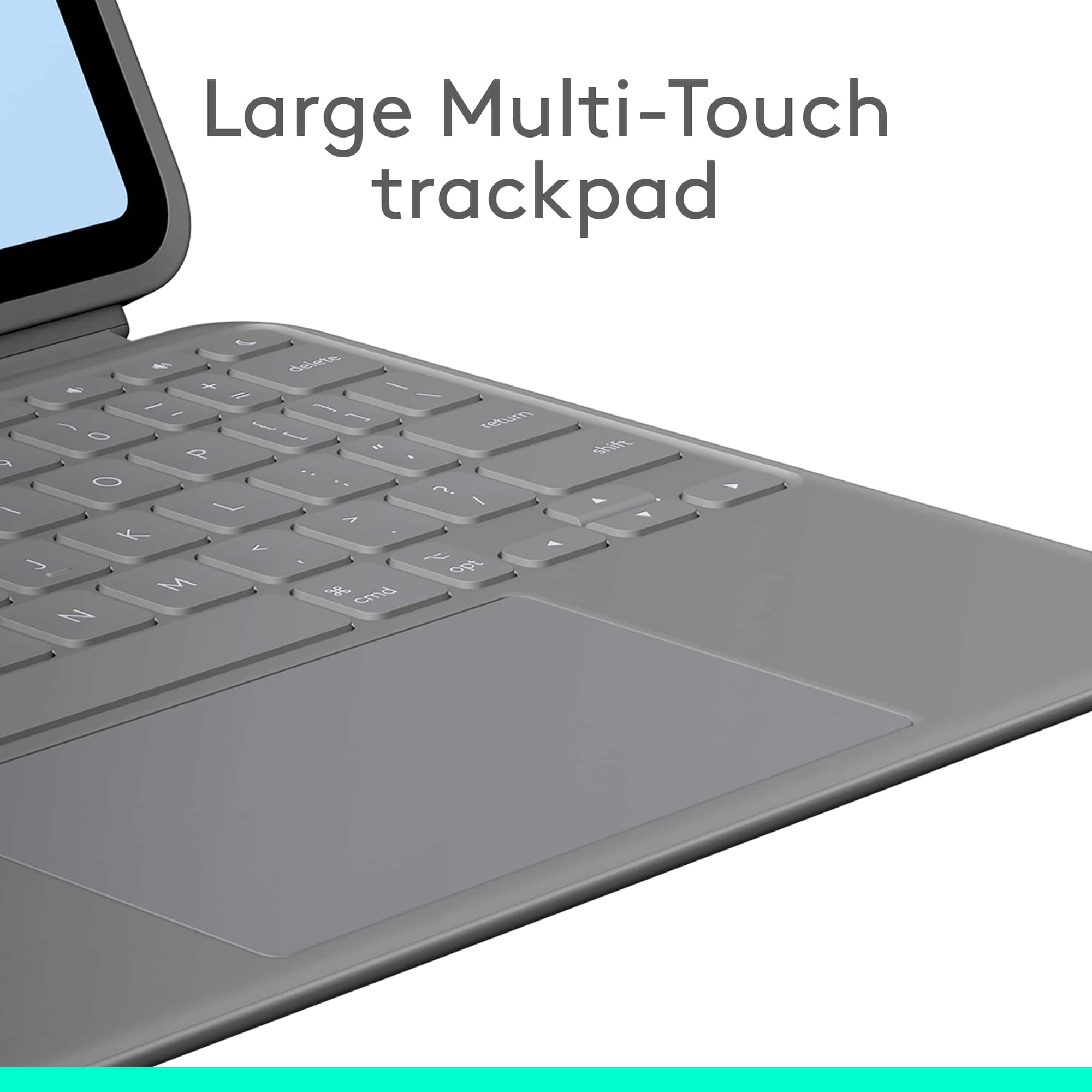
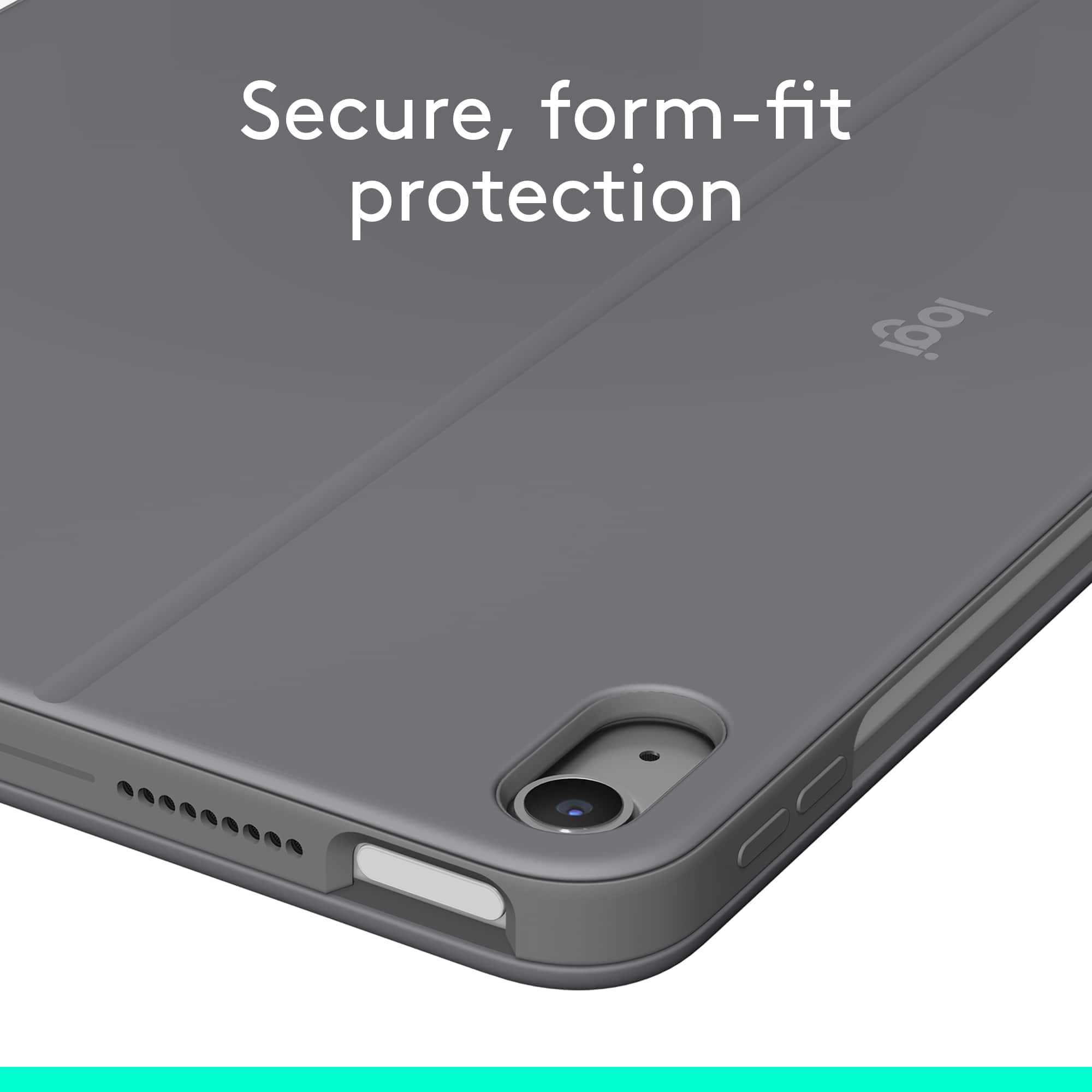
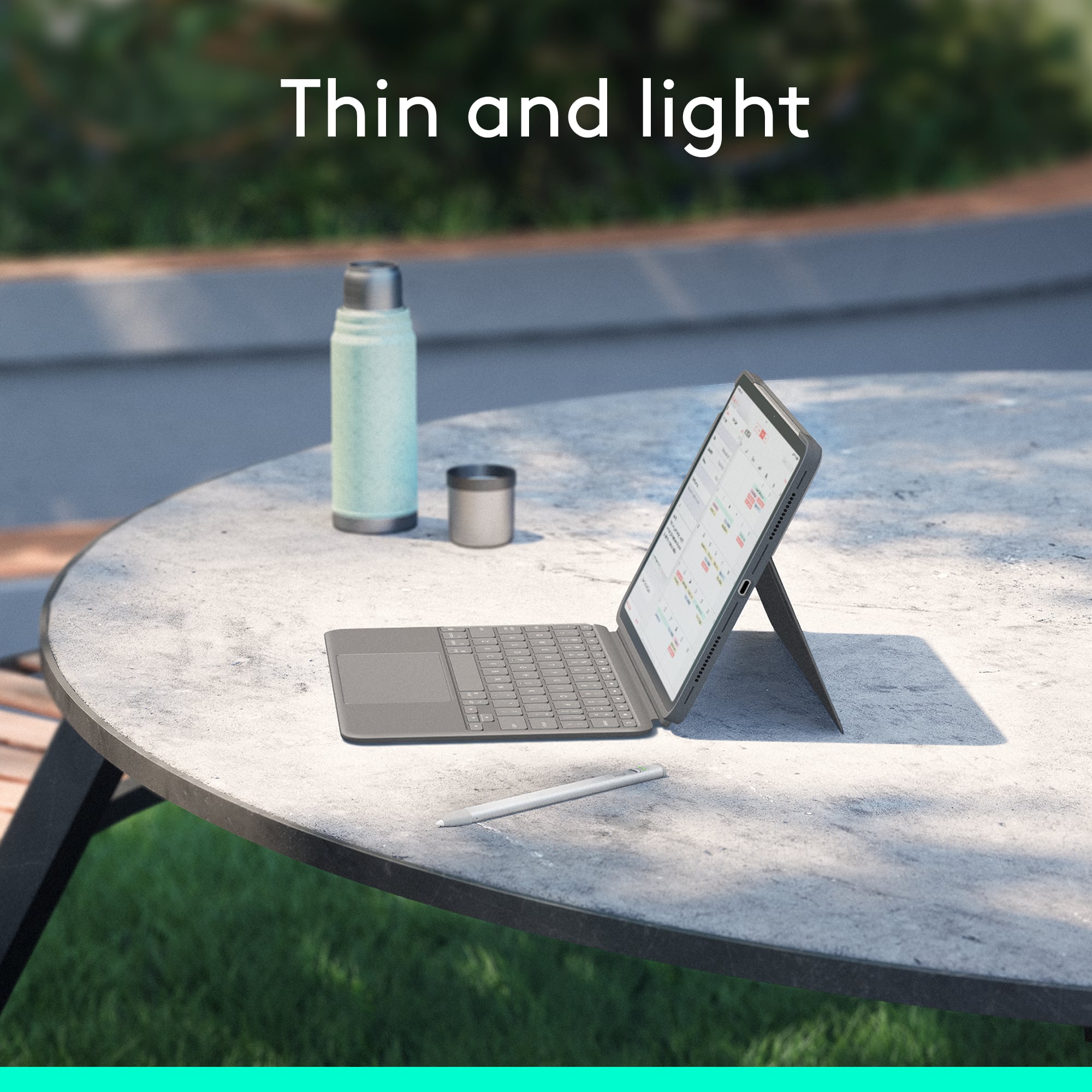
Customers are positive about the Combo Touch iPad Air keyboard case, highlighting its excellent keyboard quality, protective design, and ease of use. The lightweight nature, well-thought-out design, and adjustable kickstand are also appreciated features. While the price and size were minor concerns for some, the overall sentiment leans heavily towards satisfaction with the product's functionality and design.
This summary was generated by AI based on customer reviews.
iPad Keyboard Case
||Posted . Owned for 5 months when reviewed.This reviewer received promo considerations or sweepstakes entry for writing a review.Bought in a pinch, and it works well for a temporary solution to a keyboard case for an iPad. They keys were great, but the trackpad was awful. It did not have palm rejection and the tracking wasn’t great. I would recommend going for the apple brand keyboard.
No, I would not recommend this to a friendBrand response from Logitech
Posted .Thank you for sharing your experience. We’re glad the keyboard served as a temporary solution, and we appreciate your detailed feedback regarding the trackpad performance.

Good resource
||Posted . Owned for 2 months when reviewed.This reviewer received promo considerations or sweepstakes entry for writing a review.Complete my iPad with some important resources! That’s really a something that pay the price
I would recommend this to a friendBrand response from Logitech
Posted .Thank you for your valuable feedback on the Logitech Combo Touch for iPad Air! We’re thrilled to hear it’s enhancing your setup and proving to be a worthwhile investment. Your insights help others discover its full potential as a powerful productivity companion.
Great Keyboard case
||Posted . Owned for 2 weeks when reviewed.This reviewer received promo considerations or sweepstakes entry for writing a review.Great keyboard case option instead of going with the Apple branded iPad keyboard case
I would recommend this to a friendBrand response from Logitech
Posted .Thank you for your positive feedback on the Logitech Combo Touch keyboard case! We’re glad to hear you find it a great alternative to the Apple-branded keyboard case. We appreciate your support and hope it continues to serve you well.
Perfect
||Posted . Owned for 1 month when reviewed.This reviewer received promo considerations or sweepstakes entry for writing a review.This is Perfect for what I need! I love it! Everything is convenient
I would recommend this to a friendBrand response from Logitech
Posted .Thanks for the enthusiastic review! We're so glad the Combo Touch keyboard case is hitting all the right notes for you. Its versatile design, detachable keyboard, and smooth functionality are made to keep things convenient and productive—awesome to hear it’s a perfect match.
Logitech case and keyboard
||Posted . Owned for 1 week when reviewed.This reviewer received promo considerations or sweepstakes entry for writing a review.Easy to use, fits better than other brands on the Airpad 11.
I would recommend this to a friendBrand response from Logitech
Posted .Hey! We appreciate your kind words. Your feedback helps us stay on track and continue delivering value. Thanks for being a loyal user.
Amazing Case
||Posted . Owned for 1 month when reviewed.This reviewer received promo considerations or sweepstakes entry for writing a review.This is one of the best cases ever! Love the keyboard and the fact that it hooks on magneticly. Would totally recommend to anyone with the iPad Air 6th Gen
I would recommend this to a friendBrand response from Logitech
Posted .It's fantastic to hear you're enjoying the Combo Touch with your iPad Air 6th Gen! The magnetic attachment and keyboard are definitely highlights. Thanks for the recommendation!
A must have
||Posted . Owned for 9 months when reviewed.This reviewer received promo considerations or sweepstakes entry for writing a review.My step son loves his, makes working at school a breeze.
I would recommend this to a friendBrand response from Logitech
Posted .Thanks for sharing! We're so glad to hear the Combo Touch is helping your stepson breeze through schoolwork. That kind of versatility and ease of use is exactly what we aim for.
Well serving case.
||Posted .This reviewer received promo considerations or sweepstakes entry for writing a review.It has served me well! The case is durable enough for me while being very functional.
I would recommend this to a friendBrand response from Logitech
Posted .Thank you for your wonderful review! We're happy to hear that our Combo Touch Keyboard for iPad has served you well. It's great to know that you find the case both durable and functional. Your satisfaction is our priority!
Keyboard Case with Stand and built in mouse pad
||Posted . Owned for 1 month when reviewed.This reviewer received promo considerations or sweepstakes entry for writing a review.This has been a wonderful addition to have with my new Ipad. I needed a keyboard and mouse system and this more than fills the bill.
I would recommend this to a friendBrand response from Logitech
Posted .It's fantastic to hear the Combo Touch is such a great addition to your new iPad and perfectly meets your needs for a keyboard and mouse system. Thanks for sharing your positive experience!
Logitech combo- matched competitor $
||Posted . Owned for 1 month when reviewed.This reviewer received promo considerations or sweepstakes entry for writing a review.Great Value! The sales associate assisted in finding a great price after stating Best Buy could not match manufacturer $
I would recommend this to a friendBrand response from Logitech
Posted .Thank you for sharing your experience with the Logitech Combo Touch for your iPad Air! We're thrilled to hear that you found great value and that our product is working well for you. It's fantastic that the detachable keyboard and versatile design met your needs. We appreciate your positive feedback and hope you continue to enjoy using your Combo Touch!
Apple tablet review
||Posted .This reviewer received promo considerations or sweepstakes entry for writing a review.Products is a good value and works exactly as advertised
I would recommend this to a friendBrand response from Logitech
Posted .We’re so happy to hear that our product is working well for you. Your review helps us understand what we’re doing right and where we can grow. Thank you for being part of the Logitech community and for taking the time to share your thoughts.
IPAD Gift
||Posted . Owned for 3 weeks when reviewed.This reviewer received promo considerations or sweepstakes entry for writing a review.It was exactly what my daughter was looking for! She was so excited when she received it!
I would recommend this to a friendBrand response from Logitech
Posted .That's fantastic to hear! We're thrilled that the Logitech Combo Touch for iPad Air 11-inch was exactly what your daughter was looking for and that she's so excited about it. Enjoy all the versatility and productivity it brings!
Best Buy is the best.
||Posted . Owned for 3 weeks when reviewed.This reviewer received promo considerations or sweepstakes entry for writing a review.Best always has what we need. The price always is decent. We buy at Best Buy all computers and TV’s.
I would recommend this to a friendBrand response from Logitech
Posted .It's great to hear that Best Buy consistently meets your needs for computers and TVs. We appreciate your feedback regarding the Logitech Combo Touch for iPad Air; customer satisfaction is always our top priority.
Perfect keyboard
||Posted . Owned for 1 week when reviewed.This reviewer received promo considerations or sweepstakes entry for writing a review.Very good keyboard i like that its detachable and so you can use touch mode with the stand if you are watching content I would choose it over the magic keyboard every day
I would recommend this to a friendBrand response from Logitech
Posted .That's fantastic to hear! The Logitech Combo Touch is designed to provide a versatile and comfortable computing experience for your iPad. We're glad you appreciate its detachable keyboard, built-in trackpad, and protective case.
Great BUY
||Posted .This reviewer received promo considerations or sweepstakes entry for writing a review.Nice grab worth the buy. Most places this price isn't
I would recommend this to a friendBrand response from Logitech
Posted .Thanks so much for the fantastic feedback! We're glad to hear the Combo Touch iPad Air keyboard case hit the sweet spot for both value and performance. It’s always great when a smart grab exceeds expectations—appreciate you sharing your experience!
Mr.
||Posted . Owned for 2 weeks when reviewed.This reviewer received promo considerations or sweepstakes entry for writing a review.I love my new iPad 11” air. Gavin has been a real help in making sure I got what I wanted and needed. He’s gone out of his way to give great service!
I would recommend this to a friendBrand response from Logitech
Posted .We're thrilled to hear that you're enjoying your new iPad Air and that Gavin provided excellent customer service. It's great to know that he went the extra mile to ensure you were satisfied with your purchase.
keyboard logitec
||Posted . Owned for 3 weeks when reviewed.This reviewer received promo considerations or sweepstakes entry for writing a review.Difficult to navigate as I have never used a keyboard I plan a 2 hour geek squad appointment so I can learn how to use it and the ipad
I would recommend this to a friendBrand response from Logitech
Posted .We appreciate your honest feedback. It helps us identify where we can improve and provide a better experience with the Logitech - Combo Touch iPad Air.
Apple air ipad.
||Posted . Owned for 1 week when reviewed.This reviewer received promo considerations or sweepstakes entry for writing a review.Great value for the purchase. Would not go wring with this purchase. The inly thing is that it is a bit heavier than i thought.
I would recommend this to a friendBrand response from Logitech
Posted .Thank you for your feedback on the Logitech Combo Touch for iPad Air. We're glad you feel it's a great value and are happy with your purchase. We appreciate your honest feedback about the weight, and we'll take that into consideration for future designs.
iPad Air
||Posted . Owned for 5 months when reviewed.This reviewer received promo considerations or sweepstakes entry for writing a review.Great items and very comfortable and convenient. Highly recommended for everyone
I would recommend this to a friendBrand response from Logitech
Posted .Thank you for your wonderful review! We're thrilled to hear that you're enjoying the comfort and convenience of the Logitech Combo Touch for your iPad Air 11-inch. We appreciate your recommendation!
More affordable than Apple
||Posted . Owned for 3 weeks when reviewed.This reviewer received promo considerations or sweepstakes entry for writing a review.Great product, super easy to set up and use. Ordered online for in-store pickup and item was just as described.
I would recommend this to a friendBrand response from Logitech
Posted .We're thrilled to hear you're enjoying the ease of use and setup of the Combo Touch. We strive to create products that enhance your iPad experience, and we're glad yours is exceeding expectations.