Customer Ratings & Reviews



- Model:
- 920-012626
- SKU:
- 6583983
Rating by feature
- Value
Rating 4.5 out of 5 stars
- Quality
Rating 4.6 out of 5 stars
- Ease of Use
Rating 4.7 out of 5 stars
Customers are saying
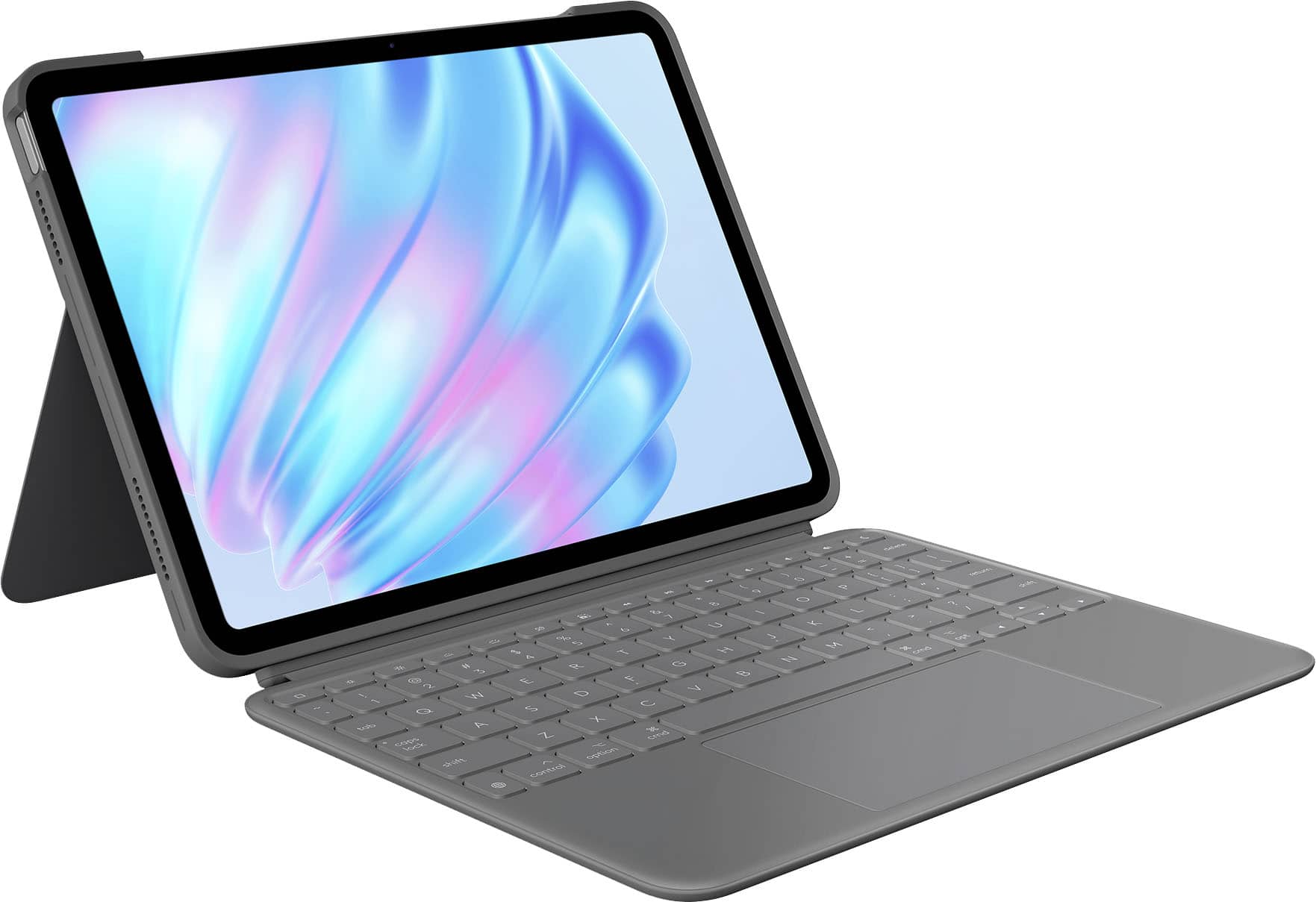
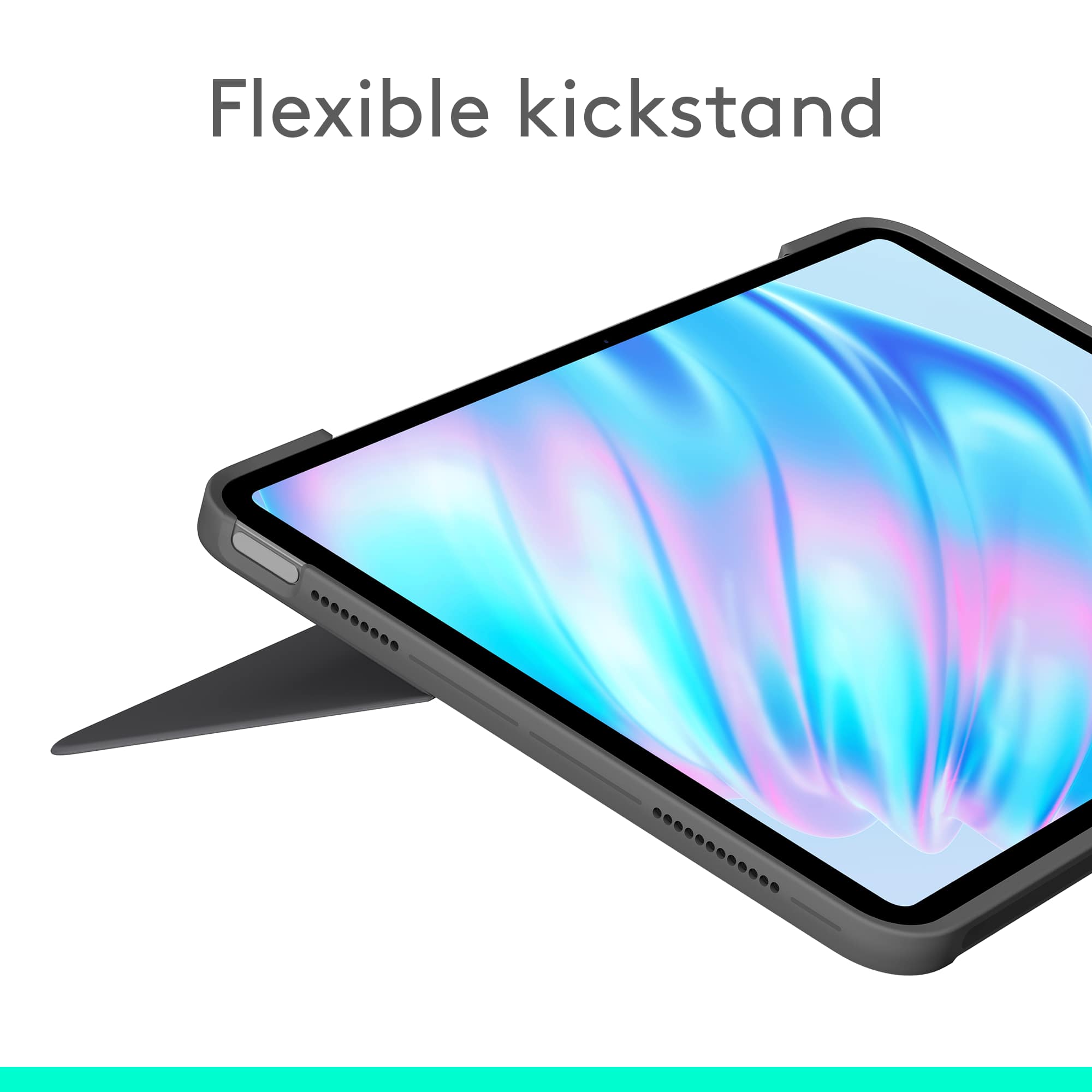
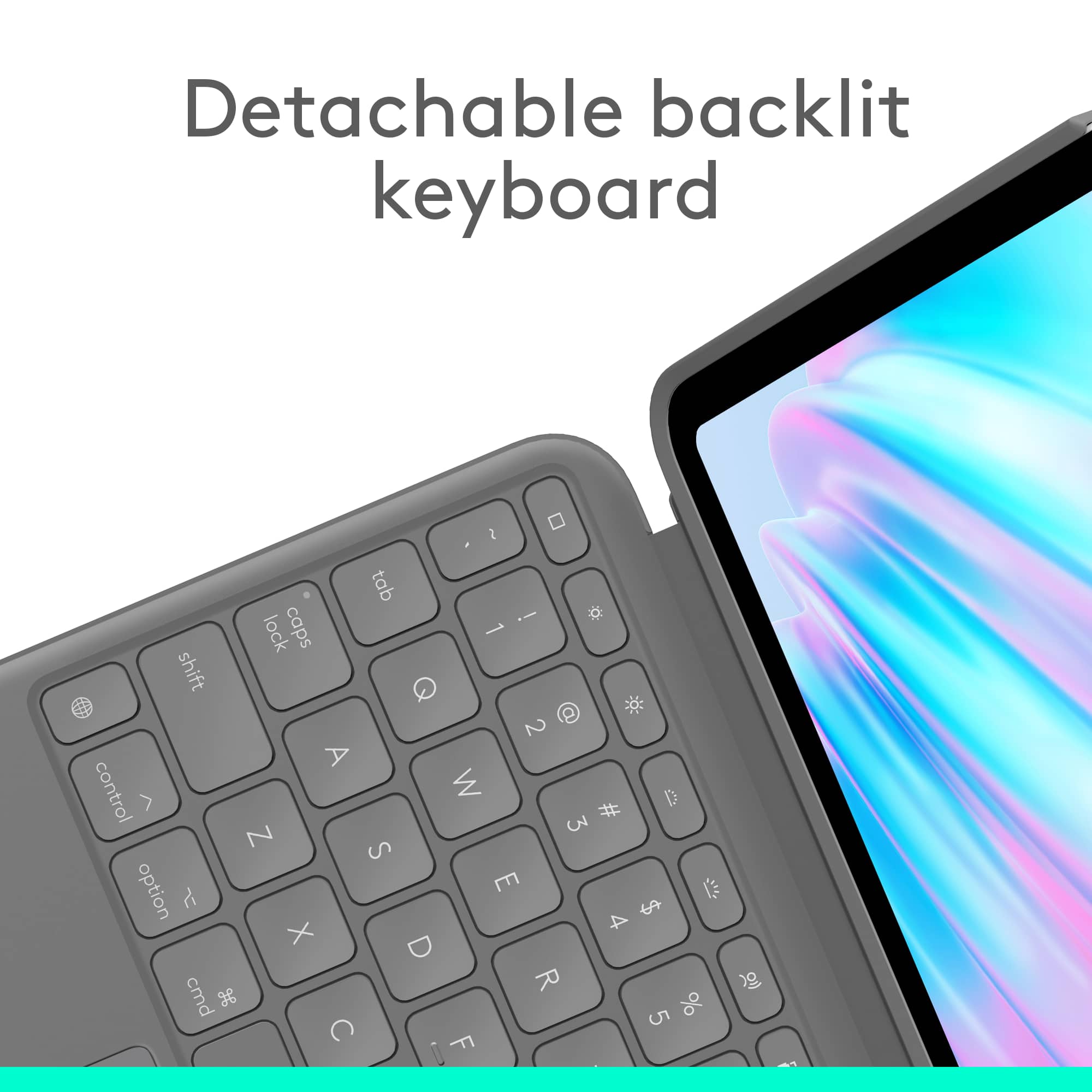
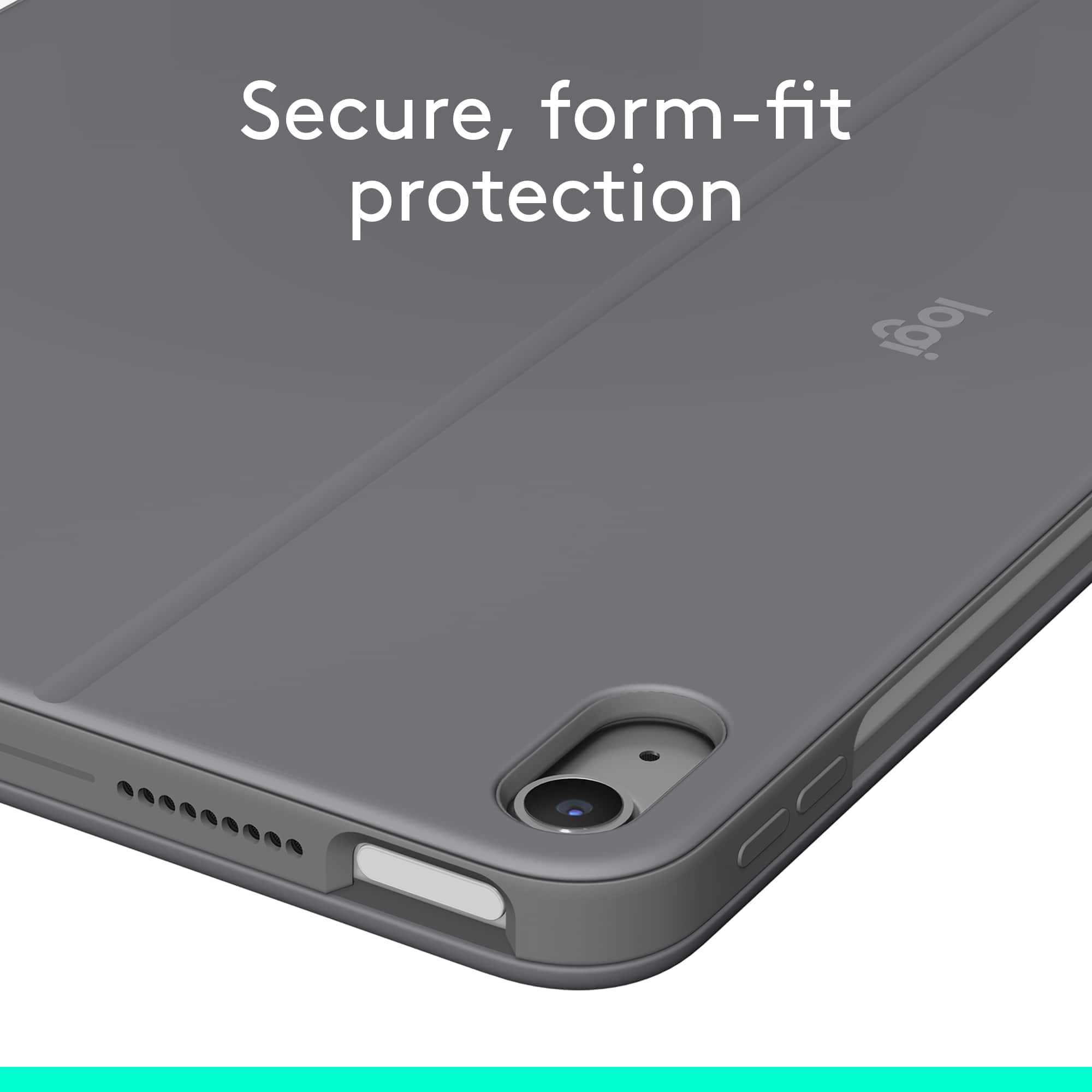
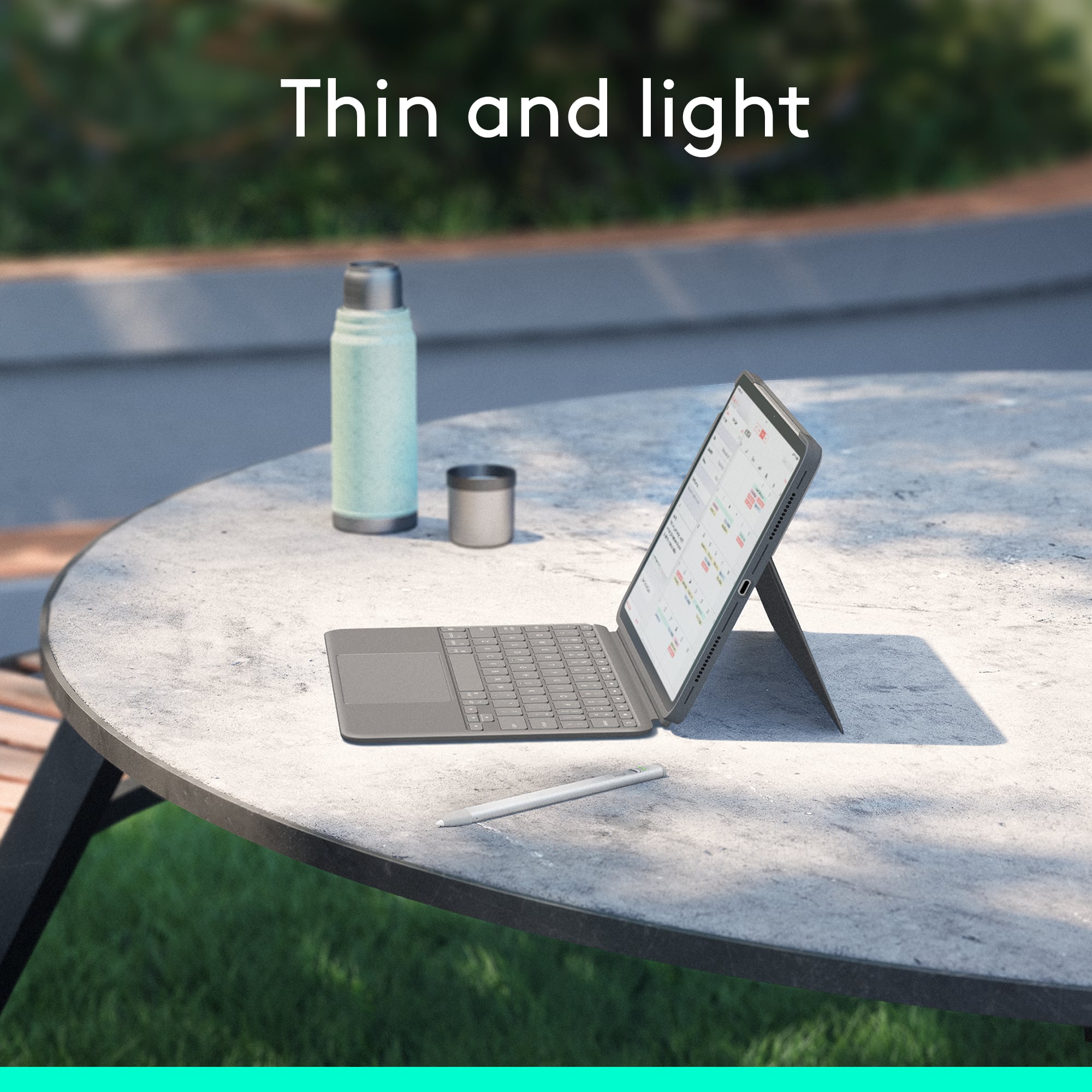
Customers frequently mention the excellent Keyboard Quality, its Portability, and the great Protection it offers for the iPad. They also appreciate its well-thought-out Design, lightweight nature, and the adjustable built-in Kickstand. However, some customers have experienced issues with Connectivity and note that the Stand does not support portrait orientation. The Price is also a point of concern for a few, with comparisons often made to the Apple version.
This summary was generated by AI based on customer reviews.
Heavy On My Wallet But No Light On The Keyboard
||Posted . Owned for 1 month when reviewed.This reviewer received promo considerations or sweepstakes entry for writing a review.Logitech is always a solid choice, but for this amount of money, it should have a backlit keyboard.
No, I would not recommend this to a friendBrand response from Logitech
Posted .Thank you for your feedback! We appreciate you taking the time to share your thoughts on the Combo Touch for iPad Air.

Good buy
||Posted . Owned for 1 week when reviewed.This reviewer received promo considerations or sweepstakes entry for writing a review.Good buy, slim, fast, has everything we need. Decent price
I would recommend this to a friendBrand response from Logitech
Posted .Thank you for your positive review of the Logitech - Combo Touch for iPad Air! We're glad you're enjoying its slim design, speed, and comprehensive features at a great price. We hope you continue to find it a valuable addition to your iPad experience.
- Cons mentioned:Connectivity
Holy Cr@p!
||Posted .This reviewer received promo considerations or sweepstakes entry for writing a review.Bought this for an Apple tablet. Should have returned it! Perhaps, I'm the idiot, but it was impossible to connect. Help Desk was useless.
No, I would not recommend this to a friendBrand response from Logitech
Posted .We sincerely apologize for the frustration you experienced with the Logitech Combo Touch iPad Air Keyboard Case. We understand how disappointing it must have been to face connection issues and not receive the support you needed from our Help Desk. Your feedback is extremely valuable, and we regret that we did not meet your expectations. Please know that we are committed to improving both our product experience and customer support, and we would be glad to assist you further to resolve this issue.
Logitech keyboard
||Posted . Owned for 2 weeks when reviewed.This reviewer received promo considerations or sweepstakes entry for writing a review.Works great with my new iPAD. It seem pretty sturdy. I haven't broken it yet!
I would recommend this to a friendBrand response from Logitech
Posted .We're glad to hear that the Logitech Combo Touch Keyboard Case is working well with your iPad! Its sturdy design and seamless integration make it a great choice for everyday use. Thank you for your positive feedback.

Purchase
|Posted . Owned for 1 week when reviewed.This reviewer received promo considerations or sweepstakes entry for writing a review.Employee her name was Samantha. She did such an amazing job.
I would recommend this to a friendBrand response from Logitech
Posted .Thank you for your kind words about Samantha! We're delighted to hear that she provided you with excellent support. We value your feedback and will share your appreciation with her.
- Pros mentioned:Keyboard quality, Portability, ProtectionCons mentioned:Stand

Sturdy, but a bit heavy
|Posted .This reviewer received promo considerations or sweepstakes entry for writing a review.I got this iPad cover/ keyboard to use at work, where I carry an iPad 8 hours a day, 5 days a week. I have to look up configurations and availability, show clients my screen so they can see colors or variations of the products. This keyboard/case was easy to set up, pretty much click the iPad in and go, and the cover feels sturdy and protective. Keys are quite responsive without feeling flimsy or loose. Because I have to carry it, opening and closing the cover throughout the day, the stand can be a bit annoying, It can catch the cover and be a little awkward to open in a clean, one handed move, but it actually works beautifully when I need to use it. The keyboard/cover is a bit heavier than I expected, but most people won’t use it the way I do, carrying it around in their hand all day every day, so a couple ounces won’t matter. Overall, for my use, carrying it all day long, it’s a bit too heavy and awkward. But I think it would be fantastic for someone who needs a great keyboard and a sturdy cover with stand for use in their home or for travel.
I would recommend this to a friendBrand response from Logitech
Posted .Thank you for your detailed review of the Logitech Combo Touch for iPad Air. We appreciate your feedback on the weight and stand design. Your insights will help us improve future products.
Cheaper sometimes is better
||Posted . Owned for 1 week when reviewed.This reviewer received promo considerations or sweepstakes entry for writing a review.Just what I was looking for for half the price of the apple branded one
I would recommend this to a friendBrand response from Logitech
Posted .We're glad to hear that the Combo Touch is the perfect solution for your iPad Air! Thank you for choosing Logitech.
Gift
||Posted . Owned for 3 weeks when reviewed.This reviewer received promo considerations or sweepstakes entry for writing a review.Bought as a gift for my granddaughter and she loved it.
I would recommend this to a friendBrand response from Logitech
Posted .We're delighted to hear that your granddaughter loved the Combo Touch for iPad Air! We hope it enhances her learning and creative experiences.
iPad Air 11
||Posted . Owned for 1 week when reviewed.This reviewer received promo considerations or sweepstakes entry for writing a review.Purchased iPad Air 11 Over all happy would recommend to others
I would recommend this to a friendBrand response from Logitech
Posted .Thank you for your feedback on the Logitech - Combo Touch for iPad Air 11! We're glad you're happy with your purchase and would recommend it to others. We appreciate your support.
Laptop
||Posted . Owned for 1 week when reviewed.This reviewer received promo considerations or sweepstakes entry for writing a review.Great price, service was very helpful and it is a great product
I would recommend this to a friendBrand response from Logitech
Posted .The Logitech Combo Touch is a fantastic choice for iPad users seeking a versatile and productive experience. Its durable design, comfortable keyboard, and responsive trackpad elevate your iPad's capabilities. The positive customer service experience further solidifies Logitech's commitment to customer satisfaction.
Combo touch
||Posted . Owned for 1 week when reviewed.This reviewer received promo considerations or sweepstakes entry for writing a review.Solid feel, snaps on effortlessly. Overall perfect
I would recommend this to a friendBrand response from Logitech
Posted .Thank you for your positive review of the Logitech - Combo Touch for iPad! We're glad you appreciate its solid construction, easy attachment, and overall performance. We hope you continue to enjoy using it.
Returned
||Posted .This reviewer received promo considerations or sweepstakes entry for writing a review.I prefer something more stable. This was more on the floppy side, not easy to keep up. Returned
No, I would not recommend this to a friendBrand response from Logitech
Posted .We appreciate your feedback. Stability and ease of use are important, and we understand why you returned the product. Your comments will be taken into consideration for future improvements.
Awesome Ipad
||Posted . Owned for 1 week when reviewed.This reviewer received promo considerations or sweepstakes entry for writing a review.Awesome Ipad. Couldn’t be happier with my purchase.
I would recommend this to a friendBrand response from Logitech
Posted .We're thrilled to hear that you're loving your Logitech Combo Touch Keyboard Case for iPad Air! It's designed to enhance your iPad experience, and we're glad it's meeting your expectations. Thank you for choosing Logitech!
Great
||Posted . Owned for 3 weeks when reviewed.This reviewer received promo considerations or sweepstakes entry for writing a review.Great buy and excellent product...................
I would recommend this to a friendBrand response from Logitech
Posted .We're thrilled to hear that you love your Combo Touch for iPad Air! Thank you for your kind words. If you have any questions or need further assistance, please don't hesitate to reach out to our support team.
Don’t.
||Posted . Owned for 11 months when reviewed.This reviewer received promo considerations or sweepstakes entry for writing a review.Bulky. Doesn’t sit up easily. Drains battery even when Ipad is powered down.
No, I would not recommend this to a friendBrand response from Logitech
Posted .That's unexpected! In order to help you effectively, please provide your information to our support team by emailing socialcare@logitech.com. Name – Email address – Country – Product name – Brief description of the issue –
Awful case and beware of 15 day return window
||Posted . Owned for 1 month when reviewed.This reviewer received promo considerations or sweepstakes entry for writing a review.Won’t be shopping at Best Buy again. The case is awful. The kickstand doesn’t stay up unless on a perfectly flat surface. Best Buy’s return policy is the worst I’ve seen. 15 days??? Literally shop anywhere else
No, I would not recommend this to a friendBrand response from Logitech
Posted .We’re sorry to hear that the Logitech - Combo Touch iPad Air 11-inch didn’t fully meet your expectations. This isn’t the experience we want for you. Please reach out to us at socialcare@logitech.com so we can help resolve the issue.
- Pros mentioned:Keyboard quality, Protection
Best Alternative to the Official Apple Offering
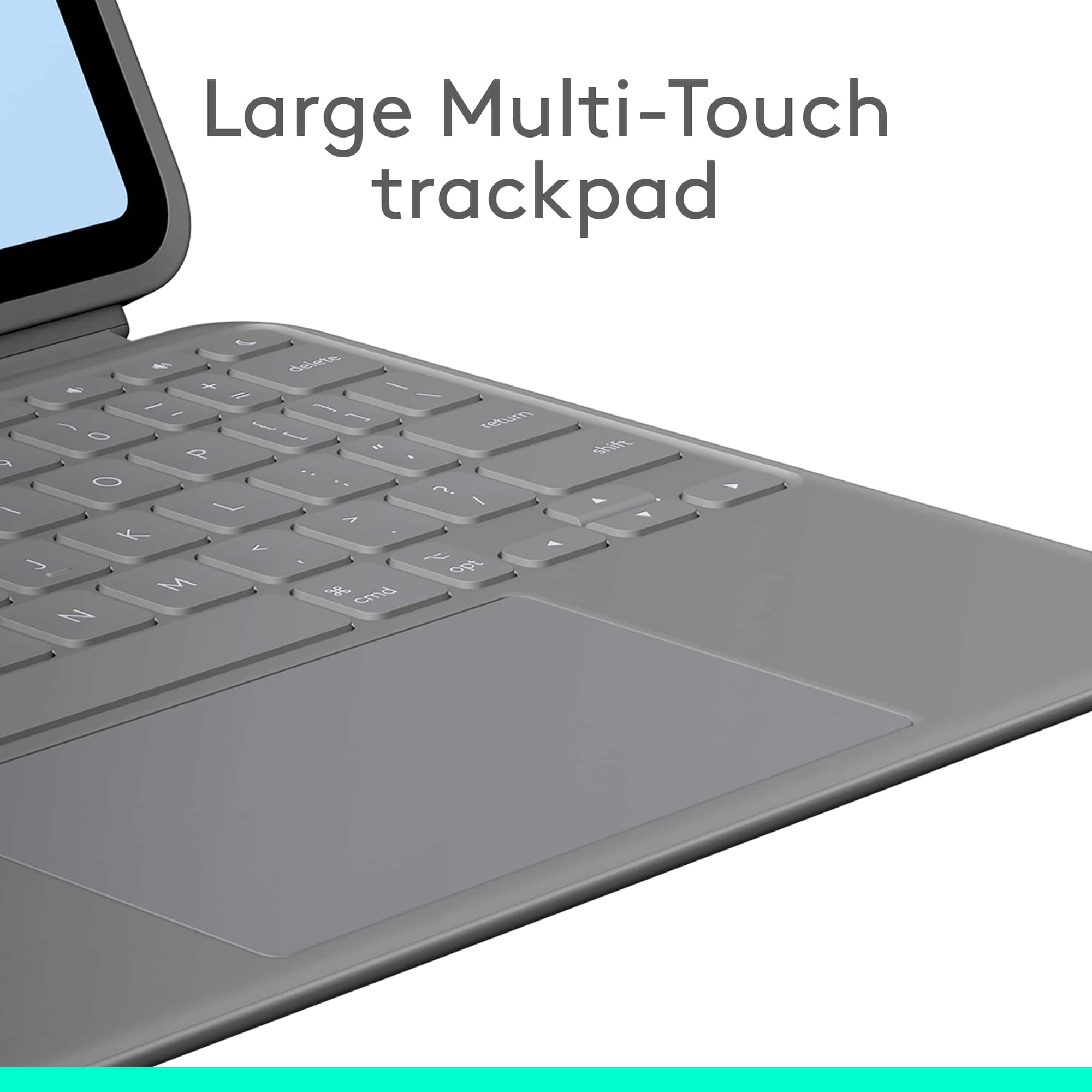
|Posted .This reviewer received promo considerations or sweepstakes entry for writing a review.The Logitech Combo Touch for the iPad Air 11 inch is a great alternative to the official keyboard from Apple. The keyboard types and feels very solid in the way the keys travel. The touchpad of the keyboard also works and has a positive feeling click when pressing down on the touchpad. The second part of the combo is the case that goes around the iPad Air. It is a very solid feeling case and adds a good layer of protection to the iPad if you use it on its own. There are cutouts for the power button and the area where the Apple Pencil Pro would magnetically attach to the iPad. There are cutout holes for the speakers on the iPad. The kick stand is a flap that folds out and lets you adjust the angle of the iPad. I actually prefer this style of kickstand verse the Apple recommended Keyboard because its more stable when on a table. Yes it probably has a larger footprint than the Apple offering, but this Combo touch is very stable. When closed, the Combo Touch is very protective of the iPad and feels very solid. The only disadvantage I see is that when you open the iPad and try to fold the keyboard behind the iPad like a notebook, the keyboard disconnects from the magnetic hold of the iPad. This in turns separates the keyboard from the iPad and you have to place it somewhere that you don’t forget about it. It is possible to turn the separated keyboard around and reattach it back to the iPad so that the touchpad faces the back of the iPad. So its not as seamless as just flipping the keyboard open and out of the way. That is also a plus where if you want to just use the iPad by itself, you don’t have to have the keyboard attached. The other issue I see is how the Apple Pencil Pro is attached to the iPad when traveling. Since you are solely dependent on the magnet to hold and charge the iPad, there is nothing preventing it from getting knocked off the iPad if you place it in your backpack or somewhere with stuff bumping up against the iPad. Too often I feel the Apple Pencil Pro falling off the iPad. You can solve this problem by buying a pouch to hold the Pencil when you travel. Nevertheless, if you want to save money and look for an alternative to the official Apple offering, this Logitech Combo Touch is probably the best option out there from a company that knows how to make keyboards.
I would recommend this to a friendBrand response from Logitech
Posted .Thank you for your detailed review of the Logitech Combo Touch for iPad Air 11-inch (M4 chip) Keyboard Case! We appreciate your insights into the product's features and your comparison with the Apple Magic Keyboard. We'll continue to work on improving our product offerings to address potential limitations and provide even better solutions for iPad users.
I expect better from Logitech.
||Posted . Owned for 3 weeks when reviewed.This reviewer received promo considerations or sweepstakes entry for writing a review.I had a Logitech keyboard case for my old iPad which I liked much better. This one doesn’t feel as solid It’s awkward to open the stand and feels flimsy.
No, I would not recommend this to a friendBrand response from Logitech
Posted .We apologize for the inconvenience experienced with the Logitech Combo Touch iPad Air 11-inch. We understand your concerns about the product’s build quality and stand design compared to your previous Logitech keyboard case, and we regret that it did not meet your expectations. Your feedback is valuable and will help us improve future designs.
- Cons mentioned:Connectivity
poor quality
||Posted . Owned for 6 months when reviewed.This reviewer received promo considerations or sweepstakes entry for writing a review.the apple version is so much nicer, I have a hard time connecting it to my iPad and it drains my battery even when not using.
No, I would not recommend this to a friendBrand response from Logitech
Posted .We are very sorry to hear about the issues you've experienced with the Logitech Combo Touch keyboard case. We understand your frustration with the connection problems and battery drain. To help resolve this, we recommend contacting our social care team at socialcare@logitech.com. Please include the following information in your email:
- Name:
- Email Address:
- Country:
- Product Name:
- Brief description of issue:
Flawed design results in non-functional case
||Posted .This reviewer received promo considerations or sweepstakes entry for writing a review.This case sucks. I had the previous design of this case which worked great. This new design is basically non-functional. They've cheaped out and replaced the padded cover with a thin plastic one. The thin plastic bends with pressure for your wrists on the keyboard which depresses the trackpad button. This means while you're trying to type the iPad is going crazy because it thinks you are also clicking the trackpad at the same time. There is no solution to this; the design is just flawed and it's partially because the materials are worse than they use to be (for the same price)
No, I would not recommend this to a friendBrand response from Logitech
Posted .Thanks for your honest and detailed feedback—sorry to hear about the experience, especially after having a positive one with the previous version. Design changes that compromise usability are incredibly concerning, and it’s understandable that the thinner material and unintended trackpad activation would make typing a headache.
If you’re open to it, Our social care team will be able to help or at least pass your feedback along to the product team. You can reach them at **socialcare@logitech.com** with:
- Name
- Email Address
- Country
- Product Name
- Brief description of the issue
Your insights could help improve future designs, and we’d love to support you however we can.