Customer Ratings & Reviews



- Model:
- 920-009608
- SKU:
- 6408723
Rating by feature
- Value
Rating 4.6 out of 5 stars
- Quality
Rating 4.8 out of 5 stars
- Ease of Use
Rating 4.7 out of 5 stars
Customers are saying
Customers consistently note the Combo Touch Keyboard Folio offers a great keyboard experience and is easy to use. Users appreciate the protection it provides and the multi-angle stand. Some find it adds weight to the iPad, and a few mention the price and battery life could be improved.
This summary was generated by AI based on customer reviews.
Cheaper and better than...
||Posted . Owned for 1 month when reviewed.This reviewer received promo considerations or sweepstakes entry for writing a review.Common sense better buy. Premium feel with babklit keyboard. Did I mention cheaper and better?
I would recommend this to a friend- Pros mentioned:Keyboard quality
Good for some
||Posted . Owned for 2 months when reviewed.This reviewer received promo considerations or sweepstakes entry for writing a review.I would not recommend this keyboard if you're like me and would like to fold the keyboard over and use the iPad. The keyboard separates very easily amd really only good for tabletop users.
No, I would not recommend this to a friendBrand response from Logitech
Posted .Hi Bowho,
Thank you for your feedback. Sorry for the inconvenience. If you ever need assistance, please contact Logitech Support on the website. LaShonda from Logitech
- Cons mentioned:Weight
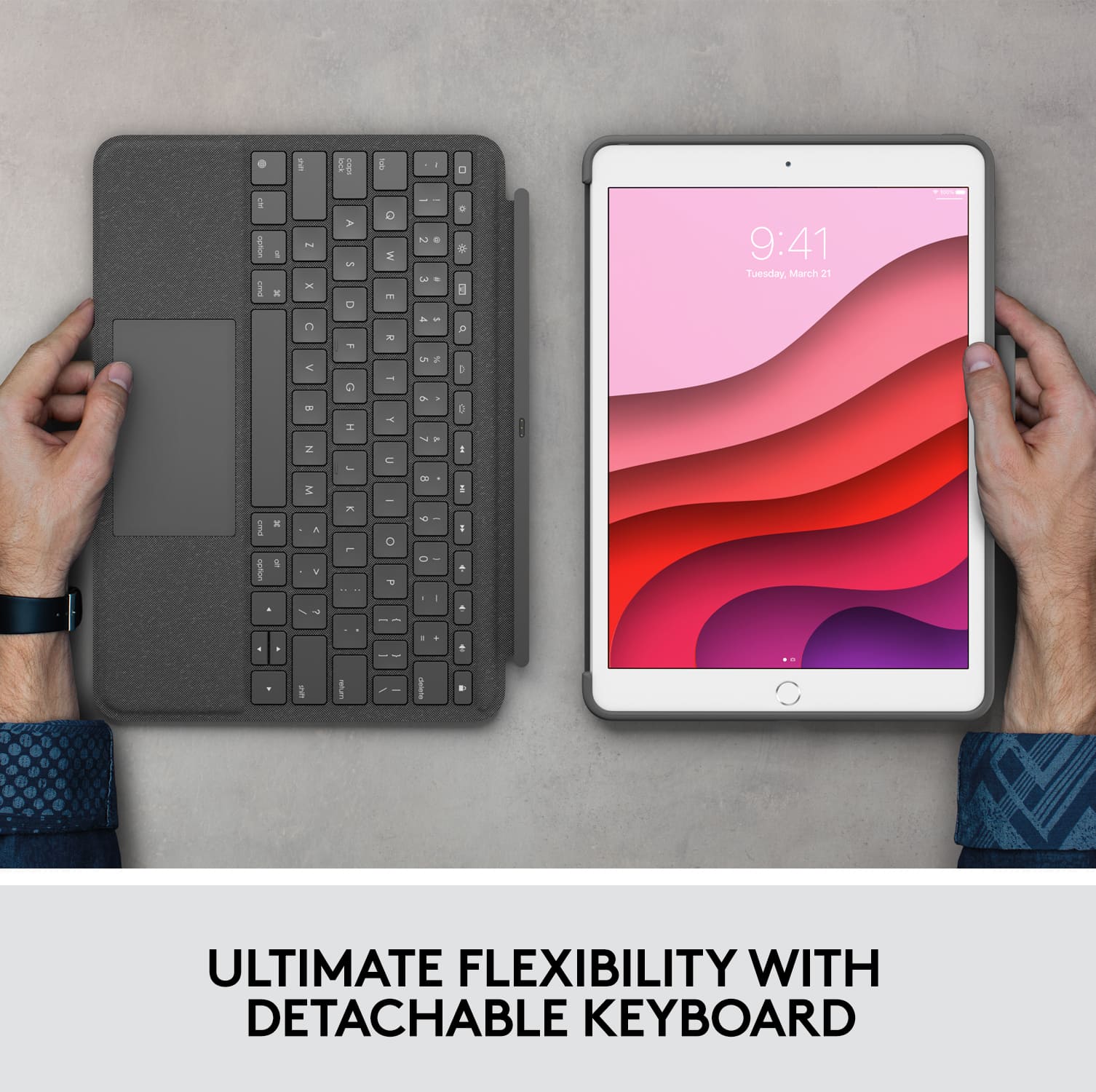
Detachable backlit keyboard
||Posted .This reviewer received promo considerations or sweepstakes entry for writing a review.It's too big and heavy. Not user friendly. It is not easy to use. I only use it at night to shut my system down. I don't like it.
No, I would not recommend this to a friendBrand response from Logitech
Posted .Hello Detachablebacklitkeyboa,
I am sorry that the Combo Touch is not what I expected. I will record your product insight and pass it on for further review. Logitech appreciates your product review. - Leo from Logitech
Backing lighting does not work reliably.
||Posted . Owned for 6 months when reviewed.This reviewer received promo considerations or sweepstakes entry for writing a review.My first one didn't work well as the back lit keyboard did not work. Logitech did replace the first Combo Touch Keyboard with a new one after I had to jump through several "hoops" to make sure I did have one that didn't work. The second keyboard has now stopped working. The Backlighting does not work. I am reluctant to ask Logitech for a third Keyboard so I am using it without backlighting.
No, I would not recommend this to a friendBrand response from Logitech
Posted .Hello Grandmatisix,
I am sorry that the Combo Touch is not working as expected. Please, reach out to the Logitech support team for a replacement. Logitech appreciates your product review. - Leo from Logitech
- Pros mentioned:Keyboard quality, Protection

Best iPad keyboard case yet
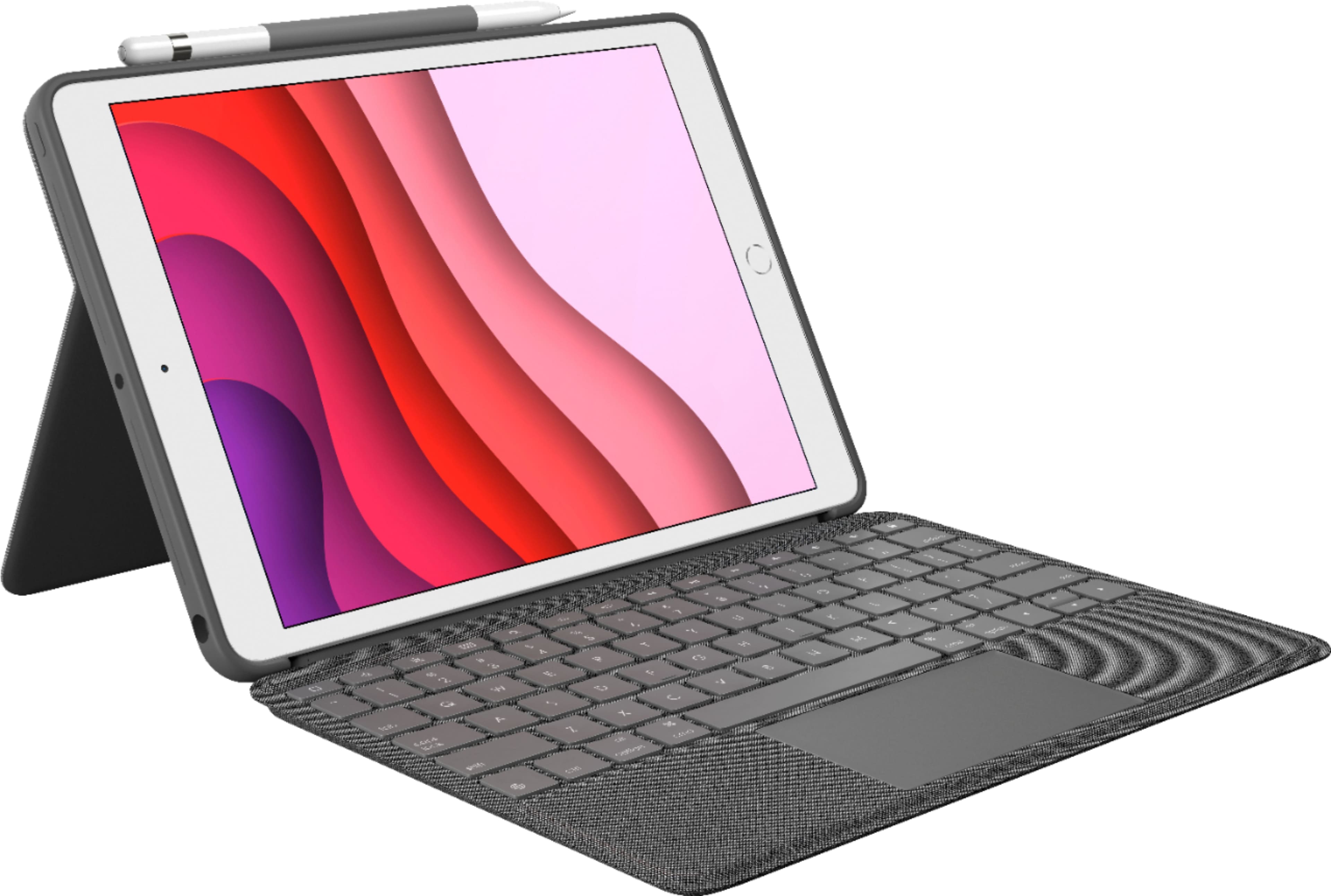
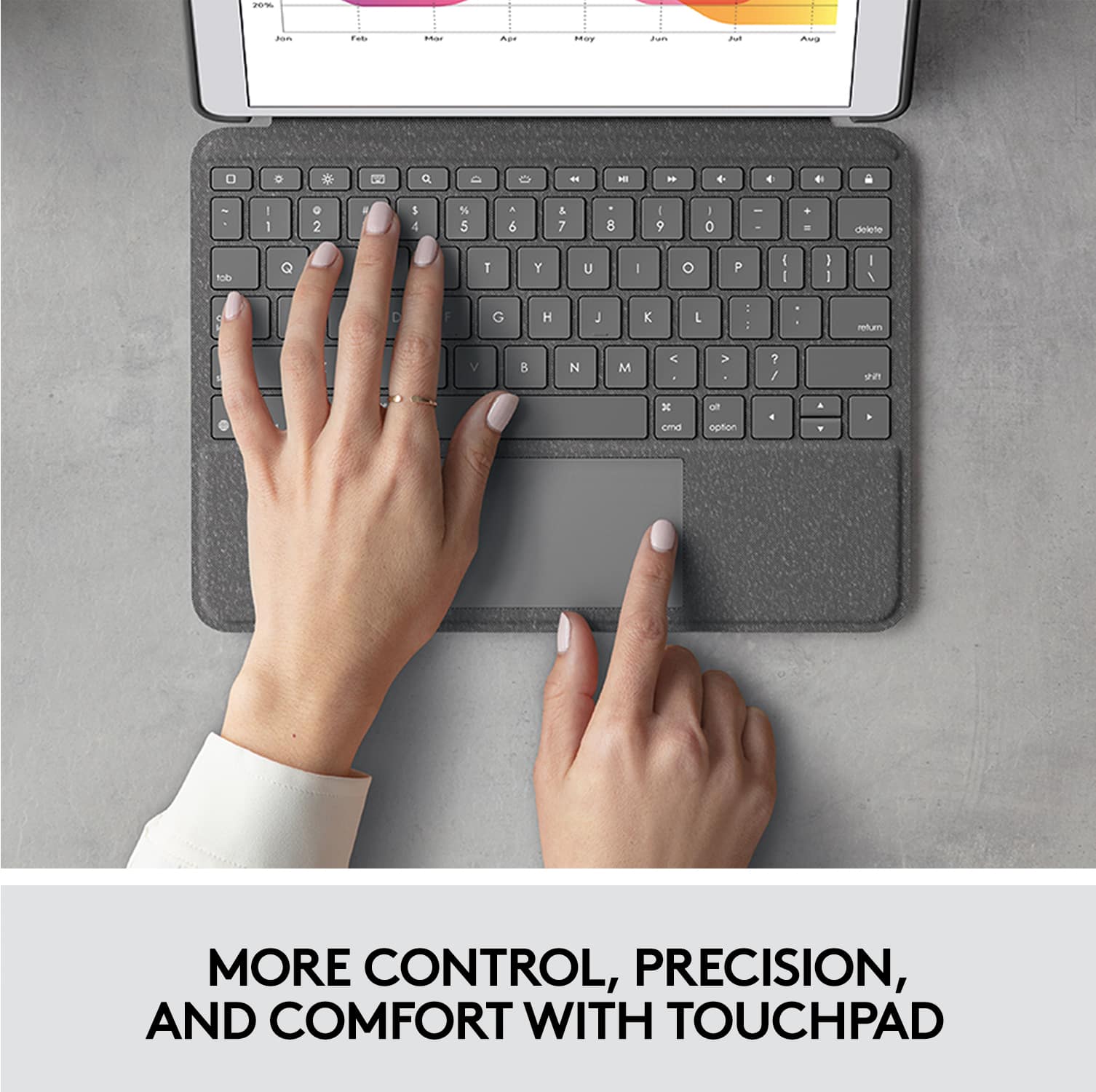
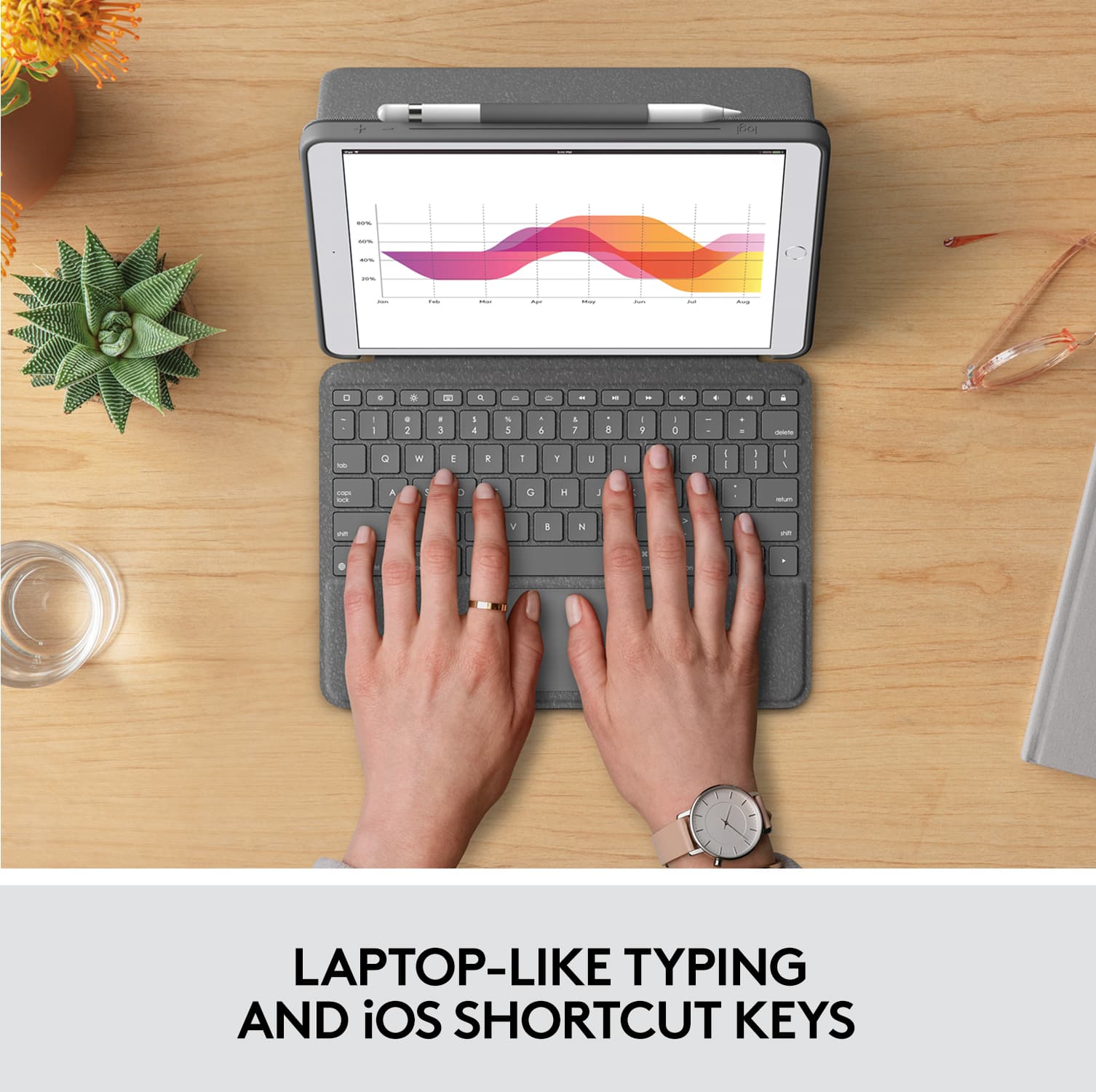
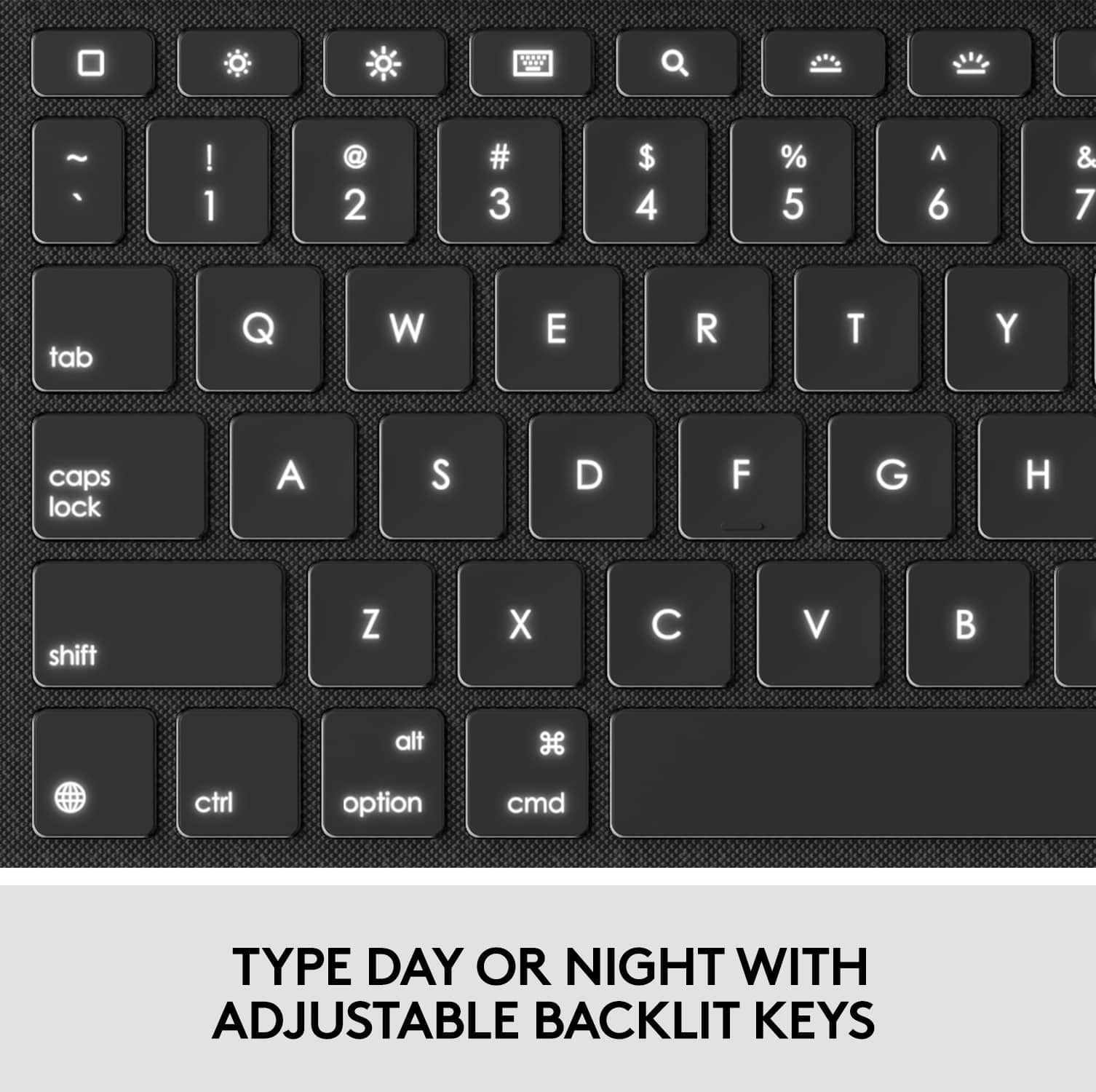
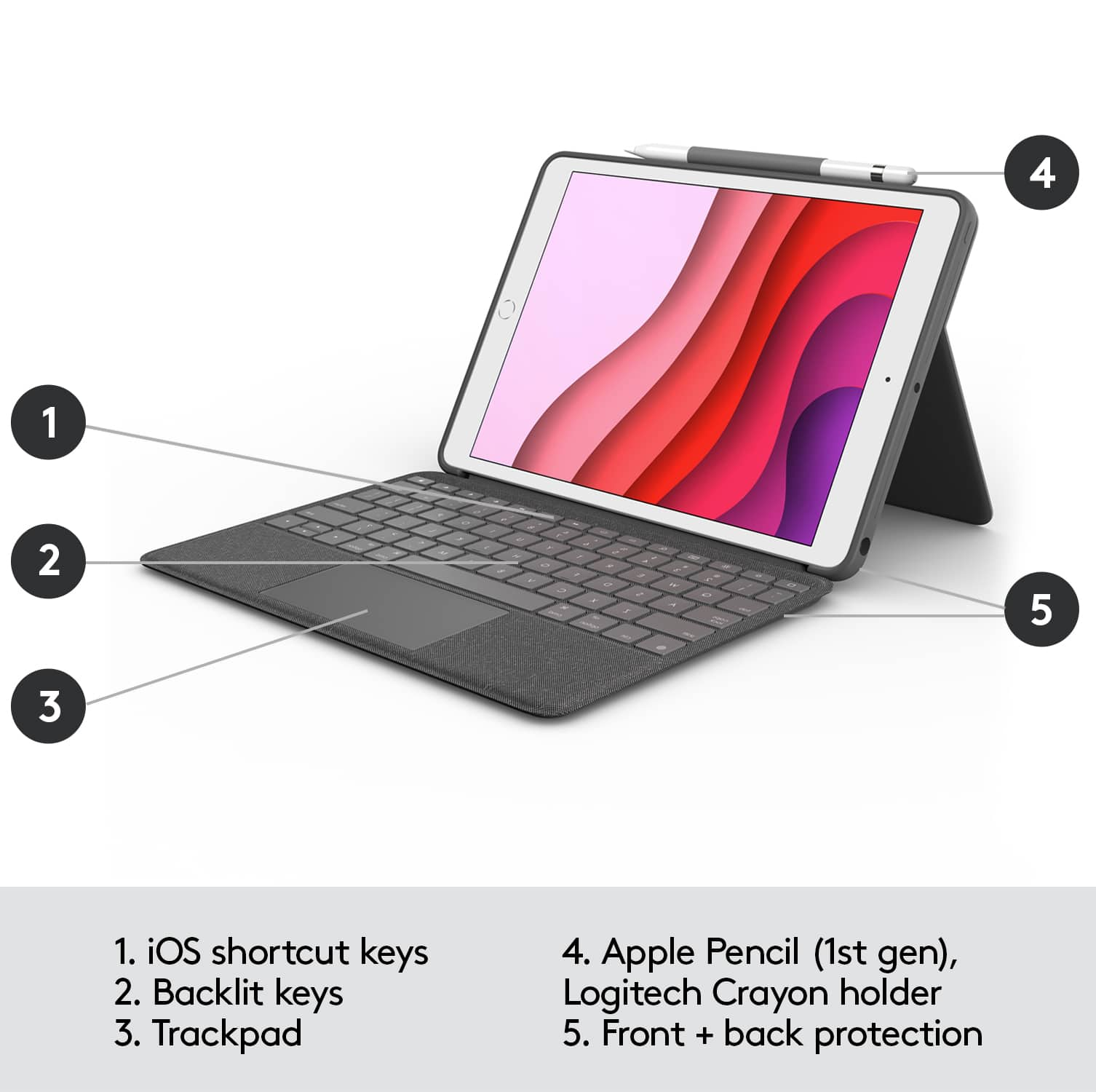
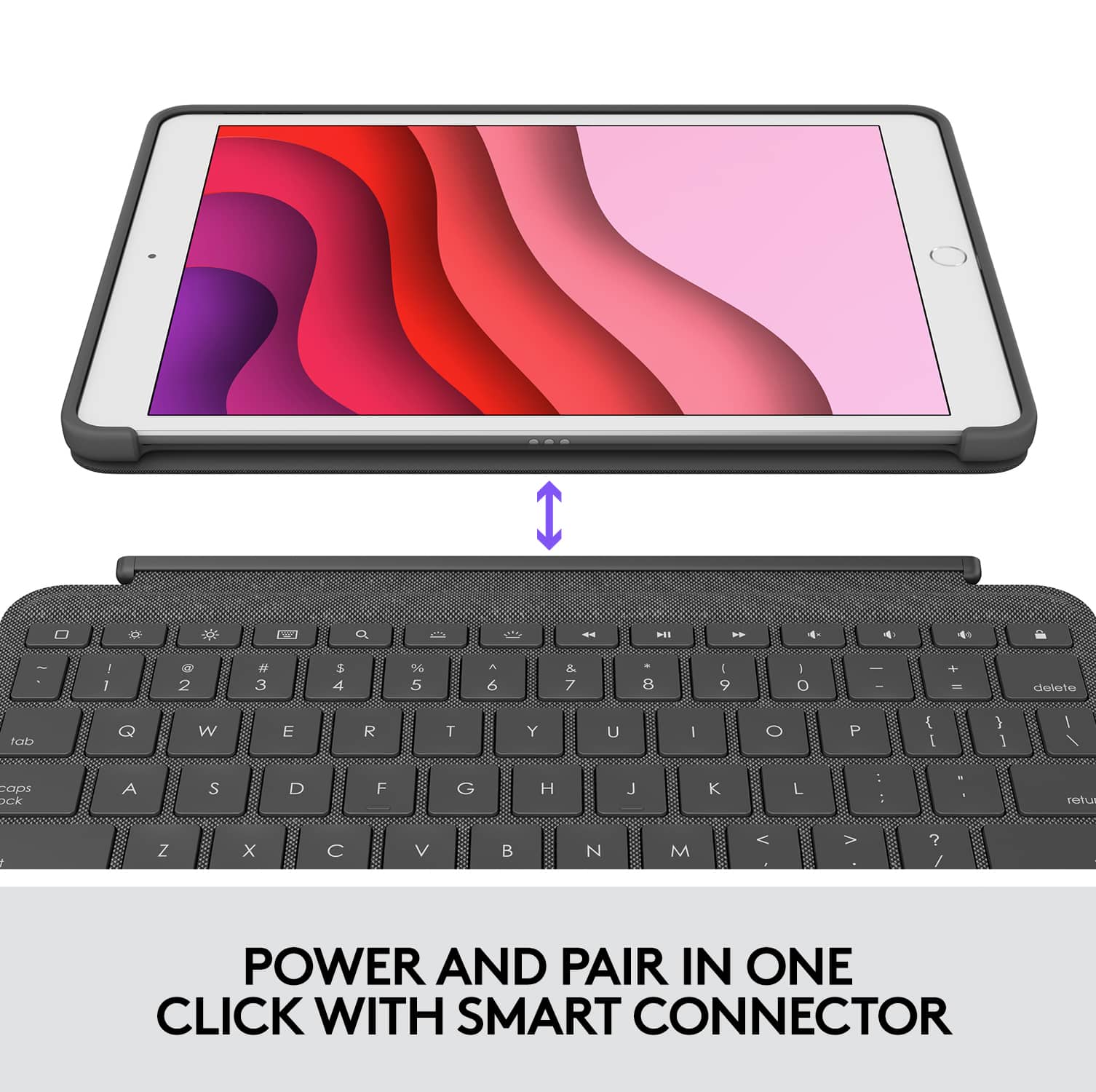
|Posted .This reviewer received promo considerations or sweepstakes entry for writing a review.Logitech has become one of my favorite aftermarket accessory providers for cases for my iPads. Anytime I upgrade my iPad, Logitech is the place I look for keyboard cases. I have the Logitech Slim Folio for my 11” iPad Pro and to date, this is one of the best iPad cases on the market, even better than the Apple Smart Keyboard. This case is the best yet, combining all of the features I wanted and finally adding the Smart Connector so I don’t have to carry an additional cable to charge it with. I got this keyboard case for my wife’s 10.5 iPad. Ordinarily when we are on the go, she takes the MacBook Air, but for as small it is, it’s still too bulky. Adding this keyboard case with make the iPad more of a laptop with the addition of the trackpad and the ability to store both the Apple Pencil and the Logitech Crayon. The features this case has is the reason Logitech is my favorite. The adjustable backlit keyboard, volume/media controls and the one touch lock button make this an excellent case. Add the fact that it now includes the Smart Connector, detachable keyboard and a kickstand that can be used in multiple modes, I don’t believe there is a better keyboard case on the market right now. My only complaint, is that they don’t have one for my 11” iPad Pro, at least not yet. Now that Apple has iPadOS which lets you use a cursor, the functional trackpad is the perfect addition. Since it connects using the Smart Connector instead of Bluetooth, there is really no delay or lag when pressing buttons or clicking the trackpad. This keyboard also works well when using Apple’s multi-touch gestures. This is truly an awesome case if you are in the market for a keyboard case. It’s not as slim as Apple’s case, but the features are so much better. Pick this up and I’d be surprised if it doesn’t suit the needs of most users. I tried hard to find one negative thing about this case, but I really couldn’t. I guess for some it may be a bit bulky, but for me, I prefer the protection it provides versus a slim design since I use it for everything from taking notes and writing letters, to watching TV and browsing the web. My wife loves it and has begun to leave the MacBook behind when we are out and about so that is enough for me to know that it is a great case.
I would recommend this to a friend Such a wonderful product
||Posted . Owned for 1 year when reviewed.This reviewer received promo considerations or sweepstakes entry for writing a review.I mean let’s be honest isn’t this what you’ve always dreamed it could be?
I would recommend this to a friendWrong ITEM
||Posted .This reviewer received promo considerations or sweepstakes entry for writing a review.Unfortunately, it was not the right size. I went with what the website suggested I buy and not even close to the right product.
No, I would not recommend this to a friendiPad stand
||Posted . Owned for 1 month when reviewed.This reviewer received promo considerations or sweepstakes entry for writing a review.Great purchase, highly recommend for usage everyday
I would recommend this to a friendKeys are off
||Posted . Owned for 1 month when reviewed.This reviewer received promo considerations or sweepstakes entry for writing a review.The keys are off. I tried typing and underscore and the $ symbol and it typed other characters. I wanted this keyboard so i went to exchange it and all the ones in stock were the same. Upsetting
No, I would not recommend this to a friendBrand response from Logitech
Posted .That's unexpected! In order to assist you effectively, please provide your information to our support team by emailing socialcare@logitech.com. Name – Email address – Country – Product name – Brief description of the issue –
Logitech case for iPad
||Posted . Owned for less than 1 week when reviewed.This reviewer received promo considerations or sweepstakes entry for writing a review.The keyboard is attached by magnet. Not sure I like that it separates from the case. We shall see.
I would recommend this to a friendSeveral keys do not work.
||Posted . Owned for less than 1 week when reviewed.This reviewer received promo considerations or sweepstakes entry for writing a review.Keyboard is fine but several key did not work. Replaced the keyboard but the same keys were inoperative. Believe Logitech may have a manufacturing problem.
No, I would not recommend this to a friendBrand response from Logitech
Posted .Hello, I am sorry to hear about the issues you are having with the keyboard. Please make sure that your IOS is updated to the latest version. I hope this helps. Thank you for taking the time to write this review, we appreciate the feedback.
It should have a note staying this Never for kids
||Posted . Owned for 2 weeks when reviewed.This reviewer received promo considerations or sweepstakes entry for writing a review.Keyboard detaches from ipad too easy. I would be asking for my money back
No, I would not recommend this to a friendBrand response from Logitech
Posted .We understand your concern regarding the keyboard's detachment and the potential risk for children. We apologize for any inconvenience this has caused. Since you're looking for a refund, we recommend reaching out to the place of purchase directly, as they handle those specific requests. They should be able to assist you with the return process.

Trackpad stopped working
||Posted . Owned for 3 weeks when reviewed.This reviewer received promo considerations or sweepstakes entry for writing a review.I just bought this less than a month ago and with the the new update on Logitech my trackpad stopped working...... I have been a scammed.
No, I would not recommend this to a friendBrand response from Logitech
Posted .Hello, I am so sorry to hear about the track pad no longer for you! Fortunately, this combo touch comes with a year warranty so we can get that replaced for you! Simply just visit this support page to file a claim: https://support.logi.com/hc/en-us/articles/360044742114-Warranty-COMBO-TOUCH-for-iPad-7th-gen-iPad-Air-3rd-gen-and-iPad-Pro-10-5-inch. I hope this helps! Thank you for taking the time to write this review, we appreciate the feedback.
?
||Posted . Owned for 1 month when reviewed.This reviewer received promo considerations or sweepstakes entry for writing a review.The iPad cover did not live up to expectations. It is mediocre at best.
No, I would not recommend this to a friendBad trackpad
||Posted . Owned for less than 1 week when reviewed.This reviewer received promo considerations or sweepstakes entry for writing a review.When I first put it together, the trackpad worked great. But once I updated the firmware the trackpad quit working.
No, I would not recommend this to a friendNot good, do not buy
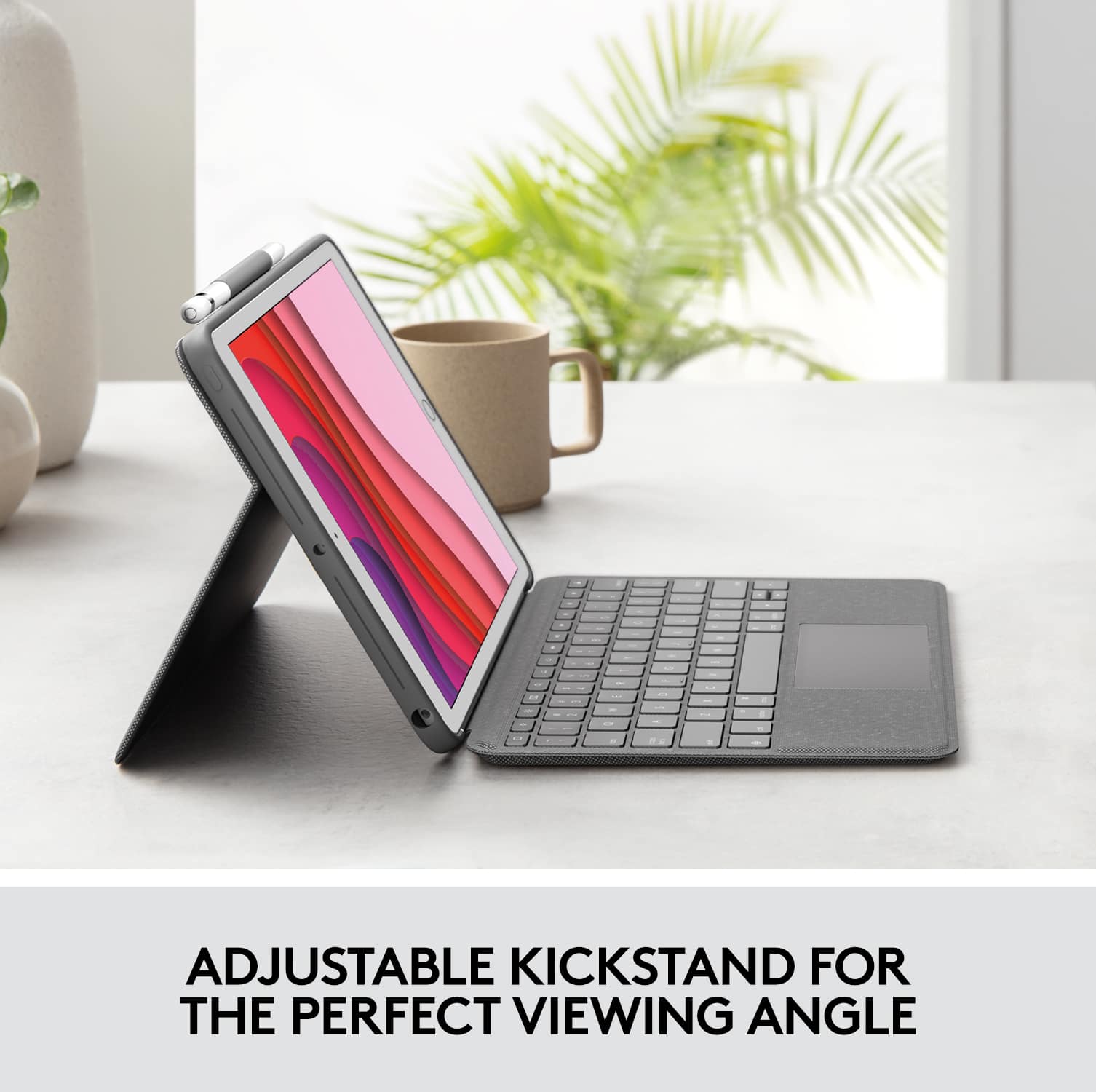
||Posted . Owned for 1 month when reviewed.This reviewer received promo considerations or sweepstakes entry for writing a review.It’s ok. Would never suggest anyone to purchase. The keyboard always comes unattached. It’s difficult to know which side to open when you’re trying to open it the right side up. I don’t like that you can’t rotate which side the iPad is laying on while using the stand to hold it up. It doesn’t raise the iPad up far enough for a decent view either.
No, I would not recommend this to a friendBrand response from Logitech
Posted .Hi Amanda, sorry to see you're unsatisfied with the design of the Combo Touch Keyboard Case. Unfortunately, Logitech doesn't have anything that I could recommend as an alternative to give you what you're looking for. The only way to achieve that will be with something like a universal tablet case. But those are usually one size fits all and have to be charged separately unlike the Combo Touch which is specifically made for and powered by the iPad. Hope that helps.
Impracticle
||Posted . Owned for 1 week when reviewed.This reviewer received promo considerations or sweepstakes entry for writing a review.You have to take the keyboard off every time you want to use it just as a tablet. It doesnt fold back or behind. Its completely impractical! Returned!
No, I would not recommend this to a friendBrand response from Logitech
Posted .That sounds like an issue. In order to help you effectively, please provide your information to our support team by emailing socialcare@logitech.com. Name – Email address – Country – Product name – Brief description of the issue –
Disappointing
||Posted . Owned for 3 weeks when reviewed.This reviewer received promo considerations or sweepstakes entry for writing a review.I bought this along with my iPad—I wanted to protect my tablet, make typing documents easier, and be able to “draw” on my iPad. Unfortunately this did NOT come with the stylist that is in the photo of the product. I was HIGHLY disappointed as the product details did NOT say “stylist not included.”
No, I would not recommend this to a friendBrand response from Logitech
Posted .Hi,
Thank you for your feedback. Sorry for any inconvenience. If you ever need assistance, please contact Logitech Support on the website. LaShonda from Logitech
- Pros mentioned:Keyboard qualityCons mentioned:Bulk
Sturdy all over iPad case protection
|Posted .This reviewer received promo considerations or sweepstakes entry for writing a review.The case around the iPad adds some extra dimension but weight wise no issues. I like the extra padding as it means the iPad is protected around the sides and corners when using as a tablet without the keyboard. The keyboard is a delight to use, ease to attach and detach. I love the backlit keyboard, a real pleasure to use at night and not overpowering. The kickstand is another great feature making the iPad tablet feel like a true laptop. The keys have a flat feel but still nice movement along with silky smooth trackpad. It is a bit pricey but I think all the included features make it worthwhile. The entire unit adds overall very minimal bulk to the iPad itself unlike other more bulky heavy keypads.
I would recommend this to a friendBrand response from Logitech
Posted .Hello, I am so glad to hear you are satisfied with the product! Thank you for being a Logitech customer, and taking the time to write this review!
Didn’t work for my iPad
||Posted .This reviewer received promo considerations or sweepstakes entry for writing a review.Doesn’t work for my iPad so I need to return and get a refund thank you
No, I would not recommend this to a friendBrand response from Logitech
Posted .Hi Tiffany, I'm sorry that this particular cover did not work with your iPad. Our iPad covers and folios are generation specific. I hope you are able to find the correct solution for your iPad. You can also visit us at support.logi.com and we can assist you with picking out the right option.
Kristi from Logitech