Customer Ratings & Reviews



- Model:
- 920-009608
- SKU:
- 6408723
Rating by feature
- Value
Rating 4.6 out of 5 stars
- Quality
Rating 4.8 out of 5 stars
- Ease of Use
Rating 4.7 out of 5 stars
Customers are saying
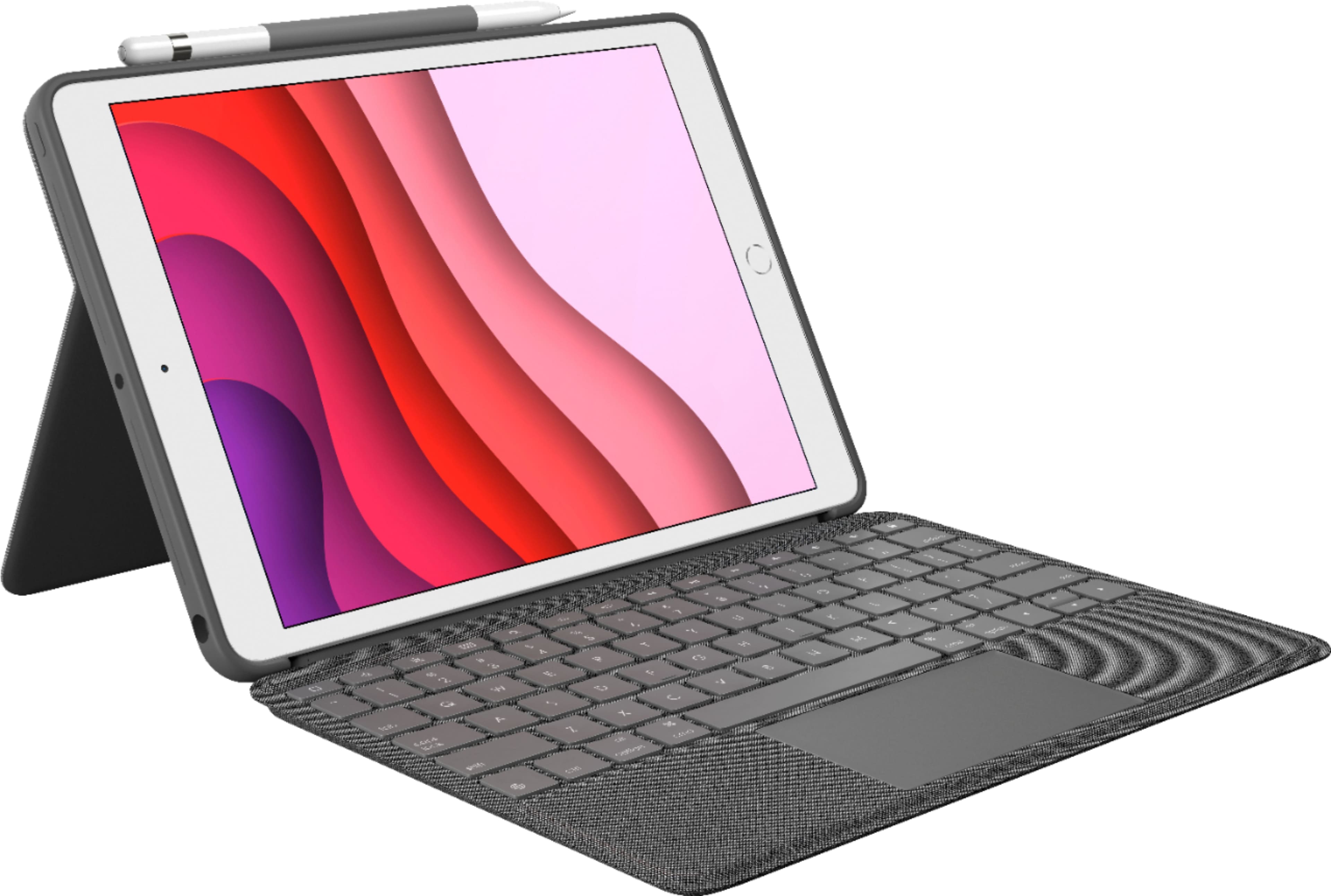
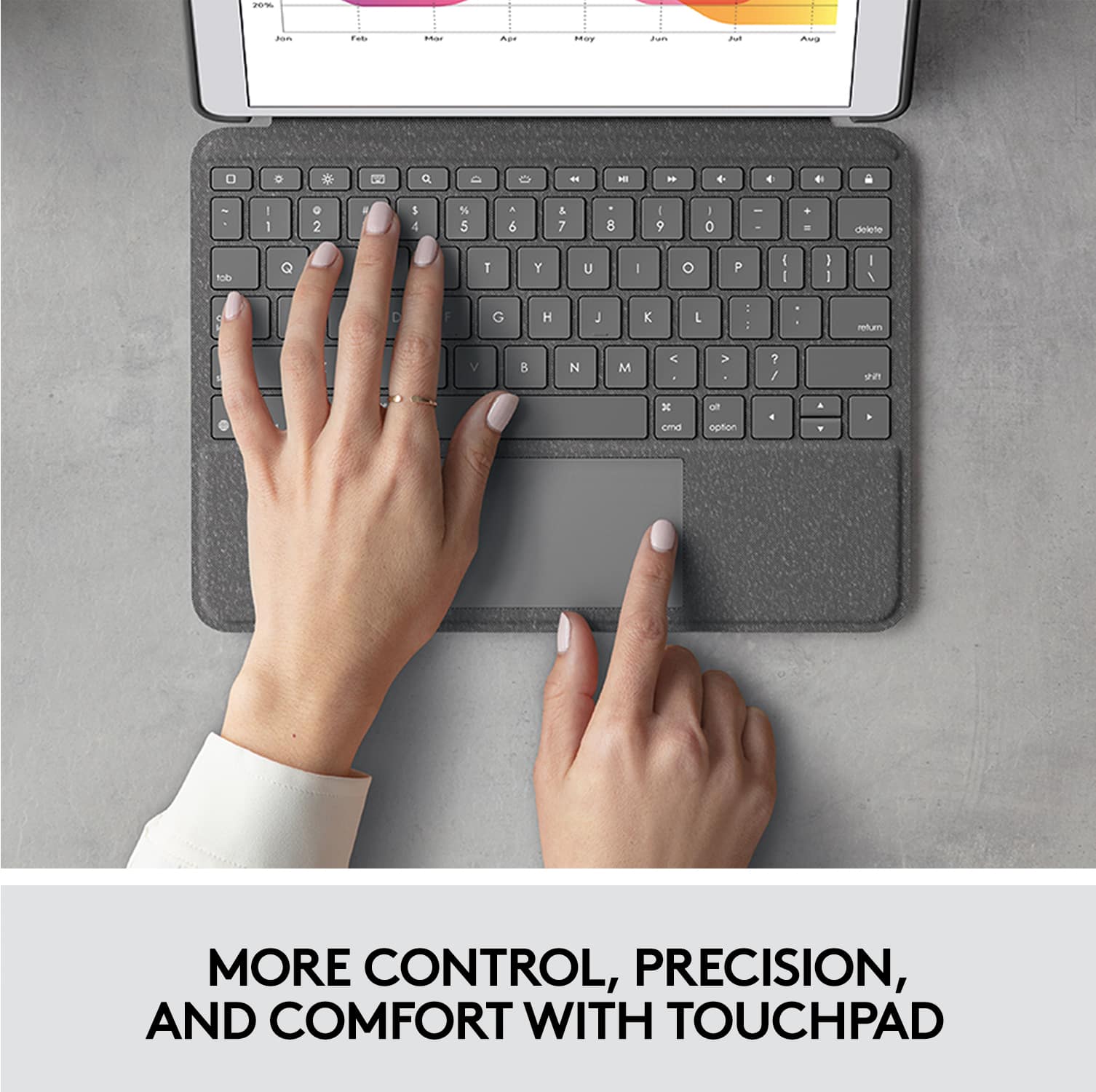
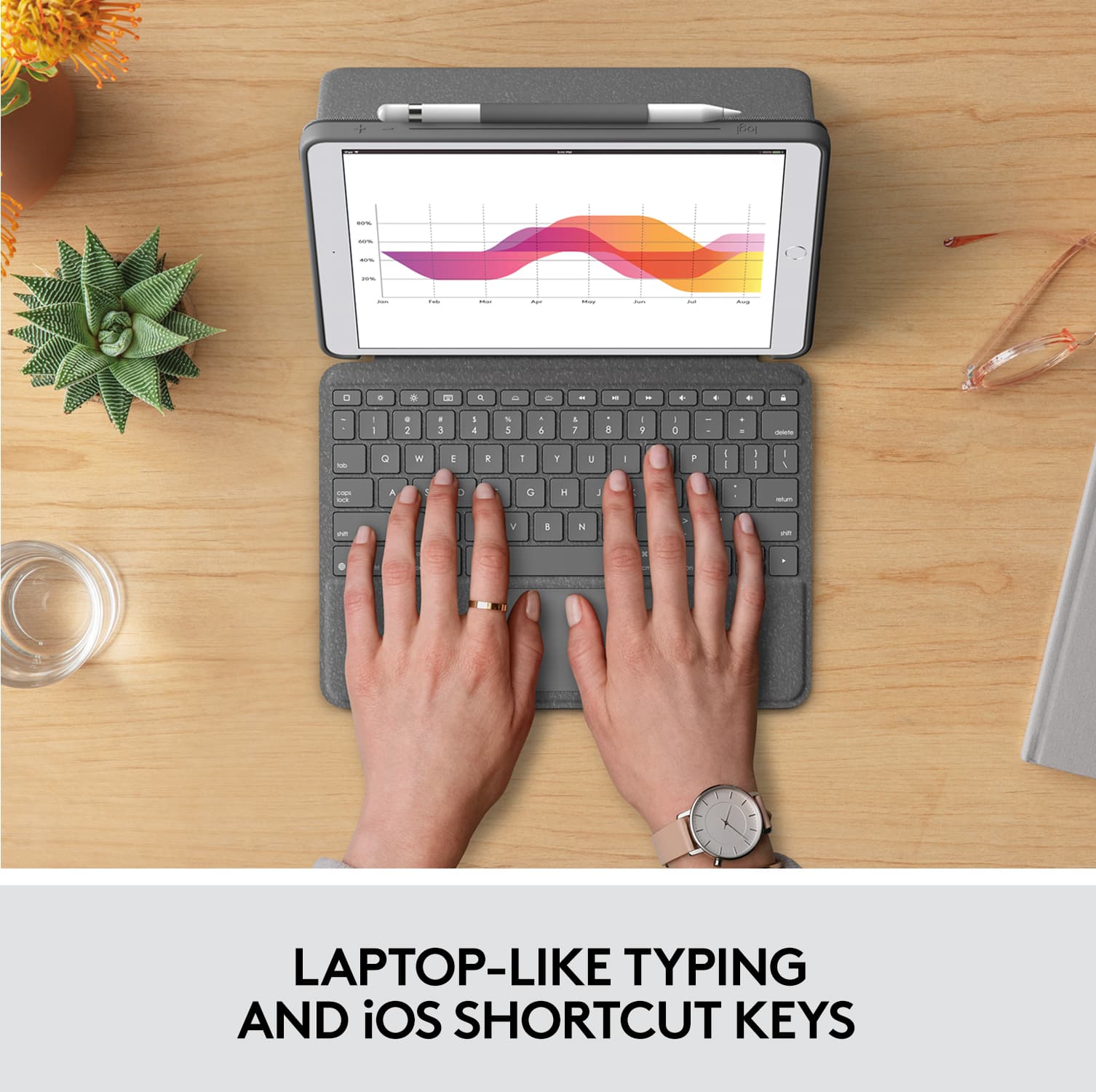
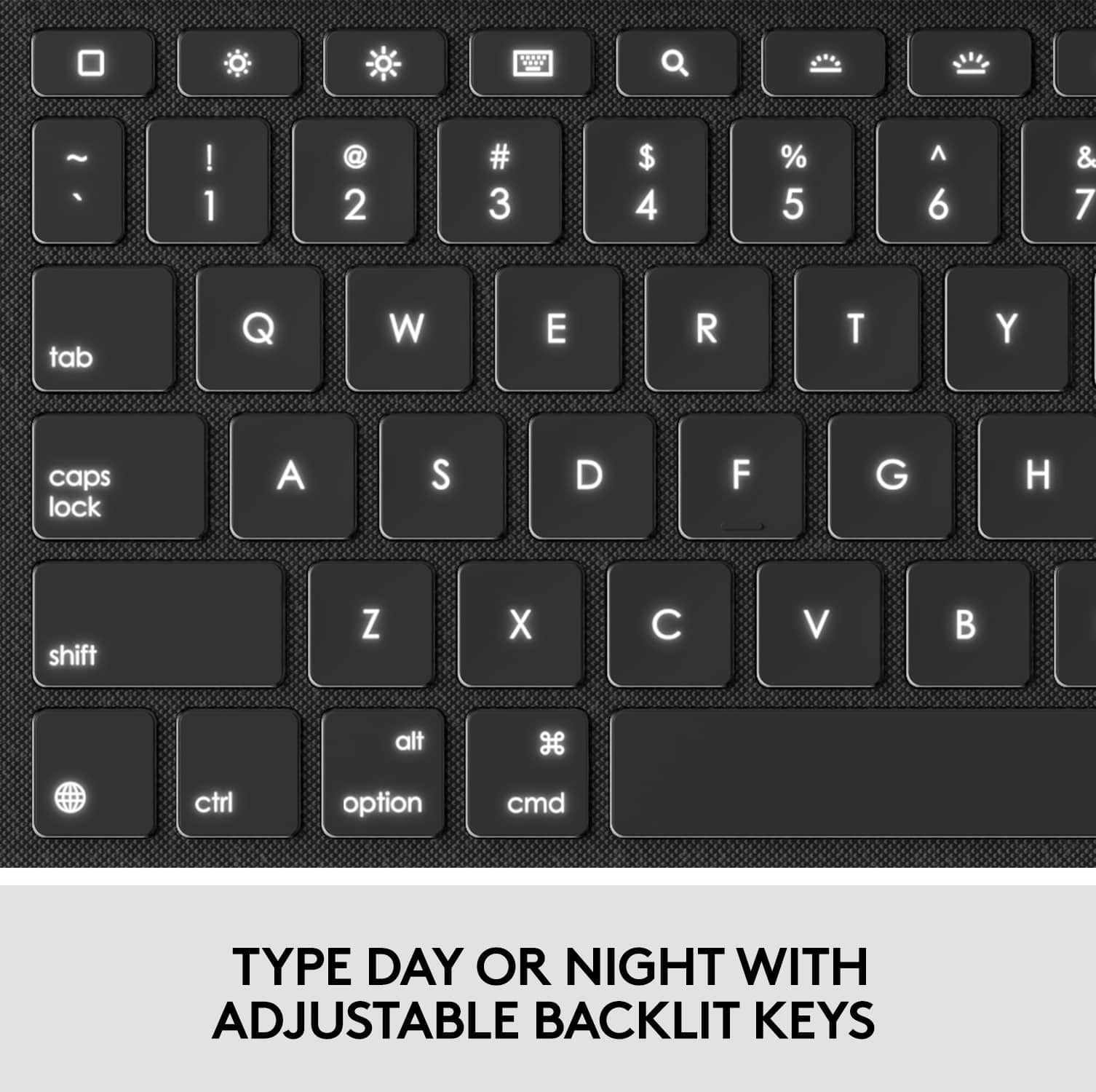
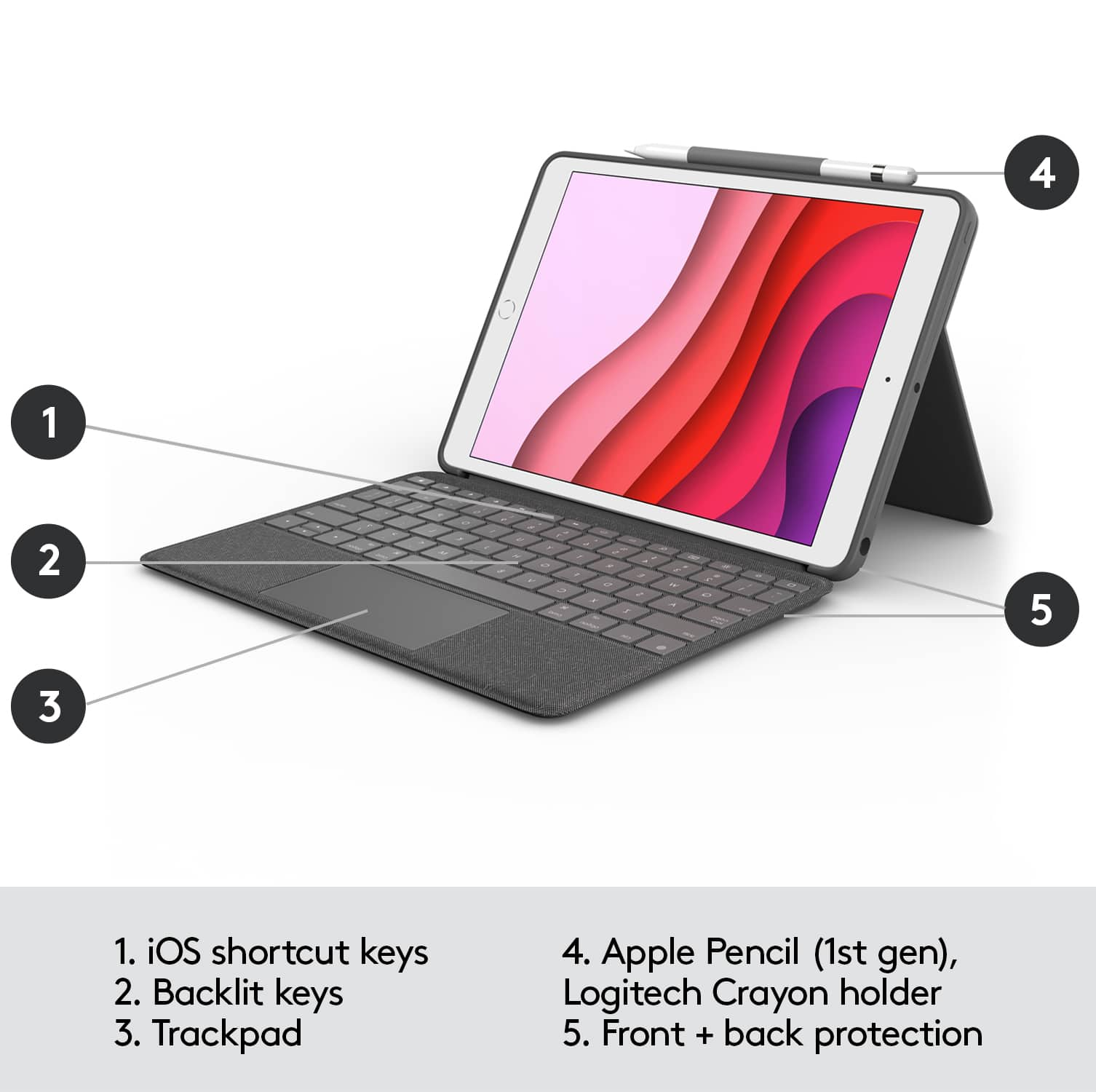
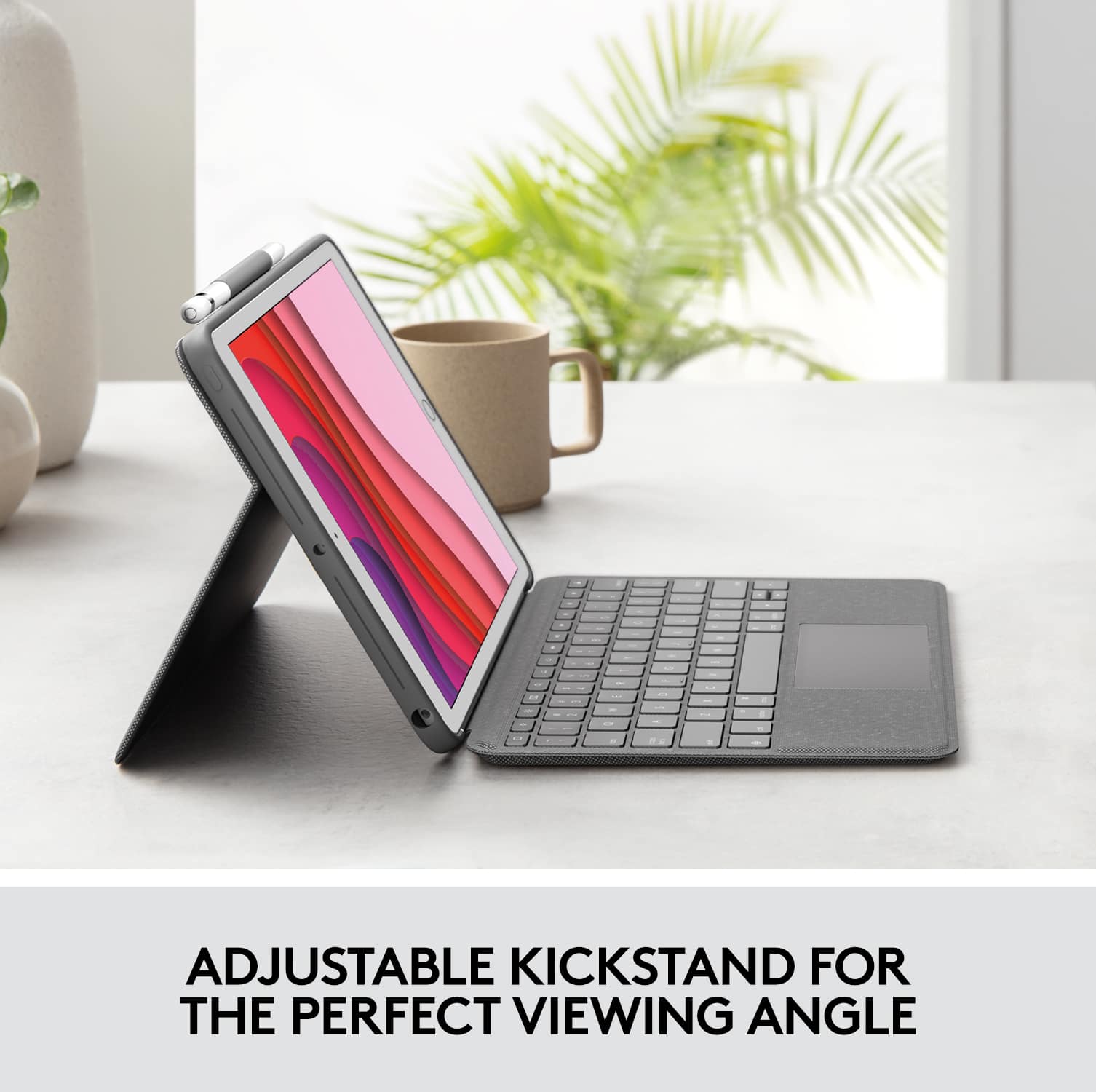
Customers consistently note the Combo Touch Keyboard Folio offers a great keyboard experience and is easy to use. Users appreciate the protection it provides and the multi-angle stand. Some find it adds weight to the iPad, and a few mention the price and battery life could be improved.
This summary was generated by AI based on customer reviews.
- Pros mentioned:Keyboard quality
Not stable enough
Posted .This reviewer received promo considerations or sweepstakes entry for writing a review.I really wanted to love this but the way it stands up on the edge of the case means that you can’t use it in your lap - too wobbly. Otherwise it’s very nice and I liked the keyboard, but had to return it. Probably ok if you only plan to use on a table.
No, I would not recommend this to a friend - Pros mentioned:Keyboard quality
Worth the money
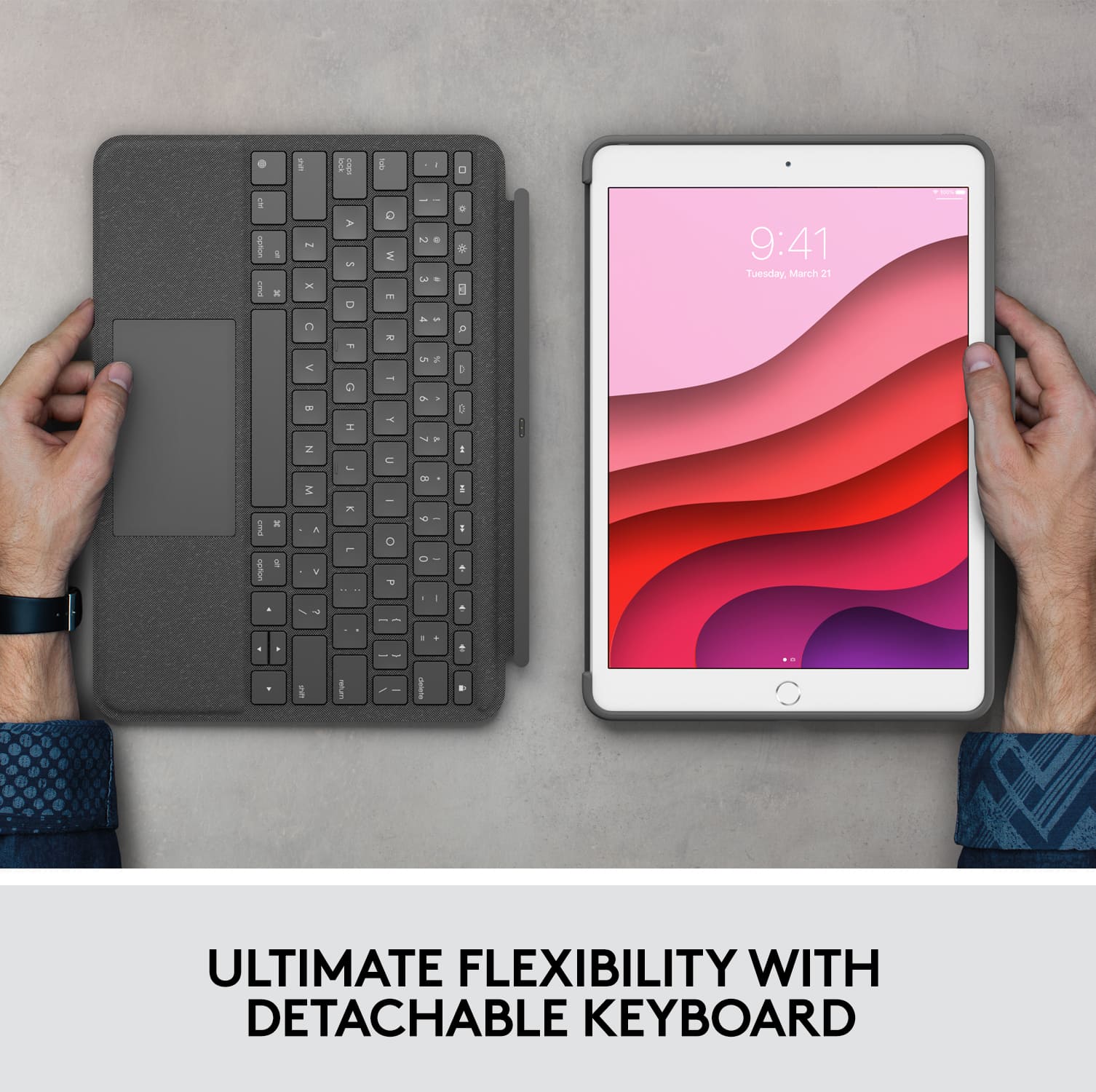
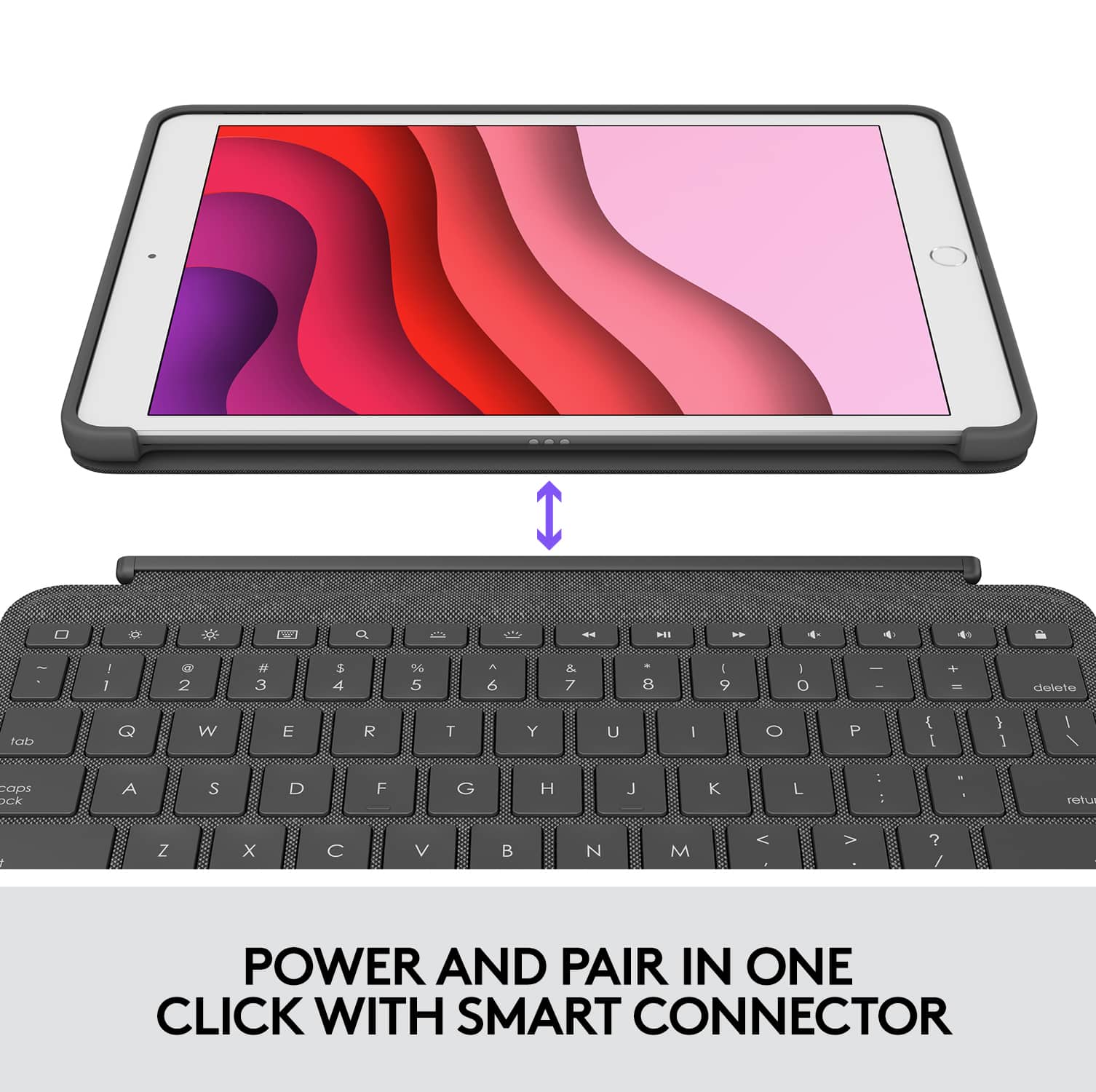
Posted .This reviewer received promo considerations or sweepstakes entry for writing a review.I honestly love it! I’m not just saying that either. It is a really high quality made product. The bottom keyboard part is actually fully magnetic. You don’t have to ever change the keyboard or use Bluetooth. It magically connects to the tablet which is wonderful. It is easy to remove the keyboard to take notes. The case itself is super protective. I dropped it one on hardwood and no damage was done what so ever. I highly recommend this product to everyone!
I would recommend this to a friend Love it!
Posted .This reviewer received promo considerations or sweepstakes entry for writing a review.Super nice. It’s very light weight but feels super nice. Works just like a laptop but with the choice of a tablet being there.
I would recommend this to a friendCompact and Instant feedback
Posted .This reviewer received promo considerations or sweepstakes entry for writing a review.Instant feedback from the keypad to the iPad. The case is also compact and a nice color.
I would recommend this to a friendLogitech combo touch keyboard
Posted .This reviewer received promo considerations or sweepstakes entry for writing a review.Works great, I have had this product for a couple months now and use it daily. I would recommend it to others.
I would recommend this to a friendLogitech 4 The Win!
Posted .This reviewer received promo considerations or sweepstakes entry for writing a review.Purchased for my college age child. No complaints. Easier to carry to class than her laptop which she refers to as her desktop.
I would recommend this to a friendGood
Posted .This reviewer received promo considerations or sweepstakes entry for writing a review.I really enjoy using it. I thought the connectivity to the IPAD would be spotty but it is good. I am using it now the type this review. I like it.
I would recommend this to a friendLogitech keyboard
Posted .This reviewer received promo considerations or sweepstakes entry for writing a review.Love this case and keyboard. It’s never lost connection.
I would recommend this to a friendSales Must
Posted .This reviewer received promo considerations or sweepstakes entry for writing a review.5 stars. Love the design and how the case is around the iPad. Def a must.
I would recommend this to a friendHow the keys feel.
Posted .This reviewer received promo considerations or sweepstakes entry for writing a review.The keys feel like an apple laptop keyboard! Very soft, yet firm.
I would recommend this to a friendReview of Logitech combo touch keyboard.
Posted .This reviewer received promo considerations or sweepstakes entry for writing a review.quick delivery. unfortunately it does not wrap around to the back...if you try, it detaches the keyboard.
I would recommend this to a friend
Frustrating
|Posted .This reviewer received promo considerations or sweepstakes entry for writing a review.I recently purchased an ipad and wanted a cover/keyboard. I saw that this has a trackpad and I’m all about trackpads in the PC world already. I’m a fan of Logitech for keyboards/mice / trackpads already, so i assumed their keyboard would also be as excellent as their pc products. Boy was i wrong, it *mostly* works, but it has quite a few frustrating issues which depending on how patient you are or how you use it, may make it a returnable product. Everything seemed okay upon first using it, but when trying to type notes, i noticed that the keyboard refused to display 4 characters. Rebooting/plugging unplugging did not fix it. However, it was around the time IOS 13.5.1 came out, so after i updated ipad to 13.5.1, those keys started working again. That worried me - iOS update to get keys working? I use my ipad often, basically as a replacement to my iPhone, which makes texting and viewing articles much easier with the keyboard and trackpad. Except there are times when I’ll unlock the ipad and the keyboard doesn’t work - even though it’s lit up - until I physically disconnect it - and reconnect it. Sometimes turning it off and on fixes it, *sometimes* but physically disconnecting always fixes the keys not being visible. Unfortunately, that is not the only problem - i am also having issues with losing the ability to scroll if i scroll for too long or scroll too fast. The only way to get scrolling back, i have to close the app and open it again. This can be very frustrating when I’m reading an article and have to now scroll with the screen instead of the trackpad - defeating the purpose of the trackpad. When the circular cursor disappears, the keyboard is not far behind to freeze. i found that keeping the notes app and text app side by side makes it easier to get the keyboard to work. When it doesn’t work in messages - which is often - you can click into notes and back to app in which it’ll work. As a warning - this is magnetic - so if the keyboard is open and you lift the ipad too quickly - the keyboard will swing and then fall off. With all that said, when it works - it is great. It is very convenient (for people like me) who can use shortcuts and buttons instead of being strictly touchscreen. I just wish it was stable and i don’t have to restart an app or physically disconnect the keyboard to get it to work. That doesn’t seem to be an issue with Apple branded keyboards.
No, I would not recommend this to a friendBrand response from Logitech
Posted .Hello MrPHD! Sorry to hear you're having issues with your Combo Touch Keyboard Case. I'll definitely say that these are not common issue you should be experiencing with your Combo touch Case. What I can suggest you, if you haven't done so already, is download the Logitech Control App on your iPad https://apps.apple.com/app/logitech-control/id1497377584, which will allow you to update your Case firmware, and possibly solve your issues. If that still doesn't do it, this product actually has a 1-year warranty on it from Logitech, so might be worth checking the product page https://www.logitech.com/en-us/product/combo-touch.html and contacting the Support on our website. - Mathieu from Logitech
Disappointed
Posted .This reviewer received promo considerations or sweepstakes entry for writing a review.Works fine if using it on a table top or flat surface. When using it lying down or in my recliner the keyboard wants to detach becoming a pain in the behind.
No, I would not recommend this to a friendNice Typing Experience...Keyboard Falls off Unit
Posted .This reviewer received promo considerations or sweepstakes entry for writing a review.I like it but the keyboard magnet isn't strong enough to keep the unit together. If you hold it by the ipad only...the keyboard falls off. This was a deal breaker.
No, I would not recommend this to a friendNot Compatible as Promised
Posted .This reviewer received promo considerations or sweepstakes entry for writing a review.I attempted purchasing this keyboard twice. The first time, the box was damaged, so I was hopeful that the reason I was getting the "This accessory is not compatible with this device." message was because it had been damaged. Since the store didn't have another one in stock, I decided to try ordering a new one. The second keyboard gave the same message straight out of the package. I have checked and double-checked to be sure my device is the 7th generation iPad...and it is. I was so disappointed because this keyboard was the one I liked best out of all the ones I looked at, and I was really looking forward to using it. However, it turned out to be a colossal waste of time.
No, I would not recommend this to a friendBrand response from Logitech
Posted .Hello.
Sorry to hear about your experience with our Combo Touch for iPad. The Combo Touch Keyboard Case for Apple® iPad® 10.2" (7th Gen 2019) requires iPadOS 13.4 or newer in order to function correctly with your iPad. To check your iPadOS version and update to the most recent build, go to Settings > General > Software Update. This screen will show the currently installed version of iPadOS and whether an update is available. Once you have ensured your iPadOS is at 13.4 or newer, the Combo Touch Keyboard Case error you are receiving should go away.
If you still need any help, we'd love if you can get in touch with our support team on our website, so we can help you.
- Logitech Support