Customer Ratings & Reviews







- Model:
- 920-010119
- SKU:
- 6468038
Rating by feature
- Value
Rating 4.4 out of 5 stars
- Quality
Rating 4.6 out of 5 stars
- Ease of Use
Rating 4.6 out of 5 stars
to a friend
Customers are saying
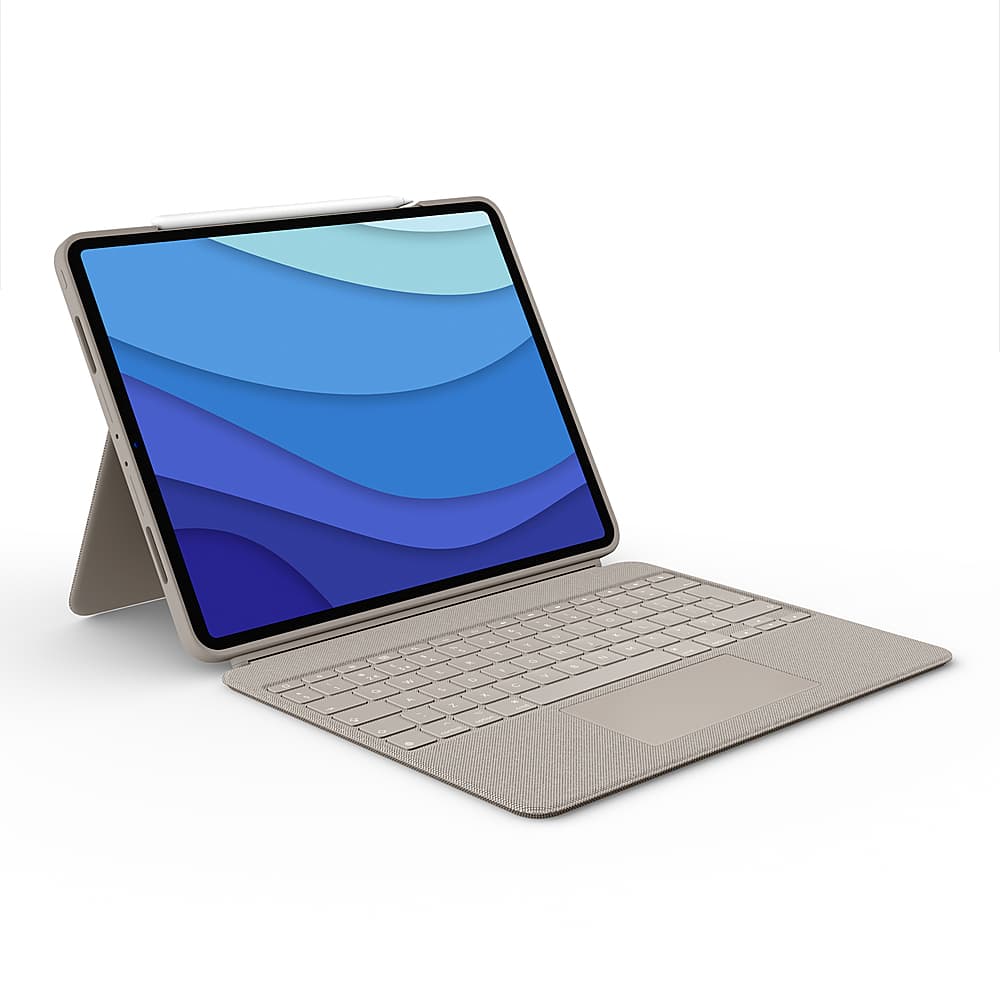
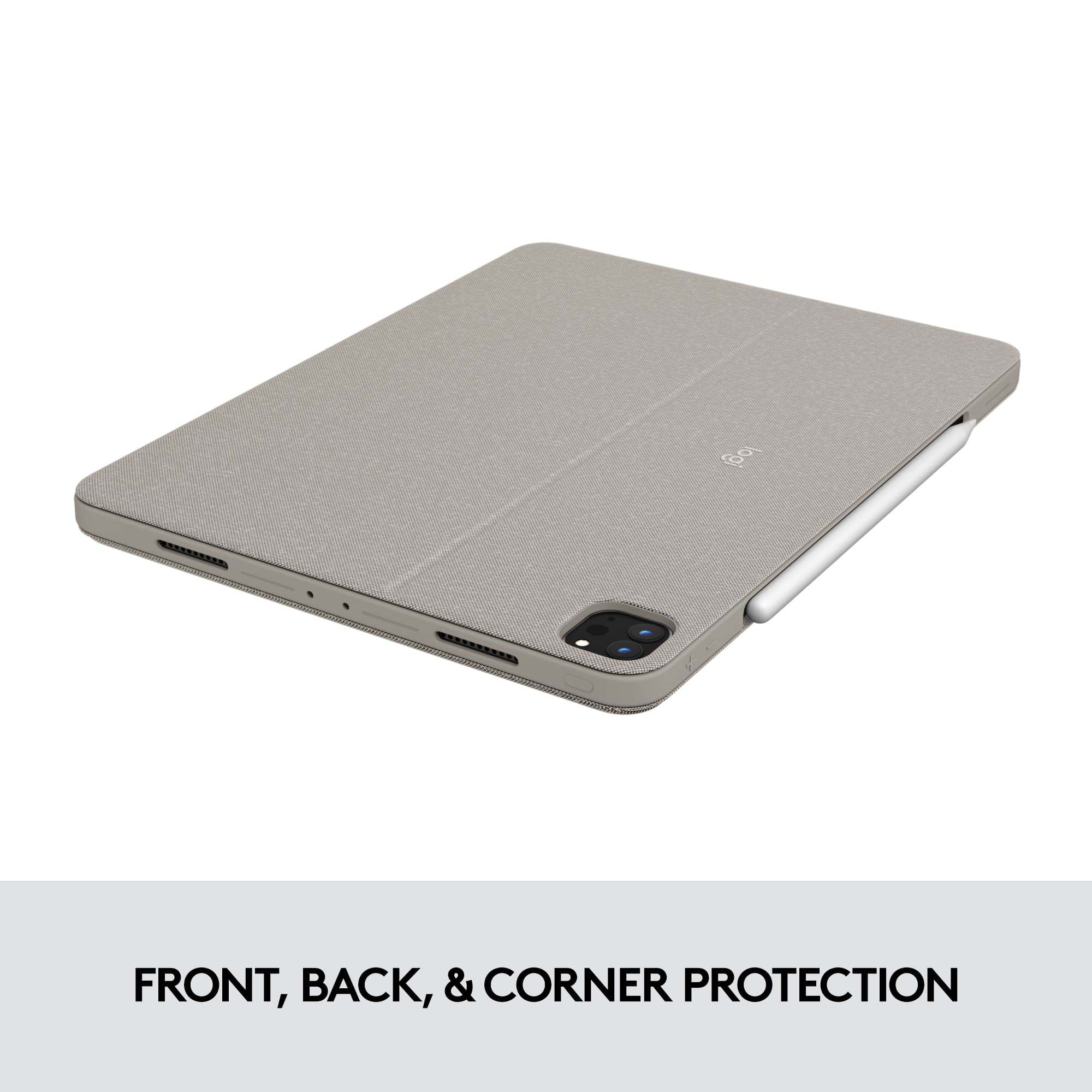
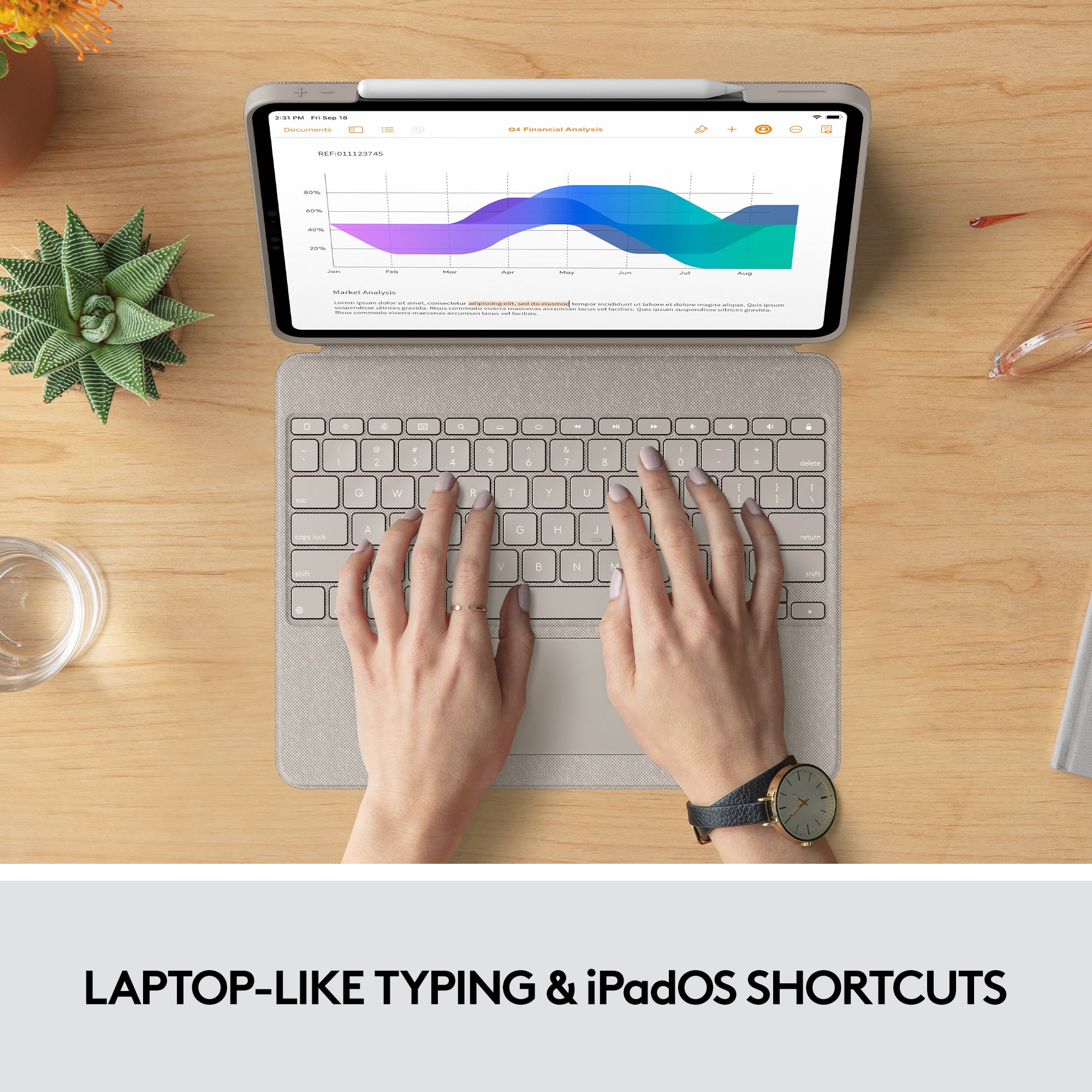
Customers admire the Combo Touch Keyboard Folio for its excellent keyboard quality, ease of use, and protective design. The stand and kickstand are also well-received, along with the perfect fit for the iPad. Some customers note the added weight and express concerns about battery life.
This summary was generated by AI based on customer reviews.
Nice case
||Posted . Owned for 3 weeks when reviewed.This reviewer received promo considerations or sweepstakes entry for writing a review.Nice keyboard case but the keyboard itself was defective. I returned it.
I would recommend this to a friendGarbage product from a garbage company
||Posted . Owned for 2 months when reviewed.This reviewer received promo considerations or sweepstakes entry for writing a review.Do NOT buy this. Absolute trash. For 230 dollars you can tell Logitech cut every single corner possible. Had this garbage case for not even 2 months and 3 keys randomly broke off and there’s no way to purchase replacement keys, they want you to buy a whole new case. Constant connectivity issues. Overall it’s Junk junk junk and I regret buying this so much. You can’t get anything good quality these days anymore. Such a shame.
No, I would not recommend this to a friendBrand response from Logitech
Posted .Hey! We sincerely apologize for your frustrating experience with the Logitech Combo Touch Keyboard Folio for iPad Pro 12.9. We understand your disappointment with the broken keys, connectivity issues, and lack of replacement key options, especially considering the price point. In order to help you effectively, please provide your information to our support team via email at socialcare@logitech.com with your
- Name:
- Email Address:
- Country:
- Product Name:
- Brief description of issue:
Would not recommend
||Posted . Owned for 1 week when reviewed.This reviewer received promo considerations or sweepstakes entry for writing a review.Definitely not like the magic keyboard. There is a delay in the track pad. And ots annoying puting on lap. Its impossible. Also, the typing is not a fluid. In addition, the stand sucks and is flimsy. Would not recommend.
No, I would not recommend this to a friendBrand response from Logitech
Posted .Hi Npa247, thank you for your feedback! For support, please refer to: https://support.logi.com/hc/en-us/articles/1500007960362-Getting-Started-COMBO-TOUCH - Will, Logitech.
Edges get deformed.
||Posted . Owned for more than 2 years when reviewed.This reviewer received promo considerations or sweepstakes entry for writing a review.The edges do not hold up the test of time they get all deformed and you cannot push them back to normal. For the price this thing cost that is not acceptable.
No, I would not recommend this to a friendBrand response from Logitech
Posted .That's disappointing to hear and it's surely not what we expect to deliver. We understand your displeasure and apologize for any issues that arise. We value your input, therefore we will forward it along to the appropriate team so they can look into it. Thanks a lot!
Terrible
||Posted . Owned for 6 months when reviewed.This reviewer received promo considerations or sweepstakes entry for writing a review.I have had no many issues with this keyboard! 10/10 do not recommend. You have to go to your settings all the time just to be able to figure out why some keys wont work. MY keys have fallen out and i have only had this ipad a few months. I need a new one but cant afford it right now. Just don’t do it.
No, I would not recommend this to a friendBrand response from Logitech
Posted .We sincerely apologize for the numerous issues you've encountered with the Logitech Combo Touch Keyboard Folio. We understand the frustration of dealing with key malfunctions and unexpected detachment. To address this issue, we recommend reaching out to our social care team via email at socialcare@logitech.com with your
- Name:
- Email Address:
- Country:
- Product Name:
- Brief description of issue:
Flimsy and drains battery
||Posted . Owned for 2 months when reviewed.This reviewer received promo considerations or sweepstakes entry for writing a review.Super fragile, and must be used on a flat surface! Drains your iPad battery
No, I would not recommend this to a friendBrand response from Logitech
Posted .Hey! We sincerely apologize for the inconvenience caused by the Logitech Combo Touch Keyboard Folio for Apple iPad Pro 12.9". We'll take your feedback into consideration to improve future iterations of this product. In order to help you effectively and resolve your issue, please provide your information to our support team via email at socialcare@logitech.com with your
- Name:
- Email Address:
- Country:
- Product Name:
- Brief description of issue:
Game changer
||Posted . Owned for 2 weeks when reviewed.This reviewer received promo considerations or sweepstakes entry for writing a review.Logitech knocked it out of the park with this one. The flexibility and configuration just elevates the whole laptop-to-tablet game for people who are undecided. Utilizing the smart connector is a big deal.
I would recommend this to a friendReturned before I could take a picture
||Posted . Owned for 5 months when reviewed.This reviewer received promo considerations or sweepstakes entry for writing a review.Did not stand steady. Continually fell disrupting classmates and others in the area.
No, I would not recommend this to a friendBrand response from Logitech
Posted .We apologize for the inconvenience caused by the instability of the Logitech Combo Touch Keyboard Folio. We understand how frustrating it must have been to have it continually fall and disrupt your classmates. Your feedback is important to us, and we'll use it to improve our products.
Maybe too complex for ME?
||Posted . Owned for 4 months when reviewed.This reviewer received promo considerations or sweepstakes entry for writing a review.For some reason the Logitech would have a mind of it’s own, deleting a whole paragraph if I brushed against the touchpad. Maybe just my hamfistedness but I couldn’t live with it. Bought a ZAGG to replace it.
No, I would not recommend this to a friendBrand response from Logitech
Posted .Hello Coffee,
I am sorry that the Combo Touch is not what you expected. I will record your product insight and pass it on. Logitech appreciates your product review. - Leo from Logitech
Nice for the price as a get me done option.
||Posted . Owned for 1 month when reviewed.This reviewer received promo considerations or sweepstakes entry for writing a review.Good value but outer shell covers thunderbolt port making adding accessories, or charging very difficult. Im actually having to remove the case to do simple chores. Keyboard is just below what you'd expect for the price range. Gets the job done. Mouse pad is below average. It's an unenjoyable and tedious experience, but the key board gets the job done. Attaches firmly. Back stand is nice and sturdy. Outer material is nice. Would not buy again, and will likely have to modify the type port opening or, just buy another case.
No, I would not recommend this to a friendPaid to much for to little
||Posted . Owned for 7 months when reviewed.This reviewer received promo considerations or sweepstakes entry for writing a review.To expansive falling apart,already, seems nice at first but than it loosens up key already came off
No, I would not recommend this to a friendBrand response from Logitech
Posted .That sounds like an issue. In order to help you effectively, please provide your information to our support team by emailing socialcare@logitech.com. Name – Email address – Country – Product name – Brief description of the issue –
Waste of money!
||Posted . Owned for less than 1 week when reviewed.This reviewer received promo considerations or sweepstakes entry for writing a review.I'm, surprisingly, not a fan. It wouldn't stay connected and would have to get it back online, just for it to lose connection again. I've used many Logitech accessories before and never had a complaint. I was able to return the item for another brand, altogether.
No, I would not recommend this to a friendBrand response from Logitech
Posted .We apologize for the inconvenience caused by the connectivity issues with the Logitech Combo Touch Keyboard Folio for iPad Pro 12.9". To address this issue, we recommend reaching out to our social care team via email at socialcare@logitech.com with your
- Name:
- Email Address:
- Country:
- Product Name:
- Brief description of issue:
Returned
||Posted . Owned for 1 month when reviewed.This reviewer received promo considerations or sweepstakes entry for writing a review.It is not a quality substitute for the actual Apple Magic Keyboard. The keyboard itself has a feel, but the stand kept collapsing from the weight of the IPad.
No, I would not recommend this to a friendBrand response from Logitech
Posted .We're sorry to hear that the Combo Touch Keyboard Folio didn't meet your expectations as a substitute for the Apple Magic Keyboard. We understand your frustration with the stand's stability and the overall feel of the product. We appreciate your feedback and apologize for any inconvenience caused.

Waste of money
||Posted . Owned for 1 year when reviewed.This reviewer received promo considerations or sweepstakes entry for writing a review.Please dont waste 200 on a case. Just buy one off amazon. And the rubber around the screen isnt durable. Honestly not worth it.
No, I would not recommend this to a friendBrand response from Logitech
Posted .We're sorry to hear about your experience! We'll make sure to share the feedback with the team. Thanks for bringing this to our notice.
Not a fan, returned and bought the magic keyboard.
||Posted . Owned for less than 1 week when reviewed.This reviewer received promo considerations or sweepstakes entry for writing a review.Not a fan, I bought this keyboard initally but was not happy with it. I instead retuned this and bought a magic keyboard a few days later and believe it is well worth the addtional cost.
No, I would not recommend this to a friendBrand response from Logitech
Posted .Hi Nick, thank you for your feedback! The Combo Touch keyboard case that enables whole new levels of versatility. Type, view, sketch, and read with iPad Pro or iPad Air — all while keeping the front, back, and corners snug and protected. With the new click-anywhere trackpad, together with Logitech’s signature laptop-like keyboard, you can work and create effortlessly.
Keys pop off
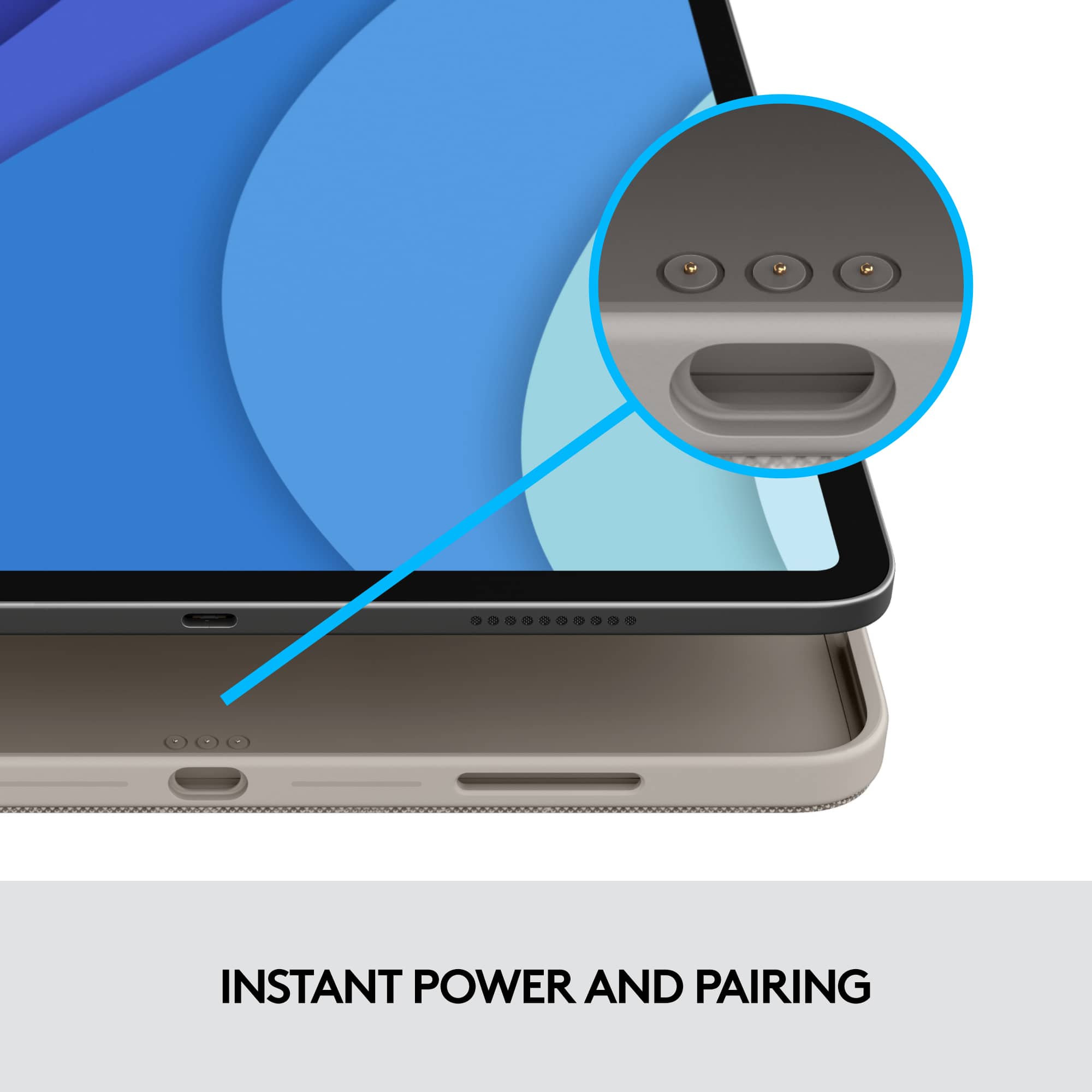
||Posted . Owned for 1 month when reviewed.This reviewer received promo considerations or sweepstakes entry for writing a review.I like the concept, but keys keep popping off. I do like that it attaches to the pins on iPad so don’t have to worry about Bluetooth
No, I would not recommend this to a friendPerfect compliment to iPad Air Pro
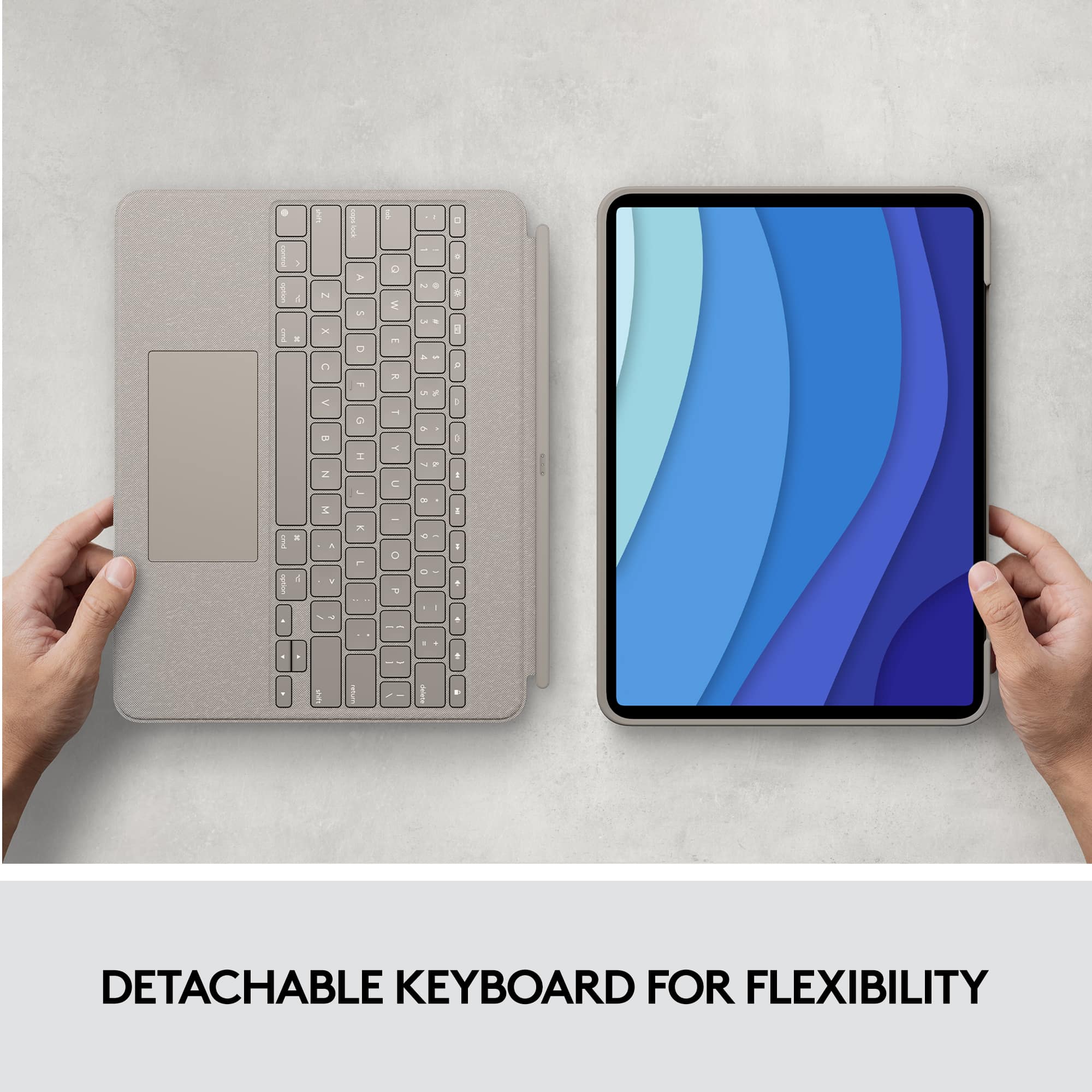
||Posted . Owned for 3 weeks when reviewed.This reviewer received promo considerations or sweepstakes entry for writing a review.The perfect keyboard for a student on the go with limited space. Quick to set up. the removable keyboard is convenient when wanting to use in class.
I would recommend this to a friendCase Not Holding UP
||Posted . Owned for 7 months when reviewed.This reviewer received promo considerations or sweepstakes entry for writing a review.This case is not holding up. It is bending by where the speakers are on both the top and the bottom.
No, I would not recommend this to a friendBrand response from Logitech
Posted .Hello Howie,
I am sorry that the Combo Touch is not meeting your expectations. Feel free to contact the Logitech support team to receive personalized assistance claiming your device's warranty if you think this is a manufacturer defect. Logitech appreciates your product review. - Leo from Logitech
Not very good
||Posted . Owned for 1 month when reviewed.This reviewer received promo considerations or sweepstakes entry for writing a review.- the edge broke within one week of owning it - the screen stand is not very sturdy - the keypad works so that’s good
No, I would not recommend this to a friendBrand response from Logitech
Posted .Hello Annaanonymous, Very sorry to hear about the issues you're having with the Combo Touch iPad Pro Keyboard Case. In regards to the stand, if you're trying to use it on your lap, that's not what it was designed for. The stand was designed for you use on a flat surface. As far as the broken edge, you can learn more about the 1 year limited warranty that comes with the Combo Touch by using this link: https://support.logi.com/hc/en-us/articles/1500007959982-Warranty-Combo-Touch-for-iPad-Pro-12-9-inch-5th-gen-and-iPad-Pro-11-inch-1st-2nd-and-3rd-gen-and-iPad-Air-4th-gen-. Hope that you found this helpful and that all is going better. Thank you for choosing Logitech. - Richard from Logitech
Terrible battery!
||Posted . Owned for 1 month when reviewed.This reviewer received promo considerations or sweepstakes entry for writing a review.Bought new one cos battery failed after ios update. Brand new one almost as bad
No, I would not recommend this to a friend