Customer Ratings & Reviews





- Model:
- 920-008484
- SKU:
- 6080503
Rating by feature
- Value
Rating 3.9 out of 5 stars
- Quality
Rating 4.7 out of 5 stars
- Ease of Use
Rating 4.4 out of 5 stars
Customers are saying
Customers are delighted by the Craft Wireless Keyboard's excellent build quality, superb key feel, and ease of use. Many appreciate its sleek design and compatibility with multiple operating systems. However, some users find the battery life could be improved, and the price point is a concern for some. A few also noted that the functionality of the dial could be enhanced.
This summary was generated by AI based on customer reviews.

Beautiful Keyboard Short on Customization
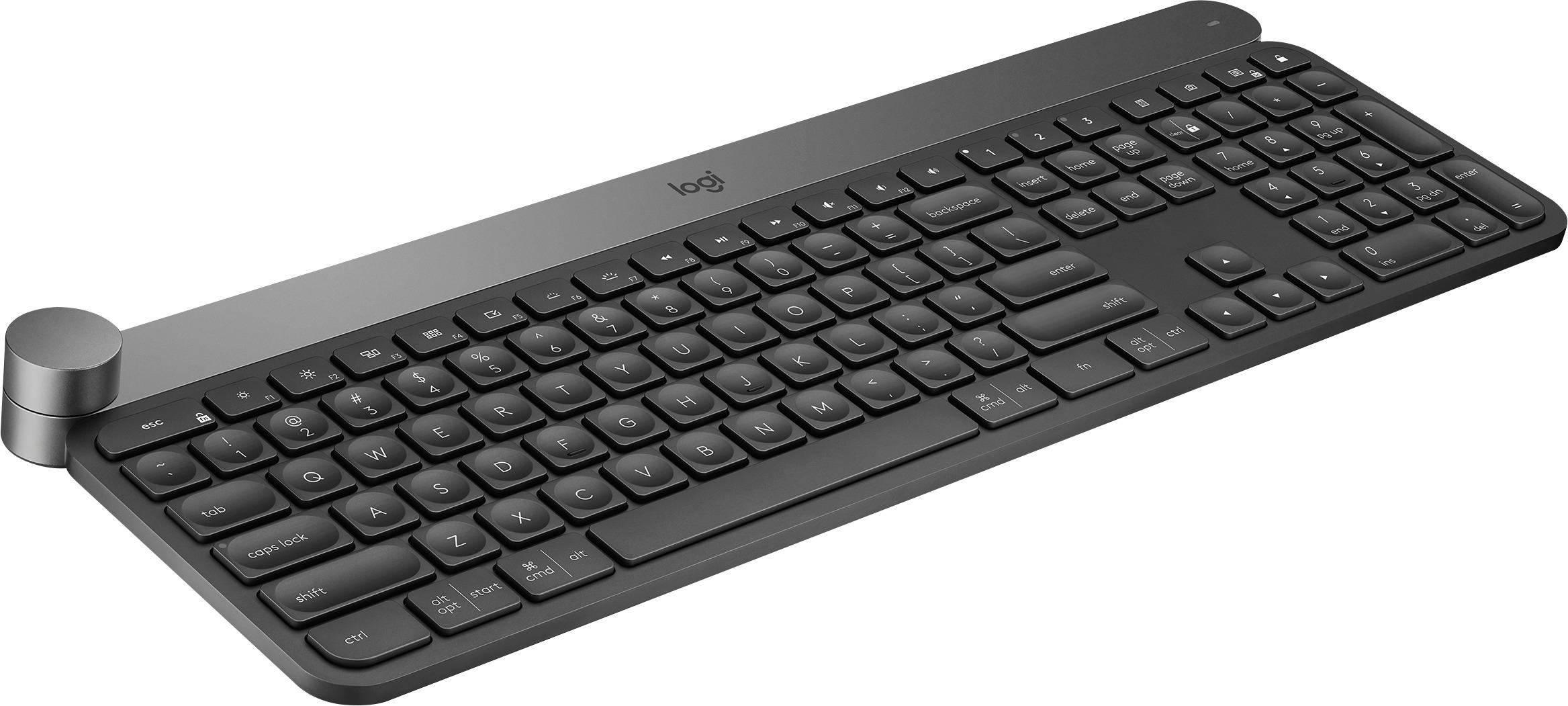
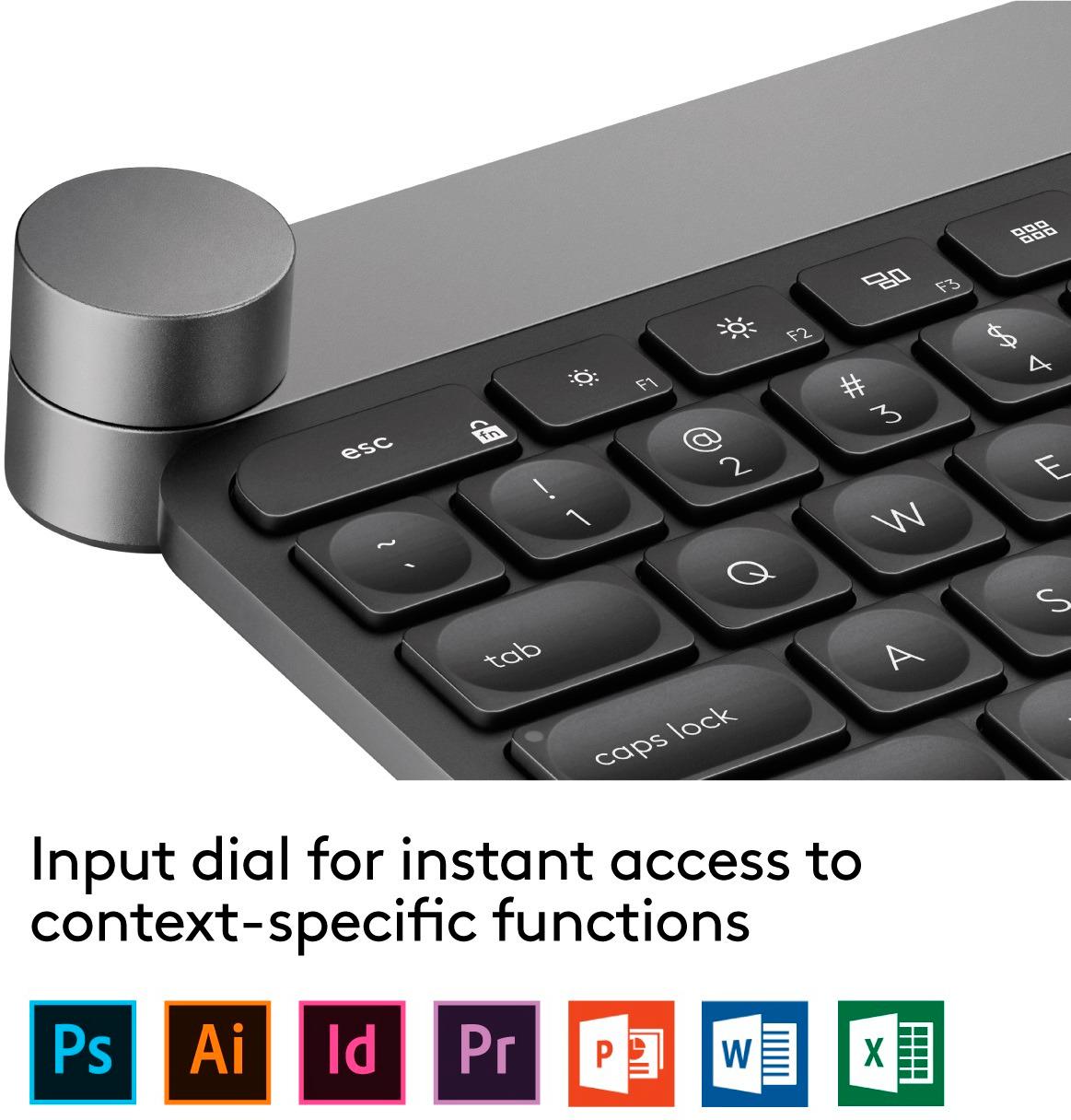
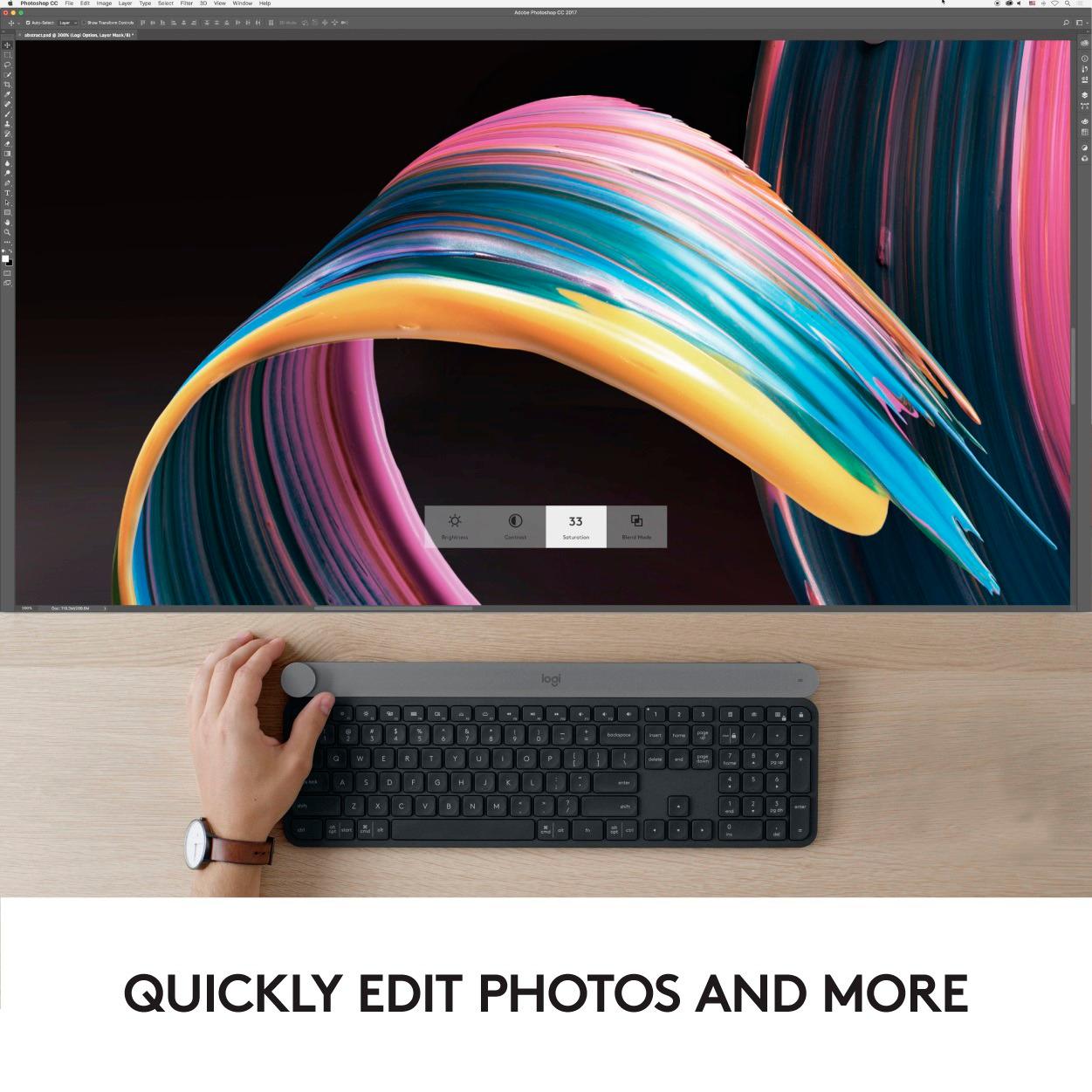
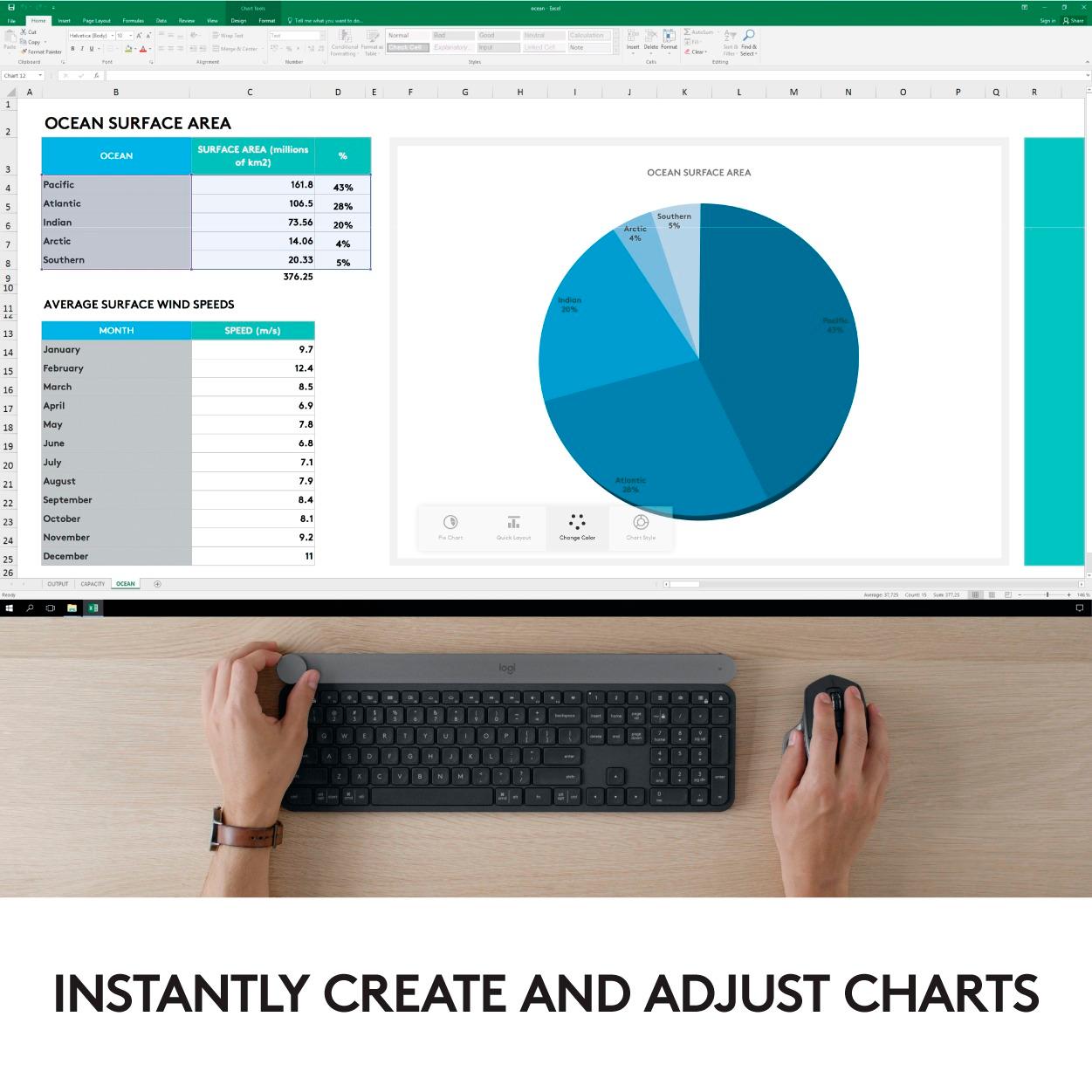
|Posted .This reviewer received promo considerations or sweepstakes entry for writing a review.First off, I love typing on this keyboard. For my hands, it's a shorter throw than the solar powered Logitech keyboard I've been using, which I always found just a tad too long. The keys on the Craft keyboard have better distance between them and I can tell my typing speed is considerably faster. That said, I can't figure out who the target user is for such a heavy and premium priced keyboard. The main feature of the keyboard is a large dial on the upper left, called a "crown" by Logitech. The crown is a customizable dial that lets you program various functions or keystrokes when you turn it, press it, or turn-it-while-pressing. For example, turning the dial can change volume, brightness, scroll horizontally, navigate between apps, zoom and more. Alternatively, you can assign a custom keystroke. These settings can be configured at a global level, or per app. So globally you might want the dial to navigate between apps, but when you’re in iTunes, you can have it change volume. The real power of the dial are profiles for certain apps like (Windows only) Microsoft Word, PowerPoint, and Excel, and (Windows and Mac) Adobe Photoshop CC, Illustrator CC, Premiere Pro CC. These profiles change the dial's function depending on the context of these apps. For example, when in Photoshop using the zoom tool, the dial will zoom in or out. But when in the brush tool, the dial changes brush size, hardness, etc… For MS Word, Excel and PowerPoint, the dial can quickly change themes, fonts and more. Although this level of functionality sounds awesome, most heavy duty Adobe users work on graphic tablets, which have more utility and customization. Likewise, power Office users generally have keyboard shortcuts memorized. And the real drawback is there's no way to create your own contextual profiles for other apps. Hopefully Logitech is working on releasing more soon. On the positive side, almost the entire top row of function keys are programmable (though not in a contextual way). For example, a shortcut key above the number pad takes a screen shot when pressed. If you don’t take many screen shots, you can reassign it to change brightness, or launch an app, or other function. The keyboard backlight (which can be turned off to save battery) is nice but leaks a little too much light at certain angles from underneath the keys. This causes glare unless you’re at a higher angle. I guess it's a way to keep you from bad posture :) You can control up to 3 devices with the keyboard. I had no trouble switching back and forth between my iMac and my MacBook. In summary, this keyboard is a dream to type on. If you’re a power user of MS Office on Windows, or a power user of some of Adobe's Creative Suite (but not Lightroom), you might be able to justify the price tag. Otherwise it's difficult to recommend this to most people.
No, I would not recommend this to a friendThis Keyboard Just Feels Right
|Posted .This reviewer received promo considerations or sweepstakes entry for writing a review.I love the Logitech Craft keyboard for how the keys feels. Touch-typing on this keyboard is a breeze, and the keystrokes are very satisfying. The keyboard isn't too loud either, making working at night convenient and considerate. Both features of which I rarely find in a wireless keyboard. My favorite feature of the Logitech Craft keyboard is the "smart illumination," which ensure you can see the keys you need to see, regardless of the in-room lighting. That makes this the best full-sized keyboard I have ever used. Since it can easily be switched to work on different devices, it is now my primary keyboard for 2 computer. The creative input dial is great for artists, as it has many features that it can control many elements of Photoshop and similar programs, as well as in the Microsoft Office Suite. Ultimately, the feel of this keyboard is what draws me to it. It feels great, and is a pleasure to type on.
I would recommend this to a friend- Pros mentioned:Keyboard quality
Spendy but worth it
Posted .This reviewer received promo considerations or sweepstakes entry for writing a review.So yes, this is a lot of $ for a keyboard, but it is completely worth it. The small chicklet keys are extremely smooth and quiet and exactly what I was looking for. You are able to type fast and clean as well due to the low travel. I had an issue with typing coming over my mic on conference calls and that is gone, small footprint, and currently synced to three machines that I can toggle to with a single push.. (Win10 Desktop 'receiver', Win10 tablet 'Bluetooth, Linux 'spare receiver pre-configured from windows' button. Now just a need a mouse that can do the same thing. Common Logi... need a craft tumb trackball that can also sync to three devises. As others and vids online indicate it is spendy, but you can feel the quality of this easily, plus have the advantages, the action button up top is great as well, can really cut down on some common tasks in many applications. Bottom line is if this is even remotely in your budget and you have similar needs don't hesitate. The one and only thing I wish I had was a better percentage through the software like the old unifying receiver software... it does give the level, and I seldom even think about the battery as it easily lasts the entire day.. but what is the point of leaving a wireless keyboard plugged in because I don't know what it is... or plugging it in every night just to make sure I'm good for the next day... for all I know I'm ending the day at 50% or 75% and no charging is needed. But overall the primary purpose being typing I currently would not want anything else and have used countless other boards over the last 20-yrs of being in the tech industry on a daily basis. It was hard for me to spend this much, especially with the countless other options out there... but treated myself and glad that I did.
I would recommend this to a friend - Pros mentioned:Keyboard qualityCons mentioned:Battery life
Love and Frustrated
Posted .This reviewer received promo considerations or sweepstakes entry for writing a review.This is a premium keyboard, both in price and quality. At ~$175 on sale and $200 normally, it can cost as much as the cheap laptop or Chromebook you do not want, but has so much more "stuff" than this. What do you get for your money, a premium made device with a lot of flexibility, but a couple of frustrating points. Pros: - Build quality is extremely good. Premium materials and finish. - Pairs with up to three devices via the logitech USB dongle thing, or blue tooth. Very fast to switch between devices. I use it with a Windows 10 laptop, a Mac Pro Desktop, and an iPad Pro 11". Works great with all. - Back lit - All the keys you want, for Apple or Microsoft. - The dial - not as useful as you may think. Cons: - Short battery life - a bout a week or so. I have another Logitech wireless backlit keyboard (the K800) and it lasts for so long I can never recall the last time I swapped the batteries. I also have the K830 with is solar powered and it never seems to need anything, but is not back lit. - Key travel is a bit thin. Not terrible, but not as good as the K800, and closer to the K830. I gave it three stars, if I could give 3.5 I would, but that battery life thing is kind of irritating. I would recommend it, but with these caveats.
I would recommend this to a friend - Pros mentioned:Keyboard quality
Not sure who this is for
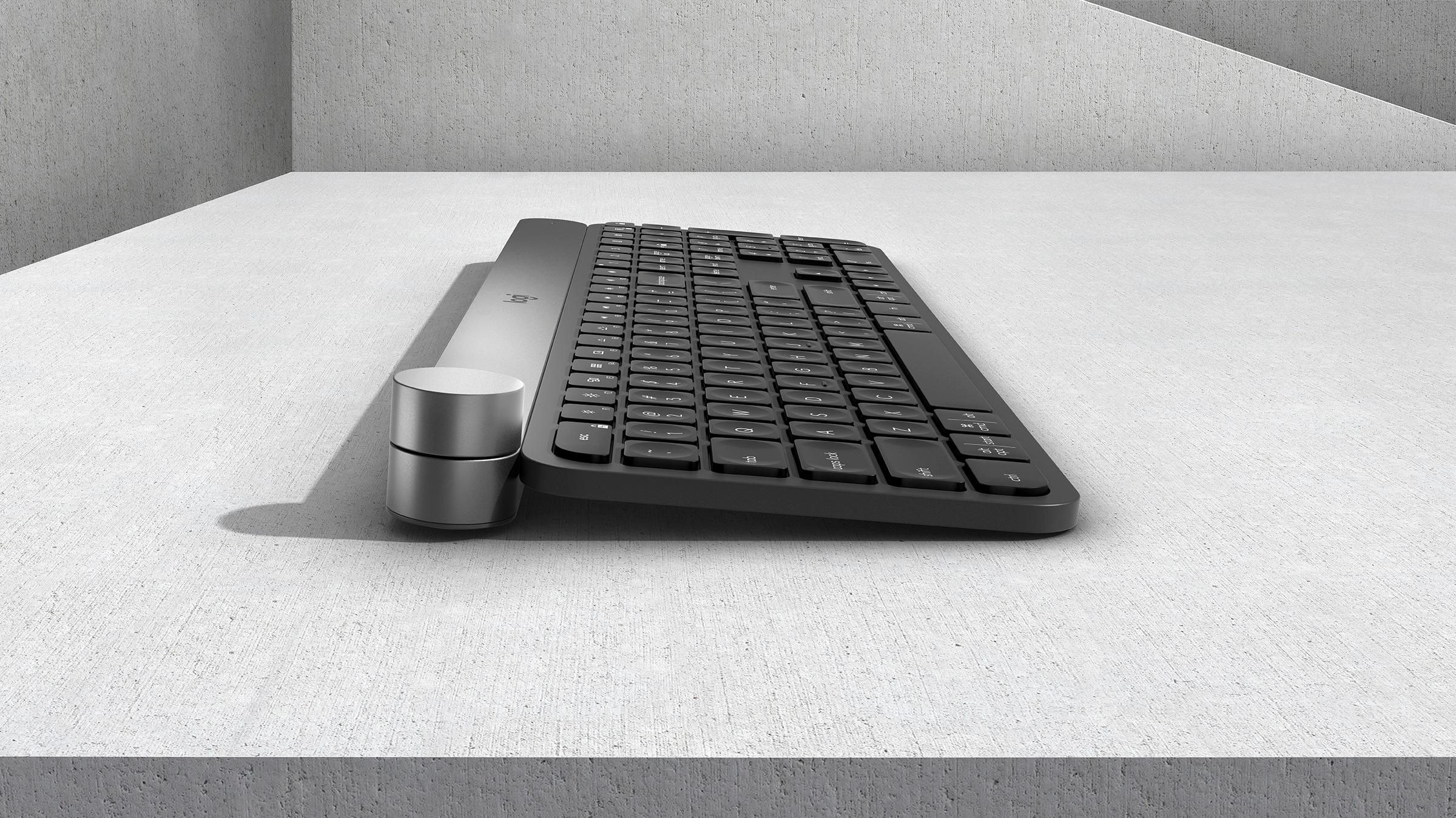
|Posted .This reviewer received promo considerations or sweepstakes entry for writing a review.This keyboard is sturdy and very heavy. There is no chance of it moving on your desk. The back lighting is effective, if a little gimmicky. There is a proximity sensor that turns the lights on as your hands approach the keyboard. Neat, but hardly necessary. The star of the show is the multifunction dial at the upper left. It provides some functionality in a few software packages (the Office and Adobe Suites, Google Chrome) and can be set up as a volume dial. Honestly, it's no more effective than the scroll wheel on your mouse and requires taking your hands off the ASDF keys. The keyboard has very short travel. I do like the scooped keys but they're plastic and feel cheap. Overall it's a nice looking keyboard, but I don't know who this is for. The dial doesn't do enough for graphic designers to justify the price, and the keys themselves just don't feel sturdy enough for someone who types code or emails all day. The keyboard itself is slightly raised and there is no option to change the angle or leave it flat.
No, I would not recommend this to a friend - Pros mentioned:Keyboard quality
4.5 Stars - Amazing Idea - SW inconsistent
Posted .This reviewer received promo considerations or sweepstakes entry for writing a review.I rate this 4.5, but since it flaked right when i was about to write this review, I will make it a 4. I have an MX Master 2 (which I love) and bought this for the flow and dial. Both are amazing (when they work.) The mouse is quite reliable (Although not perfect) switching btwn my MacBook and Surface Book 2, but getting the keyboard to follow is inconsistent. Although a push of a button makes it happen consistently. Even considering this, I love the keybard and hope the Sware will continue to improve. Great job Logitech. Keep the updates coming. If you can stomach the cost, its a great peripheral.
I would recommend this to a friend Best keyboard I have ever had!
Posted .This reviewer received promo considerations or sweepstakes entry for writing a review.I love this keyboard. It very nicely designed and the keys are very stable and easy to type on. I've used it on Mac and Windows and works well on both.
I would recommend this to a friendDon't buy. Failed promise.
Posted .This reviewer received promo considerations or sweepstakes entry for writing a review.All I can say is buy yourself an entry level Bluetooth keyboard and you'll be better off. Keyboard won't type for at least 10 seconds most of the time. I don't even have other devices linked with it and I'm hitting 1 than 2 than back to 1 just to get it to notice the keyboard. All the keystrokes take at least 5 seconds. The +' this is as the big promise mean nothing when the keyboard itself won't operate like any other keyboard. COMPLETE WASTE of money. Before Logitech comes in to defend itself I have an AlienWare Aurora R6 and have the blue tooth less than 12 inches away. Tried different USB's and nope nothing changes the fact the keyboard is a BUST. I've confirmed and updated all my software. Just a failed product. Replacing this $200 piece for a $40 one because well...it operates as it should.
No, I would not recommend this to a friendNice but needs some work
Posted .This reviewer received promo considerations or sweepstakes entry for writing a review.I wanted to really like this keyboard. On my Mac, everything was great. On my Surface Book, not so good. The Surface Bluetooth would lock up for all devices and the only way to restore it was a reboot. Tried the usual driver nonsense but still came up blank. After checking online, seems this is an issue. So...I can only use it with one of my devices so back it went.
No, I would not recommend this to a friend