Customer Ratings & Reviews



- Model:
- 920-007824
- SKU:
- 4638451
to a friend
Customers are saying
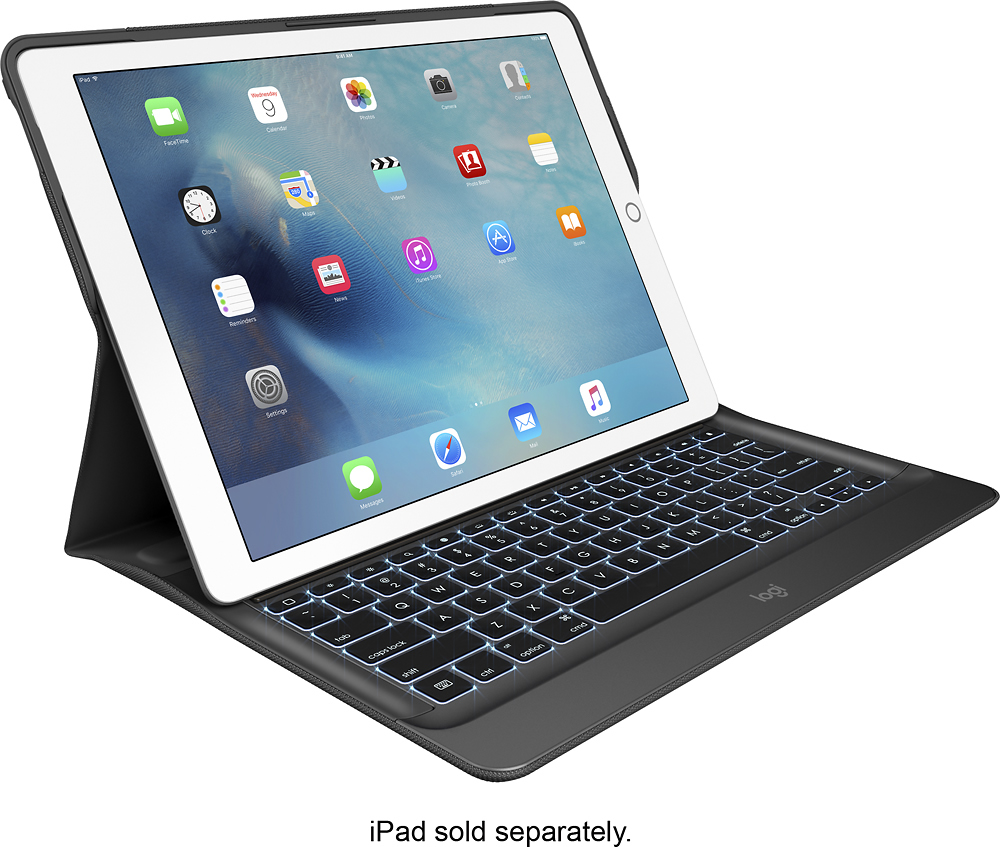
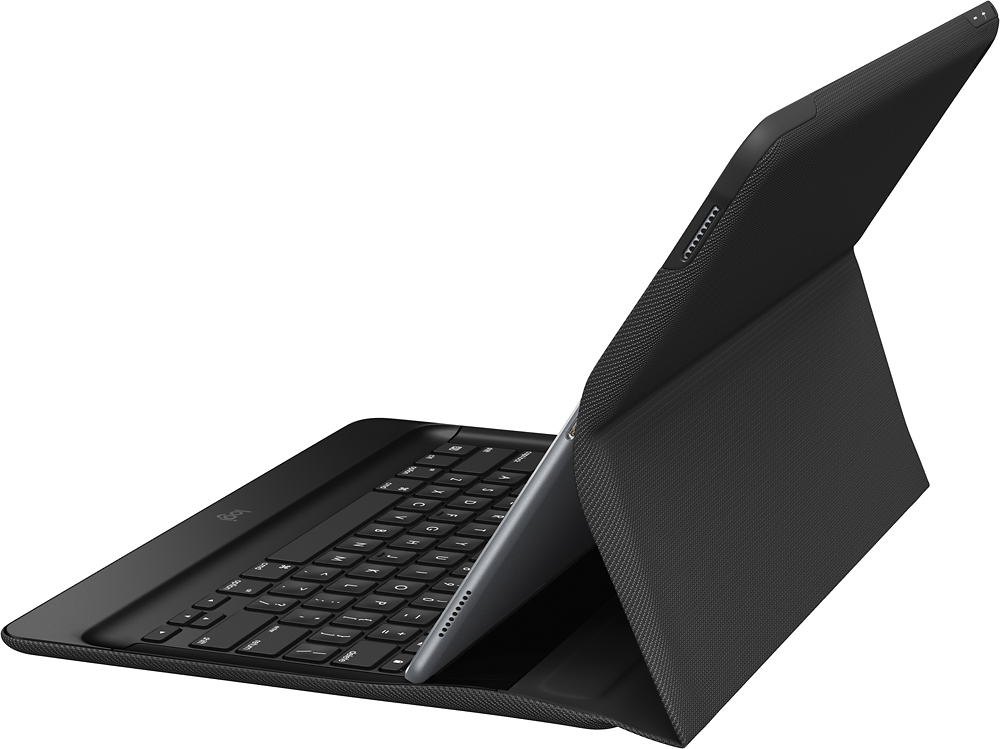
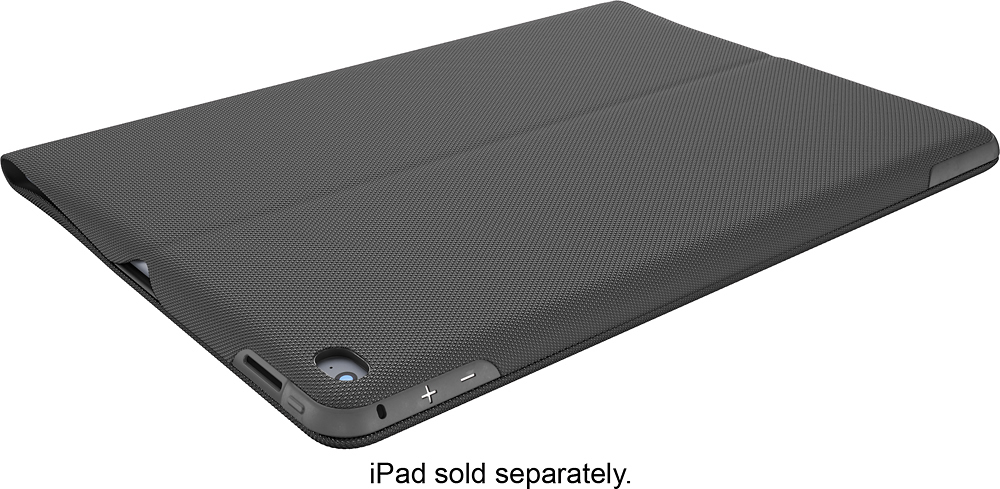
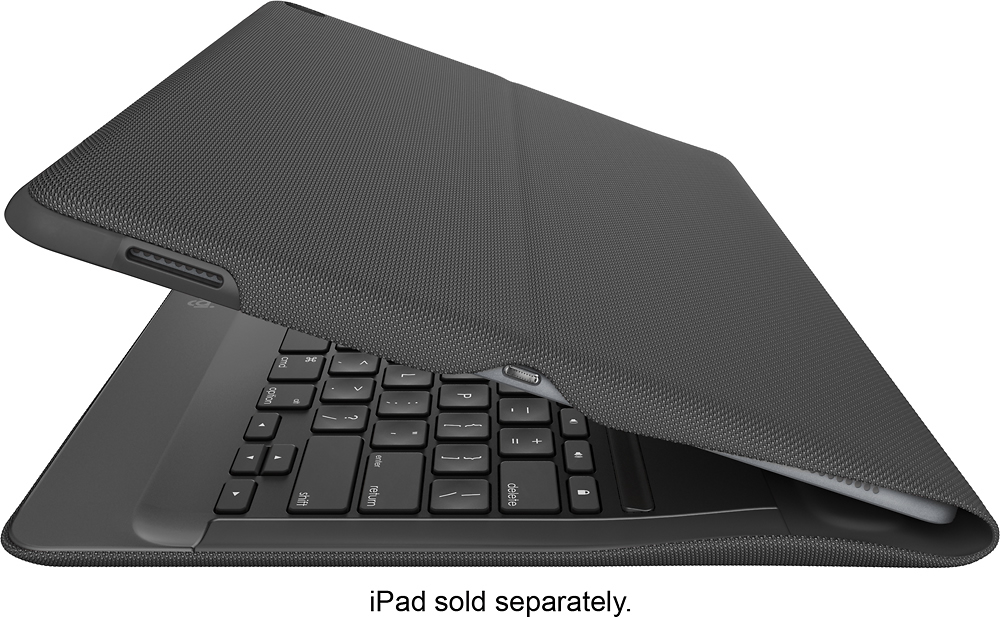
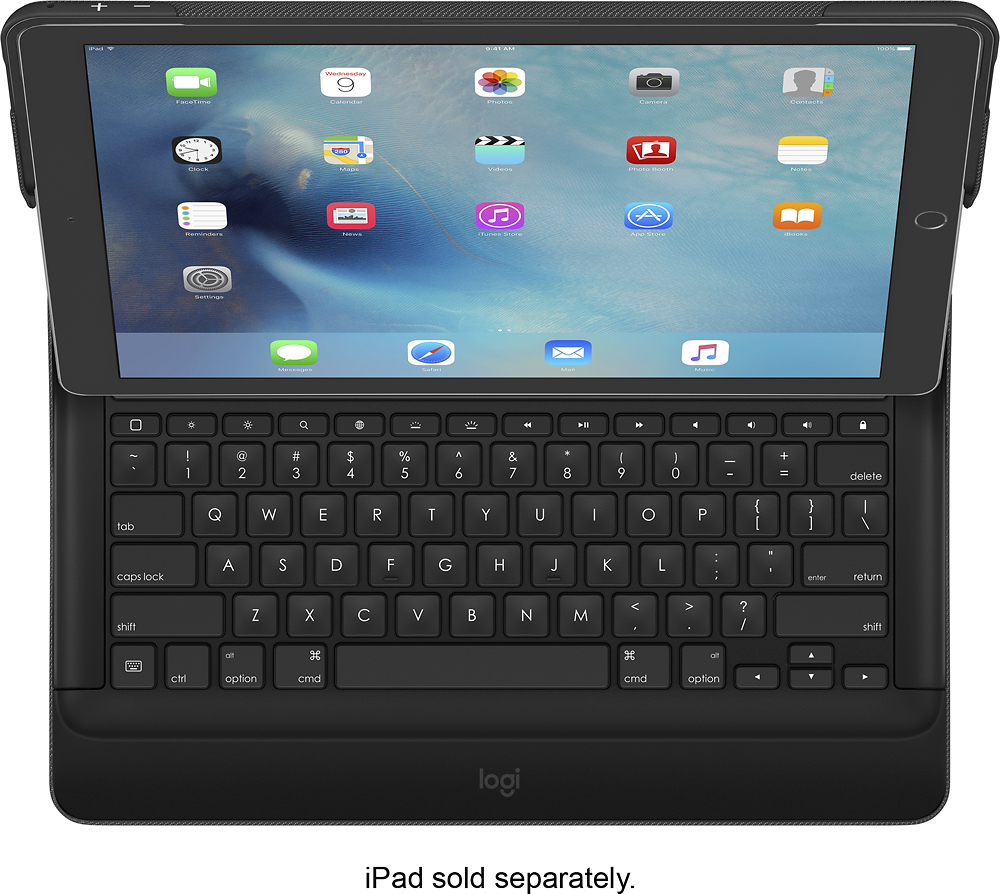
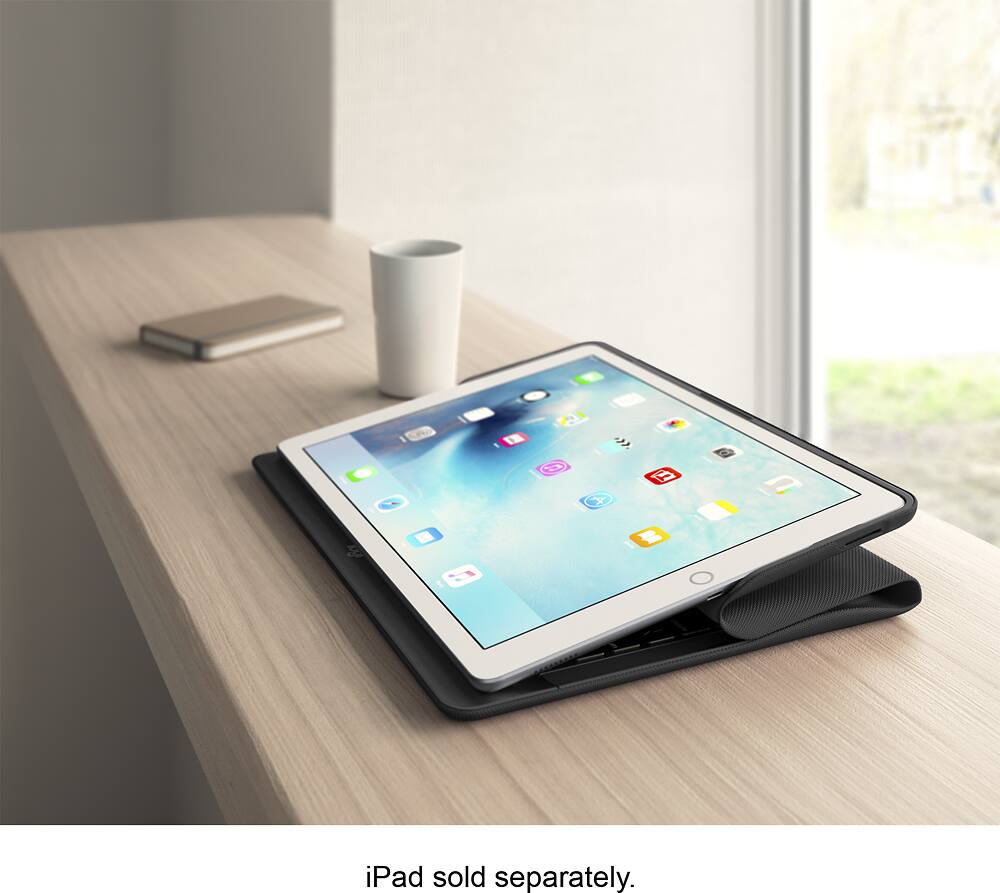
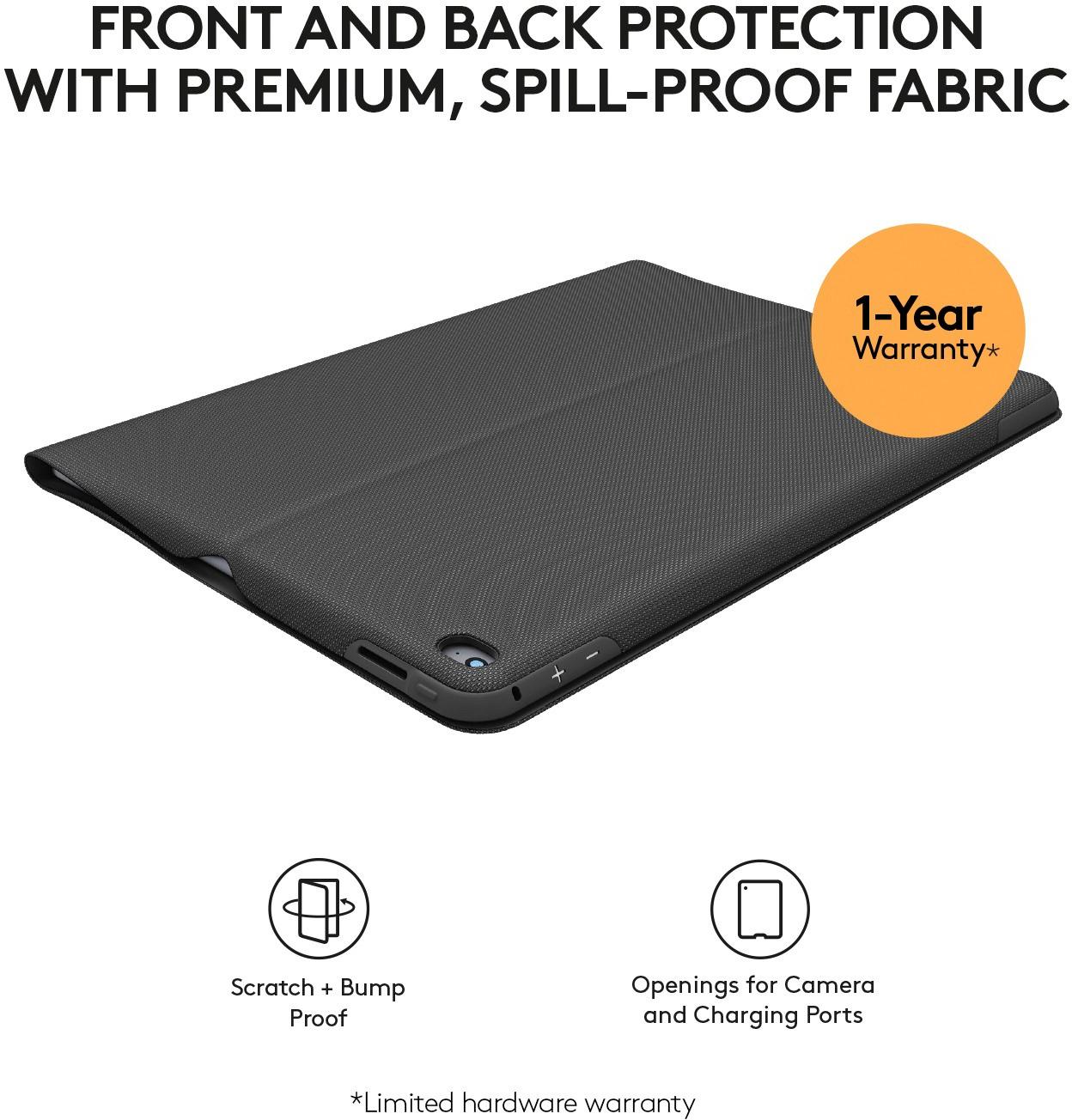
Customers admire the CREATE Keyboard Case for Apple® iPad® Pro 12.9" for its high-quality keyboard, excellent protection, and user-friendly design. However, some find the case to be heavy and bulky, impacting portability. A few customers also noted that the price point might be considered high by some. While the viewing angles are functional, some users expressed a desire for greater adjustability.
This summary was generated by AI based on customer reviews.
- Pros mentioned:Keyboard quality
Excellent!
Posted .This reviewer received promo considerations or sweepstakes entry for writing a review.Fantastic keyboard for iPad Pro! Easy snap installation.
I would recommend this to a friend - Pros mentioned:Battery life, Keyboard quality
Excellent Keyboard
Posted .This reviewer received promo considerations or sweepstakes entry for writing a review.Although the case and keyboard overall are a bit chunky, the case is sturdy and the Smart Keyboard is excellent. The keys provide great tactile feedback and the lack of a battery is great!
I would recommend this to a friend Wait a bit before purchasing
Posted .This reviewer received promo considerations or sweepstakes entry for writing a review.When I first purchased this keyboard, things worked great, but after the iOS 9.2 update, this keyboard is sluggish to the point where it is not usable. I spend more time hitting the backspace key to correct missed letters than anything else. I contacted Logitech, and their response is to send a replacement -- but after talking to the Apple Store folks, since this is a third party accessory, they don't guarantee compatibility. I would definitely wait on purchasing this product until after this issue is addressed. You can find more info on the Logitech forum at this link: https://forums.logitech.com/t5/Tablet-Cases-and-Keyboards/Logitech-Create-keyboard-has-major-dropped-key-key-lag-issue/td-p/1465324
No, I would not recommend this to a friendBrand response from Logitech Customer Care
Posted .Dear User,
We are pleased to let you know that the iOS 9.3 public beta is available.
Updates to the iOS 9.3 public beta will resolve any lag you are experiencing when connecting the Logitech CREATE keyboard with iPad Pro.
To download the iOS 9.3 public beta, use the Safari web browser on your iPad Pro to visit http://beta.apple.com/profile and login with your Apple ID. Once you've downloaded and installed the iOS 9.3 public beta, you will automatically be prompted to update the Logitech CREATE keyboard when you connect iPad Pro with your CREATE keyboard.
If you need further assistance, please visit our community at : https://forums.logitech.com/t5/Tablet-Cases-and-Keyboards/bd-p/TabletCasesKeyboards
We appreciate your patience!
Best regards,
The Logi CREATE Team
- Cons mentioned:Weight
Wait for the Apple Smart Keyboard
Posted .This reviewer received promo considerations or sweepstakes entry for writing a review.I tried to like this but failed. Logitech normally makes great products, but I don't know what they were thinking when they designed this bad boy. The keyboard has a nice feel to it and I like the function keys, but along with the iPad Pro the total weighs 3ozs MORE than a 13" Macbook Air!. I wasn't looking for a laptop replacement when I bought the iPad Pro. Frankly, the Macbook Air is cheaper than the iPad Pro and Logitech cover and it is more powerful. Sorry, Logitech, you blew it ith this one.
No, I would not recommend this to a friend - Pros mentioned:Keyboard quality
Best iPad Pro Case/Keyboard
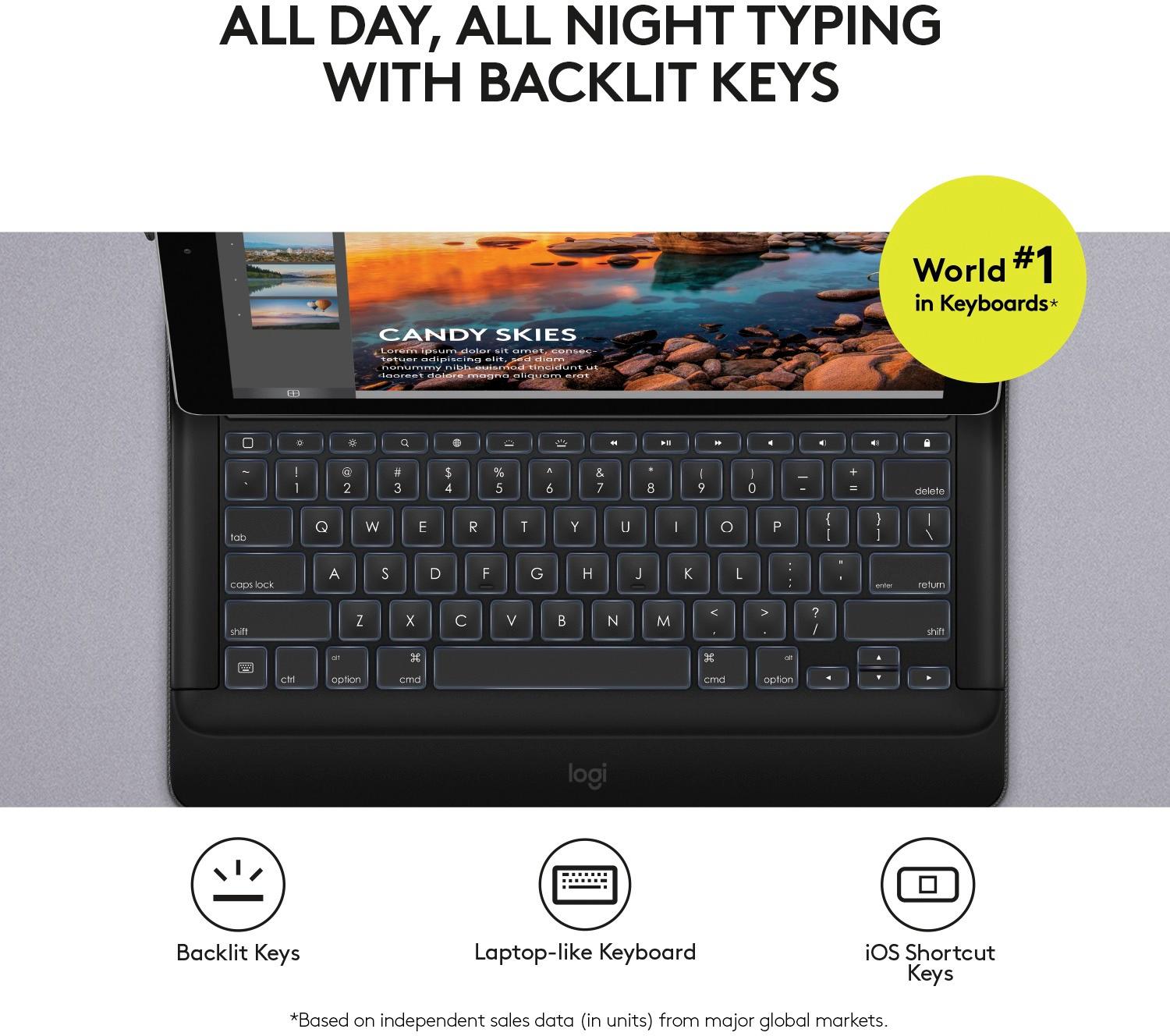
Posted .This reviewer received promo considerations or sweepstakes entry for writing a review.With the recent purchase of my iPad Pro, I was looking at and purchased multiple cases/keyboards...do I want just a case, do I want a case/keyboard? I found the one and only!! The Logitech - CREATE for me is perfect with the size of case once it is on the iPad, keyboard is the right size for someone who spends a majority of his time on the iPad typing, and the back lit keyboard is exceptional!!
I would recommend this to a friend - Pros mentioned:Ease of use, Keyboard quality
Keyboard
Posted .This reviewer received promo considerations or sweepstakes entry for writing a review.Great Keyboard! Very easy to use. I love this product.
I would recommend this to a friend - Pros mentioned:Keyboard quality
Great keyboard and cover
Posted .This reviewer received promo considerations or sweepstakes entry for writing a review.The cover is very study. I am not worried about my ipad using this product. The keyboard works well, and the backlighting is very helpful. The magnetic attachment is a breeze to use and once connected, the ipad stands well, and is also sturdy. I am very pleased with this purchase.
I would recommend this to a friend Great case
Posted .This reviewer received promo considerations or sweepstakes entry for writing a review.I feel confident this case will protect my investment, the iPad Pro. I was looking for a sturdy case and this is definitely it. It does add weight but that is expected for something that will last.
I would recommend this to a friend- Pros mentioned:Battery life
Easy to install and use
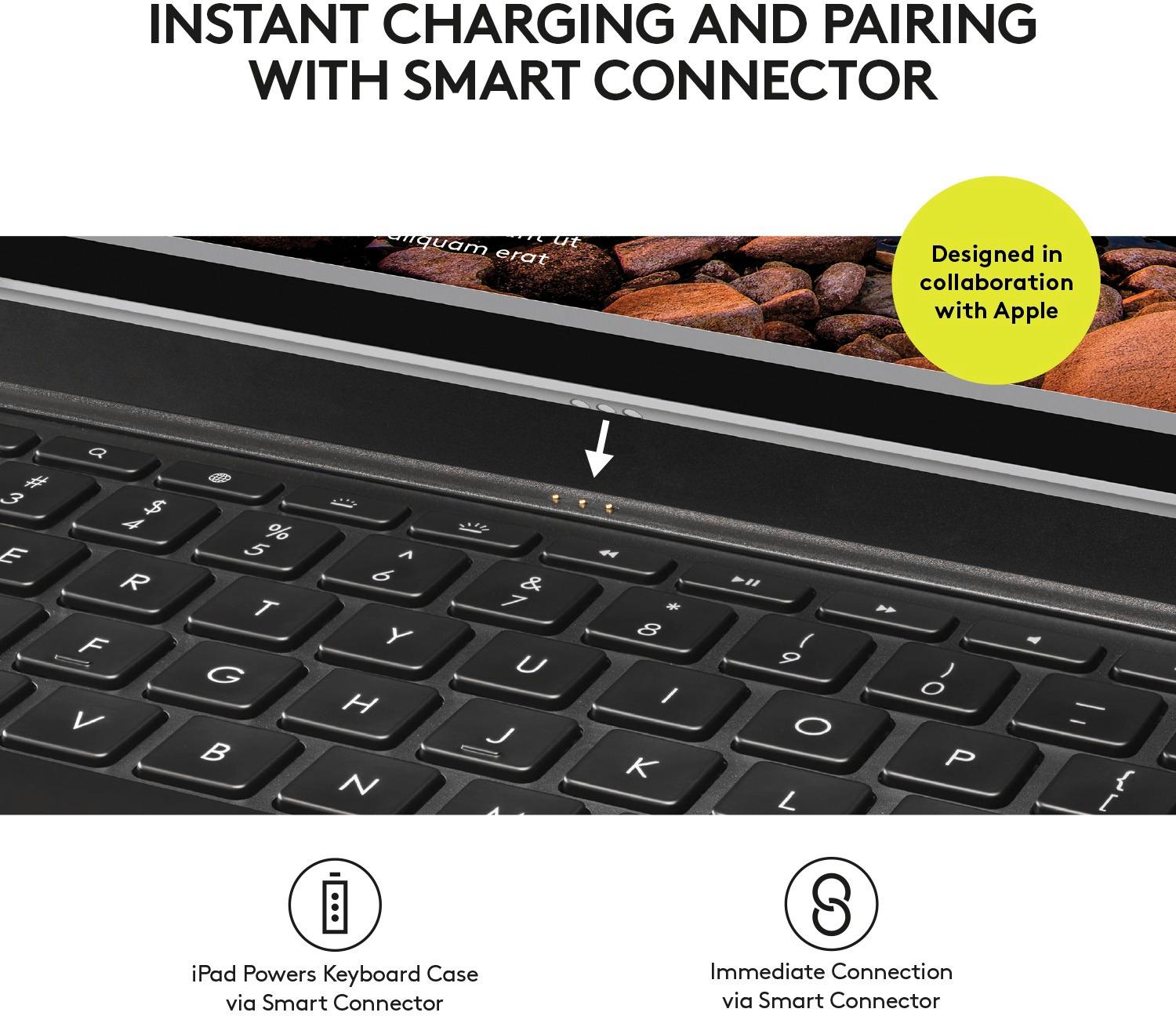
Posted .This reviewer received promo considerations or sweepstakes entry for writing a review.It was easy to install and to start using you do not need a battery it charges while you're using it I like the color
I would recommend this to a friend - Pros mentioned:Keyboard quality
Great stand for the Ipad
Posted .This reviewer received promo considerations or sweepstakes entry for writing a review.Makes responding to email easy. Keyboard contained in the case. Love the magnetic stand. Keeps IPad upright and doesn't slip.
I would recommend this to a friend - Pros mentioned:Keyboard quality
Protects computer
Posted .This reviewer received promo considerations or sweepstakes entry for writing a review.I wanted to protect the IPad, particularly when I use it outside. The keyboard is much better than using the Ipad screen.
I would recommend this to a friend - Pros mentioned:Protection
Love it!
Posted .This reviewer received promo considerations or sweepstakes entry for writing a review.Is a great protection for my Pro and makes my working with it soo much easier for my reports and such that I do.
I would recommend this to a friend - Pros mentioned:Keyboard quality
Nice idea, not reliable
Posted .This reviewer received promo considerations or sweepstakes entry for writing a review.Pros: Compact Backlit Shallow depth keys Rugged material/ design Useful shortcut keys Cons: Excessive Intermittent connectivity through connector port (drops connection with the iPad Pro every 3-4 words)
No, I would not recommend this to a friend - Pros mentioned:Protection
Sweet keyboard.
Posted .This reviewer received promo considerations or sweepstakes entry for writing a review.Integrated with the case makes it sweet and also protects iPad Pro well. Effortlessly connects
I would recommend this to a friend - Pros mentioned:Keyboard quality
Great cover
Posted .This reviewer received promo considerations or sweepstakes entry for writing a review.Like that it is handy, goes to sleep when closed and lights the keyboard.
I would recommend this to a friend - Pros mentioned:Keyboard quality
Great addition to IPad Pro
Posted .This reviewer received promo considerations or sweepstakes entry for writing a review.The case keyboard worked as expected, great addition to IPad Pro
I would recommend this to a friend - Pros mentioned:Keyboard quality
Love the keyboard case
Posted .This reviewer received promo considerations or sweepstakes entry for writing a review.Keyboard is just the right size and love the color.
I would recommend this to a friend Solid case and keyboard, if you want to type slow
Posted .This reviewer received promo considerations or sweepstakes entry for writing a review.I am on my second case and keyboard as the first one missed keystrokes, especially the space bar. It would inadvertently get stuck and run "periods" or spaces out for a lengthy while. A standalone Belkin bluetooth keyboard that I used with previous models of IPad works much better.
No, I would not recommend this to a friendBrand response from Logitech Customer Care
Posted .Dear User,
We are pleased to let you know that the iOS 9.3 public beta is available.
Updates to the iOS 9.3 public beta will resolve any lag you are experiencing when connecting the Logitech CREATE keyboard with iPad Pro.
To download the iOS 9.3 public beta, use the Safari web browser on your iPad Pro to visit http://beta.apple.com/profile and login with your Apple ID. Once you've downloaded and installed the iOS 9.3 public beta, you will automatically be prompted to update the Logitech CREATE keyboard when you connect iPad Pro with your CREATE keyboard.
If you need further assistance, please visit our community at : https://forums.logitech.com/t5/Tablet-Cases-and-Keyboards/bd-p/TabletCasesKeyboards
We appreciate your patience!
Best regards,
The Logi CREATE Team
Better than Apple's keyboard
Posted .This reviewer received promo considerations or sweepstakes entry for writing a review.So I bought this instead of Apple's keyboard. I like it better because of the lit up keyboard. The only thing is, the lite up keyboard semi stopped working. It still lights up when I connect, but now it doesn't lite up when I press the keys. So that's kind of a bummer.
I would recommend this to a friendLove it
Posted .This reviewer received promo considerations or sweepstakes entry for writing a review.Works excellent with the iPad Pro. It turns the iPad into a computer. But makes it hard to hold as a tablet. Overall I think is perfect.
I would recommend this to a friend