Customer Ratings & Reviews




- Model:
- 956-000148
- SKU:
- 10953106
Rating by feature
- Value
Rating 4.8 out of 5 stars
- Quality
Rating 4.8 out of 5 stars
- Ease of Use
Rating 4.9 out of 5 stars
to a friend
Customers are saying
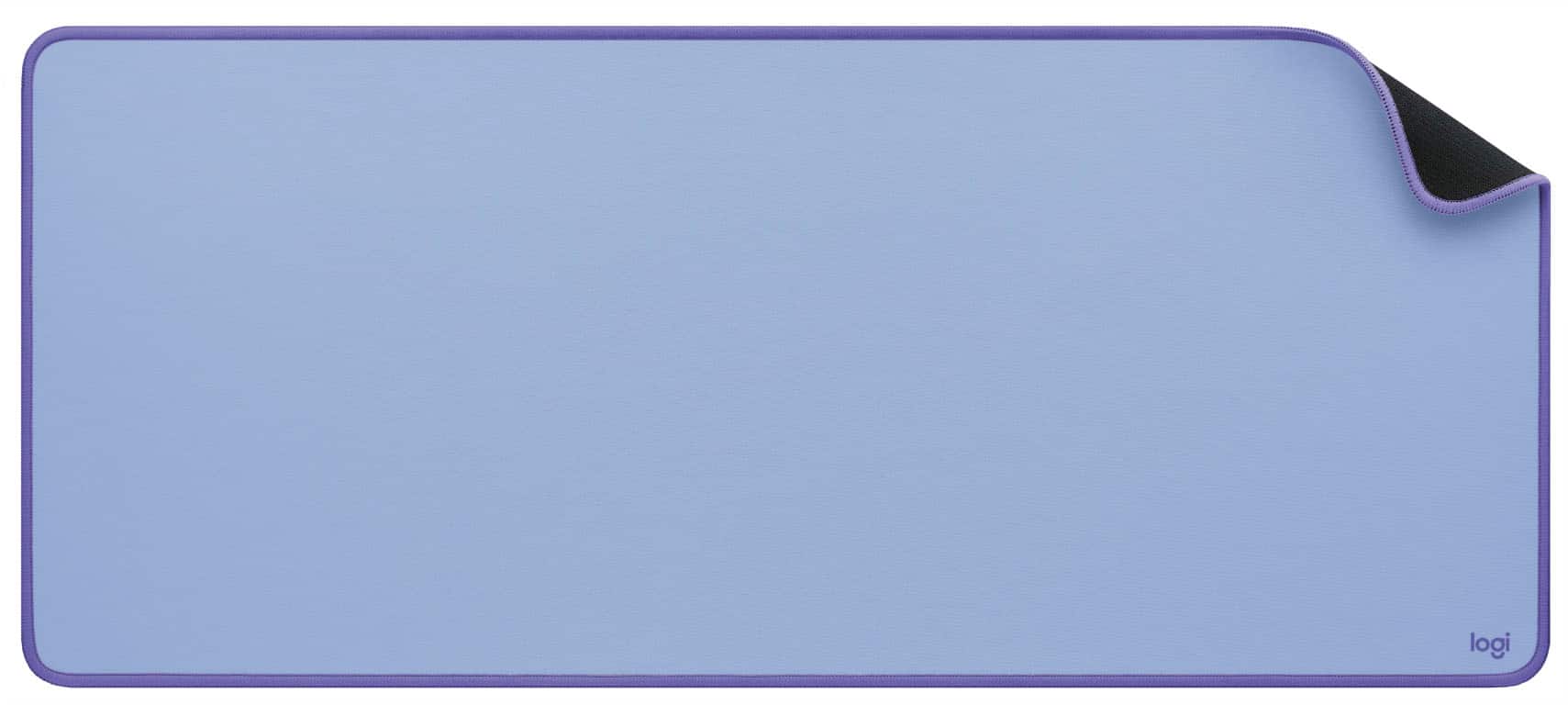
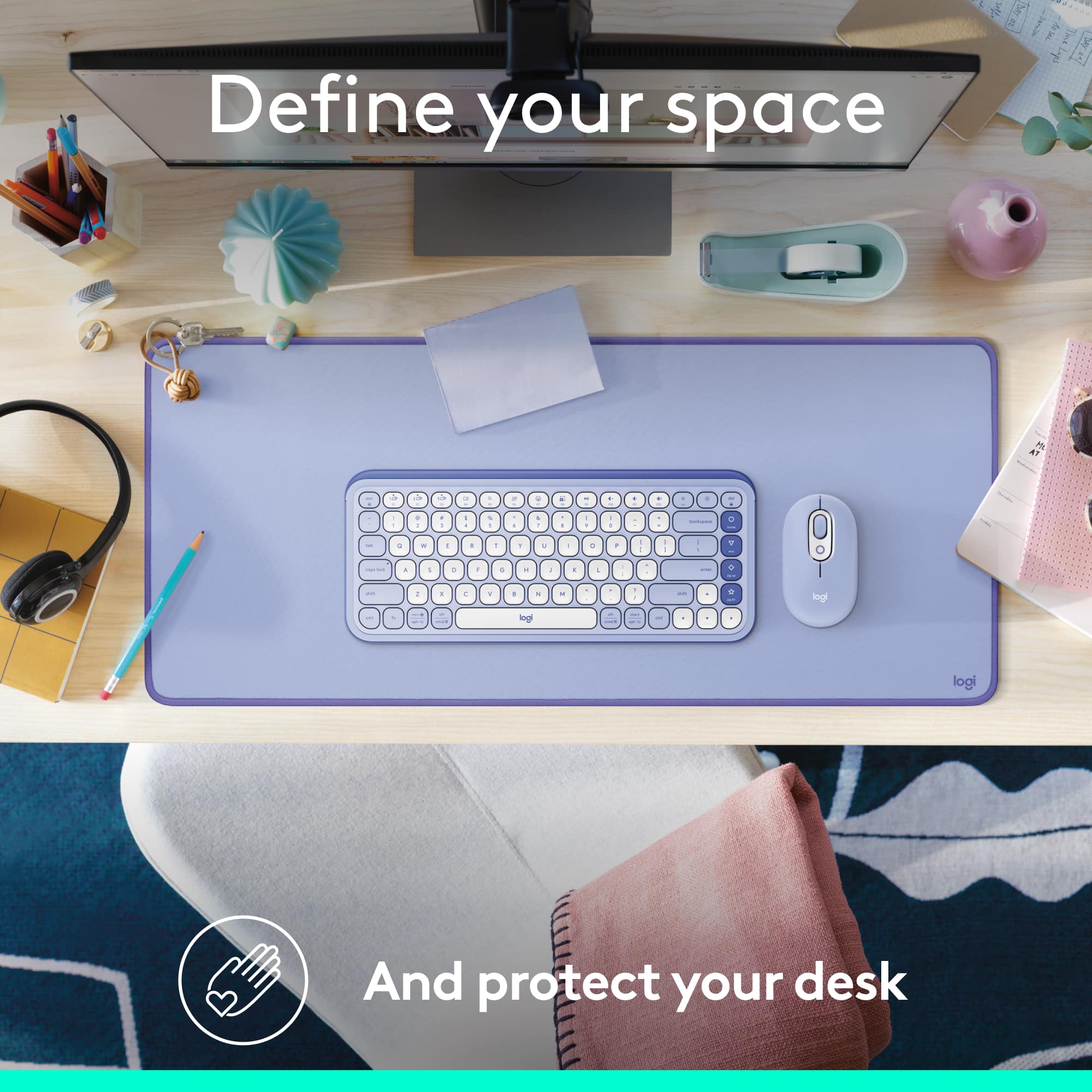
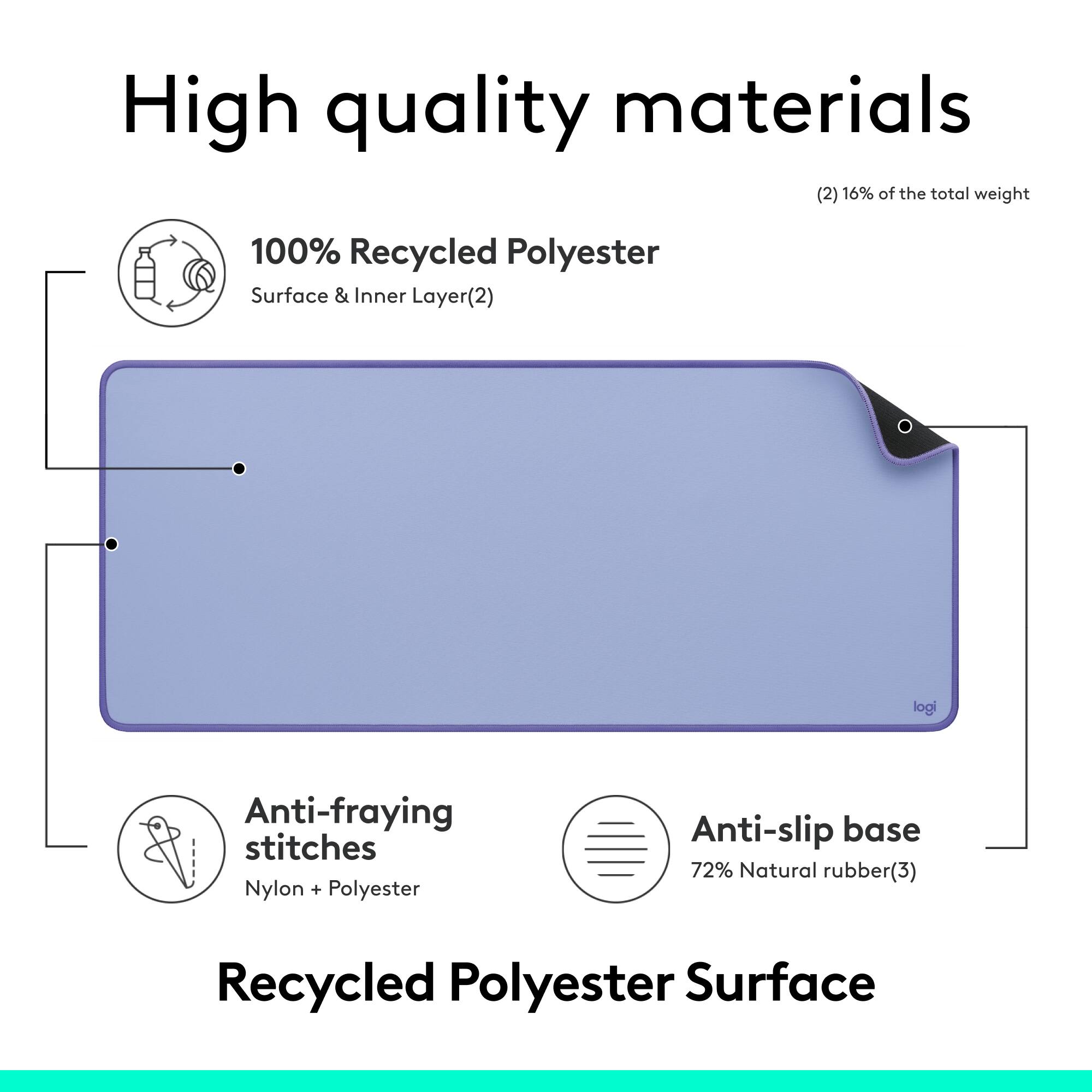
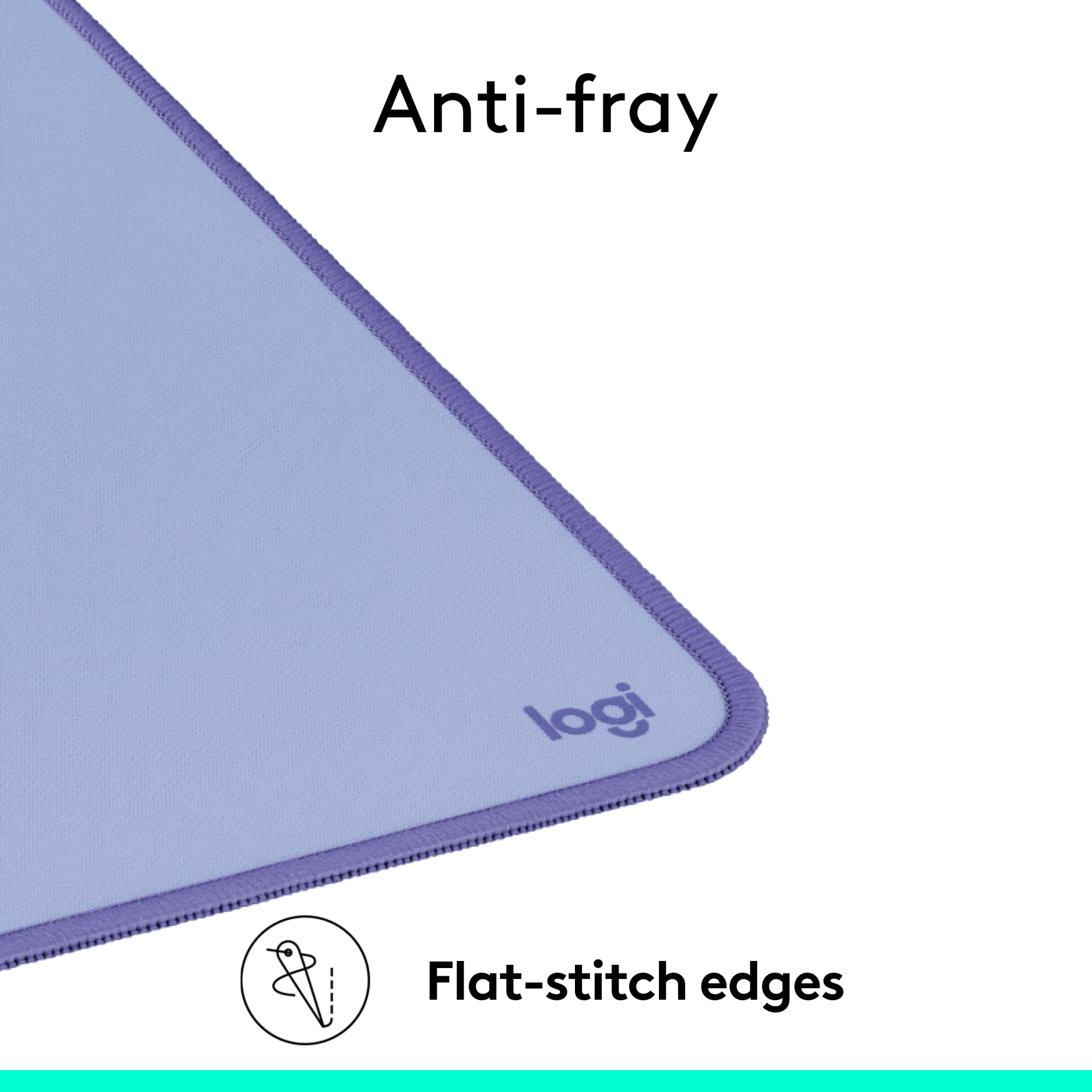
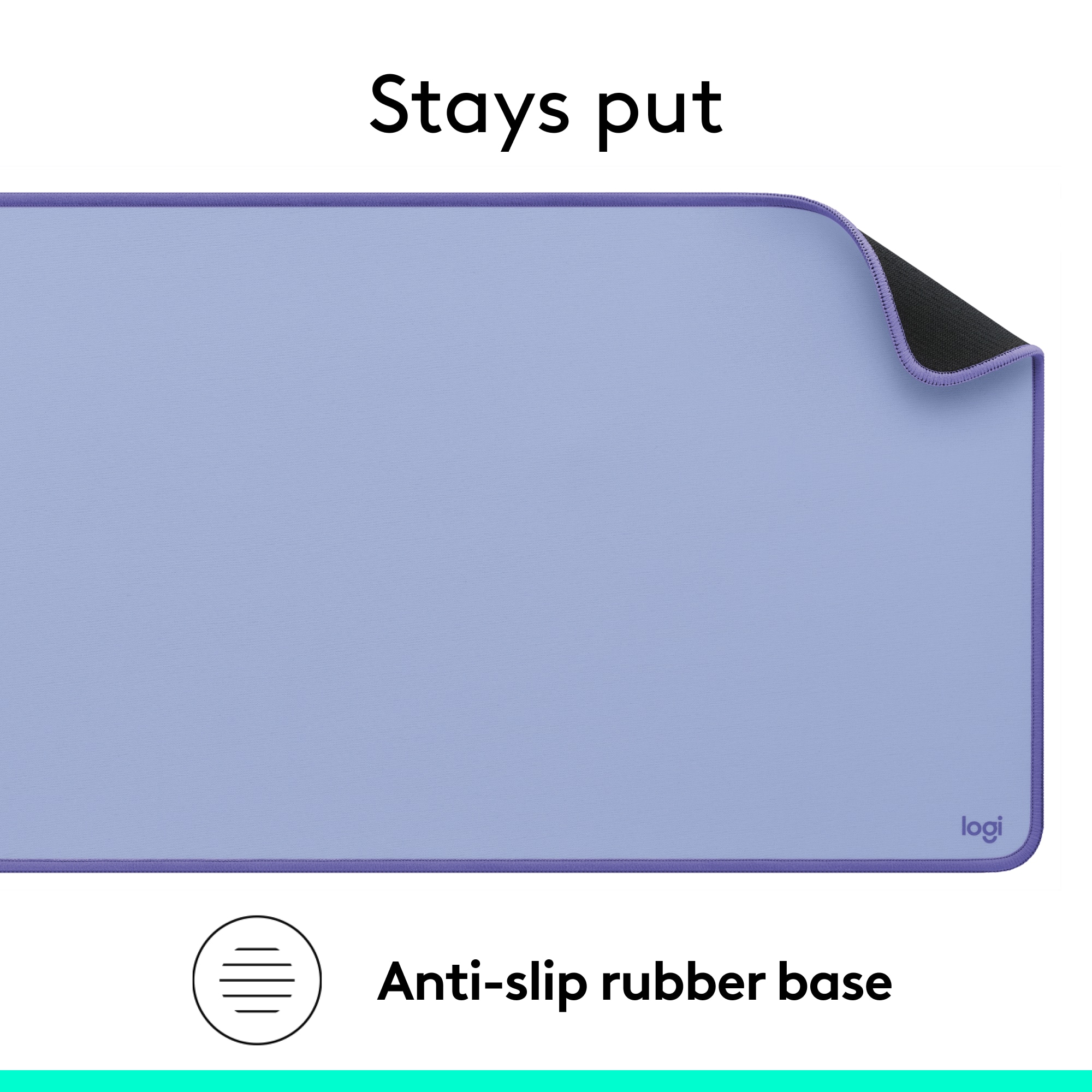
Customers frequently mention the Desk Mat Studio Series Extended Mouse Pad's ideal size and good quality. Many appreciate the color scheme and spill-resistant design. Users also find it stable, easy to clean, and conducive to smooth mouse gliding, in addition to its appealing appearance.
This summary was generated by AI based on customer reviews.
Good quality
||Posted . Owned for 2 months when reviewed.This reviewer received promo considerations or sweepstakes entry for writing a review.Solid desk mat does the job has a premium feel to it for a very cheap price
I would recommend this to a friendBrand response from Logitech
Posted .Glad to hear the Studio Series desk mat is delivering both quality and value! It’s designed to elevate your workspace without breaking the bank—thanks for sharing your experience.

large mouse pad
||Posted . Owned for 1 month when reviewed.This reviewer received promo considerations or sweepstakes entry for writing a review.this mat is the greatest It covers the lower part of my table and keeps everything from sliding around.. the mouse works anywhere
I would recommend this to a friendBrand response from Logitech
Posted .Hey! That's awesome to hear you're loving the Desk Mat Studio Series. It's designed to be a great workspace companion, and it sounds like it's doing its job perfectly!
Extra wide
||Posted . Owned for 1 month when reviewed.This reviewer received promo considerations or sweepstakes entry for writing a review.Extra wide mat that works great. Perfect for my son's desk
I would recommend this to a friendMid Grey color makes the dust not noticeable
||Posted .This reviewer received promo considerations or sweepstakes entry for writing a review.It’s ok for my necessities I wish it was wider, spill-resistant
I would recommend this to a friendBrand response from Logitech
Posted .Thank you for your feedback on the Desk Mat Studio Series. We appreciate your input regarding the width and spill resistance. We'll keep these considerations in mind for future product development. We hope the Desk Mat continues to serve your needs effectively. Thank you for choosing Logitech!
Perfect match
||Posted . Owned for 1 month when reviewed.This reviewer received promo considerations or sweepstakes entry for writing a review.This is a great desk mat. I purchased this to go with my wife's pink iMac and it matches perfectly.
I would recommend this to a friendBrand response from Logitech
Posted .Thank you for your positive review of the Logitech Desk Mat Studio Series Extended Mouse Pad! We're glad to hear that it's a perfect match for your wife's iMac and that you're enjoying the aesthetic and functionality.
Basic and cool
||Posted . Owned for 8 months when reviewed.This reviewer received promo considerations or sweepstakes entry for writing a review.It's cool. Ordered this for my set up and it looks nice
I would recommend this to a friendPad
||Posted . Owned for 1 week when reviewed.This reviewer received promo considerations or sweepstakes entry for writing a review.Comfortable and durable material and looks great with my white desk
I would recommend this to a friendLogitech Desk Mat
||Posted . Owned for 1 month when reviewed.This reviewer received promo considerations or sweepstakes entry for writing a review.Matches my Pink Logi keyboard & mouse. It's spill-resistant is true as I spilled my water on a portion of it.
I would recommend this to a friendBrand response from Logitech
Posted .Thank you for your feedback on our Desk Mat Studio Series Extended Mouse Pad. We're glad to hear that it matches your Pink Logi keyboard and mouse perfectly!
A good mat, but nothing special.
||Posted . Owned for 1 month when reviewed.This reviewer received promo considerations or sweepstakes entry for writing a review.A good mat, but expected something a bit more heavy duty from Logitech. What do you really need from a desktop mat other than for it to sit there, but the material itself and even the way it sits after unrolling it from it's container just feels a bit flimsy. I have a leather mat on another desk and I think it's probably the better option.
I would recommend this to a friendMousepad
||Posted . Owned for 3 weeks when reviewed.This reviewer received promo considerations or sweepstakes entry for writing a review.It is a nice mouse pad. Very good quality mouse pad and great color.
I would recommend this to a friendBrand response from Logitech
Posted .Thank you for your positive review of the Logitech Desk Mat Studio Series Extended Mouse Pad! We're glad to hear that you appreciate the quality and design of the mouse pad. We appreciate you taking the time to share your experience.
Great quality
||Posted . Owned for 1 month when reviewed.This reviewer received promo considerations or sweepstakes entry for writing a review.Great mousepad plenty of space to move to you do need a big space to place it
I would recommend this to a friendBrand response from Logitech
Posted .We're glad to hear that you're enjoying the Logitech Desk Mat Studio Series! The quality and spacious design are great features. Thank you for sharing your positive experience.
Desktop Keyboard Pad
||Posted . Owned for 3 weeks when reviewed.This reviewer received promo considerations or sweepstakes entry for writing a review.Very happy with this purchase. Replaced 2 items (keyboard pad AND mouse pad) with one item.
I would recommend this to a friendI love this pad!
||Posted . Owned for less than 1 week when reviewed.This reviewer received promo considerations or sweepstakes entry for writing a review.The quality is great and it feels great on my wrists and hands! I highly recommend this product.
I would recommend this to a friendWorth buying.
||Posted . Owned for 1 month when reviewed.This reviewer received promo considerations or sweepstakes entry for writing a review.Works great, and protects my desktop while I'm scrolling the mouse over it.
I would recommend this to a friendBrand response from Logitech
Posted .Hey there! We're so glad to hear that you're loving your Logitech Desk Mat Studio Series! It's designed to be your perfect workspace companion, providing a smooth glide for your mouse, protecting your desk, and adding a touch of style to your setup.
gets the job done
||Posted . Owned for 1 week when reviewed.This reviewer received promo considerations or sweepstakes entry for writing a review.Good enough, gets the job done. I'm mostly writing this to get the chance for a $400 gift card
I would recommend this to a friendMouse pad
||Posted . Owned for 2 months when reviewed.This reviewer received promo considerations or sweepstakes entry for writing a review.Definitely worth it!!! The price was reasonable!!!
I would recommend this to a friendBrand response from Logitech
Posted .We're glad you're happy with your purchase of the Logitech Desk Mat Studio Series! It's great to hear that you find it to be a good value.
Desk Mat
||Posted . Owned for 3 weeks when reviewed.This reviewer received promo considerations or sweepstakes entry for writing a review.Great product! It's sturdy and looks neat on my desk. Thanks again Best Buy for good products.
I would recommend this to a friendLogitech mouse pad
||Posted . Owned for 1 month when reviewed.This reviewer received promo considerations or sweepstakes entry for writing a review.Product is excellent and value for money. Also bestbuy staff is very cooperative. Thanks to best buy USA.
I would recommend this to a friendGood Buy
||Posted . Owned for 1 week when reviewed.This reviewer received promo considerations or sweepstakes entry for writing a review.This is great and works as a mouse pad as well. Overall, worth it.
I would recommend this to a friendSuper cute
||Posted . Owned for 3 weeks when reviewed.This reviewer received promo considerations or sweepstakes entry for writing a review.Perfect to keep my keyboard and mouse on and prevent scratching my glass desktop
I would recommend this to a friend