Customer Ratings & Reviews


- Model:
- 981-000906
- SKU:
- 11022830
Rating by feature
- Value
Rating 4.3 out of 5 stars
- Quality
Rating 4.6 out of 5 stars
- Ease of Use
Rating 4.7 out of 5 stars
to a friend
Aframe 03 gaming headset
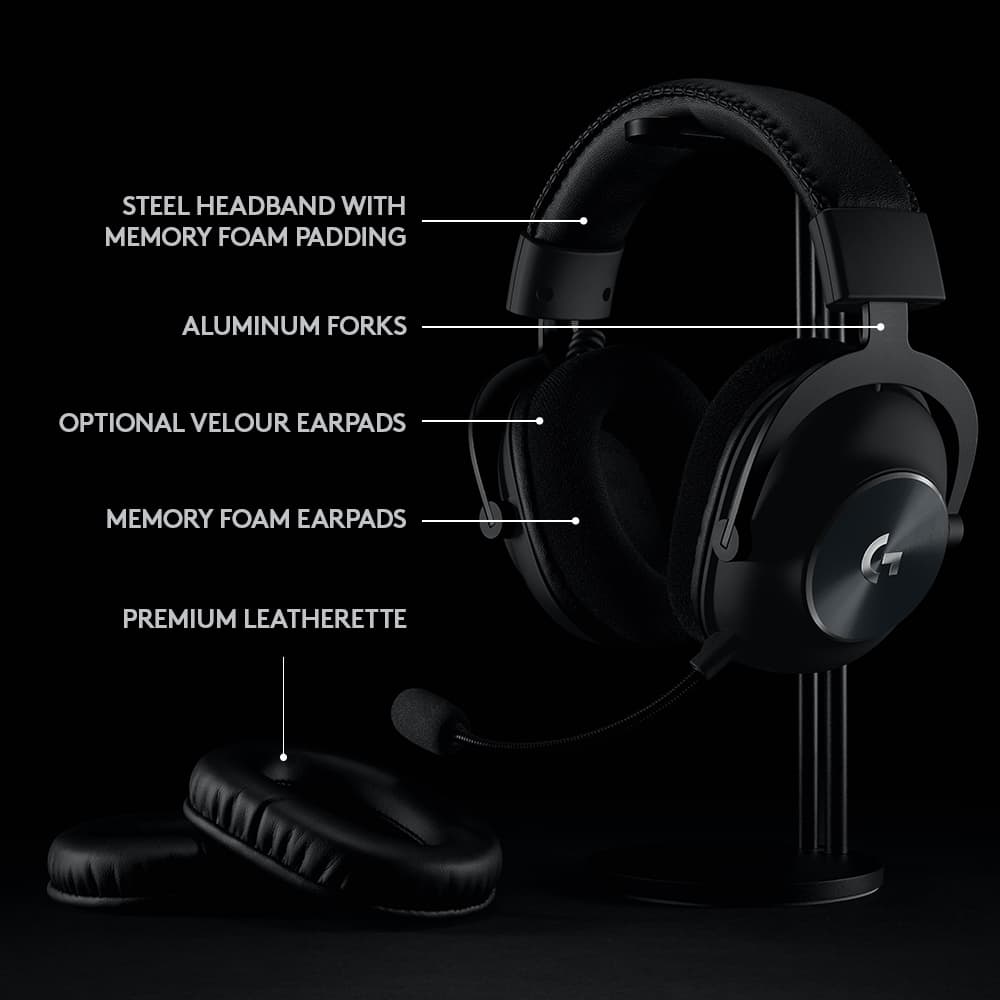
Posted .This reviewer received promo considerations or sweepstakes entry for writing a review.I prefer the cloth covers the soft vinyl came on them cloth ones came with them so I changed them i like the detachable mic all controls easy to use and I liked the price i am glad I bought them
I would recommend this to a friendBrand response from Logitech
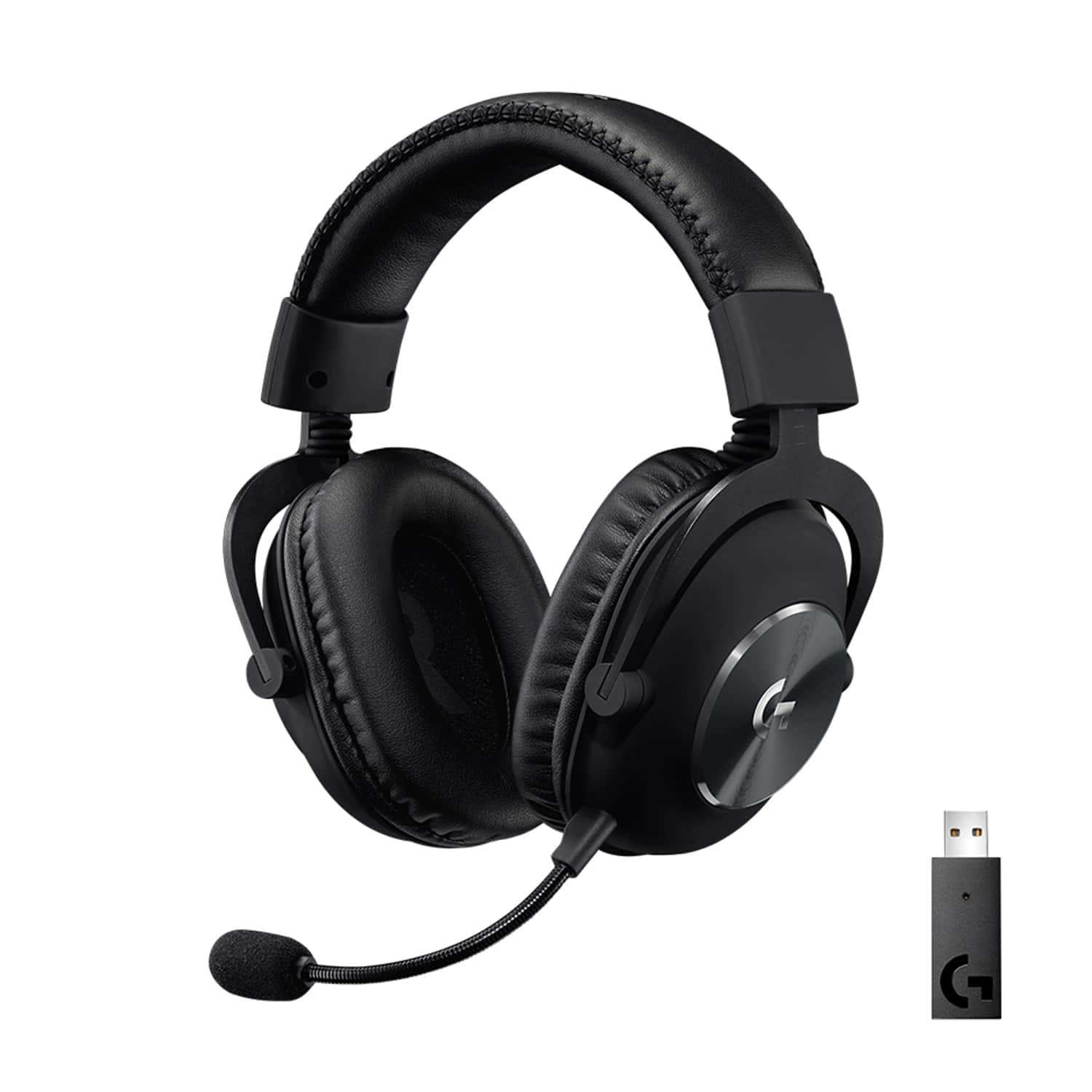
Posted .Hey there! We at Logitech appreciate you taking the time to share your experience with the G PRO X Wireless Gaming Headset. It's great to hear you're enjoying the comfort of the cloth ear pads, the detachable mic, the ease of use of the controls, and the overall value!
Headset
Posted .This reviewer received promo considerations or sweepstakes entry for writing a review.Good overall headset, I originally had a Corsair virtuoso and I believe it’s a step down in comfort the performance is on par or better and I like the easy to remove microphone
I would recommend this to a friendFob broke
Posted .This reviewer received promo considerations or sweepstakes entry for writing a review.The fob broke and now is unusable but worked good for 2 years
I would recommend this to a friendBrand response from Logitech
Posted .We appreciate you taking the time to share your experience with the G PRO X Wireless Gaming Headset. We're sorry to hear that the fob broke after two years of use.

DO NOT BUY! WORST HEADSET I EVER BOUGHT!
Posted .This reviewer received promo considerations or sweepstakes entry for writing a review.This product absolutely sucks. IT does not hold a charge, it gives no warning that the battery is low, no beeps or anything to warn you. I have had trouble setting it up from the get go and attempted to return it to best buy like 34-40 days after purchasing it. I paid 180$ for it at the store, the store assoiate assured me these were the best ones out here of all the other choices. Now I had to unhook it to take them with me to a recent hospital stay and ended u having to go out and buy a newer MUCH cheaper set. Hooked them up to my laptop and NOTHING NO SOUND of anything!! i got back home 6 days later from major surgery and am trying to get them to work once again, and NOTHING. A total waste of my money for something we paid a decent price for . i like the sound you get from the better gaming headsets vs the cheap ones, but you know what.. I WANT A HEADSET THAT ACTUALLY WORKS as well.
No, I would not recommend this to a friendBrand response from Logitech
Posted .Hey! We deeply apologize for your terrible experience with the G PRO X Wireless Headset. The battery issues, setup troubles, and malfunctioning are unacceptable. We value your feedback on improvements and will work on them. In order to help you effectively, please provide your information to our support team via email at socialcare@logitech.com with your
- Name:
- Email Address:
- Country:
- Product Name:
- Brief description of issue:
Best Headphones Best Price
Posted .This reviewer received promo considerations or sweepstakes entry for writing a review.When I saw this sale I knew I would be able to complete my Logitech peripherals set with my current Logitech keyboard and mouse. Excellent headphones at the best price.
I would recommend this to a friendSimple, straightforward quality
Posted .This reviewer received promo considerations or sweepstakes entry for writing a review.nice and simple use. easy connect to computer. Additional customizations in G Hub
I would recommend this to a friendBrand response from Logitech
Posted .We're thrilled to hear that you're enjoying the Logitech G PRO X Wireless Gaming Headset! Our goal is to provide a seamless and customizable gaming experience.
headset is pretty awesome
Posted .This reviewer received promo considerations or sweepstakes entry for writing a review.pretty good headset, using it to replace my arctis steel series 6 headset that broke. so far, pretty good
I would recommend this to a friendHead phones
Posted .This reviewer received promo considerations or sweepstakes entry for writing a review.Work great my daughter loves them she uses them for gaming
I would recommend this to a friendBrand response from Logitech
Posted .That's awesome to hear! The G PRO X Wireless Headset delivers great audio and comfort, perfect for long gaming sessions. We're happy to hear your daughter enjoys them!
отлично
Posted .This reviewer received promo considerations or sweepstakes entry for writing a review.Хорошие наушники) просто вставляешь и играешь) нет задержки)звук хороший
I would recommend this to a friendChristmas Day ever
Posted .This reviewer received promo considerations or sweepstakes entry for writing a review.Grandson son loves it. just wasn't` reeded It was the way to play.
I would recommend this to a friendAmazing
Posted .This reviewer received promo considerations or sweepstakes entry for writing a review.Super Easy and Simple to use. Best Gaming headphones i’ve ever used
I would recommend this to a friendDon’t Believe Any Hype
Posted .This reviewer received promo considerations or sweepstakes entry for writing a review.This is by far the worst headset for gaming I have ever used. Audio - Over the course of three hours, the audio became incredibly frustrating. The sound of gunfire, footsteps, discord communication, in game communication, and overall misc. audio blend together to such a flat sound into your ear that nothing is indistinguishable. You could be shooting your own weapon in this headset but due to the poor quality of its creation it could sound like an enemy shooting you 50 yards away. I cannot stress enough how FLAT the audio mixes. This could be because my previous headset was a Sennheiser, but wow this was bad. Comfort - I can’t lie, this was a very comfy and naturally fitting headset. Ease of use - Plug and play. Or don’t play with it on for very long in my case. Price - I had a wired (not wireless) Sennheiser headset last year for $199. Same price as this headset... my cat cut a wire by accident and the left ear doesn’t work. I’d rather run a half working headset over a full working Logitech Pro... so if you are concerned about price, just look elsewhere like Corsair, Razer, anywhere but here.
No, I would not recommend this to a friendBrand response from Logitech
Posted .Hi IsThisRight, thank you for your feedback! Be sure to check out GHUB software, for advanced audio controls and settings: https://support.logi.com/hc/en-us/articles/360025298133 - For support, please refer to: https://support.logi.com/hc/en-us/articles/360052152514 - Will, Logitech G.
A+
Posted .This reviewer received promo considerations or sweepstakes entry for writing a review.Great headset would definitely recommend. Software works great as well
I would recommend this to a friendWireless Game Headset
Posted .This reviewer received promo considerations or sweepstakes entry for writing a review.This headphone is super awesome. Great gift for any occasion.
I would recommend this to a friendI wanted to like them so bad…
Posted .This reviewer received promo considerations or sweepstakes entry for writing a review.So im gonna start off by saying these headphones are BEAUTIFUL, they look and feel great! But the sound these things produce is so awful i was forced to return them. Hardly any bass at all and at 100% volume they were still quiet. I returned them and got hyperx cloud 3s and i cannot believe the difference in sound. at 45% these things are louder than the g pros.. considering the g prox is 230 bucks off sale do yourself a favor and avoid the headache. Even after an hour in the logitech software it was just unusable in a gaming situation.
No, I would not recommend this to a friendBrand response from Logitech
Posted .We sincerely regret if our product provided you with a inferior experience. We understand your displeasure and apologize for any issues that arise. We value your input, therefore we will forward it along to the appropriate team so they can look into it.
trying to win $400
Posted .This reviewer received promo considerations or sweepstakes entry for writing a review.pretty good. just trying to win $400 with this review.
I would recommend this to a friendNot for long use
Posted .This reviewer received promo considerations or sweepstakes entry for writing a review.Decent headphones bt receiver fried after 3 months of having it wouldn’t recommend
No, I would not recommend this to a friendBrand response from Logitech
Posted .We’re really sorry to hear about your experience. We’ll share this with our team for improvement. We value your feedback and will use it to enhance our products and services.
massive w
Posted .This reviewer received promo considerations or sweepstakes entry for writing a review.literally the best headphones so good amazing i love them also software is good and ez to use
I would recommend this to a friendHorrible audio quality
Posted .This reviewer received promo considerations or sweepstakes entry for writing a review.Coming from a HyperX Cloud Revolver S, these were an insane disappointment no matter how much tweaking the EQ you do. I don't get how people get these to sound anything but flat? Would never recommend, tried both wireless and wired, same story. My roommate has the wired headset and they sound like garbage compared to my HyperX. But of course, if you've never had a good sounding headset, you probably would never know the difference..... I tried two different pairs to make sure that it wasn't a bad set that I received. The mic is the only perk to this headset, but you yourself don't even benefit from it, everyone else does.
No, I would not recommend this to a friendBrand response from Logitech
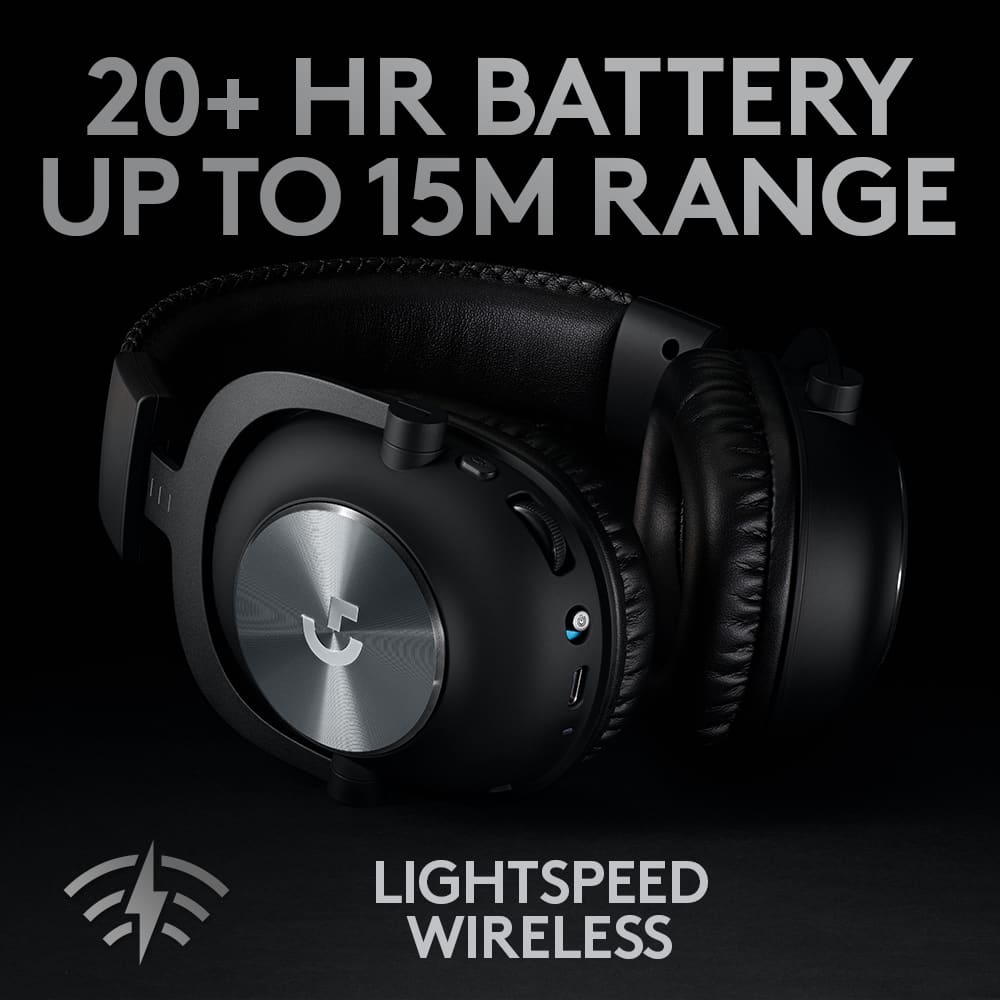
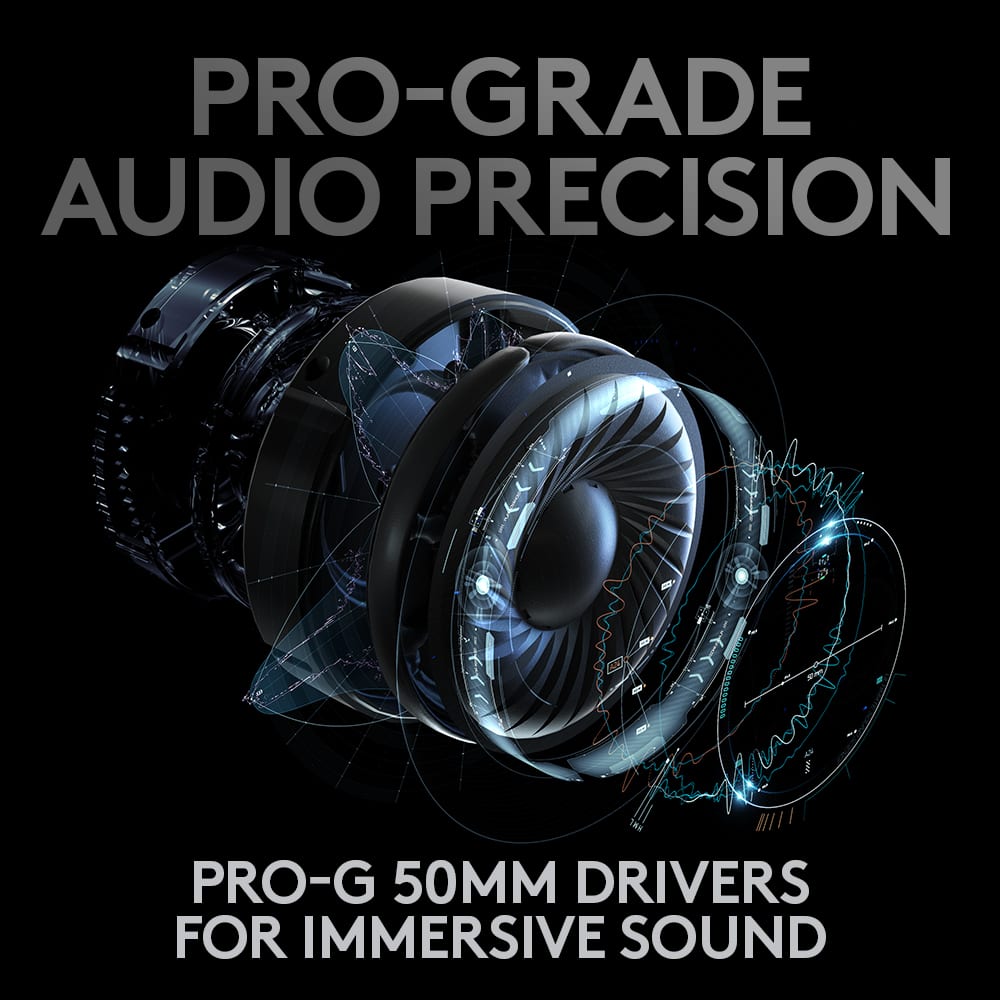
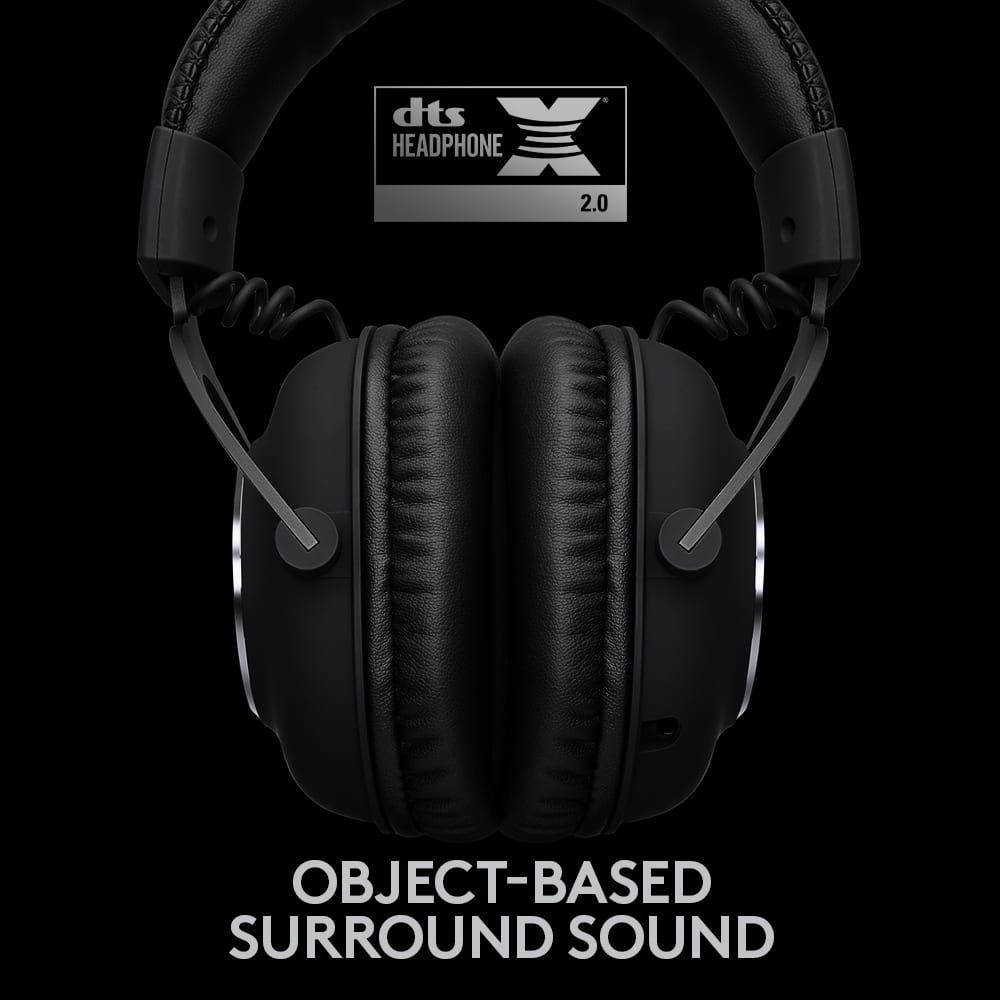
Posted .Hi thepilot90, thank you for your feedback! PRO X WIRELESS headset joins a complete setup of pro-grade gear developed in collaboration with the world’s top esports pros. DTS Headphone:X 2.0 goes beyond 7.1 channels with enhanced bass rendering, audio clarity and proximity cues. PRO-G features a unique hybrid mesh construction to deliver amazingly clear and precise sound imaging. LIGHTSPEED wireless technology, only from Logitech G, lets you game wirelessly without compromises in latency, connectivity or battery. - Will, Logitech G.
Too quiet and sound quality is lacking.
Posted .This reviewer received promo considerations or sweepstakes entry for writing a review.My little Bose 35 series sounded much better than these and were way more comfortable. I had to look up a YouTube video on how to make these louder, and even after, my Bose headset was still much better.
No, I would not recommend this to a friend