Customer Ratings & Reviews
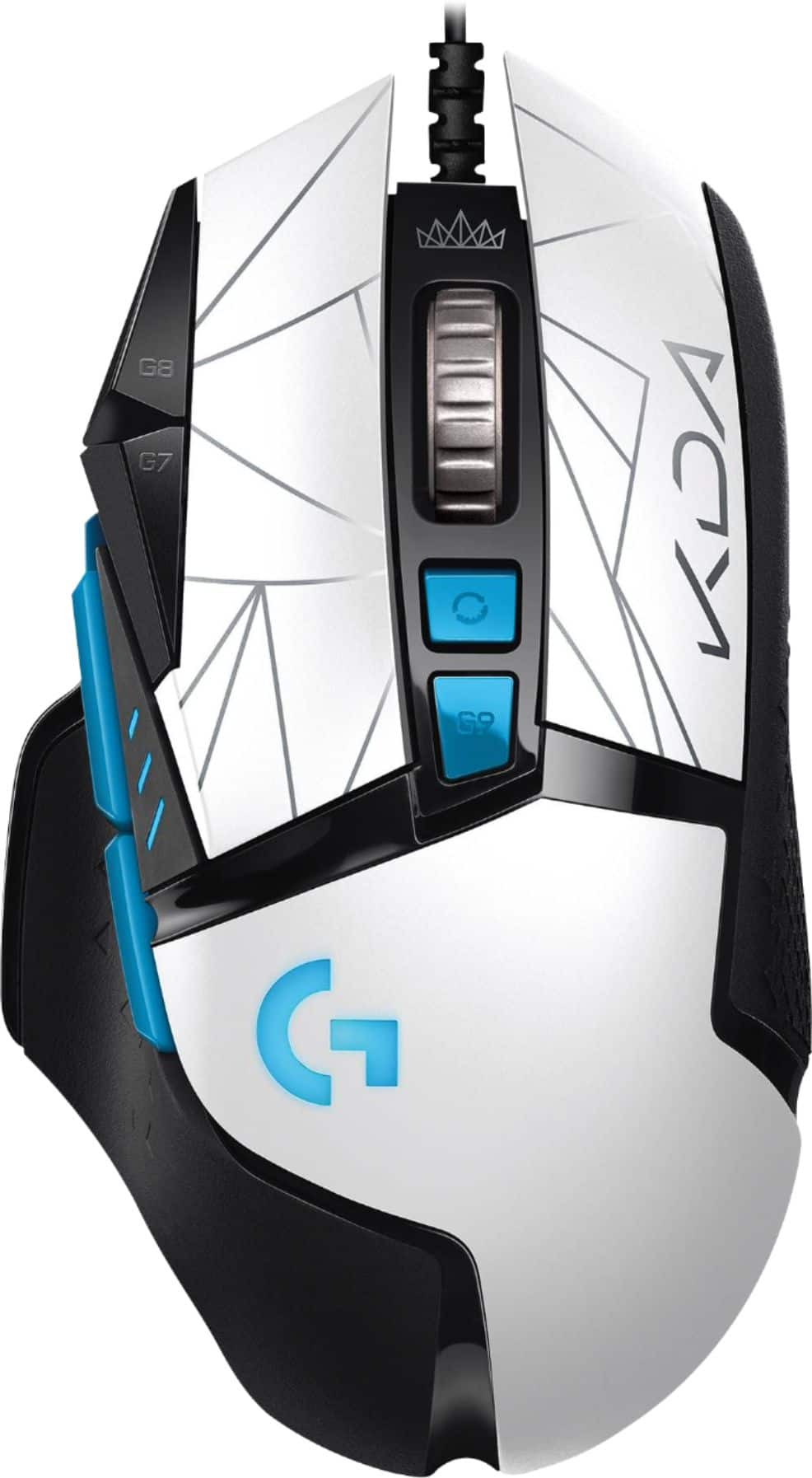
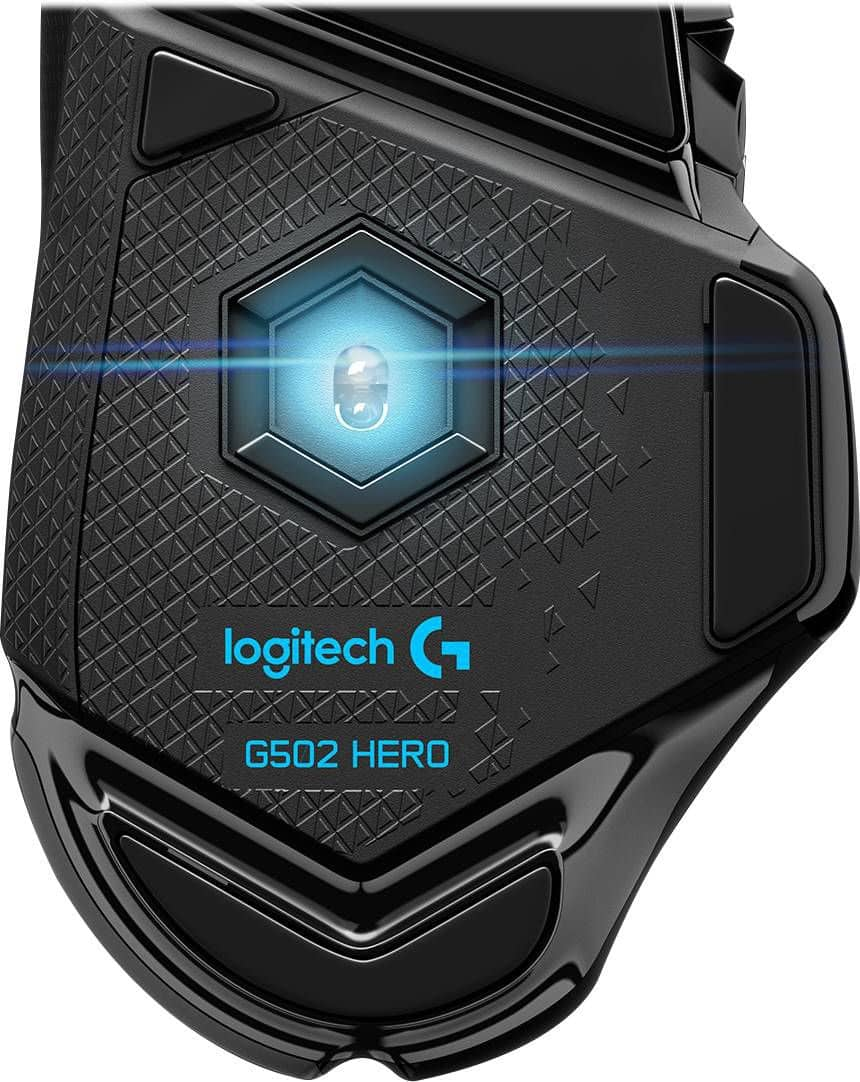
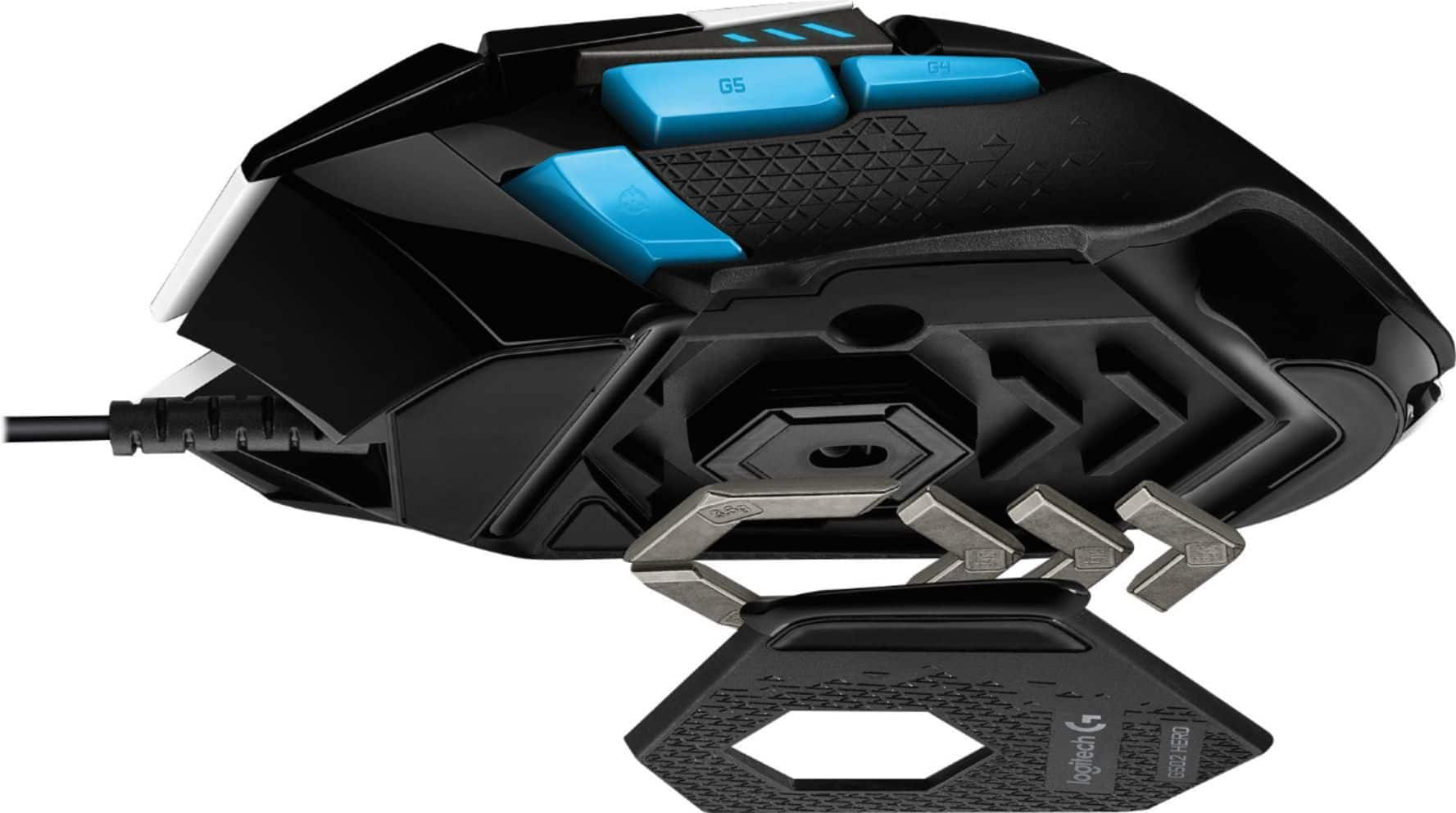
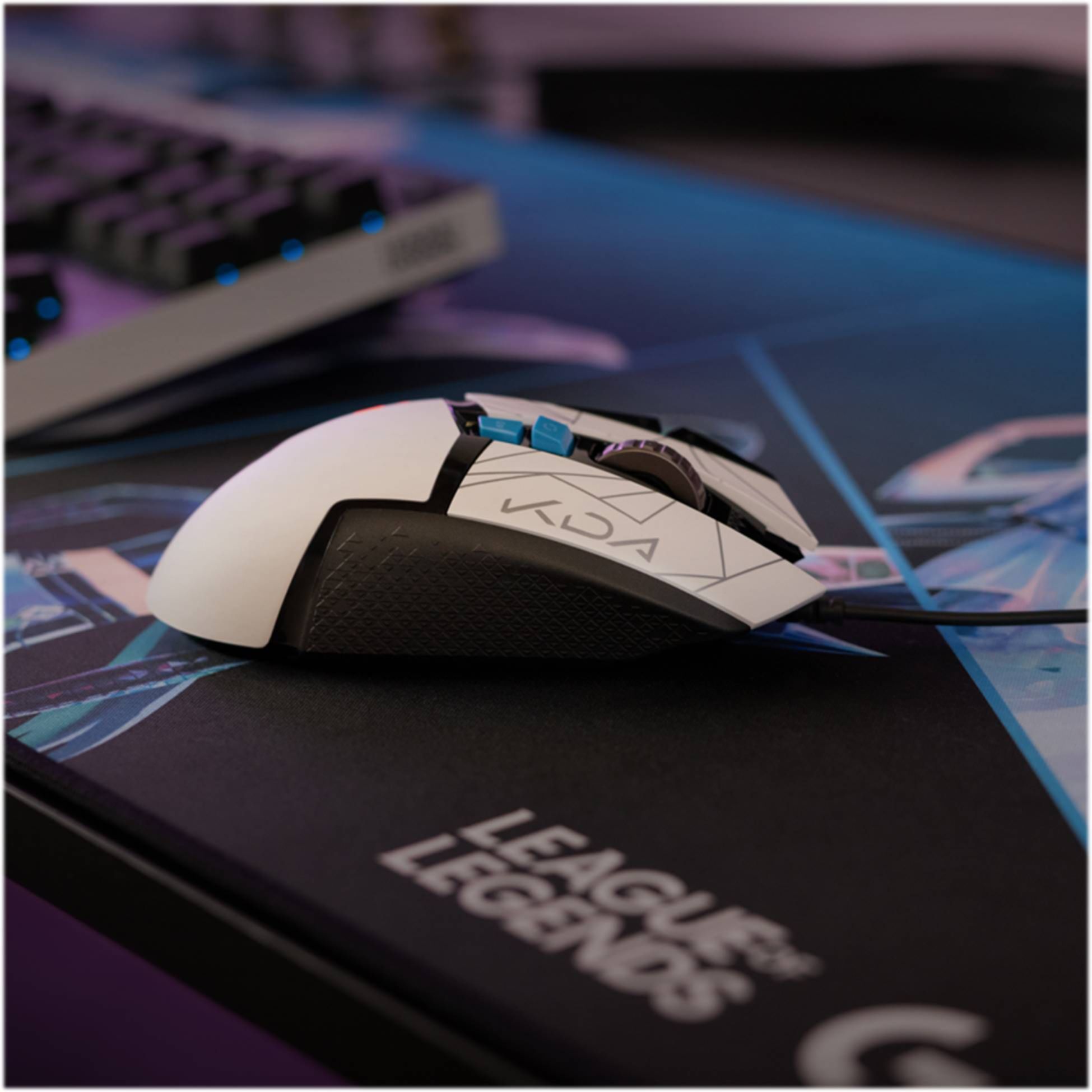
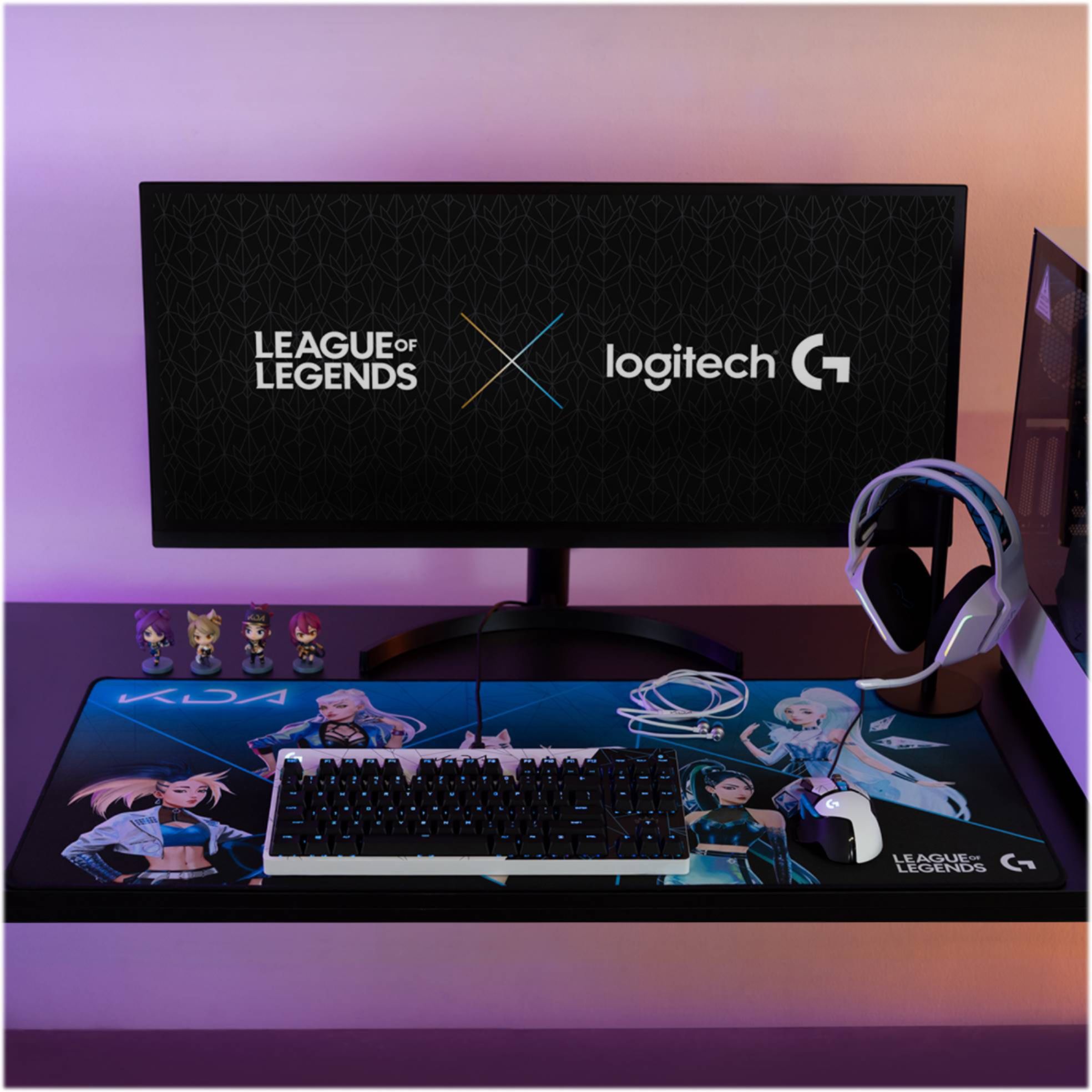
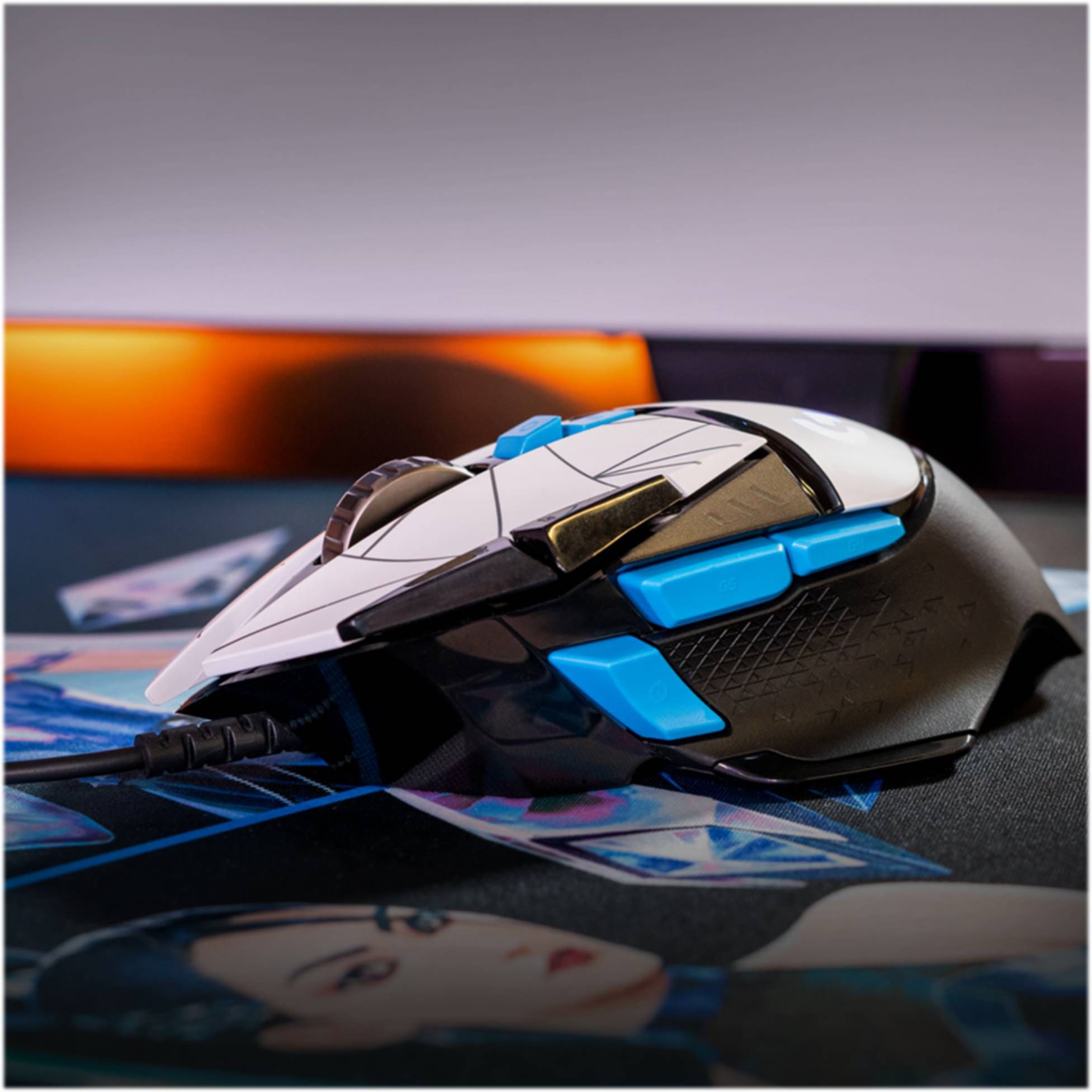
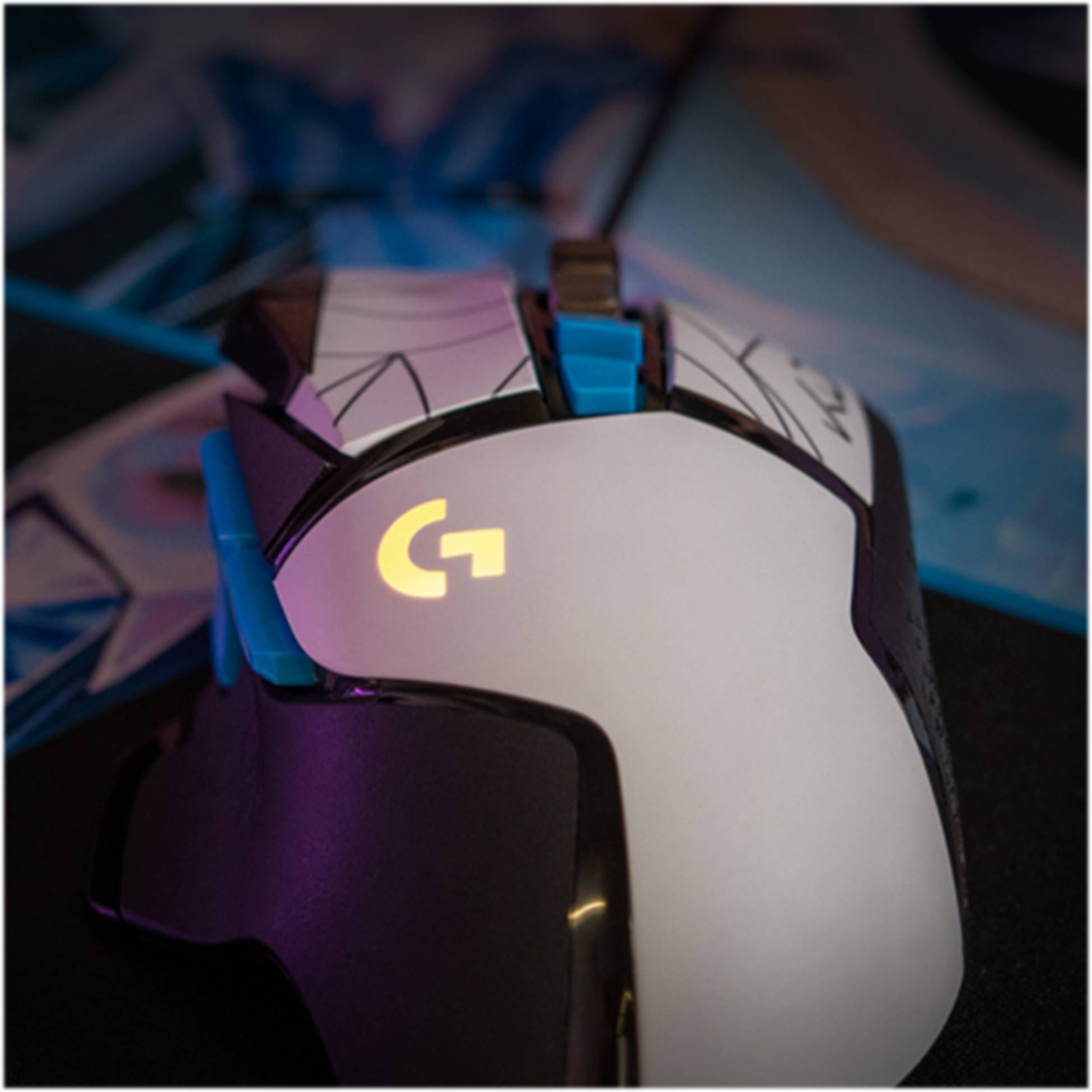
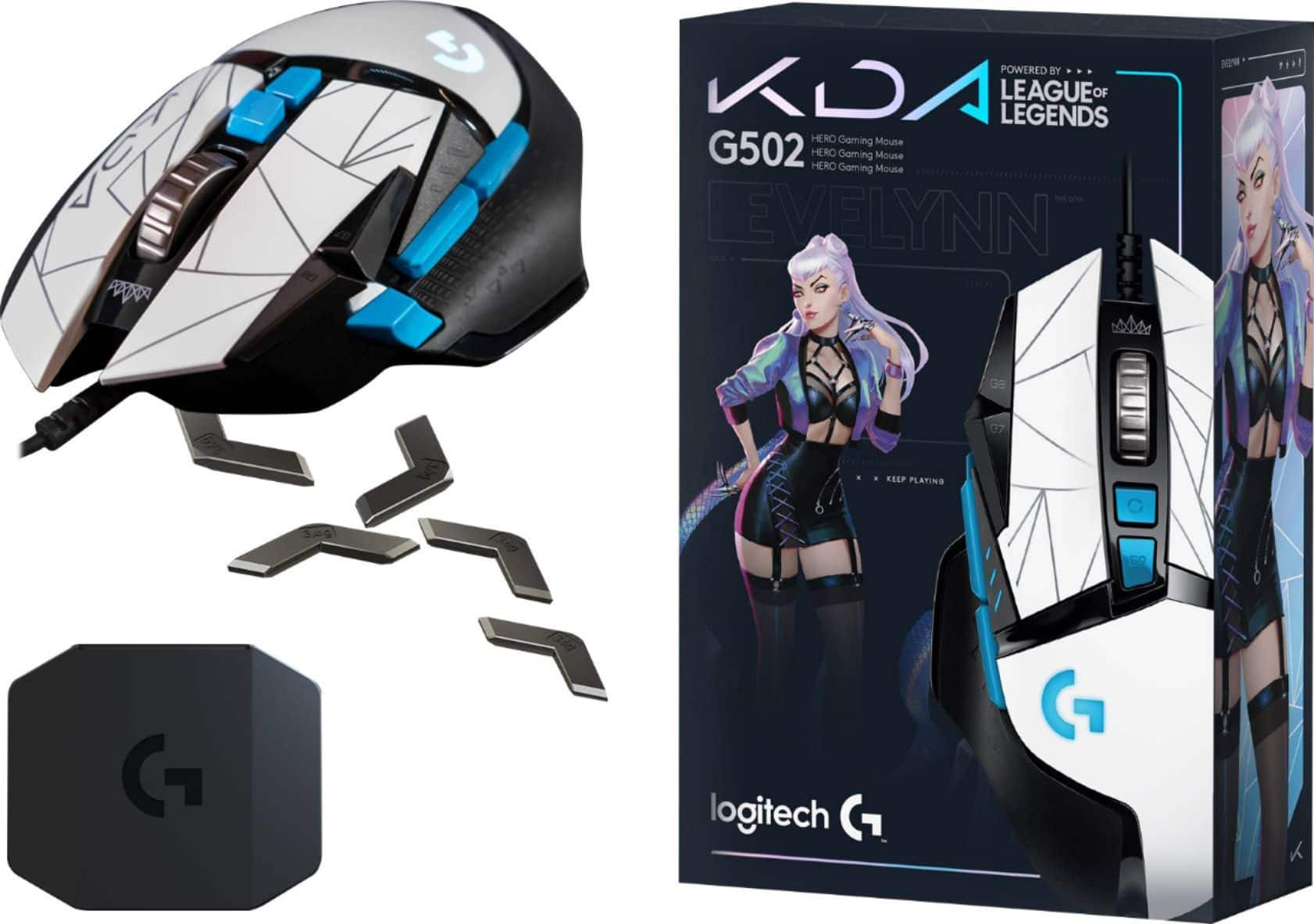

- Model:
- 910-006095
- |
- SKU:
- 6455869
Customer reviews
Rating 4.7 out of 5 stars with 7565 reviews
(7,565 customer reviews)Rating by feature
- Value4.7
Rating 4.7 out of 5 stars
- Quality4.7
Rating 4.7 out of 5 stars
- Ease of Use4.7
Rating 4.7 out of 5 stars
Customers are saying
Customers have good things to say about the G502 HERO SE Wired Optical Gaming Mouse, particularly its comfortable weight, button placement, and controllable RGB lighting. Many appreciate the adjustable DPI, responsiveness, and the feel of the mouse in their hand, along with the customization options and software. Some customers feel the size is small, while others prefer it over wireless mice.
This summary was generated by AI based on customer reviews.
Rated 4 out of 5 stars
user friendly
||Posted . Owned for 3 weeks when reviewed.This reviewer received promo considerations or sweepstakes entry for writing a review.performs well.i like it.recommended for others to buy this.
This review is from Logitech - G502 HERO SE Wired Optical Gaming Mouse with RGB Lighting - Wired - Black
I would recommend this to a friendRated 1 out of 5 stars
Upset with Logitech quality control
||Posted . Owned for 7 months when reviewed.This reviewer received promo considerations or sweepstakes entry for writing a review.Left click stopped working after less than 1 year. Very common problem with this mouse as many others are on forums talking about left click issues. On mine, you must have your finger on edge of the button and use excessive pressure to keep left click working correctly, especially when clicking and holding down the left button.
This review is from Logitech - G502 HERO Wired Optical Gaming Mouse with RGB Lighting - Wired - Black
No, I would not recommend this to a friendBrand response from Logitech
Posted .Hi Maxx, Very sorry to hear about the left click issue you're having with the G502 HERO after just a year. Fortunately, the G502 HERO has a 2-year limited hardware warranty. Here's a link to File A Claim: https://support.logi.com/hc/en-us/articles/360024914754-Warranty-G502-HERO. Hope that this helps resolve the issue and that all is going well. Thank you for choosing Logitech. - Richard from Logitech
Rated 4 out of 5 stars
Good
||Posted . Owned for 3 weeks when reviewed.This reviewer received promo considerations or sweepstakes entry for writing a review.The application app won't open so you can't customize the mouse. Other than that it's good.
This review is from Logitech - G502 HERO SE Wired Optical Gaming Mouse with RGB Lighting - Wired - Black
I would recommend this to a friendBrand response from Logitech
Posted .Hey there Reenee, I'm sorry to hear that you had some issues with your G502. In regards to the software, I would recommend fully deleting all files associated with GHub to make sure it wasn't installed improperly, then try reinstalling it. I apologize for any inconvenience this may have caused you.
Rated 4 out of 5 stars
Upgrade achived
||Posted .This reviewer received promo considerations or sweepstakes entry for writing a review.My clone bought this as an upgrade to his previous desk rodent
This review is from Logitech - G502 HERO SE Wired Optical Gaming Mouse with RGB Lighting - Wired - Black
I would recommend this to a friendRated 4 out of 5 stars
Nice mouse
||Posted . Owned for 1 week when reviewed.This reviewer received promo considerations or sweepstakes entry for writing a review.Very nice addition to your pc set up. Great accuracy & sleek design
This review is from Logitech - G502 HERO SE Wired Optical Gaming Mouse with RGB Lighting - Wired - Black
I would recommend this to a friendRated 4 out of 5 stars
Mouse comments
||Posted . Owned for 1 week when reviewed.This reviewer received promo considerations or sweepstakes entry for writing a review.It’s a good mouse but it took a while to get used it..
This review is from Logitech - G502 HERO SE Wired Optical Gaming Mouse with RGB Lighting - Wired - Black
I would recommend this to a friendRated 2 out of 5 stars
Malfunctions
||Posted . Owned for 10 months when reviewed.This reviewer received promo considerations or sweepstakes entry for writing a review.The left mouse click malfunctions from time to time. Fortunately I can deal with it.
This review is from Logitech - G502 HERO Wired Optical Gaming Mouse with RGB Lighting - Wired - Black
No, I would not recommend this to a friendBrand response from Logitech
Posted .Hi DoorDash, I'm sorry that you are experiencing some click malfunctions on the G502. You can spray compressed air into the slots between the left and right click to clean the area, that will sometimes fix the issue. Logitech has a 2 year limited hardware warranty on this mouse. You can file a warranty claim at support.logi.com. Thanks for being a Logitech customer. Kristi from Logitech.
Rated 4 out of 5 stars
Great with 1 issue
||Posted . Owned for 9 months when reviewed.This reviewer received promo considerations or sweepstakes entry for writing a review.This mouse was a nice upgrade. The only thing I don't like is the scroll wheel seems loose.
This review is from Logitech - G502 HERO SE Wired Optical Gaming Mouse with RGB Lighting - Wired - Black
I would recommend this to a friendRated 4 out of 5 stars
Great Mouse!
||Posted . Owned for less than 1 week when reviewed.This reviewer received promo considerations or sweepstakes entry for writing a review.Awesome mouse for gaming. I will be purchasing another!
This review is from Logitech - G502 HERO SE Wired Optical Gaming Mouse with RGB Lighting - Wired - Black
I would recommend this to a friendRated 2 out of 5 stars
Defective left click
||Posted . Owned for 1 year when reviewed.This reviewer received promo considerations or sweepstakes entry for writing a review.Had the mouse for about a year then left click starts to stick ending up double clicking
This review is from Logitech - G502 HERO Wired Optical Gaming Mouse with RGB Lighting - Wired - Black
No, I would not recommend this to a friendBrand response from Logitech
Posted .Hello customer, I'm sorry to hear that you're having some issues with the G502 HERO. This can be an issue with the 502, so I would recommend navigating to Logitech's support site. There you can find troubleshooting tips and tricks, such as how to clean the device which can fix the issue.
Rated 1 out of 5 stars
Didnt even last six month
||Posted . Owned for 3 months when reviewed.This reviewer received promo considerations or sweepstakes entry for writing a review.Thought I was going crazy when playing an fps game and would scope/unscope randomly. Looked online and found others having similar issue with double clicking. Really disappointed in this mouse, have other Logitech items but will be looking for a different mouse :(
This review is from Logitech - G502 HERO Wired Optical Gaming Mouse with RGB Lighting - Wired - Black
No, I would not recommend this to a friendBrand response from Logitech
Posted .Hello, we are sorry to hear that the G502 HERO did not meet your expectations. At Logitech, it is our goal to ensure you are completely satisfied with your Logitech purchase. We take pride in the products and services we offer, and want our customers to enjoy them just as much as we do. If you haven't done so already, please download the G-Hub software at logitechg.com . There, you'll be able to update your mouse and also customize any clicking and different mouse settings. The G502 HERO comes with a 2 - Year Warranty. Please reach out to us on our Logitech support website so we can help out. Hope you have a great day!
-Ricky from Logitech
Rated 2 out of 5 stars
Bad and Sad!
||Posted . Owned for 3 months when reviewed.This reviewer received promo considerations or sweepstakes entry for writing a review.Not worth the money at all. Way better mouses available both online and in store.
This review is from Logitech - G502 HERO Wired Optical Gaming Mouse with RGB Lighting - Wired - Black
No, I would not recommend this to a friendBrand response from Logitech
Posted .Hi PlayBlind, thank you for your feedback! The G502 is one of the most popular gaming mice of all time. Now with the HERO sensor, LIGHTSYNC RGB, Hyper-scrolling wheel, 11-programmable buttons, GHUB gaming software and more! - Will, Logitech G.
Rated 4 out of 5 stars
Great but...
||Posted . Owned for 5 months when reviewed.This reviewer received promo considerations or sweepstakes entry for writing a review.Best mouse i’ve used but it’s kinda heavy for a great fps gaming experience
This review is from Logitech - G502 HERO SE Wired Optical Gaming Mouse with RGB Lighting - Wired - Black
I would recommend this to a friendRated 2 out of 5 stars
Ok for a couple months
||Posted . Owned for 11 months when reviewed.This reviewer received promo considerations or sweepstakes entry for writing a review.Not a fan. Replaced a few months later with death adder and much happier.
This review is from Logitech - G502 HERO Wired Optical Gaming Mouse with RGB Lighting - Wired - Black
No, I would not recommend this to a friendBrand response from Logitech
Posted .Hi VinceJj, thank you for your feedback! We make a wide variety of mice designs and features to best suite your preferences. - Will, Logitech G.
Rated 1 out of 5 stars
No impressed
||Posted . Owned for 2 months when reviewed.This reviewer received promo considerations or sweepstakes entry for writing a review.I came from Corsair mouses which people bag on all the time for there lack of sensors but honestly this mouse feels cheaply made, the wheel won’t stop moving back and forth with play and sometimes when you go to click on something the sensor glitches out and skips a few inches, very annoying and disappointing
This review is from Logitech - G502 HERO Wired Optical Gaming Mouse with RGB Lighting - Wired - Black
No, I would not recommend this to a friendBrand response from Logitech
Posted .Hi Myprotesla, Thank you for your feedback. Sorry you are having issues with your mouse. Be sure to download the software for you device to make sure it's up to date. Logitech G HUB software lets you customize Logitech G gaming mice, keyboards, headsets, speakers, and other devices. If you need further assistance, please contact Logitech Support on the website. LaShonda from Logitech
Rated 4 out of 5 stars
So far so good
||Posted . Owned for 2 weeks when reviewed.This reviewer received promo considerations or sweepstakes entry for writing a review.The mouse working ok for now. My son didn’t say anything negative about this gaming mouse yet.
This review is from Logitech - G502 HERO SE Wired Optical Gaming Mouse with RGB Lighting - Wired - Black
I would recommend this to a friendRated 4 out of 5 stars
Too heavy
||Posted . Owned for 1 month when reviewed.This reviewer received promo considerations or sweepstakes entry for writing a review.It is a great mouse, just it is too heavy for fps games, So I changed my mind.
This review is from Logitech - G502 HERO SE Wired Optical Gaming Mouse with RGB Lighting - Wired - Black
No, I would not recommend this to a friendRated 4 out of 5 stars
Comfortable and Heavy
||Posted . Owned for 1 year when reviewed.This reviewer received promo considerations or sweepstakes entry for writing a review.Very comfortable, mouse clicks are good, heavy, very long USB cable
This review is from Logitech - G502 HERO SE Wired Optical Gaming Mouse with RGB Lighting - Wired - Black
I would recommend this to a friend- Cons mentioned:Software
Rated 2 out of 5 stars
Good mouse, bad software glitches
||Posted . Owned for 1 year when reviewed.This reviewer received promo considerations or sweepstakes entry for writing a review.I like this mouse a lot, but for some reason it's just keeps disconnecting from USB and turn off. I used it on different computers and it still disconnecting. Only 2 stars for crappy/glitchy Logitech software, that looks like it was written in 90s.
This review is from Logitech - G502 HERO SE Wired Optical Gaming Mouse with RGB Lighting - Wired - Black
I would recommend this to a friendBrand response from Logitech
Posted .Hello Thatguy! I'm sorry to hear you're running into connection issues with the G502 mouse. If you haven't tried these already, here are a few things you can try, be sure to plug the mouse directly into a USB port on the motherboard or a USB port on the computer case while troubleshooting. Also avoid using hubs of any kind, powered or not. This includes hubs that can be found on monitors. First you can try a different USB port on the motherboard or computer case. If that doesn't work the I would recommend disabling "USB Selective Suspend": Press the Windows key, type "Edit power plan" and press Enter. Select "Change advanced power settings". Expand the tree for "USB settings", then expand the tree for "USB selective suspend setting". Disable the option for On battery and Plugged in. Power Management for USB hubs: Press the Windows key, type "Device Manager" and press Enter. Expand the tree for "Universal Serial Bus controllers". Right-click on a hub and select Properties. Under the Power Management tab, uncheck the setting "Allow the computer to turn off this device to save power". Repeat the above steps for all items listed as hubs.You can also try updating the motherboard chipset drivers. If none of these work or you have tried them all, I would recommend reaching out to our support team here https://support.logi.com/hc/en-us/requests/new?ticket_form_id=360000621393 to start a warranty claim. The G502 HERO has a 2-year limited hardware warranty. Thank you so much for this feedback and I hope this helps! - Maggie from Logitech G
Rated 4 out of 5 stars
Amazing mouse for work and play
||Posted . Owned for 3 weeks when reviewed.This reviewer received promo considerations or sweepstakes entry for writing a review.I can't say enough about this mouse. BUT Ghub for the mouse button mapping is awful.
This review is from Logitech - G502 HERO SE Wired Optical Gaming Mouse with RGB Lighting - Wired - Black
I would recommend this to a friend