Customer Ratings & Reviews

- Model:
- 910-005565
- SKU:
- 10154868
Rating by feature
- Value
Rating 4.5 out of 5 stars
- Quality
Rating 4.8 out of 5 stars
- Ease of Use
Rating 4.8 out of 5 stars
to a friend
Don’t bother
||Posted . Owned for 3 weeks when reviewed.This reviewer received promo considerations or sweepstakes entry for writing a review.The battery life is terrible. I returned it and went with th G502X plus. I used it 8-10 hours for office work with a fixed light. I didn’t like my saved light setting didn’t work once I plugged it to the corporate device. Maybe the cycling of the lights drains the battery versus being a fixed color. G502x Plus has 5 onboard memory profiles, which allows me to use it in other devices.
No, I would not recommend this to a friendBrand response from Logitech
Posted .We regret to hear that you had to return the mouse. We apologize for any inconvenience caused and thanks for your detailed feedback. We'll certainly pass this along to the right team.

Eliminates all excuses not to go wireless
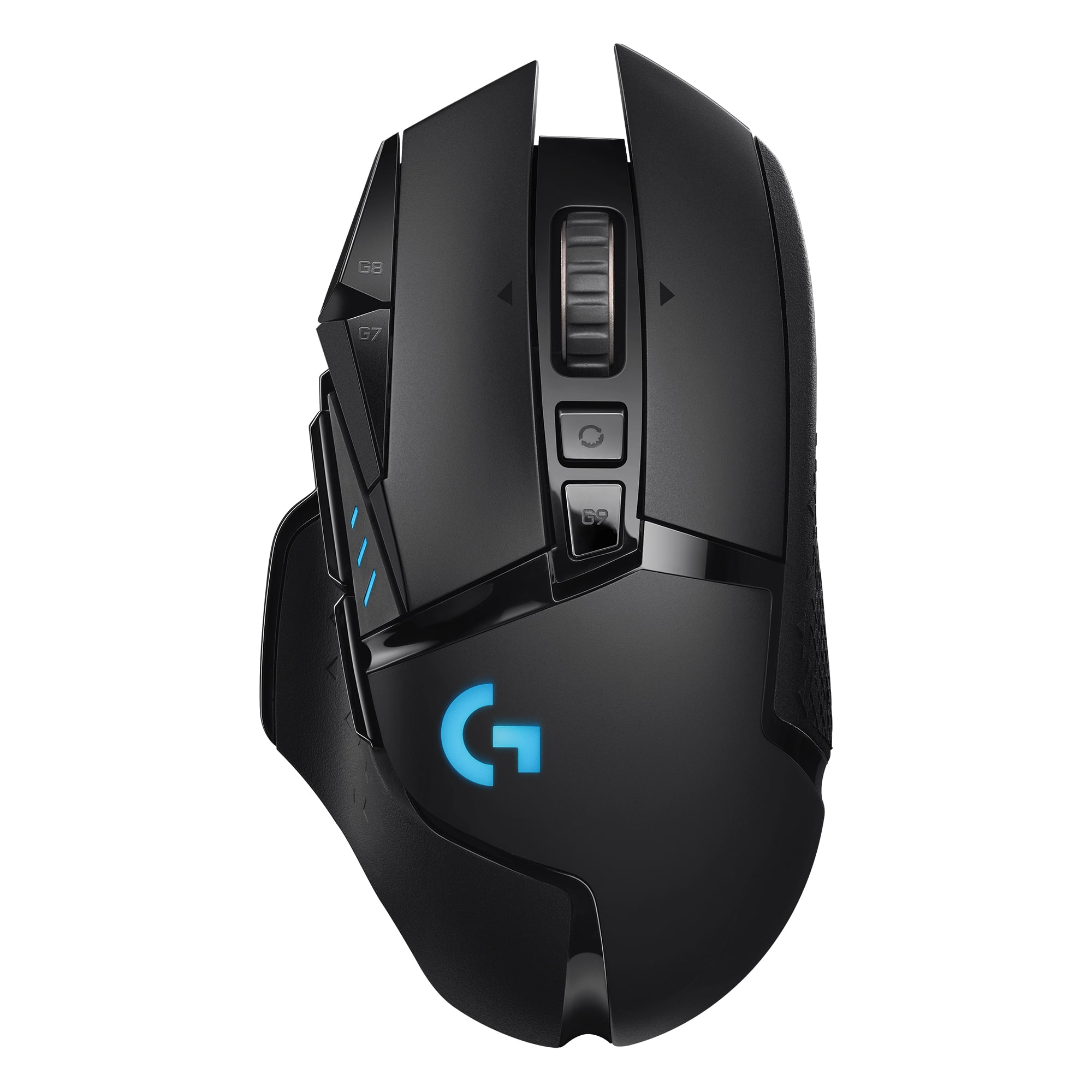
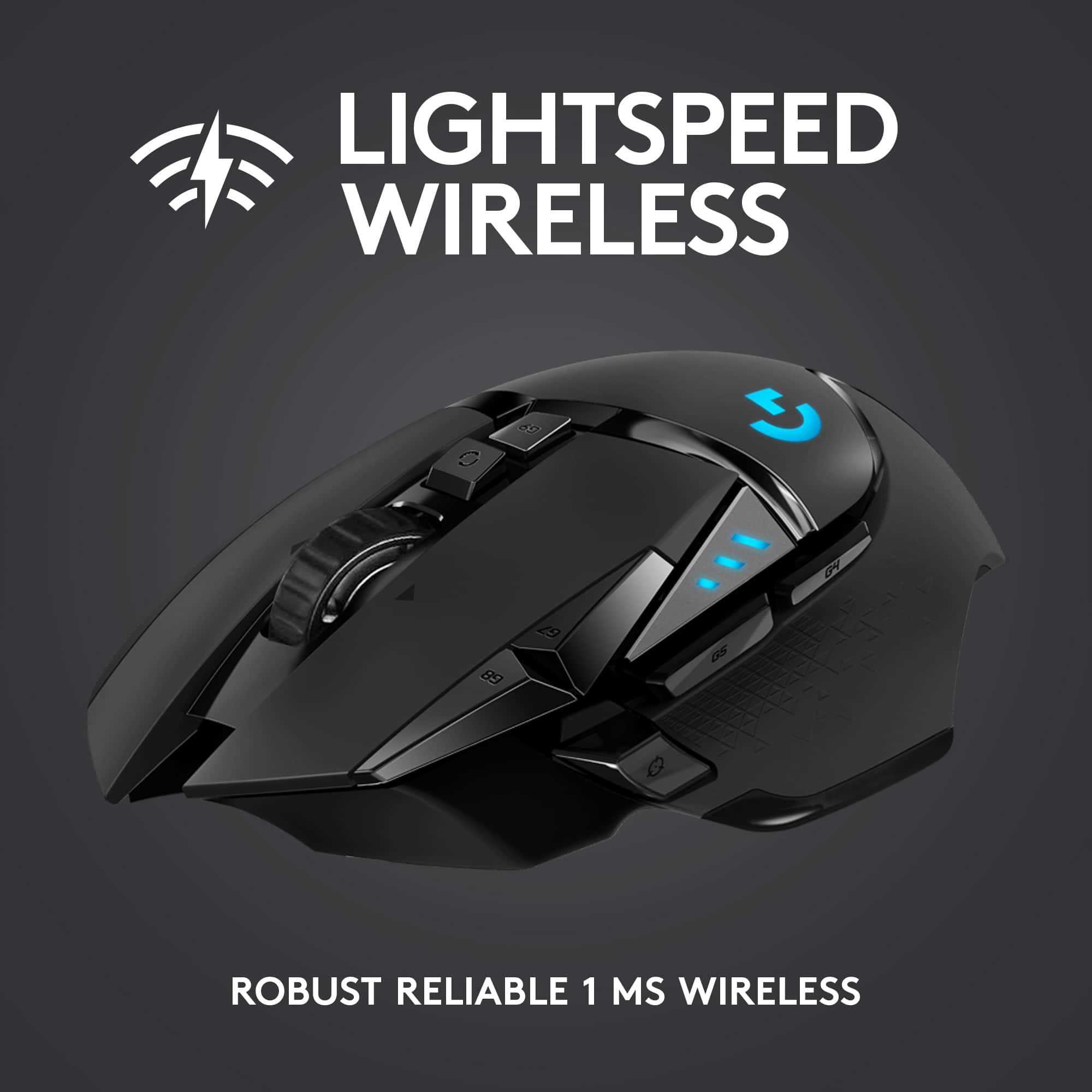
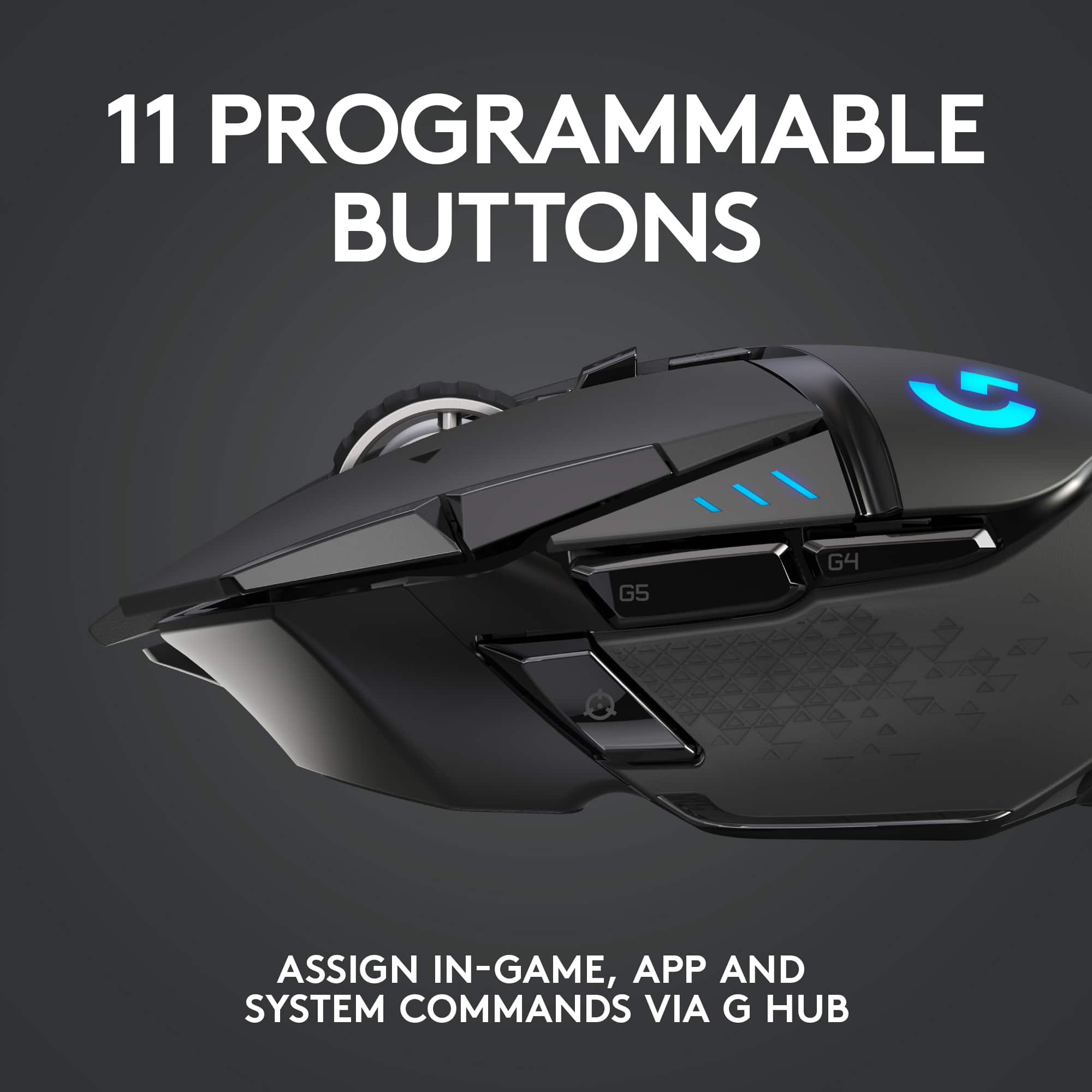
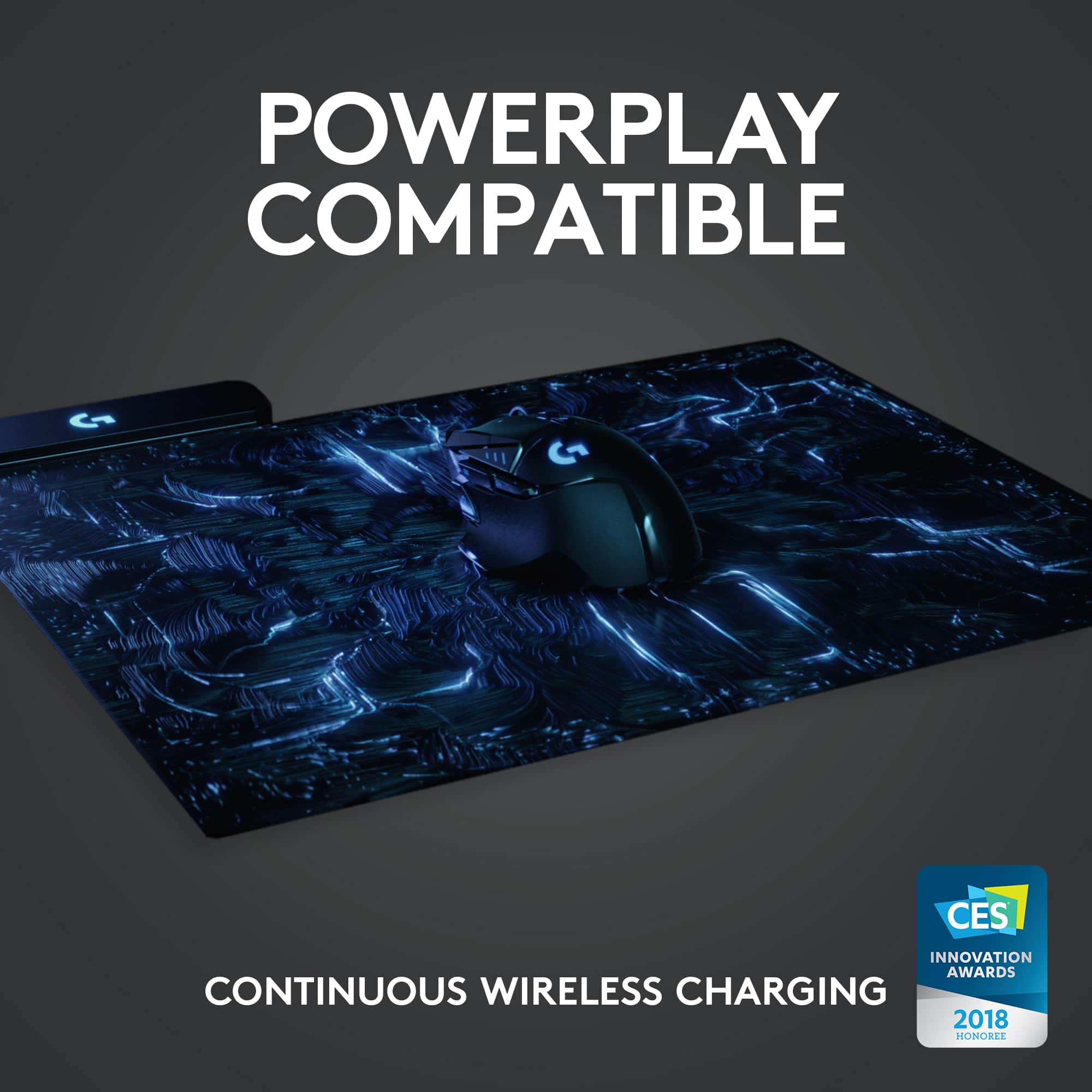
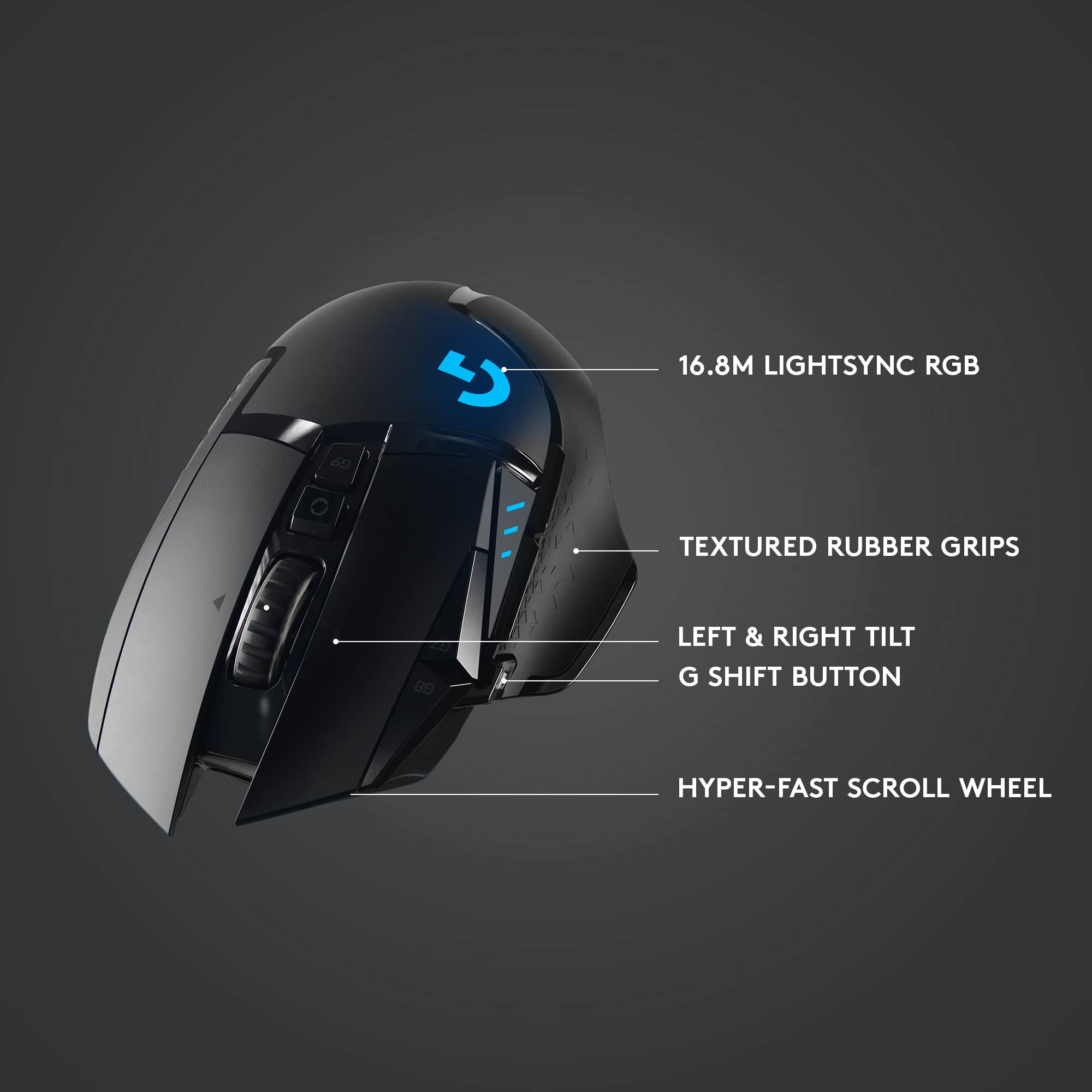
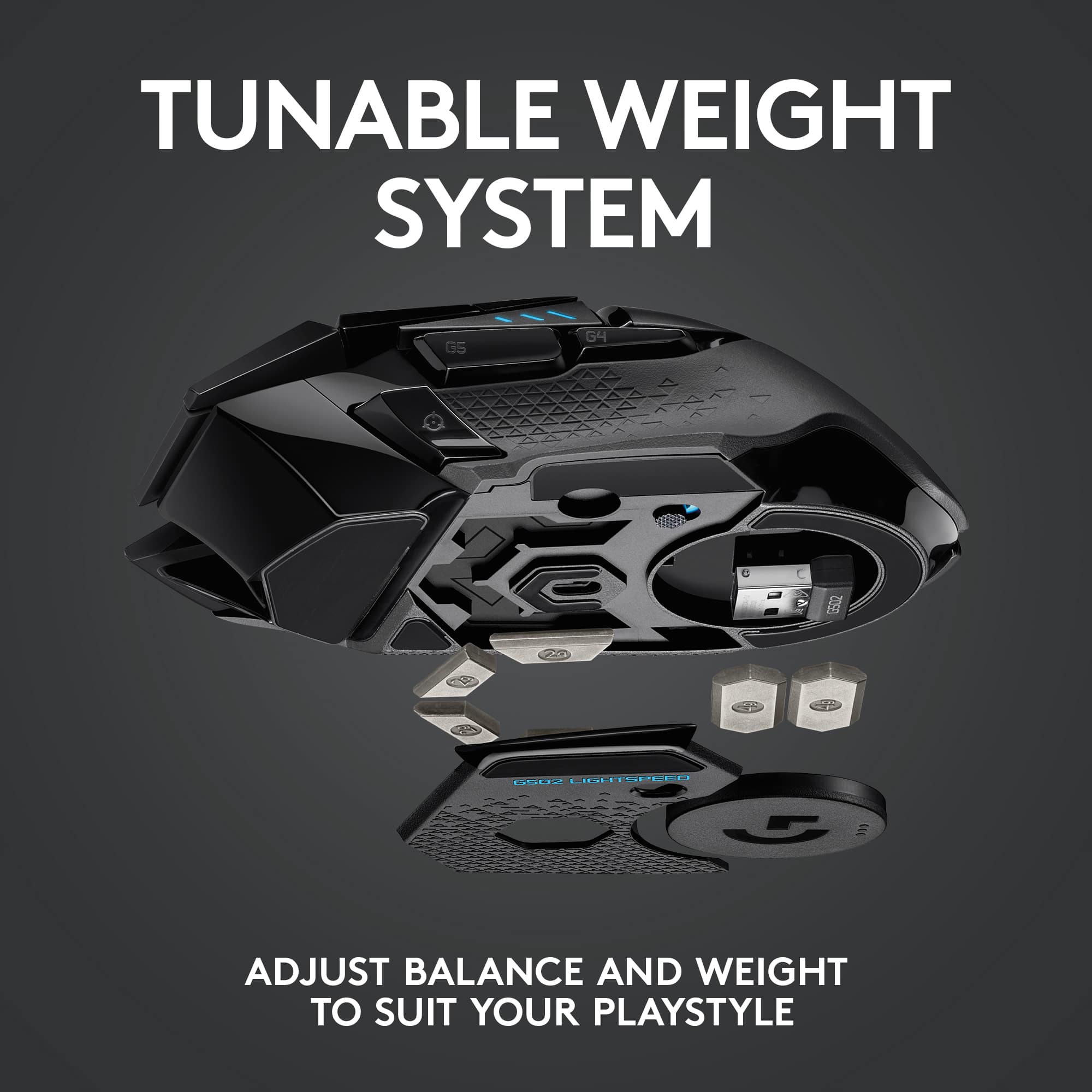
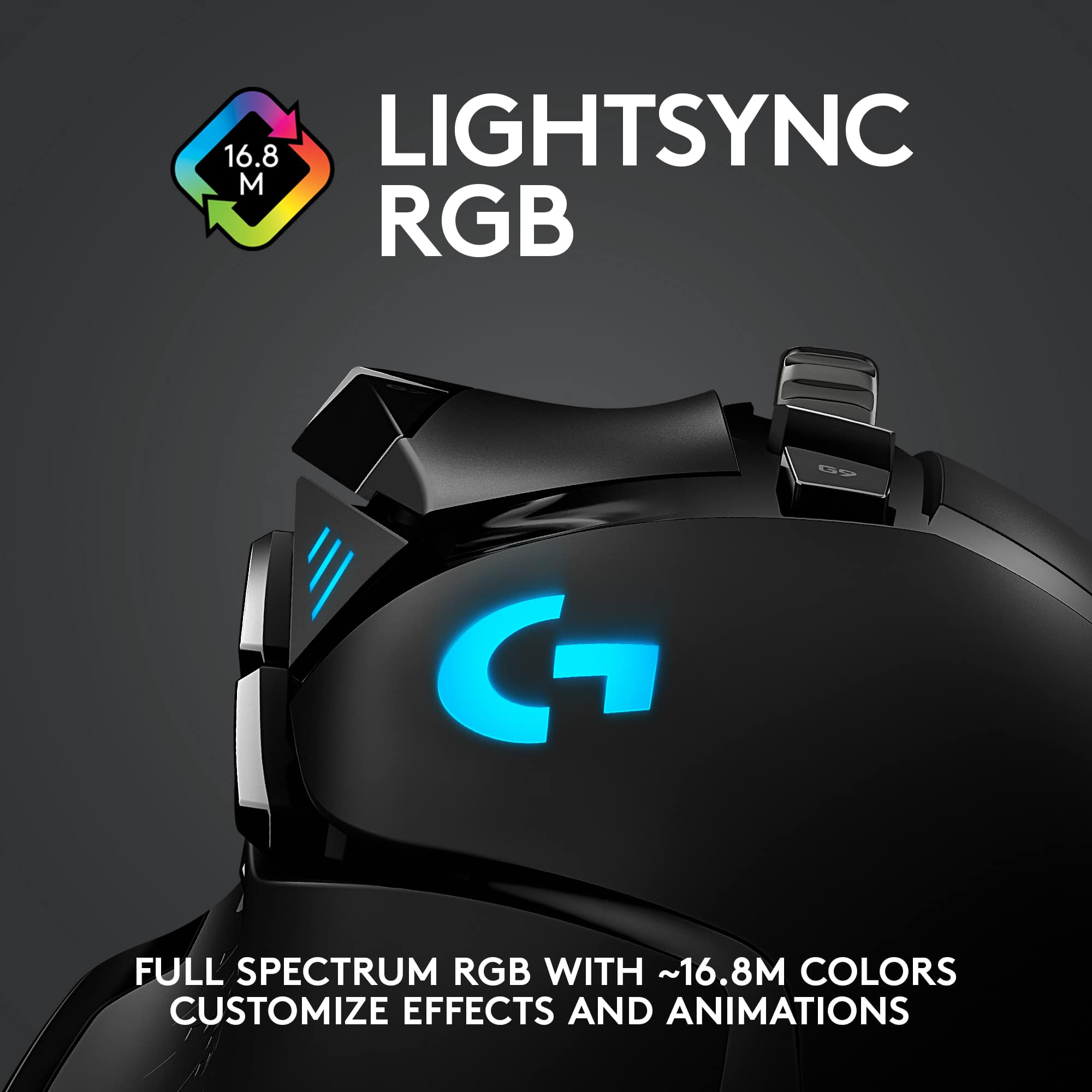
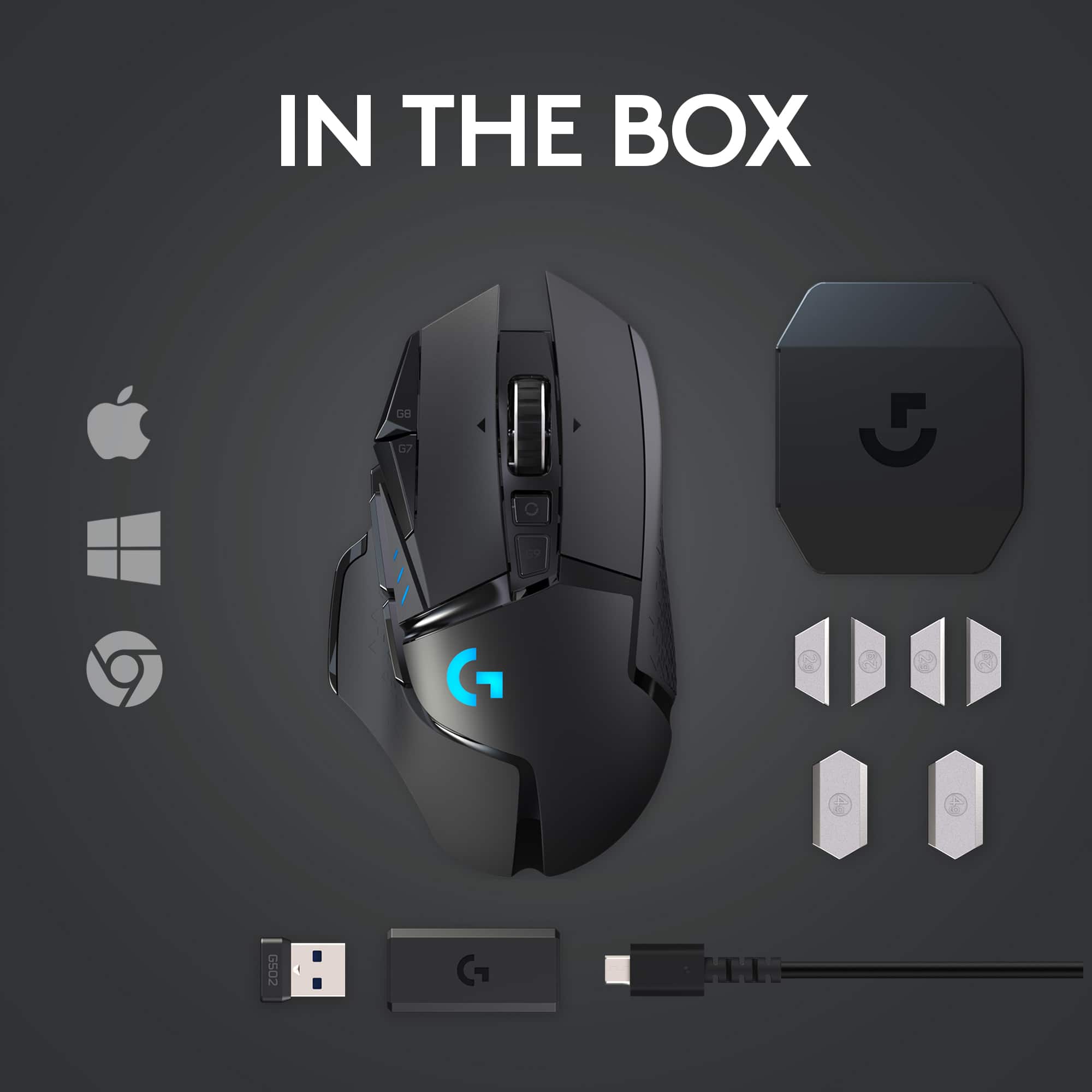
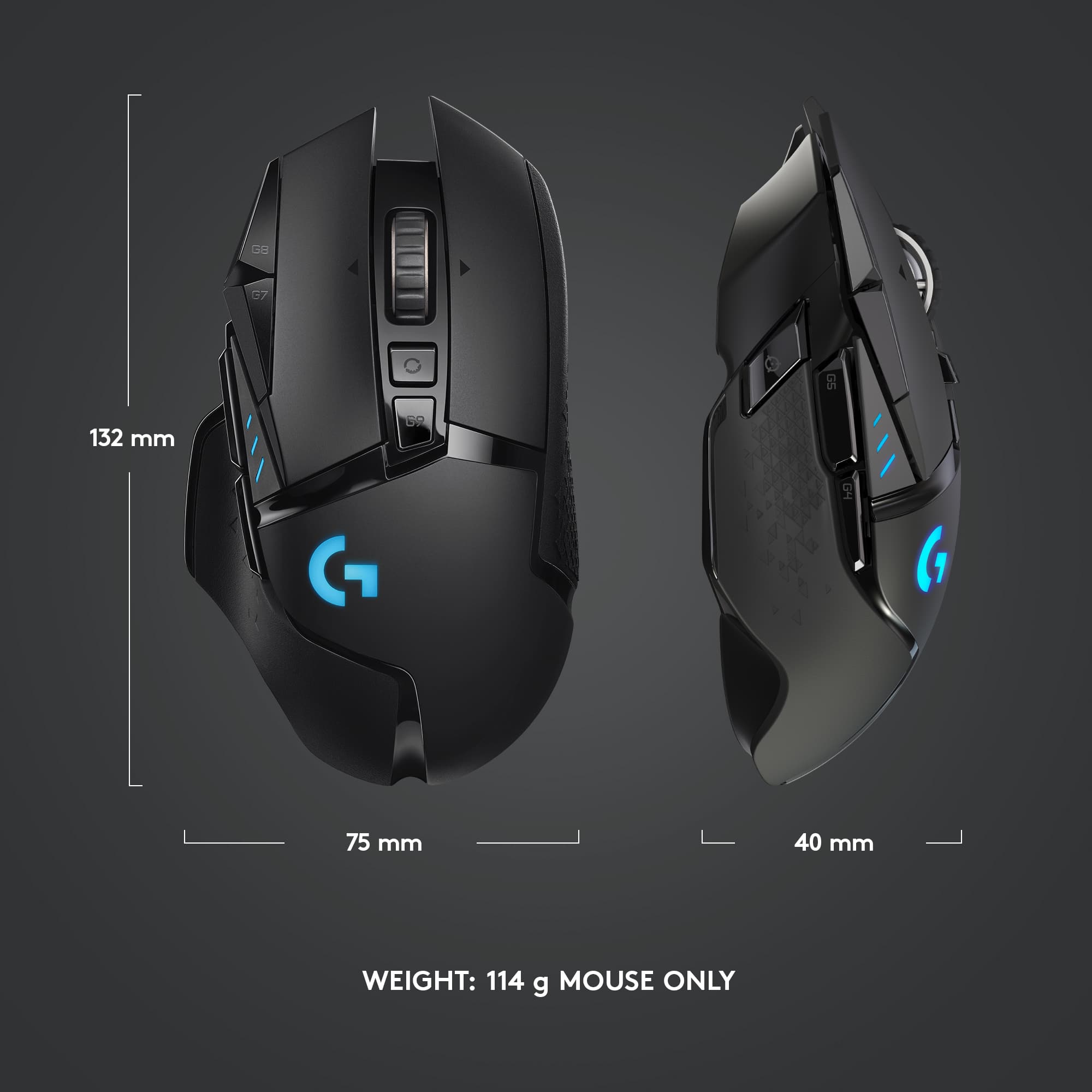
|Posted .This reviewer received promo considerations or sweepstakes entry for writing a review.What was already a top-rated mouse design gets even better using Logitech’s light speed technology. The mouse comes with a USB adapter for charging, a case for holding the additional weights that can be added, the mouse of course, and a USB wireless dongle. Things I love: The design. My hand just kind of naturally falls into the curves and grooves of the mouse. Each button is just a slight movement away and it doesn’t feel like a chore to have to find them on the mouse. The mouse doesn’t feel like a wireless mouse. And by that, I mean the way it moves on the screen, no noticeable lag whatsoever, no cord to snag the back of my desk. I’m not a professional gamer by any means, but input lag or latency is nonexistent for me using the G502. Things I Like: The customization options check the boxes. You can use the downloadable software to change what each button does, change DPI modes to your liking. You can use the G-shift button to open even more button options, as well as use it as a Johnny on the spot sniper button when you need to fine tune your shot by slowing down your DPI to a crawl. RGB is all the rave and it’s customizable on the G502 as well as weights that can be added to the underbelly to make the mouse a bit heavier if that’s your thing. This is also compatible with Logitech’s power play mouse pad. This will charge your mouse as you game so there is no cables and no downtime whatsoever while your connected. Final Thoughts: There’s not anything about this mouse that I don’t like. I’m not using it for a competitive edge but having the feel and design of a wired gaming mouse, but without the cord to drag around the desk or having to wrap it up when I want to go somewhere, is extremely convenient for me. I’m so glad they kept the design of it’s wired brother. My only concern down the road is replacing the internal rechargeable battery which I see no clear way to do, but it isn’t going to deter me from enjoying this mouse at all.
I would recommend this to a friendLove it
||Posted . Owned for 1 week when reviewed.This reviewer received promo considerations or sweepstakes entry for writing a review.Great gaming mouse, free wheel is great for scrolling
I would recommend this to a friendDO NOT BUY
||Posted . Owned for 2 weeks when reviewed.This reviewer received promo considerations or sweepstakes entry for writing a review.the software sucks. just like corsair - DO NOT BUY! It sucks, your STUCK with it and logitech could care less. ITS JUNK!
No, I would not recommend this to a friendBrand response from Logitech
Posted .Hi locksmith614, we're sorry to see you're unsatisfied with the Logitech G Hub software. Logitech is always looking for ways to improve the customer experience with the products. We appreciate any specific feedback you may have. But hopefully you are enjoying using the G502 Lightspeed Wireless mouse! -N from Logitech
Last Logitech (Crap)
||Posted . Owned for 1.5 years when reviewed.This reviewer received promo considerations or sweepstakes entry for writing a review.This is my third and last Logitech mouse. After 2 or 3 months of basic use ( not gaming ), the left mouse button started double-clicking. The mouse is impossible to use in basic tasks like the selection of text and dragging and dropping files. I will personally never buy another logitech product again.
No, I would not recommend this to a friendBrand response from Logitech
Posted .We're sorry to hear about your negative experience with the G502 LIGHTSPEED. It's frustrating when a product doesn't meet your expectations. Your feedback is valuable, and we appreciate you sharing it. If you'd like assistance or information about potential solutions, please feel free to reach out to the support team. We strive to provide quality products and improve our customers' experiences.
Fantastic mouse horrible software and drivers.
||Posted . Owned for 1 week when reviewed.This reviewer received promo considerations or sweepstakes entry for writing a review.The mouse worked for maybe a week when I was only playing one game and it would sometimes stutter. Played another game and I couldn’t even play. Ended up switching to the razer basilisk.
No, I would not recommend this to a friendBrand response from Logitech
Posted .Hello, I am sorry to hear about the mouse not working for you! Lets get it replaced for you! This mouse has a 2 year warranty through Logitech. Please visit the support page for this item on Logitech.com in order to start the claim process for a new one. I hope this helps! Thank you for taking the time to write this review, we appreciate the feedback.
Great mouse while it works
||Posted . Owned for 1 year when reviewed.This reviewer received promo considerations or sweepstakes entry for writing a review.Replaced 2x before moving onto corsaie mouse. the right click on logitech breaks if you do a lot of right click held down (both broke around 6 month mark)
No, I would not recommend this to a friendBrand response from Logitech
Posted .Hello, Very sorry to hear about the right click issues you had with the G502 Lightspeed Wireless Gaming Mouse---your feedback is greatly appreciated. At Logitech, it is our goal to ensure you are completely satisfied with your Logitech purchase. We take pride in the products and services we offer, and want our customers to enjoy them just as much as we do. To that end, we provide a 2 year limited hardware warranty with the G502. Hopefully you'll keep that in mind if/when you experience issues with your Corsair mouse and give Logitech mice another try. - Richard from Logitech
Returned mine.
||Posted . Owned for less than 1 week when reviewed.This reviewer received promo considerations or sweepstakes entry for writing a review.I had to return this mouse. I currently have the G502 wired. I love it. Works great and feels solid. The wireless model feels a lot cheaper. The mouse wouldn't track well at all. It would randomly not pickup movement. The wireless dongle was on top of my desk about a foot away. I moved my headset dongle to see if that was the problem. I use a mousepad. The wired version has a setting for what type of surface you are using, but the wireless doesn't have that option. I really want this mouse too.
No, I would not recommend this to a friendBrand response from Logitech
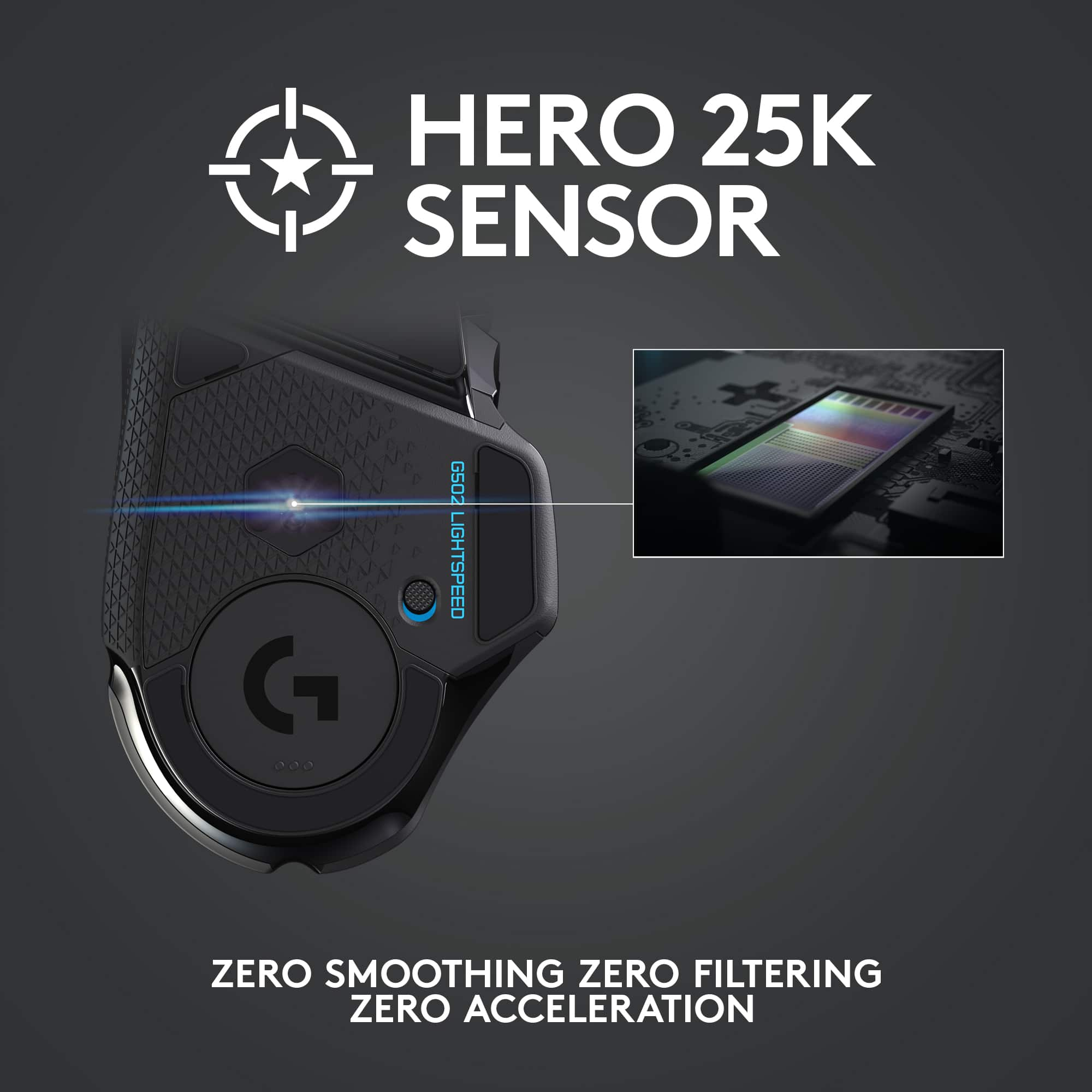
Posted .Hi. Sorry to see you're having some performance issues with your G502 Lightspeed wireless mouse. The Hero 16K sensor in the mouse can now automatically track what surface you're on as long as it has the latest firmware updates via G Hub. Also, even though is is meant to to be used wirelessly, you can still use the mouse wired if you choose too. But it sounds like you may have had a defective unit to start with and you do have a 2 year limited warranty with the purchase of your mouse. If you have any questions, check out the Logitech support page at https://support.logi.com/hc/en-us/articles/360024778473. Hope that helps!
Good but one issue
||Posted . Owned for 1 week when reviewed.This reviewer received promo considerations or sweepstakes entry for writing a review.This mouse is great except that sometimes it will not charge even when the lights are on indicating it is.
I would recommend this to a friendWireless Mouse Experience
||Posted . Owned for 3 weeks when reviewed.This reviewer received promo considerations or sweepstakes entry for writing a review.I have the wired version of this mouse and liked it so I got the wireless version, but the mouse disconnects and lags while in use
No, I would not recommend this to a friendSo so, overpriced
||Posted . Owned for 1 week when reviewed.This reviewer received promo considerations or sweepstakes entry for writing a review.Extra buttons too sensitive, accidentally changing the dpi all the time. Scroll wheel is a loose cannon, almost useless. Unfortunate, G703 much better.
No, I would not recommend this to a friendBrand response from Logitech
Posted .Hello,
Thank you for choosing Logitech and for taking the time to review the G502 Lightspeed Wireless mouse. We appreciate your feedback. I am sorry that you have not been pleased with your mouse, I would like to help. The G502 Lightspeed Wireless Gaming Mouse has a dualmode hyperfast scroll wheel. Click the button right below the wheel to switch between the two modes. I recommend downloading the Logitech G Hub software for updates, and customization. Through G Hub, you can reassign the function of the dpi button that you have been accidentally pressing with your current setup. I have attached a link to the G502 Lightspeed support page where you can find product guides, software downloads and further support. I hope these suggestions are helpful and that you enjoy your G502 Lightspeed Wireless Gaming Mouse.
Best regards,
John at Logitech
https://support.logi.com/hc/en-us/articles/360024778473
Mouse
||Posted . Owned for 3 weeks when reviewed.This reviewer received promo considerations or sweepstakes entry for writing a review.It’s nice but the side button gets annoying sometimes
I would recommend this to a friendBrand response from Logitech
Posted .We understand your displeasure and apologize for any issues that arise. We value your input, therefore we will forward it along to the appropriate team so they can look into it. Thanks a lot!
No more Logitech
||Posted . Owned for 1 week when reviewed.This reviewer received promo considerations or sweepstakes entry for writing a review.Requires proprietary USB micro cable. If anything happens to the cable you are up a creek. Been a Logitech fan all my life. Gonna start shopping around now that they are doing this more and more.
No, I would not recommend this to a friendBrand response from Logitech
Posted .Hey! Thanks for your feedback on the G502 Lightspeed's charging cable. We apologize for the inconvenience and will consider your input for future designs.
Left click no bueno
||Posted . Owned for 3 weeks when reviewed.This reviewer received promo considerations or sweepstakes entry for writing a review.Left click doesn’t hold after a few months. Otherwise a good mouse.
No, I would not recommend this to a friendBrand response from Logitech
Posted .Hello, we are sorry to hear about your issues with the G502. Please visit us for support at: https://support.logi.com/hc/en-us/requests/new?ticket_form_id=360000621393 Our technical support team can assist you with your issue.
Nice gaming mouse
||Posted . Owned for 1 week when reviewed.This reviewer received promo considerations or sweepstakes entry for writing a review.I like how this mouse fits larger hands and also that there are customizable button.
I would recommend this to a friendTerrible product
||Posted . Owned for more than 2 years when reviewed.This reviewer received promo considerations or sweepstakes entry for writing a review.Mouse was good until I started having battery life problems. Contacted logitech to get replacement and the process was not simple. They wanted proof of battery issue. Not sure how I can show proof of battery depleting quickly.
No, I would not recommend this to a friendBrand response from Logitech
Posted .We certainly understand and apologize for the inconvenience you experienced with our mouse and the difficulties you encountered during the replacement process. We understand that providing proof of the battery issue may not be straightforward. Our customer support team will work closely to find a suitable resolution and ensure a smoother process. Please feel free to get in touch with them for further steps. Thanks!
Solid Mouse
||Posted . Owned for 1 month when reviewed.This reviewer received promo considerations or sweepstakes entry for writing a review.Solid mouse, but not for me. Ended up returning in due to the wheel being weird
I would recommend this to a friendbad chasis.
||Posted .This reviewer received promo considerations or sweepstakes entry for writing a review.terrible build. I am using g602 for loong time. some noisy moving parts around track ball. i dont feel clicks.
No, I would not recommend this to a friendBrand response from Logitech
Posted .Hello, we are sorry to hear that you are having issues with your G502. Our Logitech G products come with a two year manufacturer warranty. You may reach us for support by opening a Technical Support ticket here: https://support.logi.com/hc/en-us/requests/new?ticket_form_id=360000621393
Right Click Disengaging
||Posted . Owned for 6 months when reviewed.This reviewer received promo considerations or sweepstakes entry for writing a review.I never used the right click much because I play Valorant. But I would notice the Right Mouse Button disengaging occasionally when I scope in or ADS. That didn't bothered me too much, thinking it's just glitchy, and might need to update the GHub software... But no... I started playing COD a month ago, and lots of ADS action going on in that game. Right clicks disengaging again. So annoying.
No, I would not recommend this to a friendBrand response from Logitech
Posted .Hello Frederick, we are sorry to hear that the G502 Lightspeed wireless mouse did not work well for you. At Logitech, it is our goal to ensure you are completely satisfied with your Logitech purchase. We take pride in the products and services we offer, and want our customers to enjoy them just as much as we do. Please submit a warranty claim ticket on our support page ( I attached a link at the end of this message) and one of our support specialists will reach out to you to get things sorted out and work on a replacement. We apologize for any inconvenience we may have caused. Thanks for being part of the Logitech family, have a great day. -Ricky | Logitech. https://support.logi.com/hc/en-us/articles/360025084473-Warranty-G502-LIGHTSPEED
Mouse wheel rattles.
||Posted . Owned for 2 months when reviewed.This reviewer received promo considerations or sweepstakes entry for writing a review.Its a nice mouse, but the mouse wheel rattles when its free wheel position. For 150$, i expect it not to rattle like a 5$ kids toy.
No, I would not recommend this to a friend