Customer Ratings & Reviews
- Model:
- 910-005565
- SKU:
- 6333841
Rating by feature
- Value
Rating 4.5 out of 5 stars
- Quality
Rating 4.8 out of 5 stars
- Ease of Use
Rating 4.8 out of 5 stars
Customers are saying
Customers admire the G502 Lightspeed Wireless Optical Gaming Mouse for its excellent battery life, lightweight design, and reliable wireless connectivity. Many users appreciate its overall performance, comfortable feel, and customizable buttons. While some find the price to be a drawback and the software interface confusing, the mouse is generally praised for its responsiveness and features like the infinite scroll wheel. The adjustable DPI and RGB lighting are also well-received.
This summary was generated by AI based on customer reviews.
Yes and no
||Posted . Owned for 1 month when reviewed.This reviewer received promo considerations or sweepstakes entry for writing a review.Need for it to charge off the pad other wise great
I would recommend this to a friendCan't Recommend
||Posted . Owned for 4 months when reviewed.This reviewer received promo considerations or sweepstakes entry for writing a review.I purchased this mouse as a replacement for my malfunctioning Logitech Performance MX. My Performance MX lasted several years but all the reviews said the G502 Lightspeed was the new hotness. My wife and I both purchased the G502 Lightspeed and within 6 months, my wife started experiencing 2 issues. First her left click would double click items even though she was only clicking once. Second, when she would hold down the right click it wouldn't stay active. It would click and release. I chalked it up to just a defective mouse. My wife submitted an RMA, and it's still working 2 months later. Today, mine stopped working 6 months after the initial purchase . Now, I have to RMA my mouse too. This is NOT the quality I expect from Logitech. I have a Logitech G13 game pad which is still going strong. Unfortunately, Logitech's quality has gone downhill. Until someone in Logitech addresses their quality control issues, I will not be purchasing any more of their products.
No, I would not recommend this to a friendBrand response from Logitech
Posted .Hello DShep! Sorry to hear you're having issues with your G502 Lighspeed Wireless Optical Gaming Mouse. The G502 Lightspeed is tested for 50 million clicks, so it should definitely last longer than what you've experienced. The good news is these mice are backed up by a 2-year warranty, so taking that route was the good way to go, and hopefully the new ones you'll be receiving through the RMA will last much more longer, as these are great gaming products! - Mathieu from Logitech
- Cons mentioned:Size
Too big
||Posted . Owned for 2 weeks when reviewed.This reviewer received promo considerations or sweepstakes entry for writing a review.Moude was way too big for my style of gameplay i inded uo returning and going with a G705. Much better feel and compact
No, I would not recommend this to a friendBrand response from Logitech
Posted .We sincerely regret if our product provided you with a subpar experience. We understand your displeasure and apologize for any issues that arise. We also understand that you find the mouse larger than expected. We value your input, therefore we will forward it along to the appropriate team so they can look into it.
- Cons mentioned:Software
Shame how far Logitech has fallen
||Posted . Owned for 1.5 years when reviewed.This reviewer received promo considerations or sweepstakes entry for writing a review.Right Mouse button eventually stopped reacting at normal push pressure. Logitech software has gotten worse and worse year after year. This will be my last piece of Logitech hardware that I'm swapping for another brand.
No, I would not recommend this to a friendBrand response from Logitech
Posted .Hello bpaxtont,
I am sorry you are having issues with your new G502 Lightspeed gaming mouse. I understand your frustration and recommend you contact the Logitech support team for personalized assistance before giving up on this amazing brand. I will record your product review and pass it along. Logitech appreciates your product review. - Leo from Logitech
- Pros mentioned:Weight
Poor exterior quality
||Posted .This reviewer received promo considerations or sweepstakes entry for writing a review.While the mouse works great, I love the weight and it's a very responsive mouse, however the feet for the mouse are already peeling after a week and that is a bit concerning. I think for such an expensive product, it shouldn't be falling apart after a week of use.
No, I would not recommend this to a friendBrand response from Logitech
Posted .Hello, I am so sorry to hear the feet are already peeling. That is definitely not normal. Luckily, it does come with a 2 year warranty through Logitech so we can get that replaced for you. Here is the link to file a claim: https://support.logi.com/hc/en-us/articles/360025084473-Warranty-G502-LIGHTSPEED. I hope this helps! Thank you for taking the time to write this review, we appreciate the feedback.
- Pros mentioned:Weight

It's a premium gaming mouse
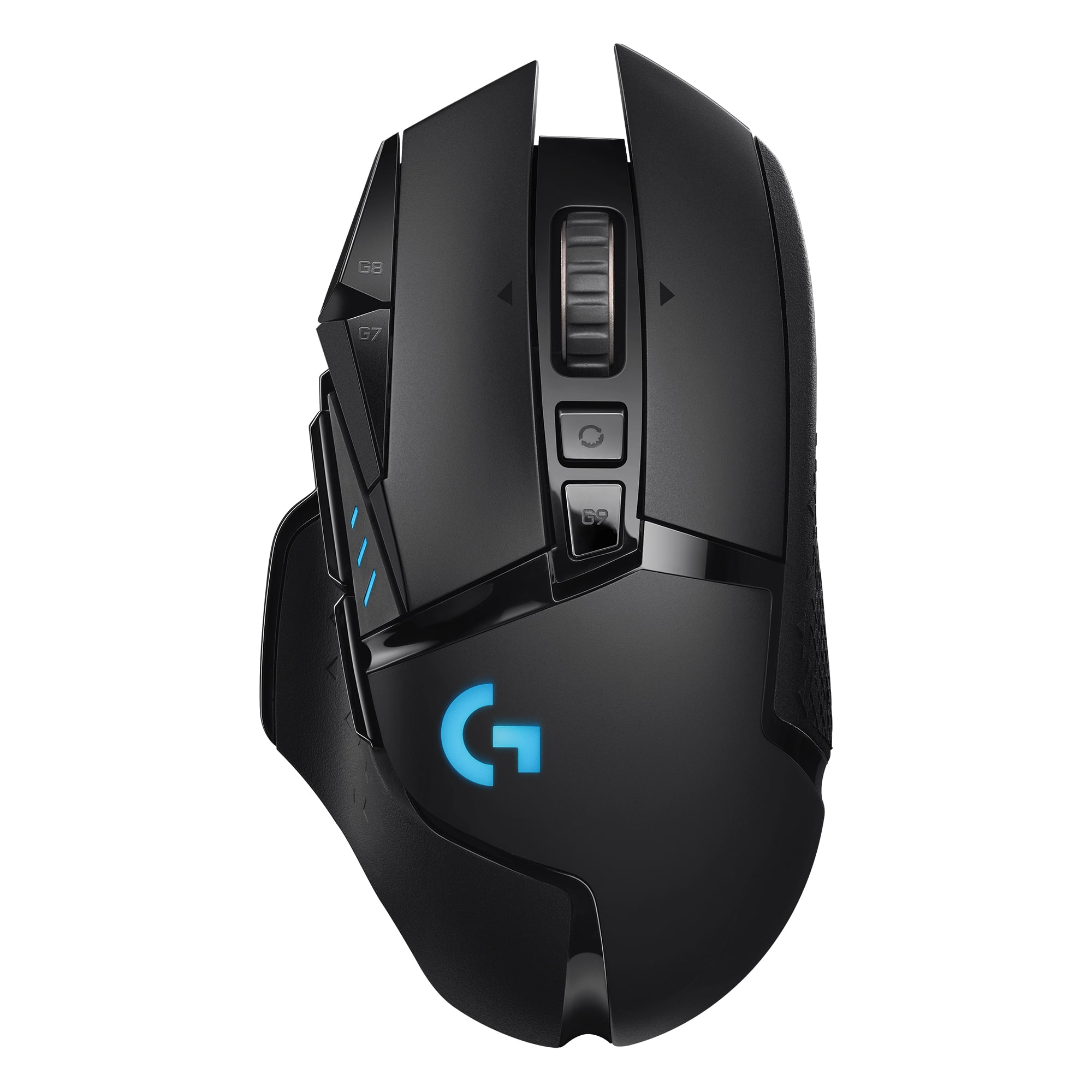
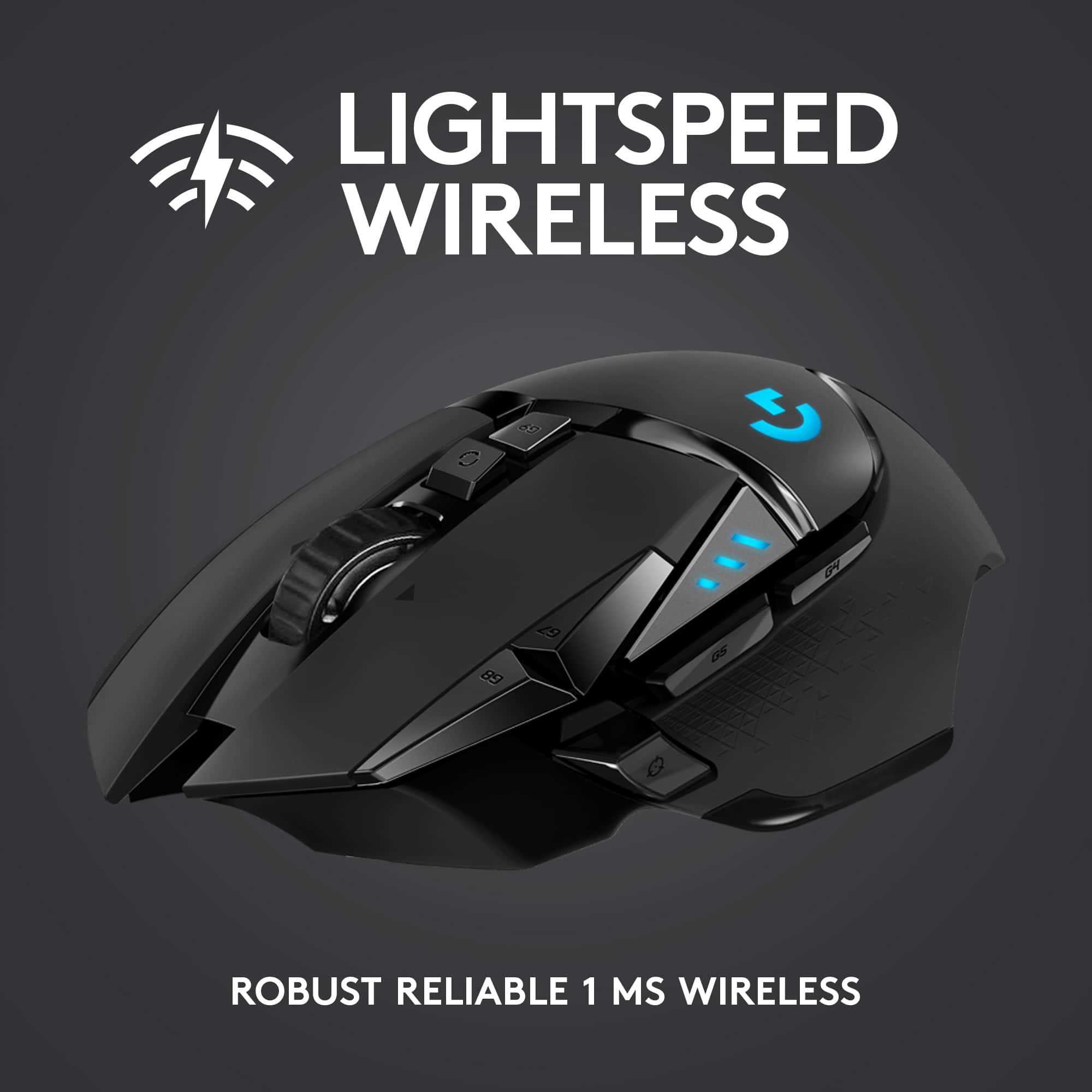
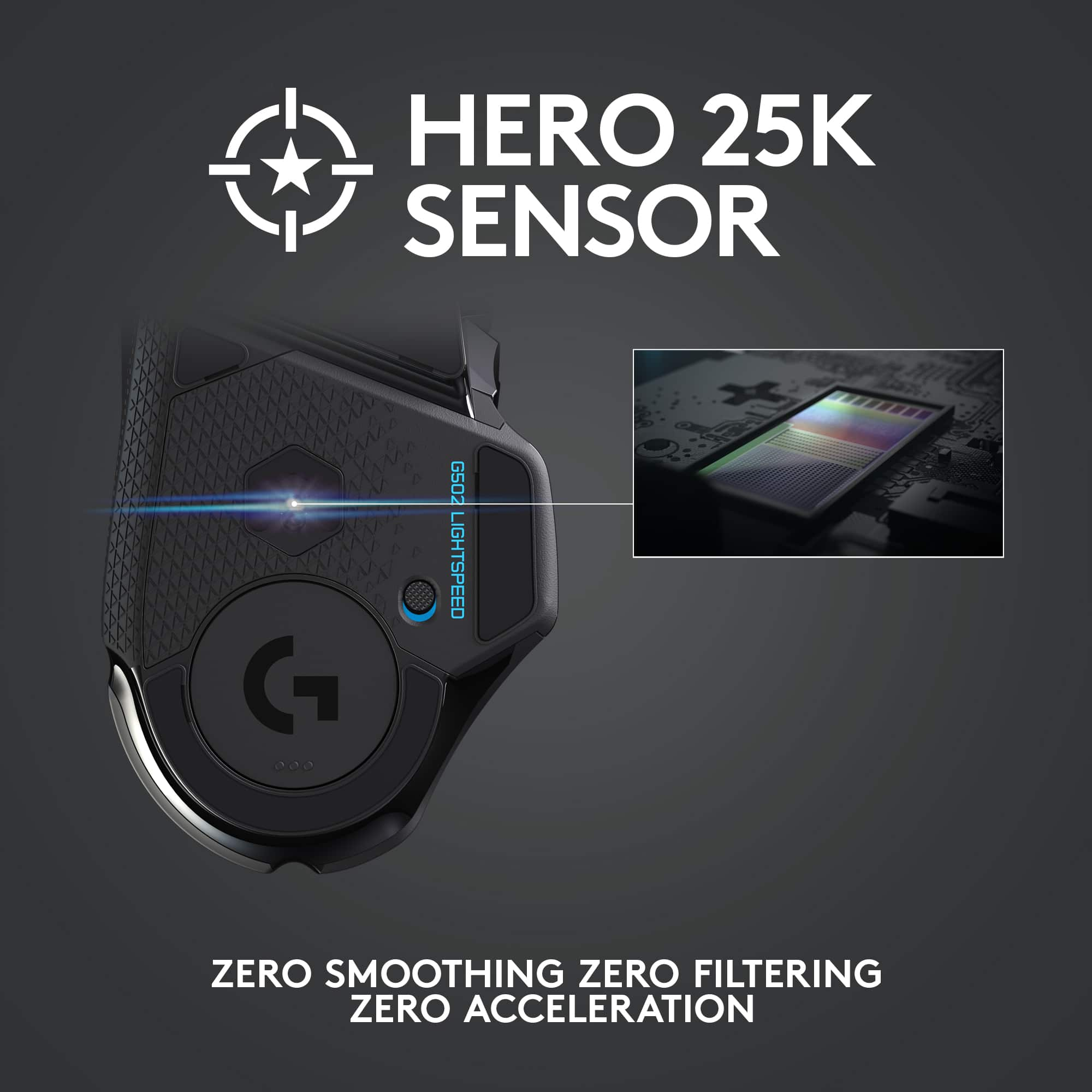
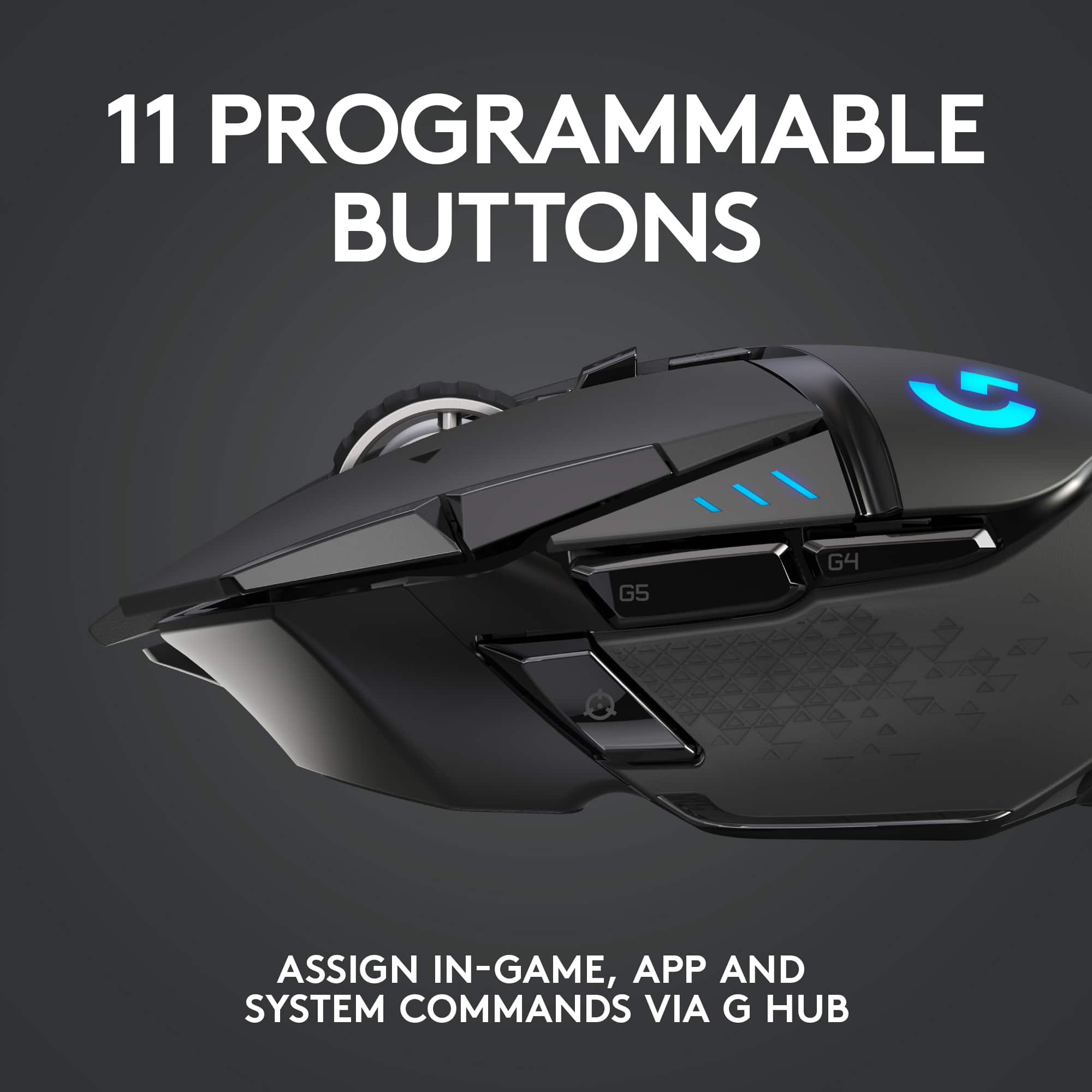
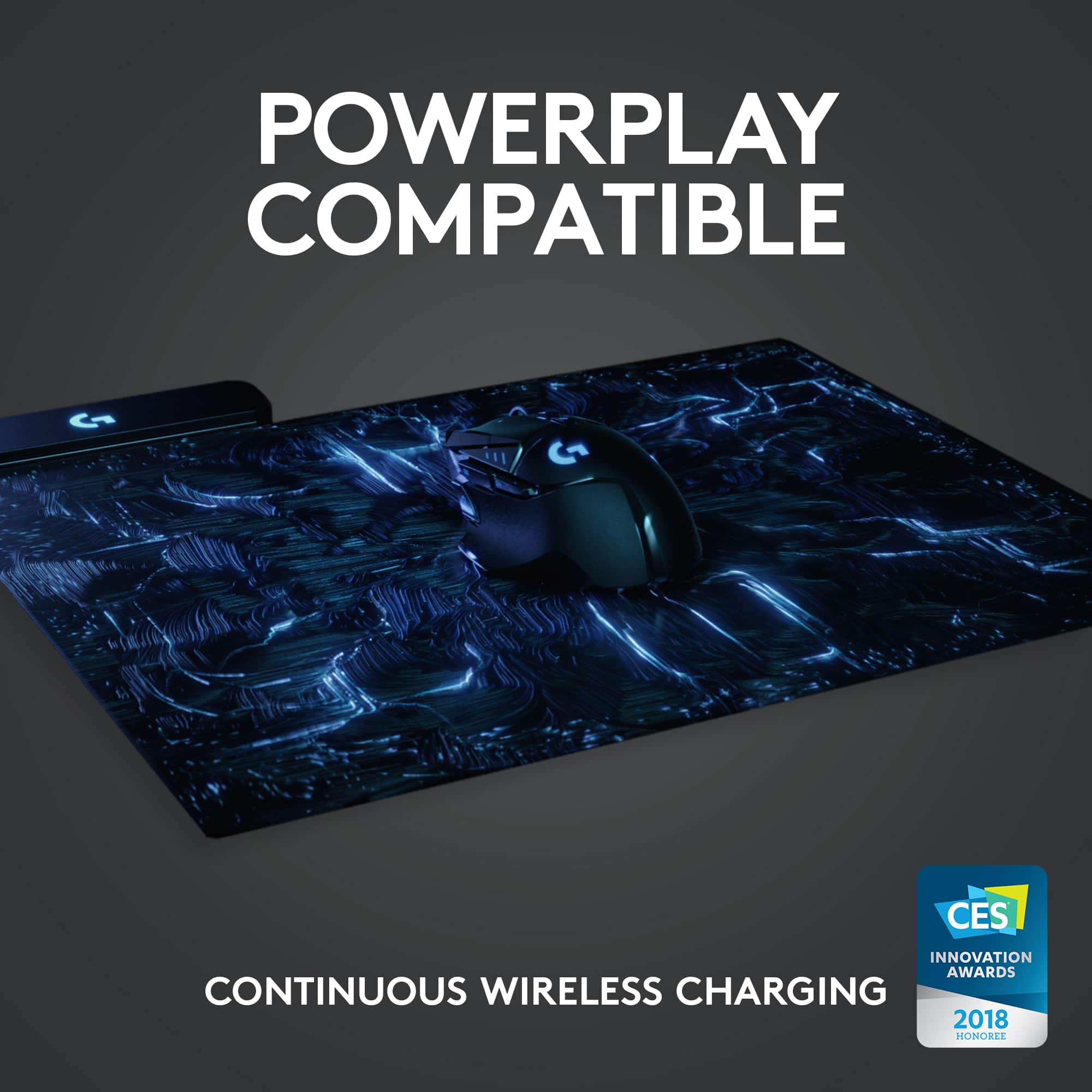
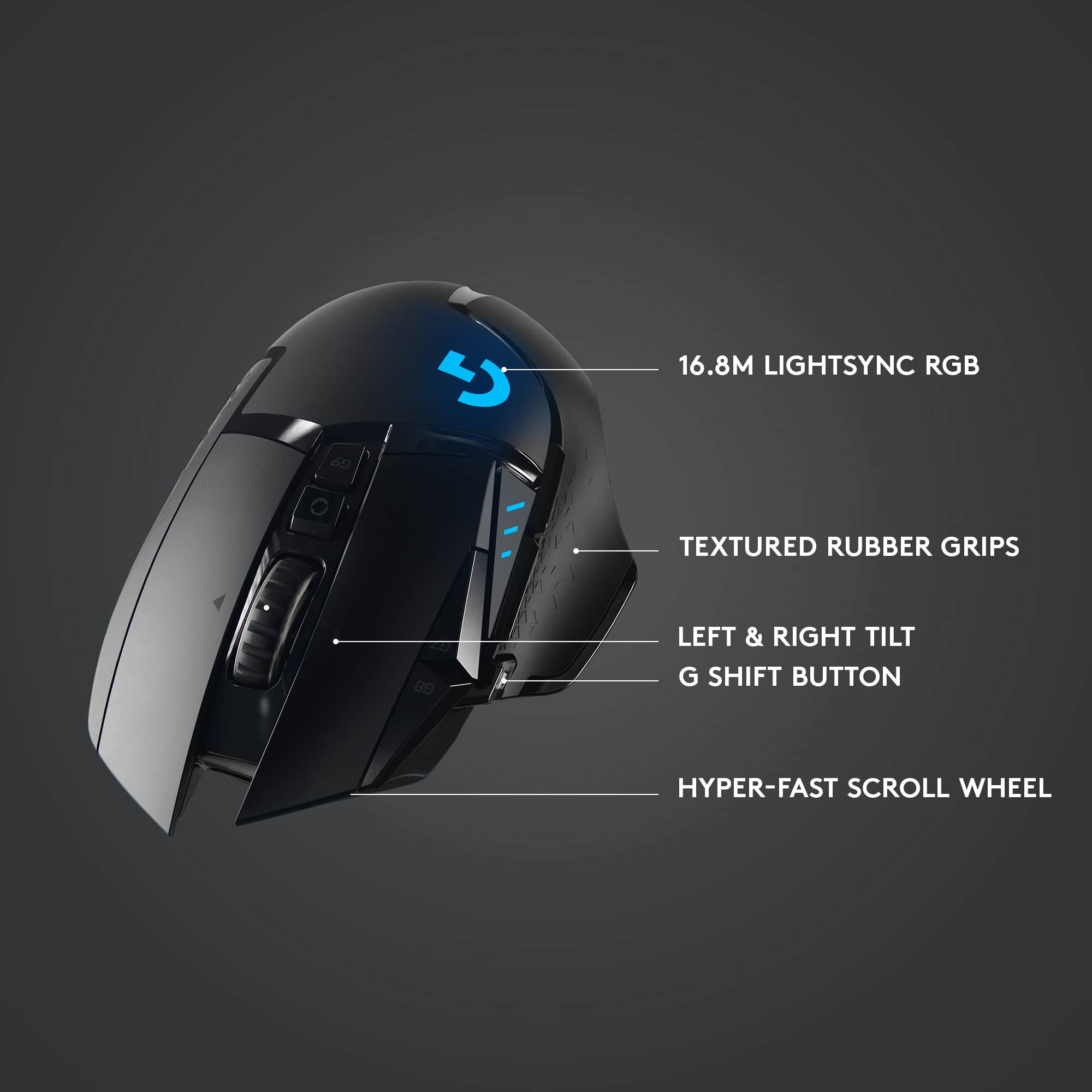
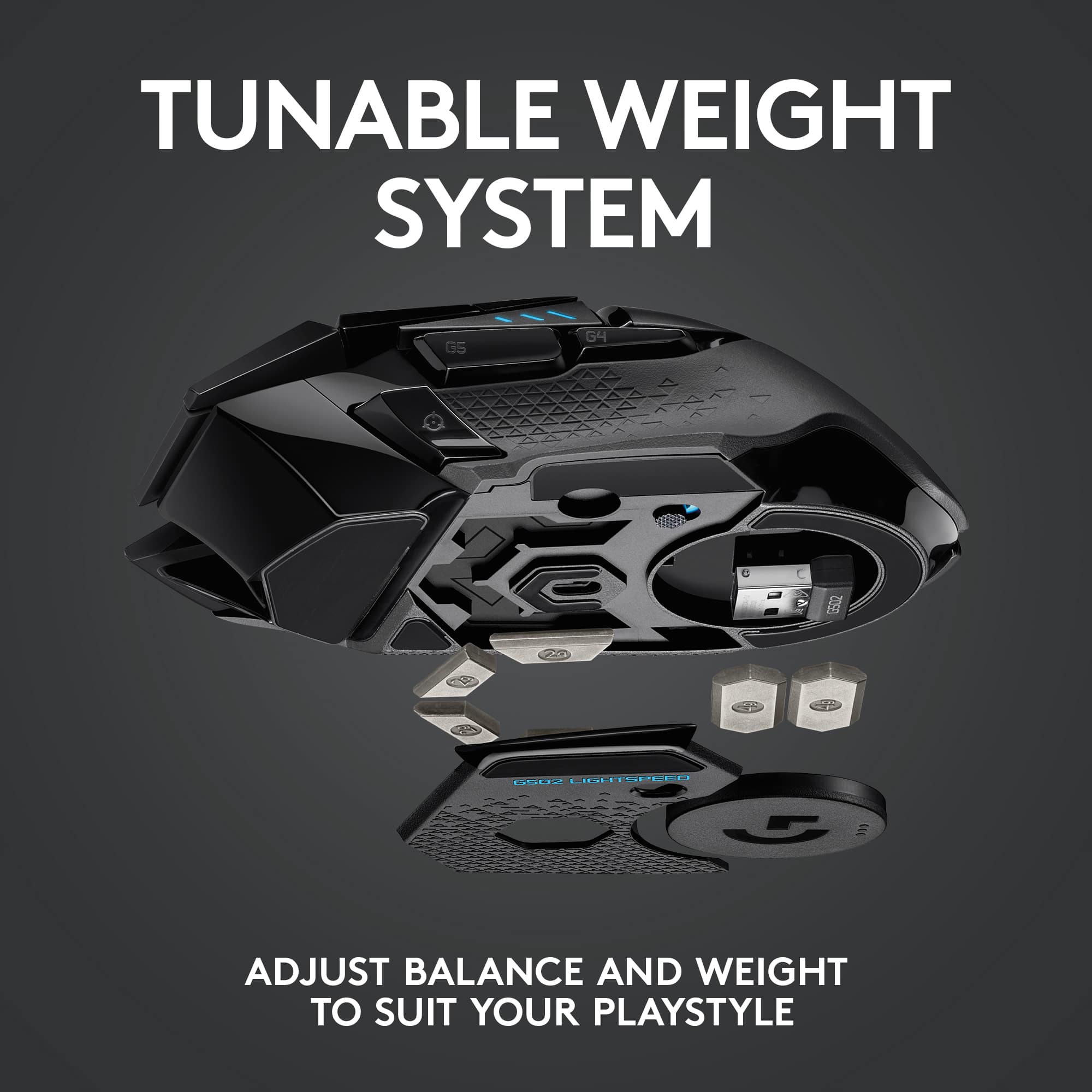
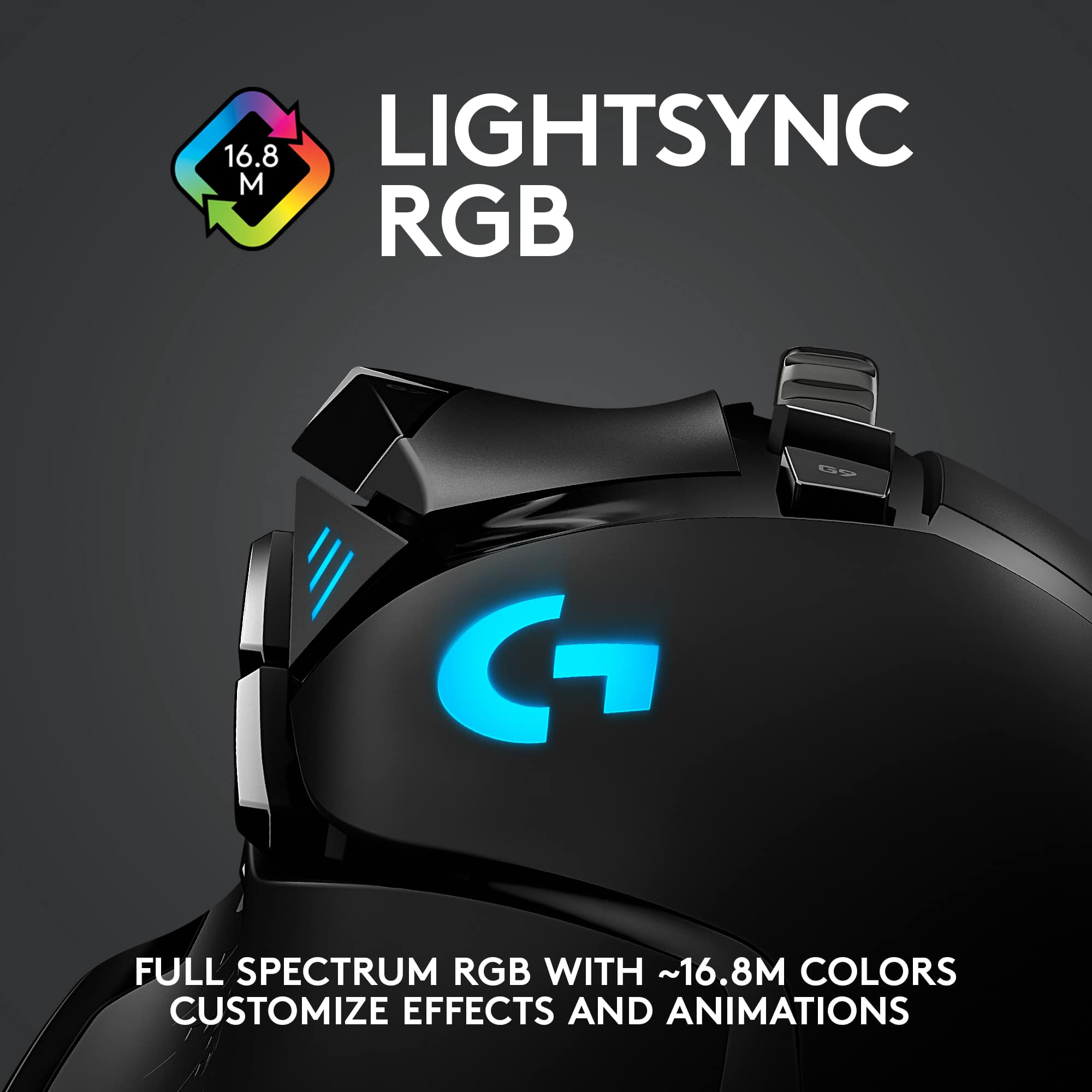
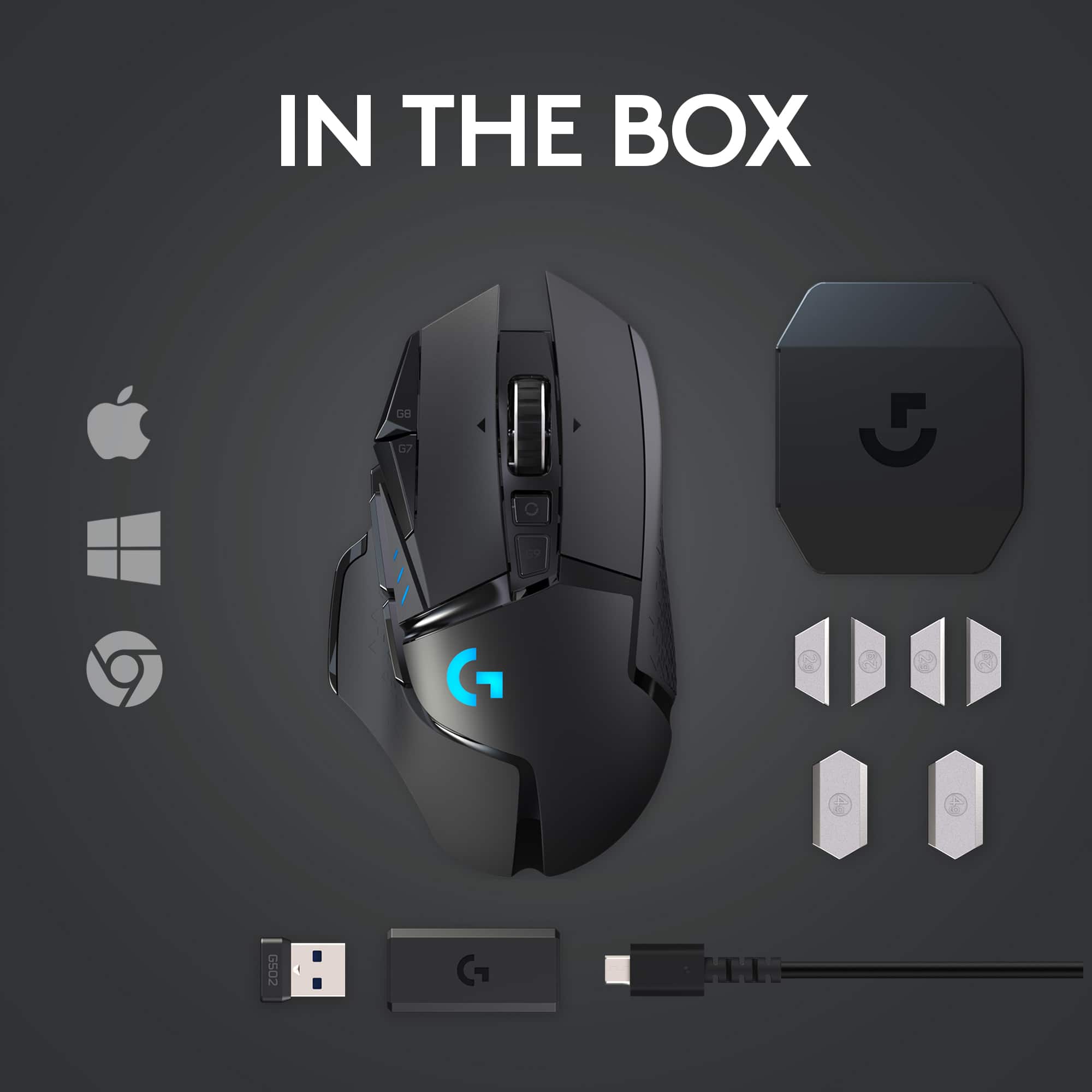
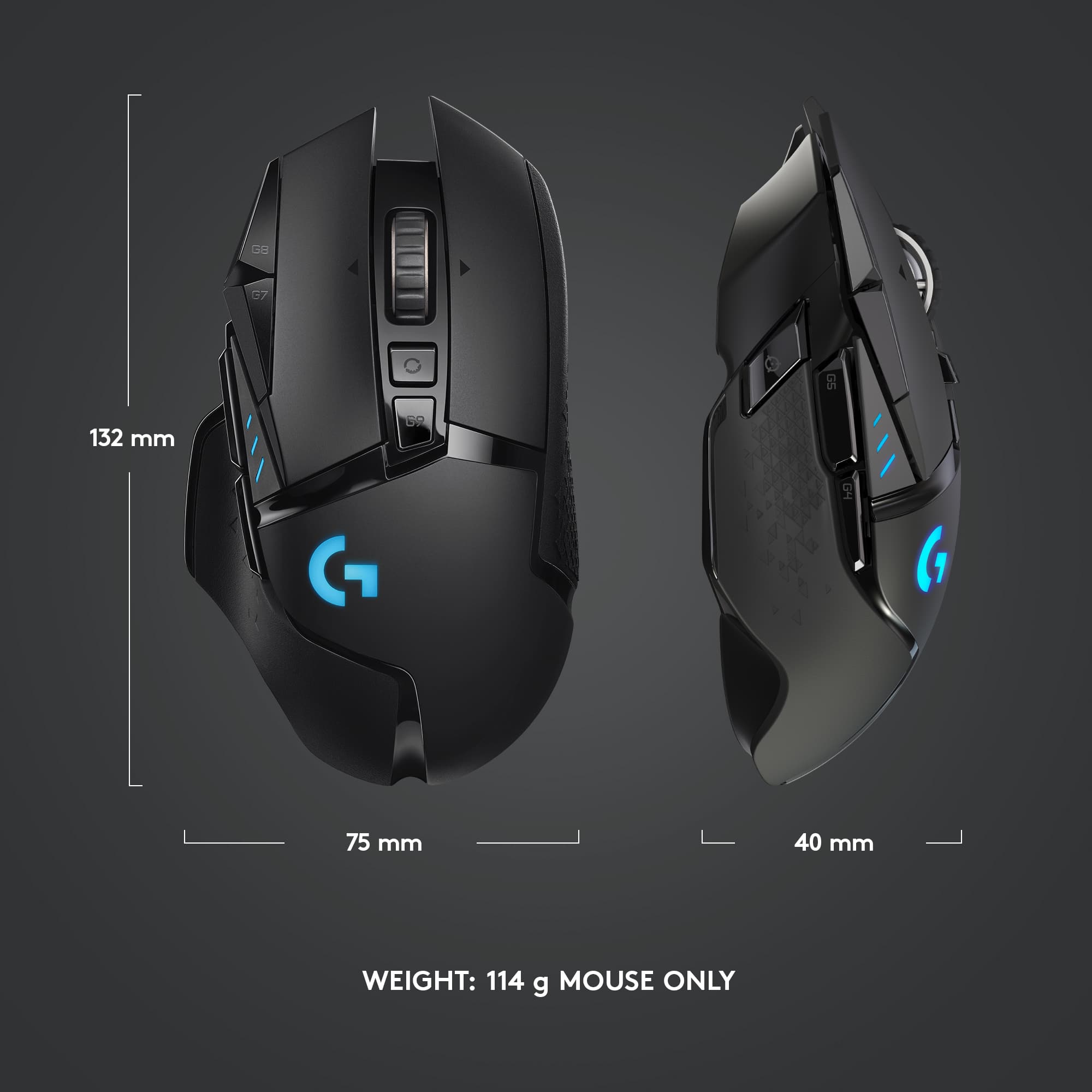
|Posted .This reviewer received promo considerations or sweepstakes entry for writing a review.The Logitech G502 Lightspeed is the fourth iteration of Logitech’s hugely popular G502 series. What sets this apart is that it is a wireless gaming mouse. Most gamers have complained that wireless mice have issues with latency and generally a wired mouse is the preferred option. But with the new G502 that issue has been addressed by Logitech as it boasts of the same latency as previous versions and has capabilities up to 16,000dpi. And while most may find 16,000dpi too much, it works fine for me with my 27” monitor even when I’m not using gaming applications. Like the previous G502 Hero, the G502 sports the same form factor and functionality sans the wire. And while most may say that being wireless entails a battery and therefore making the new G502 heavier, Logitech was able manage the latter to be actually lighter by around seven grams compared to the wired version. Also there is this argument amongst gamers that the lighter the mouse the better. But then again, to each his/her own tastes. And like its predecessor, the new G502 has weights to set it to one’s personal weight preferences. And speaking of personal preferences, the new G502 has the same 11 programmable buttons as the G502. Logitech now recommends that users download and install GHub to customize the mouse and using Lightsync technology be able to control and sync the lights with other Lightsync capable products such as keyboards and headsets. But the G502 itself is plug and play and still have full functionality. Of course, customization is no longer an option. And personally, I am already content with the default setup especially the ability to adjust the dpi from the mouse itself as it is very convenient compared to going inside Windows Control Panel to adjust mouse settings. There is much to like about the G502 Lightspeed but battery life is not one of them. Being wireless with gaming speeds and being relatively lightweight certainly have a catch. The battery life of the G502 is rated at 48 hours with the light on and 60 hours with the light turned off. This is definitely a far cry from the months long performance of ordinary mice. So it is highly advisable to regularly charge the G502 with the supplied USB cable when not in use. The G502 also has a button which activates lights to indicate how much juice is left before a recharge is needed. But one added feature of the G502 Lightspeed is that it is PowerPlay compatible similar to the G903 and G703. The PowerPlay is a wireless charging wherein you replace the included charging disc with the one in the mouse thereby eliminating the need to periodically charge your G502. That said, the G502 and if especially paired with the PowerPlay wireless charging system, the bundle would IMO be the perfect pointing device system. But unfortunately this bundle will cost you a pretty penny. And this is not for every gamer out there. But if you consider yourself a serious gamer, and are willing to make your gaming station the perfect one, then the G502 (and related accessories) will not disappoint.
I would recommend this to a friend same great logitech feel but bad double click
||Posted . Owned for 1 month when reviewed.This reviewer received promo considerations or sweepstakes entry for writing a review.I play a lot of first person shooters and use the right mouse button for zooming in a weapon. After 2 months I am pressing the button to zoom and it is zooming in and out uncontrollably. Its sad because I love the feel of this mouse but this makes all my games unplayable. :(
No, I would not recommend this to a friendBrand response from Logitech
Posted .Hello, I am sorry to hear about the click issues you are having with the mouse. Fortunately, it has a warranty through Logitech. If you would like to file a claim for a new one, please visit the support page for this item on Logitech.com. I hope this helps! Thank you for taking the time to write this review, we appreciate the feedback.
- Cons mentioned:Lag
Connection and Lag Issues
||Posted . Owned for 3 months when reviewed.This reviewer received promo considerations or sweepstakes entry for writing a review.Tried for a week, had many connection and lag issues with this device. tried different plugs, USB 3.0/3.1. Stick with the wired version, hasn't failed me yet.
No, I would not recommend this to a friendBrand response from Logitech
Posted .Hi John,
I am sorry that your new G502 Lightspeed mouse didn't work as expected. This type of issue is typically caused because a firmware update is needed, and you can do this with ease, and for free on the Logitech G HUB. I hope you find this information helpful. Logitech appreciates your input.
- Leo from Logitech
None Better
||Posted . Owned for 1 week when reviewed.This reviewer received promo considerations or sweepstakes entry for writing a review.Logitech is the only go-to for a gaming mouse. I've tried other brands but always come back to Logitech. They are the BEST
I would recommend this to a friendNeed to return or rma
||Posted . Owned for 8 months when reviewed.This reviewer received promo considerations or sweepstakes entry for writing a review.Double click issue, worked good but then started having a double click issue
No, I would not recommend this to a friend- Cons mentioned:Software
Logitech Software is garbage
||Posted . Owned for 2 weeks when reviewed.This reviewer received promo considerations or sweepstakes entry for writing a review.The mouse is almost useless as the software to configure it disconnects every few seconds. The cursor jumps all over the place and after changing all of the settings it doesn't help. I think the mouse itself is good but the software is the weak link.
No, I would not recommend this to a friendBrand response from Logitech
Posted .Hello, I am sorry to hear about the issues you are having with the mouse. Thank you for taking the time to write this review, we appreciate the feedback.
Ok
||Posted . Owned for 1 week when reviewed.This reviewer received promo considerations or sweepstakes entry for writing a review.Its last long but the connection is iffy at best..
I would recommend this to a friendCheaply made
||Posted . Owned for 6 months when reviewed.This reviewer received promo considerations or sweepstakes entry for writing a review.Buttons wear out too fast. Already getting phantom clicks 6 Months in
No, I would not recommend this to a friendbuzzing static noise
||Posted . Owned for 1 year when reviewed.This reviewer received promo considerations or sweepstakes entry for writing a review.love the mouse its perfect but it just started making a buzzing static noise and I found out it only happens when the rgb is on. its bothering me so much I'm returning the item or trading it if possible with the warranty I had purchased
I would recommend this to a friendBrand response from Logitech
Posted .Hello robbedperson,
I am sorry that the G502 is not working as expected. This is not normal; therefore, I believe you got a defective item. Feel free to contact Logitech's support team if you decide to keep the item. Logitech appreciates your product review. - Leo from Logitech
Double Click within 1 week..
||Posted . Owned for 1 week when reviewed.This reviewer received promo considerations or sweepstakes entry for writing a review.I won't be making the mistake of splurging on an expensive gaming mouse again. Within 1 week, this mouse has double click issues where every time I click once, it clicks twice. You would think Logitech would use higher quality switches since this is such an expensive product, but it seems they don't care. I won't be purchasing a fancy logitech product again, I'm going to stick to the cheaper 35$ g502.
No, I would not recommend this to a friendBrand response from Logitech
Posted .Hello, I am sorry to hear about the double click issue you are having with the mouse.
Fortunately, it has a warranty through Logitech. If you would like to file a claim for a new one, please visit the support page for this item on Logitech.com. I hope this helps! Thank you for taking the time to write this review, we appreciate the feedback.
- Cons mentioned:Size
Terrible in all respects
||Posted .This reviewer received promo considerations or sweepstakes entry for writing a review.Too big for an average hand, absolutely crap instructions, no left hand use, no instructions. Have to struggle to figure it out. F them. Can't program it unless you allow them access to your computer system. I'm returning it with prejudice.
No, I would not recommend this to a friendBrand response from Logitech
Posted .Hello FireMonkey. We're sorry to hear about your experience with the G502 mouse. We appreciate your feedback and will be taking this into consideration. If you would like, we do have a set of instructions here https://support.logi.com/hc/en-us/articles/360024778473 that may be easier to follow. Thank you. - Logitech
Already wearing down
||Posted . Owned for 3 weeks when reviewed.This reviewer received promo considerations or sweepstakes entry for writing a review.Loved this mouse until the sliders underneath it started to catch on my mousepad. Now it just keeps peeling off after just having it for a week.
No, I would not recommend this to a friendBrand response from Logitech
Posted .That's unfortunate! In order to help you effectively, please provide your information to our support team by emailing socialcare@logitech.com. Name – Email address – Country – Product name – Brief description of the issue –
Junk
||Posted . Owned for 5 months when reviewed.This reviewer received promo considerations or sweepstakes entry for writing a review.Garbage, should have kept my old Logitech mouse. :(
No, I would not recommend this to a friendHighly do not recommend!
||Posted . Owned for 1 month when reviewed.This reviewer received promo considerations or sweepstakes entry for writing a review.If I had the option of putting Zero stars I would but I had to put a star to continue with my rating but this mouse looks and feels nice in your hands the downside is that even when you put the weights into the mouse it gets heavy and starts moving slow as if it’s weighted down and it’s very uncomfortable for me when I’m just trying to take care of business and the mouse suddenly gets heavy and I can’t smoothly swap between my monitors I have to scrape the mouse to go to the other side
No, I would not recommend this to a friendBrand response from Logitech
Posted .Hello, Leonard! I'm sorry to hear about your experience with the G502 Lightspeed. If you haven't already, I would recommend downloading our G Hub software. This will allow you to change the DPI of the mouse, that way you can move between your monitors faster. Once you download and open G Hub, click on your G502 and under the top tab there will be a slider that will allow you to adjust your DPI or cursor speed. Generally speaking, most people set their DPIs somewhere between 800 and 1600 but you'll want to select what feels comfortable for you. If you continue to have issues, feel free to reach out to our support team here https://support.logi.com/hc/en-us/requests/new?ticket_form_id=360000621393 to file a warranty claim. The G502 Lightspeed has a 2-year limited hardware warranty. Thank you for the feedback! I will be passing this along. - Maggie from Logitech G
Left Click button doesn't work after 6 months
||Posted . Owned for 6 months when reviewed.This reviewer received promo considerations or sweepstakes entry for writing a review.The left click button, literally the main component of the mouse doesn't work after only 6 months of use. I mostly used it for FPS games and normal day to day use. But lately its been not registering clicks and or randomly clicking on its own. I do not recommend this mouse for the price I got it for.
No, I would not recommend this to a friendBrand response from Logitech
Posted .Hello, I am sorry to hear about the click issues you are having with the mouse. Fortunately, it has a warranty through Logitech. If you would like to file a claim for a new one, please visit the support page for this item on Logitech.com. I hope this helps! Thank you for taking the time to write this review, we appreciate the feedback.