Customer Ratings & Reviews

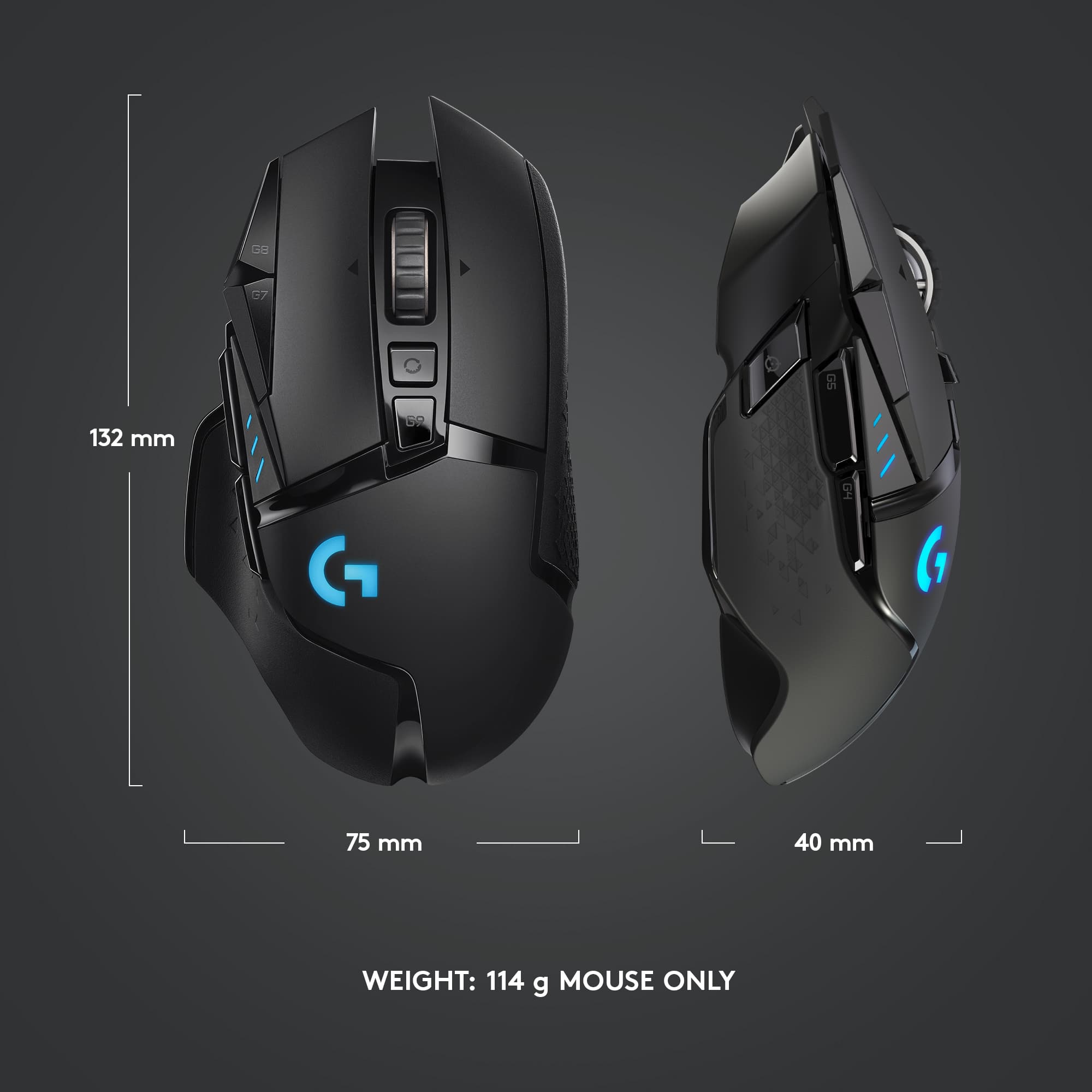

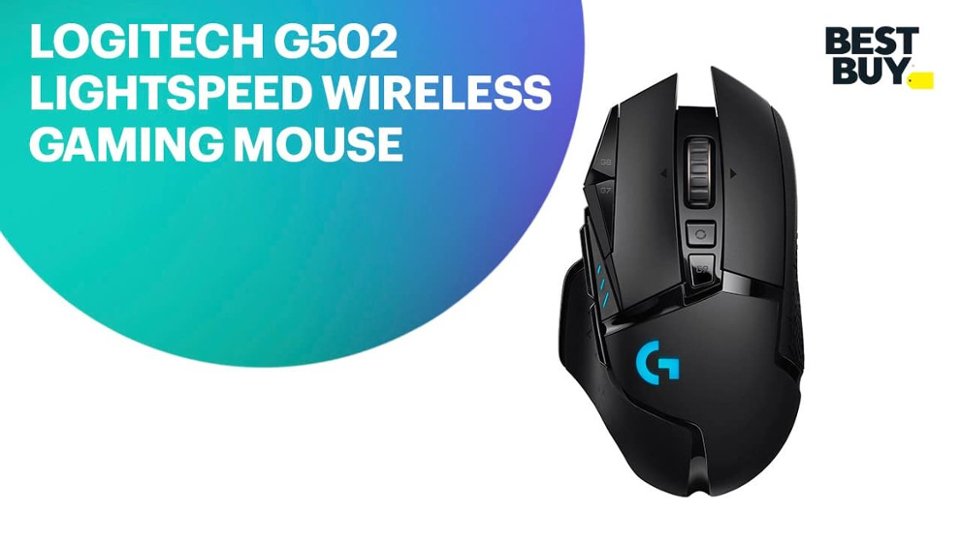
- Model:
- 910-005565
- SKU:
- 6333841
Rating by feature
- Value
Rating 4.5 out of 5 stars
- Quality
Rating 4.8 out of 5 stars
- Ease of Use
Rating 4.8 out of 5 stars
Customers are saying
Customers admire the G502 Lightspeed Wireless Optical Gaming Mouse for its excellent battery life, lightweight design, and reliable wireless connectivity. Many users appreciate its overall performance, comfortable feel, and customizable buttons. While some find the price to be a drawback and the software interface confusing, the mouse is generally praised for its responsiveness and features like the infinite scroll wheel. The adjustable DPI and RGB lighting are also well-received.
This summary was generated by AI based on customer reviews.
Not so good as expected, software flaws
||Posted . Owned for 1 week when reviewed.This reviewer received promo considerations or sweepstakes entry for writing a review.Here's the thing about this mouse. Works just fine but has some bugs Logitech didn't fix. The mouse will enter some sort of sleep mode after just a few minutes of inactivity, and everything, includes dpi, light settings, will restore to factory default. You need to move the mouse around so that it reconnects to the G hub software and load your own mouse settings: dpi, lightings, etc. This is a really annoying issue imo and I didn't have this issue in some lower end Logitech mouse such as G603. Basically the mouse becomes a worthless garbage if you don't install the G hub software and keep it runs in background. Other than than, it is fine but battery life can only last around a week.
No, I would not recommend this to a friendBrand response from Logitech
Posted .Hi, we're sorry to see you're having some software related issues with your G502 Gaming mouse. G Hub is supposed to be the one stop shop for all your gaming configurations and firmware updates. However, sometimes if the app itself isn't up to date, that can cause syncing issues like what you're experiencing. If you're using G Hub on a Mac device, the software is still in beta which could also be a reason for the issues. If that isn't the case, please feel free to contact the Logitech support team for more troubleshooting assistance.
Great mouse
||Posted .This reviewer received promo considerations or sweepstakes entry for writing a review.It's a great mouse, it fit pretty good in my hand.
I would recommend this to a friendNo complaint
||Posted . Owned for 1 month when reviewed.This reviewer received promo considerations or sweepstakes entry for writing a review.A great mouse for a good price. Could not be happier. Charge time is insane aswell
I would recommend this to a friendCheaply Made
||Posted . Owned for 2 weeks when reviewed.This reviewer received promo considerations or sweepstakes entry for writing a review.Bought this mouse and within 3 weeks the pads on the bottom started to come off, making the mouse unusable due to the friction this caused. Previously I had a Corsair mouse that lasted me 2 years and is still in great shape. For $130 I’d expect a better quality product. Of course the defect started to occur just after the 15 day return policy Best Buy has. Very unhappy with this purchase and $130 I just threw down the drain.
No, I would not recommend this to a friendBrand response from Logitech
Posted .Hello Greg,
I am sorry that the G502 is not meeting your expectations. It is not a common issue for the mouse pads to come off. However, contact Logitech customer support to claim your device's manufacturer warranty if this is the case. Logitech appreciates your product review. - Leo from Logitech
- Pros mentioned:Weight

A replacement for my wired daily driver?
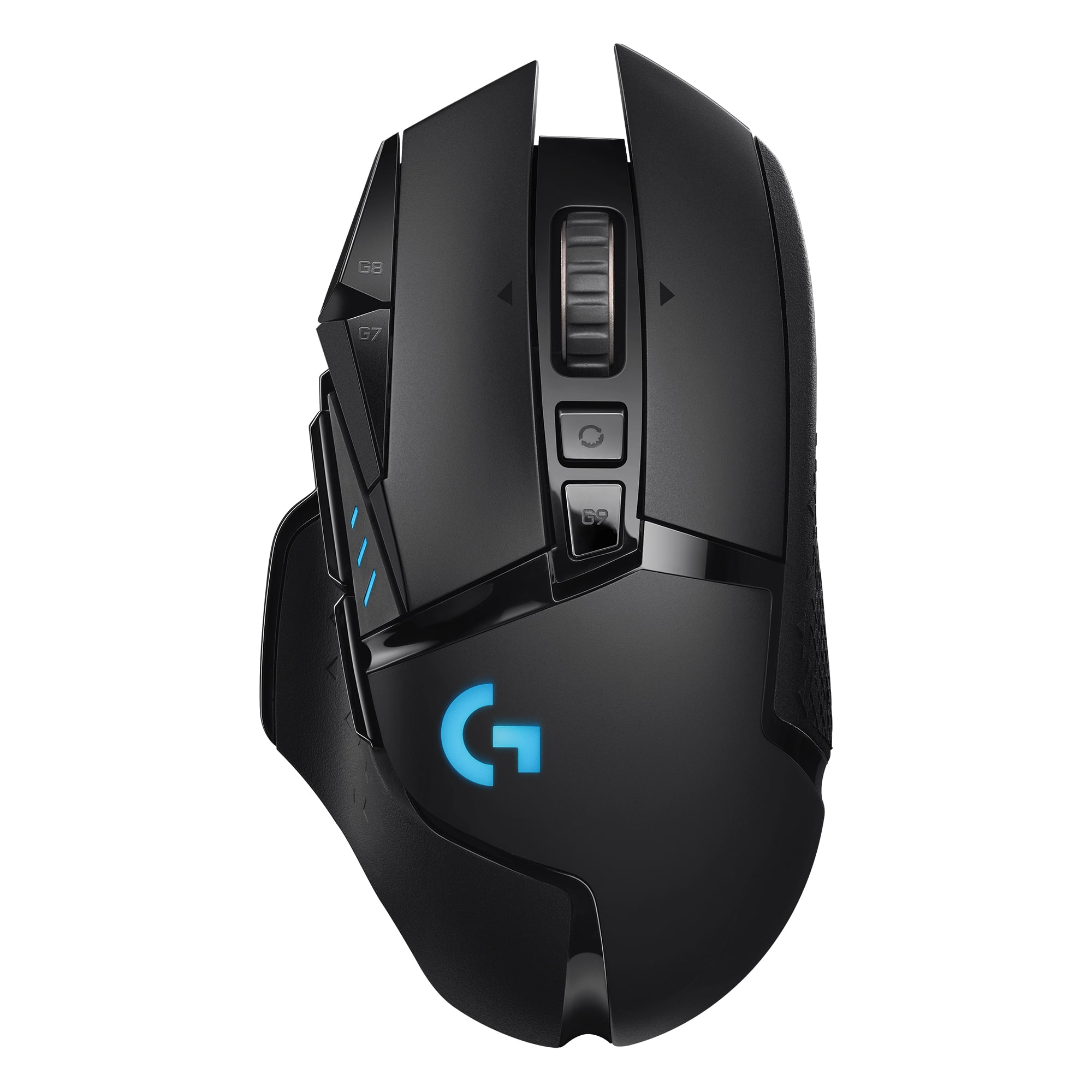
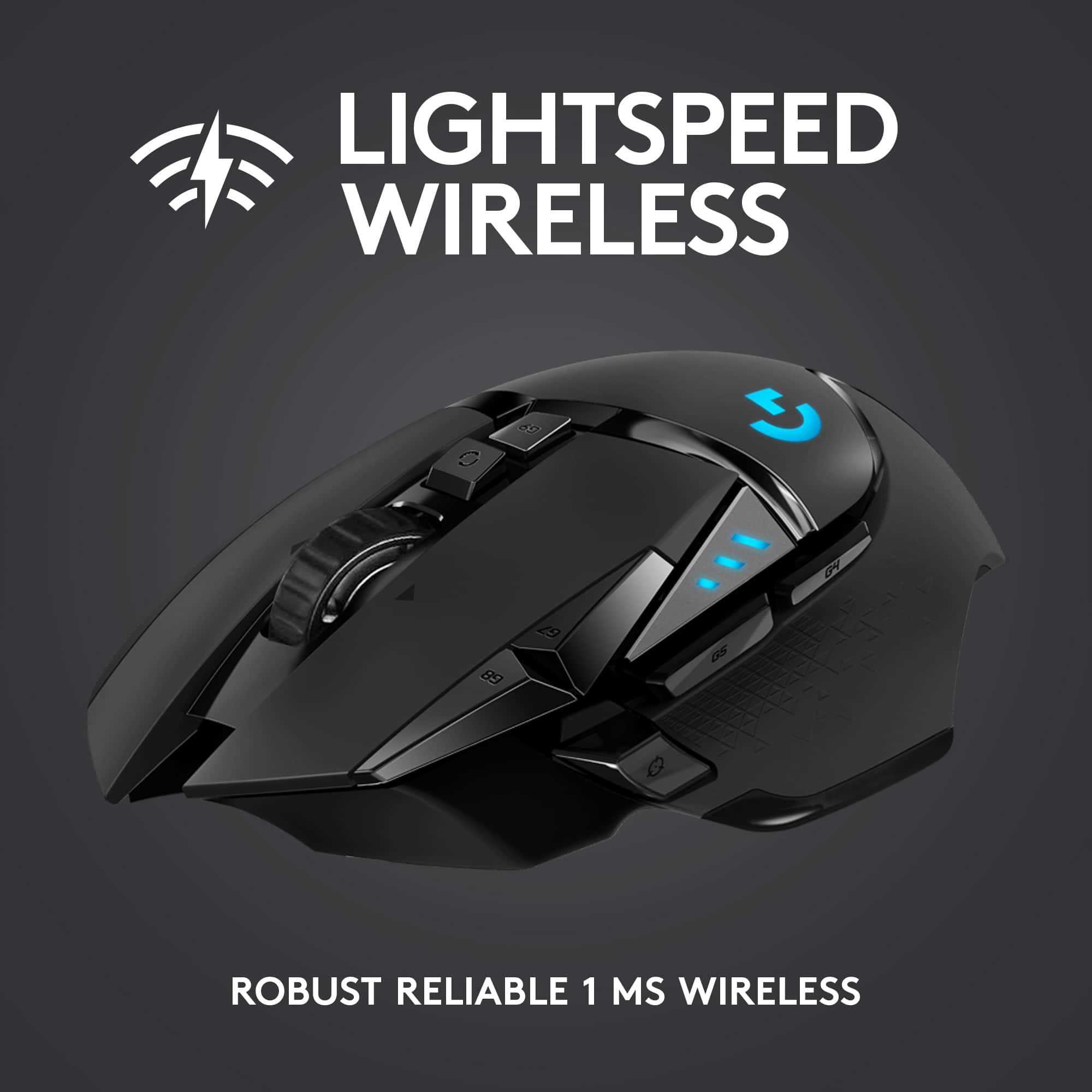
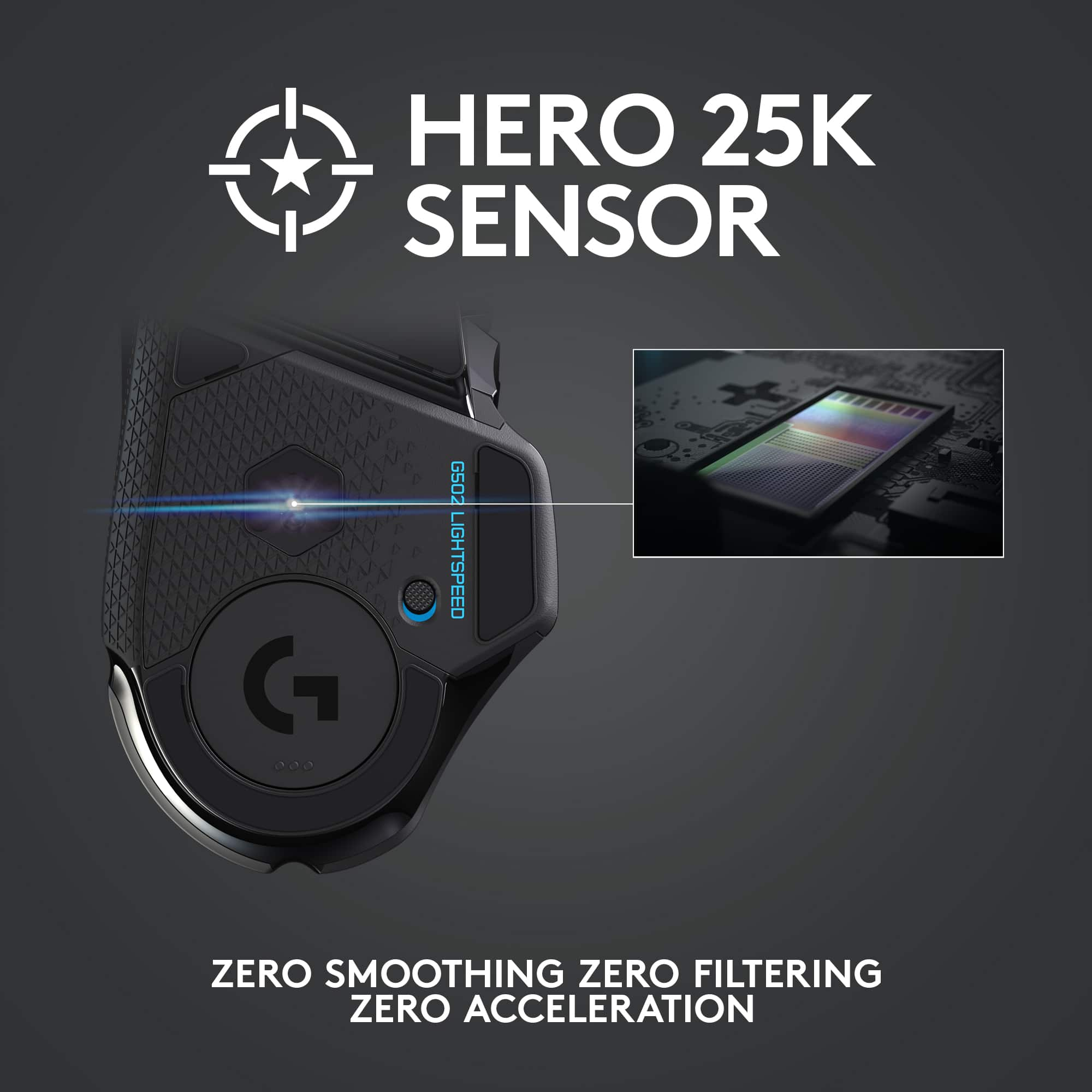
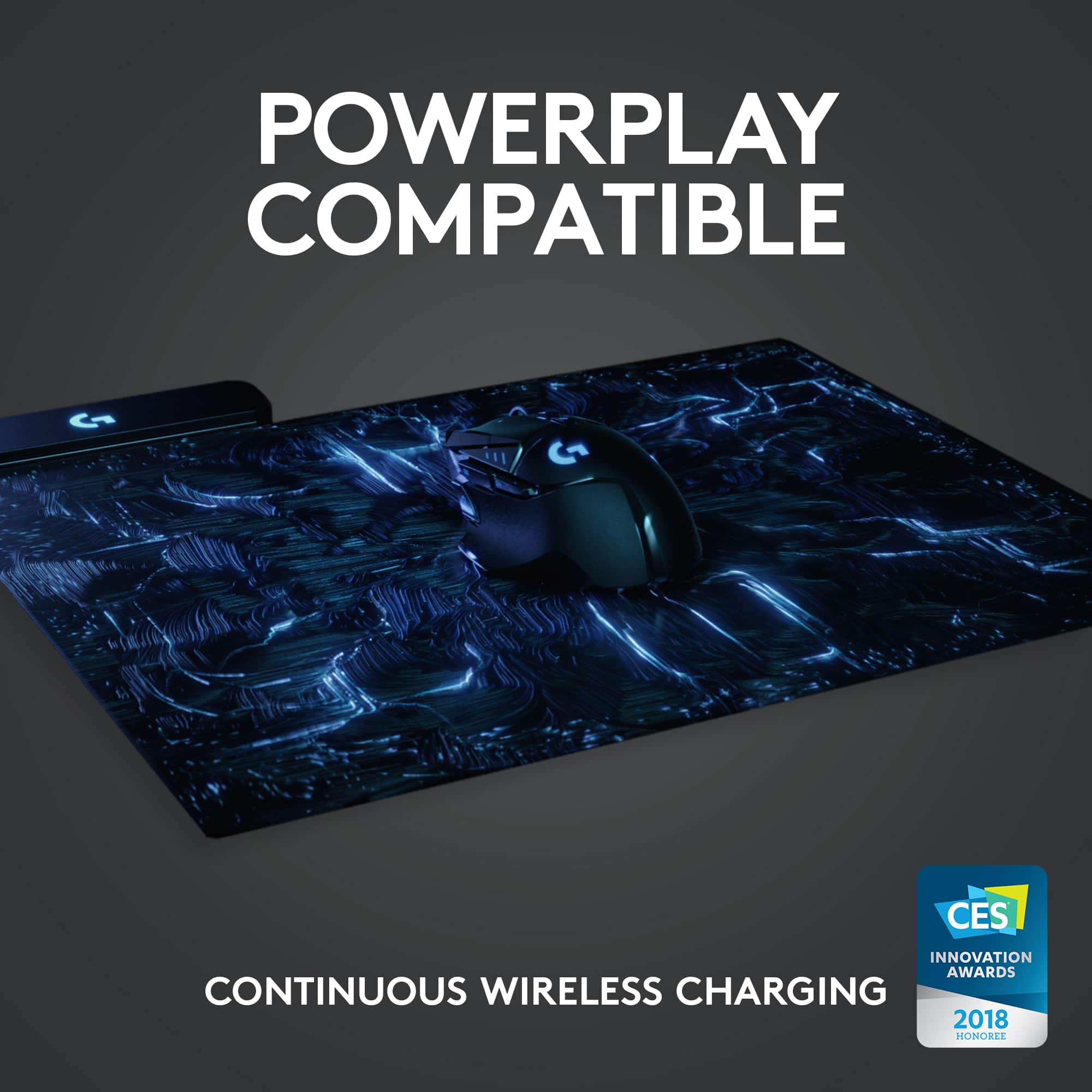
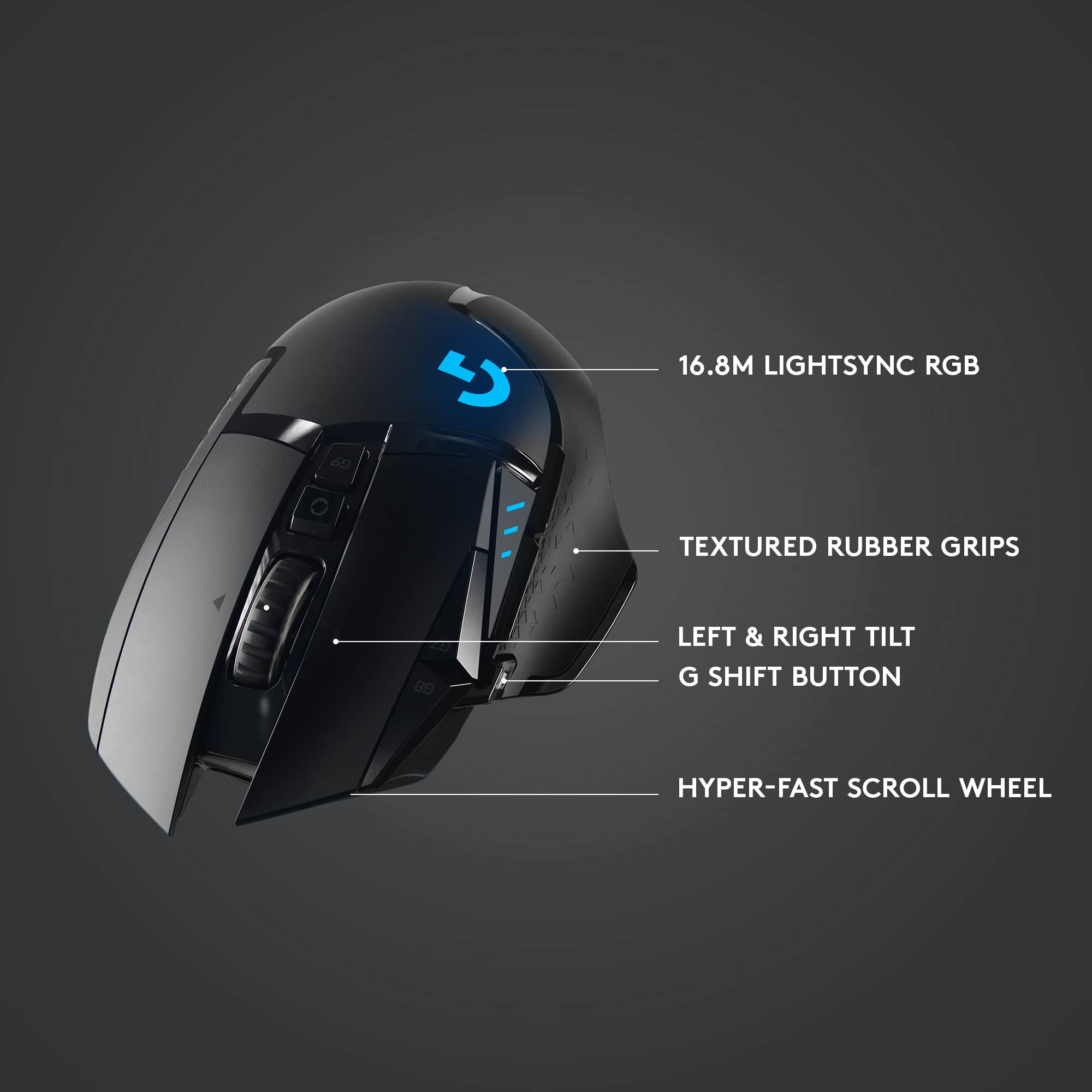
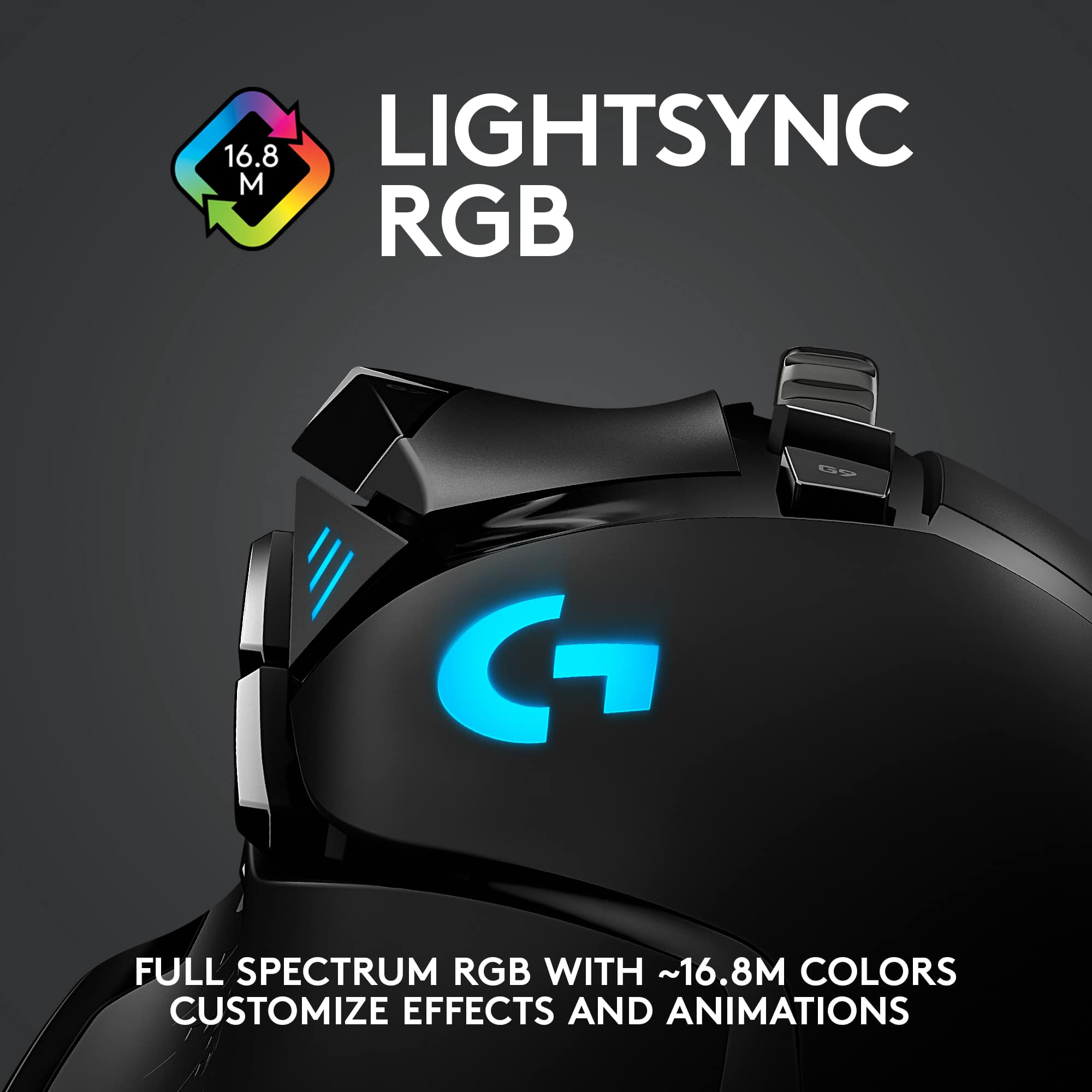
|Posted .This reviewer received promo considerations or sweepstakes entry for writing a review.I have had a long relationship with Logitech mice for quite some time now and used several wirelesses (and wired) options (MX Master, G602, and others). For the most part, they have always performed well -especially for productivity. The G502 Lightspeed is well constructed. It has a nice ergonomic feel to it. Although I prefer the MX Master as far as thumb rest support and would have liked the girth to cover a bit more of my ring finger, I still got used to it rather quickly. The pads underneath ensured smooth gliding and movement on both hard vinyl and cloth mouse pads. The index and middle fingers rest well and clicking either button without lifting them feels natural. The mouse itself is light. However, I like a bit of weight so I used some of the included weights which can be added to make it heftier. The scroll wheel is very responsive. It features several clicking alternatives (left, right and center) and has two modes: hyper-fast and normal traction. Unfortunately, the wheel itself feels very loose and even makes noise while moving the mouse. Personally, I would have liked the wheel to be more like the MX Master (the best in my opinion). This mouse has 11 buttons. I do not really use all of them, but it is nice to know that I can customize macros for any software or game. This mouse features an impressive 16K sensor. I particularly use only a few of DPI’s but again, it is a nice feature. The RGB looks nice and bright and can be modified via downloadable Logitech software. When it comes to gaming, I tend to gravitate towards wired mice because of the input lag. When playing an FPS (first person shooter) or a multi-player game, the reaction time is extremely important. Having stated that, I believe that I have finally found a wireless gaming mouse that might replace my wired daily driver. Yes, I put this guy through the paces and played several hours of BF5, Apex, COD and several other games. The response time is truly phenomenal. Using a comfortable DPI setting, I was able to pinpoint my targets quickly and shooting was a breeze (even at a furious pace). So, I decided to keep this as my daily driver, hoping that the battery life will not affect the experience. Because of this, I am also using the Logitech Powerplay Wireless Charging Mouse Pad which I highly recommend as it will eliminate the need to charge the mouse and lose connectivity when it is needed the most. Plus, it is RGB as well, and as it is well known, RGB makes one a better player (not really!). All said I will certainly recommend the G502. While it does have some issues, especially the mouse wheel, and can be a bit pricey, it works wonderfully. If you are a gamer and tired of messing around with wires, the G502 should definitely be considered.
I would recommend this to a friend Great mouse terrible switches
||Posted . Owned for 8 months when reviewed.This reviewer received promo considerations or sweepstakes entry for writing a review.this mouse was so comfortable and great for the first like 3 months I had it then I started having issues where the left click would either double click or would not click at all. I would not recommend this mouse to anyone that uses it for gaming
No, I would not recommend this to a friendBrand response from Logitech
Posted .Hi FuryoftheBeard, thank you for your feedback! The G502 is one of the most popular gaming mice in the world, and it is backed with a 2-year limited hardware warranty. For support, please refer to: https://support.logi.com/hc/en-us/articles/360024148914 - Will, Logitech.
Mouse
||Posted . Owned for 3 weeks when reviewed.This reviewer received promo considerations or sweepstakes entry for writing a review.Works great wireless or with wires. Connects to my gaming computer no problem
I would recommend this to a friend4.5 ,diffucult programming. Great for small hands
||Posted . Owned for 1 week when reviewed.This reviewer received promo considerations or sweepstakes entry for writing a review.4.5 is what i would give. Logitech makes the best gaming mouse/ keyboards. The keys are difficult to program. Its a great size if you have smaller hands.
I would recommend this to a friendLove the hyperscroll
||Posted . Owned for 1 week when reviewed.This reviewer received promo considerations or sweepstakes entry for writing a review.Hyperscroll feature is amazing. Nice and high end mouse. Very responsive
I would recommend this to a friendExcellent gamin mouse
||Posted . Owned for 2 weeks when reviewed.This reviewer received promo considerations or sweepstakes entry for writing a review.Excellent gaming mouse-precision control & rapid fire action available
I would recommend this to a friendSave your money
||Posted . Owned for 11 months when reviewed.This reviewer received promo considerations or sweepstakes entry for writing a review.This mouse is awesome. But the switches it uses for the clicks are known to fail and my right mouse button just started having issues 3 months out of warranty. Not great for such an expensive mouse.
No, I would not recommend this to a friendBrand response from Logitech
Posted .Hi Gadgetboi, we're sorry to see you're having some durability issues with your G502 Lightspeed Wireless mouse. You do have a 2 year limited warranty that comes with the purchase of the mouse. This can be used to have a replacement sent out to you. You can do that here: https://support.logi.com/hc/en-us/articles/360025084473-Warranty-G502-LIGHTSPEED. Hope that helps and thanks for your feedback.
- Cons mentioned:Price
Defective
||Posted . Owned for 10 months when reviewed.This reviewer received promo considerations or sweepstakes entry for writing a review.I bought this product because my wired version of the same mouse broke. Easy to say this is a defective over priced basura
No, I would not recommend this to a friendBrand response from Logitech
Posted .Hello, I am sorry to hear you received a defective unit. Luckily, this mouse does come with a 2 year warranty so we can get that replaced for you! Here is the link to file a claim: https://support.logi.com/hc/en-us/articles/360025084473-Warranty-G502-LIGHTSPEED. I hope this helps! Thank you for taking the time to write this review, we appreciate the feedback.
- Pros mentioned:Battery life, Weight
Wireless G502 Hero with Improvements
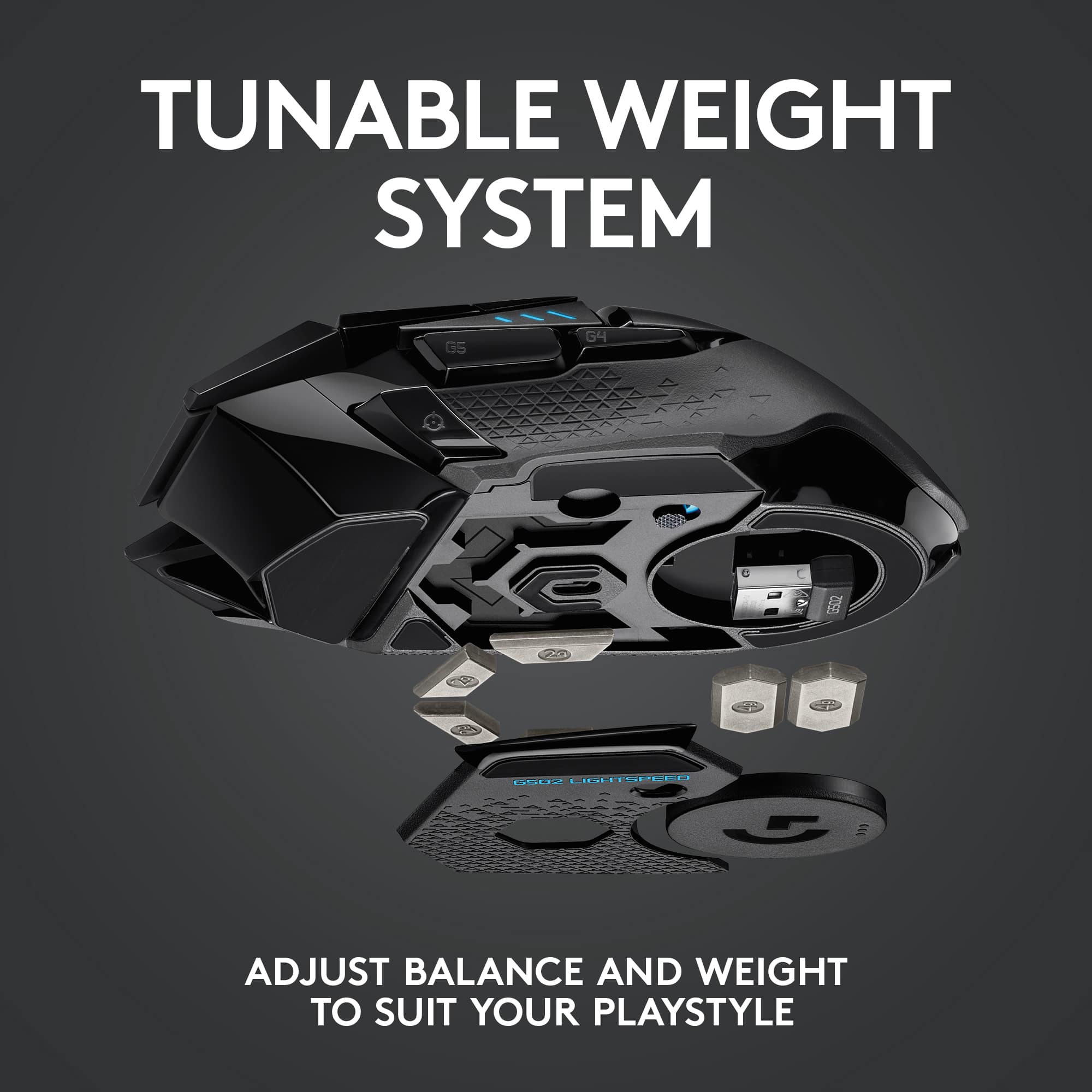
|Posted .This reviewer received promo considerations or sweepstakes entry for writing a review.Pros: Excellent ergonomics, nearly identical to wired 502 Hero, 60 hour battery, grippy rubber scroll wheel Cons: 48 hour battery when using LED light I used to be part of the wired mice only for gaming camp, that is until I stumbled upon the G502 lightspeed. I have last year’s G502 Hero and will base my review comparing the two. Starting with design and ergonomics, the G502 Hero and G502 Lightspeed are practically identical in terms of button layout and size. Aside from the obvious Hero being wired and Lightspeed being wireless, there are three key areas where they differ: 1) Scroll wheel - the Hero has a solid metal wheel, the Lightspeed has a spoked metal wheel with a rubber ring. I actually prefer the more grippy rubber on the Lightspeed wheel. The metal wheel on the Hero can get a little slippery. 2) Glide - the Lightspeed glides a bit better than the Hero. There’s quite a bit more surface area on the rear foot on the Lightspeed in the Powercore module area. 3) Weight - Hero @ 121 grams vs Lightspeed @ 114 grams maxing at 139 gram and 130 grams respectively. I actually prefer the lighter weight of Lightspeed. Speaking of weight, I wanted to point out one caveat for prospective buyers who plan on getting the Powerplay pad. When you use the Powercore module for wireless charging, you lose the ability to add weights to that compartment. The Powercore module takes up the entire area. You can still add weights to the middle/front compartments, but it does make it a bit front heavy. Fortunately for me, I like where the weight is at with the Powercore module installed. Not having to plug in a cable or place the mouse in a dock to charge is awesome. It’s a great time to be alive! Battery life: The published specs are accurate. I got about 2 days worth of use when the LED on and 8-10 ish hours of extended use with the LED light off. This would be a concern only if I’m traveling as I use the Powerplay at home. Wired gaming mouse replacement? I did not perceive any noticeable lag moving between the Hero and Lightspeed and would not have any hesitation using my Lightspeed as my only gaming mouse. I am a casual gamer, but also do content creation. The tracking precision and accuracy is phenomenal!
I would recommend this to a friend - Cons mentioned:Price
Save your Money. Get a less expensive wired mouse.
||Posted . Owned for 3 months when reviewed.This reviewer received promo considerations or sweepstakes entry for writing a review.Just wasn't happy with it. Very expensive. You end up with a usb cable dangling around all the time to keep everything charged.
No, I would not recommend this to a friendBrand response from Logitech
Posted .Hello, I am so sorry to hear about the charging issues you are experiencing with the mouse. That is definitely not normal! I am not sure how long you have had the mouse, but it does come with a 2 year warranty through Logitech, so we can get that replaced for you! Here is the link in order to file a claim: https://support.logi.com/hc/en-us/articles/360025084473-Warranty-G502-LIGHTSPEED. I hope this helps! Thank you for taking the time to write this review, we appreciate the feedback.
-Danielle from Logitech
Don’t bother
||Posted . Owned for 3 weeks when reviewed.This reviewer received promo considerations or sweepstakes entry for writing a review.The battery life is terrible. I returned it and went with th G502X plus. I used it 8-10 hours for office work with a fixed light. I didn’t like my saved light setting didn’t work once I plugged it to the corporate device. Maybe the cycling of the lights drains the battery versus being a fixed color. G502x Plus has 5 onboard memory profiles, which allows me to use it in other devices.
No, I would not recommend this to a friendBrand response from Logitech
Posted .We regret to hear that you had to return the mouse. We apologize for any inconvenience caused and thanks for your detailed feedback. We'll certainly pass this along to the right team.
Nope
||Posted . Owned for 11 months when reviewed.This reviewer received promo considerations or sweepstakes entry for writing a review.The initial feel of this mouse was great. After about 3 months I started having a ton of trouble with the RMB and the LMB double clicking or not working at all. Total dissapointment.
No, I would not recommend this to a friendBrand response from Logitech
Posted .Hi Robbie, we're sorry to see you're having some performance related issues with your G502 Lightspeed Wireless Gaming mouse. You do have a 2 year limited warranty that comes with the purchase of this mouse. This can be used to file a warranty claim to have a replacement send out to you. Here is the link to get started: https://support.logi.com/hc/en-us/articles/360025084473-Warranty-G502-LIGHTSPEED. Hope that helps. -N from Logitech
Double check the box
||Posted . Owned for less than 1 week when reviewed.This reviewer received promo considerations or sweepstakes entry for writing a review.Received a notice stating the new hero 25k was on sale. Went to store and picked it up and purchasing online. Got home and read the box. It was the hero 16k sensor so I took it back. While at the store I was told I was incorrect and didn’t read the packaging right. Even after pointing out where it clearly said 16k and showing the manager where it said 25k online I stopped trying to explain it and just returned it and bought the 25k version elsewhere. I figure they are just trying to move out old stock before the new 25k comes in but buyer beware and read the packaging.
No, I would not recommend this to a friendBrand response from Logitech
Posted .Hi Loki! In order to achieve the 25lk DPI, you have to update the mouse in the G Hub software. So even if you have the G502 that says 16k on the box, it is still able to get the firmware update to the new settings. I hope that helps!
Love it
||Posted . Owned for 1 week when reviewed.This reviewer received promo considerations or sweepstakes entry for writing a review.Great gaming mouse, free wheel is great for scrolling
I would recommend this to a friend- Pros mentioned:WeightCons mentioned:Lag
Eliminates all excuses not to go wireless
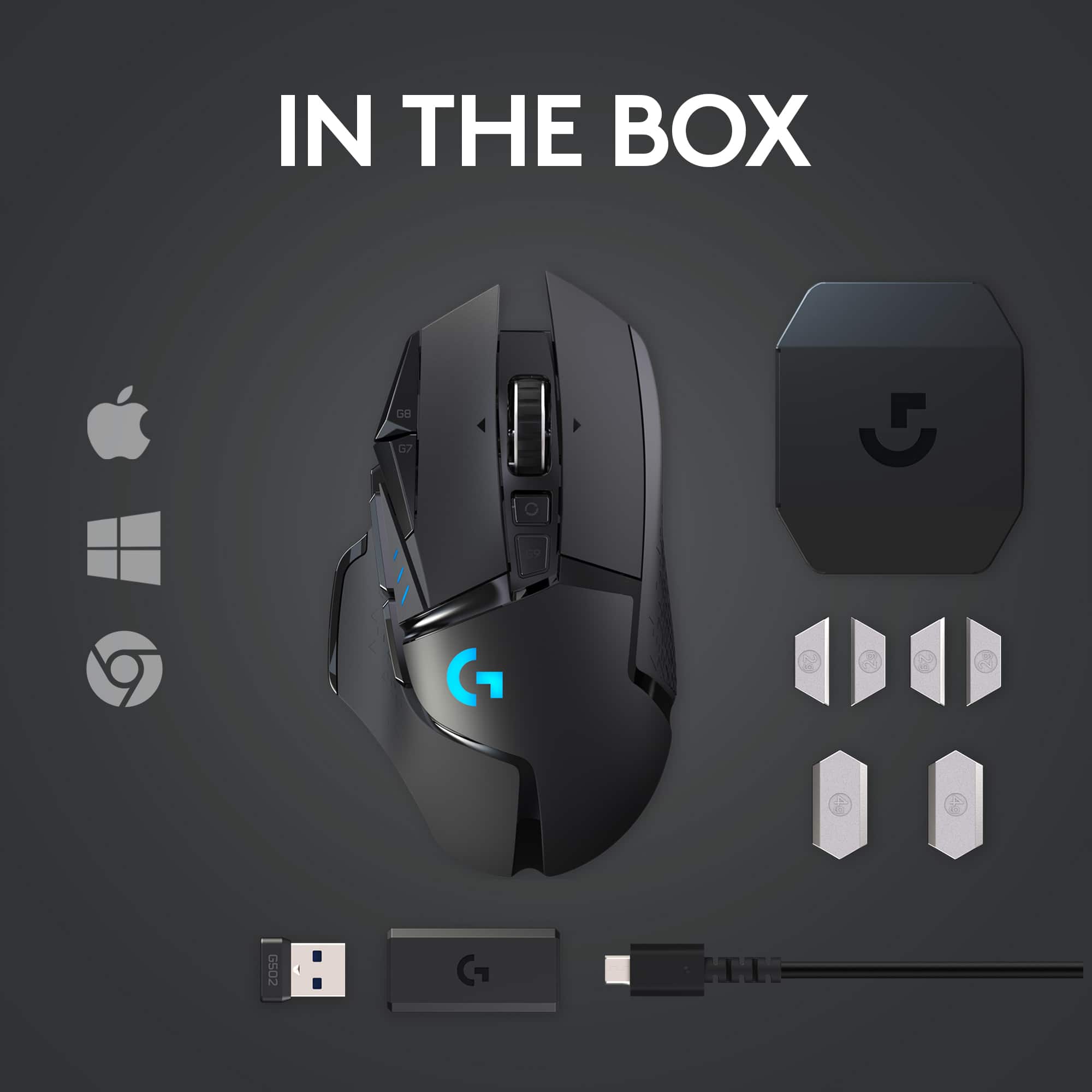
|Posted .This reviewer received promo considerations or sweepstakes entry for writing a review.What was already a top-rated mouse design gets even better using Logitech’s light speed technology. The mouse comes with a USB adapter for charging, a case for holding the additional weights that can be added, the mouse of course, and a USB wireless dongle. Things I love: The design. My hand just kind of naturally falls into the curves and grooves of the mouse. Each button is just a slight movement away and it doesn’t feel like a chore to have to find them on the mouse. The mouse doesn’t feel like a wireless mouse. And by that, I mean the way it moves on the screen, no noticeable lag whatsoever, no cord to snag the back of my desk. I’m not a professional gamer by any means, but input lag or latency is nonexistent for me using the G502. Things I Like: The customization options check the boxes. You can use the downloadable software to change what each button does, change DPI modes to your liking. You can use the G-shift button to open even more button options, as well as use it as a Johnny on the spot sniper button when you need to fine tune your shot by slowing down your DPI to a crawl. RGB is all the rave and it’s customizable on the G502 as well as weights that can be added to the underbelly to make the mouse a bit heavier if that’s your thing. This is also compatible with Logitech’s power play mouse pad. This will charge your mouse as you game so there is no cables and no downtime whatsoever while your connected. Final Thoughts: There’s not anything about this mouse that I don’t like. I’m not using it for a competitive edge but having the feel and design of a wired gaming mouse, but without the cord to drag around the desk or having to wrap it up when I want to go somewhere, is extremely convenient for me. I’m so glad they kept the design of it’s wired brother. My only concern down the road is replacing the internal rechargeable battery which I see no clear way to do, but it isn’t going to deter me from enjoying this mouse at all.
I would recommend this to a friend Last Logitech (Crap)
||Posted . Owned for 1.5 years when reviewed.This reviewer received promo considerations or sweepstakes entry for writing a review.This is my third and last Logitech mouse. After 2 or 3 months of basic use ( not gaming ), the left mouse button started double-clicking. The mouse is impossible to use in basic tasks like the selection of text and dragging and dropping files. I will personally never buy another logitech product again.
No, I would not recommend this to a friendBrand response from Logitech
Posted .We're sorry to hear about your negative experience with the G502 LIGHTSPEED. It's frustrating when a product doesn't meet your expectations. Your feedback is valuable, and we appreciate you sharing it. If you'd like assistance or information about potential solutions, please feel free to reach out to the support team. We strive to provide quality products and improve our customers' experiences.