Customer Ratings & Reviews

- Model:
- 910-005565
- SKU:
- 6333841
Rating by feature
- Value
Rating 4.5 out of 5 stars
- Quality
Rating 4.8 out of 5 stars
- Ease of Use
Rating 4.8 out of 5 stars
Customers are saying
Customers admire the G502 Lightspeed Wireless Optical Gaming Mouse for its excellent battery life, lightweight design, and reliable wireless connectivity. Many users appreciate its overall performance, comfortable feel, and customizable buttons. While some find the price to be a drawback and the software interface confusing, the mouse is generally praised for its responsiveness and features like the infinite scroll wheel. The adjustable DPI and RGB lighting are also well-received.
This summary was generated by AI based on customer reviews.
- Pros mentioned:Battery life, Weight

Customization to a T
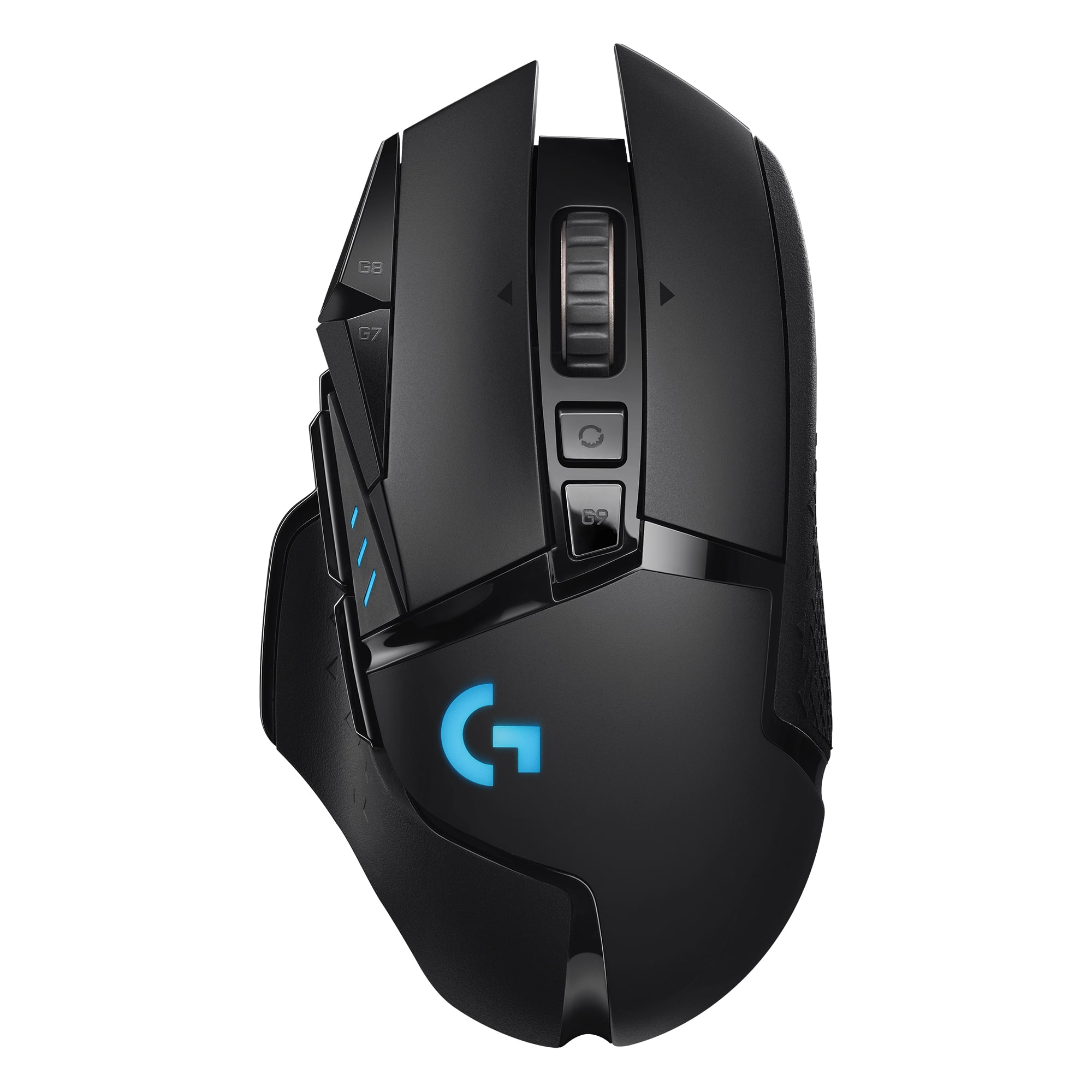
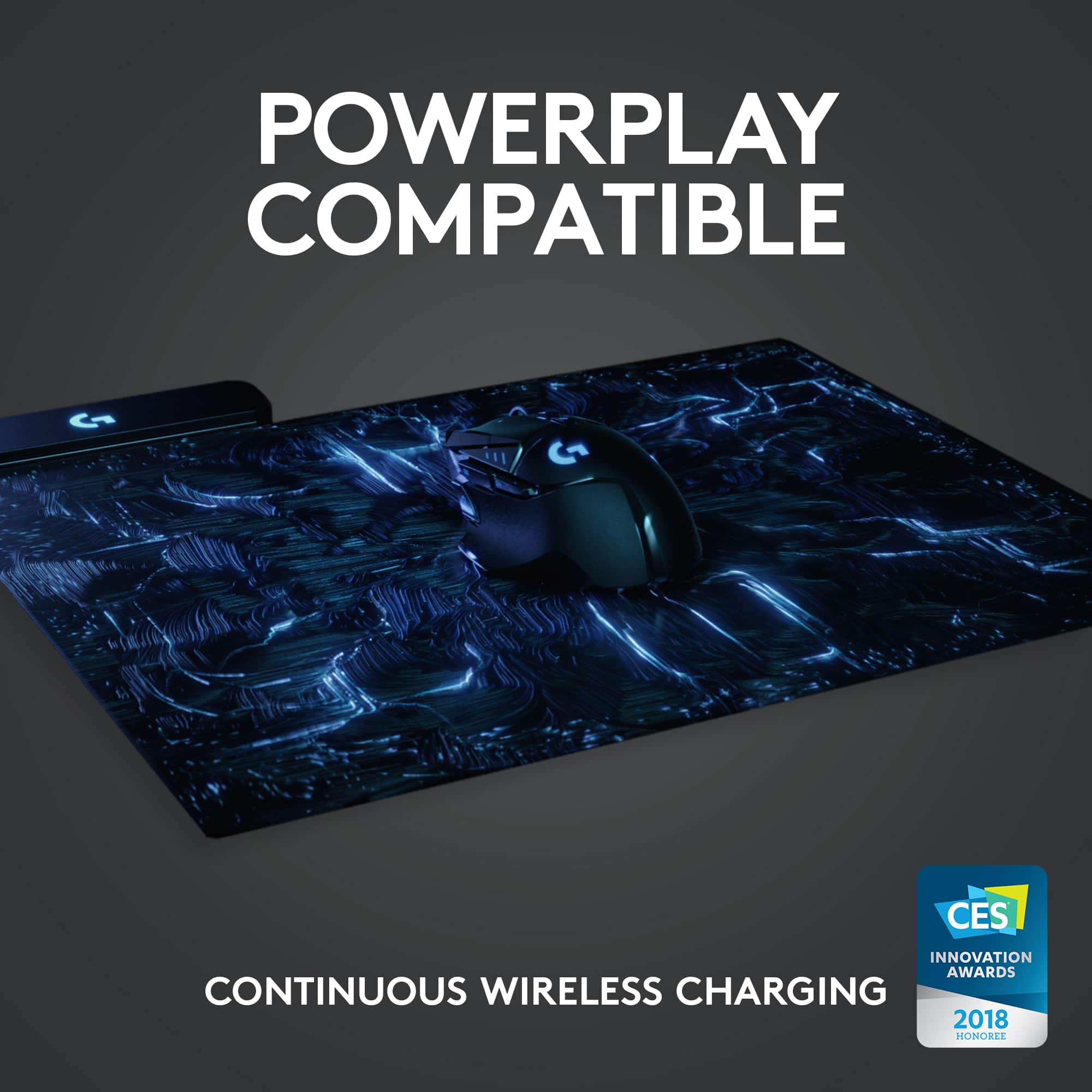
|Posted .This reviewer received promo considerations or sweepstakes entry for writing a review.Looks like the Tumbler from Batman and has just as many gadgets. I am not a great WASD player. Sometimes,I'm great, sometimes I'm terrible. Having the extra custom buttons has been a gratifying experience. Reload near my shoot button...as it should be. This mouse has lots of things to customize...almost overkill. From he weight to the colors, anyone and everyone should be able to find the right combo. Also, for a wireless mouse, the delay is not existent. Just as good as any wired mouse I have ever used. I will admit, I paired it with the combo charging pad for a continuous charge, so I can't speak much to battery life. Buttons are responsive and mouse wheel is smooth. That's the best word for this mouse, smooth. Great addition to the gaming arsenal.
I would recommend this to a friend - Pros mentioned:Battery lifeCons mentioned:Size
It's The G502 Re-engineered
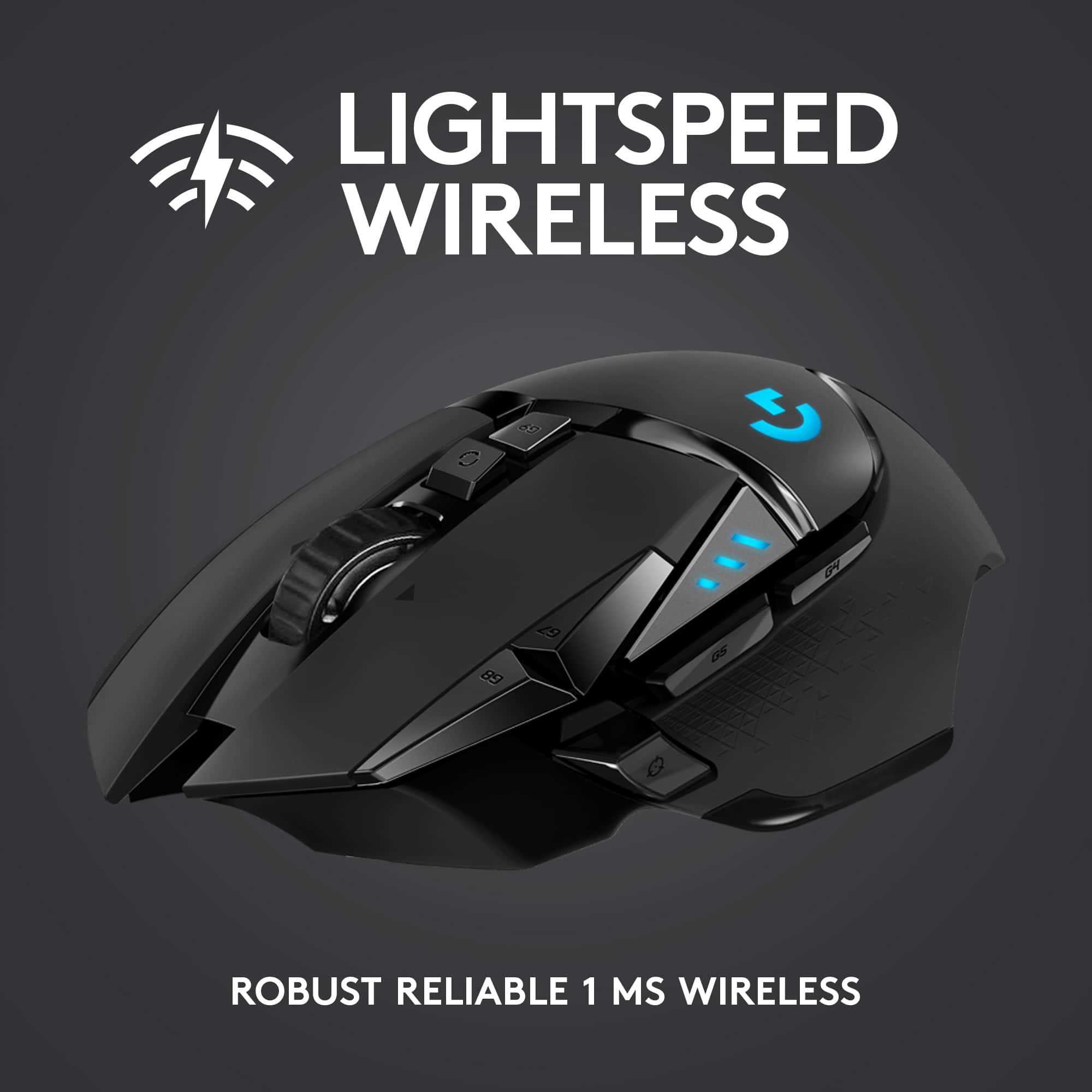
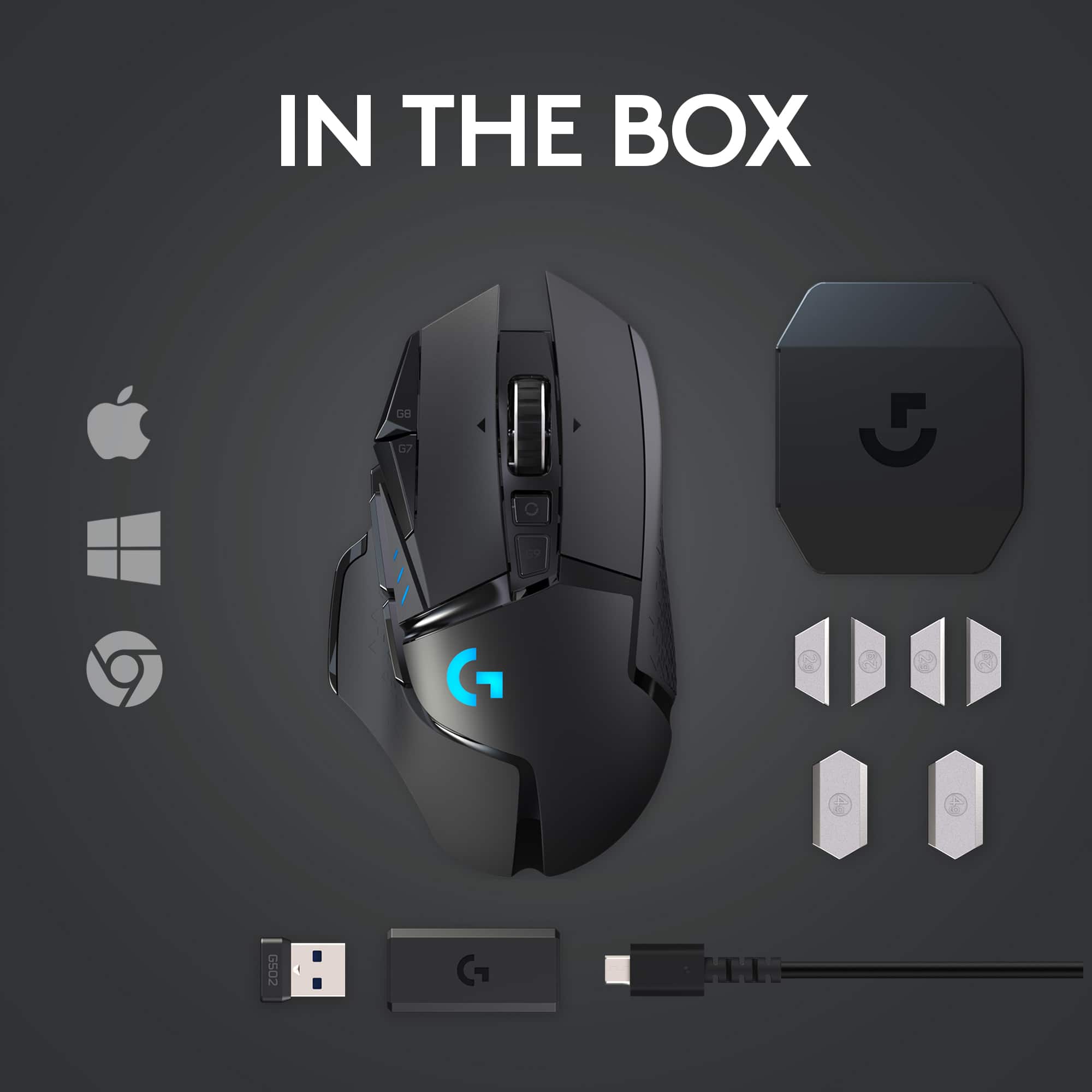
|Posted .This reviewer received promo considerations or sweepstakes entry for writing a review.Disclaimer: Logitech has sent a Powerplay Gaming Mousepad as an added bonus. Due to this, battery life performance cannot be truly measured nor tested. Wireless performance may also be skewed as well. Logitech has released several versions of their G502 mouse over the years. This Lightspeed model is the latest version. However, unlike their previous G502, the Lightspeed model is wireless. The mouse design itself is meant for gamers who play first-person shooters (FPS). There are 6 additional buttons with the current core 5 (left, right, middle, left-scroll, right-scroll). All of them have a good tactile feedback when pressed. While the mouse itself is designed for FPS in mind, adapting it into a MMO game proved difficult. This is by no means a negative aspect. It’s just that the design philosophy is too different to make this mouse viable for MMO play. Other game genre can potentially play well with the mouse. Given time, one can get used to the handling of the mouse regardless of genre type. The mouse is designed for right-handed users. Its mold and shape fits well for my hand. You might say that my hand size is about small to medium. Those with larger hands may find the mouse too small. Since the size is the same, it’s safe to go to a local store that has a G502 on display and hold it in your hand. In terms of weight, despite that they’ve managed to make this mouse lighter than its wired counterpart, it’s still heavy when factoring in the battery. Its weight seems to be a common complaint amongst some users who prefer lighter mice. But personally, I do not see it as a hindrance. Customizing the mouse functions requires Logitech’s “G HUB” software. While the latest version can be found at their website, finding the download link may be confusing at first. The mouse’s support page does not have a download link to the file while the general support page does. The downloaded file is around 35MB but that itself is just a downloader file. After install, the folder which it installed to comes in at around 210MB. This might vary as I have a Logitech webcam and the Powerplay mouse pad also connected. The G HUB software is quick to launch and its interface is easy to navigate. Customizing a button is as easy as click and drag. Clickable UI elements have visual cues to make navigating and tweaking easy to follow. There’s also an option/method to save and sync your settings to the cloud. Unlike a competitor, this step is not mandatory. The software’s UI design is a lot easier to follow than Cosair’s iCue software. Binding a custom command/key to a button is faster and easier in G HUB than iCue. Profile switching linked to a program is also fast. There’s no noticeable delay between the switch, which is good. With the Powerplay mouse pad, wireless signal is never an issue. At the same time, battery life is also never an issue. But I’ll discuss the battery life later. Responsiveness seems to be like they advertised. I never notice any perceivable lag from moving the mouse around or clicking a button. It’s like I’m using a wired mouse. The mouse itself comes with a wireless adapter that is pre-plugged into a micro-USB adapter. The charging cable itself is micro-USB based. One can basically minimize any signal issue by using the cable in conjunction with the adapter to place it closer to the mouse. But with the Powerplay mouse pad, the wireless receiver, micro-USB adapter, and charging cable becomes extras. On battery life, the Powerplay mouse pad eliminates the need to ever charge the mouse. It comes with a Powerplay disc that can be slotted into the mouse as per instruction. This is what enables wireless charging on the mouse itself. This is a very nice perk for Logitech fans and users. But others may not like it. The downside to the Powerplay pad is the number of devices it supports. And if you ever change mouse brand, the charging pad becomes useless. If the Powerplay mouse pad isn’t for you, Logitech rated the mouse for up to 48 hours with lighting effects on (and up to 60 hours without). Using a 3-4 hour of operating use per day, that means you get over a week’s worth of use before having to charge it. Overall, Logitech has come a long way since I last used their mice. The last mouse I had from Logitech was a G5 (with 2 side buttons). The software works very well and the user experience is better than Corsair’s iCue. The mouse is also well designed and works great in a variety of games, except for MMO types. Verdicts: (Mouse) Buy, but avoid if you’re a MMO player. (Pad) Coin flip -- good to have, not missing much you skip. Asking price of $99.99 is a bit much for the complete package.
I would recommend this to a friend RMB dies after 2 years
||Posted . Owned for 1 year when reviewed.This reviewer received promo considerations or sweepstakes entry for writing a review.Yup, read about it. After a year or two, the right mouse button doesn’t register all the time, good luck with playing FPS with this issue. I love Logitech but both of my 502 (wired and wireless) had the same issue.
No, I would not recommend this to a friendBrand response from Logitech
Posted .Hi ilias, thank you for sharing your experience with the G502 Lightspeed Wireless mouse. I'm sorry that after 2 years of use the right mouse button stopped registering all the clicks. I'm sorry that this has happened to you two different times. I hope you are able to find a mouse that works for you and your FPS games. Thank you for being a Logitech G customer. Kristi from Logitech
didnt meet expectations for the high price
||Posted . Owned for 3 weeks when reviewed.This reviewer received promo considerations or sweepstakes entry for writing a review.doesnt go any lower than 500 DPI I needed at least 250
No, I would not recommend this to a friend- Pros mentioned:Battery life, Comfort
The best gaming mouse, and the worse software.
Posted .This reviewer received promo considerations or sweepstakes entry for writing a review.The mouse itself is absolutely amazing. 10/10 on comfort, accuracy, wireless delay, battery life, rgb, and practicality. The clicks are responsive and tactile, the buttons feel great to press and work exactly as they should. No issues with the scroll wheel and I love the infinity scroll feature. Glides like a dream even on hardwood. But its only good for people who like a little bit of heft to their mice. Even without the weights and taking off the magnets on the bottom its not as light as most would want if you were looking for a heavy mouse. You really feel like you are in command of whatever website you're navigating or game you're playing. The only con and why I rate it as "Good" is the software. Its usable at best. It looks like, but its hard to navigate, instructions are unclear, and you can expect freezes or the application not even launching. I have had this thing for almost a year, and I have nothing else bad to say about it.
I would recommend this to a friend - Pros mentioned:Comfort, Weight
Great mouse, very comfortable, highly customizable
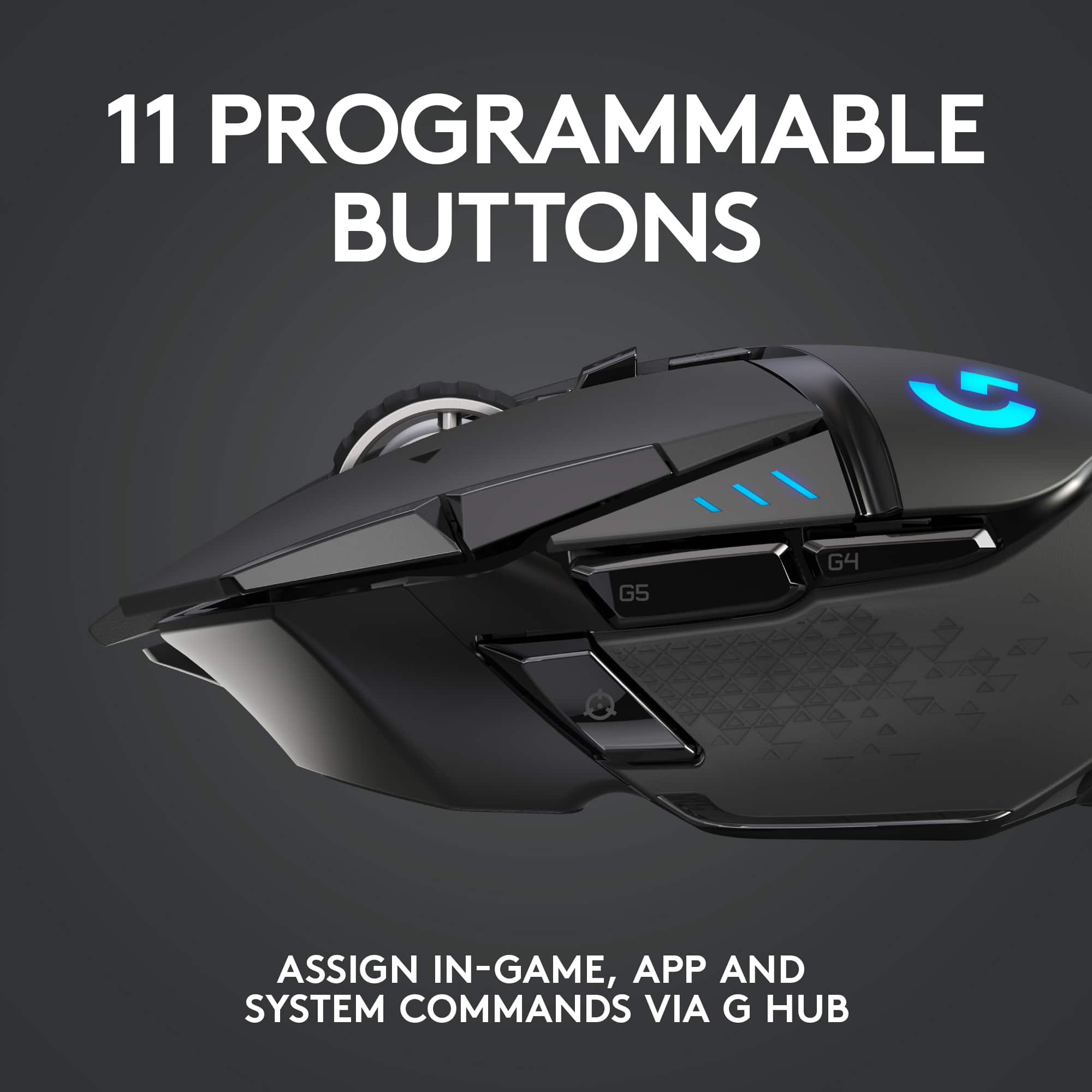
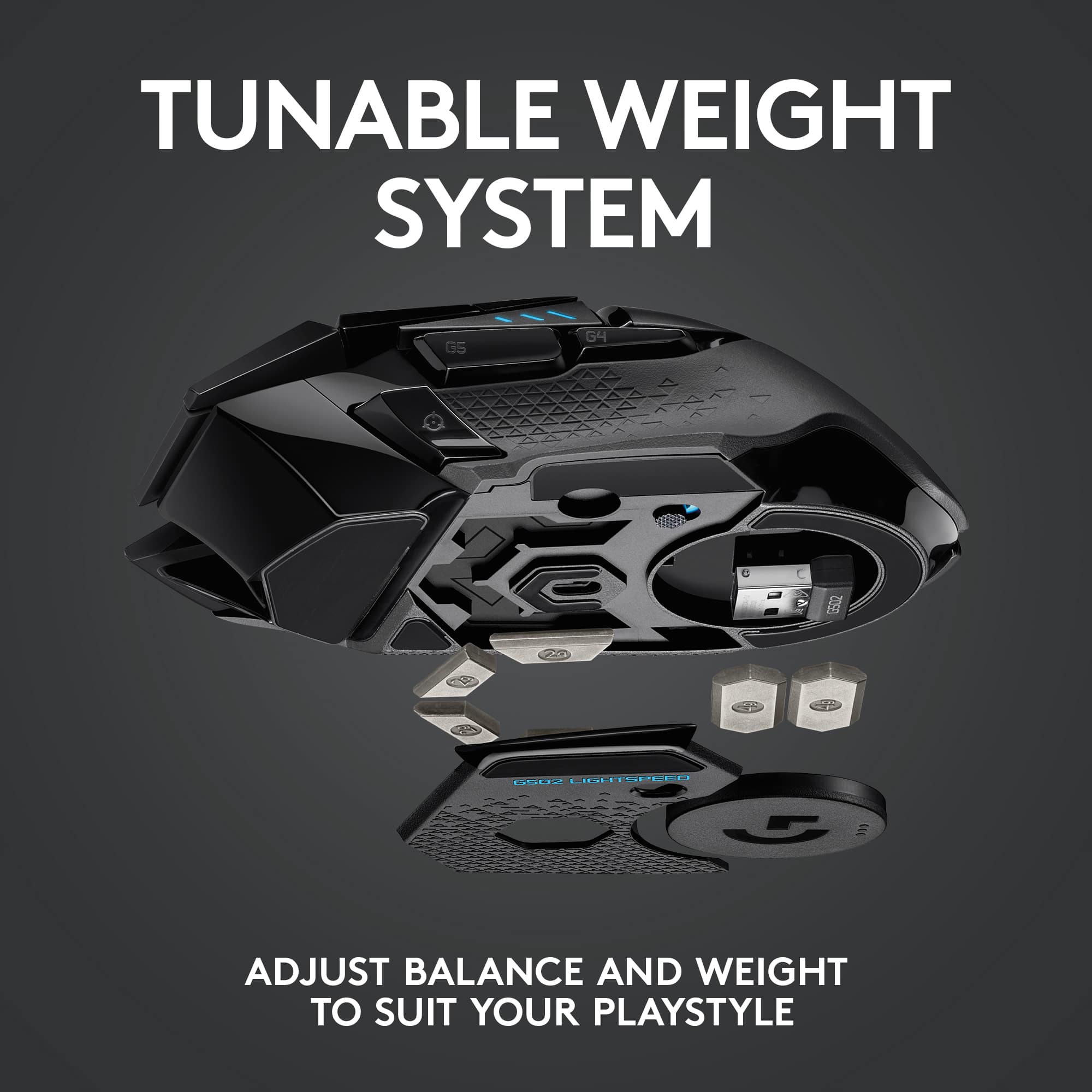
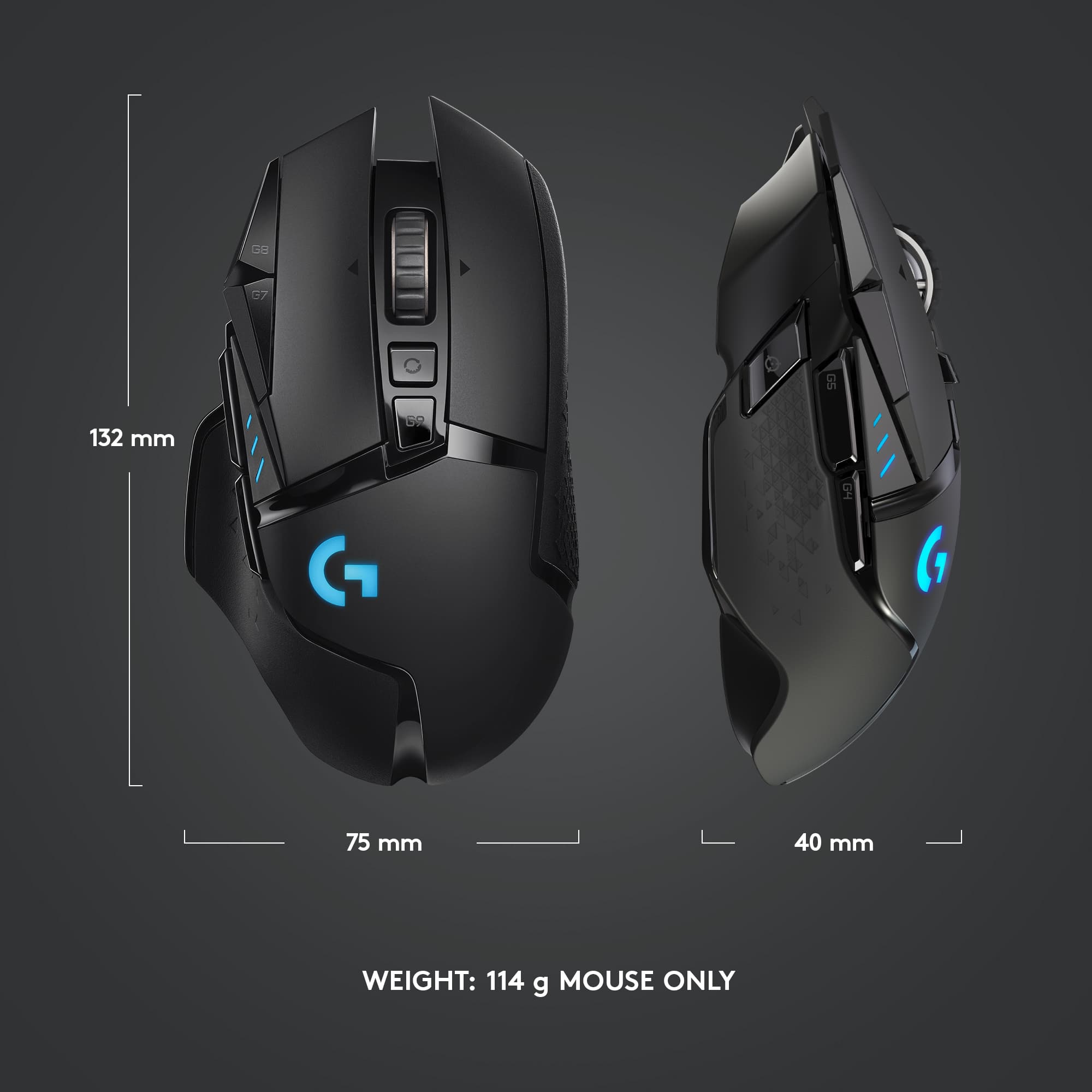
|Posted .This reviewer received promo considerations or sweepstakes entry for writing a review.Overall, the Logitech Lightspeed G502 wireless mouse is a fine mouse for gaming or just general computer use. I have several comments regarding my experience with it. 1. I strongly recommend that, if you buy one of these, you immediately go to the website shown in the instructions and download the full basic user manual, which runs to 30 pages. The box includes one of those pictogram-style instruction sheets which I have never liked because I can never figure out what they’re trying to say, and this one is no exception. You’ll want to download the control software for the mouse, anyway, as through it is how the 11 programmable buttons can be programmed, and that software can be downloaded from the same site. 2. The weight of the mouse is adjustable, and the box includes six weights (two 4-gram and four 2-gram), which can be installed in any combination to give a variety of final weights. Out of box, the G502 mouse weighs 115 grams (about 4.1 oz.), and, with all of the weights added, could weigh as much as 131 grams, depending on your preference. In addition, the four smaller weights can be placed in various positions on the underside of the mouse to vary balance as well as weight. Just for comparison, I have two other Logitech wireless mice, and I weighed those. I have a Logitech M320, which is a smaller mouse better suited for smaller hands but which I like because it fits better in my laptop bag, and it weighs 92 grams. I also have a Logitech M705, which is a beast of a mouse and which I use with one of my desktop computers, and it weighs in at 134 grams, more than the heaviest configuration possible with the G502. Finally, my actual everyday mouse is, currently, a Logitech PRO Gaming Mouse, which is wired, and it weighs in at only 81 grams, lighter, even, than the M320. Of course, being a wired mouse, it does not have any batteries. What I like about the PRO Gaming Mouse and why I use it is the excellent click-feel that these higher-end mice like it and the G502 have. But it is a smaller mouse which isn’t as comfortable in my hand, so I’ll be upgrading to the G502 for both every day as well as gaming use. 4. The G502 has an internal, permanent battery which had some charge out of the box. It charges with an included USB cable which also allows use of the mouse in a wired configuration, so you can continue to use the mouse even if the battery has run low. 5. One of the most significant features of the G502 is its programmable buttons, and the separate downloadable manual describing all the ways the mouse can be configured runs to over 80 pages. As mentioned earlier, you’ll want to download this from the website as well as through this software is how these buttons are configured. 6. My most important concern with this or any mouse, is, of course, how comfortable is it to hold and use. This mouse, as noted, is reasonably heavy even with no additional weights. It is heavily contoured as well and has an excellent feel in one’s hand. I would have no problem holding onto this mouse for hours. As I noted at the top, overall, I am very pleased with this mouse and plan to use it for both gaming and everyday computing. Very highly recommended. As a side note, I also happen to have an accessory for this mouse also available from Logitech, the Powerplay Wireless Charging System. In short, this is a large mouse pad (11 x 13 inches) that connects by USB to your computer and wirelessly charges the mouse battery as you use it. It works well.
I would recommend this to a friend DO NOT BUY
||Posted . Owned for 7 months when reviewed.This reviewer received promo considerations or sweepstakes entry for writing a review.DO NOT BUY. WILL DOUBLE CLICK OR NOT REGISTER CLICKS AT ALL IN ABOUT TWO MONTHS. LOGITECH WONT DO ANYTHING ABOUT IT EITHER. I HAVE A WHOLE MESSAGE THREAD WITH THEM. JUST BUY FROM ANOTHER BRAND.
No, I would not recommend this to a friendBrand response from Logitech
Posted .Hi Sophie, Very sorry to hear about the issue you're having with the G502 Lightspeed Gaming Mouse with it double clicking and/or not registering at all. You mentioned that you've messaged Logitech and that they won't do anything. If you haven't tried this yet, I highly recommend that you download Logitech's G Hub software which will help your mouse run optimally by allowing you to update the firmware. Here's a link to the download: https://support.logi.com/hc/en-us/articles/360024704814--Downloads-G502-LIGHTSPEED-Wireless-Gaming-Mouse. Also, this mouse does come with a 2-year limited hardware warranty. Here's a link to File A Claim: https://support.logi.com/hc/en-us/articles/360025084473-Warranty-G502-LIGHTSPEED. Hope that this helped and all is going better. Thank you for being a Logitech customer. - Richard from Logitech
- Pros mentioned:Battery lifeCons mentioned:Software
Logitech G502 Wireless Review
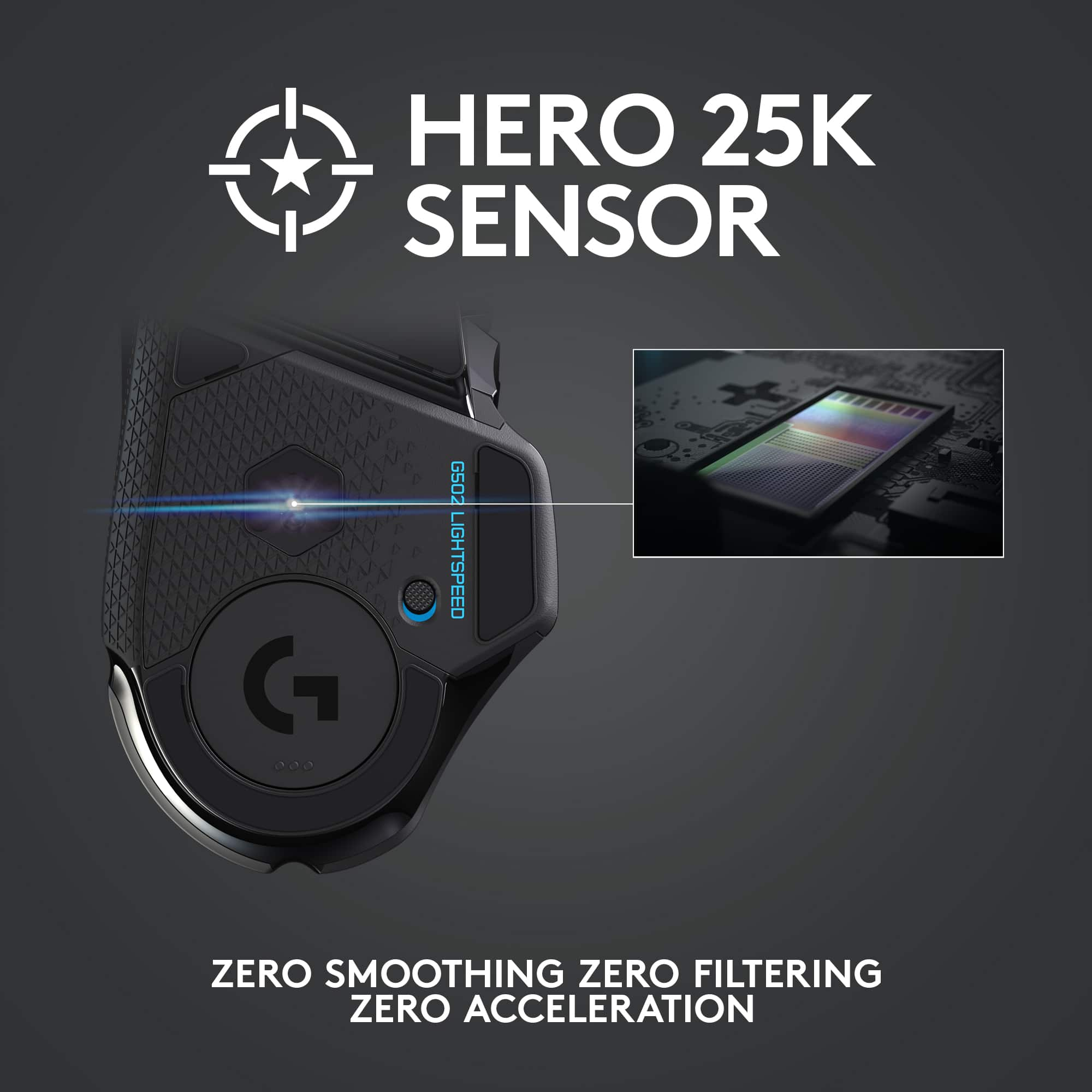
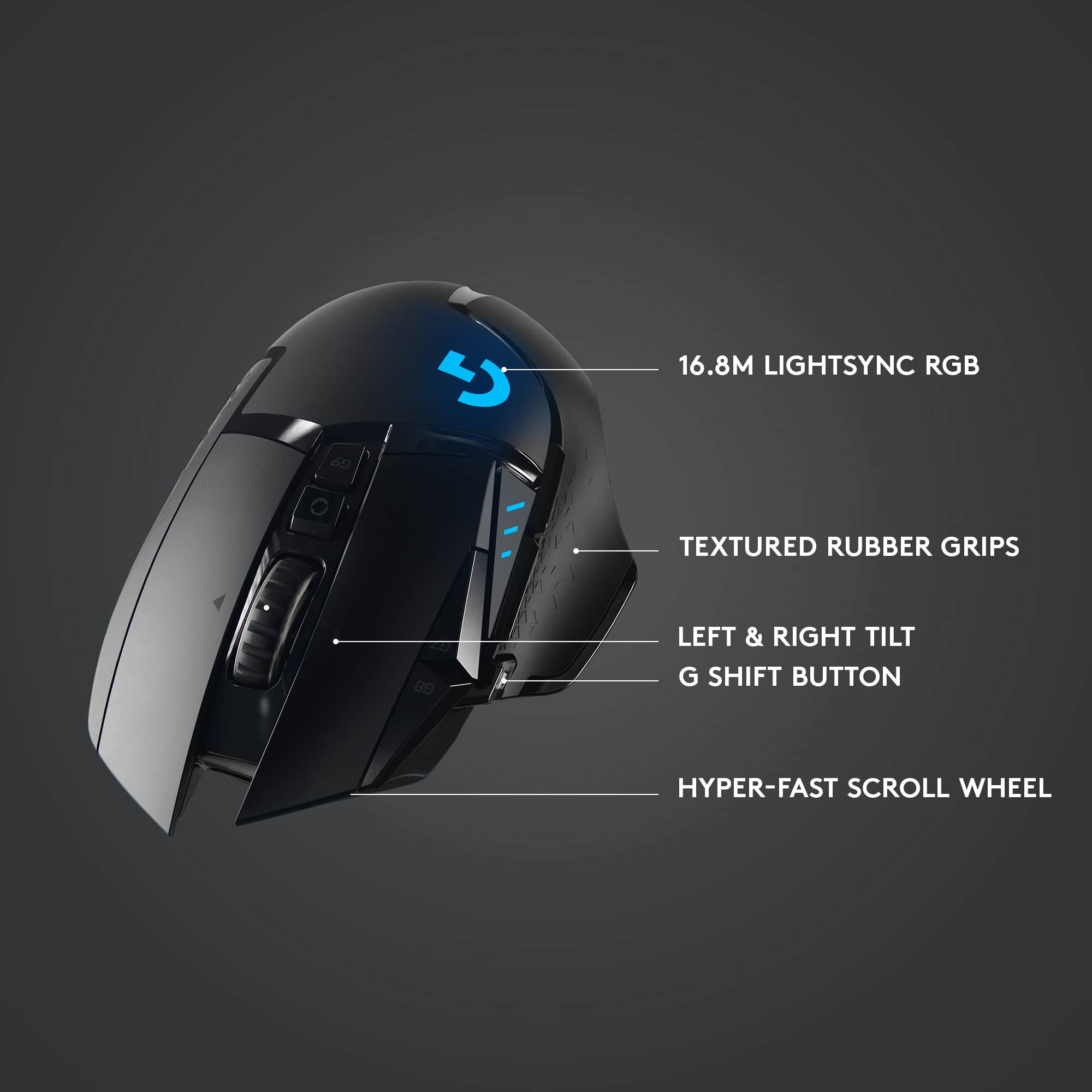
Posted .This reviewer received promo considerations or sweepstakes entry for writing a review.I've owned this mouse for right at 2.5 years so this is a long-term review. The mouse has held up well and has been one of the most comfortable mice to use for me. The mouse has quite a few nice features like the on-the-fly DPI adjustment, RGB, hyperscroll wheel, and up to 25,400 DPI sensitivity which I always leave it at except for areas where I need finer control where I'll bump it down to 14k-10k DPI or use the "sniper" button since I enjoy high-sensitivity mice. Some other features are a bit gimmicky to me like the buttons to the left of the left-mouse button which I find too difficult to reach in normal circumstances and the adjustable weights at the bottom which really don't make that much difference in my mind. Pros: * Very comfortable mouse * Long battery life (roughly a week with regular use, no RGB on) and fast recharging * Software is mostly good besides two issues (in the cons section) * Plenty of buttons available if you want to use/remap them * Hyperscroll wheel * Excellent sensor with really high 25,400 DPI sensitivity Cons: * Charges with a USB micro-B cable when USB-C was popular before I bought it and should be standard on this expensive of a mouse. USB-C has a MUCH more durable connector than micro-B and is reversible. * The micro-switches Logitech chose for this mouse are Omron D2FC-F-K which are rated for a lifespan of 50M clicks; except they wear out much sooner than that and there are lots of complaints online about double-clicking which I experienced myself about 1 year after purchase. These switches are decent quality, but I would have expected Logitech to use 80-100M click switches in this mouse given how expensive it is - the extra $1-2 for much better quality switches wouldn't have hurt their bottom line. If you'd like to replace the switches in the mouse, the circuit board is a circle so the edges are very narrow, so there is a risk of it snapping while trying to pull the old switches out. I replaced the double-clicking switch in the mouse with Kailh GM8.0 switches which came in a set of 4, were very inexpensive (like $9), are rated for 80M clicks, and have a much more tactile feel which I like more than the Omron switches. What I'm trying to get at is unless you have a soldering iron and feel comfortable replacing your own switches, expect to RMA this mouse in about a year to fix the double-clicking issue. * The battery is starting to not hold a charge as long after 2.5 years, which I expected; however, it is not currently possible to buy a replacement battery from Logitech (I spoke to a customer support rep to confirm) even though they have a spare parts section for this mouse (with no items in it) and have a whole page about sustainability and all the efforts they're going through to reduce waste and extend life of their devices. Keep in mind, this is for a product you can go out and buy today. When the battery eventually fails, the only four options are to buy a sketchy looking battery which may not be compatible, use it as a wired mouse, buy a Logitech Powerplay mat for over $100 to keep it alive as a wireless mouse, or the mouse becomes e-waste. * The software has 2 bugs that I've seen: the first is that oftentimes the battery percentage during charging will only go up to 68% even though it is actually charging beyond that - sometimes turning off and on the mouse allows the software to show the actual battery percentage. The second is that there is no ability to store your profile on the mouse - the mouse has a profile on it, but it can't be changed to a custom one as far as I can tell. A mouse this expensive should have the ability to store at least one custom profile. Overall, I highly recommend this mouse given its comfort and feature set, but warn that you may run into some of the issues I mentioned in the cons section 1-1.5 years after purchase.
I would recommend this to a friend - Pros mentioned:Weight
Finally,a good RGB wireless mouse!
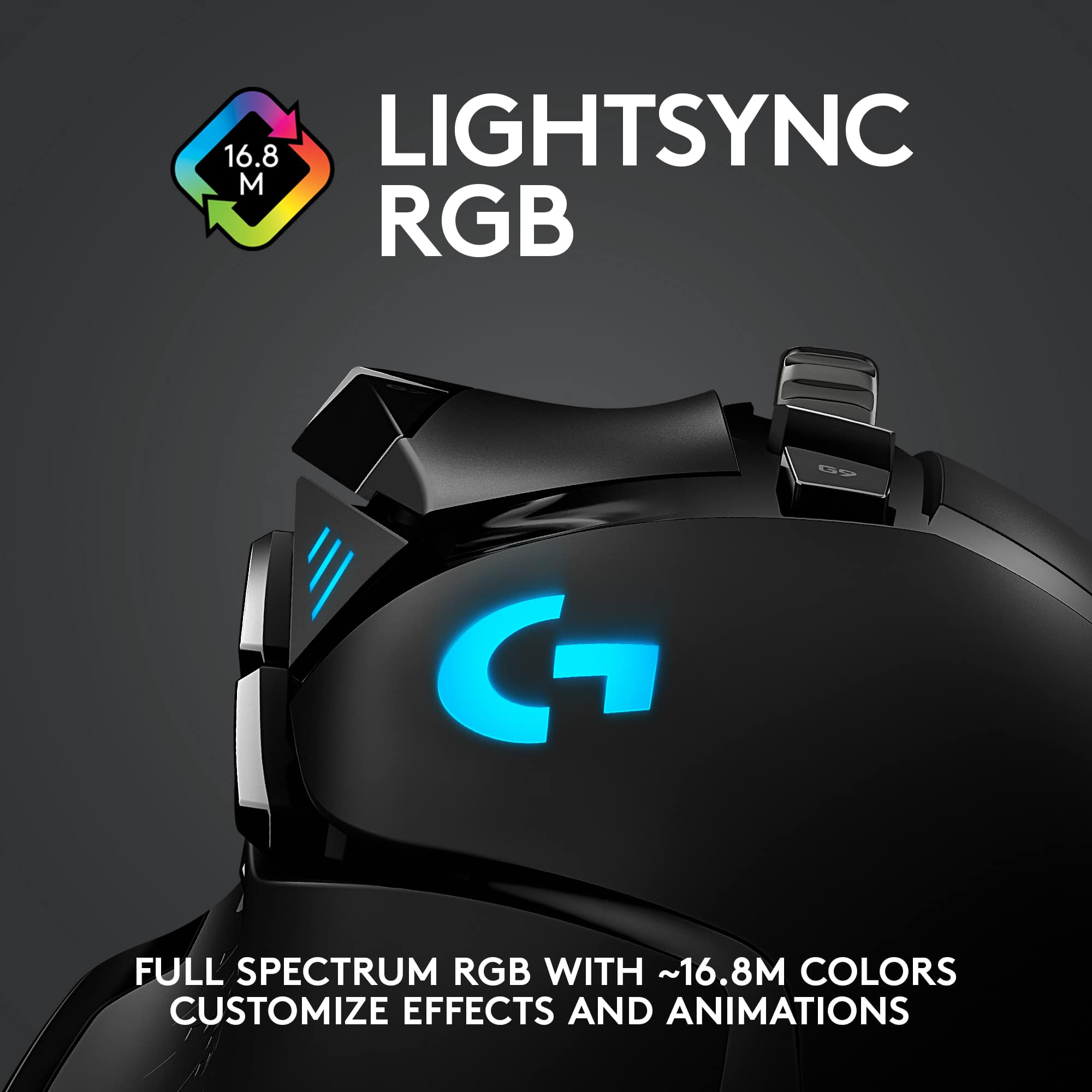
|Posted .This reviewer received promo considerations or sweepstakes entry for writing a review.This mouse can play! Ive been using it with the logitech Powerplay wireless charging system (keeps the mouse fully charged!) and it's proven to be a winning mouse for both work and play! The 16,000 DPI resolution of the mouse can't be beat - that's some serious precision there. The RGB lighting can be adjusted via software and the weight of the mouse is selectable by way of 6 different weights that come with the mouse. There's not much on this mouse that can't be customized to your liking! Definitely a winner for work or play - what are you waiting for? Go get one!
I would recommend this to a friend terrible
||Posted . Owned for 4 months when reviewed.This reviewer received promo considerations or sweepstakes entry for writing a review.Started to double click, the next day the left click would literally not work %50 percent of the time when you were holding it down to shoot in a fps.
No, I would not recommend this to a friendBrand response from Logitech
Posted .Sorry to see you're having some perfomance issues with your G502 Lightspeed wireless mouse. You do have a 2 year limited warranty that can be claimed for a replacement. But if you have any questions, check out the Logitech support page at https://support.logi.com/hc/en-us/articles/360024778473. Hope that helps!
Disconnects
||Posted . Owned for 1 month when reviewed.This reviewer received promo considerations or sweepstakes entry for writing a review.This is the second one I have tried and with both I have experienced minor disconnects. Would not recommend for gaming.
No, I would not recommend this to a friendBrand response from Logitech
Posted .Hello, we are sorry to hear that you are having issues with your G502 connection. Your Logitech G product comes with a two year manufacturer warranty. You may reach us for support by opening a Technical Support ticket here: https://support.logi.com/hc/en-us/requests/new?ticket_form_id=360000621393
Gaming mouse
||Posted . Owned for less than 1 week when reviewed.This reviewer received promo considerations or sweepstakes entry for writing a review.It’s not compatible with MacBook Pro. And looks very Cheap. Not worth the money it’s selling for.
No, I would not recommend this to a friendBrand response from Logitech
Posted .Hello Dee4, Very sorry to hear about the compatability issue you're having with the G502 Lightspeed Gaming Mouse with your MacBook Pro. The G502 can be used with Mac OS® X 10.11 or later, but with a MacBook you'll need to use an adapter in order to use the USB receiver to plug into. Logitech does sell one that would work well. Here's a link to purchase one: https://www.logitech.com/en-us/products/mice/logi-usb-c-adaptor.956-000028.html. Hope that you found this helpful and that all is going better. Thank you for choosing Logitech. - Richard from Logitech
Good mouse bad battery
||Posted . Owned for 9 months when reviewed.This reviewer received promo considerations or sweepstakes entry for writing a review.Mouse started out great then after 6 months battery is shot
No, I would not recommend this to a friendBrand response from Logitech
Posted .That's not the ideal outcome. Reach out to Logi Support for a tailored solution to your issue. They've got you covered!
Dont buy!
||Posted . Owned for 8 months when reviewed.This reviewer received promo considerations or sweepstakes entry for writing a review.Double click issues after 8 months of light use, garbage. I also had the pro with the same problem. Go with Corsair.
No, I would not recommend this to a friendBrand response from Logitech
Posted .Hi Rudedeathmaker, Very sorry to hear about the double click issues you're having with the G502 Lightspeed Wireless Gaming Mouse after just 8 months of light use. Fortunately, the G502 comes with a 2-year limited hardware warranty. You can file a warranty claim using this link https://support.logi.com/hc/en-us/articles/360025084473-Warranty-G502-LIGHTSPEED. Hope that you found this helpful. Thank you for being a Logitech customer. - Richard from Logitech
- Pros mentioned:Weight
Worth every penny
Posted .This reviewer received promo considerations or sweepstakes entry for writing a review.As a pro fortnite player I used my 502 proteus spectrum A LOT. The instant I gripped this in my hand I could feel a big difference in the weight, although it is only 7 grams lighter than a standard 502, the weight lost from having no cord dragging is immensely noticeable. While there are more competitive mice out ther weight wise like the GPW or Air 58, if you’re someone that likes your normal 502 because of the shape and buttons. GET THIS! I will never look back. I felt the same as most of you thinking that $150 to go wireless from a $60 mouse is quite a lot. But to me it is like using a completely different mouse but with the same comfort. Logitech thank you for succeeding with this long awaited mouse, it is truly my dream mouse and you’v hit it out of the park.
I would recommend this to a friend - Pros mentioned:Weight
Great Wireless Mouse but...
Posted .This reviewer received promo considerations or sweepstakes entry for writing a review.Overall the Logitech G502 Lightspeed Wireless Gaming Mouse provides the exact performance I would expect from a mouse within this category. That said, at this price point I expected more in terms of quality of life options which you can get with similar competitors. The charging of this mouse without the purchase of the Power Mat can be frustrating as you are required to plug and unplug the wireless receiving or purchase a second charge cable. Similar products tend to offer charging docks etc either with the purchase or for a much lower price point then the mouse pad. Responsiveness (5/5): I picked up this mouse to upgrade from a Redragon M901 which I had been using primarily for MMOs. The new sensor within the Lightspeed and its wired sibling is nothing short of perfect. It is incredibly precise and DPI is customizable to a great extent. As a wireless mouse I would expect there to be some delay but so far I have had no issues despite the large amount of wireless and bluetooth devices within the vicinity. The optics also track on pretty much every surface you would want to try. Ergonomics (4/5): This mouse is great for those with smaller hands. Larger hands will have trouble however as the width of the mouse can put your ring finger in an awkward position. The remaining hand placement is superb and the drop angle in the back leaves your wrist in position to avoid carpal tunnel issues. The weight is also customizable as expected from a high end mouse. The base weight is light enough to allow hours of FPS gaming without strain and can go up to 16g of added weights to give the mouse a more grounded feel. However, as others have mentioned, if you decide to use the Powerplay charging mat (extra), you must replace some of the weights with Logitechs charging coil which is about 4g Buttons/wheel (4/5): The buttons are perfect so far and require just enough pressure to engage. No stray clicks or failed clicks either. The wheel is arguably the most fun part of this mouse and can toggle between incremental scrolling and 150pdf page per second freespin. If you commonly scroll through massive documents or websites that feature alone will be worth the purchase. The wheel also has left/right/down inputs which can be mapped as desired. I personally think the wheel buttons require a little bit too much pressure to activate; maybe it will break in.
I would recommend this to a friend Battery has known issue where it doeesn't charge.
||Posted .This reviewer received promo considerations or sweepstakes entry for writing a review.Battery doesn't charge with gaming pad. My old mouse still charges so its the mouse.
No, I would not recommend this to a friendBrand response from Logitech
Posted .Hello OoMahaoO! I'm sorry to hear you're having issues with your G502 charging. I would recommend reaching out to our support team here https://support.logi.com/hc/en-us/requests/new?ticket_form_id=360000621393 to get a warranty claim started. Before doing so, I would also recommend making sure everything is up to date in G Hub.
DONT BUY
||Posted . Owned for 1 week when reviewed.This reviewer received promo considerations or sweepstakes entry for writing a review.don’t buy there’s a lot of delay compared to the wired ones. and random movements
No, I would not recommend this to a friendBrand response from Logitech
Posted .Hi, sorry to see you're having some connectivity issues with your G502 Wireless gaming mouse. If you haven't already, please update the firmware through the G Hub software to have the best possible user experience. If you have done that and it's still not working correctly, you do have a 2 year limited warranty that you can claim to get a replacement sent out to you. But if you have any questions, check out the Logitech support page at https://support.logi.com/hc/en-us/articles/360024778473. Hope that helps!
Disappointed
||Posted . Owned for 4 months when reviewed.This reviewer received promo considerations or sweepstakes entry for writing a review.Already getting double clicks. Would have expected more from a $130 mouse.
No, I would not recommend this to a friendBrand response from Logitech
Posted .Hello customer, I'm sorry to hear your G502 is double clicking. I would recommend cleaning the left click with a can of compressed air, and possibly adjusting your double click sensitivity. Adjust double-click sensitivity in the Mouse Properties > Buttons tab > Double-click speed (In Mac OS X: System Preferences > Mouse > Double-Click Speed).
- Pros mentioned:Battery life, Wireless
Logitech flagship mouse
Posted .This reviewer received promo considerations or sweepstakes entry for writing a review.I am using this mouse with the xim4 for console single player gaming. I was using the G502 Proteous RGB and was very happy with the hardware and software. Amazing mouse, which I use for work because of comfort and productivity. When the lightspeed version came out I had to try it because I thought worse case I return it and that is that. Well even better I kept it and love it. The HERO sensor is a HUGE jump from the previous sensor and this shows clearly with even the xim4 for mouse use in console or should I say especially with the xim4 due to the highr sensitivity all the way to 16k. The wireless is just perfect in this mouse. Battery life is great. One can really tell Logitech engineers took no short cuts when developing this mouse and it just shines. The G-hub is not much to my liking but I dont use it much so I can ignore it for most of the time. I am having a blast with this mouse and even though I am aware that the wired HERO G502 can be had for around $60 I am not going back to wired. I like to get value for my money, and with the G502 Lightspeed that is exactly what I get. Very happy with this mouse.
I would recommend this to a friend