Customer Ratings & Reviews
- Model:
- 910-005565
- SKU:
- 6333841
Rating by feature
- Value
Rating 4.5 out of 5 stars
- Quality
Rating 4.8 out of 5 stars
- Ease of Use
Rating 4.8 out of 5 stars
Customers are saying
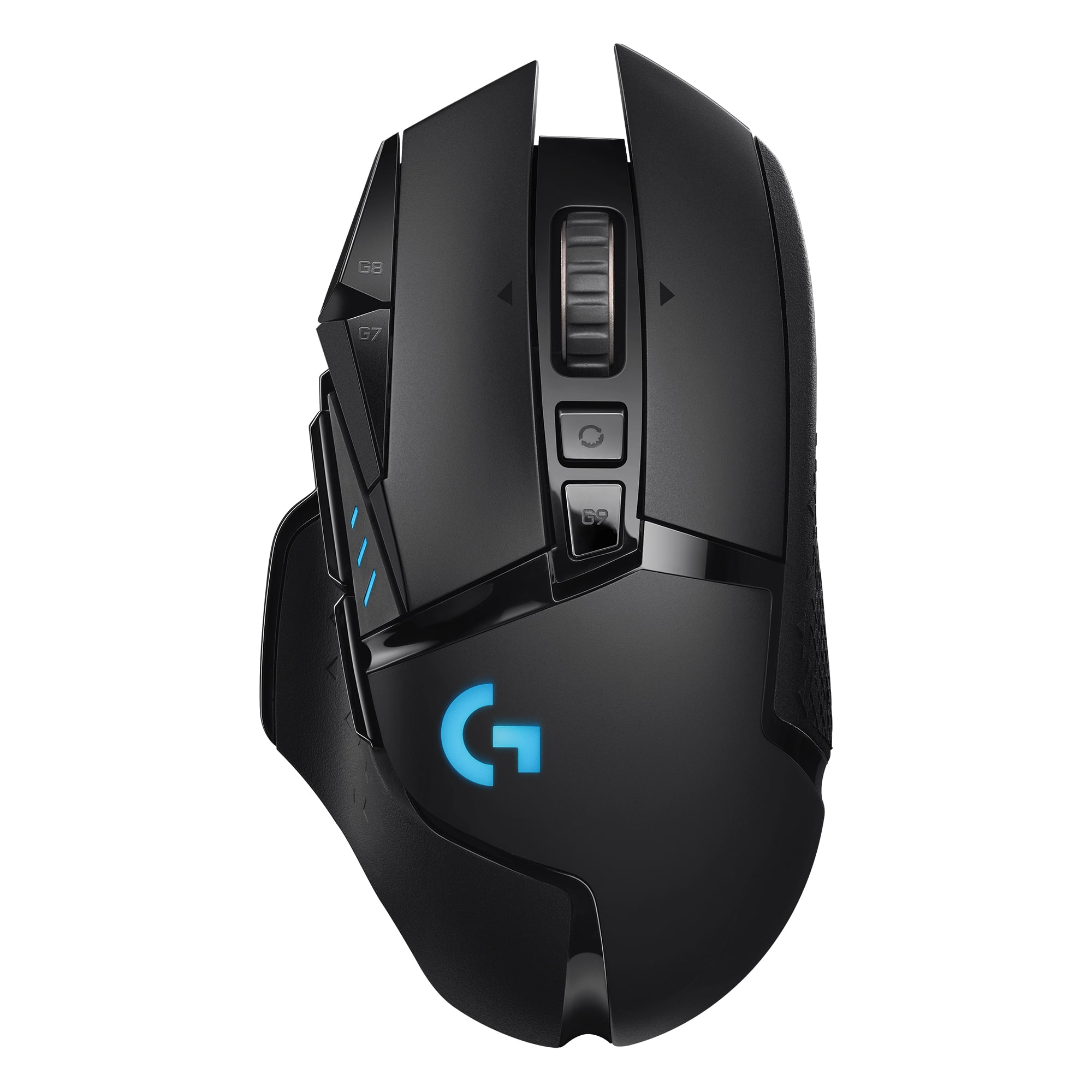
Customers admire the G502 Lightspeed Wireless Optical Gaming Mouse for its excellent battery life, lightweight design, and reliable wireless connectivity. Many users appreciate its overall performance, comfortable feel, and customizable buttons. While some find the price to be a drawback and the software interface confusing, the mouse is generally praised for its responsiveness and features like the infinite scroll wheel. The adjustable DPI and RGB lighting are also well-received.
This summary was generated by AI based on customer reviews.
Lost package
||Posted . Owned for less than 1 week when reviewed.This reviewer received promo considerations or sweepstakes entry for writing a review.Never receipt the package i hate yall give me my money back!!!!
No, I would not recommend this to a friendBrand response from Logitech
Posted .Hey there, I'm sorry to hear that your package never arrived. I would recommend contacting Best Buy support for further assistance, as they can most likely put you in touch with the shipper to help you figure out exactly what happened to it. I apologize for any inconvenience this may have caused you.
- Pros mentioned:Battery life
Best Gaming Mouse outthere
Posted .This reviewer received promo considerations or sweepstakes entry for writing a review.My favorite and the best overall mouse for gaming. For producitivty i use the Logitech MX 3s, but this is a responsive, well made, and just the right fit for my hand. Ive tried plent of different mice from different brands but always end up going back to tbis g502. I like it so much I have 3! Two wireless and one wired. The only downside, though the battery does last like 60 plus hours, is when it comes to charging it does not have usb-C. The only reason why I dont complain about having to still own a micro usb connection js because my ATH-M50X BT still use the same charger. Overall the amount of buttons, the solid GHub software, and the feel along with perfectly spaced buttons makes this feel like the best mouse out there. I read all the 1 and 2 reviews and I cannot relate at all. I have had each one for over 2 years and no issues! Idk if its because I take care of my peripherals or what, but most definitely recommend.
I would recommend this to a friendBrand response from Logitech
Posted .It's fantastic to know that the G502 has been your go-to gaming mouse for so long. We strive to create products that not only perform exceptionally well but also provide a comfortable and intuitive user experience.
Never Again BB
||Posted . Owned for 2 weeks when reviewed.This reviewer received promo considerations or sweepstakes entry for writing a review.Horrible experience - never purchase anything from BB again
No, I would not recommend this to a friendBrand response from Logitech
Posted .Hello, I apologize for the issues you experienced with Best Buy. I hope the G502 Lightspeed Wireless mouse is treating you well. If you have any hardware issues or questions on your G502, please reach out to us on our Logitechg.com website. I'll attach the support page for the mouse as well. Have a great day. -Ricky from Logitech. https://support.logi.com/hc/en-us/articles/360024778473
Poor quality
||Posted . Owned for 1 month when reviewed.This reviewer received promo considerations or sweepstakes entry for writing a review.Mouse failed in 30 days from purchase. Hardly used.
No, I would not recommend this to a friendBrand response from Logitech
Posted .Hi AdamTheMan, I'm sorry that the mouse failed in 30 days. Because this is a wireless mouse its important to charge it. Even without using it if the mouse is left on it can drain the battery. If there are other issues with the device please note that Logitech has a 2 year limited hardware warranty on the G502 mouse. You can file a claim at support.logi.com. Thanks for being a Logitech customer. Kristi from Logitech
- Pros mentioned:Overall performance
Great mouse
Posted .This reviewer received promo considerations or sweepstakes entry for writing a review.There's a reason most gamers use this mouse. You want to game with the best? Buy the best. At Best buy.
I would recommend this to a friendBrand response from Logitech
Posted .We’re so happy to hear that our product is working well for you. Your review helps us understand what we’re doing right and where we can grow. Thank you for being part of the Logitech community and for taking the time to share your thoughts.

- Pros mentioned:Weight

Great hardware, terrible software
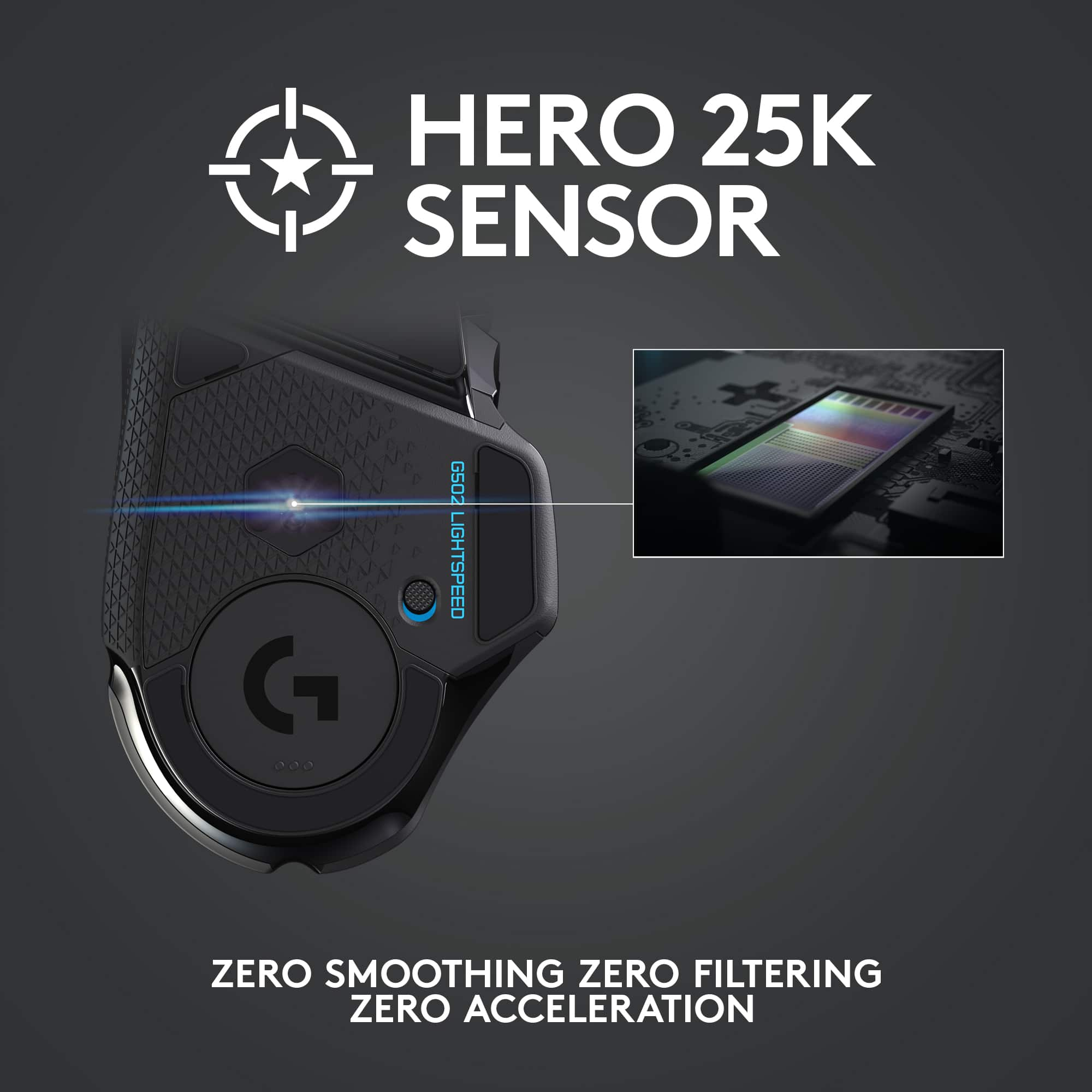
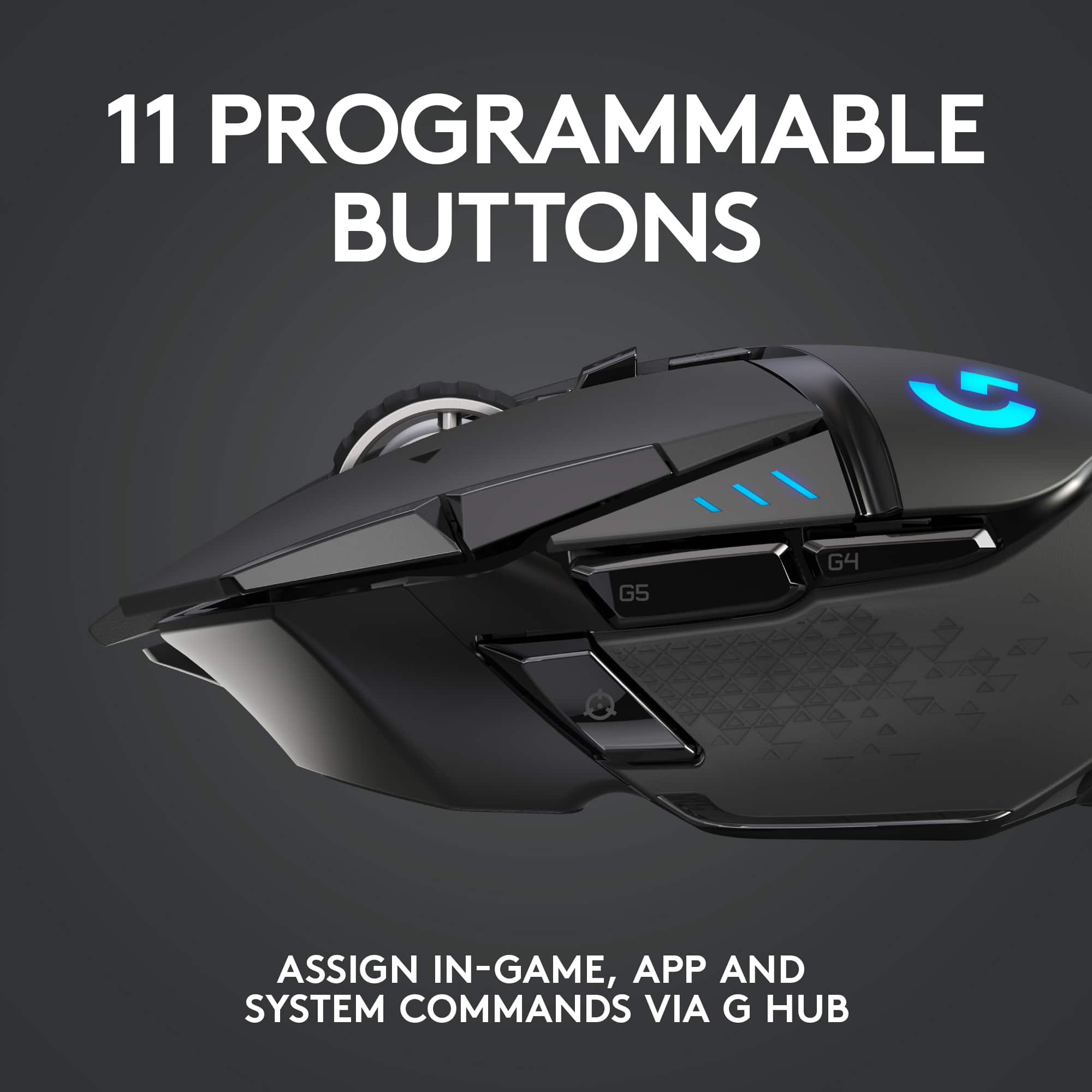
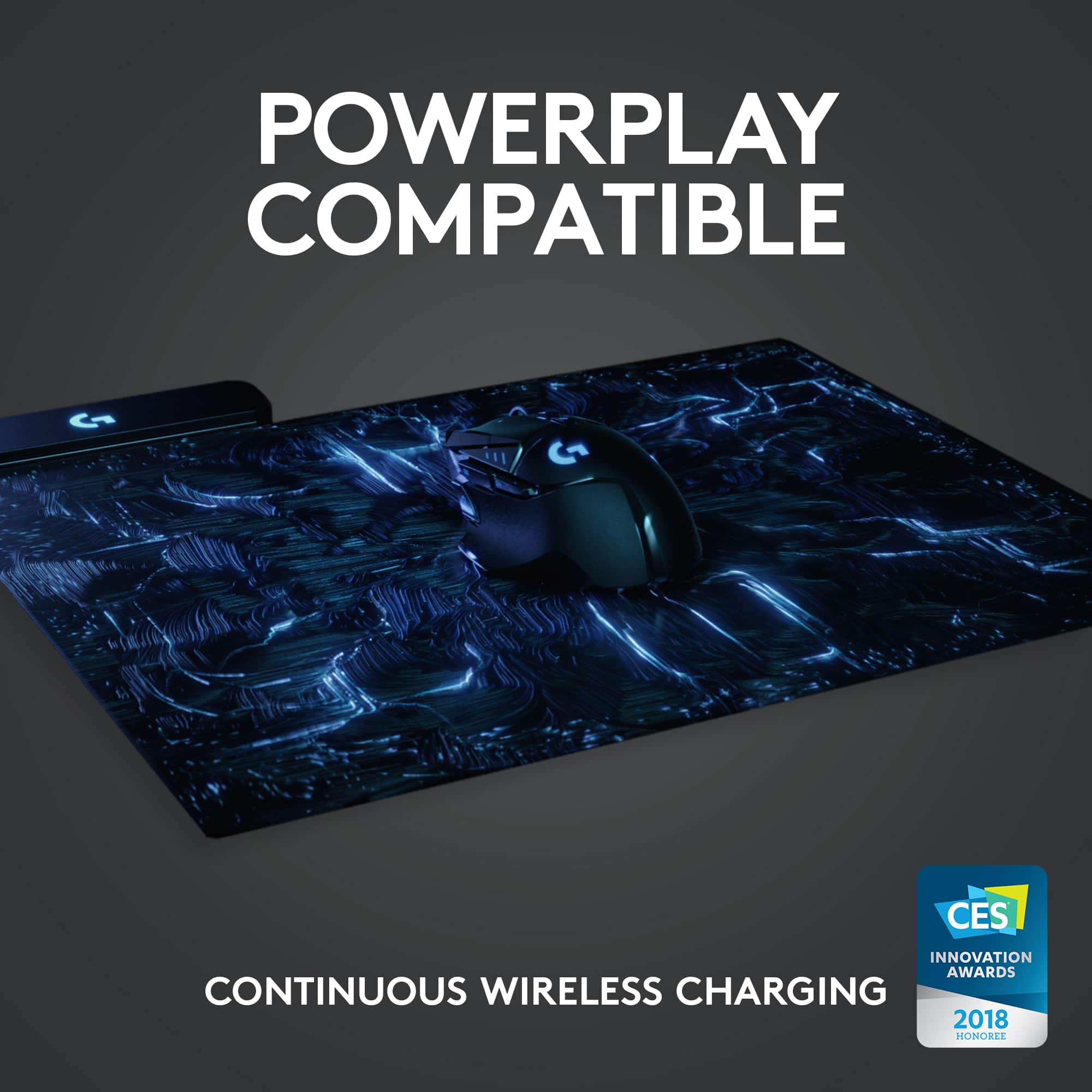
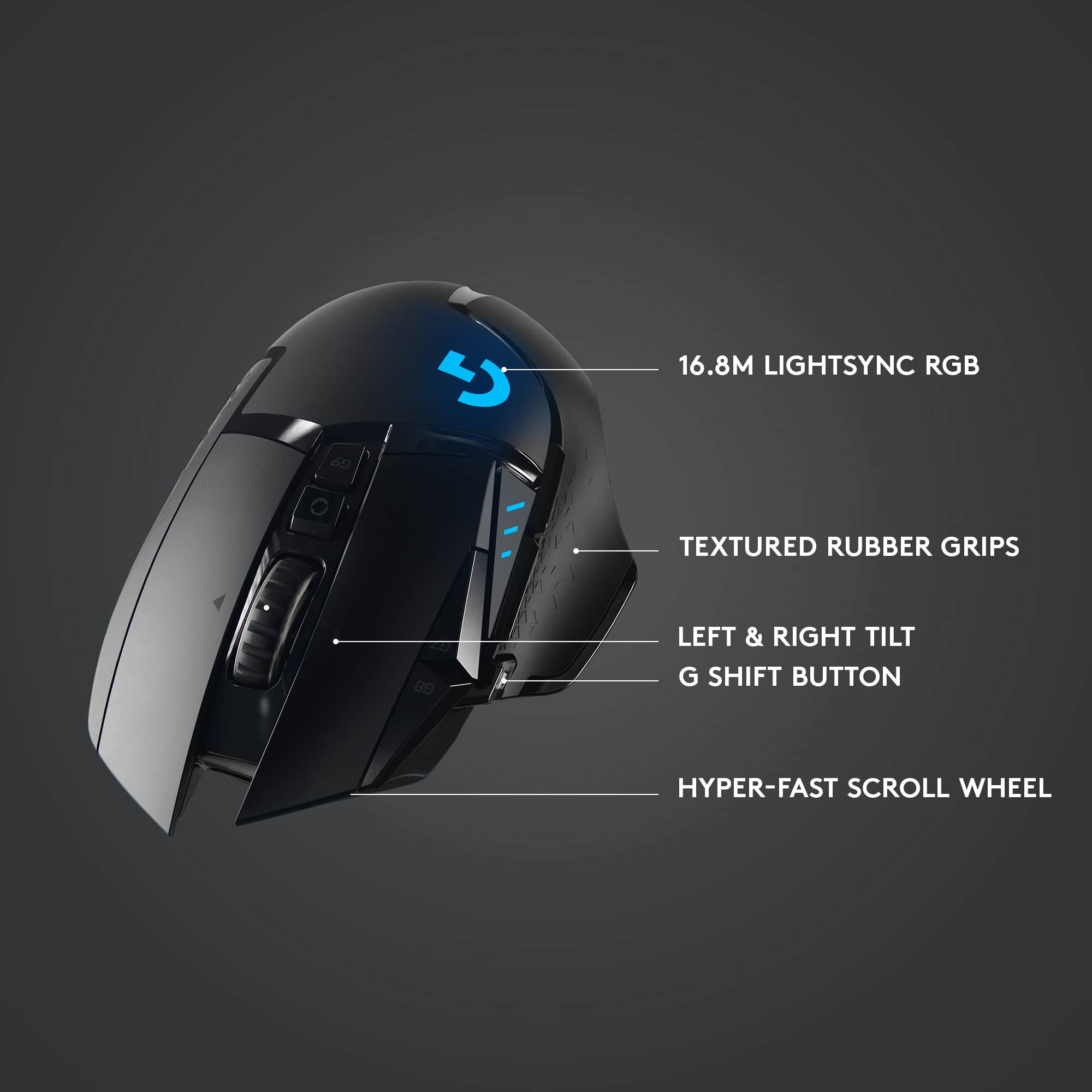
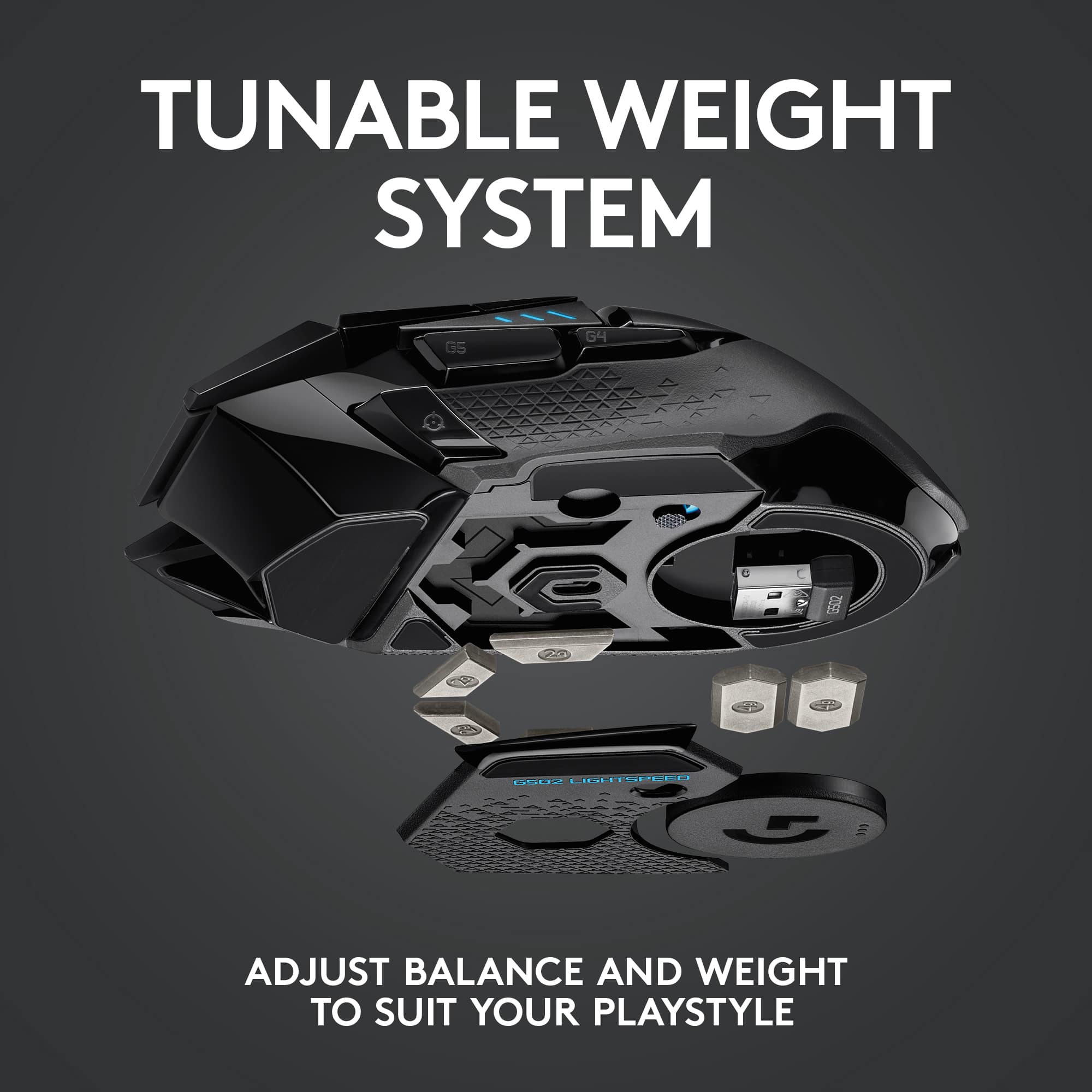
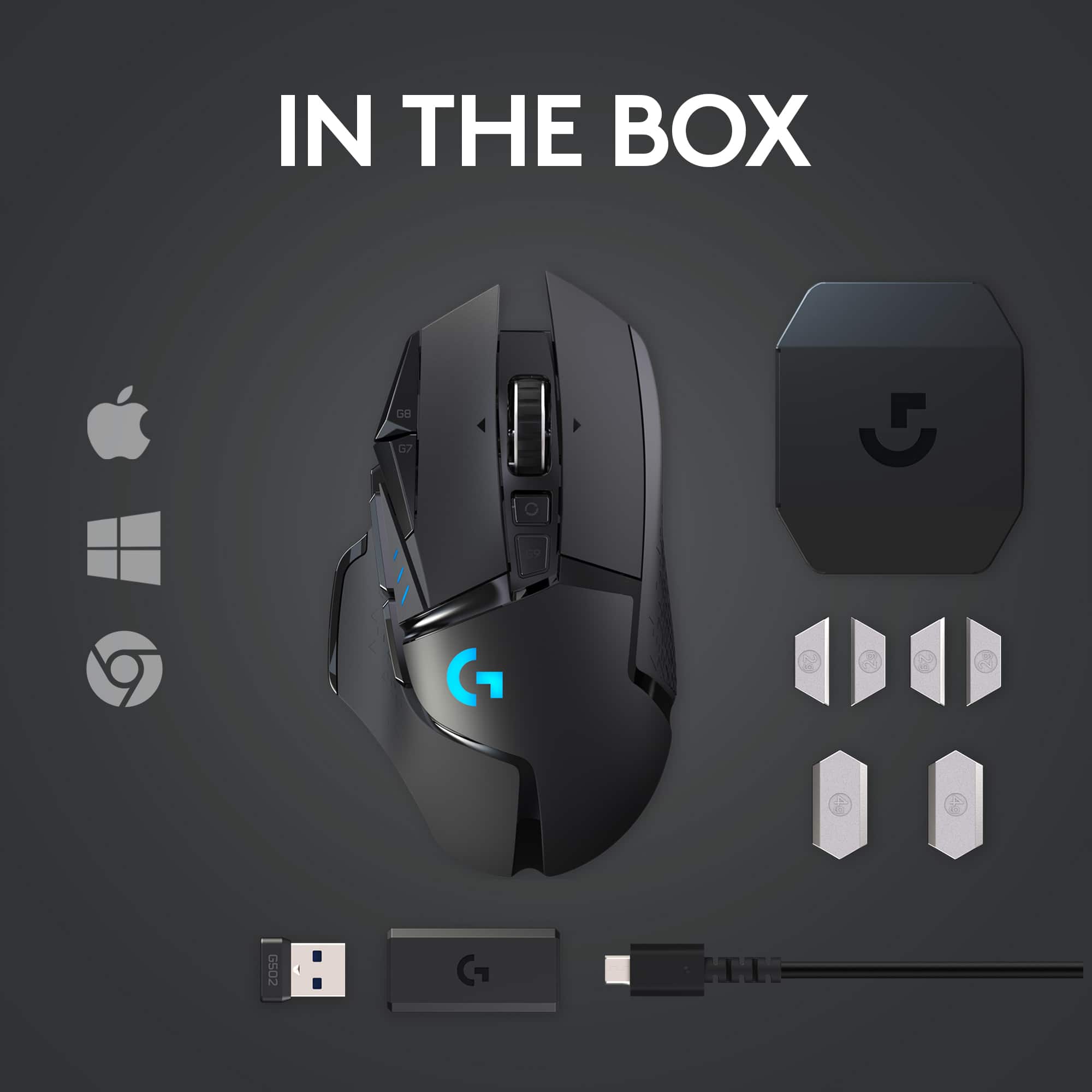
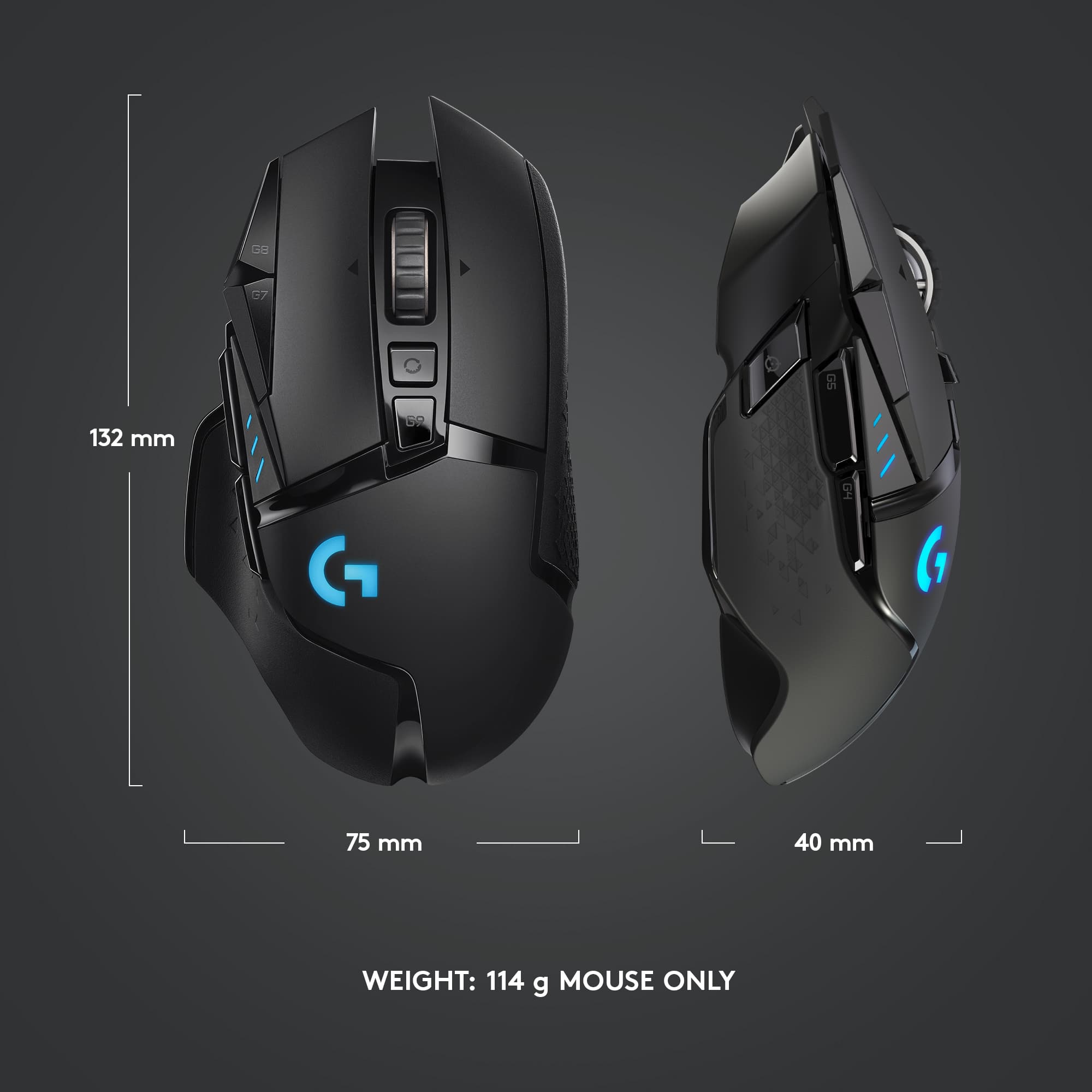
|Posted .This reviewer received promo considerations or sweepstakes entry for writing a review.[ Overview ] The Logitech G502 Lightspeed boasts great hardware with an awesome set of features tailored towards gamers. However, its accompanying software, Logitech G HUB, is horribly bug-ridden, and I found it incredibly frustrating to use. [ Hardware ] - I love the acceleration-free HERO sensor in this mouse, which is very smooth and accurate. With the ability to fine-tune each DPI level in the G HUB software per-game/application, I was able to maintain cursor speeds that worked well for me in all situations. - I found the overall feel and handling of this mouse to be decent. The short travel of the left and right buttons helps with response times. The placement of the DPI shift/sniper button relative to the rest feels quite sub-optimal. If I grip the mouse in a way that I can use that button, the back button becomes a bit unwieldy to press, requiring me to either pull my thumb back a large distance to press it with the side of my thumb, or awkwardly arch my thumb outward to avoid pressing the forward button while I press the back button with the bottom of my thumb (under the joint). With this same grip, the ‘G9’ button (which by default displays the battery status) becomes virtually inaccessible to me. - This mouse is surprisingly light, considering all that’s crammed into it. My weight preference is reasonably satisfied when the four two-gram weights are in place at the center-bottom of the mouse. It’s a bit of a shame that the two four-gram weights cannot be used simultaneously with the POWERPLAY receiver. - Wireless operation was flawless for me. I didn’t experience any ‘skips’ from temporary signal loss, and the minuscule latency was imperceptible to me. Using the POWERPLAY receiver for constant charging by the POWERPLAY charging pad (sold separately) completely negated the need to ever plug in the mouse, which made me feel practically spoiled. I even got by with swapping the charging receiver between this and another Lightspeed-enabled mouse at the beginning of each day, so that each mouse charges every other day, while I continued to heavily use both mice every day (each connected to a different computer). - I greatly appreciate that this mouse supports toggling between notched and smooth scrolling of its wheel, which I do fairly often throughout the day. This feature is often missing in gaming mice. However, I found the wheel to be a little too loose when in the smooth scrolling setting, which resulted in occasional unintended scrolling. - It’s a nice touch to include three lights that can display the current DPI setting (directly after changing it) or the (very broad) status of the battery charge level. [ Software ] Logitech’s previous gaming peripheral management software, Logitech Gaming Software, does not support this mouse. What we’re stuck with is a new program in early development called G HUB which is rife with bugs. Some bugs that I experienced include: - Installation failure without any sort of error message or feedback displayed when attempting to install on one out of the three computers I used for testing. - Various game/application profile management issues, the most frustrating of which was the software’s frequent failure to automatically switch to game profiles, requiring that I alt-tab out of the game window and bring up G HUB’s window (already running) into focus. Imagine being the healer in a dungeon run in a role playing game, and failing miserably to heal/protect yourself because the button you have bound to target-self isn’t working, and the repercussions involved while scrambling to remedy the situation. I found myself in this type of situation far too frequently. - Several bugs with the G-SHIFT implementation, including macro stages not triggering in the way that they should, and all stages of timed/duration-based macros abruptly terminating when the button bound to G-SHIFT is released. I assume the latter to be a bug; it was undesirable behavior in any case. - Sometimes indicated 0% battery charge when this was clearly not the case. A little searching reveals that running into annoying bugs seems to be a common experience for users of G HUB, and suggests that it has far more bugs than what I personally experienced. [ Conclusion ] The feature-set of the hardware is great, with my only considerable gripe there being the ergonomics involved with the ‘sniping’ button; this issue may not apply to everyone. The G HUB software, however, can be a nightmare to deal with, which may be more than some serious gamers or those with a low tolerance for annoying nonsense, would care to deal with. I hope Logitech will be able to solve at least the most problematic of these bugs shortly, at which point I’d be able to recommend this mouse without reservation. Until then, because of G HUB’s important role in using this mouse, the most I can offer is a very cautious recommendation.
I would recommend this to a friend - Pros mentioned:Battery life
Absolutely amazing mouse
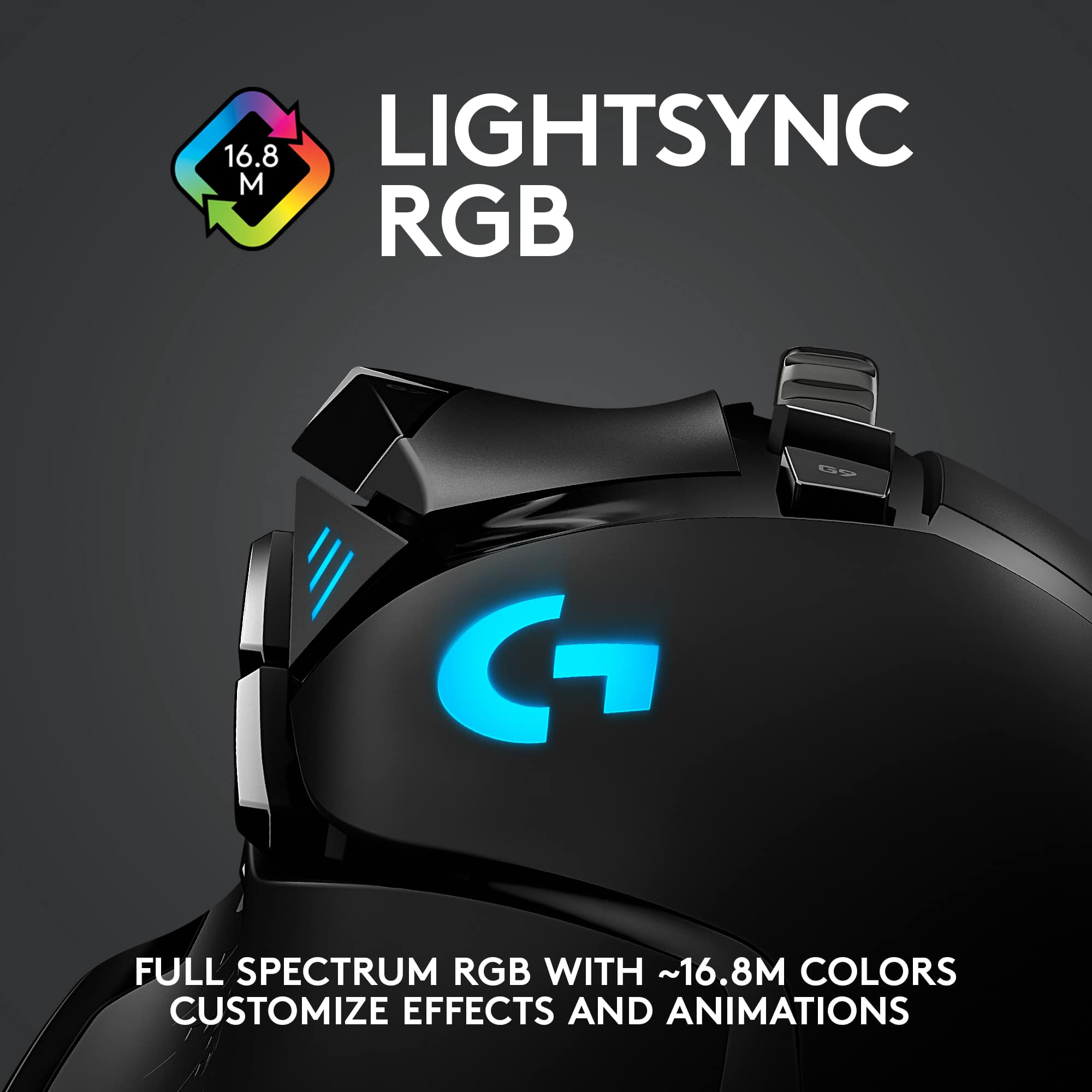
|Posted .This reviewer received promo considerations or sweepstakes entry for writing a review.Everything you're looking for in the original plus the Lightspeed aspect. This mouse is fantastic. Mixed with using Logitech's Powerplay, you never have to charge your mouse again. The best part is that with G Hub, you get to use Lightsync to customize the RGB lights on the mouse and you can match it all with other Logitech products, and in my case, the Powerplay pad. Only downside I can think of is that I wish I can give the mouse just a little bit more weight since the weights they included with the mouse doesn't really get the weight up that much but it's not that much of a problem for me.
I would recommend this to a friend - Pros mentioned:Battery life, Weight
Quality Mouse
Posted .This reviewer received promo considerations or sweepstakes entry for writing a review.Great mouse. Love the adjustable weight and battery life is solid. Only downside is that its micro USB, but thats not the biggest deal since it came out closer to when that was the standard charging port.
I would recommend this to a friendBrand response from Logitech
Posted .That's a great point about the micro-USB port on the G502! While the mouse itself is excellent, the reliance on a slightly outdated charging standard can be inconvenient. Logitech has since updated some of their models to USB-C, which is a more modern and versatile charging option.
- Pros mentioned:Weight
Simply Awesome Mouse Gaming!
|Posted .This reviewer received promo considerations or sweepstakes entry for writing a review.I am no stranger to Logitech, they have served me well for gaming in the past, with their Dual Action Controller, the Logitech F310 Gamepad for gaming, and other peripherals bought over the years. Games are my relaxation after work, so I decided to give this a whirl! Directions are included, and to fully enjoy them you need to spend some time to read the functions and understand how the device works. Installing the software is Key- Make sure you go to the website it says. This is needed for the software to customize your mouse. Once I took the time to read how everything works, I decided to interface it with the Power Play charging mat. If you have a Power Play charging mat like I do, you don't need the dongle inside the G502 box. Your GHub software will provide you with an update on when it's charging and when it's not. So I fire up a couple of games, Half Life, Doom 3, Dota , And a few others to test how smooth the gaming was. For the most part, I am impressed by the precision and accuracy of the mouse. In some games I felt that I did not get enough grab on the mouse as I feel I was moving it too fast so I played around with the weights some and got the right feel for it. The weights are also fantastic , you really can make full use out of the mouse by finding the right balance. Something that is my first time too experiencing. You may have to Google a few videos or explanation documents to see why they matter. It interfaces nicely with the wireless charging mat, otherwise you'll be using a USB cable to charge it. Setup was just too simple and I love that. But if you're not too much of a techie, you will be once you finish the setup of the mouse. This product has awesome gaming goodness and will be put to good use, I promise you. Just may be hard to call me to bed or to dinner when the gaming gets intense....... A+++++++++++++
I would recommend this to a friend - Pros mentioned:Weight
It lives up to the hype!
Posted .This reviewer received promo considerations or sweepstakes entry for writing a review.After using a Razer Deathadder for something like four years and hearing so much about the years-long hype surrounding the G502, and upon learning it finally went wireless, I had to give it a shot. After using the mouse for about 10 hours with hitscan intensive games such as Devil Daggers and Apex Legends, I'm much more confident with my aim control and find myself hitting my targets far more often than I did with my old mouse. The buttons are super responsive and recover from clicks with a crisp springiness, the tracking is superb, and when you pair this monster with a Powerplay charging mat, you never have to worry about charging your wireless mouse, which was one of the main reasons I stayed away from wireless mice until now. I really don't notice any input lag over my wired mouse, either, which was another fear that has since been squashed. The included weights are a nice added bonus as well since i like my mice to be just a little on the heavy side. The software interface offers just the right amount of performance and aesthetic customization, but there are far more advanced options that i have yet to play with. Overall I'm extremely pleased with the performance of this mouse. While it is on the pricey side I can't say I regret getting it or the additional Powerplay charging mat; it has transformed my gaming experience for the better and I can't see myself switching to another mouse for many years to come!
I would recommend this to a friend - Pros mentioned:Weight
Love it!
Posted .This reviewer received promo considerations or sweepstakes entry for writing a review.Great mouse! I love the Logitech G suite application (used to customize pointer speed, targeting mode speed, etc). I love the toggle that allows the scroll wheel to spin like crazy, or have weight to it too. Being able to change the weight of the mouse is nice as well!
I would recommend this to a friend - Pros mentioned:Battery life
Love this mouse
Posted .This reviewer received promo considerations or sweepstakes entry for writing a review.I love this mouse it is very smooth and accurate. Love the features of the scroll wheel as well as the battery life.
I would recommend this to a friendBrand response from Logitech
Posted .The Logitech G502 sounds like your perfect gaming mouse! It's known for its smooth, accurate tracking, cool scroll wheel features, and long battery life.
- Cons mentioned:Size
It’s a great mouse.
Posted .This reviewer received promo considerations or sweepstakes entry for writing a review.Love this mouse and the mouse buttons. Had to reconfigure the settings for changing the dpi, but it was pretty simple to figure out. Might be a bit on the smaller side but fits my hand perfectly.
I would recommend this to a friend - Pros mentioned:Weight
Best mouse ever made
Posted .This reviewer received promo considerations or sweepstakes entry for writing a review.Ive had this same mouse for 5 years now, still going stong, had the wired one before this one and that one lasted years aswwell. Has weights you can remove to make it just the right feel.
I would recommend this to a friendBrand response from Logitech
Posted .Thank you for your incredible review of the Logitech G502 Lightspeed Wireless Optical Gaming Mouse! We're blown away that you've been using the same mouse for 5 years and it's still going strong. We're also impressed by the longevity of the wired version you used previously. We're thrilled to hear you appreciate the customizable weight system. It's fantastic to know the G502 has been such a reliable and enjoyable companion for you.
- Pros mentioned:Comfort, Weight
Good upgrade to mouse
Posted .This reviewer received promo considerations or sweepstakes entry for writing a review.Have been using this mouse for a couple months now, upgrading from a g305. Very comfortable and has adjustable weights.
I would recommend this to a friend - Pros mentioned:Weight
Excellent mouse made even better!
|Posted .This reviewer received promo considerations or sweepstakes entry for writing a review.I have been using a wired Logitech G502 mouse for some time now. It has never missed a beat and I always enjoyed how it felt. My desk has gotten a bit cramped, and I was thinking about getting a wireless model. When I saw there was a new wireless version of a mouse I already loved, I had to scoop one up. This mouse's feel in the hand is very familiar. I did not notice a huge difference in weight, though the wireless unit might be a tad heavier than the wired. Performance/feel/speed in desktop or gaming use feels just like the wired mouse.
I would recommend this to a friend - Pros mentioned:Weight
Perfect, except -
Posted .This reviewer received promo considerations or sweepstakes entry for writing a review.Docking one star because $150 even for a high-end gaming mouse is a bit ridiculous period the end. Docking another star because this mouse relies on a USB cable for charging, and that USB cable has a proprietary fit for the recess in the mouse that's liable to make it difficult to replace a simple usb cable in the future. Like hey, we all know they can go bad. It should be the simplest thing to replace. (unless you have the powerplay mousepad, I'll explain why that's not really an option for my setup soon.) In all other regards, battery life isn't horrible, and the Hero sensor is pretty freaking awesome. I was previously using the G502 Proteus Spectrum, and the familiar layout and the weight of the mouse made it hard to pass this up. Despite thinking the price is about $50 too high, I'm glad I bought it, as I'm already accustomed to the button layout and the free spinning mousewheel. The mousewheel feels slightly better than my Proteus did when locked for the clicky wheel, although I didn't mind that the older one felt a little mushier. The Hero Sensor is definitely a step up.. and I'm sure less expensive mice with it feel decent. For me, being able to add the extra weight to this mouse makes it feel even better. The battery life isn't horrible.. so hopefully I won't wear the USB cable out too quickly, My hope is, that a micro usb cable with a flatter housing as opposed to the traditional rectangle blocks provided with other Logitech devices will at least fit the recess for an easy inevitable replacement in the future. My "desk" uses an articulating keyboard/mouse tray that folds over my seat, so wireless was ideal, to keep me from tripping over and fraying cables. Thus, the powerplay mousepad is a little riduculous, though i may end up getting one just to use as a charging pad.. a $120 charging pad..eyeroll. I am enjoying the lack of cable drag, while keepying the g502 form factor. And the Hero Sensor honestly feels like one fo the best optical sensors I've ever used. This is a great mouse, and hopefully the last one I buy for a long time. For a $150 listing though, I think they should've made the micro usb port a bit more accessible. There's no sound reason I should have to rely on logitech to be able to provide them in the future should this one ever develop a short.
I would recommend this to a friend - Pros mentioned:Battery life
Great mouse.
Posted .This reviewer received promo considerations or sweepstakes entry for writing a review.Great mouse. I have the wireless version and my daughter uses the wired. Mine works perfectly with the power play mat so I don’t have to worry about charging it. Had both for a couple years with no issues.
I would recommend this to a friend Freedom, Accuracy, Versatility
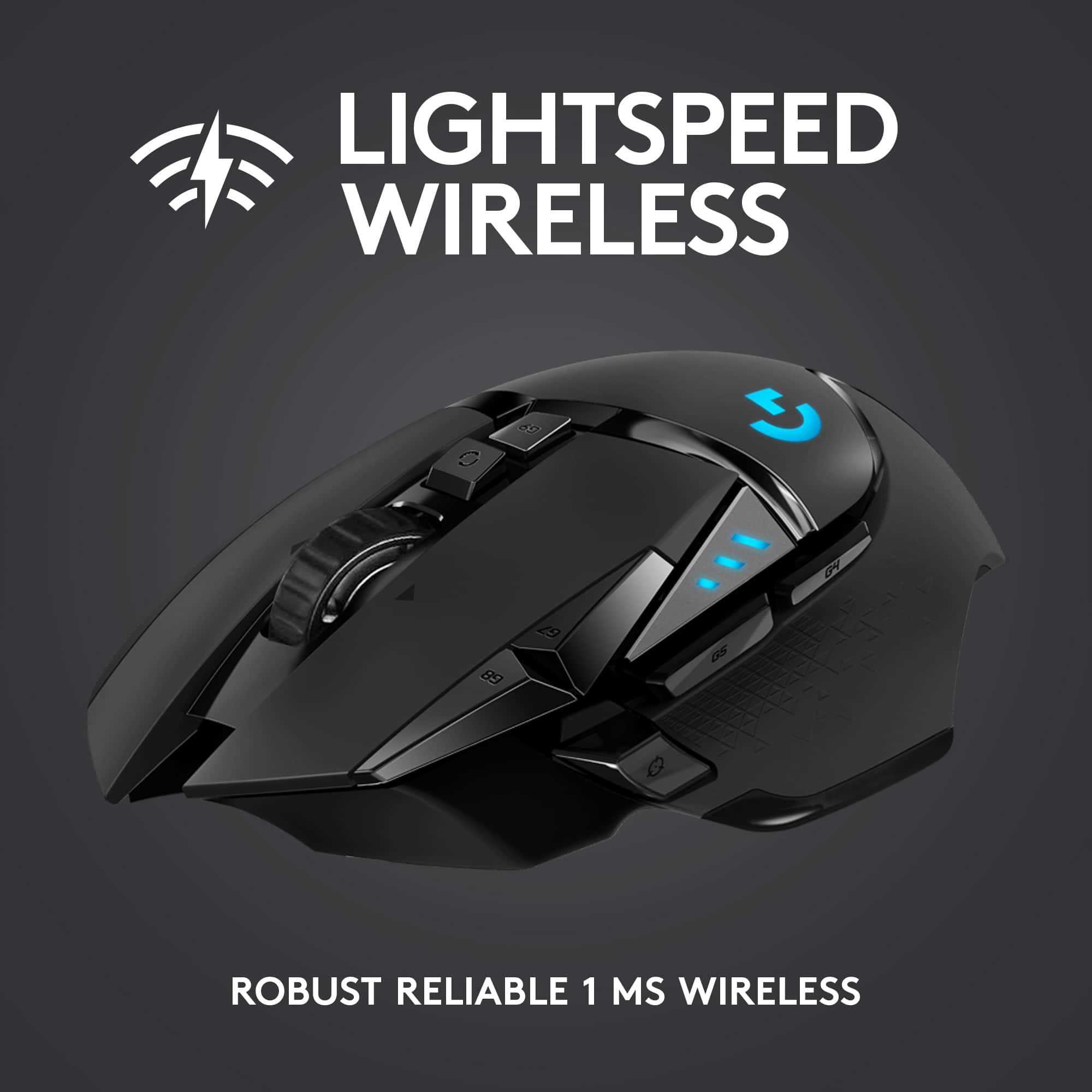
|Posted .This reviewer received promo considerations or sweepstakes entry for writing a review.Take a very good gaming mouse and make it wireless. Give it enough buttons to get the job done and also ensure the lag is imperceptible. This is a premiere device. What's good: * Although a wireless mouse, the latency isn't noticeable during heavy gaming. * The custom weights are placed smartly and add to the premium feel. * Overall comfortable button placement * Smooth movement Areas for improvement: * Some of the rear buttons can be difficult to reach (at least quickly), depending on your normal grip. This was my experience, so yours may be better. * If using the POWERPLAY charging mat accessory, the mouse requires the installation of a charging module. The heavier weights installed in that area cannot be used with the charging module in place. * The light on the logo is nice, but I would have liked to see some more lighting accents elsewhere on the mouse. As it stands, you barely see the lights while using it because your hand is covering it up. * The button customization is good, but the Logitech software for it is limiting. The software should allow more customization options for the buttons than what is offered. Using this mouse with the POWERPLAY charging mat completes the whole package and is just a joy to use. The proof is that I've noticed my aim in some of my FPS games has improved!
I would recommend this to a friend- Pros mentioned:Battery life
Fantastic
Posted .This reviewer received promo considerations or sweepstakes entry for writing a review.I was bummed when my old logitech died after six years due to a drop, but now I'm kinda glad cause this mouse rocks. Fits great in the hand, super responsive, and the internal battery lasts forever.
I would recommend this to a friend