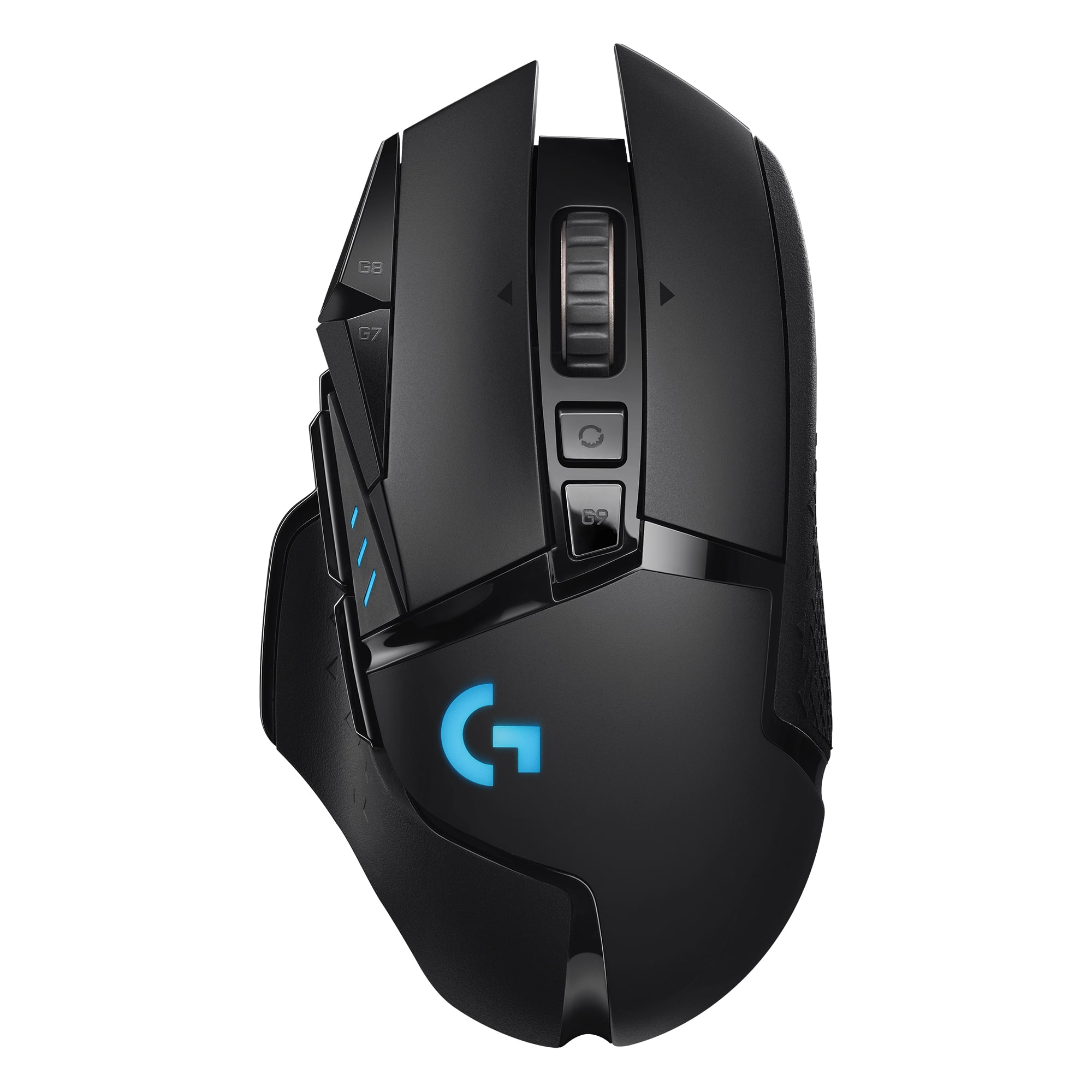
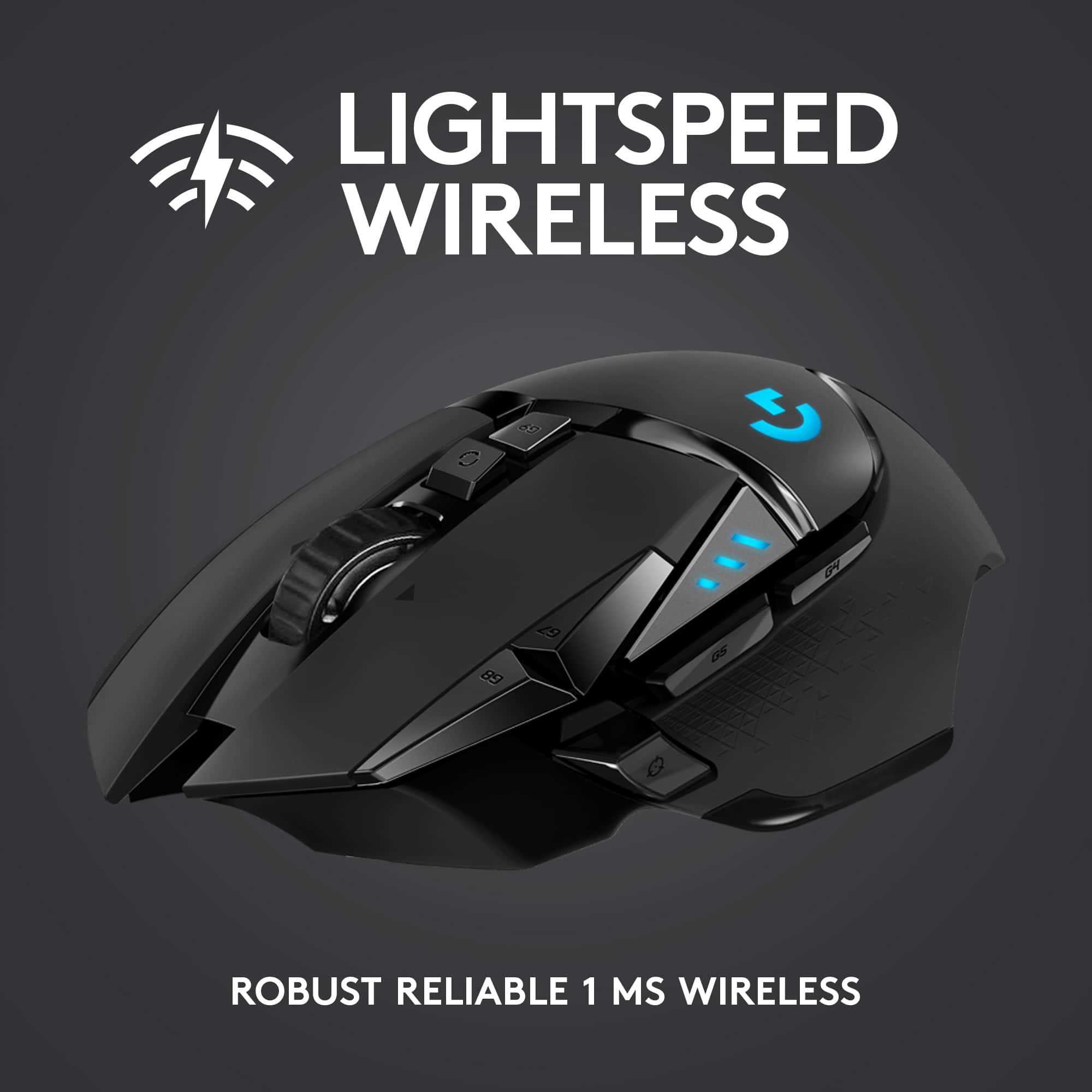
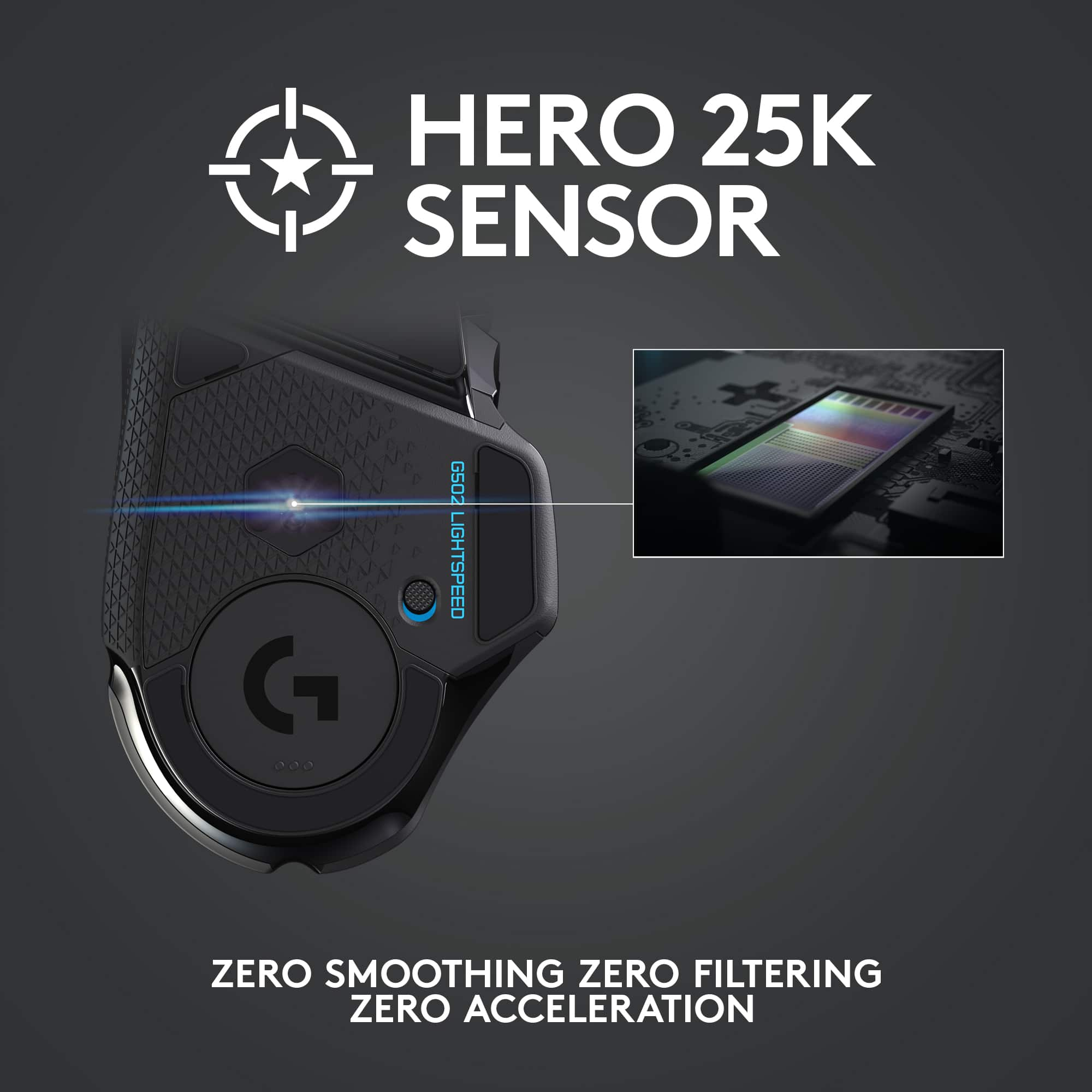
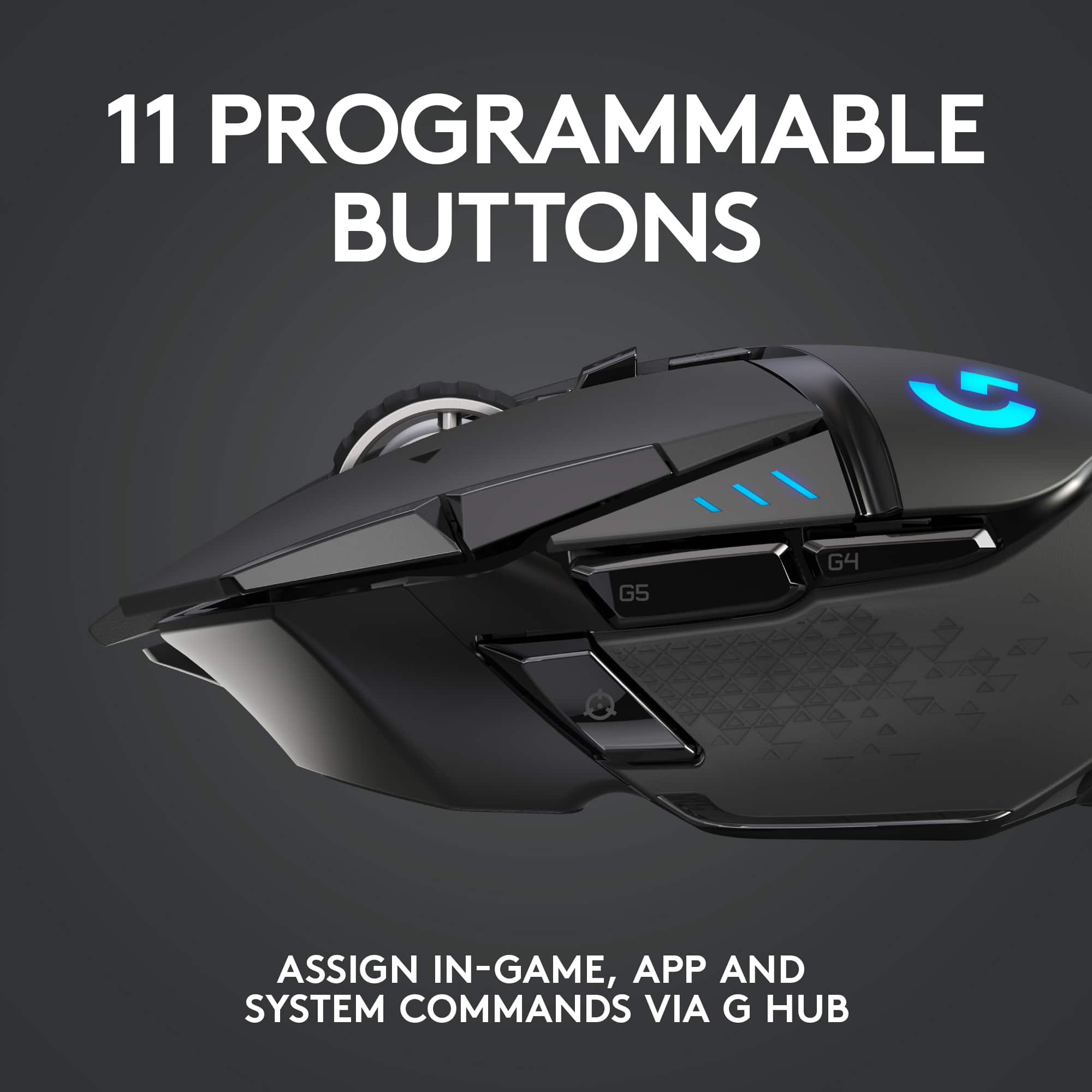
Customers recognize the G502 Lightspeed Wireless Optical Gaming Mouse's excellent battery life, lightweight design, and responsive performance as significant strengths. Many appreciate its wireless capabilities and ease of use, along with the customizable features such as buttons and DPI settings. However, some find the price point to be high and the software interface somewhat challenging to navigate. The size may also be a concern for some users.
This summary was generated by AI based on customer reviews.
The vast majority of our reviews come from verified purchases. Reviews from customers may include My Best Buy members, employees, and Tech Insider Network members (as tagged). Select reviewers may receive discounted products, promotional considerations or entries into drawings for honest, helpful reviews.
Page 5 Showing 81-100 of 3,088 reviews
Rated 5 out of 5 stars
Amazing!
|
|
Posted . Owned for 1 week when reviewed.
This reviewer received promo considerations or sweepstakes entry for writing a review.
Very good response time, especially for a wireless mouse. I would definitely recommend it!
I would recommend this to a friend
Rated 5 out of 5 stars
Mouse review
|
|
Posted . Owned for 3 weeks when reviewed.
This reviewer received promo considerations or sweepstakes entry for writing a review.
Very nice mouse for gaming! The free spin wheel is cool too. The only thing I would recommend is more key binding options instead of dpi buttons.
I would recommend this to a friend
Brand response from Logitech
Posted .
Thanks for the review! We're glad you enjoy the G502 Lightspeed's gaming performance and the fun of the free-spinning scroll wheel. We appreciate your feedback on button customization options - it's always helpful!
Rated 5 out of 5 stars
Great mouse
|
|
Posted . Owned for more than 2 years when reviewed.
This reviewer received promo considerations or sweepstakes entry for writing a review.
i really love this mouse. I bought this to replace my old cosair wired mouse. It feels really great in the hand and the Logitech software is really easy to use. Logitech make great mice and keyboards. I highly recomend
I would recommend this to a friend
Pros mentioned:
Battery life
Rated 5 out of 5 stars
Pretty pretty pretty good
|
|
Posted . Owned for 1 month when reviewed.
This reviewer received promo considerations or sweepstakes entry for writing a review.
I haven’t charged this thing in 3 weeks. Sensor good. Buttons good. We’re in the future now
I would recommend this to a friend
Cons mentioned:
Price
Rated 5 out of 5 stars
Amazing mouse but costly
|
|
Posted . Owned for 1 week when reviewed.
This reviewer received promo considerations or sweepstakes entry for writing a review.
Probably the best possible mouse on the market. I just wished it wasn’t so pricey
I would recommend this to a friend
Rated 5 out of 5 stars
Would recommend to most gamers
|
|
Posted . Owned for more than 2 years when reviewed.
This reviewer received promo considerations or sweepstakes entry for writing a review.
Technical and sensitive mouse with lots of extra bells and whistles. Great for gaming. Very happy with the purchase. Would recommend.
I would recommend this to a friend
Brand response from Logitech
Posted .
Thank you for your feedback on the G502 Lightspeed Wireless Optical Gaming Mouse. We're delighted to hear that you're impressed with its technical features, sensitivity, and overall performance for gaming. It's great that you're happy with your purchase and would recommend it to others.
Rated 5 out of 5 stars
G502
|
|
Posted . Owned for 1 week when reviewed.
This reviewer received promo considerations or sweepstakes entry for writing a review.
Excellent product I have ever single mouse in the line up of the G502 mice wouldn’t switch them out for anything else
I would recommend this to a friend
Brand response from Logitech
Posted .
Hey, That's fantastic to hear! We truly appreciate your loyalty to the Logitech G502 family of mice. It sounds like you've found the perfect fit for your gaming needs. Thanks for sharing your feedback!
Pros mentioned:
Battery life, Wireless
Cons mentioned:
Software
Rated 4 out of 5 stars
G502 Lightspeed w/PowerPlay Gaming Pad
|
Posted .
This reviewer received promo considerations or sweepstakes entry for writing a review.
Highlights:
This mouse is fast, precise, comfortable, and has great aesthetics. Powerful software. Great hardware! Compact, portable design. Wireless or wired operation. Wireless charging with the addition of the PowerPlay gaming mouse pad. Lighting is simple but aesthetically pleasing. Aggressive looking. The downside includes confusing G Hub software interface and difficult to find documentation. I chose to get the matching PowerPlay mouse pad due to the wireless charging and the swappable fabric and hard surface mouse pad options. Please read on for my full review.
Setup:
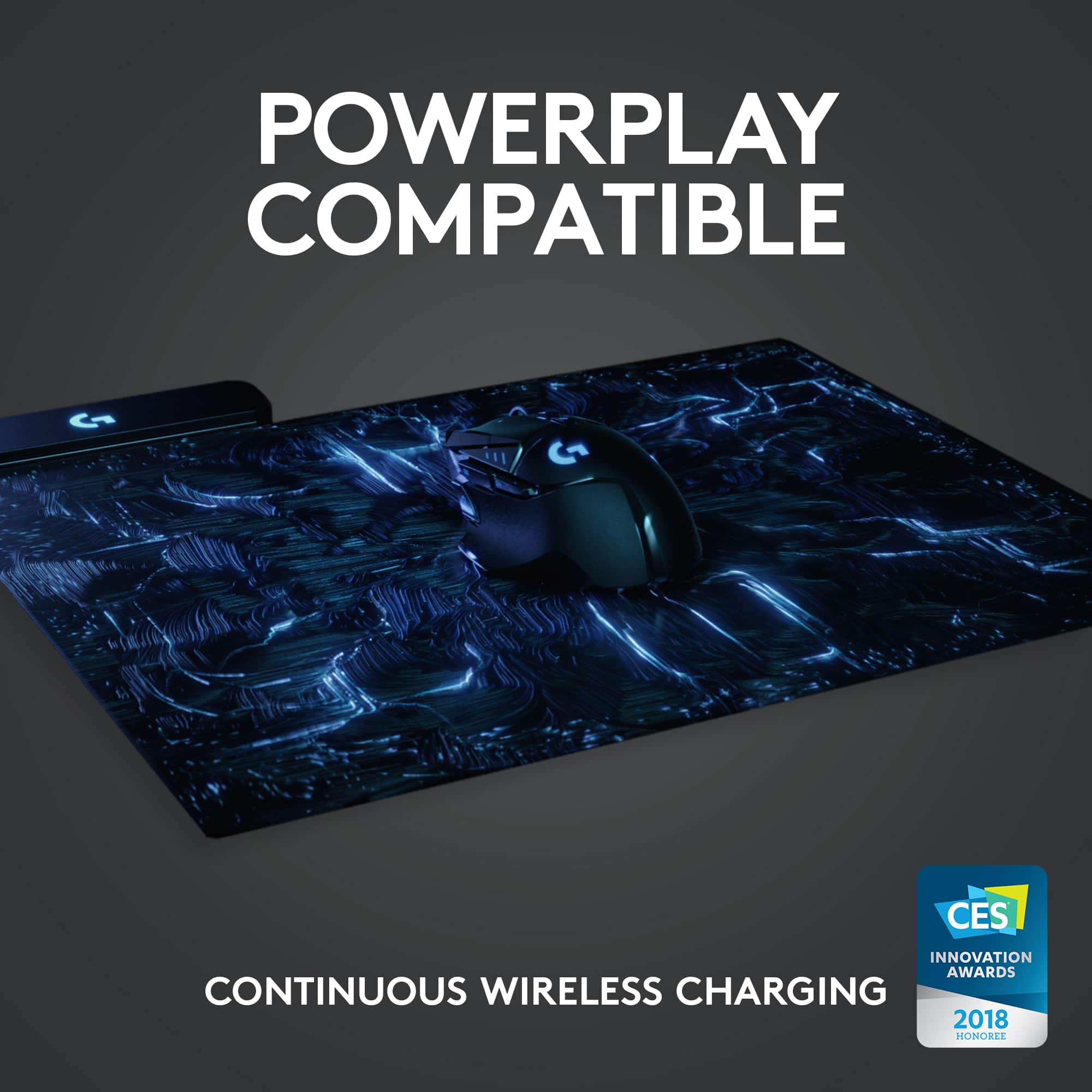
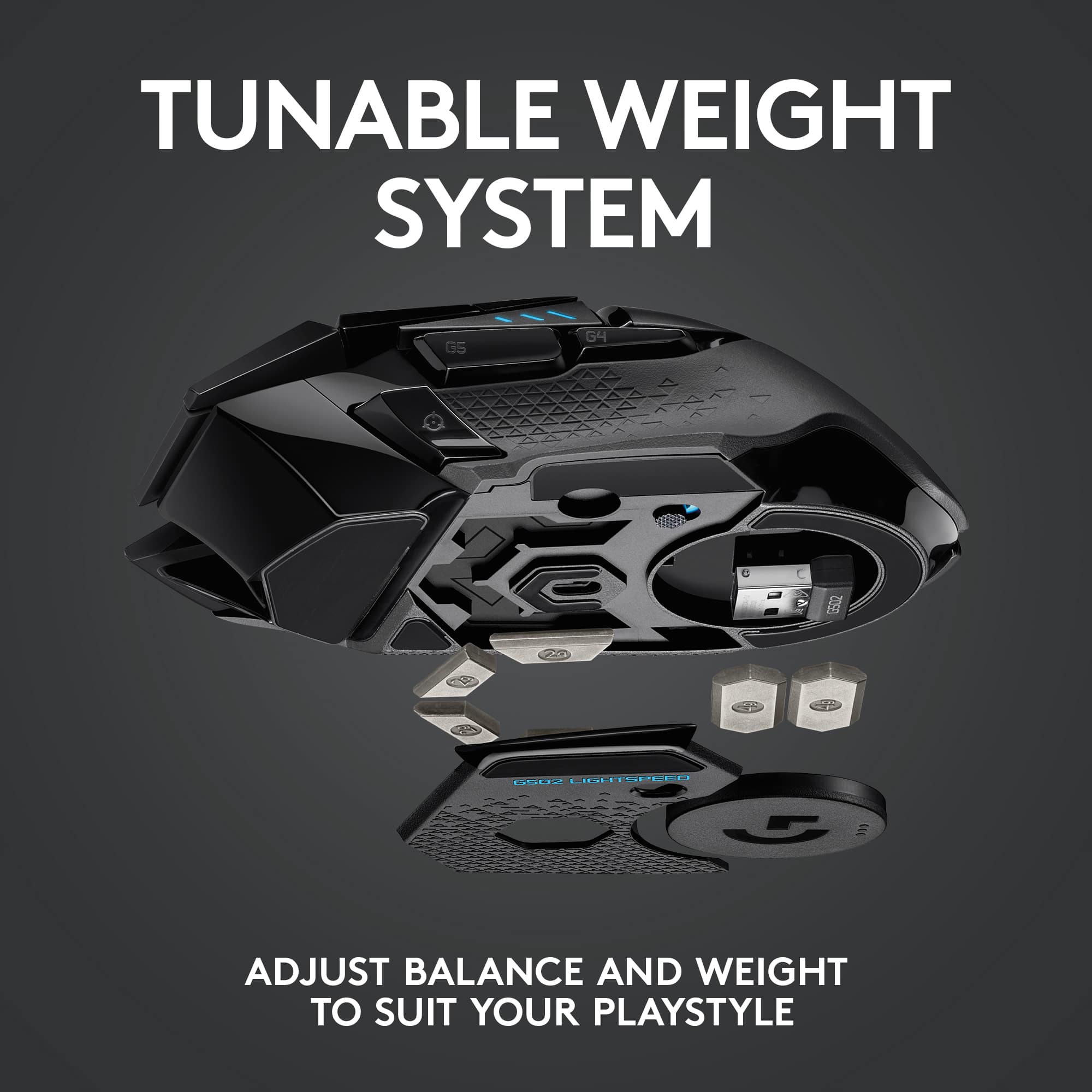
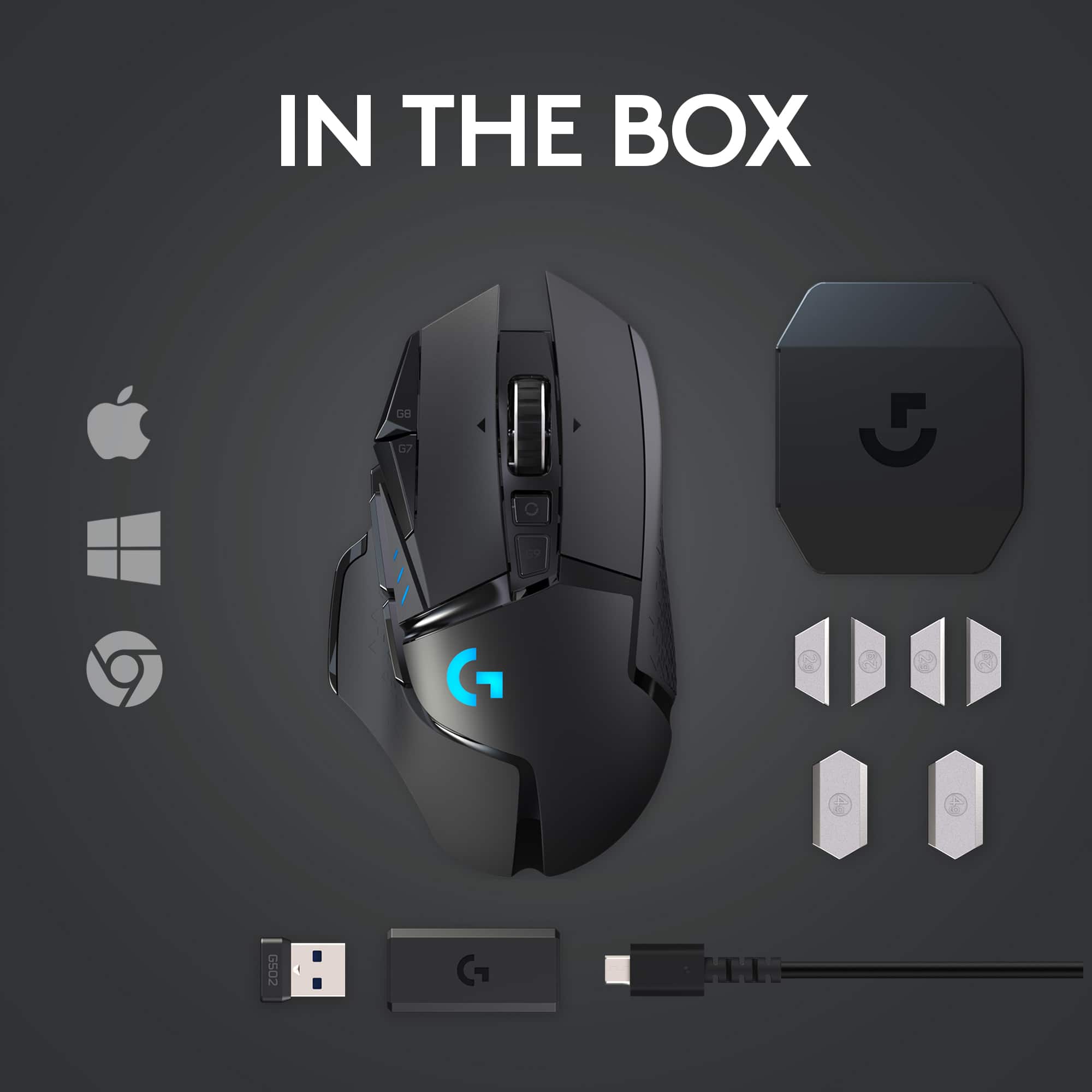
I first setup the PowerPlay mouse pad. The transmitter is built into the mouse pad. The transmitter connects to the computer via a single USB cable. The G502 has a 1 3/8 Inch diameter cover on the bottom of the mouse that is interchangeable with the optional wireless charging puck that comes with the PowerPlay mouse pad. This puck also hides a compartment keeps the usb wireless transmitter safe when you are not using it. You will not need the USB adapter when connected to the PowerPlay. It is a great place to store the USB wireless adapter when not in use. The puck is held in place with magnets. This keeps the USB adapter nice and safe. It also holds the cover firmly in place. Swapping out the covers is very easy.
The PowerPlay instantly turned on when I turned on the computer. I turned on the G502 using the on/off switch located on the bottom of the mouse. The PowerPlay and G502 instantly connected. However, this convince did come with an interesting challenge.
I found that I was unable to use the USB wireless adapter with any of my laptops. After some experimentation, I found that the G502 and PowerPlay maintained connection regardless of distance and power status of my gaming computer. I had to turn cut off all power to my computer before I could use the G502 wirelessly with another computer. My computer continues to power USB devices while in soft power down mode. This is so I can charge my cell phone or wireless equipment when not using the computer. I was shocked by the transmission range of both products. I was over 20 feet away from the device and on another floor and still had a connection. I am glad I found a work around. It would have been nice if there was a KB article about this.
This will not be an issue for you if you purchase the G502 Lightspeed by itself. This proved to be a minor issue easily overcome by modifying my behavior. Go green and turn off your PC! The good news is that you now know the work around if you find yourself in a similar situation.
Documentation:
The included documentation for the G502 Lightspeed is laughably slim. There is a small foldout pictorial showing how to setup the G502 for the first time. There is also a pictorial showing the placement for the weights inside the mouse’s two compartments. I was surprised that there were no instructions to download the Logitech G Hub from Logitech’s website. Maybe I missed it?
The PowerPlay suffered a similar documentation drought. I can forgive this oversite with the PowerPlay. It is ridiculously easy to setup. Pictorials is really all you need.
The Logitech G Hub is another matter entirely. Logitech really makes you search for the G Hub Manual. I did find it. The Logitech G Hub is very powerful. I have been looking through the software for three days and still feel overwhelmed with the customization options. I can do anything I want with any button except for the scroll wheel lock button. Every other button seems fair game. And then, Logitech dropped the ball by hiding the user’s guide deep in the G Hub’s interface. Why Logitech? Please tell me why!? The manual looks well written and thought out. It is also written in multiple Languages. This is the meat and potatoes of your unifying API for your gaming products! It should be front and center in huge blinking red font on the home page of G Hub! Logitech should be proud of this.
G Hub Manual: https://www.logitech.com/assets/65550/ghub.pdf
G502 Mouse Manual: https://www.logitech.com/assets/65648/g502-lightspeed.pdf
Comfort:
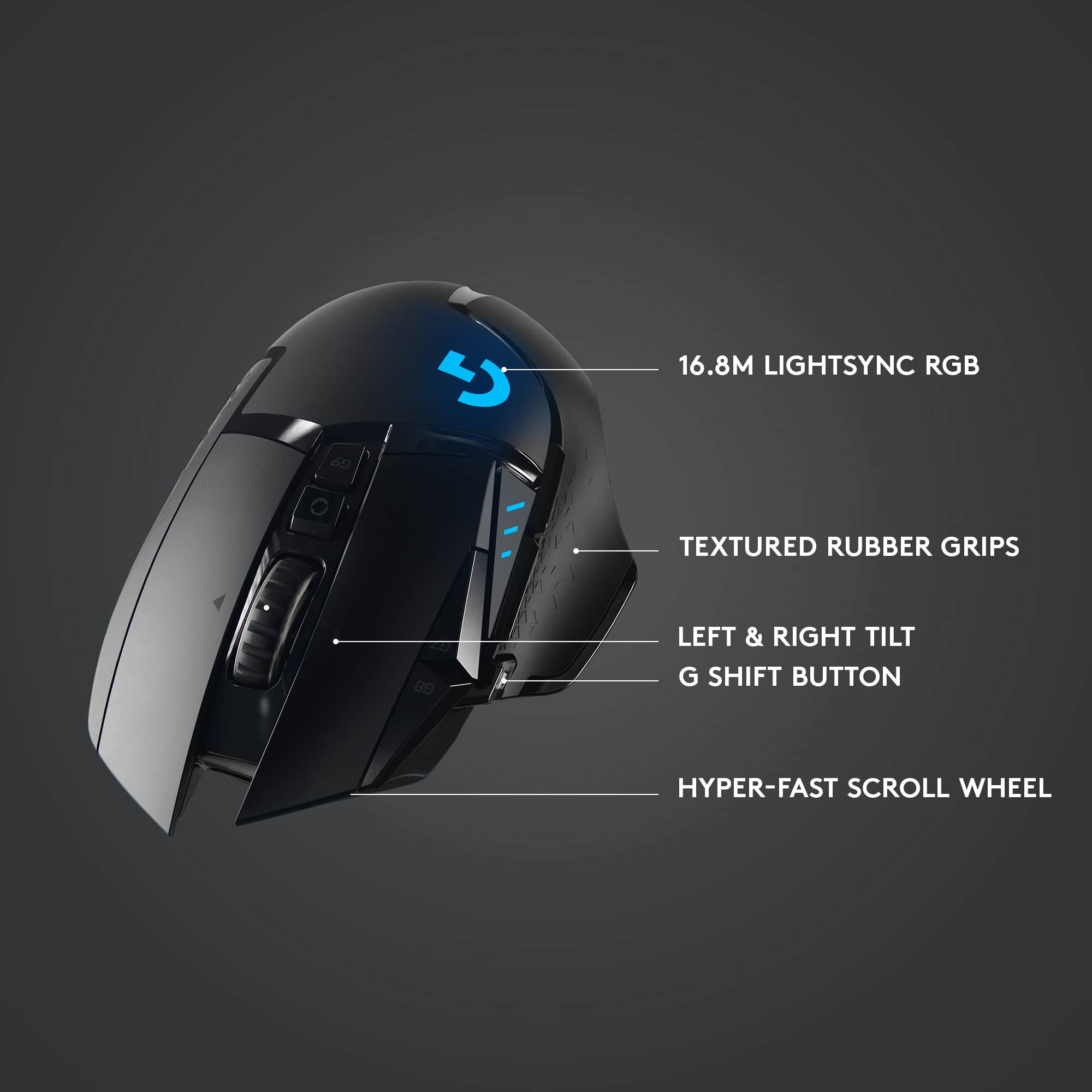
The mouse feels good in my hand. Each button has a short travel distance between pressed and depressed. It takes very little effort to activate every button. I like that the two buttons to the left of the left mouse button are sensitive enough that I can rock my finger over them to adjust the mouse sensitivity up and down. This way I do not have to lift my finger to make a DPI sensitivity adjustment. Small movements are best while in the heat of pixel armageddon. The scroll wheel has two modes, free and restrictive. As you can guess, free means the mouse wheel freely spins with nothing but friction to slow it down. There is a button behind the wheel that will engage a limiter of sorts. Engaging the limiter prevents the mouse from freely gliding and adds a nice audible and tactile click. I like this mode because it gives me better precision with the games I play. It is also my preferred mode for normal computing sessions such as work and web browsing.
The mouse wheel also has a left and right button function. The left and right click are very sensitive. I mapped the mini-map function to the right-side wheel button and spent a game fighting with the in-game map constantly popping up. I then discovered that I clench my hand when in stressful situations. Time to unlearn some bad moussing habits.
I also like the way the mouse glides along the fabric PowerPlay mousing surface. I did not like the hard surface cover that came with the PowerPlay. I find the fabric pad to be more comfortable for my play and work style. I think Logitech made a good choice by including both moussing covers.
There is a button with a crosshairs symbol on it. This button instantly, and temporarily, sets the mouse to the lowest DPI you set for your profile. This is very helpful when sniping or other situations where precision is needed. I did not realize how useful this feature was until I had. I love it!
Lighting:
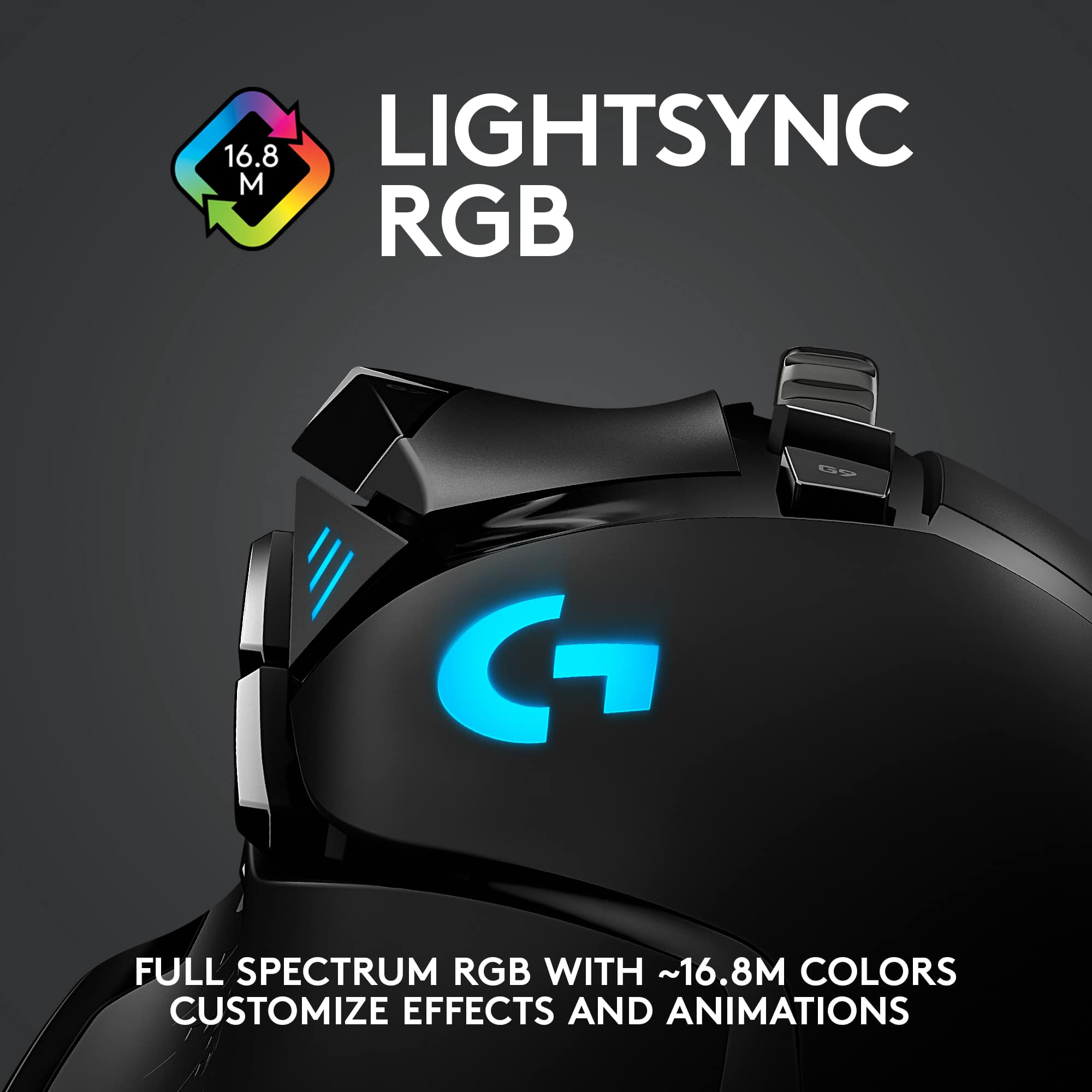
The G502 and the PowerPlay both have the iconic Logitech “G”. Both light up. I really do believe the lighting option is icing on the cake for an already attractive device. I do believe Logitech should have added more lighting. Maybe add an LED to the mouse wheel housing. The mouse does look great in a dark room. It also fits right in with my other lighted gaming gear. You can map lighting effects to each game you play and each application you use. Unfortunately, the learning curve to building profiles is unnecessarily steep.
There is one unique lighting feature that I really like. The mouse has three battery LED indicators. These double as DPI indicators. The furthest forward position is the maximum DPI defined in your profile. The furthest rear position is for the lowest profile defined DPI. The lights in between represent the in-between DPI settings. All I need is a quick glance during a gaming session to tell me which DPI I am on. I have also been using it during my daily computer sessions. Super helpful feature. The battery LEDS also sync with the G Hub lighting. You do not have the ability to individually control each battery indicator LED.
Software:
The software is a mixed bag. I run into this with every manufacturer’s “unique” software suite. From 40,000 feet, this software is not intuitive at all. However, spend a little time with it, and you will see that this is a very power, feature rich software suite; almost overwhelming. The drag and drop feature for each mouse button is cool. I was able to quickly setup my most common keyboard commands in seconds. Best part, I can setup button commands for every game and application I use. Logitech has many popular windows commands pre-defined. So, if you want one button to CTRL+C for copy, and another for CTRL+V for paste, then just drag those commands from the menu to the mouse button you want to assign the commands too. No need to build your own macro.
There is a dark side. It takes some real work, and patience, to decipher the G Hubs interface. I just happened upon the settings that allowed me to assign a profile to a game. Real pain. The documentation is also buried in the interface. Macros creation is setup as a wizard of sorts. You will perform a lot of trial and error before figuring it all out. The macro, once create, will be added to the Macro list for easy drop and drag onto a mouse button of your choice.
Finally, the software will display the remaining battery level in the form of a percentage. The PowerPlay will charge the mouse during use. I found that the mouse will continue to discharge even while on the PowerPlay pad. Maybe I will get more moussing time than with the mouse’s battery alone. Only time will tell. The PowerPlay does charge the mouse when I am not using it. The G502 will also deactivate itself while not in use. The lights will remain on as long as it has a connection to the transmitter. Finally, the mouse will discharge faster with LED lights on. You do have the option to turn them off in the G Hub software.
Final words:
The mouse is awesome! The weights allow me to adjust the mouse weight to my liking. Great use of space. I can add the four 2-gram weights, the wireless USB adapter, and the PowerPlay adapter without adding any bulk to the mouse. I love the aggressive look of the mouse. And it feels great in my hand. The PowerPlay is icing on the cake. I have zero complains about it. Logitech does have some work ahead of it for the G Hub software. Logitech also needs to put the documentation front and center! Hopefully, they figure out how to streamline the interface, incorporate more hover help, and build some contextual help into each page. It would go a long way to make the powerful features of the G Hub more accessible to more than just the hardcore gamers.
I would recommend this to a friend
Pros mentioned:
Responsiveness, Weight
Rated 5 out of 5 stars
Amazing premium mouse!
|
Posted .
This reviewer received promo considerations or sweepstakes entry for writing a review.
I have been extremely impressed with the Logitech G502 Lightspeed Wireless Gaming Mouse. At this price point for a mouse impressive is somewhat expected - but the G502 Lightspeed actually delivers!
Responsiveness:
I like to play video games and, while I am not a professional gamer by any means, I will occasionally notice when my conventional wireless mouse lags or hesitates. I felt absolutely none of that hesitation with the G502 Lightspeed. Logitech has pulled off something impressive with the Lightspeed wireless connection here. It just works. Instantaneously.
Ergonomics:
I like my mice with a nice heavy feel. I love that Logitech includes up to 16g of added metal weights – 4x2g and 2x4g (and the magnetic closure on the panel to access the 2g weight slots is a nice high-end touch). One caveat if you decide to use the Powerplay charging mat: The disc that holds the 4g weights (which weighs in at ~10g with the two 4g weights inserted) must be replaced with the coil Logitech uses to charge the G502 Lightspeed. The coil weighs in at about 4g, so you’re losing an opportunity to add about 6g of weight if you want to charge wirelessly. Not a big deal but worth knowing if, like me, you enjoy tossing around a nice hefty mouse.
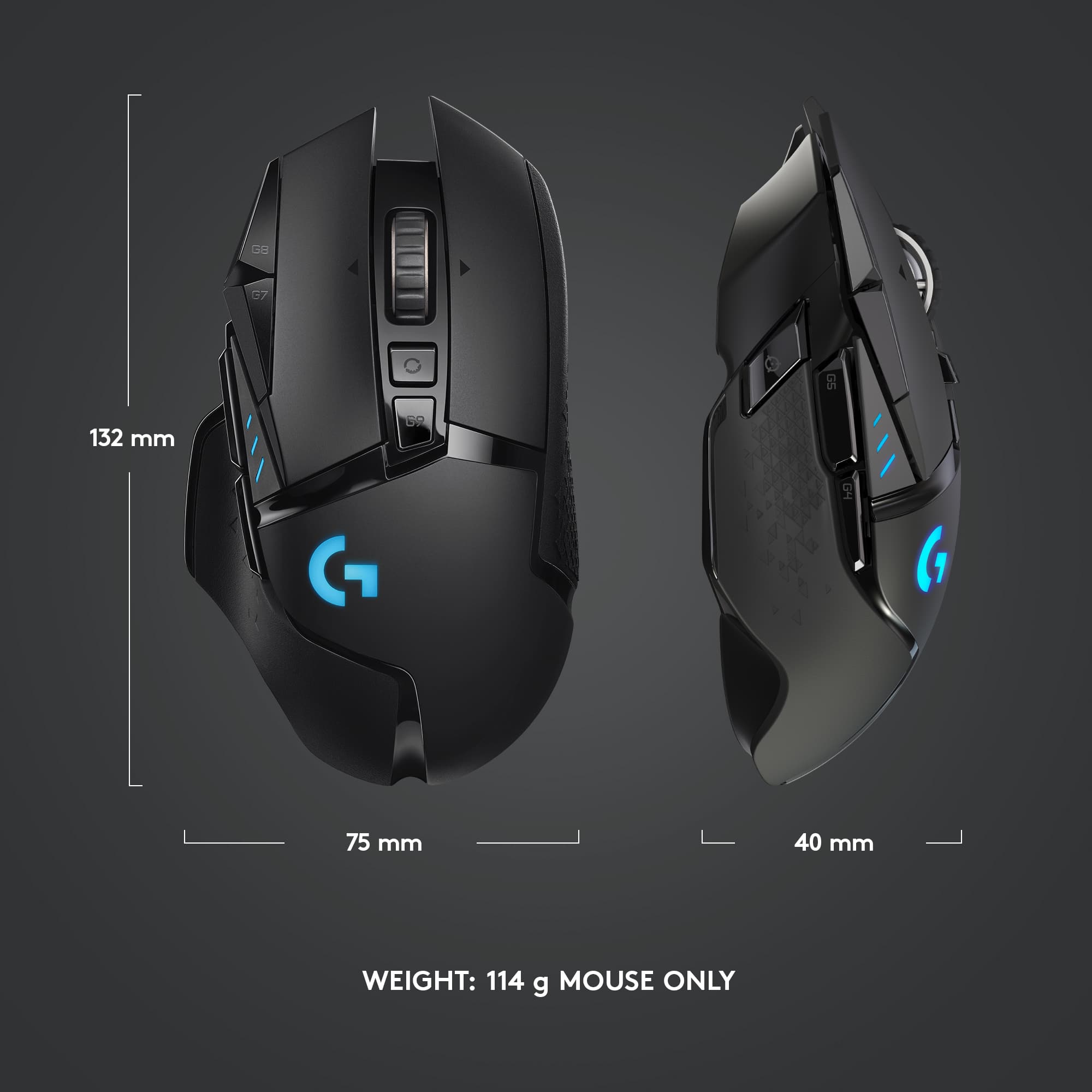
Otherwise, I have fairly large hands and the G502 Lightspeed fits my hand better than almost any mouse I’ve ever used save the original wired version. All of the buttons are in convenient places for me. However, if you have smaller hands it seems as though all of the buttons are positioned to be easy to reach in relation to each other. My 7-year old daughter can use the G502, so that should tell you something.
Mousing surfaces:
With the exception of glass, nothing I’ve put this mouse on causes any issues with tracking. It works on every other surface I’ve tried.
Buttons:
The buttons have an amazing tactile feel. The switches require just about the perfect amount of pressure to activate (my old mouse was responsible for the occasional stray click from a resting finger).
Scroll wheel:
Again, the hardware here just works. There’s a switch to toggle between freewheeling and incremental scrolling which is nice. I keep mine on incremental scrolling for most everything, but like spinning the scroll wheel when I need to zoom to the bottom of a web page or document in a hurry.
Misc:
I also have the Powerplay charging mat. It is a fantastic way to keep the mouse charged while you use it.
My primary machine also runs Kubuntu so if you’re a Linux user know that this mouse works right out of the box – but you are understandably out of luck when it comes to re-mapping buttons. That Logitech software doesn’t run on Linux.
The bottom line is that the G502 Lightspeed is a premium mouse. It’s well built and comes with almost no compromises (none if you spend your time in Windows or on a Mac and don’t want that extra 6g of weight).
I would recommend this to a friend
Rated 5 out of 5 stars
Log G502
|
|
Posted . Owned for 2 weeks when reviewed.
This reviewer received promo considerations or sweepstakes entry for writing a review.
Excellent product and you get everything need in a mouse whether gaming or for regular use.
I would recommend this to a friend
Rated 5 out of 5 stars
Great mouse.
|
|
Posted . Owned for 1 month when reviewed.
This reviewer received promo considerations or sweepstakes entry for writing a review.
Best mouse in the business. Excellent for gaming and everyday use.
I would recommend this to a friend
Brand response from Logitech
Posted .
We love to hear you consider the G502 the best gaming mouse. Its precision and versatility make it a great choice for both intense gaming sessions and everyday tasks. Happy clicking!
Pros mentioned:
Battery life
Rated 5 out of 5 stars
Best gaming mouse out right now.
|
|
Posted . Owned for 2 weeks when reviewed.
This reviewer received promo considerations or sweepstakes entry for writing a review.
The absolute best gaming mouse you can find in the market right now. Dont waste time on anything else if youre looking for top of the line quality and performance. Unbelievably long lasting battery life, smooth, looks great. I can say a thousand things about this mouse and all would be positive. Logitech really kicked everyone to the curb with this one. And for the price, its an absolute steal.
I would recommend this to a friend
Rated 5 out of 5 stars
Works well for gaming/work.
|
|
Posted . Owned for 1 month when reviewed.
This reviewer received promo considerations or sweepstakes entry for writing a review.
Great mouse, if you have used the G502 series you'll never go another way.
.
I would recommend this to a friend
Rated 5 out of 5 stars
Mouse
|
|
Posted . Owned for 1 year when reviewed.
This reviewer received promo considerations or sweepstakes entry for writing a review.
A very amazing keyboard, and very comfortable and works really well with a pad
I would recommend this to a friend
Rated 5 out of 5 stars
Works fine not the greatest mouse
|
|
Posted . Owned for 2 weeks when reviewed.
This reviewer received promo considerations or sweepstakes entry for writing a review.
I avery good mouse. Works just fine but the Bluetooth connection is not so goood
I would recommend this to a friend
Rated 4 out of 5 stars
Good mouse
|
|
Posted . Owned for 3 weeks when reviewed.
This reviewer received promo considerations or sweepstakes entry for writing a review.
A overall good mosue for everyday and gaming use. A little tricky to manage the site, but I manage to figure it out.
I would recommend this to a friend
Rated 5 out of 5 stars
Mouse for games
|
|
Posted . Owned for 1 month when reviewed.
This reviewer received promo considerations or sweepstakes entry for writing a review.
Excellent mouse with a good shape, good for games
I would recommend this to a friend
Rated 5 out of 5 stars
Great mouse!
|
|
Posted . Owned for less than 1 week when reviewed.
This reviewer received promo considerations or sweepstakes entry for writing a review.
The only issue im having is it womt charge past 68% and its been on charge all night since its been dead
I would recommend this to a friend
Rated 5 out of 5 stars
Mice
|
|
Posted . Owned for 1 week when reviewed.
This reviewer received promo considerations or sweepstakes entry for writing a review.
Love both mice! Theyre both great additions to the awesome lap tops that we bought!
I would recommend this to a friend
Rated 5 out of 5 stars
Great mouse with lot of buttons
|
|
Posted . Owned for 1 month when reviewed.
This reviewer received promo considerations or sweepstakes entry for writing a review.
Perfect for first person shooters the best for cod warzone check out some youtube vida for a really good set up